 Sky
Sky
- SkyRRunner
- JIRAUSER703365
- Europe/Stockholm
- Yes
- No
 MCD-6799
 MC-251670
![[Mojang] Markus Gustavsson](../../../data/avatars/users/80677.png)

I can't play minecraft dungeon , it says that my internet have problem (which is false)
i attempted many thing to make it work , with no succes
I tried on a Windows 10 PC and i
didn't had this issue but i have it onWindows 7I can't play minecraft dungeon , it says that my internet have problem (which is false)
i attempted many thing to make it work , with no succes
I tried on a Windows 10 PC and it workt, but not for Windows 7
I can't play minecraft dungeon , it says that my internet have problem (which is false)
i attempted many thing to make it work , with no succes
I tried on a Windows 10 PC and it workt perfectly, but not for Windows 7
I can
't play minecraft dungeon , it says that my internet have problem (which is false)i attempted many thing to make it work , with no succes
I tried on a Windows 10 PC and it workt perfectly, but not for Windows 7
I can start the game normally but when i reach the menu and it say "press any key to start" i get a infinite loading and a "internet issue" which is false
I can't play minecraft dungeon anymore i attempted many thing to make it work , with no succes
I tried on a Windows 10 PC and it workt perfectly, but not for Windows 7
I can start the game normally but when i reach the menu and it say "press any key to start" i get a infinite loading and a "internet issue" which is
falseI can't play minecraft dungeon anymore i attempted many thing to make it work , with no succes
I tried on a Windows 10 PC and it workt perfectly, but not for Windows 7
I can start the game normally but when i reach the menu and it say "press any key to start" i get a infinite loading and a "internet issue" which is not true since everything behind or even other games workt fine
I can't play minecraft dungeon anymore i attempted many thing to make it work , with no succes
I tried on a Windows 10 PC and it workt perfectly, but not for Windows 7
I can start the game normally but when i reach the menu and it say "press any key to start" i get a infinite loading and a "internet issue" which is not true since everything behind or even other games workt fine
I can't play minecraft dungeon anymore i attempted many thing to make it work , with no succes
I tried on
aWindows 10 PC and it workt perfectly, but notforWindows 7I can start the game normally but when i reach the menu and it say "press any key to start" i get a infinite loading and a "internet issue" which is not true since everything behind or even other games workt fine
I can't play minecraft dungeon anymore i attempted many thing to make it work , with no succes
I tried on my stepfather Windows 10 PC and it workt perfectly, but not on my Windows 7
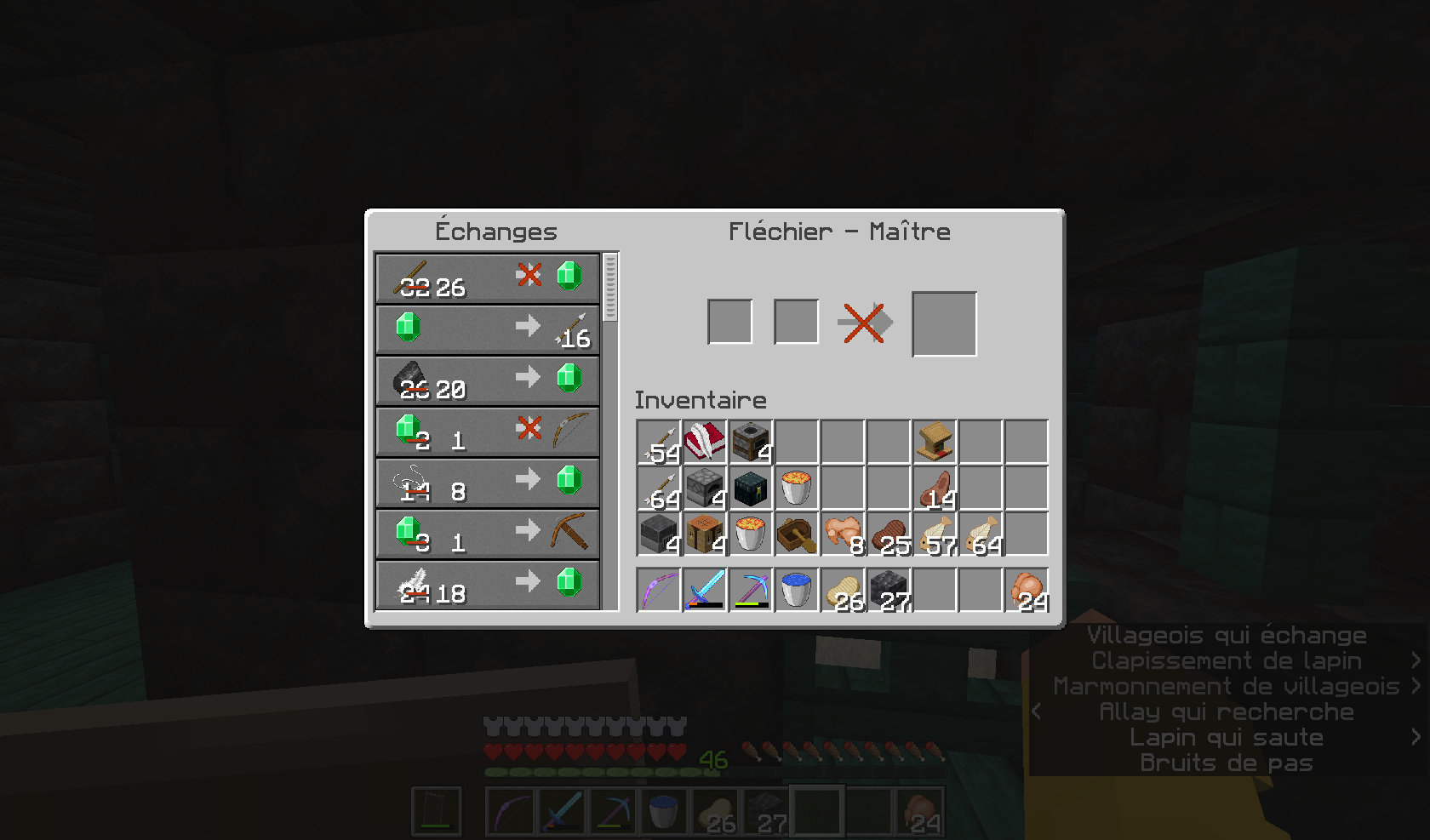
So I was about to making a village & doing some trades, but for some reason, most of my villager don't refill their stock, I waited 4 in game day wasn't able to buy stuff or sell stuff to get emerald (they have access to their profession block & a bed)
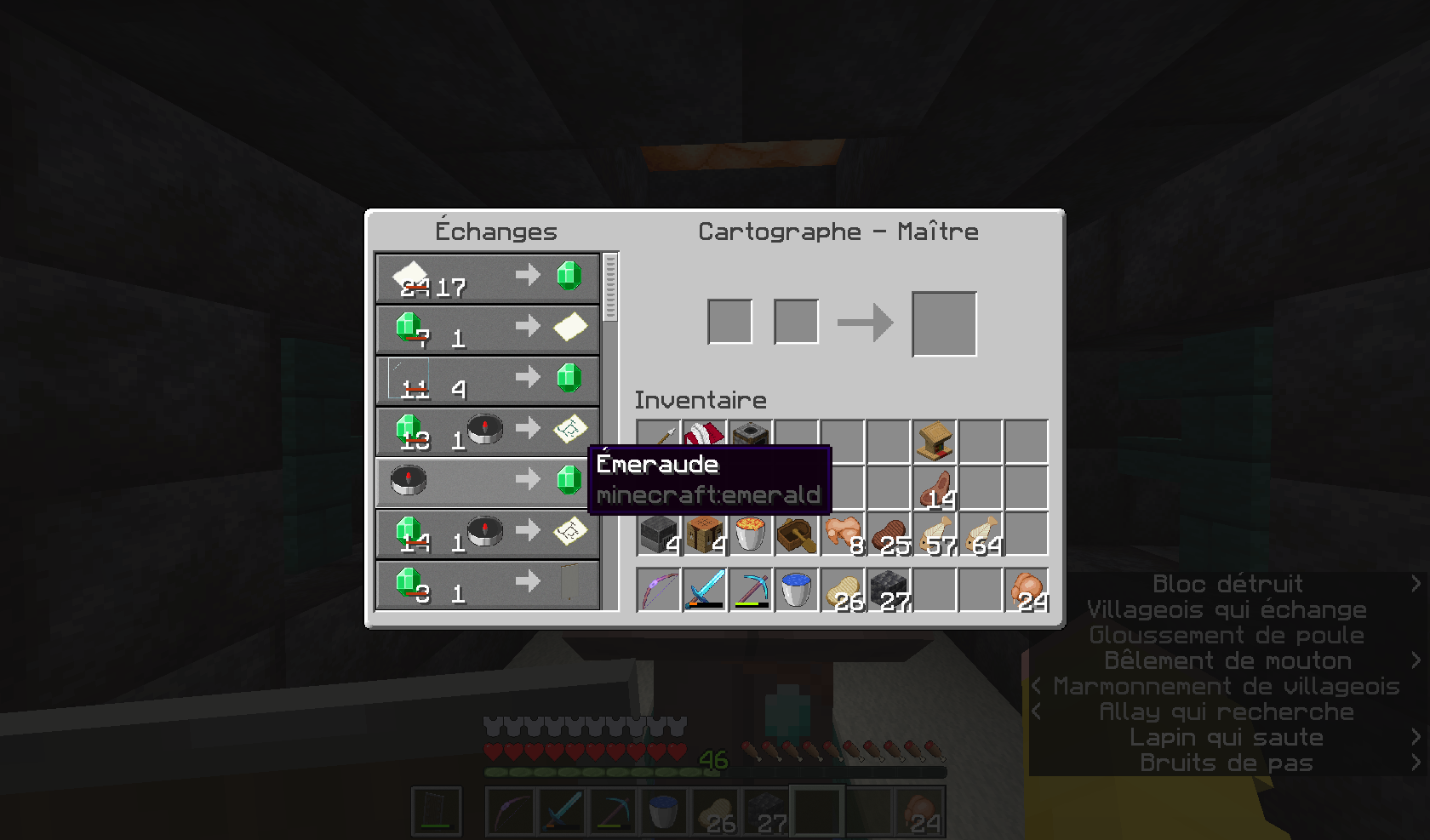
I don't know but strangely my cartographer is still working
So I was about to making a village & doing some trades, but for some reason, most of my villager don't refill their stock, I waited 4 in game day wasn't able to buy stuff or sell stuff to get emerald (they have access to their profession block & a bed)
I don't know but strangely my cartographer is still working , everything worked fine in the 22w18a
So I was about to making a village & doing some trades, but for some reason, most of my villager don't refill their stock, I waited 4 in game day wasn't able to buy stuff or sell stuff to get emerald (they have access to their profession block & a bed)
I don't know but strangely my cartographer is still working , everything worked fine in the 22w18a
I tried also on a new world , same result
Hello,
Like i said in the title , i basicly can't play the game or log-in
When i press a key to play the game ,it just show a big white window and basicly can't do anything beside alt + f4 or close the white windowDo you have any solution ?
Hello,
Like i said in the title , i basicly can't play the game or log-in
When i press a key to play the game ,it just show a big white window and basicly can't do anything beside alt + f4 or close the white windowDo you have any solution ? I'm playing the game via Minecraft launcher
Windows 11, Java edition
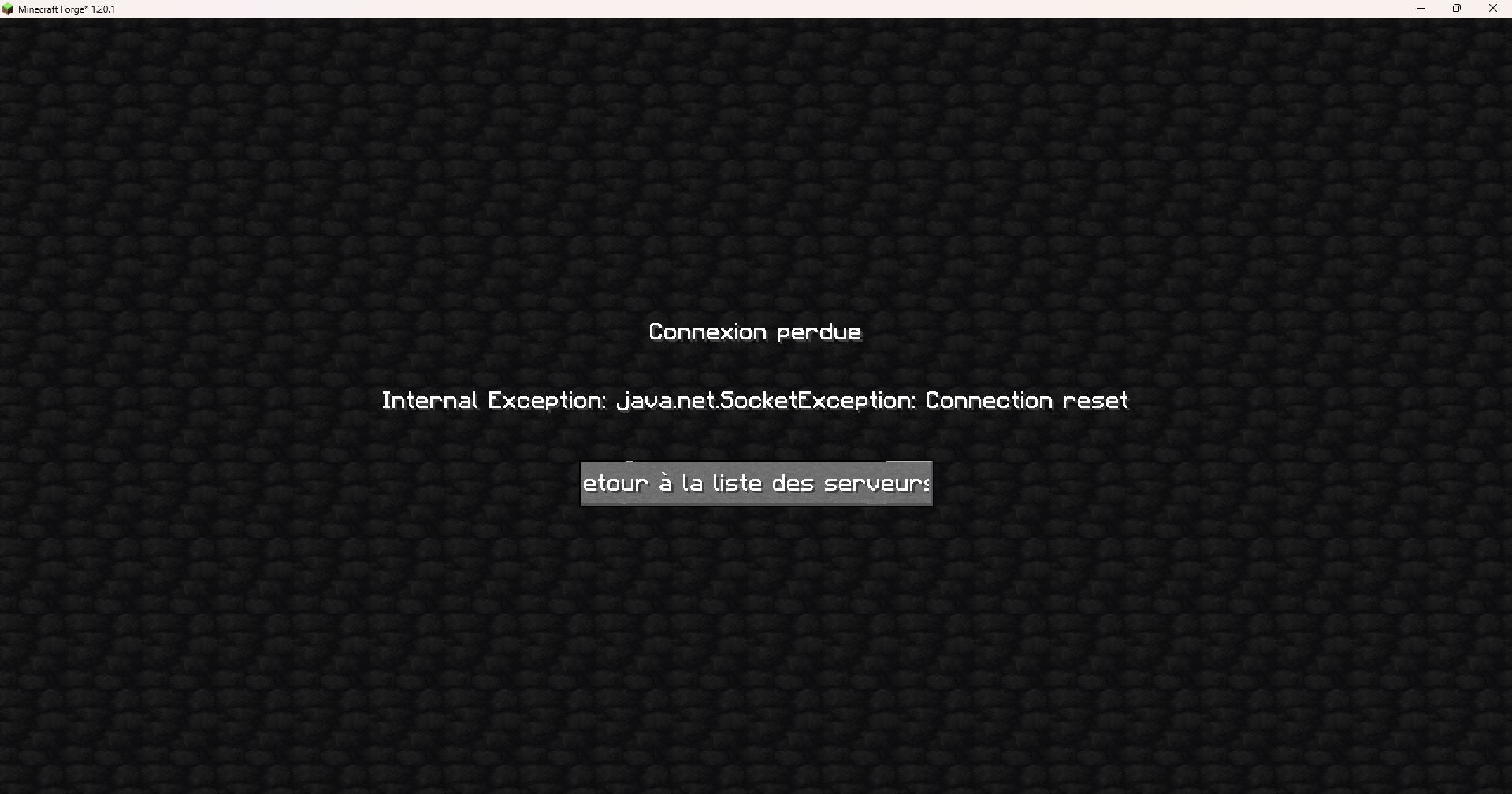
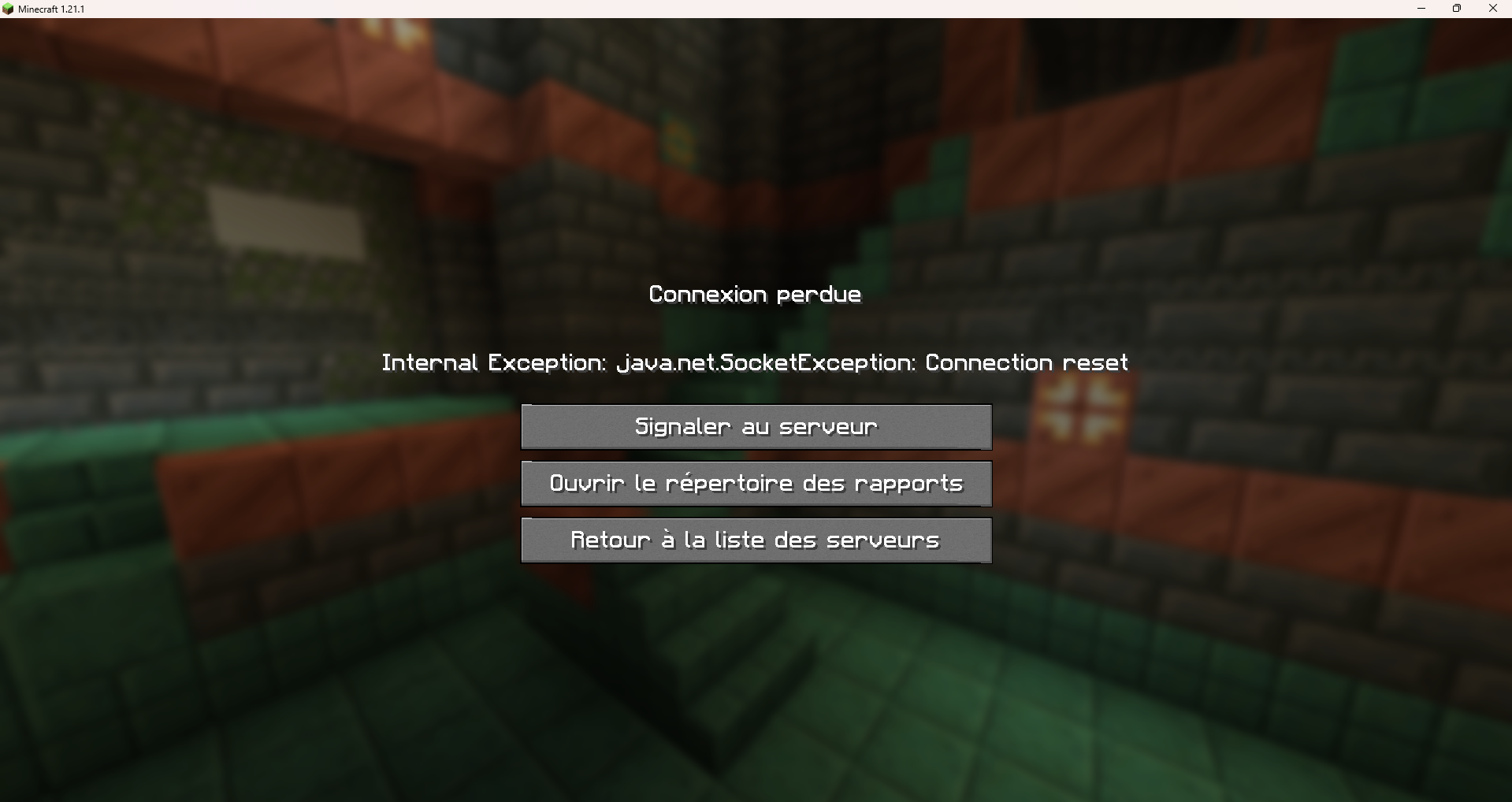
I was playing with my friends on a modded server in 1.20.1, and after some times we all got crash & disconected with this error
Internal exception: java.netSocketException : Connection Reset
i tried to play on vanilla serveur (Hypixel) on 1.21.1 to see if the problem was the server persist and we still have the probleme in Vanilla
I check every tutorial, done every step of those, none of those worked
Me & my friend can no longer player on a server
screenshot-1.png

Sky Please check the Mod Note and see if that helps:
Mod Note
Some things you could try to troubleshoot if your servers aren't loading or if you get a "Internal Exception: java.net.SocketException: Connection Reset" Error:
- Make sure the new OpenJDK16 is allowed through the Windows Firewall.
- Press the Windows Key and type "firewall."
- Click on "Allow an app through Windows Firewall."
- In the new window, press "O" on your keyboard and look for "OpenJDK Platform Binary."
- If you find it, make sure both the checkbox on the left, as well as both checkboxes on the right, are checked. Then click OK and try Minecraft again.
- If you do not find that entry, click Change Settings, then click Allow another app...
- If you're using the legacy launcher, click Browse, then navigate to:
C:\Program Files (x86)\Minecraft Launcher\runtime\java-runtime-delta\windows-x64\java-runtime-delta\bin\
and select 'javaw.exe', click Open, then Add.
-
- If you're using the Microsoft Store launcher, click Browse, then navigate to:
C:\Users\user\AppData\Local\Packages\Microsoft.4297127D64EC6_8wekyb3d8bbwe\LocalCache\Local\runtime\java-runtime-delta\windows-x64\java-runtime-gamma\bin\
and select 'javaw.exe', click Open, then Add. (Note: Your Microsoft. folder may differ from the path here. If so, navigate through each Microsoft. folder in the directory until you find the right one)
- If you're using the Microsoft Store launcher, click Browse, then navigate to:
-
- Click OK and try Minecraft again.
- Try disabling all VPNs, Hamachi, Antiviruses, and firewalls (especially third-party firewalls)
- Try on another connection, such as mobile data via wireless hotspot or USB tethering.
- Try creating a new profile in the launcher (Installations -> New), setting it to 1.18.2 (not latest release), and trying that new profile.
- Try the following on Windows:
- Press the Windows Key, then type cmd.
- Under 'Command Prompt,' click Run as administrator
- Type netsh winsock reset and press Enter.
- Type netsh int ip reset and press Enter.
- Type ipconfig /release and press Enter.
- Type ipconfig /renew and press Enter.
- Type ipconfig /flushdns and press Enter.
- Press the Windows Key, then type cmd, right click on "Command Prompt," and click Run as Adminstrator.
- Type netsh interface tcp show global and press Enter.
- If Receive-Side Scaling State is disabled, type netsh interface tcp set global rss=enabled and press enter.
- If "Receive Window Auto-Tuning Level" is disabled, type netsh interface tcp set global autotuninglevel=normal and press enter.
- Restart Minecraft and try the realm/server again.
well i'm using the Minecraft Launcher version with the most recent version of the game, its not the launcher fault
but a certain windows for log in appear in windows 10 that don't appear in windows 7, that may the be issue
i'm using the windows 7 Minecraft Launcher, and i used the same for both computers when i tested and it worked fine on windows 10 but not windows 7
I still can't play the game
I already tried, and it still say the same thing
is the problem is windows 7 ? because i have the same issue as you
i got the windows 7 launcher, i installed it and the game worked fine on windows 10 (i tried on another computer of a familly member)
Even with the new update , i still can't play the game due to this bug ;(
All my villager have bed on my side only they can't move around (3x3 house) only carthograph work
but i tried on a brand new world the same issue appeard
Hello , so i watched this video , and i created a shortcut of the game and now the bug is gone
Yes, but even after trying these step, the problem still occur
i've tried everything and i'm starting to get pissed, its been 3 days now ive been trying everything, nothing worked, the issue occur still, i join the server i get disconect instantly or 30 sec after log in
Like i said, i have done all those things, none of these worked, even my friends tried it, nothing work,, it seemed to append since 15th october, its a shame that we cannot play on a server that we paid
It seem to work in vanilla now at least, i wait to see if this occur again
i reseted the server and the issue is gone, not sure why tho