 Michael Borody
- Swizzlerz
- swizzlerz
- America/Edmonton
- Yes
- No
 MCPE-34564MCPE-37200
 BDS-3271
 REALMS-2949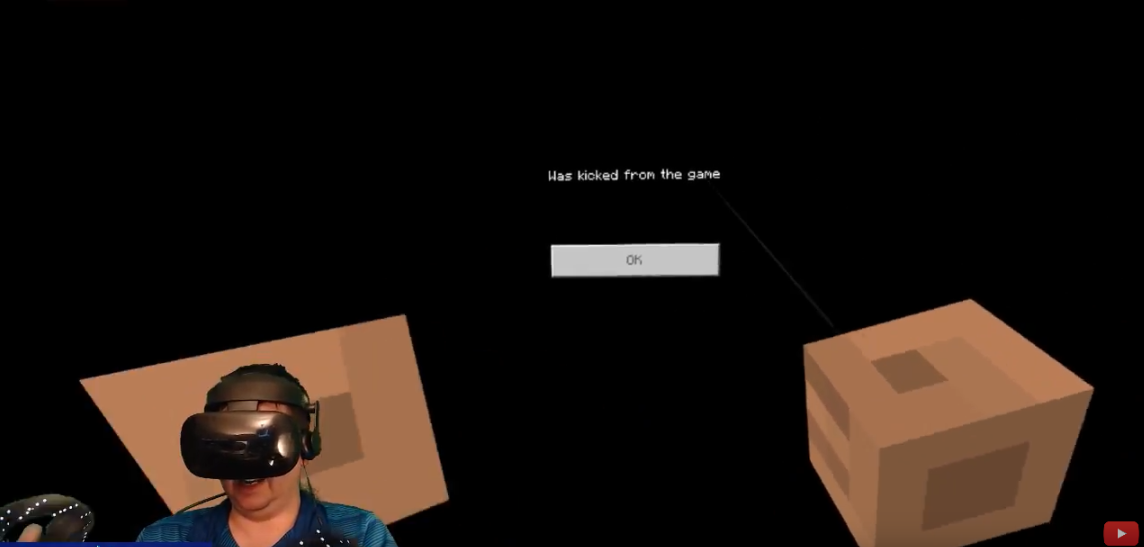
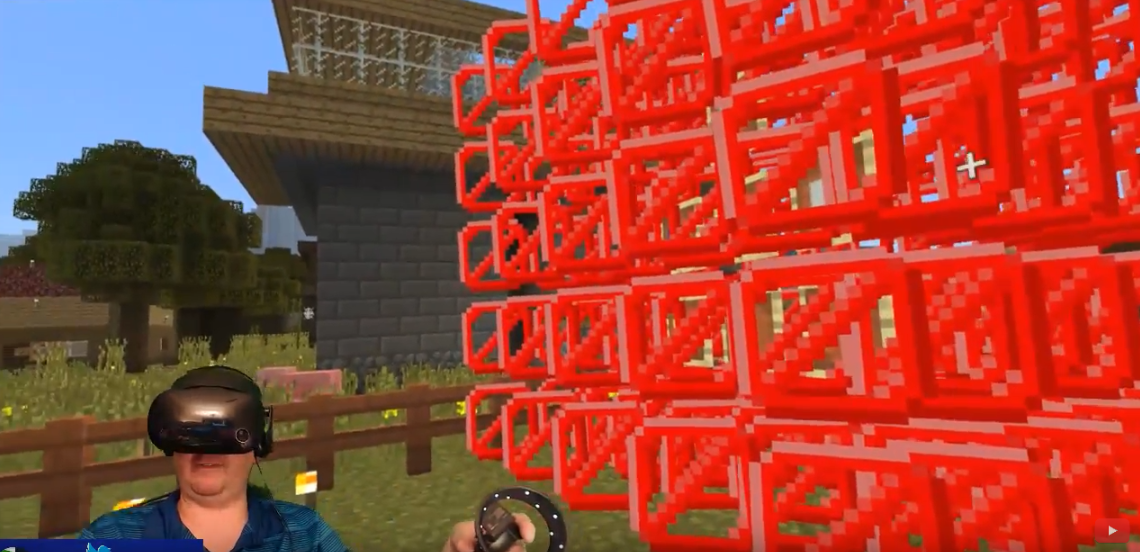




I was testing holding a barrier block last night in stream. the viewers could see the red x,s where they were in the world however when I was holding the block they only show up in one eye view. as im wearing a windows 10 mixed reality head set I did not see the red x blocks on both eyes. only the left eye. the right eye saw the invisible blocks. this is was highly disorientating. when it was happening.
again I placed this under gear vr. as you dont have a section for windows 10 mixed reality vr. I could not screenshot or capture a video as my out put in mixed reality only shows the left eye not the right eye. please go test this and see for yourself.
hold barrier block then place barrier block. you will see.
this is a screenshot from the video of what my left eye would see. my right eye was just the world without the red x.
When I search "Netherpixel" in the minecraft store nothing shows up. As Netherpixel is one of the studios i would think some of there items would show up in search. As when i search other studios that create items for the store the items show for other studios.
As a customer that is trying to shop to spend money on good content the stores search should show the content the customer me would want to see when searched. even different varriants of miss spells should show the simmilar content like google or bing search would work..
please fix this so i can find what im looking for.
edit. this Is a tweet where I show you in a video how its not working for me. https://twitter.com/Swizzlerz/status/1068317945602826240
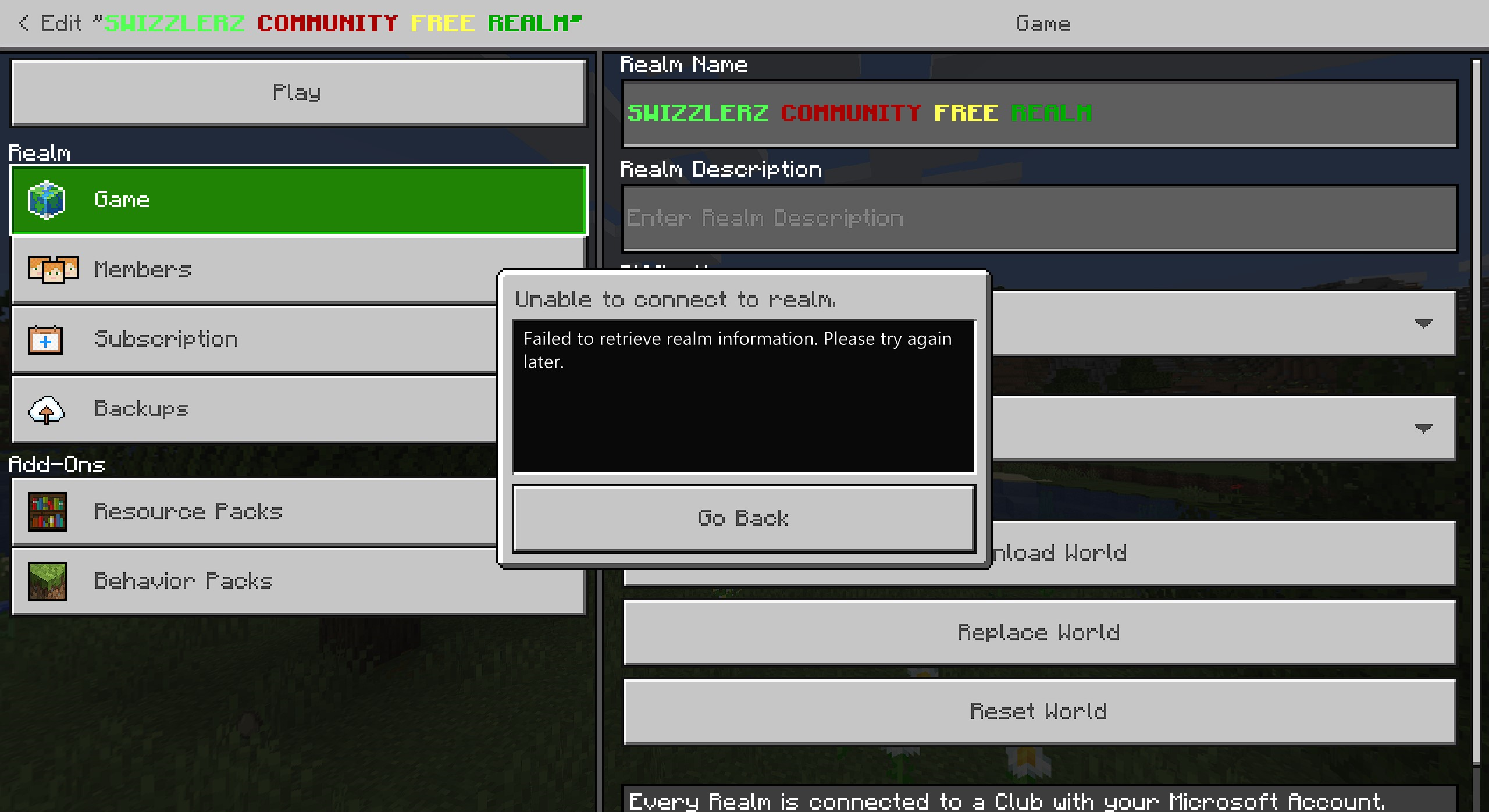
every time i click settings on my realm to go and roll it back or turn it off and on specificaly due to it being hacked resently i get an error. failed to retrrive realm information try again later. ive seen it quite a few times in the last while. and now its been all day today. i cant even roll back my realm due to hackers on it. please fix it. sorry i think i put this in the wrong area this was ment to go in realms not sure how i got to dedicated server. but its a realm if thats dedicated ..

windows 10 and android.
same issue and others
yes next time I will. but I decided to just decided im going to return the glasses I think its not a finished technology yet. based off how broken this version of minecraft is.
I do not know if this is officially resolved. but in 1.6 update I was playing last night and it did seam to be more stable and I was able to respawn after dying multiple times. we will be testing this more. in a similar if not related post I found a bug last night where a user can not click the ok button in vr after the realm did a reset. I posted it as a new bug as I was unsure if it was similar to the this issue here but different in its own way. https://bugs.mojang.com/browse/MCPE-37200
it wasn't quite a suggestion as more of a feedback as its just to complicated to setup for normal users. a feature I probly will never use unless its rethought. https://minecraft.gamepedia.com/Scoreboard
scoreboard objectives add <name> <criteria>
I typed that deathCount and it never worked at all
this has been fixed how do I close this?
@cjc that was already said last September 18th by a mod. im unsure why you are saying now what they already said many months ago in 2018.
im still experiencing this issue.

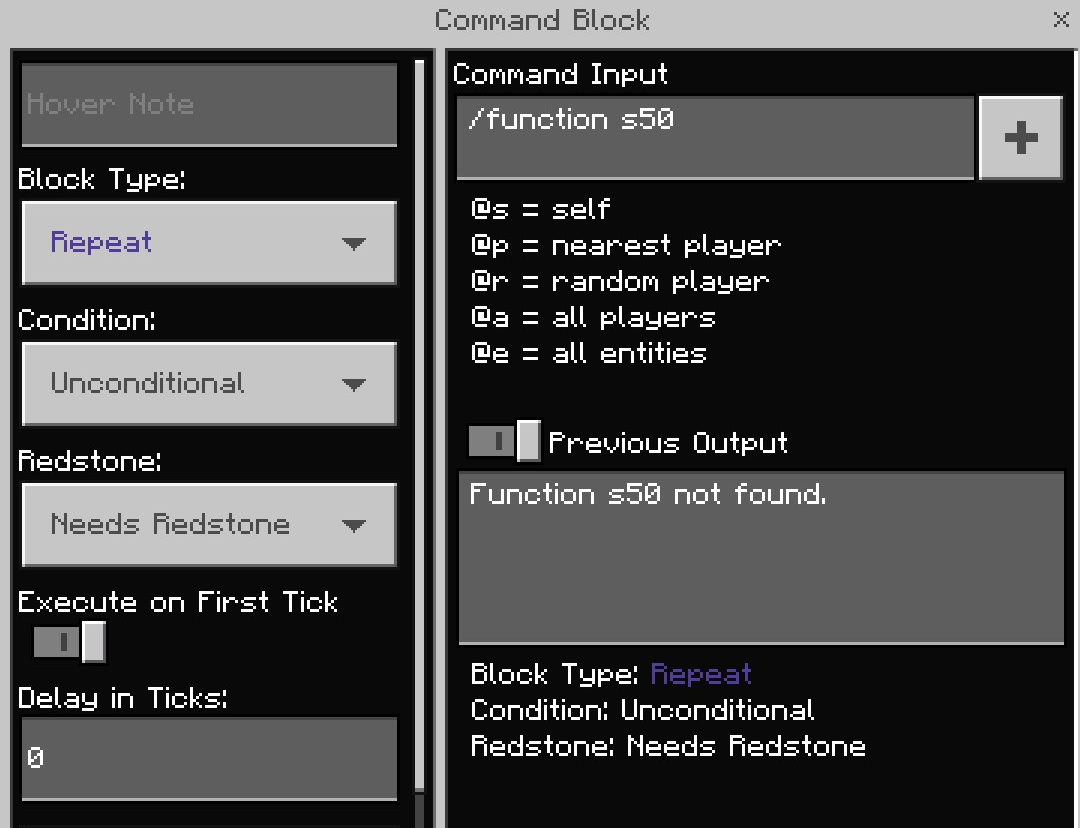
tested today still same problem realm doesn't see the file but the single player sees the function file no problem.
this bug has crashed our realm the last 2 versions in the last few months. i download the realm because the game is crashing ever 3 min on a realm with no error. i open the save world file only to see this your out of space. with over 64 gb of free hard drive space. why am i out of space. i am not. 1.7gb. is the max we got to and saw this error. i had to reset the realm again. i as a paying customer should not be seeing this bug on realms in fact i would like to see a bug report section that shows a list of bugs or reasons why a realm crashes added to realms. so we are not in the dark with a disconnected screen. so where do we stand. 175 mb in size in the last 3 days. and will see if by next update if this bug is fixed. i pay monthly for a product i again will remind staff i pay monthly and we cant play on our save file on realms because this bug is crashing our realms!
Jimmy is having issues uploading his screenshot. this is what it looked like for him. he has posted on my discord. i will also post a view from my client. i didn't see the bug but he did. he walked up and fell right though.
im not sure how to delete this. as i put it in the wrong area. so i reposted a new one in the correct area. https://bugs.mojang.com/browse/REALMS-2949