 Tangent65536
- Tangent65536
- tangent65536
- Europe/Stockholm
- Yes
- No
 MC-33191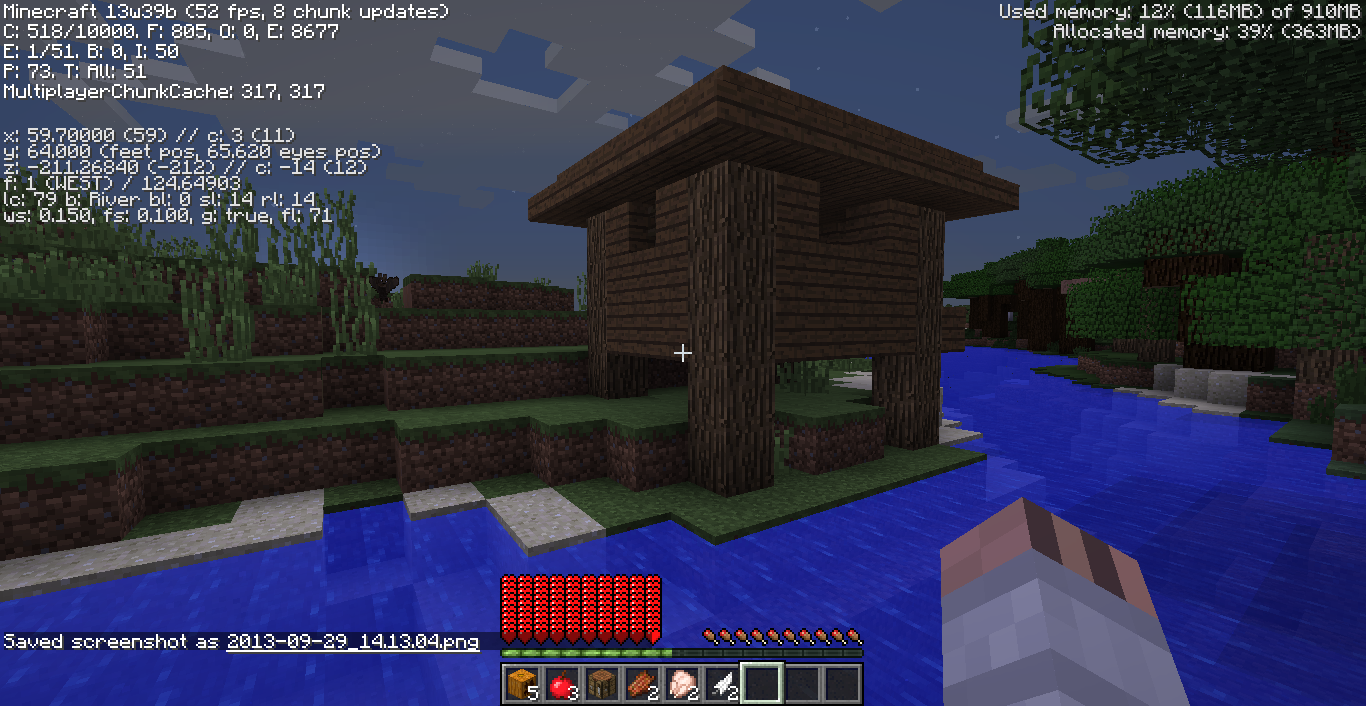



















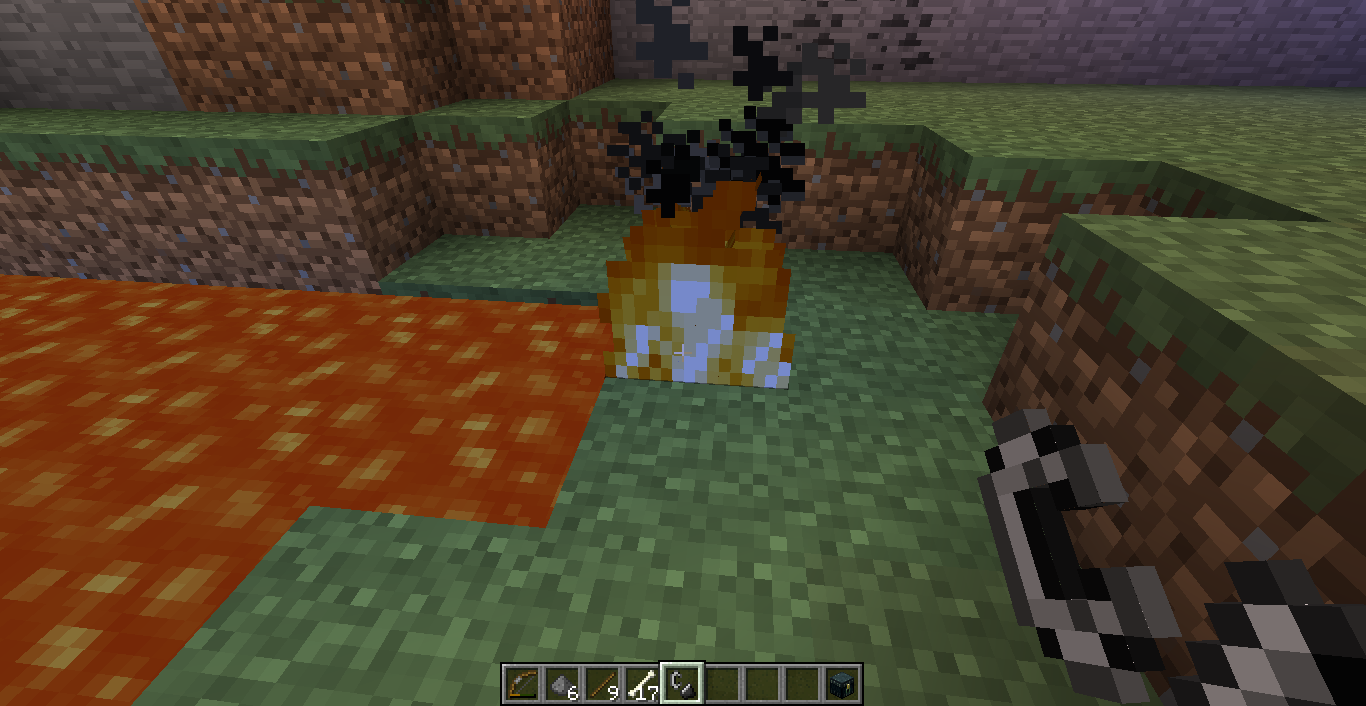
Witch Hut spawn in non swampland biome
seed:5596653170798224322
Does the creating version affect this? I created the world in 1.6.4 and then play in 13w39b.
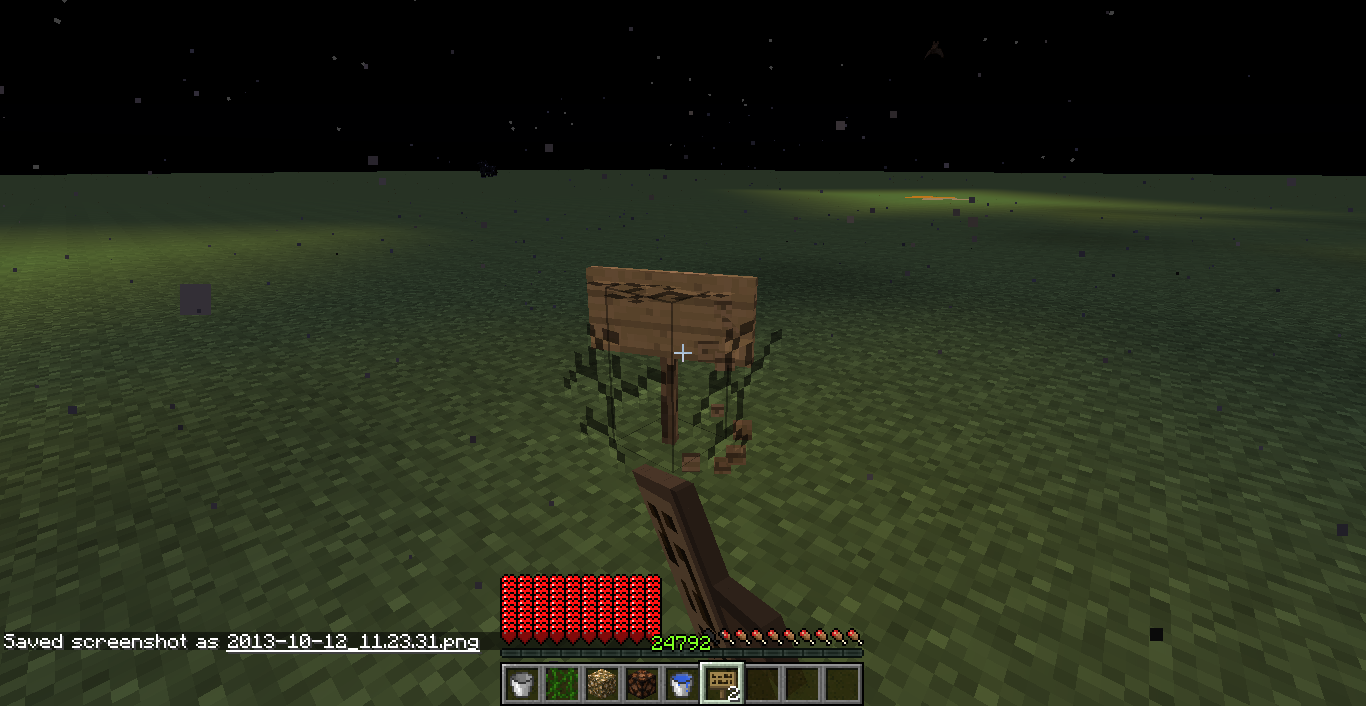
Signs'weird breaking textureSigns and cauldron have weird breaking texture
When breaking a sign in Survival Mode, the breaking texture FLOATING in the air (it's on the surface of "whole" block! )
When breaking a sign in Survival Mode, the breaking texture FLOATING in the air (it's on the surface of "whole" block! )
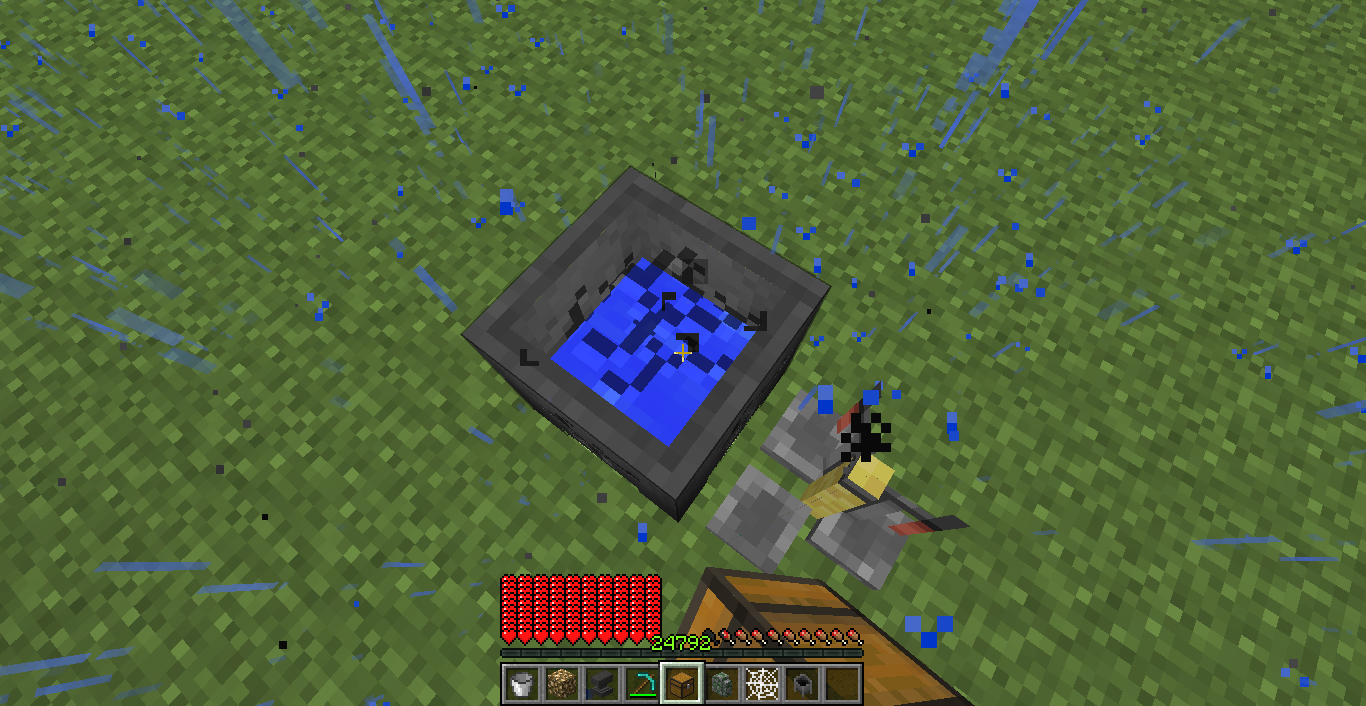
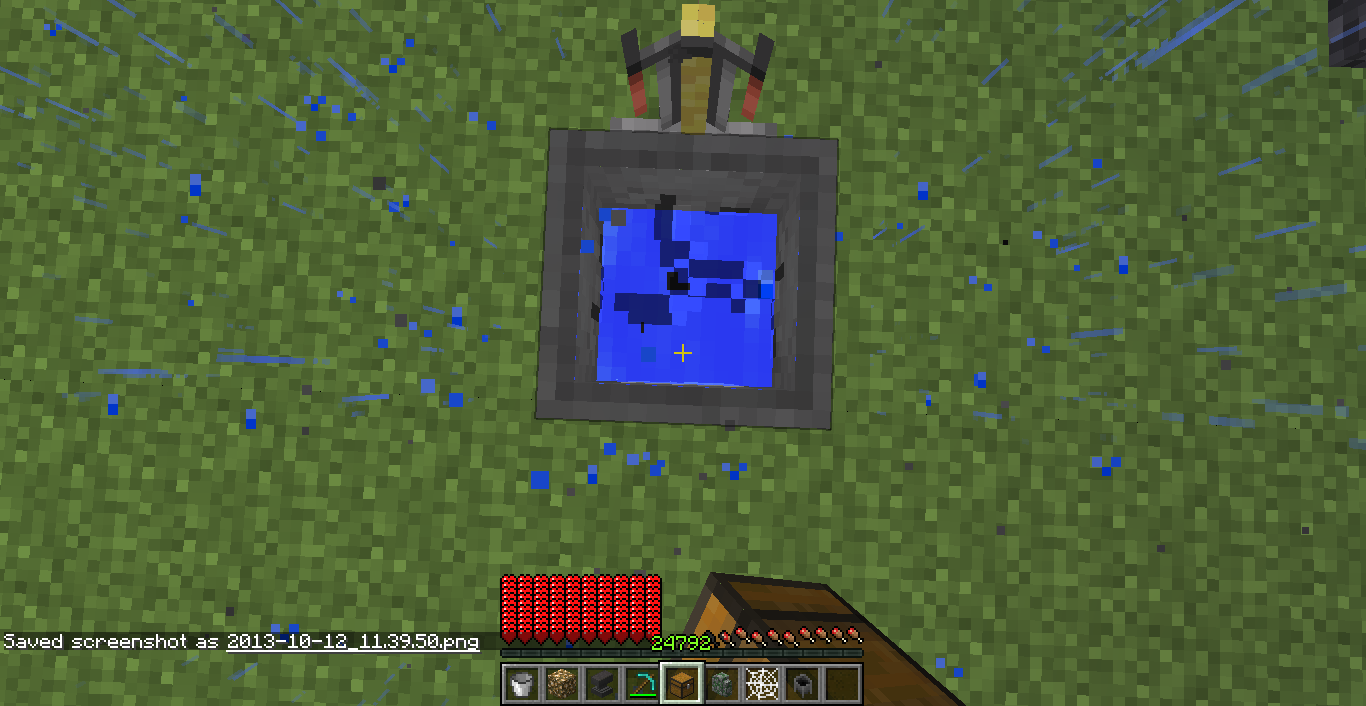
As for Cauldrons, the textures floating on the top!
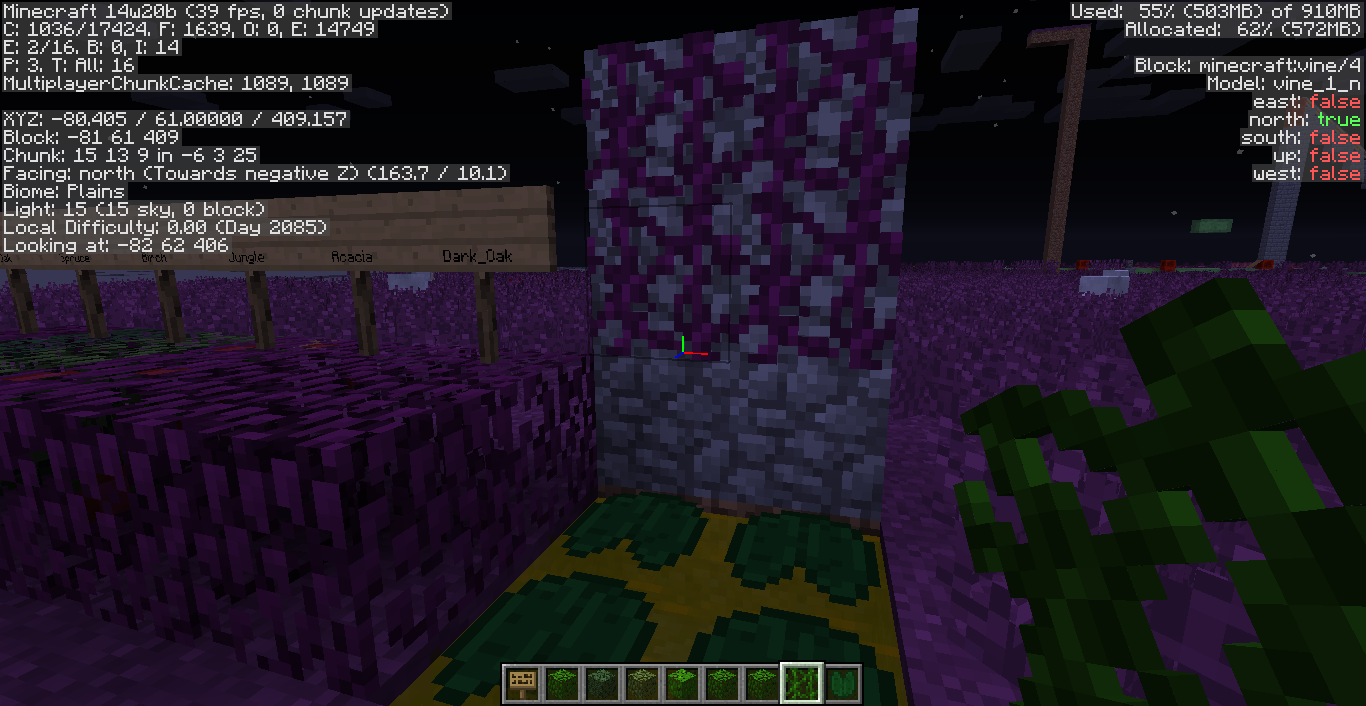
Signs andcauldron have weird breaking textureSigns and Cauldrons have weird breaking texture
Last seen on 14w20b.
Also have no effects all the foliage, vine and lily pad in the inventory while grass are affected by the given colormap.
lily pad "block" is not affected, but vine "blocks" are.
Hope the problem will be resolved.

Java 7u60
Windows 7 (x64)
Java 7 (u60)
Windows 7 (x64)
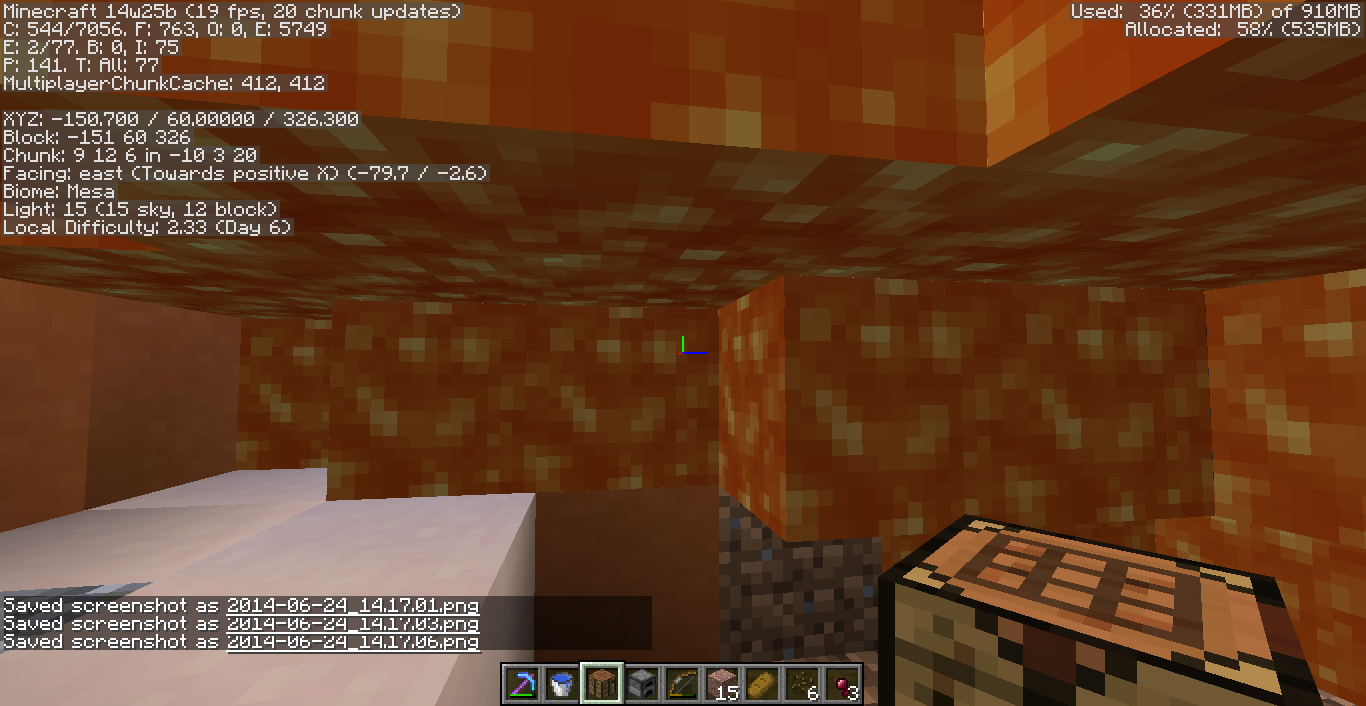
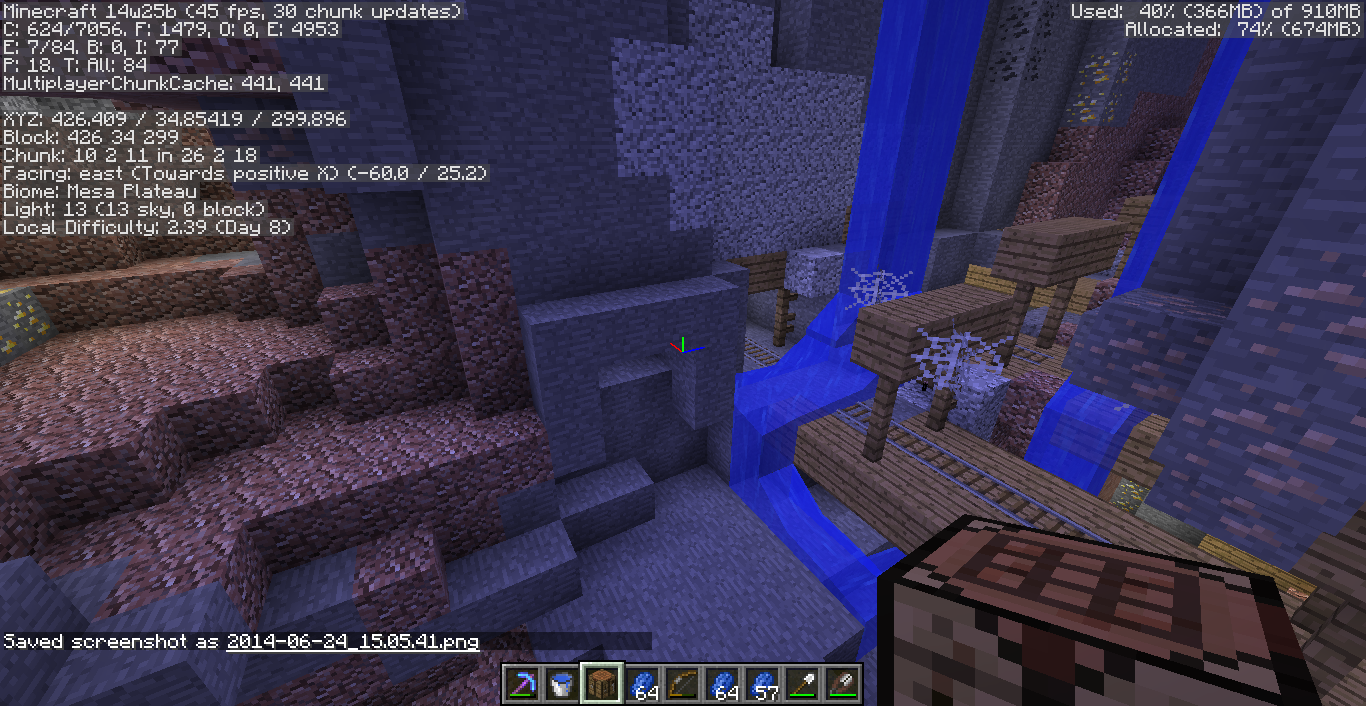
When exploring mineshafts using night vision, I found that the blocks nearing light sources always become darker and more orange. But the block just beside the light source is normal.
Reproduce:
1. Make/Go to a place with light level 0.
(Note: It does something else if exposed to sky, but still looks weird though.)
2. Get Night Vision effect.
3. place any kind of light source.
4. The blocks near but not beside the light source are rendered darker.
When exploring mineshafts using night vision, I found that the blocks nearing light sources always become darker and more orange. But the block just beside the light source is normal.
Reproduce:
1. Make/Go to a place with light level 0.
(Note: It does something else if exposed to sky, but still looks weird though.)
2. Get Night Vision effect.
3. place any kind of light source.
4. The blocks near but not beside the light source are rendered darker.New founds added 6/24:
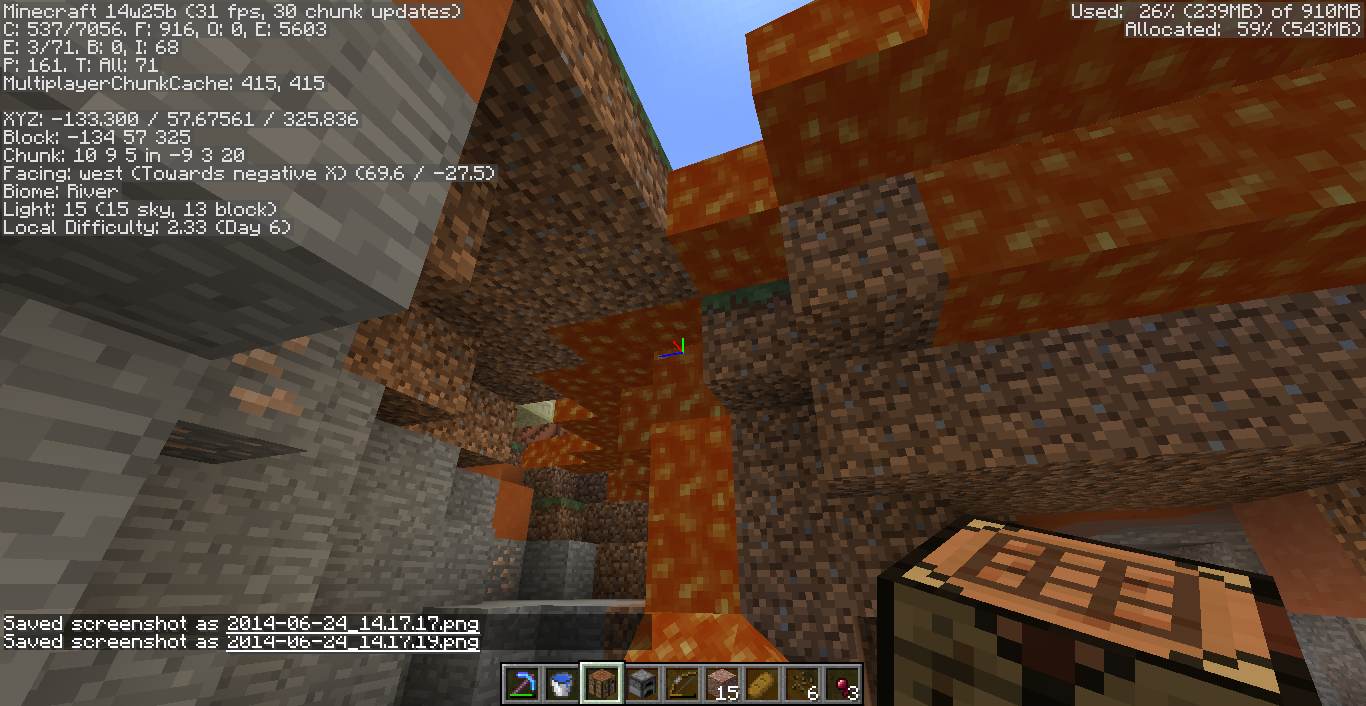
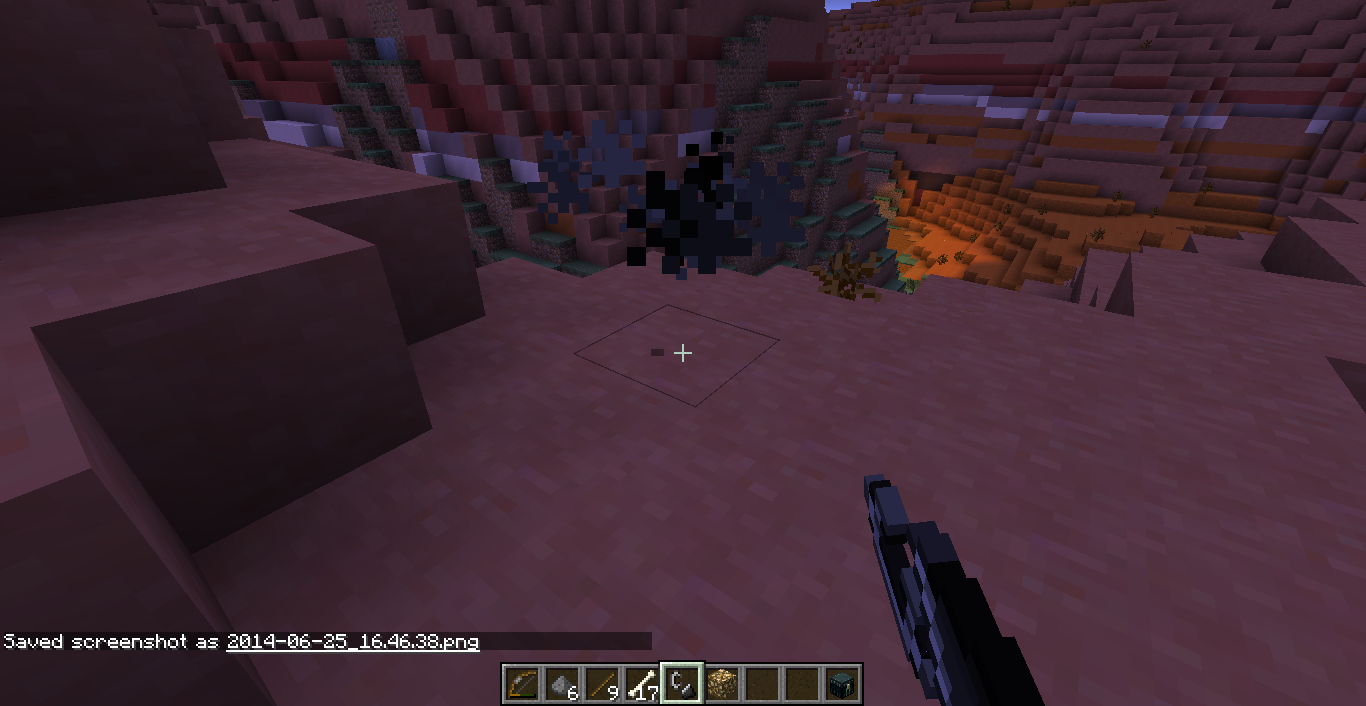
Finally I got the idea why night vision looks weird under night sky. I found a ravine with a hole above it, and compare to the non exposed area, the place under the night sky are extremely blue.
Reproduce:
1. Make (since it's a little difficult to find) a huge (at least 30x10x30) room with light level 0. (Suggested that use stone with some lapis ores)
2. Make sure it's night time in game.
3. Break a hole on the roof.
4. Enjoy! (?! Just kidding)
When exploring mineshafts using night vision, I found that the blocks nearing light sources always become darker and more orange. But the block just beside the light source is normal.
Reproduce:
1. Make/Go to a place with light level 0.
(Note: It does something else if exposed to sky, but still looks weird though.)
2. Get Night Vision effect.
3. place any kind of light source.
4. The blocks near but not beside the light source are rendered darker.New founds added 6/24:
Finally I got the idea why night vision looks weird under night sky. I found a ravine with a hole above it, and compare to the non exposed area, the place under the night sky are extremely blue.
Reproduce:
1. Make (since it's a little difficult to find) a huge (at least 30x10x30) room with light level 0. (Suggested that use stone with some lapis ores)
2. Make sure it's night time in game.
3. Break a hole on the roof.
4. Enjoy! (?! Just kiddingWhen exploring mineshafts using night vision, I found that the blocks nearing light sources always become darker and more orange. But the block just beside the light source is normal.
Reproduce:
1. Make/Go to a place with light level 0.
(Note: It does something else if exposed to sky, but still looks weird though.)
2. Get Night Vision effect.
3. place any kind of light source.
4. The blocks near but not beside the light source are rendered darker.New founds added 6/24:
Finally I got the idea why night vision looks weird under night sky. I found a ravine with a hole above it, and compare to the non exposed area, the place under the night sky are extremely blue.
Reproduce:
1. Make (since it's a little difficult to find) a huge (at least 30x10x30) room with light level 0. (Suggested that use stone with some lapis ores)
2. Make sure it's night time in game.
3. Break a hole on the roof.
4. Enjoy! (?! Just kidding XD)
When exploring mineshafts using night vision, I found that the blocks nearing light sources always become darker and more orange. But the block just beside the light source is normal.
Reproduce:
0. Set brightness in video options to minimum
1. Make/Go to a place with light level 0.
(Note: It does something else if exposed to sky, but still looks weird though.)
2. Get Night Vision effect.
3. place any kind of light source.
4. The blocks near but not beside the light source are rendered darker.
(Note-2: Lava block is rendered too dark too!)New founds added 6/24:
Finally I got the idea why night vision looks weird under night sky. I found a ravine with a hole above it, and compare to the non exposed area, the place under the night sky are extremely blue.
Reproduce:
0. Set brightness in video options to minimum
1. Make (since it's a little difficult to find) a huge (at least 30x10x30) room with light level 0. (Suggested that use stone with some lapis ores)
2. Make sure it's night time in game.
3. Break a hole on the roof.
4. Enjoy! (?! Just kidding XD)
When exploring mineshafts using night vision, I found that the blocks nearing light sources always become darker and more orange. But the block just beside the light source is normal.
Reproduce:
0. Set brightness in video options to minimum
1. Make/Go to a place with light level 0.
(Note: It does something else if exposed to sky, but still looks weird though.)
2. Get Night Vision effect.
3. place any kind of light source.
4. The blocks near but not beside the light source are rendered darker.
(Note-2: Lava blockisrendered too dark too!)New founds added 6/24:
Finally I got the idea why night vision looks weird under night sky. I found a ravine with a hole above it, and compare to the non exposed area, the place under the night sky are extremely blue.
Reproduce:
0. Set brightness in video options to minimum
1. Make (since it's a little difficult to find) a huge (at least 30x10x30) room with light level 0. (Suggested that use stone with some lapis ores)
2.Make sure it's night time in game.
3.Break a holeonthe roof.
4. Enjoy! (?! Just kidding XD)When exploring mineshafts using night vision, I found that the blocks nearing light sources always become darker and more orange. But the block just beside the light source is normal.
Reproduce:
0. Set brightness in video options to minimum
1. Make/Go to a place with light level 0.
(Note: It does something else if exposed to sky, but still looks weird though.)
2. Get Night Vision effect.
3. place any kind of light source.
4. The blocks near but not beside the light source are rendered darker.
(Note-2: Lava blocks are rendered too dark too!)New founds added 6/24:
Finally I got the idea why night vision looks weird under night sky. I found a ravine with a hole above it, and compare to the non exposed area, the place under the night sky are extremely blue.
Reproduce:
0. Set brightness in video options to minimum
1. Make (since it's a little difficult to find) a huge (at least 30x10x30) room with light level 0. (Suggested that use stone with some lapis ores)
2. Get Night Vision effect.
3. Make sure it's night time in game.
4. Break a hole on the roof.
5. Enjoy! Don't forget to try Fire blocks, they look FUN!! (?! Just kidding XD)
When exploring mineshafts using night vision, I found that the blocks nearing light sources always become darker and more orange. But the block just beside the light source is normal.
Reproduce:
0. Set brightness in video options to minimum
1. Make/Go to a place with light level 0.
(Note: It does something else if exposed to sky, but still looks weird though.)
2. Get Night Vision effect.
3. place any kind of light source.
4. The blocks near but not beside the light source are rendered darker.
(Note-2: Lava blocks and Fire blocks are rendered too dark too!)New founds added 6/24:
Finally I got the idea why night vision looks weird under night sky. I found a ravine with a hole above it, and compare to the non exposed area, the place under the night sky are extremely blue.
Reproduce:
0. Set brightness in video options to minimum
1. Make (since it's a little difficult to find) a huge (at least 30x10x30) room with light level 0. (Suggested that use stone with some lapis ores)
2. Get Night Vision effect.
3. Make sure it's night time in game.
4. Break a hole on the roof.
5. Enjoy! Don't forget to try Fire blocks, they look FUN!! (?! Just kidding XD)


Java 7 (u60)
Windows 7 (x64)
Brightness set to mininum
When exploring mineshafts using night vision, I found that the blocks nearing light sources always become darker and more orange. But the block just beside the light source is normal.
Reproduce:
0. Set brightness in video options to minimum
1. Make/Go to a place with light level 0.
(Note: It does something else if exposed to sky, but still looks weird though.)
2. Get Night Vision effect.
3. place any kind of light source.
4. The blocks near but not beside the light source are rendered darker.
(Note-2: Lava blocks and Fire blocks are rendered too dark too!)New founds added 6/24:
Finally I got the idea why night vision looks weird under night sky. I found a ravine with a hole above it, and compare to the non exposed area, the place under the night sky are extremely blue.
Reproduce:
0. Set brightness in video options to minimum
1. Make (since it's a little difficult to find) a huge (at least 30x10x30) room with light level 0. (Suggested that use stone with some lapis ores)
2. Get Night Vision effect.
3. Make sure it's night time in game.
4. Break a hole on the roof.
5. Enjoy! Don't forget to try Fire blocks, they look FUNNY!! (?! Just kidding XD)
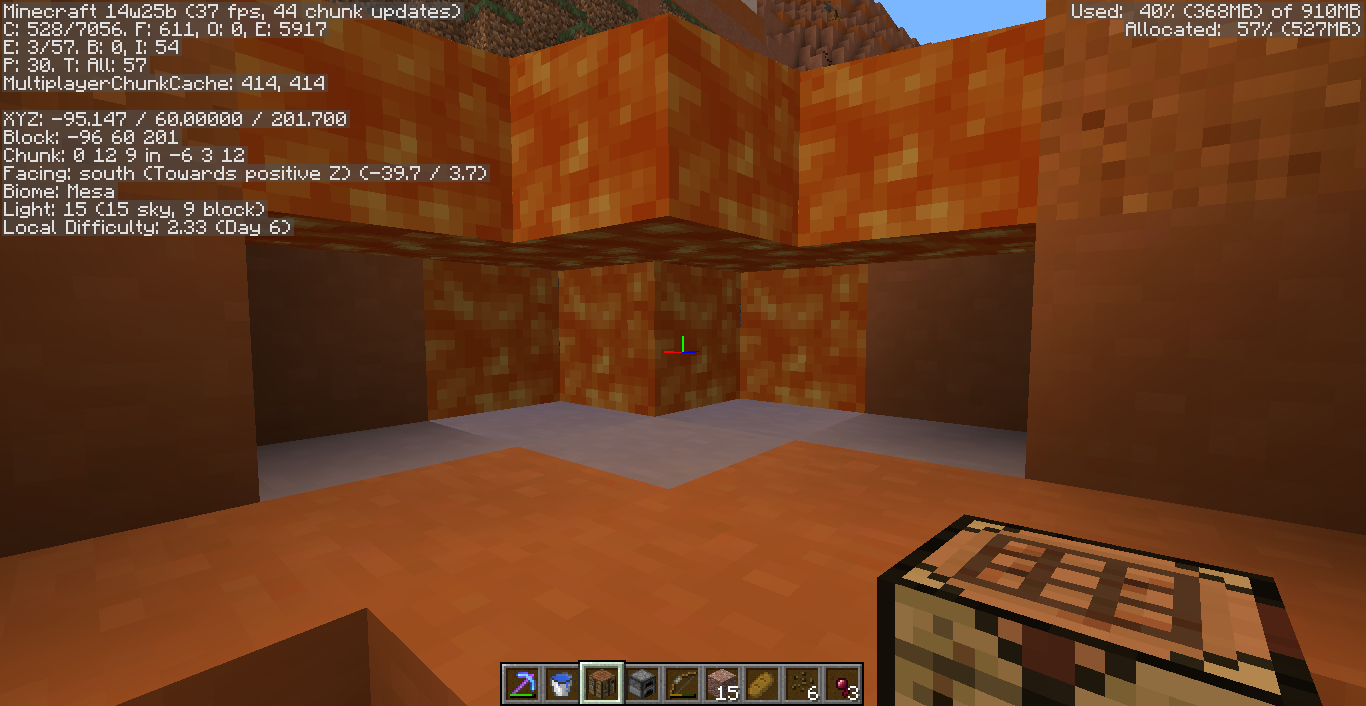
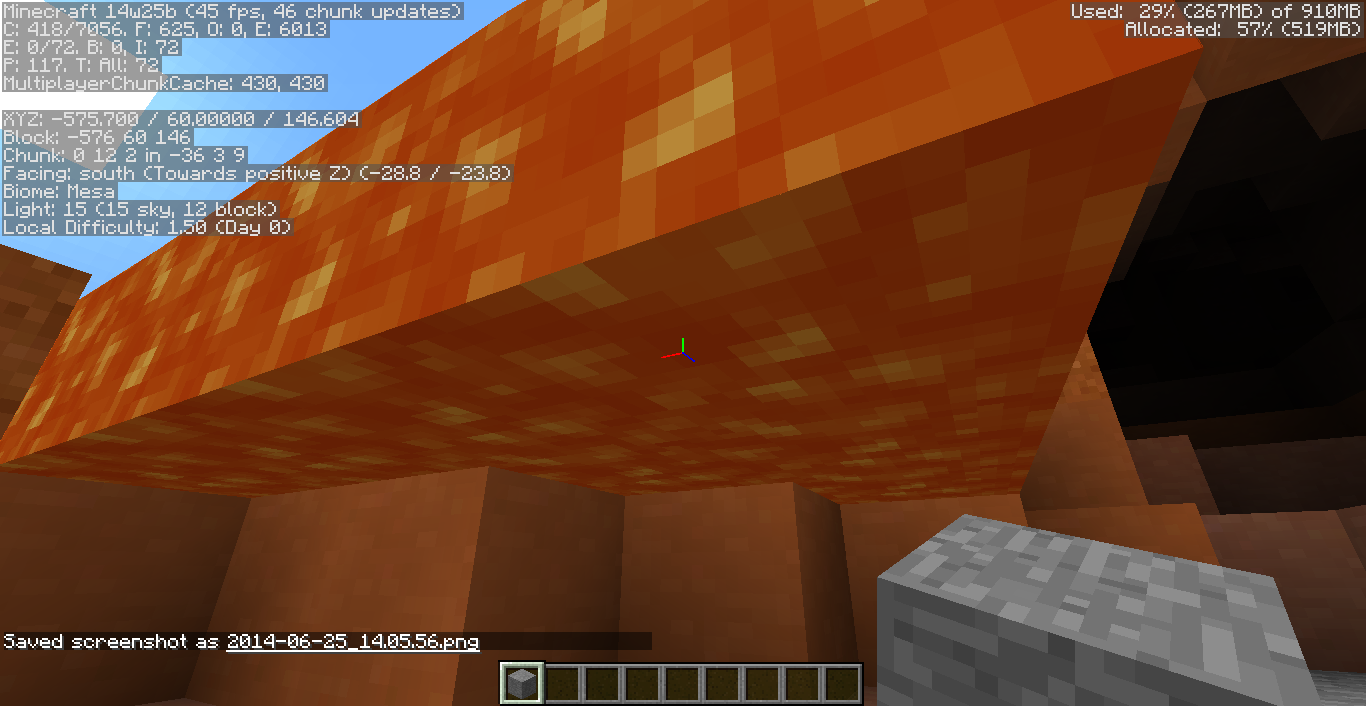
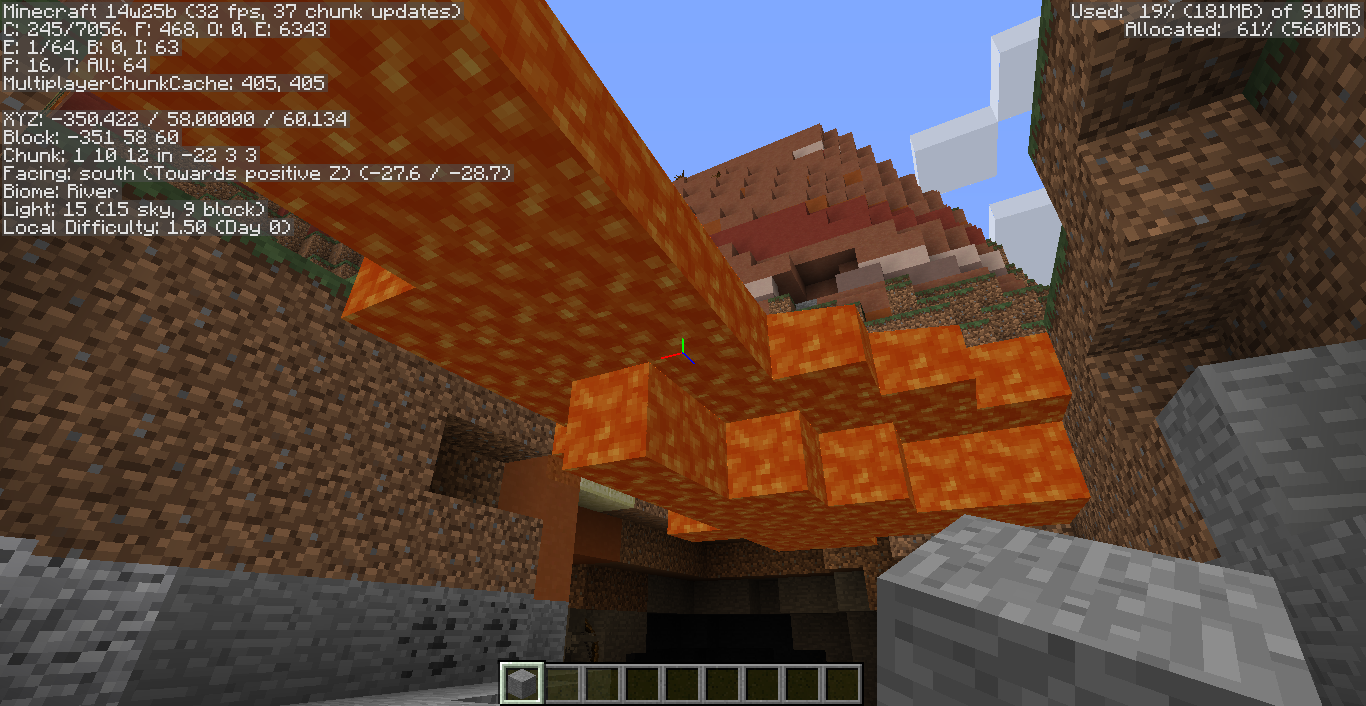
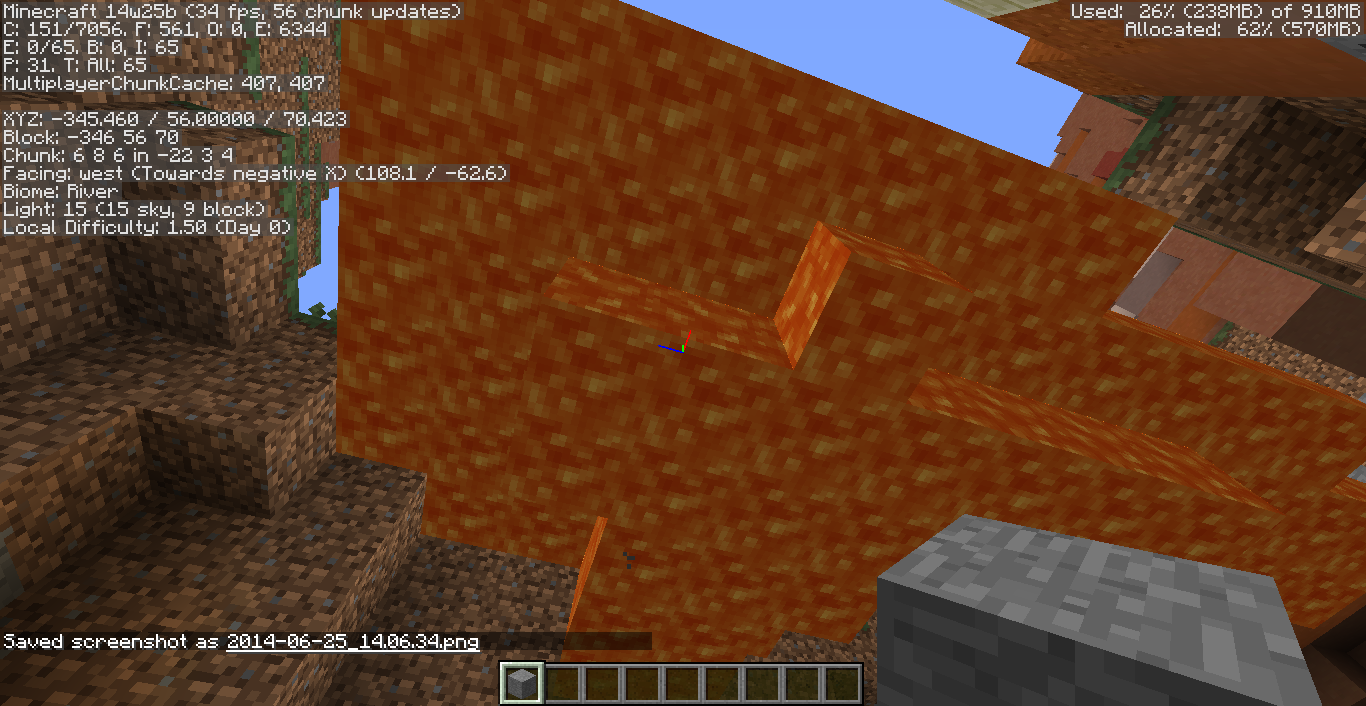
At first I thought it's just a glitch, until I found several places with this problem. It's more likely to happen with the lava sea setting "on".
Attached 6/24
They're almost EVERYWHERE!!! :I
Seed: 108181935
Biome: Mesa
Lava sea on.
At first I thought it's just a glitch, until I found several places with this problem. It's more likely to happen with the lava sea setting "on".
Attached 6/24
They're almost EVERYWHERE!!! :I
Actually I haven't found a place that works all right now LOL XD
Seed: 108181935
Biome: Mesa
Lava sea on.
Floating lava lakes EVERYWHERE?!
At first I thought it's just a glitch, until I found several places with this problem. It's more likely to happen with the lava sea setting "on".
Attached 6/24
They're almost EVERYWHERE!!! :I
Actually I haven't found a place that works all right now LOL XD
Seed: 108181935
Biome: Mesa
Lava sea on.And..... Why do squids keep spawning in those floating hot tubs??!!
At first I thought it's just a glitch, until I found several places with this problem. It's more likely to happen with the lava sea setting "on".
Attached 6/24
They're almost EVERYWHERE!!! :I
Actually I haven't found a place that works all right now LOL XD
Seed: 108181935
Biome: Mesa
Lavasea on.And..... Why do squids keep spawning in those floating hot tubs??!!
At first I thought it's just a glitch, until I found several places with this problem. It's more likely to happen with the lava sea setting "on".
Attached 6/24
They're almost EVERYWHERE!!! :I
Actually I haven't found a place that works all right now LOL XD
Seed: 108181935
Biome: Mesa
Lava ocean on.And..... Why do squids keep spawning in those floating hot tubs??!!
Seed:3971056165318756400
At first I thought it's just a glitch, until I found several places with this problem. It's more likely to happen with the lava sea setting "on".
Attached 6/24
They're almost EVERYWHERE!!! :I
Actually I haven't found a place that works all right now LOL XD
Seed: 108181935
Biome: Mesa
Lava ocean on.And..... Why do squids keep spawning in those
floatinghot tubs??!!
At first I thought it's just a glitch, until I found several places with this problem. It's more likely to happen with the lava sea setting "on".
My lava blocks said:"Yay!! I can finally fly! XD"
Just kidding~Attached 6/24
They're almost EVERYWHERE!!! :I
Actually I haven't found a place that works all right now LOL XD
Seed: 108181935
Biome: Mesa
Lava ocean on.And..... Why do squids keep spawning in those hot tubs??!!
I got this bug when I was playing on a realm server.
Whenever I ran into a anvil block on it's side, I walked "into" it a little bit and than got "ejected" out the block. My guessing is that the hitboxes of anvil blocks aren't broken in the client side while those in the server side are, making the players walk into the "illegal" part of the block and get teleported back to the last "legal" spot.
Watch the attached video for more info.
Please note that it's not
MC-1635. (Looks different for me.)I got this bug when I was playing on a realm server.
Whenever I ran into a anvil block on it's side, I walked "into" it a little bit and than got "ejected" out the block. My guessing is that the hitboxes of anvil blocks aren't broken in the client side while those in the server side are, making the players walk into the "illegal" part of the block and get teleported back to the last "legal" spot.
Watch the attached video for more info.
Also found in Single Player, 1.6.4
Does the creating version affect this? I created the world in 1.6.4 and then play in 13w39b.
Confirmed
Still produced in 13w41b
Environment: Win 7; Java 7
Confirmed.
Can Reproduce:
Windows 7, AMD Radeon HD 5470
Confirmed for 14w07a.
Last seen on 14w20b.
Also have no effects all the foliage, vine and lily pad in the inventory while grass are affected by the given colormap.
lily pad "block" is not affected, but vine "blocks" are.
Hope the problem will be resolved.
Confirmed in 14w21b.
They're almost EVERYWHERE!!! :I
Seed: 108181935
Biome: Mesa
Lava ocean on.
It still works really "well" with the settings given by FVbico. Find a place with BOTH lava lake/river/ocean and mineshaft/basin. And you'll find everywhere.
Oh thanks, I'll try it now
But I wonder how graphics card affects world generation~
Update finished.
(I hope NOD32 can safe my PC... The driver updater just opened a website with SCARY url. D: )
Lava lakes/rivers/oceans are still floating after the update.
The torch and barrier particles work well for me now, but the block-edge lines are still unfixed yet~
Lava blocks and Fire blocks also have REALLY WEIRD dark blue color! :I
Still a concern in 14w26c :I
Still a concern in 14w27a and 14w27b.
Happened in 14w27a and b.
If any mod is able to reproduce it, mark this bug "Confirmed" please, thanks~
Oh...
Could you please ask any other mods if they are able to reproduce it?
Thank you~
I've try it on 3 PCs and they all "works well".
Yes~ It still works for me
Confirmed in 15w36d