 KieNexus
- theKIEgamer
- thekiegamer
- Europe/Stockholm
- Yes
- No
 MCPE-33183
 REALMS-8250
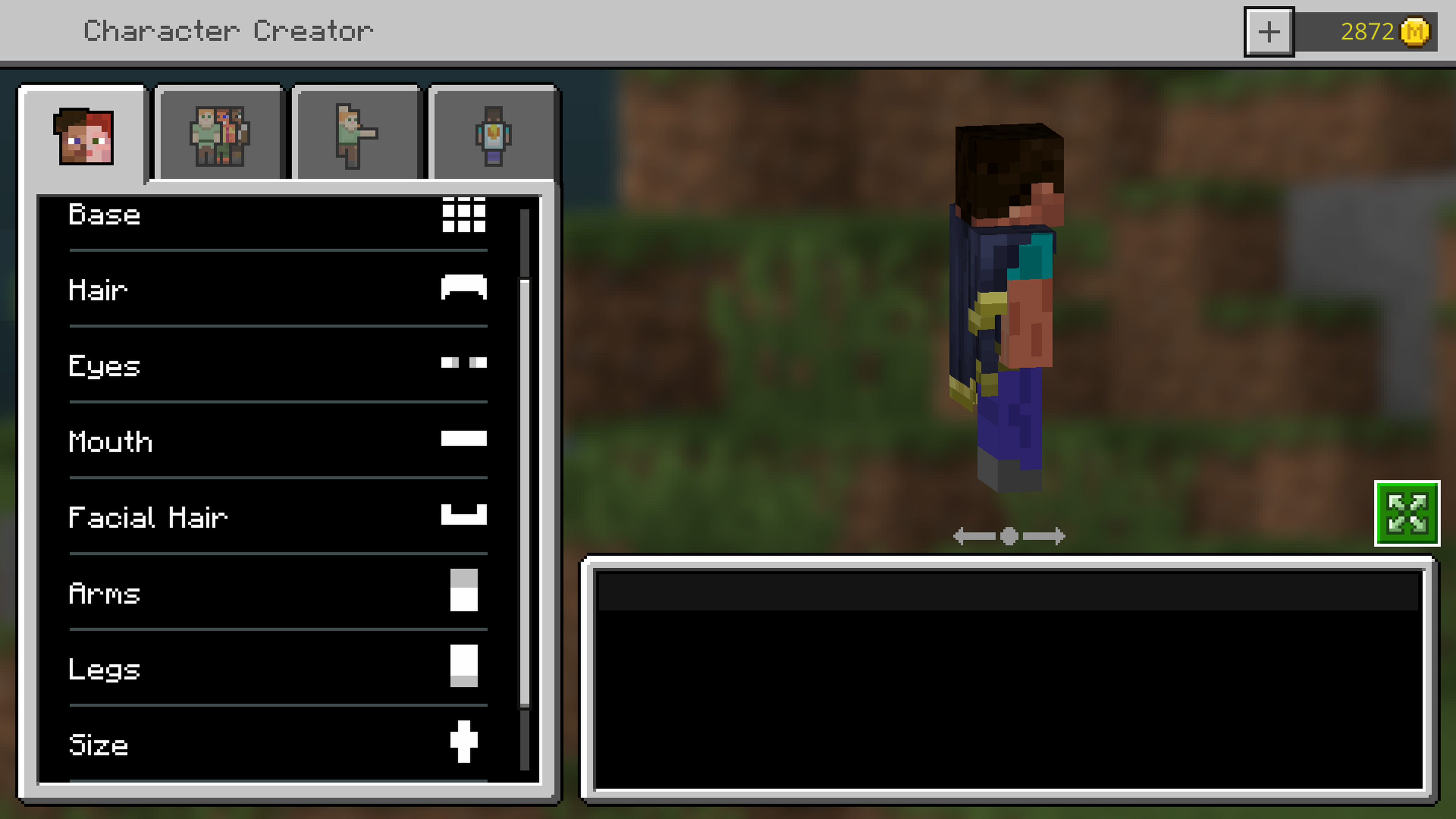
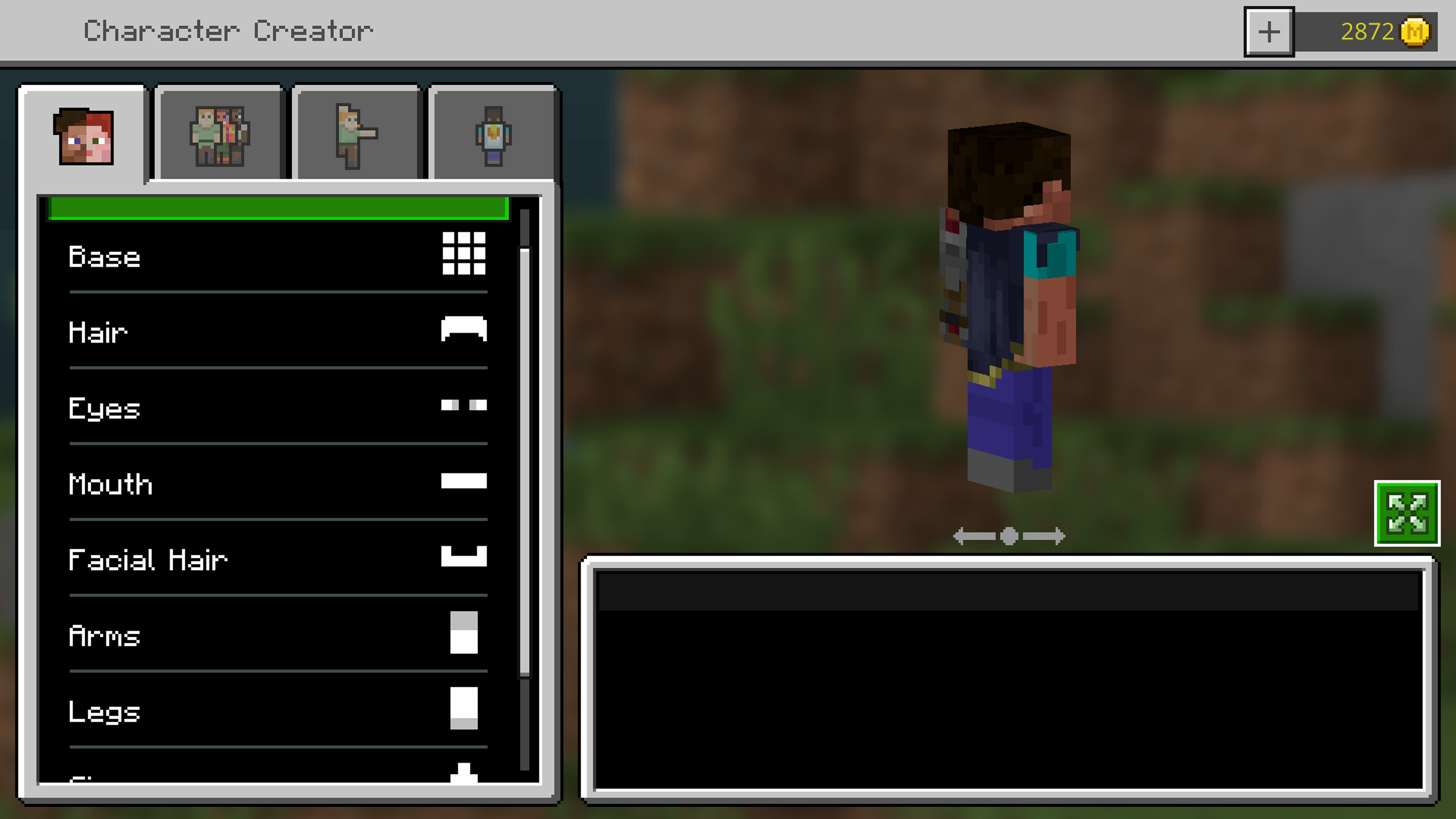
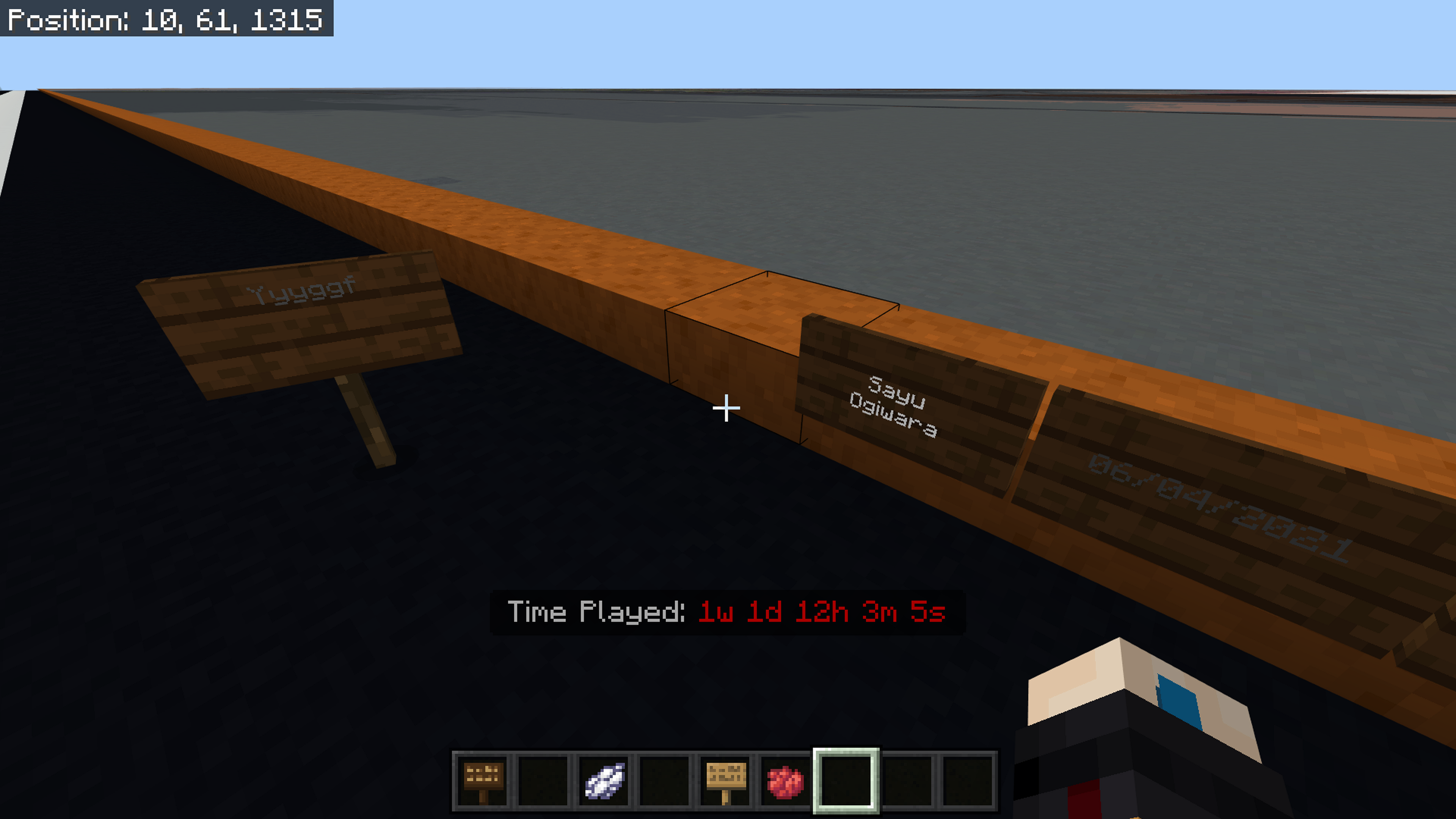
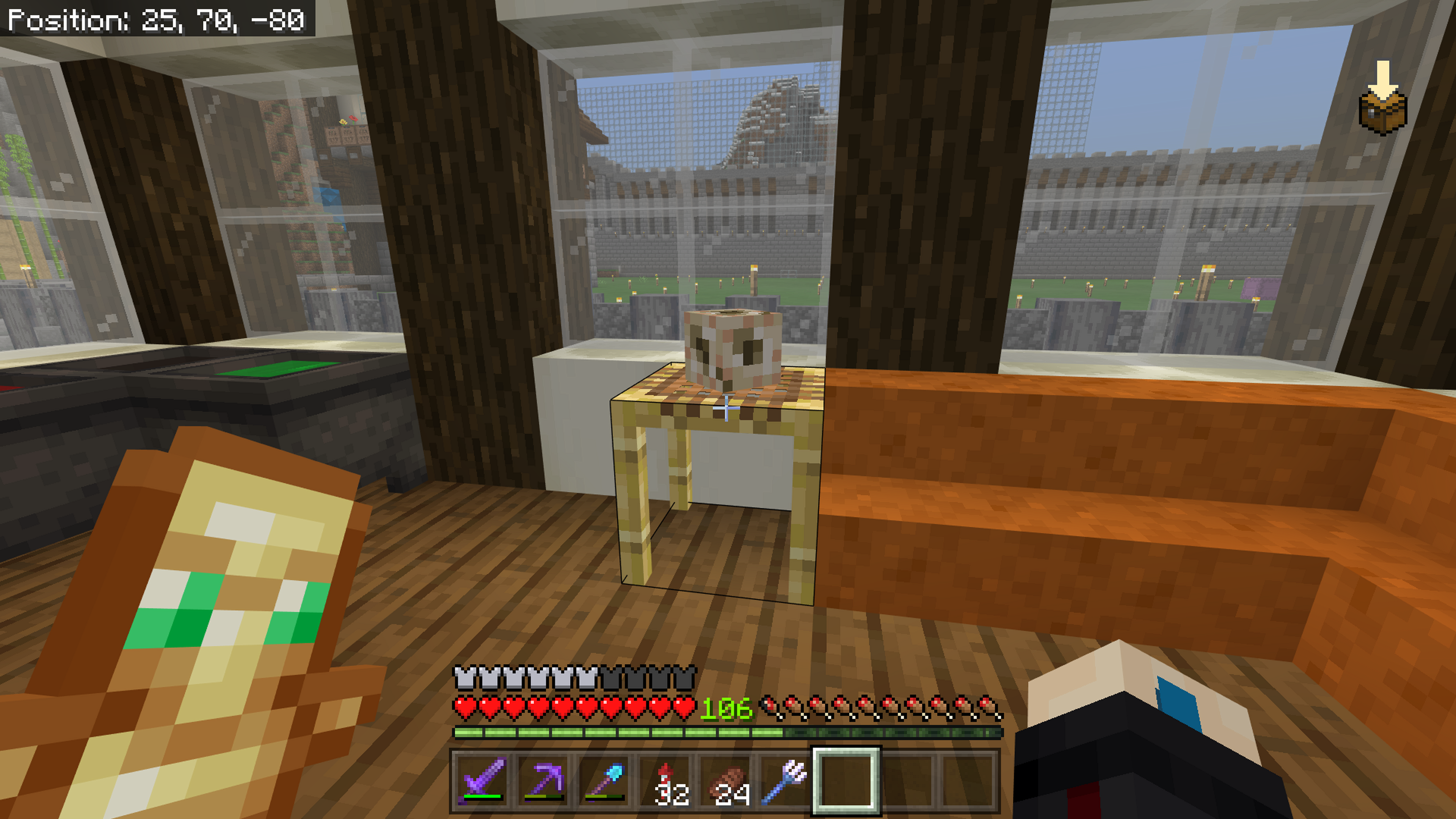
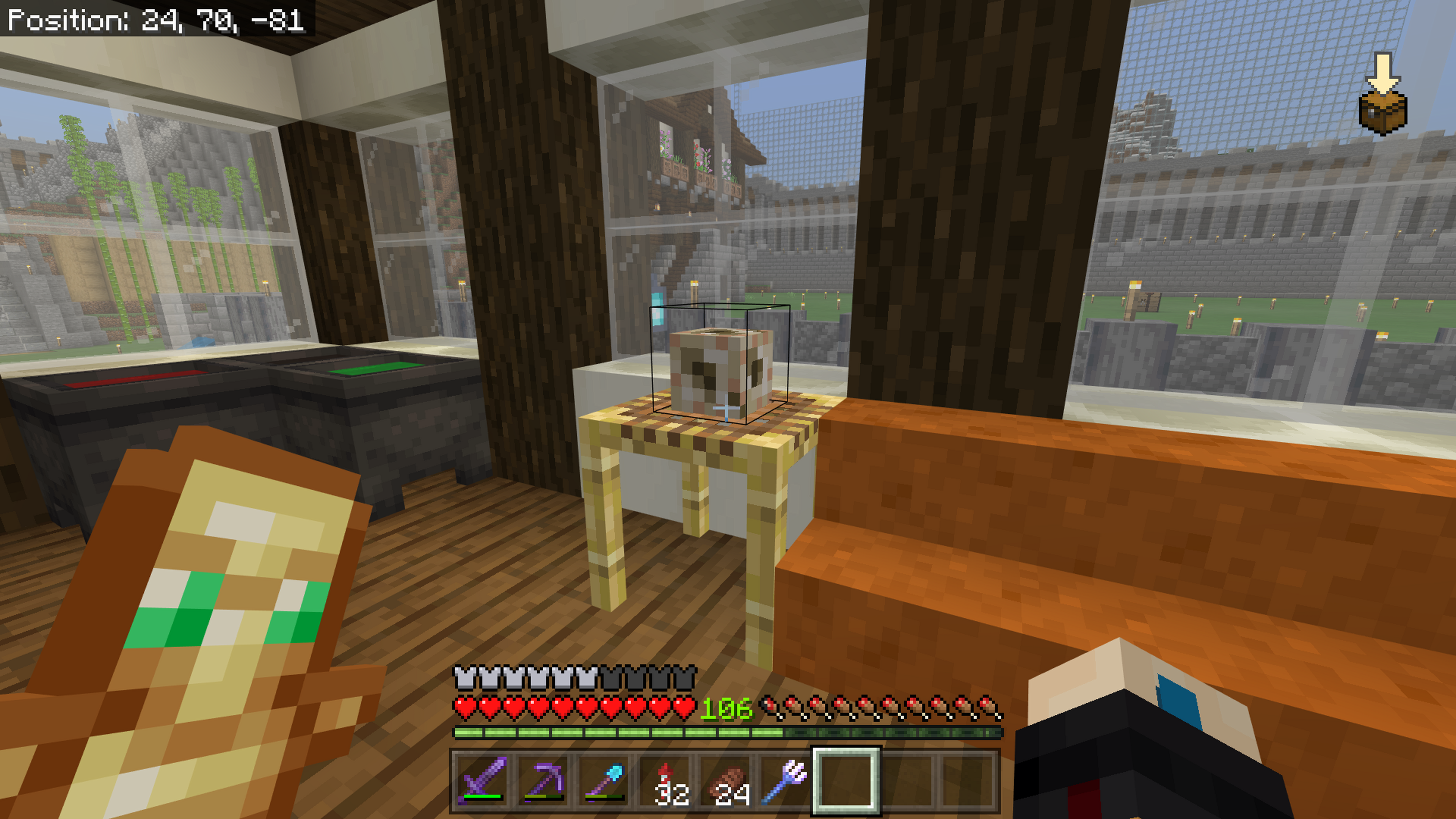




When any players join my multiplayer game on xbox beta 1.5.0.1 they get my inventory this is annoying as it duplicates all my items and they lose theirs we have found a work around where we out all their items in a chest before they leave and then when they join they will bin the items they get but it's very annoying and people may use this to duplicate
When any players join my multiplayer game on xbox beta 1.5.0.1 they get my inventory this is annoying as it duplicates all my items and they lose theirs we have found a work around where we out all their items in a chest before they leave and then when they join they will bin the items they get but it's very annoying and people may use this to duplicate, they will sometimes get their own inventory when joining and only usually happens after closing the game and reopening it or when I copy they world and go back onto it.
Cloned chests don't keep their names (changed with anvil).
Steps to Reproduce:
1. Rename chest with anvil
2. Have the chest be cloned into the same spot while looking inside
Observed Results:
Items in chest change but name (top left) does not
Expected Results:
Both items and name change
FullSizeRender.mov
Steps to Reproduce:
1. Rename chest with anvil
2. Have the chest be cloned into the same spot while looking inside
Observed Results:
Items in chest change but name (top left) does not
Expected Results:
Both items and name changeSteps to Reproduce:
1. Rename chest with anvil
2. Have the chest be cloned into the same spot while looking inside(They also don’t keep names when using pick block)
Observed Results:
Items in chest change but name (top left) does not
Expected Results:
Both items and name change
Cloned chest don'tkeepnamesCloned chest don't clone chest names
Steps to Reproduce:
1. Rename chest with anvil
2. Have the chest be cloned into the same spot while looking inside(They also don’t keep names when using pick block)
Observed Results:
Items in chest change but name (top left) does not
Expected Results:
Both items and name changeSteps to Reproduce:
1. Rename chest with anvil
2. Have the chest be cloned into the same space as another chest while looking inside(They also don’t keep names when using pick block)
Observed Results:
Items in chest change but name (top left) does not
Expected Results:
Both items and name change
Cloned chest don't clone chest names whilst looking in chest
Steps to Reproduce:
1. Rename chest with anvil
2. Have the chest be cloned into the same space as another chest while looking inside(They also don’t keep names when using pick block)
Observed Results:
Items in chest change but name (top left) does not
Expected Results:
Both items and name changeSteps to Reproduce:
- Rename chest with anvil.
- Place Named chest.
- Place another chest (Unnamed).
- Look in the unnamed chest.
- Have the named chest be cloned into the same space as the unnamed chest whilst looking in the unnamed.
(They also don’t keep names when using pick block)
Observed Results:
Items in chest change but name (top left) does not
Expected Results:
Both items and name change
Steps to Reproduce:
- Rename chest with anvil.
- Place Named chest.
- Place another chest (Unnamed).
- Look in the unnamed chest.
- Have the named chest be cloned into the same space as the unnamed chest whilst looking in the unnamed.
(They also don’t keep names when using pick block)
Observed Results:
Items in chest change but name (top left) does not
Expected Results:
Both items and name changeSteps to Reproduce:
- Rename chest with anvil.
- Place Named chest.
- Place another chest (Unnamed).
- Look in the unnamed chest.
- Have the named chest be cloned into the same space as the unnamed chest whilst looking in the unnamed.
(They also don’t keep names when using pick block)
Observed Results:
Items in chest change but name (top left) does not.At the end of the clip where I close and reopen the chest the name is different after it's reopened and is not changed after being cloned whilst opened.
Expected Results:
Both items and name change whilst chest is opened.
Flat world height limit not change.Flat world height limit not changed
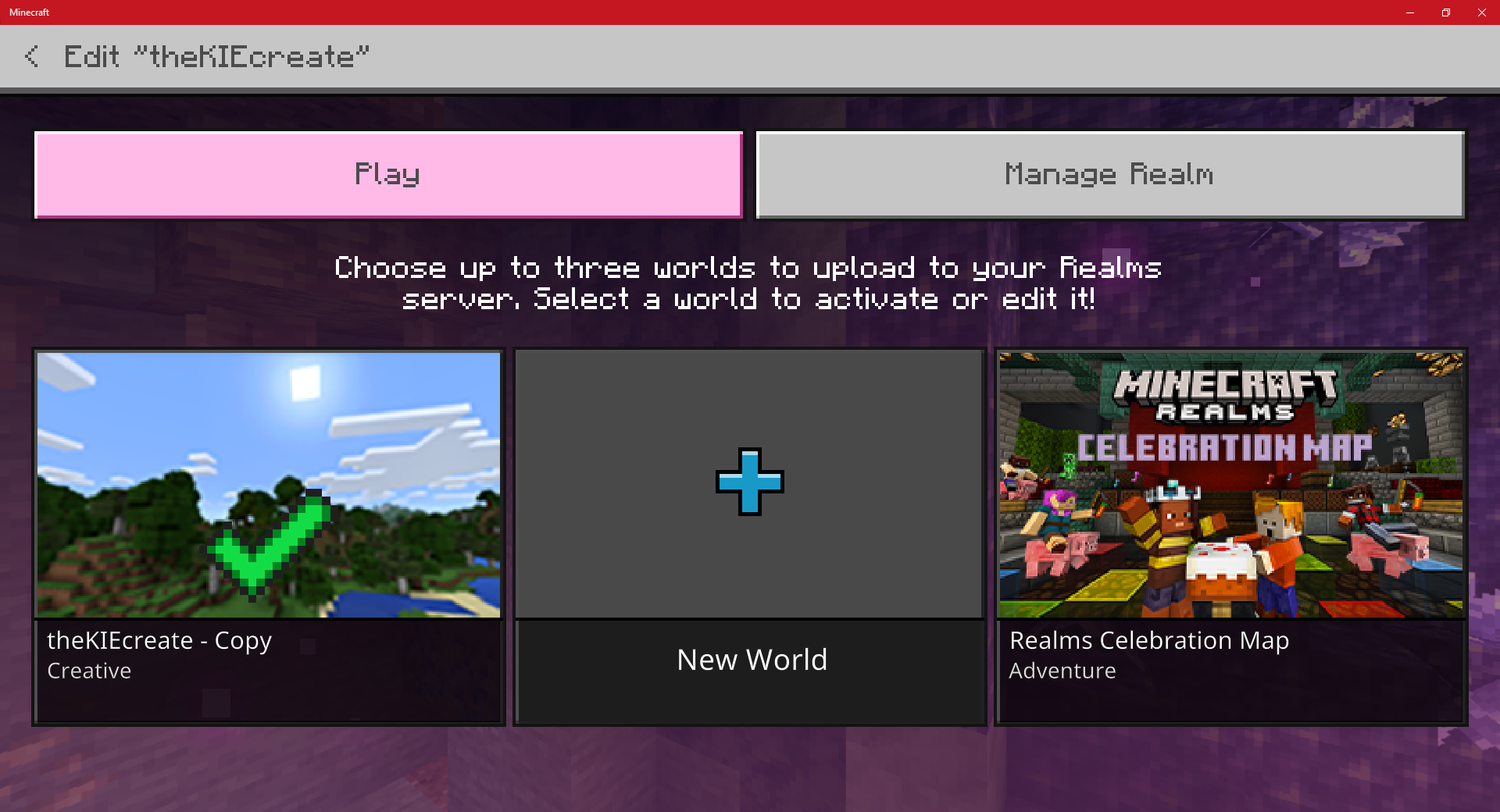
It was recently announced that bedrock will get 3 save slots for realms with a new ui in this article: https://www.minecraft.net/en-us/article/realms-plus
–july0, I haven't got this new ui or 3 slots on my xbox series x but I have got it the option on mobile and pc.I assumed that it was slowly rolling out so I thought I would wait a bit but still nothing has changed.
The images show the realms menu on my xbox and pc.
It was recently announced that bedrock will get 3 save slots for realms with a new ui in this article: https://www.minecraft.net/en-us/article/realms-plus–july0 , I haven't got this new ui or 3 slots on my xbox series x but I have got it the option on mobile and pc.
I assumed that it was slowly rolling out so I thought I would wait a bit but still nothing has changed.
The images show the realms menu on my xbox and pc.
Old realms menuon xboxOld realms menu and only 1 save slot on Xbox
Ticking area list hidden when commandfeedback is falseTicking area list hidden when showcommandfeedback is false
When show command feedback is false using /tickingarea list does not display anything.
To reproduce
- Make a ticking area and name it. (/tickingarea add)
- Turn of command feedback (/showcommandfeedback false
- display the ticking area list (/tickingarea list)
Outcome
- Nothing is displayed
Expected Outcome
- Ticking areas are displayed
I have many repeating command block on my world so when I turn command feedback back on chat instantly fills up with text so turning it on and off again is not a viable option. This feels more like an oversight than a bug and was not sure where to post this.
Ticking area list hidden when showcommandfeedback is falseTicking area list hidden when sendcommandfeedback is false
When s
howcommand feedback is false using /tickingarea list does not display anything.To reproduce
- Make a ticking area and name it. (/tickingarea add)
- Turn of command feedback (/s
howcommandfeedback false- display the ticking area list (/tickingarea list)
Outcome
- Nothing is displayed
Expected Outcome
- Ticking areas are displayed
I have many repeating command block on my world so when I turn command feedback back on chat instantly fills up with text so turning it on and off again is not a viable option. This feels more like an oversight than a bug and was not sure where to post this.
When send command feedback is false using /tickingarea list does not display anything.
To reproduce
- Make a ticking area and name it. (/tickingarea add)
- Turn of command feedback (/sendcommandfeedback false
- display the ticking area list (/tickingarea list)
Outcome
- Nothing is displayed
Expected Outcome
- Ticking areas are displayed
I have many repeating command block on my world so when I turn command feedback back on chat instantly fills up with text so turning it on and off again is not a viable option. This feels more like an oversight than a bug and was not sure where to post this.
Description:
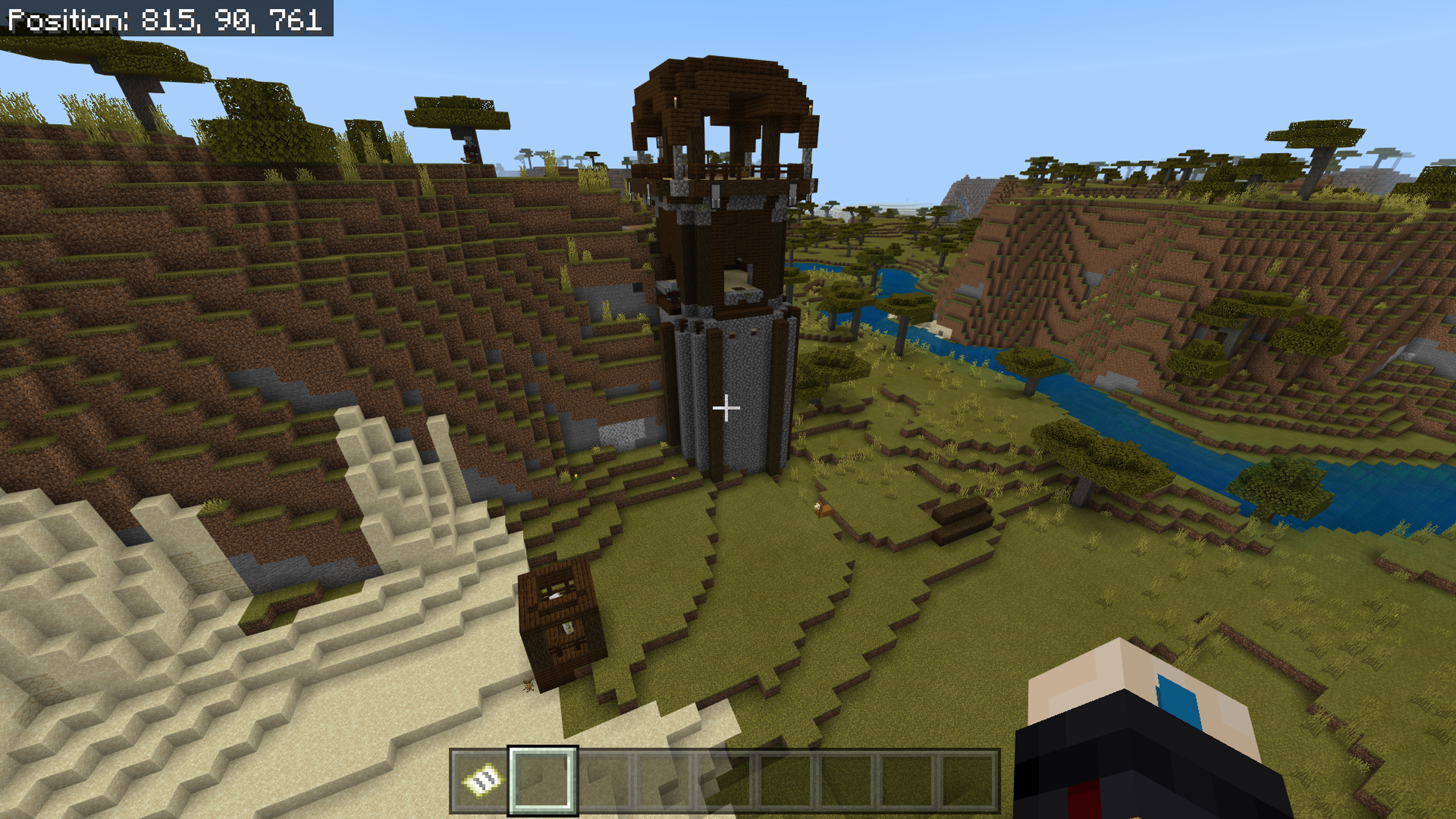
It seems that too many mobs are spawning at some outposts I had:
6 pillager captains
about 30 regular pillagers
8 iron golems ( 2 cages had 4 each)
I’m not too sure how to reproduce this one as it doesn’t always happen I’m using an xbox series x and playing multiplayer.
Controller chat icons too big.
Controller chat icons too big and look out off place
Controller chat icons too big and look out offplace
I have this same issue with a Smyhts Toys code, I have contacted support about it hopefully they can add it to My account. (version 1.17.34)
Edit:
Support have added it to my account it did not take long for them to respond.
![[MCQA] v-weszaj](../../../data/avatars/users/18941.svg)
KieNexus If you disable feedback from your command blocks with the /gamerule commandblockoutput false command, and set sendcommandfeedback to true, the ticking area list should be displayed correctly and the command blocks' feedback should not appear in the chat. The sendcommandfeedback is supposed to control output messages of most commands. Closing as WAI.
I Realised this is a duplicate of
MCPE-117835and MCPE-117516 I didn’t catch this when I trying to find if someone had already reported the issue. Sorry for the duplicate.This is still an issue in the latest version, I’ve updated the post.
I realised I already posted this and it was a duplicate my bad, not sure if it’s possible to delete posts. Here is the original: MCPE-117516
Just thought I would put how it happened for me here in case it helps.
1. I tried logging on to feedback (same email as my xbox account).
2. I was prompted to give permission to feedbackloginppe
3. It logged me in with a new account displaying my full name not gamer tag.
I was never asked to make a new password or anything.
It’s a shame because I had some ideas/ votes I cared about on there and I'm not willing to start from a new account.
Yea it’s on the latest version and I personally do manual updates, luckily I have a mobile device I can manage my realms slots but it’s just a little inconvenient.
Yes the release number is 1.17.10
Ok, thanks for the help.
Not sure if this is fixed for everyone or just me but I am now in my original account, just thought I would post this so others can test if their account is back.
Turning commandblockoutput to true or false doesn’t change anything. I’m assuming that the game sees the /tickingarea list command output as being a command feedback so doesn’t display anything when sendcommandfeedback is false.
Seed: 74407 (Was randomly generated by imputing "KIE" into the seed
World was created today 17/09/2021 using an Xbox Series X
Difficulty: Normal
Online Multiplayer (Me (On Xbox Series X) and one other player (On Xbox One))
Outpost location: 815, 90, 761
Travelled from 1221, 89, 566 -> past a village -> the outpost
I went back to the outpost on creative by myself and it was normal and this has only ever happened to me whilst playing online multiplayer and has happened on other worlds and at different outposts on this seed.
I also tested it on a LAN connection and it had a normal amount of mobs.
Just added a video of me walking up to the outpost where you can see the mobs load in about 11 Pillagers and a cage of the iron golems are visible, a lot of the Pillagers spawned on the other side the second iron golems cage is also on that side.
Good to hear, Thanks for the updates.
It's now an option in the controller settings menu called "clear hotbar" you have to turn it on as it is set to off by default.
There should be a "Clear Hotbar" option in the controller settings, it's set to off by default.
Could this be the same issue that happens with slabs and stairs. MCPE-54410
This is still an issue, sorry I completely forgot that I posted this.