 xRsBuiltx
- xRsBuiltx
- JIRAUSER727026
- America/Indiana/Vincennes
- Yes
- No
 MCPE-161484
 BDS-18420


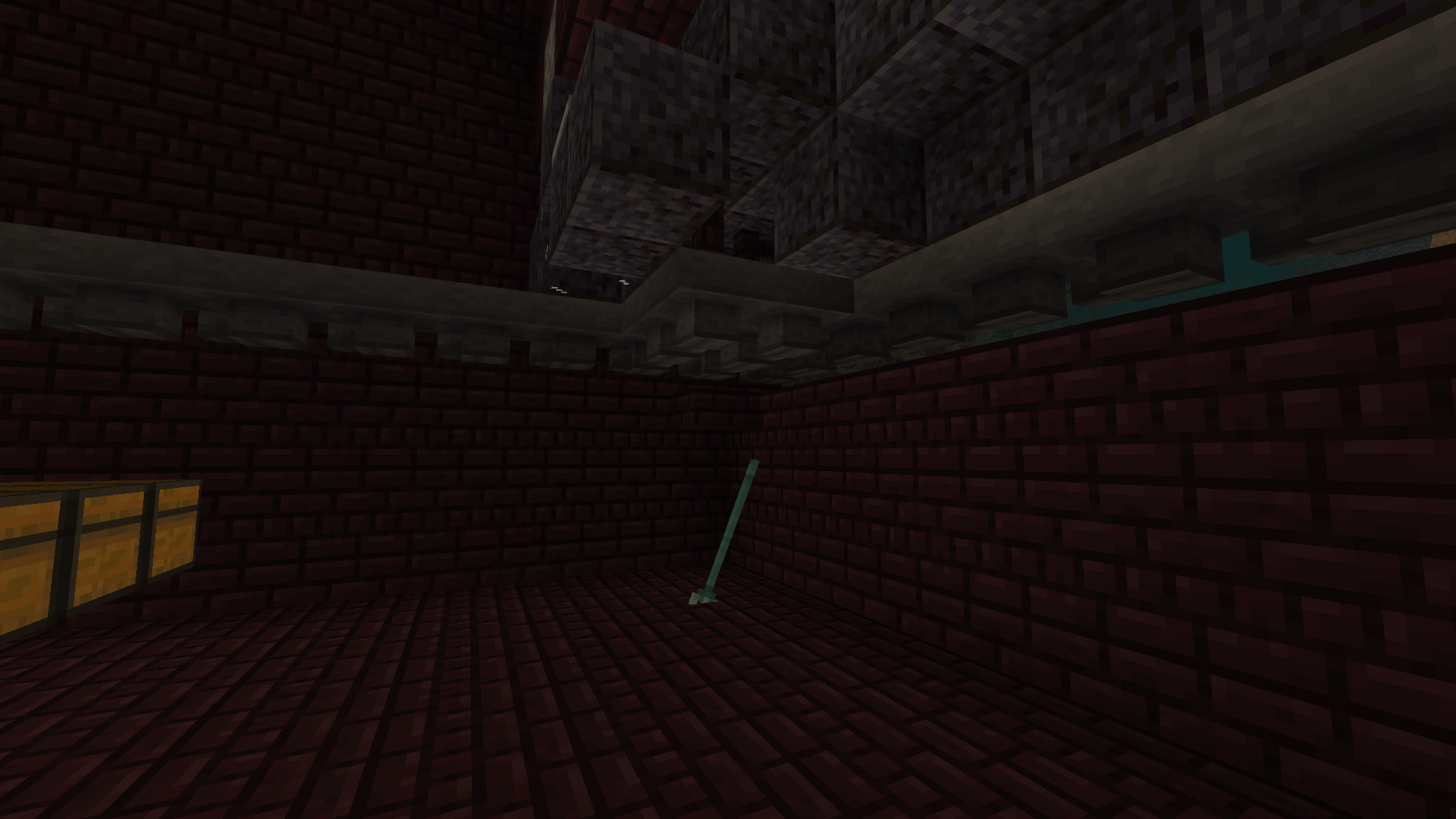


Ravagers float above flowing water without being pushed unless they sink further down into the water. This leads to them getting stuck under 3 high blocks.
Image pictured is not jumping, But consistently floating.
Intended behavior:
If the Ravager is in the flowing water, It should be pushed and not have a visible air gap between the ravager and flowing water.Ravagers float above flowing water without being pushed unless they sink further down into the water. This leads to them getting stuck under 3 high blocks.
Image pictured is not jumping, But consistently floating.
Also noted that the ravager is not directly over the source block.
The source block is further behind him.Intended behavior:
If the Ravager is in the flowing water, It should be pushed and not have a visible air gap between the ravager and flowing water.
When flying into a wall, Armor breaks extremely fast. Flying into a hole I dug into the side of a cliff, I tried to kill myself to return to my bed. Flying into the wall, Damage repeated extremely fast (Similar to hitting a cactus with thorns when that bug was present) I was able to come back and gather all of my gear. Except my armor. And my elytra. My helmet, Elytra, Leggings and boots were broken after approximately 3-5 seconds of damage from flying into the wall. Causing me to lo
ose master level armor on several occasions.
When flying into a wall, Armor breaks extremely fast. Flying into a hole I dug into the side of a cliff, I tried to kill myself to return to my bed. Flying into the wall, Damage repeated extremely fast (Similar to hitting a cactus with thorns when that bug was present) I was able to come back and gather all of my gear. Except my armor. And my elytra. My helmet, Elytra, Leggings and boots were broken after approximately 3-5 seconds of damage from flying into the wall. Causing me to lose master level armor on several occasions.
-Edit.
After further exploration, I found that the armor is not breaking due to it taking damage. When you fly into a wall with blocks surrounding you, In the event that you die, All armor and elytra is instantly deleted (But not any other items from what I can tell)
I don't believe it to be the armor breaking as previously stated because if I pull away from the wall before I dye, Little to no damage has been done to my armor/Elytra. Ill be posting a video of this bug soon in this thread.
Here is the video that shows the bug. https://www.youtube.com/shorts/nXtUQEluvUQ
If you fly into a wall with a block above you, or around you. The armor will somehow get deleted inside of those blocks. Its very difficult to see what exactly is happening. As stated, The armor does not seem to be breaking, It simply seems like it gets glitched into a block and deleted.
Armorbreaksextremely fast whenflying intoobjects.Armor disappears when you die while flying into blocks.
Screenshot (1439)-1.png
Trident falls through blocks (Breaks all trident killers).
Still current in 1.19.1, You do not even have to look at them. In any dimension, they will attack you unprovoked. Extremely annoying when you're trying to build a sorting system in a Bastion in a basalt delta!
As mentioned, still current in 1.19.20. Ive made a contraption to simulate exactly whats going on. I put it all into a small .mcworld file. You can find that here https://www.mediafire.com/file/g1b69ggnefzpam1/Brokenhoppers.mcworld/file If you need me to make a new bug report for this, Let me know and ill be happy too! Thank you! -Rs.
Reply from [Mod] GoldenHelmet: there is already a test world linked in the description at the top of this report.
Unsure if this is an issue with Bedrock, or an issue with Bedrock Connect.
Problem seemed to be on the Bedrock Connect side of things. They released a fix for it thismorning and is now working correctly for the members.
Yes, Options are always good though! I know some bugs can be hard to replicate. Thank you!
This will be fixed in the 1.19.50 Beta.
Hello, Unsure why this has been marked resolved? I added a world download of what you see in the video. Here is the video as well.
https://youtu.be/WxL_fTycCn4
ravager world .mcworld
Here is the attached world. I placed command blocks to make it easier for whoever is testing it.
The Ravagers float way to high above water, Which makes the water hardly push them.
If there is glass 3 high above them, They push up against the glass and practically do not move, Even though the Ravagers are 2.2 blocks tall. Thanks for confirming Silent, Definately a huge issue!
Extremely annoying and very difficulty to build. Need a hotfix for this!
Agreed Shane, I cant believe this was not in the 1.19.71 hotfix!?
Still current in 1.19.71. It happens whenever an area is unloaded in any manner. Log in/log out. Leaving area, going into the nether, etc. Extremely irritating and slowing our content production on our SMP server.
This bug is very similar to MCPE-151440
However, This bug (MCPE-167769) recently started in 1.19.60+, Whereas the bug above ( MCPE-151440) has been around since 1.17.30 or so.
Is your reply to me, Or the original poster?
Still affects 1.19.73
Ok, So after playing around with this bug some more, I found that the armor is not breaking. The armor also is not deleting. The armor is simply going up to the highest open air block. (Like a item elevator). This part of the mechanic seems to be working as intended. However, I would suspect its a hitbox issue? Allowing the player to die "inside" of the block. Which then since the items are "inside" the block, It treats it like an item elevator and takes them all to the surface. You can see my short video on this bug here. https://youtube.com/shorts/5Er6edcna34?feature=share
Having the same issue on our server, Verified by myself and other members. The lines tend to be in a straight line when appearing. One member said the lines were under her mob farm and completely stopped all mobs from spawning. Which makes me think that its not a visual glitch, but that game actually thinks those area's are lit up. Verified on BDS multiplayer 1.19.73 server.
Edit- Verified there are no light blocks present in any of the Y value along the "light".
Also verified there are no light blocks present around 0 x Y x 0.
First screen shot is directly below the lights position.
The second is directly above the lights position.
Works as intended.
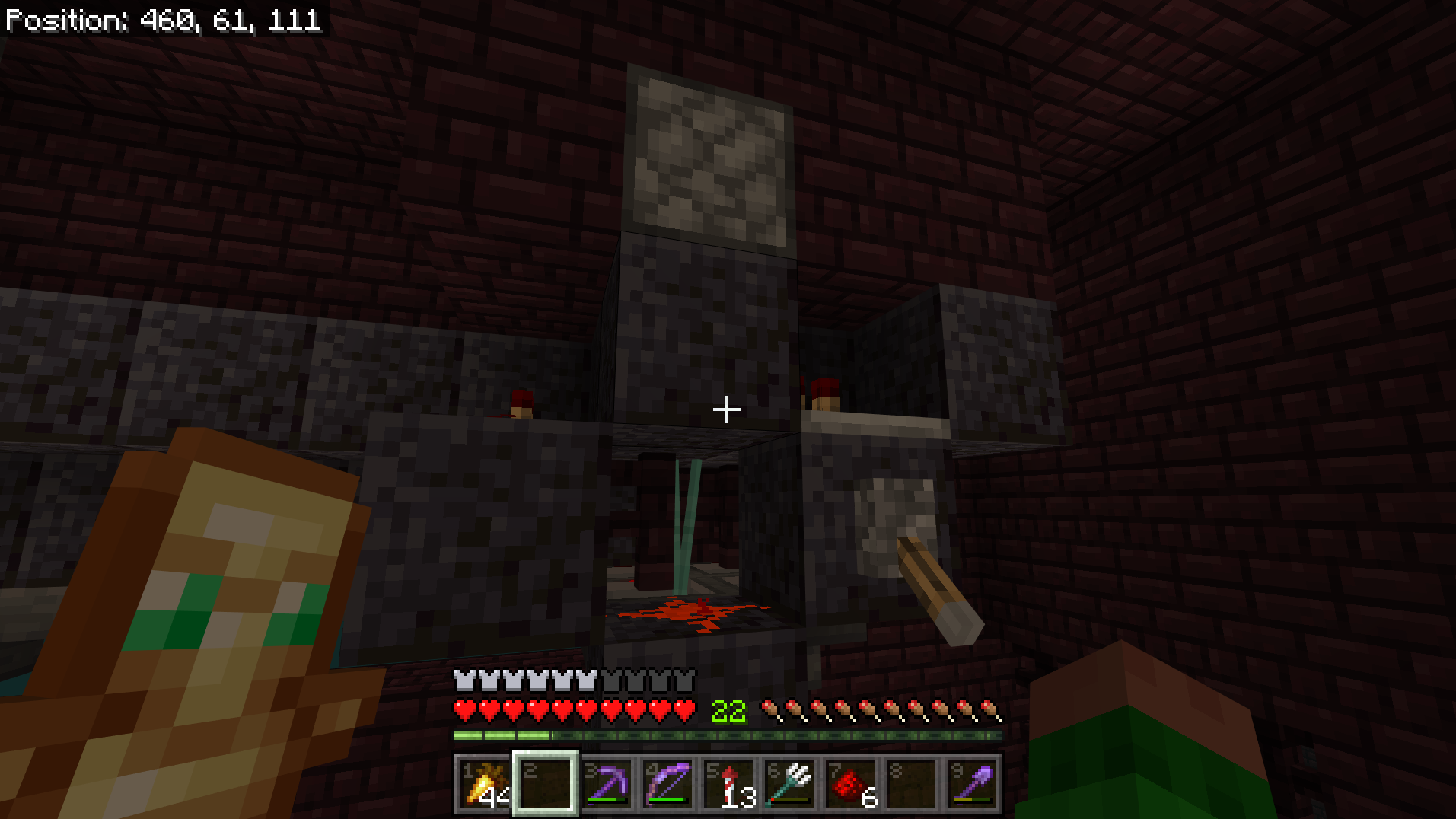
This includes trident killers that are on, or left in the off position. It does not seem to matter if the tridents are actively being moved while being unloaded. They will sometimes fall down and destroy the hopper minecart. Sometimes they will fall completely through the floor, past the hopper minecart and past the hoppers. Its almost like the game is forgetting the position of the trident killer when its being unloaded. Both pictured have not been used in a long while and have the tridents fallen through them upon reloading.
Current as of 1.19.81. Filling commands on stream on BDS server (30 chunk view / 4 chunk sim) running a /fill ~~~ ~7 ~9 ~50 air command. Was able to fill several times making a tunnel. Then randomly says "Can not place blocks outside of the world" running the exact same command. (hitting the up arrow in chat to play last command). This has been happening for quite a while.
Jay Wells, If the OP is not replying. Then I can take over the support ticket and give you more info about this bug. This bug has been, and is still active < 1.19.81+ and really breaks a lot of the gameplay any time you use name tags. Even where I have a piglin bartering farm with approximately 30-35 name tagged Piglins, The surrounding loaded area around the Piglins will not spawn any mobs until the Piglins are unloaded. However, Ive had this happen in multiple instances.
Reply from [Mod] Umija5895M:
If you can reproduce this, feel free to create a new bug report. Please provide complete and specific steps in the Description, using this format.
(add screenshots or video to help explain the issue)
In my experience, The above comments recommendation does not fix this issue. I've clean installed multiple times with no luck. Even with a world using no resource/behavior packs. It seems to be an issue with a world size threshold. As a newly generated world works fine.
Component Usages during crash.

I've added the error log, and regular log, crash report remains empty and does not tell me anything. The server components doesn't show any significant hardware spiking during the crash(time of screenshot)
After further testing, It seems to be the game crashing the world file. Running the world locally with no addons, the world will sometimes work. But alot of the time it will red screen and crash the client. Making it seem like the problem was with BDS.
If you manage to get the world file loaded up, the world plays fine with no issues what so ever. Please let me know if you'd like me to make another bug report.
Update: After AFKing overnight in the world, I did not experience a crash. But the world is unplayable. Im unable to open doors, move down scaffolding. I can break stuff but still leaves the hitbox. Cant sleep in beds, etc. See pic below.
There is a big issue with larger worlds. I took me a long time (over a week) to get our server back up because it kept boot looping and crashing the world. Even with no packs on, and loading multiple backups.
Ensure you are using two different port numbers far enough apart. Make sure both of those ports are port forwarded through your router. If they are using the same port number, They will have a conflict.