Text boxes allow text entry and display cursor past the right boundary
Reproduction steps
- Open the chat
- Type in many i and observe the right chat boundary. See attached screenshots.
Note: You might have to decrease the width of the game window, increase the GUI scale, or type a wider character (though there the effect might not be as extreme) otherwise you could reach the character limit before reaching the boundary.
Linked Issues
relates to3
 MC-117624Displayed Creative search field is not as big as actual text fieldConfirmedMC-30217All text fields can cut off the last few characters / Phantom selection highlighting appears at the end of text fields with some texts
 LowMC-251688Chat preview can overlap chat contents if the message is long enoughFixed
![[Mod] redstonehelper](../../../data/avatars/users/10122.svg)

![[Mod] Avoma](../../../data/avatars/users/86198.png)
Created Issue:
Chat entry lines allows text entry and displays cursor past the right boundary
To reproduce, type in many i and observe the right chat boundary. See attached screenshots.
Attachments2
relates to
Chat entry lines allows text entry and displays cursor past the right boundaryText boxes allows text entry and displays cursor past the right boundary
Text boxes allowstext entry and displays cursor past the right boundary
relates to
relates to
![[Mod] Michael Wobst](../../../data/avatars/users/37868.png)
relates to
Text boxes allow text entry and displayscursor past the right boundary

![[Mojang] Nathan Adams](../../../data/assets/gravatar/dinnerbone.png)
To reproduce, type in many i and observe the right chat boundary. See attached screenshots.
Reproduction steps
- Open the chat
- Type in many i and observe the right chat boundary. See attached screenshots.
Note: You might have to decrease the width of the game window, increase the GUI scale, or type a wider character (though there the effect might not be as extreme) otherwise you could reach the character limit before reaching the boundary.
relates to
![[Mod] ampolive](../../../data/avatars/users/18949.svg)

The way I see it, MC-124249 describes the text rendering past the edge of the coloured area (to the right), but this report describes a separate issue with the top of the preview overlapping the bottom of the chat when the preview wraps onto multiple lines. (Perhaps the chat should be moved up to make room for the preview)
Probably related to MC-117624
I am unable to reproduce in 1.16.2 pre-release 1
Can still reproduce in 1.16.2-pre1. I added a note that you might have to change your setup in case you are reaching the character limit before reaching the boundary.
Okay thanks.
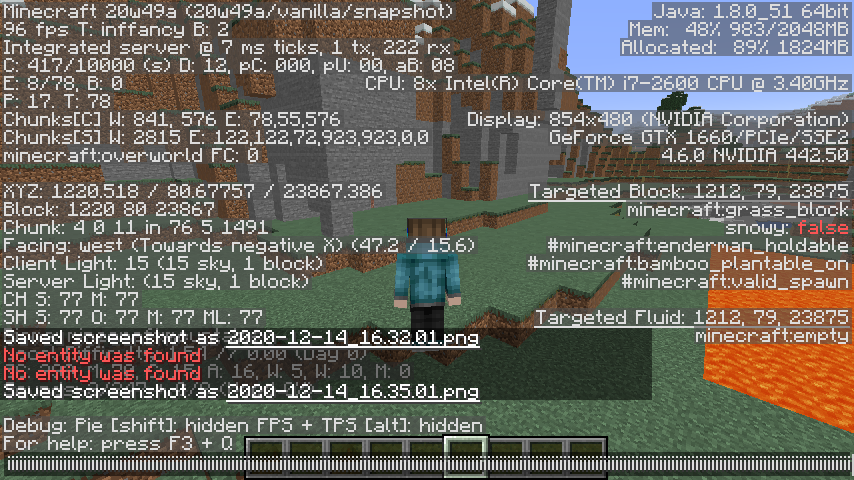
I still am able to reproduce this issue in 20w49a. As stated above, you may need to adjust the width of your game window. I've also attached an additional screenshot.
Can confirm in 21w03a.
Can confirm in 21w05b.
Can confirm in 21w06a.
Can confirm in 21w07a.
Can confirm in 1.16.5 and 21w08b.
Can confirm in 1.17 Pre-release 4.
Can confirm in 1.18.2 and 22w19a. In 22w19a, identical behavior can also be seen within the chat preview text background opacity box.
Can confirm in 1.19 Release Candidate 2.
Can confirm in 1.19 and 22w24a.
Can confirm in 1.19.2.
Can confirm in 1.19.3.