 MC-195429
Render problems 1.16.1
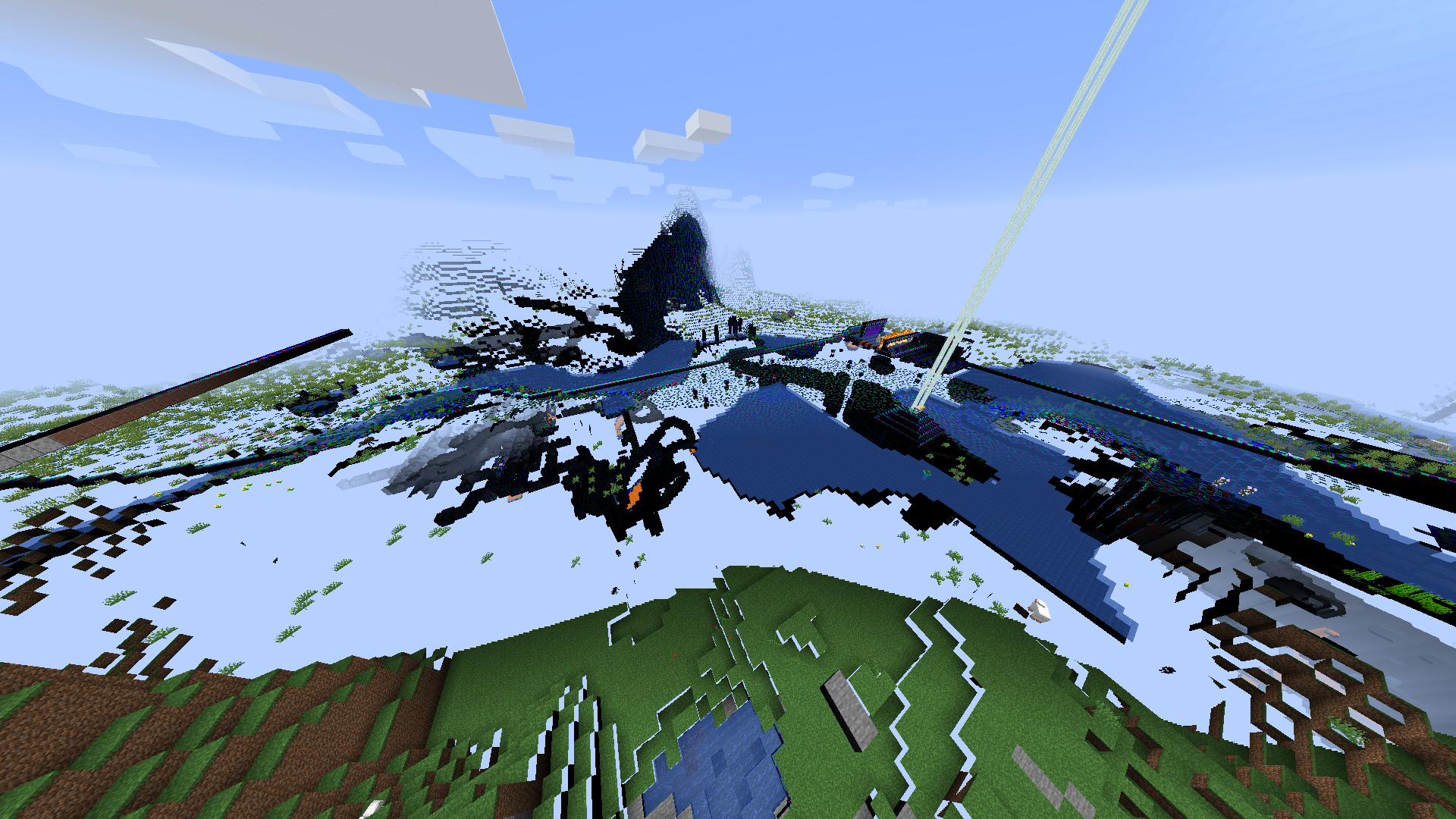
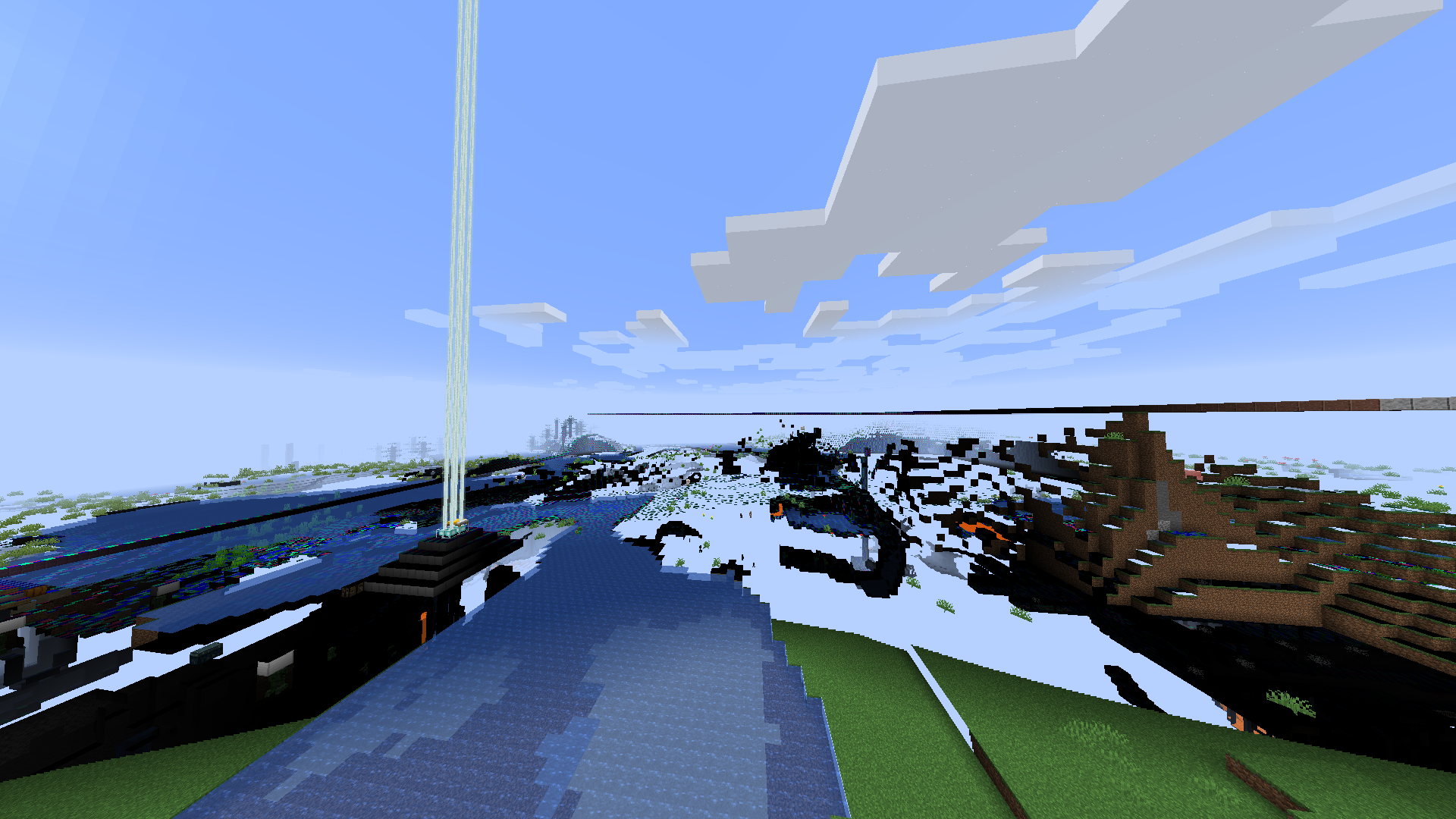
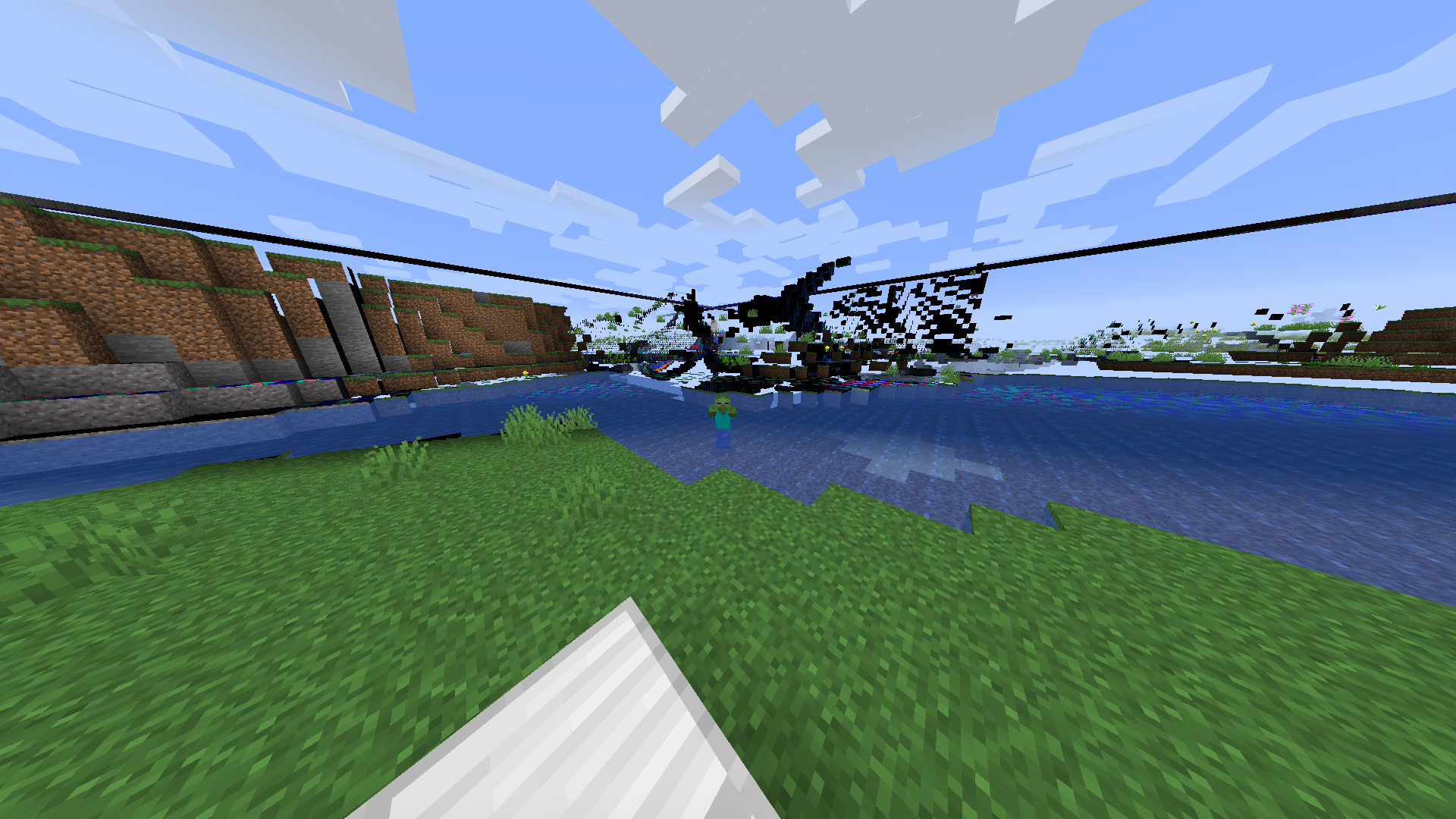
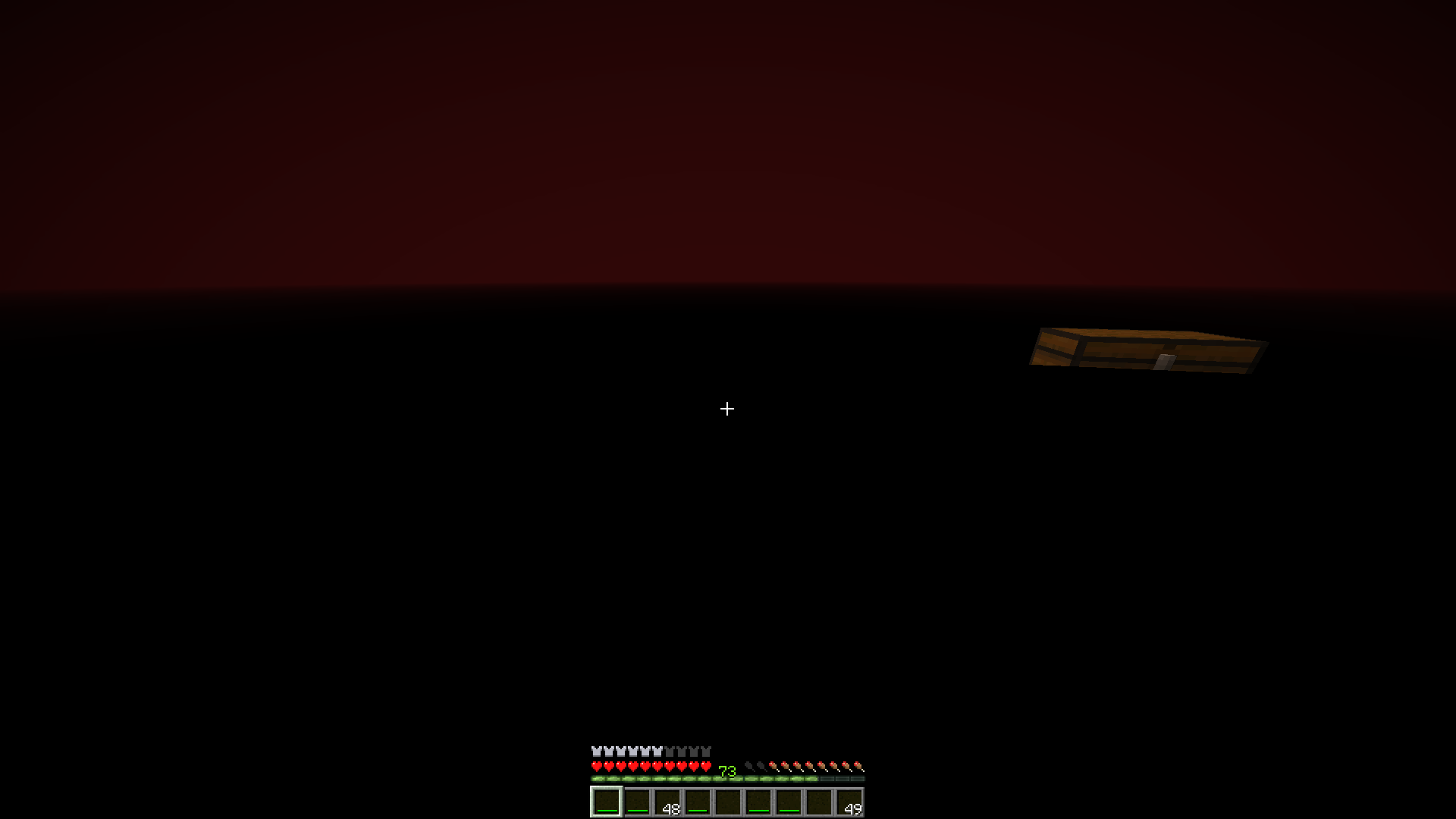
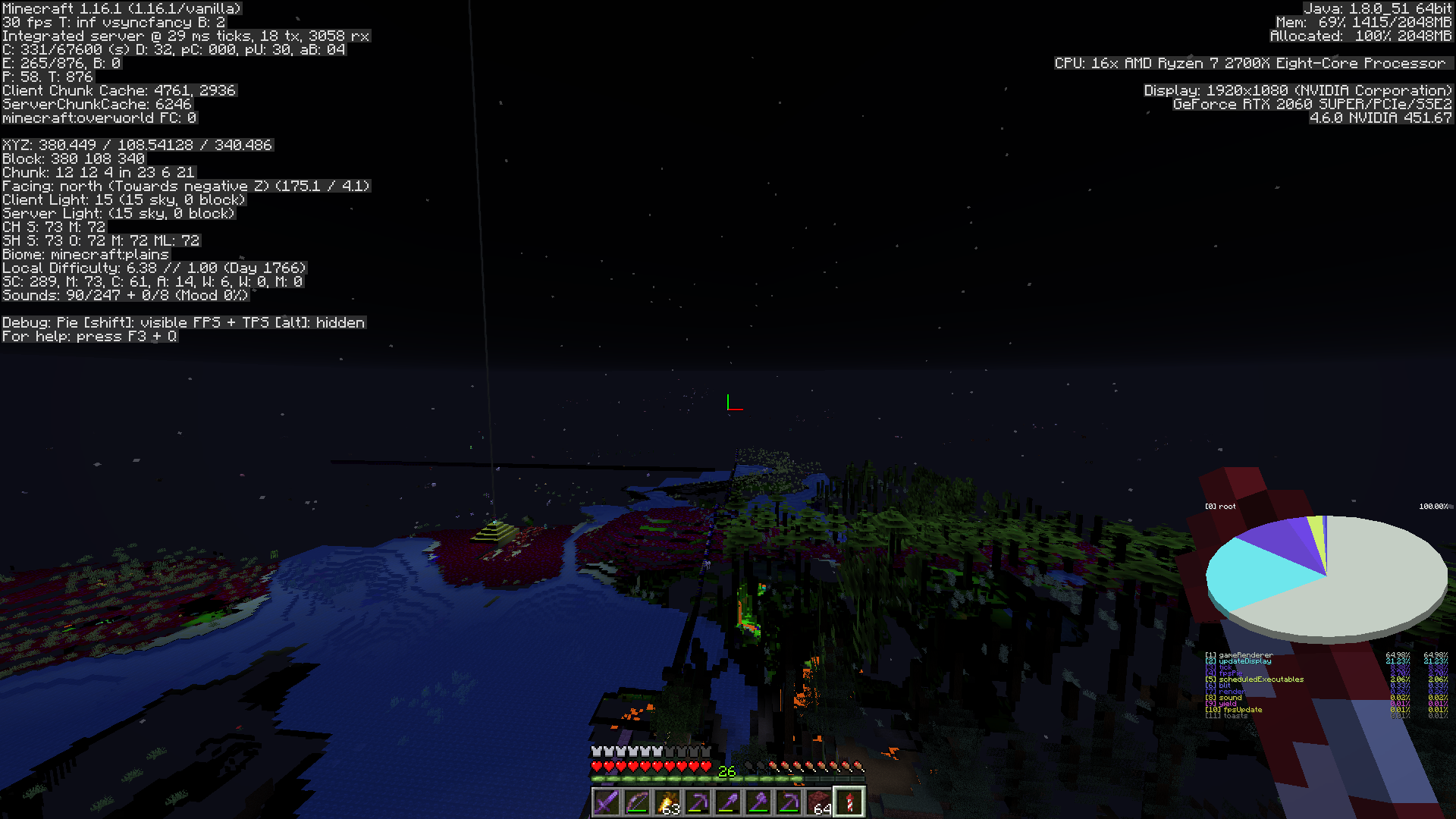
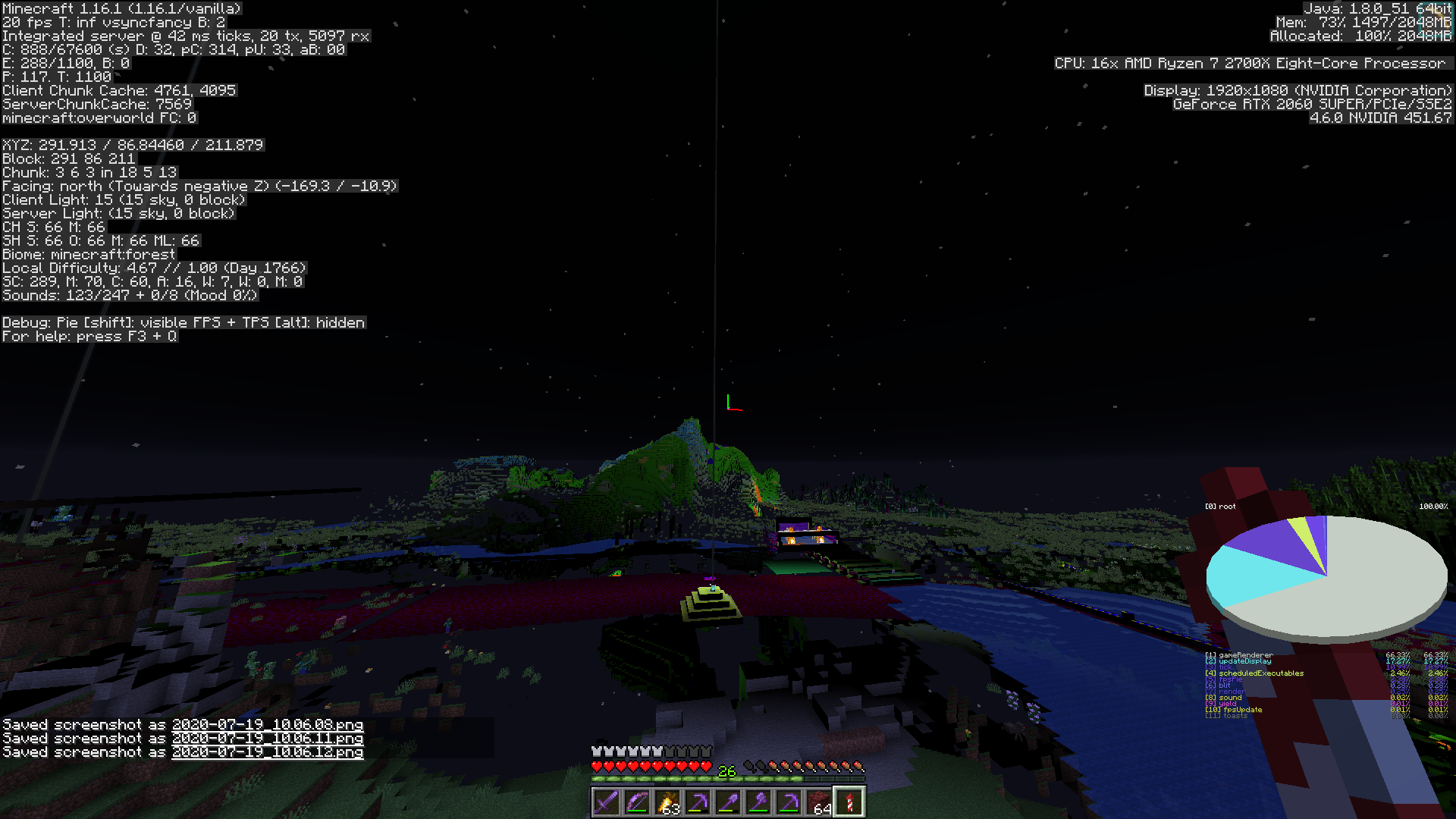
Update to 1.16.1 and my world has render issues. They are different behaviors sometimes you see everything in black, sometimes the blocks are incomplete. Other times strange shadows appear.
I thought it was my world, but create a new one and present the same.
When I press F3 + T the rendering problem disappears, but after a while it happens again
Environment
PC:
AMD Ryzen 7 2700X 3,7 GHz
MSI X470 GAMING PLUS ATX AM4 Motherboard
Corsair Vengeance LPX 16 GB (2 x 8 GB) DDR4-3200 CL16 Memory
Intel 660p Series 1.02 TB M.2-2280 NVME SSD
RX 2060 Super
Windows 10 Pro x64
Java version:
Default minecraft launcher
Java arguments:
-Xmx4G -XX: + UnlockExperimentalVMOptions -XX: + UseG1GC -XX: G1NewSizePercent = 20 -XX: G1ReservePercent = 20 -XX: MaxGCPauseMillis = 50 -XX: G1HeapRegionSize = 32M
Linked Issues
Attachments15






Created Issue:
Render problems 1.16.1
Update to 1.16.1 and my world has render issues. They are different behaviors sometimes you see everything in black, sometimes the blocks are incomplete. Other times strange shadows appear.
I thought it was my world, but create a new one and present the same.
Environment
PC:
AMD Ryzen 7 2700X 3,7 GHz
MSI X470 GAMING PLUS ATX AM4 Motherboard
Corsair Vengeance LPX 16 GB (2 x 8 GB) DDR4-3200 CL16 Memory
Intel 660p Series 1.02 TB M.2-2280 NVME SSD
RX 2060 Super
Windows 10 Pro x64Java version:
Default minecraft launcherJava arguments:
-Xmx4G -XX: + UnlockExperimentalVMOptions -XX: + UseG1GC -XX: G1NewSizePercent = 20 -XX: G1ReservePercent = 20 -XX: MaxGCPauseMillis = 50 -XX: G1HeapRegionSize = 32M
Attachments6
Update to 1.16.1 and my world has render issues. They are different behaviors sometimes you see everything in black, sometimes the blocks are incomplete. Other times strange shadows appear.
I thought it was my world, but create a new one and present the same.
When I press F3 + T the rendering problem disappears, but after a while it happens again
![[Mod] Michael Wobst](../../../data/avatars/users/37868.png)
![[Bot] Arisa](../../../data/avatars/users/43007.png)
Done!

![[Mod] SPGoding](../../../data/avatars/users/44622.png)
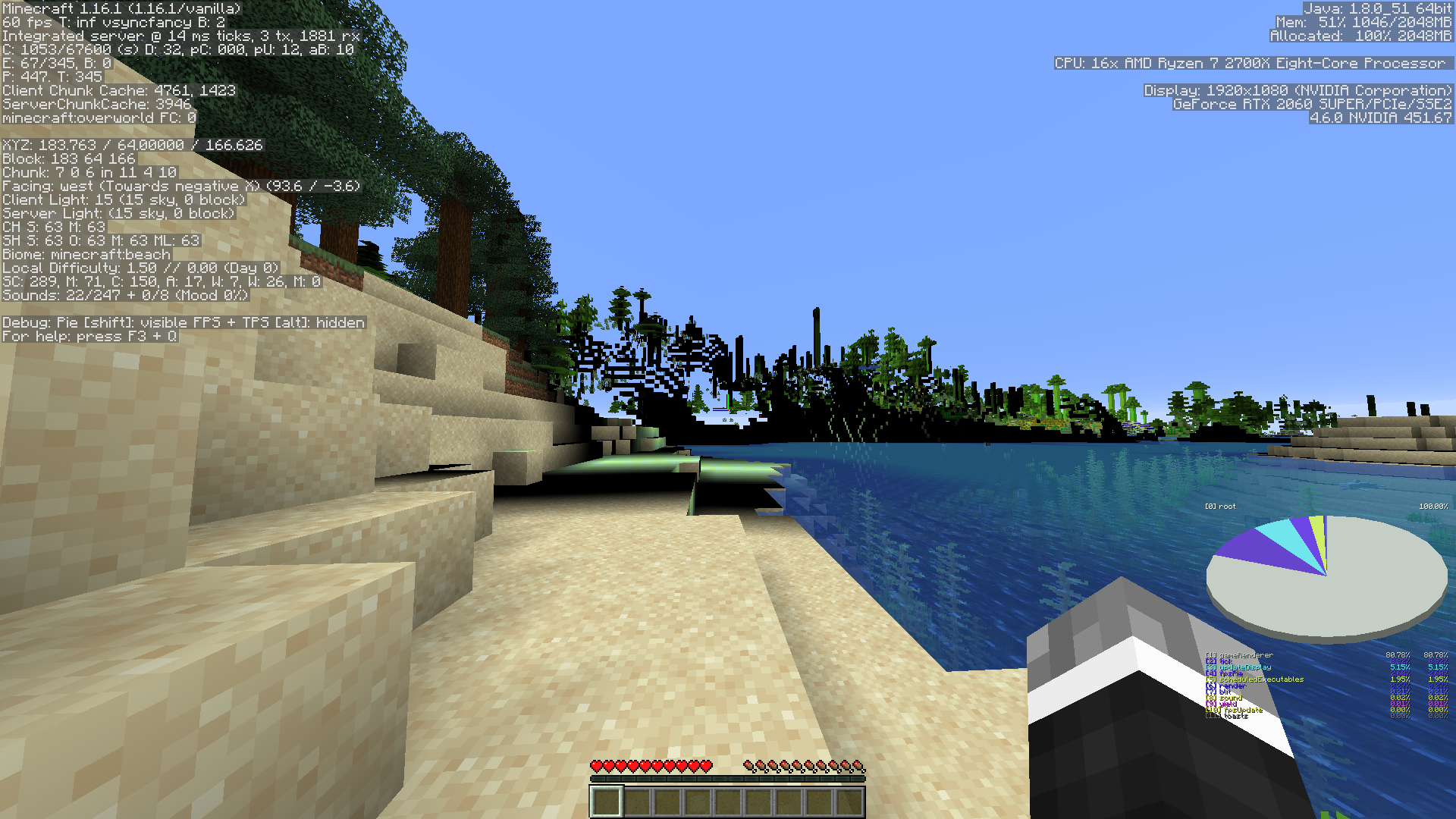
Can you provide a screenshot with the debug screen enabled (F3)
Please provide a screenshot with the debug screen enabled (hit the F3 key) demonstrating the issue.
I was trying to play to get the rendering problem to appear but not. As soon as it appears I share the capture. At the moment this is a screenshot of F3
Ready! I uploaded the screenshot
As I mentioned, even if I create a new world the problem continues
Can you crash your game then provide a crash log. You can do this by F3 + C for 10 seconds
crash-2020-07-19_10.27.30-client.txt
This report actually appears to be a duplicate of
MC-186601, which hasn't yet been resolved. If you have any additional information to provide regarding this issue, feel free to comment on the parent ticket. If you feel that this issue is affecting you, feel free to vote for the duplicated ticket, to give Mojang a basic idea of how many people are impacted by the problem. Just to further inform you, this will not determine how quickly the bug gets handled or fixed.