 MC-32295
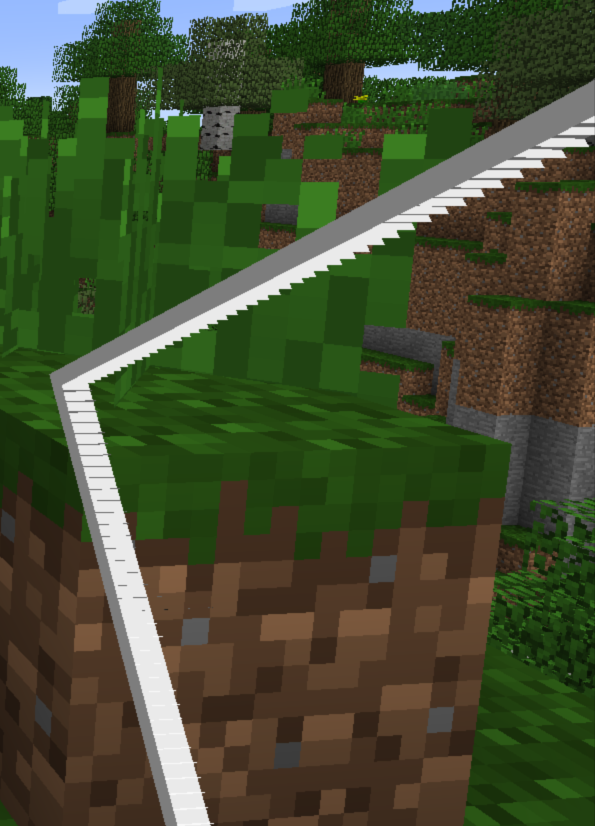
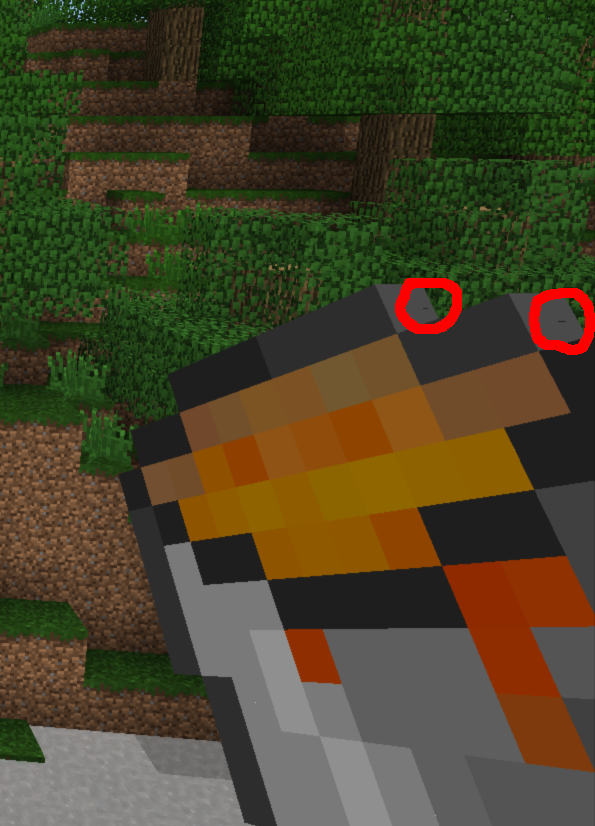
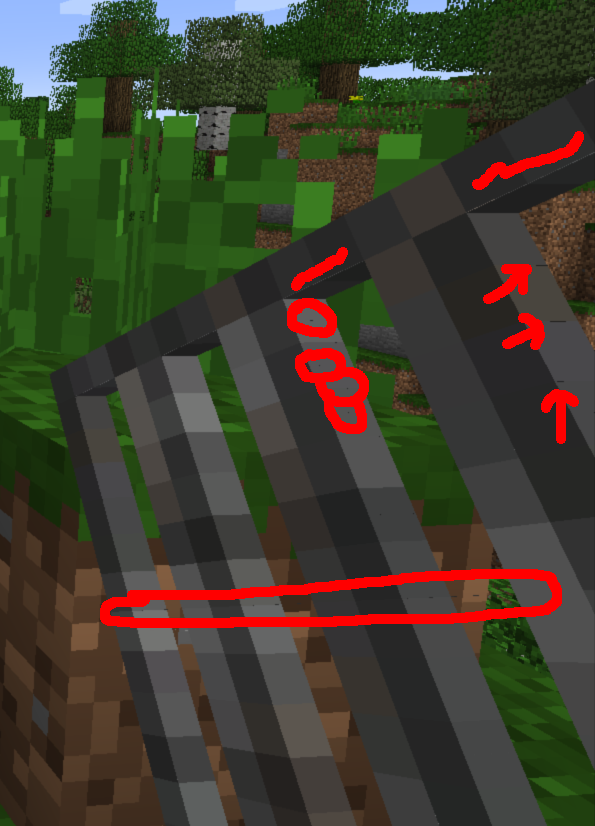
Glitchy item borders with Mipmapping and Anisotropic Filtering activated
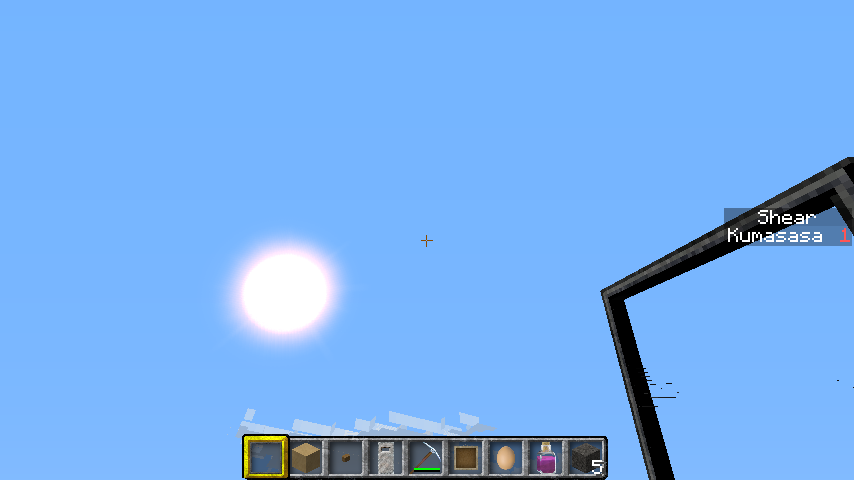
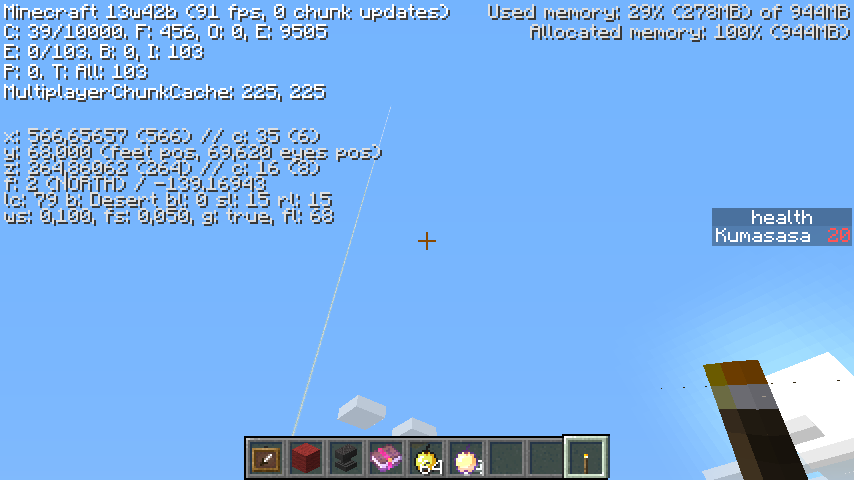
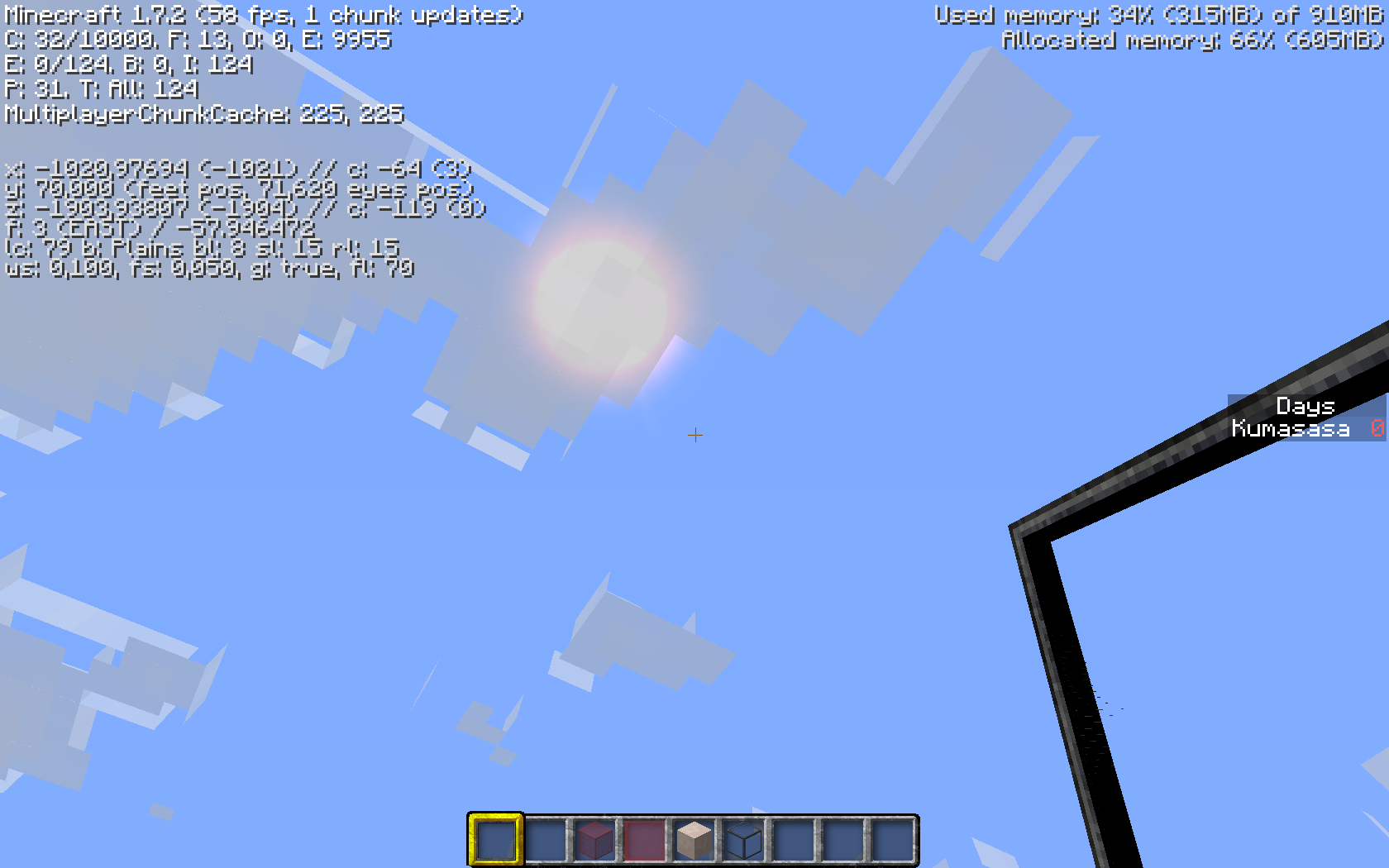
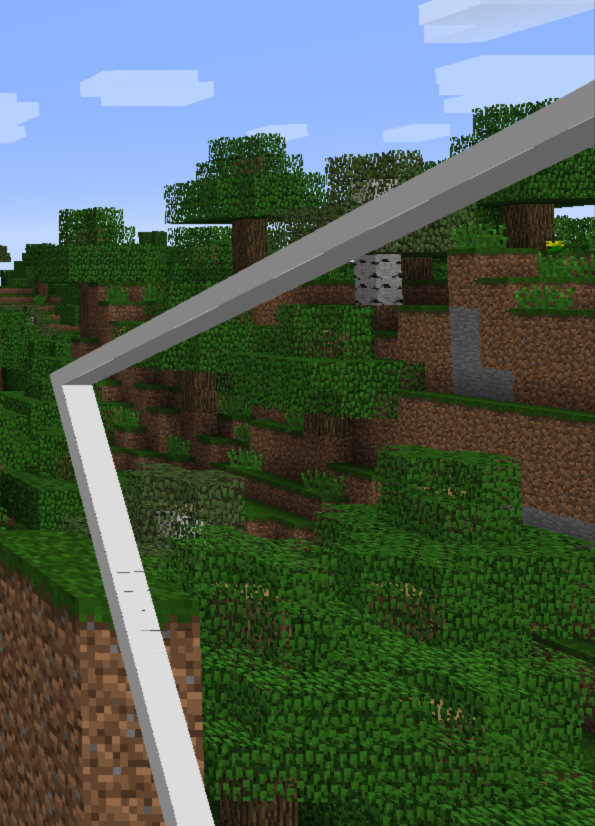
Screenshots are self-explaining. My settings:
Mipmap level: 4
Anisotr. Filt.: 16
Texture Pack: Better than Default v1.6
After turning-off Anisotropic Filtering, the number of glitches is reduced drastically (but still visible), after turning off Mipmapping too, everything looks fine again.
EDIT:
As of 13w42a, fixed when using Mipmapping only, still happens when additionally or only using Anisotropic Filtering!
Environment
Windows 7 Ultimate (64-bit)
Java 7u40 (64-bit)
CPU: Intel Core i7-2600K (4x 3,40GHz)
Graphics: Gainward GeForce GTX 570 Phantom (Driver: NVIDIA 314.07)
Linked Issues
Attachments14






Created Issue:
Glitchy item borders with Mipmapping and Anisotropic Filtering activated
Screenshots are self-explaining. My settings:
Mipmap level: 4
Anisotr. Filt.: 16
Texture Pack: Better than Default v1.6After turning-off Anisotropic Filtering, the number of glitches is reduced drastically (but still visible), after turning off Mipmapping too, everything looks fine again.
Environment
Windows 7 Ultimate (64-bit)
Java 7u40 (64-bit)
CPU: Intel Core i7-2600K (4x 3,40GHz)
Graphics: Gainward GeForce GTX 570 Phantom (Driver: NVIDIA 314.07)
Attachments3
is duplicated by
is duplicated by
![[Mojang] Nathan Adams](../../../data/assets/gravatar/dinnerbone.png)
Screenshots are self-explaining. My settings:
Mipmap level: 4
Anisotr. Filt.: 16
Texture Pack: Better than Default v1.6After turning-off Anisotropic Filtering, the number of glitches is reduced drastically (but still visible), after turning off Mipmapping too, everything looks fine again.
EDIT:
As of 13w41a, fixed with Mipmapping only, still happens when using Anisotropic Filtering!
Screenshots are self-explaining. My settings:
Mipmap level: 4
Anisotr. Filt.: 16
Texture Pack: Better than Default v1.6After turning-off Anisotropic Filtering, the number of glitches is reduced drastically (but still visible), after turning off Mipmapping too, everything looks fine again.
EDIT:
As of 13w41a, fixed withMipmapping only, still happens when using Anisotropic Filtering!Screenshots are self-explaining. My settings:
Mipmap level: 4
Anisotr. Filt.: 16
Texture Pack: Better than Default v1.6After turning-off Anisotropic Filtering, the number of glitches is reduced drastically (but still visible), after turning off Mipmapping too, everything looks fine again.
EDIT:
As of 13w41a, fixed when using Mipmapping only, still happens when additionally using Anisotropic Filtering!
Screenshots are self-explaining. My settings:
Mipmap level: 4
Anisotr. Filt.: 16
Texture Pack: Better than Default v1.6After turning-off Anisotropic Filtering, the number of glitches is reduced drastically (but still visible), after turning off Mipmapping too, everything looks fine again.
EDIT:
As of 13w41a, fixed when using Mipmapping only, still happens when additionally or only using Anisotropic Filtering!
Screenshots are self-explaining. My settings:
Mipmap level: 4
Anisotr. Filt.: 16
Texture Pack: Better than Default v1.6After turning-off Anisotropic Filtering, the number of glitches is reduced drastically (but still visible), after turning off Mipmapping too, everything looks fine again.
EDIT:
As of 13w41a, fixed when using Mipmapping only, still happens when additionally or only using Anisotropic Filtering!Screenshots are self-explaining. My settings:
Mipmap level: 4
Anisotr. Filt.: 16
Texture Pack: Better than Default v1.6After turning-off Anisotropic Filtering, the number of glitches is reduced drastically (but still visible), after turning off Mipmapping too, everything looks fine again.
EDIT:
As of 13w42a, fixed when using Mipmapping only, still happens when additionally or only using Anisotropic Filtering!
 Mog (Ryan Holtz)
Not fixed in 13w47d (no change to previous snapshots) - can someone please reopen this?

Don't really use Mipmapping and Anisotropic Filtering, expect when there's serious lag like when I'm playing on the SkyDoesMinecraft server playing LevelsPVP (skin system is not working)
AF will just decrease performance, and mipmaps theoretically increase performance, but it still uses more memory. You're using AF for the wrong reasons, and there's almost no downsides to using mipmaps if your system executes it properly.

Ok, ok. So, this is fixed for a later version ... good to know. Thanks for the info. Same with MC-32295 I guess?
Haven't found anything like this using the search function, so hopefully no dublicate this time
Can confirm with glass pane with Misa's 64x and default texture pack
Changing filtering does nothing, but switching off mipmapping removes the effect
Turning off filtering changes the effect obviously, added another screenshot of a glass pane item with Anisotropic Filtering deactivated. But yes, turning off Mipmapping removes the glitches completely.
Maybe there are two effects. Mine is the "smearing" of the glass pane frame in the glass area. Don't get (or cannot see it) artifacts in the frame itself.
Testing with Catalyst 13.10beta
because of
MC-31618Even torches show glitches
Confirmed fixed with Anisotropic Filtering turned off (tested in 13w42a). Still happens exactly as seen in "itemglitch1.png" with Anisotropic Filtering = 16, can someone please reopen this?
Same with 13w42b ... not fixed when using Anisotropic Filtering ... someone please reopen this?
Can confirm not fixed with 13w42b
Added code to disable both mipmapping and aniso when rendering the item in-hand. Appears to resolve the artifacting.
Thanks a lot, Mog
Also, mind to look into
MC-40621andMC-40512?Not fixed for 13w47e. Anisotropic Filtering still offsets textures of items in hand that have non-standard resolutions. Filtering should be disabled for these anyways, but the issue still exists in 13w47e.
The issue was fixed for all of the items I tried. I don't know, maybe you could do me a favor and tell us which items you're trying it with and which texture pack you're using? Unfortunately, I'm not Dionne Warwick.
Can no longer confirm this with glass panes of Misa's 64x resource pack, see current screenshots.
@Mog:
On my side, fixed for all items except glass panes: http://i.imgur.com/2f9DTQ5.jpg
Currently used glass texture: http://i.imgur.com/xQQNi6c.png
Tried with Mipmapping=4 and Anis. Filt.=16
You may take a look at that please
It happens with my resource pack (found here) with any flowers, cobweb, sunflower item, doubletallgrass item, glass panes (but not stained glass panes, possibly because the stained ones have a "middle". Note that other odd-resolution textures are now fine, such as apples, carrots, nether stars, flint, and cauldron.
My guess is that since the affected items are using textures from the block textures, they are using the textures after anisotropic filtering, which causes odd results when they are extruded (especially anything odd-resolution). Non-standard resolution textures shouldn't use traditional Anisotropic Filtering (or MIP for that matter) in the first place.
Hope that helps, Stevie Wonder.
Still not properly fixed in 13w48a, attached a screenshot showing my glass pane texture ... no difference to 13w47e
Also, something new happens as of 13w48a: Glass blocks in the inventory no longer show the left and right parts of the blocks (using the same texture).
Appearance without Anisotr. Filtering: http://i.imgur.com/7gvoWB1.jpg
Appearance with Anisotr. Filt. = 16: http://i.imgur.com/Vy5BjM8.jpg
Would any mod please be so kind to reopen this. This bug is not entirely fixed (see recent screenshots and the last few comments).
Still problems with glass panes and blocks in 13w48b.
Would any mod please be so kind to reopen this. This bug is not entirely fixed (see recent screenshots and the last few comments).
Still not properly fixed in 13w49a and still not reopened. The screenshots I added in the comments above show cleary that this bug is NOT fixed for eevery item, what else do you want?
@Zombie hunter: as my comment say above, it seems to affect any item that uses the same texture in the world as it does in the inventory, suggesting that Anisotropic Filtering is being applied before icons are used.
Still having problems with glass in 1.7.4 !
Can any mod please reopen this? Or should I create a new ticket specifically for glass panes instead?
Still happens with glass panes in 14w04a
Still not properly fixed in 14w06b
> Still not properly fixed in 14w06b
I know.
Is this still an issue in 14w25b, without anisotropic filtering ?
Cannot reproduce since several versions, with max. mipmapping.
Cannot reproduce at all too, Mipmapping turned on.