Block Selection Cursor is No Longer Transparent
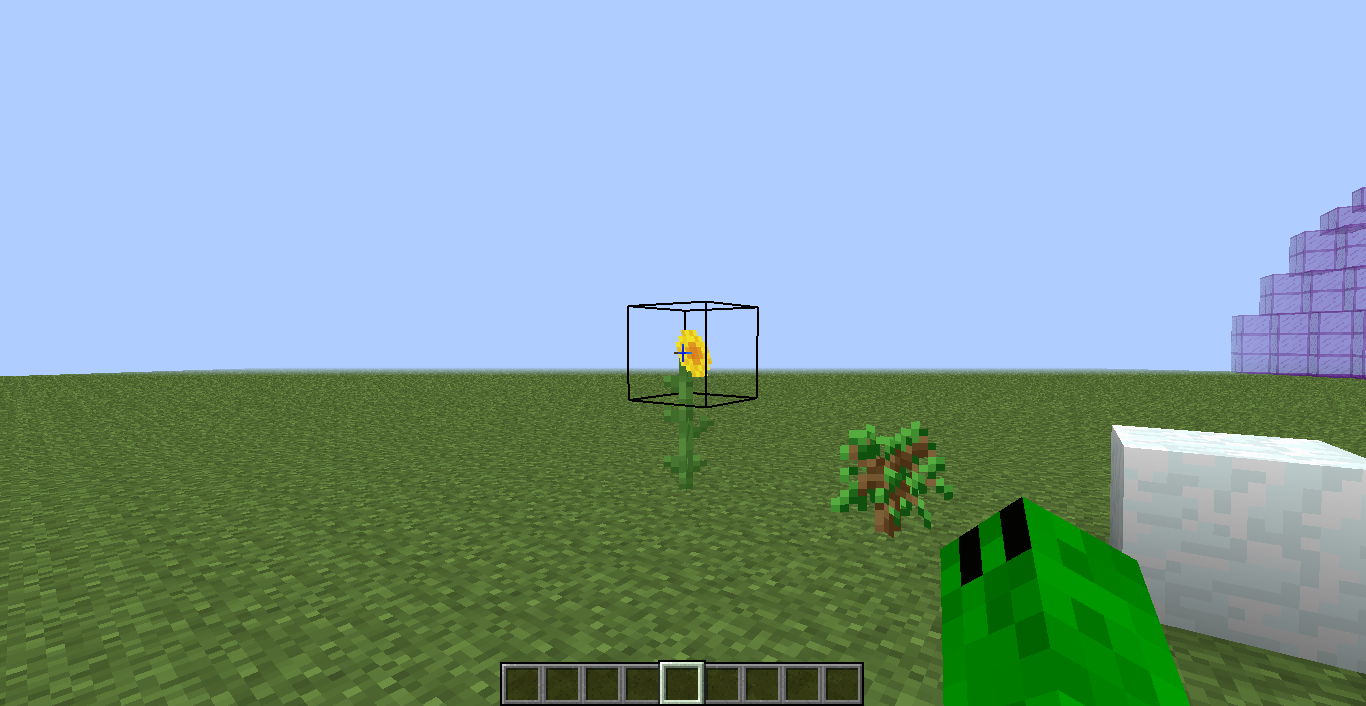
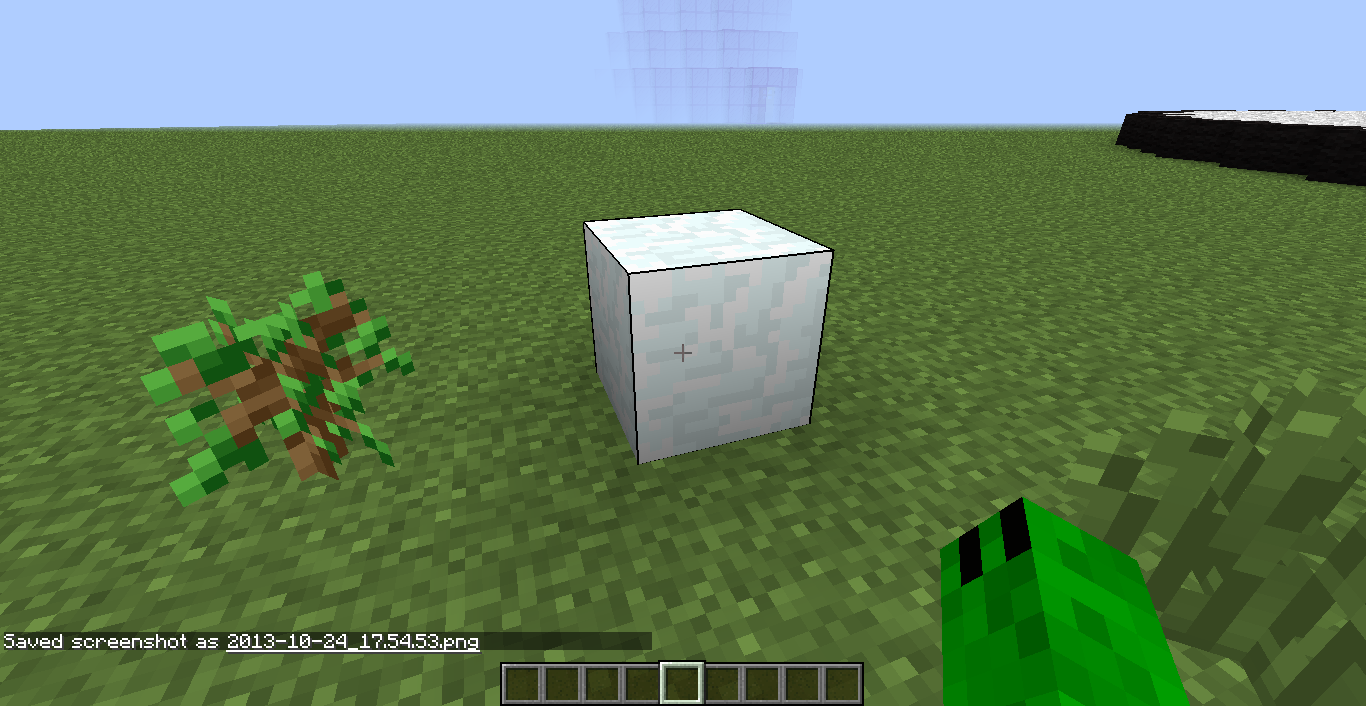
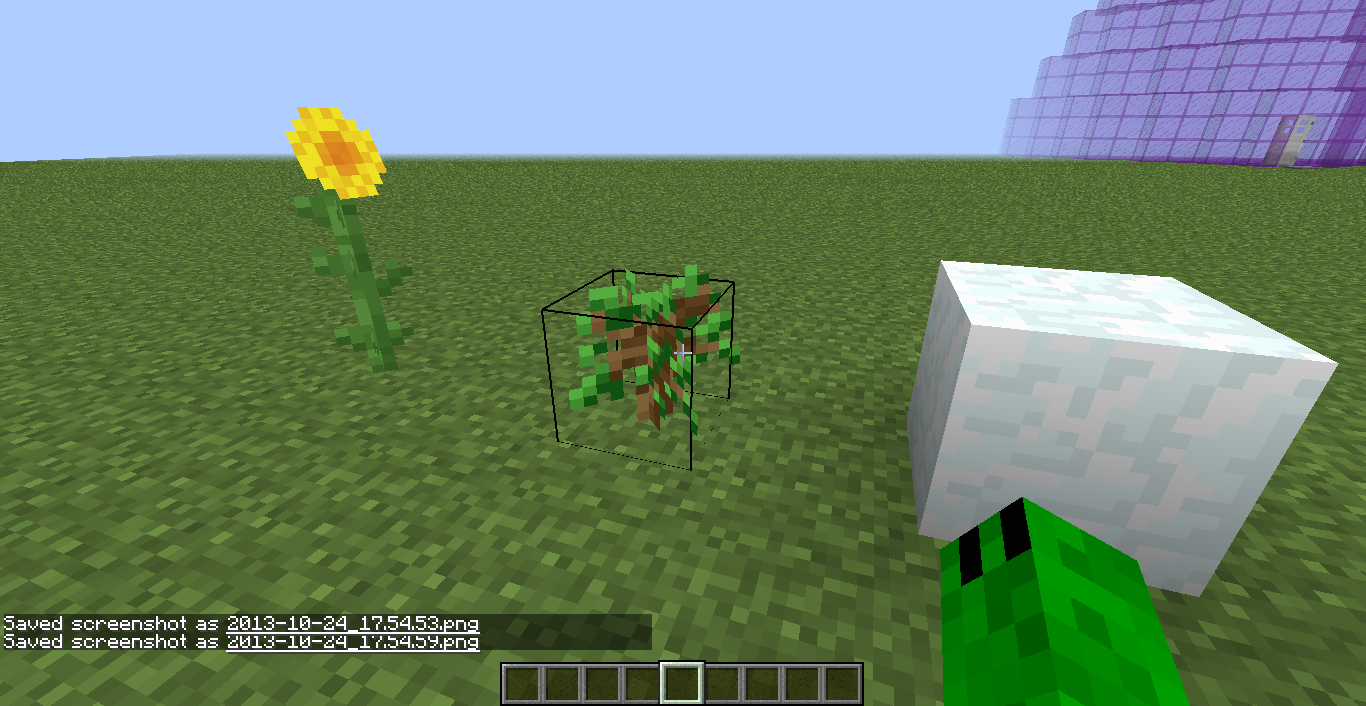
The box which highlights blocks you are looking at is no longer transparent/translucent. Instead, it is opaque black.
Steps to Reproduce:
- Hover over a block in 1.7.1
- Observe that the selection box is made of solid black lines.
- Repeat on an older version.
- Observe that the lines are translucent.
Environment
Windows 7 64-bit AMD A4-3305M APU with Radeon(tm) Graphics
Linked Issues
is duplicated by7
 MC-36754Block target box is looking diffrentDuplicateMC-36784Block Selector Much Darker DuplicateMC-36816shaders and outlinesDuplicateMC-36836Thick block highlight lines when selecting a blockDuplicateMC-36848Dark Outline In BlockDuplicateMC-36903the hit boxs for blocks in 1.7.1 are darkerDuplicateMC-37145Graphical bugDuplicate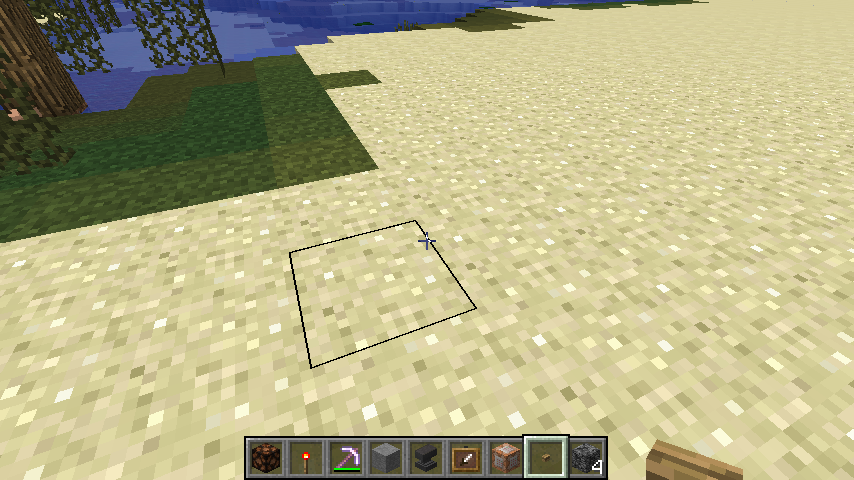


Created Issue:
Block Selection Cursor is No Longer Transparent
The box which highlights blocks you are looking at is no longer transparent/translucent. Instead, it is opaque black.
Steps to Reproduce:
- Hover over a block in 1.7.1
- Observe that the selection box is made of solid black lines.
- Repeat on an older version.
- Observe that the lines are translucent.
Environment
Windows 7 64-bit AMD A4-3305M APU with Radeon(tm) Graphics
Attachments3

is duplicated by

is duplicated by
relates to
is duplicated by
is duplicated by

relates to
Duplicate of MC-36778 - If you have not, please use the search function in the future, to see if your bug has already been submitted. If you could not find the original report, please comment with the keywords you searched for.
This ticket has been marked as a duplicate of MC-36778, in favor of the more general or better information provided.
![[Mod] Torabi](../../../data/assets/gravatar/torabi.png)
It gets thicker the further away you are too. It's weird though because Paulsoaresjr was in 1.7.1 and he seemed to have the old selection box.
I for one hope this gets fixed, it looks quite weird considering how it's been for the past 3 years. I hope it is a bug, and not intentional!
Personally I like it, you can actually see it at higher resolutions now... now if there was just a way to change the thickness and color.
I personally find it distracting, and considering the water/ice clipping issues, it's likely a bug. Perhaps they can add a setting (maybe even just a hidden one, like the item name hotbar display option) if they decide to keep or remove it.
Yeah this is pretty annoying especially when you play on a small window and point on blocks that are further away. But on fullscreen it looks actually nice. Like Talven81 said, a customizer in the options maybe a good solution
I think it has been solved in 1.7.2
Confirmed fixed in 1.7.2.