 MC-4317
Graphical Glitch with Water
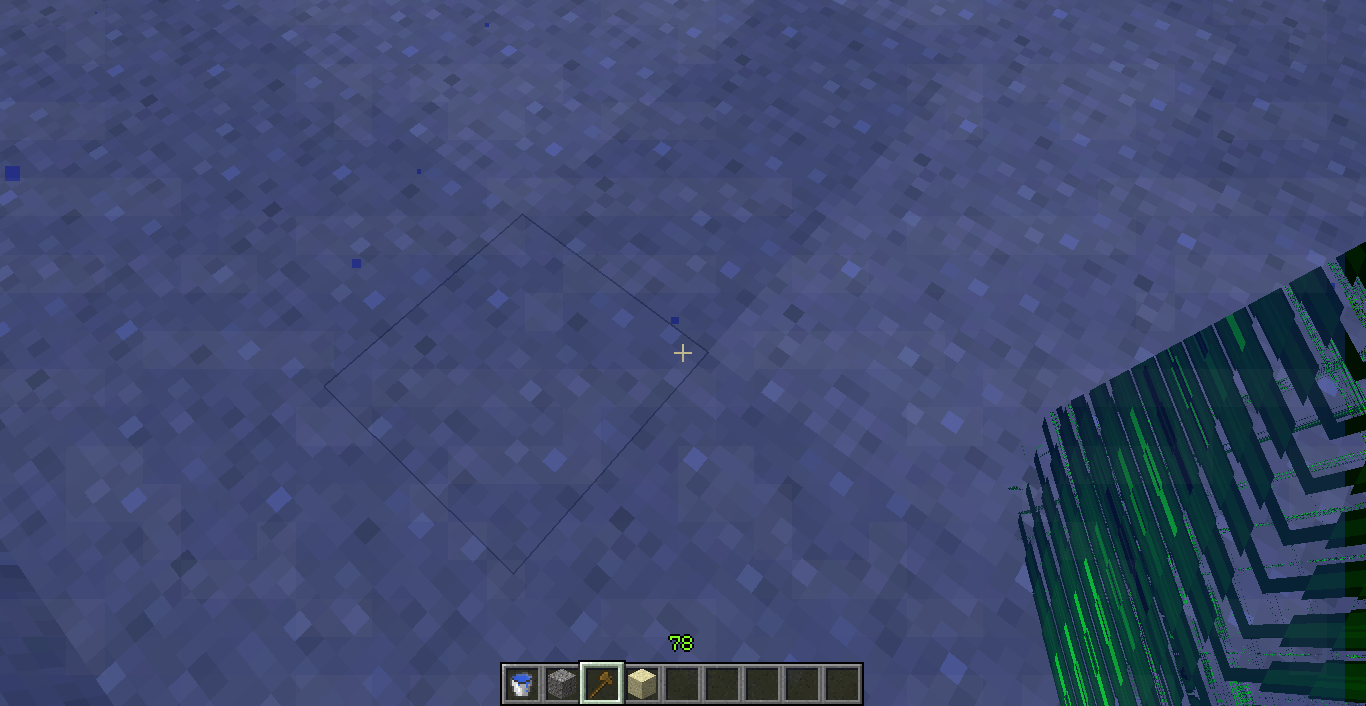
While falling into the water, all you see at one brief period of time is green lines. Your vision has to be somewhat exactly on the water level but all blocks in your vision turn green with greenish stripes.
Environment
Windows 64 bit, 64 bit java, Vanilla minecraft
Linked Issues
relates to1
Attachments10



Created Issue:
Graphical Glitch with Water
While falling into the water, all you see at one brief period of time is green lines. Your vision has to be somewhat exactly on the water level but all blocks in your vision turn green with greenish stripes.
Environment
Windows 64 bit, 64 bit java, Vanilla minecraft
Attachments4
![[Mod] CubeTheThird](../../../data/assets/gravatar/cubethethird.jpeg)
Added Linked Issues:
relates to

![[Mod] Ezekiel (ezfe)](../../../data/assets/gravatar/ezekielelin.jpeg)
Added Attachments:
2015-03-28_14.12.42.png
Removed Attachments:
Added Attachments:

Aha! Found it. Related to MC-4317.
What version of java do you have installed? Is your graphics card driver up to date?
I use the Java 7 and my graphics card is up to date.
Does this occur every time? Or does this disappear upon restarting the game? Have you tried forcing an update? Have you updated/changed your LWJGL files? I ask many questions because I have yet to see another occurrence of this issue.
Any mods installed?
Maybe Optifine?
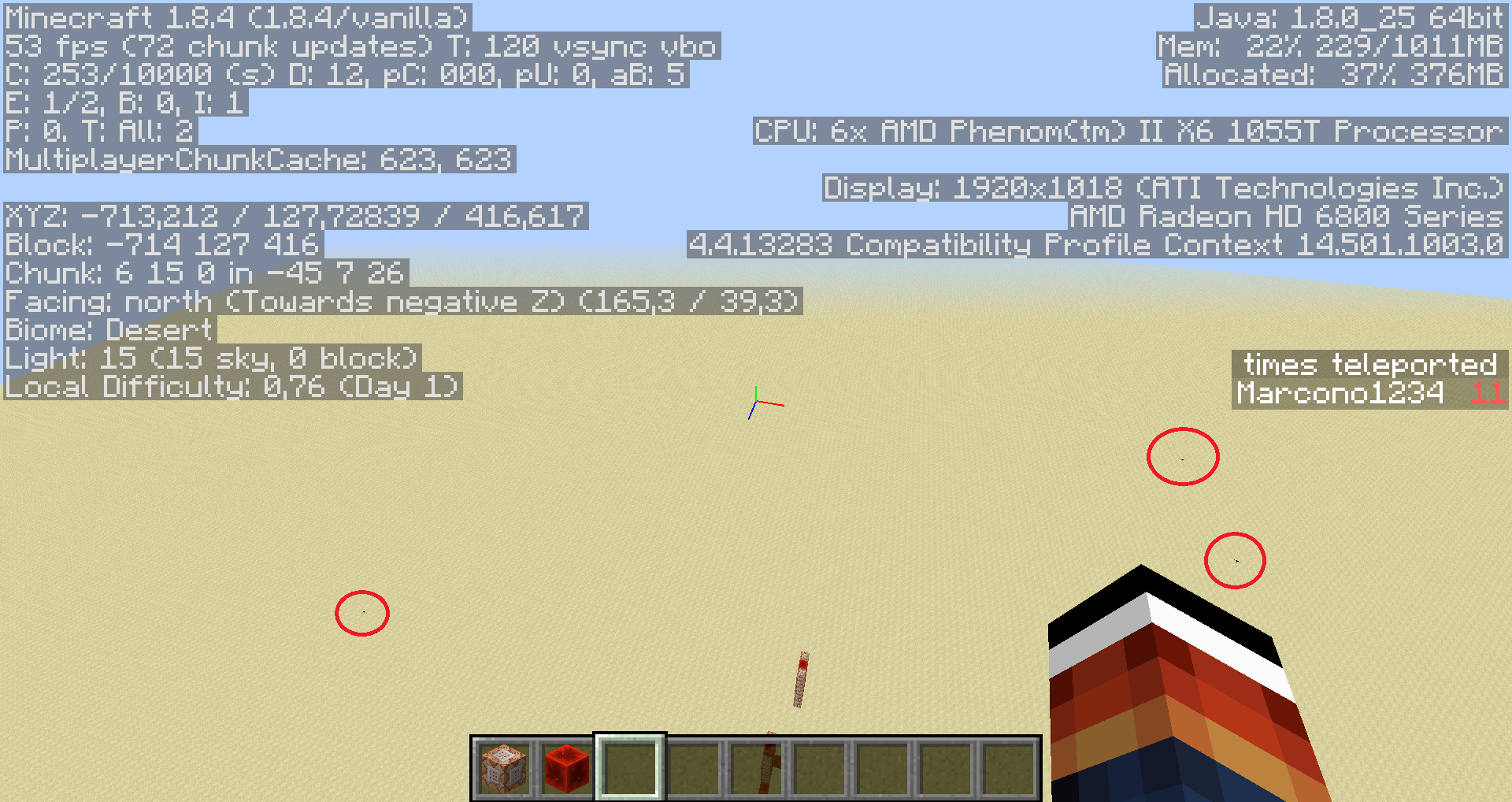
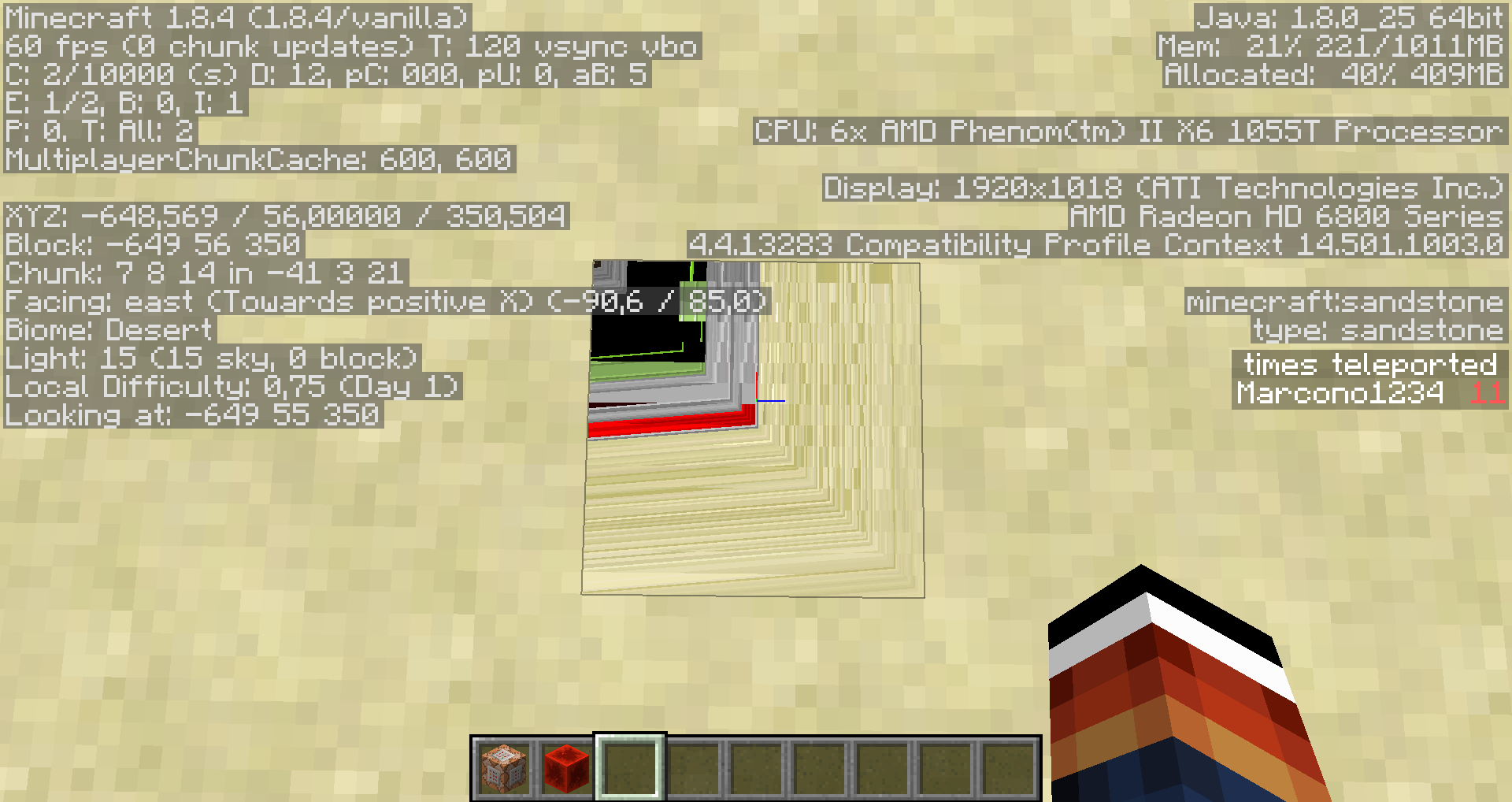
I have no mods installed. A long time ago I encountered a similar problem on another computer where the items in the slots just all glitched into weird lines much like in photos 1 and 2. While i had that glitch, i found that it required a VERY specific level on the water (I happened to land in that while falling down into a pool and stopped myself with creative flight) and it only occurs at an angle close to looking perfectly diagonally.
Is this still a concern in the current Minecraft version? If so, please update the affected versions in order to best aid Mojang ensuring bugs are still valid in the latest releases/pre-releases.
Please force a crash by pressing F3 + C for 10 seconds while ingame and attach the crash report here.
Confirmed for
Also no mods installed and in a vanilla Minecraft world. After refreshing the chunks (F3+A), going away, destroying the block or reopening the world, the bug is gone
@Marcono1234, your screenshots suggest your graphics drivers are out of date. Could you try updating them and testing again?
You are probably right, I reinstalled the drivers lately and I guess I forgot to update themUpdated them, can still confirm this bug for
This is not a bug of Minecraft.
Confirmed for
What then?