![[Mod] CubeTheThird](../../../data/assets/gravatar/cubethethird.jpeg) [Mod] CubeTheThird
[Mod] CubeTheThird
- cubethethird
- cubethethird
- America/Toronto
- Yes
- No
 MC-1159
![[Mojang] Nathan Adams](../../../data/assets/gravatar/dinnerbone.png)
![[Mojang] Jeb (Jens Bergensten)](../../../data/assets/gravatar/jeb.jpeg)
![[Mojang] Searge (Michael Stoyke)](../../../data/assets/gravatar/searge.png)

 MCL-1647
![[Mojang] Grum (Erik Broes)](../../../data/assets/gravatar/grum.png)
 WEB-247
![[Mojang] Kristoffer Jelbring](../../../data/avatars/users/10122.svg)
 Low
Low Normal



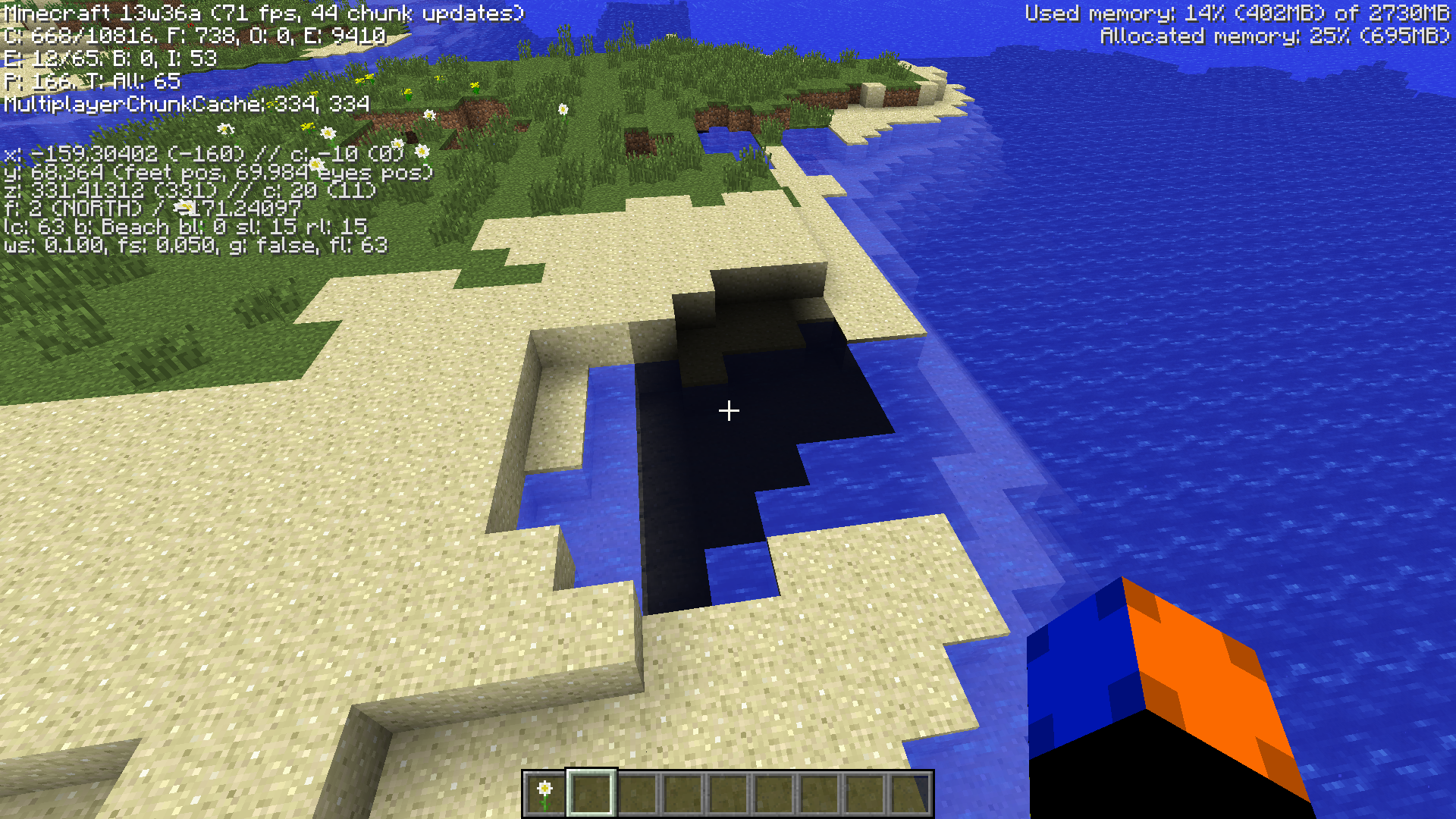
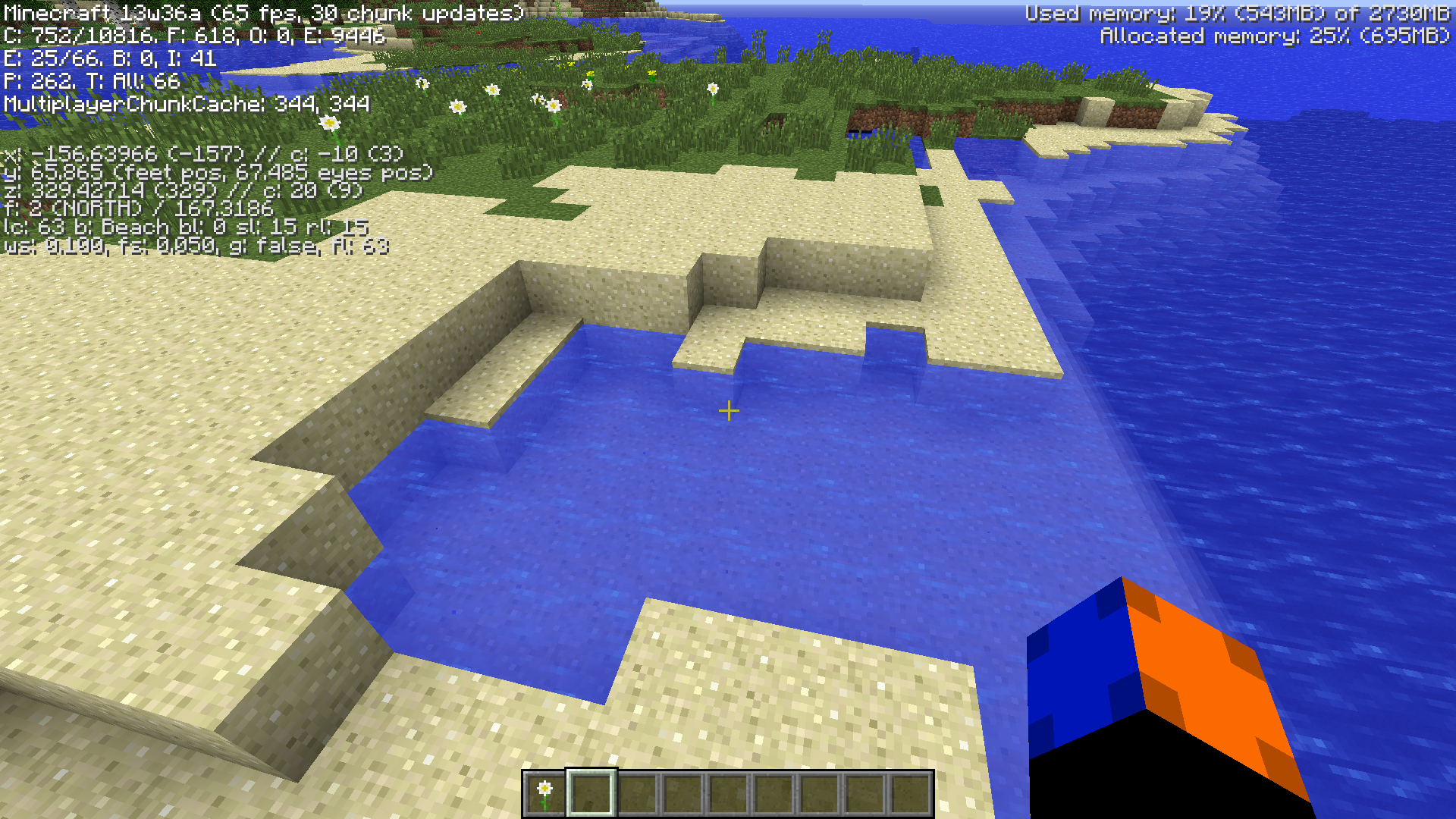
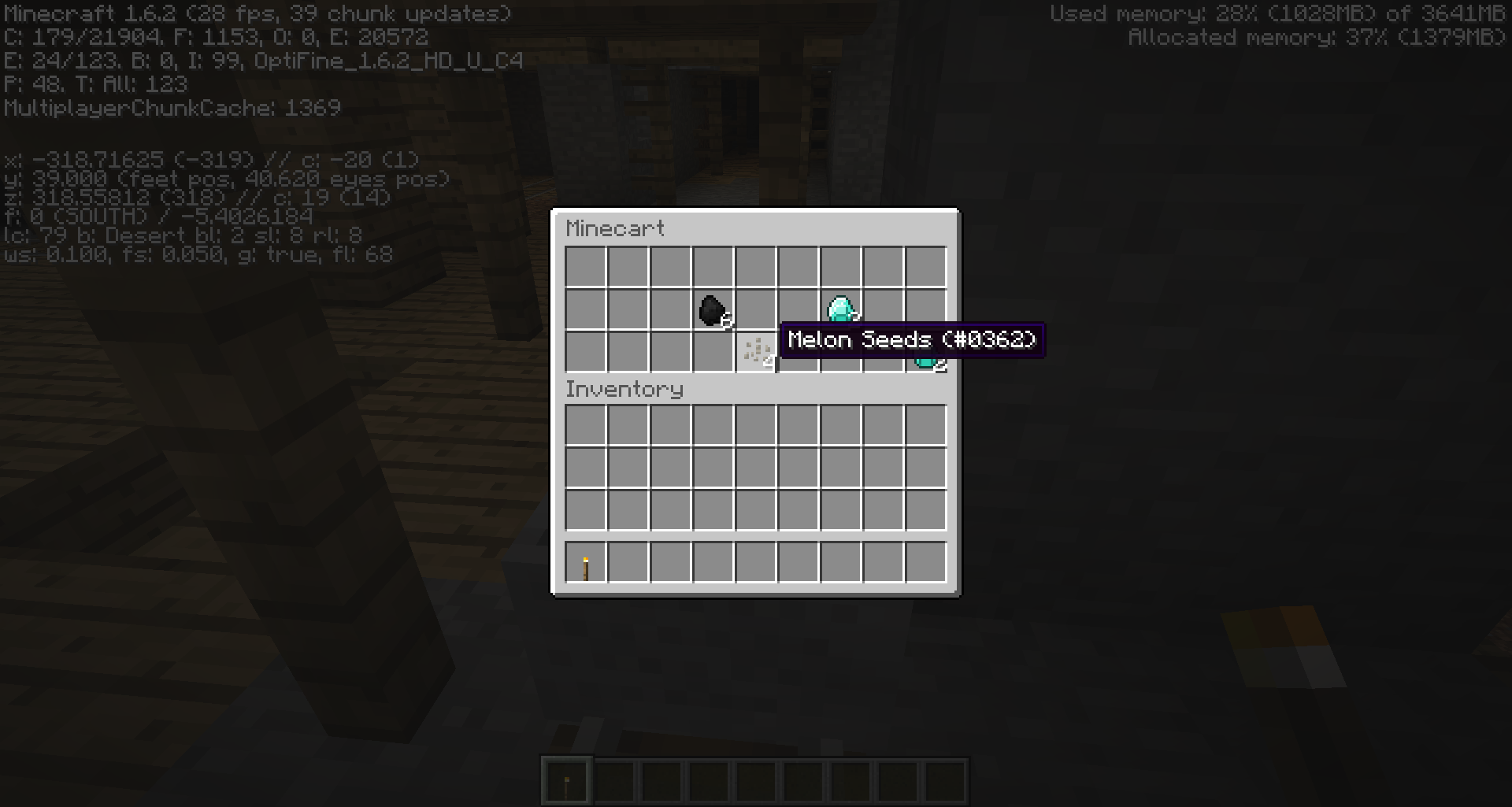
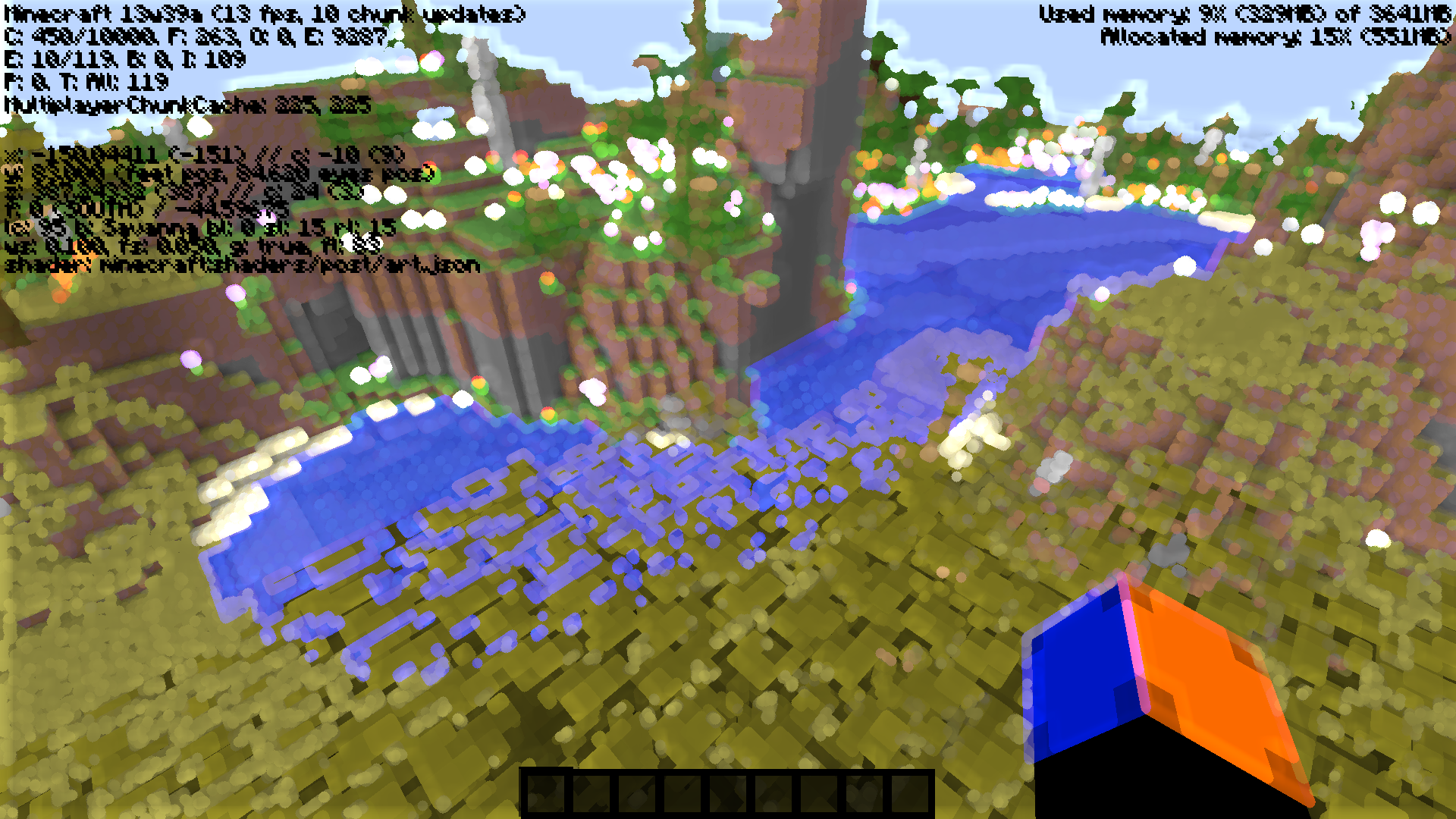






If I fly into a neither portal, on the other side I am walking.
What I expected to happen was...:
Flying into a nether leads to flying out the other sideWhat actually happened was...:
Flying into one side results in walking on the other sideSteps to Reproduce:
1. Put your character in flight mode
2. Fly into nether portal
3. Notice, in the other dimension, the player is walking.edit:
Duplicate of
If I fly into a neither portal, on the other side I am walking.
What I expected to happen was...:
Flying into a nether leads to flying out the other sideWhat actually happened was...:
Flying into one side results in walking on the other sideSteps to Reproduce:
1. Put your character in flight mode
2. Fly into nether portal
3. Notice, in the other dimension, the player is walking.edit:
Duplicate of
If I fly into a neither portal, on the other side I am walking.
What I expected to happen was...:
Flying into a nether leads to flying out the other sideWhat actually happened was...:
Flying into one side results in walking on the other sideSteps to Reproduce:
1. Put your character in flight mode
2. Fly into nether portal
3. Notice, in the other dimension, the player is walking.edit:
Duplicate of
MC-1701, but more detailed.
Certain wood-based blocks such as chests and beds generate oak wood plank particles when punched, run on, or fallen on, when these blocks all have textures on them more suitable for these particles. The following is a list of the known blocks affected:
*Chest (Beta chest textures, which chests had used from Beta 1.8 to 1.2.5, were removed from terrain.png in 1.3. It should be easy to add the chest textures to the new "blocks" texture folder and map the particles to that.)
*Trapped Chest (Added after removal of terrain.png, also has textures in a separate folder.)*Bed (An oak wood texture is on the underside. The best particle would be the all-red half of the top.)*Workbench (An ideal particle texture would be the top. Like beds, the underside is a plain oak texture.)*Bookshelf? (Top and bottom are oak wood, sides are modified oak texture with the shelf added. Ideally, the particles would be from the sides.)Possibly not technically a bug, but other Issues not strictly "bugs" have been fixed for one reason or another.
EDIT: Seems to be caused by MC-1880 in that particles always come from the bottom of the block. (This has existed since Beta 1.7.2!) I would have added a possible solution to make the particles be from the side you click on, but that seemed more of a suggestion, and one that would be harder to code than simply remapping the particle texture. But since that's the intended behavior, then I guess that fix would make this suggestion moot aside from the chests, and that would be more of a suggestion to move the textures into the blocks folder.
Certain wood-based blocks such as chests and beds generate oak wood plank particles when punched, run on, or fallen on, when these blocks all have textures on them more suitable for these particles. The following is a list of the known blocks affected:
*Chest (Beta chest textures, which chests had used from Beta 1.8 to 1.2.5, were removed from terrain.png in 1.3. It should be easy to add the chest textures to the new "blocks" texture folder and map the particles to that.)
*Trapped Chest (Added after removal of terrain.png, also has textures in a separate folder.)
*Bed (An oak wood texture is on the underside. The best particle would be the all-red half of the top.)
*Workbench (An ideal particle texture would be the top. Like beds, the underside is a plain oak texture.)
*Bookshelf? (Top and bottom are oak wood, sides are modified oak texture with the shelf added. Ideally, the particles would be from the sides.)Possibly not technically a bug, but other Issues not strictly "bugs" have been fixed for one reason or another.
EDIT: Seems to be caused by MC-1880 in that particles always come from the bottom of the block. (This has existed since Beta 1.7.2!) I would have added a possible solution to make the particles be from the side you click on, but that seemed more of a suggestion, and one that would be harder to code than simply remapping the particle texture. But since that's the intended behavior, then I guess that fix would make this suggestion moot aside from the chests, and that would be more of a suggestion to move the textures into the blocks folder.
is duplicated by
is duplicated by
is duplicated by
is blocked by
You can bumbyour head against a four-high blockYou can bump your head against a four-high block
is duplicated by
relates to
relates to
is duplicated by
is duplicated by
duplicates
is duplicated by
is duplicated by
is duplicated by
Windows 7; Current java version
Windows 7; 6.0_27-b07
Windows 7; java 6.0_27-b07
duplicates
is duplicated by
duplicates
relates to
is duplicated by
is duplicated by
duplicates
is duplicated by
is duplicated by
is duplicated by
duplicates
is duplicated by
duplicates
is duplicated by
duplicates
is duplicated by
duplicates
Put the summary of the bug you're having here
What I expected to happen was...:
When a jungle tree was grown from a sapling, I expected it to avoid replacing solid blocks, including walls.What actually happened was...:
I had the trees in a deep pit surrounded by a mossy cobblestone walkway and mossy cobblestone wall for aesthetics; a segment of the wall at the top was replaced by leaf blocks.Steps to Reproduce:
1. Plant a jungle or birch tree
2. Place mossy cobblestone (or presumably also cobblestone) wall close to the sapling and above, at leaf-height).
3. Wait for it to grow.
is duplicated by
duplicates
is duplicated by
duplicates
is duplicated by
duplicates
is duplicated by
duplicates
is duplicated by
In building an underwater stronghold, I captured 4 squid and contained them in a 5 x 6 x 3 "aquarium". The floor and one wall were stone with two other sides glass block. There were 3 levels of water.
When caving 30 block below the stronghold, I "found" 3 squid. When I returned to the stronghold, the aquarium was empty.
Really sucks as I thought I had something unique and was ready to share with the Minecraft world.
The "bug" is allowing the squids to "phase" through solid blocks.
Happy to provide further info if you need it.
Larry
914-325-9339
is duplicated by
relates to
relates to
is duplicated by
duplicates
is duplicated by
is duplicated by
is duplicated by
duplicates
is duplicated by
duplicates
is duplicated by
is duplicated by
is duplicated by
relates to
is duplicated by
Caused by broken Java installation.
Download and install the Minecraft Installer from https://minecraft.net/download
Click "Edit Profile" and uncheck the Executable box
(courtesy of [Mod] CubeTheThird)
Strange launch failure happening. No crash report, just a refusal to play. Previously I was getting the Java SE error, but I cleaned out my old Java and got the latest, now this happens.
Refreshing local version list...
Launcher 1.2.5 (through bootstrap 5) started on windows...
Current time is Oct 1, 2013 4:26:31 PM
System.getProperty('os.name') == 'Windows 7'
System.getProperty('os.version') == '6.1'
System.getProperty('os.arch') == 'x86'
System.getProperty('java.version') == '1.7.0_40'
System.getProperty('java.vendor') == 'Oracle Corporation'
System.getProperty('sun.arch.data.model') == '32'
Refreshing remote version list...
Refresh complete.
Loaded 1 profile(s); selected 'Cubes4THEWIN'
Refreshing auth...
Logging in with access token
Delta time to compare resources: 670 ms
Download job 'Resources' skipped as there are no files to download
Job 'Resources' finished successfully
Getting syncinfo for selected version
Queueing library & version downloads
Download job 'Version & Libraries' started (8 threads, 19 files)
Finished downloading C:\Users\Blake Pereira\AppData\Roaming\.minecraft\libraries\com\paulscode\soundsystem\20120107\soundsystem-20120107.jar for job 'Version & Libraries': Used own copy as it matched etag
Finished downloading C:\Users\Blake Pereira\AppData\Roaming\.minecraft\libraries\com\paulscode\codecwav\20101023\codecwav-20101023.jar for job 'Version & Libraries': Used own copy as it matched etag
Finished downloading C:\Users\Blake Pereira\AppData\Roaming\.minecraft\libraries\net\java\jutils\jutils\1.0.0\jutils-1.0.0.jar for job 'Version & Libraries': Used own copy as it matched etag
Finished downloading C:\Users\Blake Pereira\AppData\Roaming\.minecraft\libraries\net\java\jinput\jinput-platform\2.0.5\jinput-platform-2.0.5-natives-windows.jar for job 'Version & Libraries': Used own copy as it matched etag
Finished downloading C:\Users\Blake Pereira\AppData\Roaming\.minecraft\libraries\com\paulscode\libraryjavasound\20101123\libraryjavasound-20101123.jar for job 'Version & Libraries': Used own copy as it matched etag
Finished downloading C:\Users\Blake Pereira\AppData\Roaming\.minecraft\libraries\com\paulscode\codecjorbis\20101023\codecjorbis-20101023.jar for job 'Version & Libraries': Used own copy as it matched etag
Finished downloading C:\Users\Blake Pereira\AppData\Roaming\.minecraft\libraries\argo\argo\2.25_fixed\argo-2.25_fixed.jar for job 'Version & Libraries': Used own copy as it matched etag
Finished downloading C:\Users\Blake Pereira\AppData\Roaming\.minecraft\libraries\org\lwjgl\lwjgl\lwjgl\2.9.0\lwjgl-2.9.0.jar for job 'Version & Libraries': Used own copy as it matched etag
Finished downloading C:\Users\Blake Pereira\AppData\Roaming\.minecraft\libraries\org\apache\commons\commons-lang3\3.1\commons-lang3-3.1.jar for job 'Version & Libraries': Used own copy as it matched etag
Finished downloading C:\Users\Blake Pereira\AppData\Roaming\.minecraft\libraries\net\java\jinput\jinput\2.0.5\jinput-2.0.5.jar for job 'Version & Libraries': Used own copy as it matched etag
Finished downloading C:\Users\Blake Pereira\AppData\Roaming\.minecraft\libraries\net\sf\jopt-simple\jopt-simple\4.5\jopt-simple-4.5.jar for job 'Version & Libraries': Used own copy as it matched etag
Finished downloading C:\Users\Blake Pereira\AppData\Roaming\.minecraft\libraries\org\lwjgl\lwjgl\lwjgl-platform\2.9.0\lwjgl-platform-2.9.0-natives-windows.jar for job 'Version & Libraries': Used own copy as it matched etag
Finished downloading C:\Users\Blake Pereira\AppData\Roaming\.minecraft\libraries\com\google\guava\guava\14.0\guava-14.0.jar for job 'Version & Libraries': Used own copy as it matched etag
Finished downloading C:\Users\Blake Pereira\AppData\Roaming\.minecraft\libraries\commons-io\commons-io\2.4\commons-io-2.4.jar for job 'Version & Libraries': Used own copy as it matched etag
Finished downloading C:\Users\Blake Pereira\AppData\Roaming\.minecraft\libraries\org\lwjgl\lwjgl\lwjgl_util\2.9.0\lwjgl_util-2.9.0.jar for job 'Version & Libraries': Used own copy as it matched etag
Finished downloading C:\Users\Blake Pereira\AppData\Roaming\.minecraft\libraries\com\paulscode\librarylwjglopenal\20100824\librarylwjglopenal-20100824.jar for job 'Version & Libraries': Used own copy as it matched etag
Finished downloading C:\Users\Blake Pereira\AppData\Roaming\.minecraft\libraries\com\google\code\gson\gson\2.2.2\gson-2.2.2.jar for job 'Version & Libraries': Used own copy as it matched etag
Finished downloading C:\Users\Blake Pereira\AppData\Roaming\.minecraft\libraries\org\bouncycastle\bcprov-jdk15on\1.47\bcprov-jdk15on-1.47.jar for job 'Version & Libraries': Used own copy as it matched etag
Finished downloading C:\Users\Blake Pereira\AppData\Roaming\.minecraft\versions\1.6.4\1.6.4.jar for job 'Version & Libraries': Used own copy as it matched etag
Job 'Version & Libraries' finished successfully
Launching game
Looking for old natives to clean up...
Unpacking natives to C:\Users\Blake Pereira\AppData\Roaming\.minecraft\versions\1.6.4\1.6.4-natives-2353396448977
Launching in C:\Users\Blake Pereira\AppData\Roaming\.minecraft
Running C:\Program Files\Java\jre6\bin\javaw.exe -XX:HeapDumpPath=MojangTricksIntelDriversForPerformance_javaw.exe_minecraft.exe.heapdump -Xmx512M -Djava.library.path=C:\Users\Blake Pereira\AppData\Roaming\.minecraft\versions\1.6.4\1.6.4-natives-2353396448977 -cp C:\Users\Blake Pereira\AppData\Roaming\.minecraft\libraries\net\sf\jopt-simple\jopt-simple\4.5\jopt-simple-4.5.jar;C:\Users\Blake Pereira\AppData\Roaming\.minecraft\libraries\com\paulscode\codecjorbis\20101023\codecjorbis-20101023.jar;C:\Users\Blake Pereira\AppData\Roaming\.minecraft\libraries\com\paulscode\codecwav\20101023\codecwav-20101023.jar;C:\Users\Blake Pereira\AppData\Roaming\.minecraft\libraries\com\paulscode\libraryjavasound\20101123\libraryjavasound-20101123.jar;C:\Users\Blake Pereira\AppData\Roaming\.minecraft\libraries\com\paulscode\librarylwjglopenal\20100824\librarylwjglopenal-20100824.jar;C:\Users\Blake Pereira\AppData\Roaming\.minecraft\libraries\com\paulscode\soundsystem\20120107\soundsystem-20120107.jar;C:\Users\Blake Pereira\AppData\Roaming\.minecraft\libraries\argo\argo\2.25_fixed\argo-2.25_fixed.jar;C:\Users\Blake Pereira\AppData\Roaming\.minecraft\libraries\org\bouncycastle\bcprov-jdk15on\1.47\bcprov-jdk15on-1.47.jar;C:\Users\Blake Pereira\AppData\Roaming\.minecraft\libraries\com\google\guava\guava\14.0\guava-14.0.jar;C:\Users\Blake Pereira\AppData\Roaming\.minecraft\libraries\org\apache\commons\commons-lang3\3.1\commons-lang3-3.1.jar;C:\Users\Blake Pereira\AppData\Roaming\.minecraft\libraries\commons-io\commons-io\2.4\commons-io-2.4.jar;C:\Users\Blake Pereira\AppData\Roaming\.minecraft\libraries\net\java\jinput\jinput\2.0.5\jinput-2.0.5.jar;C:\Users\Blake Pereira\AppData\Roaming\.minecraft\libraries\net\java\jutils\jutils\1.0.0\jutils-1.0.0.jar;C:\Users\Blake Pereira\AppData\Roaming\.minecraft\libraries\com\google\code\gson\gson\2.2.2\gson-2.2.2.jar;C:\Users\Blake Pereira\AppData\Roaming\.minecraft\libraries\org\lwjgl\lwjgl\lwjgl\2.9.0\lwjgl-2.9.0.jar;C:\Users\Blake Pereira\AppData\Roaming\.minecraft\libraries\org\lwjgl\lwjgl\lwjgl_util\2.9.0\lwjgl_util-2.9.0.jar;C:\Users\Blake Pereira\AppData\Roaming\.minecraft\versions\1.6.4\1.6.4.jar net.minecraft.client.main.Main --username Cubes4THEWIN --session token:4ac3f2d3f0304cabb7856e8a13909325:7e9a356ada1a49848fc717c2a5bccdd6 --version 1.6.4 --gameDir C:\Users\Blake Pereira\AppData\Roaming\.minecraft --assetsDir C:\Users\Blake Pereira\AppData\Roaming\.minecraft\assets
Couldn't launch game
java.io.IOException: Cannot run program "C:\Program Files\Java\jre6\bin\javaw.exe" (in directory "C:\Users\Blake Pereira\AppData\Roaming\.minecraft"): CreateProcess error=2, The system cannot find the file specified
	at java.lang.ProcessBuilder.start(Unknown Source)
	at net.minecraft.launcher.process.JavaProcessLauncher.start(JavaProcessLauncher.java:25)
	at net.minecraft.launcher.GameLauncher.launchGame(GameLauncher.java:285)
	at net.minecraft.launcher.GameLauncher.onDownloadJobFinished(GameLauncher.java:507)
	at net.minecraft.launcher.updater.download.DownloadJob.popAndDownload(DownloadJob.java:112)
	at net.minecraft.launcher.updater.download.DownloadJob.access$000(DownloadJob.java:10)
	at net.minecraft.launcher.updater.download.DownloadJob$1.run(DownloadJob.java:84)
	at java.util.concurrent.Executors$RunnableAdapter.call(Unknown Source)
	at java.util.concurrent.FutureTask.run(Unknown Source)
	at java.util.concurrent.ThreadPoolExecutor.runWorker(Unknown Source)
	at java.util.concurrent.ThreadPoolExecutor$Worker.run(Unknown Source)
	at java.lang.Thread.run(Unknown Source)
Caused by: java.io.IOException: CreateProcess error=2, The system cannot find the file specified
	at java.lang.ProcessImpl.create(Native Method)
	at java.lang.ProcessImpl.<init>(Unknown Source)
	at java.lang.ProcessImpl.start(Unknown Source)
	... 12 more

Deleting C:\Users\Blake Pereira\AppData\Roaming\.minecraft\versions\1.6.4\1.6.4-natives-2353396448977
What I expected to happen was...:
for the game to play
What actually happened was...:
Nothing
Steps to Reproduce:
1. Turn on minecraft.
2. Auto-login.
3. Hit play button.
![[Mod] Torabi](../../../data/assets/gravatar/torabi.png)
The issue [Mod] CubeTheThird is referring to is MC-5227. The lag you're experiencing is probably caused by that issue (which prevented view distances over 9 from working) being fixed.

...that was me after Arjan de Vries's request to mark it as confirmed and before [Mod] CubeTheThird's comment that it's already marked ...
[Mod] CubeTheThird, I think you did something wrong, since I can confirm this.
There is no way to find out what Realms version is running.
Could be handy to diagnose problems
[Mod] CubeTheThird came to this by this tweet of Ämir Moulavi
I just pushed Realms 1.2.6. This should fix upload problems that occurred on some platforms. Restart your Minecraft launcher to get it!

@[Mod] CubeTheThird: It doesn't seem intended, and it is certainly not very usable. I think this issue should be reopened since part of what it says in the title isn't fixed, and it should be up to the devs to either fix it or mark it as intended.
Ignore mojang's lack of creativity.
Thank you [Mod] CubeTheThird for your help!
I am sure this is a bug!
This is too obviously wrong not to be
Flaming Skeleton Normal Arrows
What I expected to happen was...:
Skeletons catch on fire in daylight and shoot flaming arrows. The Zombie catches me on fire when they attack me while flaming.
What actually happened was...:
Even on difficulty hard, skeletons are shooting normal arrows and not flaming arrows when the skeleton is on fire.
Steps to Reproduce:
1. Spawn Skeleton in the day
2. Get shot
3. Observe the lack of fire on you
[Mod] CubeTheThird: I have updated to the latest drivers and the problem still occurs.
[Mod] CubeTheThird: I guess that you want a crashreport when it happens.. So I will have to wait for it to occur again.
I will make a report with the drivers you linked to, and then update again to the drivers that just came out. (However in the latest the only things that changed were unrelated to minecraft)
But I will try both, and when I have a report from both, I will post them all at the same time.
[Mod] CubeTheThird: I do not have the same processor. Mine is a intel i7-4790K
Regarding the OBS running, the same thing happens even when that is not running or even installed. I got this problem before installing the program.
[Mod] CubeTheThird: I will install the latest intel iris drivers, just to make sure (even though I am using the GeForce GTX 970 as my graphics card)
I will get back with more info once tested.
[Mod] CubeTheThird: I installed the latest intel graphics drivers and also have the latest nvidia drivers. I use the 1.8.2-pre6 snapshot, and it happened again today.
So updating the intel drivers for the internal graphics card did not help anything. (As I would expect, since I use the Geforce GTX 970 as my main graphics card on the screen that I play minecraft on.
Some more info that might help to figure it out:
I have a setup with 2 screens. One is an analog output through a VGA cable connected to the internal intel graphics card on my motherboard.
The other screen (main screen) is the screen that I am playing minecraft on and that one is connected to the Geforce GTX 970 card.
I will start to keep a log of when i think it happen in the future, so here is some info about the last time it happened:
It happend when I went through a portal.
I was playing in windowed mode (not fullscreen) and was streaming to twitch using OBS at the moment it occured.
It happened only once during the 3 hour stream.
I was playing on a server that is a bit laggy.
Worth noting is that I have basically ruled out OBS as the cause, since it happens with it both switched on and off. I just happen to play mostly while it is on, since I do youtube and twitch a lot.
[Mod] CubeTheThird
As I said in the post Dlawso the Really Lucky Rabbit quoted. It happened to me before I even installed OBS = I did not have it installed = It has happened with OBS uninstalled.
Regarding the OBS running, the same thing happens even when that is not running or even installed. I got this problem before installing the program.
To continue my investigation I can report that I got this problem around 5 times during 1½ hours of gameplay on xisumavoids plotworld yesterday. That is more than I usually get. The world is a flat world and was a bit laggy due to a lot of people being online yesterday.
Worth noting is that I switched from a view distance of 13 to a view distance of 20 during the time I was there.
I did not have OBS open at any point during the time I played.
I played in Windowed fullscreen.
At one point I noticed that it happened when i teleported to a new spot and at another point it happened while I had pressed escape (having the menu up) doing nothing there at the moment of it occurring.

[Mod] CubeTheThird Description added 
Kumasasa Have you can see public video ?
I place a chest empty with a tnt near of it.
In the chest, i place my item.
Then i active tnt and i place my cursor on chest's item, whereas i'm spamming touch [1].
If i m synchro, after explosion, i obtain in my inventory the item with count 0, and the chest's item drop on the ground.
[Mod] CubeTheThird Public Video added.
As [Mod] CubeTheThird said, you're running of of memory:
Memory: 356975504 bytes (340 MB) / 979578880 bytes (934 MB) up to 1060372480 bytes (1011 MB)
See MC-12949 for instructions how to assign more RAM to Minecraft.
Please report that to AMD.
Edit: Yes, thanks for your report. Forwarded that information to [Mod] CubeTheThird who's helping in IRC #minecrafthelp
[Mod] CubeTheThird I'm unaware of any insane security issues, but Authlib is definitely made specifically by Mojang, as it contains quite a bit of code specific to Minecraft and scrolls.

[Mod] CubeTheThird this is about 1.7, which isn't supported
@[Mod] CubeTheThird I believe the client output log could be useful.
The client output log is on the fourth tab of the launcher. Please attach it to this ticket.
[Mod] CubeTheThird: Wow... how convenient for you. I do not agree though. You bundle those libraries. Even if I were to update those libraries, the launcher would replace them with the one YOU BUNDLE. You did not even read the full description, as I've said my drivers are up-to-date. And considering that Minecraft is the ONLY application that has any sound issues whatsoever on my computer, I'd be hard pressed to accept my audio driver is broken. Besides that I also stated that I do not have this issue at all with older versions of Minecraft. You just ignored that as well.
I'm not expecting you to perform some magic trick to make it work but it would be nice if you would at least read the description and not ignore any facts before drawing conclusions. As a paying customer I would very much appreciate this.
kthxbye
[Mod] CubeTheThird read the actual ticket .
Creeper became minecraft:creeper, where minecraft: is optional.
Why would it be required in spawners and spawn eggs, unlike anything else in the game?
@[Mod] CubeTheThird Thank you for the suggestion. I tried these flags, but sadly with the same issue I had before.
I have a feeling this may be related to a bug that's been around for a while. In previous versions, shift-clicking when making a map would result in the a duplicate of map_0.
Could you submit a screenshot? Does your computer have any sort of graphics card? It is possible that this issue is strictly related to your hardware.
As a quick fix you should use some 3rd party software to modify your character's position.
Login times can be influenced by many different factors, especially internet connection speed, as well as a server's load. How long would you define 'forever'?
In terms of consistency, I agree that adding enchantments to items should not affect their durability. However, seeing as different colours of wool are not distinguished in terms of, say, crafting, it doesn't really make sense for villagers to make this distinction.
Maybe it's possible a skeleton dropped a head when it died, and that zombie picked it up and equipped it (wore it as a helmet)?
So if I understand you correctly, you're asking that the commands not be case sensitive?
Does this only happen with the cave sounds? If so it's possible the audio files are corrupted, and need to be re-downloaded.
If it's the same issue I've experienced, where sometimes chests and signs turn very dark, it's because of poor graphics quality on the client's machine.
I have often found myself with this problem on my old WinXP computer. There were several things that would sometimes make it work: disabling certain services, reducing windows appearance settings, restarting my computer. I have also found more success after installing directX manually.
So if I understand your bug correctly, you have numerous wolves and ocelots spawning around you? Seems to me that's similar to an old bug that affected people running OSX.
This feature was NOT in previous versions, but was probably due to a mod of some sort.
You should also try a clean install of minecraft.
Related to, if not duplicate of
MC-87In this version chickens are no longer fed or bred with wheat. You will find seeds much more effective. On another note, pigs now breed with carrots instead of wheat.
Related to, if not duplicate of
MC-139This is not a bug related to vanilla minecraft, and therefore should not be posted here, but instead on the minecraft forums. To fix your problem you should try a clean install of the game.
It's possible you had a weak internet connection, or it timed out. Try the download again, but it is not a bug related to minecraft. This type of problem should be reported on the minecraft forums.
Duplicate of
MC-398. Please check before posting in the future.Duplicate of
MC-519. Please check before posting in the future.This is not a bug, but rather a feature request, and should be posted on the minecraft forums.
You should try updating your java. I found it to give a performance boost.
Duplicate of
MC-467You probably just have to update (or downgrade) your lwjgl files. Here is a link: http://www.minecraftwiki.net/wiki/Tutorials/Update_LWJGL.
Just click on one of the other options in the menu, because it keeps the last one you picked.
By far THE MOST helpful and useful bug report I've seen yet!
I would like to see:
It's still set on fire because it gets hit by the arrow...
Possibly a graphics card/driver issue?
Firstly, unable to reproduce. My javaw.exe terminates with Minecraft.
Secondly, javaw is only used when you run minecraft from the .exe file. Using a .jar, or running it from a script avoids this problem completely.
I believe this is a duplicate of
MC-418You're going to have to make a more clear description of your problem. I have no idea what you're trying to say.
This is in no way a bug, and would indeed be considered a feature instead.
In this case I would have to assume the lag is mainly due to your system specs. How far do you have your render distance set? What do you define as powerful tool? Do you have any mods (ex Optifine) installed?
Duplicate of
MC-1406. Please check before postingThis is not a bug.
I don't think this is a duplicate, but may be related. This bug is stating that the tooltip of the map should change when it doesn't.
Try changing the difficulty settings of the server. (remember: 0 = peaceful and 3 = hard)
You should try installing oracle java instead of openjdk
Can confirm
Can confirm
Duplicate of
MC-506Duplicate of
MC-1285. Already fixedI have had this issue in the past. This is strictly a graphics card/driver issue. To solve, you will have to change your graphics settings. Do you have optifine installed?
Try updating (or maybe downgrading) your LWJGL files.
Drops are affected by game difficulty. Try changing your game to hard and you should see a difference.
Unable to reproduce.
I have no idea what this is supposed to mean. Also, your description is intended to go in the 'description' section, and 'environment' is to describe the system on which you are playing MC.
Here is the link: Update LWJGL Tutorial. Unfortunately it is a minecraft wiki link, which google say's is dangerous, but you should still be able to get on it.
This is strictly a graphics card/driver issue. Try changing your graphics settings to correct this. This can also be influenced by optifine, should you have it installed
Duplicate of
MC-88. Please check before posting.Can confirm.
Related to, if not duplicate of
MC-1768.Can confirm
This is not a bug, but a feature request, and should be posted on the minecraft forums
This is not a bug, but a feature request, and should be posted on the minecraft forums
Bug means does not work as intended. MC is supposed to work this way, hence not bug.
Can you give a specific example? Or perhaps include a screenshot?
I'm fairly certain this is intended behaviour.
It is certainly possible that the algorithm doesn't work with 0, but as a computer scientist, I can almost certainly say that if it works with any other 19 digit numbers, it should also work with 0. I've also tried this with -0, and 0000000000000000000, and the behaviour does not change.
Yes that would make sense.
This could be a problem caused by openJDK, so you might want to install oracle java instead. Also make sure your graphics card (if you have one) driver is installed and up to date.
Duplicate of
MC-1159.I used to have this issue, and to fix it, I reset several of my graphics settings to defaults, or "use application settings" options. I've found that anti-aliasing and anisotropic filtering have had influence on this.
Crash report?
This is somewhat accurate. After recreating your setup, and attempting to destroy the block, the behaviour was not consistent. Sometimes, if I tried destroying the block, it would show the destruction animation, but still exist. Other times, the block would end up being destroyed.
Well one thing you might want to try is updating your java. Your version is very outdated.
Please clarify. What exactly is the bug here?
What was your superflat world generation? (eg layer of dirt, layer of bedrock..., or the generation code)
Does this still occur if you reduce the video settings, like turning off smooth-lighting, or making the graphics fast instead of fancy?
Can confirm. I thought this might be an issue with advanced openGL setting, but this had no influence over the problem.
Do you mean like this: 2;7,5,3,89;
Please attach the complete crash report text file.
The current version of java is 7.09 (and yes also for Ubuntu), but if you updated LWJGL and it fixed, then it's probably not an issue.
If I understand correctly, you are referring to this bug here:
MC-1285, in which case this is a duplicate. Please check before posting.How good is your internet connection speed? Does this happen with any server, or only specific ones?
This is a feature request, and should be posted on the Minecraft forums.
Is this when an enderman enters your field of view, or when your look directly at it (crosshair points at it)?
Unable to reproduce.
This is the first time I've heard of this. How much memory are you allocating to the game? Have you updated your LWJGL?
It's just that there is not enough information to support that this issue is specifically a bug relating to the minecraft client, as opposed a hardware issue, or operating system issue. In order for it to be solved here, it would mean that the developers would have direct access to your computer, because frankly there just isn't enough information.
This is not a bug. At present, only wither skeletons have head drops in game. All other mob heads can only be obtained in creative mode.
Firstly, you should post a crash report. Secondly, if you fixed the problem by forcing an update, then what is the bug?
How is this a minecraft bug?
What's the seed?
When I tried this, at first the behaviour was as you described. But if I started breaking the block a second time, after it should have broken, it breaks instantly.
I don't believe this is a bug. You could do the same thing if there was no water there. Running can allow you to cross a 1m gap, if I am not mistaken.
If that water is taken away, does it function as it should?
Sorry if I ask too generic and obvious questions, but what version of java do you have installed? Have you updated LWJGL? Do you have a graphics card on your system, and if so is the driver up to date? Do you have any mods installed?
Can confirm.
Duplicate of
MC-404. Please check before posting in the future.Probably related to
MC-133Yup graphics card issue. Could also be influenced by optifine, should you have it installed.
Which desktop environment are you using? I find the fullscreen doesn't work for me in Gnome shell 3, but does in Unity.
This website is to post minecraft bugs, not feature requests or improvements.
No what i mean is all issued specifically for minecraft (codes starting with MC) are only for bugs. Yes the website can support feature requests, but all the mods and devs are using it for, in terms of pc minecraft, are bugs reports. No feature requests or improvements. These should be posted on the minecraft forums.
You will need to post more information here, about the system specs for example.
Since it isn't exactly a bug, it probably shouldn't be posted here...
Is it just me, or does it seem that every linux related problem I've seen be on computers that use NVIDIA graphics?
Duplicate of
MC-757, and many others. PLEASE check if posted before posting in the future.I don't understand what the issue is here. Are you saying the wrong sounds are playing, or that you think there should be different sounds?
From what direction to what direction do you end up?
Have you tried updating your LWJGL files? these might be causing the screen to go black.
Do you have any mods installed that might conflict with it?
Here is a link: [www.minecraftwiki.net/wiki/Tutorials/Update_LWJGL]
you need to replace the files that are listed on the website with the ones in the download. The instructions are there
Screenshot please?
This is not a bug. This feature works as intended. For feature requests, post them on the MC forums.
Sorry, but this is not a bug. Feature requests should be posted on the MC forums.
Duplicate of
MC-1176?I believe this is the intended behaviour. How far away from the spawner are these flames appearing? Please post a screenshot.
This is not a bug because the behaviour was purposefully changed. The game is meant to work this way now.
What type of network are you using?
you can also try, though I don't believe there will be a difference, using 'localhost' instead of the ip address you specified.
Can confirm.
To clarify, in what way does the view distance affect mob spawning?
Do you mean that by only clicking on certain parts of beds you can sleep? I do find that sometimes the hit box does not coincide with where you can actually click.
Screenshot please.
Now do you mean that one of the two occurs? That either the sound doesn't play, or the particle effect doesn't show? I tried it just now, and the sound did play, but the particle effect did not show.
At present, this is the intended behaviour. If you wish, you can post a proposal for lava powering minecarts on the MC forums.
Crash report please.
Great to hear! So are you saying that it's minecraft's fullscreen option that caused the problems?
This error log is for a client that seems to be fairly modded. Have you tried playing vanilla?
Unfortunately this is a feature request, and not a bug. It should be posted on the MC forums instead, here: http://goo.gl/7qGlN.
Correct, the behaviour is intended. When in doubt, check the minecraft wiki.
This is intended behaviour. Jumping allows you to maintain sneaking while moving to a higher block. This also means you can go to a lower block (fall) while sneaking, if you jump.
So far I cannot reproduce either.
Please attach a complete copy of the crash report. Also, you should update your java.
I have reconsidered closing this issue report, at your request, and discussed it with other Mods. We all agree this is a feature request and not a bug, and this ticket remains closed.
Can confirm. Chests do use oak wood for the particles.
Don't list as private unless it's a security issue.
Please add a description. Are you saying it's making a different sound when it shouldn't, or that it should make a different sound?
Unable to reproduce. What are your video settings for MC? Do you have a graphics card on your machine?
Towards the end of the crash report, there are things like: magic launcher, too many items, and CJBModPack.zip
I don't think that's possible. It's not the minecraft client that displays the graphics, but the LWJGL plugins. These allow java programs to use OpenGL. If your having graphic issues, you should either try updating these plugins here or update your graphics card driver.
This is not the place to post registration issues. This issue tracker is specifically to report bugs within the minecraf client (or server). You should probably try the MC forums.
Don't post for versions you haven't tested.
Please be more specific. How limited are they spawning, in comparison to 'how they used to'?
So what exactly is the bug here? That they don't hurt from catching fire (which is intended behaviour), or are you saying the flame appears for a limited amount of time?
Please fill out the description and add more detail. At present I do not understand.
So are you just saying that head's are not positioned correctly on baby mobs? Or does this only occur when you use this filter?
Works as intended. Use carrots instead of wheat.
I assume you're playing on a server? This is likely an issue related to a slow internet connection, or a delay between client and server communication.
Are you playing on a laptop with a touchpad? Its possible your keyboard settings disable your touchpad while you type.
Hmm odd.. though I think you might want to update your java. It's quite outdated.
Can reproduce.
Can you post a screenshot?
Can you post a screenshot?
Can you post a screenshot?
I am not entirely sure what you mean. Can you try to clarify your post?
Now when you say random places, do you mean with portals? Or are you ending up in places with no portals?
What are your computer specs?
Please clarify. At present I do not understand what you intend.
This issue would seem to have to do with LWGJL and not minecraft, and should therefore not be posted here.
Duplicate of
MC-74Duplicate of
MC-849Cannot reproduce. Can you post a screenshot of your setup?
Unable to reproduce. Has this been tested on vanilla minecraft?
Can confirm.
Unable to reproduce. Are you using vanilla MC?
Unable to reproduce.
This is because tools and armour cannot be stacked. To achieve this, you would have to either use a mod, or edit the game files.
This is because water bottles cannot be stacked. To achieve this, you would have to either use a mod, or edit the game files.
Duplicate of
MC-2583.Also, you do not have the current java version.
So are you saying there is no crash report, yet it crashed?
Can confirm. This is related to, if not duplicates these issues:
MC-2178,MC-1510.Can confirm.
Since the theme with this issue seems to be an outdated java version, I would highly recommend upgrading to the current release version (either oracle or open-jdk), this being 7.0_9.
Duplicate of
MC-2536.Are you using any mods or texture packs?
Please post the crash report as an attachment.
Can you post a screenshot?
This is not a bug, but a feature request, and should be posted on the MC forums here. At present ranges are supported only with variable targets (ex @a)
Are you using any mods?
This really isn't the place to post this, unfortunately. However I will let you know about a few things that help with performance. Firstly, if you haven't looked into mods, optifine can help increase performance and fps. Second, there are certain tools, such as Game Booster, that improve gaming performance by disabling unnecessary background processes. Third, and this is for the more tech savvy, is to try installing a linux operating system, such as Ubuntu, and running minecraft on this. There are also certain topics on the minecraft forums with more ideas.
Duplicate of
MC-2508.Duplicate of
MC-312.This is not a bug, but a feature request, and should be posted on the MC forums here.
Duplicate of
MC-415.Confirmed, and this occurs with any block that has transparency.
Duplicate of
MC-147.Duplicate of
MC-2667.It looks as though there might be a file missing in your minecraft directory. Have you tried a clean install? (Back up your world files of course).
Please post more information in regards to your system configuration, such as graphics capabilities, RAM (and allocated to game), java version, etc.
Have you tried updating your java? Your version is severely outdated.
Duplicate of
MC-548.This is not a bug, but a feature request, and should be posted on the MC forums here.
Reopening issue, as it seems it is still a problem.
What version of Java do you have installed? Are you using any mods?
Duplicate of
MC-2500.I'm a little confused. What exactly is the bug for this issue ticket (remember 1 bug per ticket). Is it that your getting cutoff chunks, that generated water does not flow properly, or that there is a problem with the re-generate option?
Can you post a screenshot?
Can you reproduce this without mods?
Can this be reproduced without mods?
Can confirm.
Duplicate of
MC-414. Please check before posting in the future.Unable to reproduce. When I do this, I wait about 3 seconds, and the frame and item pop off.
Doesn't matter what mods you have. If this cannot be reproduced without any mods installed, I have to mark this as invalid. So far, I have not been able to reproduce.
Could you write steps to reproduce, following this as a guide?
Please attach the crash report as a file.