 MC-44915
Game mode clocks not changing gamemode (CHANGED! PLEASE DELETE)
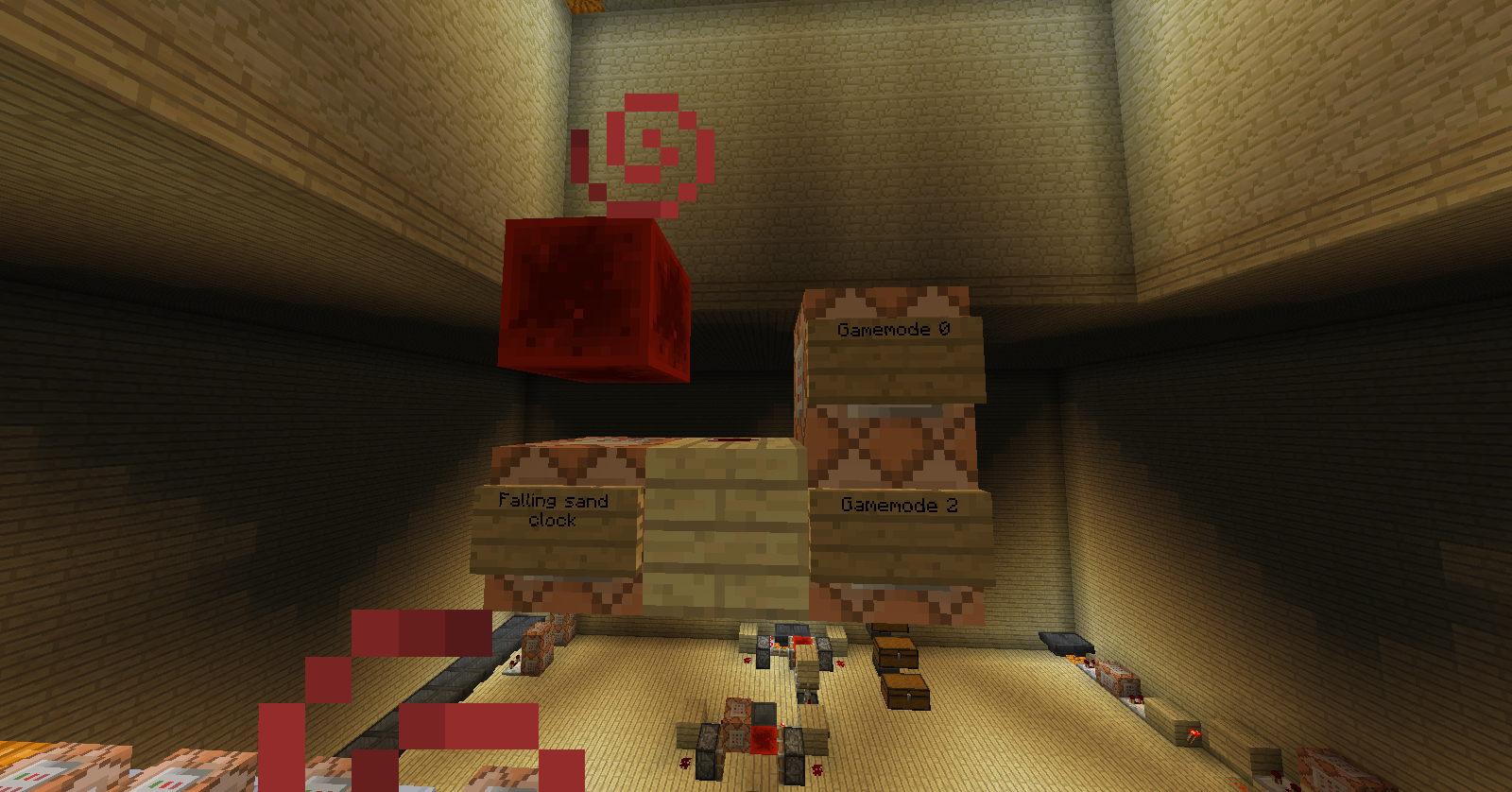
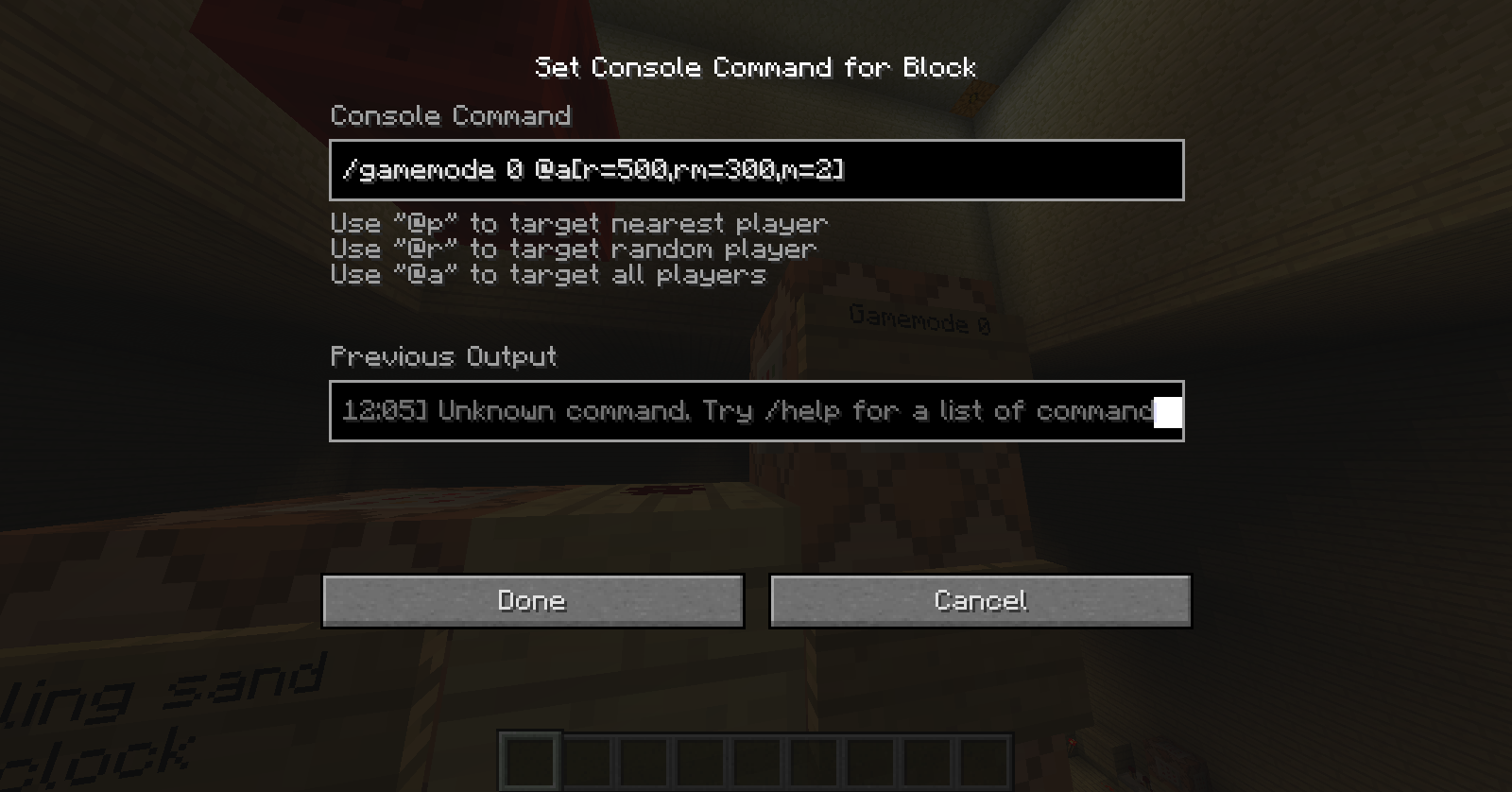
When using the commands "/gamemode 0 @a[r=500,rm=300,m=2]" and "/gamemode 2 @a[r=299,m=0]", even though im whiten the radios of the second command, it still updates my gamemode, with the same gamemode. I just keep getting a "Your gamemode has been updated" message. This should not happen the way i have these commands set up.
Environment
Windows 7


Created Issue:
Gamemode clocks
When using the commands "/gamemode 0 @a[r=500,rm=300,m=2]" and "/gamemode 2 @a[r=299,m=0]", even though im whiten the radios of the second command, it still updates my gamemode, with the same gamemode. I just keep getting a "Your gamemode has been updated" message. This should not happen the way i have these commands set up.
Environment
Windows 7
Attachments3

Changed Summary:
Gamemode clocks not changing gamemode
Changed Summary:
Game mode clocks not changing gamemode (CHANGED! PLEASE DELETE)

![[Mod] Ezekiel (ezfe)](../../../data/assets/gravatar/ezekielelin.jpeg)
I think I had a similar problem.
MC-44879Can confirm for 14w03b.
Is this still a concern in the current Minecraft version 14w11b / Launcher version 1.3.11 or later? If so, please update the affected versions in order to best aid Mojang ensuring bugs are still valid in the latest releases/pre-releases.
Is this still a concern in the current Minecraft version 14w21b / Launcher version 1.4.4 or later? If so, please update the affected versions in order to best aid Mojang ensuring bugs are still valid in the latest releases/pre-releases.