 user-2a4c8
- jirauser54679
- JIRAUSER54679
- Europe/Stockholm
- No
- No
 MC-31698
![[Mojang] Searge (Michael Stoyke)](../../../data/assets/gravatar/searge.png)
![[Mojang] Grum (Erik Broes)](../../../data/assets/gravatar/grum.png)




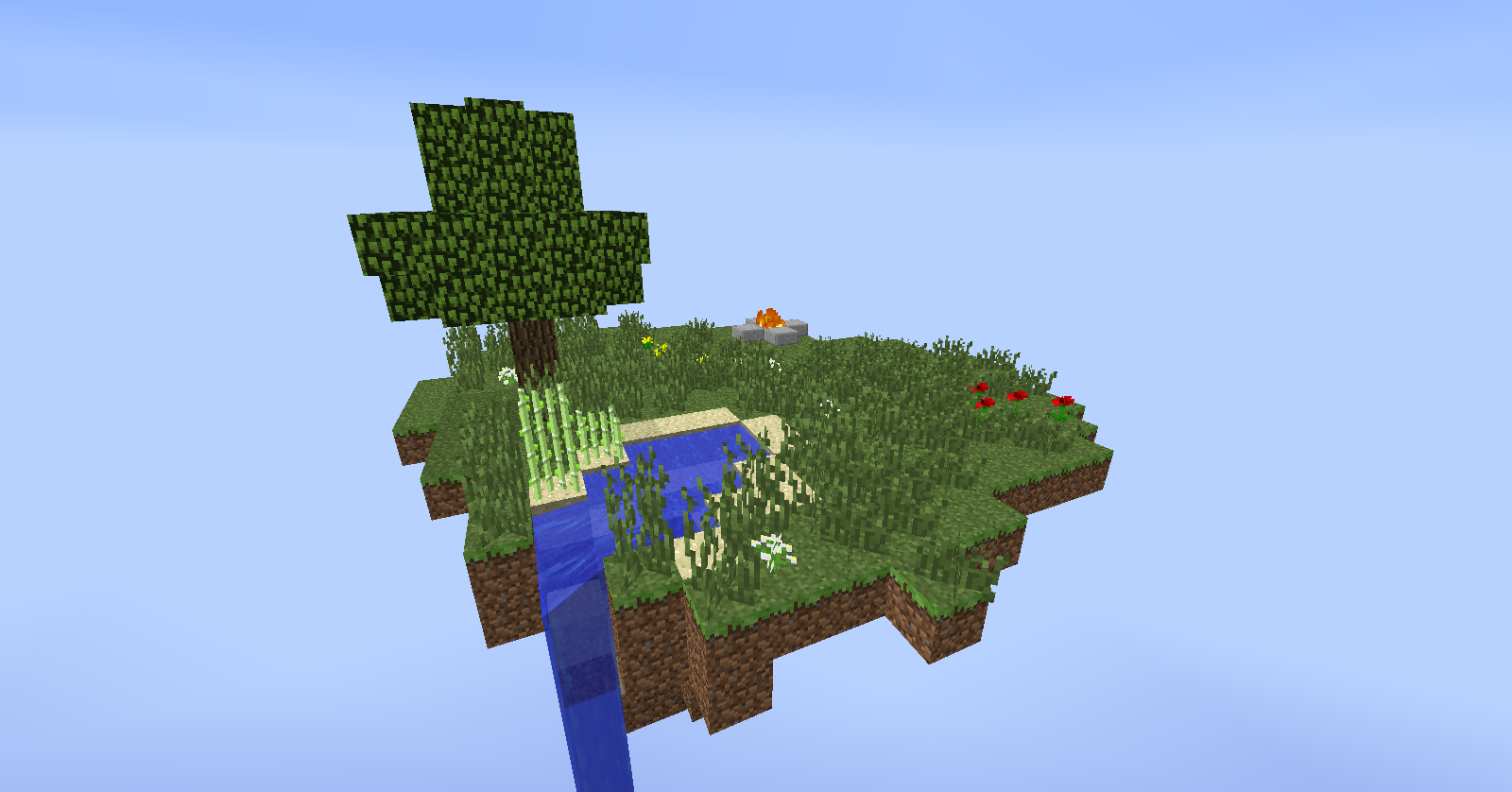
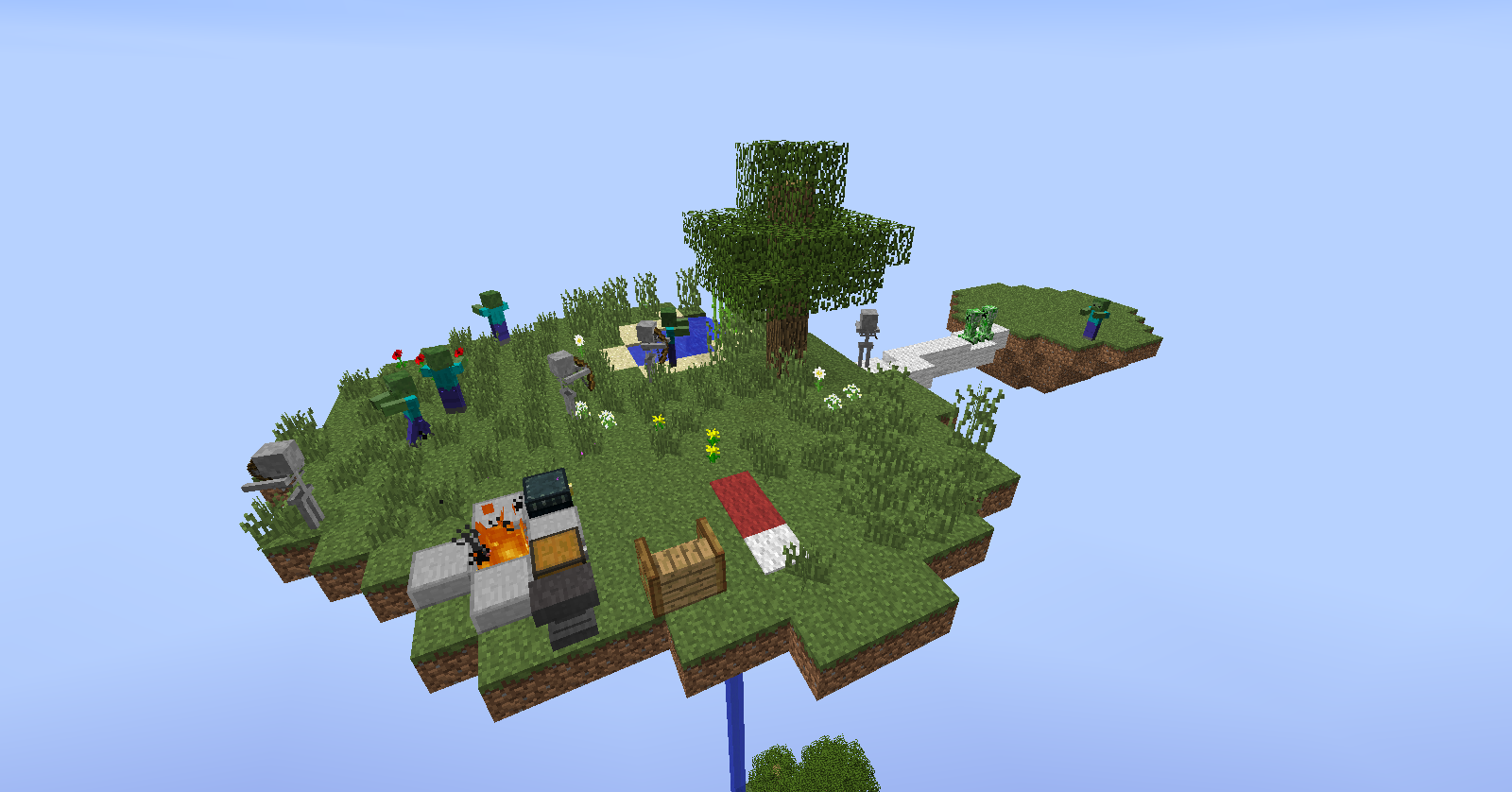
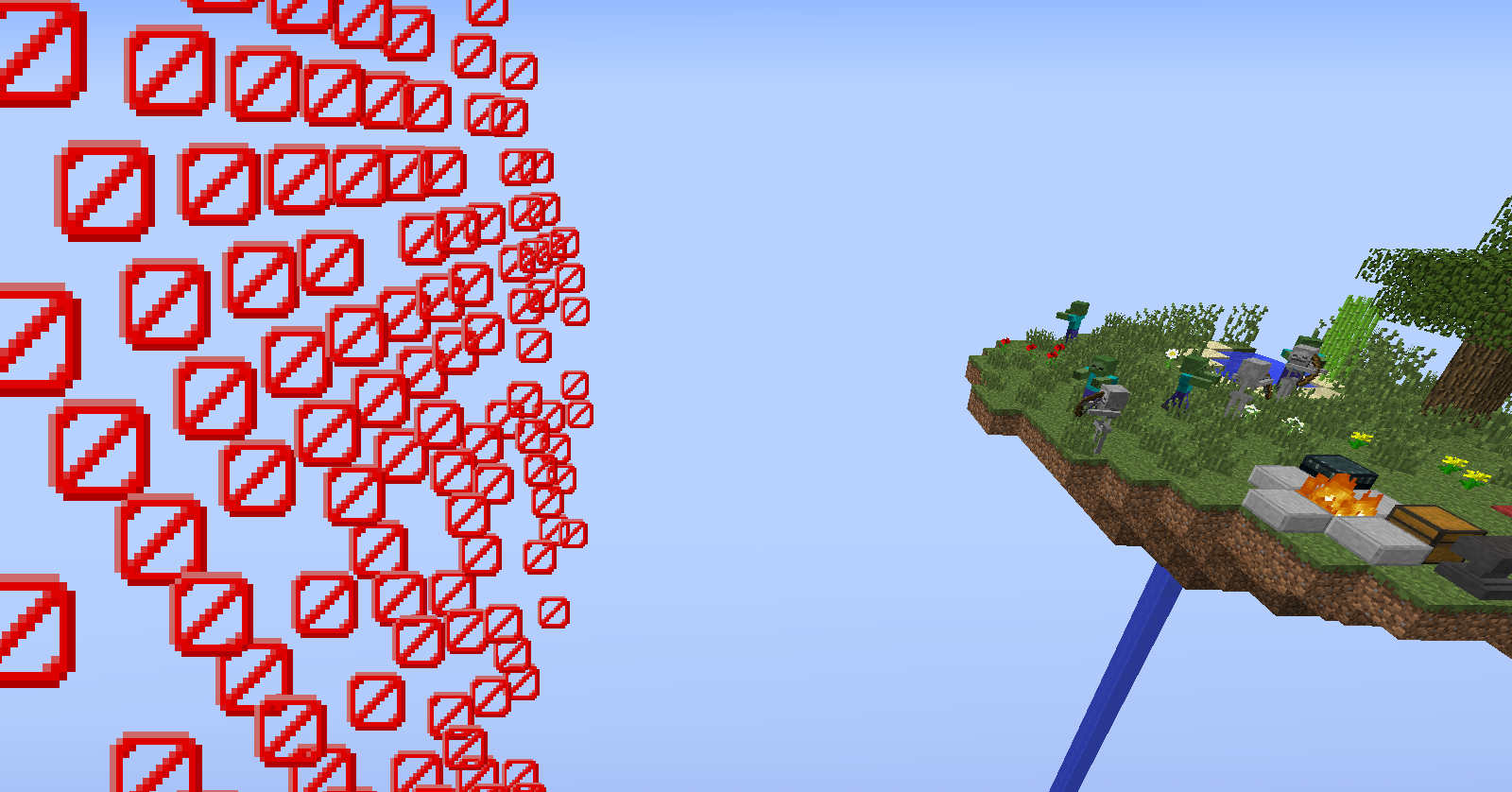
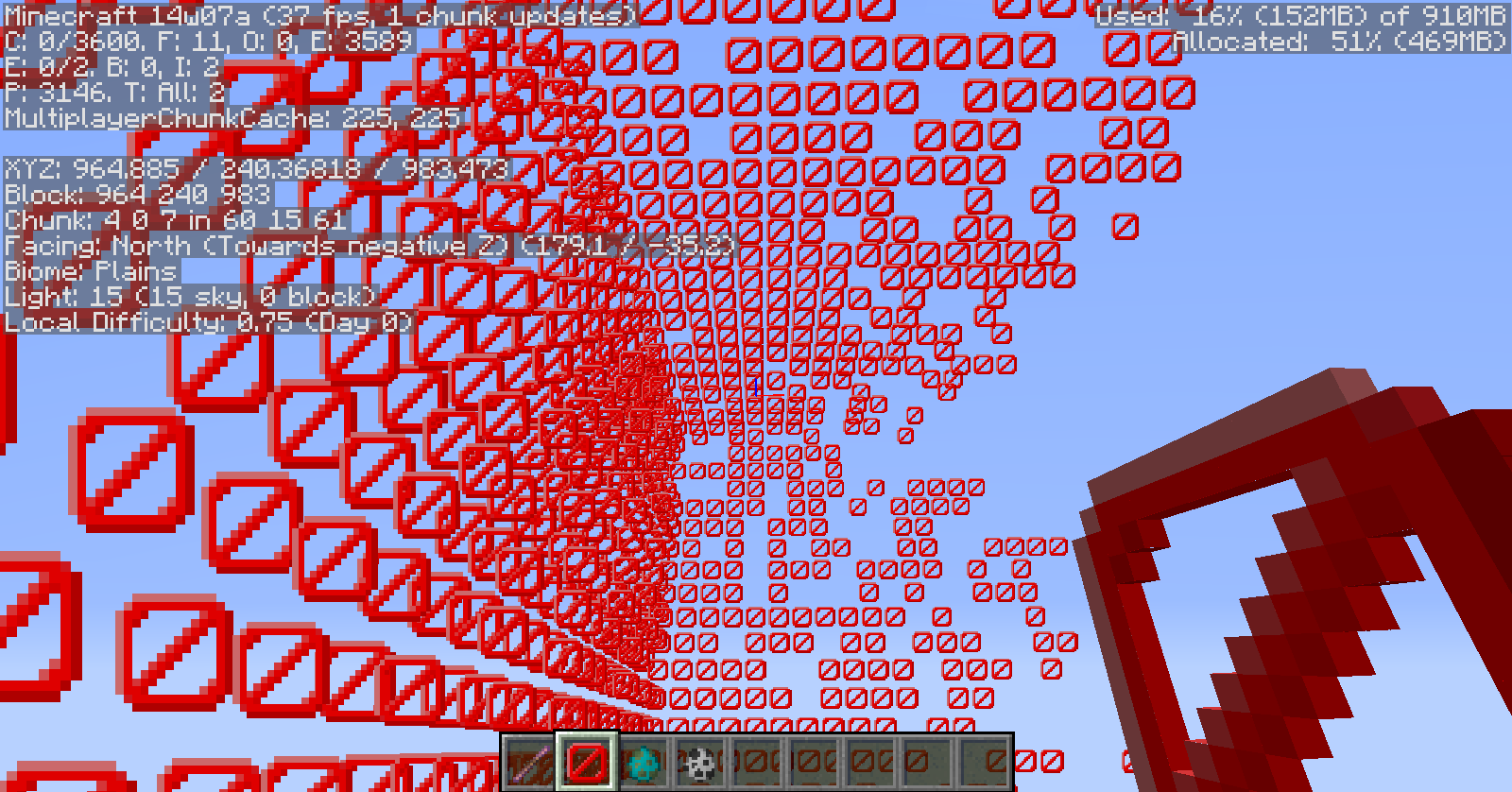




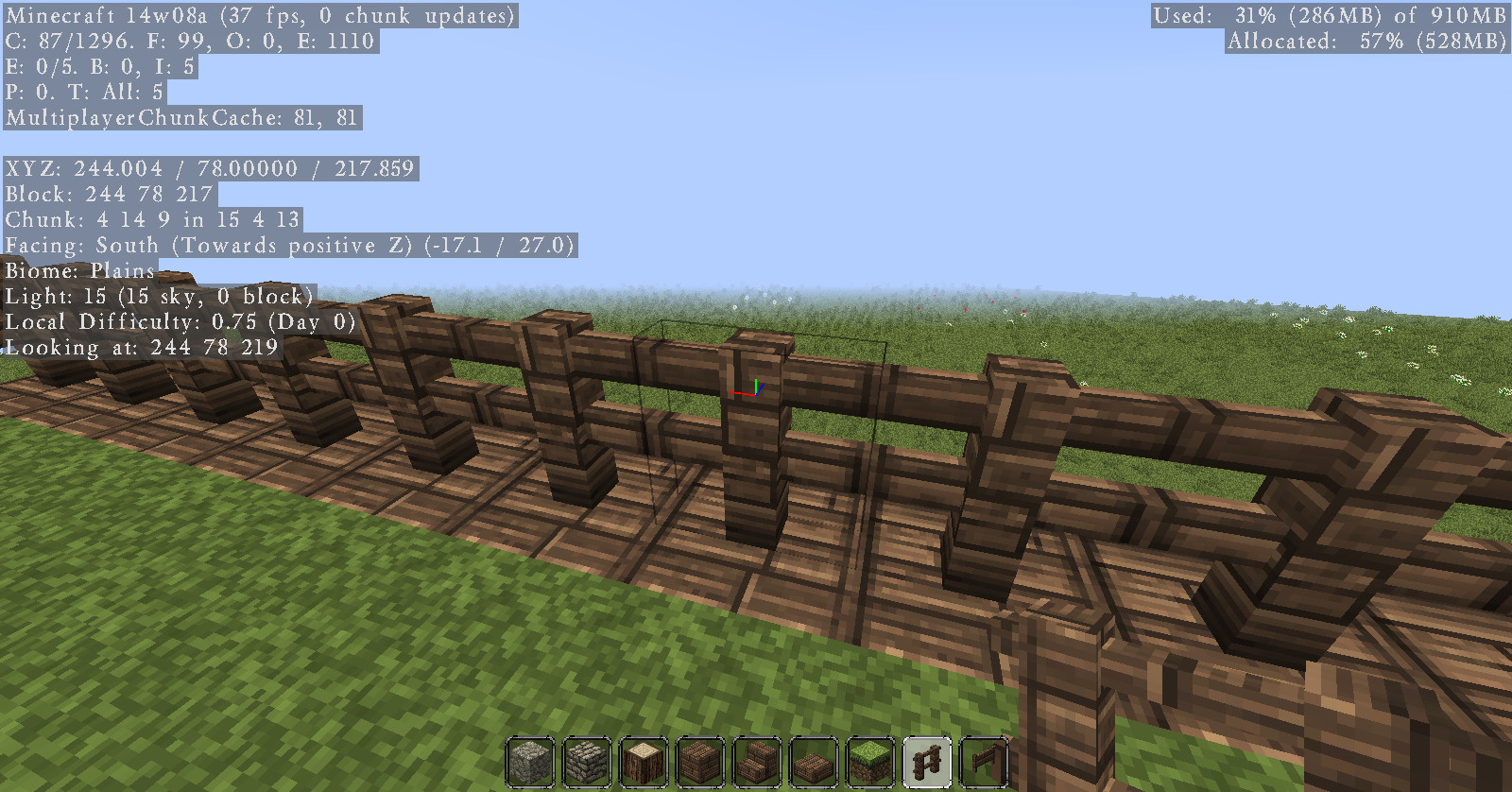
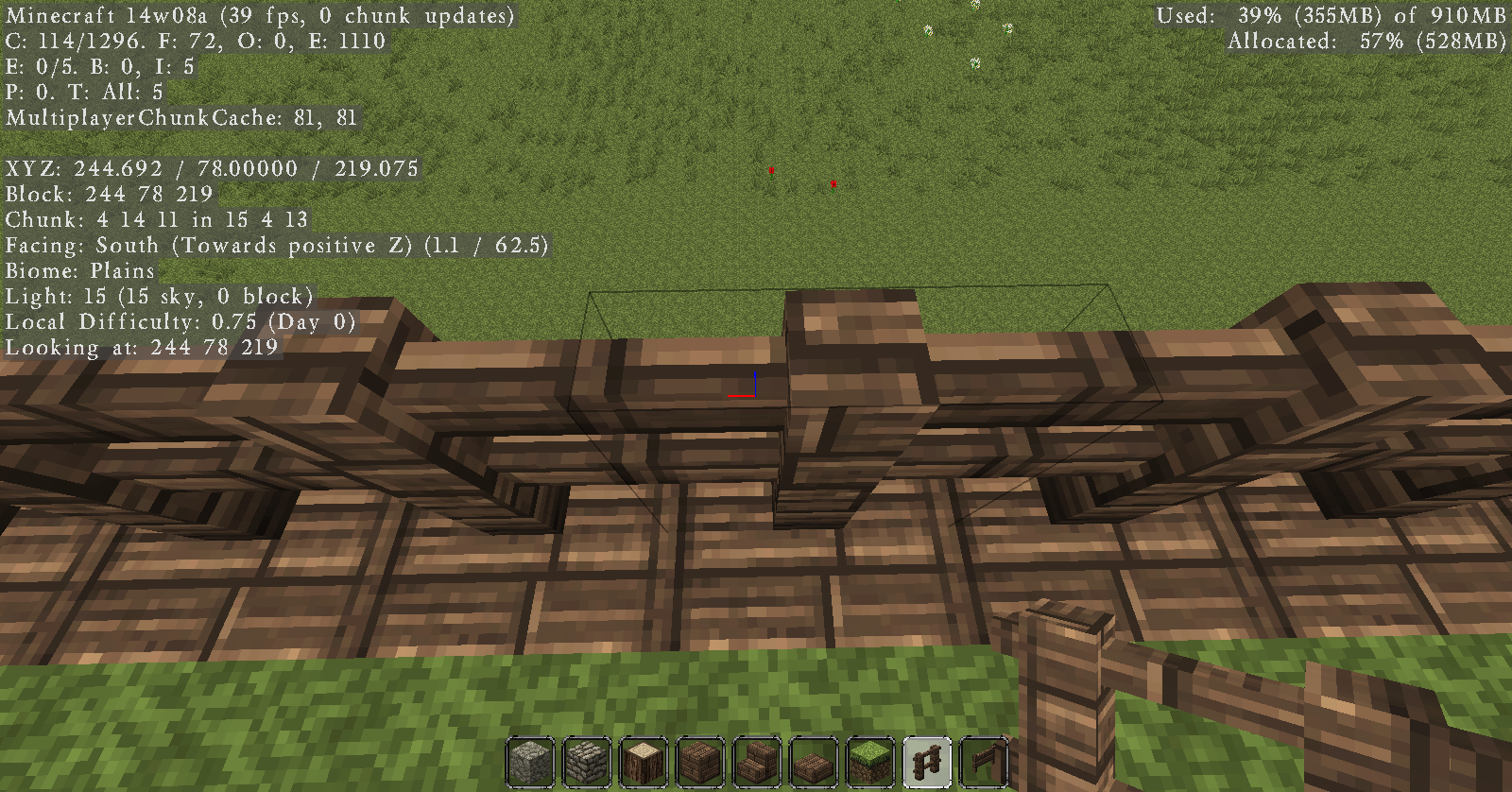
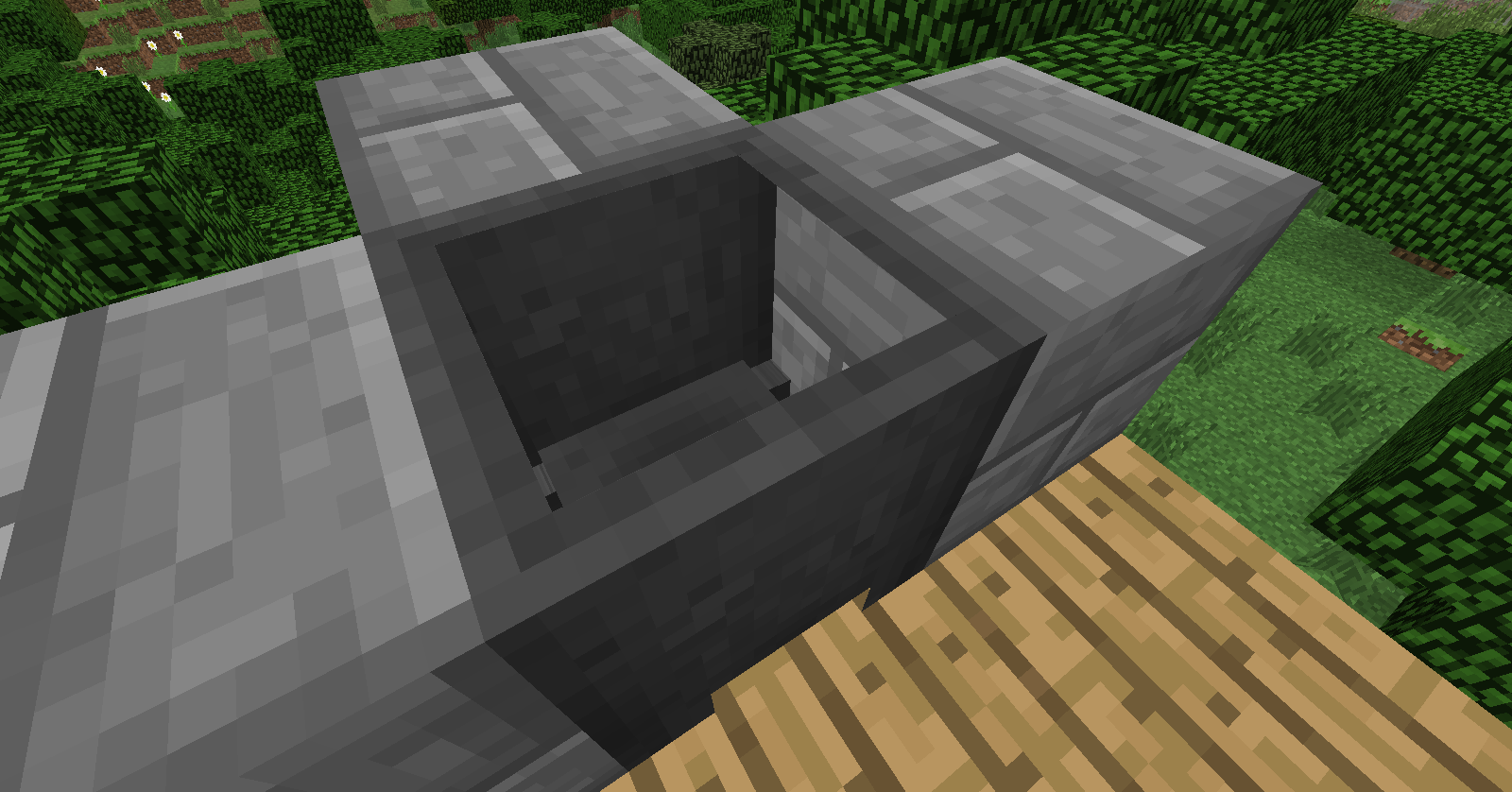
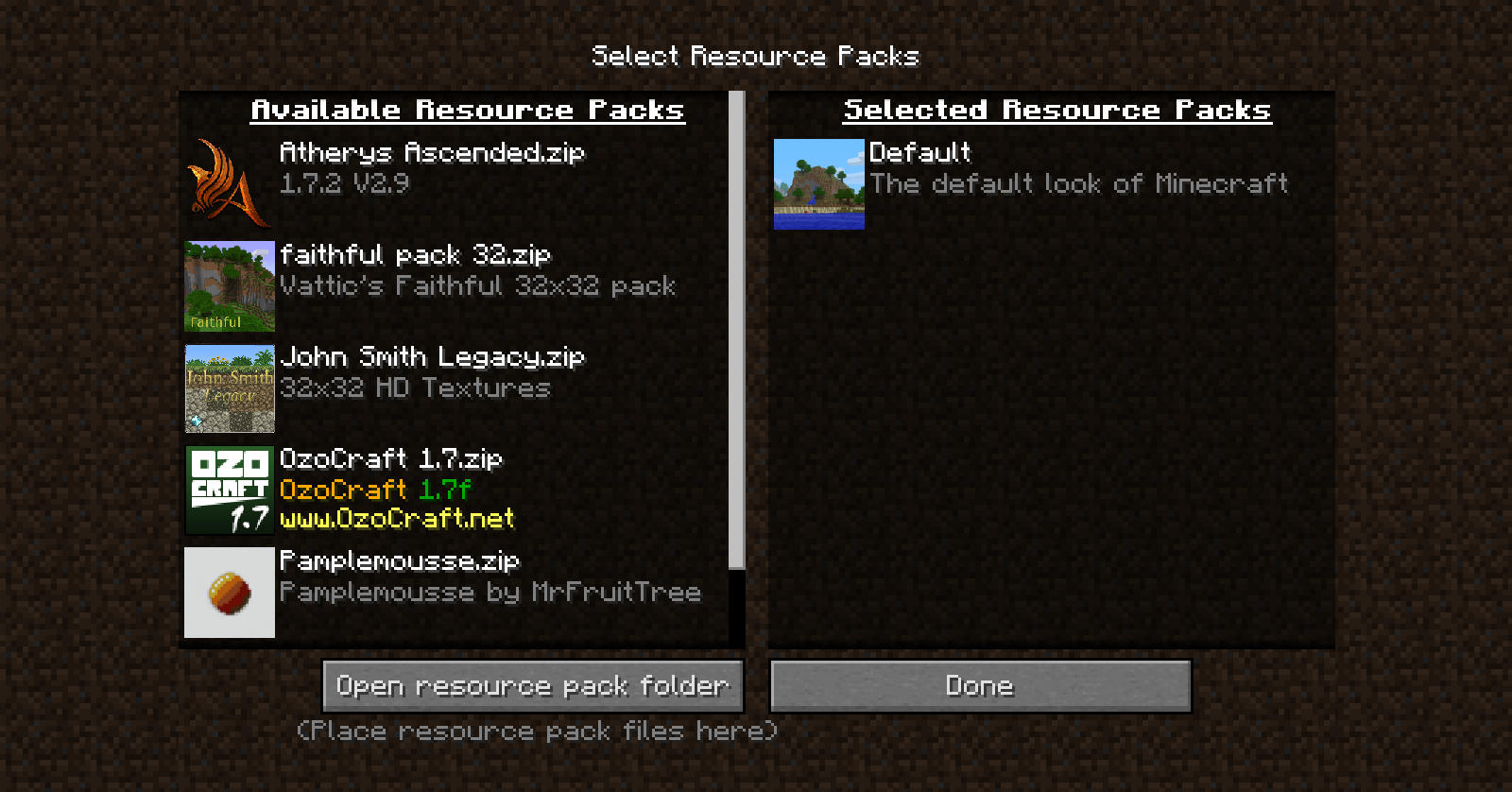

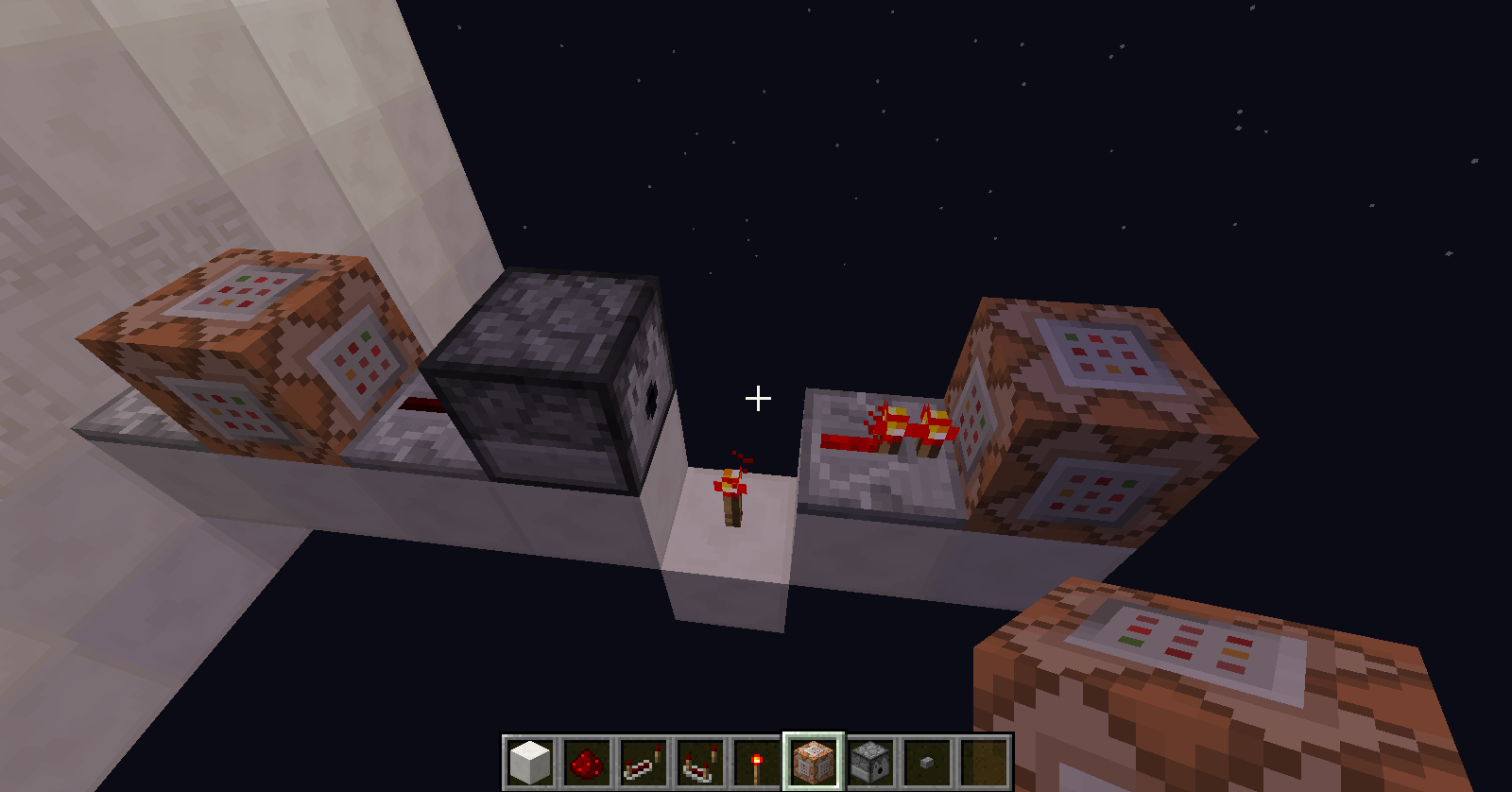
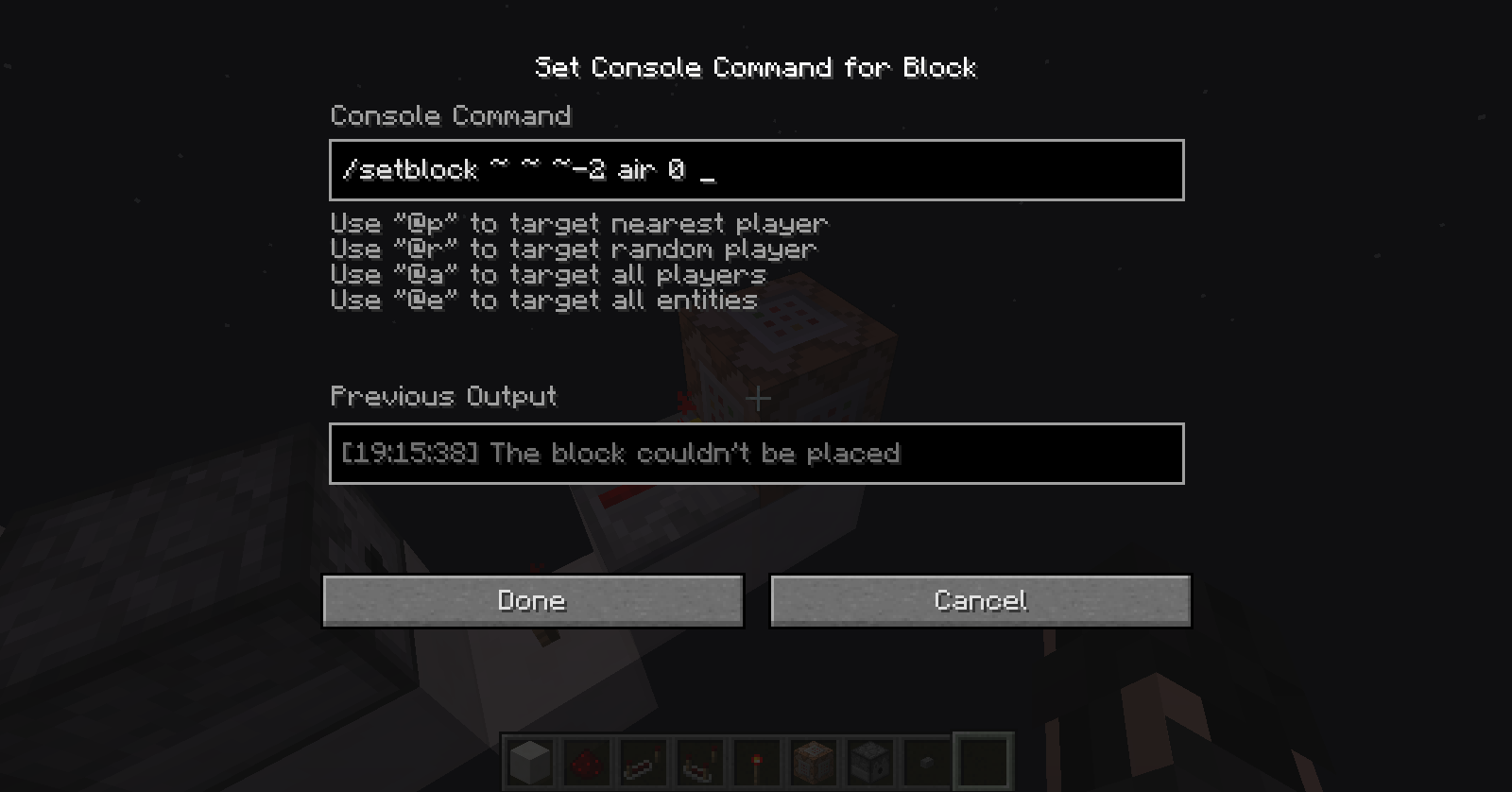
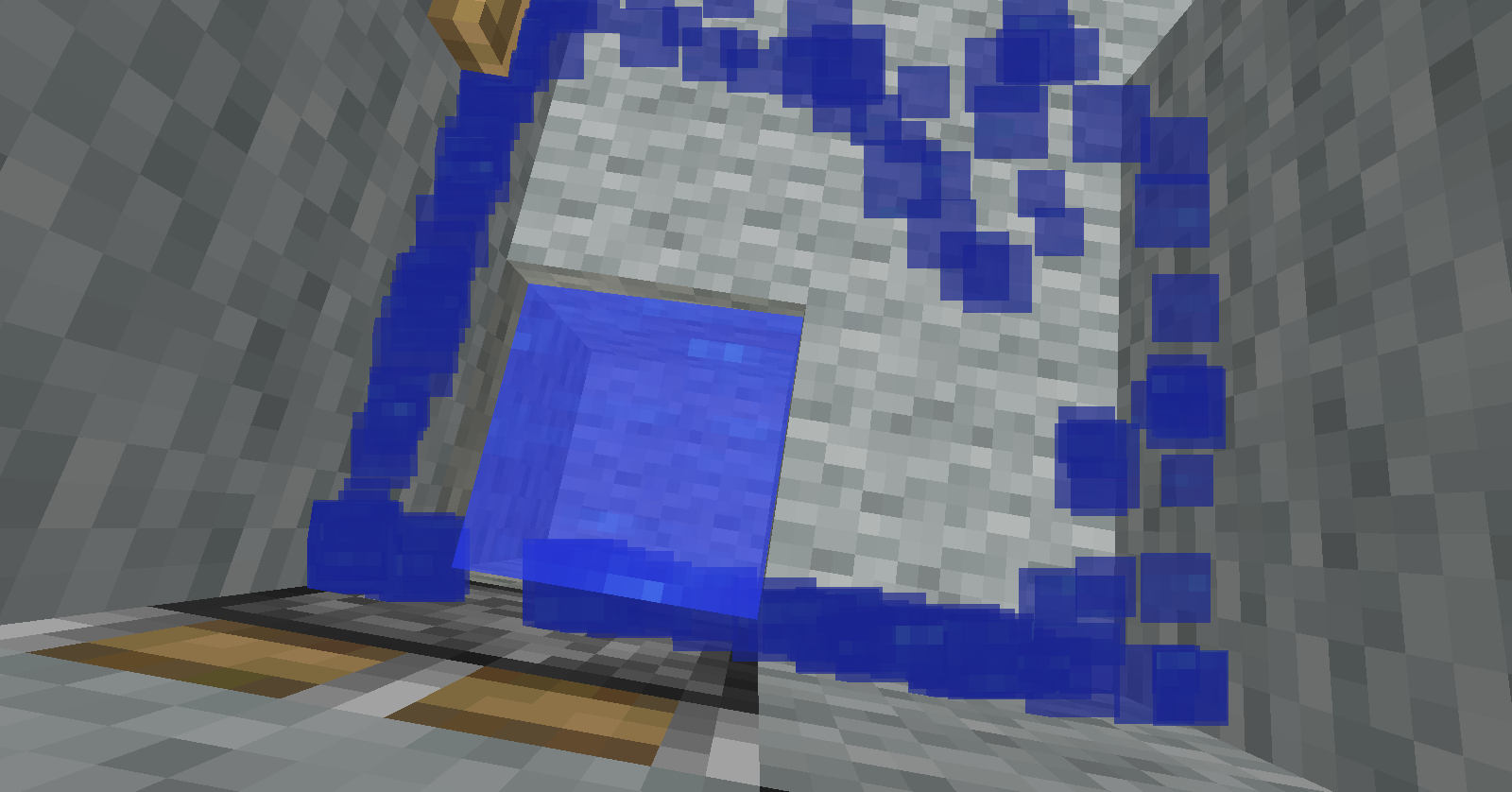


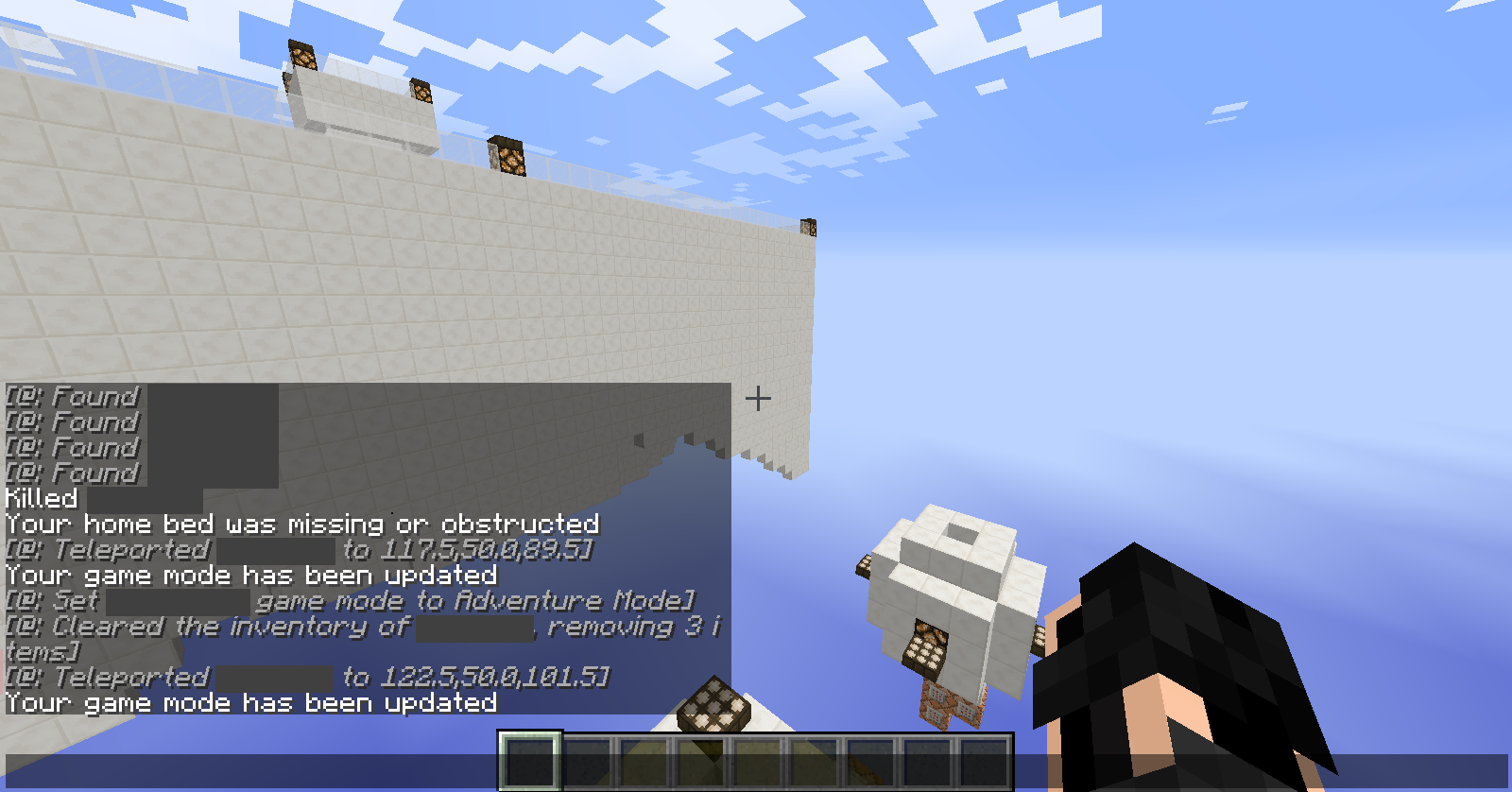


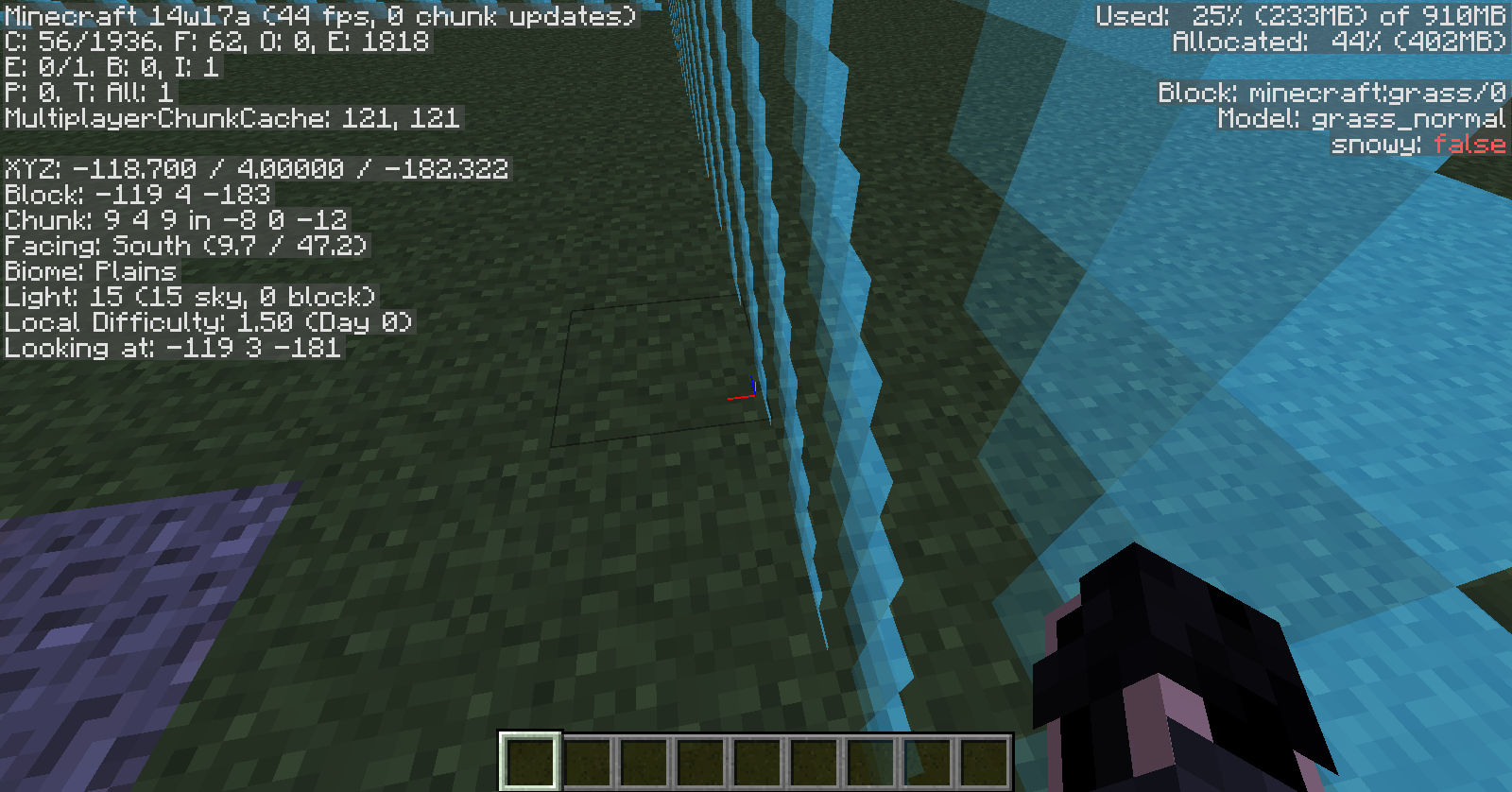
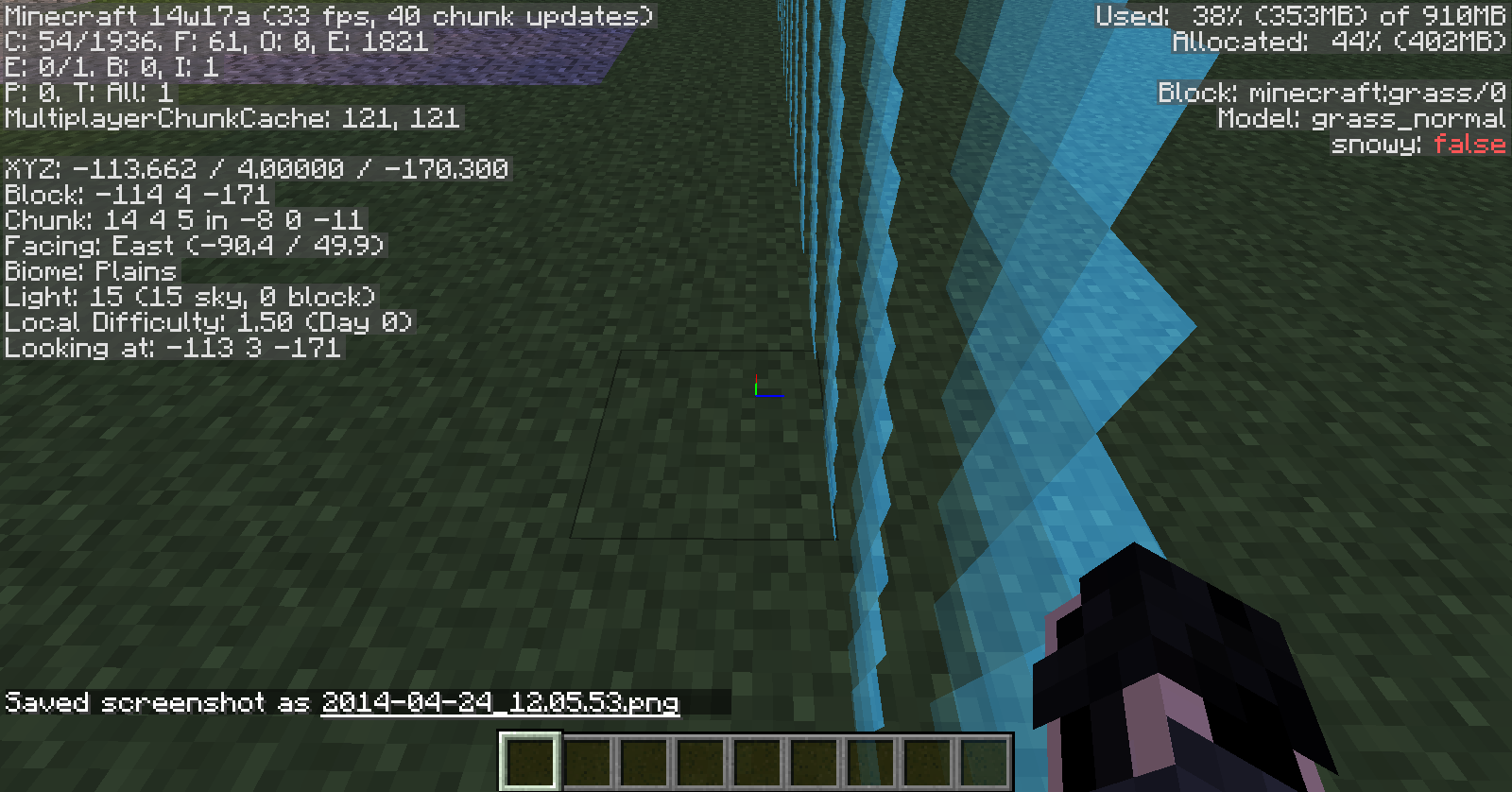
Windows 7
Java - latest
launcher version - 1.2.4
Minecraft version noticed in - 1.6
When using the command:
/summon FallingSand ~ ~3 ~ {TileID:#,Data:#,motion:[0.0,1.0,0.0]}Does not make the block move when it spawns, it just falls.
When using the command:
/summon FallingSand ~ ~3 ~ {TileID:#,Data:#,motion:[0.0,1.0,0.0]}Does not make the block move when it spawns, it just falls.
{direction:[X,Y,Z]}
UsingDoes not work either.
Then using the command:
/give @a {item} {1} {0} {Slot:10}The item will not be placed into that slot. Either this is only data that an itemm has or this is a bug.
/give @a minecraft:diamond_sword 1 0
{Slot:3}I also tried using
{slot,Slot}
When typing anything longer than what minecraft will show, there will be a space when creating a new line. It would look like:
{line 1} {line 2}One command example is a command block for when i was setting up the anouncements. The command is:
/tellraw @p {"text": "", "extra": [{"text":"Heres how money works. You can buy items at the shop at spawn. If you die, you loose all your money. Don't die. You gain money by killing hostile mobs. Heres how much each is worth:","color":"green","clickEvent":{"action":"run_command","value":""}}]}This will type the first line and all the others will have a space before the text.
When typing anything longer than what minecraft will show, there will be a space when creating a new line. It would look like:
{line 1} {line 2}One command example is a command block for when i was setting up the anouncements. The command is:
/tellraw @p {"text": "", "extra": [{"text":"Heres how money works. You can buy items at the shop at spawn. If you die, you loose all your money. Don't die. You gain money by killing hostile mobs. Heres how much each is worth:","color":"green","clickEvent":{"action":"run_command","value":""}}]}This will type the first line and all the others will have a space before the text.
When typing anything longer than what minecraft will show, there will be a space when creating a new line. It would look like:
{line 1} {line 2}One command example is a command block for when i was setting up the anouncements. The command is:
/tellraw @p {"text": "", "extra": [{"text":"Heres how money works. You can buy items at the shop at spawn. If you die, you loose all your money. Don't die. You gain money by killing hostile mobs. Heres how much each is worth:","color":"green","clickEvent":{"action":"run_command","value":""}}]}This will type the first line and all the others will have a space before the text.
When typing anything longer than what minecraft will show, there will be a space when creating a new line. It would look like:
{line 1} {line 2}One command example is a command block for when i was setting up the anouncements. The command is:
/tellraw @p {"text": "", "extra": [{"text":"Heres how money works. You can buy items at the shop at spawn. If you die, you loose all your money. Don't die. You gain money by killing hostile mobs. Heres how much each is worth:","color":"green","clickEvent":{"action":"run_command","value":""}}]}This will type the first line and all the others will have a space before the text. I have not seem this before untill 1.7 and it causes colored chat on some bukket servers to become normal chat when the text is on 2 lines.
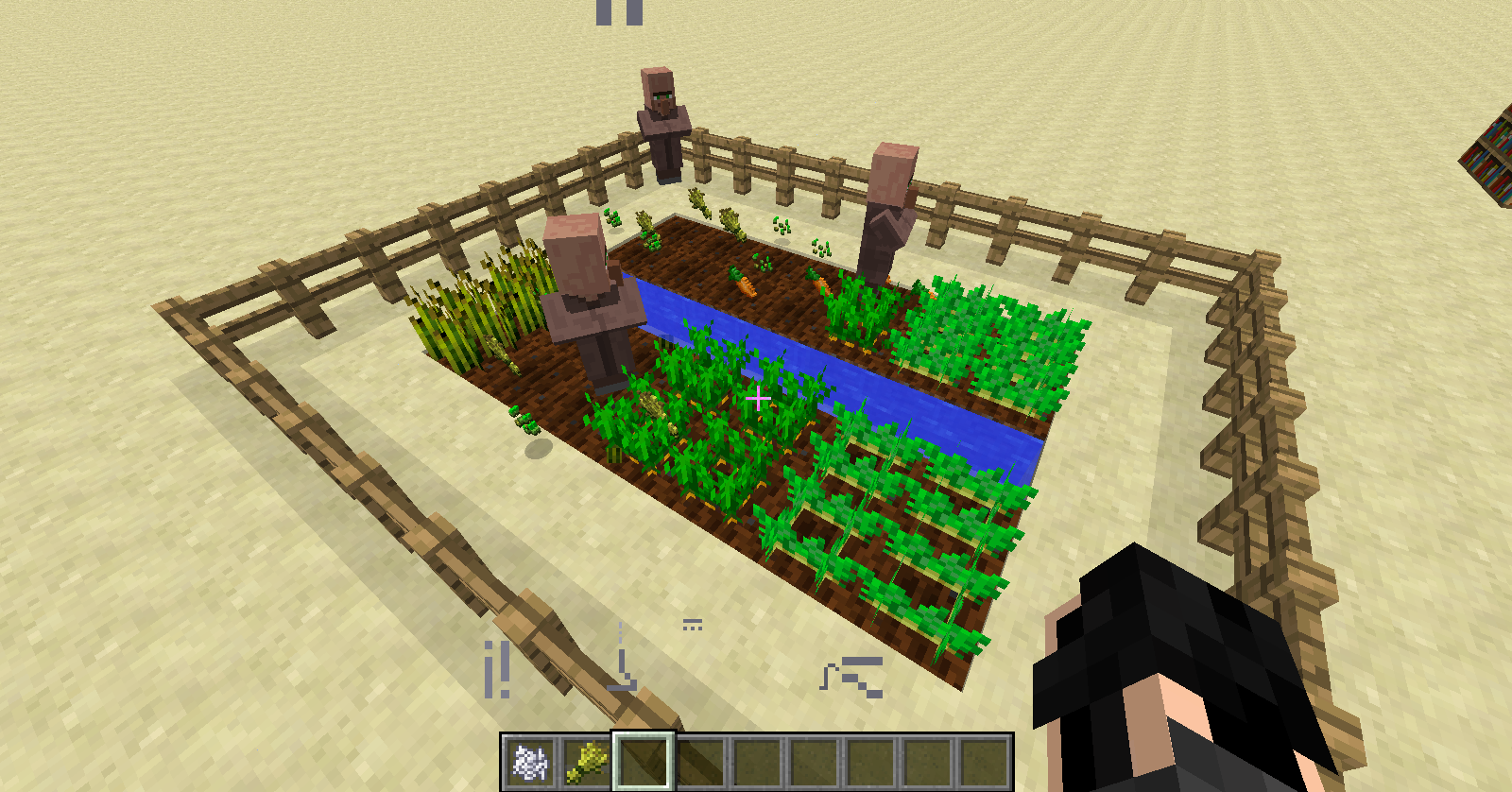
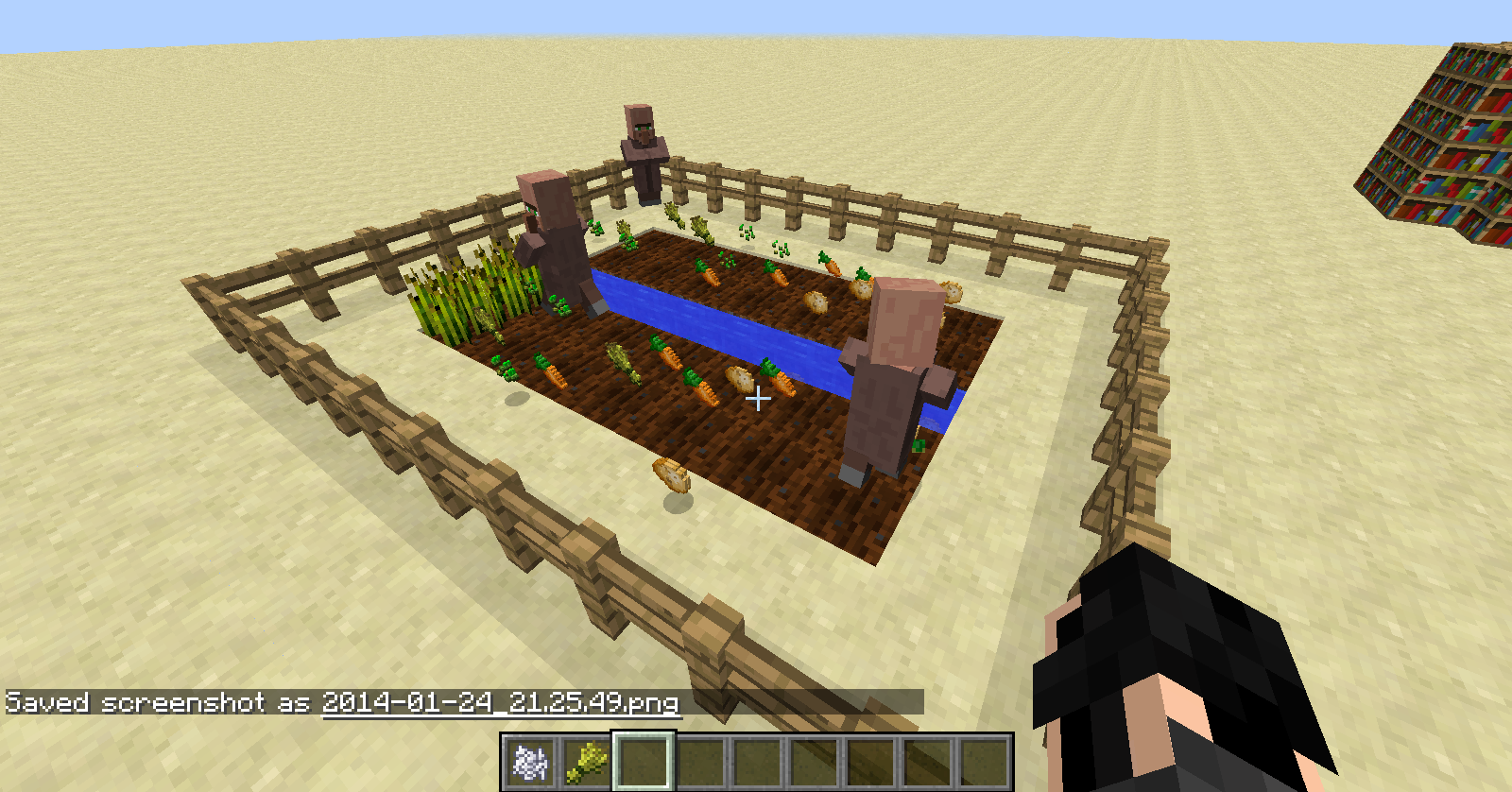
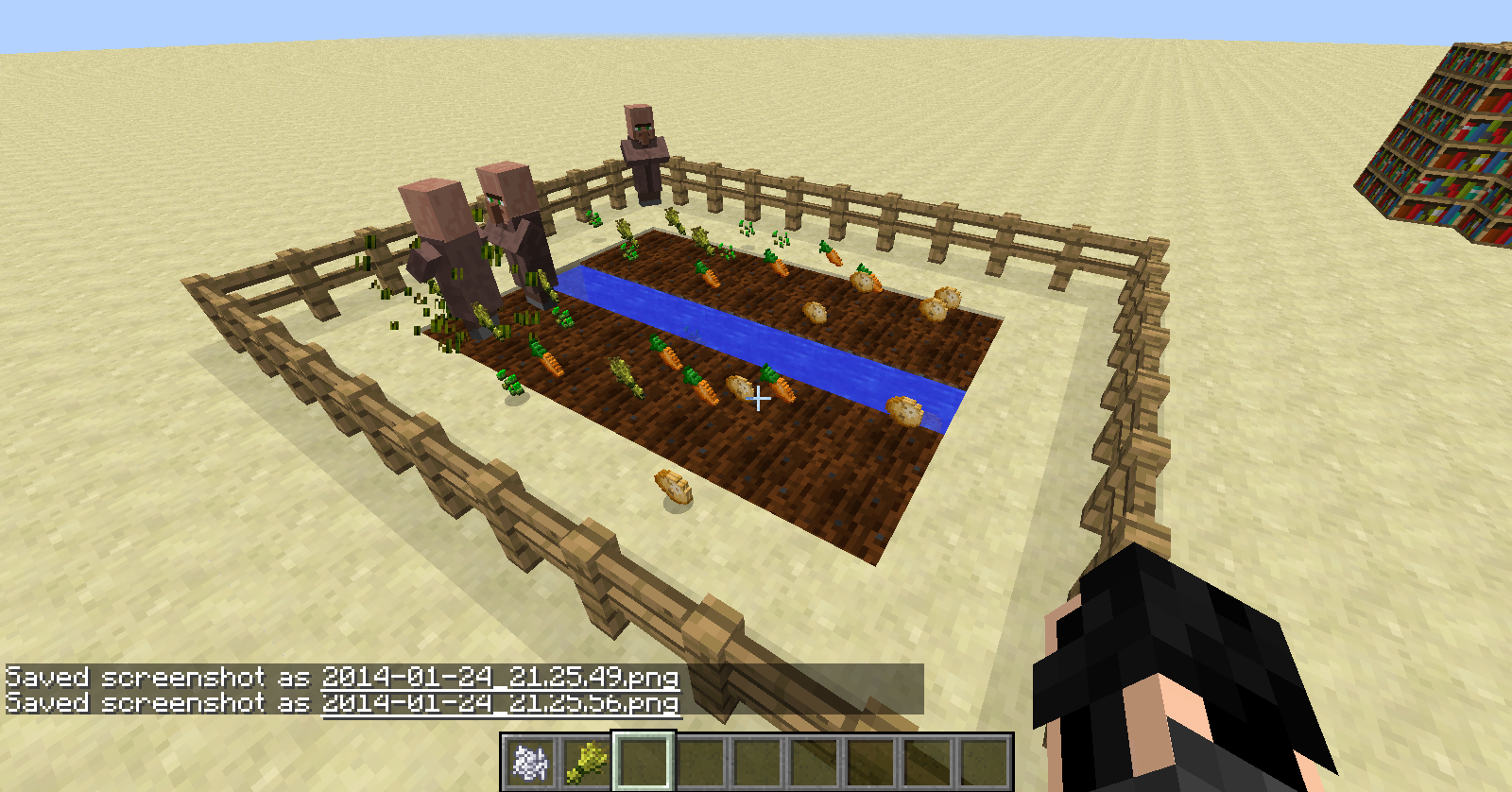
The only thing that works with the villagers is that they break the crops. They do nothing else.
{picture was taken after 3 minutes of waiting when they broke the items}
The only thing that works with the villagers is that they break the crops. They do nothing else.
{picture was taken after 3 minutes of waiting when they broke the items}UPDATE 2:
New pictures are added
The only thing that works with the villagers is that they break the crops. They do nothing else.
{picture was taken after 3 minutes of waiting when they broke the items}UPDATE 2:
New pictures are addedUPDATE 3:
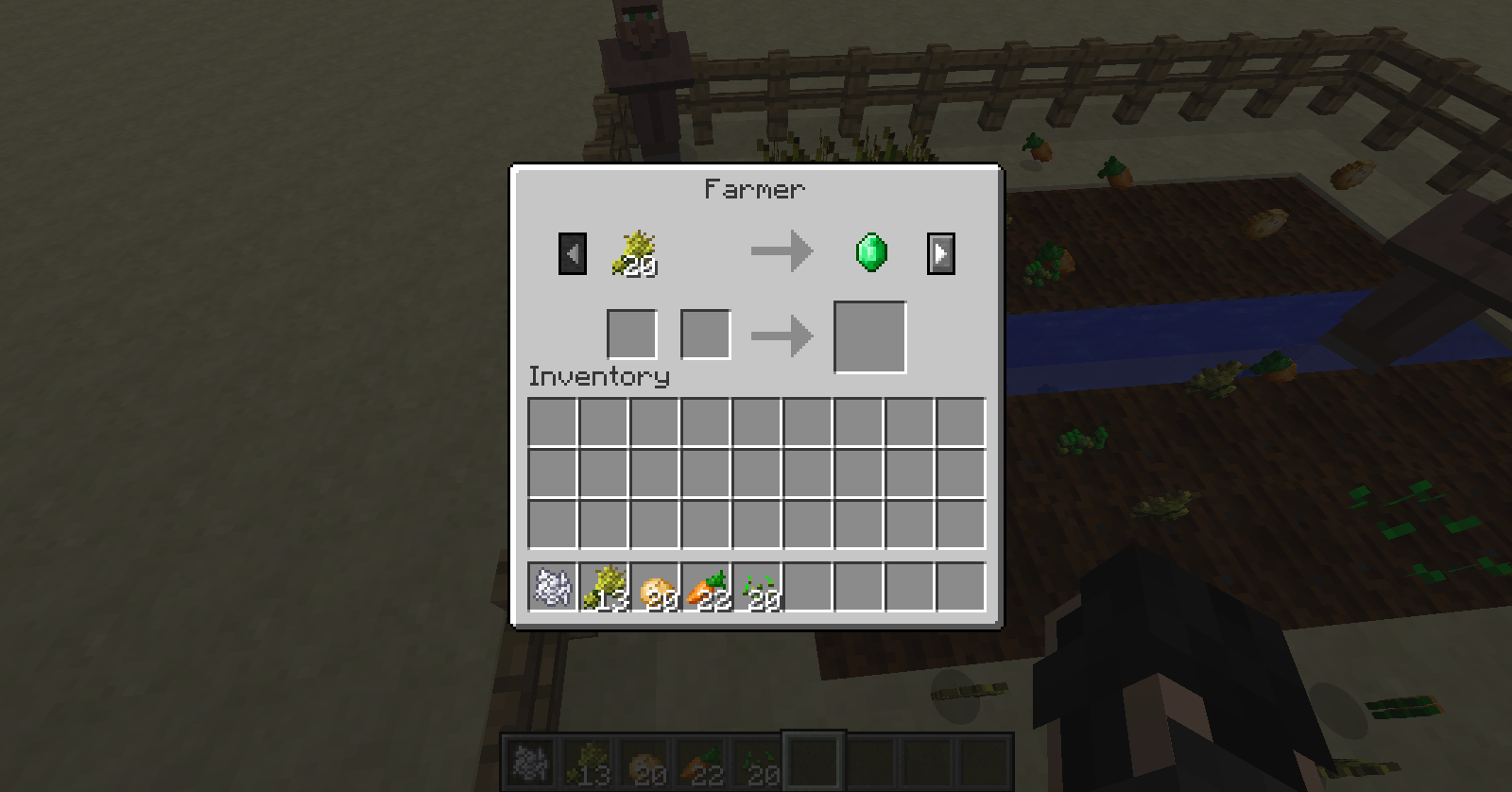
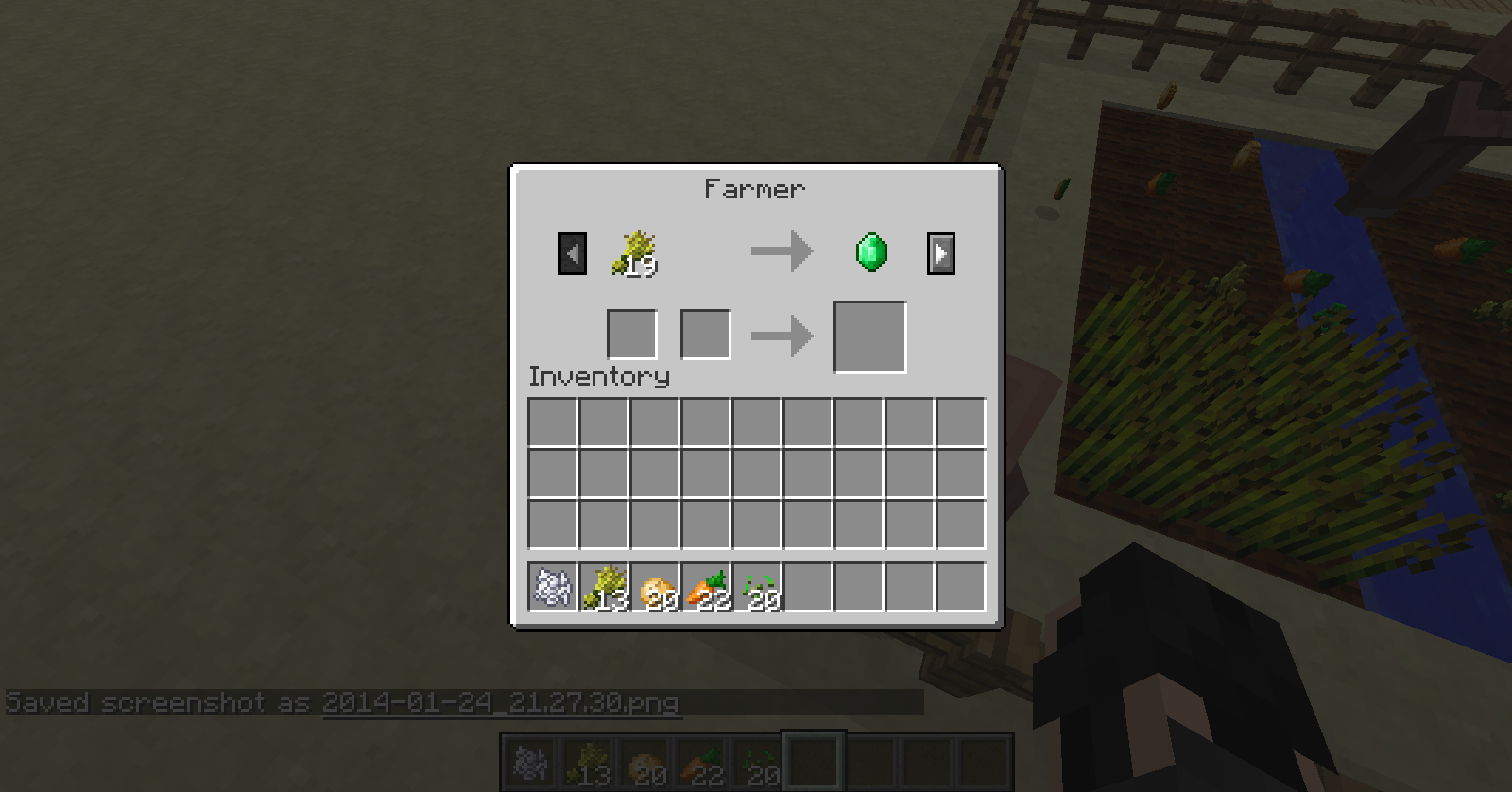
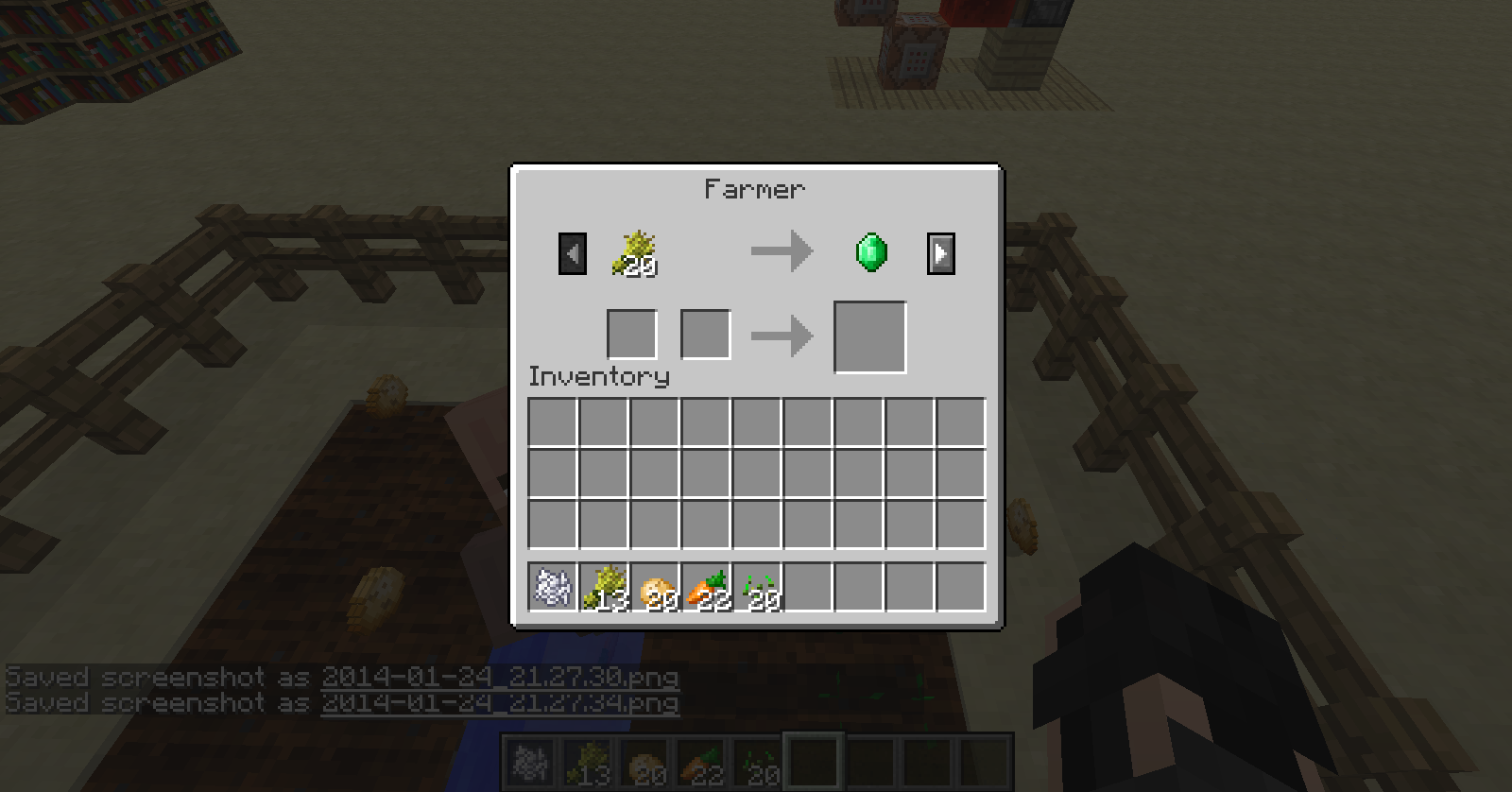
You can see in the second to last picture of the farm, one villager is breaking wheat, and the 3 villager inventories, you can see they are all farmers.
When using the command "/summon Villager ~ ~-2 ~ {Profession:0,Career:1,Offers:{Recipes:[
{maxUses:10,buy:potato,sell:carrot}]}} OR
{maxUses:10,buy:392,sell:391}" to spawn a villager with a trade for 1 potato for a carrot does not work. I have tipple checked this command and i'm sure i'm not correct. This must be a bug.
UPDATE: All that happens is a villager will spawn but it will not have any trades. It is a villager with an empty trading inventory..
Take a look at the picture and the previous chat output. I did this command about 3 times while walking around, than twice from the same spot. I don't know how to explain it.
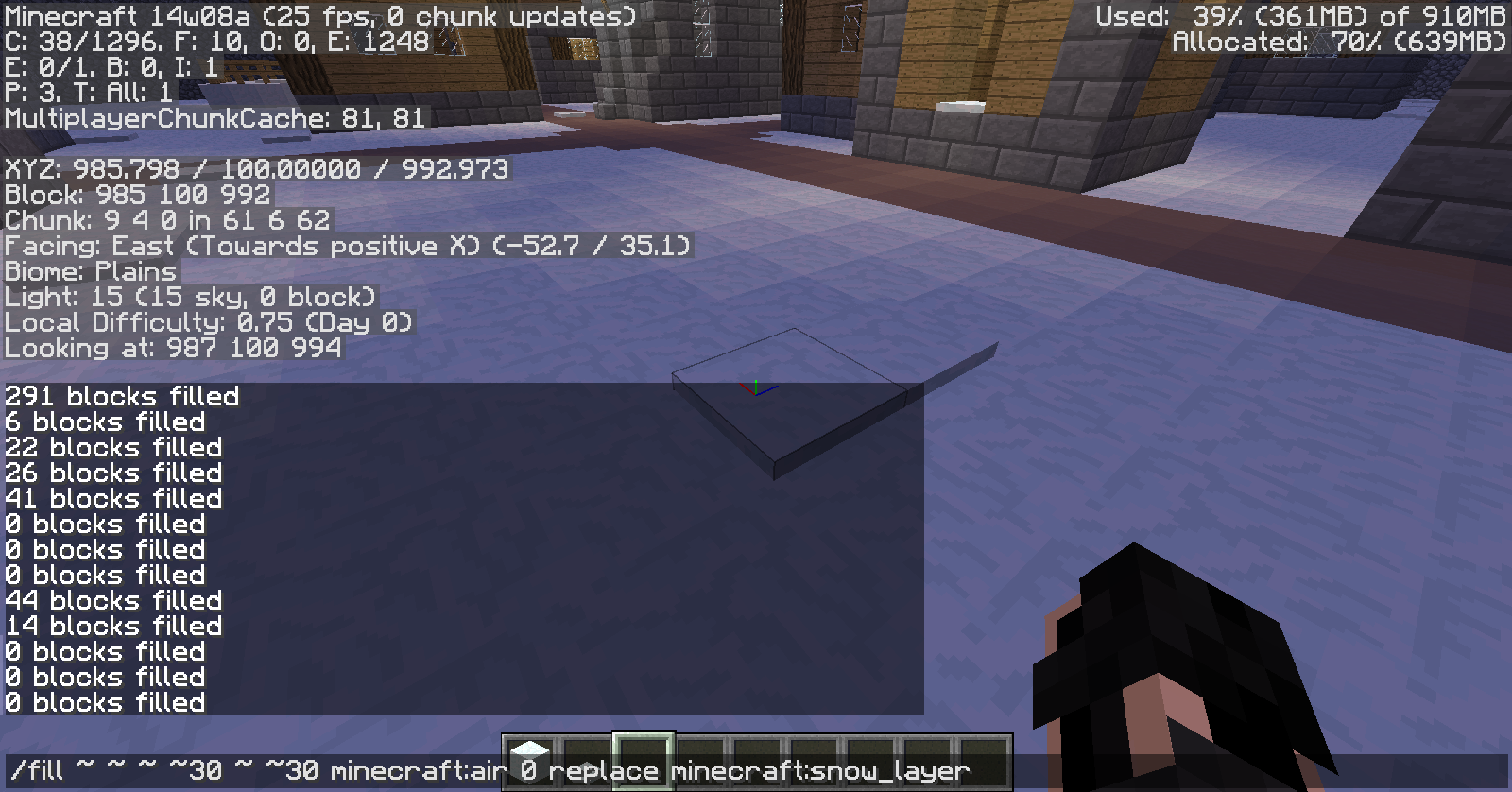
It worked in some areas, but not in others. Heres what it did: it replaced any snow layers with air in the 30 posative x and z directions.
Take a look at the picture and the previous chat output. I did this command about 3 times while walking around, than twice from the same spot. I don't know how to explain it.
It worked in some areas, but not in others. Heres what it did: it replaced any snow layers with air in the 30 pos
ative x and z directions.Take a look at the picture and the previous chat output. I did this command about 3 times while walking around, than twice from the same spot. I don't know how to explain it.
It worked in some areas, but not in others. Here's what it did: it replaced any snow layers with air in the 30 positive x and z directions.
Take a look at the picture and the previous chat output. I did this command about 3 times while walking around, than twice from the same spot. I don't know how to explain it.
It worked in some areas, but not in others. Here's what it did: it replaced any snow layers with air in the 30 positive x and z directions, but not in that small part.
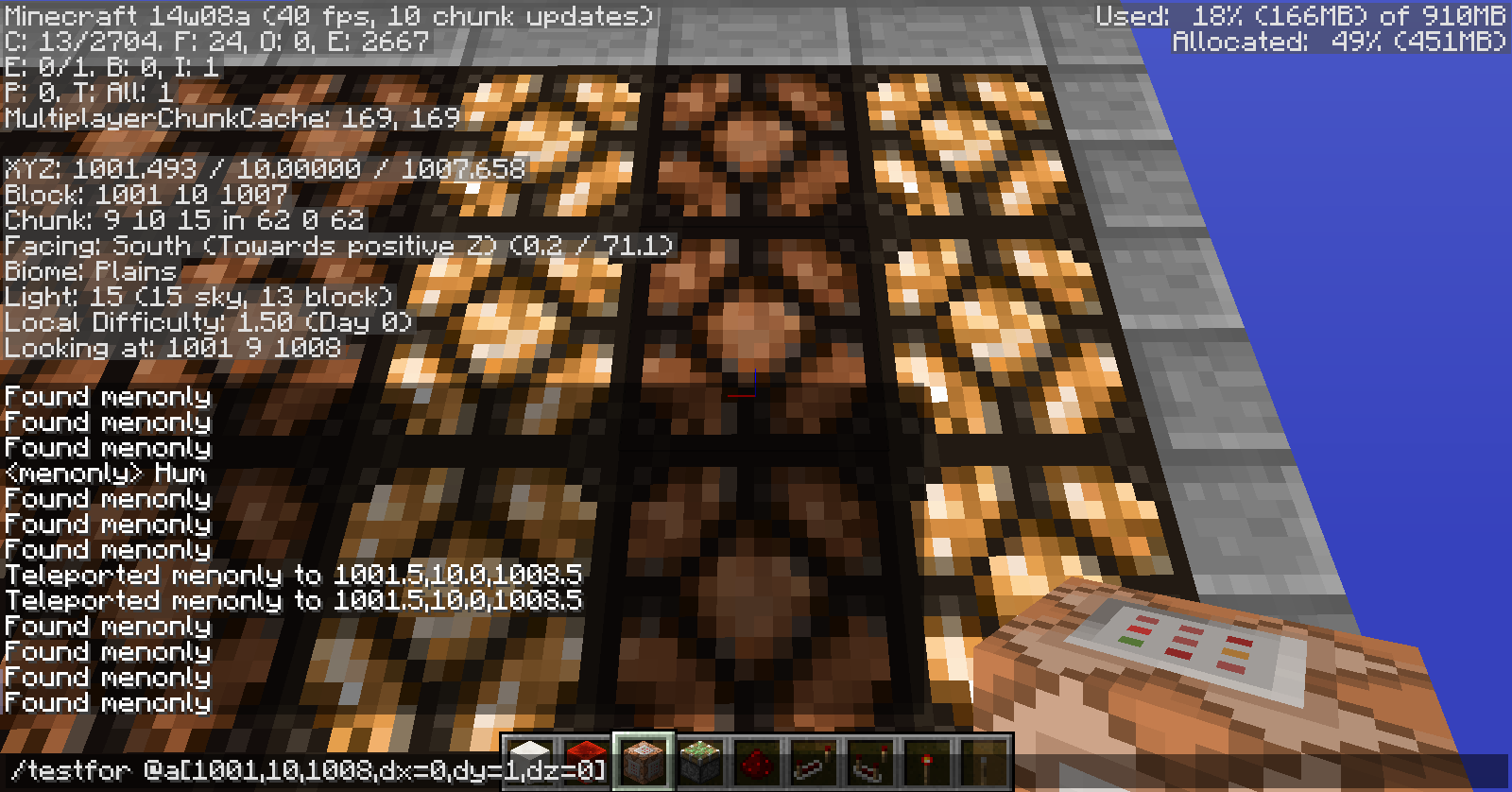
Using the command '/testfor @a [X,Y,Z,dx=0,dy=z,dz=0] ' will still test a player that is on another block. In the picture, i am standing on a lamp, The on
e in front of that is set with the first X, Y, and Z cords. It is still testing posative for me on a different block even though the direction is set to 0 and should only test if i am on that block, not the one i am standing on.Using the command '/testfor @a [X,Y,Z,dx=0,dy=z,dz=0] ' will still test a player that is on another block. In the picture, i am standing on a lamp, The on my curser is set on is the one i am testing for. It is still testing posative for me on a different block even though the direction is set to 0 and should only test if i am on that block, not the one i am standing on.
With the new feature in 1.8, Ctrl and Mid-Click will take the NBT data from a block when it is picked up as well. That does not work with
CommandBlockMinecarts. It works with regular blocksbut not the command block entity.With the new feature in 1.8, Ctrl and Mid-Click will take the NBT data from a block when it is picked up as well. That does not work with any type of entity, such as custom geared mobs or command block minecarts. It works with regular blocks though.
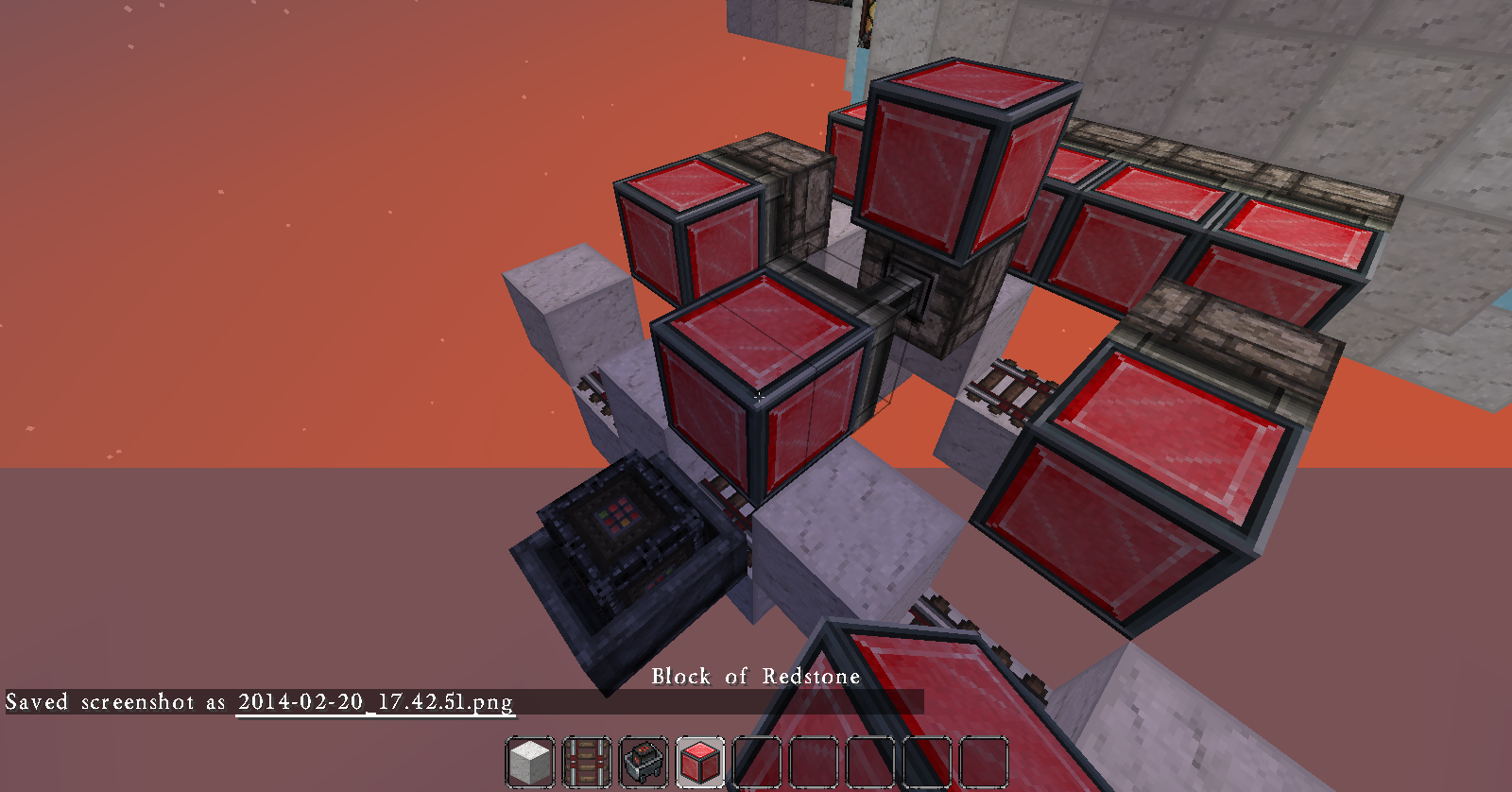
When using the command '/setblock ~ ~-1 ~ minecraft:barrier 0 replace minecraft:air', any block underneath the player is still changed to the barrier block instead of just air blocks. This is the same for the command '/execute @a ~ ~ ~ setblock ~ ~-1 ~ minecraft:redstone_block 0 replace minecraft:wooden_pressure_plate'
{updated 2/27/14}
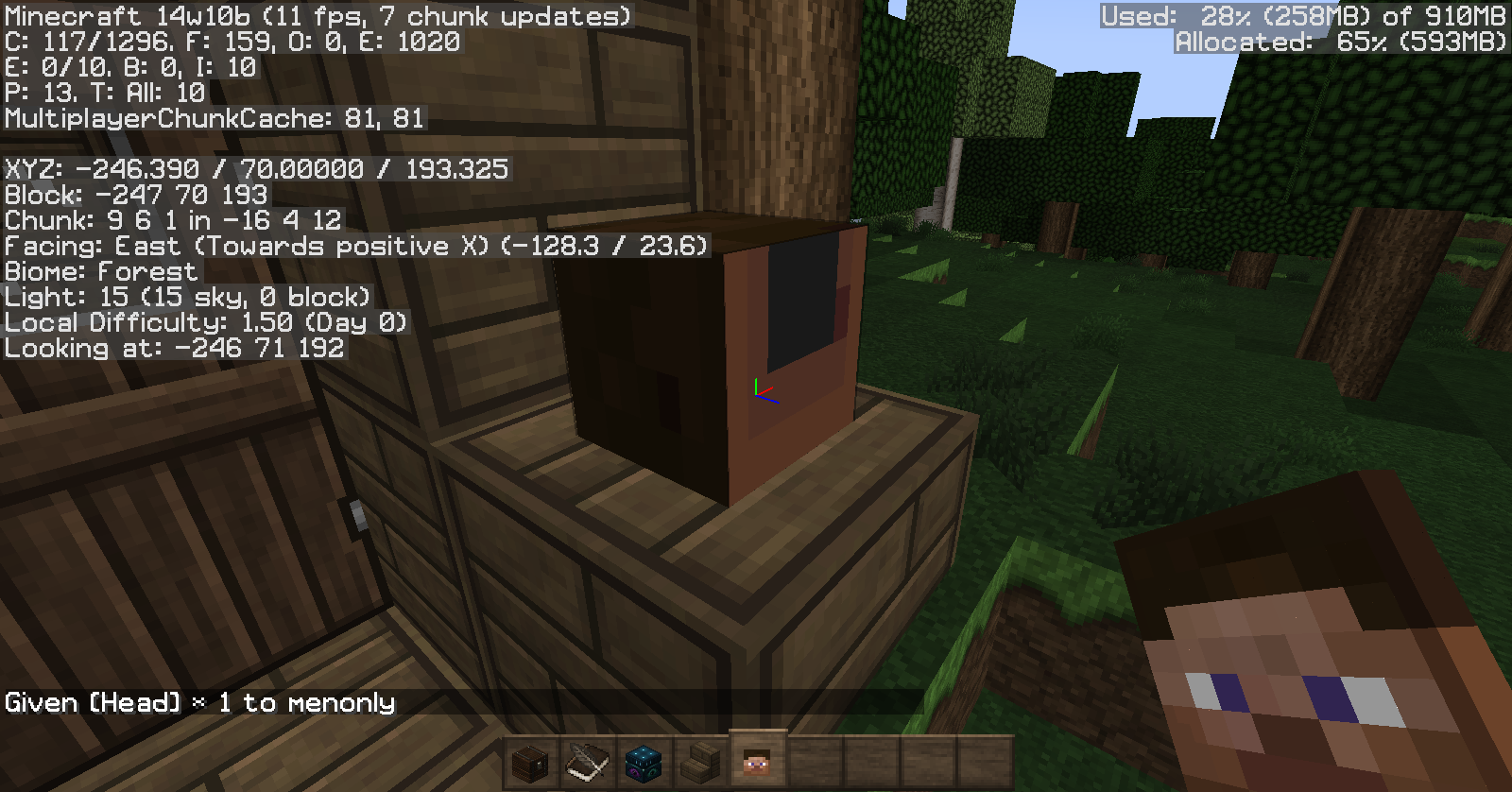
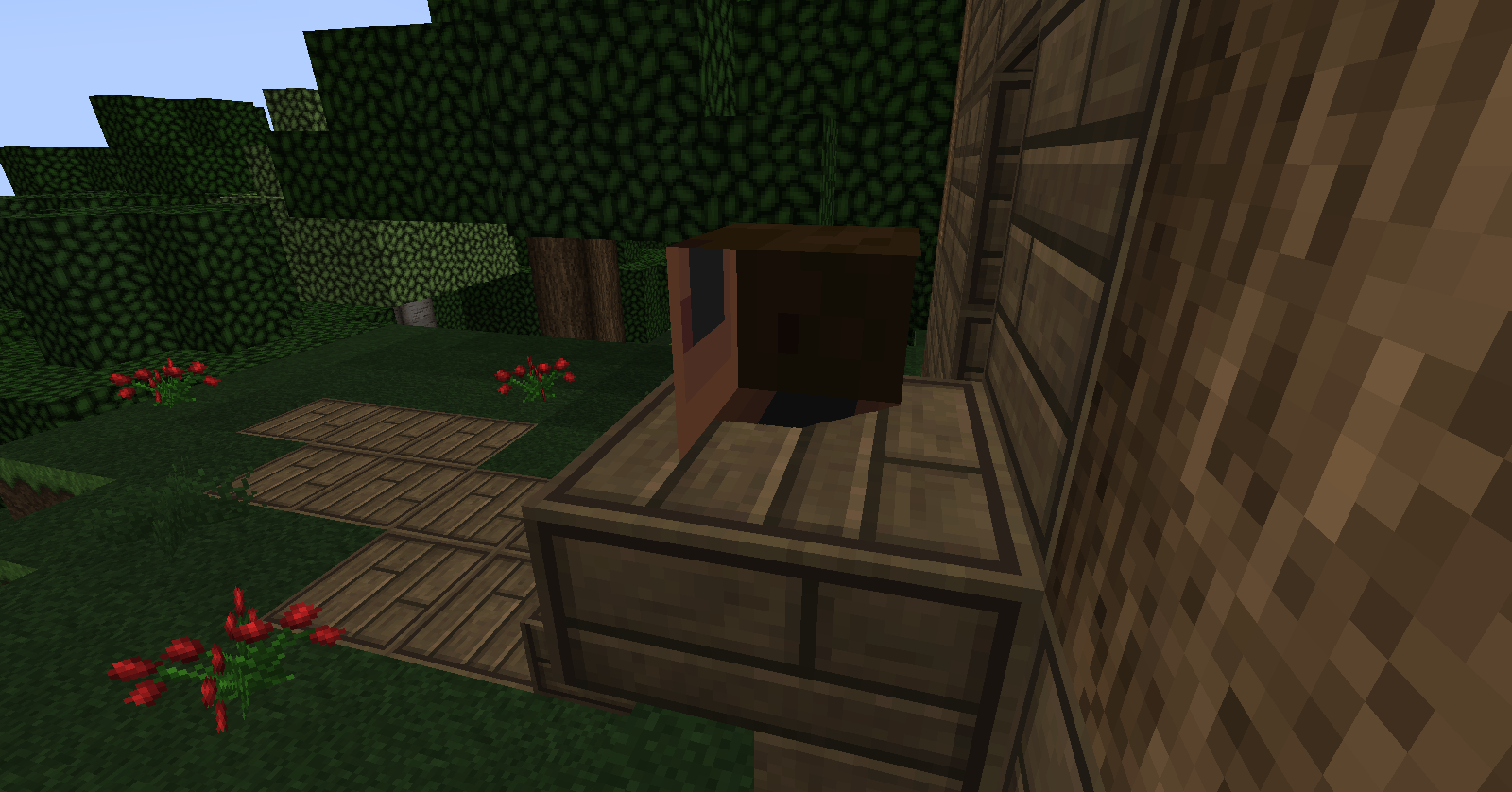
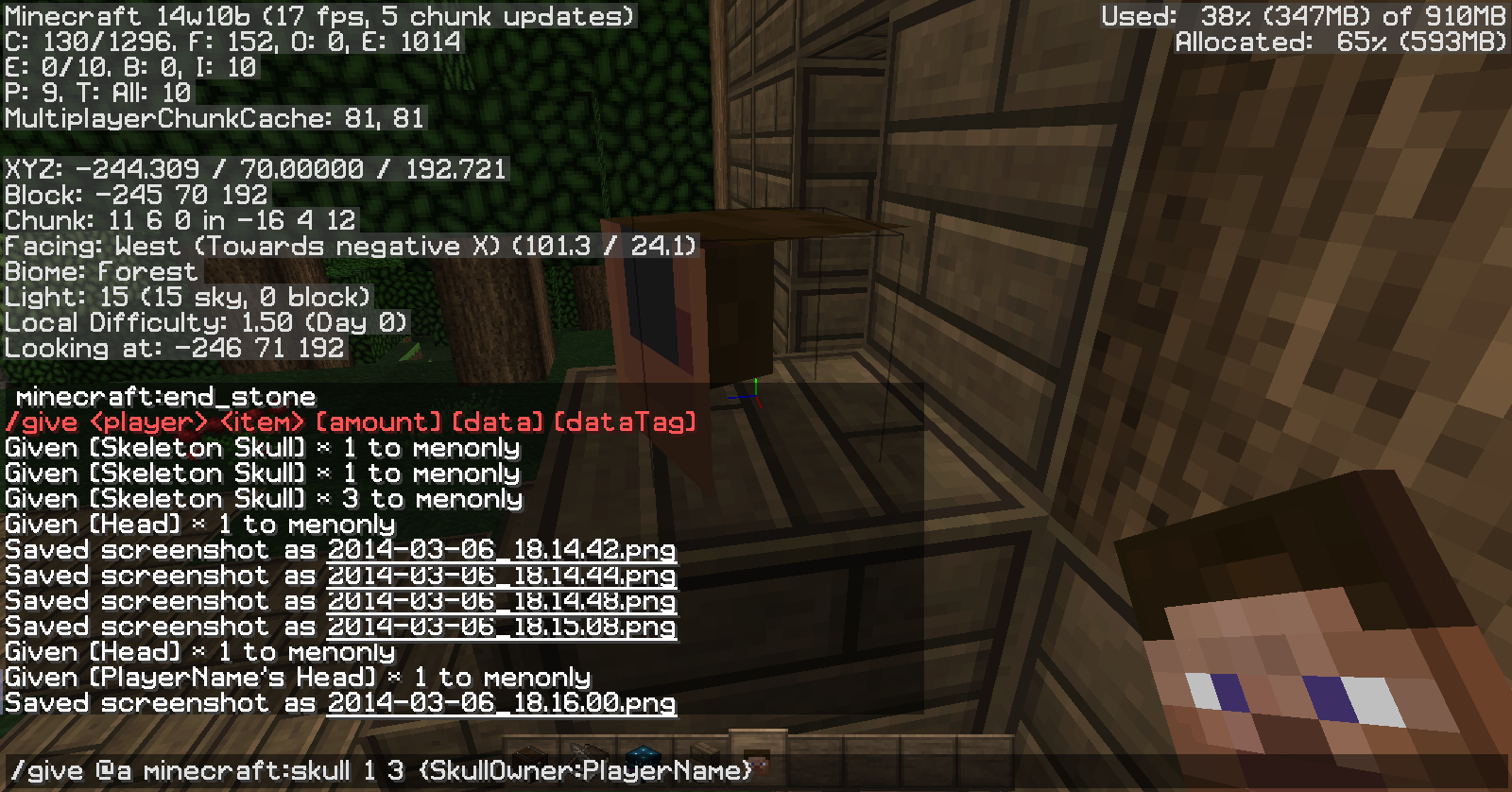
Take a look at the pictures.. The command used was "/give @a minecraft:skull 1 3
{SkullOwner:PlayerName}"
Take a look at the pictures.. The command used was "/give @a minecraft:skull 1 3
{SkullOwner:PlayerName}". I also tried "/give @a minecraft:skull 1 3
{SkullOwner:MHF_Witch}" with the same results.
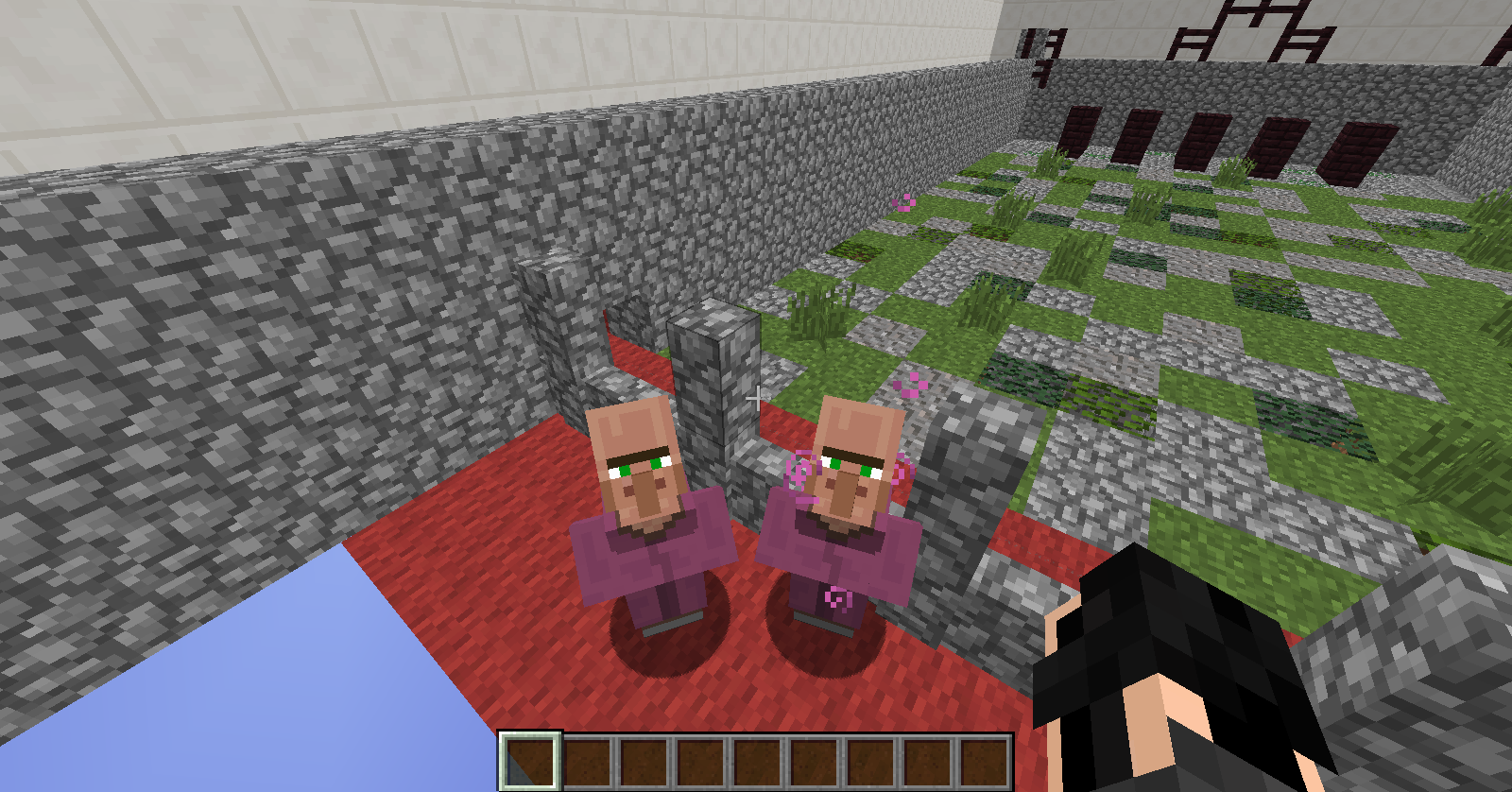
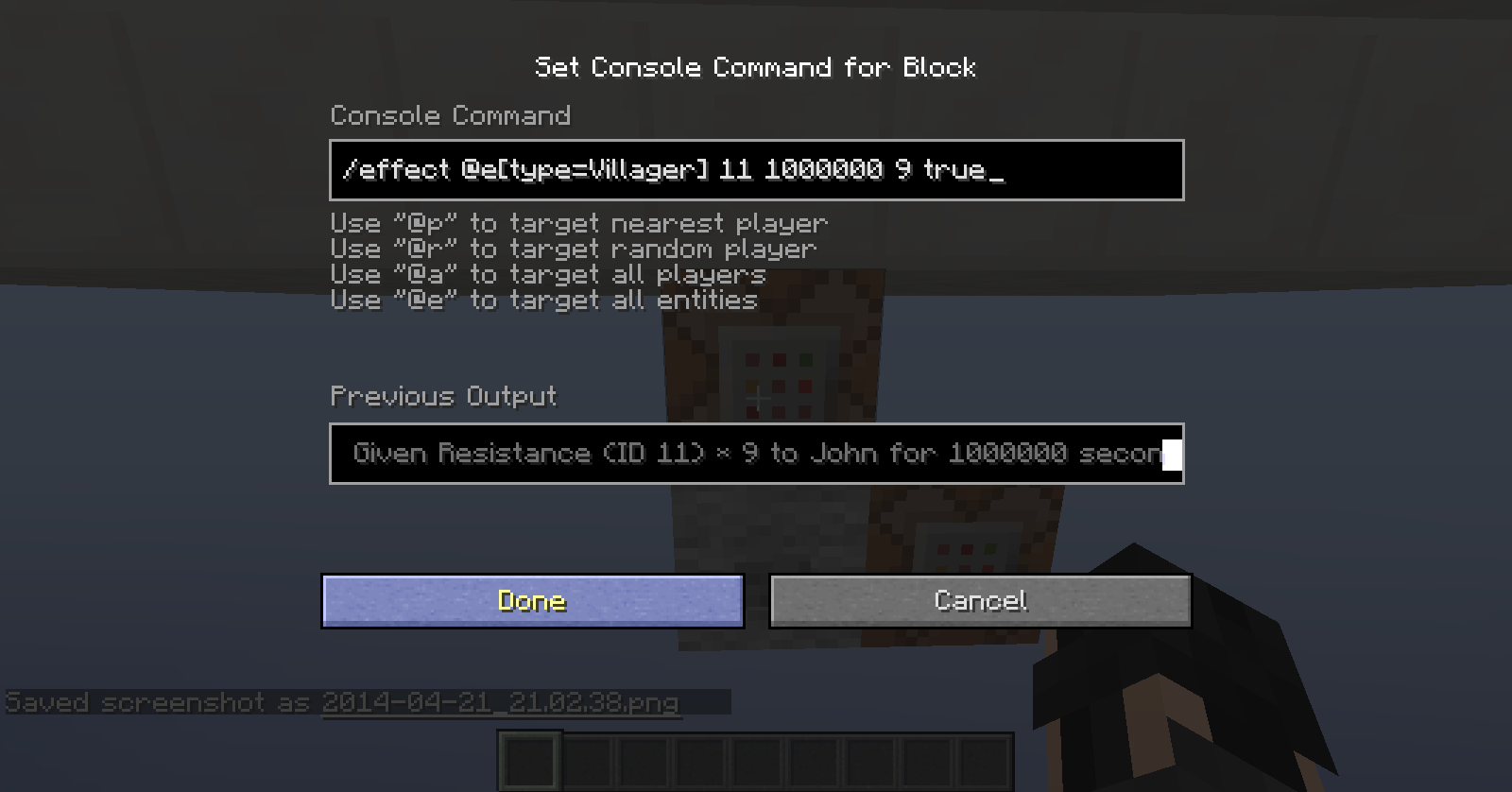
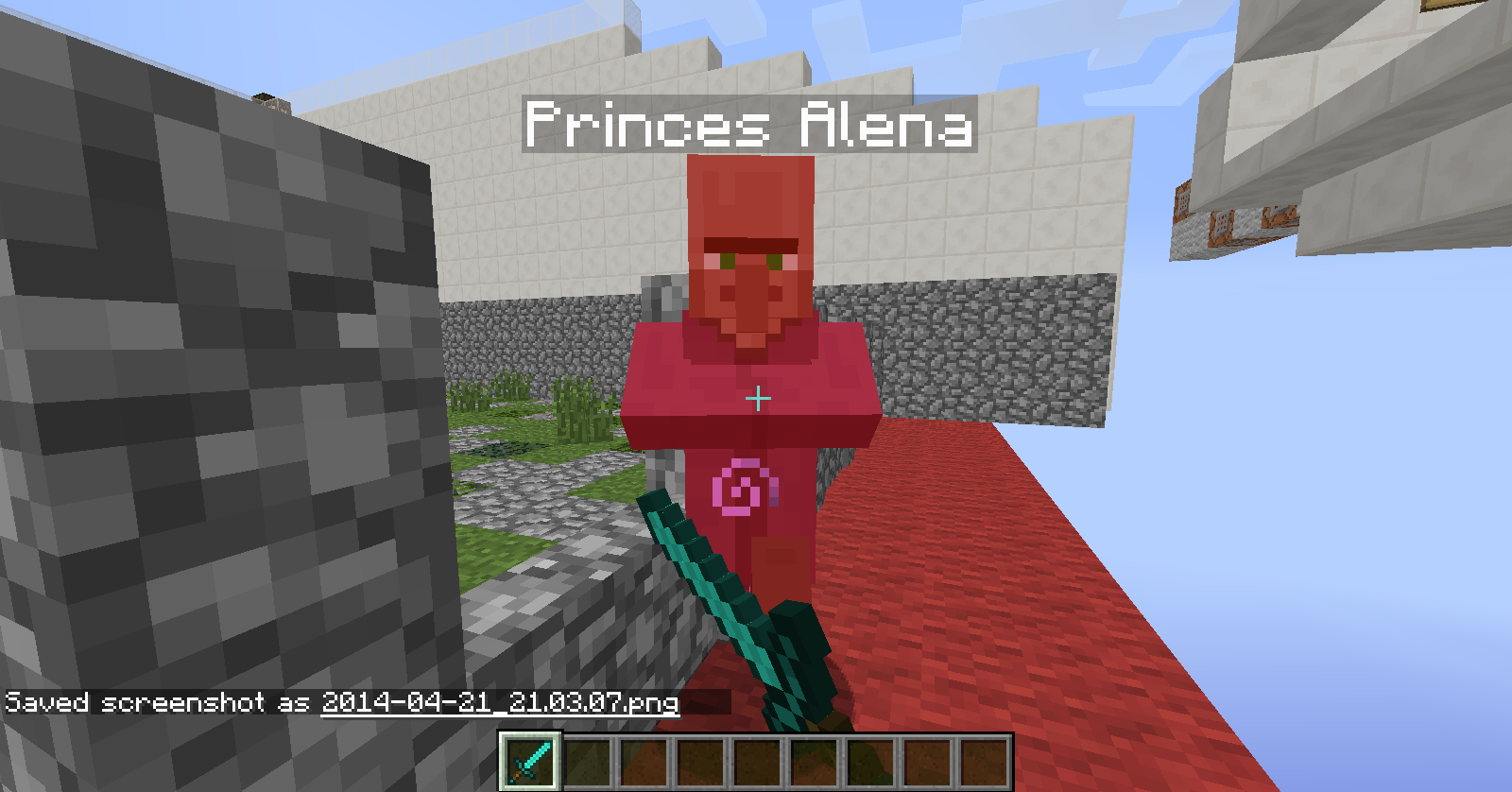
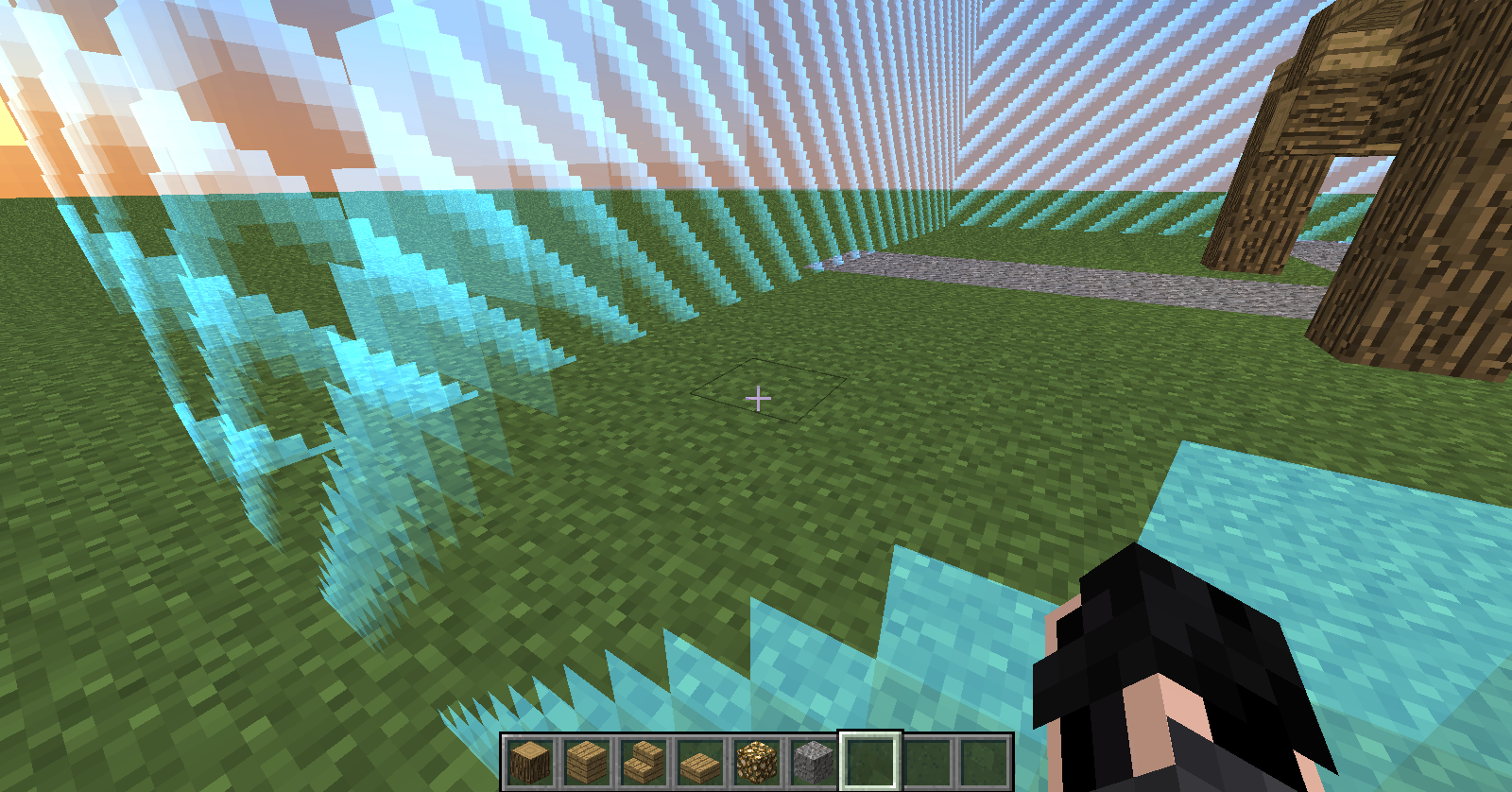
When using the command "/summon Villager ~ ~ ~
{CustomName:"Princes Alena",Profession:2}" to summon a villager, and adding 2 effects, the parti
cals when trading do not go away.Pictures were taken in sequence, showing 2 villagers fully traded out, and only one has the 2 effects in the next 2 pictures. The last one shows that the effected one will not die, but the other did.
When using the command "/summon Villager ~ ~ ~
{CustomName:"Princes Alena",Profession:2}" to summon a villager, and adding 2 effects, the partials when trading do not go away.
Pictures were taken in sequence, showing 2 villagers fully traded out, and only one has the 2 effects in the next 2 pictures. The last one shows that the effected one will not die, but the other did.
When using the command "/summon Villager ~ ~ ~
{CustomName:"Princes Alena",Profession:2}"
to summon a villager, and adding 2 effects, the partials when trading do not go away.Pictures were taken in sequence, showing 2 villagers fully traded out, and only one has the 2 effects in the next 2 pictures. The last one shows that the effected one will not die, but the other did.
When using the command
{CustomName:"Princes Alena",Profession:2}"/summon Villager ~ ~ ~"
to summon a villager, and adding 2 effects, the partials when trading do not go away.Pictures were taken in sequence, showing 2 villagers fully traded out, and only one has the 2 effects in the next 2 pictures. The last one shows that the effected one will not die, but the other did.
When using the command
"/summon Villager ~ ~ ~
{CustomName:"Princes Alena",Profession:2}"
to summon a villager, and adding 2 effects, the partials when trading do not go away.
Pictures were taken in sequence, showing 2 villagers fully traded out, and only one has the 2 effects in the next 2 pictures. The last one shows that the effected one will not die, but the other did.
When using the command
"/summon Villager ~ ~ ~
{CustomName:"Princes Alena",Profession:2}"
to summon a villager, and adding 2 effects, the partials when trading do not go away.
Pictures were taken in sequence, showing 2 villagers fully traded out, and only one has the 2 effects in the next 2 pictures. The last one shows that the effected one will not die, but the other did.
When using the command
{CustomName:"Princes Alena",Profession:2}
"/summon Villager ~ ~ ~"
to summon a villager, and adding 2 effects, the partials when trading do not go away.
Pictures were taken in sequence, showing 2 villagers fully traded out, and only one has the 2 effects in the next 2 pictures. The last one shows that the effected one will not die, but the other did.
When using the command
/summon Villager ~ ~ ~
{CustomName:"Princes Alena",Profession:2}to summon a villager, and adding 2 effects, the partials when trading do not go away.
Pictures were taken in sequence, showing 2 villagers fully traded out, and only one has the 2 effects in the next 2 pictures. The last one shows that the effected one will not die, but the other did.
I went into
creative, went into the corner of the border (Size was 235) and I went into survival, and got stuck, on the other side.I went into spectator, went into the corner of the border (Size was 235) and I went into survival, and got stuck, on the other side.
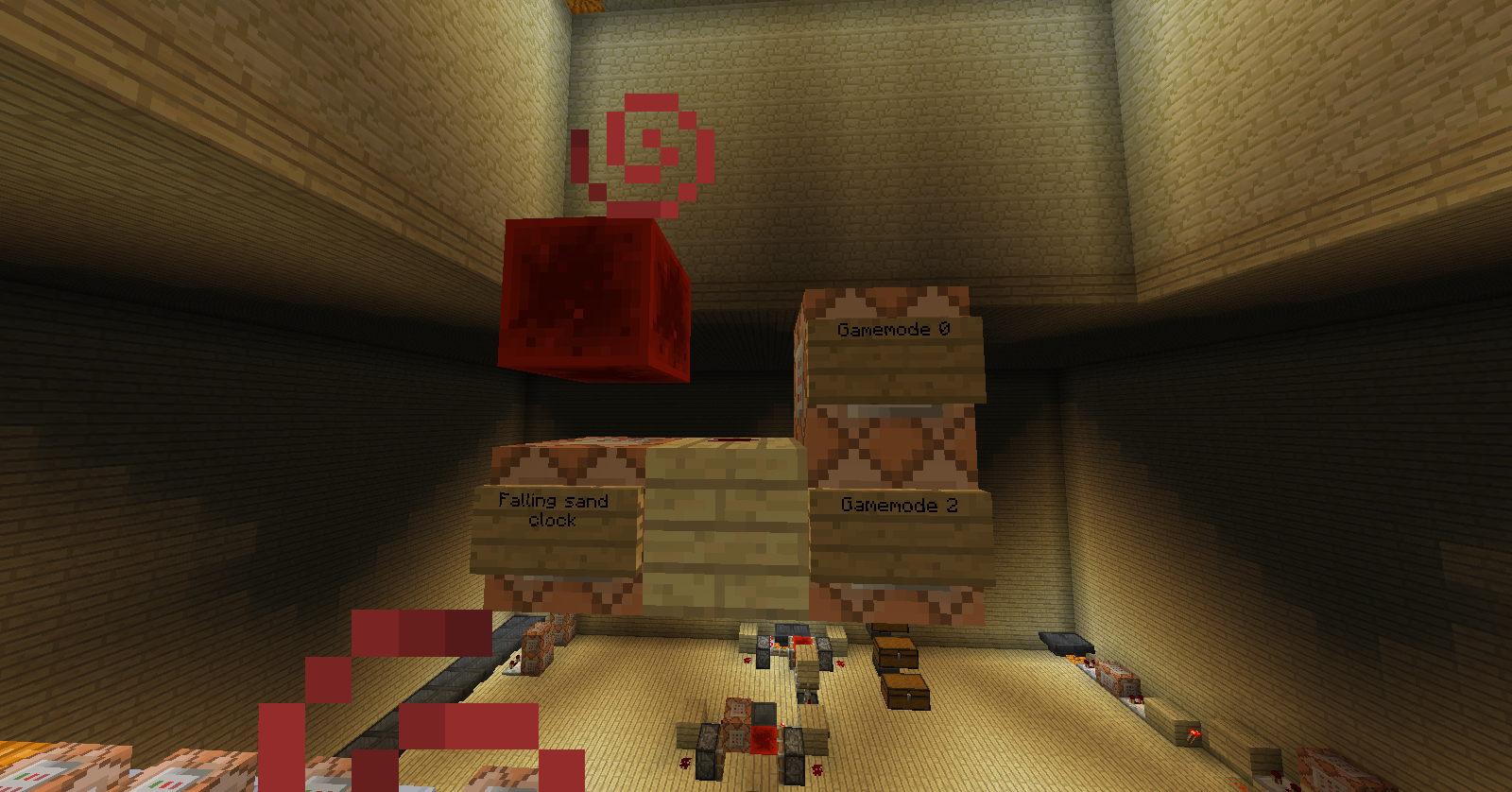
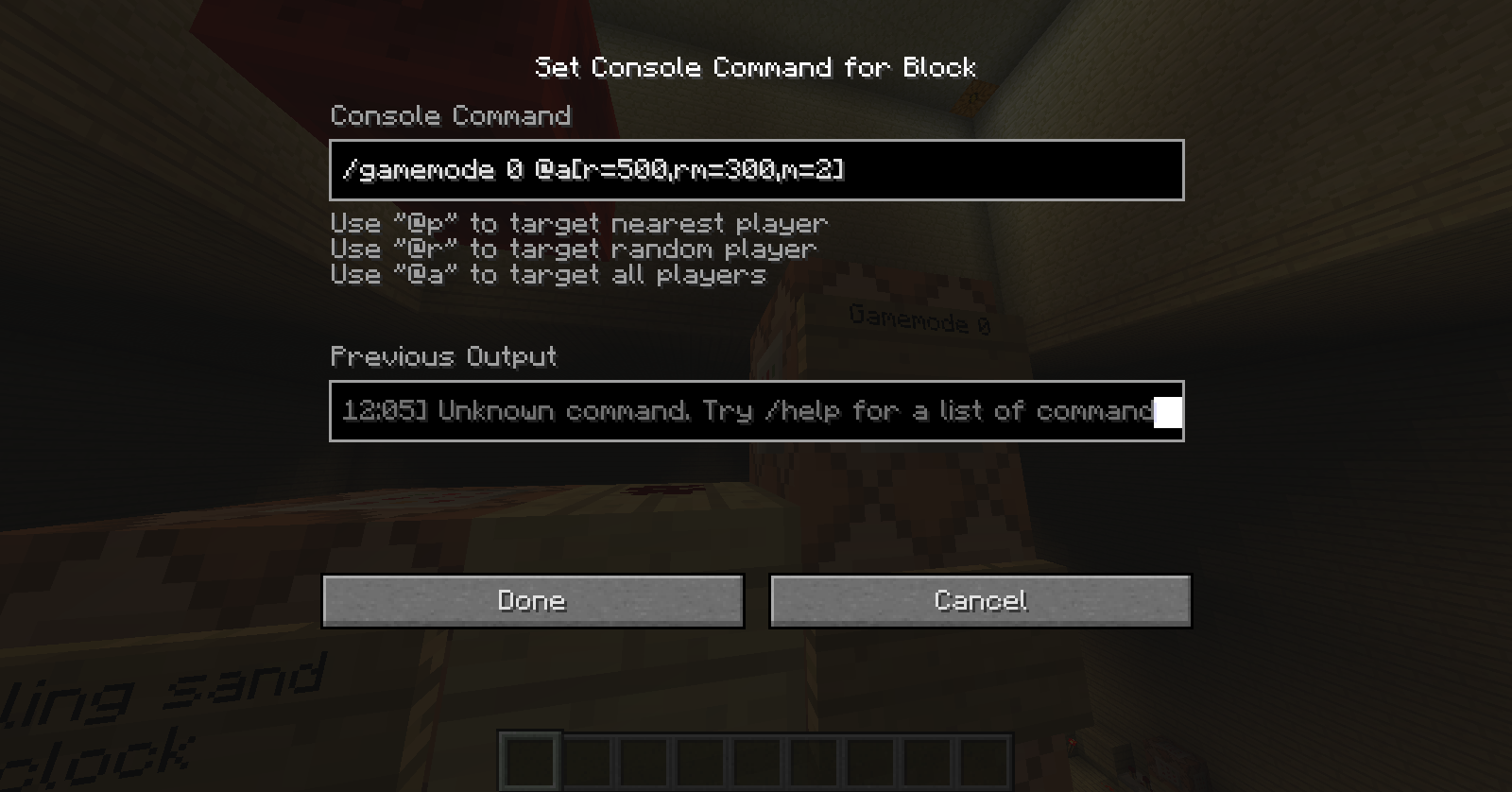
Game mode clocks not changing gamemode (CHANGED! PLEASE DELETE)
When a players score is reset and a command block is testing for a player with a score of 0, the command will be successful
but will not give an output.In the picture, a clock is constantly activating a command block. This command was successful, but as shown, the comparator does not give an output.
When a players score is reset and a command block is testing for a player with a score of 0, the command will not be successful even though when scores are reset, they are technically 0.
(Unsure how to remove picture)
Command blockoutput bugCommand blocks don't test for reset scoreboards
When a players score is reset and a command block is testing for a player with a score of 0, the command will not be successful even though when scores are reset, they are technically 0.
(Unsure how to remove picture)
2014-03-20_18.11.52.png

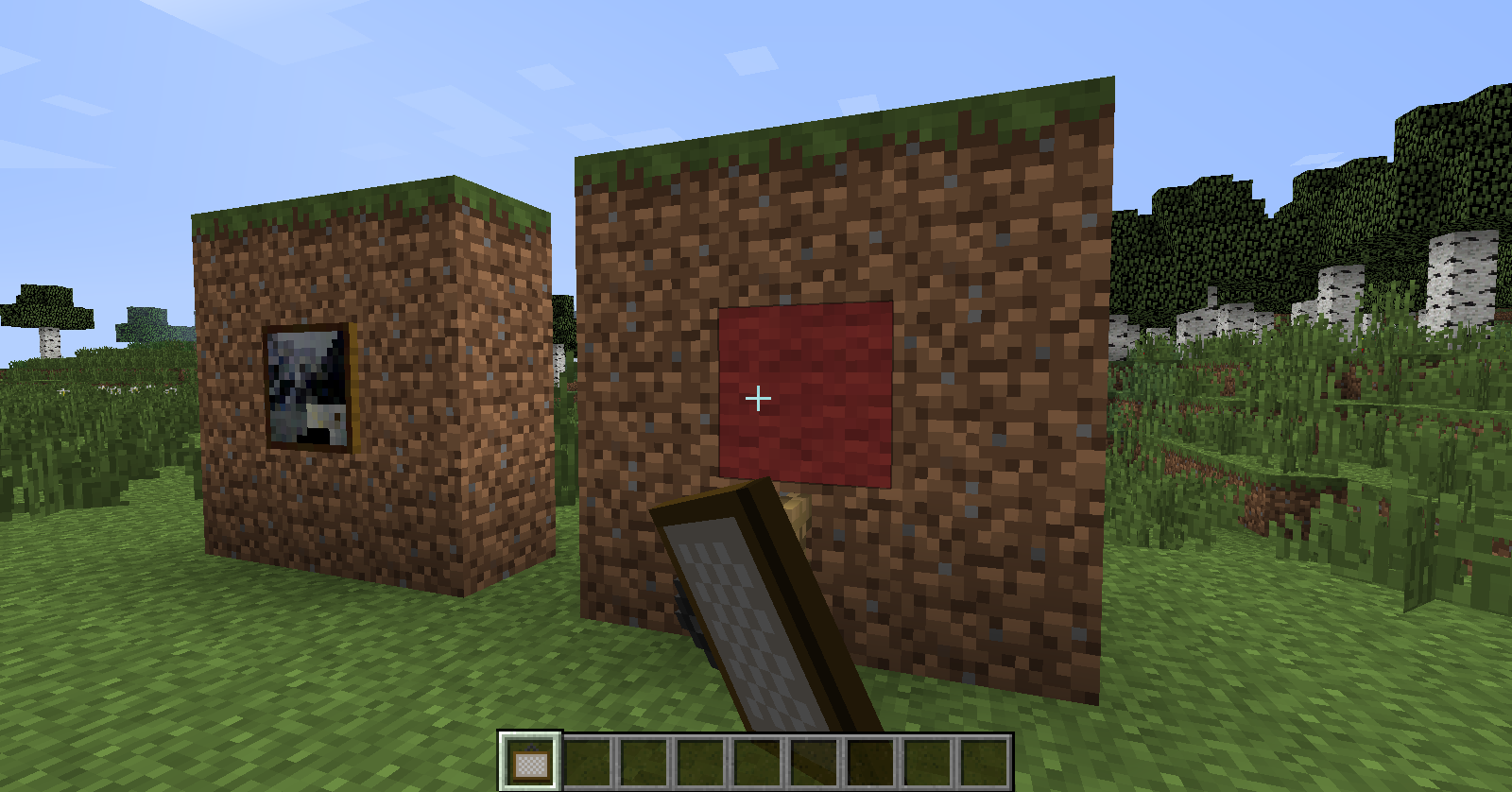
Both setblock command blocks are set so the output is off, but still, an output is given in the chat
EDIT:
Also take a look at this video. I am turning the output off, but it still appears in the chat.
http://youtu.be/kyCWS8J5gEU
Both setblock command blocks are set so the output is off, but still, an output is given in the chat
EDIT:
Also take a look at this video. I am turning the output off, but it still appears in the chat.
http://youtu.be/kyCWS8J5gEUTake 2 command blocks, and make a fill clock. Make sure commandBlockOutput and logAdminCommands are set to true. Than go to each command block and turn off the previous output (so the O turns to an X) than start the clock. Tesed on a 1.8.3 flatland world as well as my 1.8.3 server, both spammed the chat in game and on the server, as well as the game output from the launcher.
Take 2 command blocks, and make a fill clock. Make sure commandBlockOutput and logAdminCommands are set to true. Than go to each command block and turn off the previous output (so the O turns to an X) than start the clock. Tesed on a 1.8.3 flatland world as well as my 1.8.3 server, both spammed the chat in game and on the server, as well as the game output from the launcher.
Please note: images are not from 1.8.3, they were taking much earlier.
Using the command /execute @e [type=Chicken] ~ ~ ~ playsound note.harp
on a clock does not play a sound from any chickenUsing the command
/execute @e [type=Chicken] ~ ~ ~ playsound note.harp
on a clock does not play a sound from any chicken
Using the command
/execute @e[type=Chicken] ~ ~ ~ playsound note.harp
on a clock does not play a sound from any chickenNeither does
/playsound note.harp @e [type=Chicken]
When using this command in a command block:
/say @a[score_NAME_min=0,c=1]The name should be the player at the top of the scoreboard
{which can be seen when the scoreboard is set to the sidebar}When the command is run, the arguments do not "talk to each other" and just act as separate arguments. When using @a[c=1] the command will list the closest player to the command block. When using @a[score_NAME_min=0,c=1] the command should list the player at the top of the scoreboard list
{shown by setting the scoreboard to the sidebar}but instead shows the closest player to the command block with the score.
The command should say the player with the highest score, which is at the top of the scoreboard list (shown by looking at the sidebar).
When using this command in a command block:
/say @a[score_NAME_min=0,c=1]The name should be the player at the top of the scoreboard
{which can be seen when the scoreboard is set to the sidebar}When the command is run, the arguments do not "talk to each other" and just act as separate arguments. When using @a[c=1] the command will list the closest player to the command block. When using @a[score_NAME_min=0,c=1] the command should list the player at the top of the scoreboard list
{shown by setting the scoreboard to the sidebar}
but instead shows the closest player to the command block with the score.The command should say the player with the highest score, which is at the top of the scoreboard list (shown by looking at the sidebar).
gamerulemobgriefing false andsnowmenmobGriefing false snowman snow placing
using the command:
/summon Minecart 10 50 10
{CustomDisplayTile:1,DisplayTile:80,DisplayData:0,DisplayOffset:0}works, however the command:
/summon Minecart 10 50 10
{"snow"},
{
CustomDisplayTile:1,
DisplayTile:
DisplayData:0,
DisplayOffset:0
}
does not. This because {"snow"}is not recognised. Only the ID for snow is.
using the command:
/summon Minecart 10 50 10
{CustomDisplayTile:1,DisplayTile:80,DisplayData:0,DisplayOffset:0}works, however the command:
/summon Minecart 10 50 10 {CustomDisplayTile:1,DisplayTile:
{"snow"},DisplayData:0,DisplayOffset:0}
does not. This because {"snow"}is not recognised. Only the ID for snow is.
NEVERMIND
using the command:
/summon Minecart 10 50 10
{CustomDisplayTile:1,DisplayTile:80,DisplayData:0,DisplayOffset:0}works, however the command:
/summon Minecart 10 50 10 {CustomDisplayTile:1,DisplayTile:
{"snow"},DisplayData:0,DisplayOffset:0}
does not. This because {"snow"}is not recognised. Only the ID for snow is.
NEVERMIND
using the command:
/summon Minecart 10 50 10
{CustomDisplayTile:1,DisplayTile:80,DisplayData:0,DisplayOffset:0}works, however the command:
/summon Minecart 10 50 10 {CustomDisplayTile:1,DisplayTile:
{"snow"},DisplayData:0,DisplayOffset:0}
does not. This because {"snow"}is not recognised. Only the ID for snow is.
NEVERMINDusing the command:
/summon Minecart 10 50 10
{CustomDisplayTile:1,DisplayTile:80,DisplayData:0,DisplayOffset:0}works, however the command:
/summon Minecart 10 50 10 {CustomDisplayTile:1,DisplayTile:
{"snow"},DisplayData:0,DisplayOffset:0}
does not. This because {"snow"}is not recognised. Only the ID for snow is.
NEVERMIND
using the command:
/summon Minecart 10 50 10
{CustomDisplayTile:1,DisplayTile:80,DisplayData:0,DisplayOffset:0}works, however the command:
/summon Minecart 10 50 10 {CustomDisplayTile:1,DisplayTile:
{"snow"},DisplayData:0,DisplayOffset:0}
does not. This because {"snow"}is not recognised. Only the ID for snow is.
Situation: When you place a .zip file into a map folder and call it "resources", you are placing a resource pack into a map, and nothing can go over those textures (as far as im aware).
Here is the issue: When you try this for a vanilla server, it does not work.
The pack is not shown even though the map has it inside of it, forcing it instead of asking if players want it (using JUST the faithful x32 font in the pack, all other textures were deleted.)
Pictures as link:
http://imgur.com/lEGiHfM (single player world folder and resource pack .zip)http://imgur.com/MZ6Rmk8 (pack from ingame singleplayer 1.8.3)
http://imgur.com/1JT0ycV (the same exact resource .zip in the server folder)
http://imgur.com/QbPa3H8 (pack from on the server that is being hosted using the deafult vanilla server 1.8.3)
http://www.mediafire.com/download/0s39h8zkmbrisci Texturepack .zip used
76.119.232.218:25565 Server used to test the pack (yes it is public)
Situation: When you place a .zip file into a map folder and call it "resources", you are placing a resource pack into a map, and nothing can go over those textures (as far as im aware).
Here is the issue: When you try this for a vanilla server, it does not work.
The pack is not shown even though the map has it inside of it, forcing it instead of asking if players want it (using JUST the faithful x32 font in the pack, all other textures were deleted.)Links:
http://imgur.com/lEGiHfM (single player world folder and resource pack .zip)http://imgur.com/MZ6Rmk8 (pack from ingame singleplayer 1.8.3)
http://imgur.com/1JT0ycV (the same exact resource .zip in the server folder)
http://imgur.com/QbPa3H8 (pack from on the server that is being hosted using the deafult vanilla server 1.8.3)
http://www.mediafire.com/download/0s39h8zkmbrisci Texturepack .zip used
76.119.232.218:25565 Server used to test the pack (yes it is public)
Sorry, haven't checked my email in a while. I will update shortly after testing it myself of course


When placing down the command block with this command:
/setblock ~ ~-3 ~2 repeating_command_block 1 replace
{Command:"/execute @a ~ ~ ~ detect ~ ~-1 ~ planks -1 /effect @p speed 1 0 true",powered:1b}Apon checking the block with the /datatag x y z {} command, it says it is not powered. Even when i go in and turn it on. This also doesen't work if the block is placed already and you check the tag with the /blockdata command.
Other proof: This command worked in the last snapshot (15w47c) (I created this command in an excel doc I made)
{Command:/scoreboard objectives add sneak stat.sneakTime}
/summon FallingSand ~ ~1 ~ {Block:stone,Time:1,Passengers:[{id:FallingSand,Block:command_block,Time:1,TileEntityData:,Passengers:[{id:FallingSand,Block:command_block,Time:1,TileEntityData:
{Command:/setblock ~ ~-3 ~2 redstone_block},Passengers:[{id:FallingSand,Block:command_block,Time:1,TileEntityData:{Command:/setblock ~ ~-3 ~2 minecraft:repeating_command_block 1 replace {Command:/effect @a[score_sneak_min=1] minecraft:haste 1 0 true}},Passengers:[{id:FallingSand,Block:command_block,Time:1,TileEntityData:{Command:/setblock ~ ~-3 ~2 minecraft:chain_command_block 1 replace {Command:/scoreboard players set @a[score_sneak_min=1] sneak 0,powered:1}},Passengers:[{id:FallingSand,Block:command_block,Time:1,TileEntityData:
{Command:fill ~ ~-5 ~-1 ~ ~2 ~ air},Passengers:[{id:FallingSand,Block:command_block,Time:1,TileEntityData:
{Command:fill ~ ~-5 ~-1 ~ ~-1 ~-1 redstone_block},Passengers:[
{id:FallingSand,Block:redstone_block,Time:1}]}]}]}]}]}]}]}
When placing down the command block with this command:
/setblock ~ ~-3 ~2 repeating_command_block 1 replace
{Command:"/execute @a ~ ~ ~ detect ~ ~-1 ~ planks -1 /effect @p speed 1 0 true",powered:1b}Apon checking the block with the /datatag x y z {} command, it says it is not powered. Even when i go in and turn it on. This also doesen't work if the block is placed already and you check the tag with the /blockdata command.
Other proof: This command worked in the last snapshot (15w47c) (I created this command in an excel doc I made)
{Command:/scoreboard objectives add sneak stat.sneakTime}
/summon FallingSand ~ ~1 ~ {Block:stone,Time:1,Passengers:[{id:FallingSand,Block:command_block,Time:1,TileEntityData:,Passengers:[{id:FallingSand,Block:command_block,Time:1,TileEntityData:
{Command:/setblock ~ ~-3 ~2 redstone_block},Passengers:[{id:FallingSand,Block:command_block,Time:1,TileEntityData:{Command:/setblock ~ ~-3 ~2 minecraft:repeating_command_block 1 replace {Command:/effect @a[score_sneak_min=1] minecraft:haste 1 0 true}},Passengers:[{id:FallingSand,Block:command_block,Time:1,TileEntityData:{Command:/setblock ~ ~-3 ~2 minecraft:chain_command_block 1 replace {Command:/scoreboard players set @a[score_sneak_min=1] sneak 0,powered:1}},Passengers:[{id:FallingSand,Block:command_block,Time:1,TileEntityData:
{Command:fill ~ ~-5 ~-1 ~ ~2 ~ air},Passengers:[{id:FallingSand,Block:command_block,Time:1,TileEntityData:
{Command:fill ~ ~-5 ~-1 ~ ~-1 ~-1 redstone_block},Passengers:[
{id:FallingSand,Block:redstone_block,Time:1}]}]}]}]}]}]}]}
When placing down the command block with this command:
/setblock ~ ~-3 ~2 repeating_command_block 1 replace {Command:"/execute @a ~ ~ ~ detect ~ ~-1 ~ planks -1 /effect @p speed 1 0 true",powered:1b}Apon checking the block with the
/datatag x y z {}command, it says it is not powered. Even when i go in and turn it on. This also doesen't work if the block is placed already and you check the tag with the /blockdata command.
Other proof: This command worked in the last snapshot (15w47c) (I created this command in an excel doc I made)
/summon FallingSand ~ ~1 ~ {Block:stone,Time:1,Passengers:[{id:FallingSand,Block:command_block,Time:1,TileEntityData:{Command:/scoreboard objectives add sneak stat.sneakTime},Passengers:[{id:FallingSand,Block:command_block,Time:1,TileEntityData:{Command:/setblock ~ ~-3 ~2 redstone_block},Passengers:[{id:FallingSand,Block:command_block,Time:1,TileEntityData:{Command:/setblock ~ ~-3 ~2 minecraft:repeating_command_block 1 replace {Command:/effect @a[score_sneak_min=1] minecraft:haste 1 0 true}},Passengers:[{id:FallingSand,Block:command_block,Time:1,TileEntityData:{Command:/setblock ~ ~-3 ~2 minecraft:chain_command_block 1 replace {Command:/scoreboard players set @a[score_sneak_min=1] sneak 0,powered:1}},Passengers:[{id:FallingSand,Block:command_block,Time:1,TileEntityData:{Command:fill ~ ~-5 ~-1 ~ ~2 ~ air},Passengers:[{id:FallingSand,Block:command_block,Time:1,TileEntityData:{Command:fill ~ ~-5 ~-1 ~ ~-1 ~-1 redstone_block},Passengers:[{id:FallingSand,Block:redstone_block,Time:1}]}]}]}]}]}]}]}
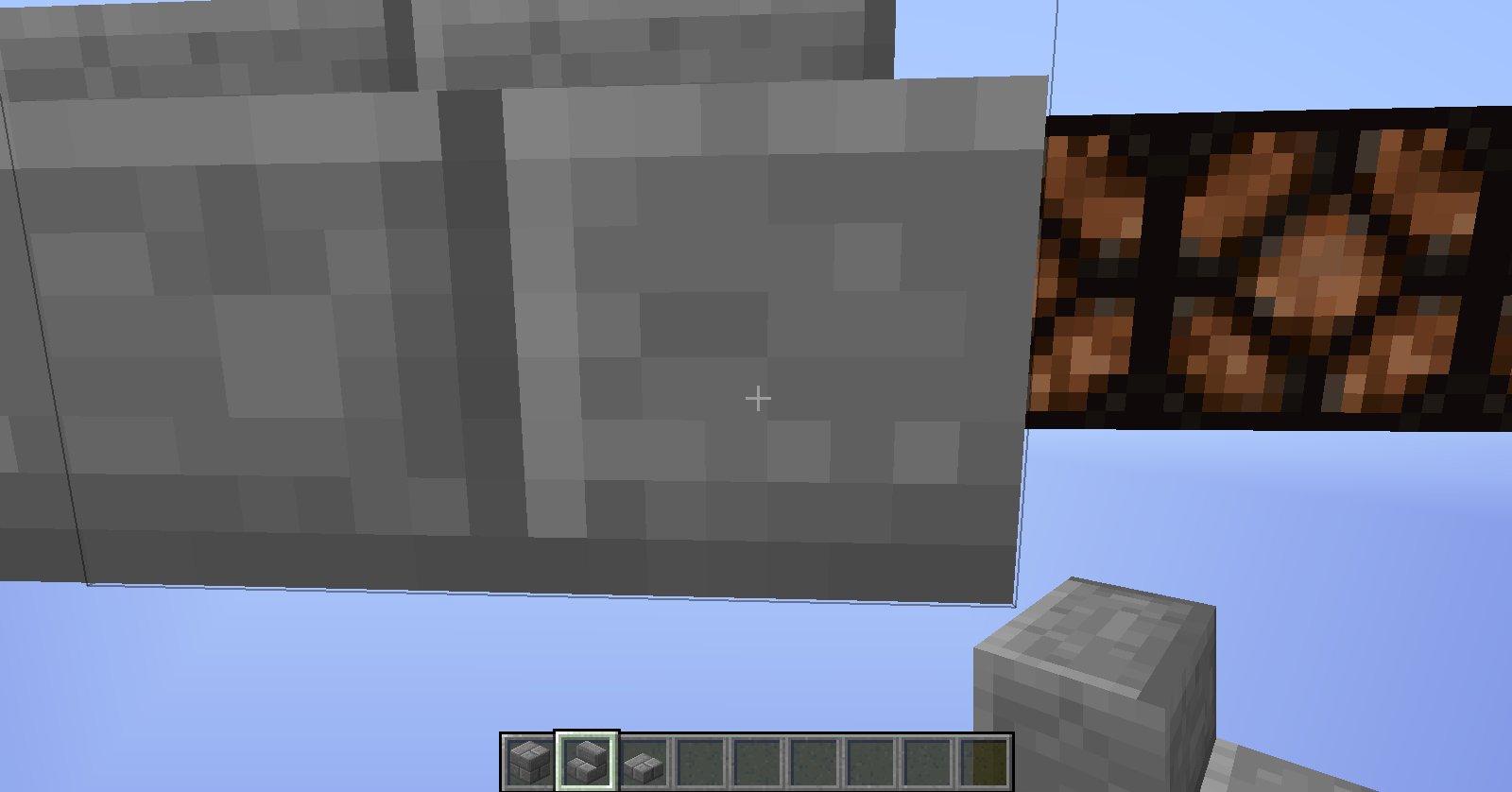
After making a farm, in 1.8.8, spiders would not spawn on
the3x3 padswith a half slab in the middle.After expanding this to a block and a half, spiders still spawn.After making a farm, in 1.8.8, spiders would not spawn on a 3x3 pad with a half slab in the middle.
Spiders spawninginfarmsSpiders spawning on 1x1 blocks
Running the command on my server in spawn
/fill 97 66 -71 103 66 -69 minecraft:command_block 0 replace airgives an error message:
{clode}Data tag parsing failed: Invalid tag encountered, expected '{' as first char.
Running the command on my server in spawn
/fill 97 66 -71 103 66 -69 minecraft:command_block 0 replace airgives an error message:
Data tag parsing failed: Invalid tag encountered, expected '{' as first char.
When doFireTick is false and randomTickSpeed is 0, fire still destroys coal blocks if placed on them
https://www.youtube.com/watch?v=2ZajyJrJVvQ&feature=youtu.be
Some recipes not showing as craftable in the recipe book when joined to a server (PIC 1), but clicking on the red outlined item moves them to the crafting table just fine (PIC 2).
/advancement grant @s everything
Still nothing
Works fine in single player.
But it works through other summoning means (Spawn eggs). Why not? - 18w02a
Confirmed for 1.13.1. If the glass plane block was where a source block would be created, it will, causing it to flow to other panes and flow through by itself.
To reproduce, create a 3x3 hole with the inside as so:
a=air
w=water
p=panewaw
app
wpaWater will flow into the center pane and though the others after, causing the air block in the bottom right to be filled with water.
If some glass plane blocks are were a source block would be created, a source block will be created there, causing the water to flow into other panes and flow through by itself.
To reproduce, create a 3x3 hole with the inside as so:
a=air
w=water
p=panewaw
app
wpaWater will flow into the center pane and though the others after, causing the air block in the bottom right to be filled with water.
If some glass plane blocks are were a source block would be created, a source block will be created there, causing the water to flow into other panes and flow through by itself.
To reproduce, create a 3x3 hole with the inside as so:
a=air
w=water
p=panewaw
app
wpaWater will flow into the center pane and though the others after, causing the air block in the bottom right to be filled with water.
Windows 10
If some glass plane blocks are were a source block would be created, a source block will be created there, causing the water to flow into other panes and flow through by itself.
To reproduce, create a 3x3 hole with the inside as so:
a=air
w=water
p=panewaw
app
wpaWater will flow into the center pane and though the others after, causing the air block in the bottom right to be filled with water.
Picture order:
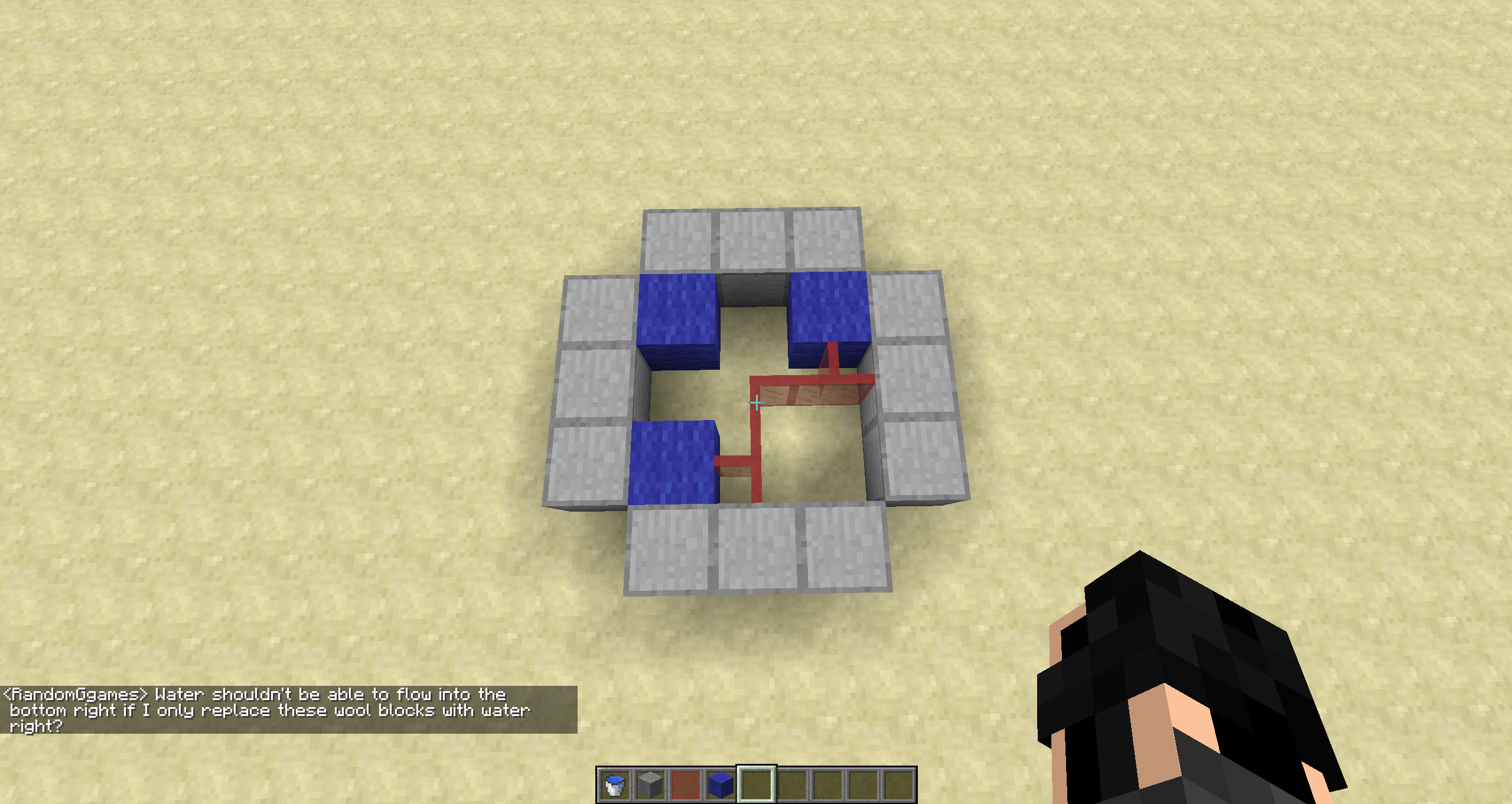
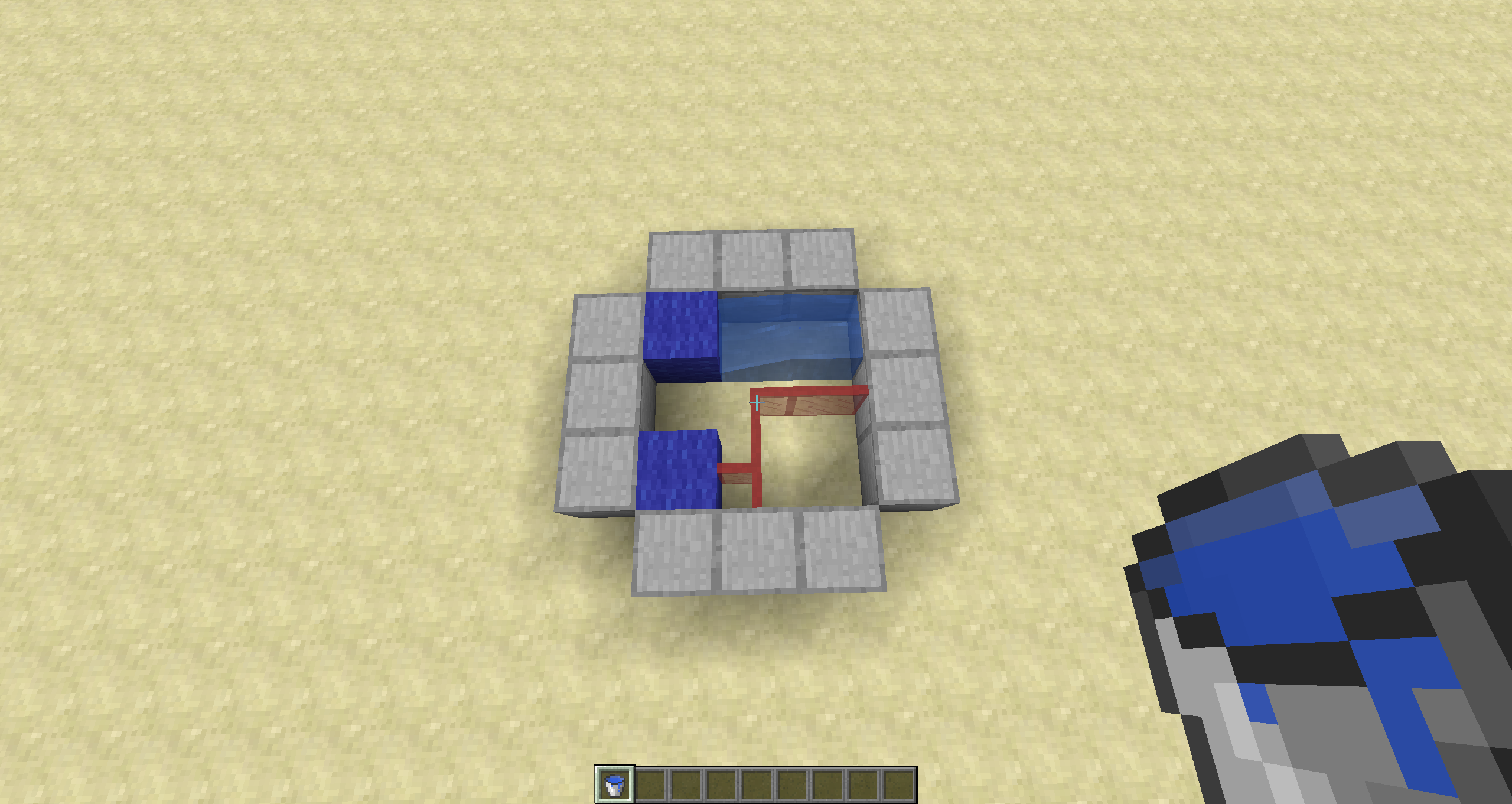
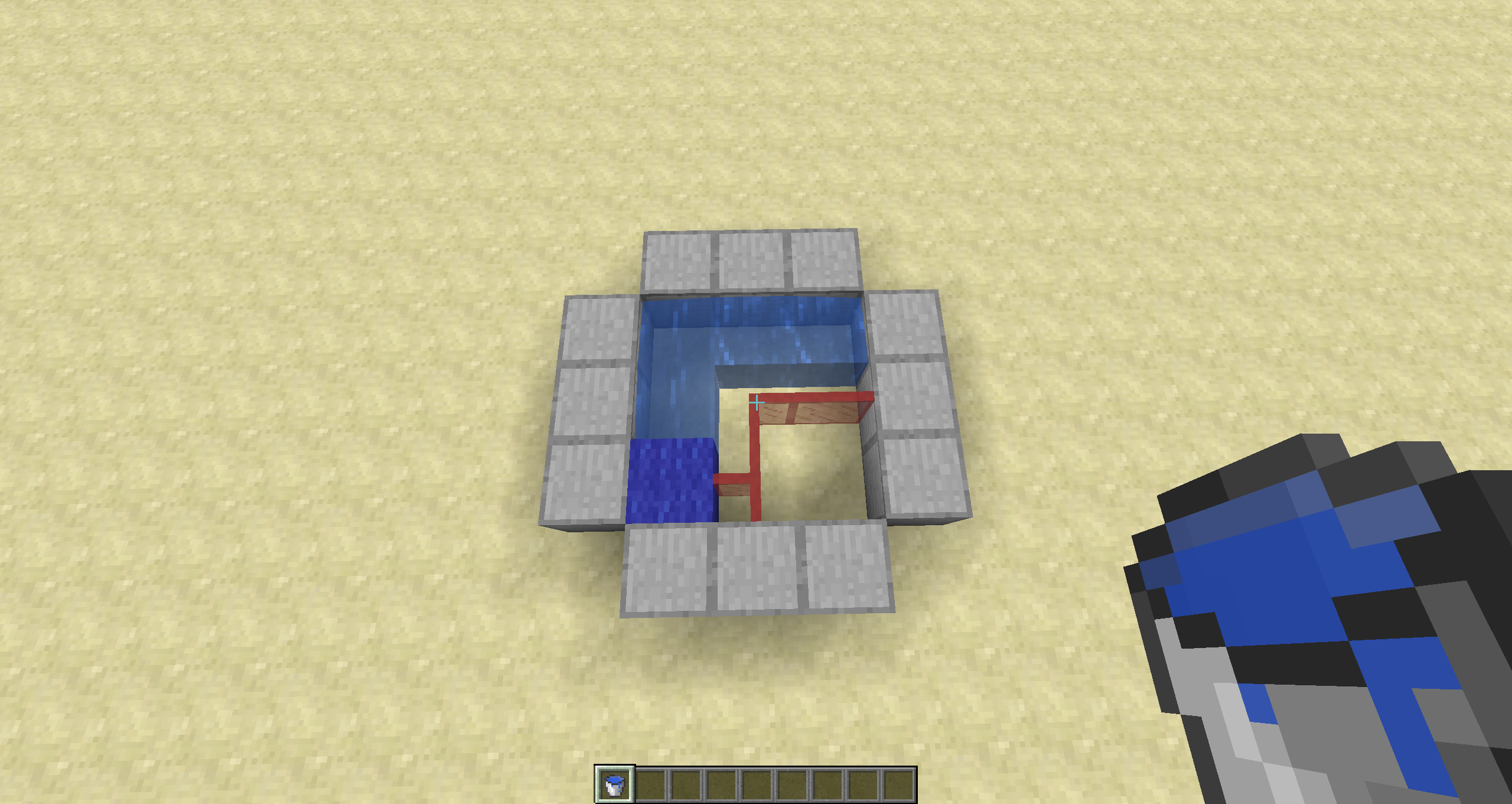
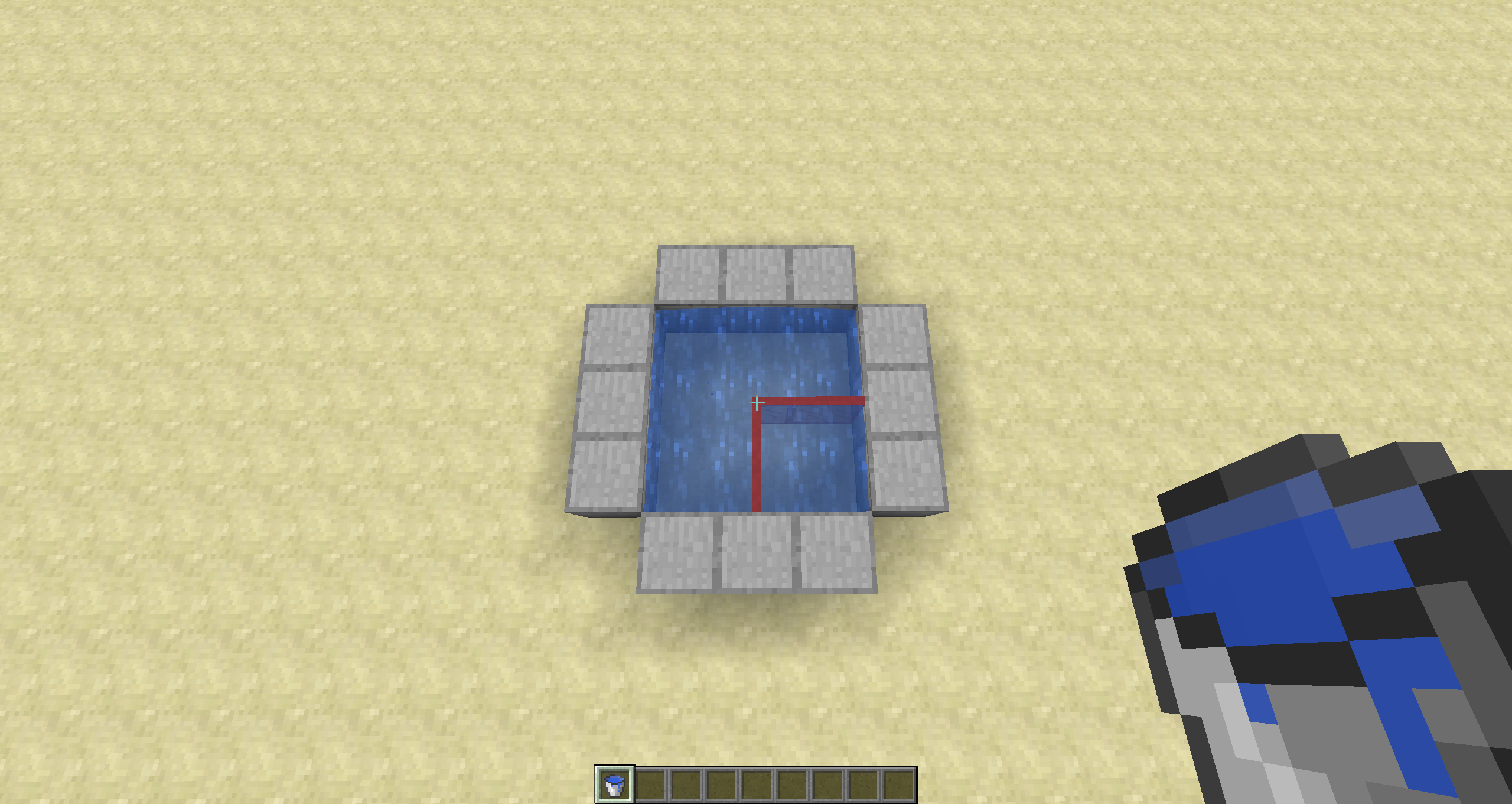
If some glass plane blocks are were a source block would be created, a source block will be created there, causing the water to flow into other panes and flow through by itself.
To reproduce, create a 3x3 hole with the inside as so:
a=air
w=water
p=panewaw
app
wpaWater will flow into the center pane and though the others after, causing the air block in the bottom right to be filled with water.
Picture order:
If some glass plane blocks are were a source block would be created, a source block will be created there, causing the water to flow into other panes and flow through by itself.
To reproduce, create a 3x3 hole with the inside as so:
a=air
w=water
p=panewaw
app
wpaWater will flow into the center pane and though the others after, causing the air block in the bottom right to be filled with water.
Picture order:
third person camera frontreversedFront facing camera up/down directions are reversed
Front facing camera up/down directions are reversed in F5
Front facing camera up/down directions are reversed in F5/third person
19w11a
Dummy scoreboard resets itself on it's own

When
using the blockdata command to clear a lock from a single chest, it works fine. However if you make it a double chest, the chests will stay locked until only one chest is left to be unlocked.When a double chest is placed and both sides of the chest have a Lock tag, it stays locked. When one side is unlocked, the entire chest is still locked.
To reproduce:
{Lock:"Test"}
Place down a double chest.
Run this command on both chests: /data merge block x y zTry to open the chest (should be locked)
{Lock:""}
Run this command on ONE side of the double chest: /data merge block x y zTry to open the chest again (stays locked)
When creating a data pack, and setting load.json to:
{ "values": [ "#:load" ] }Where load is the function name and # is the folder it's in (but in this case it doesn't exist).
When this data pack is loaded, all other data packs fail to load instead of just this pack failing to load.
On a server, when deoping
myself, multiple other OPed players are kicked. The message for those who got kicked for something to do with not being on the whitelist. If they aren't on the whitelist but OP, it kicks them it seems.On a server, when deoping someone, multiple other OPed players are kicked for (not being on the whitelist) when in the nether.
Command: /deop (any OP player), in our case it was a player in the overworld (me)
Server Settings: Enforce whitelist = true
De-opingyourself kicks playersDe-oping/unwhitelisting someone kicks players in the nether
De-oping/unwhitelisting someone kicks players in the netherDe-oping/unwhitelisting someone kicks player(s)
On a server, when deoping someone, multiple other OPed players are kicked for (not being on the whitelist) when in the nether.
Command: /deop (any OP player), in our case it was a player in the overworld (me)
Server Settings: Enforce whitelist = true
Description:
On a server, when someone is deoped or un-whitelisted, other OP players that are not white listed are kicked as well for reason: not being on the whitelist, even though they are OP.To reproduce:
Server Settings:
enforce-whitelist=true
white-list=trueOP list (this is just an example):
Test 1
Test 2
Test 3Whitelist:
Test 3To kick all non-whitelisted players, any of these commands will work:
/whitelist remove Test3
/deop Test1
/deop Test2
/deop Test3
De-oping/unwhitelisting someone kicks player(s)Deop/unwhitelisting someone kicks all non whitelisted players
Description:
On a server, when someone is deoped or un-whitelisted,other OP players that are not white listed are kicked as well for reason:notbeingon the whitelist, even though they are OP.To reproduce:
Server Settings:
enforce-whitelist=true
white-list=trueOP list (this is just an example):
Test 1
Test 2
Test 3Whitelist:
Test3To kick all non-whitelisted players, any of these commands will work:
/whitelist remove Test3
/deopTest1
/deop Test2
/deop Test3Description:
On a server, when someone is deoped or un-whitelisted, anyone not on the whitelistTo reproduce:
Server Settings:
enforce-whitelist=true
white-list=trueOP list (this is just an example):
Test 1
Test 2
Test 3Whitelist:
Test 1
Test 3To kick all non-whitelisted players, any of these commands will work:
/whitelist remove Test1
/whitelist remove Test3
/deop Test1
/deop Test2
/deop Test3If Test1 is un-whitelisted, everyone except Test 3 will be kicked. If Test1 is de-oped, Test 2 will be kicked.
colored textDescription:
On a server, when someone is deoped or un-whitelisted, anyone not on the whitelistTo reproduce:
Server Settings:
enforce-whitelist=true
white-list=trueOP list (this is just an example):
Test 1
Test 2
Test 3Whitelist:
Test 1
Test 3To kick all non-whitelisted players, any of these commands will work:
/whitelist remove Test1
/whitelist remove Test3
/deop Test1
/deop Test2
/deop Test3If Test1 is un-whitelisted, everyone except Test 3 will be kicked. If Test1 is de-oped, Test 2 will be kicked.
colored textDescription:
On a server, when someone is deoped or un-whitelisted, anyone not on the whitelistTo reproduce:
Server Settings:
enforce-whitelist=true
white-list=trueOP list (this is just an example):
Test 1
Test 2
Test 3Whitelist:
Test 1
Test 3To kick all non-whitelisted players, any of these commands will work:
/whitelist remove Test1
/whitelist remove Test3
/deop Test1
/deop Test2
/deop Test3If Test1 is un-whitelisted, everyone except Test 3 will be kicked. If Test1 is de-oped, Test 2 will be kicked.
Deop/unwhitelisting someone kicks allnonwhitelistedplayersEnforce Whitelist allows OP players on when not whitelisted
Description:
On a server, when someone is deoped or un-whitelisted, anyone not on the whitelistTo reproduce:
Server Settings:
enforce-whitelist=true
white-list=trueOP list (this is just an example):
Test 1
Test 2
Test 3Whitelist:
Test 1
Test 3To kick all non-whitelisted players, any of these commands will work:
/whitelist remove Test1
/whitelist remove Test3
/deop Test1
/deop Test2
/deop Test3If Test1 is un-whitelisted, everyone except Test 3 will be kicked. If Test1 is de-oped, Test 2 will be kicked.
Description:
On a server, when someone is deoped or un-whitelisted while whitelist = true and enforce whitelist = true, anyone not on the whitelist is kicked for "Not being on the whitelist" (All OP), but are not stopped from joining again. This can be either seen as an issue with enforce whitelistTo reproduce:
Server Settings:
enforce-whitelist=true
white-list=trueOP list (this is just an example):
Test 1
Test 2
Test 3Whitelist:
Test 1
Test 3To kick all non-whitelisted players, any of these commands will work:
/whitelist remove Test1
/whitelist remove Test3
/deop Test1
/deop Test2
/deop Test3If Test1 is un-whitelisted, everyone except Test 3 will be kicked. If Test1 is de-oped, Test 2 will be kicked.
Enforce Whitelist allows OP players on when not whitelistedOP players get kicked for not being on the whitelist (enforce = on)
Description:
On a server, when someone is deoped or un-whitelisted while whitelist = true and enforce whitelist = true, anyone not on the whitelist is kicked for "Not being on the whitelist" (All OP), but are not stopped from joining again. Thiscan be either seen as an issue withenforce whitelistTo reproduce:
Server Settings:
enforce-whitelist=true
white-list=trueOP list (this is just an example):
Test 1
Test 2
Test 3Whitelist:
Test 1
Test 3To kick all non-whitelisted players, any of these commands will work:
/whitelist remove Test1
/whitelist remove Test3
/deop Test1
/deop Test2
/deop Test3If Test1 is un-whitelisted, everyone except Test 3 will be kicked. If Test1 is de-oped, Test 2 will be kicked.
Description:
On a server, when someone is deoped or un-whitelisted while whitelist = true and enforce whitelist = true, anyone not on the whitelist is kicked for "Not being on the whitelist" (All OP), but are not stopped from joining again. This is most likely solely due to enforce whitelist itself.To reproduce:
Server Settings:
enforce-whitelist=true
white-list=trueOP list (this is just an example):
Test 1
Test 2
Test 3Whitelist:
Test 1
Test 3To kick all non-whitelisted players, any of these commands will work:
/whitelist remove Test1
/whitelist remove Test3
/deop Test1
/deop Test2
/deop Test3If Test1 is un-whitelisted, everyone except Test 3 will be kicked. If Test1 is de-oped, Test 2 will be kicked.
Description:
On a server, when someone is deoped or un-whitelisted while whitelist = true and enforce whitelist = true, anyone not on the whitelist is kicked for "Not being on the whitelist" (All OP), but are not stopped from joining again.This is most likely solely due to enforce whitelist itself.To reproduce:
Server Settings:
enforce-whitelist=true
white-list=true
OP list (this is just anexample):
Test 1
Test 2
Test 3Whitelist:
Test 1
Test 3To kick all non-whitelisted players, any of these commands will work:
/whitelist remove Test1
/whitelist remove Test3
/deop Test1
/deop Test2
/deop Test3If Test1 is un-whitelisted, everyone except Test 3 will be kicked. If Test1 is de-oped, Test 2 will be kicked.
Description:
On a server, when someone is deoped or un-whitelisted while whitelist = true and enforce whitelist = true, anyone not on the whitelist is kicked for "Not being on the whitelist" (All OP), but are not stopped from joining again. OP players are supposed to be exempt from whitelist, so either should be allowed on and not kicked or not allowed on at all when enforce whitelist is true (more likely they shouldn't be allowed on at all?).To reproduce:
Server Settings:
enforce-whitelist=true
white-list=truePlayers as example:
Test 1
Test 2
Test 3OP list:
Test 1
Test 2
Test 3Whitelist:
Test 1
Test 3To kick all non-whitelisted players, any of these commands will work:
/whitelist remove Test1
/whitelist remove Test3
/deop Test1
/deop Test2
/deop Test3If Test1 is un-whitelisted, everyone except Test 3 will be kicked. If Test1 is de-oped, Test 2 will be kicked.
Description:
On a server, when someone is deoped or un-whitelisted while whitelist = true and enforce whitelist = true, anyone not on the whitelist is kicked for "Not being on the whitelist" (All OP), but are not stopped from joining again. OP players are supposed to be exempt from whitelist, so either should be allowed on and not kicked or not allowed on at all when enforce whitelist is true (more likely they shouldn't be allowed on at all?).To reproduce:
Server Settings:
enforce-whitelist=true
white-list=truePlayers as example:
Test 1
Test 2
Test 3OP list:
Test 1
Test 2
Test 3Whitelist:
Test 1
Test 3To kick all non-whitelisted players, any of these commands will work:
/whitelist remove Test1
/whitelist remove Test3
/deop Test1
/deop Test2
/deop Test3If Test1 is un-whitelisted, everyone except Test 3 will be kicked. If Test1 is de-oped, Test 2 will be kicked.
Invalid texture format for server iconsInvalid texture format error for server icon pictures not loading in multiplayer list
Server icons do not load properly (or the server is sending out the wrong image/something is messed up). The error in the game output is as follows:
OpenGL debug message, id=1281, source=API, type=ERROR, severity=HIGH, message=GL_INVALID_VALUE error generated. Invalid texture format.
Seems to be caused by having an icon.png in the world folder and a server-icon.png (same exact file, just renamed) within the server folder as well.
Windows 10
Java (bundled with game)
Java (for server) 1.8.0_251
i7 6700K
RTX 2070
Server icons do not load properly (or the server is sending out the wrong image/something is messed up). The error in the game output is as follows:
OpenGL debug message, id=1281, source=API, type=ERROR, severity=HIGH, message=GL_INVALID_VALUE error generated. Invalid texture format.
Seems to be caused by having an icon.png in the world folder and a server-icon.png (same exact file, just renamed) within the server folder as well.
Server icons do not load properly (or the server is sending out the wrong image/something is messed up). The error in the game output is as follows:
OpenGL debug message, id=1281, source=API, type=ERROR, severity=HIGH, message=GL_INVALID_VALUE error generated. Invalid texture format.
Seems to be something to do with having an icon.png in the world folder and a server-icon.png (same exact file, just renamed) within the server folder as well.
Client restart is required to clear the issue after it occurs.
Server icons do not load properly (or the server is sending out the wrong image/something is messed up). The error in the game output is as follows:
OpenGL debug message, id=1281, source=API, type=ERROR, severity=HIGH, message=GL_INVALID_VALUE error generated. Invalid texture format.
Seems to be something to do with having
an icon.png in the world folder and a server-icon.png (same exact file, just renamed) within the server folder as well.
Client restart is required to clear the issue after it occurs.Server icons do not load properly (or the server is sending out the wrong image/something is messed up). The error in the game output is as follows:
OpenGL debug message, id=1281, source=API, type=ERROR, severity=HIGH, message=GL_INVALID_VALUE error generated. Invalid texture format.
Seems to be something to do with having the same icon file in the server folder as well as world folder.
Client restart is required to clear the issue after it occurs.

Server crashes when creating new world if world folder exists and data pack is inside it
When a server is started up and a world folder already exists with ONLY a data packs folder inside, and inside a data pack (specifically tested using the CavesAndCliffsPreview data pack from pre4), the server fails to start and causes an error: Encountered an unexpected exception
z: Exception initializing level.To reproduce:
- Create server.properties with a world folder name set
- Create the world folder manually
- Create a datapacks folder manually
- Insert the CavesAndCliffsPreview data pack into the datapacks folder (Should look like: SERVER_FOLDER\world_name\datapacks\CavesAndCliffsPreview.zip)
- Start server
- Encountered an unexpected exception z: Exception initializing level
OR- Download .zip file provided ("Raw server folder without jar.zip") which has everything except the 1.17pre4 server.jar
- Run server
- See crash
What should happen:
Repeat steps 1-5
Server starts up and loads data packas usualWhen a server is started up and a world folder already exists with ONLY a data packs folder inside, and inside a data pack (specifically tested using the CavesAndCliffsPreview data pack from pre4), the server fails to start and causes an error: Encountered an unexpected exception z: Exception initializing level. After this initial crash, some other files are created in the world folder and starting the server again seems to be fine... but that shouldn't be happening.
To reproduce:
- Create server.properties with a world folder name set
- Create the world folder manually
- Create a datapacks folder manually
- Insert the CavesAndCliffsPreview data pack into the datapacks folder (Should look like: SERVER_FOLDER\world_name\datapacks\CavesAndCliffsPreview.zip)
- Start server
- Encountered an unexpected exception z: Exception initializing level
- Run server again
- Runs fine (I think)
OR- Download .zip file provided ("Raw server folder without jar.zip") which has everything except the 1.17pre4 server.jar
- Run server
- See crash
- Run server again
- Runs fine (I think)
What should happen:
Repeat steps 1-5
Server starts up and loads data pack just fine first time.
The bug/What's expected to happen:
A world generated in 1.17 using the caves in cliffs preview data pack do not extend below y=0 when loaded in 1.18To reproduce:
- Create a world in 1.17 using the caves and cliffs preview data pack
- Remove the data pack and load the world in 1.18
- Notice that previously generated chunks do not have bedrock moved from y=0 to y=-64, filled with caves and deepslate
The bug/What's expected to happen:
A world generated in 1.17 using the caves in cliffs preview data pack do not extend below y=0 when loaded in 1.18To reproduce:
- Create a world in 1.17 using the caves and cliffs preview data pack
- Remove the data pack and load the world in 1.18
- Notice that previously generated chunks do not have bedrock moved from y=0 to y=-64, filled with caves and deepslate
When using the CavesAndCliffsPreview data pack which changes the world depth to -64, the spreadplayers commandstilldoes not allow under values less than 0, stating that the number must be above 0 even though the world generates lowerdue to the pack.The world hight has been decreased from 0 to -64, yet the command height limit has not been updated to reflect this. The spreadplayers command does not allow for numbers under values less than 0 still, stating that the number must be above 0 even though the world generates lower now.
spreadplayers does not allow for negative valueswhen using a data pack that changes world depth
spreadplayers does not allow for negative height values

@user-2a4c8: That's spam. Ignore it.

user-2a4c8 This bugpost is resolved as "Works as intended".
It might fix itself over time as soon as the mob AI system has been reworked.
If you want to know more about it, follow the links in this comment here }=)

user-2a4c8 this bug is already fixed in the snapshot 16w32a and all future versions
![[Mod] Michael Wobst](../../../data/avatars/users/37868.png)
Then please create a separate report for the bug you just mentioned, user-2a4c8
@user-2a4c8, yes that should be the same bug since it is a block position which can be tab completed. You can also try comparing the stack traces of the crash reports, for the same version class and method names as well as line numbers should be the same. Between versions at least the line numbers often remain the same.
user-2a4c8, please provide coordinates...
![[Mod] violine1101](../../../data/avatars/users/92858.png)
user-2a4c8, I've created MC-135339 for that. Please check whether I've missed anything. Also note that I have not been able to reproduce this in 1.13, only in 18w30b.
user-2a4c8, please keep in mind that everytime you edit your comment, everyone who is watching this ticket (48 people) receives an email. You sent out approximately 480 emails today. Please use the visual editor to check your comments before posting them if you want to make sure that they look right.
@user-2a4c8, the bug shown in the screenshot is already tracked as MC-165958.
![[Mod] markderickson](../../../data/avatars/users/18946.svg)
Hi user-2a4c8! I'm not able to reproduce this issue in the latest version of the Launcher; instead, I am given an Exit Code -1 crash. Is this still an issue for you?
Fireballs and other entities that are not falling sand use the
{direction:[X,Y,Z]}Feature, Blocks use motion. Direction is working fine for me though in 13w38c. Falling sand is not effected though, which is a bug.
It does not make the Falling entitie move* Ill fix that later.
Kuasasa That is the command Im using. Ill put in an example with the spaces filled in.
For me, it would not show any hit box or the animals. All i could see that was an entity was anything that's not a mob.
Whoever set this to resolved,..... Its not... Not even in the latest snapshots.
Well this annoys me and i still think it is something that is annoying to many people. If someone wanted to seperate something, they would make a few spaces to start a new paragraph or something similar. I don't like it.
@Flexo 013 I can't explain much more if i don't know how it works.
@Traven81 How is this intended? That link did not help either. You never spawn within 100 blocks of the spawn coordinates. You spawn within roughly 20 blocks of it.
@carl Oh.. well... ok then. thanks dude.
@Manuel Gwosdz I have tried reloading the world and i have tried absolutely restarting the game and launcher. Still doesn't work.
@Talven81 Come look
Anything that is not a full block is invisable. Such as flat items when thrown on the floor, like swords, stools, foods, etc. Blocks are visable though.
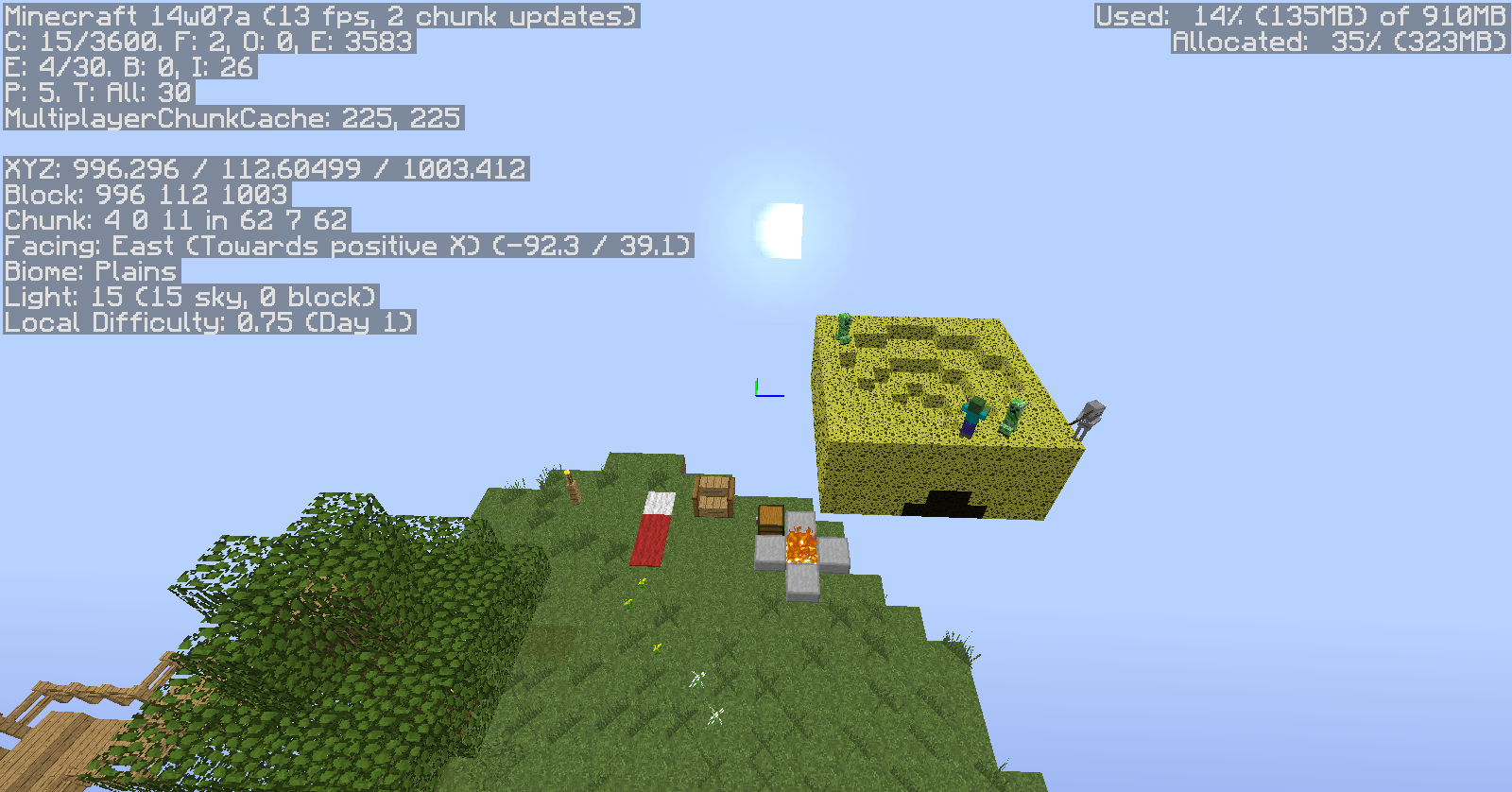
The sponges are used as a template for the islands. They are filled with grass with the /fill command and then the sponge is removed. On the sponge picture as well, a skeleton spawned right before i went into gamemode 3 for the picture. The zombie near the spawner was already there when i got back from some redstone. The spawner is only for zombies, but i plan on including more. Those other mobs by the zombie spawner also spawned right before i went into gamemode 3 for the picture.
Well that just caused me to remake all the maps im working on for 1.8! Thanks mojang!
yes, when it hides the floor and annoyed you!
Look at the other chat outputs! everything except some spots did not work. It says, after the 3 0 outputs, that it replaced 44, than 14 layers as I moved around. That's not the problem.
I think it just doesn't work with any entities. I guess ill update the post!
Check out the execute command i added. How is that not a bug?
I keep running into trouble as well. I have some pictures with the F3 screen but I didn't post them because this bug was already in place.
This actually is not realivent... I redid the post. I can't remove this one
my mistake, meant spectator
Still a problem with chests
Alex... and your point being?
Blah, this is true, but it also gives a false comparator output. No ones gamemode is changed, but the comparator will still give an output, and so will the command block. This is a glitch/bug, and should not just be ignored with a gamerule.
I am aware of this, but if your already in adventure mode, and you put yourself into adventure again, you should not get a successful output. Your already in adventure, how has your gamemode changed?
this I found out a while ago, however your gamemode is not being changed in the bug report, so this is still technically a glitch.
Thinking about this now though, when you update something, you may get the same output.
May I ask, how do you put text inside of the box like you did with the command?
Still an issue in 14w21b, please update problem
Way more what?
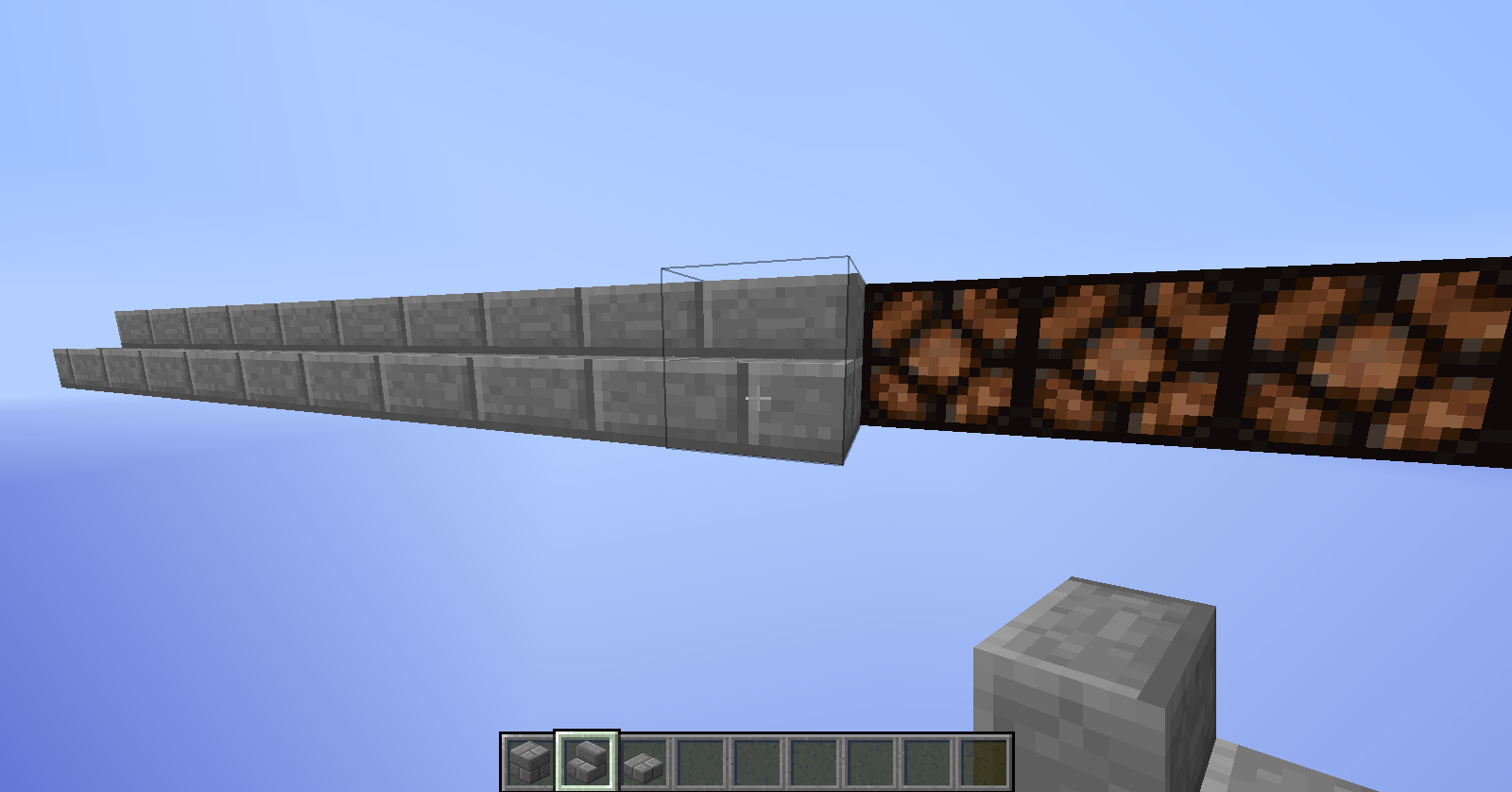
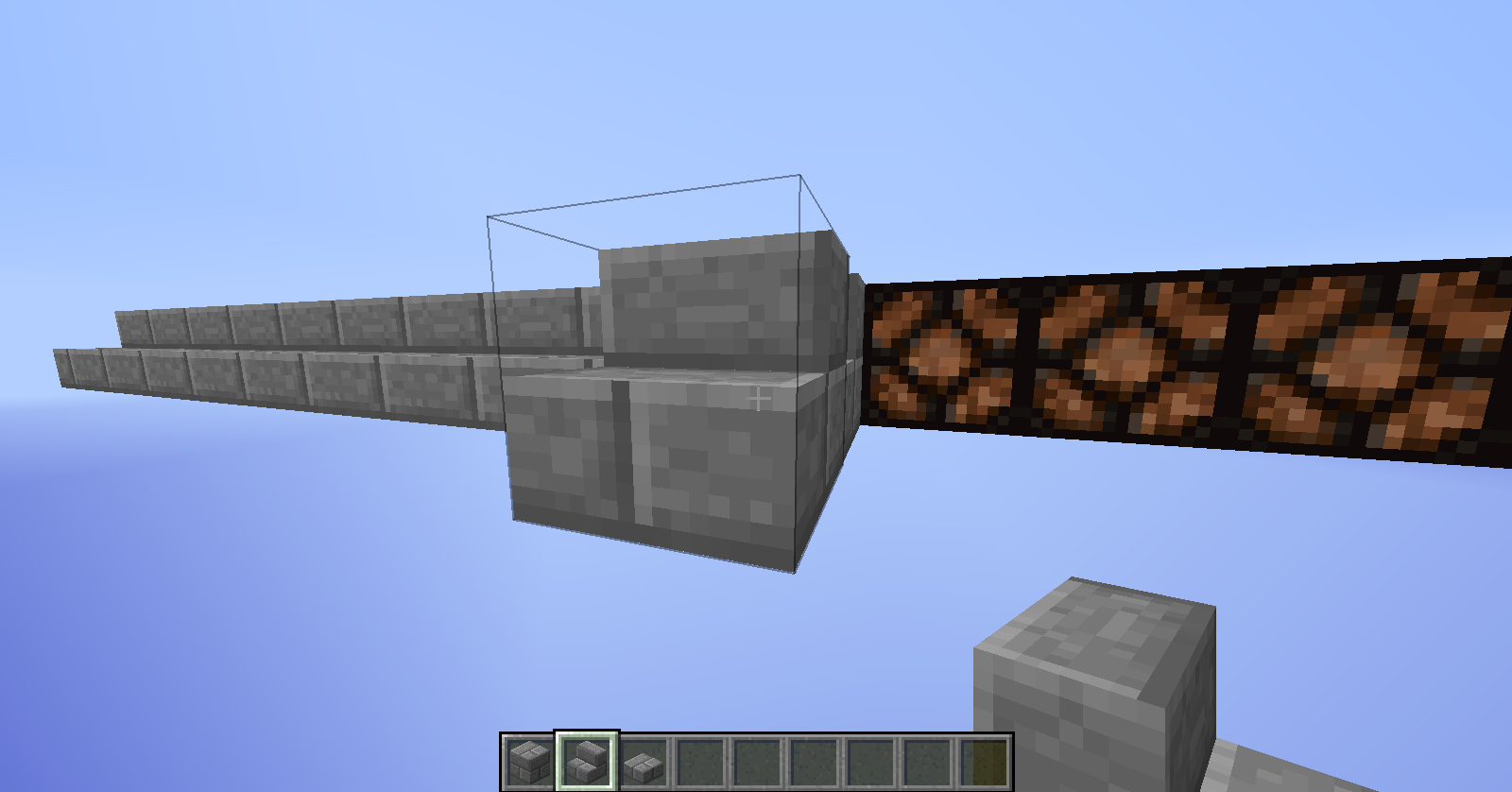
No, you can't place a fence above a fence post. Not on, place a wall, place the frnce on the floor, and above the fence on the wall, try and place a painting.
Paintings can not be placed on the red wool, but they can on the other one
Look at the picture
lol, workflow has always been a little confusing to me.
I wish it were
Fixed
Confirmed
Duplicate
Unable to Replicate
No, not this bug, just like ops set it to open/closed/whatever
EDIT: fixed ods
Well the fence's texture is not that heigh Bobby. Thats why I say this is a bug
FV There
Bobby, you can place normal blocks over them still though.
I have this tracker send email updates to my phone, and it just keeps buzzing because of the comments
Bobby... Just for the record: http://www.planetminecraft.com/project/all-in-one-games/
I work a lot on games like these, and it really upsets me that you say I know nothing about minecraft.
I probably do All I do all day is make maps. Ive had the game since 2012 anyways. Im not upset with myself, I'm upset with Bobby for commenting things he has no idea about.
FVbico Cool I keep thinking your name is FVDisco
  Any pictures?
Aw, dude! Thats so cool! All i can do is redstone I can't build for my life
Bobby, take a chill pill, jese!
Edit: added
A shmily face
Can confirm even with a skeleton spawner. They spawn in the walls of the area and on a pillar above the spawner.
turn that gamerule on. only some command block outputs were outputed. /effect commands next to the clock was able to be hidden.
negative
just 2 for the clock, and added an effect command. The effect command hid, but the clock part didn't
yeah. Its in 14w26c. The cobble walls is not correct.
David there is no 14w27c snapshot yet... its only b.
and yes, i can confirm with Anon Ymus. It only appears to be wrong, but changing the delay only increases the actual delay, not what the repeater shows.
Actually, they do... In a flatland world, i set a minecarts entity data to {} and here is what showed up:
{UUIDLeast:-4906066466207270165L,Motion:[0:-5.190825505530378E-145d,1:0.0d,2:7.407501119087771E-144d,],OnGround:1b,UUIDMost:-7006448492424705624L,Dimension:0,Air:0s,id:"MinecartRideable",Pos:[0:373.4891406478631d,1:4.0d,2:728.749639033712d,],PortalCooldown:0,Fire:-1s,FallDistance:0.0f,Rotation:[0:-85.99154f,1:0.0f,],Invulnerable:0b,}So dont tell me this isnt a bug
The tags that would normally be stopped would be rotation and motion.
Edit: All edits were reverted back to the original post.
Just tested in 14w33a. Updating all the problems i have posted that are still open. Output says yes, but comparator says no
Dup of another one i made. little more imdepth.
still in 14w33a!
Still a problem!
Wait, my bad its "snow", not
{"snow"}Me neither. Thats why i reported it.
I never used redstone...
Not in 14w34d, no. I was not able to reproduce it in 14w34d.
In 1.8-pre3! Please update.
To produce: go into a minecart
I actually searched "Biome" and "Advanced Options"... i tried looking for a dupe before posting this. Thanks man
Kumasasa, please reopen.
You misunderstand, that download link is only to get the resource pack. If you take that, and put it into a world, that resource pack will work even though there is no selection for it. It is forced. On the other hand, if you take the map you used in single player and moved it into a folder that you use to run a server, the resource pack is not used at all.
Is it possible to have it automatically force the resource pack instead of asking the player if they want it or not?
Server .log requested by Kumasasa on 6/19/2015 at 7:58
The ? with the black diamond are § signs
This bug is in 15w31c, please update!
/tellraw @a [{text:"hello"}]must be
/tellraw @a [{"text":"hello"}]with the "" around text.
Please update to 15w31c!
Why it should go back: Lots of people do not write code for a living or at all really and it is much easier to simply type in the words (text: extra: etc..). Also, like Julian Chan said, it is much faster.
Why it should stay: Like Ezekiel said, it is bad practice to use lenient syntax.
Easy fix/Improvements: 1 Have command blocks, when you are done with the command automatically put in the "" for you on each word that needs it ("text:", "selector:", "extra:", etc..) so players can still type in lenient syntax but the game automatically corrects it into ... non-lenient syntax? Idk, i'm not a coder.. But I love writing commands which uses the lenient syntax (for minecraft only.. its the only place I use any type of code) 2 As commands/strings/whatever they are called are typed into a command or command block, they are automatically corrected/autoplaced (like notepad++ does with the "" autofill and text autofill, kinda)
Good point... If the current way (in 1.9) commands like tellraw are read by the game work in 1.8, why was the change made in the first place? Searge did say, "JSON parsing will be strict everywhere in the game, I recommend not using lenient syntax anywhere anymore.", I'm just curious why the change was made in the first place. Maybe it's easier for them?
This is such a stupid little thing that was in the game. Sure it worked fine before when players couldn't levitate in the air... but now I feel that the fall damage system has to be reworked a little. plz fix.
(PS) you guys can actually vote for things to be fixed. It's by the people section at the top. Start using it, don't just comment that it should actually be fixed. Vote for it to be fixed!
Seems like it can be replaced onto the head slot, but not the chest, leg, or foot slot. Seems like the slot is just messed up. Easy fix hopefully!
Update for 15w42a! Can Confirm!
15w46a! MODS! Plz update!
Possible fix to this is to have a scoreboard test how long you FLY with Elytra (not that 4 blocks before they activate)
15w46b, snowballs can not be forced (with tags) to cause damage or potion effects (even though they are relatively the same as arrows, yet still hit a player).
This is happening to me when I disable my Logitech dolby surround sound IN 15w47b! (I thought it was a good idea to search the issue before making a new one).
redstonehelper.... yeah that's a jump and sheaking bug. lol
Yep! It's not updated for 15w47c, that's why I didn't see it when I searched for it
1.10 confirmed!
I have noticed that the tag has moved from "powered" to "auto", even in the 15w47c snapshot, which is strange because the second command I said was working before this weeks 15w49a snapshot.
Oh.. Darn it. I do it like that so there aren't as many command blocks being activated at the same time..
Probably just use a comparator clock if it's off?
16w06a! WTF IT'S STILL IN THE GAME SINCE 1.8-Pre3!? Plz Fix!
k thanks, I can't delete this myself so..
confirmed in 16w07a Please update!
1.9 pre-2 Plz update... This bug is annoying me
Yep... confirmed on my vanilla 1.9pre-2 server as well
Confirmed 1.10.2
Confirmed 1.10.2
1.10.2 confirmed
Why is it an ellipsoid if the arguments are dx dy and dz like the testfor arguements, which creates a rectangular area? Why woulden't it do the same thing? I don't see any particular use for an ellipsoid.
I tab-completed it. I ment to send a pic with it showing the gamerules, but clicked F1 to hide my hand and such.. uno momento
[edit] Added a link
Ahhhhh... mistyped it in my one-command generator for all the gamerules. That's why it was auto-completing... sorry!
Hm.. then there is no way to make particles spawn evenly in a rectangular area? As in not through the command itself. Maybe adding that feature would fix this problem I'm having
Well isn't that a bug as well? You can't test if an entity has multiple tags with one testfor command, even though a tag argument is available to players.
And yes, multiple scoreboards work because the argument you are testing for is different because of the objective variable.
My point: you can test for multiple scores, but not multiple modes or... now that you mentioned it.. tags as well.
Seems to still be an issue.. I hope this will be fixed soon. Getting annoying
Haven't tested it in a while. Gimme a few...
still a bug
Issue seems resolved in 15w42a, however found another bug with mob spawning.
Confirmed 16w42a
It's already been posted (
MC-92729)This issue however has been resolved.
Urilsalis: Even if I unload the resource pack, if it was previously loaded, it's still locked
Pokechu22: Aren't resource packs only recognised as .zips? If it's a normal folder will the game still recognise it?
Confirmed for 1.11.2. Making custom craftable spawners, and was testing all the spawners, and the slime one would only spawn slimes in slime chunks, at levels only a slime can normally spawn at (0-30 or whatever.. I tested at y=25)
Would this be what is affecting the Silent and NoAI tags I'm adding to spawn eggs?
/summon item ~ ~ ~ {CustomName:Zombie Spawner,CustomNameVisible:1,Motion:[0.0,0.3,0.0],Item:{id:"minecraft:spawn_egg",Count:1b,tag:{display:{Name:Zombie Spawner},EntityTag:{id:"minecraft:endermite",Silent:1b,NoAI:1,Tags:["Zombiespawner","Spawner"],DeathLootTable:"minecraft:empty"}}}}}Even though Silent, NoAI, Tags, and DeathLootTable are all in the same set of {}, Tags and DeathLootTable still work when summoning the endermite, yet Silent and NoAI don't work. Found this while making a one command thing.
If this is unrelated to this bug (which I doubt), please let me know so I can make a new post. (I trust I'm in the right place though.
Confirmed (Was gonna report this, but this is open). Just made one command for custom craftable spawners, and can't use the spawn egg (which I execute a setblock on to place the mob spawner than killing the mob) to place a new spawner without having a normal block near it.
Confirmed still for 17w16a
Cool
Still an issue in 1.12. Unless I'm mistaken somehow. https://youtu.be/WwGrkm6u7mM (video proof)
How is this still a thing in 1.12!? I feel like it's such a simple fix.. ;D no offense oc.. devs are very busy adding new things
Huh.. searched "bats not affected by entity cramming" and nothing came up... Thanks!
Confirmed 17w50a
Ahh... Alright. Thanks for the tip.
I'm guessing something along the lines of crashing from typing execute as @e[type=armor_stand,tag=InfLava1,tag=Source] at @s if block ~ ~ ~ air run data merge entity @s {Tags:["InfLava1","Cooldown"]}. When you hit tab after block it is covered by this bug report?
Confirmed for server 18w01a (encountered while jumping around, tried multiple times)
That's the problem... That wasn't happening in the previous snapshot/1.12.
If an item is on the ground, than there is a really long line of stone stretching in the X direction, that setblock, tag item, repeat chain stops if the item currently on the ground and the one created by the /setblock are both being tagged. They weren't both previously getting tagged, only the one already on the ground.
This is the function I am currently using in 1.13.
execute as @a[scores={treecap7=1..}] at @s at @e[type=item,distance=..40,tag=] if block ~-1 ~ ~-1 #minecraft:logs run setblock ~-1 ~ ~-1 air destroy execute as @a[scores={treecap7=1..}] at @s at @e[type=item,distance=..40,tag=] if block ~ ~ ~-1 #minecraft:logs run setblock ~ ~ ~-1 air destroy execute as @a[scores={treecap7=1..}] at @s at @e[type=item,distance=..40,tag=] if block ~1 ~ ~-1 #minecraft:logs run setblock ~1 ~ ~-1 air destroy execute as @a[scores={treecap7=1..}] at @s at @e[type=item,distance=..40,tag=] if block ~-1 ~ ~ #minecraft:logs run setblock ~-1 ~ ~ air destroy execute as @a[scores={treecap7=1..}] at @s at @e[type=item,distance=..40,tag=] if block ~1 ~ ~ #minecraft:logs run setblock ~1 ~ ~ air destroy execute as @a[scores={treecap7=1..}] at @s at @e[type=item,distance=..40,tag=] if block ~-1 ~ ~1 #minecraft:logs run setblock ~-1 ~ ~1 air destroy execute as @a[scores={treecap7=1..}] at @s at @e[type=item,distance=..40,tag=] if block ~ ~ ~1 #minecraft:logs run setblock ~ ~ ~1 air destroy execute as @a[scores={treecap7=1..}] at @s at @e[type=item,distance=..40,tag=] if block ~1 ~ ~1 #minecraft:logs run setblock ~1 ~ ~1 air destroy execute as @a[scores={treecap7=1..}] at @s at @e[type=item,distance=..40,tag=] if block ~-1 ~1 ~-1 #minecraft:logs run setblock ~-1 ~1 ~-1 air destroy execute as @a[scores={treecap7=1..}] at @s at @e[type=item,distance=..40,tag=] if block ~ ~1 ~-1 #minecraft:logs run setblock ~ ~1 ~-1 air destroy execute as @a[scores={treecap7=1..}] at @s at @e[type=item,distance=..40,tag=] if block ~1 ~1 ~-1 #minecraft:logs run setblock ~1 ~1 ~-1 air destroy execute as @a[scores={treecap7=1..}] at @s at @e[type=item,distance=..40,tag=] if block ~-1 ~1 ~ #minecraft:logs run setblock ~-1 ~1 ~ air destroy execute as @a[scores={treecap7=1..}] at @s at @e[type=item,distance=..40,tag=] if block ~ ~1 ~ #minecraft:logs run setblock ~ ~1 ~ air destroy execute as @a[scores={treecap7=1..}] at @s at @e[type=item,distance=..40,tag=] if block ~1 ~1 ~ #minecraft:logs run setblock ~1 ~1 ~ air destroy execute as @a[scores={treecap7=1..}] at @s at @e[type=item,distance=..40,tag=] if block ~-1 ~1 ~1 #minecraft:logs run setblock ~-1 ~1 ~1 air destroy execute as @a[scores={treecap7=1..}] at @s at @e[type=item,distance=..40,tag=] if block ~ ~1 ~1 #minecraft:logs run setblock ~ ~1 ~1 air destroy execute as @a[scores={treecap7=1..}] at @s at @e[type=item,distance=..40,tag=] if block ~1 ~1 ~1 #minecraft:logs run setblock ~1 ~1 ~1 air destroy execute as @e[type=item,tag=] at @s run tag @s add Treecap7 scoreboard players set @a[scores={treecap7=1..}] treecap7 0Run down as to what this does to a normal oak tree:
Break the bottom of a tree. That turns into an item. That item than executes a setblock command above it to destroy the log above it, then is given a tag so the command isn't run on that entity again. The item that is created from the breaking of the log is also being given a tag however, which I don't believe it was doing previously.
Confirmed 18w02a
Confirmed for:
in 18w02a
Agreed, VERY laggy compared to 1.12.
Just a large firework which is red and orange with trails, and fades to black/dark gray brings me from 600 fps to like 30
Confirmed 18w09a. Was flying in a map I am working on, clicked spring (ctrl) and after I let go, it didn't stop sprinting. A little annoying, but definitely not game breaking. Would love to see fixed soon
Seed: 16
World creation version: 18w11a
Area: West
A little annoying. At least there is an easy fix for now
I don't even use the GUI anyway... I use the console that comes up.
Confirmed for 1.13 pre-3
Even though the game isn't warning that they are invalid?
I looked in the log, didn't notice anything... maybe I missed it.
EDIT: I've added my latest log of starting pre-3, disabling the resource pack, re-enabling it, then loading a world. I didn't notice anything off. Would you mind pointing it out?
Also, Thanks for the fix Neko.
Here's the exact resource pack used: https://drive.google.com/drive/folders/1q318-yZXSTA5Gp9QNKNOnSZQeFg1fGxo
It's the one that says "Broken in pre3" at the end. Might be useful since anyone that's going to be seeing why the error messages aren't popping up for that particular pack.
Checked both the .zip version and the extracted as a folder version. Neither have the error message.
Would it be a good idea to rename this ticket and describe it as not showing errors in log for some packs?
Confirmed 1.13
Confirmed for 1.13. Noticed it while I was walking and threw an egg on my 1.13 survival server.
Seems to happen the first time you open a world in 1.13. After leaving and re-hosting the lan, it seems to work for the host's skin. Still not 100% fixed.
Confirmed for 1.13, but not happening for me in 18w31a from what testing I've done (very little).
XP Orbs are considered as entities. They are another thing to render and calculate.
Seems to be working fine in 1.13.1
(Yes it unbanned me after)
"created": "2018-08-28 09:34:53 -0400"
"expires": "2018-08-28 09:37:00 -0400"
Confirmed 1.13.1 for command give @s minecraft:writable_book
{pages:["line1\nline2"]}Seems to be client side. Was hosting a server, relogged and fixed (1.13.1)
Can confirm that some are very laggy compared to others without the particle command. Having enough blaze in one area really hurts due to the smoke even though I have a gtx 1060.
Appears to be happening on servers as well.
Confirmed for 19w03c. Just ran into it again while working on a data pack.
Confirmed for 1.14 (currently in 19w04b)
It appears to have come up again! I thought this stuff was fixed ;(
Yeah ghost items in 19w04b, but not directly related to /clear, just ghost items in general. Specifically when an item is dropped and given back immediatly by /give like the repeating chain below:
/execute as @e[type=item,nbt={Item:{id:"minecraft:gold_ingot"}}] at @s run scoreboard players set @p temp 1 /kill @e[type=item] /give @a[scores={temp=1}] minecraft:gold_ingot - Other stuff inbetween here /scoreboard players set @a[scores={temp=1}] temp 0(temp is a dummy type scoreboard)
Seems to be happening in 19w04b in a map I'm working on in a void world. Filling in areas with hollow boxes of black_concrete and the inside is staying lit every here and there. Not the entire thing but not 100% sure on that.
@violine1101 OOPS ma bad... Was trying to get the formatting right. It was late and I kept changing my mind. Apologizes to all!
Similar issue with nether stars not changing name color after clearing and being given a new one immediately in 19w06a.
And this time no comment updates
Seems to be happening again in 19w09a. Been having some funny shadows every once and a while appearing in my world similar to when this used to be a problem everywhere. Not necessarily an overhang but near the entrance of a cave. The lighting goes from 8 instantly to 0 along a chunk border 1 block away from each other. Created a copy of the world and didn't happen again.
19w09a still
From my experience (not much) 9 has hanged but 8 works. Haven't tried much lower/higher than that.
19w09a
still seems to be happening on my server though... will do some testing.
Edit: Still happening on my server with specific view distances.
19w11a
JK found the actual one... Couldn't find it for a day. 145971. OC I find it AFTER I post this... sigh
confirmed for 19w12a
True... but it wasn't documented. When sneaking your camera moves down A LOT... it feels very weird.
19w12a
19w12a
Well since this is basically the same bug (height/unshifting) I can always rename it if we get a mod/dev's input.
Possibly Connor... But right now I'm mostly specifying the 1.5m tall part.
Def would like some mod/dev input.
No it's in 19w12a. Take a look at 146256
19w12b
19w12b. I woke up on the other side of a wall from an existing bed. Not sure if this is the same bug, wanted someone's opinion first unless someone knows what bug I'm actually experiencing. Basically the bed is against a corner of a wall where the corners of the wall are also connected. I spawn directly next to it but on the other side of the wall instead of the open space at the foot of the bed opposite of the wall.
19w12b
can confirm
I found it easier to go into 1.13, create a beacon and get the potions you want, than use data get to get what Primary and Secondary tags to use. Than just modified the one I had in my survival 1.14 world and took an ingot and deleted it while in creative. Work-around for now.
19w12b
That's a similar issue, but that's not the same bug right? That's talking about not being able to edit a book when the arrow is clicked. This is about the arrow being there in the first place.
TY!
The resolution is still awaiting responses and this is still active in 19w13a for 1.14... Can we say it's a bug still please?
Also after the book is given and opened, there is a tag "value":"#" added into the book tag in the score:
{X}area which has the scores. Why can't the score just be pulled every time the book is open instead of constantly updating?
Was happening in 19w12b, so probably 13a as well... Haven't tested though.
This happens with beds too. Same bug? 19w13b.
I get this is postponed but still happening in 19w13b
Also why postponed ;(
confirmed 19w13b. Created a world, joined it, left, clicked delete after clicking it, and it would freeze for a moment than still hang around. I believe it has something to do with the game hanging onto some files not allowing them to be deleted since they are still being used. You can not delete the world from the saves folder either unless you close the game.
19w14a
This is happening for me on my pc in 19w14b. I'm hosting a server on the same computer and playing on the server via localhost.
Edit: Only noticed this lag spike when I break some blocks not place them.
Agreed. You can disassemble a piston by hand irl, but it's faster with tools.
Confirmed 1.14.
Attached all data packs I have on the world (the one player sleep one isn't working atm and was going to remove it but added it here just in case). They were all created by me. I'm fairly sure none of them reset everyone's scores.
The one with (must unzip) I keep as a folder so I can easily modify it. All the others are kept as .zips
Pre4
1.14.2 pre 4.
/setblock 11 50 0 minecraft:spawner{SpawnData:
{id:"minecraft:armor_stand"},RequiredPlayerRange:0s} destroy
sets the armor stand but not range
1.14.2 pre4
Also might be happening with trigger scoreboards.
Potentially found something in data pack. Mark as resolved for now please? Something hidden in a function file for far too long. Spawner mover specifically in the tick.mcfunction
In 1.14.3, possibly even 1.14.4?
I'm not setting the issue with the firework. The particles are acting as they should in the command. Fickler is set to 1. They are rendering as so just fine. (19w36a)
19w36a for 1.15 (can be seen using command: /particle minecraft:totem_of_undying ~ ~ ~ 1 0 1 .05 500 normal)
2019-09-08 01-03-24.mp4
That's not nauseating at all... It's not just portals though, it's the effect itself. (
)
Very offset 2019-09-27 13-45-29.mp4
19w40a
19w40a
19w40a
19w40a
19w40a
19w40a
19w40a. I tested in creative and it increased to one, but not from survival mode.
19w40a
19w40a
1.14.4. Seems to only be visual though? Relog/Open a container refreshes inventory and item reappears again.
Edit: Oh wait a fix version was listed for a 1.15 snapshot nvm.
Confirmed for 1.15-pre4 (Unless I'm wrong and this is a different bug)
Updated. Sorry for multiple edits. Finally was able to do some more testing, rather than just getting it on the bug reporter with the general idea.
Comping the first two between each other and that to the most recent snapshot, the fade has definitely changed. Imo, it should act more like 1.8.8. The fade isn't as prominent in 20w07a.
Still in 20w08a