 MC-68232
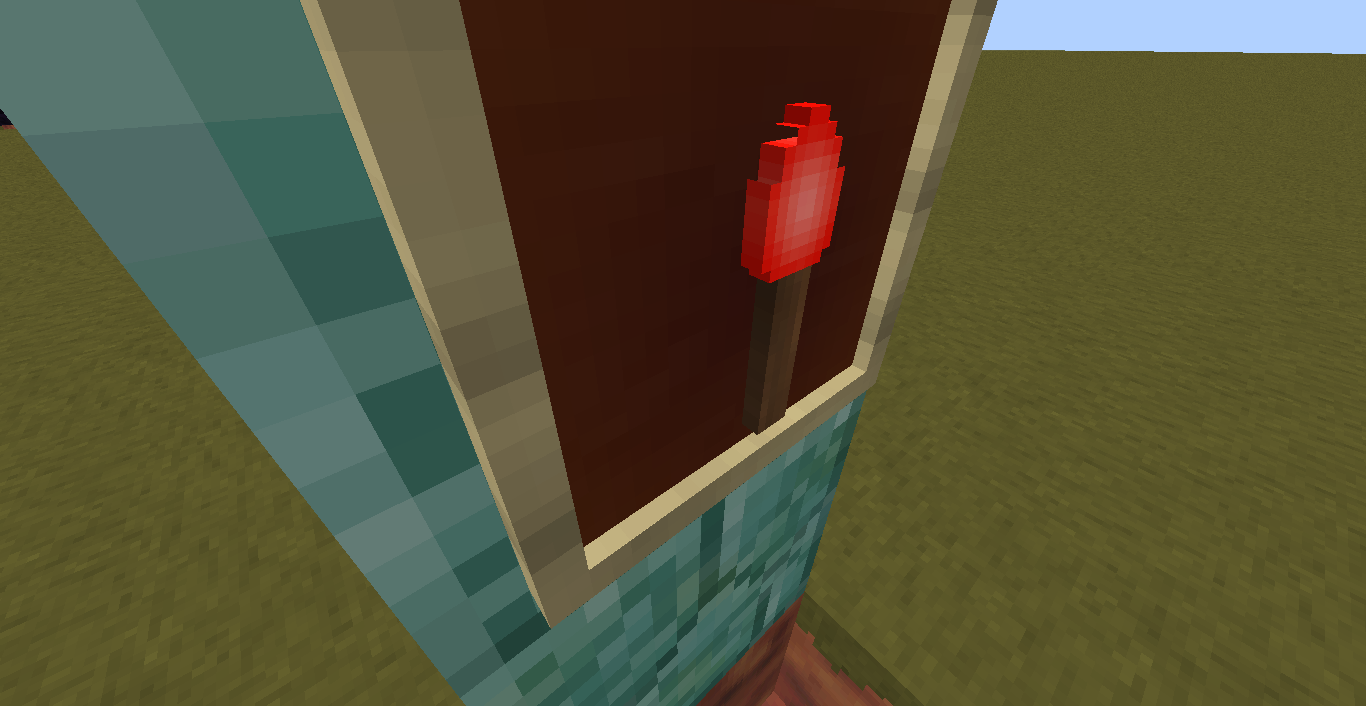
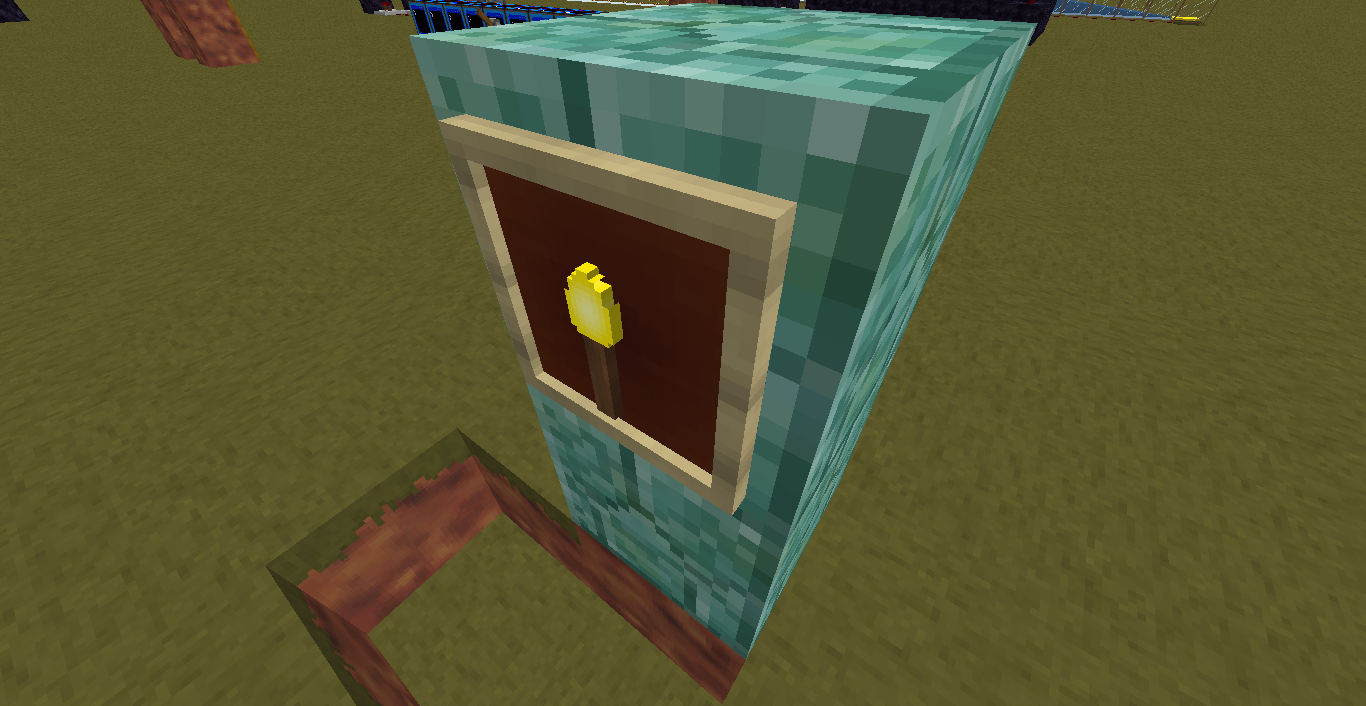
Some items are missing pixels in 3D models
Title & screenshots say it all.
Also I can't fix this with a simple model change, as all items apparently, by default, use a model called 'generated' which, since it is not present as a file, I assume is hard-coded. It just seems to be missing a few faces.
Only visible on torches and redstone torches at the moment.
It isn't an issue with my textures, as I can clearly see the 2D item and the front of the 3D item are both completely fine, and my pack does not modify the models at all.
Linked Issues
is duplicated by3


Created Issue:
Some items are missing pixels in 3D models
Title & screenshots say it all.
Also I can't fix this with a simple model change, as all items apparently, by default, use a model called 'generated' which, since it is not present as a file, I assume is hard-coded. It just seems to be missing a few faces.
Only visible on torches and redstone torches at the moment.
It isn't an issue with my textures, as I can clearly see the 2D item and the front of the 3D item are both completely fine, and my pack does not modify the models at all.
Attachments2
 Mog (Ryan Holtz)
is duplicated by
is duplicated by
is duplicated by
relates to
is duplicated by
is duplicated by
relates to
![[Mod] Pokechu22](../../../data/avatars/users/92931.png)
relates to
Invalid
I've fixed beef_cooked.png, but as for the textures in your resource pack, you will need to fix them yourself to ensure that all empty pixels have an alpha value of 0. I suggest Paint.NET.
TheMogMiner, from MC-68232
Read what Mog (Ryan Holtz) writes in MC-70336 and MC-68232
Ever since MC-68232 which is a year ago cooked beef was edited due to 2 pixels missing, what they forgot is that all this time cooked porkchop has had the same bug. Since recent snapshots other items have been losing pixels in the same way due to alpha value problems.
Instead of keeping a list of the items affected in the title, lets add all the items below here.
- Cooked Porkchop
- Pufferfish
- Name Tag
Dupe of MC-68232
Sorry if this is a dupe, search returned no results. Not my fault for some reports having weird titles.
If you throw Steak (cooked_beef) on the ground with fancy graphics (for the rotating items) it's missing a pixel on one side, too.
Please attach your resource pack.
Can confirm, missing 'pixel' is to the right of the cursor.
The issue occurs whenever you have an alpha value below 26 or so in any given pixel. It won't be rendered due to the alpha cutoff when rendering, but it will still be detected as a pixel by the item model generator since it requires an alpha value of 0 for the pixel to be considered empty.
I've fixed beef_cooked.png, but as for the textures in your resource pack, you will need to fix them yourself to ensure that all empty pixels have an alpha value of 0. I suggest Paint.NET.
You're right! IDK how many times I checked the texture files while making them. Fastest way to fix in Paint.NET is duplicate layer, merge layer down, repeat 8 times total, all pixels then have alpha value of either 255 or 0, delete garbage pixels on edges.
Also, just curious, how does the item model generator behave when it comes across an animated texture?
Just wanna say, I'm rather surprised that my report got marked as fixed by the next snapshot and even got onto the fixed bugs list for 14w34d. In the past I've only ever got 'duplicate' or 'works as intended' or 'won't fix'