 Sion Richards
- decrepitdoors
- decrepitdoors
- Europe/Stockholm
- Yes
- No
 MC-7575
![[Mojang] Nathan Adams](../../../data/assets/gravatar/dinnerbone.png)
![[Mojang] Searge (Michael Stoyke)](../../../data/assets/gravatar/searge.png)

![[Mod] Avoma](../../../data/avatars/users/86198.png)
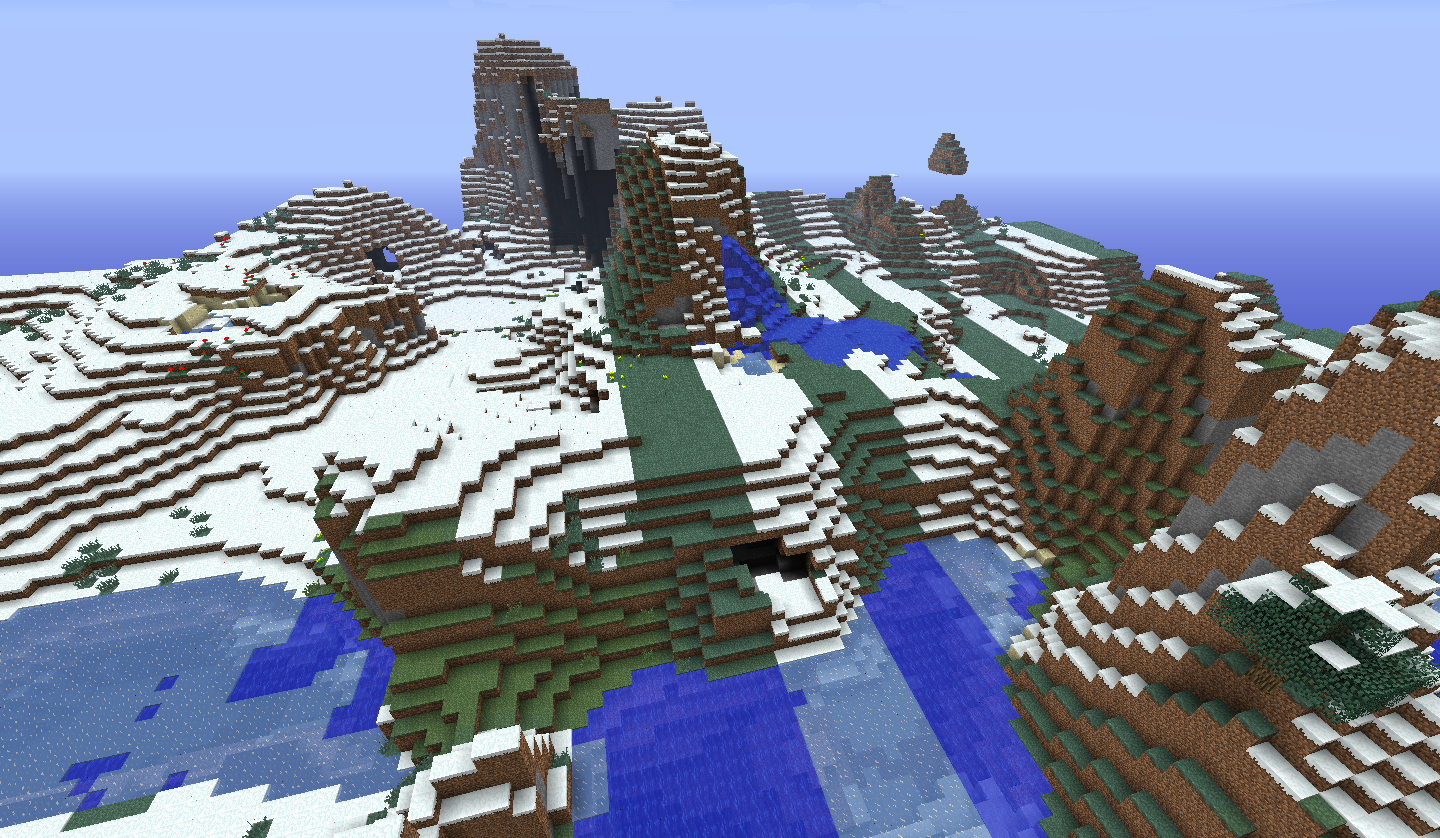

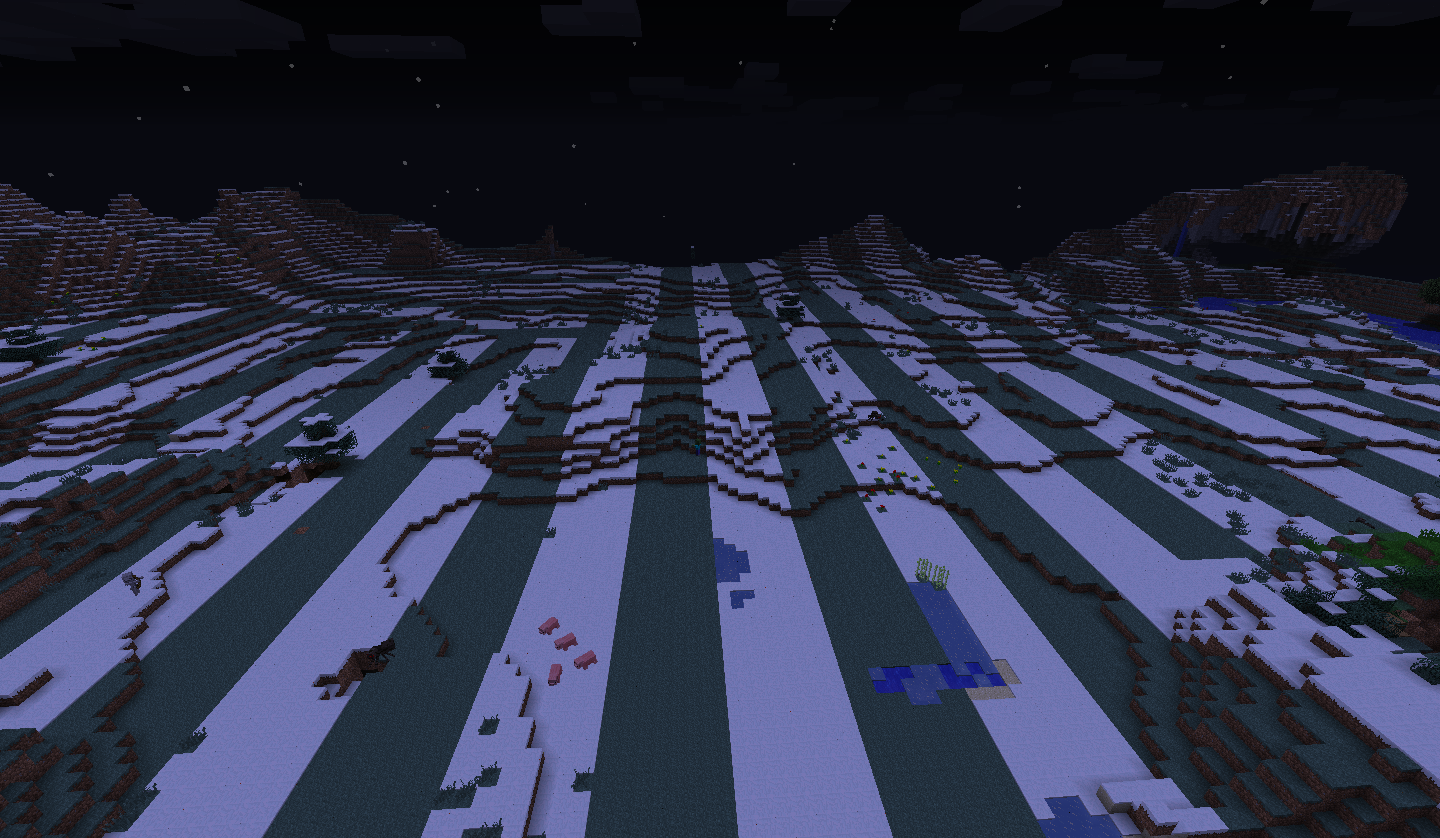
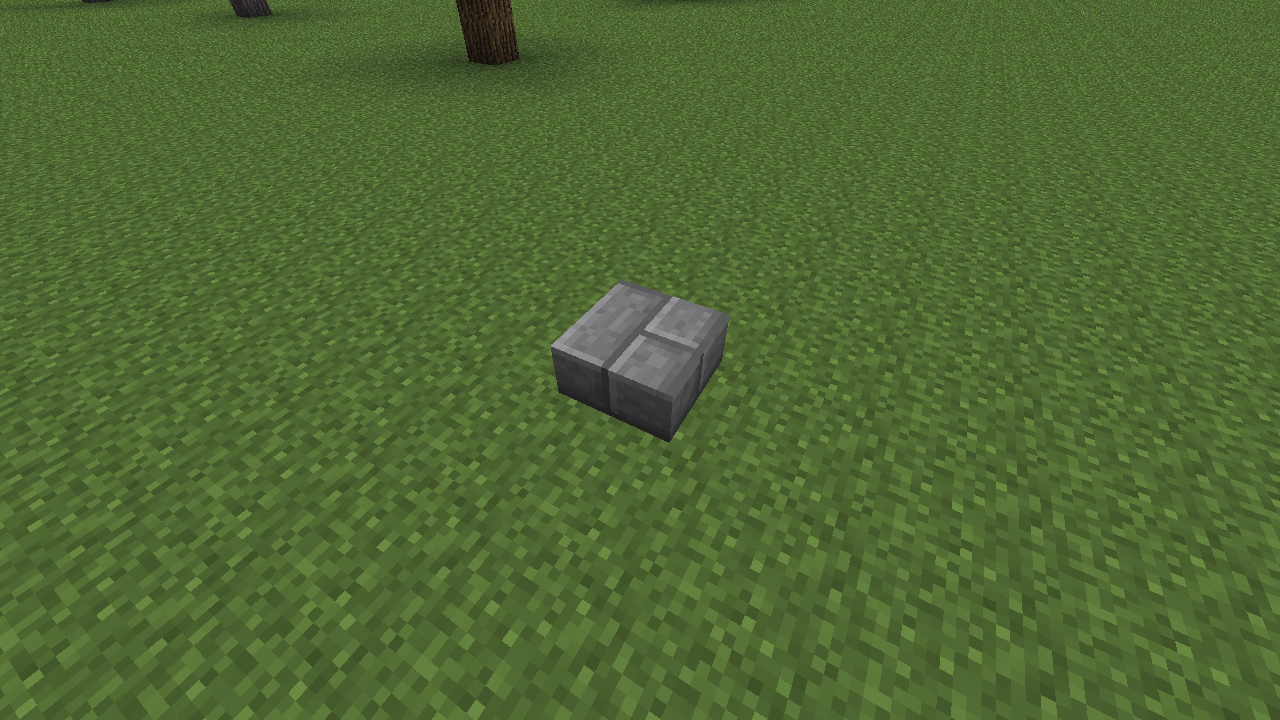


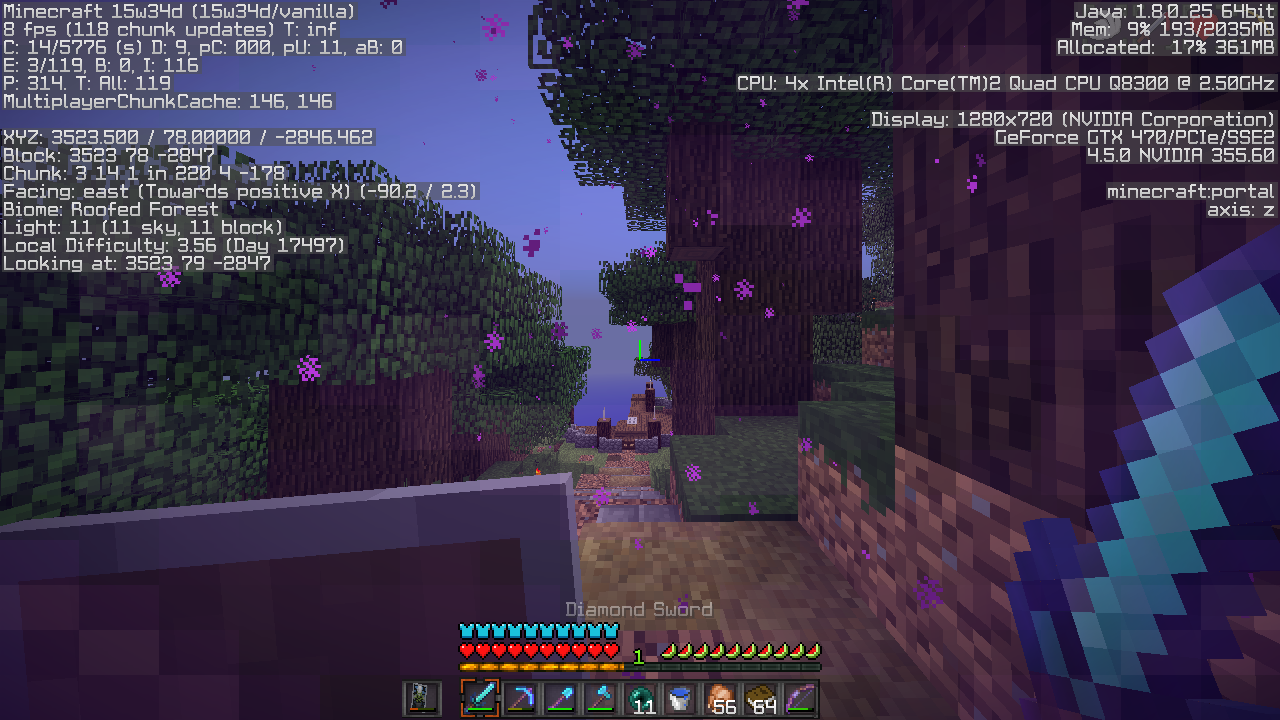


2013-01-16_17.58.40.png
I opened up minecraft and saw there were some smooth double stone slab blocks in my world, after testing in previous versions and seeing that they were unavailable in recent versions I got confused and middle clicked on it and it gave me a stone brick half slab, I placed it down and it was as you would expect but then I put another on top of it and it turned into the smooth double stone slab. CTRL + Middle click won't give me the block either.
Upon further investigation I have found that it happens with every slab, not just the stone bricks.
Any stoneslabs ontop of one another creates a double stone blockStone brick slabs ontop of one another creates a double stone block
I opened up minecraft and saw there were some smooth double stone slab blocks in my world, after testing in previous versions and seeing that they were unavailable in recent versions I got confused and middle clicked on it and it gave me a stone brick half slab, I placed it down and it was as you would expect but then I put another on top of it and it turned into the smooth double stone slab. CTRL + Middle click won't give me the block either.
Upon further investigation I have found that it happens with every slab, not just the stone bricks.
More testing and it doesn't effect any wood slabs but all others.
I started up my server it runs for a few minutes displays this message [Server thread/WARN]: Can't keep up! Did the system time change, or is the server overloaded? Running 5700ms behind, skipping 114 tick(s)
[16:05:53] [Server Watchdog/FATAL]: A single server tick took 48.72 seconds (should be max 0.05)
[16:05:53] [Server Watchdog/FATAL]: Considering it to be crashed, server will forcibly shutdown.
[16:05:53] [Server Watchdog/ERROR]: This crash report has been saved to: /home/minecraft/./crash-reports/crash-2014-07-25_16.05.53-server.txtthen crashes, here is the crash report. - http://pastebin.com/kncJvzFrI started up my server it runs for a few minutes displays this message:
[Server thread/WARN]: Can't keep up! Did the system time change, or is the server overloaded? Running 5700ms behind, skipping 114 tick(s)
[16:05:53] [Server Watchdog/FATAL]: A single server tick took 48.72 seconds (should be max 0.05)
[16:05:53] [Server Watchdog/FATAL]: Considering it to be crashed, server will forcibly shutdown.
[16:05:53] [Server Watchdog/ERROR]: This crash report has been saved to: /home/minecraft/./crash-reports/crash-2014-07-25_16.05.53-server.txtIt then crashes, here is the crash report. - http://pastebin.com/kncJvzFr
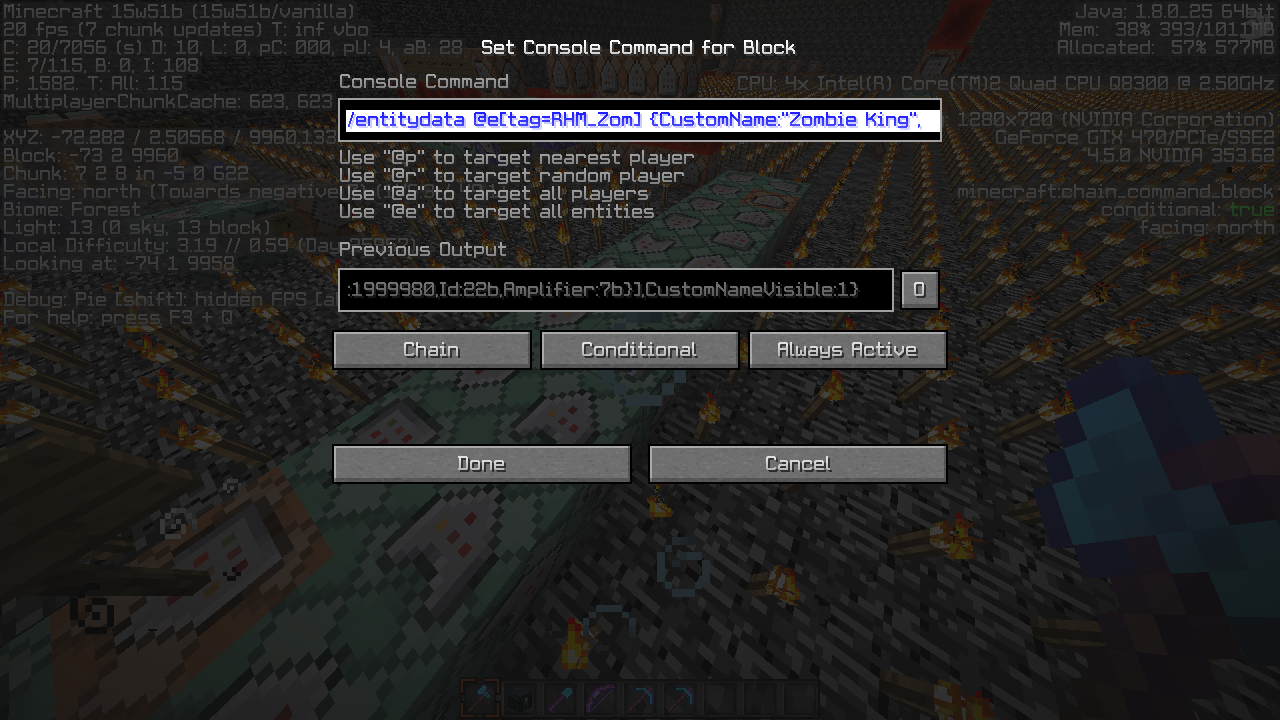
I've been playing around with creating a command block module to add harder mobs to the game. I've changed the loot tables of these mobs using entitydata.
{CustomName:"Zombie King",CustomNameVisible:1,DeathLootTable:"custom:rhm/zombie"}
I have attached an image of the command blocks.
/entitydata @e[tag=RHM_Zom]This command is run in a chain command block, it shows as successfully run but the mob doesn't drop anything when killed. It does sometimes work though, which is odd.
I ran the command again in a separate command block and it worked properly, making the mob drop the different loot.
I can provide a more in depth explanation of the command block module if its needed.
when you place a stair or a slab on the 8th pixel down (top half of the block) the stair/slab will place on the bottom half of the block. This happens every time from my testing. You can also test with a slab
,placing another slab on the very bottom pixel oftheslab.Screenshots show where to place stair/slab to replicate the bug.
when you place a stair or a slab on the 8th pixel down (top half of the block) the stair/slab will place on the bottom half of the block. This happens every time from my testing. You can also test with a slab by placing another slab on the very bottom pixel of a top slab.
Screenshots show where to place stair/slab to replicate the bug.

Sion Richards you can't add versions other than the current snapshot/full release
Sion Richards that was quite a while ago, and as you can see, I removed that comment a while ago as well
![[Mod] Skylinerw](../../../data/assets/gravatar/skylinerw.png)
@Sion Richards Your NBT data is invalid. You've specified a Tags list at the root of the item format, in which no tag of that name exists at that depth. The Tags tag is an entity data tag, not part of the item format except when used as custom item data within the tag compound. Fixed command:
execute @e[type=ArmorStand,name=GM4_CustomCrafter] ~ ~ ~ testforblock ~ ~ ~ minecraft:dropper -1 {Items:[{id:"minecraft:stone",Damage:6s,Count:1b,tag:{ench:[],display:{Lore:["It seems Magnetic"],Name:"Mag Stone"}},Slot:0b},{id:"minecraft:stone",Damage:6s,Count:1b,tag:{ench:[],display:{Lore:["It seems Magnetic"],Name:"Mag Stone"}},Slot:1b},{id:"minecraft:stone",Damage:6s,Count:1b,tag:{ench:[],display:{Lore:["It seems Magnetic"],Name:"Mag Stone"}},Slot:2b},{id:"minecraft:stone",Damage:6s,Count:1b,tag:{ench:[],display:{Lore:["It seems Magnetic"],Name:"Mag Stone"}},Slot:3b},{id:"minecraft:nether_star",Damage:0s,Count:1b,Slot:4b},{id:"minecraft:stone",Damage:6s,Count:1b,tag:{ench:[],display:{Lore:["It seems Magnetic"],Name:"Mag Stone"}},Slot:5b},{id:"minecraft:stone",Damage:6s,Count:1b,tag:{ench:[],display:{Lore:["It seems Magnetic"],Name:"Mag Stone"}},Slot:6b},{id:"minecraft:stone",Damage:6s,Count:1b,tag:{ench:[],display:{Lore:["It seems Magnetic"],Name:"Mag Stone"}},Slot:7b},{id:"minecraft:stone",Damage:6s,Count:1b,tag:{ench:[],display:{Lore:["It seems Magnetic"],Name:"Mag Stone"}},Slot:8b}]}
The OP's command is correct apart from the selector (@e[Type=Zombie]), so their dropper simply does not match the desired data.
@Sion Richards The data from the dropper exactly matches the command I've provided, which did try and does work perfectly fine. Ensure the armor stand is positioned correctly, is being targeted correctly, and that the commands are running to begin with. Your issue is not with the NBT data matching.
@Sion Richards It's a bit different than that: the ench tag now requires there to be a compound existing within it. The id and lvl tags will default to 0, but you can set lvl to -1 to avoid applying the Protection enchantment (and will display as it did when using ench:[]).
/give @p minecraft:stone 1 0 {ench:[{id:-1s}]}
This is when 1 person is generating new land, we've made sure only one person goes out at a time to try and reduce lag.
I've also tried rebooting the server and the message is still showing up right after startup
Did some more testing and found that it affects all slabs.
I really like the game sticking on inputs, its extremely useful for a lot of things, like traveling down a rail in the nether and a pigman spawns on it so you get pushed back if you're not holding W.
This also happens when on a horse, even when a hotbar slot is empty. Only tested on a skeleton horse.
This seems to still be an issue in 15w38b -
16:15:08 [Warn] Tried to add entity Sheep with pending removal and duplicate UUID 68fc04db-dcb0-4f38-8933-4587b4daa592
16:15:08 [Warn] Tried to add entity Item with pending removal and duplicate UUID 6c31ccf8-ec71-4c1b-99c9-e15fdef23004
16:15:08 [Warn] Tried to add entity Item with pending removal and duplicate UUID ad8010f0-1fc1-4a42-a8d4-63e7a1841122
16:15:08 [Warn] Tried to add entity Endermite with pending removal and duplicate UUID f80e8dcd-1d90-4dd5-9f39-5bbde311b52d
16:15:08 [Warn] Tried to add entity MinecartRideable with pending removal and duplicate UUID ca547f47-8b58-4d61-9b7b-af878b0bfc3b
16:15:08 [Warn] Tried to add entity Sheep with pending removal and duplicate UUID 68fc04db-dcb0-4f38-8933-4587b4daa592
16:15:08 [Warn] Tried to add entity Item with pending removal and duplicate UUID 6c31ccf8-ec71-4c1b-99c9-e15fdef23004
16:15:08 [Warn] Tried to add entity Item with pending removal and duplicate UUID ad8010f0-1fc1-4a42-a8d4-63e7a1841122
16:15:08 [Warn] Tried to add entity Endermite with pending removal and duplicate UUID f80e8dcd-1d90-4dd5-9f39-5bbde311b52d
16:15:08 [Warn] Tried to add entity MinecartRideable with pending removal and duplicate UUID ca547f47-8b58-4d61-9b7b-af878b0bfc3b
Had some weird issues with minecart chests duplication the contents onto the floor too.
The above section of the console log is with no one online.
This seems to be an issue with entity handling when chunks are unloaded. I've been flying around my server in spectator mode with the console open to keep an eye on it, when I travel away from a Nether Portal PigZombies are in the console, it doesn't happen when I load the Nether Portal.
Just to add to this, I was watching the logs and saw MineCartChests so I tp'd to one and its throwing it's items on the floor, got 1 1/2 stacks of diamonds from it so it seems like it throws it out a lot.
Searge, does that mean the MinecartChests throwing out items onto the ground is unrelated?
Created a new issue for the Minecart chest item dupe/spewing
MC-89602Yup Richard is right, portal puts you out at the same co-ords instead of dividing/multiplying by 8.
Can confirm, also happens when in spectator mode and flying fast.
Can confirm for 42a
FVbico I know, I was looking at the history and saw you asked for someone to confirm it for 42a
Seems to be fixed in 15w45a sorry forgot to reply to this after playing for a bit.
After some reading on the wiki it seems that the highest velocity a player should be able to reach by falling is around 70m/s. From what I can tell from testing the server will stop you if you get to around 10m/s so that's probably the cause of this bug. So it's nothing to do with the Elytra or spectator like in the other bug, just a cap on vertical movement speed.
This only seems to work in Creative with stacks of less than 64.
Steps to reproduce.
Get a stack and a half of items in your hotbar.
Open Survival Inventory.
CTRL + Q on the 1/2 stack.
Walk towards it to pick it up.
The half stack will fill up, but if you do the same steps again with the full stack it will do nothing.
It also does nothing in survival, which is pretty nice.
Confirmed
Updated with Loot tables used, they're in data/loot_tables/custom/rhm
I've added a schematic of the command blocks.
The bug seems really inconsistent, it mostly seems to happen when I am away from spawn chunks, where the command blocks are. The other changes to the mob work as intended when the loot table doesn't.
Sorry, I thought it would work on start up, the one labelled with a sign should have been running, then you just need to power the impulse block and it'll run in a loop. The age of the area effect clouds can be changed in the last chain block before an impulse block.
The module is in 1 chunk and is in spawn chunks. I think it may be a server issue but I'll just keep an eye on the drops from those mobs as I play and try and find a way to get it to happen consistently.
I just worked out the issue, the command blocks which give the mobs glowing had an extra command block on the end, setting the loot table to the wrong file. Issue is gone now.
This is an issue in 15w51b using this command:
execute @e[type=ArmorStand,name=GM4_CustomCrafter] ~ ~ ~ testforblock ~ ~ ~ minecraft:dropper -1 {Items:[0:{id:"minecraft:stone",Damage:6s,Count:1b,Tags:["Test"],tag:{ench:[],display:{Lore:[0:"It seems Magnetic"],Name:"Mag Stone"}},Slot:0b},1:{id:"minecraft:stone",Damage:6s,Count:1b,Tags:["Test"],tag:{ench:[],display:{Lore:[0:"It seems Magnetic"],Name:"Mag Stone"}},Slot:1b},2:{id:"minecraft:stone",Damage:6s,Count:1b,Tags:["Test"],tag:{ench:[],display:{Lore:[0:"It seems Magnetic"],Name:"Mag Stone"}},Slot:2b},3:{id:"minecraft:stone",Damage:6s,Count:1b,Tags:["Test"],tag:{ench:[],display:{Lore:[0:"It seems Magnetic"],Name:"Mag Stone"}},Slot:3b},4:{id:"minecraft:nether_star",Damage:0s,Count:1b,Slot:4b},5:{id:"minecraft:stone",Damage:6s,Count:1b,Tags:["Test"],tag:{ench:[],display:{Lore:[0:"It seems Magnetic"],Name:"Mag Stone"}},Slot:5b},6:{id:"minecraft:stone",Damage:6s,Count:1b,Tags:["Test"],tag:{ench:[],display:{Lore:[0:"It seems Magnetic"],Name:"Mag Stone"}},Slot:6b},7:{id:"minecraft:stone",Damage:6s,Count:1b,Tags:["Test"],tag:{ench:[],display:{Lore:[0:"It seems Magnetic"],Name:"Mag Stone"}},Slot:7b},8:{id:"minecraft:stone",Damage:6s,Count:1b,Tags:["Test"],tag:{ench:[],display:{Lore:[0:"It seems Magnetic"],Name:"Mag Stone"}},Slot:8b}]}Contents of the Dropper - http://puu.sh/moPZI.png
Position of Armor Stand in Dropper - http://puu.sh/moQ4E.jpg
I copied in the wrong command, the Tags was something I was testing and forgot to revert it. The command given still doesn't work, as it's the same as what I meant to post.
This is the output of a blockdata command on the dropper:
[12:55:20] The data tag did not change: {CustomName:"Mastercraftsman's Bench",x:-58,y:2,z:9972,Items:[0:{Slot:0b,id:"minecraft:stone",Count:1b,tag:{ench:[],display:{Lore:[0:"It seems Magnetic"],Name:"Mag Stone"}},Damage:6s},1:{Slot:1b,id:"minecraft:stone",Count:1b,tag:{ench:[],display:{Lore:[0:"It seems Magnetic"],Name:"Mag Stone"}},Damage:6s},2:{Slot:2b,id:"minecraft:stone",Count:1b,tag:{ench:[],display:{Lore:[0:"It seems Magnetic"],Name:"Mag Stone"}},Damage:6s},3:{Slot:3b,id:"minecraft:stone",Count:1b,tag:{ench:[],display:{Lore:[0:"It seems Magnetic"],Name:"Mag Stone"}},Damage:6s},4:{Slot:4b,id:"minecraft:nether_star",Count:1b,Damage:0s},5:{Slot:5b,id:"minecraft:stone",Count:1b,tag:{ench:[],display:{Lore:[0:"It seems Magnetic"],Name:"Mag Stone"}},Damage:6s},6:{Slot:6b,id:"minecraft:stone",Count:1b,tag:{ench:[],display:{Lore:[0:"It seems Magnetic"],Name:"Mag Stone"}},Damage:6s},7:{Slot:7b,id:"minecraft:stone",Count:1b,tag:{ench:[],display:{Lore:[0:"It seems Magnetic"],Name:"Mag Stone"}},Damage:6s},8:{Slot:8b,id:"minecraft:stone",Count:1b,tag:{ench:[],display:{Lore:[0:"It seems Magnetic"],Name:"Mag Stone"}},Damage:6s}],id:"Dropper",Lock:""}No "moved too quickly" but I still get the tp back. Happens with Elytra and scrolling up in Spectator mode, on a server.
Edit: Also console says player moved too quickly! with co-ords.
FVbico why not put them all into 1 report? They're all caused by a limit on player speed.
Fair enough, as long as they're all marked as related it should be easy for the devs to see.
@early reflections
You could use dinnerbones tool to find the region file and upload it. Just put the co-ords of the portal and it'll tell you which region file contains the block https://dinnerbone.com/minecraft/tools/coordinates/
I'm on the 1.9 release and went through a portal to the nether then went back to the overworld, the console displayed the Player moved too quickly message.
23:41:01 [Warn] DecrepitDoors moved too quickly! -233.2804134719363,24.0,-201.96840655578762
23:43:43 [Warn] DecrepitDoors moved too quickly! 233.5886696276972,-24.0,202.1310059257861
Oops, I don't know why it was posted as a web issue. I did a search but nothing explained the cause if the bug, most were talking about server/client desync.
In the new pre-release it seems only enchantable items have the glint display when they have the ench:[] tag. My custom items have the tag but display normally, all tools are still the same.
Had this issue on my server, have some items with custom ench ids, when you place it in an anvil its okay, but if you try to add an enchanted book to it your client crashes. I've had to use /enchant to do a lot of players enchanting. Running vanilla 1.11.2.
confirmed for 1.11.2
Yup, no caps. Just worked it out from the wiki haha. Thanks anyway.