 jokubas
- jokbon
- jokbon
- Europe/Helsinki
- Yes
- No
 MC-2484
 WEB-1302


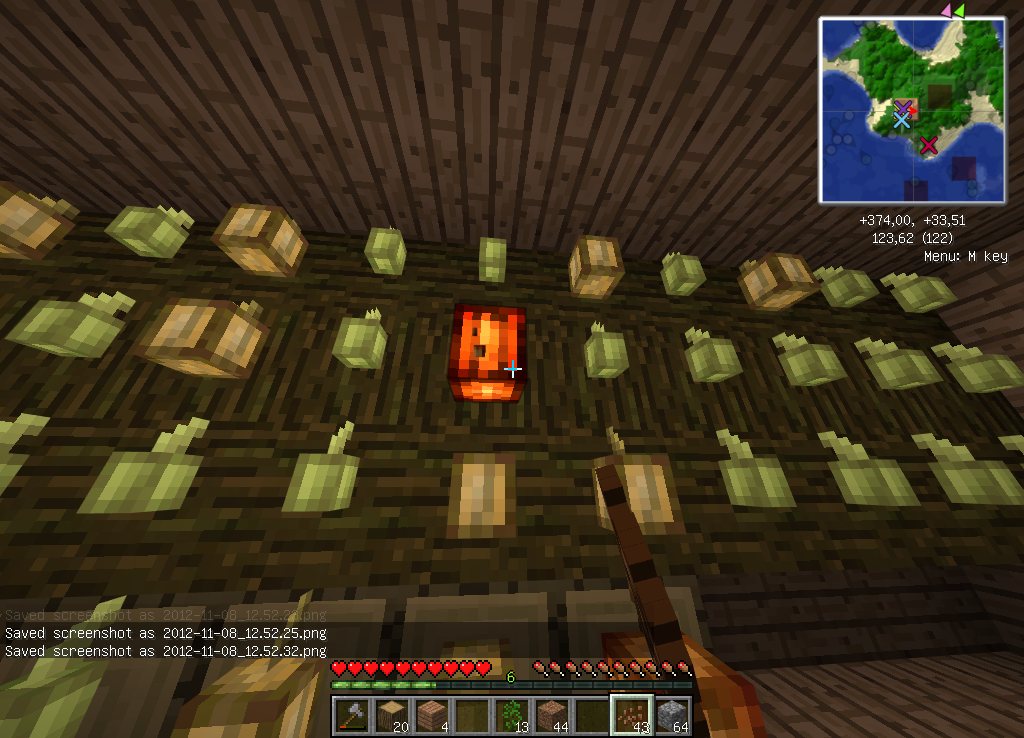




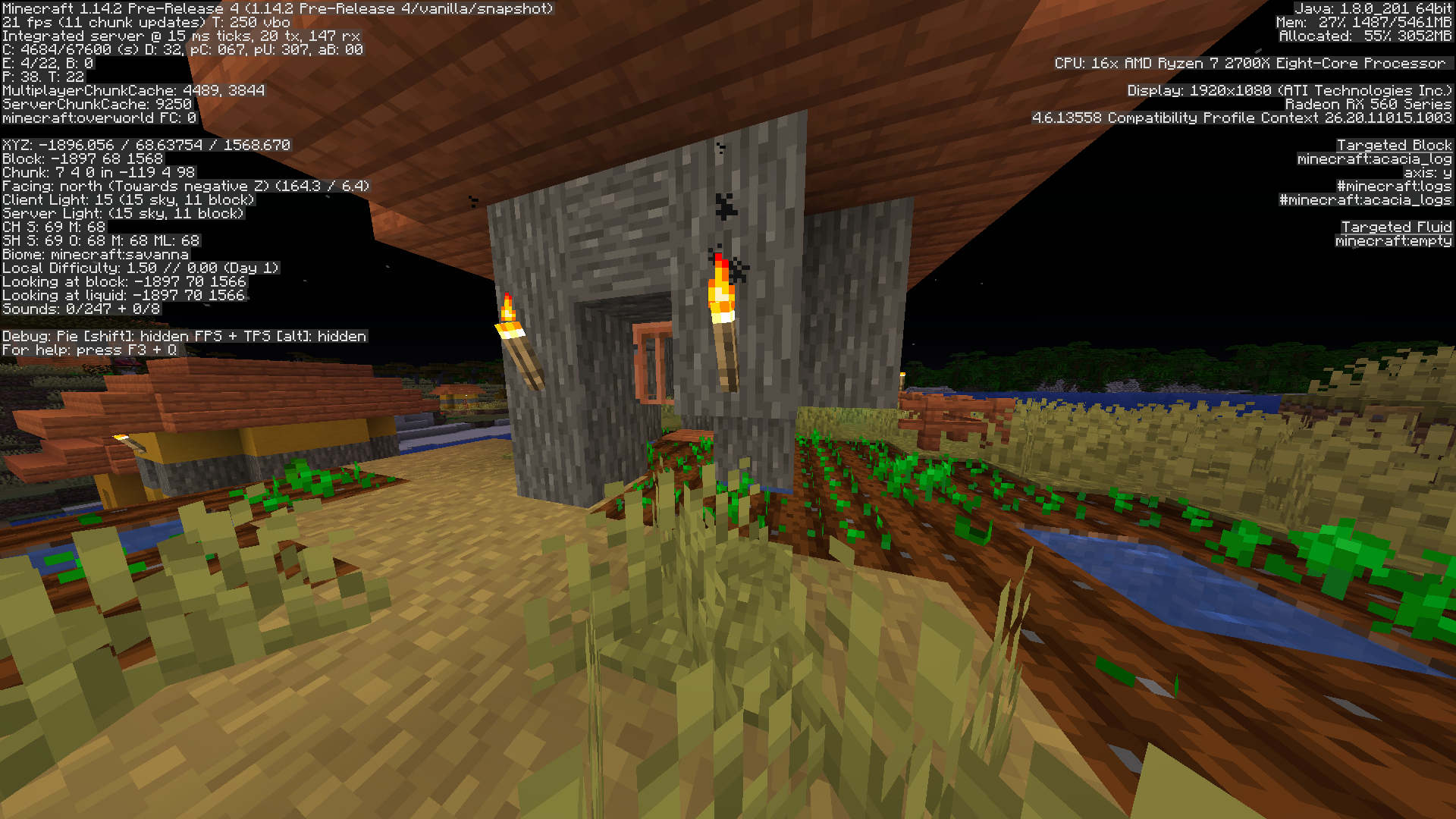


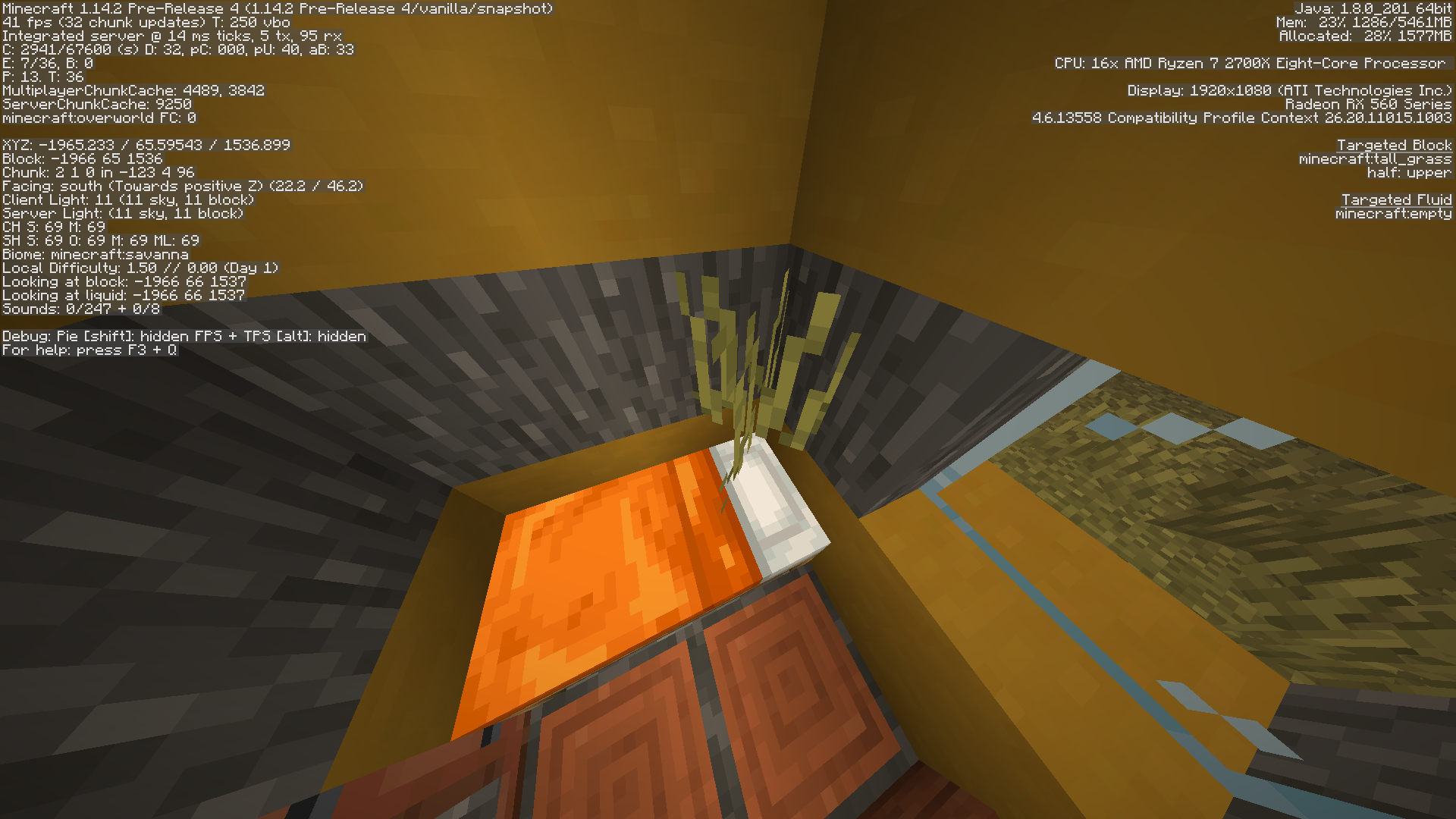


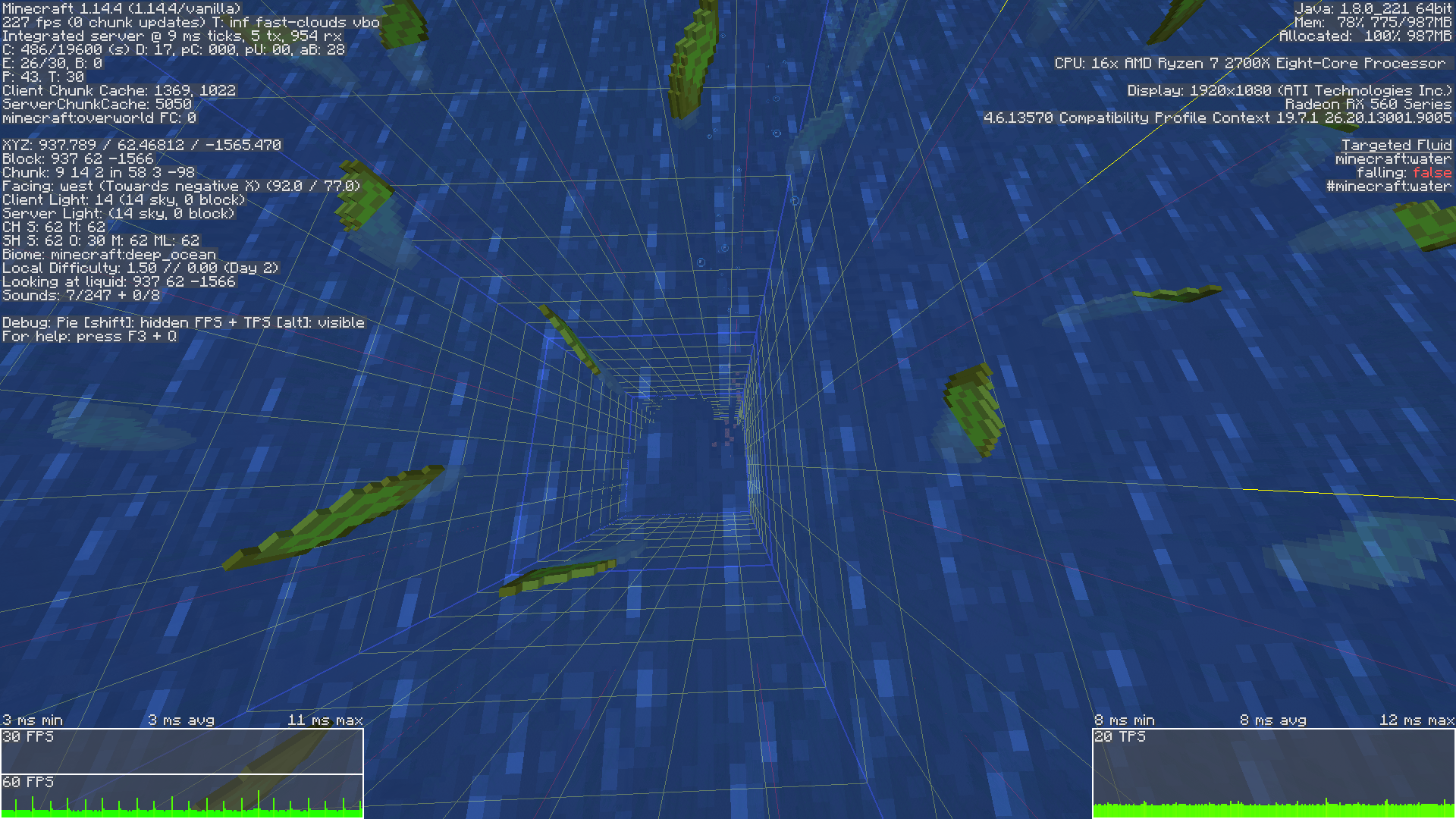
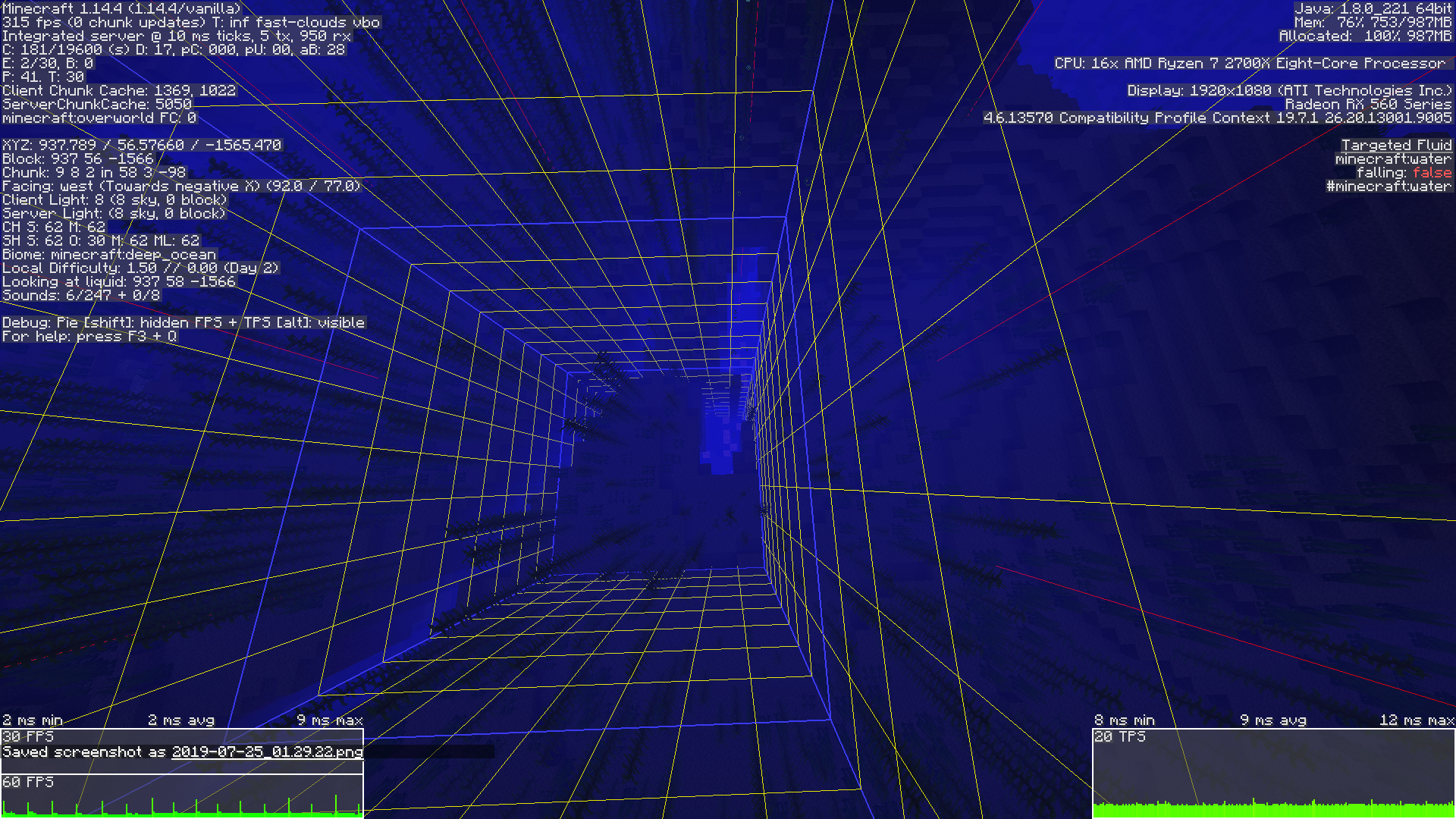
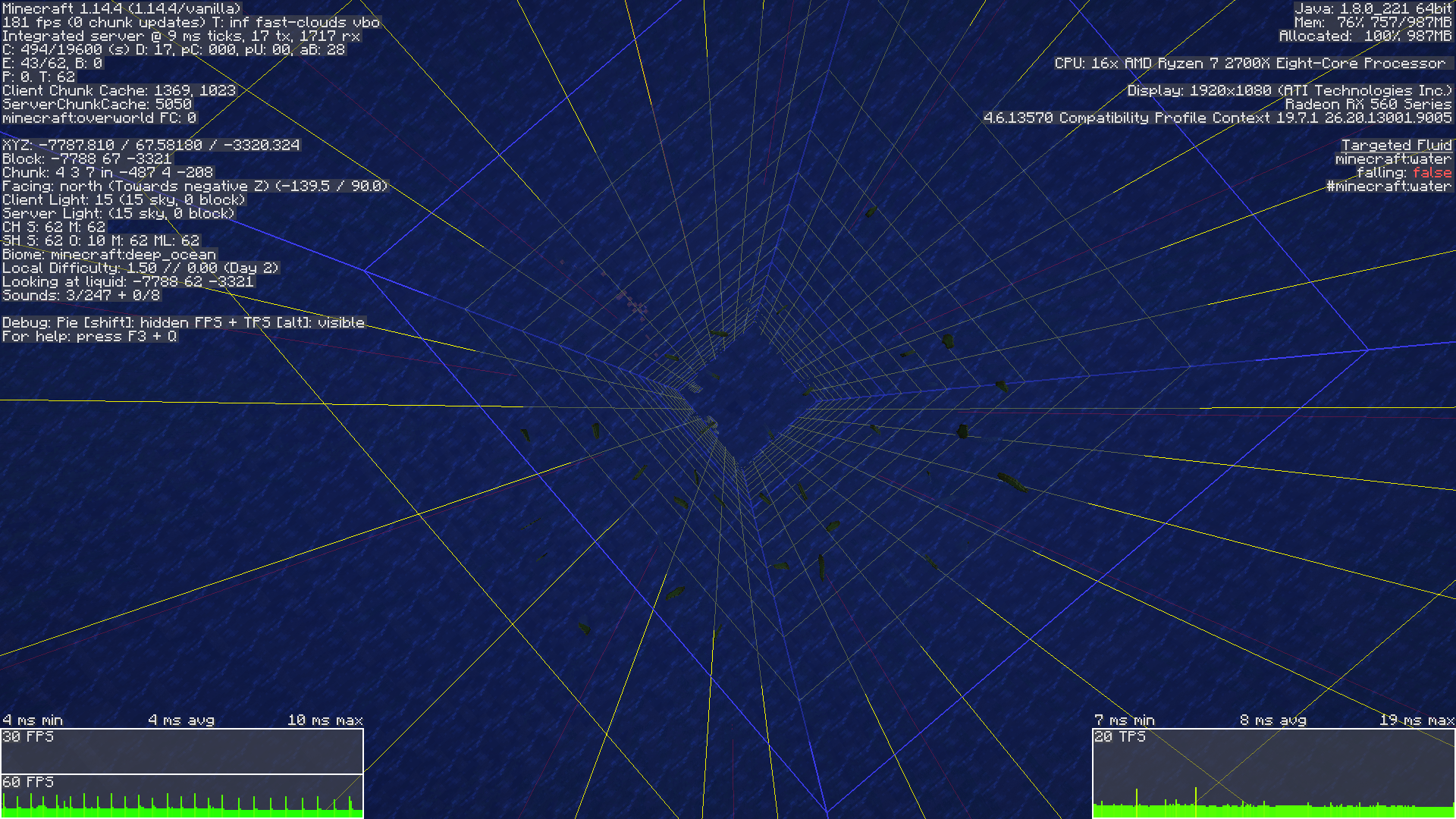


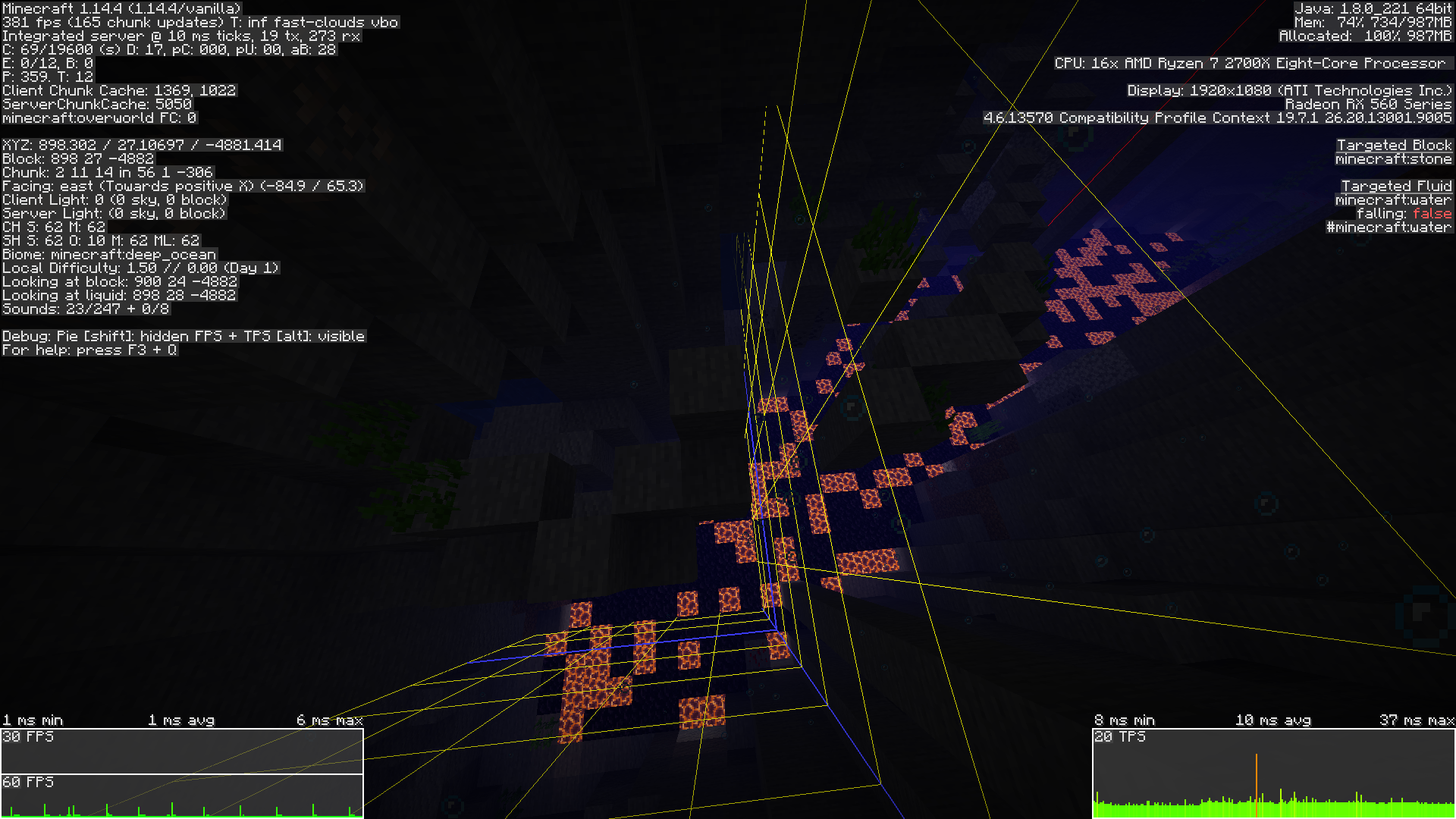


bad rain texture or bug.
on screenshot 2012-11-8_10.26.23.png on night i see lyne with no rain
on screnshots 2012-11-08_10.58.43.png, 2012-11-08_10.59.37.png, 2012-11-08_10.59.53.png -
there where you are- not raining
bad rain texture or bug.
on screenshot 2012-11-8_10.26.23.png on night i see lyne with no rain
on screnshots 2012-11-08_10.58.43.png, 2012-11-08_10.59.37.png, 2012-11-08_10.59.53.png -
there where you are- not rainingit will to rain and there will not be any lines
bad rain texture or bug.
on screenshot 2012-11-8_10.26.23.png on night i see lyne with no rain
on screnshots 2012-11-08_10.58.43.png, 2012-11-08_10.59.37.png, 2012-11-08_10.59.53.png -
there where you are- not rainingit will to rain and there will not be any lines
bad rain texture or bug.
on screenshot 2012-11-8_10.26.23.png on night i see lyne with no rain
on screnshots 2012-11-08_10.58.43.png, 2012-11-08_10.59.37.png, 2012-11-08_10.59.53.png there where you are not raining
it will to rain and there will not be any lines
bad rain texture or bug.
on screenshot 2012-11-8_10.26.23.png on night i see lyne with no rain
on screnshots 2012-11-08_10.58.43.png, 2012-11-08_10.59.37.png, 2012-11-08_10.59.53.png there where you are not raining
it will to rain and there will not be any lines
bad rain texture or bug.
on screenshot 2012-11-8_10.26.23.png on night i see lyne with no rain
on screnshots 2012-11-08_10.58.43.png, 2012-11-08_10.59.37.png, 2012-11-08_10.59.53.png there where you are not rainingit will to rain and there will not be any lines
on ryzen 2700x procesor with ssd chunk generation takes ages, its not as bad as 1.14 but it still unplayable for multiplyer. i expect game to generate
32chunks in 10seconds and not in 10or30minuteson ryzen 2700x procesor with ssd chunk generation takes ages, its not as bad as 1.14 but it still unplayable for multiplyer. i expect game to generate 1024 chunks in 10seconds and not in 10or30minutes for render of 32
on ryzen 2700x procesor with trust me realy good ssd chunk generation takes ages, its not as bad as 1.14 but it still unplayable for multiplyer. i expect game to generate 1024 chunks in 10seconds and not in 10or30minutes for render of 32
image-2019-05-16-23-17-10-957.png
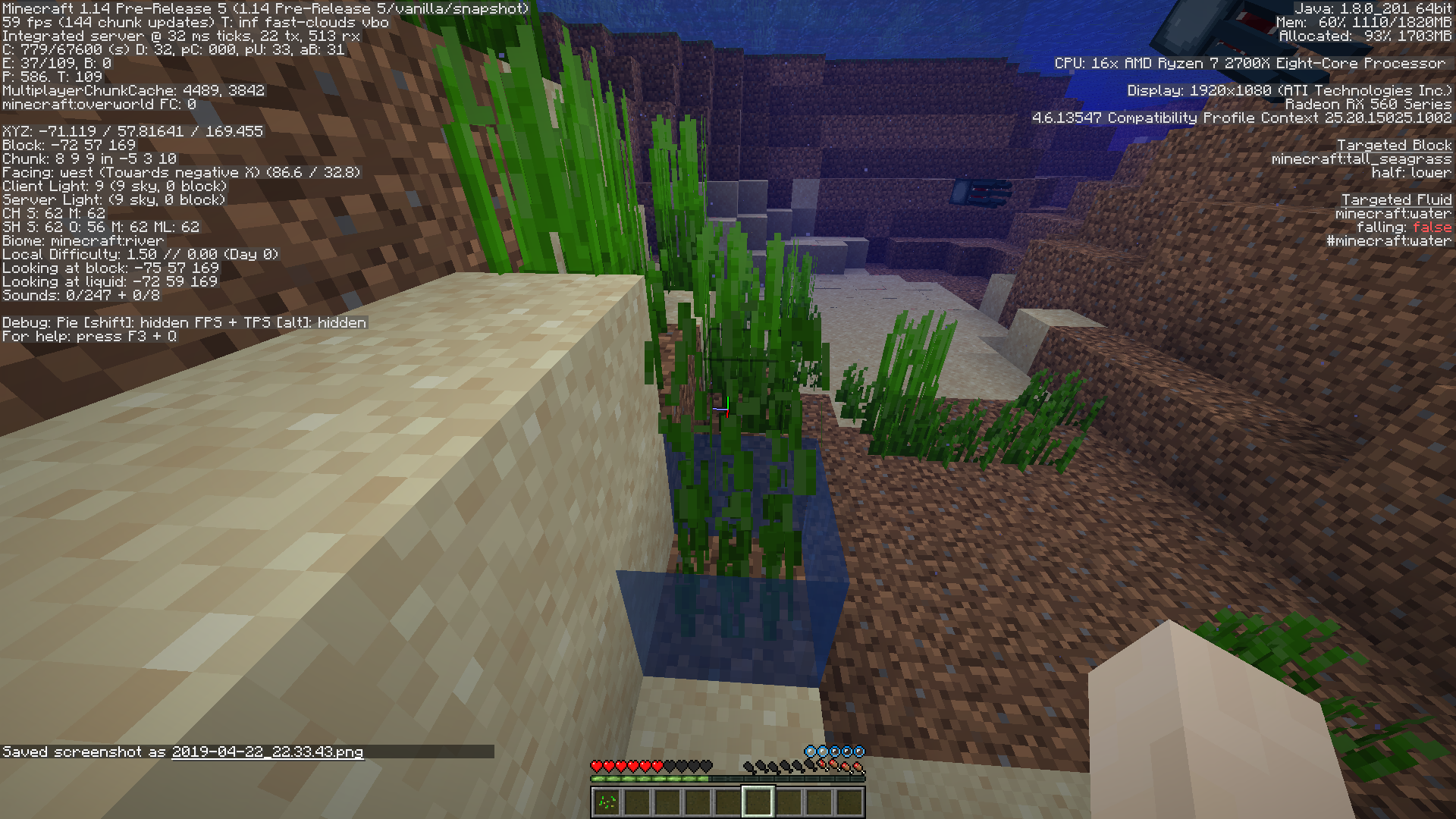
Water structureswhile generatingbreak water plants.Structures and caves break water plants.
Water structures while generati
ong break water plants.
Default ram setings are not enought to suply minecraft.
Chunk loading without changing java arguments is nearly 700% slower than alocating it with 8gigs of ram. With default seting i had to wait for years for chunks to load, by changing them chunk loading is almost instant.
opinions:
I think mojang needs to work to lower ram usage. It eats more than chrome. If imposible to make dynamic memory alocation, atleast inform players that those task require more memory.
Mobs spawning on lava blocks and dying (drowned).
d dying (drowned).
Mobs spawning on lava blocks and dying (drowned).
Mobs spawning on lava blocks and dying (drowned).
Ongeneration entieties jumpto300On world gen entieties jump 300 and geting removed.
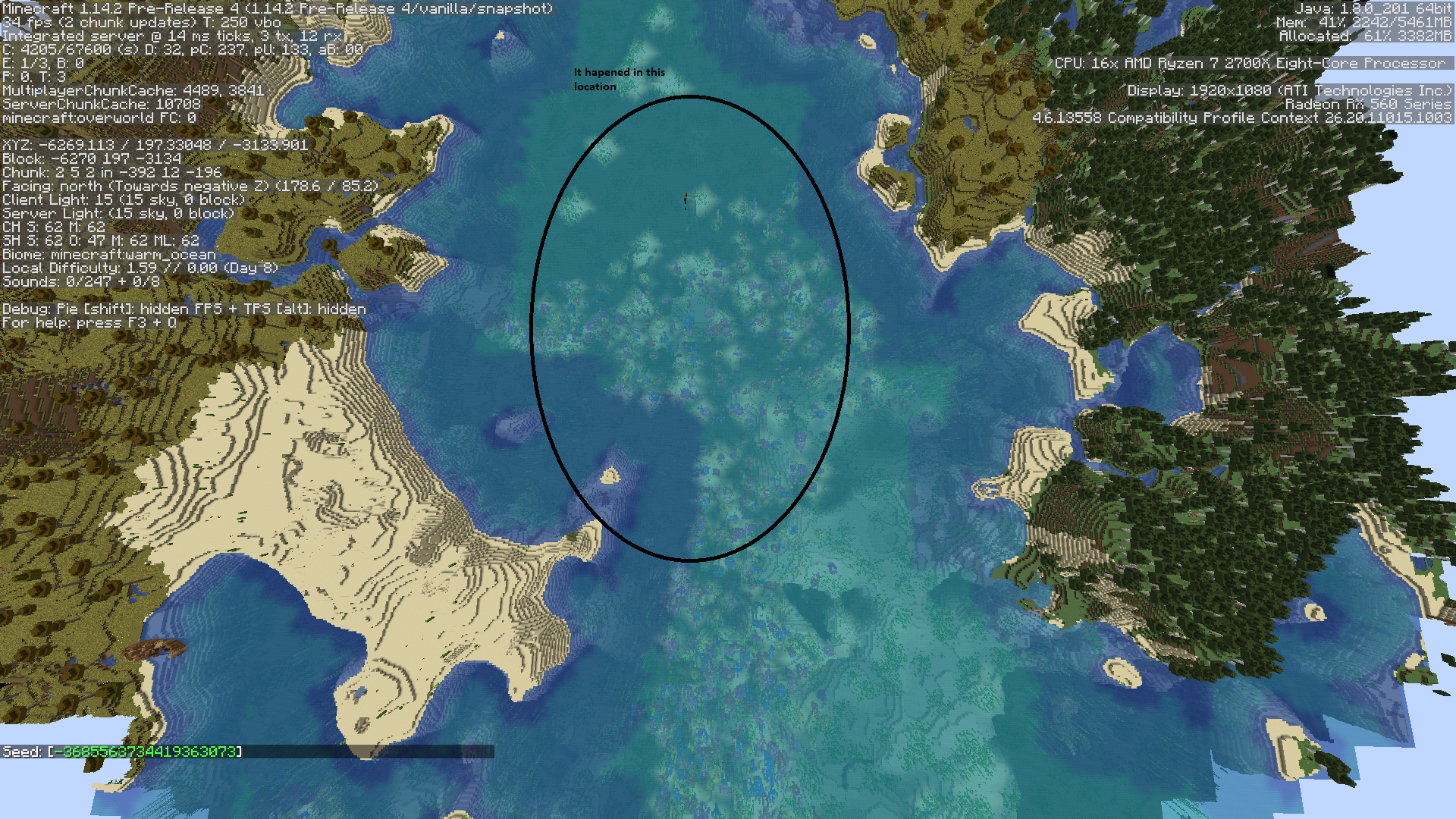
While generating world entities jump to counts of 300 and then instantly geting removed. This hapened in ocean. It was so quick coudnt see exact location where it hapened. There is warm ocean and ship nearby where it hapened.
no it spawned inside vilage and broke flowerpots and stuff as seen in screenshot
Traveling nether<->owerworld server spikes by 100-1000ms
27 comon
100 comon
150uncomon
1000rareone time it was completely frozen and i couldnt tp back for 20seconds
Traveling nether<->owerworld server spikes by 100-1000ms
27 comon
100 comon
250 comon
300 uncomon
1000 rareone time it was completely frozen and i couldnt tp back for 20seconds
Traveling nether<->owerworld server spikes by 100-1000ms
27 comon
100 comon
250 comon
300 uncomon
1000 very rareone time it was completely frozen and i couldnt tp back for 20seconds
Traveling nether<->owerworld server spikes by 100-1000ms
27 comon
100 comon
250 comon
300 uncomon
1000 very rareone time it was completely frozen and i couldnt tp back for 20seconds
Traveling nether<->owerworld server spikes by 100-1000ms
27 comon
100 comon
250 comon
300 uncomon
1000 very rareone time it was completely frozen and i couldnt tp back for 20seconds
6gb for java 1gb free space
Traveling nether<->owerworld server spikes by 100-1000ms
27 comon
100 comon
250 comon
300 uncomon
1000 very rareone time it was completely frozen and i couldnt tp back for 20seconds
6gb for java 1gb free spaceRAM: 6gb for java 1gb free space
Traveling nether<->owerworld server spikes by 100-1000ms
27 comon
100 comon
250 comon
300 uncomon
1000 very rare
one time it was completely frozen and i couldnt tp back for 20seconds
RAM: 6gb for java 1gb free space
Traveling nether<->owerworld server spikes by 100-1000ms
27 comon
100 comon
250 comon
300 uncomon
1000 very rare
one time it was completely frozen and i couldnt tp back for 20seconds
Arown hitingplayer in creative starts to glich out
Arownhit player in creative starts to glich outArrow hit player in creative starts to glich out
Arrow hiting player in creative starts to glich out and randomly rotate to various sides (fired on top of player head by dispenser)
Fog distance only scales to 16chunks.
When seting render biger than 16 Fog still beingin same place.Fog distance only scales to 16chunks.
When seting render biger than 16 Fog still being as in render distance of 16
Chunk unloading cause huge lagspikes.
When unloading chunks
D2 54ms
D32 8000ms
When loading chunks
D2 5ms
D32 30msChunk unloading cause huge lagspikes.
When unloading chunks
D2 54-70ms
D32 8000ms
When loading chunks
D2 5ms
D32 30ms
Chunk unloading cause huge lagspikes on server.
When unloading chunks
D2 54-70ms
D32 8000ms
When loading chunks
D2 5ms
D32 30ms
Ryzen2700x
ssd
8gram
6gmc
1g freeChunk unloading cause huge lagspikes on server.
When unloading chunks
D2 54-70ms
D32 8000ms
When loading chunks
D2 5ms
D32 30ms
Ryzen2700x
ssd
8g ram
6g mc
1g freeChunk unloading cause huge lagspikes on server.
When unloading chunks
D2 54-70ms
D32 8000ms
When loading chunks
D2 5ms
D32 30ms
Ryzen2700x
ssd
8g ram
6g mc
1g freeChunk unloading cause huge lagspikes on integrated server.
When unloading chunks
D2 54-70ms
D32 8000ms
When loading chunks
D2 5ms
D32 30ms
Ryzen2700x
ssd
8g ram
6g mc
1g freeChunk unloading cause huge lagspikes on integrated server.
When unloading chunks
D2 54-70ms
D32 8000ms
When loading chunks
D2 5ms
D32 30msChunk unloading lag can be seen here:
https://youtu.be/g4fpWPCFbA0
Ryzen2700x
ssd
8g ram
6g mc
1g freeChunk unloading cause huge lagspikes on integrated server.
When unloading chunks
D2 54-70ms
D32 8000ms
When loading chunks
D2 5ms
D32 30msChunk unloading lag can be seen here:
https://youtu.be/g4fpWPCFbA0
https://youtu.be/g4fpWPCFbA0
Chunk unloading lag
Ryzen2700x
ssd
8g ram
6g mc
1g freeChunk unloading cause huge lagspikes on integrated server.
When unloading chunks
D2 54-70ms
D32 8000ms
When loading chunks
D2 5ms
D32 30msChunk unloading lag can be seen here:
https://youtu.be/g4fpWPCFbA0https://youtu.be/g4fpWPCFbA0Ryzen2700x
ssd
8g ram
6g mc
1g freeChunk unloading cause huge lagspikes on integrated server.
When unloading chunks
D2 54-70ms
D32 8000ms
When loading chunks
D2 5ms
D32 30msChunk unloading lag can be seen here:
https://youtu.be/g4fpWPCFbA0
[https://youtu.be/g4fpWPCFbA0
https://youtu.be/DcPSO7FALOQ]
Chunk unloading lag or chunk saving lag
Ryzen2700x
ssd
8g ram
6g mc
1g freeChunk unloading cause huge lagspikes on integrated server.
When unloading chunks
D2 54-70ms
D32 8000ms
When loading chunks
D2 5ms
D32 30msChunk unloading lag can be seen here:
https://youtu.be/g4fpWPCFbA0
[https://youtu.be/g4fpWPCFbA0
https://youtu.be/DcPSO7FALOQ]
Ryzen2700x
ssd
8g ram
6g mc
1g freeChunk unloading cause huge lagspikes on integrated server.
When unloading chunks
D2 54-70ms
D32 8000ms
When loading chunks
D2 5ms
D32 30msChunk unloading lag can be seen here:
https://youtu.be/g4fpWPCFbA0
https://youtu.be/DcPSO7FALOQ] Ryzen2700x
ssd
8g ram
6g mc
1g freeChunk unloading cause huge lagspikes on integrated server.
When unloading chunks
D2 54-70ms
D32 8000ms
When loading chunks
D2 5ms
D32 30msChunk unloading lag can be seen here:
https://youtu.be/g4fpWPCFbA0
One block of lava to move cause 36ms lag spikes.
What about more? what if 200 lava are moving at same time?
One block of lava to move cause 36ms lag spikes.
What about more? what if 200 lava are moving at same time?
when they are in caves they cause lighting updates
One block of lava to move cause 36ms lag spikes.
What about more? what if 200 lava are moving at same time?
when they are in caves they cause lighting updates
is its okay to give 30ms of frametime to single lighting update?
One block of lava to move cause 36ms lag spikes.
What about more? what if 200 lava are moving at same time?
when they are in caves they cause lighting updates
is its okay to give 30ms of frametime to single lighting update?
Reproducing with large quantities is hard because player can place only one per time.
Also there need walls that simulate lava movement in caves. Lava is causing 100ms spikes under normal conditions when chunks are loaded.
One block of lava to move cause 36ms lag spikes.
What about more? what if 200 lava are moving at same time?
when they are in caves they cause lighting updates
is its okay to give 30ms of frametime to single lighting update?
Reproducing with large quantities is hard because player can place only one per time.
Also there need walls that simulate lava movement in caves. Lava is causing 100ms spikes under normal conditions when chunks are loaded.
For reference, 8.3ms = 120 fps, 16.7ms = 60 fps, 33.3ms = 30 fps.
One block of lava to move cause 36ms lag spikes.
What about more? what if 200 lava are moving at same time?
when they are in caves they cause lighting updates
is its okay to give 30ms of frametime to single lighting update?
Reproducing with large quantities is hard because player can place only one per time.
Also there need walls that simulate lava movement in caves. Lava is causing 100ms spikes under normal conditions when chunks are loaded.
For reference, 8.3ms = 120 fps, 16.7ms = 60 fps, 33.3ms = 30 fps.
- One block of lava to move cause 36ms lag spikes.
What about more? what if 200 lava are moving at same time in nether/caves?
when they are in caves they cause lighting updates
is its okay to give 30ms of frametime to single lighting update?
Reproducing with large quantities is hard because player can place only one per time.
Also there need walls that simulate lava movement in caves. Lava is causing 100ms spikes under normal conditions when chunks are loaded.
For reference, 8.3ms = 120 fps, 16.7ms = 60 fps, 33.3ms = 30 fps.
Weird isusue when game runs minimized and paused and when you unpause it hits performance to halt. Unpause instantly fill up ram if minecraft uses 1gb of data. In other cases lagspike.
To reproduce chose big render distance, later on pause the game and after 30 seconds upause it.
Whats more strange that performance is good with that amount of data before pause.Pause creates 300-400mb jump in memory usage
Weird isusue when game runs minimized and paused and when you unpause it hits performance to halt. Unpause instantly fill up ram if minecraft uses 1gb of data. In other cases lagspike.
To reproduce chose big render distance, later on pause the game and after 30 seconds upause it.
Whats more strange that performance is good with that amount of data before pause.
Pause creates 300-400mb jump in memory usageWeird isusue when game runs minimized and paused and when you unpause it hits performance to halt. Unpause instantly fill up ram if minecraft uses 1gb of data. In other cases lagspike.
To reproduce chose big render distance, later on pause the game and after 30 seconds upause it.
Whats more strange that performance is good with that amount of data before pause.Unpause creates 300-400mb jump in memory usage
Weird isusue when game runs minimized and paused and when you unpause it hits performance to halt. Unpause instantly fill up ram if minecraft uses 1gb of data. In other cases lagspike.
To reproduce chose big render distance, later on pause the game and after 30 seconds upause it.
Whats more strange that performance is good with that amount of data before pause.Unpause creates 300-400mb jump in memory usage
With 6gigabites of data this also hapens.
Weird isusue when game runs minimized and paused and when you unpause it hits performance to halt. Unpause instantly fill up ram if minecraft uses 1gb of data. In other cases lagspike.
To reproduce chose big render distance, later on pause the game and after 30 seconds upause it.
Whats more strange that performance is good with that amount of data before pause.Unpause creates 300-400mb jump in memory usage
With 6gigabites of data this also happens.
Weird isusue when game runs minimized and paused and when you unpause it hits performance to halt. Unpause instantly fill up ram if minecraft uses 1gb of data. In other cases lagspike.
To reproduce chose big render distance, later on pause the game and after 30 seconds upause it.
Whats more strange that performance is good with that amount of data before pause.Unpause creates 300-400mb jump in memory usage
With 6gigabites of data this also happens.
Weird isusue when game runs minimized and paused and when you unpause it hits performance to halt. Unpause instantly fill up ram if minecraft uses 1gb of data. In other cases lagspike.
To reproduce chose big render distance, later on pause the game and after 30 seconds upause it.
Whats more strange that performance is good with that amount of data before pause.Unpause creates 300-400mb jump in memory usage
With 6gigabites of data this also happens.
The longer u wait when game paused+minimized the more lag hapens when u unpause it.
Weird isusue when game runs minimized and paused and when you unpause it hits performance to halt. Unpause instantly fill up ram if minecraft uses 1gb of data. In other cases lagspike.
To reproduce chose big render distance, later on pause the game and after 30 seconds upause it.
Whats more strange that performance is good with that amount of data before pause.Unpause creates 300-400mb jump in memory usage
With 6gigabites of data this also happens.
The longer u wait when game paused+minimized the more lag hapens when u unpause it.Weird isusue when game runs minimized and paused and when you unpause it hits performance to halt. Unpause instantly fill up ram if minecraft uses 1gb of data. In other cases lagspike.
To reproduce chose big render distance, later on pause the game and after 30 seconds upause it.
Whats more strange that performance is good with that amount of data before pause.Unpause creates 300-400mb jump in memory usage
With 6gigabites of data this also happens.
The longer u wait when game paused+minimized the more lag hapens when u unpause it.
Weird isusue when game runs minimized and paused and when you unpause it hits performance to halt. Unpause instantly fill up ram if minecraft uses 1gb of data. In other cases lagspike.
To reproduce chose big render distance, later on pause the game and after 30 seconds unpause it.
Whats more strange that performance is good with that amount of data before pause.Unpause creates 300-400mb jump in memory usage
With 6gigabites of data this also happens.
The longer u wait when game paused+minimized the more lag hapens when u unpause it.

Sometimes it gets blocked by other ravines walls.
Sometimes it gets blocked by other ravines walls.
Sometimes it gets blocked by other ravines walls.
totaly weird.
Ravine/cave generationsisusuesRavine/cave and other generation isusues
Sometimes it getsblocked by other ravines walls.
totaly weird.The cave generation isusues look interesting.
There is also village generation isusue.
Suggestion villages that run throught swamp wood plank as a path.
The cave generation isusues look interesting.
There is also village generation isusue.
Suggestion villages that run throught swamp wood plank only as a path.
The cave generation isusues look interesting.
There is also village generation isusue.
Suggestion villages that run throught swamp wood plank only as a path.
// There was so manny pilars in water caves and various blocking i newer seen so much in any other version.
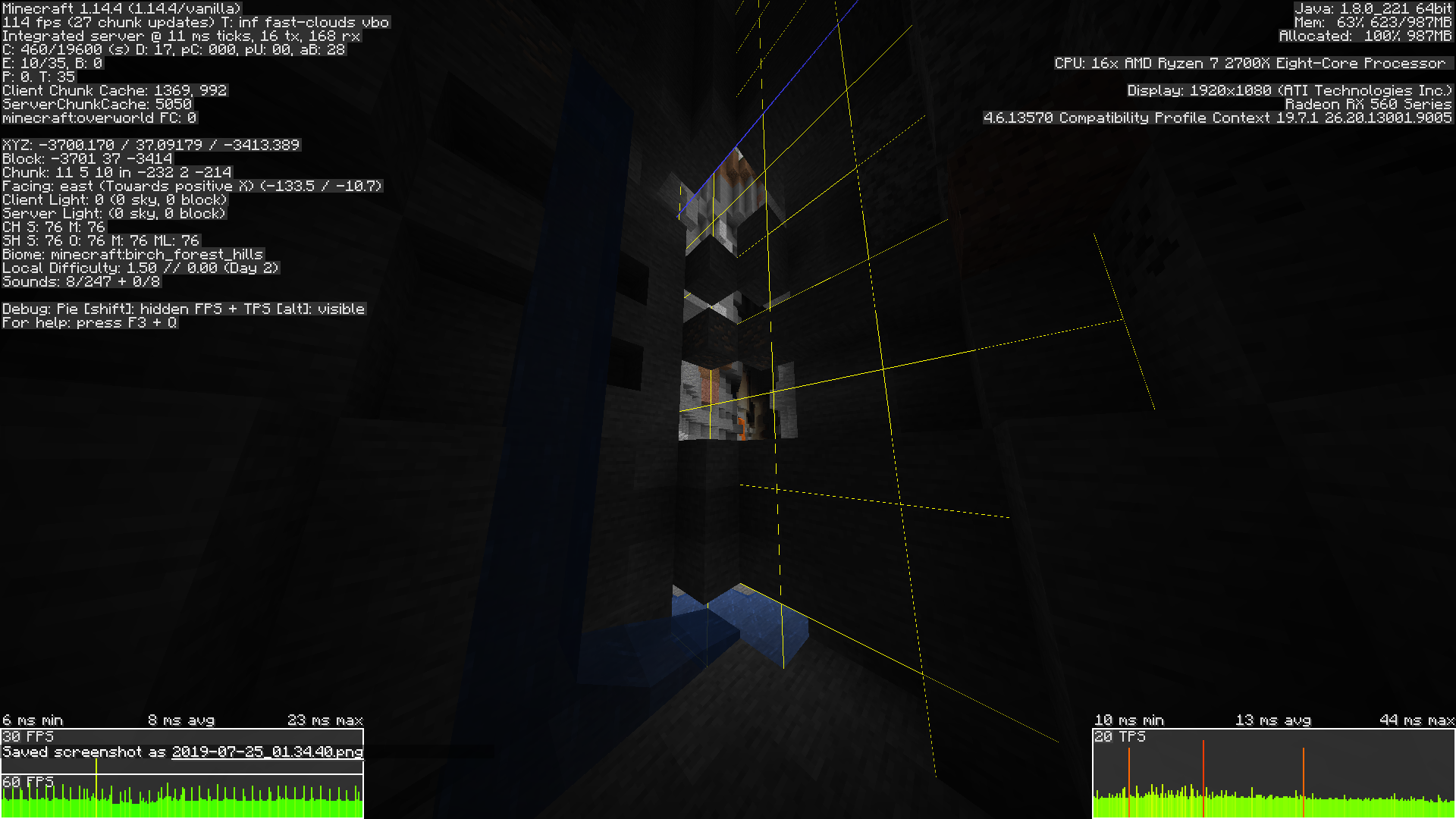

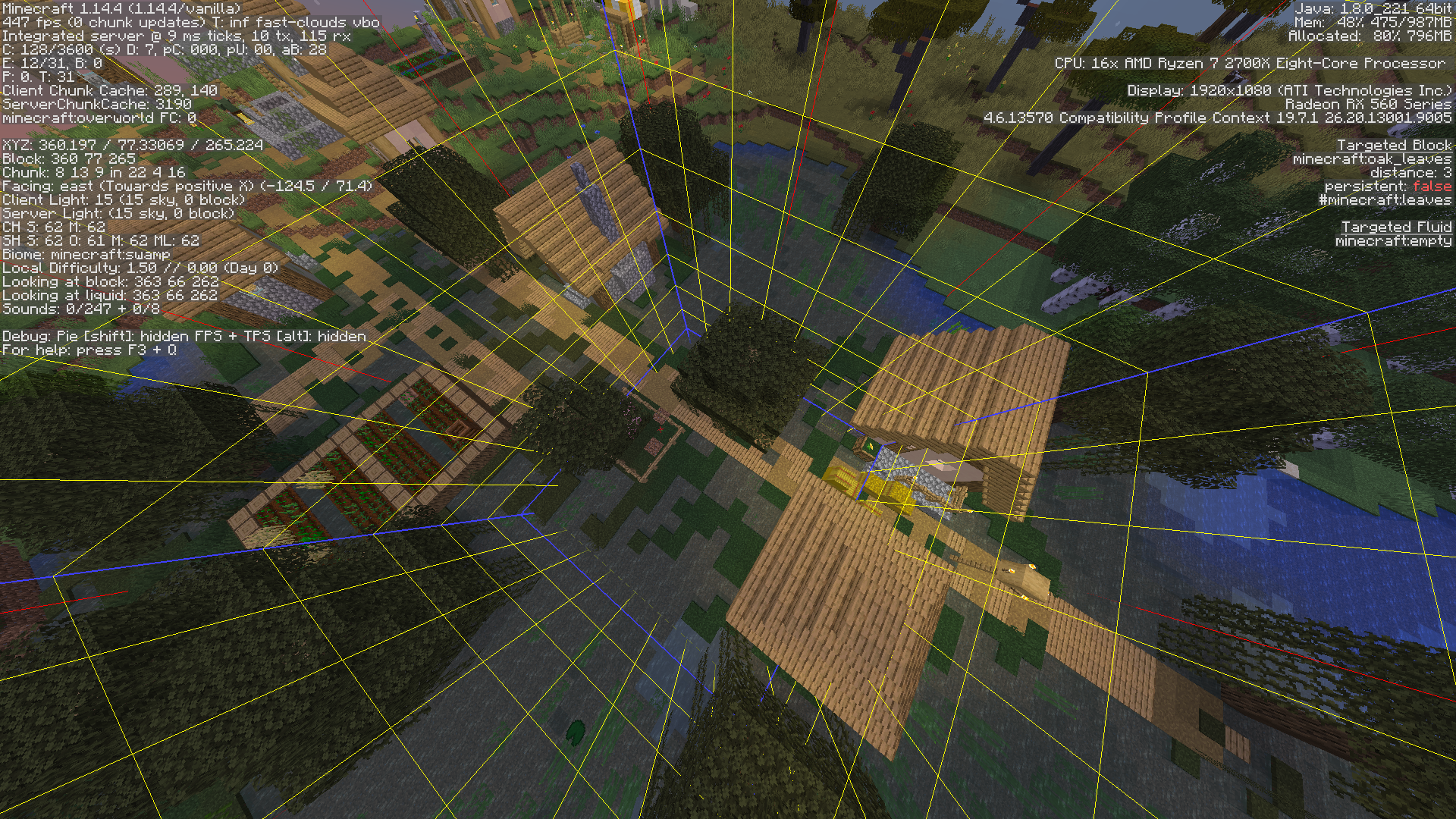


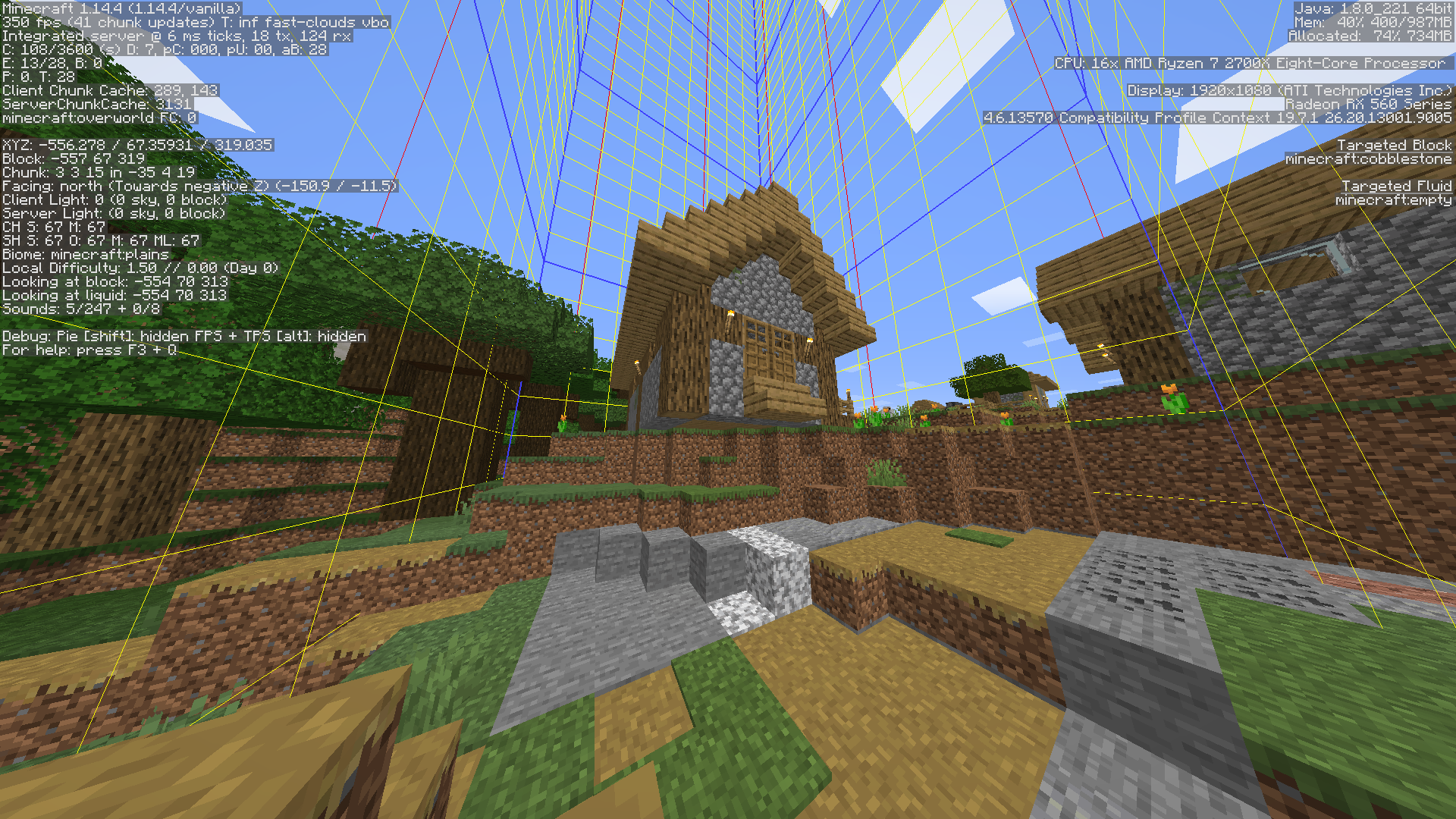
CANT PLACE PATH BELOW SIGHNS BUGCant place path below sign. (birch tree only tested)
CANT PLACE PATH BELOW SIGHNS BUG (birch tree only tested)


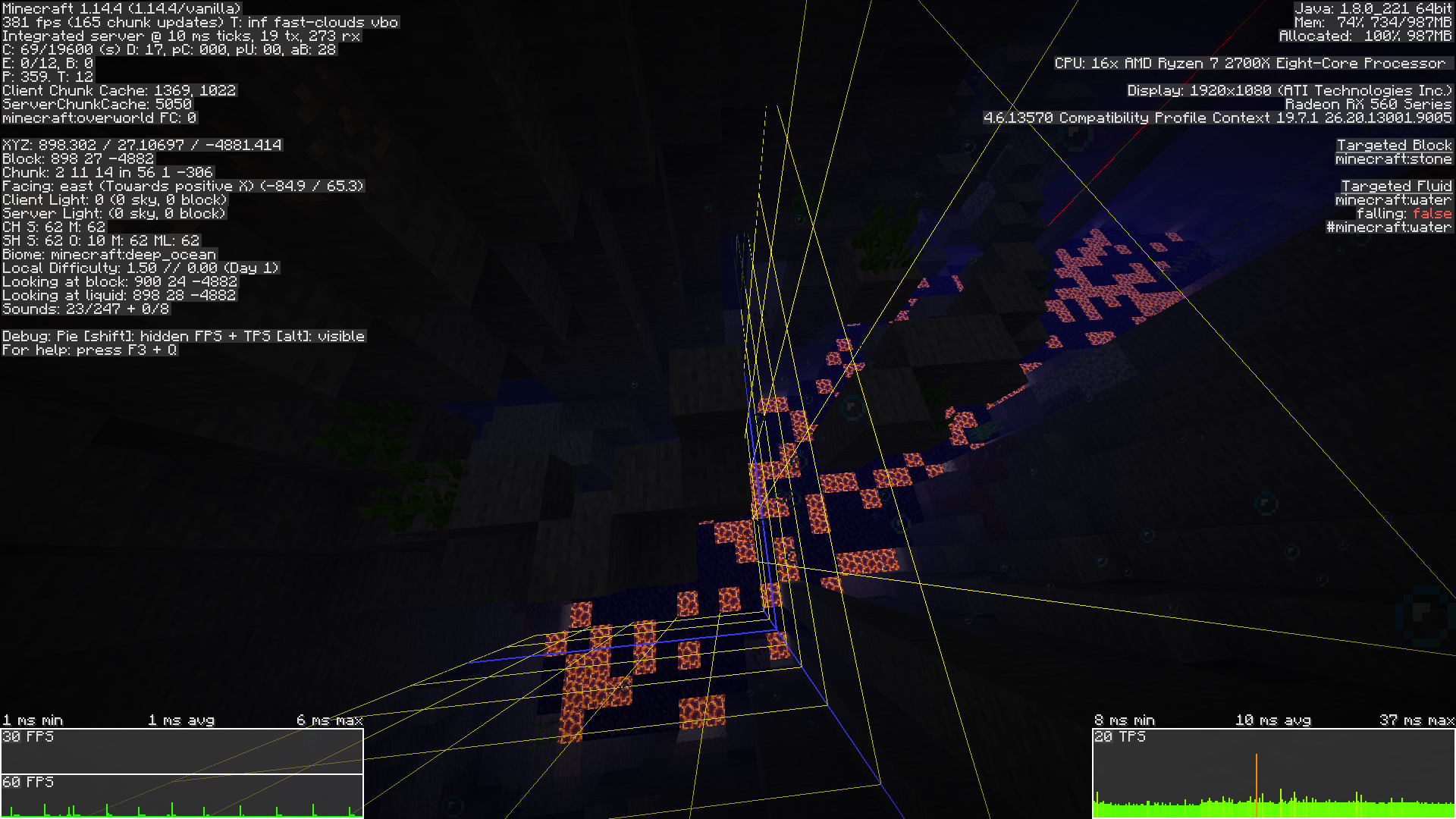
Lag when traveling between chunks:
server render distance 6
client render distance 12
When moving from one chunk to another (back and forth) fps lag spikes.
its not chunk unloading, because client doesnt unload chunks as it didnt loaded it 12by12.
So the framerate lag cause is rather traveling between chunks than loading/unloading them.
70-90ms spikes
Lag when traveling between chunks:
server render distance 6
client render distance 12
When moving from one chunk to another (back and forth) fps lag spikes.
its not chunk unloading, because client doesnt unload chunks as it didnt loaded it 12by12.
So the framerate lag cause is rather traveling between chunks than loading/unloading them.
70-90ms spikes
During test client didnt loaded any new chunks and didnt loaded new ones.
Lag when traveling between chunks:
server render distance 6
client render distance 12
When moving from one chunk to another (back and forth) fps lag spikes.
its not chunk unloading, because client doesnt unload chunks as it didnt loaded it 12by12.
So the framerate lag cause is rather traveling between chunks than loading/unloading them.
70-90ms spikes
During test client didnt loaded any new chunks and didnt loaded new ones. So lag is directed to traveling from one chunk to other.
Lag when traveling between chunks:
server render distance 6
client render distance 12
When moving from one chunk to another (back and forth) fps lag spikes.
its not chunk unloading, because client doesnt unload chunks as it didnt loaded it 12by12.
So the framerate lag cause is rather traveling between chunks than loading/unloading them.
70-90ms spikes
During test client didnt loaded any new chunks and didnt loadednew ones. So lag is directed to traveling from one chunk to other.
Lag when traveling between chunks:
server render distance 6
client render distance 12
When moving from one chunk to another (back and forth) fps lag spikes.
its not chunk unloading, because client doesnt unload chunks as it didnt loaded it 12by12.
So the framerate lag cause is rather traveling between chunks than loading/unloading them.
70-90ms spikes
During test client didnt loaded any new chunks and didnt unloaded. So lag is directed to traveling from one chunk to other.
Lag when traveling between chunks:
server render distance 6
client render distance 12
When moving from one chunk to another (back and forth) fps lag spikes.
its not chunk unloading, because client doesnt unload chunks as it didnt loaded it 12by12.
So the framerate lag cause is rather traveling between chunks than loading/unloading them.
70-90ms spikes
During test client didnt loaded any new chunks and didnt unloaded any loaded chunks. So lag is directed to traveling from one chunk to other.
Lag when traveling between chunks:
server render distance 6
client render distance 12
When moving from one chunk to another (back and forth) fps lag spikes.
its not chunk unloading, because client doesnt unload chunks as it didnt loaded it 12by12.
So the framerate lag cause is rather traveling between chunks than loading/unloading them.
70-90ms spikes
During test client didnt loaded any new chunks and didnt unloaded any loaded chunks. So lag is directed to traveling from one chunk to other.
Lag when traveling between chunks:
server render distance 6
client render distance 12
When moving from one chunk to another (back and forth) fps lag spikes.
its not chunk unloading, because client doesnt unload chunks as it didnt loaded it 12by12.
So the framerate lag cause is rather traveling between chunks than loading/unloading them.
12-90ms spikes
During test client didnt loaded any new chunks and didnt unloaded any loaded chunks. So lag is directed to traveling from one chunk to other.
Lag when traveling between chunks:
server render distance 6
client render distance 12
When moving from one chunk to another (back and forth) fps lag spikes.
its not chunk unloading, because client doesnt unload chunks as it didnt loaded it 12by12.
So the framerate lag cause is rather traveling between chunks than loading/unloading them.
12-90ms spikes
During test client didnt loaded any new chunks and didnt unloaded any loaded chunks. So lag is directed to traveling from one chunk to other.
Lag when traveling between chunks:
server render distance 6
client render distance 12
When moving from one chunk to another (back and forth) fps lag spikes.
its not chunk unloading, because client doesnt unload chunks as it didnt loaded it 12by12.
So the framerate lag cause is rather traveling between chunks than loading/unloading them.
17-22ms spikes
During test client didnt loaded any new chunks and didnt unloaded any loaded chunks. So lag is directed to traveling from one chunk to other.
Lag when traveling between chunks:
server render distance 6
client render distance 12
When moving from one chunk to another (back and forth) fps lag spikes.
its not chunk unloading, because client doesnt unload chunks as it didnt loaded it 12by12.
So the framerate lag cause is rather traveling between chunks than loading/unloading them.
17-22ms spikes
During test client didnt loaded any new chunks and didnt unloaded any loaded chunks. So lag is directed to traveling from one chunk to other.
Lag when traveling between chunks:
server render distance 6
client render distance 12
When moving from one chunk to another (back and forth) fps lag spikes.
its not chunk unloading, because client doesnt unload chunks as it didnt loaded it 12by12.
So the framerate lag cause is rather traveling between chunks than loading/unloading them.
17-22ms spikes, any framerate higher than 75 is geting stutering
During test client didnt loaded any new chunks and didnt unloaded any loaded chunks. So lag is directed to traveling from one chunk to other.
Lag when traveling between chunks:
server render distance 6
client render distance 12
When moving from one chunk to another (back and forth) fps lag spikes.
its not chunk unloading, because client doesnt unload chunks as it didnt loaded it 12by12.
So the framerate lag cause is rather traveling between chunks than loading/unloading them.
17-22ms spikes, any framerate higher than 75 is geting stutering
During test client didnt loaded any new chunks and didnt unloaded any loaded chunks. So lag is directed to traveling from one chunk to other.
Lag when traveling between chunks:
server render distance 6
client render distance 12
When moving from one chunk to another (back and forth) fps lag spikes.
its not chunk unloading, because client doesnt unload chunks as it didnt loaded it 12by12.
So the framerate lag cause is rather traveling between chunks than loading/unloading them.
17-25ms spikes, any framerate higher than 75 is geting stutering
During test client didnt loaded any new chunks and didnt unloaded any loaded chunks. So lag is directed to traveling from one chunk to other.
Lag when traveling between chunks:
server render distance 6
client render distance 12
When moving from one chunk to another (back and forth) fps lag spikes.
its not chunk unloading, because client doesnt unload chunks as it didnt loaded it 12by12.
So the framerate lag cause is rather traveling between chunks than loading/unloading them.
17-25ms spikes, any framerate higher than 75 is geting stutering
During test client didnt loaded any new chunks and didnt unloaded any loaded chunks. So lag is directed to traveling from one chunk to other.
Lag when traveling between chunks:
server render distance 6
client render distance 12
When moving from one chunk to another (back and forth) fps lag spikes.
its not chunk unloading, because client doesnt unload chunks as it didnt loaded it 12by12.
So the framerate lag cause is rather traveling between chunks than loading/unloading them.
17-26ms spikes, any framerate higher than 75 is geting stutering
During test client didnt loaded any new chunks and didnt unloaded any loaded chunks. So lag is directed to traveling from one chunk to other.
Lag when traveling between chunks:
server render distance 6
client render distance 12
When moving from one chunk to another (back and forth) fps lag spikes.
its not chunk unloading, because client doesnt unload chunks as it didnt loaded it 12by12.
So the framerate lag cause is rather traveling between chunks than loading/unloading them.
17-26ms spikes, any framerate higher than 75 is geting stutering
During test client didnt loaded any new chunks and didnt unloaded any loaded chunks. So lag is directed to traveling from one chunk to other.
.
Lag when traveling between chunks (not loading/unloading).
.fixed
fixed...
Server render distance is 10
Client render distance is 64 with moded or 32 with vanila.
If i conect to server or teleport with 64 render game freezes even if iam with 1block in middle of void. with 32 render distance of vanila game same thing happens, just not as severe.S
ounds like total waste of resources and my game gets hanged for no aparent reason.Teleportation or conection lag with folowing
Render distances:
32 vanila (anoying)
64 moded (severe, unplayable)Server render distance is 10 so why it halts client? It shud let client to move freely.
Teleportation or conection lag with folowing
Render distances:
32 vanila (anoying)
64 moded (severe, unplayable)Server render distance is 10 so why it halts client? It shud let client to move freely without freezing it.
Teleportation or conection lag with folowing
Render distances:
32 vanila (anoying)
64 moded (severe, unplayable)Server render distance is 10 so why it halts client? It shud let client to move freely without freezing
it.Teleportation or conection lag with folowing
Render distances:
32 vanila (anoying)
64 moded (severe, unplayable)Server render distance is 10 so why it halts client? It shud let client to move freely without freezing of game.
Teleportation or conection lag with folowing
Render distances:
32 vanila (anoying)
64 moded (severe, unplayable)Server render distance is 10 so why it halts client? It shud let client to move freely without freezing of game.
Teleportation or conection lag with folowing
Render distances:
On server join, teleport:
server:10 client 10 = no lag (vanila)
server:10 client 32 = lag (but hey it only shows 10 chunks to client anyway?) (vanila)
server:10 client 64 = severe, unplayable lag (moded)
Some chunks create extremely high amounts of lag when breaking blocks.
Whats weird that retarting game removed lag from these chunks.
Video of this bug:
https://youtu.be/BaiQzZpwuis
Some chunks create extremely high amounts of lag when breaking blocks.
Whats weird that restarting game removed lag from these chunks.
Video of this bug:
https://youtu.be/BaiQzZpwuis
Some chunks create extremely high amounts of lag when breaking blocks.
Whats weird that restarting game removed lag from these chunks.
Video of this bug:
https://youtu.be/BaiQzZpwuisSome chunks create extremely high amounts of lag when breaking blocks.
Whats weird that restarting game removed lag from these chunks.Videos of this bug:
Vanila and only vanila:
https://youtu.be/BaiQzZpwuis
Moded server, vanila client:
Some chunks create extremely high amounts of lag when breaking blocks.
Whats weird that restarting game removed lag from these chunks.
Videos of this bug:Vanila and only vanila:
https://youtu.be/BaiQzZpwuis
Moded server, vanila client:
Some chunks create extremely high amounts of lag when breaking blocks.
Whats weird that restarting game removed lag from these chunks.Videos of this bug:
Vanila and only vanila:
https://youtu.be/BaiQzZpwuis
Moded server, vanila client:
Some chunks create extremely high amounts of lag when breaking blocks.
Whats weird that restarting game removed lag from these chunks.Videos of this bug:
Vanila and only vanila:
https://youtu.be/BaiQzZpwuis
Moded server, vanila client:
Some chunks create extremely high amounts of lag when breaking blocks.
Whats weird that restarting game removed lag from these chunks.Videos of this bug:
Vanila and only vanila:
https://youtu.be/BaiQzZpwuis
Moded server, vanila client:
https://youtu.be/_T-YpC_yh68
Some chunks create extremely high amounts of lag when breaking blocks.
Whats weird that restarting game removed lag from these chunks in vanila minecraft video.Videos of this bug:
Vanila and only vanila:
https://youtu.be/BaiQzZpwuis
Moded server, vanila client:
https://youtu.be/_T-YpC_yh68
Some chunks create extremely high amounts of lag when breaking blocks.
Whats weird that restarting game removed lag from these chunks in vanila minecraft video.Videos of this bug:
Vanila and only vanila:
https://youtu.be/BaiQzZpwuis
Moded server, vanila client: (UPDATE from moded server thats completely another lighting bug)
https://youtu.be/_T-YpC_yh68
Some chunks create extremely high amounts of lag when breaking blocks.
Whats weird that restarting game removed lag from these chunks in vanila minecraft video.Videos of this bug:
Vanila and only vanila:
https://youtu.be/BaiQzZpwuis
Moded server, vanila client: (UPDATE from moded server thats completely another lighting bug, which doesnt get fixed by restart)
https://youtu.be/_T-YpC_yh68
Some chunks create extremely high amounts of lag when breaking blocks.
Whats weird that restarting game removed lag from these chunks in vanila minecraft video.Videos of this bug:
Vanila and only vanila:
https://youtu.be/BaiQzZpwuis
Moded server, vanila client: (UPDATE from moded server thats completely another lighting bug, which doesnt get fixed by restart of client)
https://youtu.be/_T-YpC_yh68
drowned spawn on surface and sun causing them to burn
(structure was on top of surface)
(it was fresh world so this could happen during generation)
Lighting turn 0 (lag performance isusues) while breaking blocks
Lighting turn 0 (lag performance isusues) while breaking blocks
Lighting turn 0 (lag performance isusues) while breaking blocks.
Only hapens in some chunks restart doesnt fix.
Lighting turn 0 (lag performance isusues) while breaking/placing blocks.
Only hapens in some chunks restart doesnt fix.
Lighting turn 0 (lag performance isusues) while breaking/placing blocks.
Only hapens in some chunks restart doesnt fix.
It only takes
Lighting turn 0 (lag performance isusues) while breaking/placing blocks.
Only hapens in some chunks restart doesnt fix.
It only takesLighting turn 0 (lag performance isusues) while breaking/placing blocks.
Only hapens in some chunks restart doesnt fix.
It only takes 50 miliseconds spike, but while moving many blocks that spike can be 100000ms or 0,000001frame per second
Lighting turn 0 (lag performance isusues) while breaking/placing blocks.
Only hapens in some chunks restart doesnt fix.
It only takes 50 miliseconds spike, but while moving many blocks that spike can be100000ms or0,000001frame per second
Reporting again because of deleted 2 reports before.
Isusue doesnt hapen on 1.14.4.
Please take notice this is vanilla. Take a look = integrated server.
https://youtu.be/ZABMmFLuDbAUPDATE:
1. Added debug of same area with lag and without lag.
one got blocks moved, another one got blocks steady.
2. Lags when chorus is growing.
3. Lags when blocks geting broken.
Reporting again because of deleted 2 reports before.
Isusue doesnt hapen on 1.14.4.
Please take notice this is vanilla. Take a look = integrated server.
https://youtu.be/ZABMmFLuDbAUPDATE:
1. Added debug of
same areawith lag and without lag.
one got blocks moved, another one got blocks steady.
2. Lags when chorus is growing.
3. Lags when blocks geting broken.Reporting again because of deleted 2 reports before.
Isusue doesnt hapen on 1.14.4.
Please take notice this is vanilla. Take a look = integrated server.
https://youtu.be/ZABMmFLuDbAUPDATE:
1. Added debug of area in video with lag and without lag.
The diference is in laggy blocks geting moved.
profile-results-2020-01-23_02.58.32.txt = laggy
profile-results-2020-01-23_03.07.33.txt = no lag
2. Lags when chorus is growing.
3. Lags when blocks geting broken.
Reporting again because of deleted 2 reports before.
Isusue doesnt hapen on 1.14.4.
Please take notice this is vanilla. Take a look = integrated server.
https://youtu.be/ZABMmFLuDbAUPDATE:
1. Added debug of area in video with lag and without lag.
The diference is in laggy blocks geting moved.
profile-results-2020-01-23_02.58.32.txt = laggy
profile-results-2020-01-23_03.07.33.txt = no lag
2. Lags when chorus is growing.
3. Lags when blocks geting broken.Poor render/lighting engine performance making client to lag.
Reporting again because of deleted 2 reports before.
Isusue doesnt hapen on 1.14.4.
Please take notice this is vanilla. Take a look = integrated server.
https://youtu.be/ZABMmFLuDbAUPDATE:
1. Added debug of area in video with lag and without lag.
The diference is in laggy blocks geting moved.
profile-results-2020-01-23_02.58.32.txt = laggy
profile-results-2020-01-23_03.07.33.txt = no lag
2. Lags when chorus is growing.
3. Lags when blocks geting broken.Poor render/lighting engine performance making client to lag.
Reporting again because of deleted 2 reports before.
Isusue doesnt hapen on 1.14.4.
Please take notice this is vanilla. Take a look = integrated server.
https://youtu.be/ZABMmFLuDbAUPDATE:
1. Added debug of area in video with lag and without lag.
The diference is in laggy blocks geting moved.
profile-results-2020-01-23_02.58.32.txt = laggy
profile-results-2020-01-23_03.07.33.txt = no lag
2. Lags when chorus is growing.
3. Lags when blocks geting broken.Poor render/lighting engine performance making client lag.
Most likely lighting resets in whole chunk!
Reporting again because of deleted 2 reports before.
Isusue doesnt hapen on 1.14.4.
Please take notice this is vanilla. Take a look = integrated server. World is made with vanila minecraft and used only in vanila minecraft.
https://youtu.be/ZABMmFLuDbAUPDATE:
1. Added debug of area in video with lag and without lag.
The diference is in laggy blocks geting moved.
profile-results-2020-01-23_02.58.32.txt = laggy
profile-results-2020-01-23_03.07.33.txt = no lag
2. Lags when chorus is growing.
3. Lags when blocks geting broken.Poor render/lighting engine performance making client lag.
Most likely lighting resets in whole chunk!
Reporting again because of deleted 2 reports before.
Isusue doesnt hapen on 1.14.4.
Please take notice this is vanilla. Take a look = integrated server. World is made with vanila minecraft and used only in vanila minecraft.
https://youtu.be/ZABMmFLuDbAUPDATE:
1. Added debug of area in video with lag and without lag.
The diference is in laggy blocks geting moved.
profile-results-2020-01-23_02.58.32.txt = laggy
profile-results-2020-01-23_03.07.33.txt = no lag
2. Lags when chorus is growing.
3. Lags when blocks geting broken.Poor render/lighting engine performance making client lag.
Most likely lighting resets in whole chunk!Here another video playing with it.
https://www.youtube.com/watch?v=q4ZkJIkclN0
Reporting again because of deleted 2 reports before.
Isusue doesnt hapen on 1.14.4.
Please take notice this is vanilla. Take a look = integrated server. World is made with vanila minecraft and used only in vanila minecraft.
https://youtu.be/ZABMmFLuDbAUPDATE:
1. Added debug of area in video with lag and without lag.
The diference is in laggy blocks geting moved.
profile-results-2020-01-23_02.58.32.txt = laggy
profile-results-2020-01-23_03.07.33.txt = no lag
2. Lags when chorus is growing.
3. Lags when blocks geting broken.Poor render/lighting engine performance making client lag.
Most likely lighting resets in whole chunk!Here another video playing with it.
https://www.youtube.com/watch?v=q4ZkJIkclN0Reporting again because of deleted 2 reports before.
Isusue doesnt hapen on 1.14.4.
Please take notice this is vanilla. Take a look = integrated server. World is made with vanila minecraft and used only in vanila minecraft.
https://youtu.be/ZABMmFLuDbAUPDATE:
1. Added debug of area in video with lag and without lag.
The diference is in laggy blocks geting moved.
profile-results-2020-01-23_02.58.32.txt = laggy
profile-results-2020-01-23_03.07.33.txt = no lag
2. Lags when chorus is growing.
3. Lags when blocks geting broken.Poor render/lighting engine performance making client lag.
Most likely lighting resets in whole chunk!
This isusue have something to do with skylight.Here another video playing with it.
https://www.youtube.com/watch?v=q4ZkJIkclN0Interesting:
Reporting again because of deleted 2 reports before.
Isusue doesnt hapen on 1.14.4.
Please take notice this is vanilla. Take a look = integrated server. World is made with vanila minecraft and used only in vanila minecraft.
https://youtu.be/ZABMmFLuDbAUPDATE:
1. Added debug of area in video with lag and without lag.
The diference is in laggy blocks geting moved.
profile-results-2020-01-23_02.58.32.txt = laggy
profile-results-2020-01-23_03.07.33.txt = no lag
2. Lags when chorus is growing.
3. Lags when blocks geting broken.Poor render/lighting engine performance making client lag.
Most likely lighting resets in whole chunk!
This isusue have something to do with skylight.Here another video playing with it.
https://www.youtube.com/watch?v=q4ZkJIkclN0Interesting:
Lighting lagblock lights turn dark when blocks brokenLighting lag something to do with skylight.
There is alot of memory leaks in game. Especialy after world upgrade. World was created in 1.18 then upgraded trought versions to 1.19.3 which was leaky in all versions but playable. Then i upgraded world to 1.19.4 and added banners (alot of them) and made 2 armor stands (not alot). I observed my server leaking alot like 40gb per 6 hours. When opened my memory dump file i observed lots of
ints and long, with references to datafixers so literaly undiagnosable.
Then i went to check my servers ram usage and it was showing 540mb while on task manager server was taking 26gb of ram (using shedoah gc). When switched to default g1c server just dies with 20gb allocated while still showing 540mb usage.There is alot of memory leaks in game. Especialy after world upgrade. World was created in 1.18 then upgraded trought versions to 1.19.3 which was leaky in all versions but playable. Then i upgraded world to 1.19.4 and added banners (alot of them) and made 2 armor stands (not alot). I observed my server leaking alot like 40gb per 6 hours. When opened my memory dump file i observed lots of bytes and longs, with references to datafixers so literaly undiagnosable.
Then i went to check my servers ram usage and it was showing 540mb while on task manager server was taking 26gb of ram (using shedoah gc). When switched to default g1c server just dies with 20gb allocated while still showing 540mb usage.
![[Mod] violine1101](../../../data/avatars/users/92858.png)
jokubas, if you already comment "duplicate", please at least link to the parent ticket.
there is no mods that do this .
i have only rei's minimap mod and mod loader
singleplayer and servers
i think mojang mesed up when they tryed to fix duplications at chunk borders. they made it single thread, and then they completely fixed it by new aproach of chunk generation. New aproach could use more threads cause dupes are fixed by new world generation concept.
Its not the same as
MC-149178because that in 1.14 is rendering isusue, and this isusue is chunk generation.thats again rendering isusue lol
MC-151084Rendering was fixed in 1.14.1. and region files in 1.14.2 pre. Howewer chunk generation is still slow because of single thread method that can be replaced by multithreaded as chunk generation have new aproach of minimizing chance of dupes by changing the concept of generation in previous versions. Yet again nothing like
MC-1510821.14.2 reality
https://youtu.be/SnMRXt6ixKY
1.14.2 expectations
https://youtu.be/LaPwXCg8aPw
Can this be broken raids behavior? entities seems high. maybe its posible that multiple raids geting trigered while exploring and starting atack and activating mob ai? maybe they get stuck maybe theyr interaction activating those chunks? maybe those entities dont get removed? maybe they keep spawning again and again? no realy i dont like raid update, its realy complicated to make and stupidly hard maybe imposible. Raid entities newer get removed? so they there all the time in memory? maybe? maybe they still got mob ai?
maybe mob is stuck in air/water and keeps jumping because ai to get in perfect location?
I dont realy know maybe my speculation can help?
Guys make a test without villages and see how that impacts performance so its easyer to find cause of isusue.
okay sounds like unloading chunks causes huge integrated server spikes. Loading them has no effect on integrated server tps.
1.14.2 PRE 2 Vilages are turned off
78ms spikes
I were walking while i noticed some water plant items above water stone structure.
kay i added screnies
1#
Minecraft.net redirects to https://www.minecraft.net/pl-pl/ but shud be en-us
2#
https://mojang.com/2016/12/shouldnt-you-be-on-minecraftnet-right-now/ redirects to https://www.minecraft.net/pl-pl/en/
confirmed
Ryzen 2700x 16gb ram 2500mb/s ssd
There are so much old players with old opinios that 2gb of ram is owerkill, when its actualy far away not...
I dont have screnshot and world/seed. I deleted it.
I can only tell that it is water ruins from stone. I added related picture, but not screenshot.
it was near tower ish structure of cold biome.
Update: hapens with caves.
If it shaking means its shaking.-.
everything in screen
looks like thats because of minecraft default setings. 1gb alocation is not enought. it needs whole 5.
Also please see
MC-152559updated prety important one. 157+- unescesary entities can be caused by chunk gen in oceans.It hapens in corals the worst.
server lagspikes during these reach 300ms
UI flickers by holding e butomn and probaly thats intended. Jump butomn doesnt do anything.
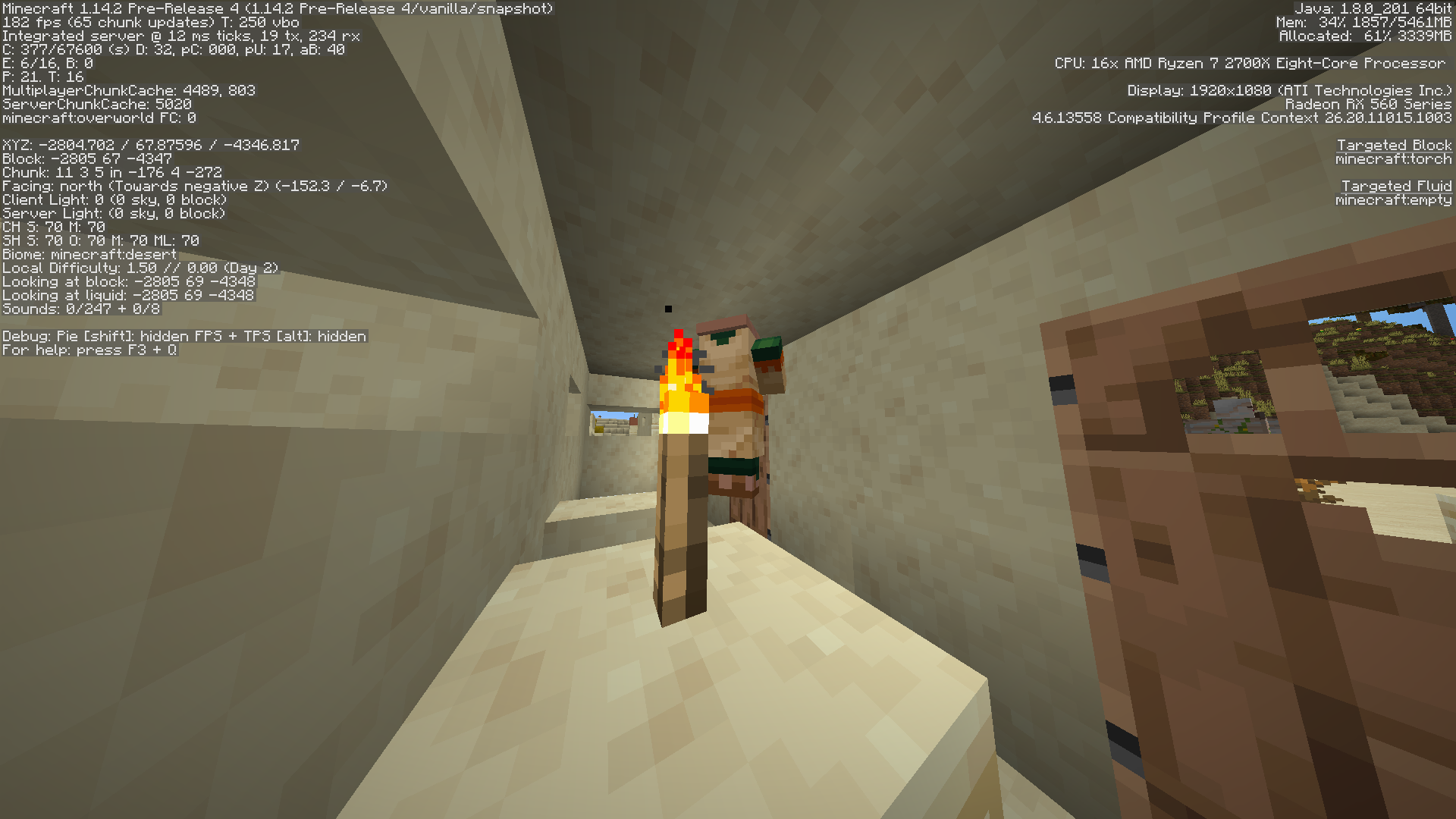
the temple spawned inside vilage
OK I GOT WHAT THERE HAPENING
The result:
20 of Water starts flowing trigering gravel.
150 entities by faling gravel.
150 entities by seaweed items cause it was on gravel.
= 320 entities forcing players to disconect.
I remember when i had low end computer, and i couldnt even move on 100entities.
The server owner fix:
999 broken plugins that search for entities and (hopefuly) remove them.
The posible fixes
remove gravel from ocean
make gravel/sand triger fall by actual block/player rather than water/lava
make water flow inside rails rather than breaking them.
delete rail gravel sand entities that are above 70 in recently generated chunks
disable gravel/sand block updates for time period after geneting it
don't spawn wolfs near sheep
don't spawn foxes near chicken
maybe its gravel sand?
Nope thats not hapening.
1.7.10 512m for factions server of 100 players. 20k moving entities server not crashing (skeletons).
1.8 1.5gb for factions server of 100 players. Bad code causes significant lag. Cant even run 1.8 server on same hardware as used in 1.7.10. with just 20 of entities.
1.12.2 5gb for factions server of 100 players. Same as 1.8, but needs more ram because of elytra fast traveling (elytra mostly used in end so its not that demanding).
1.13.2 10gb for factions server of 100 players. Needs more ram because of gravel ocean and stupid fast ice+boats. Unplayable for client.
1.14 20gb for factions server of 100 players. Broken asynch chunk loading unoficiial apis on servers, vilager ai, nether portal spikes, various bugs... Imposible expensive hosting for servers.
expecting that requirment to get to 10gb when unoficial server software will be avivable.
looks like thats cased by chunk unloading...
This isusue only apears when chunks unloading or saving etc aka when player moving. When it stands still the isusues doesnt exist. Chunk loading doesnt affect this.
This is what was done during debug.
https://youtu.be/PFKItvYVnl4
High framerate causes motion sicknes for me too, i have 240hz monitor lmao, I keep framerate caped for minecraft to 60. Anyways i dont think this is serious isusue here, because minecraft uses extraordinary 180fov and that distorts everythink like swazenager.
Past minecraft versions were played with stable low framerate, and curent minecraft versions fluctuate too much with that (devs think that improving max fps times will remove 0fps lagspikes turns out far from reality /s). And this is where minecraft came to isusue. There is a setting to cap framerate at 60, manny users just disable that so just add "higher framerates can cause montion sicknes with high fow" when howering ower fps with mouse cursor.
"I get the message "invalid checksum" when I play the CubeCraft Games server and it automatically takes me out of the server. Is it a message that must appear due to the negligence of the creators or is it a mandatory message to say that your server is garbage?
I would appreciate an adequate response to your solution, thank you."
Thanks for fixing isusue. This no longer happens.
This isusue is because you closed world and then exit game and quickly made new world.
This isnt crucial bug howewer mojang shud fix that. i can confirm it is hapening.
Just wait a bit before swiching/generating new worlds and you will be fine.
1.14
1.14.1
1.14.2
1.14.3
1.14.4 Confirmed
This or simila bug was hapening to me in all past versions when i quickly swich to another world especialy if i create new one.
i used low end computer at that time if that could help anyhow.
1.4 1.5.2 1.6 1.7.2 1.7.4 1.7.10 1.12.2
Bigest chance was when i make new world, after 10 seconds make new world. it copyed chunks from world 1 to world 2 at that time.
Hemps get generated on top of gravel sometimes, and gravel sometimes is on top of water ravines. When gravel gets updated hemps get destroyed. Jokes aside but this being serious lag source for server owners. In some servers it is taking as a major part of item lag if world contains alot of ocean. 300-75 entities at each such location. 1-2 entities on places where this didnt happen for comparison.
Fixed in 1.14.4? as i dont see this hapening for me. Might it be poor performance?
then make it to show up as priority, this is crucial for combat.
Confirming 1.14.4 HORIBLE LAG when breaking blocks.
If i get beacon haste 2 effect its so bad omg.
Blody wandering trader disapeared making anoying sounds and scaring people all around. The guy tryed to find the ghost. He was not scared. But by breaking blocks killed the misterious ghost by fall damage. The End.
If its intentional then mojang confuzes me. Day time.
Confirmed vanilla 1.14.4
Found multiple caves/ravines in ocean like in screenshot. From 4 ravines 3 were like this in 1.14.4
1.14.4
1.25 mb / chunk (excluding other stuff). For acceptable loading speed.
12,500mb 100players 10 render distance each with 5 entities (excluding other stuff).
Well thats prety bad number. But it was some of progress.
Asuming each of them having builds causing lag= servers can host game for 100 players with render distance of 6 if we can ignore lag caused by chunk loading/unloading.
Adding video for more information about this isusue with proofs for 1.14.4
https://youtu.be/liO-4nY8q9Y
Still isusue.
It happens even without amplified world, and does so constantly.
https://youtu.be/xq-hc-mPZTU
It usualy breaks more where rendering was paused.
https://youtu.be/f22wPwsxGm4
duplicate
it doesnt need to load large number of chunks during teleporatation as server render distance is smaller.
still a case
I had this isusue too it apears when swiching worlds. lets say u generate world a and swich in no time to world b.
then b world gets corupted.
If you wait before swiching worlds, nothing bad happens.
update: looks like isusue from moded server was completely other lighting bug
now its back to english so resolved
It not only affects piston lighting, but lighting of all blocks.
MC-111870 is not same isusue, and iam mentioning one that started to happen since 1.15
All i know 1.7.2 1.7.10 1.8 1.11 1.12 1.12.2 1.14.4 didnt contain this.
This isusue cause huge game stuter and makes game unplayable.
This report is about poor performance of rendering.
isusue is extremely weird here another video playing with it.
https://www.youtube.com/watch?v=q4ZkJIkclN0
Weird because everything works properly now... (for me)
you probaly enabled costumn setings for antialiasing (morphological) in radeon settings