 Kroppeb
- Kroppeb
- kroppeb
- Europe/Brussels
- Yes
- No
 MC-60789
![[Mojang] Billy Sjöberg](../../../data/avatars/users/42806.png)
![[Mojang] slicedlime](../../../data/assets/gravatar/slicedlime.jpeg)
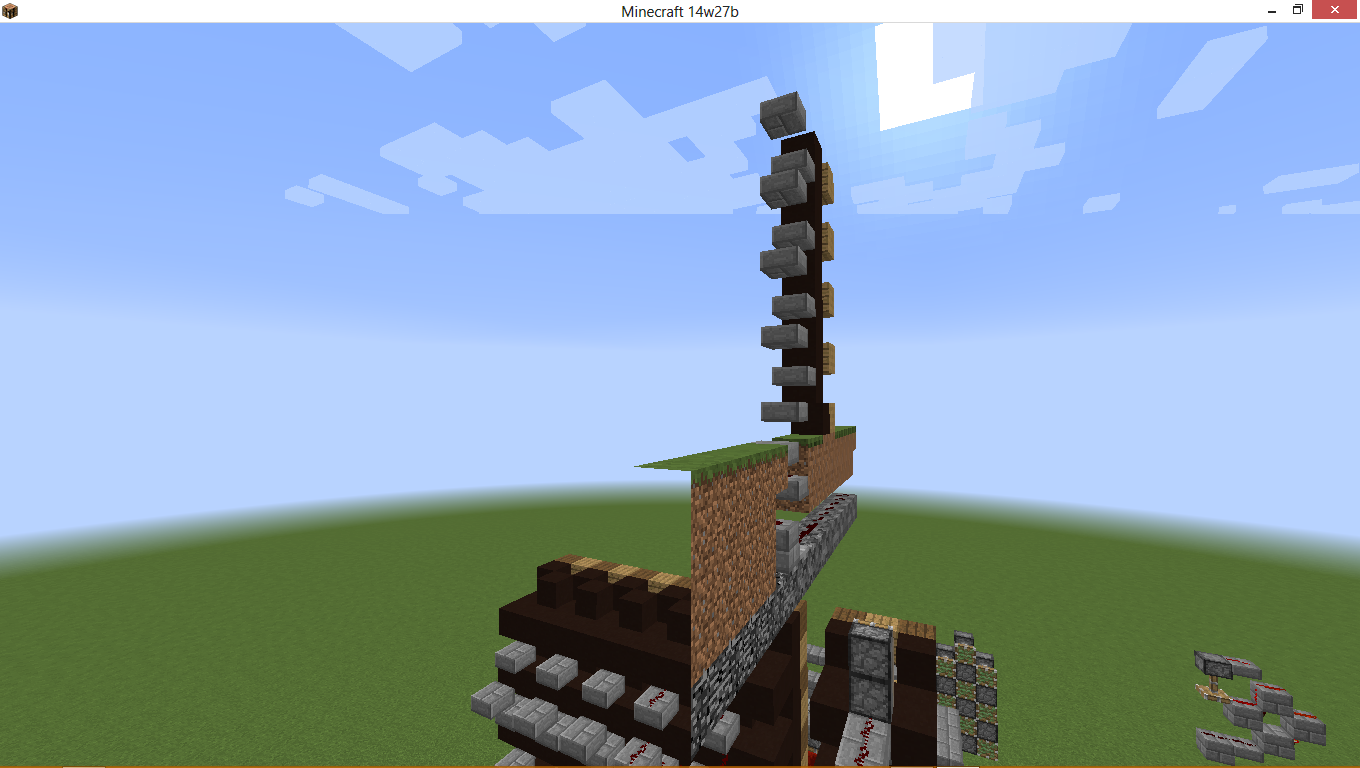
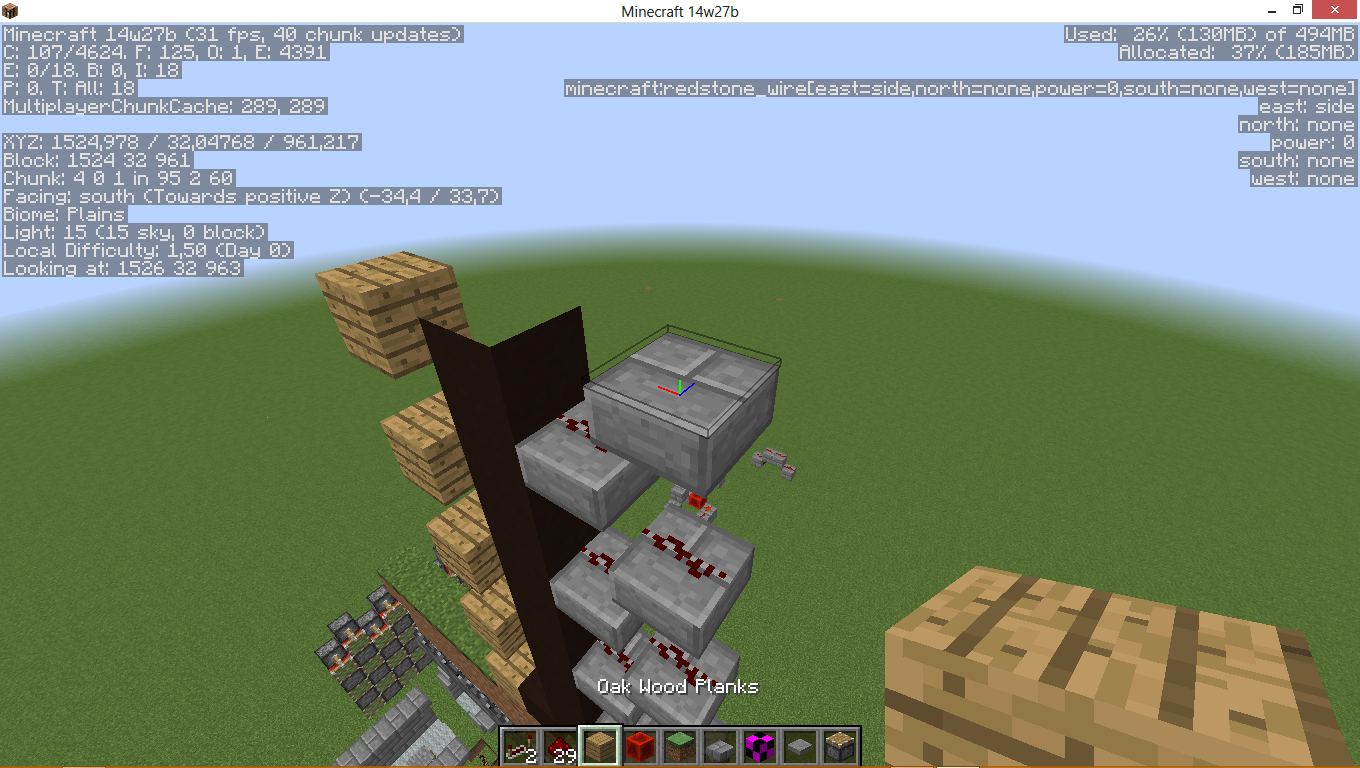
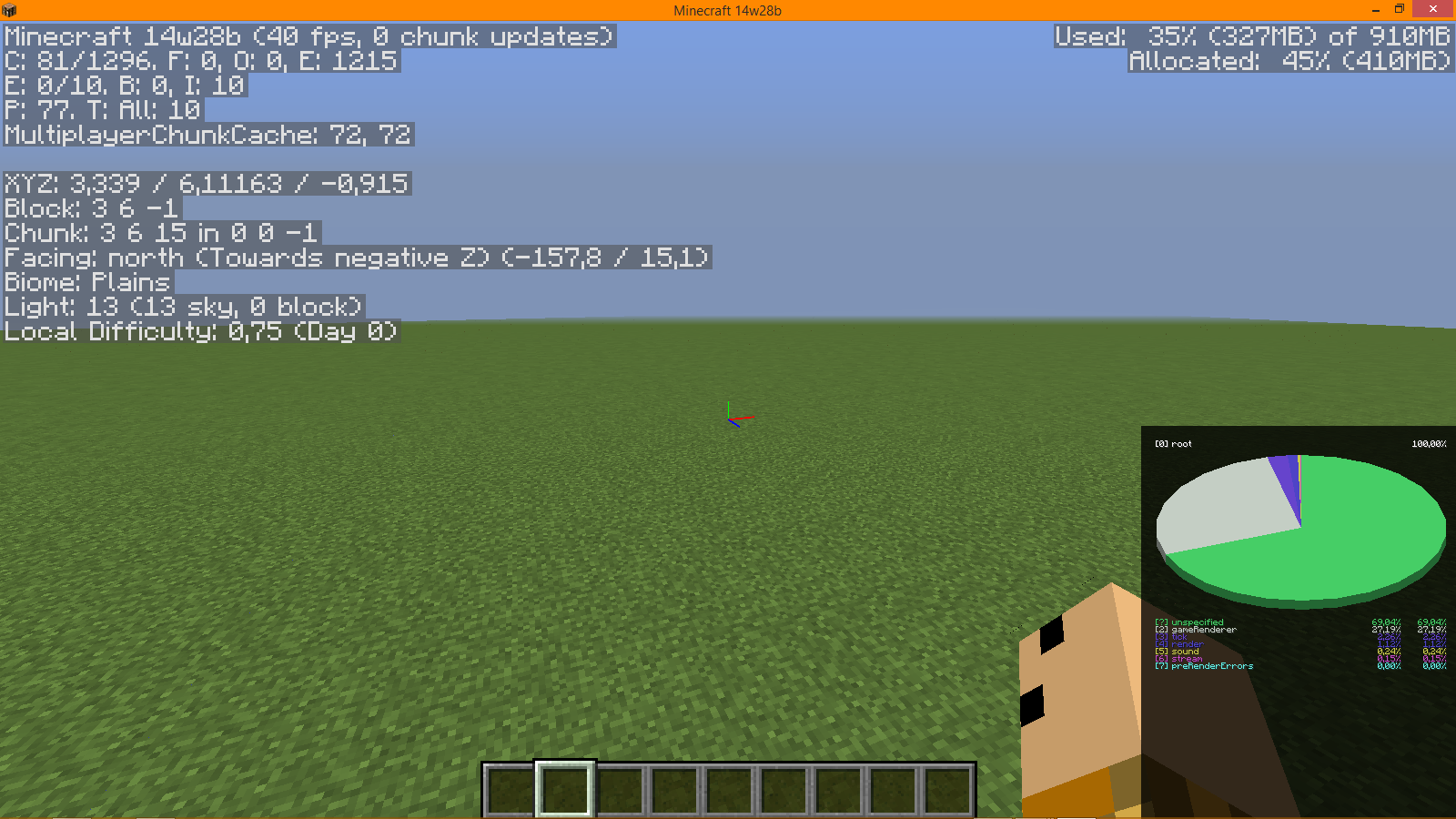
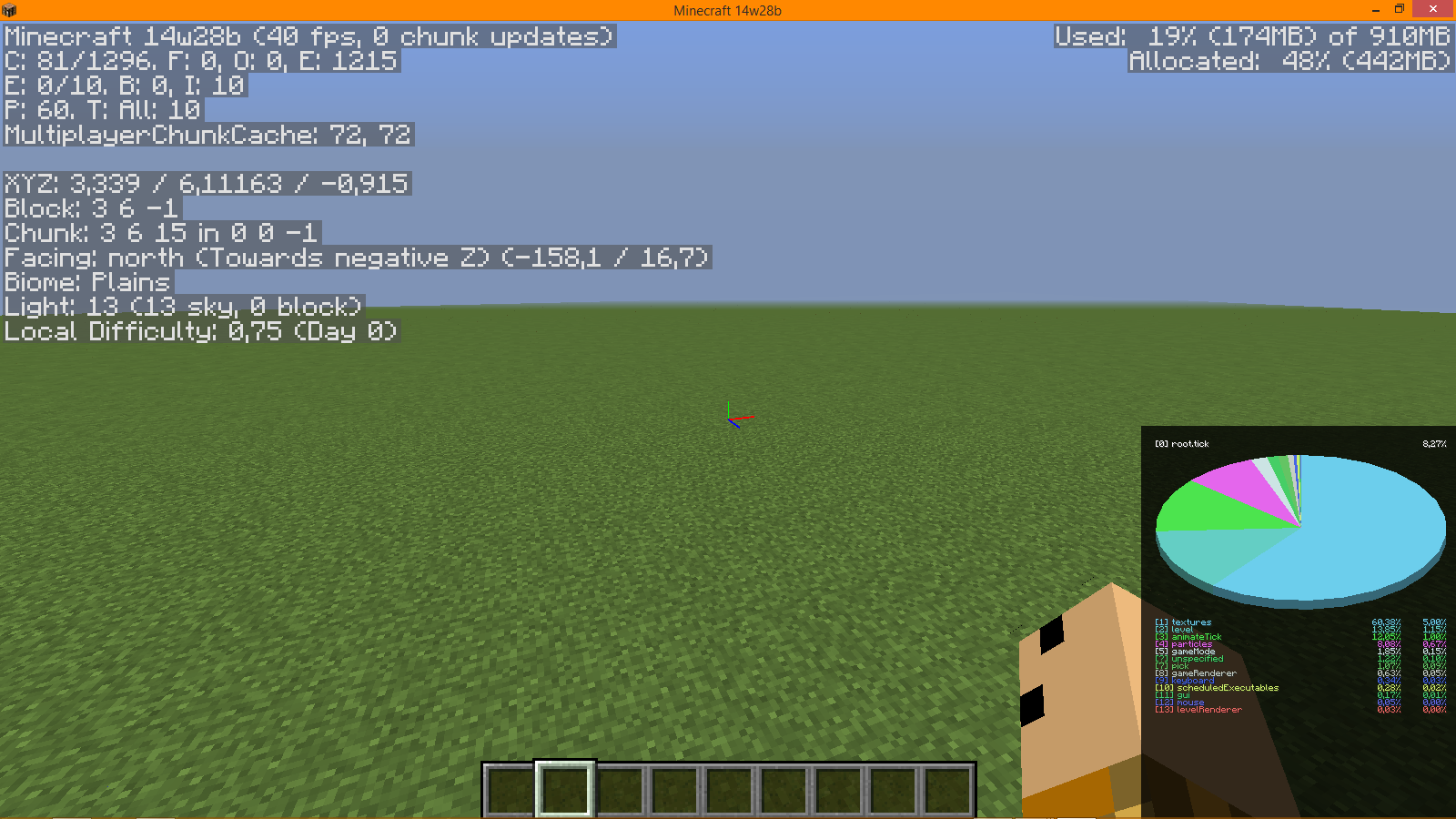
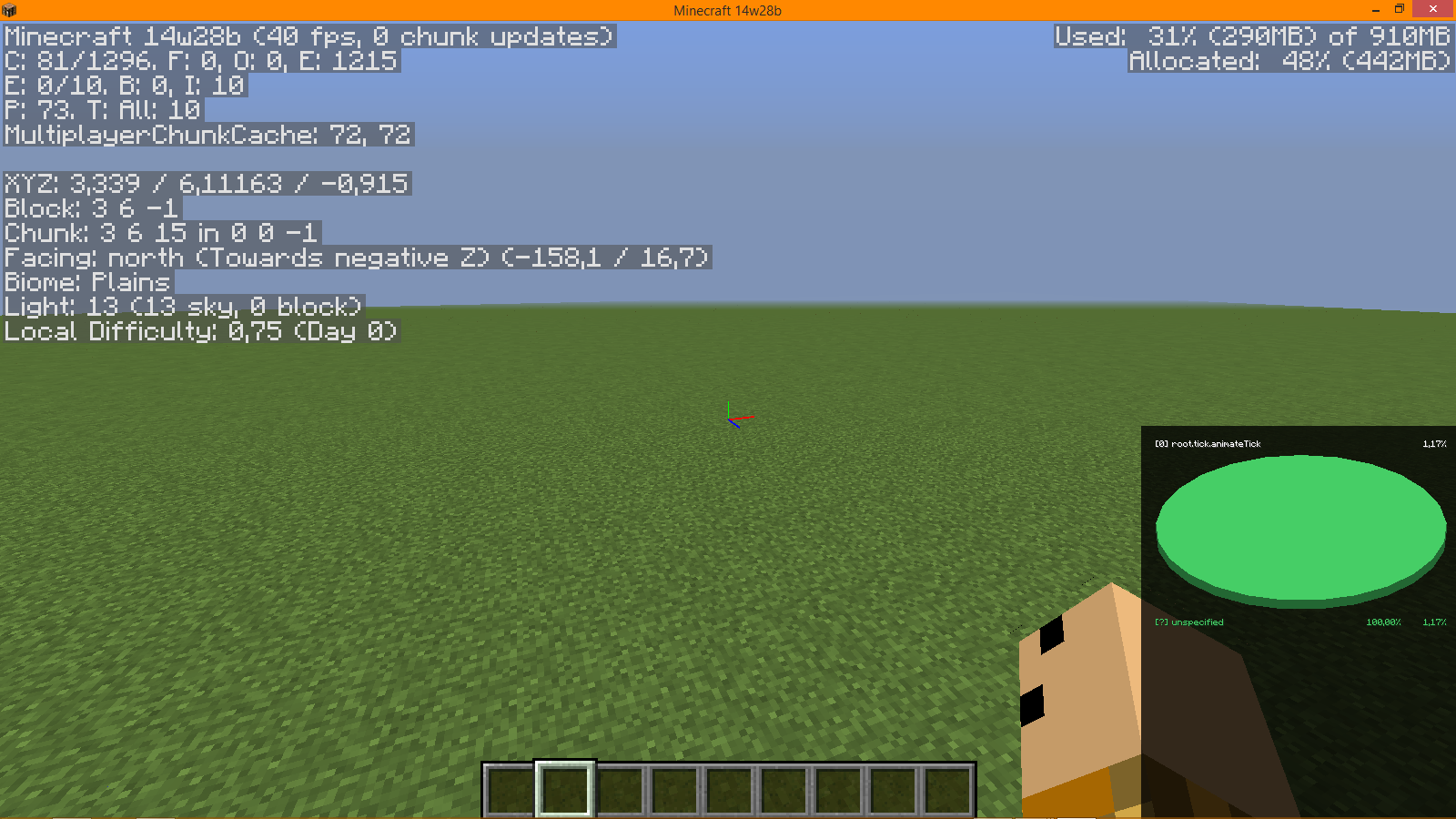


If you pres
F3 you see at the bottom right a circle.
If you toggle cinematic camera everything acts normal but if you toggle it again it turns totally green even if you press again.If you press shift+F3 you see at the bottom right a circle.
If you toggle cinematic camera everything acts normal but if you toggle it again it turns totally green even if you press again.
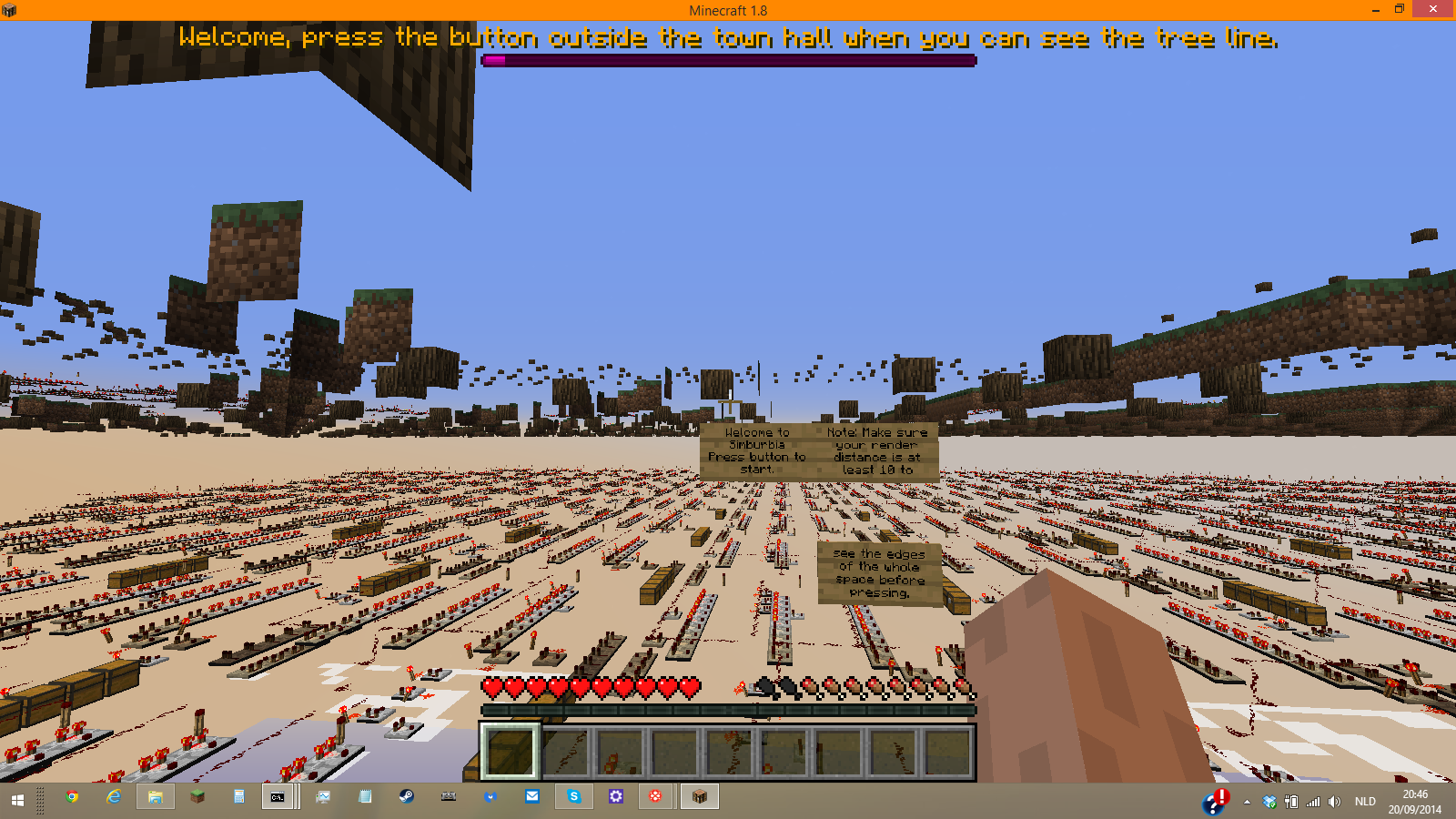
I wanted to play simburia but when i pressed the secret button this happend
if my renderdistands goes higher the problems are worser
this is with 32 otherwise it is just in the corners
and my game output
Example:
I was derping around and decided to go in a bed on a multiplayer server and decided I was going to sleep in a bed. I am an admin on the server, have op-privileges and was at that moment in Creative.When I was in the bed I went into gamemode 3.
What I expected to happen was:
I expected that i would get kicked out of bed and that another player would have been able to join the bed.What actually happened was:
I stayed in the bed and no other player was able to go into the bed.Steps to Reproduce:
1. Place a bed and go into it. This requires the player not to be in Spectator mode
2. Enter the following command into the text box, or ask an admin to do it for you.
"/gamemode 3"
3. Notice you are still in a bed.
4. Ask another player to go into the bed you are occupying.
5. Notice he can't because the bed is occupiedEDIT:
According to @Iwer
Example:
I was derping around and decided to go in a bed on a multiplayer server and decided I was going to sleep in a bed. I am an admin on the server, have op-privileges and was at that moment in Creative.When I was in the bed I went into gamemode 3.
What I expected to happen was:
I expected that i would get kicked out of bed and that another player would have been able to join the bed.What actually happened was:
I stayed in the bed and no other player was able to go into the bed.Steps to Reproduce:
1. Place a bed and go into it. This requires the player not to be in Spectator mode
2. Enter the following command into the text box, or ask an admin to do it for you.
"/gamemode 3"
3. Notice you are still in a bed.
4. Ask another player to go into the bed you are occupying.
5. Notice he can't because the bed is occupiedEDIT:
According to @IwerExample:
I was derping around and decided to go in a bed on a multiplayer server and decided I was going to sleep in a bed. I am an admin on the server, have op-privileges and was at that moment in Creative.When I was in the bed I went into gamemode 3.
What I expected to happen was:
I expected that i would get kicked out of bed and that another player would have been able to join the bed.What actually happened was:
I stayed in the bed and no other player was able to go into the bed.Steps to Reproduce:
1. Place a bed and go into it. This requires the player not to be in Spectator mode
2. Enter the following command into the text box, or ask an admin to do it for you.
"/gamemode 3"
3. Notice you are still in a bed.
4. Ask another player to go into the bed you are occupying.
5. Notice he can't because the bed is occupiedEDIT:
According to @Iwer Sonsch the night doesn't get skipped either if this steps 1-3 are executed in singleplayer.
Example:
I was derping around and decided to go in a bed on a multiplayer server and decided I was going to sleep in a bed. I am an admin on the server, have op-privileges and was at that moment in Creative.When I was in the bed I went into gamemode 3.
What I expected to happen was:
I expected that i would get kicked out of bed and that another player would have been able to join the bed.What actually happened was:
I stayed in the bed and no other player was able to go into the bed.Steps to Reproduce:
1. Place a bed and go into it. This requires the player not to be in Spectator mode
2. Enter the following command into the text box, or ask an admin to do it for you:
/gamemode 3
3. Notice you are still in a bed.
4. Ask another player to go into the bed you are occupying.
5. Notice he can't because the bed is occupiedEDIT:
According to @Iwer Sonsch the night doesn't get skipped either if this steps 1-3 are executed in singleplayer.
no thats not true.
@FVbico: thats the totally invisible blocks
indead it's cannot
I think it's in every version
srry indeed I was holding shift F3 because if I don't use shift it making my screen brighter but that's because I've a bad keyboard.
if the amplifier is above 127 you gow down at the speed of 255-level goes up
indeed
it counts how far you fall and the only ways to reset it is by touching the ground (and taking dammage), disconnecting and riding something. It can't be reset by tp or the levitation effect.
isn't that just normal.
probably
put flying enabled to true
dupe. first read other reports please.
the speed you gow down is the same ass 255-level goeas down.
no arrow works on a boss
in water (like squids) does the potion not work
max is 5. the data value stands for the age of the flower which goes from 0-5.
intended
the block function isn't removed yet. It will be removed when shields are implemented
cannot repoduce
i got this problem too
Can confirm for 1.14.1pre1
Can confirm for 1.14.1pre1
Confirmed for 1.14.1pre1
Confirmed for 1.14
According to
MC-163952this is no longer WAI but FIXED instead, at least for the case of soulsand and ice (MC-6451)According to
MC-1127andMC-6451, the ice slowing down was WAIthe values are rounded down, so 628.45 would round down to 628 but -628.45 rounds down to -629
No longer WAI, but fixed
Please check if a report has been made on your issue before submitting your own.
Duplicate of
MC-184609Please check if a bug report has already been made before submitting one. This is the 6th report.
Duplicate of
MC-184609probably related:
MC-186087No, this is not a feature request, this is a bug report about an inconsistency.
Imagine that jungle fences would open towards the player instead of away like all others. Inconsistencies are bugs.
@Josh Wal
The reason your GPU isn't doing much in mc is due to Minecraft's rendering being CPU bound. This mean your GPU is idling a lot while waiting for the CPU to do its thing before it can start. 20w22a added a shader that wasn't optimized yet, which meant the GPU had to do a lot more to get that frame finished which is why your GPU is heating up quite a bit.
This report is invalid. This is not a bug, this is a feature request.
@Math Nerd the bug report originally was about the `ender_dragon` property not working. However such a property has never existed in dimension customisation, therefore making it a feature request.
The bug report has since been updated to just mention the bug.
Using a debugger I was able to verify the duplicate object is a ConfiguredFeature (yarn mapping, "clh") for the "no_op" feature, stored in the "kg". This is used as a default value. I have not discovered why the Ops returns a successful DataResult instead of an error.
I did some code analysis in the hopes of fixing this in lithium. Sadly it seems impossible to avoid allocating a list/array containing all the elements without changing how current structures would generate in the new codebase.
In
net.minecraft.world.level.levelgen.feature.structures.JigsawPlacement$Placer#tryPlacingChildren(net.minecraft.world.level.levelgen.structure.PoolElementStructurePiece,org.apache.commons.lang3.mutable.MutableObject,int,int,boolean)
2 calls are made to net.minecraft.world.level.levelgen.feature.structures.StructureTemplatePool#getShuffledTemplates(java.util.Random)
This method uses ObjectArrays.shuffle. It's impossible to generate any chunk of this array without generating the whole array.
This could be fixed if 1.17 causes worlds to generate differently then in 1.16 in which case changing how structures are generated might be on the table.
This is intentional
This might be a keyboard issue. I have noticed before on my laptop that it can only handle 2 different keys at once in some cases.
This is cause by precision issues in some of the floating point calculations. Or maybe better said: too much precision. If we have 2 chunks offset by the camera by 0.0000001f and 16.0000001f the second chunk offset get's rounded to 16.0f
which means if we now look at the vertices at the border with coordinate offsets 0 and -16 respectively, we get the coordinates 0.0000001f and 0.0f. As these are not the same coordinates, they will have slightly different edges which means these pixels can occur.
In my pr to Sodium to fixed this I round the camera part to 1/2^14, I think something similar could work here.
When pushing the ChunkOffset uniform
Note:
I haven't tested this, I have only tested some equivalent code in Sodium.
Still an issue, this also applies to save files, which means mods that add more potion effects could encounter some serious issues.