 刘舒阳
刘舒阳
- LaggyPlayer
- laggyplayer
- Europe/Stockholm
- Yes
- No
 MCL-7897
 WEB-858
 MC-120144MC-120214





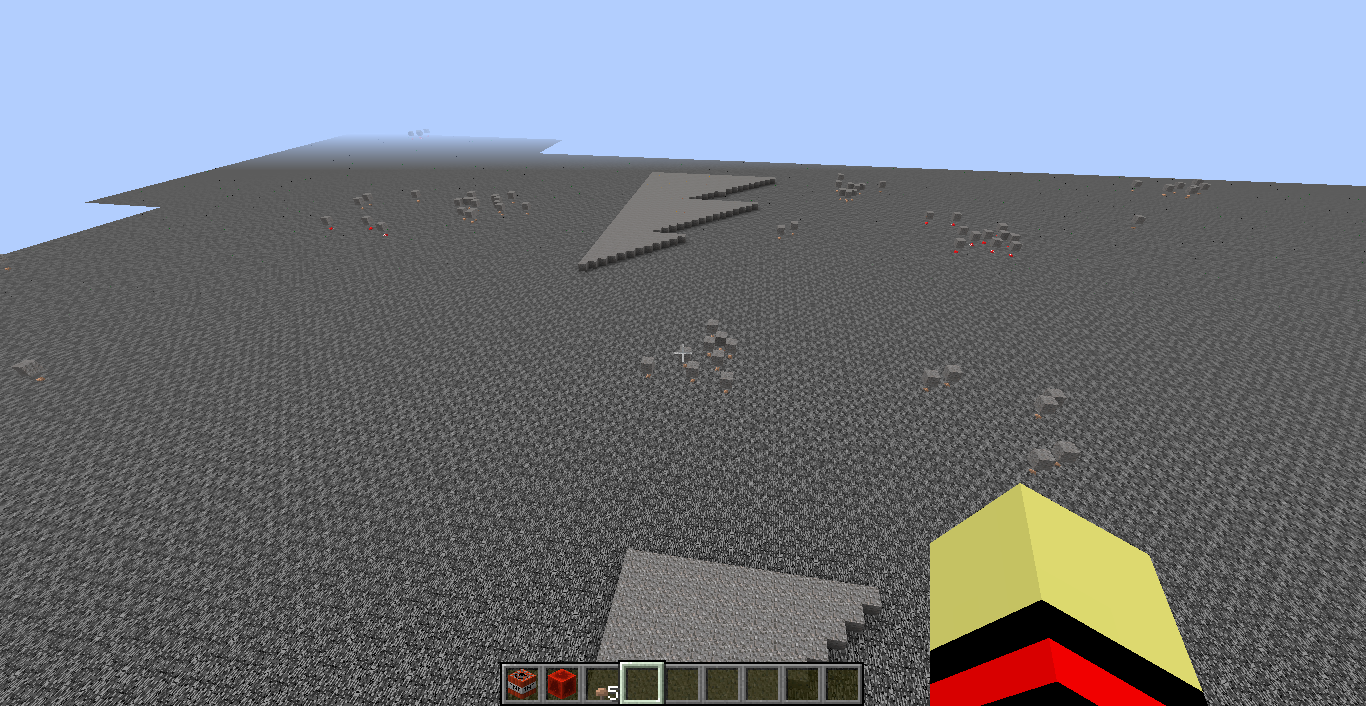




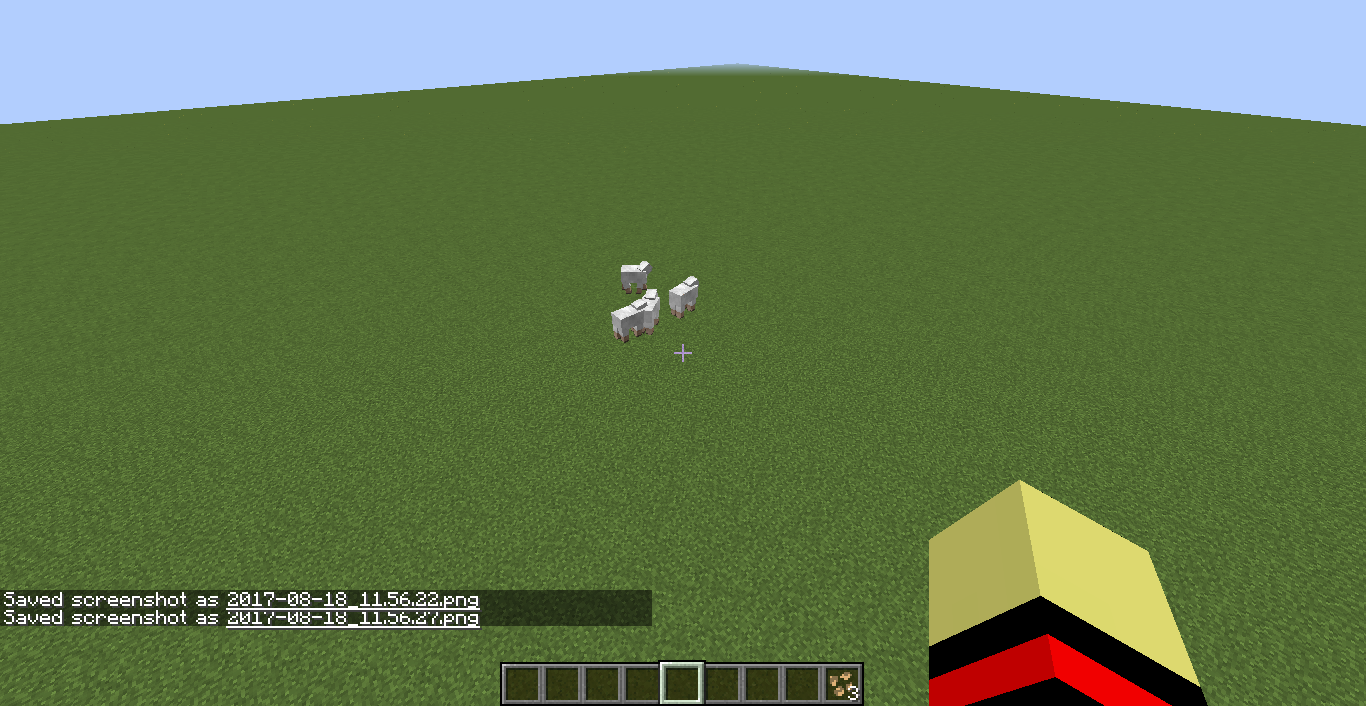
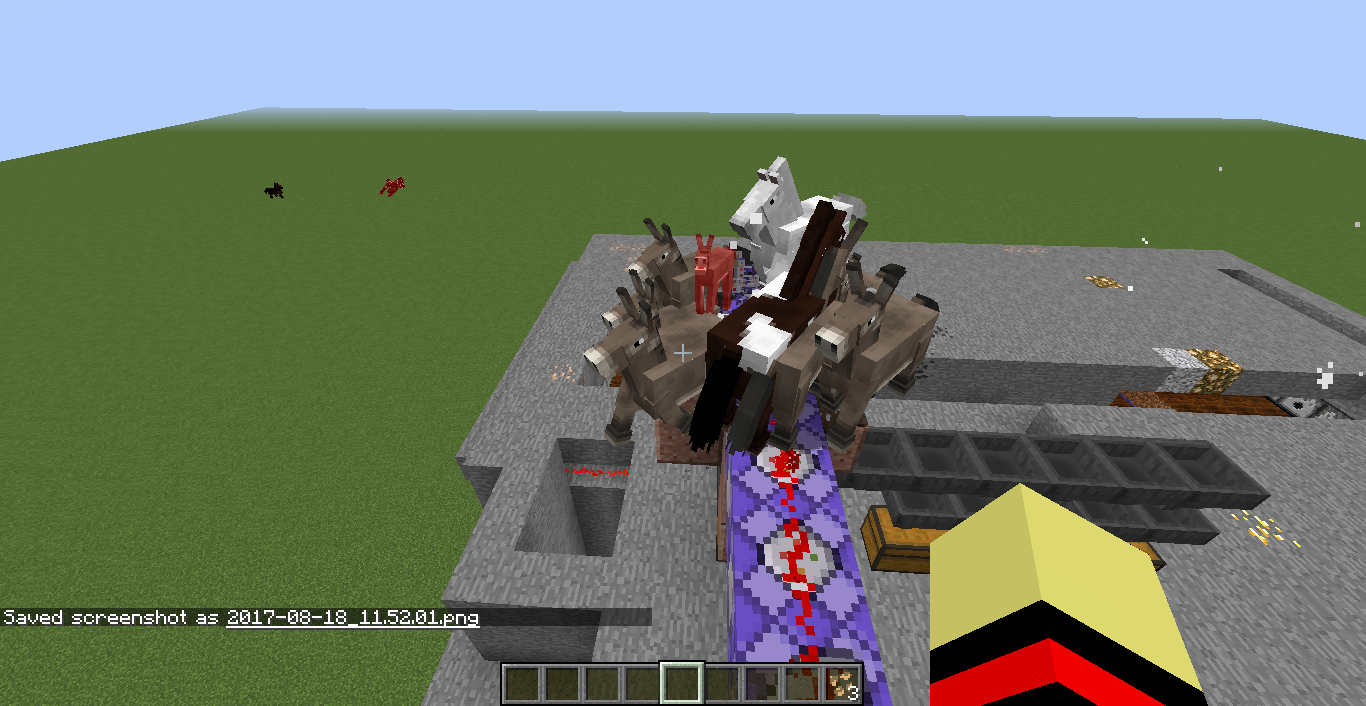

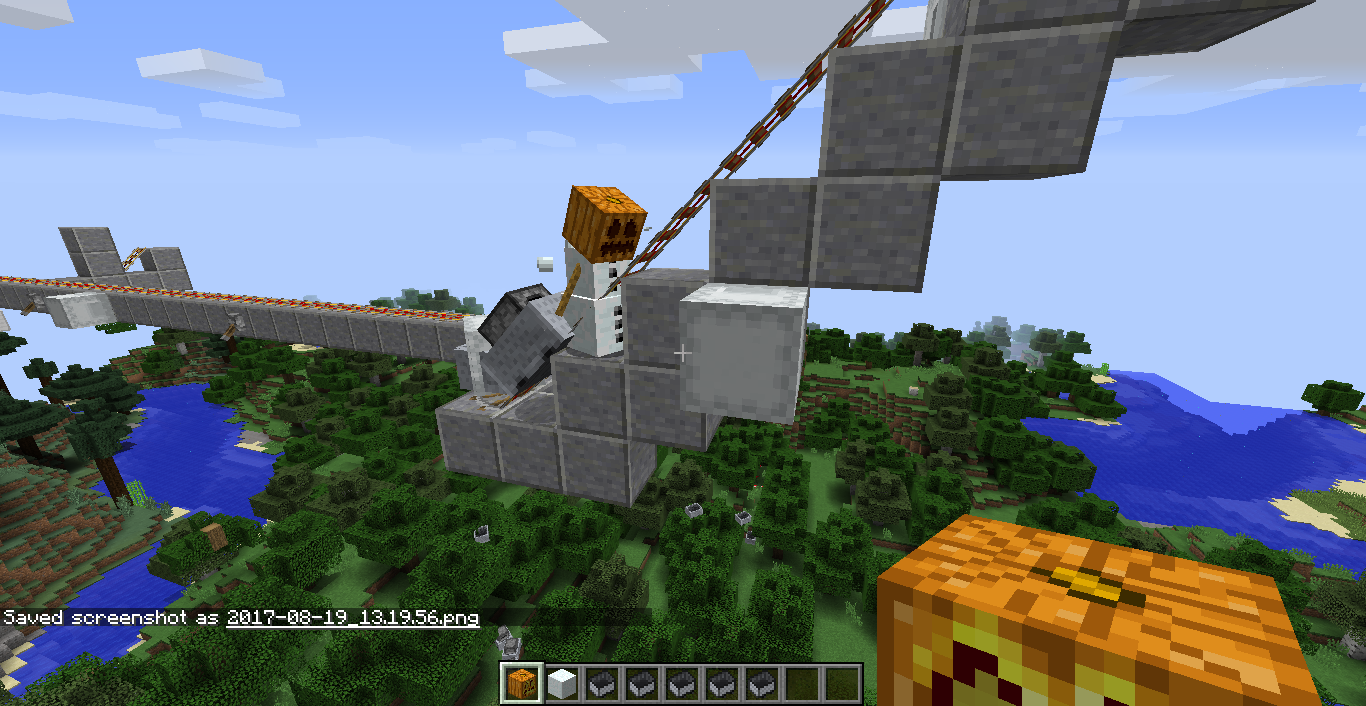
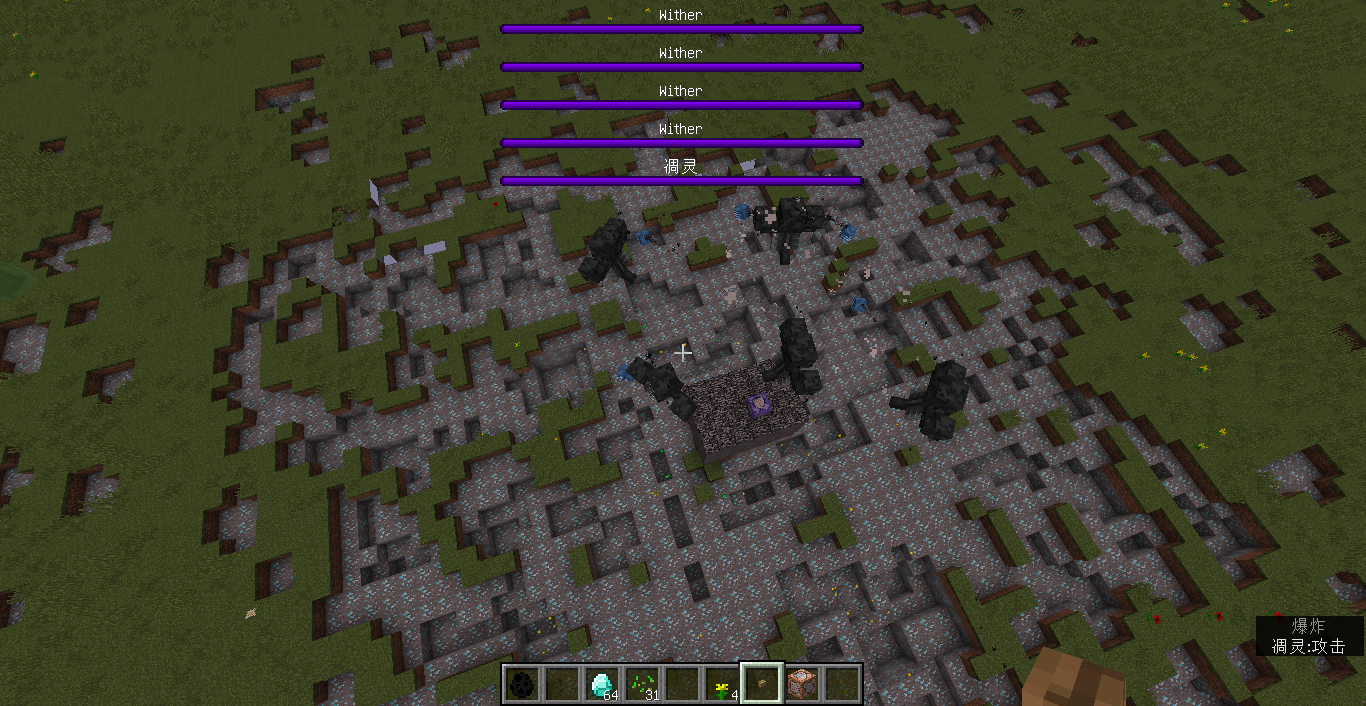
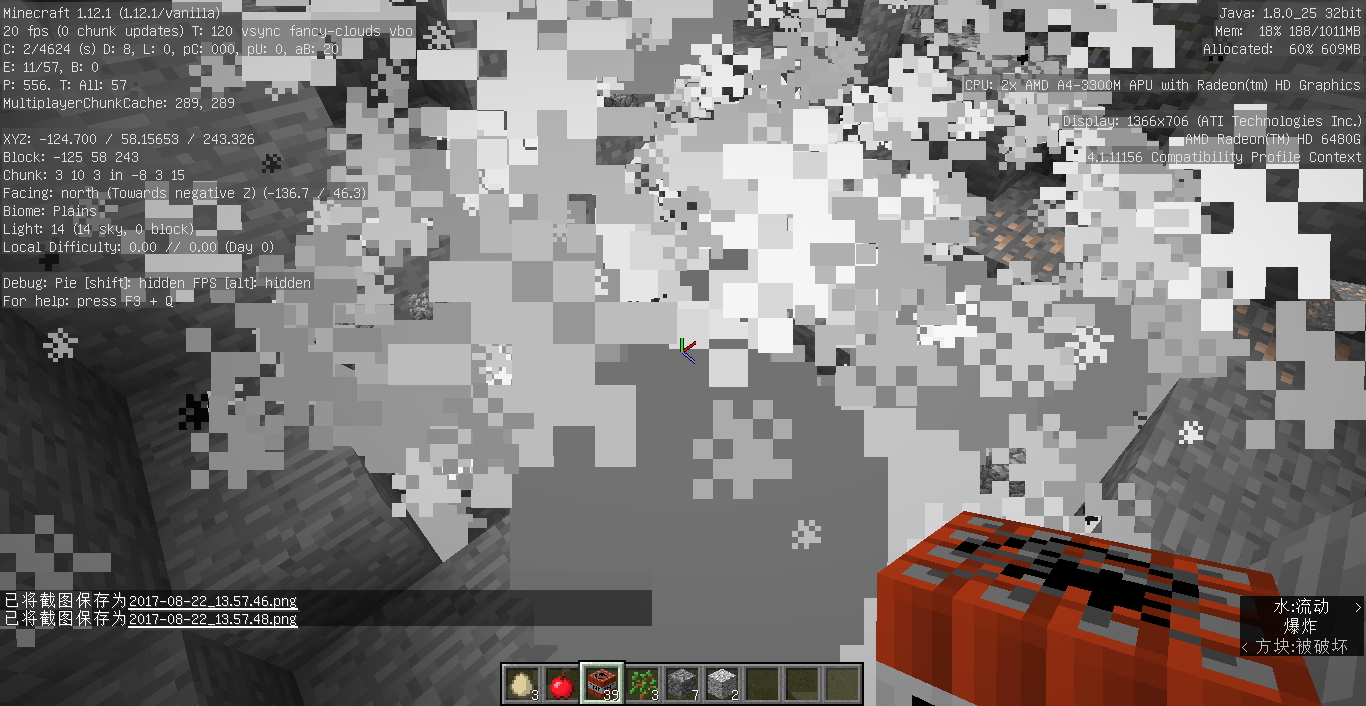
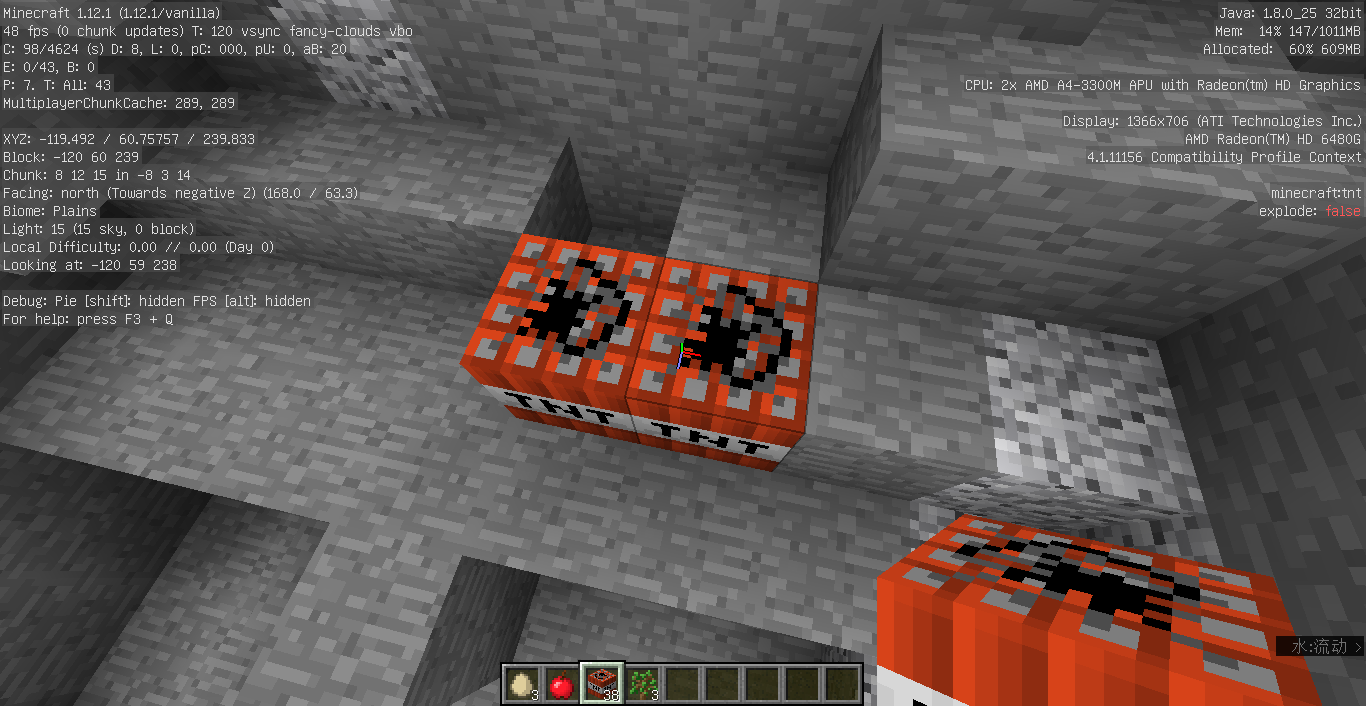

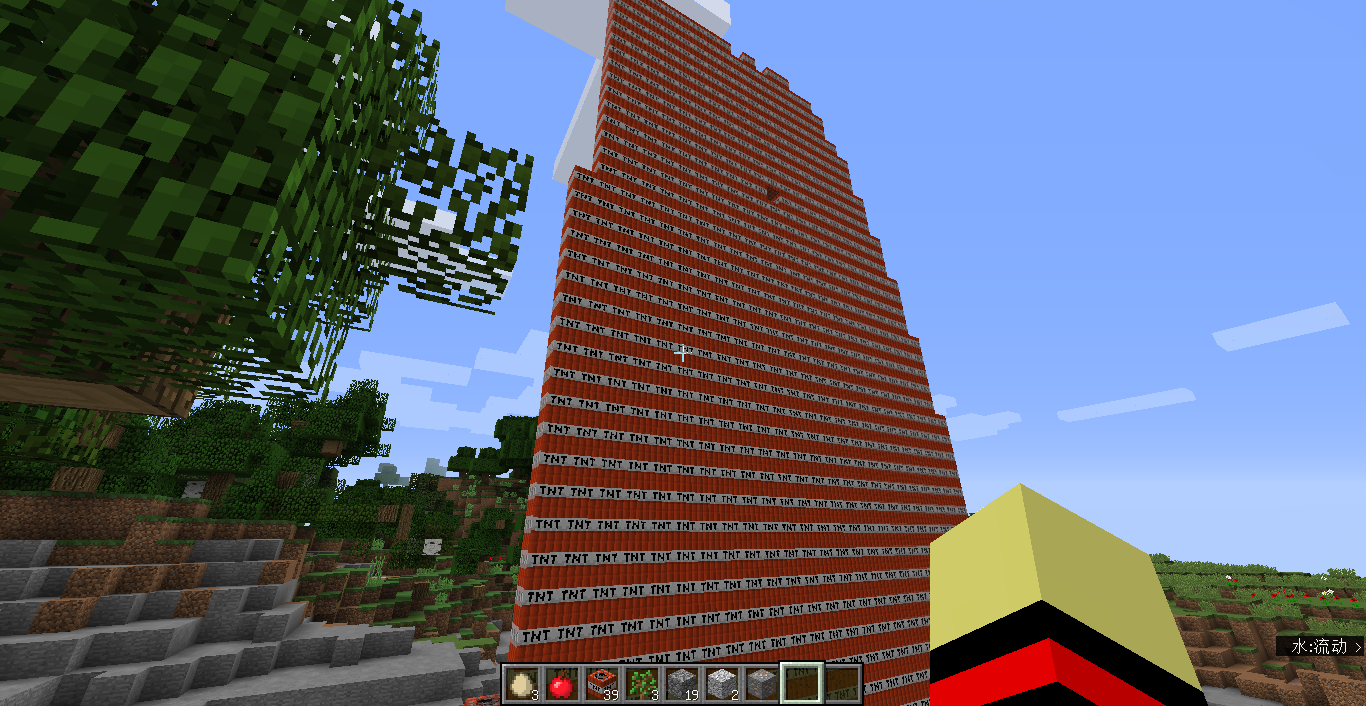
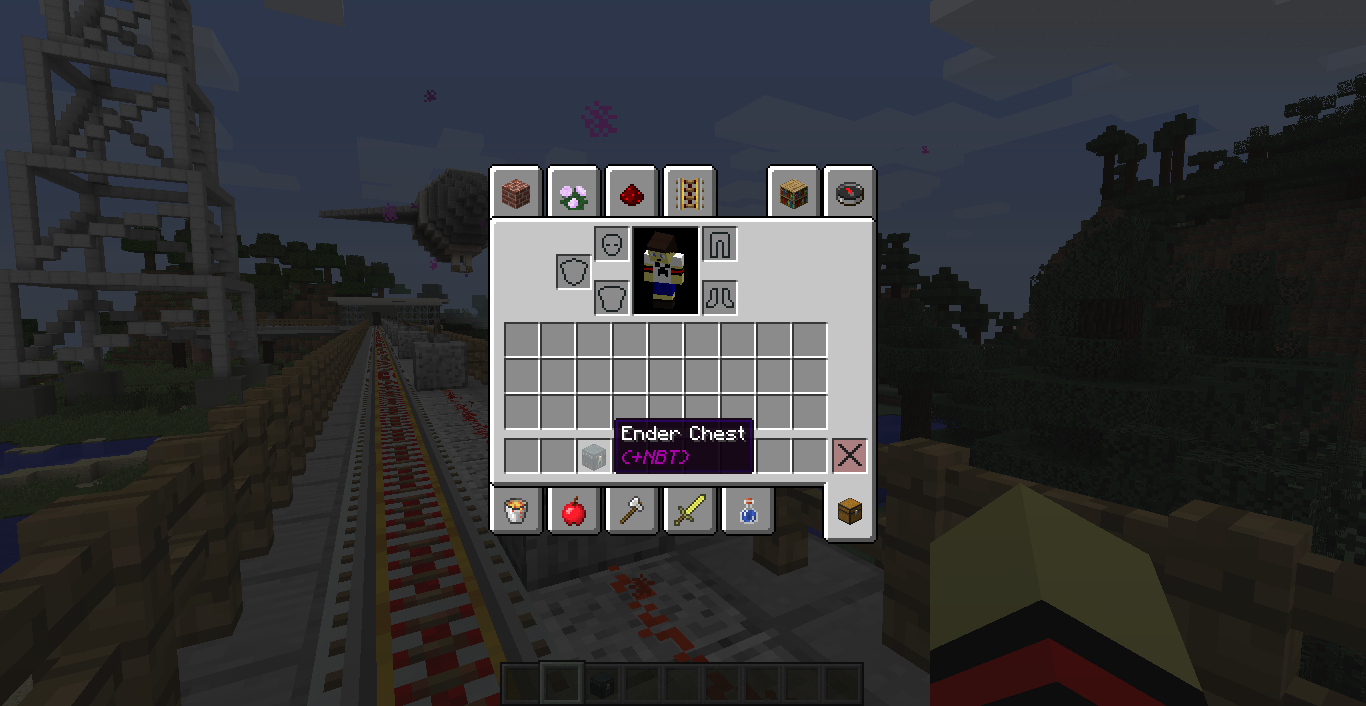
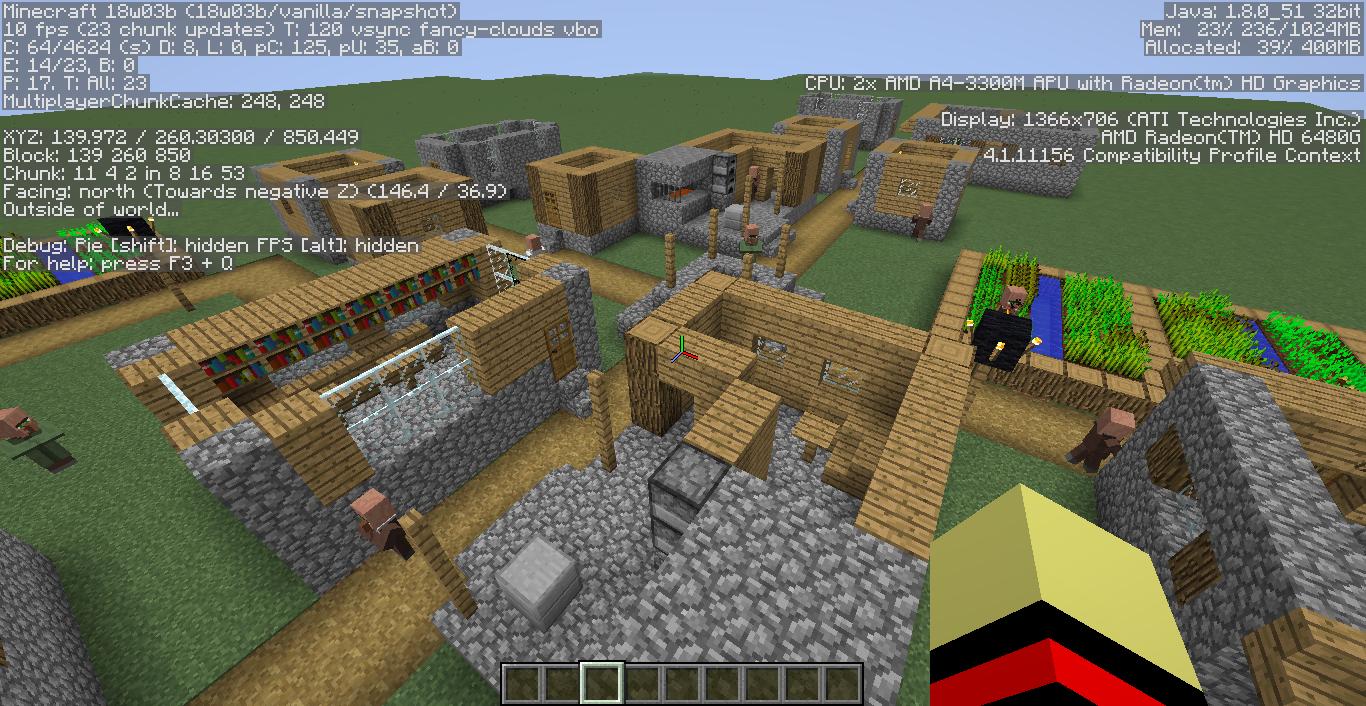




I made a superflat world (3;minecraft:grass,minecraft:sapling;3
, and I let saplings grow, but when most trees grown, it is lagger than before, and it is 1 frame per second.
.
Sorry for my bad English.
I made a superflat world (3;minecraft:grass,minecraft:sapling;3; ), and I let saplings grow, but when most trees grown, it is lagger than before, and it is 1 frame per second.
.
Sorry for my bad English.
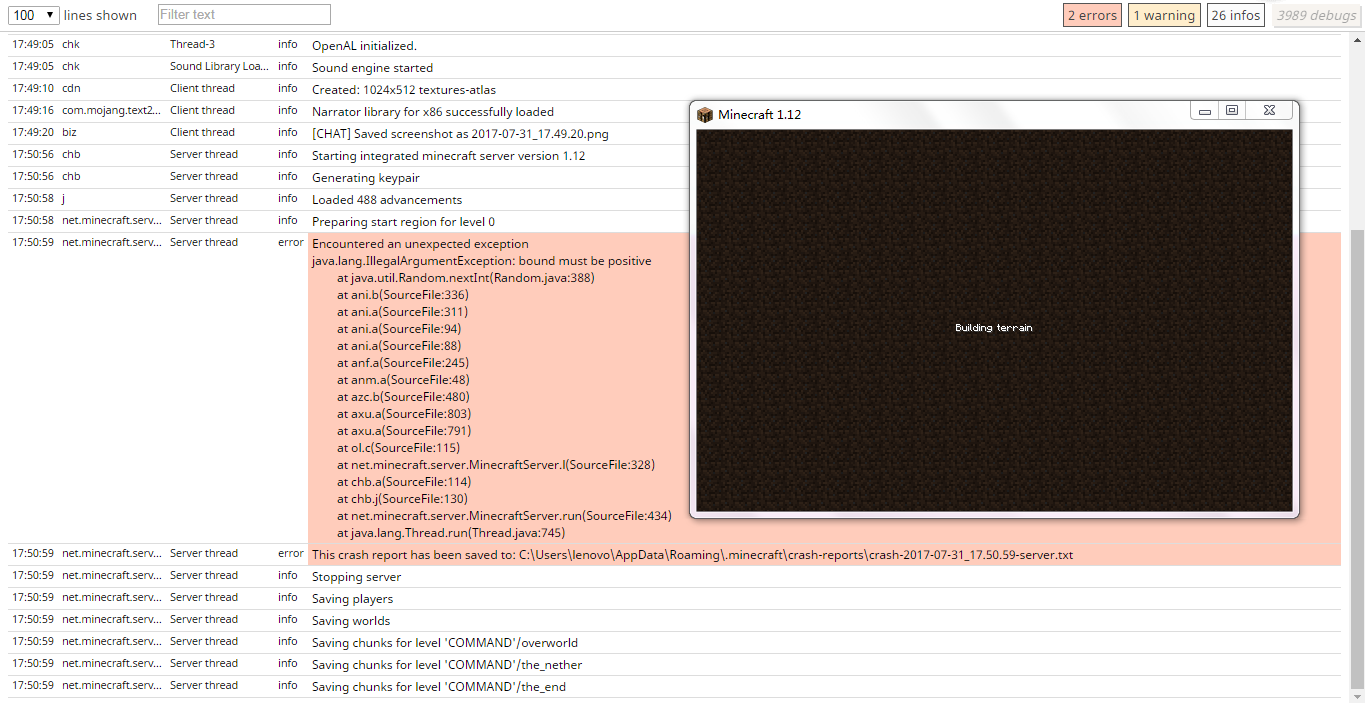
I try to load a world, and it crashed while loading, but Minecraft did not close.
I try to load a world, and it crashed while loading, but Minecraft did not close.
I try to load a world, and it crashed while loading, but Minecraft did not close.I try to load a world, and it crashed while loading, but Minecraft did not close.
it only happens when crashed.
I try to load a world, and it crashed while loading, but Minecraft did not close.
it only happens when crashed.
I try to load a world, and it crashed while loading, but Minecraft did not close.
it only happens when crashed.
It doesn't happen on all worlds.
session.lock
I try to load a world, and it crashed while loading, but Minecraft did not close.
it only happens when crashed.
It doesn't happen on all worlds.I tried to load a world, and it crashed while loading, but the game did not close.
**It throws a crash report but Minecraft still displays "Loading world Building terrain"
I tried to load a world, and it crashed while loading, but the game did not close.
**Itthrows a crash report but Minecraft still displays "Loading world Building terrain"
I tried to load a world, and it crashed while loading, but the game did not close.
It only happens when the world is creating, and it only happens on some customized worlds.
Versions before 1.12.2 It throws a crash report but Minecraft still displays "Loading world Building terrain"
1.13 snapshots It throws a crash report but Minecraft still displays "Loading world Perparing spawn area"
I tried to load a world, and it crashed while loading, but the game did not close.
It only happens when the world is creating, and it only happens on some customized worlds.
Versions before 1.12.2 It throws a crash report but Minecraft still displays "Loading world Building terrain"
1.13 snapshots It throws a crash report but Minecraft still displays "Loading world Perparing spawn area"
I tried to load a world, and it crashed while loading, but the game did not close.
It only happens when the world is creating, and it only happens on some customized worlds.
(Happens most at preset "Caves of Chaos")
Versions before 1.12.2 It throws a crash report but Minecraft still displays "Loading world Building terrain"
1.13 snapshots It throws a crash report but Minecraft still displays "Loading world Perparing spawn area"
Sorry for my bad English.
To reproduce:
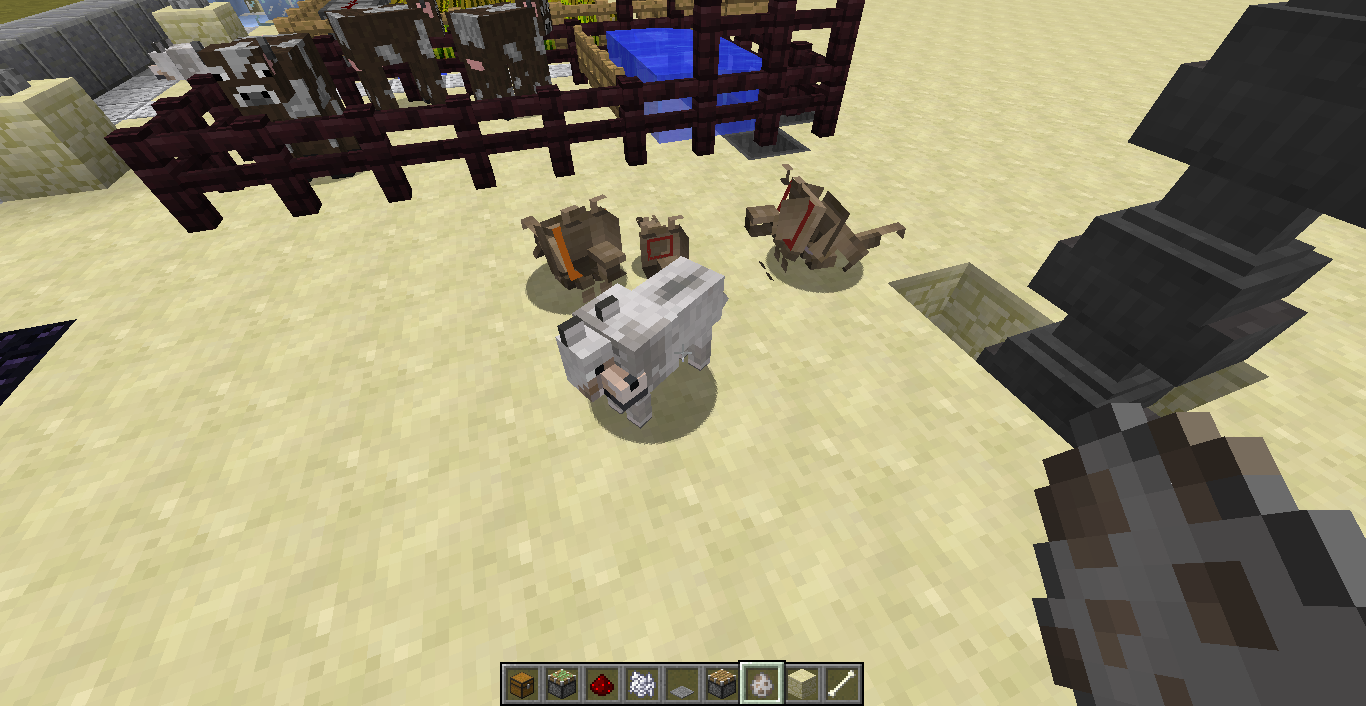
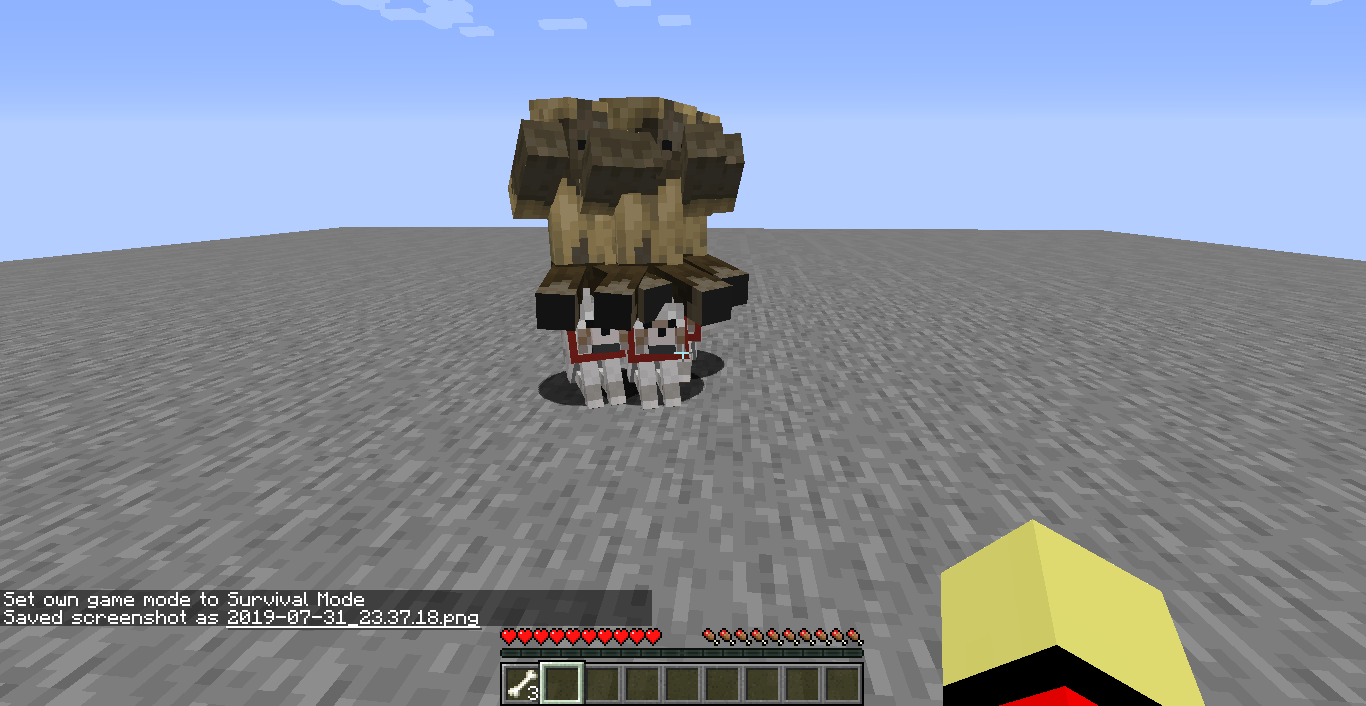
1./summon husk ~ ~ ~ {Passengers:[{id:wolf}]}(I used husk because it doesn't burn in sunlight)
2.tame the wolf and let it sit down
3.spawn a villagerThe husk can control sat wolves, and attack the villager.
Sorry for my bad English.
Steps to reproduce:
1./summon husk ~ ~ ~ {Passengers:[{id:wolf}]}(I used husk because it doesn't burn in sunlight)
2.Tame the wolf and let it sit down
3.Spawn a villagerThe husk can control sat wolves, and attack the villager.
Sorry for my bad English.
Zombies can controlsatwolves they're ridingZombies can control wolves they're riding, even if the wolves were sat.
Steps to reproduce:
1./summonhusk~ ~ ~ {Passengers:[{id:wolf}]}(I used husk because it doesn't burn in sunlight)
2.Tame the wolf and let it sit down
3.Spawn a villagerThe husk can control sat wolves, and attack the villager.
Sorry for my bad English.
Steps to reproduce:
1./summon wolf ~ ~ ~ {Passengers:[{id:husk}]}(I used husk because it doesn't burn in sunlight)
2.Tame the wolf and let it sit down
3.Spawn a villagerThe husk can control sat wolves, and attack the villager.
Sorry for my bad English.

I like finding bugs. Today, I found a big bug. Sorry for my bad English.
For more information, see attached files below.Steps to reproduce
1.create a customized world in creative mode(see attached files below:"customized world").
2.Update the floating gravel.(MAY CRASH)
3.wait until the gravel in loaded chunks finish updating.
4.walk few chunks away from your spawnpoint
5.you can explore the bugsI like finding bugs. Today, I found a big bug. Sorry for my bad English.
This bug probably exist on versions older than 1.12.1 pre1
For more information, see attached files below.Steps to reproduce
1.create a customized world in creative mode(see attached files below:"customized world").
2.Update the floating gravel.(MAY CRASH)
3.wait until the gravel in loaded chunks finish updating.
4.walk few chunks away from your spawnpoint
5.you can explore the bugs
Block update, falling block and chunks bug
I like finding bugs. Today, I found a big bug. Sorry for my bad English.
This bug probably exist on versions older than 1.12.1 pre1
For more information, see attached files below.Block still updating at unloaded chunks, and falling blocks don't fall normally, and buggy things start to happen.
Steps to reproduce
1.create a customized world in creative mode(see attached files below:"customized world").
2.Update the floating gravel.(MAY CRASH)
3.wait until the gravel in loaded chunks finish updating.
4.walk few chunks away from your spawnpoint
5.you can explore the bugs
Block update, falling blockand chunksbugFalling block in unloaded chunk bug
I like finding bugs. Today, I found a big bug. Sorry for my bad English.
This bug probably exist on versions older than 1.12.1 pre1
For more information, see attached files below.Block still updating at unloaded chunks, and falling blocks don't fall normally, and buggy things start to happen.
Steps to reproduce
1.create a customized world in creative mode(see attached files below:"customized world").
2.Update the floating gravel.(MAY CRASH)
3.wait until the gravel in loaded chunks finish updating.
4.walk few chunks away from your spawnpoint
5.you can explore the bugsI like finding bugs. Today, I found a big bug. Sorry for my bad English.
This bug probably exist on versions older than 1.12.1 pre1
For more information, see attached files below.The bug
Block still updating at unloaded chunks, and falling blocks don't fall normally, and buggy things start to happen.Steps to reproduce
1.create a customized world in creative mode(see attached files below:"customized world").
2.Update the floating gravel.(MAY CRASH)
3.wait until the gravel in loaded chunks finish updating.
4.walk few chunks away from your spawnpoint
5.you can explore the bugs
I like finding bugs. Today, I found a big bug. Sorry for my bad English.
This bug probably exist on versions older than 1.12.1 pre1
For more information, see attached files below.The bug
Block still updating at unloaded chunks, and falling blocks don't fall normally, and buggy things start to happen.Steps to reproduce
1.create a customized world in creative mode(see attached files below:"customized world").
2.Update the floating gravel.(MAY CRASH)
3.wait until the gravel in loaded chunks finish updating.
4.walk few chunks away from your spawnpoint
5.you can explore the bugs
I like finding bugs. Today, I found a big bug. Sorry for my bad English.
This bug probably exist on versions older than 1.12.1 pre1
For more information, see attached files below.The bug
Block still updating at unloaded chunks, and falling blocks don't fall normally, and buggy things start to happen.Steps to reproduce
1.create a customized world in creative mode(see attached files below:"customized world").
2.Update the floating gravel.(MAY CRASH)
3.wait until the gravel in loaded chunks finish updating.
4.walk few chunks away from your spawnpoint
5.you can explore the bugsI like finding bugs. Today, I found a big bug. Sorry for my bad English.
This bug probably exist on versions older than 1.12.1 pre1
For more information, see attached files below.The bug
Block still updating at unloaded chunks, and falling blocks don't fall normally, and buggy things start to happen.
Steps to reproduce
1.create a customized world in creative mode(see attached files below:"customized world").
2.Update the floating gravel.(MAY CRASH)
3.wait until the gravel in loaded chunks finish updating.
4.walk few chunks away from your spawnpoint
5.you can explore the bugs
I like finding bugs. Today, I found a big bug. Sorry for my bad English.
This bug probably exist on versions older than 1.12.1 pre1
For more information, see attached files below.The bug
Block still updating at unloaded chunks, and falling blocks don't fall normally, and buggy things start to happen.
Steps to reproduce
{{{{1.create a customized world in creative mode(see attached files below:"customized world").}}}}
2.Update the floating gravel.(MAY CRASH)
3.wait until the gravel in loaded chunks finish updating.
4.walk few chunks away from your spawnpoint
5.you can explore the bugs
I like finding bugs. Today, I found a big bug. Sorry for my bad English.
This bug probably exist on versions older than 1.12.1 pre1
For more information, see attached files below.The bug
Block still updating at unloaded chunks, and falling blocks don't fall normally, and buggy things start to happen.
Steps to reproduce
{{{{1.
create a customized world in creative mode(see attached files below:"customized world").}}}}
2.Update the floating gravel.(MAY CRASH)
3.wait until the gravel in loaded chunks finish updating.
4.walk few chunks away from your spawnpoint
5.you can explore the bugsI like finding bugs. Today, I found a big bug. Sorry for my bad English.
This bug probably exist on versions older than 1.12.1 pre1
For more information, see attached files below.The bug
Block still updating at unloaded chunks, and falling blocks don't fall normally, and buggy things start to happen.
Steps to reproduce
1.Create a customized world in creative mode(see attached files below:"customized world").
2.Update the floating gravel.(MAY CRASH)
3.Wait until the gravel in loaded chunks finish updating.
4.Walk few chunks away from your spawnpoint
5.You can explore the bugs
Falling blockin unloaded chunk bugGravity-effected blocks update and falling in unloaded chunk bug
Gravity-effected blocks update andfalling in unloaded chunkbugFalling blocks disappear when falling in unloaded chunks
I like finding bugs. Today, I found a big bug. Sorry for my bad English.
This bug probably exist on versions older than 1.12.1 pre1
For more information, see attached files below.The bug
Block still updating at unloaded chunks, and falling blocks don't fall normally, and buggy things start to happen.
Steps to reproduce
1.Create a customized world in creative mode(see attached files below:"customized world").
2.Update the floating gravel.(MAY CRASH)
3.Wait until the gravel in loaded chunks finish updating.
4.Walk few chunks away from your spawnpoint
5.You can explore the bugsThis bug probably exist on versions older than 1.12.1 pre1
For more information, see attached files below.The bug
Block still updating at unloaded chunks, and falling blocks don't fall normally, and buggy things start to happen.
Steps to reproduce
1.Create a customized world in creative mode
3;minecraft:gravel;1;
2.Update the floating gravel.
3.Wait until the gravel in loaded chunks finish updating.
4.Walk few chunks away from your spawnpointSorry for my bad English.
This bug probably exist on versions older than 1.12.1 pre1
For more information, see attached files below.The bug
Block still updating at unloaded chunks, and falling blocks don't fall normally, and buggy things start to happen.
Steps to reproduce
1.Create a customized world in creative mode
3;minecraft:gravel;1;
2.Update the floatinggravel.
3.Wait until the gravel in loaded chunks finish updating.
4.Walk few chunks away from your spawnpointSorry for my bad English.
This bug probably exist on versions older than 1.12.1 pre1
For more information, see attached files below.The bug
Block still updating at unloaded chunks, and falling blocks don't fall normally, and buggy things start to happen.
Steps to reproduce
1.Create a customized superflat world in creative mode
minecraft:bedrock,2*minecraft:air,minecraft:gravel;minecraft:plains;village
2.Update the floating block.
3.Wait until the gravel in loaded chunks finish updating.
4.Walk few chunks away from your spawnpointSorry for my bad English.
Horizon graphic bug below sea levelSunset and horizon graphic bug below sea level
The sunset red area is above the horizon. See attached screenshot below.
sorry for my bad English.The sunset red area is above the horizon. See attached screenshot below.
Sorry for my bad English.
The sunset red area is above the horizon. See attached screenshot below.
Sorry for my bad English.
I think this issue is related to MC-118103, not duplicate.
I think the sky goes dark below sea level works as intended, but the sunset below sea level looks unnatural, the sunset red area is above the horizon. See attached screenshot below.Sorry for my bad English.
I think this issue is related to MC-118103, not duplicate.
I think the sky goes dark below sea level works as intended, but the sunset below sea level looks unnatural, the sunset red area is above the horizon. See attached screenshot below.Sorry for my bad English.
I think the sky goes dark below sea level works as intended, but the sunset below sea level looks unnatural, the sunset red area is above the horizon. See attached screenshot below.
Sorry for my bad English.
Sunset and horizongraphic bugbelow sea levelSunset and horizon looks weird below sea level
The Minecraft news are loaded, butitstillsays"PLAY OFFLINE"Can't play profile "Latest snapshot" while offline, but can still play "Latest release".
LauncherDisplayingBugLauncher Profile Bug
Non-player entities can through ghost blocks.
Steps to reproduce:
1.Place a ghost block usingbug.
2.Summon an entity above it.sorry for my bad English.
Non-player entities can through ghost blocks.
Steps to reproduce:
1.Place a ghost block usingMC-120014
2.Summon an entity above it.sorry for my bad English.
Non-player entitiescanfall through ghostblocksPlayer entity can't detect ghost blocks aren't actrual blocks
Player entity can't detect ghost blocks aren't actrual blocks
Player entity can't detect ghost blocks that aren't actual blocks
Player entity can't detect ghost blocksthataren't actual blocksPlayer entity can't detect that ghost blocks aren't actual blocks
Non-player entities can through ghost blocks.
Steps to reproduce:
1.Place a ghost block usingMC-120014
2.Summon an entity above it.
sorry for my bad English.Non-player entities can through ghost blocks.
Steps to reproduce:
1.Place a ghost block usingMC-120014(Duplicated blocks are ghost blocks.)
2.Summon an entity above it.Sorry for my bad English.
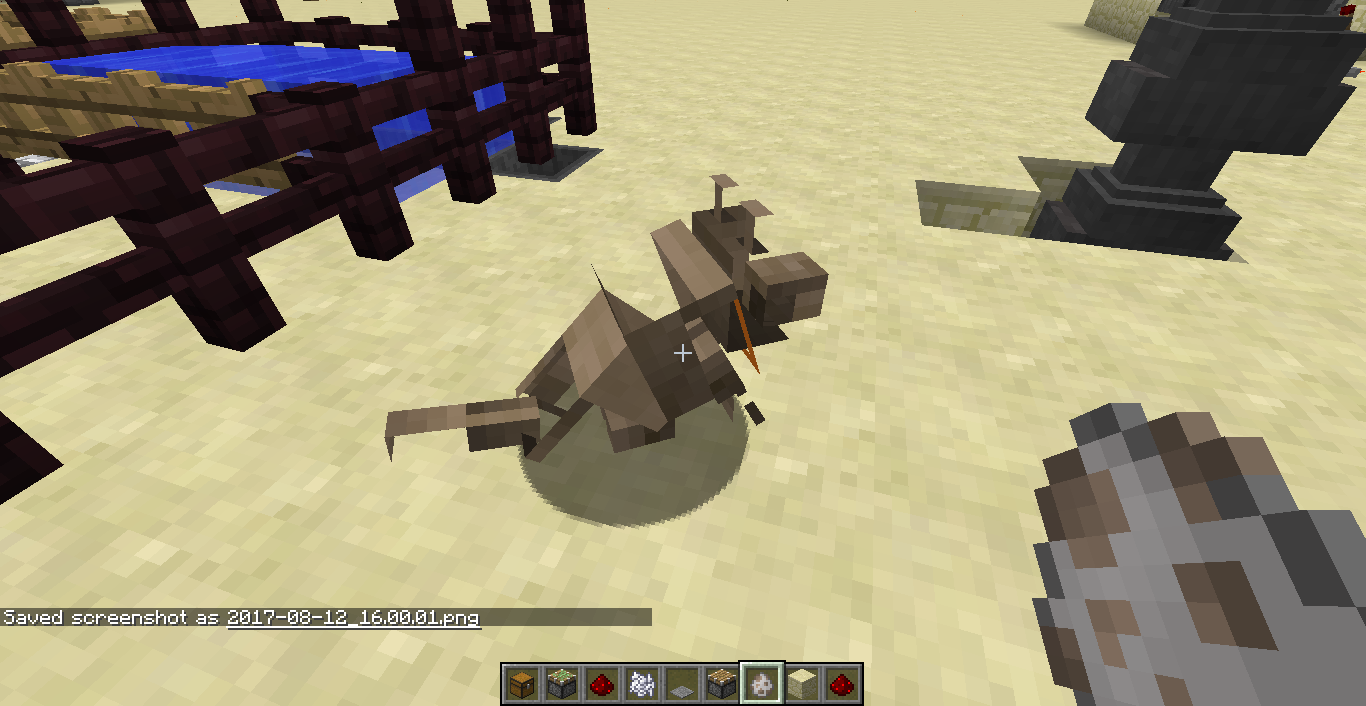
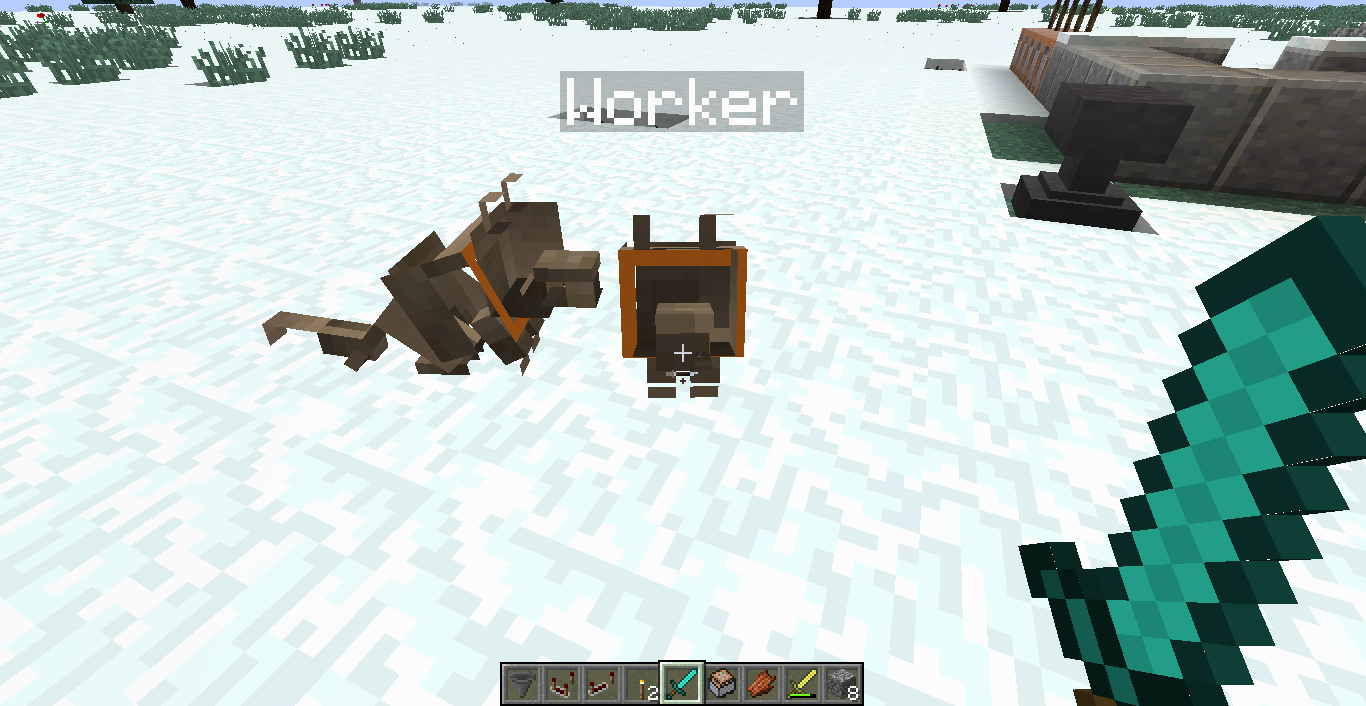
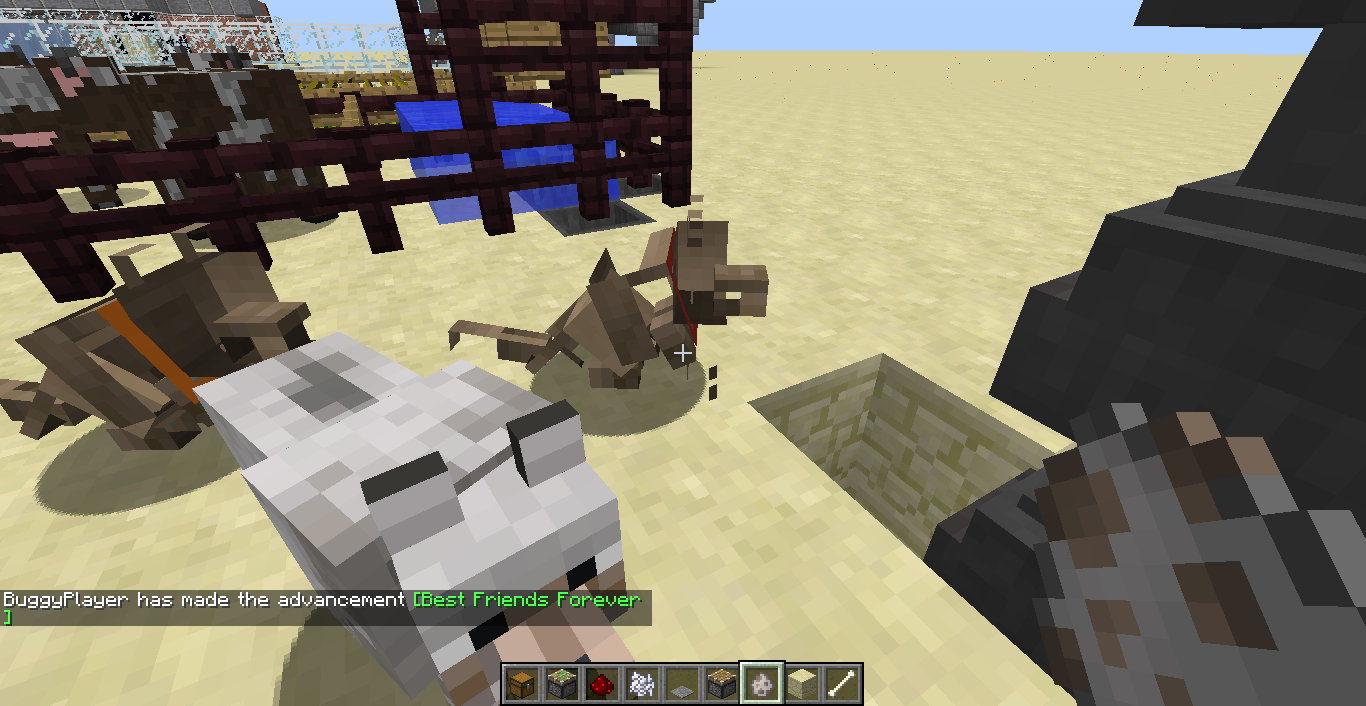
Today I moved my old worlds into the saves folder and take screenshots. And I also found an empty resource pack I made. But when I open one of my old worlds, I saw two tamed wolves that looked like skeleton wolves. I tried to spawn a another wolf, it looked like normal. But whenever I tame it,it looked weird again. I thought it was effected by biome , so I opened a another world, it still looked weird. Then I tried to change my resource pack back, game crashed without a crash report.
I'm not sure this is a bug, it can be an Easter egg. I didn't install any mod. My computer is always buggy when playing minecraft, like blocks duplicate without whole chunk duplicate , game log says I moved wrongly but I didn't move, some blocks on my buildings missing and gravels updated wrongly at unloaded chunks.
Yesterday I did some bug test. I moved nether terrain into overworld, I also moved void empty terrain into over world terrain.
Sorry for my bad English.
Today I moved my old worlds into the saves folder and take screenshots. And I also found an empty resource pack I made. But when I open one of my old worlds, I saw two tamed wolves that looked like skeleton wolves. I tried to spawn a another wolf, it looked like normal. But whenever I tame it,it looked weird again. I thought it was effected by biome , so I opened a another world, it still looked weird. Then I tried to change my resource pack back, game crashed without a crash report.
I'm not sure this is a bug, it c
anbe an Easter egg. I didn't install any mod. My computer is always buggy when playing minecraft, like blocks duplicate without whole chunk duplicate , game log says I moved wrongly but I didn't move, some blocks on my buildings missing and gravels updated wrongly at unloaded chunks.Yesterday I did some bug test. I moved nether terrain into overworld, I also moved void empty terrain into over world terrain.
Sorry for my bad English.
Today I moved my old worlds into the saves folder and take screenshots. And I also found an empty resource pack I made. But when I open one of my old worlds, I saw two tamed wolves that looked like skeleton wolves. I tried to spawn a another wolf, it looked like normal. But whenever I tame it,it looked weird again. I thought it was effected by biome , so I opened a another world, it still looked weird. Then I tried to change my resource pack back, the game crashed without a crash report.
This is the second time I've seen this. I'm not sure this is a bug, it could be an Easter egg. I didn't install any mod. My computer is always buggy when playing minecraft.
Sorry for my bad English.
Steps to reproduce
1. Create an bug test world in creative with commands on
2. Spawn some shulkers
3. Swich gamemode to survival/gamemode 04. Wait until shulkers start to shoot bullets
5. Swich gamemode to creative before shulker bullets hit your body/gamemode 16. Try to walk away from shulker bullets.
When I try to make a librarian spawn egg, something went weird. I spawned farmers, clerics and other villagers with white cloth
.Steps to reproduce
1. Make a librarian spawn egg. /give @p spawn_egg 1 0 {EntityTag:{id:"villager",Profession:1}}2. Spawn some villagers.
3. Trade with them.When I try to make a librarian spawn egg, something went weird. I spawned farmers, clerics and other villagers with white cloth,unlike
/summon villager ~ ~ ~ {Profession:1}Steps to reproduce
1. Make a librarian spawn egg. /give @p spawn_egg 1 0{EntityTag:{id:"villager",Profession:1}}2. Spawn some villagers use the spawn egg in step 1.
3. Trade with them.(not all villagers)
When I try to make a librarian spawn egg, something went weird. I spawned farmers, clerics and other villagers with white cloth,unlike
/summon villager ~ ~ ~ {Profession:1}Steps to reproduce
1. Make a librarian spawn egg./give @p spawn_egg 1 0{EntityTag:{id:"villager",Profession:1}}2. Spawn some villagers use the spawn egg in step 1.
3. Trade with them.(not all villagers)When I try to make a librarian spawn egg, something went weird. I spawned farmers, clerics and other villagers with white cloth,unlike
/summon villager ~ ~ ~ {Profession:1}Steps to reproduce
1. Make a librarian spawn egg./give @p spawn_egg 1 0 {EntityTag:{id:"villager",Profession:1}}2. Spawn some villagers use the spawn egg in step 1.
3. Trade with them.(not all villagers)
yellow:not sure
orange:probably a bug
red:definitely a bug---- Minecraft Crash Report ----
// Uh... Did I do that?Time: 8/16/17 10:13 PM
Description: Unexpected errorjava.lang.NullPointerException: Unexpected error
at amu.a(SourceFile:1173)
at buq.h(SourceFile:1614)
at buq.a(SourceFile:1203)
at buq.b(SourceFile:1188)
at buq.a(SourceFile:1033)
at bib.az(SourceFile:1023)
at bib.a(SourceFile:419)
at net.minecraft.client.main.Main.main(SourceFile:123)A detailed walkthrough of the error, its code path and all known details is as follows:
---------------------------------------------------------------------------------------– Head –
Thread: Client thread
Stacktrace:
at amu.a(SourceFile:1173)
at buq.h(SourceFile:1614)
at buq.a(SourceFile:1203)
at buq.b(SourceFile:1188)– Affected level –
Details:
Level name: MpServer
All players: 0 total; []
Chunk stats: MultiplayerChunkCache: 0, 0
Level seed: 0
Level generator: ID 00 - default, ver 1. Features enabled: false
Level generator options:
Level spawn location: World: (8,64,8), Chunk: (at 8,4,8 in 0,0; contains blocks 0,0,0 to 15,255,15), Region: (0,0; contains chunks 0,0 to 31,31, blocks 0,0,0 to 511,255,511)
Level time: 0 game time, 0 day time
Level dimension: 0
Level storage version: 0x00000 - Unknown?
Level weather: Rain time: 0 (now: false), thunder time: 0 (now: false)
Level game mode: Game mode: creative (ID 1). Hardcore: false. Cheats: false
Forced entities: 0 total; []
Retry entities: 0 total; []
Server brand: ~ERROR~ NullPointerException: null
Server type: Integrated singleplayer server
Stacktrace:
at bsb.a(SourceFile:365)
at bib.b(SourceFile:2587)
at bib.a(SourceFile:433)
at net.minecraft.client.main.Main.main(SourceFile:123)– System Details –
Details:
Minecraft Version: 1.12.1
Operating System: Windows 7 (x86) version 6.1
Java Version: 1.8.0_25, Oracle Corporation
Java VM Version: Java HotSpot(TM) Client VM (mixed mode), Oracle Corporation
Memory: 58818824 bytes (56 MB) / 255582208 bytes (243 MB) up to 1060372480 bytes (1011 MB)
JVM Flags: 6 total; -XX:HeapDumpPath=MojangTricksIntelDriversForPerformance_javaw.exe_minecraft.exe.heapdump -Xmx1G -XX:+UseConcMarkSweepGC -XX:+CMSIncrementalMode -XX:-UseAdaptiveSizePolicy -Xmn128M
IntCache: cache: 0, tcache: 0, allocated: 0, tallocated: 0
Launched Version: 1.12.1
LWJGL: 2.9.4
OpenGL: AMD Radeon(TM) HD 6480G GL version 4.1.11156 Compatibility Profile Context, ATI Technologies Inc.
GL Caps: Using GL 1.3 multitexturing.
Using GL 1.3 texture combiners.
Using framebuffer objects because OpenGL 3.0 is supported and separate blending is supported.
Shaders are available because OpenGL 2.1 is supported.
VBOs are available because OpenGL 1.5 is supported.Using VBOs: Yes
Is Modded: Probably not. Jar signature remains and client brand is untouched.
Type: Client (map_client.txt)
Resource Packs:
Current Language: English (US)
Profiler Position: N/A (disabled)
CPU: 2x AMD A4-3300M APU with Radeon(tm) HD Graphics
When I enter a creative world that I was working hard on, after the "0%" screen, game crashes.
See attached files below.
When I enter a creative world that I was working hard on, after the "0%" screen, game crashes.
First try:game crashed and gave me an buggy crash report.
Second try:game crashed without a crash report.
Third try:everything is fine.See attached files below.
This is not a bug. I just want to ask youhowcan I report bugs.mojang.com bugs?This is not a bug. I just want to ask you where can I report bugs.mojang.com bugs?
The bug I want to report:
You can accidentally attach files to any issues reported by other people.
Steps to reproduce:
1. Try to comment on my issues(or other people's issues) with attached files.
2. Press "cancel"
3. You will notice that you've attached a file on other people's issue. You can delete it.NOTE: The attached files below are bug reproduce
Sorry for my bad English.
Ender chest NBTInvalid ender chest NBT
You can hold "Ctrl" then middle click on a chest to get a chest with NBT. This works as intended. But you can middle click on an ender chest.
Steps to reproduce:
1. Place down an ender chest.
2. Put something in it.
3. Hold "Ctrl" then middle click on it.
4. Remove things inside the ender chest.
5. Place down the ender chest with "NBT".You can hold "Ctrl" then middle click on a chest to get a chest with NBT. This works as intended. But you can middle click on an ender chest.
What I expected was:
The ender chest should not have any NBT.Steps to reproduce:
1. Place down an ender chest.
2. Put something in it.
3. Hold "Ctrl" then middle click on it.
4. Remove things inside the ender chest.
5. Place down the ender chest with "NBT".
When you summon a falling water block, it will be invisible until it hits the ground.
Steps to reproduce:
1./summon falling_block ~ ~ ~ {Block:"water",Time:1}2. It will be visible when it hits the ground.
Sorry for my bad English.
I found a village near height limit, the houses generate right below height limit, resulting a incomplete house.
Steps to reproduce:
1. Make a customized superflat world with 1 layer of bedrock, 253 layers of dirt.
2. Find a village./locate village
I found a village near height limit, the houses generate right below height limit, resulting a incomplete house.
This is very rare in default worlds .But it is common in customized superflat worlds.
Steps to reproduce:
1. Make a customized superflat world with 1 layer of bedrock, 253 layers of dirt.
2. Find a village./locate village
I found a village near height limit, the houses generate right below height limit, resulting a incomplete house.
This is very rare in default worlds .But it is common in customized superflat worlds.
Steps to reproduce:
1. Make a customized superflat world with1layer ofbedrock, 253 layers of dirt.
2. Find a village./locate villageI found a village near height limit, the houses generate right below height limit, resulting a incomplete house.
This is very rare in default worlds .But it is common in customized superflat worlds.
Steps to reproduce:
1. Make a customized superflat world with 254 layers of any solid block.
2. Find a village./locate village
I found a village near height limit, the houses generate right below height limit, resulting a incomplete house.
This is very rare in default worlds .But it is common in customized superflat worlds.
Steps to reproduce:
1. Make a customized superflat world with 254layers of any solid block.
2. Find a village./locate villageI found a village near height limit, the houses generate right below height limit, resulting a incomplete house.
This is very rare in default worlds .But it is common in customized superflat worlds.
Steps to reproduce:
1. Make a customized superflat world with 253 layers of any solid block.
2. Find a village./locate village
Incomplete village houses near height limit
I found a village near height limit, the housesgenerate right below height limit, resultingaincomplete house.This is very rare in default worlds .But it
is commonin customized superflat worlds.Steps to reproduce:
1. Make a customized superflat worldwith 253 layers of any solid block.
2. Find a village./locatevillageVillages can generate right below height limit, resulting incomplete houses.
This is very rare in default worlds .But it can be created easily in customized superflat worlds.
Steps to reproduce:
1. Make a customized superflat world.3;253*minecraft:dirt;1;village2. Find a village and teleport to it.
/locate villageSorry for my bad English.
Villages can generate right below height limit, resulting incomplete houses.
This is very rare in default worlds .But it can be created easily in customized superflat worlds.
Steps to reproduce:
1. Make a customized superflat world.3;253*minecraft:dirt;1;village
2. Find a villageand teleport to it./locate villageSorry for my bad English.
Villages can generate right below height limit, resulting incomplete houses.
This is very rare in default worlds .But it can be created easily in customized superflat worlds.
Steps to reproduce:
1. Make a customized superflat world.3;253*minecraft:dirt;1;village2. Find a village.
Sorry for my bad English.
When you spectating a player, then the player goes into a portal, weird bug happens
When you spectating a player, then the player goes into a portal, weird bug happens
If you press shift or change gamemode, and the player you're spectating is in the different dimension as you, you will be teleport to the same coordinate as the player, but in different dimensions.Steps to reproduce
1. Join a server
2. /gamemode 3
3. Let the player go into a portal(sorry for my bad English)
Put your operating system (Windows 7, Windows XP, OSX) and Java version if you know it here
windows 7
Ghost entitiesEntities appears at a wrong place if it's teleported while it is spawning
This is not a graphical glitch.
Entities can appear at a wrong place. For how to reproduce, download the map below.NOTE : the world originally from another people's bug world.
This is not a graphical glitch.
Entities can appear at a wrong place. For how to reproduce, download the map below.
This is not a graphical glitch.
Entities can appear at a wrong place. For how to reproduce, download themapbelow.
This is not a graphical glitch.
Entities can appear at a wrong place. For how to reproduce, download the world file below.The Bug
I tried using a repeating command block to /tp all entities into one place, but I saw some entities far away, and they didn't behave normally. But as soon as I came to them, they disappeared.
Sorry for my bad English.
This is not a graphical glitch.
Entities can appear at a wrong place. For how to reproduce, download the world file below.The Bug
I tried using a repeating command block to /tp all entities into one place, but I saw some entities far away, and they didn't behave normally. But as soon as I came to them, they disappeared.
Sorry for my bad English.
Entities can appear at a wrong place. For how to reproduce, download the world file below.
The Bug
I tried using a repeating command block to /tp all entities into one place, but I saw some entities far away, and they didn't behave normally. But as soon as I came to them, they disappeared.
Sorry for my bad English.
Entities can appears at a wrong place if it's teleported while it is spawning
Entities can appear at a wrong place. For how to reproduce, download the world file below.
The Bug
I tried using a repeating command block to /tp all entities into one place, but I saw some entities far away, and they didn't behave normally. But as soon as I came to them, they disappeared.
Sorry for my bad English.
I made a chrous plant farm near y=255. But the chorus flower at y=255 never grow to age
5.I made a chrous plant farm near y=255. But the chorus flower at y=255 never grows to its full age.
When chorus flower at y=255, itnever grow to age5.Chorus flower at y=255 never grows to its full age.
How to reproduce
- Place an end gateway
/setblock ~ ~ ~ end_gateway- Throw an ender pearl in it
Code analysis
EntityEnderPearl.onImpact(RayTraceResult result) checks if the ender pearl is in an end gateway and if so, triggers the EnterBlock advancement criteria, attempts to teleport the player, and kills the ender pearl.
How to reproduce
- Place an end gateway
/setblock ~ ~ ~ end_gateway
- Throw an ender pearl into it
Code analysis
EntityEnderPearl.onImpact(RayTraceResult result) checks if the ender pearl is in an end gateway and if so, triggers the EnterBlock advancement criteria, attempts to teleport the player, and kills the ender pearl.
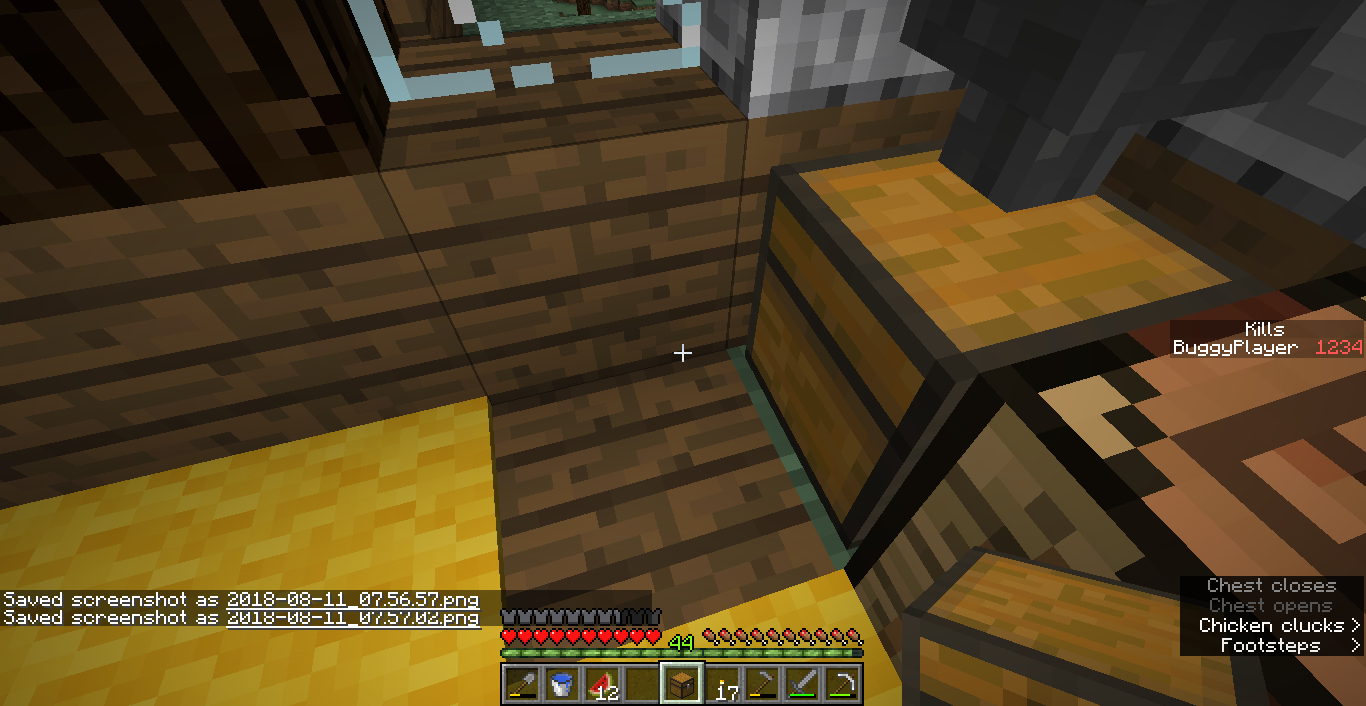
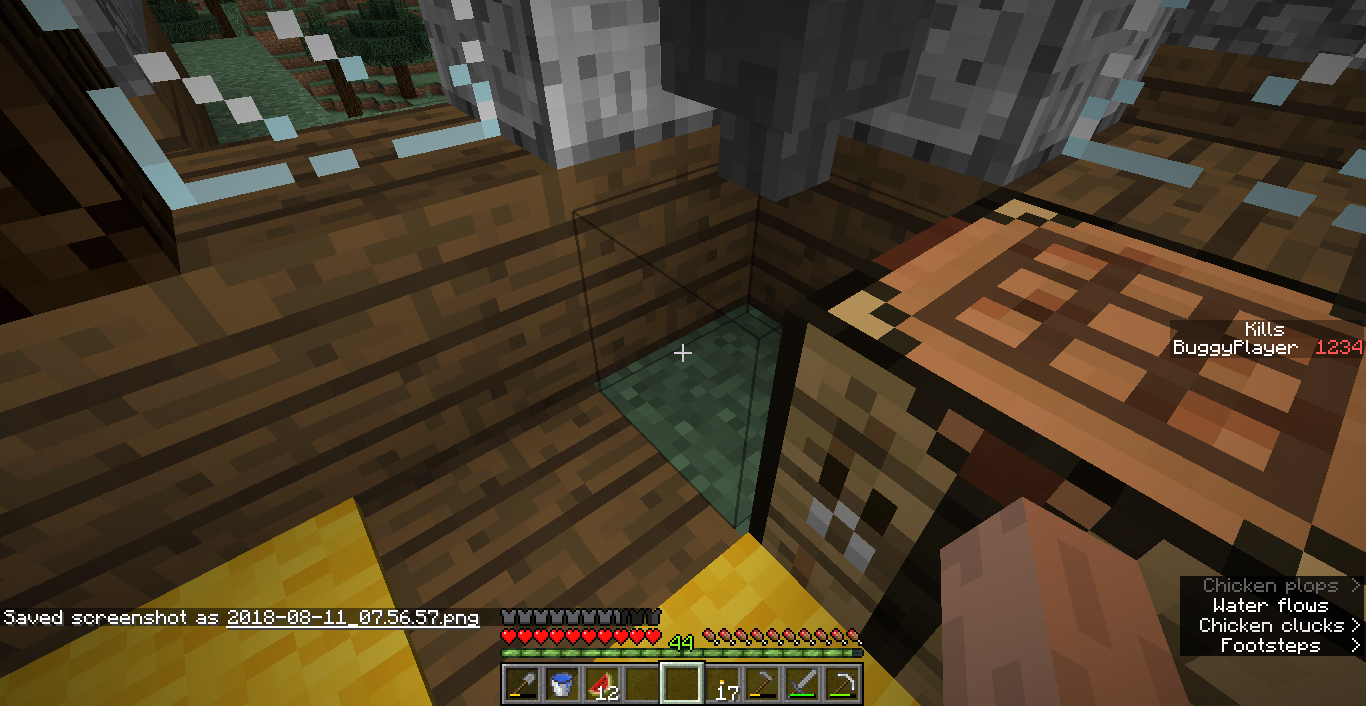
I can't place block in some place. I'm sure that I'm not too close to that block and I tried multiple times. Re-enter the world can't solve the problem. I don't know how to solve the problem.
Sorry for my bad English.
I can't place block in some place. I'm sure that I'm not too close to that block and I tried multiple times. Re-enter the world can't solve the problem. I don't know how to solve the problem.
A similar bug also happened in my another creative world in 1.13.1. 2³ blocks can't place. It may be caused by entities. I kept throwing instant-harm splash potions to that spot ,run /kill @e[distance=1] (but killed nothing) and kill every possible entitles but nothing changed. But when I re-entered the world and pressed F3+B , the problem resolved.
Sorry for my bad English.
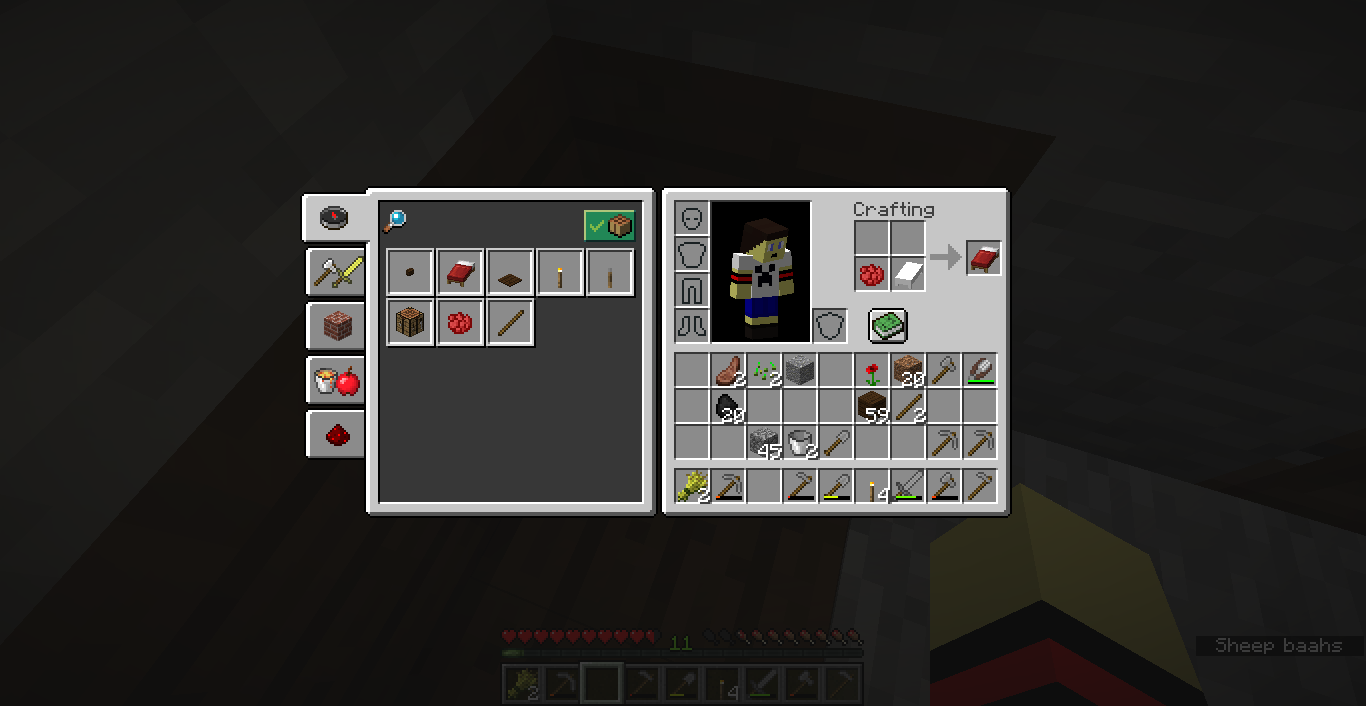
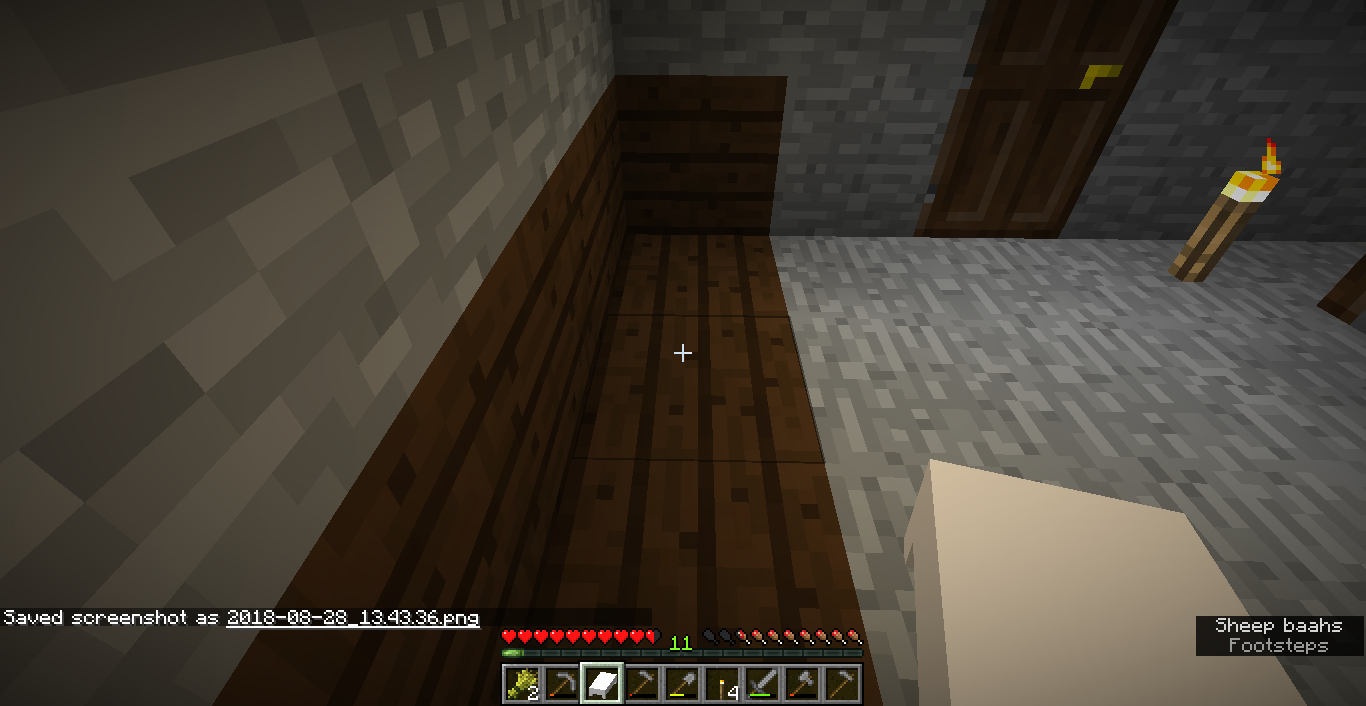
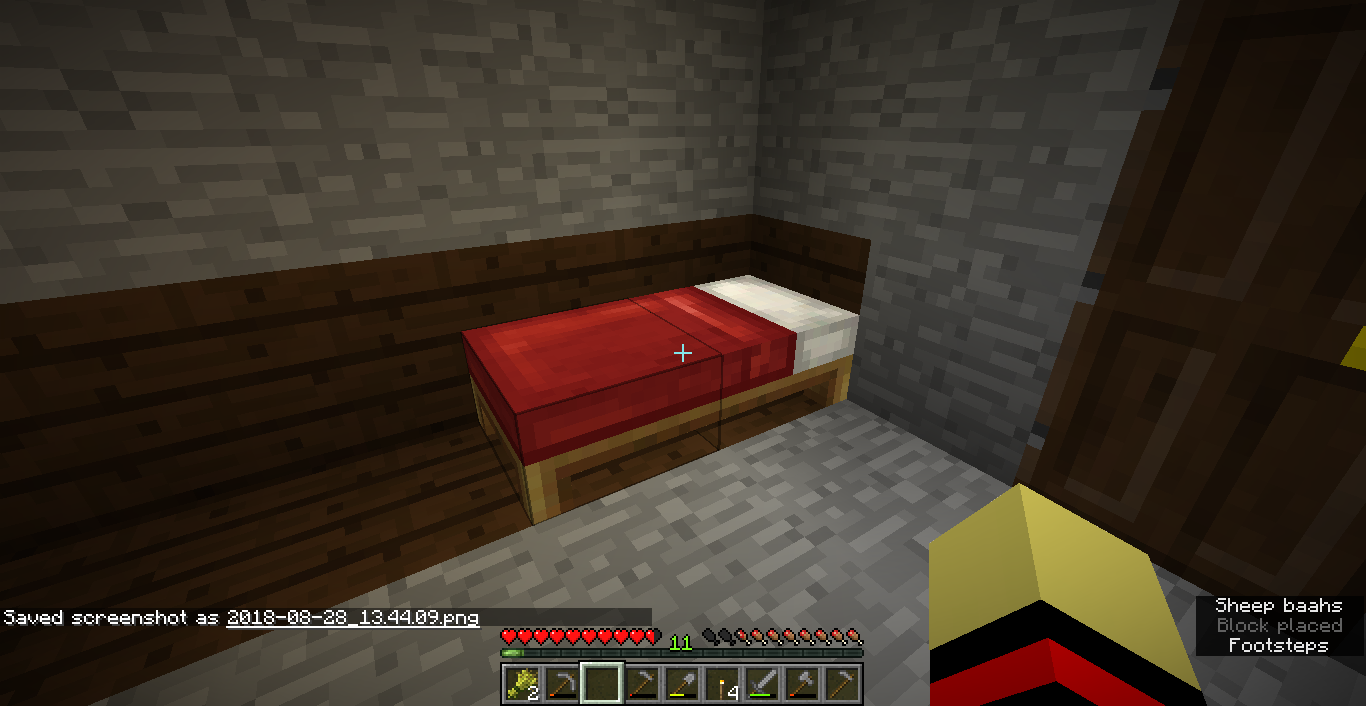
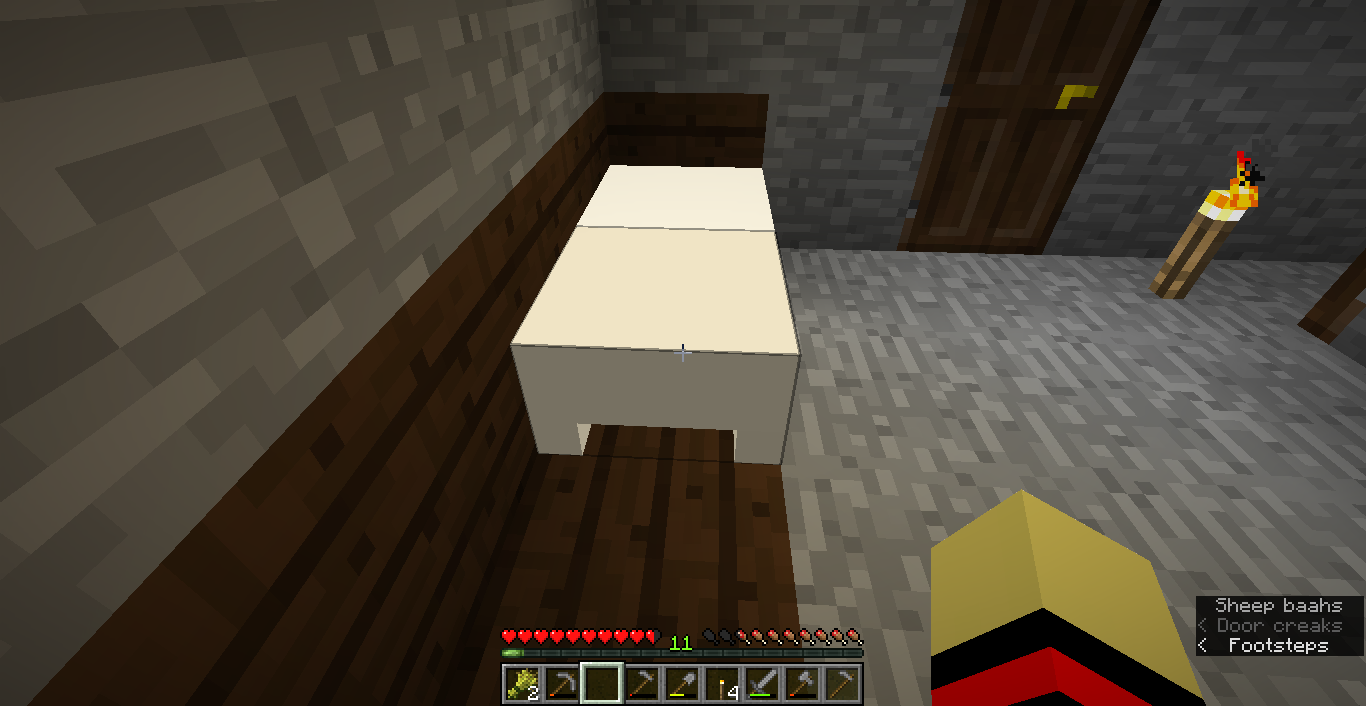
In my survival world, the texture of my white bed turns completely white.
Sorry for my bad English.
This only happens on the snapshots above 1.13.2. It works well under 1.13. This probably only happens to me.
Sorry for my bad English.
Crash: Image is not allowcated
Crash when taking a screenshot: Image is not allocated
After taking lots of screenshots, the game will crash
when pressing F2 to take a screenshot.log
file:
java.lang.IllegalStateException: Image is not allocated.
at det.h(SourceFile:155) ~[1.16.4.jar:?]
at det.a(SourceFile:388) ~[1.16.4.jar:?]
at dkh.a(SourceFile:79) ~[1.16.4.jar:?]
at dkh.b(SourceFile:46) ~[1.16.4.jar:?]
at dkh.a(SourceFile:41) ~[1.16.4.jar:?]
at dkh.a(SourceFile:32) ~[1.16.4.jar:?]
at djx.a(SourceFile:321) ~[1.16.4.jar:?]
at djx.c(SourceFile:433) ~[1.16.4.jar:?]
at djx$$Lambda$3673/2836713.run(Unknown Source) ~[?:?]
at aob.execute(SourceFile:94) ~[1.16.4.jar:?]
at djx.b(SourceFile:433) ~[1.16.4.jar:?]
at djx$$Lambda$2339/9925629.invoke(Unknown Source) ~[?:?]
at org.lwjgl.glfw.GLFWKeyCallbackI.callback(GLFWKeyCallbackI.java:37) ~[lwjgl-glfw-3.2.2.jar:build 10]
at org.lwjgl.system.JNI.invokeV(Native Method) ~[lwjgl-3.2.2.jar:build 10]
at org.lwjgl.glfw.GLFW.glfwPollEvents(GLFW.java:3101) ~[lwjgl-glfw-3.2.2.jar:build 10]
at com.mojang.blaze3d.systems.RenderSystem.flipFrame(SourceFile:102) ~[1.16.4.jar:?]
at dez.e(SourceFile:308) ~[1.16.4.jar:?]
at djz.e(SourceFile:1068) ~[1.16.4.jar:?]
at djz.e(SourceFile:681) [1.16.4.jar:?]
at net.minecraft.client.main.Main.main(SourceFile:215) [1.16.4.jar:?]After taking lots of screenshots, sometimes the game will crash, sometimes it displays "Couldn't save screenshot: Could not write image to the PNG file 'C:\Users\lenovo\AppData\Roaming\.minecraft\screenshots\2021-01-08_11.34.16_4.png': Corrupt JPEG"
log text (couldn't save screenshot):
[11:34:22] [Render thread/INFO]: [CHAT] Couldn't save screenshot: Could not write image to the PNG file "C:\Users\lenovo\AppData\Roaming\.minecraft\screenshots\2021-01-08_11.34.21_4.png": Corrupt JPEGlog text (crash):
java.lang.IllegalStateException: Image is not allocated.
at det.h(SourceFile:155) ~[1.16.4.jar:?]
at det.a(SourceFile:388) ~[1.16.4.jar:?]
at dkh.a(SourceFile:79) ~[1.16.4.jar:?]
at dkh.b(SourceFile:46) ~[1.16.4.jar:?]
at dkh.a(SourceFile:41) ~[1.16.4.jar:?]
at dkh.a(SourceFile:32) ~[1.16.4.jar:?]
at djx.a(SourceFile:321) ~[1.16.4.jar:?]
at djx.c(SourceFile:433) ~[1.16.4.jar:?]
at djx$$Lambda$3673/2836713.run(Unknown Source) ~[?:?]
at aob.execute(SourceFile:94) ~[1.16.4.jar:?]
at djx.b(SourceFile:433) ~[1.16.4.jar:?]
at djx$$Lambda$2339/9925629.invoke(Unknown Source) ~[?:?]
at org.lwjgl.glfw.GLFWKeyCallbackI.callback(GLFWKeyCallbackI.java:37) ~[lwjgl-glfw-3.2.2.jar:build 10]
at org.lwjgl.system.JNI.invokeV(Native Method) ~[lwjgl-3.2.2.jar:build 10]
at org.lwjgl.glfw.GLFW.glfwPollEvents(GLFW.java:3101) ~[lwjgl-glfw-3.2.2.jar:build 10]
at com.mojang.blaze3d.systems.RenderSystem.flipFrame(SourceFile:102) ~[1.16.4.jar:?]
at dez.e(SourceFile:308) ~[1.16.4.jar:?]
at djz.e(SourceFile:1068) ~[1.16.4.jar:?]
at djz.e(SourceFile:681) [1.16.4.jar:?]
at net.minecraft.client.main.Main.main(SourceFile:215) [1.16.4.jar:?]
I also have this bug before. version 1.8.9
I relaunched the game and everything was fine.
Still in 1.12.1
It happens on my computer. When you try to break a block, the block will lag, and game keeps outputing "Can't keep up! Did the system time change, or is the server overloaded?Running <number>ms behind, skipping <number> tick(s)"
This doesn't affect the ender dragon.
/summon wolf ~ ~ ~ {Passengers:[
{id:wolf}]}
When spectators is inside a player, and the player goes into a portal,weird bugs happen.
Yes, it affects 18w03b.
I don't thinks it's a duplicate of
MC-80036.Looks like
MC-315