 Laranjadao
- Laranjadao
- JIRAUSER720503
- Europe/Stockholm
- Yes
- No
 MCL-21479
 MC-253249
 MCPE-159179
 MCLG-23
 WEB-6988
 REALMS-11773









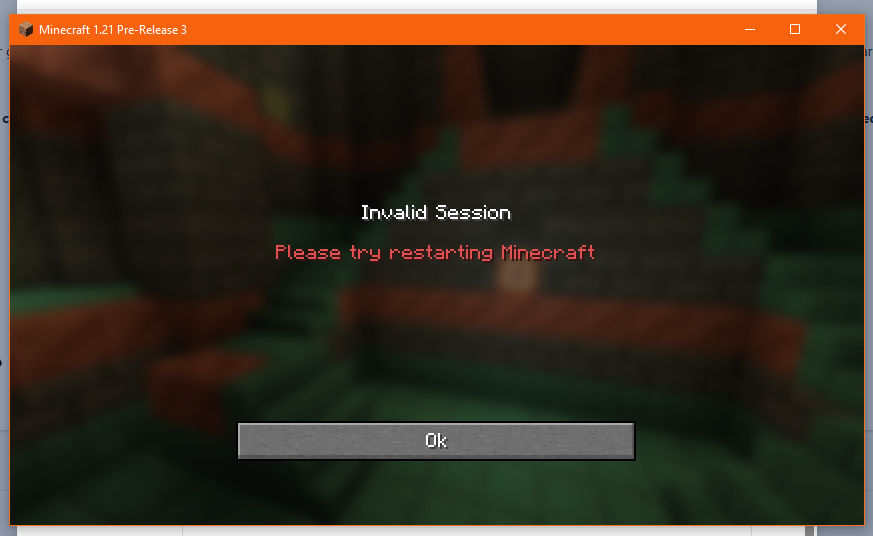




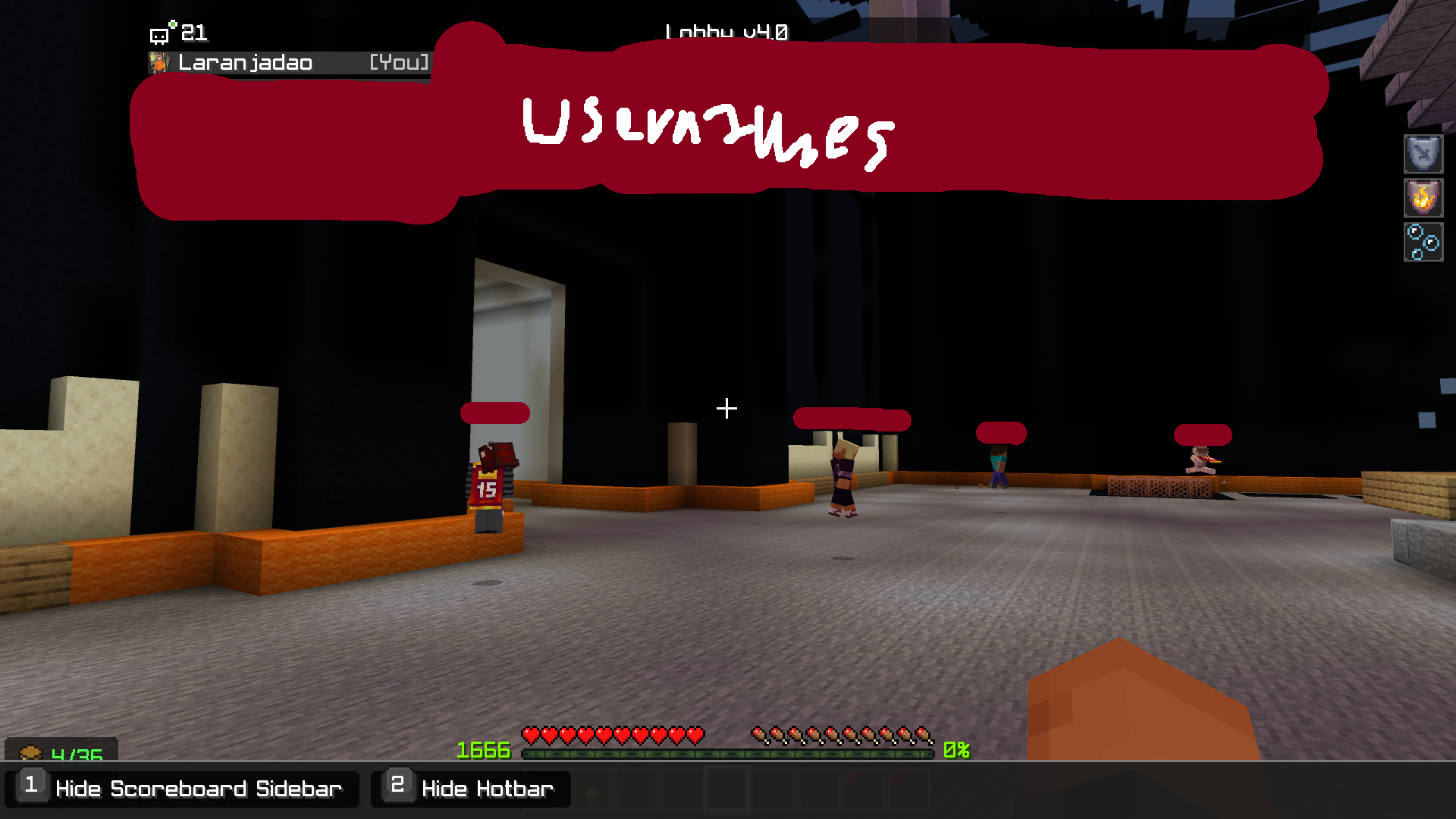
I was launching MC, and i opened my file explorer to copy a texture pack in the "resources" folder. My screen went black for a few seconds, and my file explorer maximized and i didn't hit maximize. I checked my security, nothing wrong, and i feel like something's wrong. I'm just a kid, so i don't know what to do in this situation and no one is up yet so i thought i would ask you guys.
Exit Code: 1853227067
(am i being hacked i'm very worried)
Version: Windows 10
Steps to reproduce:
Open settings (Windows + I is settings shortcut)
Apps --> Default Apps
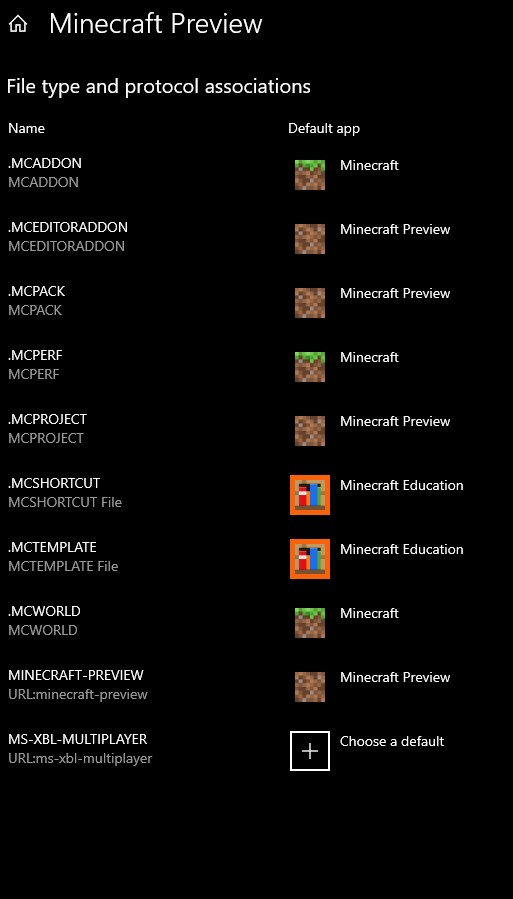
Click Set defaults by app. Scroll down until you locate Minecraft Preview.
Click Manage after clicking Preview.
Result: There is no MINECRAFT (URL:minecraft) in the app, therefore rendering Minecraft Editor unusable for me.
Expected Result: The editor would launch.
Version: Windows 10
Steps to reproduce:
Open settings (Windows + I is settings shortcut)
Apps --> Default Apps
Click Set defaults by app. Scroll down until you locate Minecraft Preview.
Click Manage after clicking Preview.
Result: There is no MINECRAFT (URL:minecraft) in the app, therefore rendering Minecraft Editor unusable for me.
Expected Result: The editor would launch.
Edit: MC Bedrock has MINECRAFT (URL:minecraft) directory, but alas i still could not get it to work
Version: Windows 10
Steps to reproduce:
Open settings (Windows + I is settings shortcut)
Apps --> Default Apps
Click Set defaults by app. Scroll down until you locate Minecraft Preview.
Click Manage after clicking Preview.
Result: There is no MINECRAFT (URL:minecraft) in the app, therefore rendering Minecraft Editor unusable for me.
Expected Result: The editor would launch.
Edit: MC Bedrock has MINECRAFT (URL:minecraft) directory, but alas i still could not get it to work
FIXED: If Minecraft Editor doesn't launch for you, go to Properties and change Minecraft:?Editor=true to minecraft-preview:?Editor=true.
IMPORTANT NOTE: This issue was fixed by the reporter. Scroll down to find his results.
Version: Windows 10
Steps to reproduce:
Open settings (Windows + I is settings shortcut)
Apps --> Default Apps
Click Set defaults by app. Scroll down until you locate Minecraft Preview.
Click Manage after clicking Preview.
Result: There is no MINECRAFT (URL:minecraft) in the app, therefore rendering Minecraft Editor unusable for me.
Expected Result: The editor would launch.
Edit: MC Bedrock has MINECRAFT (URL:minecraft) directory, but alas i still could not get it to work
FIXED: If Minecraft Editor doesn't launch for you, go to Properties and change Minecraft:?Editor=true to minecraft-preview:?Editor=true.
Minecraft Editor directory not found in Default Apps (FIXED BY REPORTER)
image-2023-10-11-13-13-50-837.png
I've beem trying to figure out these new commands for a pretty long time now. I can't even make a custom name without an anvil, or even add lore.
The examples that Mojang provided in one of the patch notes do not work correctly. I'm trying to use lore=['\{"text": "The cake is a lie!"}'] and custom_name='{"text": "This item is renamed!", "color": "red"}' but they don't work.
Playing on Windows 10, on Java Edition, 24w10a.
The examples are from patch 24w09a.Adding lore descriptions to items does not work. @Jiingy told me how to add custom names, but adding that in along with Lore does not work.
/give @p dirt[custom_name='\{"text": "This item is renamed!", "color": "red"}']
The problem is, this problem has already been resolved but only for the custom names. I am unable to answer for the lore.
Adding lore descriptions to items does not work. @Jiingy told me how to add custom names, but adding that in along with Lore does not work.
/give @p dirt [custom_name='\{"text": "This item is renamed!", "color": "red"}']
The problem is, this problem has already been resolved but only for the custom names. I am unable to answer for the lore.ALL PROBLEMS NOW FIXED AS OF 1.20.6
Adding lore descriptions to items does not work. @Jiingy told me how to add custom names, but adding that in along with Lore does not work.
{"text": "This item is renamed!", "color": "red"}
/give @p dirt[custom_name='
']
The problem is, this problem has already been resolved but only for the custom names. I am unable to answer for the lore.
This has been noted as a duplicate of
MC-269969
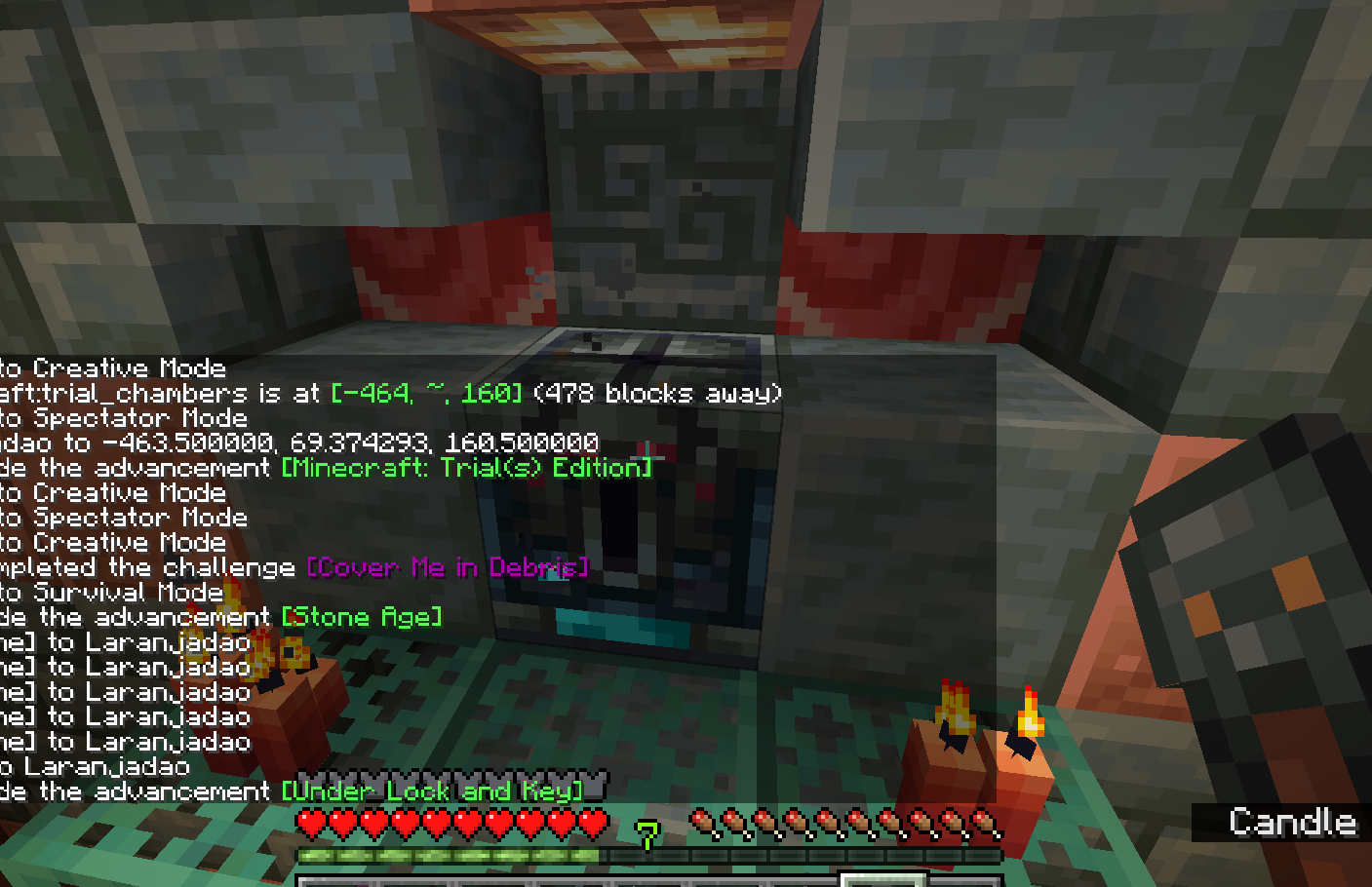
I was testing out the new Ominous Chambers, and I attempted to unlock an Ominous Vault with a Trial Key, not an Ominous Key. I still got the achievement Under Lock and Key. Here's an image.
This has been noted as a duplicate of
MC-269969
I was testing out the new Ominous Chambers, and I attempted to unlock an Ominous Vault with a Trial Key, not an Ominous Key. I still got the achievement Under Lock and Key. Here's an image.
Attempting to unlock a Ominous Vaultwith a Trial Keystillgives Under Lock and Keyachievement(Duplicate) Attempting to unlock an Ominous Vault still applies Under Lock and Key
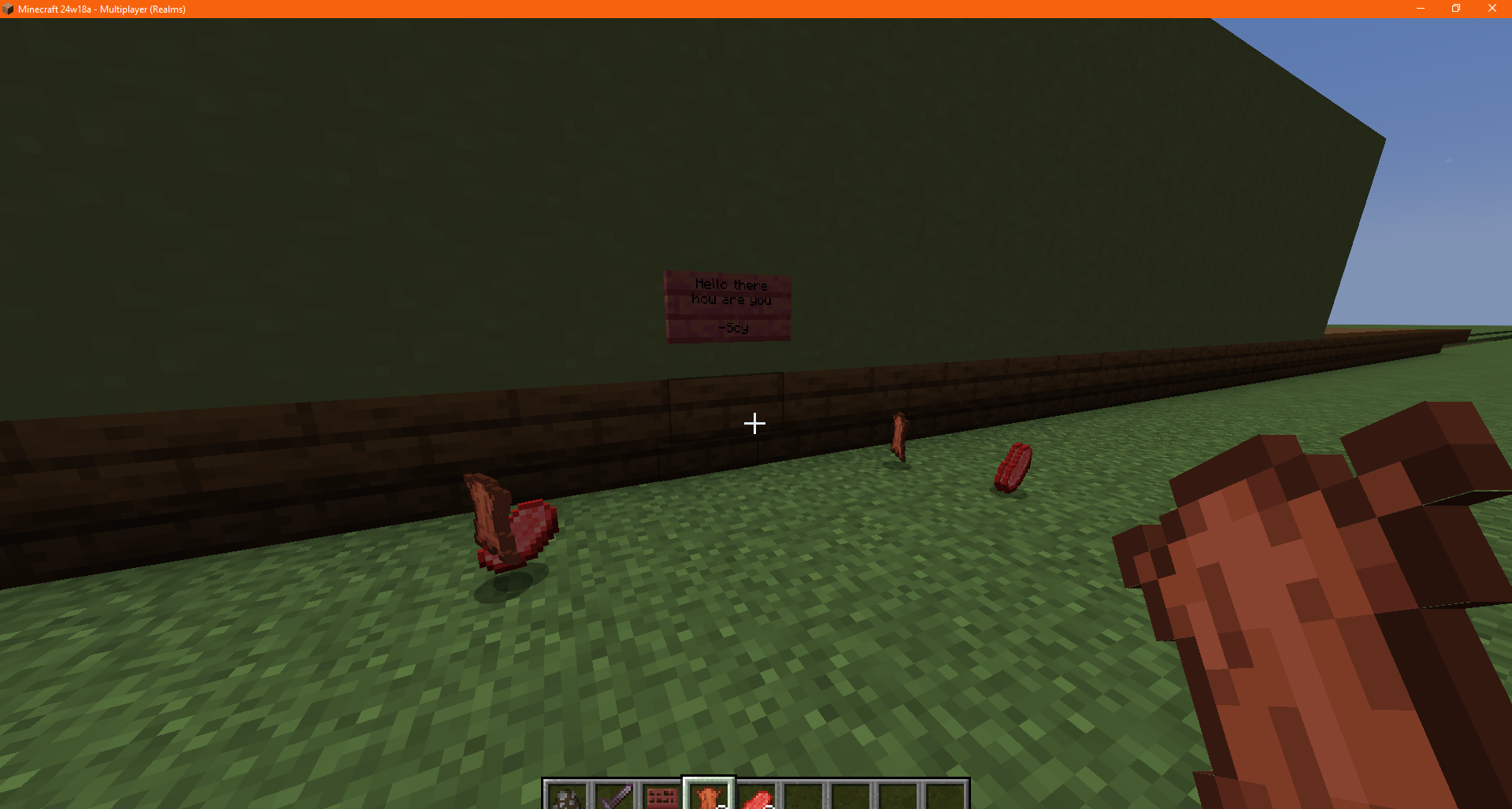
When I upgraded a world on my snapshot realm to the latest snapshot (has happened before) my text in Book & Quills (as well as other player-written books) was cleared. Also happens when the book is in a Chiseled bookshelf.
21:02 Update: The contents of the books are in the comments. Unknown if swapping to version of origin will fix it.
When I upgraded a world on my snapshot realm to the latest snapshot (has happened before) my text in Book & Quills (as well as other player-written books) was cleared. Also happens when the book is in a Chiseled bookshelf.
21:02 4/29/2024 Update: The contents of the books are in the comments. Unknown if swapping to version of origin will fix it.
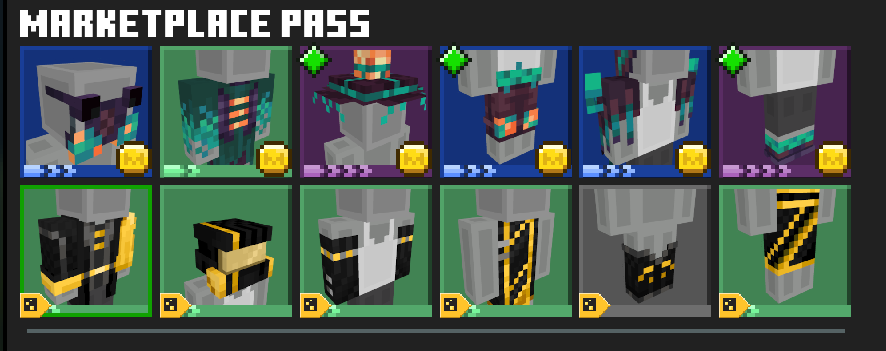
The top is the new items
The bottom is the old ones.
I own marketplace pass, but it doesn't show that I can get these items. I use Windows 10.
UPDATE: The problem's fixed, but now trying to purchase the new stuff freezes my computer, can't even move my mouse or watch the fps move.
The top is the new items
The bottom is the old ones.
I own marketplace pass, but it doesn't show that I can get these items. I use Windows 10.
UPDATE: The problem's fixed, but now trying to purchase the
new stufffreezes my computer, can't even move my mouse or watch the fps move.
The top is the new items
The bottom is the old ones.
I own marketplace pass, but it doesn't show that I can get these items. I use Windows 10.
UPDATE: The problem's fixed, but now trying to purchase the Spore Goggles freezes my computer, can't even move my mouse or watch the fps move.
UPDATE 2: The freeze is fully fixed now. I was able to get every other item without freezing my computer.
Sometimes Creaking may not chase the player. Footage is sadly unpostable, as it has too much data, making it unable to upload.
How to reproduce:
- Look at the ground or any other direction in which is broken.
- Watch as it does not chase you.
Hopefully that reproduces it for you.
Possibly Relating Problems:

![[MCPE Mod] Auldrick](../../../data/avatars/users/10122.svg)
Laranjadao: Have you actually tried again recently? I don't have direct access to the Marketplace team (which is who actually fixes these) but I had the impression that they had been notified of all the packs at least up until December, and I have personally verified that some later ones have been corrected. So if you're still having a problem with one from July, maybe I should try to look into it more.
BTW, right now the Marketplace team has to fix this manually, but I'm told they're working on a solution that will either prevent the problem or shorten the lead time to fixing them.

Laranjadao I'm pretty sure that Java doesn't have a marketplace for addons - you guys have mods 
i do not recall that but i'm glad it's fixed.
thanks man. ima add a screenshot.
ok so devs please fix.
yikes. it's still happening for me.
yikes. sorry to hear that Deathcrux16
thanks ocelot i had trouble with it
photo added of the content.
Hmm, I'll check on my pc.
I'm happy to say that someone found the solution!
do this if you're having my problem:
Go to settings > storage > clear marketplace cache > wait a few > when done restart pc > reload Minecraft
To add as a note, the Craftable Imposters by The Craft Stars was not accessible for me on both Xbox (Series X) and PC.
please fix it soon, I've been wanting to play that for 3+ months.
I play on Windows PC, but can confirm that it won't let my friend join my worlds (they're also on pc). If you're on Windows 10 PC, try inviting your friend via "Invite To Game" in the Game menu. Ask your friend to open Xbox Game Bar. I think the invite should pop up in Xbox Social, in the Notifications part. (Hint: it looks like a bell, if you have a circle with a number in it it means you have a notification. Or at least i think, it's been a long time since i last got a notification.)
If you invite your friend on Xbox, then they should get a notification at the bottom middle of the screen, saying [Username] Invited you to join their game
or at least i think so. press and hold the (X) Xbox button on the controller to accept it.
However, I do not know how to fix it for Playstation users, for i only have this game on the following:
Windows 10 PC [RTX]
Xbox Series X
Nintendo Switch
I think this means that the problem is "Partially Resolved"..?
By the way, if it says Invite to game on the game menu in-world on ps4/ps5, try doing that, i think there will be a notification on the top right/left of your friend's screen. that should fix it.
Make sure that they dont have Do not Disturb on
Can confirm it crashes. Still trying to find out how to safely get the Err422 and where it is lol
mods dont show the full thing of what Error 422 was like (not as in Minecraft people but as in configurations)
Minecraft, if you're hearing this, will you add the Error422 Version please? i REALLY REALLY want to play it and see if i can find this so called "Err422".
If it isn't real like giant alex and the others then sigh
Can confirm this error.
feels like the same prob except when my dad's playing he cant see my deluxe skin
I am unable to help with this issue, as I am unable to see the photos.
Have not recreated yet, will check back in a moment or 2
It just appeared late for me, no purple texture
This happened to me a TON.
it didn't give me one
Can confirm. I play MC on my switch all the time, and to this day it still lags out a lot, but only when I'm on a server
Give me a more explanatory explanation of the bug, and try not to make lots of spelling mistakes please, i can barely read the thing xD
I have note block sound on, i played it the correct way, and i turned off resource packs and it still doesn't work.
Although the version is 1.20.1, latest release.
No mods, just normal Minecraft in my realm.
Can confirm. I'm a windows 10 user and there is no MINECRAFT (url:minecraft) state in Preview. Therefore, MC Editor is unusable.
Yes, i checked everything.
:/
1:27 PM CST - Added screenshot
Duplicating project so that this can go on
Unable to recreate, launching just shows me my skin.
Launching a singleplayer world crashes my game, and it just did a few seconds ago. I checked my storage just in case and this is what I found....
The one problem: I don't know if there's anything I WANT to delete. I didn't get a crash code by logging in again after the most recent crash, so there is no Exit Code.
Can confirm.
I've made a report about it on MC-267481.
This could be abused in a server and if someone got banned with game output, but someone used that to not show text, the banned person couldn't come with a comeback to show the real rulebreaker.
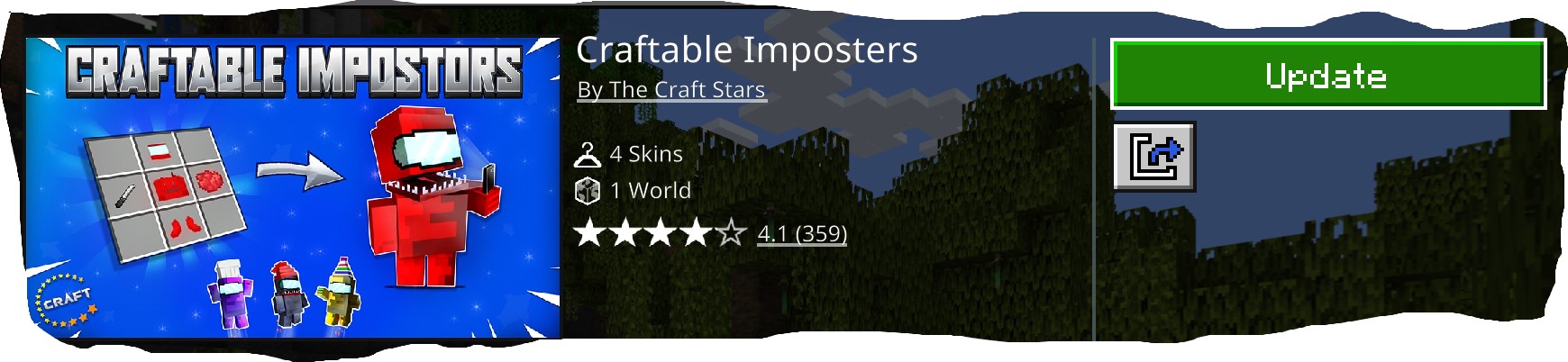
Craftable Imposters by The Craft Stars. Windows 10. Whenever I click download it shows "downloading" and it completes, but it still shows "Update."
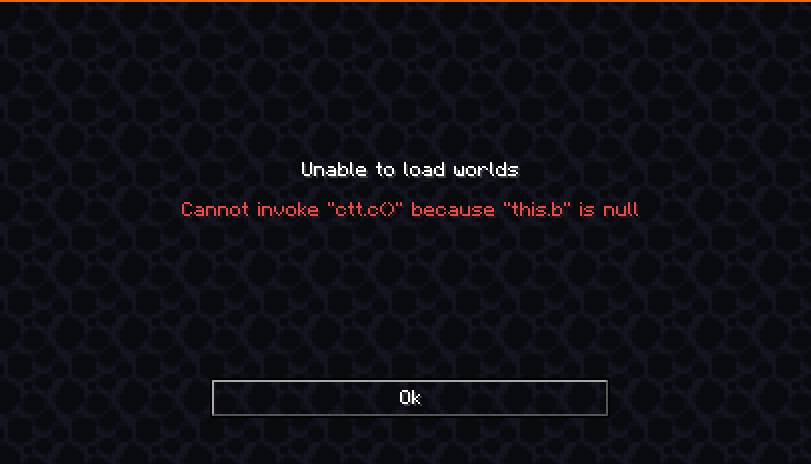
Can confirm Helboy234's comment. I am unable to post a modified world onto my realm, and clicking Upload World gives me this:
It shouldn't be. I still can't upload my worlds. I get the same error message, EVERY time. Can you at least please fix it? And sorry for harsh words, but it feels like you guys are ignoring this bug.
Can confirm. Sometimes normal words I type to my friend while playing realms get censored. They're normal words, and we have to bypass the censor via Steam chat.
Oh
Wait- it's not working for Lore. How do I fix that?
Noted as a Duplicate. This already has another report in its place or has something relating to another bug report.
This is a duplicate of
MC-269969.This is my recorded data. Can also confirm.
Can confirm. All Ominous items are unavaliable (Except for Ominous Bottle, and Ominous Trial Key.)
That would be too much work for people that aren't that fluent in code.
Unable to replicate, my realm is on Java, not Bedrock. Doesn't mean that it's a false report though.
Unable to confirm due to certain circumstances.
Books with roleplay stuff like username, rp name, etc. Unknown if swapping to version of origin will fix it.
Username:
Name:
Age:
Friends:
Family:
Faction:
Role:
Powers:
Backstory:
Summary:
(the summary was like a quick description of a character "A strong-willed Enderman who will stop at nothing for survival."
Cannot confirm. [^Killing a cow.mp4]
Could not send the 5-second video, weirdly. Here's a screenshot instead.
That is not supporting information...
Can confirm this problem, however it only happens with Capes for me. I use Windows 10, and the new Launcher.
Yes, but without the "restart to fix" part. I also deleteed one of the images in the attachments cause I had the wrong thing in my copy/paste function. Sorry about that!
This might be something they won't fix until the full 1.21 release. I don't expect them to make another PR (pre-release) since it's 3 (or 4) days until 1.21.
If you think about it, this might actually benefit world creators, so it may not be fixed.
All 3 minigames that I've seen do not work. I'm hoping that this will be fixed soon. I was really hoping to play Toxic Escape, then I got "punched" in the face with it not working.
But what about the minigames disappearing? Was that intentional?
Sorry if my message sounds like i'm angry, i'm just curious
Tis the sad part about sending messages, people don't know your tone...
Otherwise, people will need to use datapacks, mods and such and people might not want to download those just to.. well, mess around with displays
I don't know, but if you turn on the launcher log in settings, you can probrably look into it. However, you MIGHT see private stuff, based on the content of your MC folders.
You should've checked before...
Replying to @turbo 's comment: I only see 3 minigames on the realm minigame selector, and this might only happen for me, but the only one that works on that list is Parkour Duel.
Good to know, thank you!
There are more minigames among the previous 3 in my selector now, I'm gonna test them
This problem has been occurring for quite a while now. Way before I reported it, but I thought someone might have reported it, but it doesn't seem like anyone has.
Additionally occurs in Minecraft Java when updating a old world already on the Realm. [REALMS-11773] Upgrading a world on realms clears all text in books - Jira (mojang.com)
If it still doesn't work for you, use the official MC website (minecraft.net) and log in, click Change Skin in Games, and upload your desired skin. This is a hassle to do if you have a bundle of skins you want to use. (To add a skin to your skin library afterwards, restart the launcher and select "Add to library" when you have the skin uploaded and selected! )
)
Unknown if
MC-277100describes my issue.Description will be revised shortly.
Description has been made more clear.
Same problem. However, let's not turn this into a chain of people basically just starting a chain of "Same".