 Mateo Hernandez
- mateoeh
- mateoeh
- America/Chicago
- Yes
- No
 MC-48773
![[Mojang] Searge (Michael Stoyke)](../../../data/assets/gravatar/searge.png)
![[Mojang] Grum (Erik Broes)](../../../data/assets/gravatar/grum.png)
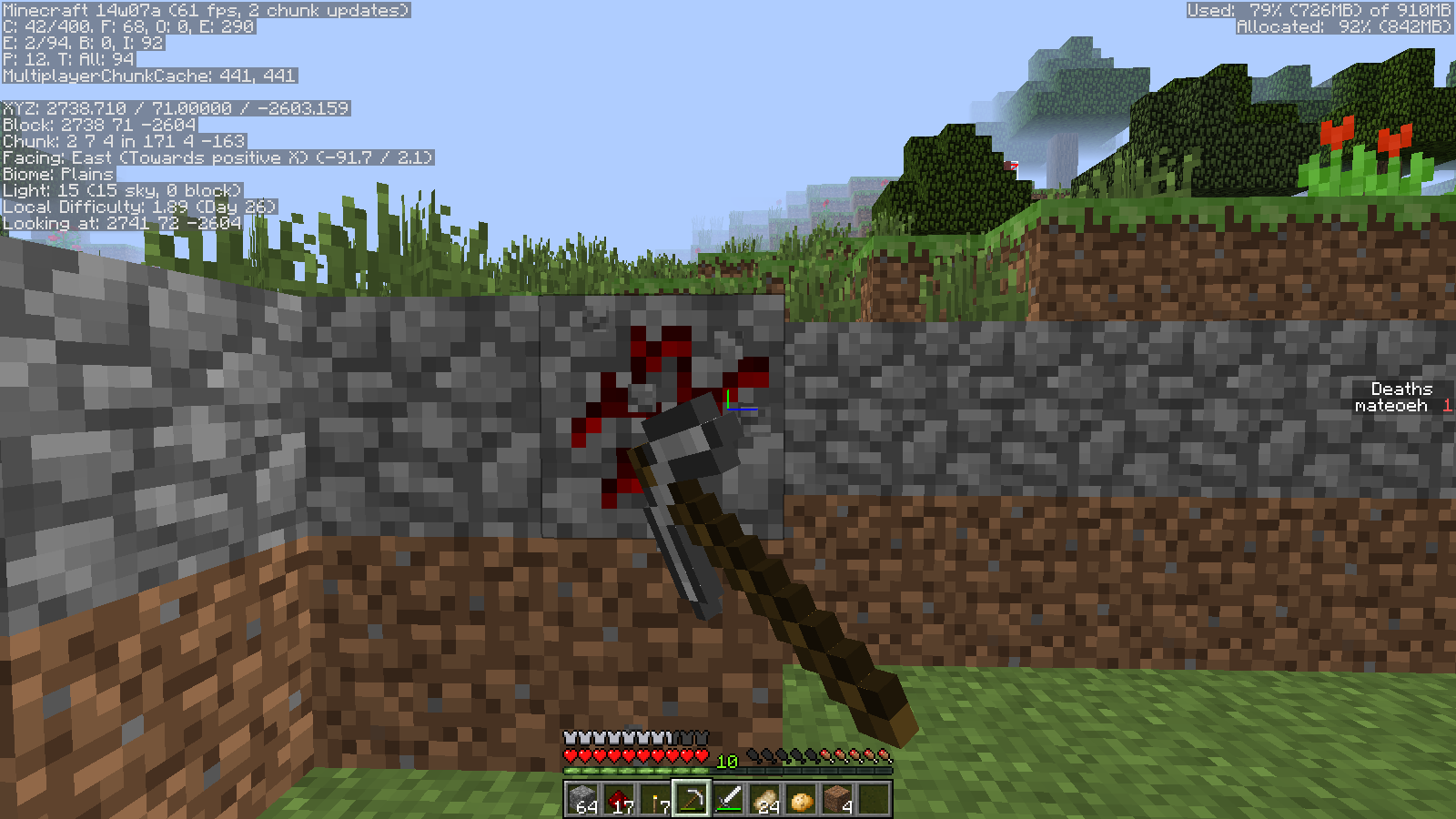

















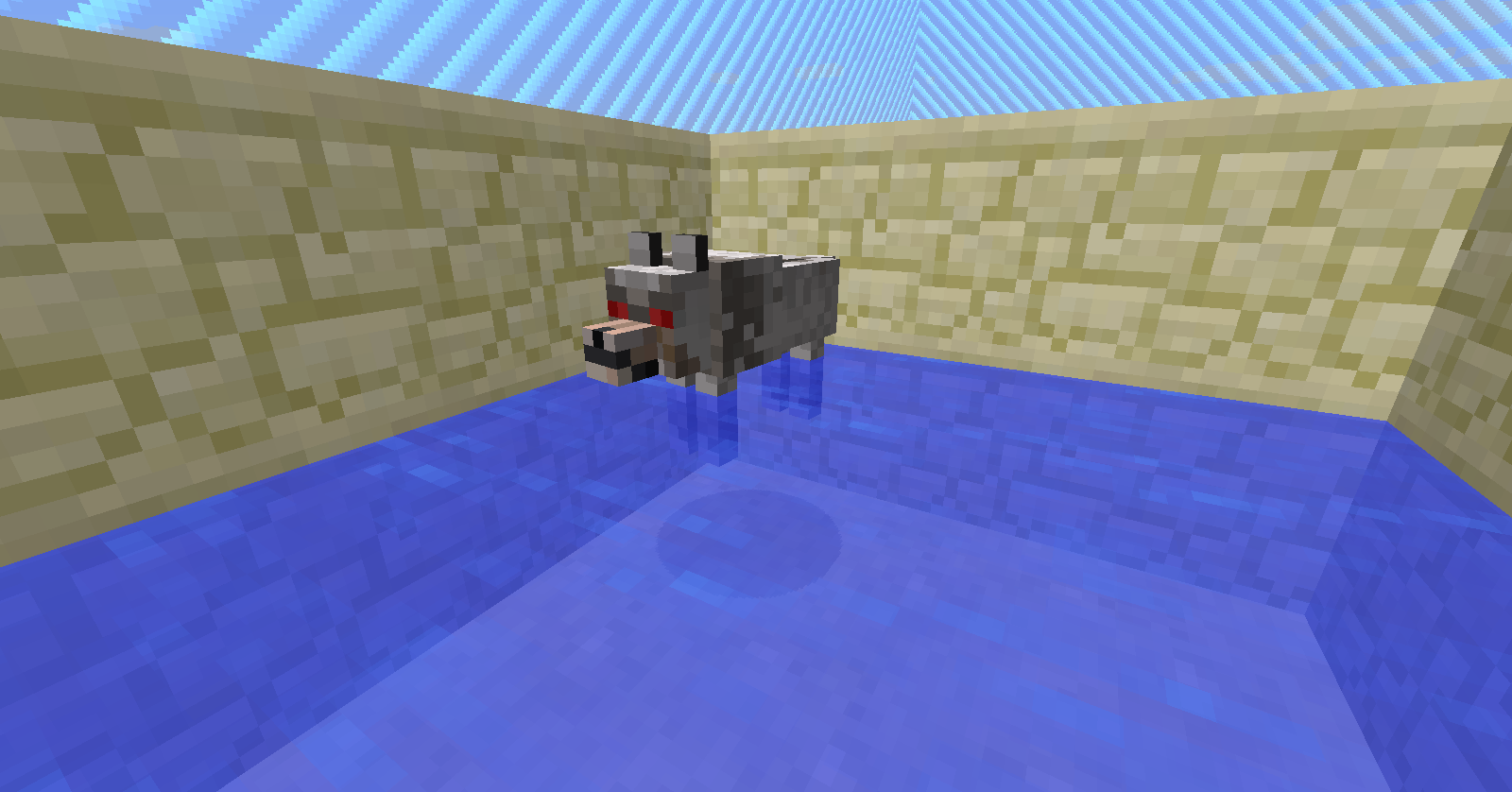

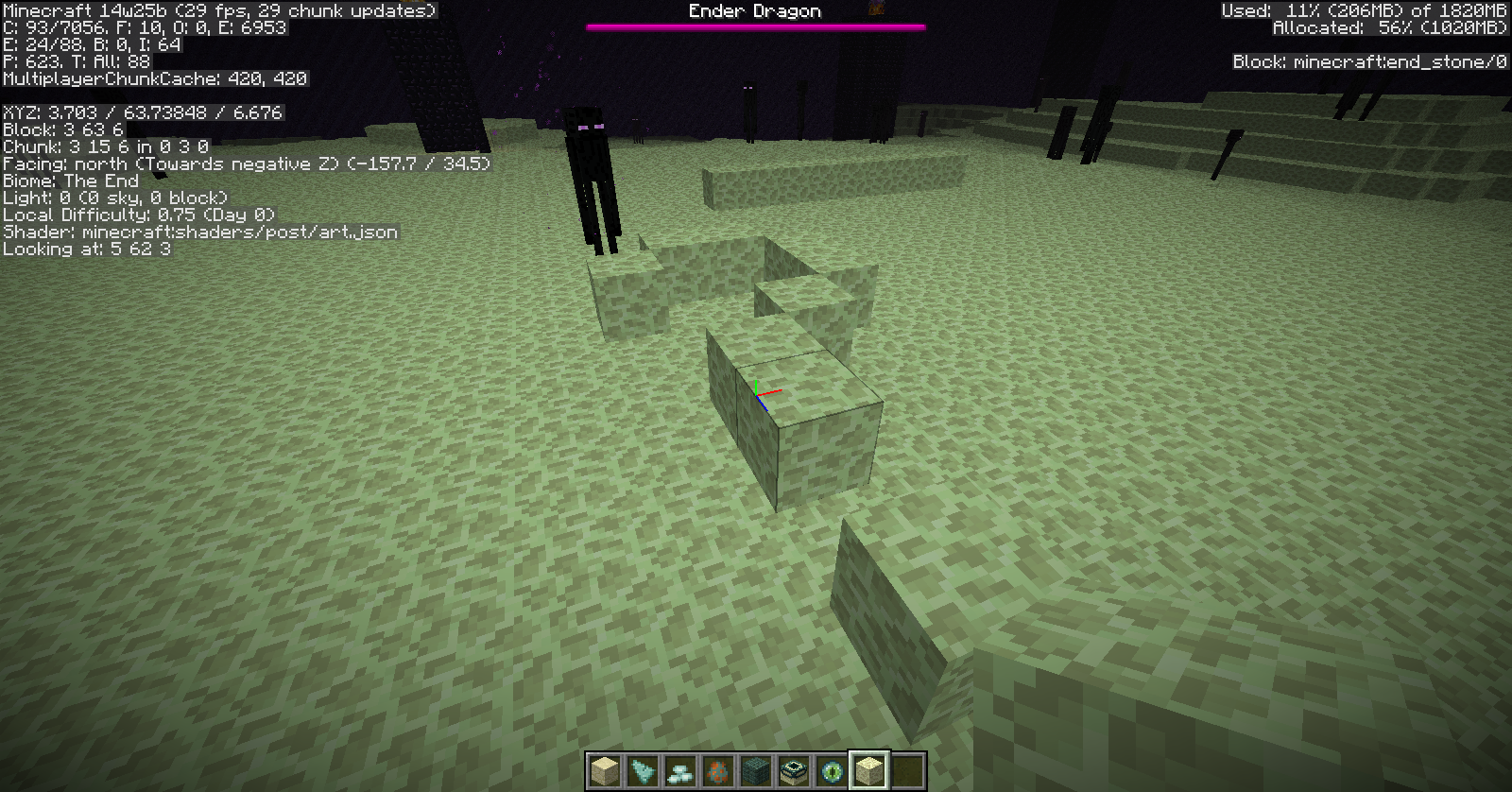

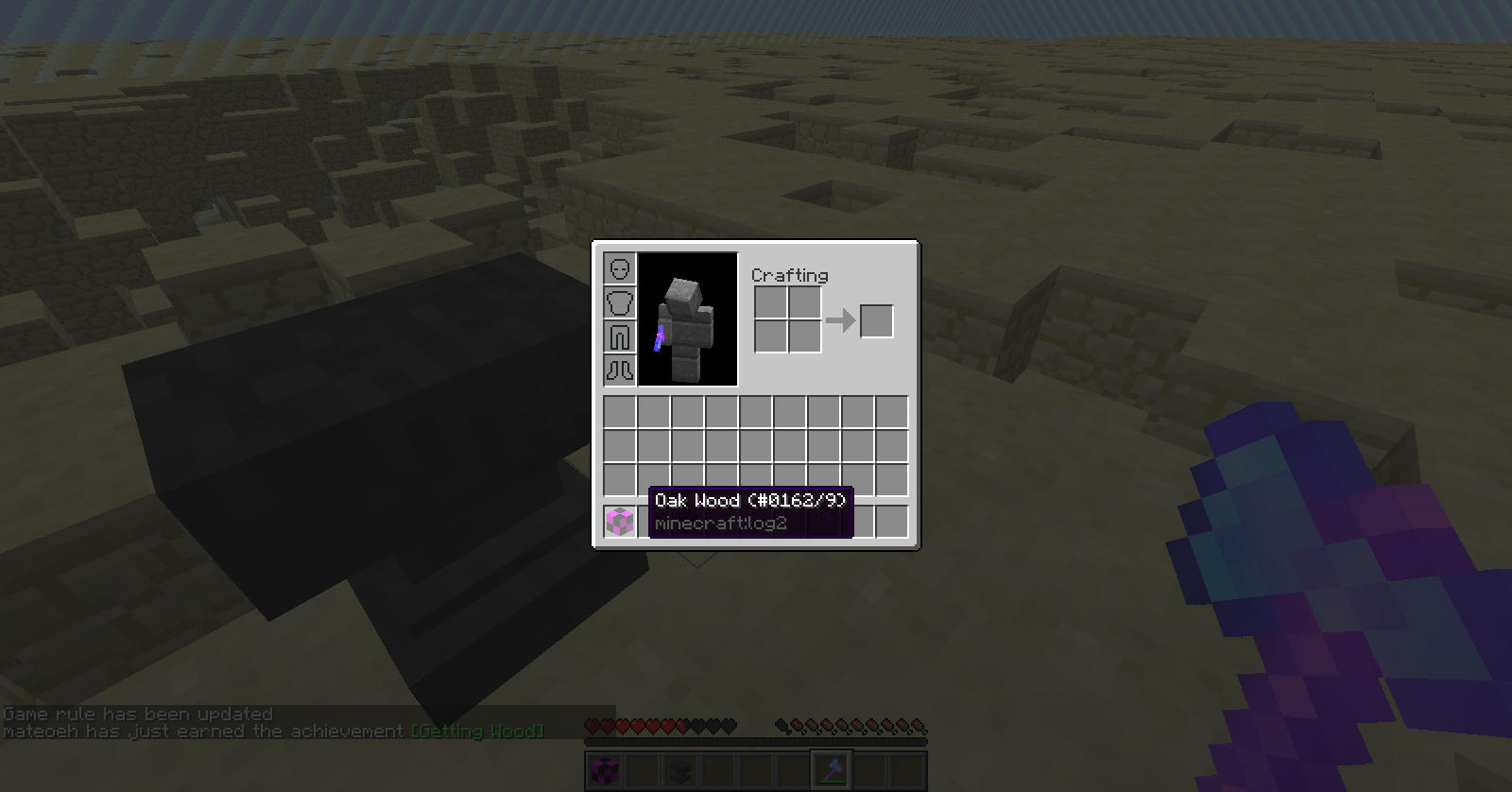
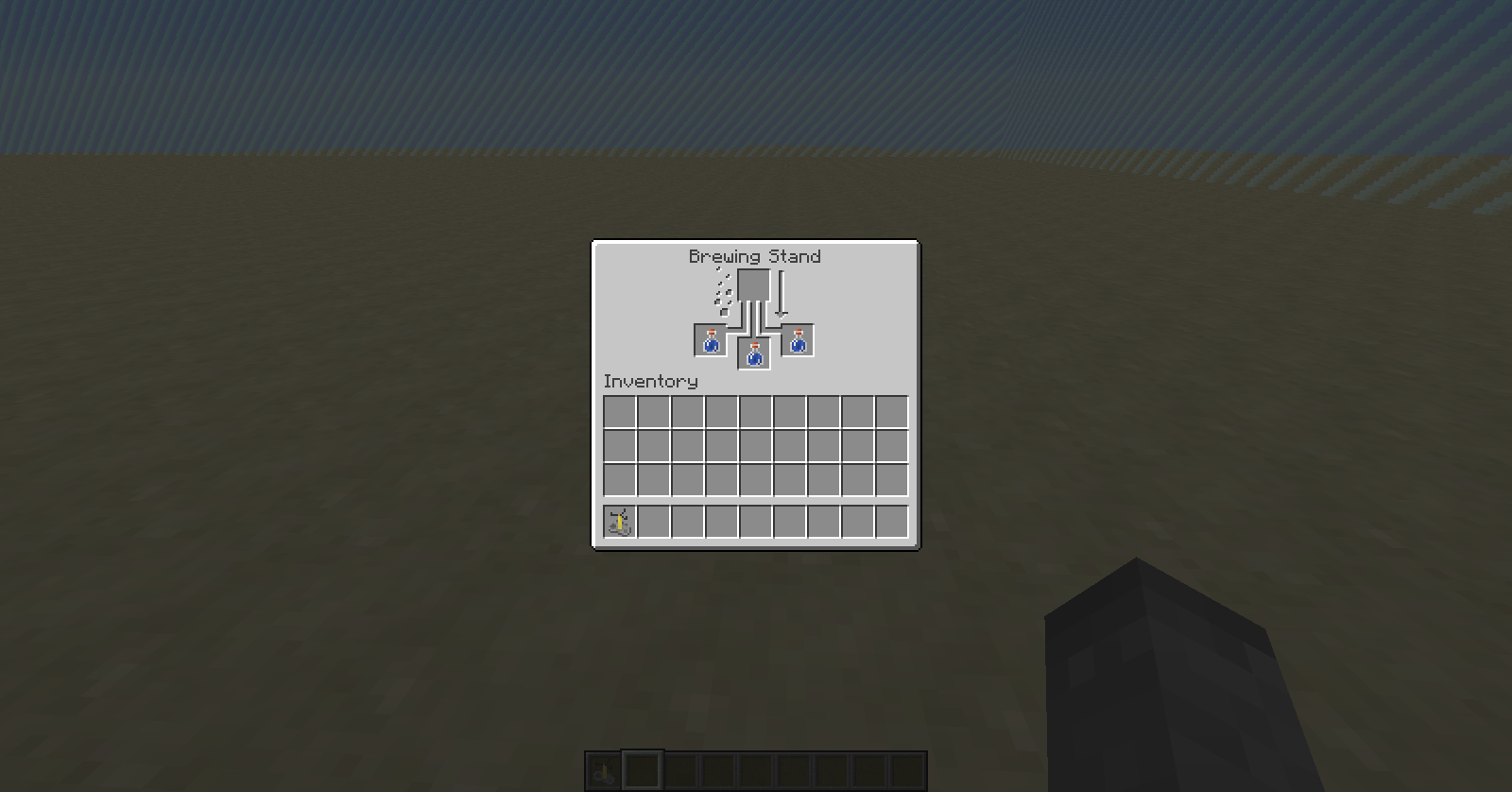

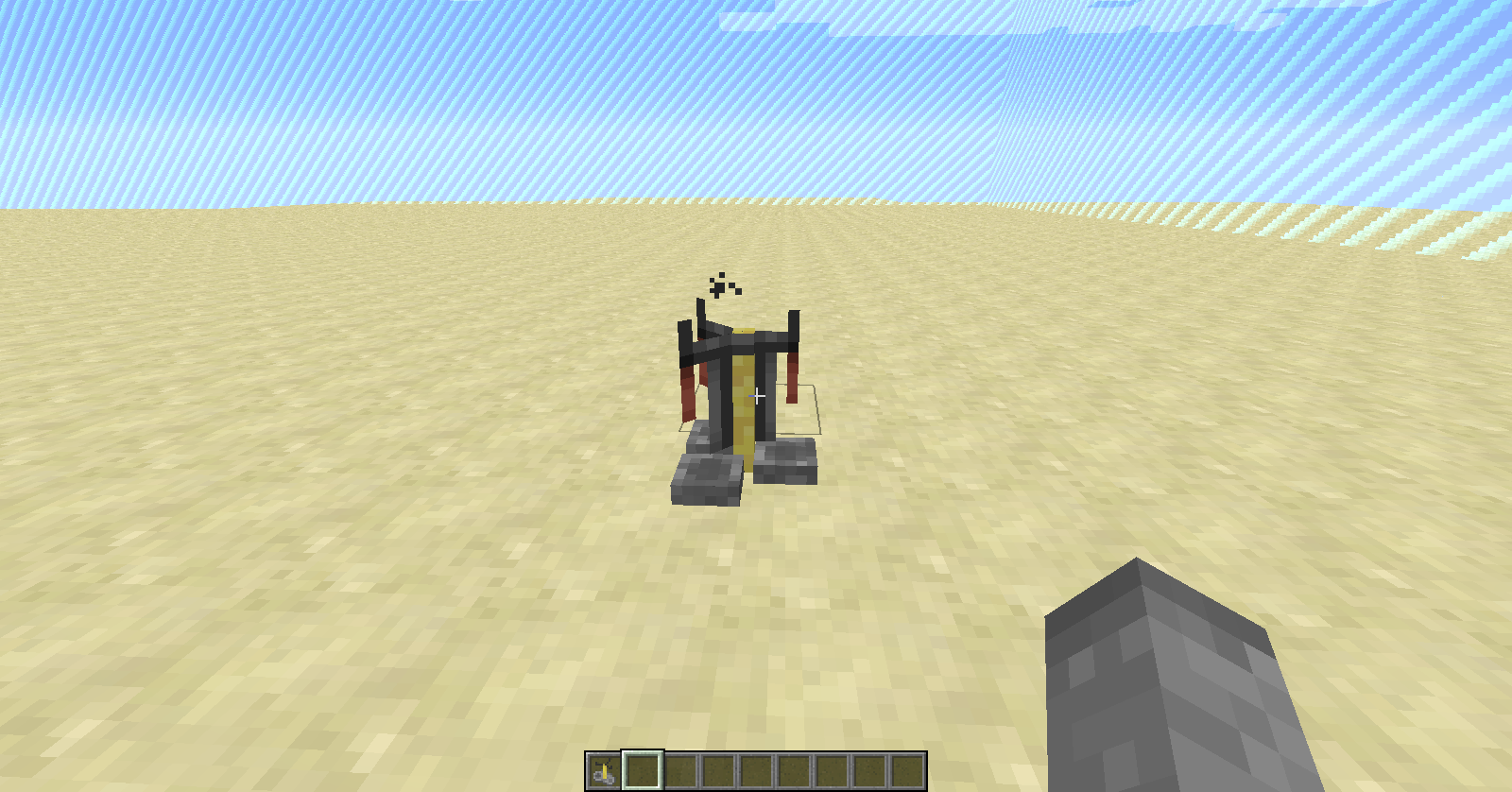

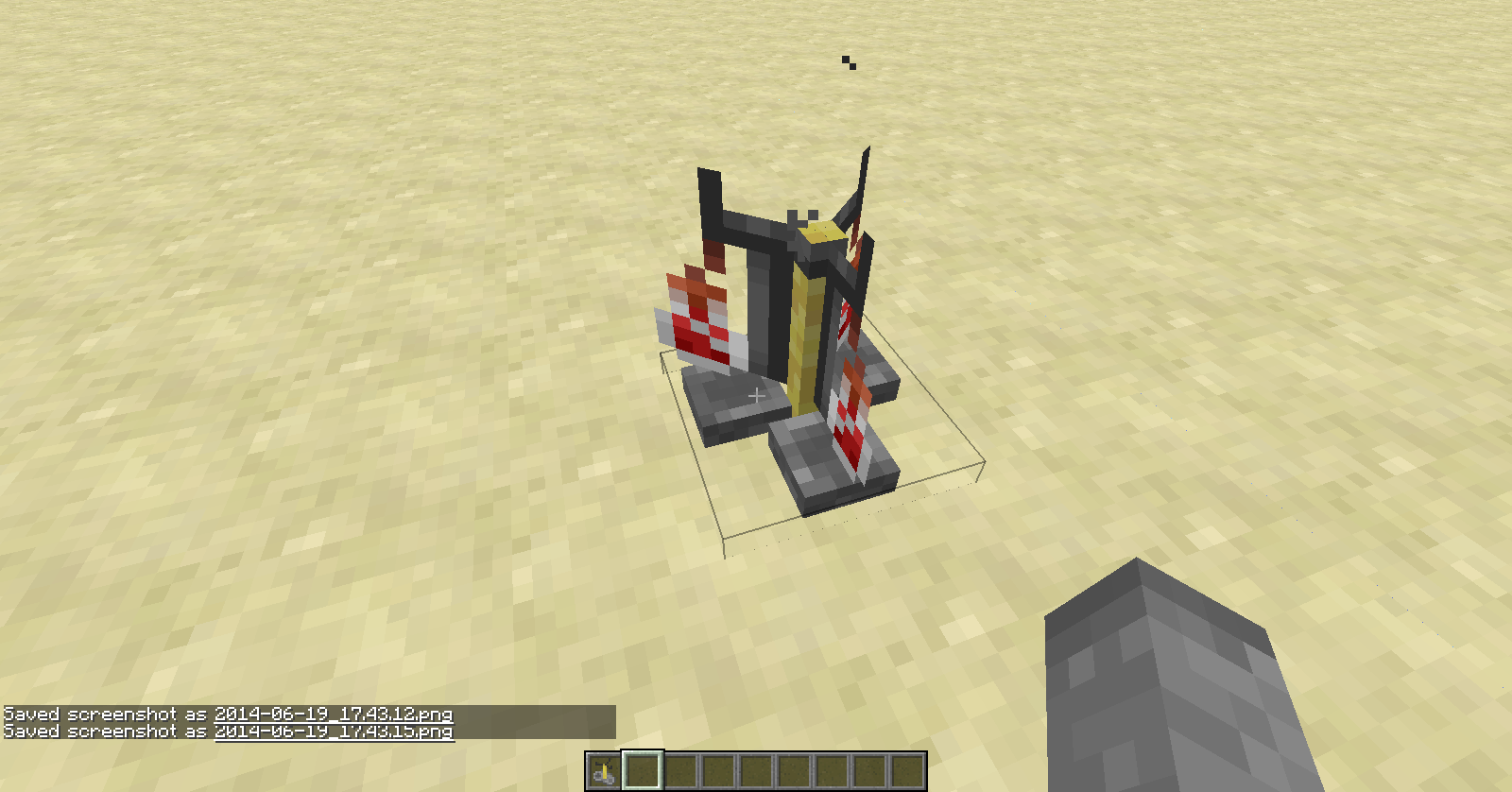

A testfor command does not perpetually run after the command block is powered. It only tests in the initial game tick when it is powered. Thus, if you were on the ground when you powered the command block and then jumped afterwards, the comparator would not activate.
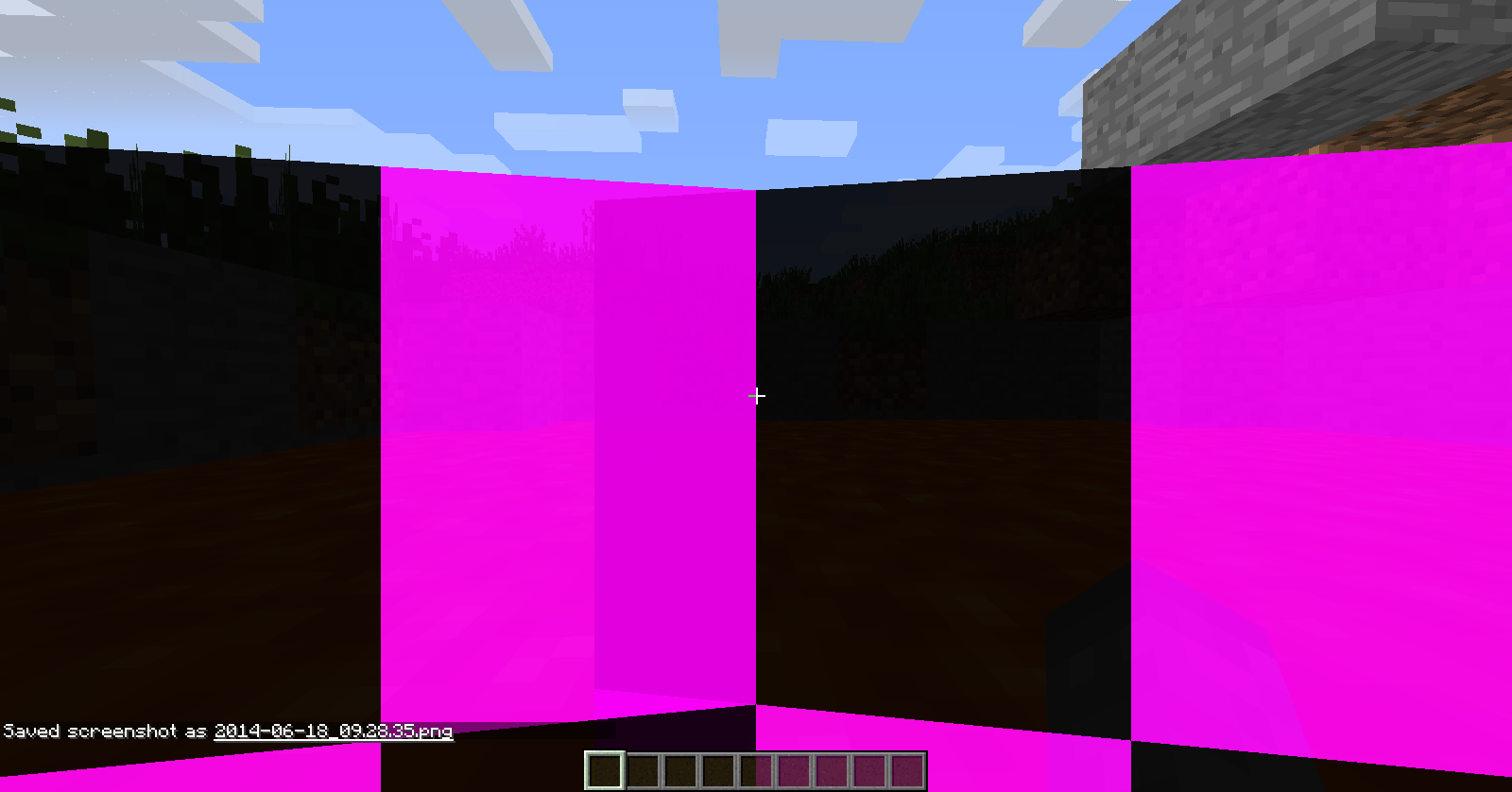
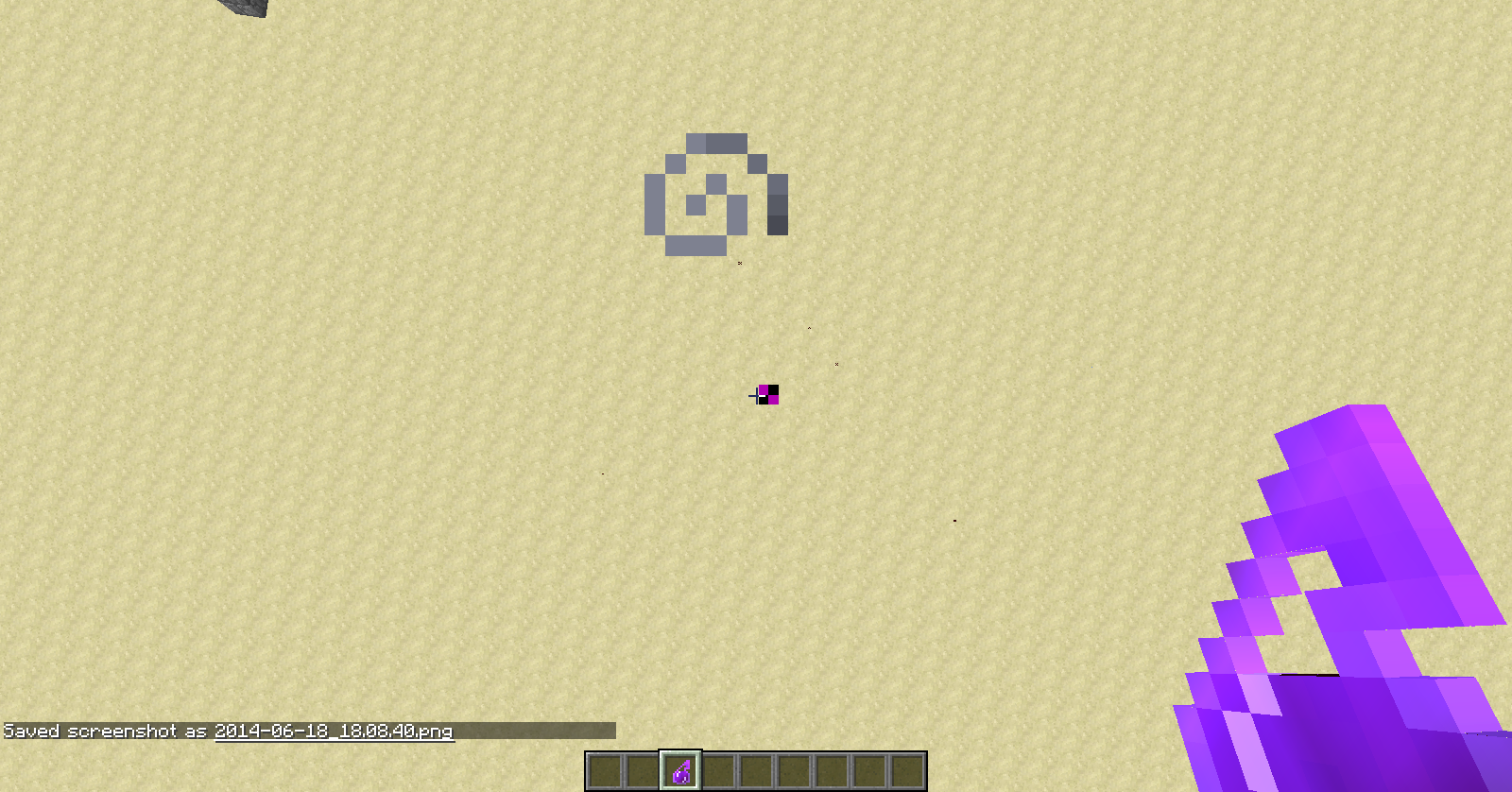
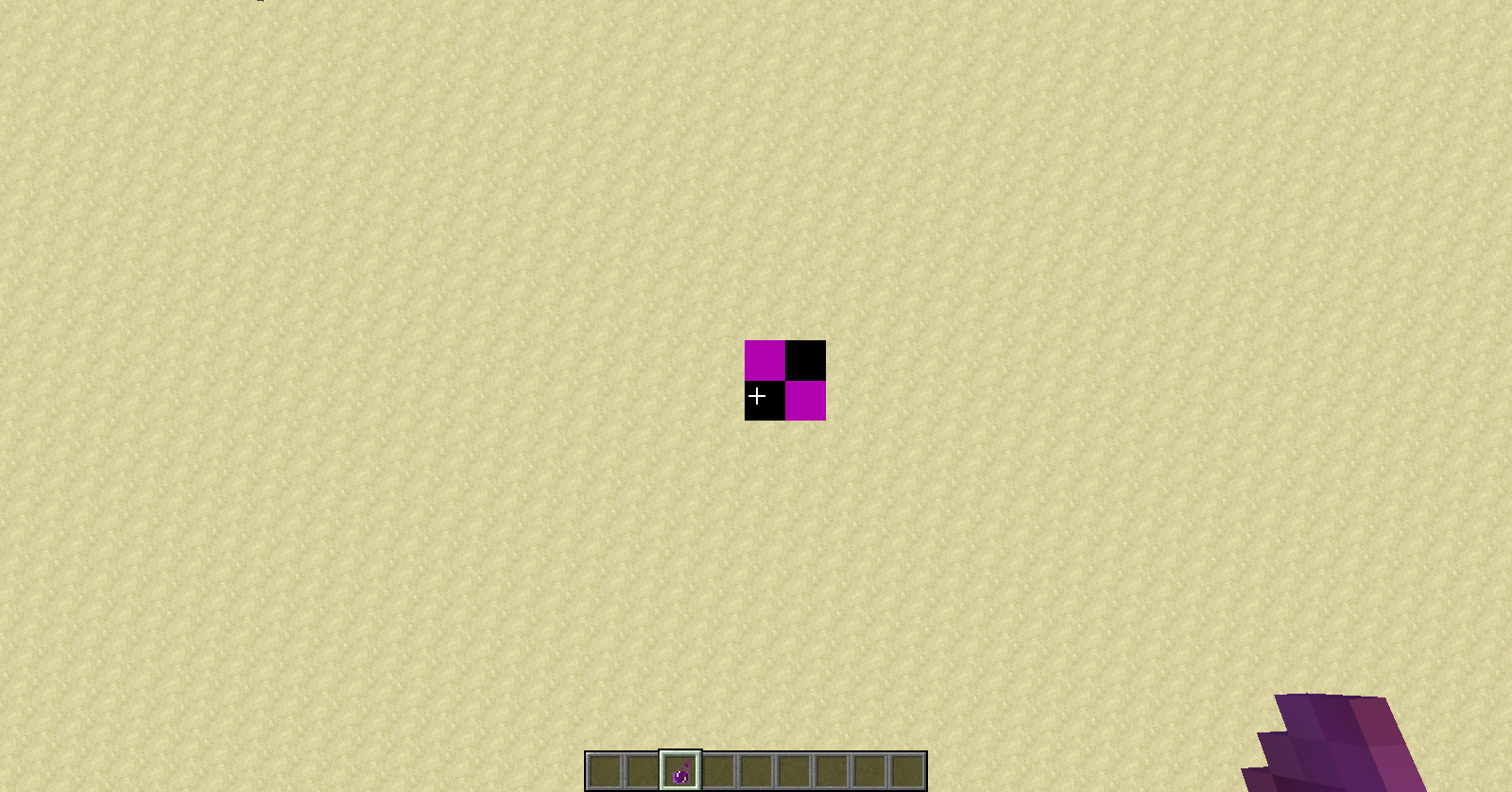
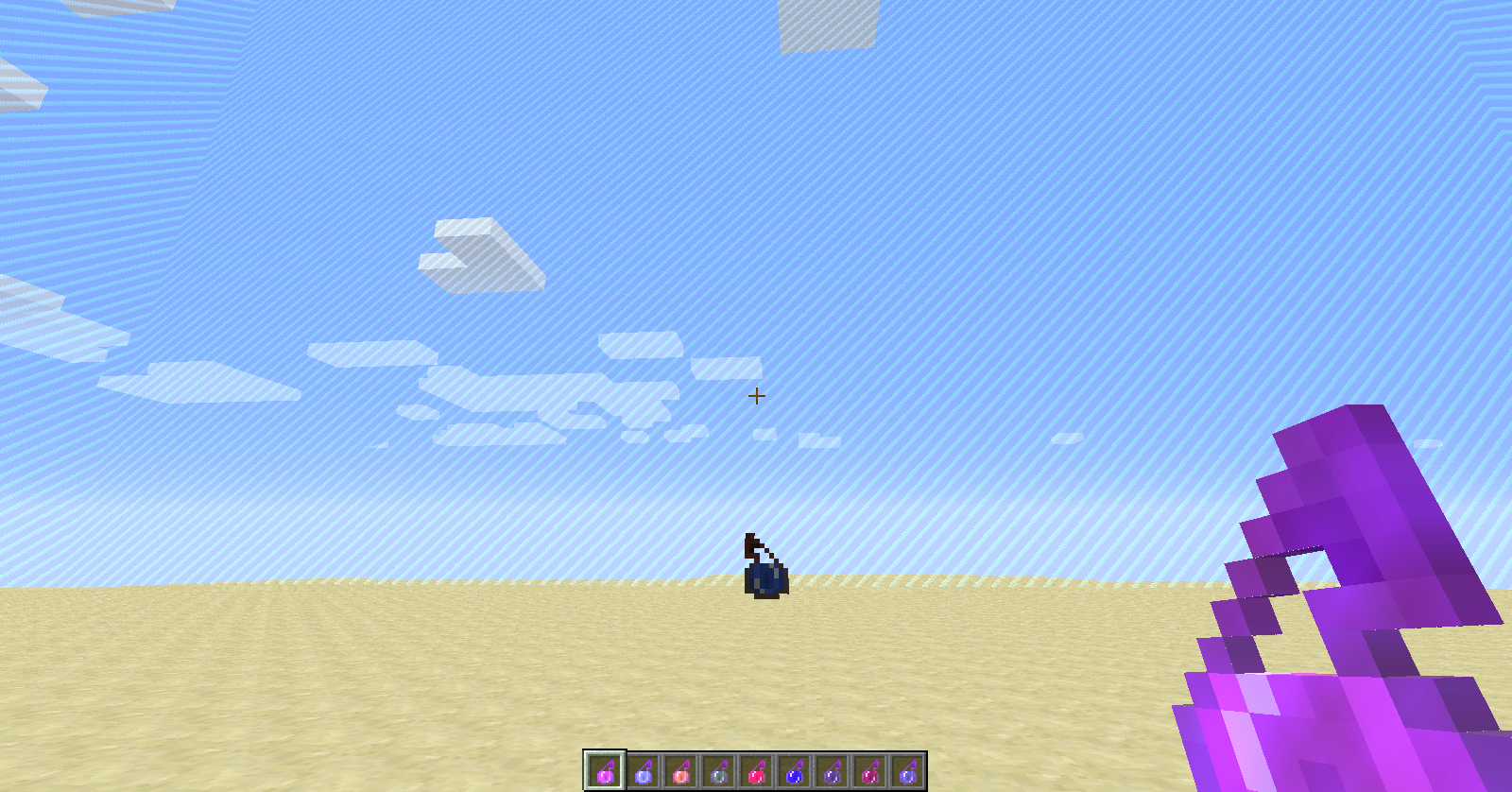
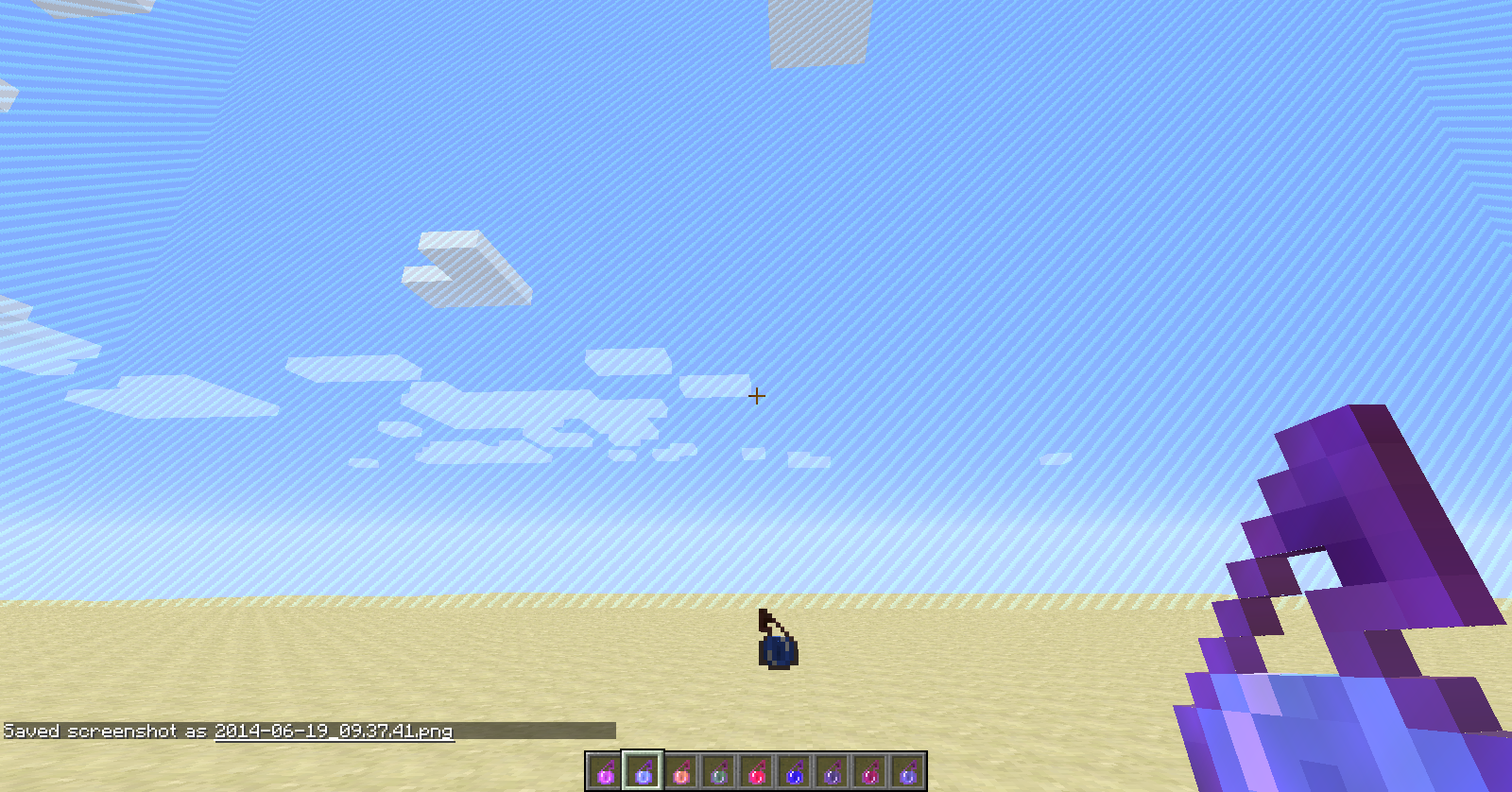
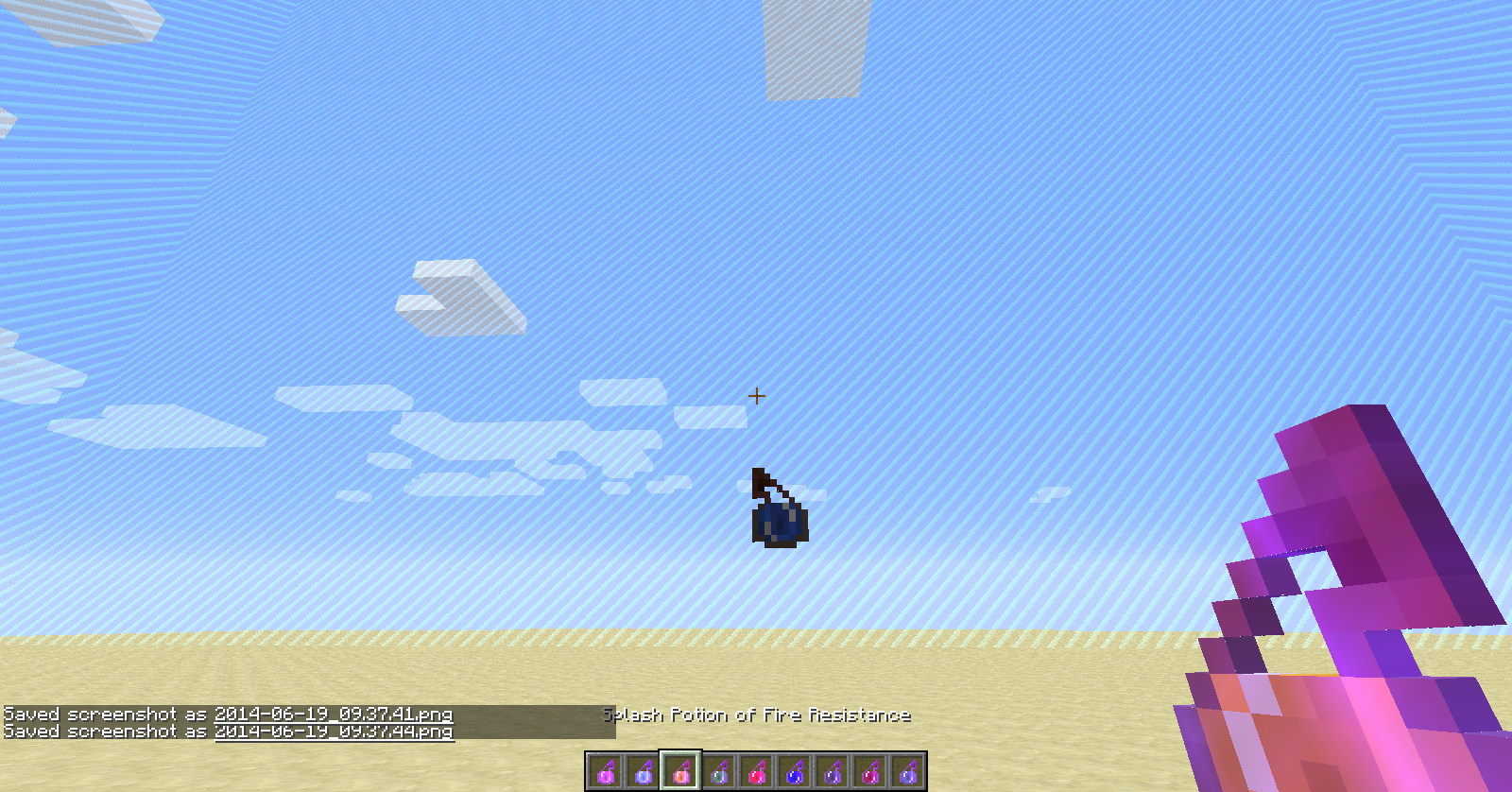
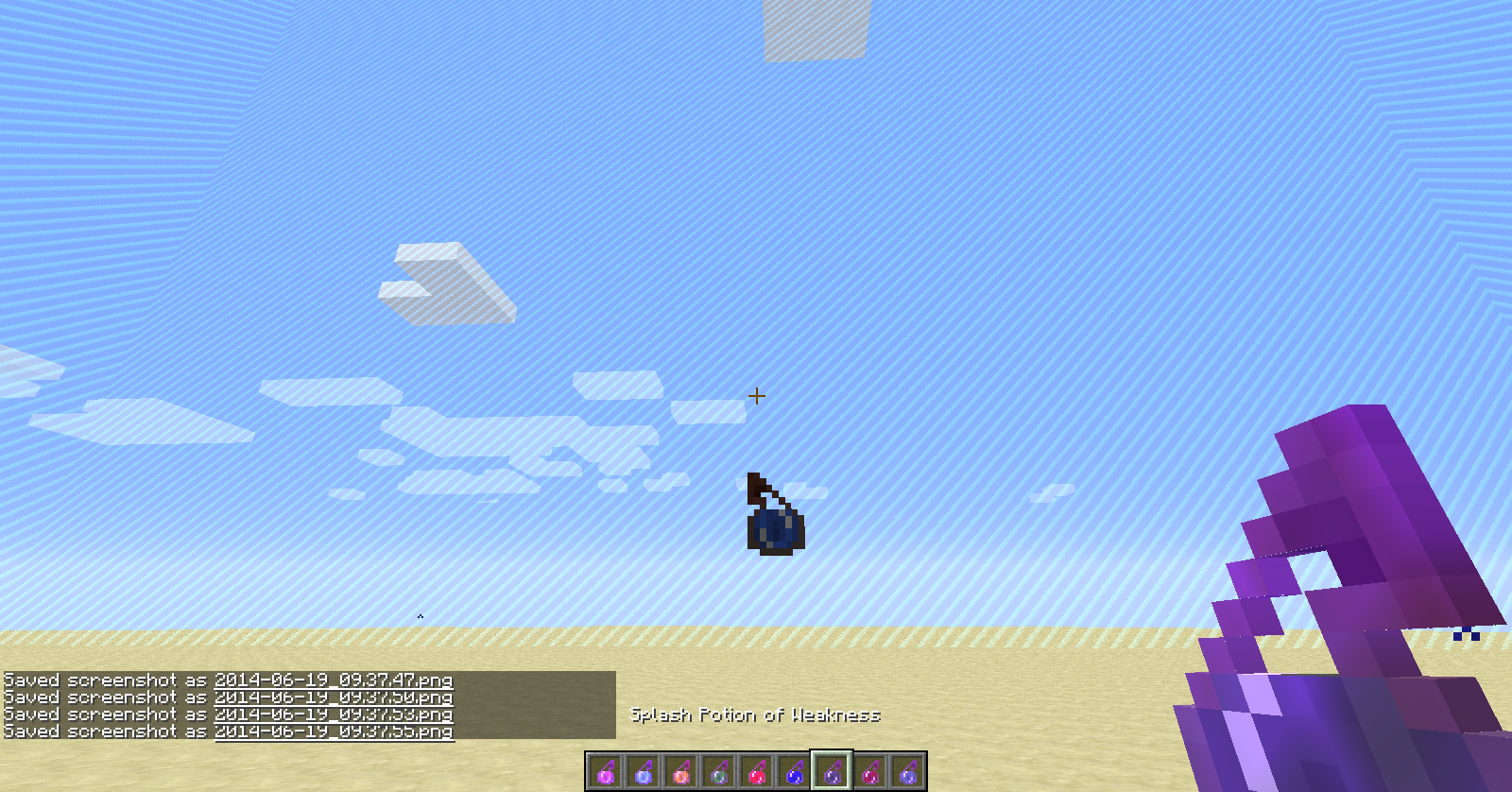
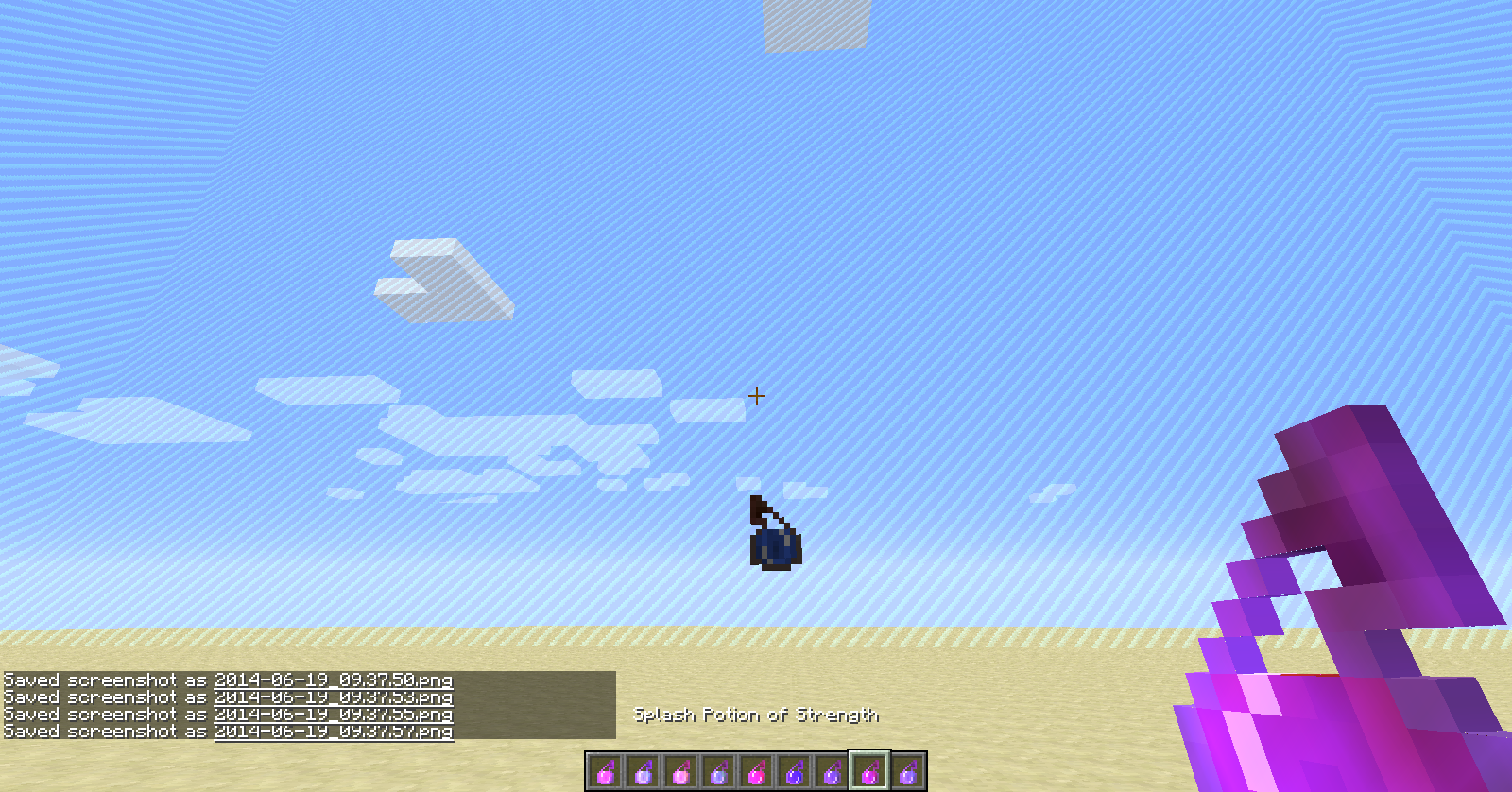
Throwing a bottle o' enchanting causes tiny bits of particles with missing textures along with the normal ones. Throwing any splash potion causes the same but the thrown bottle itself lacks a texture.
Bottles of enchantingcreate no-textured particlesThrown bottles of enchanting and potions have various missing textures
When traveling through a new nether portal, two portals are created in the opposite dimension and they are both unlit. This would cause major problems in survival since there is no escape if you have no flint and steel with you. The portals also sometimes have a chance of spawning you inside of blocks and creating a duplicate of you.
When traveling through a new nether portal, t
wo portals are createdin the opposite dimensionand they are both unlit. This would cause major problems in survival since there is no escape if you have no flint and steel with you. The portals also sometimes have a chance of spawning you inside of blocksand creating a duplicate of you.When traveling through a new nether portal, the nether portal in the opposite dimension is unlit and a new unlit portal is created each time the original portal is used. This would cause major problems in survival since there is no escape if you have no flint and steel with you. The portals also sometimes have a chance of spawning you inside of blocks.
Nether portals generatedouble andunlit
When traveling through a new nether portal, the nether portal in the opposite dimension is unlit and a new unlit portal is created each time the original portal is used. This would cause major problems in survival since there is no escape if you have no flint and steel with you. The portals also sometimes have a chance of spawning you inside of blocks.
When traveling through a new nether portal, the nether portal in the opposite dimension is unlit and a new unlit portal is created each time the original portal is used. This would cause major problems in survival since there is no escape if you have no flint and steel with you. The portals also sometimes have a chance of spawning you inside of blocks or not even generating a frame in the other dimension ( rare ).
When traveling through a new nether portal, the nether portal in the opposite dimension is unlit and a new unlit portal is created each time the original portal is used. This would cause major problems in survival since there is no escape if you have no flint and steel with you. The portals also sometimes have a chance of spawning you inside of blocks or not even generating a frame in the other dimension ( rare ).
*What I expected
When traveling through a new nether portal, the nether portal in the opposite dimension is unlit and a new unlit portal is created each time the original portal is used. This would cause major problems in survival since there is no escape if you have no flint and steel with you. The portals also sometimes have a chance of spawning you inside of blocks or not even generating a frame in the other dimension ( rare ).
*What I expected
When traveling through a new nether portal, the nether portal in the opposite dimension is unlit and a new unlit portal is created each time the original portal is used. This would cause major problems in survival since there is no escape if you have no flint and steel with you. The portals also sometimes have a chance of spawning you inside of blocks or not even generating a frame in the other dimension ( rare ).
What I expected to happen was:
I travel into/out of the nether, the portal on the other side generates lit, and I am spawned in an area where I do not suffocate.
What really happened was:
I travel into/out of the nether, my portal is non-existent or unlit, and I am usually spawned inside of a wall where I suffocate to death.
Steps to reproduce:
1. Create a nether portal in the overworld and light it, in any seed, in any biome, etc.
2. Travel through it (preferably in creative mode if you want to live.)
Nether portals don't generate or generate unlit
Windows 7.6.1, JRE 1.7.0_
55Windows 7.6.1, JRE 1.7.0_60
When traveling through a new nether portal, the nether portal in the opposite dimension is unlit and a new unlit portal is created each time the original portal is used. This would cause major problems in survival since there is no escape if you have no flint and steel with you. The portals also sometimes have a chance of spawning you inside of blocks or not even generating a frame in the other dimension (rare).
What I expected to happen was:
I travel into/out of the nether, the portal on the other side generates lit, and I am spawned in an area where I do not suffocate.
What really happened was:
I travel into/out of the nether, my portal is non-existent or unlit, and I am usually spawned inside of a wall where I suffocate to death.
Steps to reproduce:
1. Create a nether portal in the overworld and light it, in any seed, in any biome, etc.
2. Travel through it (preferably in creative mode if you want to live.)Edit (new as of 14w28a) : The first portal you create in a world can spawn you underneath the bedrock of the nether in the void, and the portal frame generates but does not light. The second time you travel through the portal the frame will light; however, any newly created portal in the overworld automatically links to the original portal in the nether, no matter how far away.
When traveling through a new nether portal, the nether portal in the opposite dimension is unlit and a new unlit portal is created each time the original portal is used. This would cause major problems in survival since there is no escape if you have no flint and steel with you. The portals also sometimes have a chance of spawning you inside of blocks or not even generating a frame in the other dimension (rare).
What I expected to happen was:
I travel into/out of the nether, the portal on the other side generates lit, and I am spawned in an area where I do not suffocate.
What really happened was:
I travel into/out of the nether, my portal is non-existent or unlit, and I am usually spawned inside of a wall where I suffocate to death.
Steps to reproduce:
1. Create a nether portal in the overworld and light it, in any seed, in any biome, etc.
2. Travel through it (preferably in creative mode if you want to live.)Edit (new as of 14w28a): The first portal you create in a world
canspawn you underneath the bedrock of the nether in the void, andthe portal frame generates but does not light. The second time you travel through the portal the frame will light; however, any newly created portal in the overworld automatically links to the original portal in the nether, no matter how far away.When traveling through a new nether portal, the nether portal in the opposite dimension is unlit and a new unlit portal is created each time the original portal is used. This would cause major problems in survival since there is no escape if you have no flint and steel with you. The portals also sometimes have a chance of spawning you inside of blocks or not even generating a frame in the other dimension (rare).
What I expected to happen was:
I travel into/out of the nether, the portal on the other side generates lit, and I am spawned in an area where I do not suffocate.
What really happened was:
I travel into/out of the nether, my portal is non-existent or unlit, and I am usually spawned inside of a wall where I suffocate to death.
Steps to reproduce (pre-14w28a):
1. Create a nether portal in the overworld and light it, in any seed, in any biome, etc.
2. Travel through it (preferably in creative mode if you want to live.)Edit (new as of 14w28a): The first portal you create in a world has a small chance of spawning you underneath the bedrock of the nether in the void, and generating the portal unlit (most of the time it does not do this, and re-using the overworld portal after your death generates the portal properly). After this, any newly created portal in the overworld automatically links to the original portal in the nether, no matter how far away.
Updated steps to reproduce:
1. Create a nether portal in the overworld and travel through it, preferably in creative due to the chance of spawning in the void. Remember your surroundings when you enter the nether.
2. Re-enter the overworld and create another portal any distance away from the original and travel through it. You should be in the exact same place as before.
When traveling through a new nether portal, the nether portal in the opposite dimension is unlit and a new unlit portal is created each time the original portal is used. This would cause major problems in survival since there is no escape if you have no flint and steel with you. The portals also sometimes have a chance of spawning you inside of blocks or not even generating a frame in the other dimension (rare).
What I expected to happen was:
I travel into/out of the nether, the portal on the other side generates lit, and I am spawned in an area where I do not suffocate.
What really happened was:
I travel into/out of the nether, my portal is non-existent or unlit, and I am usually spawned inside of a wall where I suffocate to death.
Steps to reproduce (pre-14w28a):
1. Create a nether portal in the overworld and light it, in any seed, in any biome, etc.
2. Travel through it (preferably in creative mode if you want to live.)Edit (new as of 14w28a): The first portal you create in a world has a small chance of spawning you underneath the bedrock of the nether in the void, and generating the portal unlit (most of the time it does not do this, and re-using the overworld portal after your death generates the portal properly). After this, any newly created portal in the overworld automatically links to the original portal in the nether, no matter how far away.
Updated steps to reproduce:
1. Create a nether portal in the overworld and travel through it, preferably in creative due to the chance of spawning in the void. Remember your surroundings when you enter the nether.
2. Re-enter the overworld and create another portal any distance away from the original and travel through it. You should be in the exact same place as before.The previous description is obsolete.When traveling through a new nether portal, the nether portal in the opposite dimension is unlit and a new unlit portal is created each time the original portal is used. This would cause major problems in survival since there is no escape if you have no flint and steel with you. The portals also sometimes have a chance of spawning you inside of blocks or not even generating a frame in the other dimension (rare).
What I expected to happen was:
I travel into/out of the nether, the portal on the other side generates lit, and I am spawned in an area where I do not suffocate.
What really happened was:
I travel into/out of the nether, my portal is non-existent or unlit, and I am usually spawned inside of a wall where I suffocate to death.
Steps to reproduce (pre-14w28a):
1. Create a nether portal in the overworld and light it, in any seed, in any biome, etc.
2. Travel through it (preferably in creative mode if you want to live.)New as of 14w28a: The first portal you create in a world has a small chance of spawning you underneath the bedrock of the nether in the void, and generating the portal unlit (most of the time it does not do this, and re-using the overworld portal after your death generates the portal properly). After this, any newly created portal in the overworld automatically links to the original portal in the nether, no matter how far away.
What I expected to happen was:
I travel into the nether, the portal generates lit, I am not spawned in the void, and if I make a new portal in the overworld it creates a new portal in the nether.What really happened was:
I spawned in the void, my portal was unlit, and if I create another portal in the overworld a new nether portal is not generated.Updated steps to reproduce:
1. Create a nether portal in the overworld and travel through it, preferably in creative due to the chance of spawning in the void. Remember your surroundings when you enter the nether.
2. Re-enter the overworld and create another portal any distance away from the original and travel through it. You should be in the exact same place as before.
The previous description is obsolete.When traveling through a new nether portal, the nether portal in the opposite dimension is unlit and a new unlit portal is created each time the original portal is used. This would cause major problems in survival since there is no escape if you have no flint and steel with you. The portals also sometimes have a chance of spawning you inside of blocks or not even generating a frame in the other dimension (rare).
What I expected to happen was:
I travel into/out of the nether, the portal on the other side generates lit, and I am spawned in an area where I do not suffocate.
What really happened was:
I travel into/out of the nether, my portal is non-existent or unlit, and I am usually spawned inside of a wall where I suffocate to death.
Steps to reproduce (pre-14w28a):
1. Create a nether portal in the overworld and light it, in any seed, in any biome, etc.
2. Travel through it (preferably in creative mode if you want to live.)New as of 14w28a: The first portal you create in a world has a small chance of spawning you underneath the bedrock of the nether in the void, and generating the portal unlit (most of the time it does not do this, and re-using the overworld portal after your death generates the portal properly). After this, any newly created portal in the overworld automatically links to the original portal in the nether, no matter how far away.
What I expected to happen was:
I travel into the nether, the portal generates lit, I am not spawned in the void, and if I make a new portal in the overworld it creates a new portal in the nether.What really happened was:
I spawned in the void, my portal was unlit, and if I create another portal in the overworld a new nether portal is not generated.Updated steps to reproduce:
1. Create a nether portal in the overworld and travel through it, preferably in creative due to the chance of spawning in the void. Remember your surroundings when you enter the nether.
2. Re-enter the overworld and create another portal any distance away from the original and travel through it. You should be in the exact same place as before.The previous description is obsolete.
When traveling through a new nether portal, the nether portal in the opposite dimension is unlit and a new unlit portal is created each time the original portal is used. This would cause major problems in survival since there is no escape if you have no flint and steel with you. The portals also sometimes have a chance of spawning you inside of blocks or not even generating a frame in the other dimension (rare).
What I expected to happen was:
I travel into/out of the nether, the portal on the other side generates lit, and I am spawned in an area where I do not suffocate.
What really happened was:
I travel into/out of the nether, my portal is non-existent or unlit, and I am usually spawned inside of a wall where I suffocate to death.
Steps to reproduce (pre-14w28a):
1. Create a nether portal in the overworld and light it, in any seed, in any biome, etc.
2. Travel through it (preferably in creative mode if you want to live.)New as of 14w28a: The first portal you create in a world has a small chance of spawning you underneath the bedrock of the nether in the void, and generating the portal unlit (most of the time it does not do this, and re-using the overworld portal after your death generates the portal properly). After this, any newly created portal in the overworld automatically links to the original portal in the nether, no matter how far away.
What I expected to happen was:
I travel into the nether, the portal generates lit, I am not spawned in the void, and if I make a new portal in the overworld it creates a new portal in the nether.What really happened was:
I spawned in the void, my portal was unlit, and if I create another portal in the overworld a new nether portal is not generated.Updated steps to reproduce:
1. Create a nether portal in the overworld and travel through it, preferably in creative due to the chance of spawning in the void. Remember your surroundings when you enter the nether.
2. Re-enter the overworld and create another portal any distance away from the original and travel through it. You should be in the exact same place as before.
The previous description is obsolete.
When traveling through a new nether portal, the nether portal in the opposite dimension is unlit and a new unlit portal is created each time the original portal is used. This would cause major problems in survival since there is no escape if you have no flint and steel with you. The portals also sometimes have a chance of spawning you inside of blocks or not even generating a frame in the other dimension (rare).
What I expected to happen was:
I travel into/out of the nether, the portal on the other side generates lit, and I am spawned in an area where I do not suffocate.
What really happened was:
I travel into/out of the nether, my portal is non-existent or unlit, and I am usually spawned inside of a wall where I suffocate to death.
Steps to reproduce (pre-14w28a):
1. Create a nether portal in the overworld and light it, in any seed, in any biome, etc.
2. Travel through it (preferably in creative mode if you want to live.)New as of 14w28a: The first portal you create in a world has a small chance of spawning you underneath the bedrock of the nether in the void, and generating the portal unlit (most of the time it does not do this, and re-using the overworld portal after your death generates the portal properly). After this, any newly created portal in the overworld automatically links to the original portal in the nether, no matter how far away.
What I expected to happen was:
I travel into the nether, the portal generates lit, I am not spawned in the void, and if I make a new portal in the overworld it creates a new portal in the nether.What really happened was:
I spawned in the void, myportalwasunlit, and if I create another portal in the overworld a new nether portal is not generated.Updated steps to reproduce:
1. Create a nether portal in the overworld and travel through it, preferably in creative due to the chance of spawning in the void. Remember your surroundings when you enter the nether.
2. Re-enter the overworld and create another portal any distance away from the original and travel through it. You should be in the exact same place as before.New as of 14w28a : The first portal you create in a world has a small chance of spawning you underneath the bedrock of the nether in the void, spawning you in a wall, and generating the portal unlit. After this, any newly created portal in the overworld automatically links to the original portal in the nether, no matter how far away.
Updated steps to reproduce:
1. Create a nether portal in the overworld and travel through it, preferably in creative due to the chance of spawning in the void. Remember your surroundings when you enter the nether.
2. Re-enter the overworld and create another portal any distance away from the original and travel through it. You should be in the exact same place as before.
New as of 14w28a: The first portal you create in a world has a small chance of spawning you underneath the bedrock of the nether in the void, spawning you in a wall, and generating the portal unlit. After this, any newly created portal in the overworld automatically links to the original portal in the nether, no matter how far away.
Updated steps to reproduce:
1. Create a nether portal in the overworld and travel through it, preferably in creative due to the chance of spawning in the void, spawning in lava or suffocating to death. Remember your surroundings when you enter the nether.
2. Re-enter the overworld and create another portal any distance away from the original and travel through it. You should be in the exact same place as before.
Is this what you mean? Perhaps you should rewrite your description, it is kind of hard to understand.
2014-06-19_14.24.40.png
Could not confirm (see screenshot). However, this may be a problem with your graphics card or computer rather than Minecraft itself.
Could not confirm the prismarine issue, but I could confirm the flowers / crops. . .However, please limit yourself to one issue per ticket.


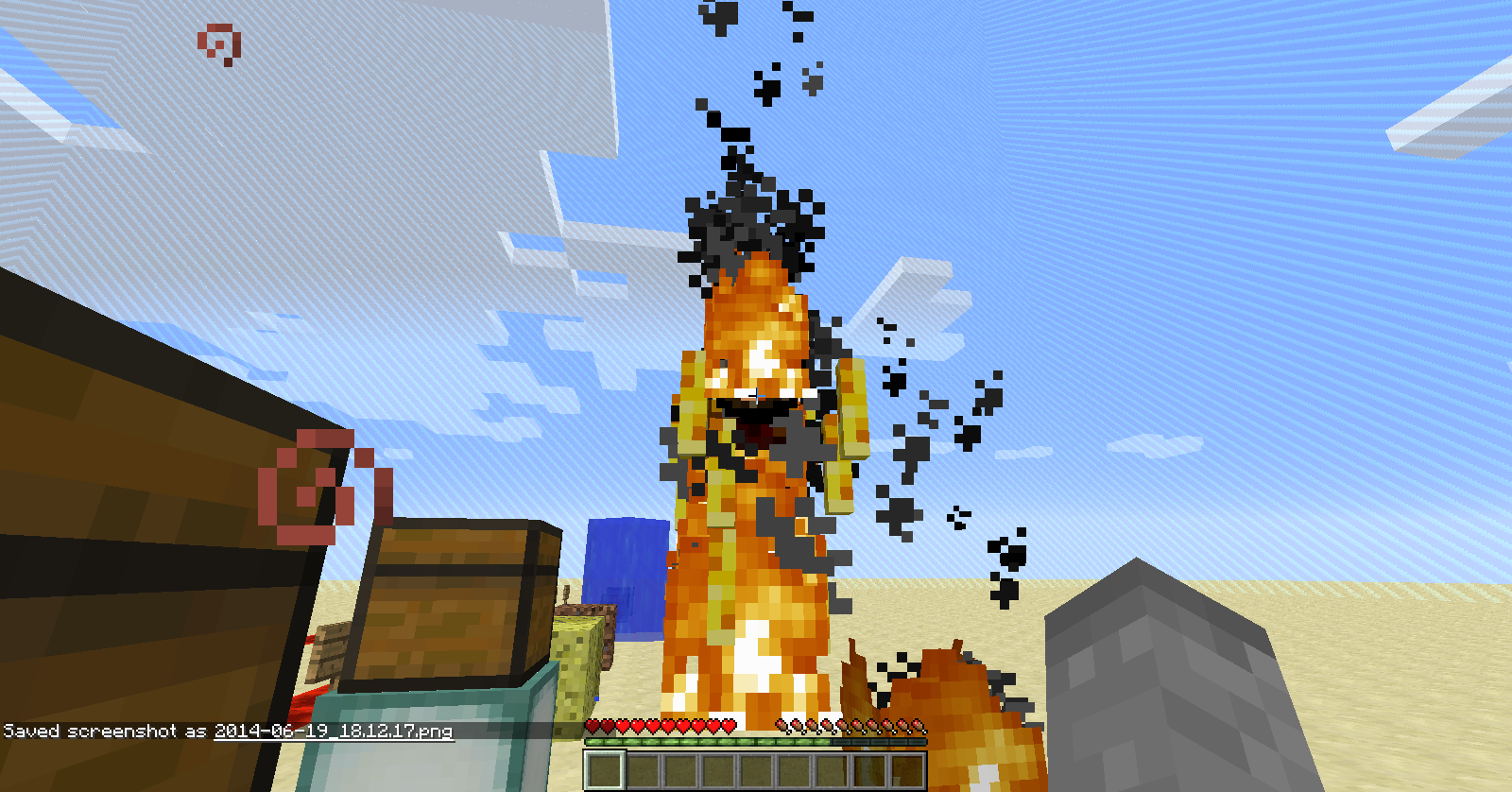
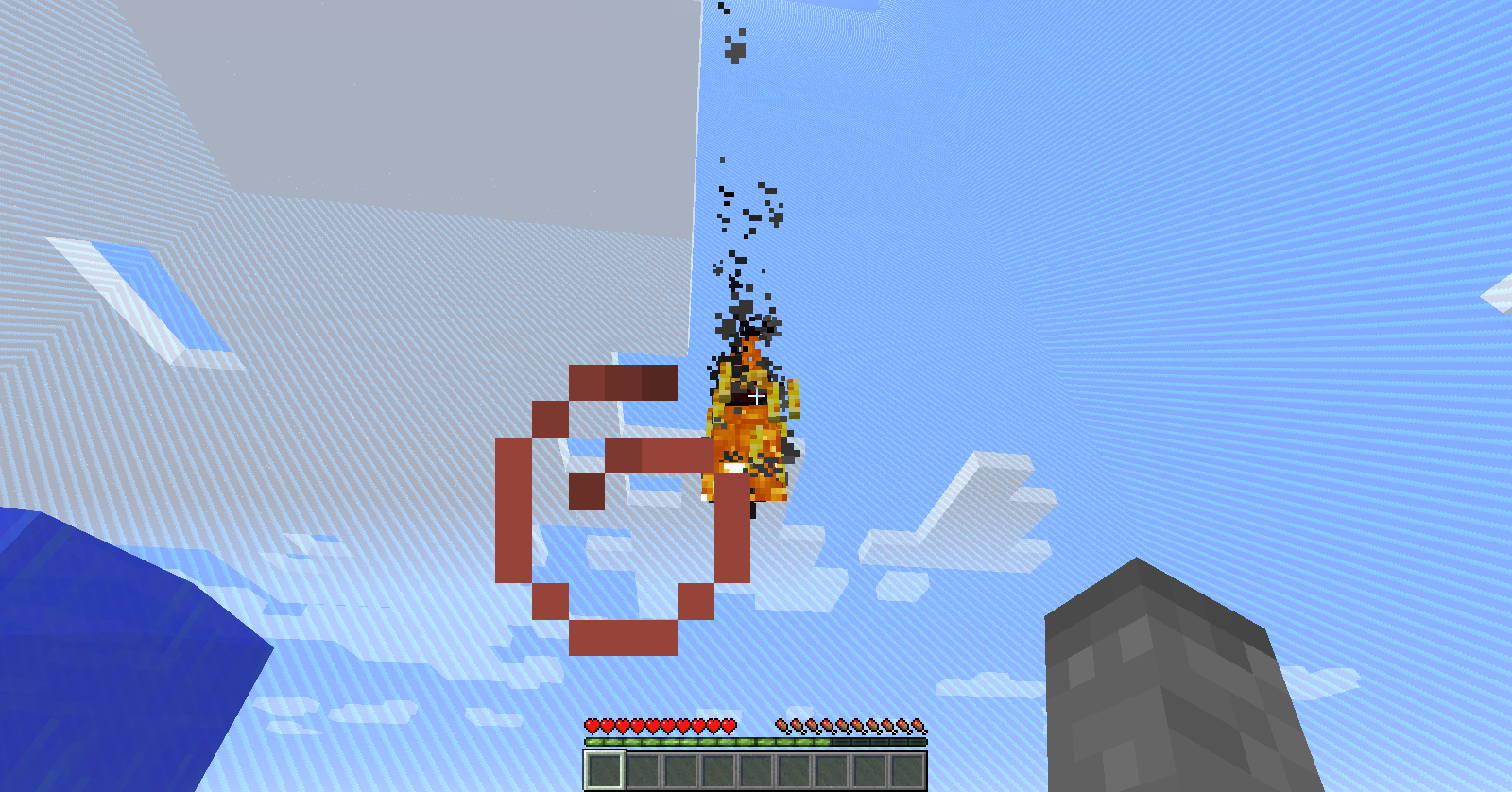
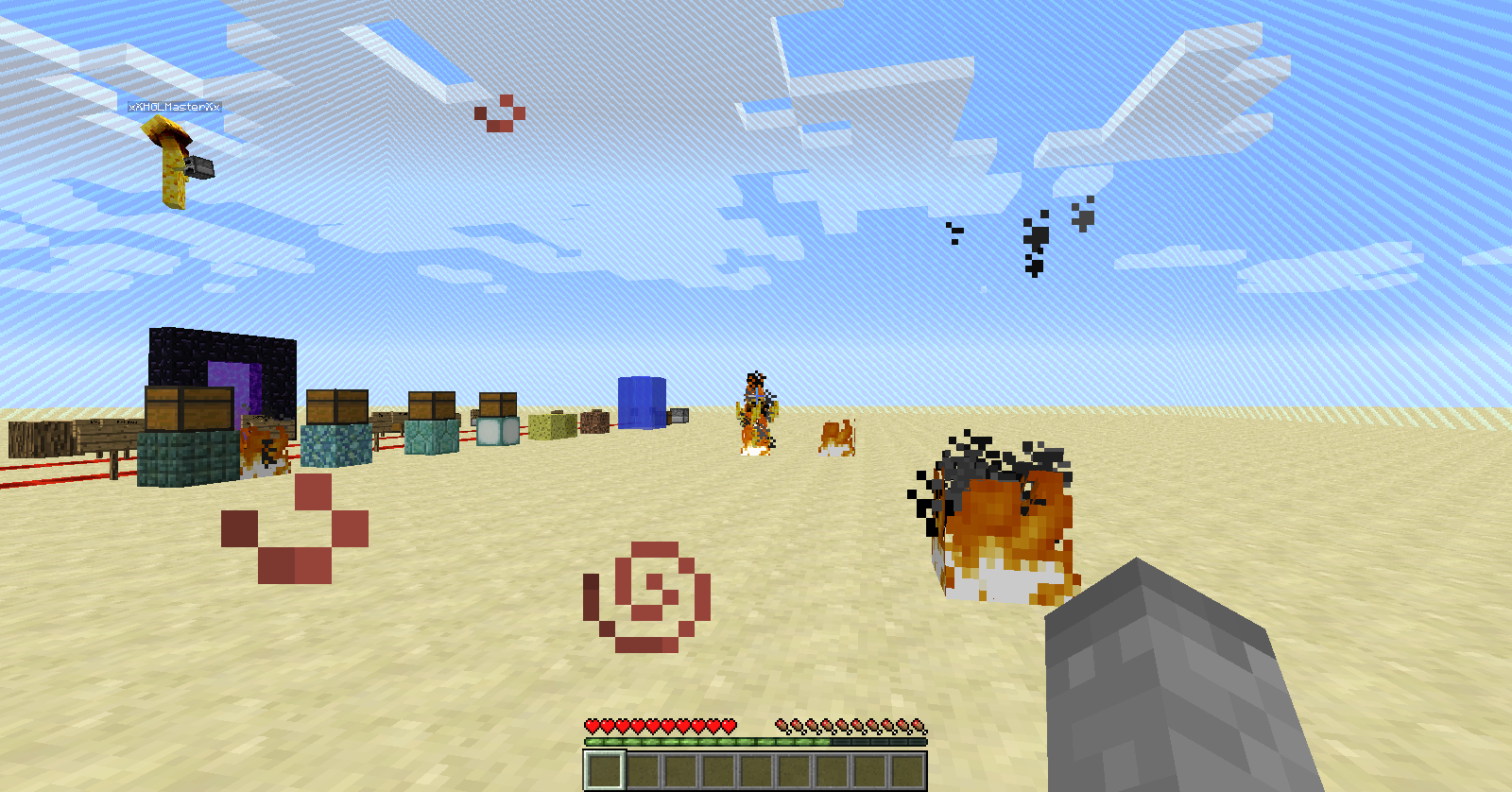
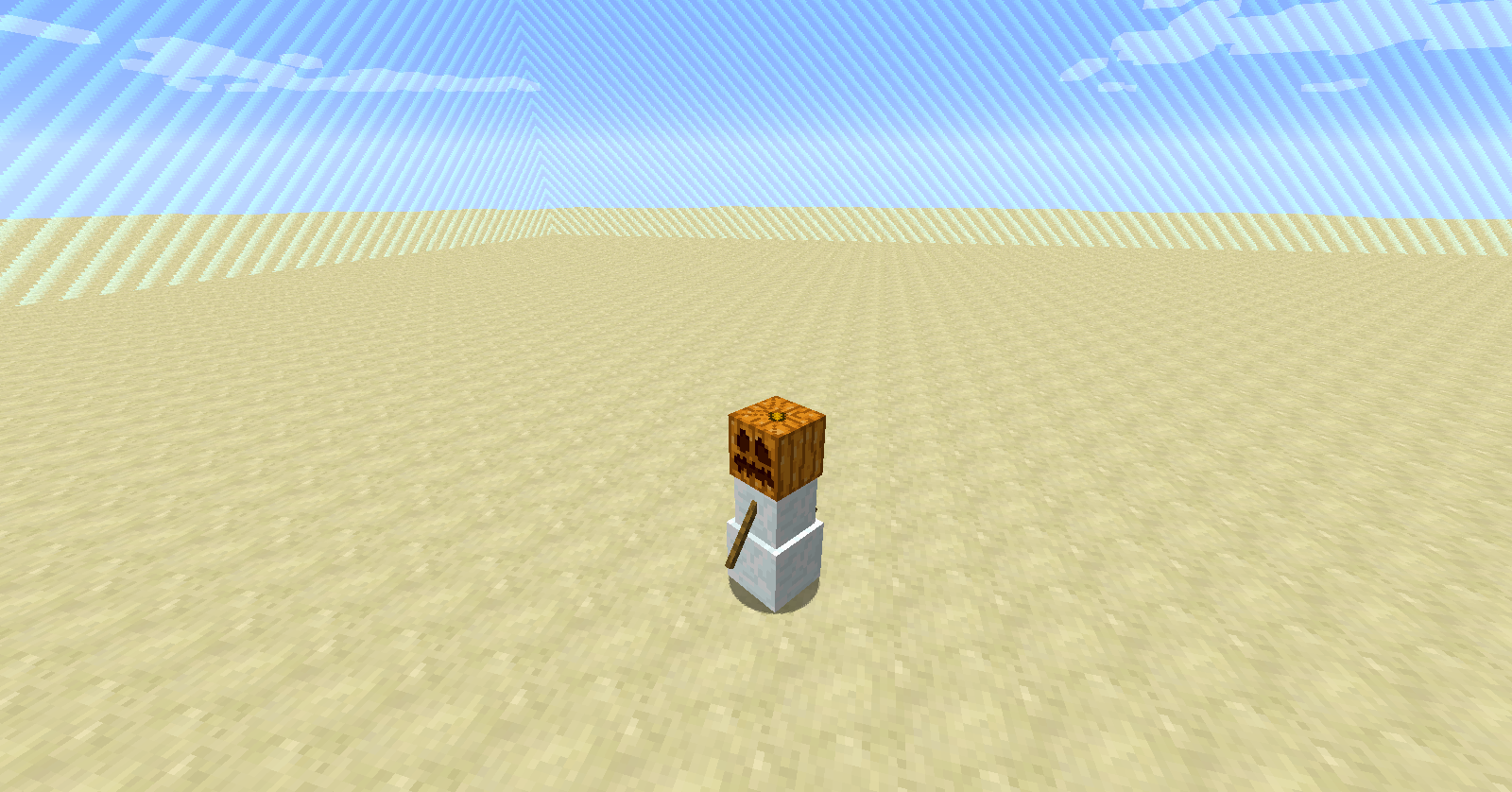
Could not reproduce (see screenshots).
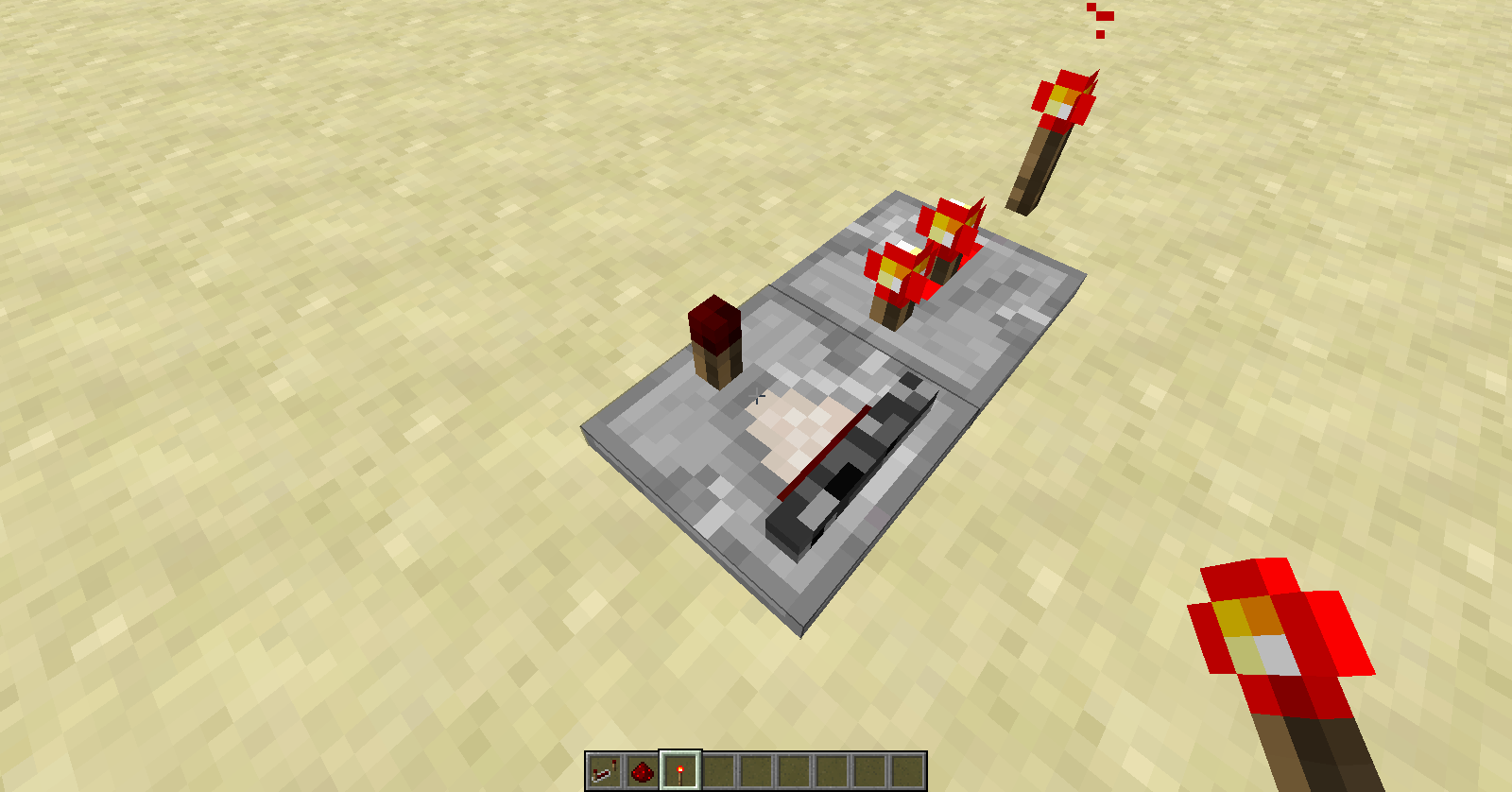


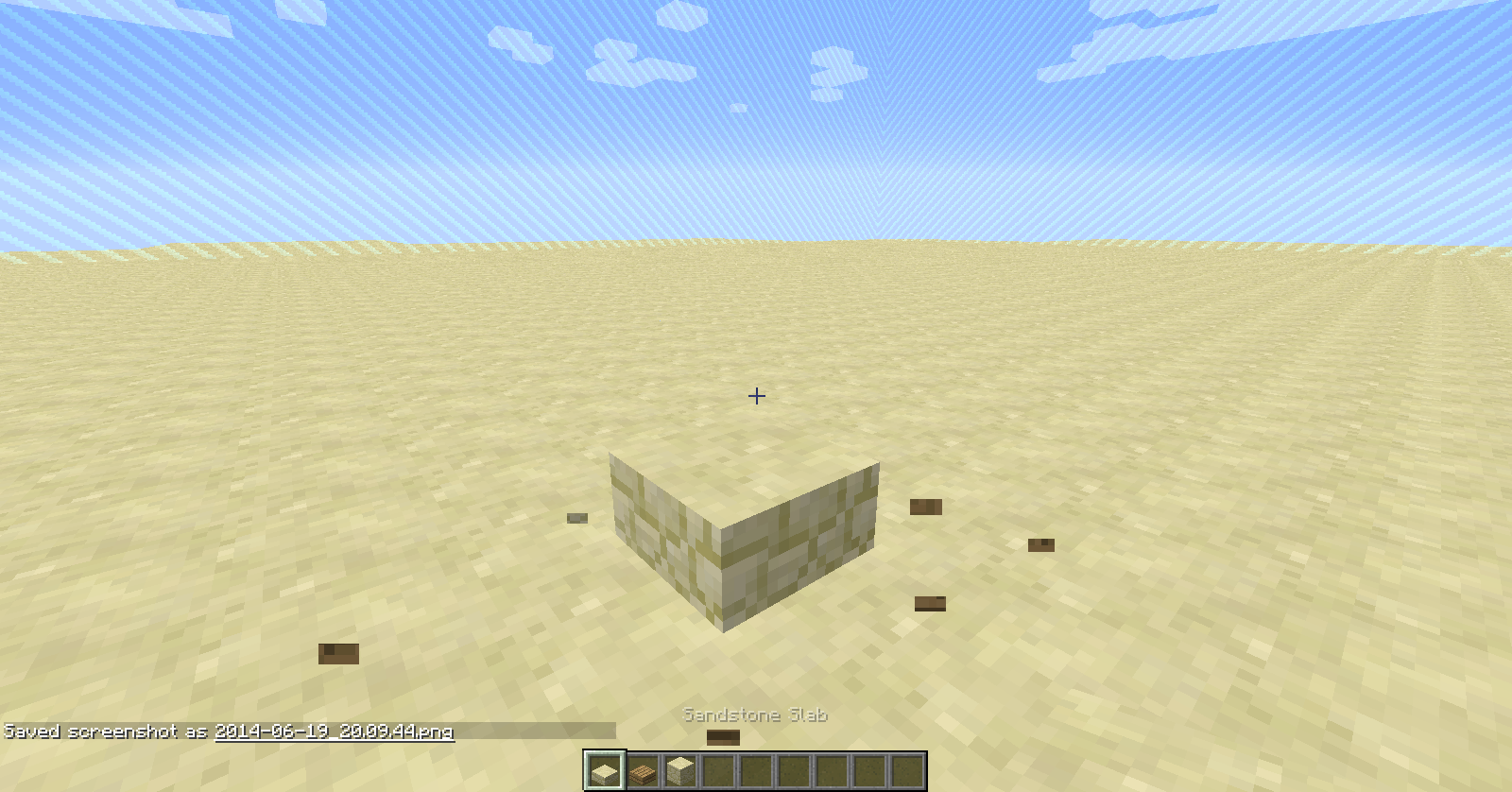
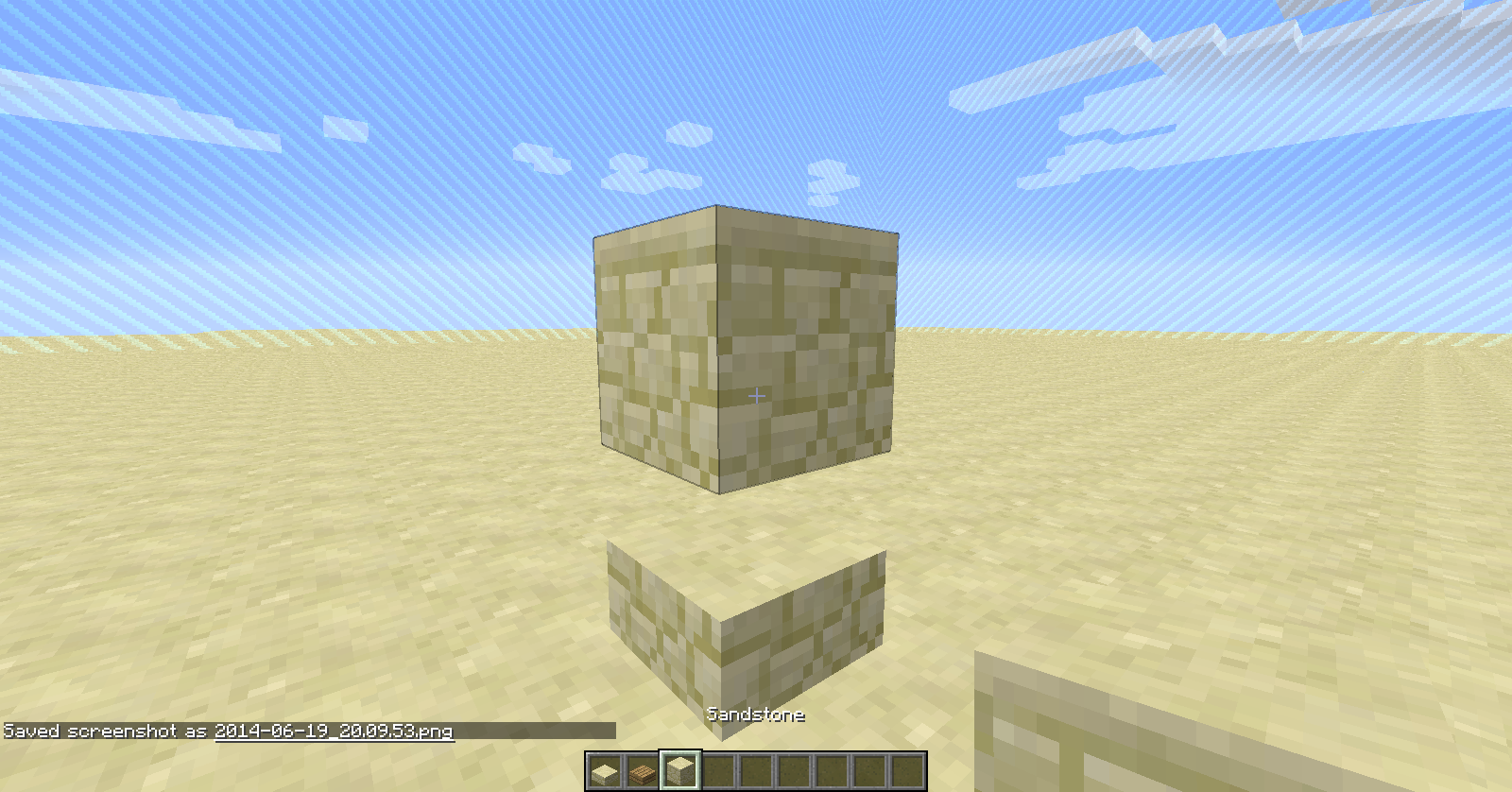
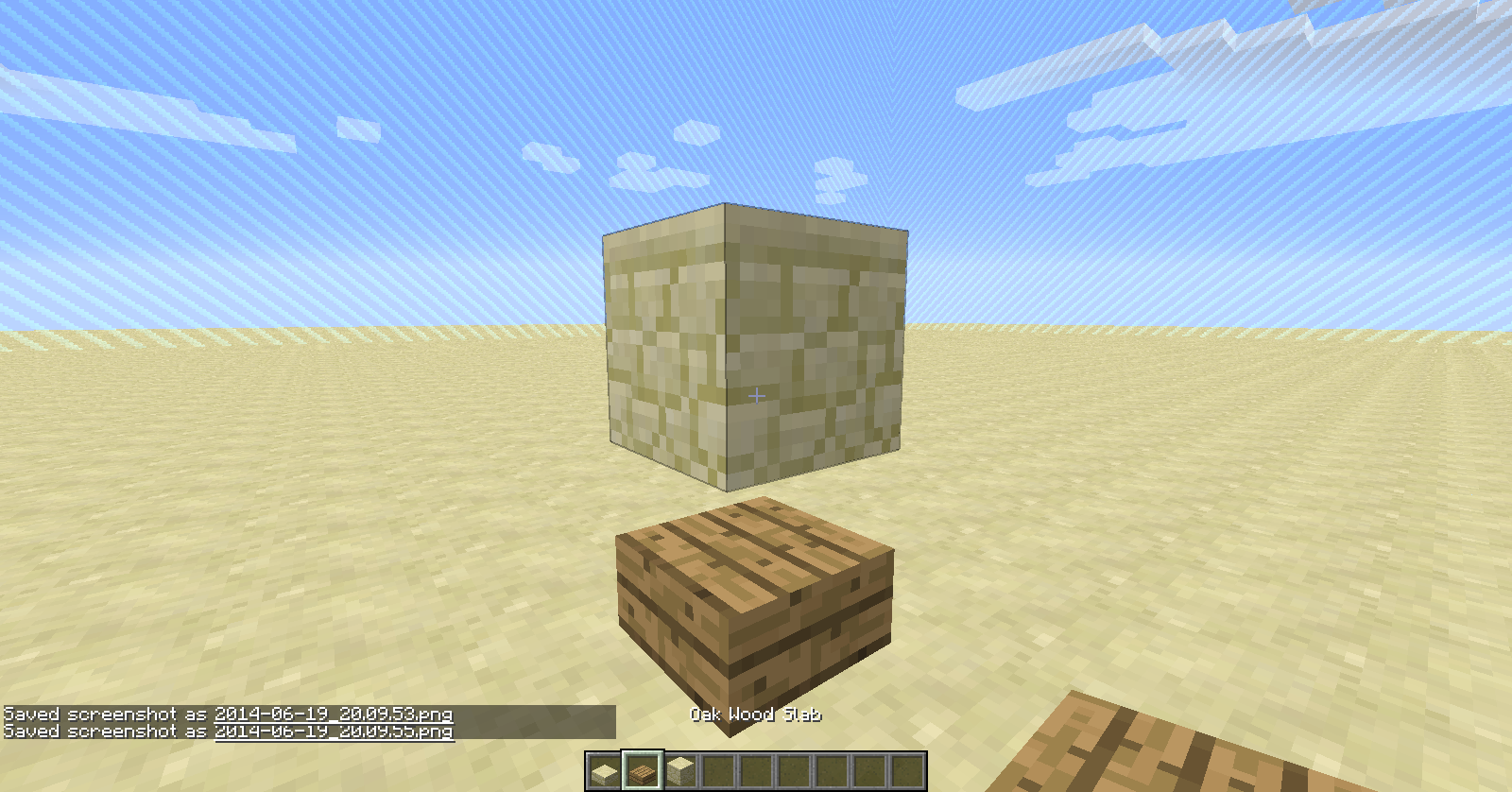

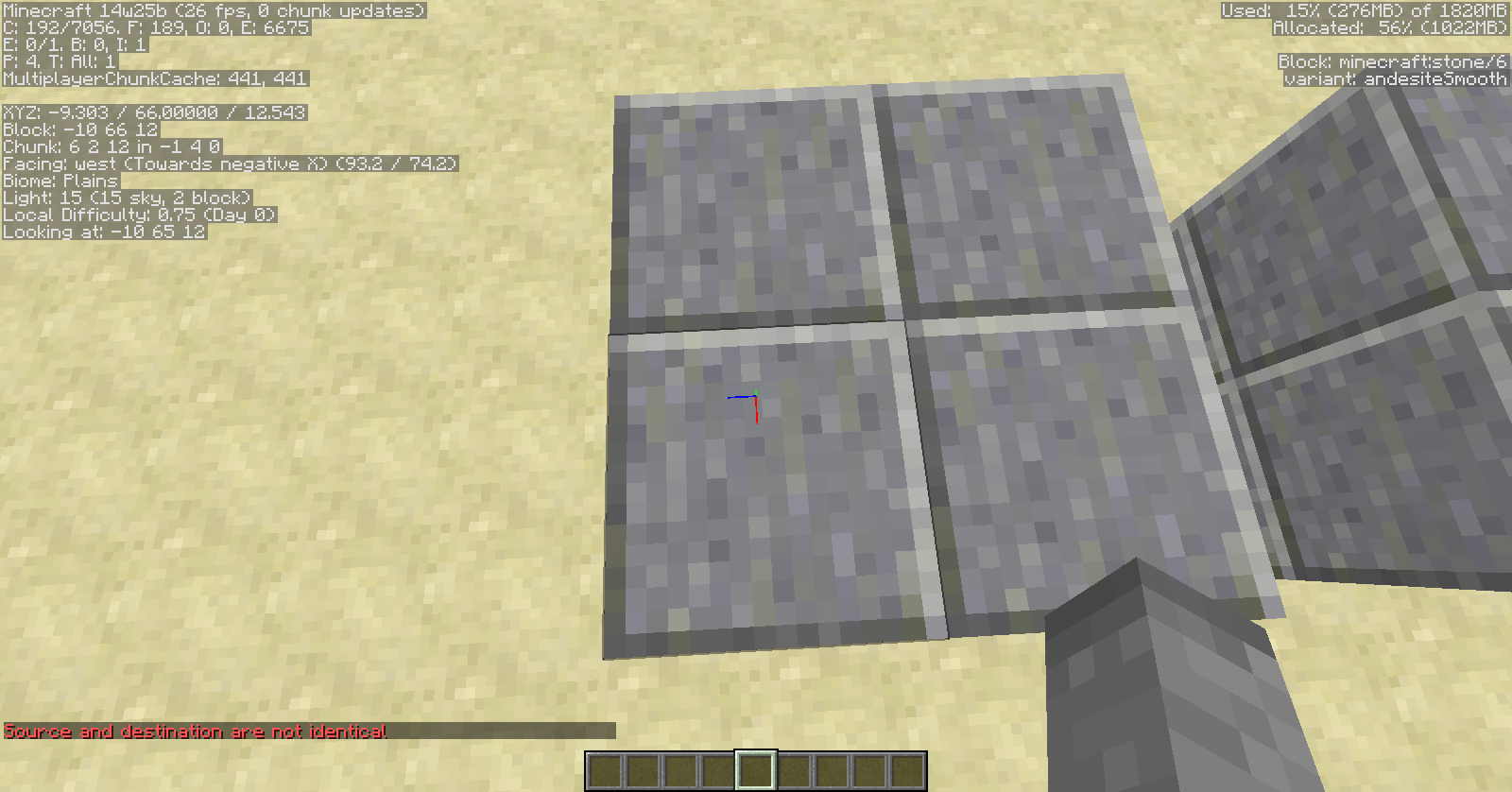
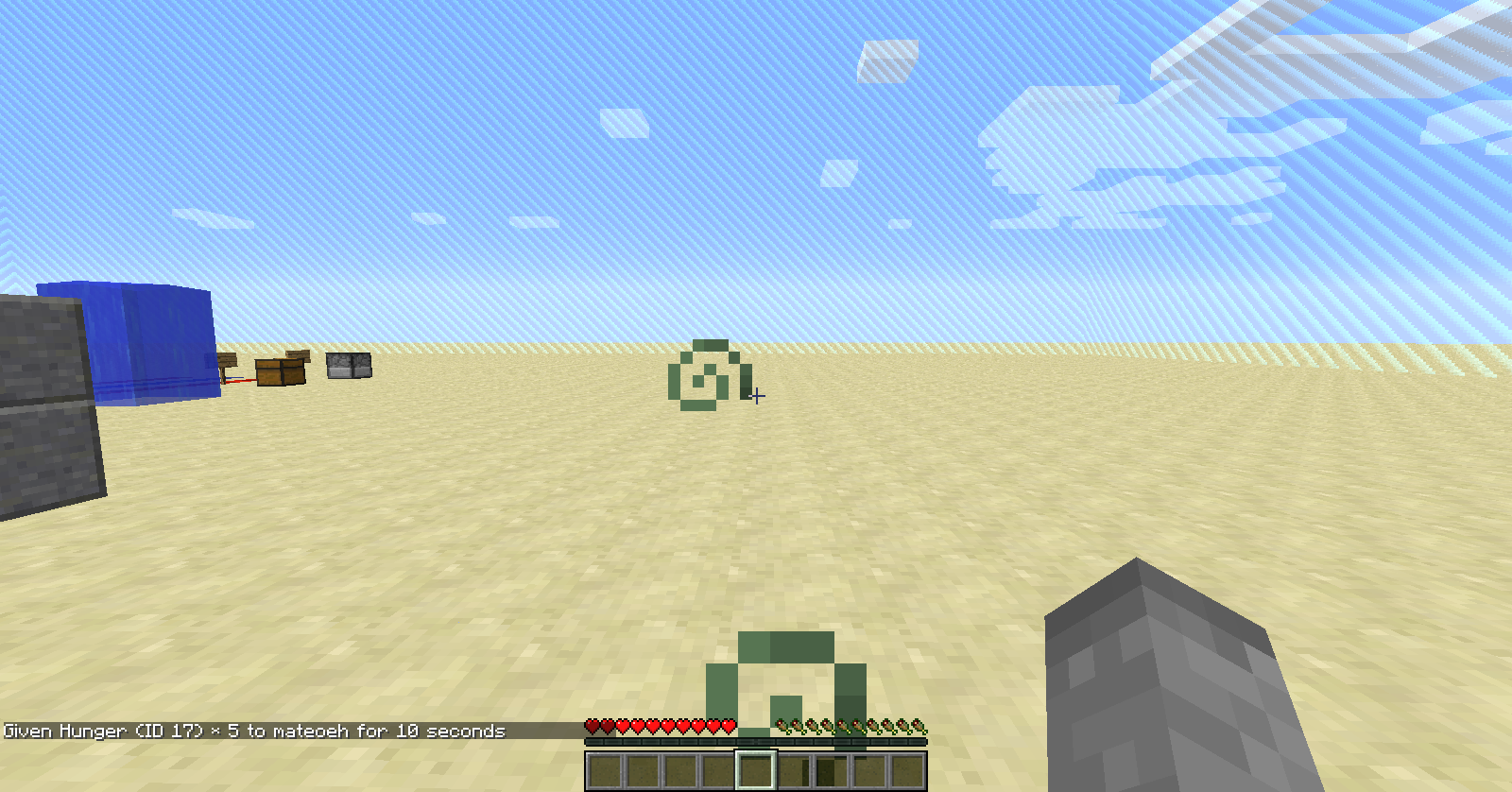

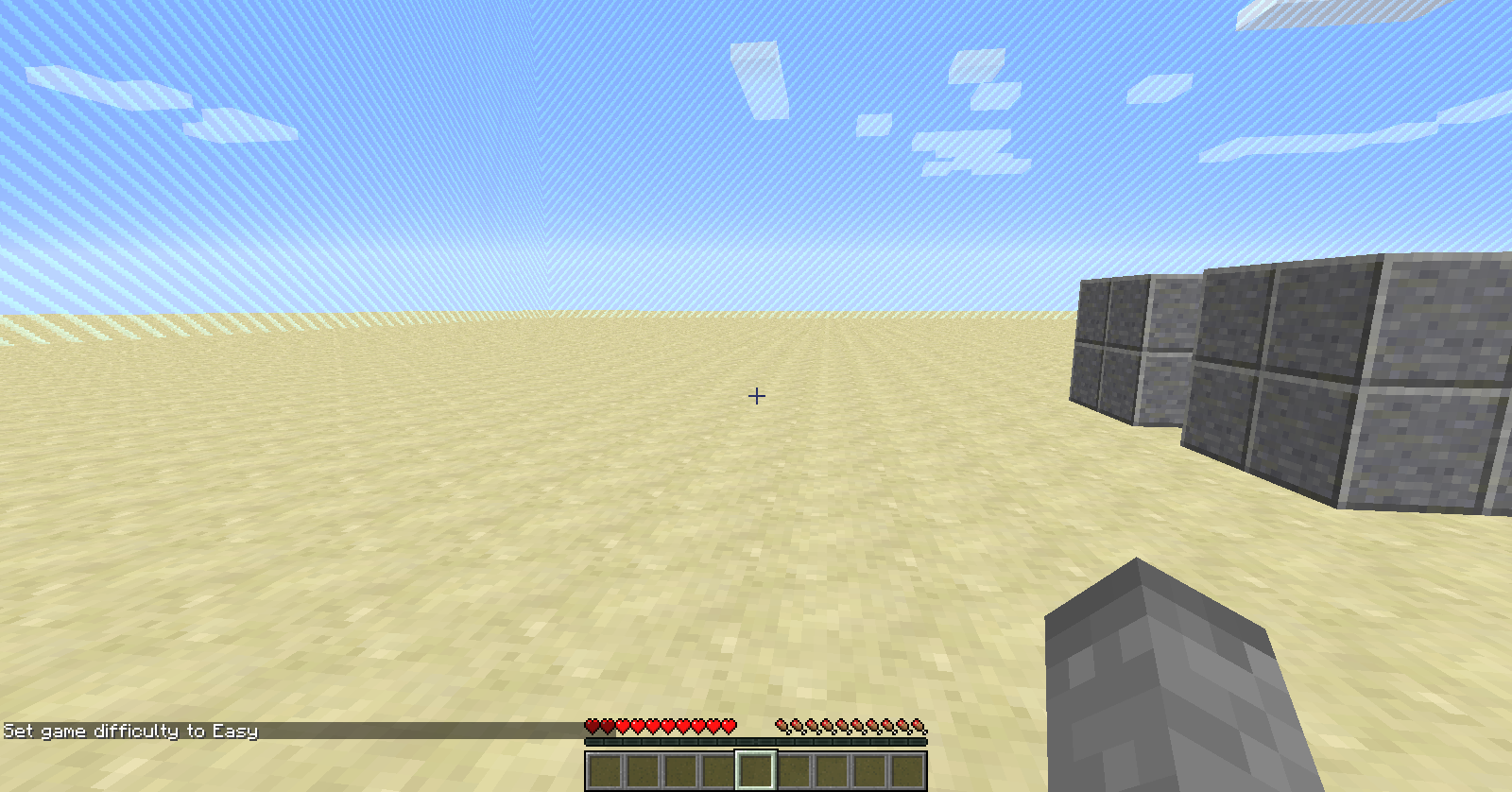
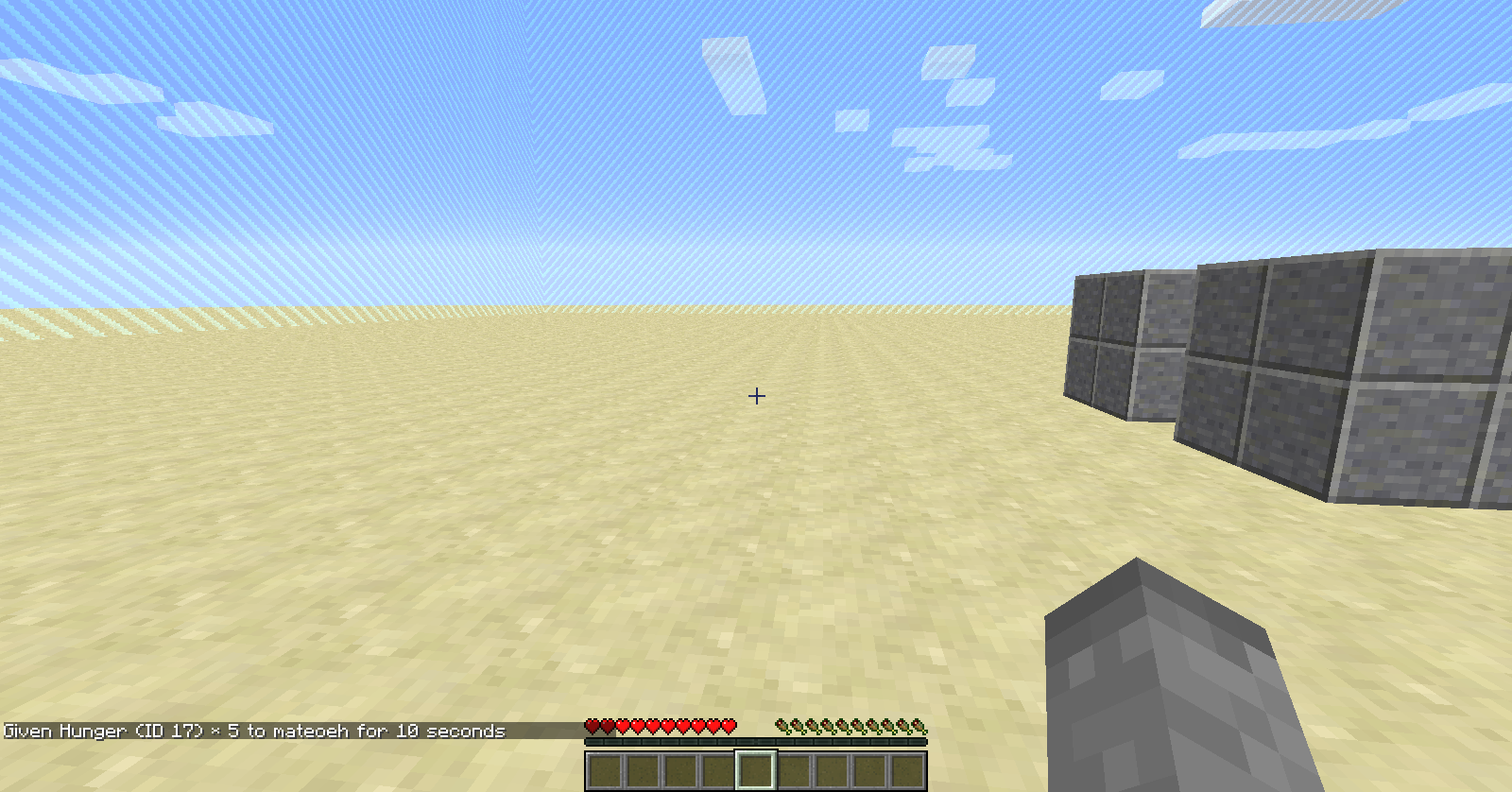
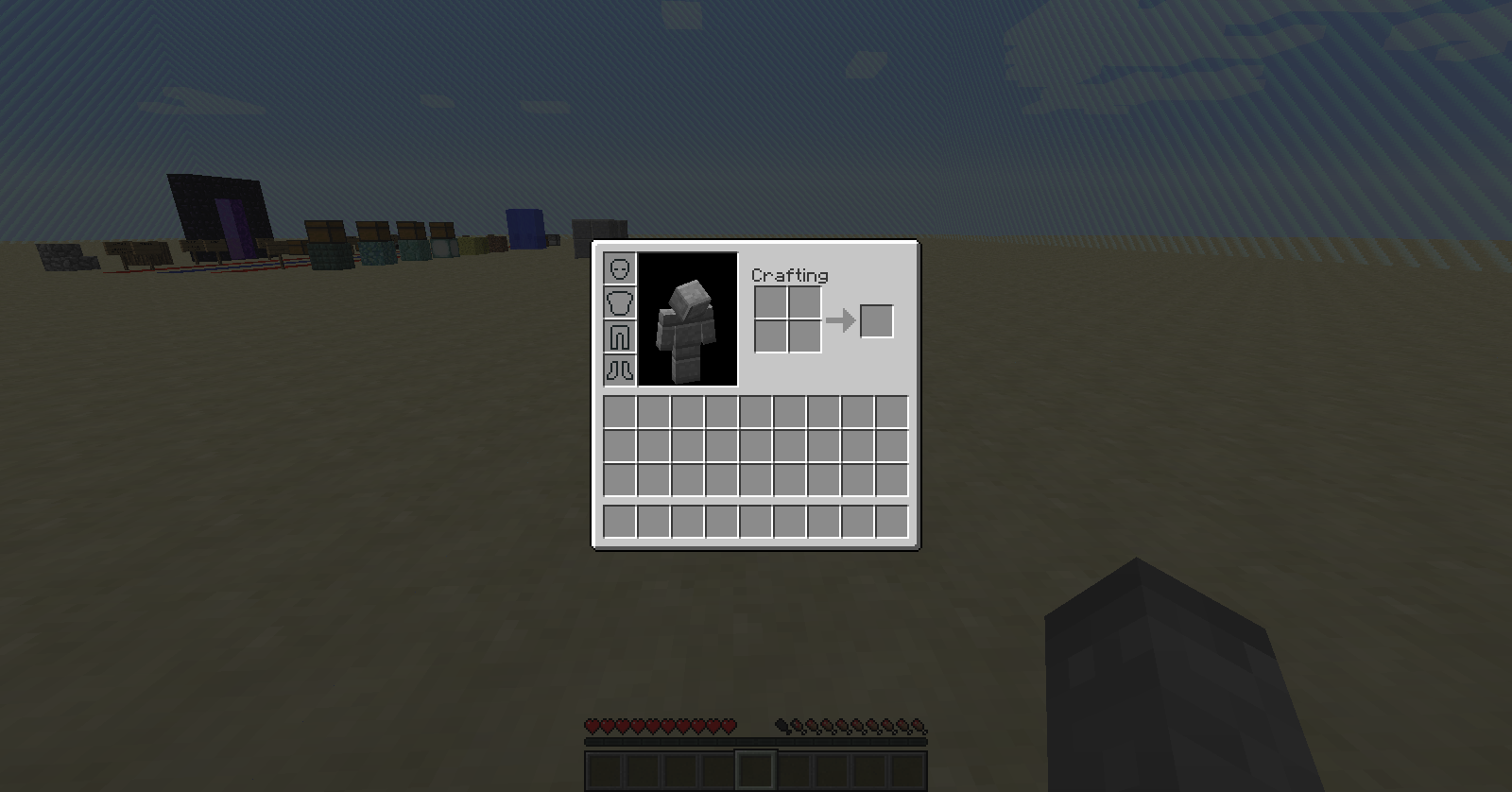
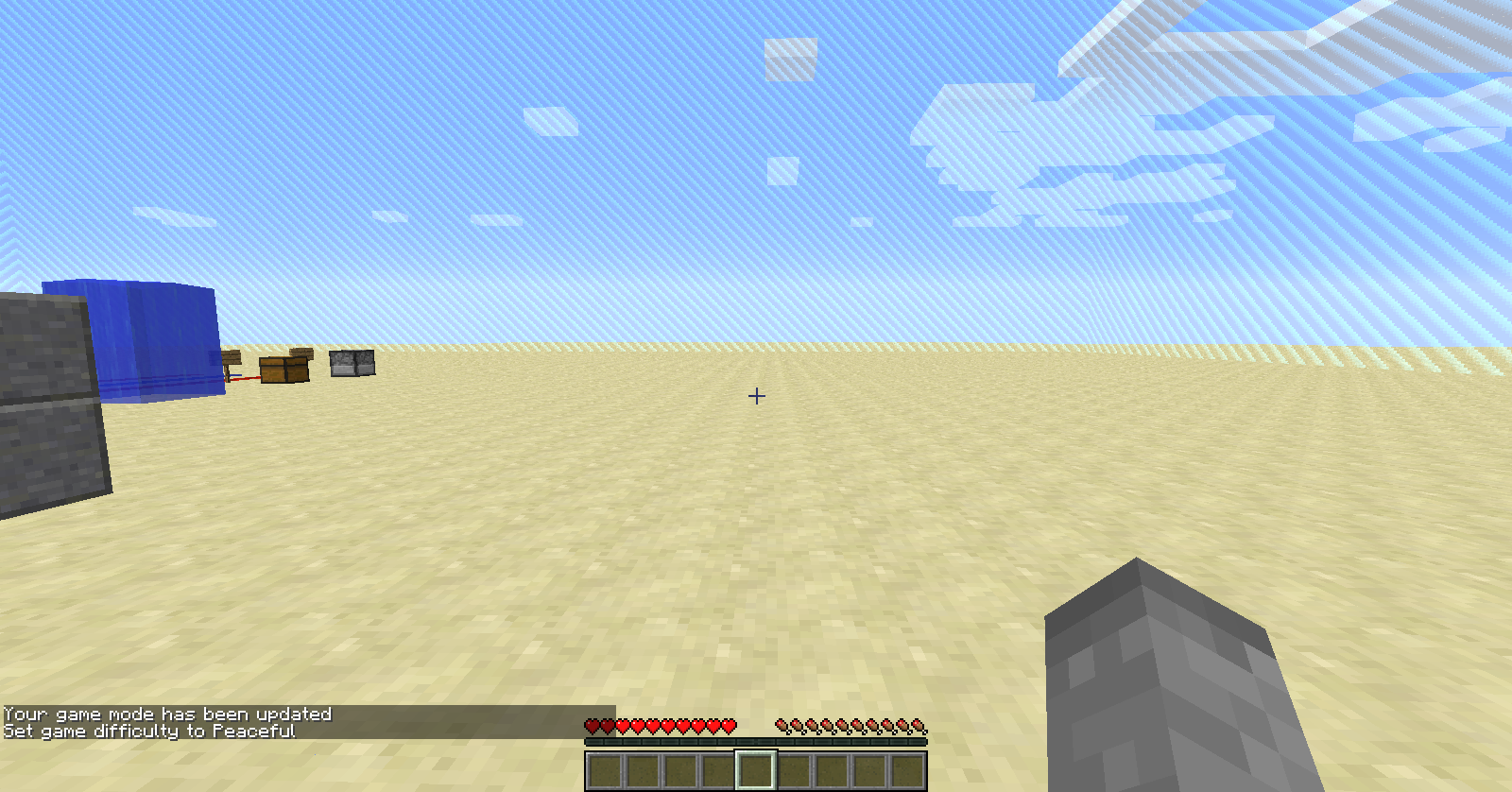
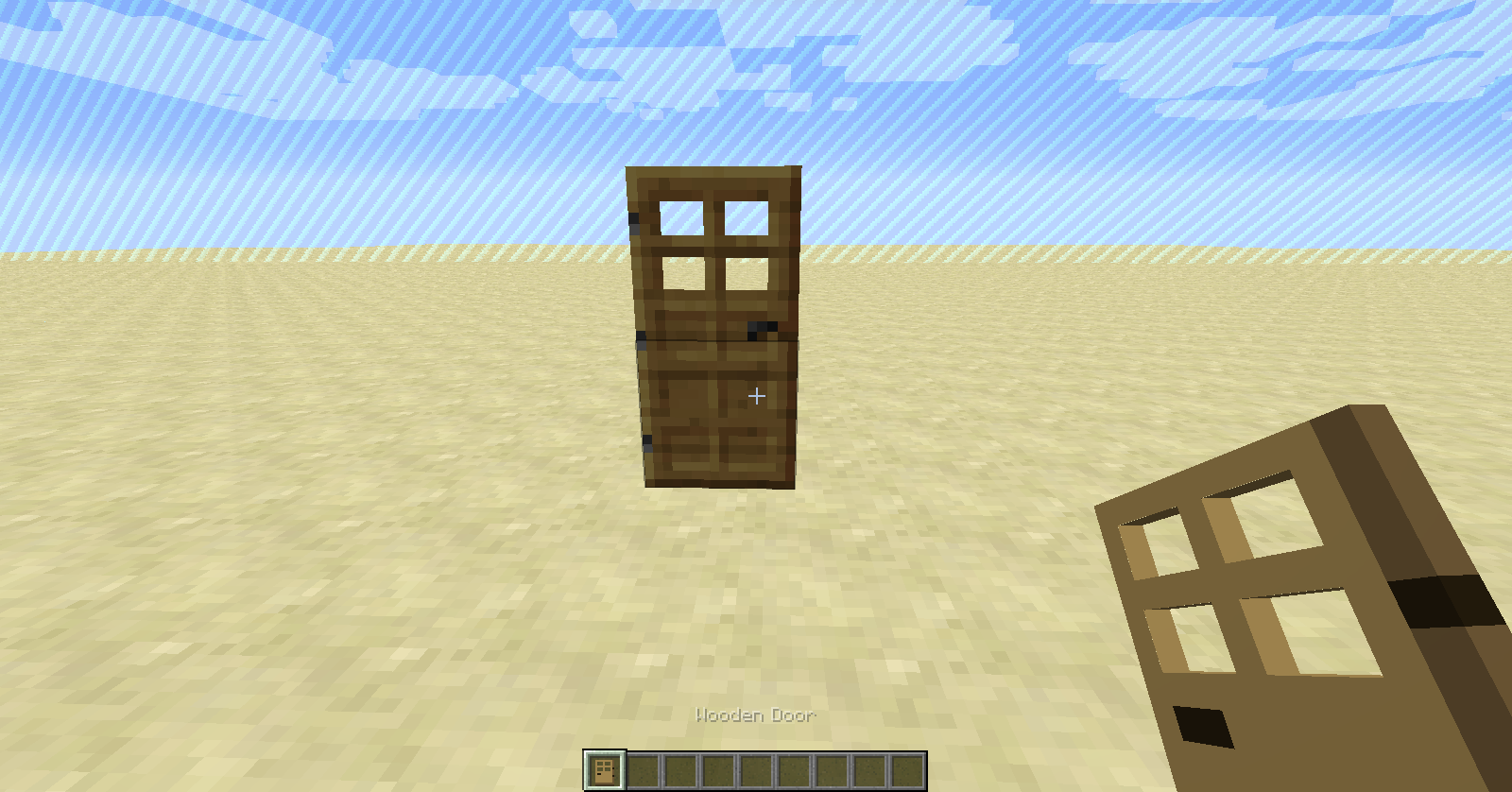
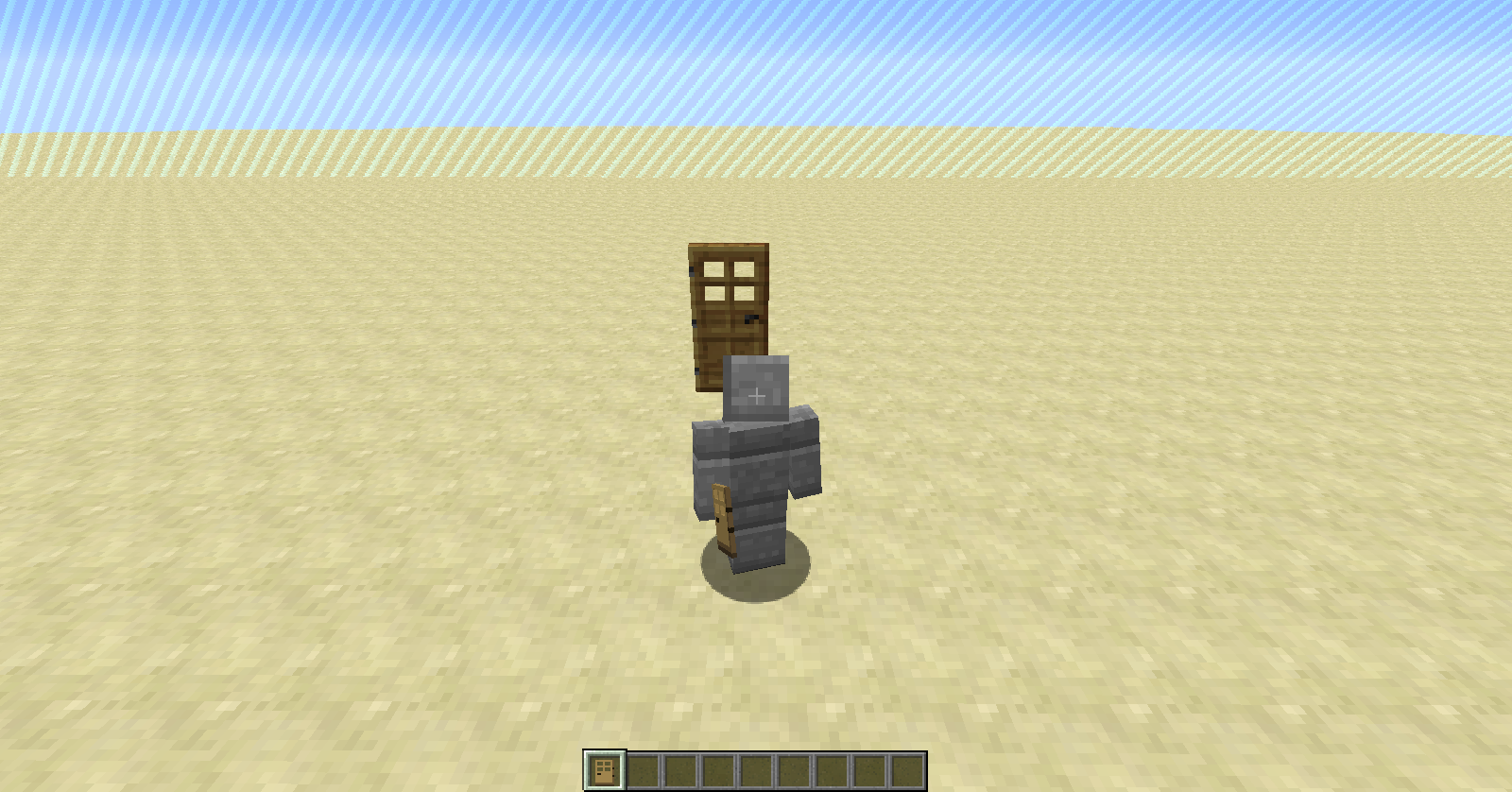
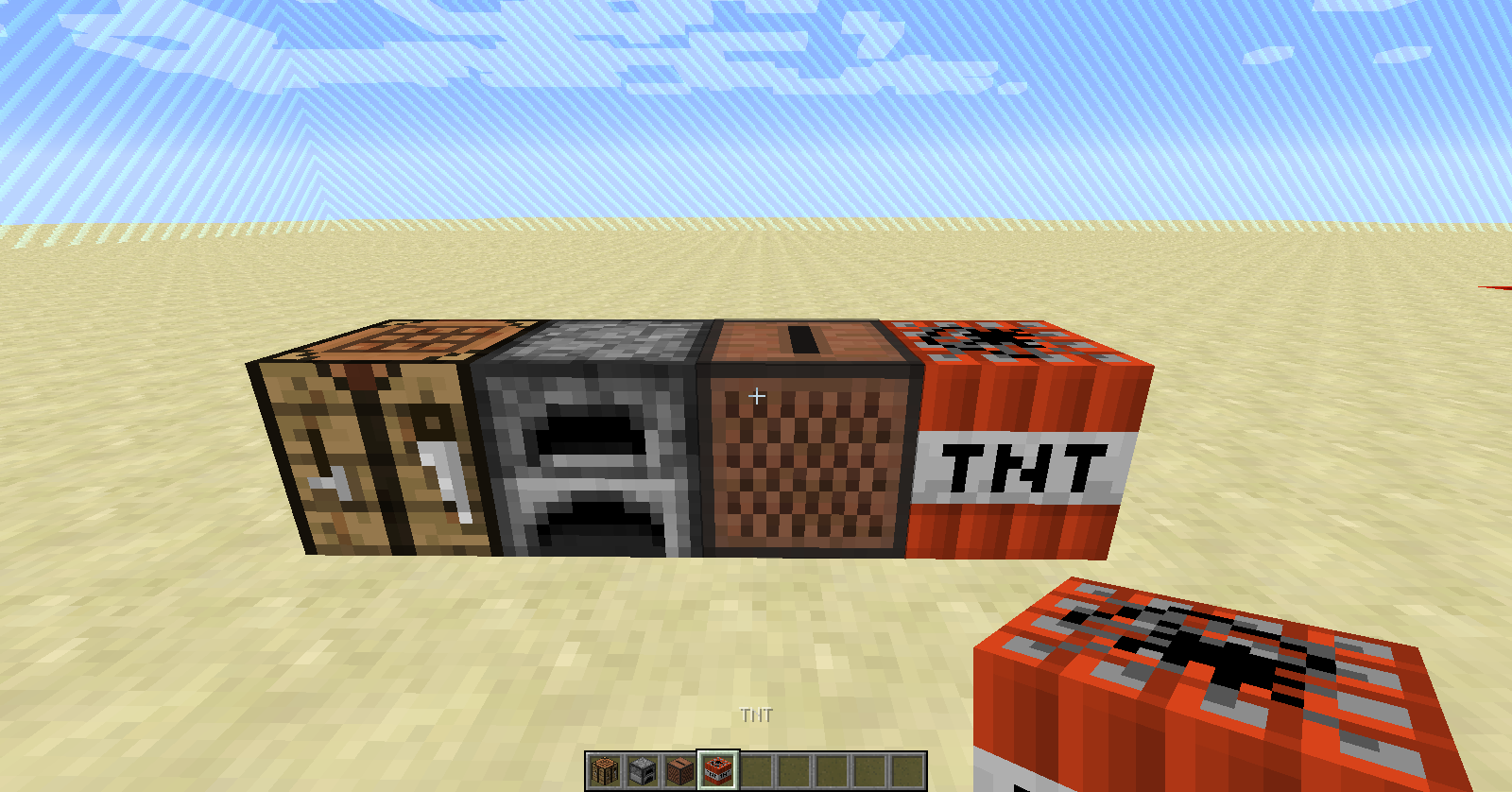
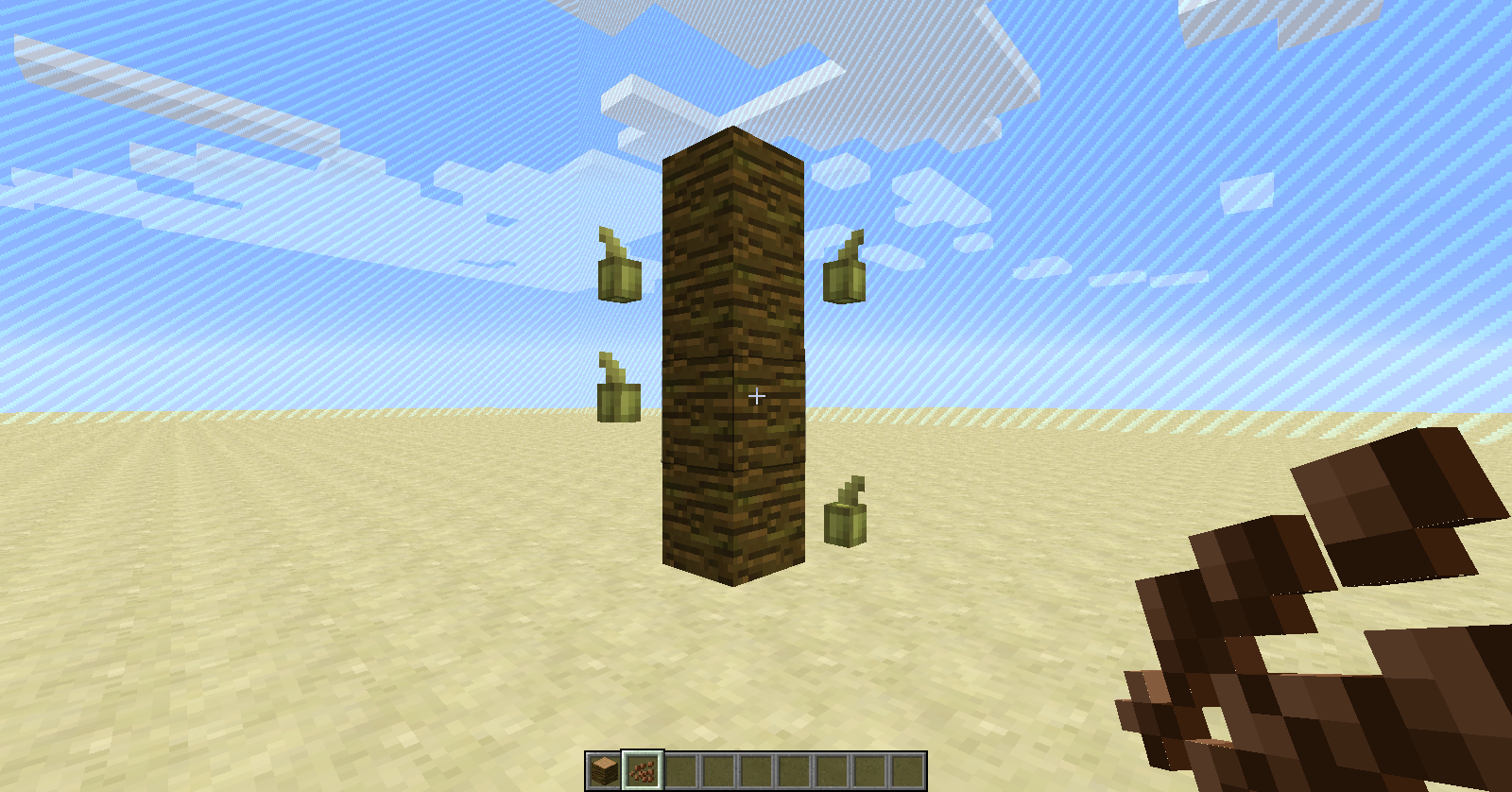

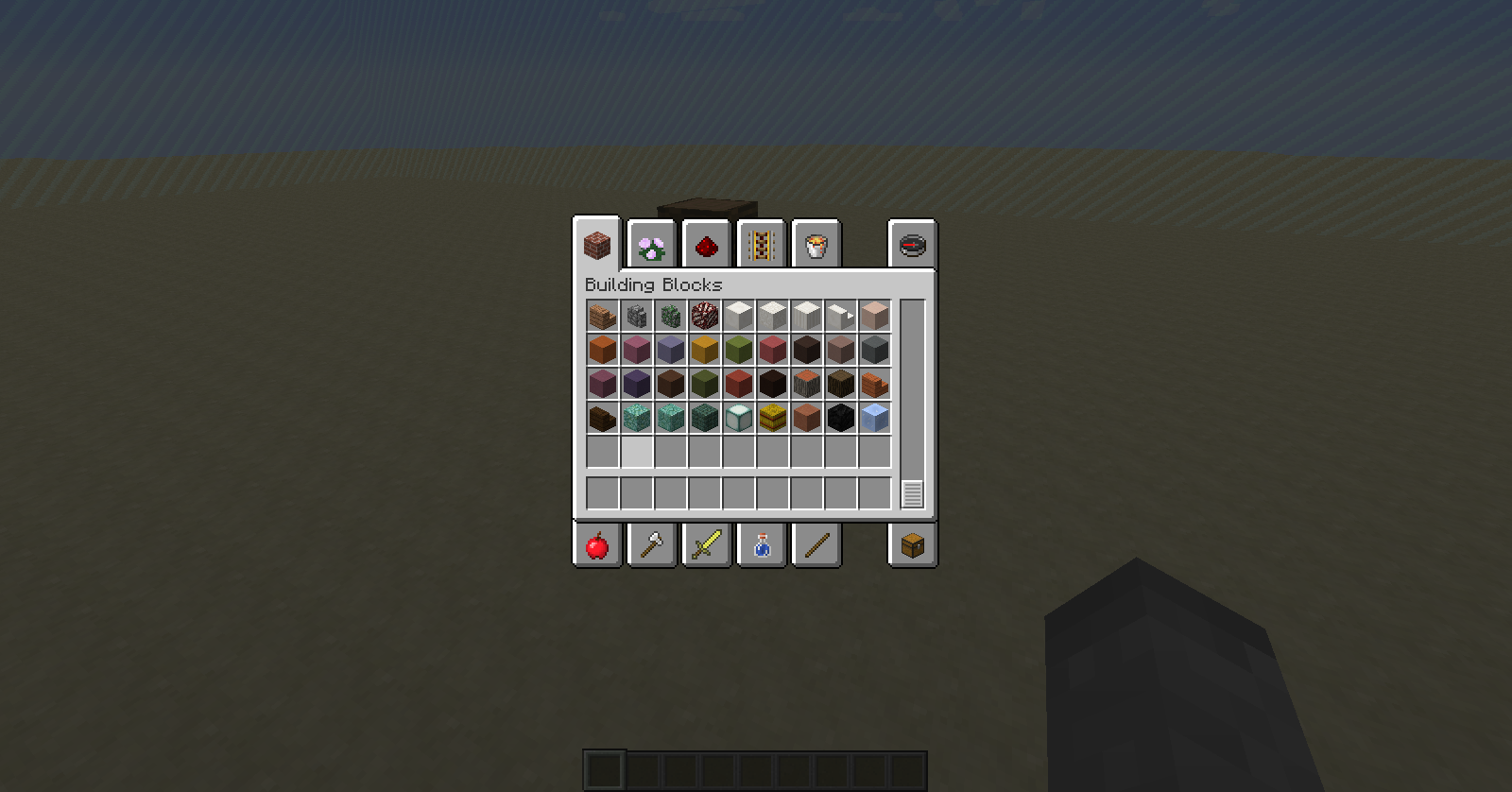

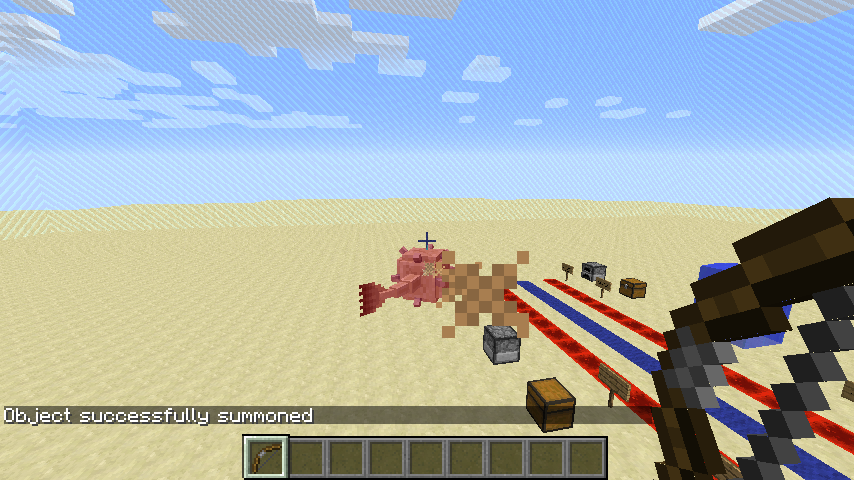
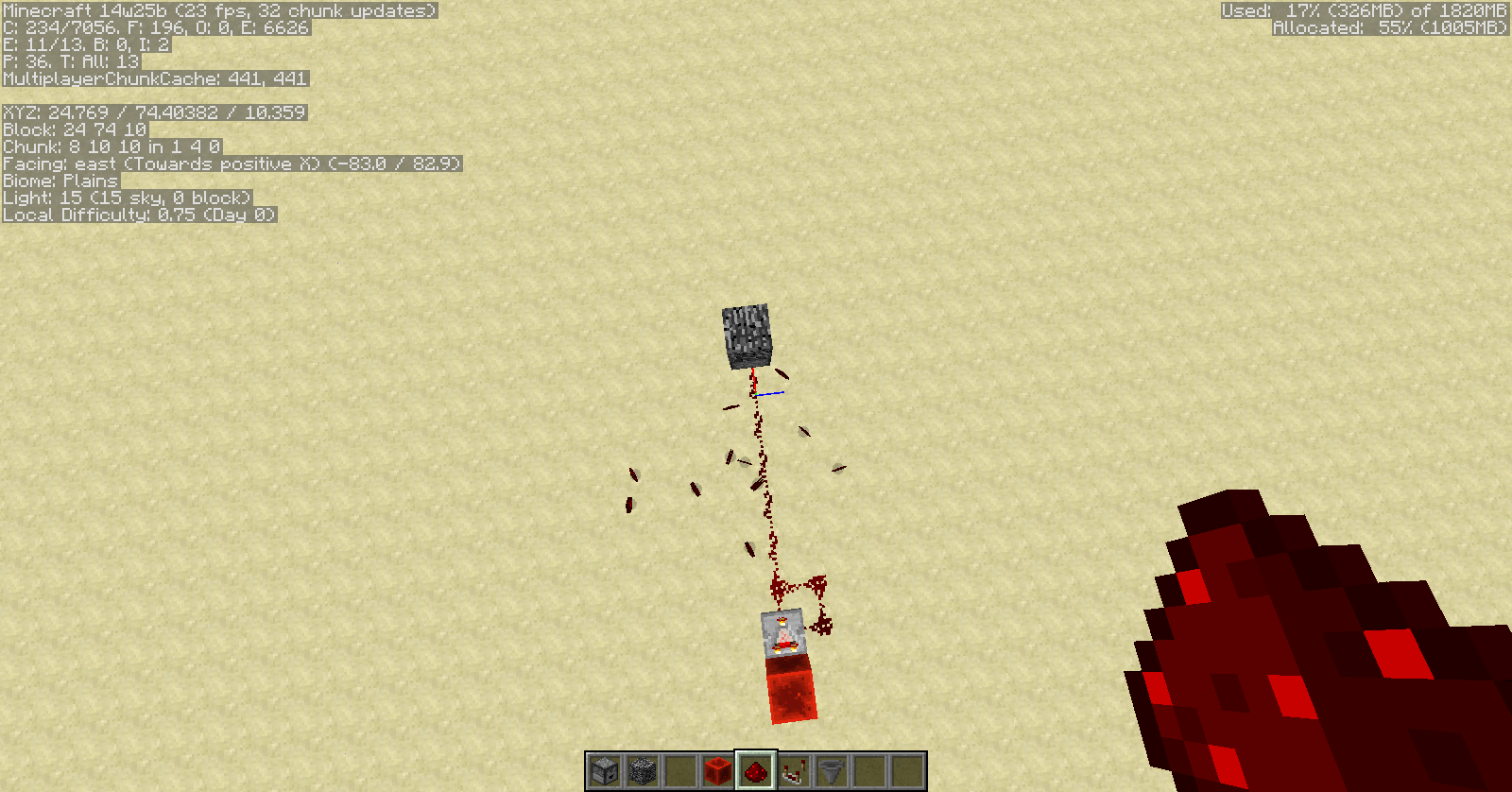
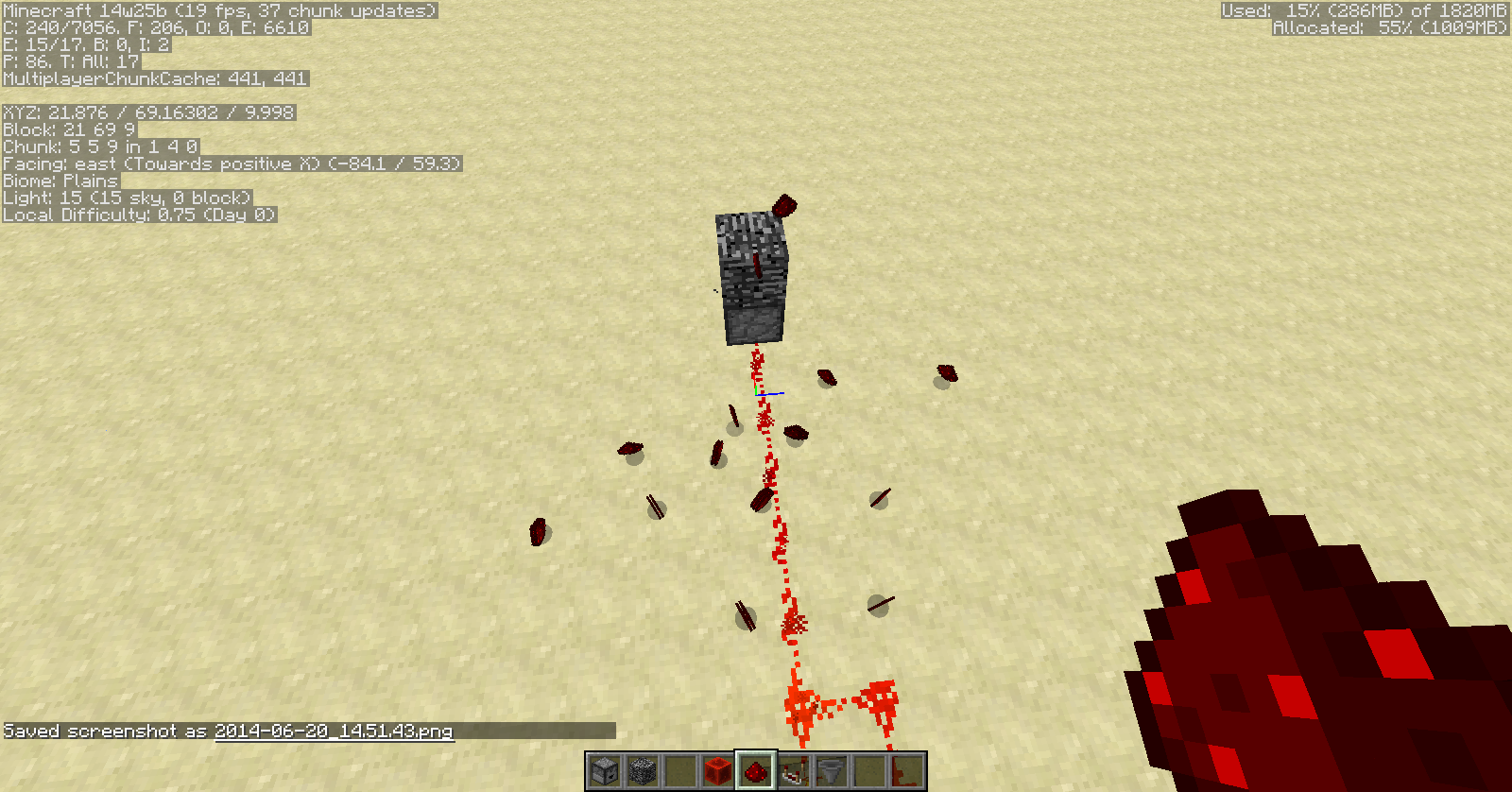
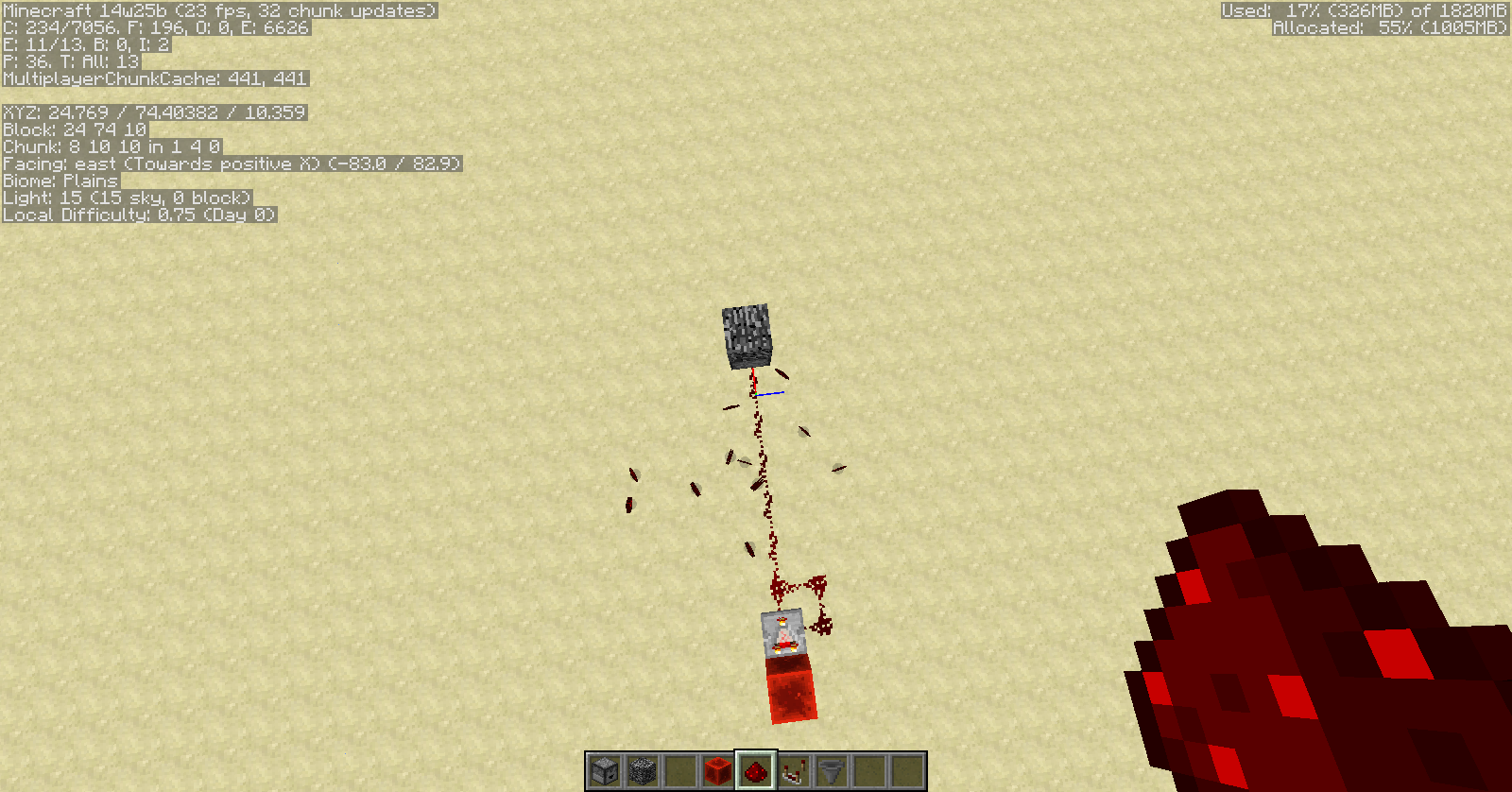


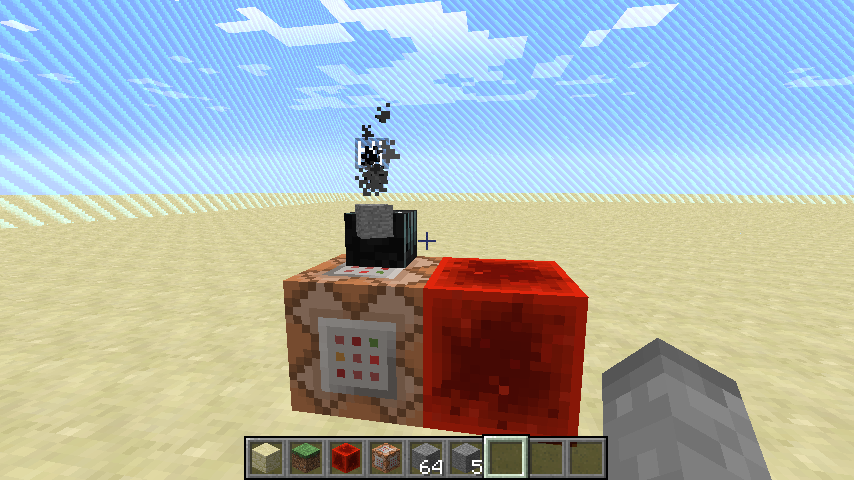
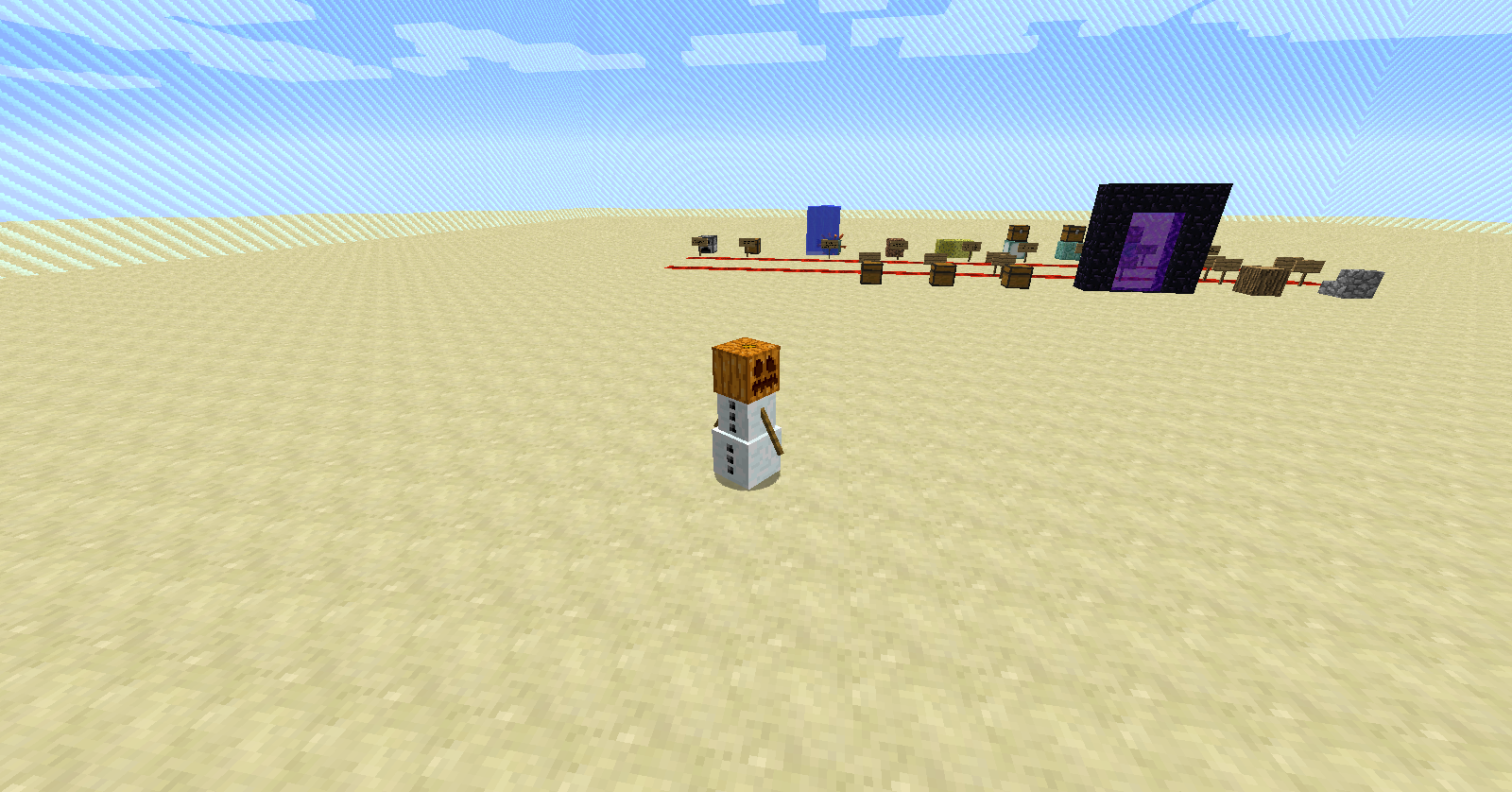
If you summon an item using a command block ( summon Item ~ ~1 ~ {Item:{id:cobblestone,count:1}} to be more exact) the item cannot be picked up, ever, even with PickupDelay set to a small number like 1 or 2, and when killing the item, the message it shows, "Killed item.tile. tilename ", is wrong ( screenshot attached , mine displayed item.tile.stonebrick when killing cobblestone).
Side note : The item also won't display a CustomName (MC-57516).
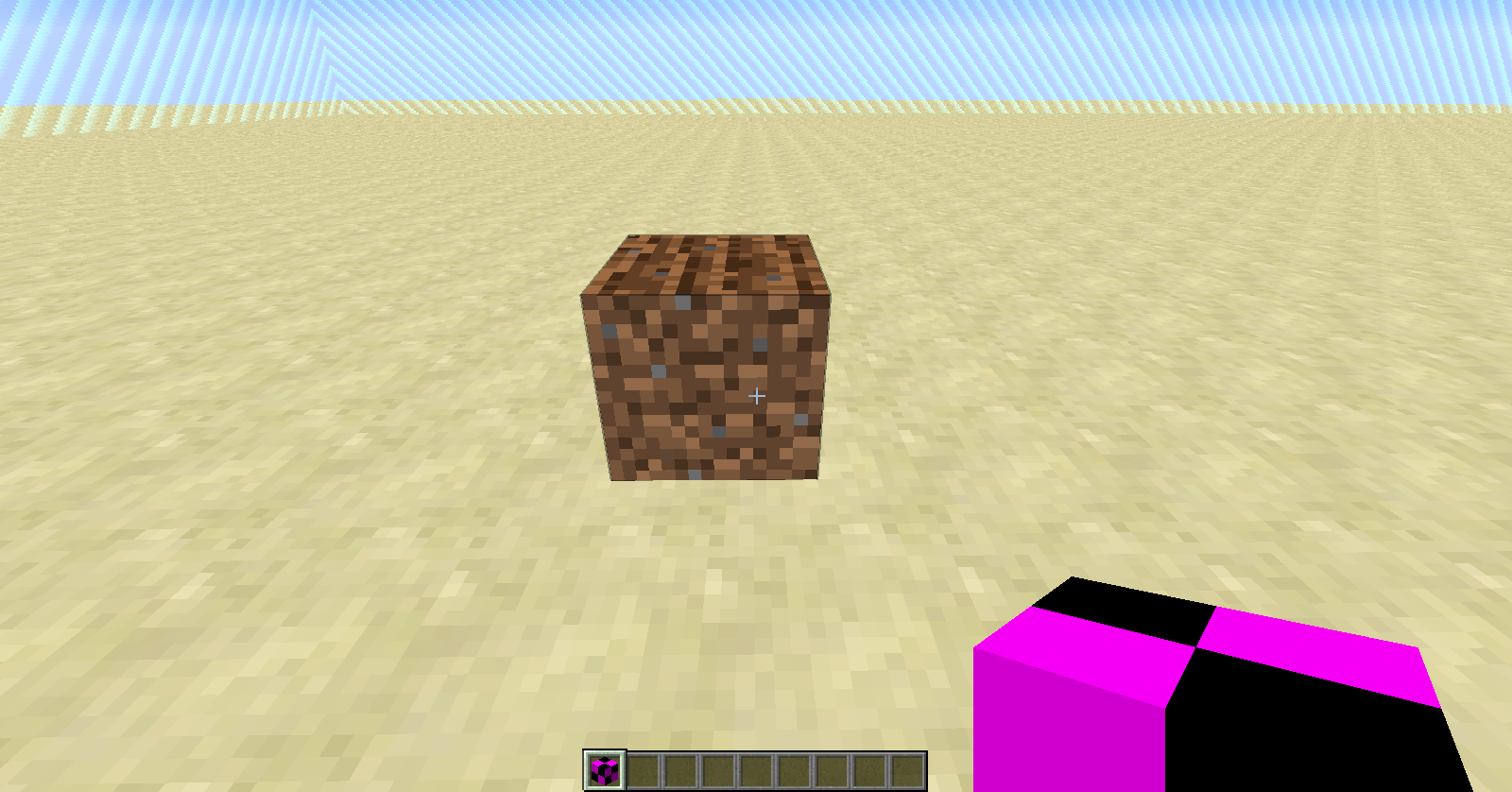
If you use the command /give @p farmland 1 , you will receive a block of farmland that lacks a texture inside your inventory. The block can be placed and when it is placed it becomes a normal block of farmland, but inside the inventory it shows the familiar black and purple checkerboard pattern.
If you use the command
/give @p farmland 1you will receive a block of farmland that lacks a texture inside your inventory. The block can be placed and when it is placed it becomes a normal block of farmland, but inside the inventory it shows the familiar black and purple checkerboard pattern.

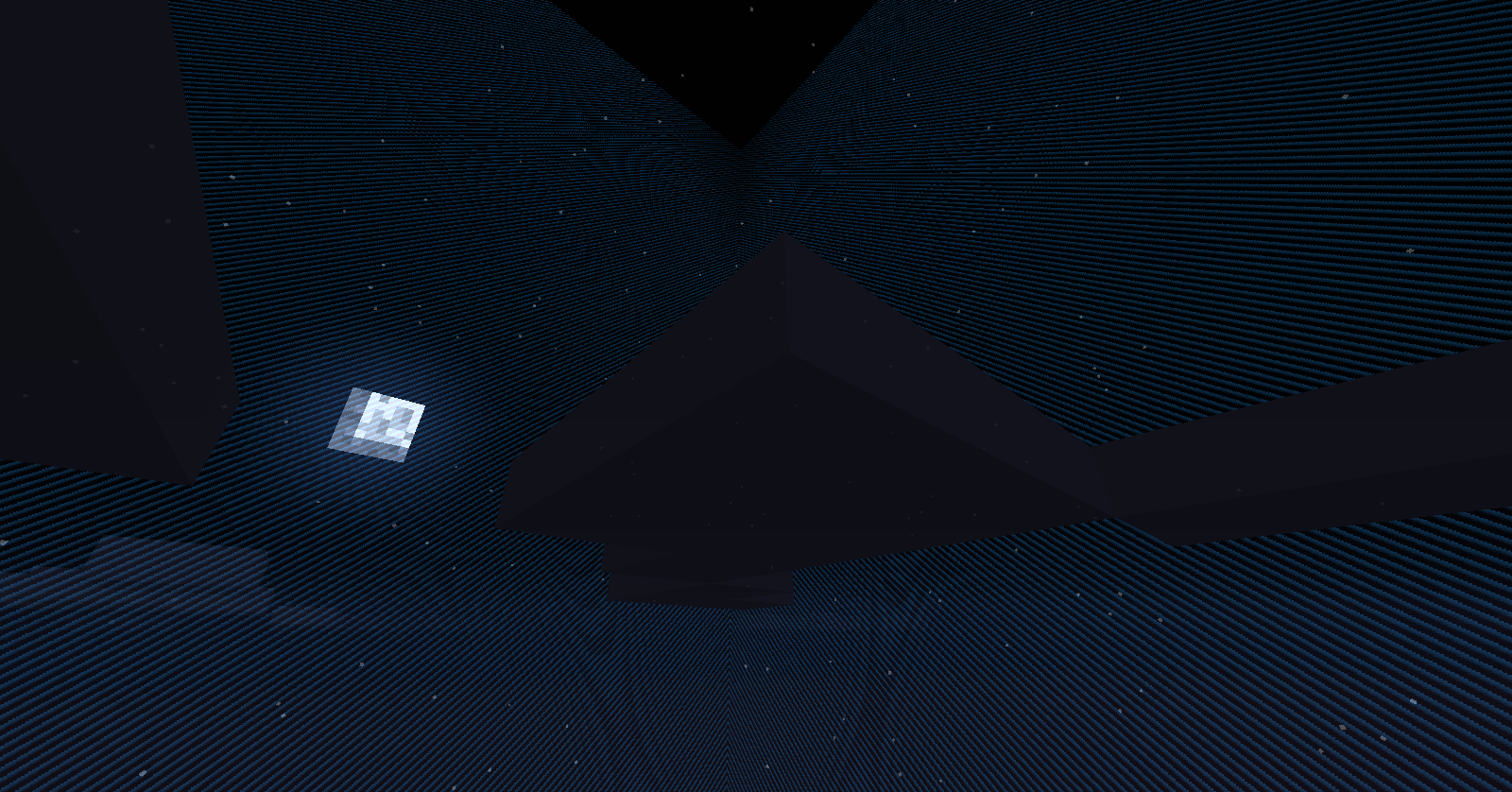
Confirmed with all entities
Confirmed. Texture also appears red sometimes when entity hitboxes are toggled on [F3+B]
Reproducible when large amounts of primed TNT entities are present in the world
This happens when using a resource pack (i.e., Faithful) that uses a customized texture of an enchanting table modeled after 1.7.4 (or earlier) enchanting tables. To fix it, remove the enchanting table texture from the resource pack's folder.
Confirmed
Instead of typing
{OnGround:0}, type
{OnGround:false}. That should activate the comparator.
Confirmed
I was able to reproduce it on both the x axis (with the pig ejecting on the westward pass), and on the y axis the pig never ejected.
Confirmed with snapshot 14w07a
I believe you are mistaken. Snow layers will melt no matter how they are placed.
Update: Just discovered that the real reason I could not move right was not the game itself, but that Skype hotkeys (I made a CTRL+D hotkey to decline incoming calls) override all other programs and disable the key combination for anything but Skype without any warning or documentation... After uninstalling Skype I found that the issue went away.
Guess I wasn't quick enough
Please provide a screenshot.
I have also noticed this bug with single blocks, although it only happens about 50% of the time.
This ticket is a duplicate of
MC-57861.Cannot confirm. See screenshots.
Cannot confirm. See screenshots.
If you played a 1.7.9 world on snapshots then reverted back to 1.7.9 after you were done, your inventory would be erased along with all the chests, since reverting is not the same as playing in a newer version and may cause major problems in your world.
It has white lines inside the inventory, or after being placed?
Could not confirm. However, I will try dirt and diamond blocks.
Confirmed with dirt and diamond blocks. Both items become the item that was placed in the 1st slot.
Then you should change the bug version to 14w25b.
Confirmed with mipmap set to 4 (screenshots attached).
Ce billet est un doublon de
MC-57861(Désolé si mon français est mauvais, j'ai utilisé Google Translate).I did not notice any FPS drops, although it may be specific to your world. Perhaps you were near an underwater temple? The mobs there would have decreased performance.
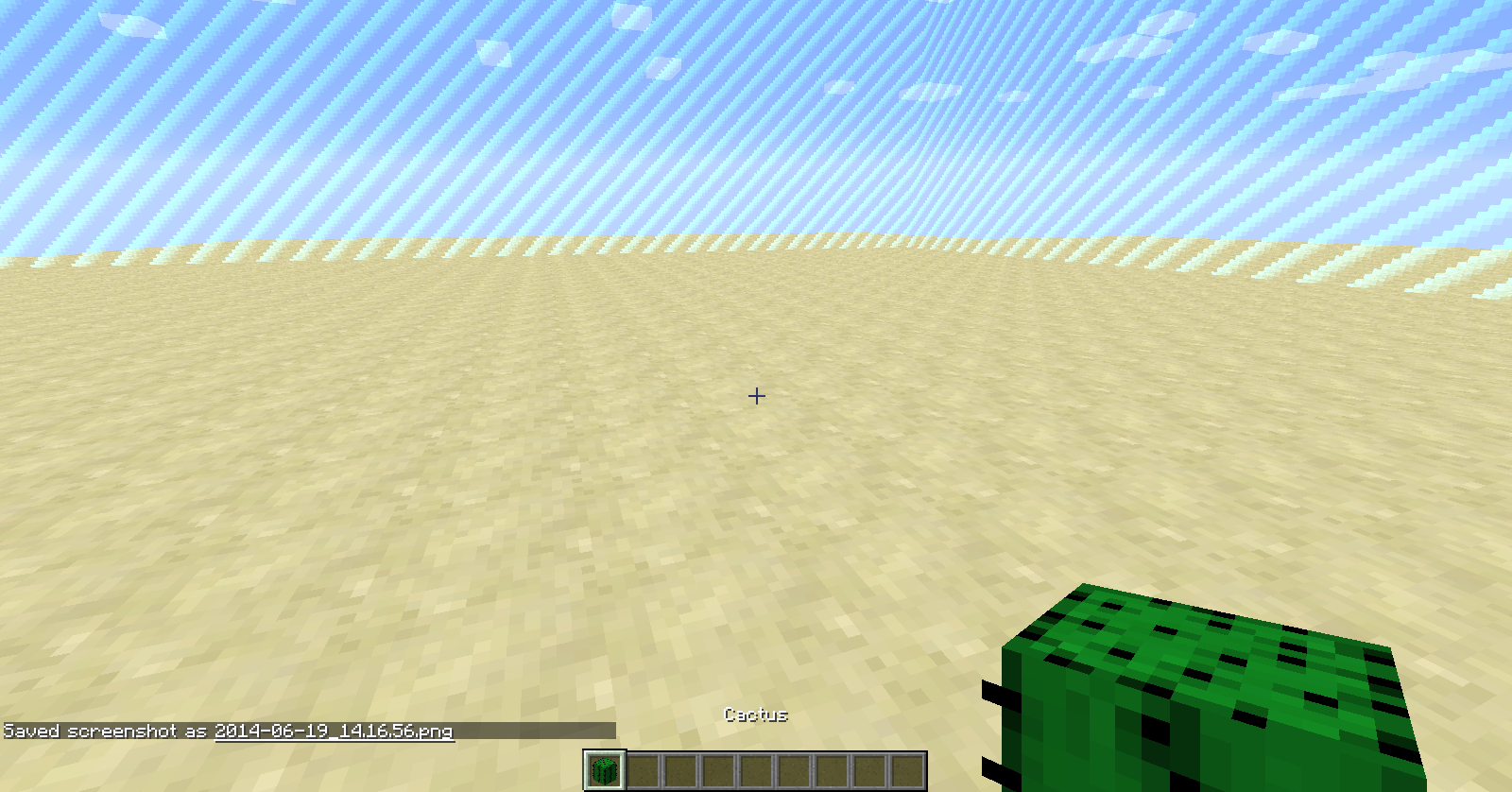
Please limit your ticket to only one issue, and note that the missing textures for fire and potions have already been reported.
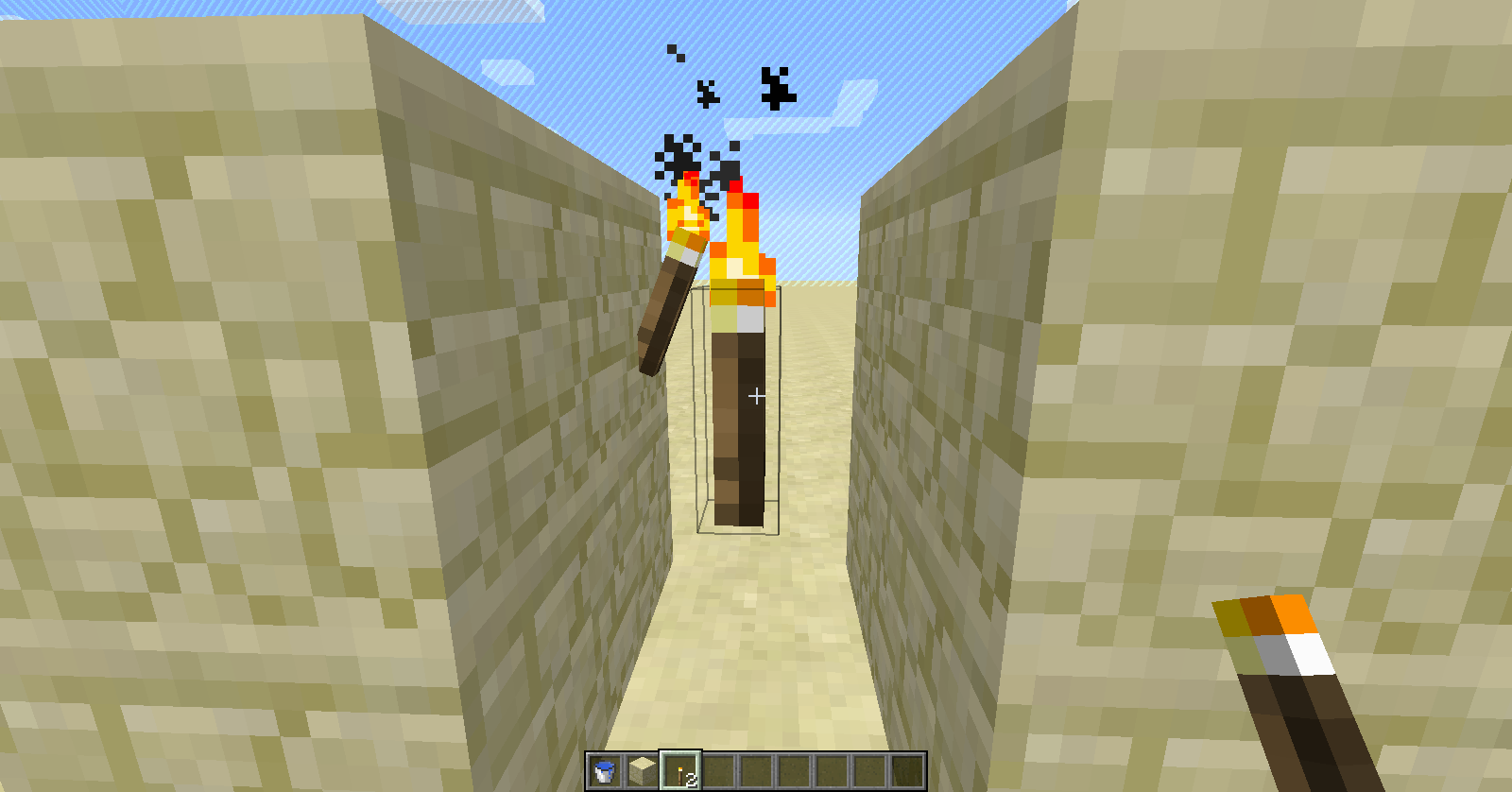
Confirmed when placing a torch on another torch, but I could not place it on air. However, since this is not a torch that should be obtainable without the intent of getting this bug, I do not think it will be fixed.
How on earth did you come across this anyways? Normally I don't /give myself items with random damage values to test them out...
Confirmed. This was a strange crash, however... normally with bug crashes my game just closes and a crash report comes up. This time, though, it seemed to run out of memory, stop responding, then force itself closed before relaunching.
Confirmed (see screenshots).
This post is a duplicate of
MC-58064.You are using an outdated version. Bugs in old versions will not be fixed; however, these bugs have been fixed for snapshot 14w25b.
You are using an outdated version. Bugs in old versions will not be fixed; however, this bug has been fixed for snapshot 14w25b.
Confirmed (see screenshots).
This post is a duplicate of
MC-58037.Confirmed.
Could not confirm (see screenshots).
This is not a bug. For each Elder Guardian, there is a time period until you are affected by the mining fatigue again.
It is possible to change which Java Minecraft uses in the launcher, but you first need to know the path to the JRE 7 / 8 javaw.exe program. Find that and then input it into the 'Executable:' option in the launcher profile settings.
Edit: If you do not know the path to your Java executable, the default is C:\Program Files\Java\jre7\bin\javaw.exe for Java 7 and C:\Program Files\Java\jre1.8.0_20\bin\javaw.exe for Java 8.
Please provide a screenshot.
Also - could not reproduce (see screenshots).
This post is a duplicate of
MC-58037.Switch to fancy graphics in the video settings.
Confirmed. Although, there really is no need to mine a log with silk touch.
Confirmed.
Could not confirm (see screenshot).
This post is a duplicate of
MC-57524.This post is a duplicate of
MC-57831.You are using an outdated version. Bugs in this version will not be fixed. Instead, use snapshot 14w25b where this bug is fixed.
Could not confirm in survival mode either (see new screenshots).
Confirmed (screenshots attached).
This is not a bug. Clouds will obstruct your view and you can't see any blocks above the height limit because there aren't any blocks above the height limit - that's why it's called a limit.
This ticket is invalid since it involves the use of a custom resource pack.
This is not a bug: it is an intended feature.
Confirmed (screenshots attached).
I attached the en_US.lang from the 14w25b game files:
tile.workbench.name=Crafting Table, line 686
Could not reproduce (screenshots attached).
I can confirm this; however, if you set the music volume to 0% instead of OFF the music will not return.
This post is a duplicate of
MC-57831.Confirmed (screenshot attached).
This post is a duplicate of
MC-57084(probably, there might be an earlier one).Please provide a crash report.
Also, your environment states that you are using 1.7.2, but the bug version states 1.7.10 pre-release and snapshot 14w25b. One of them is wrong and should be replaced.
This post is a duplicate of
MC-57159.Could not reproduce (screenshot attached). The furnace minecart went down the entire track I laid out for it and would have kept going.
Note: I used coal, maybe you used another material? Furnace minecarts only take coal as far as I know.
Confirmed (screenshot attached).
Could not reproduce (screenshots attached).
Note: I used a hunger effect to make me lose hunger faster, so that might have changed results, although I doubt it. In Peaceful, I lost no hunger, and I lost 1 1/2 hunger bars in Easy.
I could not reproduce for a screenshot, but it has happened to me before. It seems to happen when the place you are trying to put the block is illegal, such as trying to place a block in the space that an entity runs into at the last second.
I'm no expert, but, reading through the crash log, it seems that the data for rendering the direction the chest is facing has become too outdated for the new snapshot (a lot of rendering changes were implemented in 14w25a/b).
This post is a duplicate of
MC-57831. If you did not use the search function to identify possible earlier reports of this bug, please do so in the future, and restrain from using explicit language in the ticket.This post is a duplicate of
MC-57524.Could not reproduce (see screenshots).
I think what you mean is that they float off your hand, which has already been reported.
Please see
MC-45009. Downgrading is not supported and may cause unwanted errors.Could not reproduce (see screenshots).
Confirmed (screenshots attached).
Notice that the bottom right bean detached.
As of Beta 1.7 (a long time ago), squids are meant to despawn. Works as intended.
This post is a duplicate of
MC-57524.Confirmed.
Confirmed.
This post is a duplicate of
MC-57831.With MCEdit or a similar tool, remove the chest at 3,0,-12. That should fix the issue.
Are you using 14w25a? If so, you are using an outdated version and the bug will not be fixed in that version. Instead, consider using 14w25b, where the bug is fixed (screenshot attached).
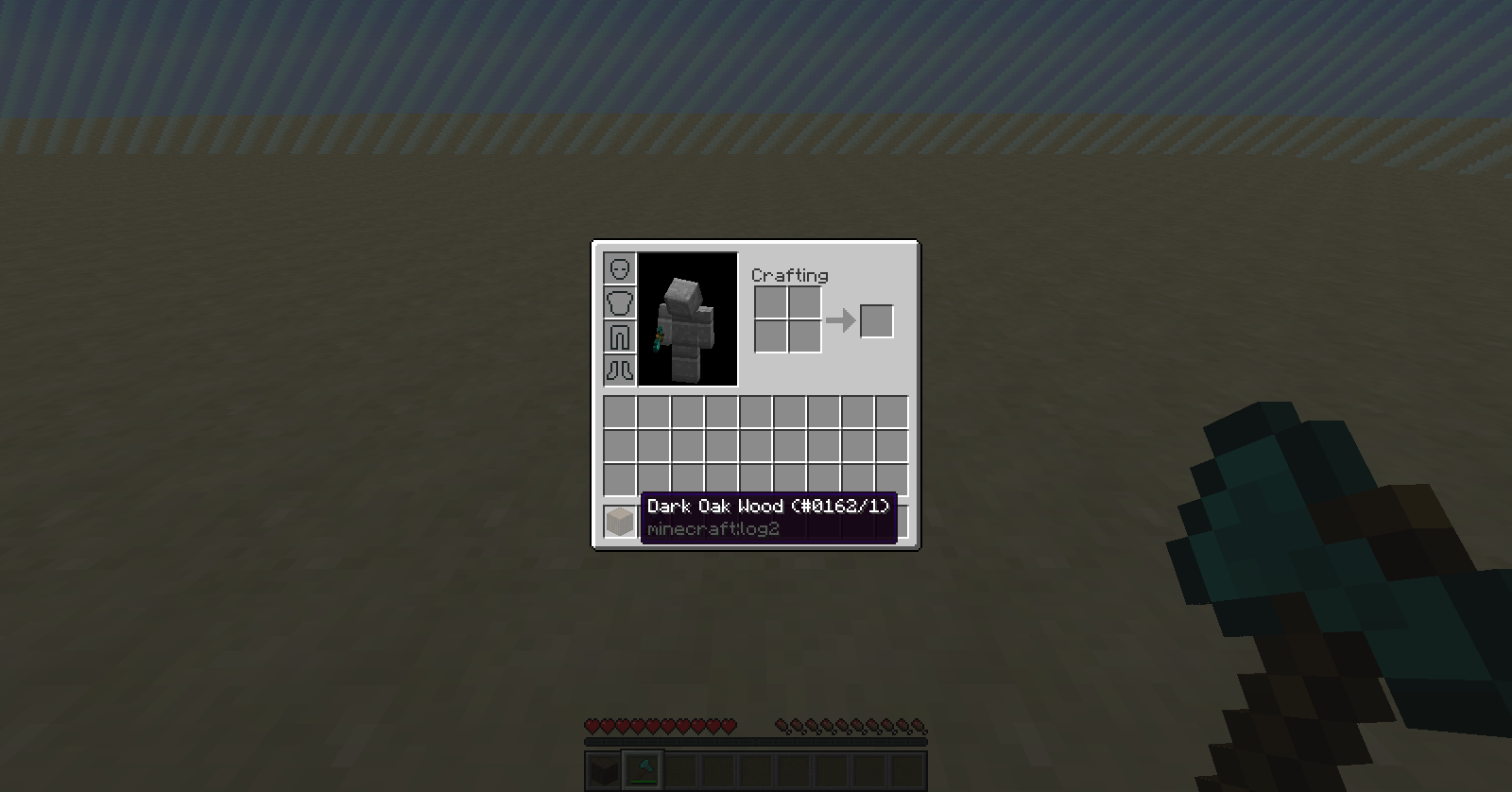
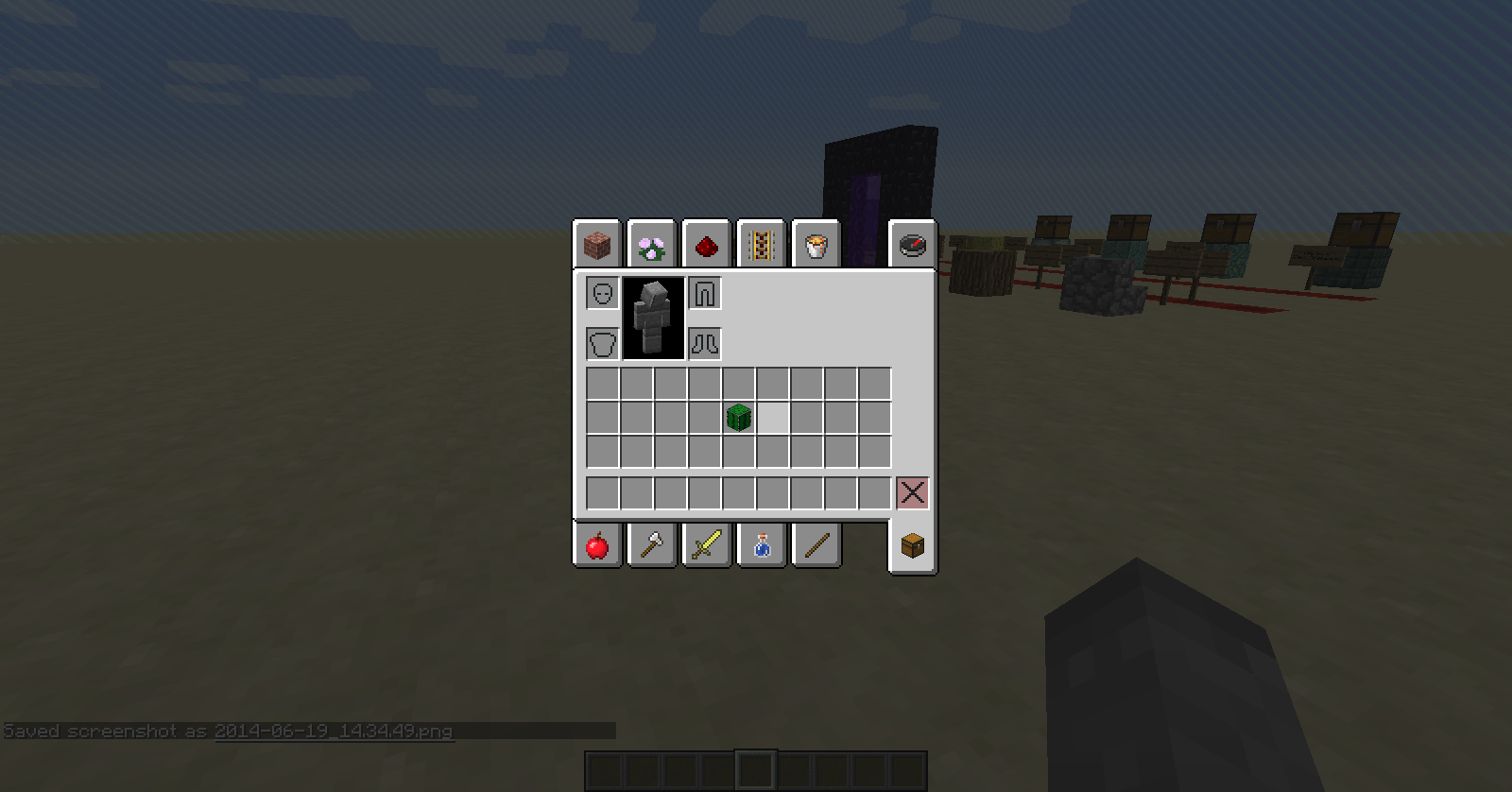
However, there is a bug for 14w25b where mining a dark oak log with silk touch gives back a dark oak log with a damage value of 9 (
MC-58048) which causes a missing texture. If that is what happened to you, go vote up the earlier issue.Jump Boost adds a fall damage resistance effect to stop players from taking damage from higher jumps, and the more potent the effect is, the less fall damage you take. Works as intended.
It is intended because the bug is that squids despawn, not all passive mobs.
I don't think you understand. Since Beta 1.7, all hostile mobs and squids are meant to despawn. Spectator mode is like a player not being there. There are no special spawn/despawn rules for when a spectator is there; the game acts like the player isn't there and starts despawning all the hostiles and squids.
This post is a duplicate of
MC-57895.Could not reproduce (see screenshots).
Able to reproduce (screenshot attached).
Please attach a screenshot.
Able to reproduce (screenshots attached).
Unable to reproduce: Held strg, tab + space; strg, space + tab
This post was a duplicate of
MC-57793, which was resolved as WAI by Searge because "Some block types are only used internally and won't have an item anymore."Open multiplayer settings (Options. . . -> Multiplayer Settings. . .) and check to make sure 'Chat:' hasn't been turned to Hidden first.
Please limit your bugs to one per ticket, as is gets hard to keep track of multiple ones in one post. Also, search for the bugs you are having before posting a report as both of the issues you described have been reported already.
This post is a duplicate of
MC-58318.Helpful Hint: You can still /setblock those blocks, they just aren't obtainable as items anymore.
Try this command:
{direction:[0.0,0.0,0.0],ExplosionPower:0,CustomName:"Hi",CustomNameVisible:true}/summon WitherSkull ~ ~1 ~
You misspelled Custom in CustomNameVisible and left out a space after the last tilde.
Add the NBT tag CustomNameVisible:true to the item and see if it works (it did for me).
Restart Minecraft or log out then log back into your account in the launcher.
Hmmmm... I'll look for a way around that one.
You can make a named wither skull ride an item, but it is not invisible like in the previous command... Huh.
Yeah, that works. Although there's a lot more problems with summoned items than this... I hope they fix it.
No it isn't. That ticket has to do with hiding the name of WitherSkulls, while this one has to do with the name of items not displaying as in previous snapshots.
However, this post is a duplicate of
MC-57516. I will move my discussion there.It also doesn't work with items, but it does work for wither skulls, which is strange.
Confirmed (however, I think you mean right click on block with anvil in the description.)
Is this still an issue in the latest snapshot 14w25b? If so, update the bug version.
You must be new here... Welcome! This bug has been in existence for basically the entirety of Minecraft.
Hmm. That fixes the picking up issue but not the item.tile.stonebrick one.
And that is strange why quotes are required but there is no error if they aren't there.
Using the Block tag instead of TileID still crashes the game
summon FallingSand ~ ~ ~ {Block:water,Time:1,DropItem:0}I think the issue should be reopened.
Create a batch file with this in it:
Where the -Xmx value is how much ram is allotted to the server (G for gigabytes, M for megabytes) and -Xms is how much it initializes with (setting it to the same as -Xmx is best). You can use javaw instead of java if you want to have no command prompt window pop-up and add nogui to the end of the batch file to make no console window pop-up (not recommended if you want to op people). Run the batch file and the server will start up like an exe; you can change out the worlds, change settings, etc. as necessary. If you get a window saying:
'java' is not recognized as an internal or external command, operable program, or batch file
then you need to set your path. Important note: You must be an administrator in the system to make these changes. First, type 'edit environment variables' into the start menu search bar and click on
Edit the system environment variables
Once the window opens, click Environment Variables... and scroll down to the Path or PATH variable in the system section. Then, click Edit... and append a semicolon to the end of the list if it isn't already there. Then, add the path to your JRE bin folder to the list. Example:
C:\Program Files\Java\jre7\bin
If your computer has a separate directory for your Java, you need to find it and add it to the list.
Now, you can exit out of all the windows and your batch file should run smoothly.
Append PAUSE to the end of the batch file and then try to run it.
Plus, make sure you didn't rename the server .jar file (it should be called minecraft_server.14w25b.jar)
WAI. One Minecraft day is about 12000 ticks, which is 10 minutes real time.
Edit: By 'day' I mean while the sun is shining. A full day and night is ~ 24000 ticks.
Confirmed.
We need a little more detail than that. Why can you not play Minecraft?
Please attach the actual crash file, located at
%appdata%/.minecraft/crash-reports.Just noticed you are running OSX. I do not know where the file is on Mac but it is there somewhere and should be attached.What do you mean by 'move around'?
Ah, I see what you mean. However, this bug has been in Minecraft for a while and I doubt that there have been no earlier reports of it, so I will have to call this post a duplicate.
Create a batch file with this in it:
and place it inside the folder where the server .jar is (the extension for a batch file is .bat). The -Xmx value is how much ram is allotted to the server (G for gigabytes, M for megabytes) and -Xms is how much it initializes with (setting it to the same as -Xmx is best). You can use javaw instead of java if you want to have no command prompt window pop-up and add nogui to the end of the batch file to make no console window pop-up (not recommended if you want to op people). Run the batch file and the server will start up like an exe; you can change out the worlds, change settings, etc. as necessary.
If the window opens but then closes instantly, add PAUSE to the end of the batch file. If you get a window saying:
'java' is not recognized as an internal or external command, operable program, or batch file
then you need to set your path. Important note: You must be an administrator in the system to make these changes. First, type 'edit environment variables' into the start menu search bar and click on
Edit the system environment variables
Once the window opens, click Environment Variables... and scroll down to the Path or PATH variable in the system section. Then, click Edit... and append a semicolon to the end of the list if it isn't already there. Then, add the path to your JRE bin folder to the list. Example:
C:\Program Files\Java\jre7\bin
If your computer has a separate directory for your Java, you need to find it and add it to the list.
Now, you can exit out of all the windows and your batch file should run smoothly. If that does not work, replace the java in the .jar file with
"C:\Program Files\Java\jre7\bin" quotes included!or whatever your Java install directory is if yours is not the same. Double clicking the .jar file is not recommended and probably will not work.
Yes, I was in creative mode.
Also: Make sure you did not rename the .jar file. It should be named minecraft_server.14w25b.jar
If you really want to name it something else, though, just replace minecraft_server.14w25b.jar in the batch file with the new file name (make sure the .jar file stays a .jar file!).
This post is a duplicate of
MC-57831.The thrown bottle o' enchanting section of this post is a duplicate of
MC-57861.The reason the bottle doesn't spin as an item is because you are on Fast graphics.
Are you sure you are in Fancy graphics? I am on Fancy an the clouds are still 3D for me.
How do you create a 'ghost item frame'? Please add steps to reproduce the issue.The Environment box is a place to include information about your OS and Java version, not how to reproduce the bug. Move that down into the description, please.This sounds like a problem with a server you are playing on, not Minecraft. Go make a suggestion on your server's forums.
Again, this sounds like a problem with the server you are playing on or your internet connection, not Minecraft. If you want a change on the server you are using, make a suggestion in your server's forums, not on the Minecraft bug tracker.
Are you on a superflat world?
This post is a duplicate of
MC-57831.This post is a duplicate of
MC-56941.That's because this is a Minecraft issue (MC-#####), not a Pocket Edition (MCPE-#####) issue. When creating an issue, change Project from Minecraft to Pocket Edition.
This is a problem with your display driver, not Minecraft.
That's because the green on top of the grass is lighter than the brown on the side of the grass.
Could not confirm. Is your display driver or Java version outdated?
Fixed for a future version:
MC-57870Confirmed (screenshot attached).
This post is a duplicate of
MC-57861.This post is a duplicate of
MC-57831.This post is a duplicate of
MC-30767, which was resolved as this is the intended behavior of enchanted books.Works as intended. 'ra' and minec' are part of all item/block ID's (minecraft:name).
Here is a fix:
/setblock 316 30 -1390 minecraft:command_block 0 replace {Command:"/title @a subtitle [{text:\"--3 Chambers Remain--\",color:\"gold\"}]"}Whenever there is a JSON inside the Command tag, you have to encapsulate it in square brackets ([]) and escape all quotation marks inside the JSON using the backslash (replace " with \").
Otherwise, the quotation mark ends the Command tag and the JSON is left incomplete.
This post is a duplicate of
MC-57831.Please attach a screenshot.
This post is a duplicate of
MC-58037.This post is a duplicate of
MC-58589.That's what I meant to put... I have a lot of emails about updates to duplicates of that issue and I grabbed the ID of a duplicate instead of the real one :I
Press F3 + A to reload chunks, then exit the world and rejoin and see if the issue persists.
WAI. Sponge only absorbs water in the newest snapshot 14w25a/b.
Force a crash by holding F3 + C for at least 6 seconds before releasing and attach the crash report, located at minecraft\crash-reports\crash-<DATE>-client.txt.
All there is to do now is wait.
Works as intended. Lava is meant to generate in caves...
See
MC-8471The default value for an int (which is the data type the scoreboard uses) is 0, not null.
This sounds like a problem with your computer, not Minecraft. I can copy/paste just fine.
Negative values aren't supported.
CTRL + pick block does not work.
That's what it is supposed to do...
Please attach the crash report.