 Michael
- MineMichael00
- minemichael00
- Europe/Stockholm
- Yes
- No
 MCPE-14000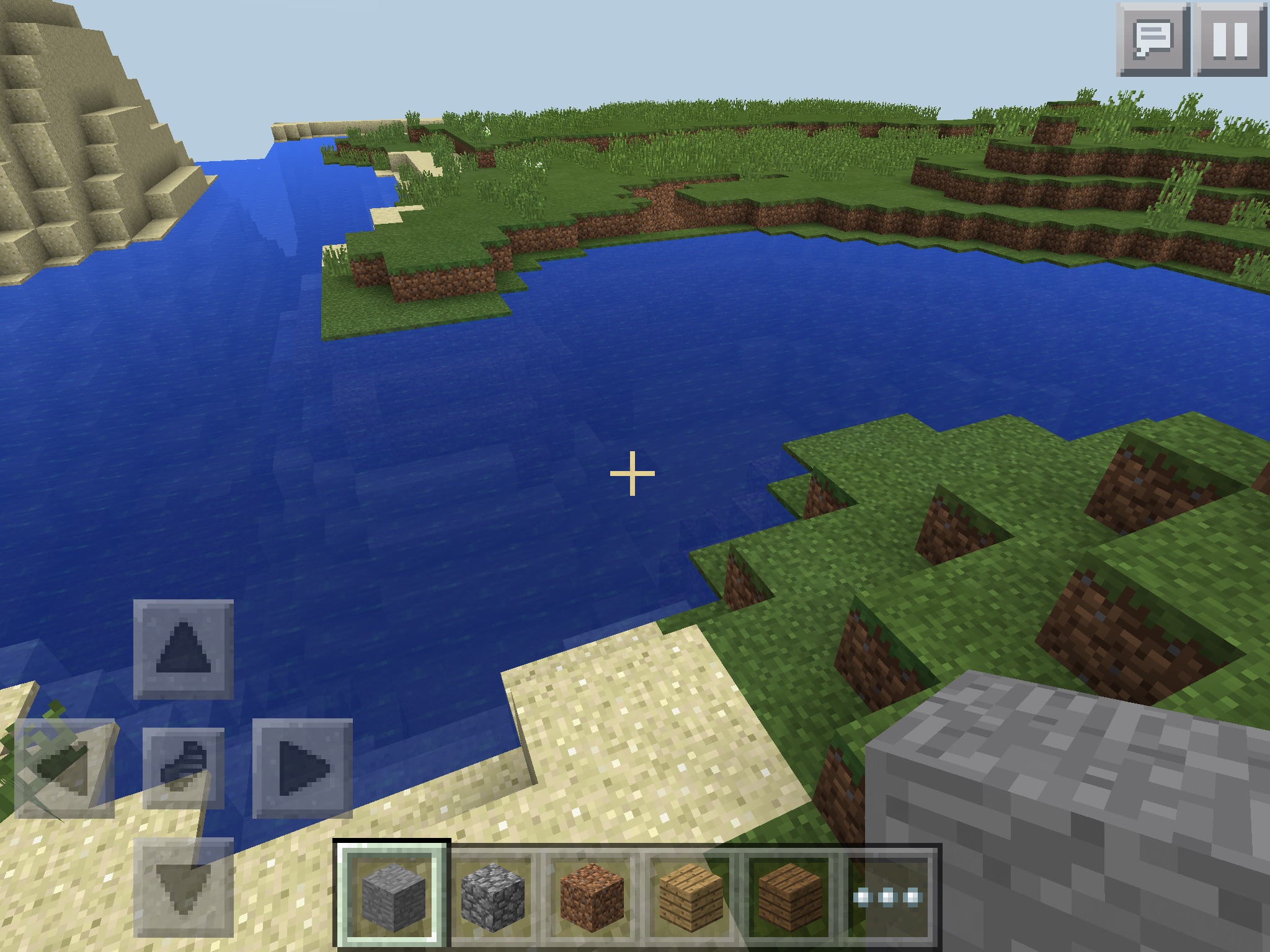


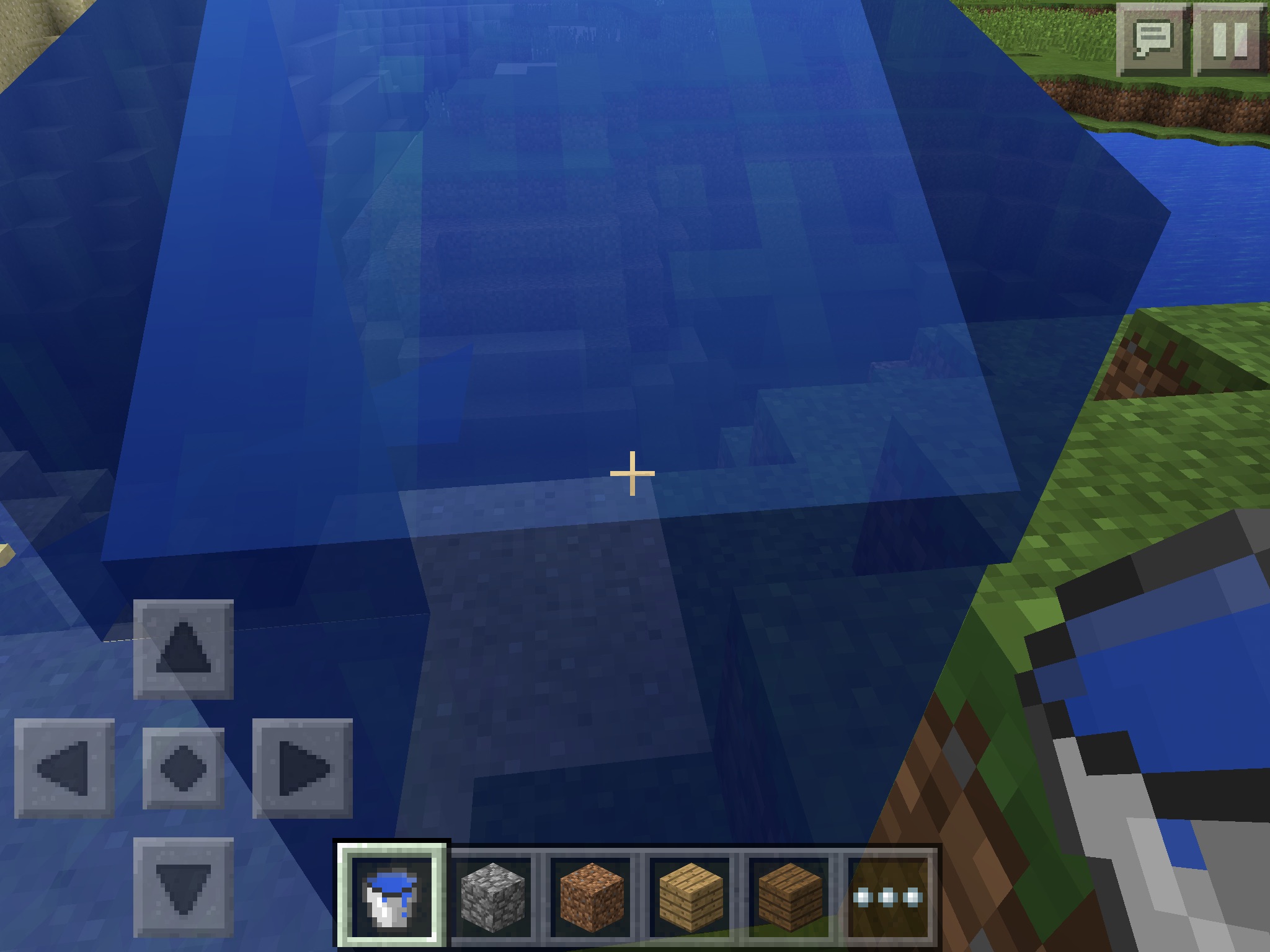














When place
charcoal intofurnished thenplace coalcoalturns tocharcoaland vise versaWhen you place coal into the furnace and then try to place charcoal in the charcoal changes to coal
Mcpe on screen keyboard not optimized for iPad Pro (regular iPad Pro keyboard has a number row in optimized apps
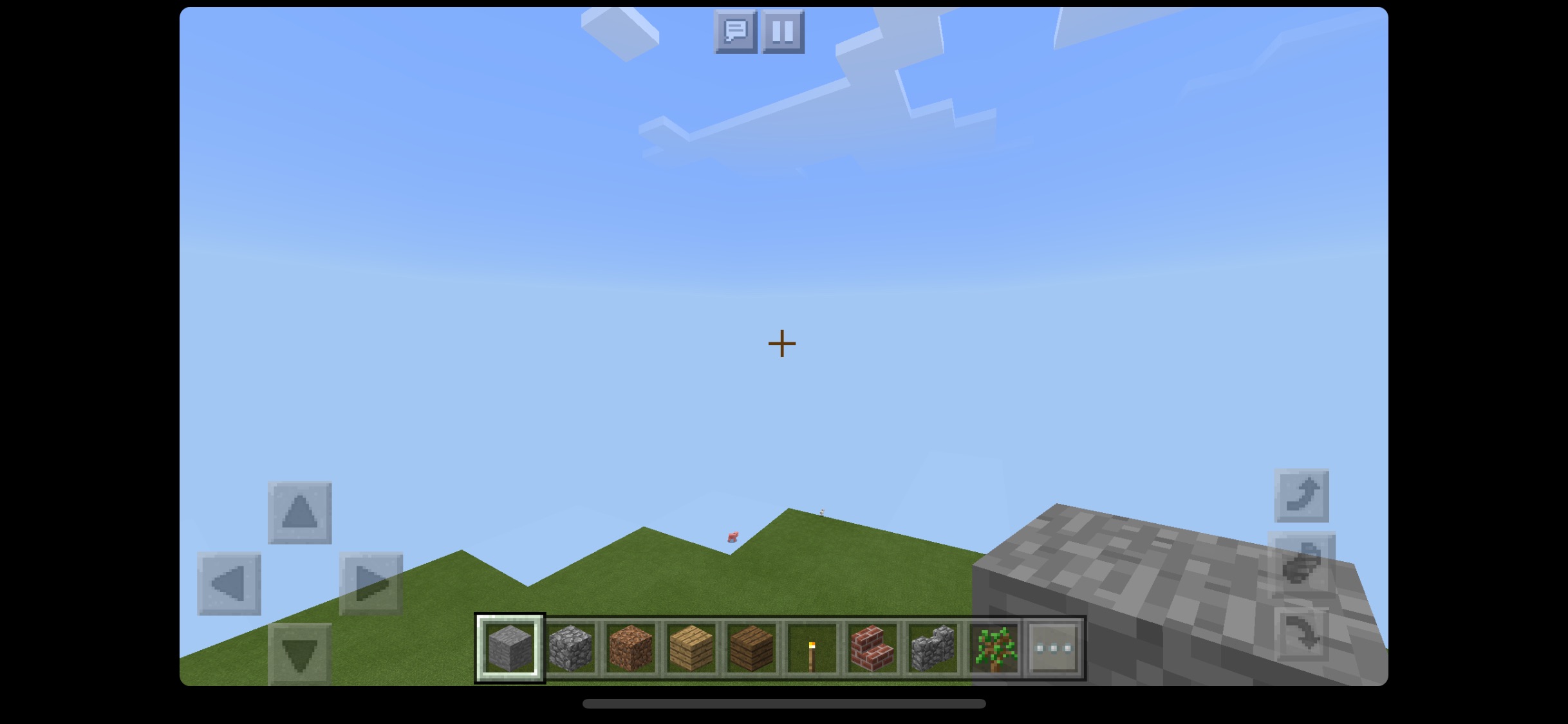
Minecraft does not fill iPhone X’s screen and makes it hard to play, Minecraft renders in 16:9 and. Not in the
2:1of the iPhone X.By the way not issue on 7 plus but there is no iPhone X in devicesMinecraft does not fill iPhone X’s screen and makes it hard to play, Minecraft renders in 16:9 and. Not in the 19.5:9 of the iPhone X.
Minecraft does not fill iPhone X’s screen and makes it hard to play, Minecraft renders in 16:9 and. Not in the 19.5:9 of the iPhone X. Also poor iOS 11 and A11 Bionic chip optimization in general Minecraft crashes so often.
Game does not support iPhone X screen and is not optimized for it
Minecraft does not fill iPhone X’s screen and makes it hard to play, Minecraft renders in 16:9 and. Not in the 19.5:9 of the iPhone X. Also poor iOS 11 and A11 Bionic chip optimization in general Minecraft crashes so often.
Minecraft does not fill iPhone X’s screen and makes it hard to play, Minecraft renders in 16:9 and. Not in the 19.5:9 of the iPhone X. Also poor iOS 11 and A11 Bionic chip optimization in general Minecraft crashes so often. Please Fix This Issue It Is So Annoying
This still happens in the latest update
Minecraft does not fill iPhone X’s screen and makes it hard to play, Minecraft renders in 16:9 and. Not in the 19.5:9 of the iPhone X. Also poor iOS 11 and A11 Bionic chip optimization in general Minecraft crashes so often. Please Fix This Issue It Is So Annoying
This still happens in the latest update

Minecraft does not fill iPhone X’s screen and makes it hard to play, Minecraft renders in 16:9 and. Not in the 19.5:9 of the iPhone X. Also poor iOS 11 and A11 Bionic chip optimization in general Minecraft crashes so often. Please Fix This Issue It Is So Annoying
This still happens in the latest update
Minecraft
does notfill iPhone X’s screen and makes it hard to play, Minecraft renders in 16:9 and. Not in the 19.5:9 of the iPhone X.Minecraft now will fill iPhone X but it is laggy and crashes All the time
Game does not support iPhone Xscreenand is not optimized for it
iPad pro smart connector keyboards are not recognized by mcpe
Edit by PHO:
iPad Pro Smart Keyboard experiences severe limitation in what you can do with it.
You can:
- Use it in the chat screen to type messages.
- Use it in the chat screen to type commands.
You can't:
- Control the game with it. That is, jumping, moving around, opening your inventory and such like are not possible with the keyboard. Keys you type are simply ignored by the game.
Edit by PHO:
According to
MCPE-20685it also affects Kensington KeyFolio (bluetooth).Still happening please fix this
iPad pro smart connector keyboards are not recognized by mcpe
Edit by PHO:
iPad Pro Smart Keyboard experiences severe limitation in what you can do with it.
You can:
- Use it in the chat screen to type messages.
- Use it in the chat screen to type commands.
You can't:
- Control the game with it. That is, jumping, moving around, opening your inventory and such like are not possible with the keyboard. Keys you type are simply ignored by the game.
Edit by PHO:
According to
MCPE-20685it also affects Kensington KeyFolio (bluetooth).Still happening please fix this
iPad pro smart connector keyboards are not recognized by mcpe
Edit by PHO:
iPad Pro Smart Keyboard experiences severe limitation in what you can do with it.
You can:
- Use it in the chat screen to type messages.
- Use it in the chat screen to type commands.
You can't:
- Control the game with it. That is, jumping, moving around, opening your inventory and such like are not possible with the keyboard. Keys you type are simply ignored by the game and don’t move the character
Edit by PHO:According to
MCPE-20685it also affects Kensington KeyFolio (bluetooth).Still happening please fix this
No scale to pixel 2 or s8 screen ratio
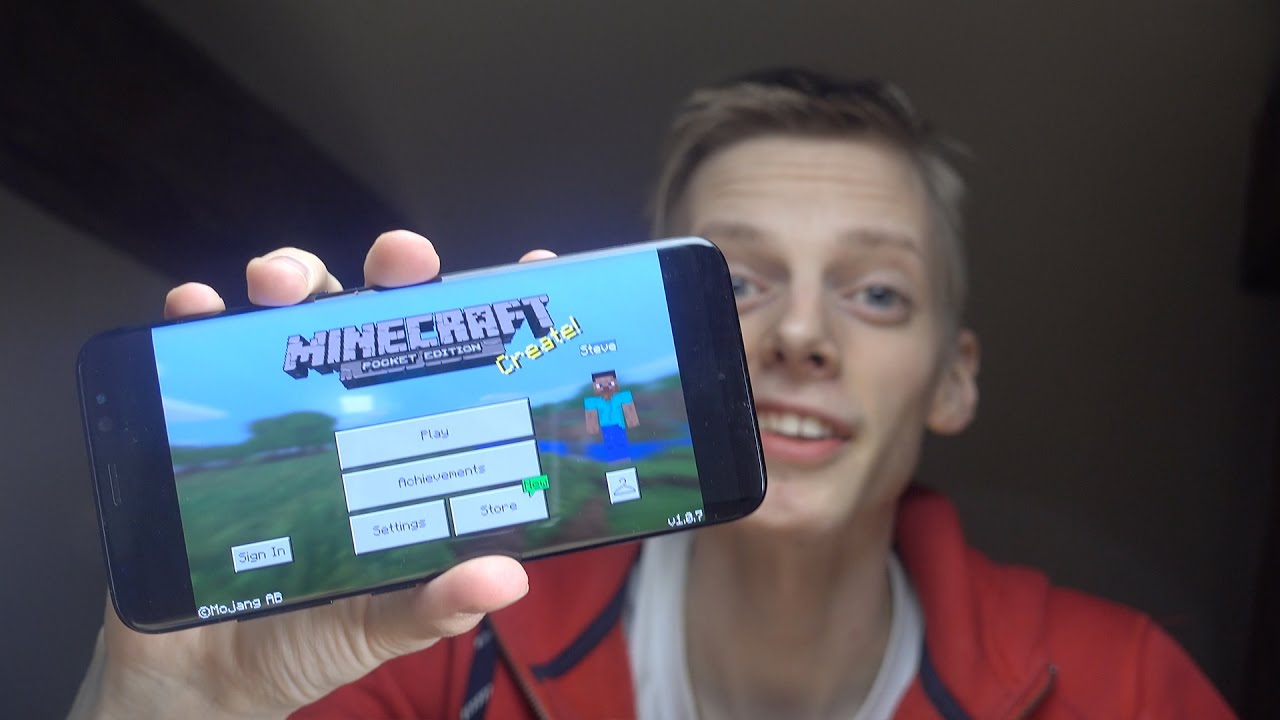
The Game does not scale to the 18.5:9 aspect ratio or the galaxy s8, s8+ or note 8. This creates black bar on the sides or the app. This issue also happens on the. iPhone X, pixel 2 xl, essential phone, or any phone without a 16:9 aspect ratio. I would suggest updating minecraft to be able to scale to any aspect ratio. Please fix this as i want the full screen minecraft experience. Also minecraft does not support split screen on iOS or android.
Game does not support galaxy s8or pixel 2 xl screenGame does not support galaxy s8 Screen
image.jpg
The Game does not scale to the 18.5:9 aspect ratio or the galaxy s8, s8+ or note 8. This creates black bar on the sides or the app. This issue also happens on the.
iPhone X,pixel 2 xl, essential phone, or any phone without a 16:9 aspect ratio. I would suggest updating minecraft to be able to scale to any aspect ratio. Please fix this as i want the full screen minecraft experience. Also minecraft does not support split screen on iOS or android.The Game does not scale to the 18.5:9 aspect ratio or the galaxy s8, s8+ or note 8. This creates black bar on the sides or the app. This issue also happens on the. pixel 2 xl, essential phone, or any phone without a 16:9 aspect ratio. I would suggest updating minecraft to be able to scale to any aspect ratio. Please fix this as i want the full screen minecraft experience. Also minecraft does not support split screen on iOS or android. This was fixed on iPhone X but not on any other phone this is disappointing it’s an easy fix.
Game does not support galaxy s8, note 8, nor s9 Screen
Biomes only generate up to 128 high
Note: not issue on 7 Plus but’s there is no 8 or 8+ option
Blurry on iPhone 8and does not support
hdrNote: not issue on 7 Plus but’s there is no 8 or 8+ option
Blurry on iPhone 8 and does not support p3 color. Also it is poorly optimized for the a11 chip and for iOS 11 in general.
Minecraft does not fill iPhone X’s screen and makes it hard to play, Minecraft renders in 16:9 and. Not in the 19.5:9 of the iPhone X. Also poor iOS 11 and A11 Bionic chip optimization in general Minecraft crashes so often.
Minecraft does not fill iPhone X’s screen and makes it hard to play, Minecraft renders in 16:9 and. Not in the 19.5:9 of the iPhone X. Also poor iOS 11 and A11 Bionic chip optimization in general Minecraft crashes so often. Please Fix This Issue It Is So Annoying
Minecraft does not fill iPhone X’s screen and makes it hard to play, Minecraft renders in 16:9 and. Not in the 19.5:9 of the iPhone X. Also poor iOS 11 and A11 Bionic chip optimization in general Minecraft crashes so often. Please Fix This Issue It Is So Annoying
Minecraft does not fill iPhone X’s screen and makes it hard to play, Minecraft renders in 16:9 and. Not in the 19.5:9 of the iPhone X. Also poor iOS 11 and A11 Bionic chip optimization in general Minecraft crashes so often. *+Please Fix This Issue It Is So Annoying

Minecraft does not fill iPhone X’s screen and makes it hard to play, Minecraft renders in 16:9 and. Not in the 19.5:9 of the iPhone X. Also poor iOS 11 and A11 Bionic chip optimization in general Minecraft crashes so often. *+Please Fix This Issue It Is So Annoying
Minecraft does not fill iPhone X’s screen and makes it hard to play, Minecraft renders in 16:9 and. Not in the 19.5:9 of the iPhone X. Also poor iOS 11 and A11 Bionic chip optimization in general Minecraft crashes so often. *+Please Fix This Issue It Is So Annoying
Minecraft does not fill iPhone X’s screen and makes it hard to play, Minecraft renders in 16:9 and. Not in the 19.5:9 of the iPhone X. Also poor iOS 11 and A11 Bionic chip optimization in general Minecraft crashes so often.
*+Please Fix This Issue It Is So Annoying
Minecraft does not fill iPhone X’s screen and makes it hard to play, Minecraft renders in 16:9 and. Not in the 19.5:9 of the iPhone X. Also poor iOS 11 and A11 Bionic chip optimization in general Minecraft crashes so often. Please Fix This Issue It Is So Annoying
![[Mojang] MissMarzenia (Aleksandra Zajac)](../../../data/assets/gravatar/missmarzenia.png)
![[Mojang] Mega_Spud (Jay Wells)](../../../data/avatars/users/92696.png)
Two person multiplayer
Yes but can you add this as a future please
Oh sorry thanks for telling me
I was trying to select a suction I'm trying to report this bug just saying a way to fix it sorry I won't suggest anything
Okay thanks for telling me
Aren't all blocks support to have a cracking animation when you brake them
Anyone looking at this bug
Some tell me will this be fixed
Hi
Confirmed for iPad Air and ipodtouch 5 on all iOS 8 versions
https://bugs.mojang.com/browse/MCPE-10445
Has nothing to do with this bug I'm talking about punch on a bow not weakness
On;y Kent 0.14.0
0.14.0 on flat world
Try it on yourself
Ps I also tried a punch 1 bow.
No one responded to the other one
Confermed on ipad pro
Can someone please look in to this bug? Thank you.
Confirmed ipad pro 12.9 ios 10.0 beta 1
And ipod touch 6 ios 10.0 beta 1
Also windows 10 lenovo yoga 2 pro
Not optimized for iPad Pro 1.2 inch
Still here in 1.2 why is this not fixed
Please fix
Why won’t it fix that’s not fair at least keep it open
Thanks
Can confirm on mine as well
Works in 1.2 still broken
Same here on all devices i tested
iPhone X also needs screen optimization
Also affects ios and android
Can confirm this on ios 11 on iPhone X and iPad Pro in 1.2.3
Same issue here on iPhone X please update to 64bit int
Happens on iPhone X
Happens on iphone x
Duplicate of MCPE-28611
Confirm on iphone x
Confirmed on iPhone X iPad Pro and windows 10 pc
Can confirm on iPhone X and iPad Pro they have the same reb=Ned distance as my $50 amazon fire
Can confirm on iphone x
iPhone X is more powerful than some high end laptops so why can it only do 6 chunks please fix also i think the issue is caused by minecraft not using apple’s metal api and not being optimized for A11 chip
Are you fixing it or not
Is it fixed yet
All Mojang need to do is use apples metal api and optimize minecraft for 6 processing cires
Please fix just allow us to manually input s number in advanced settings if we want and deal with the lag
Affect iPhones on i.2
Affects iPhone X
Still not fixed
Still issue in 1.2.5
I think there are one of three problems going on here(or even a combination of two or three):
1. Minecraft is not able to fully utilize the 6-8 cores of a modern mobile cpu and instead can only use 1-3 cores.
2. Minecraft’s ram management is broken and/or needs major overhauls.
3. (Sadly the most likely) Microsoft is intentionally limiting the mobile performance of the game so that phones cannot match or beat the Xbox ones 8-14 render distance. This would make sense as mobile cpus like the A11 and SP835 are multiple times faster than the 2012 midrange desktop cpu in the Xbox one. This to keep console sales up Microsoft limits mobile devices to 6-8 chunks.
The Apple A11 chip in my iPhone X is faster than most laptops but can only do 6-8 chunks why? Even if this was poor optimization the A11 chip has enough power to even unoptomized run at 12 chunks or more so this is an artificial limitation placed here by Microsoft
Read for more info
I think there are one if the problems going on here(or even a combination of two or three):
1. Minecraft is not able to fully utilize the 6-8 cores of a modern mobile cpu and instead can only use 1-3 cores.
2. Minecraft’s ram management is broken and/or needs major overhauls.
3. (Sadly the most likely) Microsoft is intentionally limiting the mobile performance of the game so that phones cannot match or beat the Xbox ones 8-14 render distance. This would make sense as mobile cpus like the A11 and SP835 are multiple times faster than the 2012 midrange desktop cpu in the Xbox one. This to keep console sales up Microsoft limits mobile devices to 6-8 chunks.
I ran a few tests to back up my Microsoft artificially limiting systems theory.
If you would like to know the exact testing process comment on this post.
Using options.txt until drop below 60 FPS
Xbox one: max 22 chunks
Gaming of max : 300 chunks not a typo
iPhone X max 45 chunks
iPhone 7 Plus: 37 chunks
Galaxy s8: 39 chunks
One plus 5t: 40 chunks
Midrange 2017 laptop: 27 chunks
MacBook Pro 15: 140 chunks
It’s an easy fix please just fix it it is not fixed in 1.2:5 just fix it for 1.2.5.1 please
Can someone confirm that this is being fixed
Still no work
Agree I really just think they should be able to fix it by now! They seem to be ignoring these kinds of bugs and just focusing on crashes. My iPhone X still does not fill the screen on Minecraft
I think they really need to us on fixing the performance of the new version before adding new features
Also why has no one fixed this or even promised a fix?
Fix t please
Please fix please
Still here on 1.2.6 uhhh just fix it
fix please
still here on 1.2.6
still has not been fixed yet
Please Fix It please
Please Fix This Issue It is so annoying
Please Fix This Issue It is so annoying
Please Fix This Issue It Is So Annoying
no work
If you use a controller
hi
Yes fixed in 1.2.7
But now the game is unresponsive
Fixed in 1.2.8 but would like a up to 30 chunk option as an override in advanced settings like the pc
Bye the Apple cpu throttle only effects damaged batteries
Hi
Yes still an issue
Hello
It’s been almost four months and nothing
Still not fixed in 1.2.10 beta 1
iPhone X only goes to 6 chunks!
Still an issue
It was fixe on iPhone X but not s8 or s9
My fix for it is to in video settings set the safe area to the minimum size
Also the home bar overlay stays on the screen it should disappear like in Asphalt8
Does not works till