 Karla Maenlest
- Nieke
- nieke
- Europe/Stockholm
- Yes
- No
 MC-103277
 MCL-5540
 MCPE-40246
 Low
Low


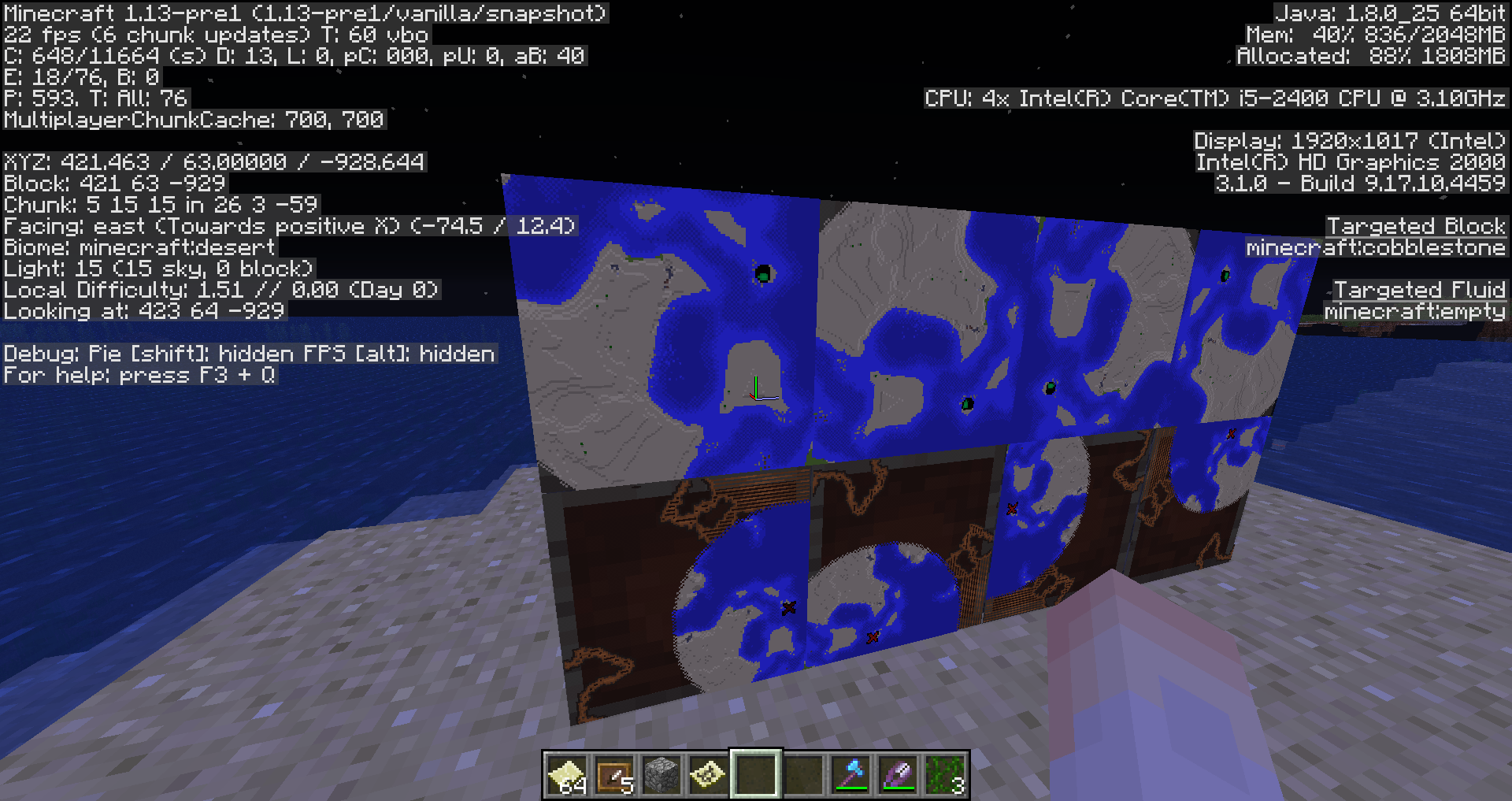
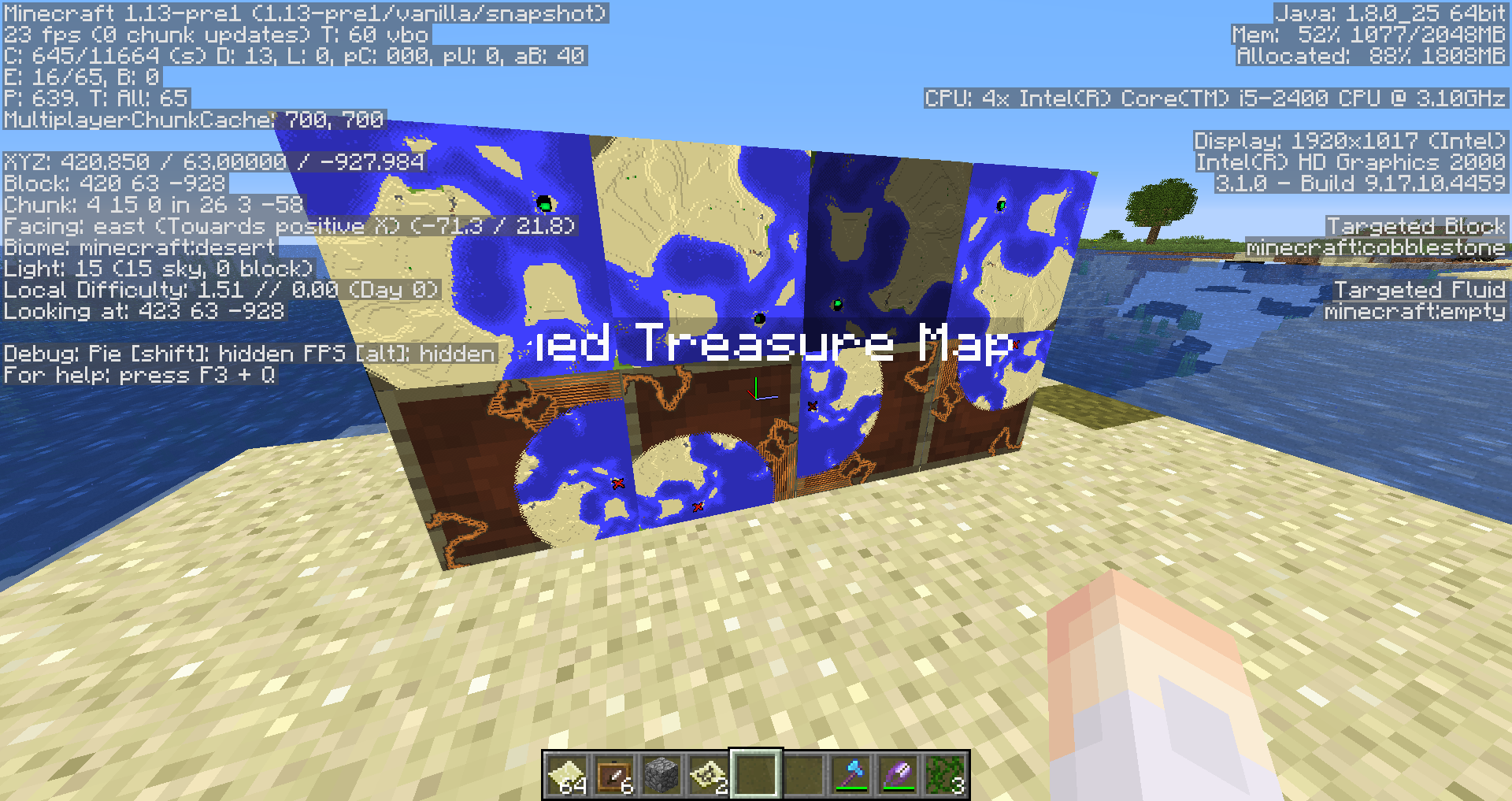
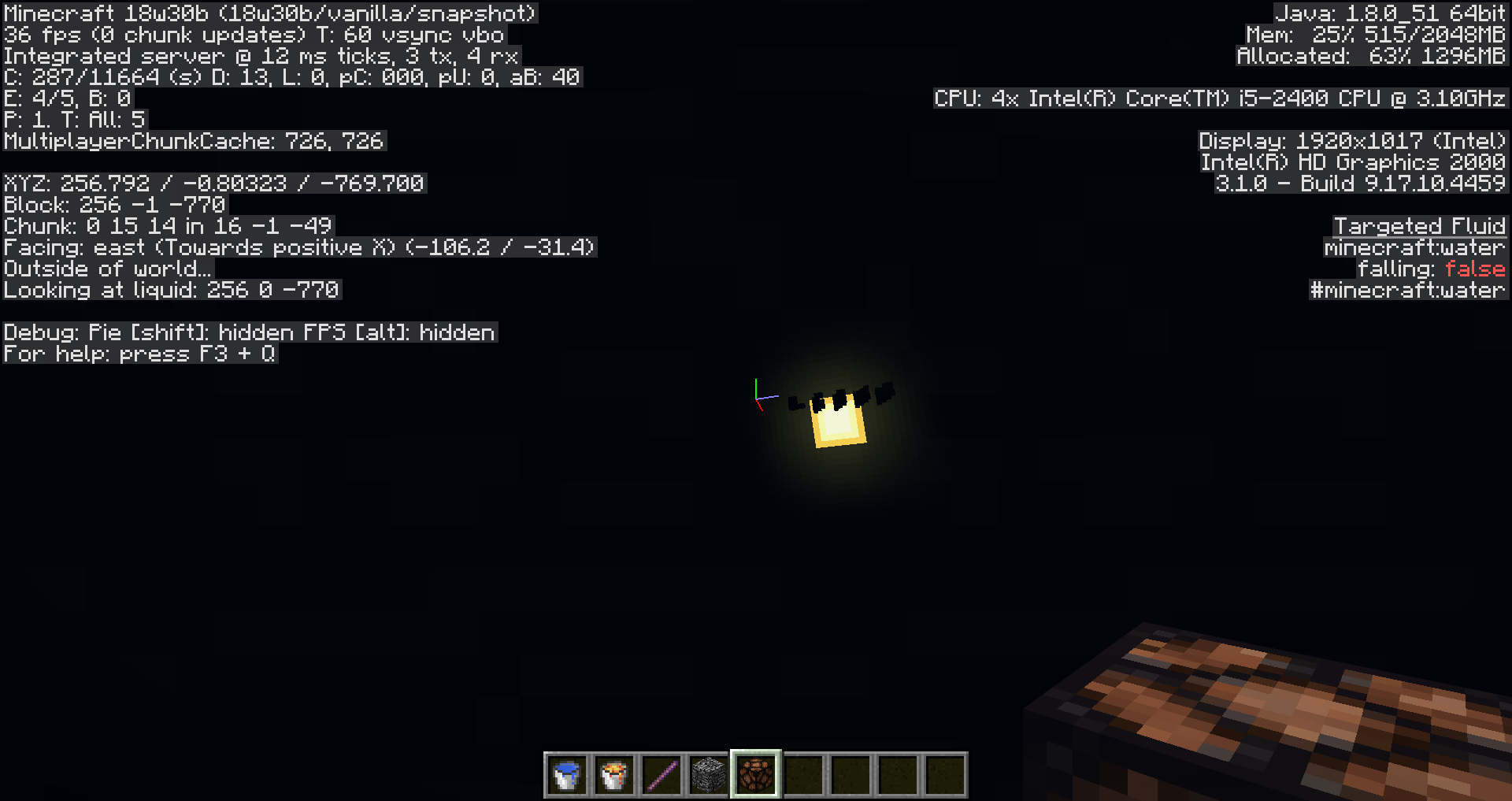


Breaking vines with shears with efficiency 5 is still as slow as using normal shears.
Breaking vines with shears with efficiency 5 is still as slow as using normal shears.
The enchantment-effect does not work for vines.
Vines breaking too slow (enchanted shears)
Breaking vines with shears with efficiency 5 is still as slow as using normal shears.
The enchantment-effect does not work for vines.
In addition axes cannot successfully break vines, but efficiency works for them.
Minecraft game output falls behind with info and chat, error and warnings
Extra problem: 2.0.760 (Windows) is my launcher version, Affects Version has not allowed that. (it is the surprise)
Old launcher: no problems, fast, I can copy text and all I need (which could have been written hours in the past).
New launcher: no game output after a few minutes and while starting. At first it was minutes behind and then the window turned entirely white, except the headline. So I cannot copy chat in multiplayer. At 100 lines the delay is already getting unbearable sometimes, several seconds.
So the problem is, that the new design takes far too much of my performance (which is ingame not that bad, up to my 30fps-limit). If some mod wants to tell me go to technical support: No, it was good, it is now bad, something that worked, does not now, typical for bugs. And I know: /r/minecraftsuggestions, the old style caused no problems, give it an option.
Confirmed for 18w30b.
RelogIssue.png
Weeping,Twisting Vines- wrong shearing behaviorWeeping & Twisting Vines damage shears
Breaking weeping vines (and twisting vines) with shears reduces their durability, no other tools seem to be affected. This wouldn't be a problem, if you got a better drop chance, but there is no difference between using your hand and using shears, except that you lose durability.
This may be an occasion to rethink silk touch shears, since using them (legacy shears) also doesn't do anything to drop chance. And this would be their second use (breaking seagrass and coral fans).
Suggested fixed behavior: shears add half the difference between normal drop rate and 100% drop rate (examples: 50%, with shears 75%; 80%, with shears 90%). Silk touch should always drop (useful while decorating).
May relate to: MC-103430Breaking weeping vines (and twisting vines and sugar cane) with shears reduces their durability, no other tools seem to be affected. This wouldn't be a problem, if you got a better drop chance, but there is no difference between using your hand and using shears, except that you lose durability.
This may be an occasion to rethink silk touch shears, since using them (legacy shears) also doesn't do anything to drop chance. And this would be their second use (breaking seagrass and coral fans).
Minimal fix: no damage to shears on blocks that you can break with no tool.
May relate to: MC-103430
Weeping & Twisting Vines damage shearsShears damaged by every block
Breaking weeping vines
(andtwisting vinesandsugar cane)with shears reduces their durability, no other tools seem to be affected. Thiswouldn't be a problem, if you got a better drop chance, but there is no difference between using your hand and using shears, except that you lose durability.
This may be an occasion to rethink silk touch shears, since using them (legacy shears) also doesn't do anything to drop chance. And this would be their second use (breaking seagrass and coral fans).Minimal fix: no damage to shears on blocks that you can break with no tool.
May relate to: MC-103430Breaking blocks, that you can break with your hand, like weeping vines, twisting vines, flowers, sugar cane, end rods, torches, slime, etc., with shears reduces their durability. No other tools seem to be affected. This is inconsistent and weird. Most likely one will run into this while shearing tall grass and flowers.
Originally I only noticed weeping vines and twisting vines and breaking them with durability loss wouldn't be a problem, if you got a better drop chance, but there is no difference between using your hand and using shears, except that you lose durability. In this regard the new vines are special, that it could make sense for shears to take damage.
This may be an occasion to rethink fortune and silk touch on shears, since using them (legacy shears) also doesn't do anything to drop chance. And this would be their second use now (apart from breaking seagrass and coral fans).
Minimal fixed behavior: no damage to shears on blocks that you can break with no tool.
May relate to: MC-103430

Karla Maenlest, you mean "to get the vines", as you can break with any tool/bare hands. Also, axes can do it faster and they are affected by efficiency.
Karla Maenlest: Unfortunately, I'm still unable to reproduce these results on my system (Win 10 1.8.0), but the amount of detail you provided is very convincing and you're the first person reporting it on 1.9.0.3, which was supposed to have fixed it. So I'm very interested in your details.
I have a hunch that your results showing that it's sometimes the X coordinate and sometimes the Z coordinate that gets changed, might be related to which way you were facing when you were saved. Would you be willing to try the same diagonal position twice, facing north and west, to see whether it reliably predicts the results?
Karla Maenlest: I am studying your data. Meanwhile, please try not to incrementally edit your comments. Each time you save changes or upload an image, the system sends a notification to each of the (currently) 42 people watching this report.
Karla Maenlest: I concur with your extrapolation. Is it possible for you to attach a copy of your world?
Karla Maenlest: Thanks, that was very helpful! Your saved world has some odd data that is probably related. The world spawn point in the save file is at (28, 32767, 4). The local player has no bed. The local player position in the save file is at (60.3372, 94.62, 60.6899). Experimental Gameplay is enabled, which might be one of the triggering conditions; I hadn't thought of that before.
The first time I loaded the world (in 1.9.0.3), I spawned at (60, -40, 63), far below where I should be This confirms what your research predicts, but the negative Y coordinate is a clear bug. On the next 2 attempts I spawned normally.
Future commenters: If you choose to comment, please be sure to mention whether you're playing 1.8.0, 1.8.1, or 1.9.0.3 beta. Also, please tell us whether you have Experimental Gameplay enabled (even if you're not playing the beta).
When loading an "Old"-type (limited) world, the player sometimes respawns a short distance away from where they were when they saved the world. When it happens, either their X or Z coordinate, whichever is closest to a chunk boundary, is changed to put them in a block next to that boundary on its eastern or southern side. Fractional position is significant in calculating which chunk boundary is closest.
The bug may not always be triggered, but is triggered pretty consistently in the attached test world. It has not been reported in "Infinite" or "Flat"-type worlds, but that possibility cannot be eliminated.
Steps to reproduce:
Import the sample world TestworldRespawn.mcworld and load it.
Expected results:
The player spawns at X=60.3372, Y=94.62, Z=60.6899 (the coordinates recorded as the player position in the saved world files).
Observed results:
The player spawns at X=60, Y=94, Z=63.
Special notes
- This issue was originally reported by Karla Maenlest in comments to
MCPE-38374. After a while, the mods concluded that it only occurred in old-type worlds and was therefore a separate issue, leading us to create this report to track it. - Karl created the test world and made a substantial and careful effort to explore the details of the bug (many thanks, Karl!). His comments, starting here, might well contain additional important information. In particular, the image he included in this comment helps clarify how the player spawn point gets moved.
- The test world was created with Experimental Gameplay enabled. It is unknown whether this has any effect, but it should be considered as a possible trigger for the bug.
Karla Maenlest: We have decided to track the behavior you reported in Old-type worlds as a separate issue, MCPE-40467. If you were watching this report, you might wish to watch that one instead or in addition. Again, thank you for your extensive and careful experimentation!
![[Helper] pine1needle](../../../data/avatars/users/41329.png)
What is a "bed ban"?
A "bed ban" is when a griefer on a server locates the bed of another player and traps it so that the next time the player dies, the player will repeatedly die immediately after respawning. The victim is unable to continue playing (unless rescued by another player) because he/she is trapped in an infinite death cycle. Often bed bans will have the victim respawn inside an obsidian box and then be killed before he/she has time to break any blocks.
The bug
Recently, MC-176640 was fixed to try to solve this issue, but it did not completely eliminate bed bans. The "Possible Solutions" section of this report compares different ways that this issue could be solved and includes a solution that would be effective against all bed ban designs (except if the doImmediateRespawn game rule is set to true).
To reproduce
I've attached a world to this report that contains 3 designs for bed bans that still work despite the fix of MC-176640. The designs are:
- Drowning bed ban (see MC-187495)
- Piston & lava bed ban
- Pufferfish bed ban
Download the attached world, unzip it, and put it into your saves folder. Open the world in the latest version of Minecraft. Set your gamemode to survival. For each design, right-click on the bed to set your spawn point and then press the button on the command block to die. You will respawn inside the trap. Observe that you repeatedly die before you are able to break any blocks and that it is impossible to escape. When you are ready to test the next design, change your gamemode to spectator to exit the trap and then change your gamemode back to survival.
Possible Solutions
Name |
Description |
Considerations |
|---|---|---|
| Make Dangerous Blocks Obstruct Beds | Blocks that harm players could be added to the list of blocks that players are not able to respawn on. If all of the blocks near a bed are obstructions, then the player will respawn at world spawn. This is the solution that was chosen to fix |
|
| Detect Frequent Respawning | The game could detect when a player dies multiple times in a short amount of time and then automatically respawn the player at world spawn instead of at his/her bed. | This would likely have many false positives, where the player was not actually trapped in an infinite death cycle. For example, a player might die repeatedly while playing a minigame, and the player would be annoyed to suddenly respawn at world spawn instead of at the bed in the minigame. |
| Add "Respawn at World Spawn" Button | A new button called "Respawn at World Spawn" could be added to the death screen. After dying, the player would have the choice between clicking "Respawn" to respawn at his/her bed (if a spawn point has been set) or "Respawn at World Spawn" to respawn at world spawn. |
|
| Add "Reset Spawn Point & Respawn" Button | A new button called "Reset Spawn Point & Respawn" could be added to the death screen. After dying, the player would have the choice between clicking "Respawn" to respawn at his/her bed (if a spawn point has been set) or "Reset Spawn Point & Respawn" to permanently change his/her spawn point to world spawn before respawning. The player would need to right-click his/her bed again if he/she wants to start spawning there again. |
|
Credit
I first heard of the concept of a "bed ban" by reading MC-174361, which was created by Karla Maenlest.
Shears should do that, since they are the only tool to break vines.
Can we agree on: "It is a bug and cannot be a feature."?
commandblock_minecart should be command_block_minecart and
ender_crystal should be end_crystal in the new namesystem.
Affected version/s: new snapshots (e.g. 16w35a)
It is still in 1.13-pre1 and I want to add one thing: This bug makes breaking sugar canes really weird, it feels unnatural to break 4 sugar canes infront of you, then having to going out and turn 180 degrees, to break the first one, of course you could harvest differently, but sometimes people run sloppyly into their fields...
Duplicate of
MC-128257Also: why is this so surprising? Jumping up and down in water was derpy anyway, this at least looks in first person somewhat good and is not gamechaning in any reasonable way.
Recent discoveries of mine (Win 10 Edition, 1.9.0.3)
Being locally on the highest spot is related to the death issue. E.g. jumping and exiting quickly, standing ontop of a hill or a single block sticking out of a flat plane.
Standing ontop the eastern edge of a steep hill I could get myself to be placed into the world 5 blocks to the west (east, with a different place). I was immediately on the foot of the hill, had already taken damage, when I could see anything ingame.
Systematic testing
Standing at any of the invisible walls sets you ontop of that wall. All tests I conducted (y64 and y83) did that.
Standing ontop of a pillar at (z,x)=(63,63) didn't reposition me. Standing at (62,62) sent me to death, where there are no coordinates shown... So only creative now: I am placed at (62,63). Next I tried on blocks on the diagonal to (56,56), I got placed on (56,63), consistent with the (62,63) result. While testing the diagonal I noticed that the precise position determines wether one is moved from (m,m) to (m,63) or (63,m). Further mapping: (62,62)→(62,63), (61,61)→(61,63), (58,58)→(58,63), (57,57)→(63,57)[precise positioning...], (50,56)→(47,56) [random position for good measure and a little surprise again], [symmetric to previous] (54,60)→(54,63), (50,60)→(50,60), (52,58)→(52,58), (57,53)→(57,53)
I could repeat [some] of the stuff above at (47,47) as starting point [, but couldn't bother to do it all again].
Conclusion(s)
@Auldrick The requested tests with different facing did not deviate from my working theory of how it is behaving. Aligning myself with a /tp command (previously I was tired and forgot it) allowed me to reliably be placed towards the same direction, the east-west direction is prefered over north-south. My facing is saved only half correctly, the declination (up down) is always reset to some neutral.
Very important details: old world type, also in 1.8. I didn't have a working hypothesis for the expected behavior yet. I went back to a spot (survival world, original issue) where I got placed on the foot of a hill and it perfectly fit my model, although I still admit the lack of data for that version.
I made an image out of my tests, the player is moved from the color in the middle to the same color on the outer edges(straigth lines, recycling of colors), the upper right red spot is (63,63), the lower left red spot is (47,47). While making this graphic I could not recreate my own findings of the anti diagonal being safe.
This is an upgrade to the previous model, all quadrants are tested, I checked chunk borders via proper Minecraft and the east-west preference is left only on the main diagonal. This edge case only applies with positioning with tp command. Conclusion 2 from above still holds up. 12,1% (31/256) of the world is naturally safe! Everything is predictable now. I noticed no indications for any y level issues.
What I didn't test
The target block being blocked, so one would suffocate or placed somewhere else potentially.
Different y levels, in my survival world I was placed only once only one block deeper. Round errors, sneaking? I don't know.
Nothing of this was done in survival, I just assumed this not to be related to the issue.
I placed black dots in the diagonals and white lines through the positions that are not altered. This is an extrapolation and cleanup from my previous findings. The south west corner is correct btw, it looked weird and I tested it.

TestworldRespawn.mcworld
@Mega_Spud Not to be rude or overly offensive, but this is the worst way to handle this. Get a tag "inactive" or something, but not like this. I updated the issue, as soon as I saw this - no warning even. As if this does any good or bad, open or not, this exact issue exists on java for three years. This is purely trust breaking, I trusted this platform to ignore my issues in perpetuity.
Please reopen this.
The duplicate is just plain unrelated, is this a joke? You can place beds perfectly dry and make them still respawn you in lava, which is the core issue, lava is not obstructing the respawn.
This doesn't make any sense, when I bonemeal grass it generates different results depending on biome and location, it's the same item, used on the same block. Why should it be different with trees. Clearly double standards at play.
In acacia trap doors you get the metal looking part always away from the "actual hinge". Is this related?
Mobs are not supposed to, but the player can respawn into lava, for example from a bed. Remotely related design issue or reason to mark it WAI?
Anvils are random. From the wiki: With each use, an anvil has a 12% chance to become damaged – degrading one stage at a time, first becoming chipped, then damaged, then eventually destroyed. An anvil typically survives for 25 uses on average, or approximately one use per 1.24 iron ingots used in crafting the anvil.
Can confirm for 20w10a but the beacon effect particles are very transparent, but with the shell on they are solid.
This doesn't happen in spectator mode as far as I can tell, but I get particles - related issue?
This is the intended use for activator rails - ejecting entities. The shaking indicates that. I see nothing wrong with this. Did you confuse activator rails with powered rails?
Dogs just teleport themselves back to you, when far enough away. What you are seeing is your dog falling that distance downwards and it teleporting back next to you. It should take the fall damage for the distance it fell, before teleporting.
I would believe this to be intended behaviour, at least if the damage calculation is working as I described.