 sac11221
- sac1
- JIRAUSER530617
- Europe/Stockholm
- Yes
- No
 MC-260087
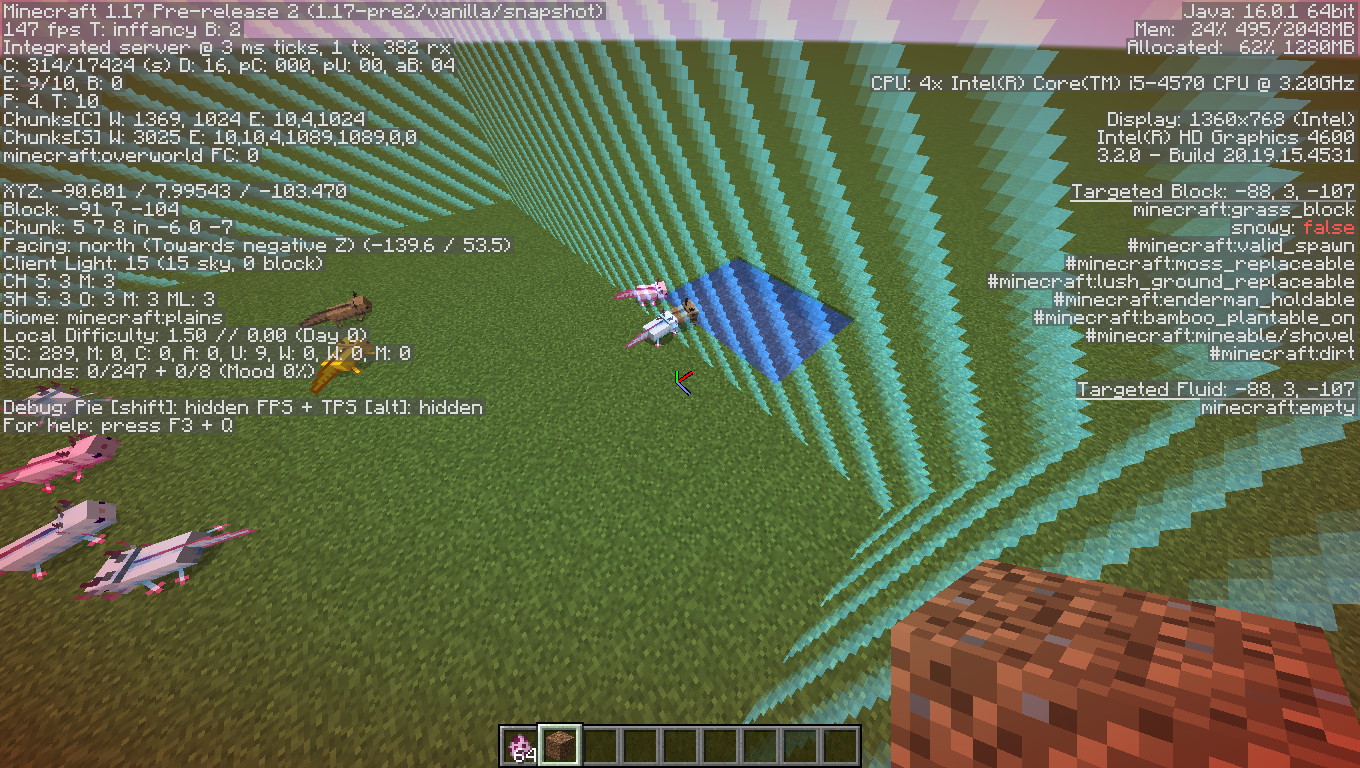

I don't think this is really a bug, but a feature of the game that was intentional.
2021-06-01_16.30.32.png
![[Mod] markderickson](../../../data/avatars/users/18946.svg)
Hi there!
As sac11221 said, this page is only meant for bugs found while in the game, not issues with buying the game. Just a quick question to help resolve the issue with more information - which payment method were you using?

Boross Gergő I get what you mean, and I also agree with sac11221, but putting this being potentially expected behaviour and thus potentially a bug aside, could you give me examples of when piston without a block below/above extending towards absolute build maximum (Sky/Void) would come in handy?
Again, while I understand that this could be seen as expected behaviour, fixing things like these just for the sake of it, when it has no use/benefits whatsoever (and doesn't break gameplay in some manner), seems like developer worktime invested into something that could be used elsewhere better (e.g. revamping the whole Redstone system).
From what we've seen in the past, it also doesn't seem to be advisable to have the Devs fiddle with the piston code at the current state of the code in totality, unless there'd be a really good reason to do so.
Of course, up to Mojang to decide, but I always get nervous when I see piston bugposts due to past experiences.
Edit: I remembered an old bugfix (2014), found it now: MC-58985
Blocks would get deleted past the build limit.
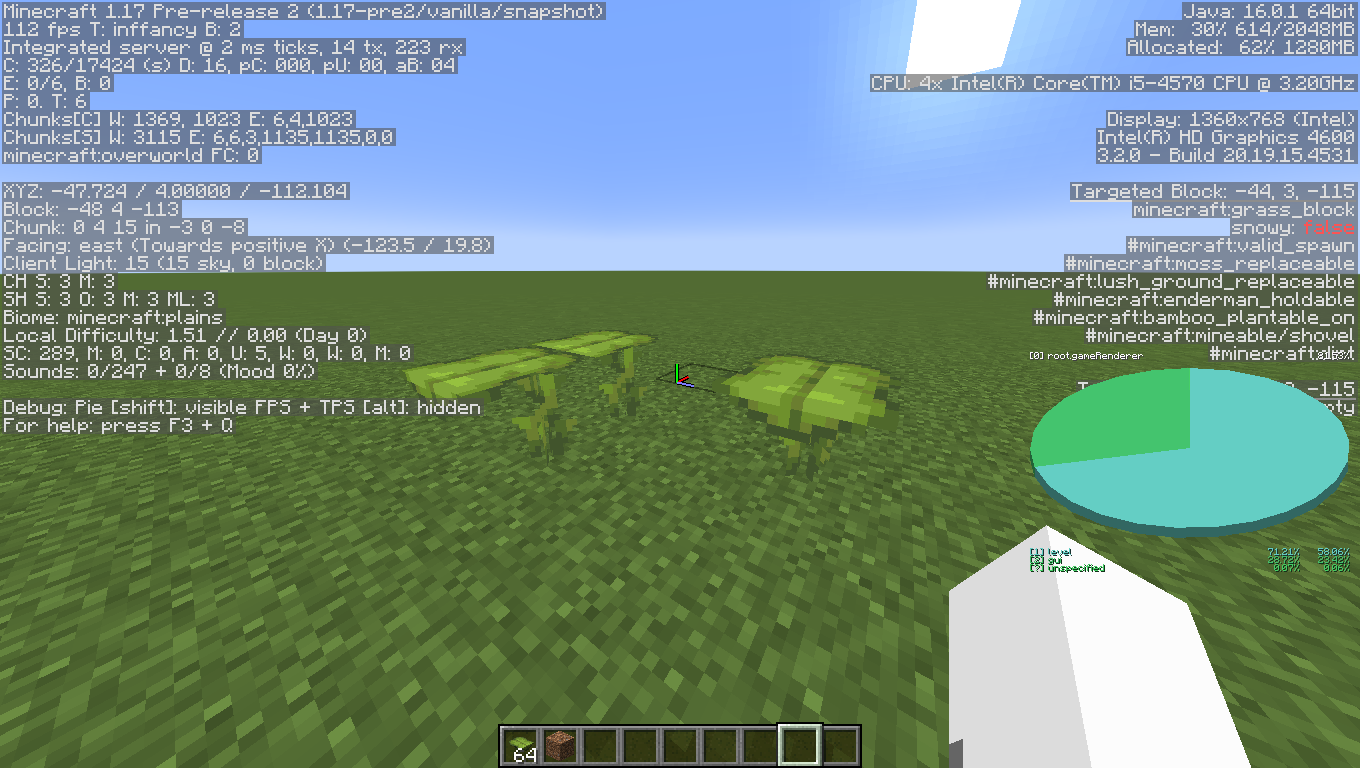
I was able to reproduce. sac11221 your actually reproducing it in your image your just looking at the wrong side. It only occurs at parts were two dripleaves touch
Just make the log in.
Can be reproduced in r1.16.1 and apparently what i did was '/tp ~ ~1000000 ~' to see the effects, also i noticed how the snow gets more streched as you go upwards.
Can confirm, but note that you don't really sleep in the vehicle but sleep in the same position of the vehicle, for example if you sleep while standing on a moving minecart you'll start sleeping on the ground and the minecart will go by himself away. Anyways i do not know if this is really a bug or a feature.
Sorry but i don't really know how to replicate this and possibly, it's a pc side problem.
You are using forge with possibly multiple mods, and CurseTwitch is handling them. Possibly there is a MOD problem more than a vanilla problem, so please check if removing all mods changes anything.
Can you explain better the bug please?
Please explain the bug with more info.
I think you just need to wait more, they restock twice a Minecraft day.
This is an intended feature of the game.
They do. They are just rounded.
This is not a bug.
Duplicate of
MC-137452.Can you provide me a screenshot of the F3 Debug screen?
Can you provide me a screenshot of the F3 debug screen?
Probably a lightning burned it down.
Tested it, does not appear to me. Can you provide a screenshot of the F3 Debug screen?
Duplicate of
MC-166903.This report is invalid. It's not a bug but you can still have discussions outside of Mojira about this theme.
This bug affects only old versions of minecraft. So it's an invalid bug report. But, my reccomendation is to use MultiMC + SkinFix modification of the game, but if you find any problems with this Modification don't report an error here.
Duplicate of
MC-196163.Please do not make duplicates of recently resolved reports.
You can kill Entities with the 'Invurnerable' tag in CREATIVE mode. Like DrownedZombie said it's a duplicate of
MC-51195.Please report this issue on the Bedrock Edition page of Mojira.
This is not a bug regarding the Minecraft game, but the Minecraft Shop page. Do not post this type of issues on this part of the Bug Report Page.
This is not a bug.
Sorry, but you have to do reports in English in order for them to get reviewed.
Can you provide a screenshot of the F3 Debug screen?
I think it's not really a bug, make sure to check if the Video Settings are all of the same of the previous one. Also keep in mind that if you have a very low end pc, updates might weight on your performance.
This report is invalid because you are using Optifine. Please submit bugs that occour only in Vanilla Minecraft.
Duplicate of
MC-929.Duplicate of
MC-196205.Please provide a screenshot of the F3 Debug screen.
I think this is not a bug but a feature of the game. I cannot confirm this whatsoever but i think it's made like that to prevent them to push the block on top of them higher than the build limit. Cannot find any information about this tho.
Can you provide a screenshot of the F3 debug screen?
This is not a bug regarding the Minecraft Game. Please report your problem somewhere else (https://help.minecraft.net/hc/en-us might help).
Can confirm.
Can confirm.
Can reproduce.
Can't reproduce in 1.17 pre-release 2; My game crashes in 1.16.5 when i load the pack. (Note: are you atalking about that black outline around colored signs?)
Can confirm. Even tho i think (personal opinion) this is a feature as most of particles behave the same way on fences.
Can confirm both cases.
Edit; Version is 1.17 Prerelease 3