 Selebrator
- Selebrator
- selebrator
- Europe/Stockholm
- Yes
- No
 MC-100406

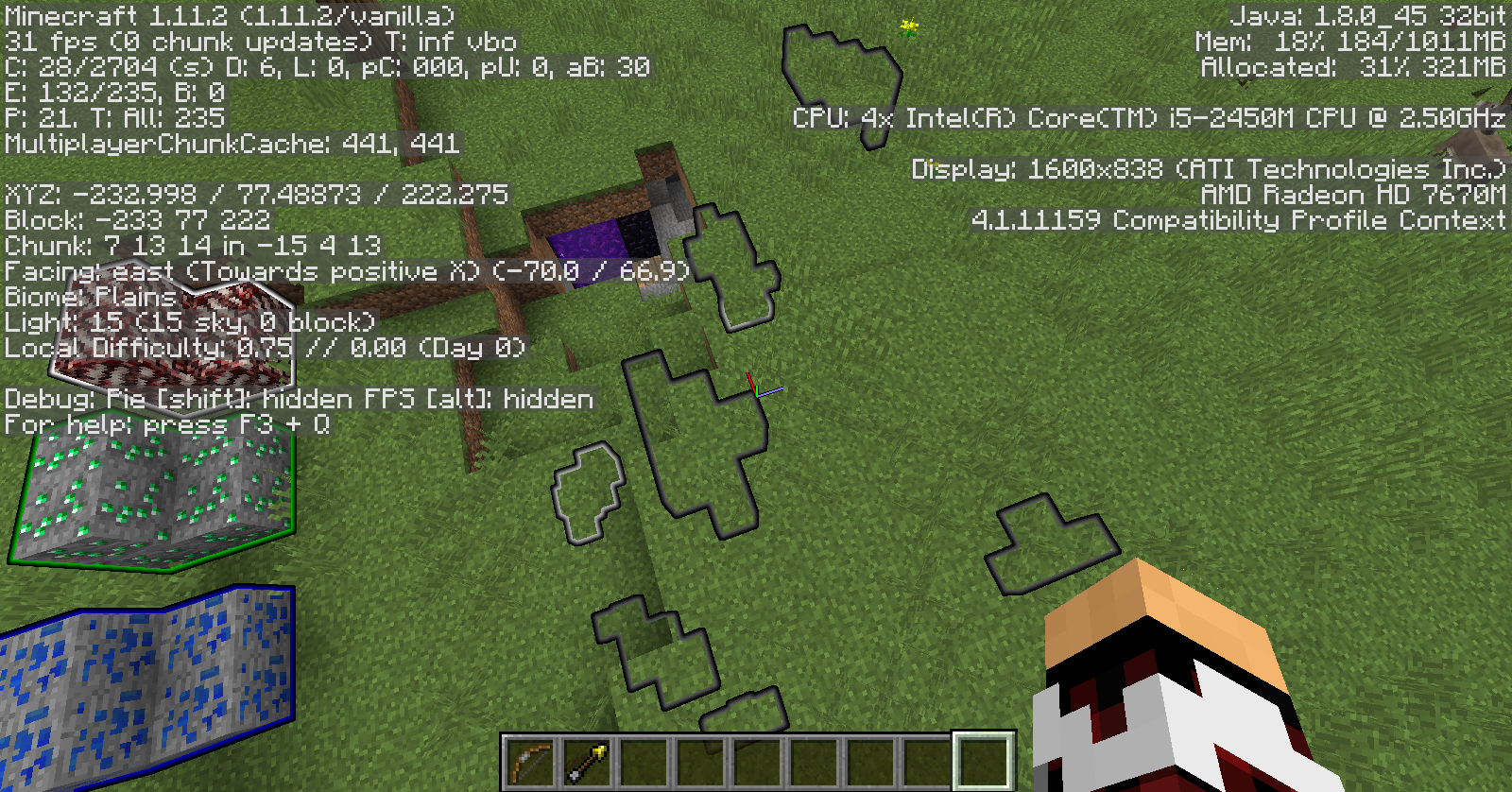

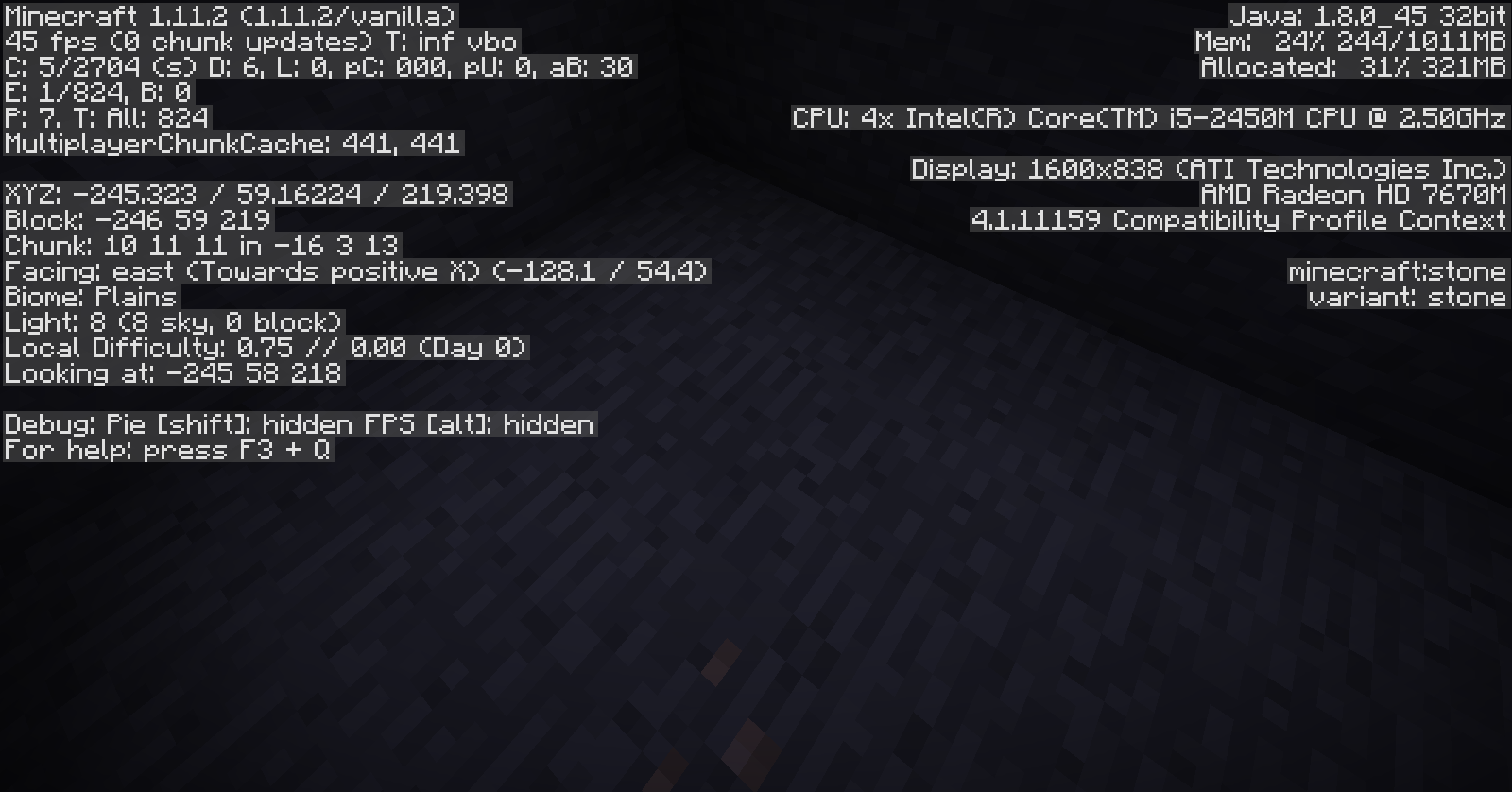
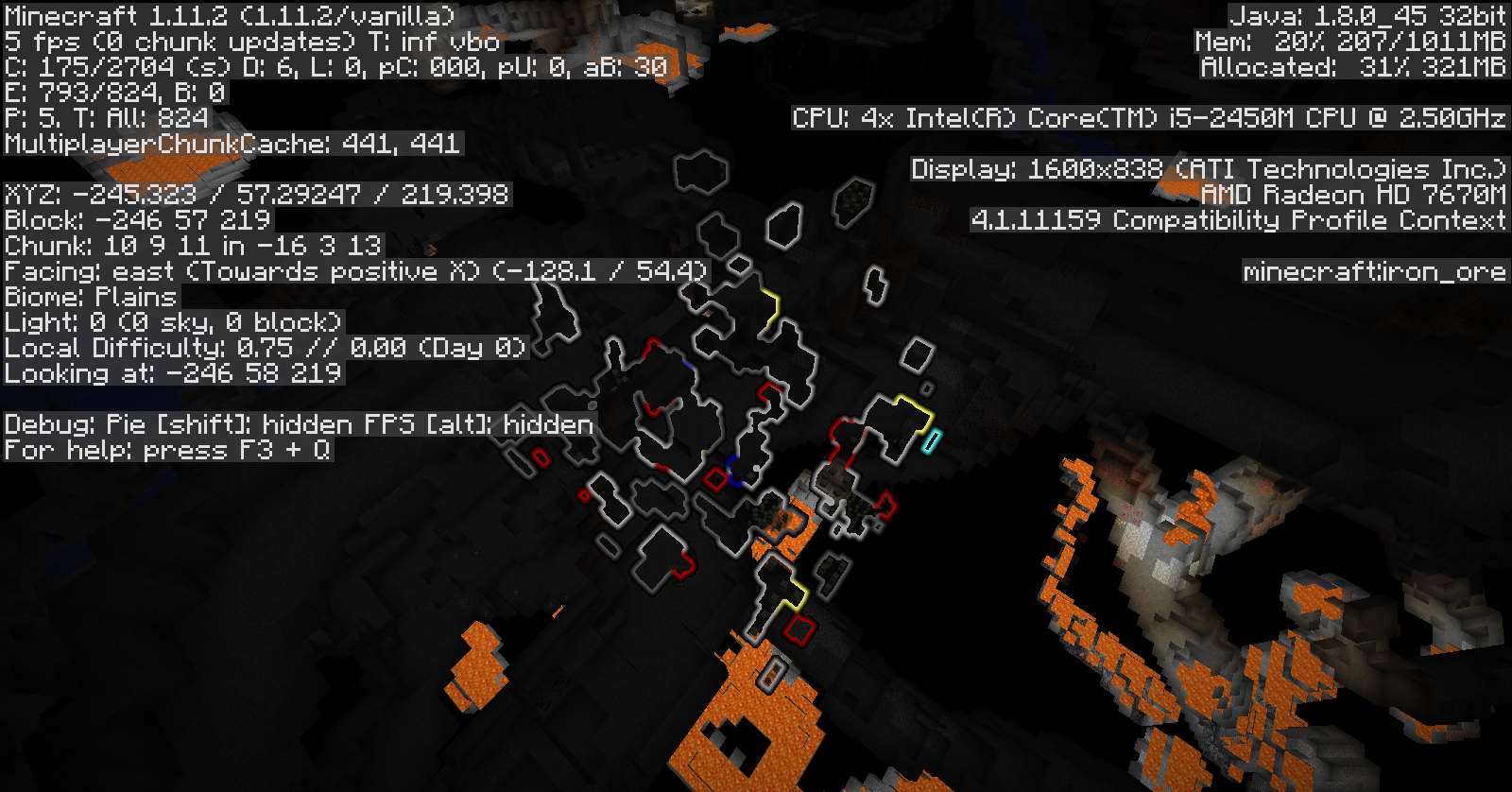


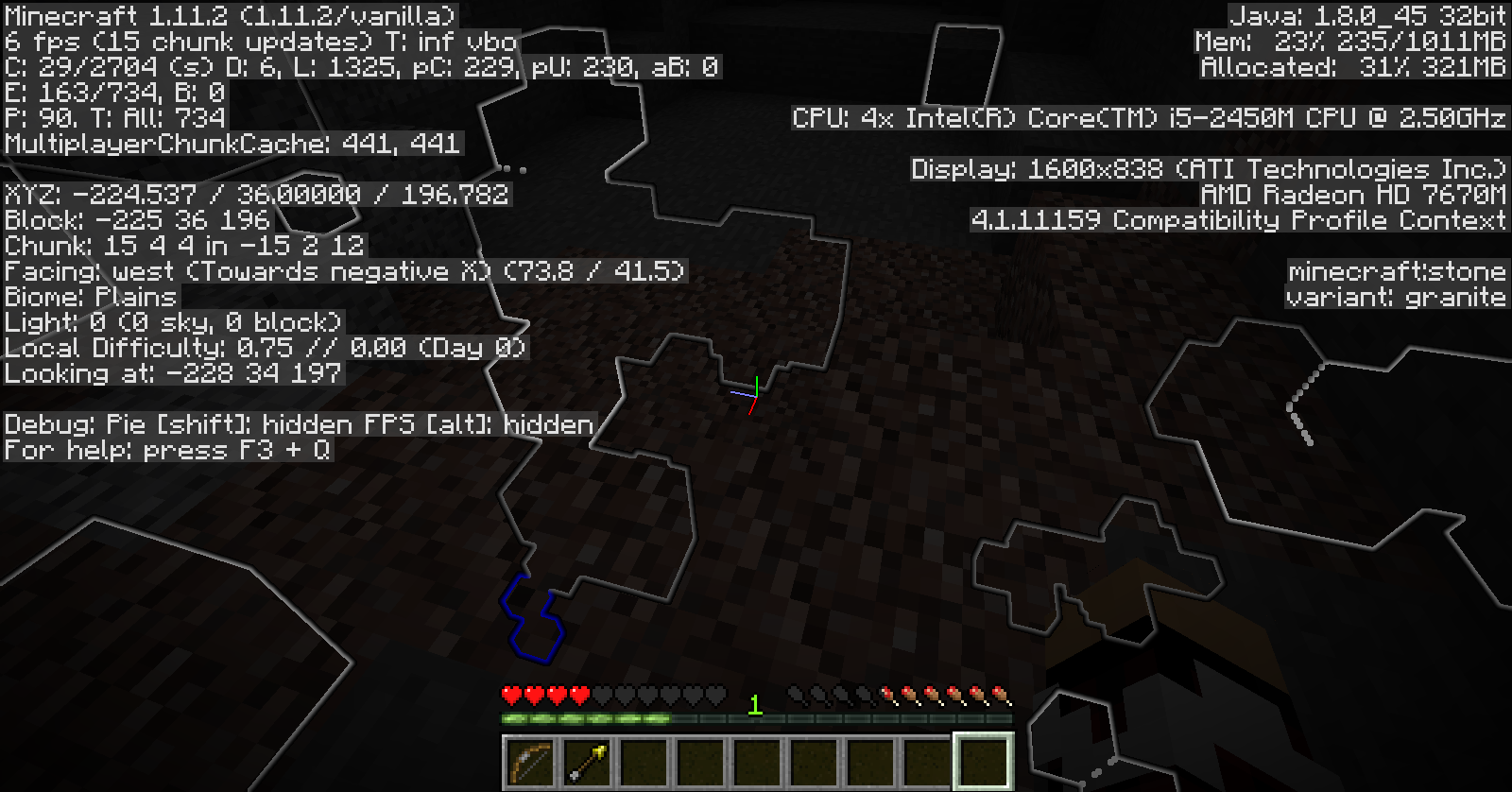


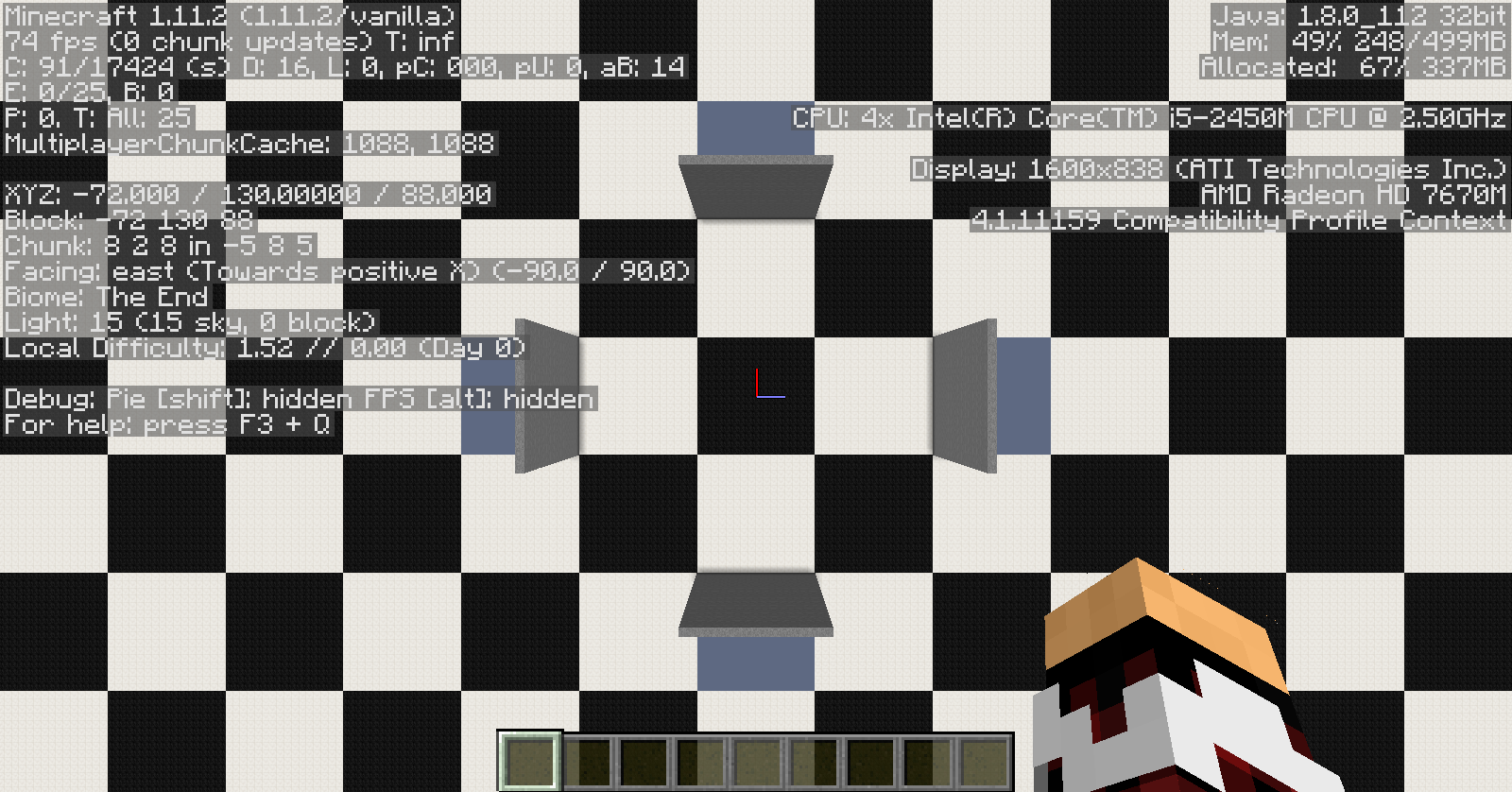
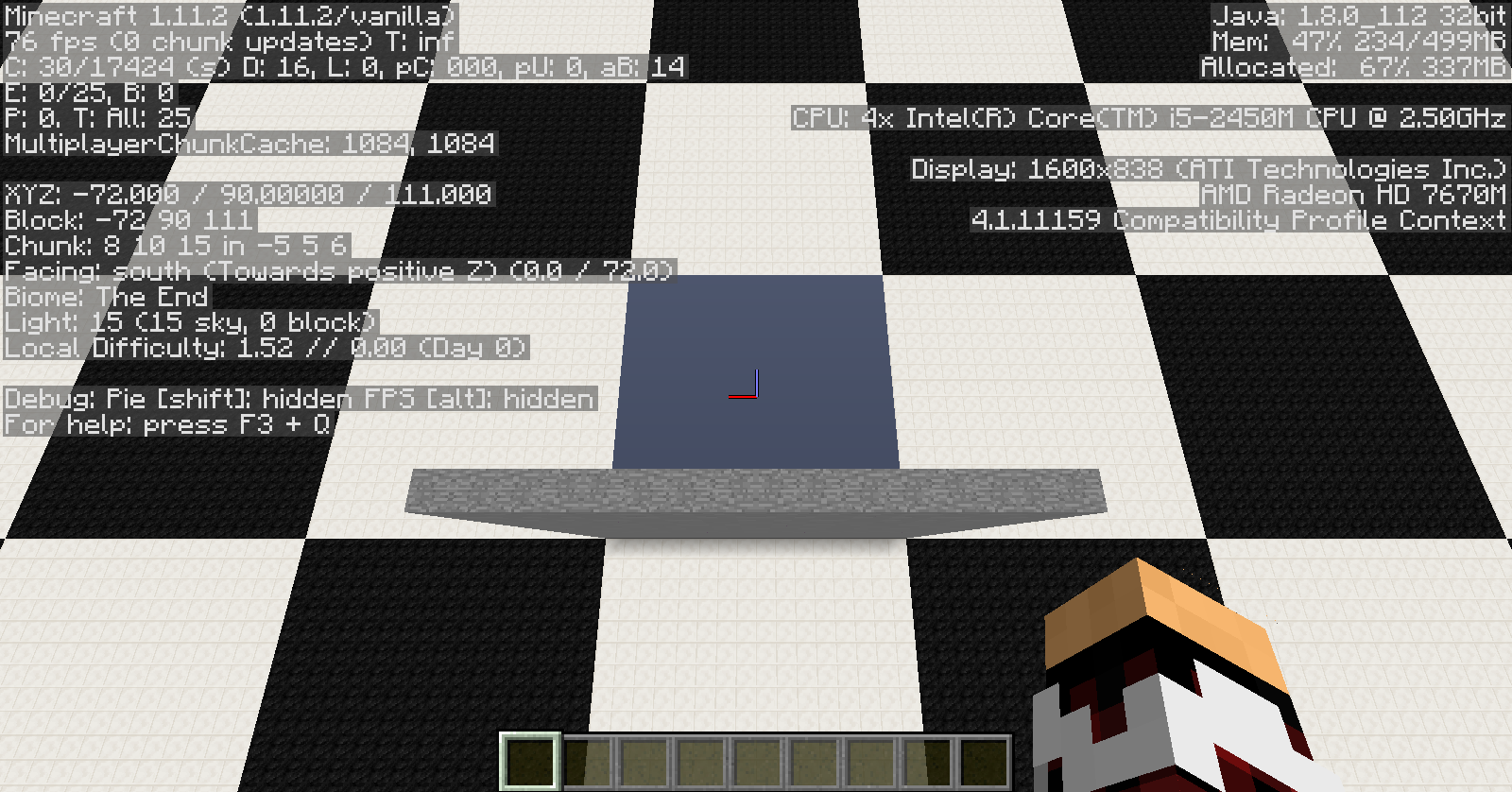


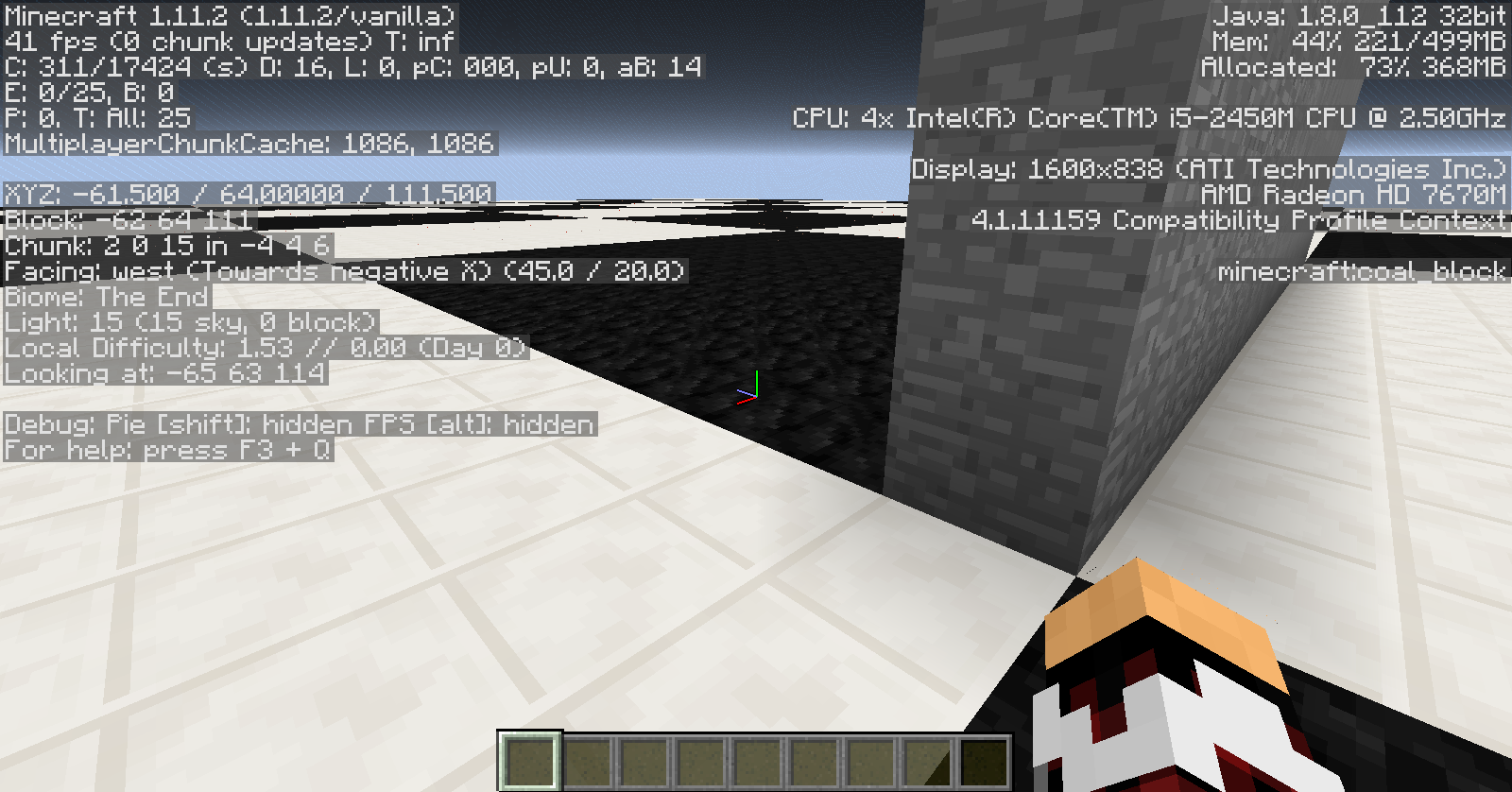
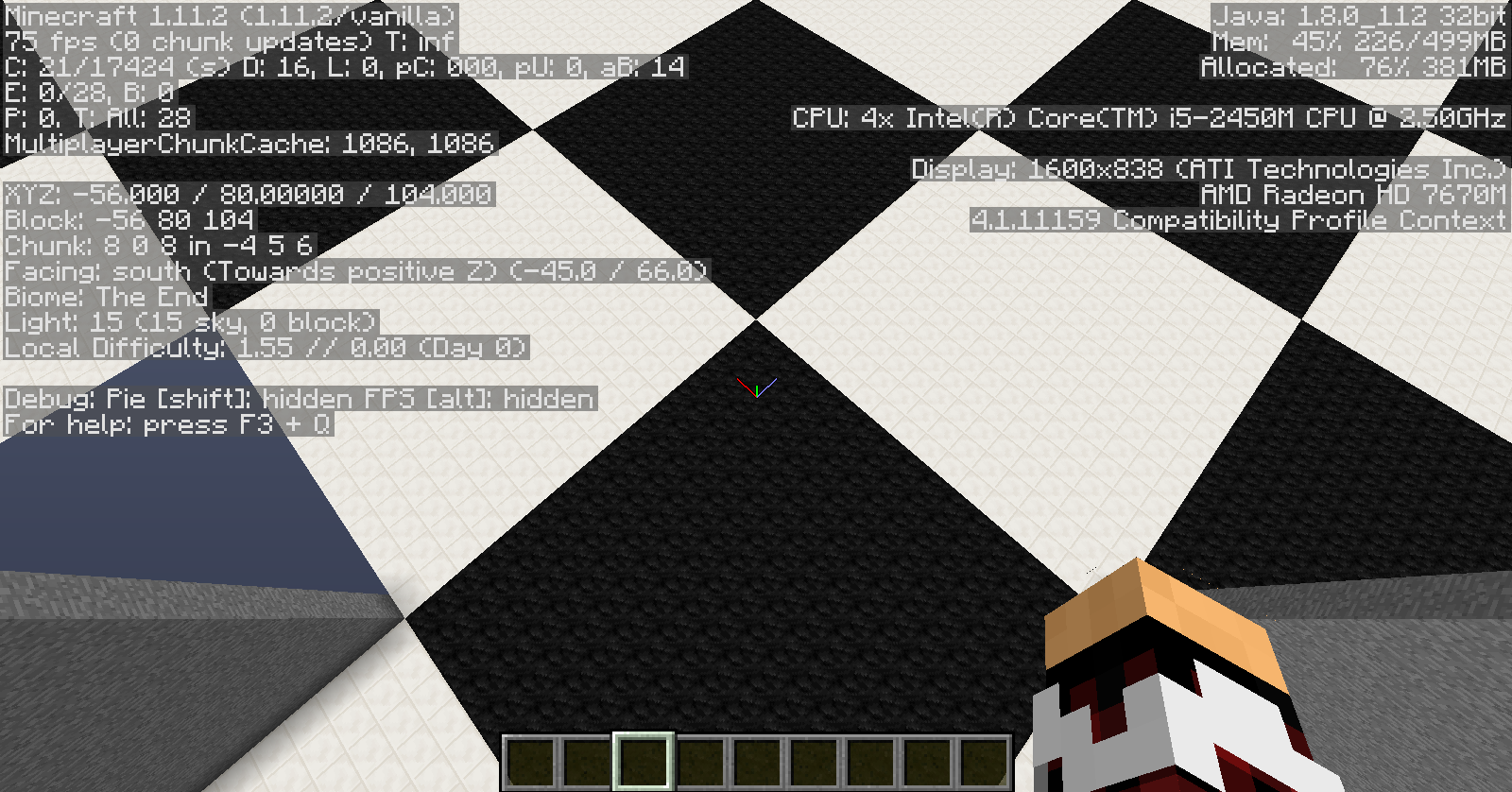
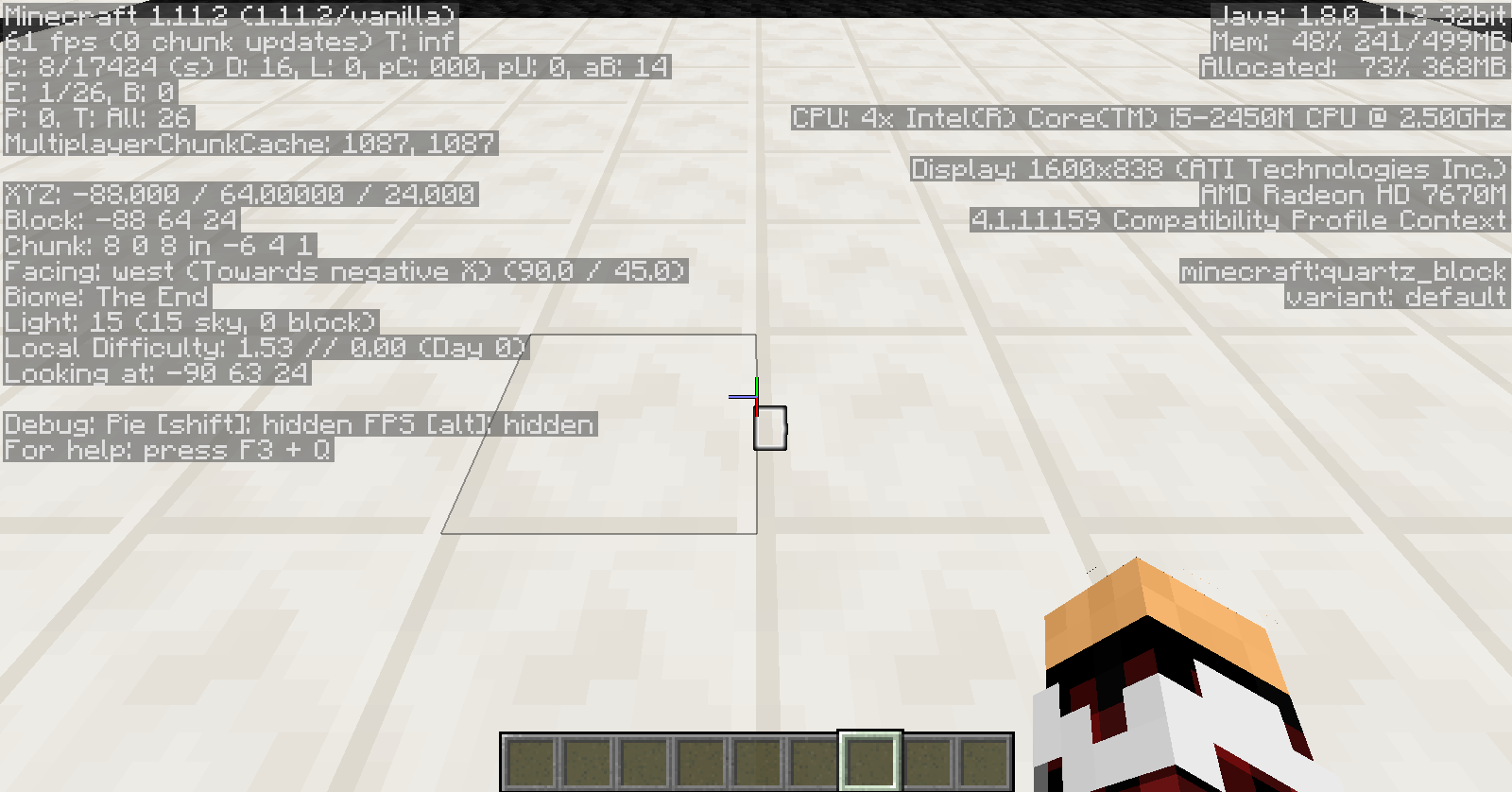


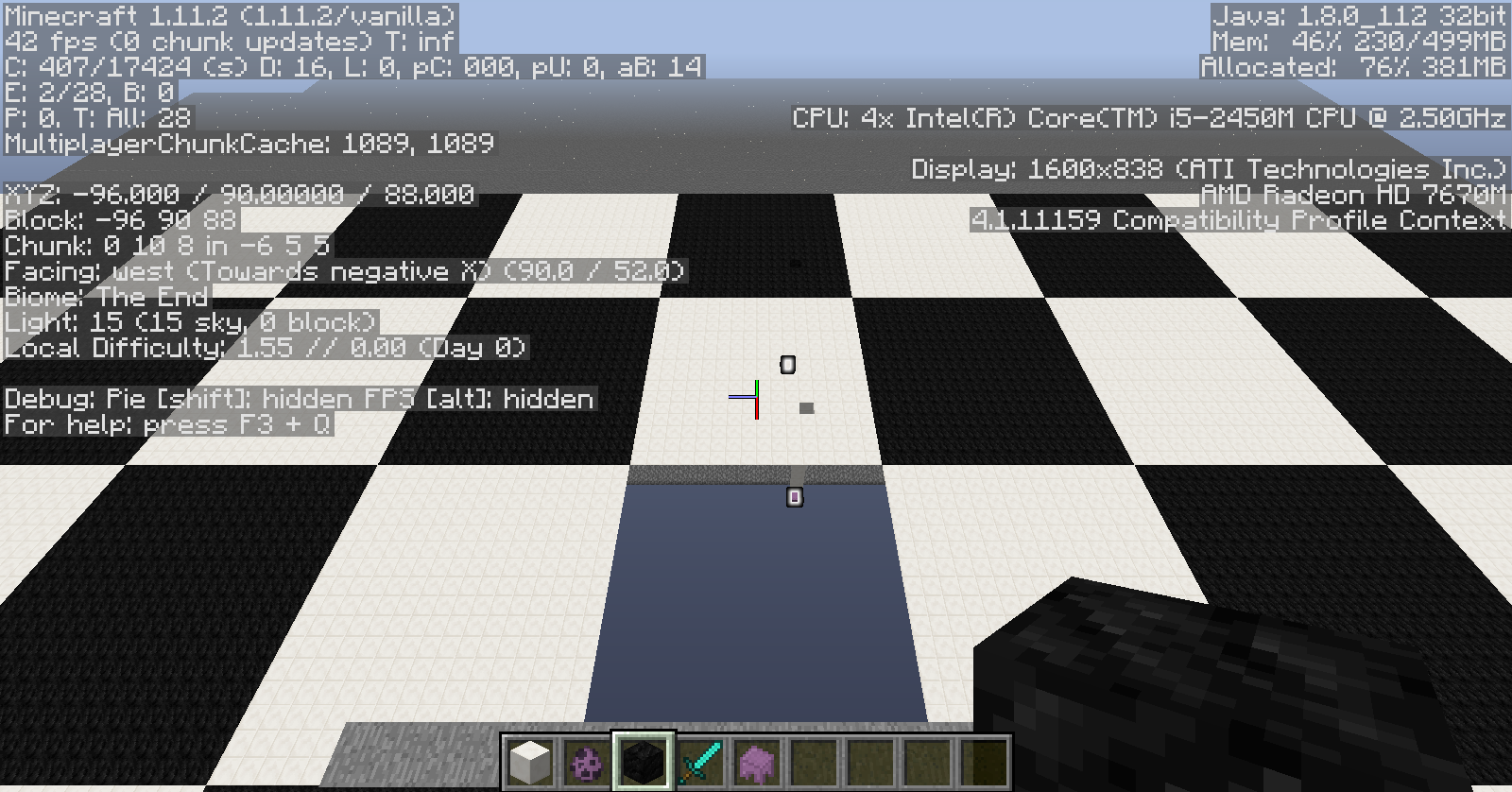

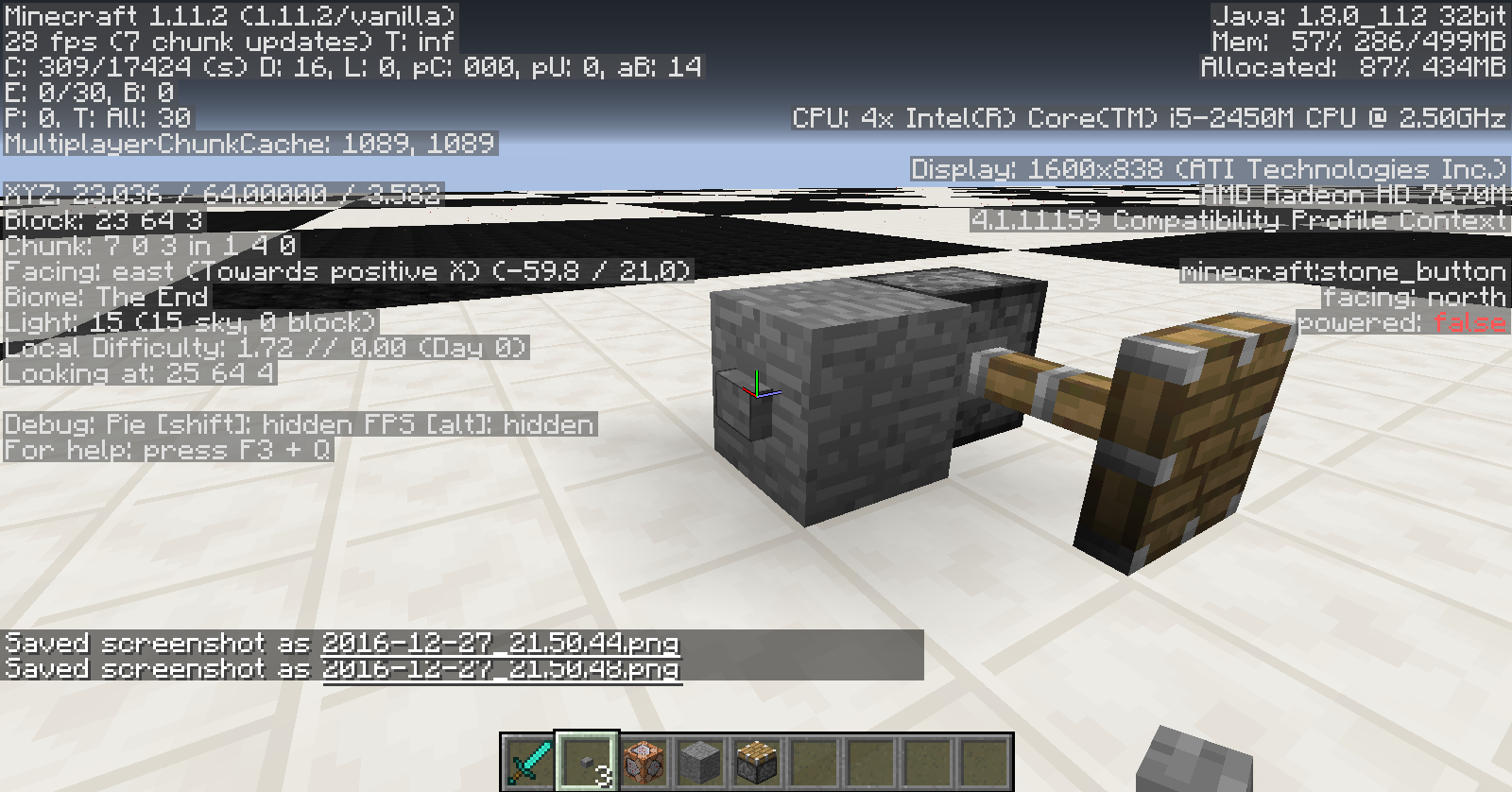
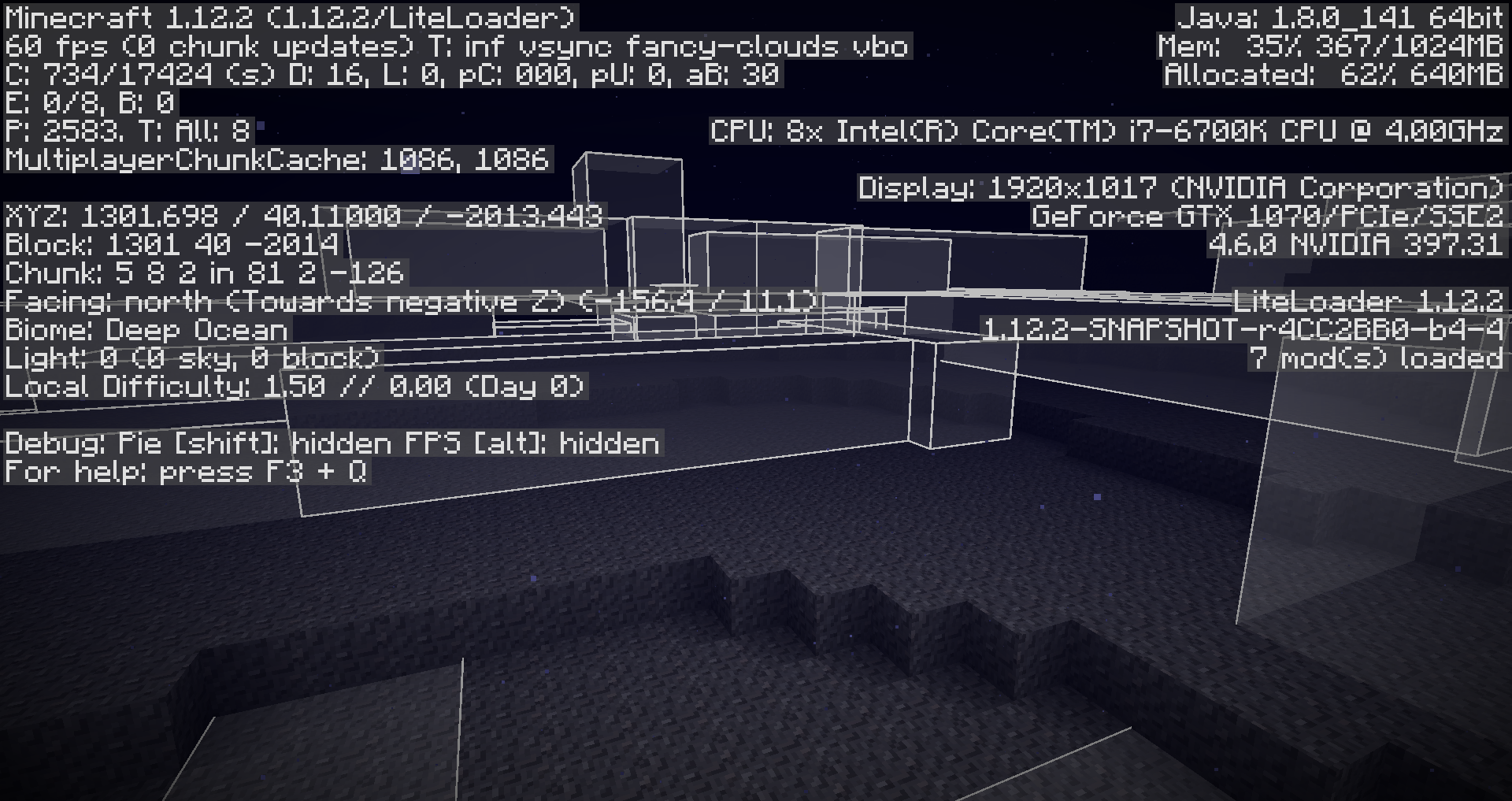
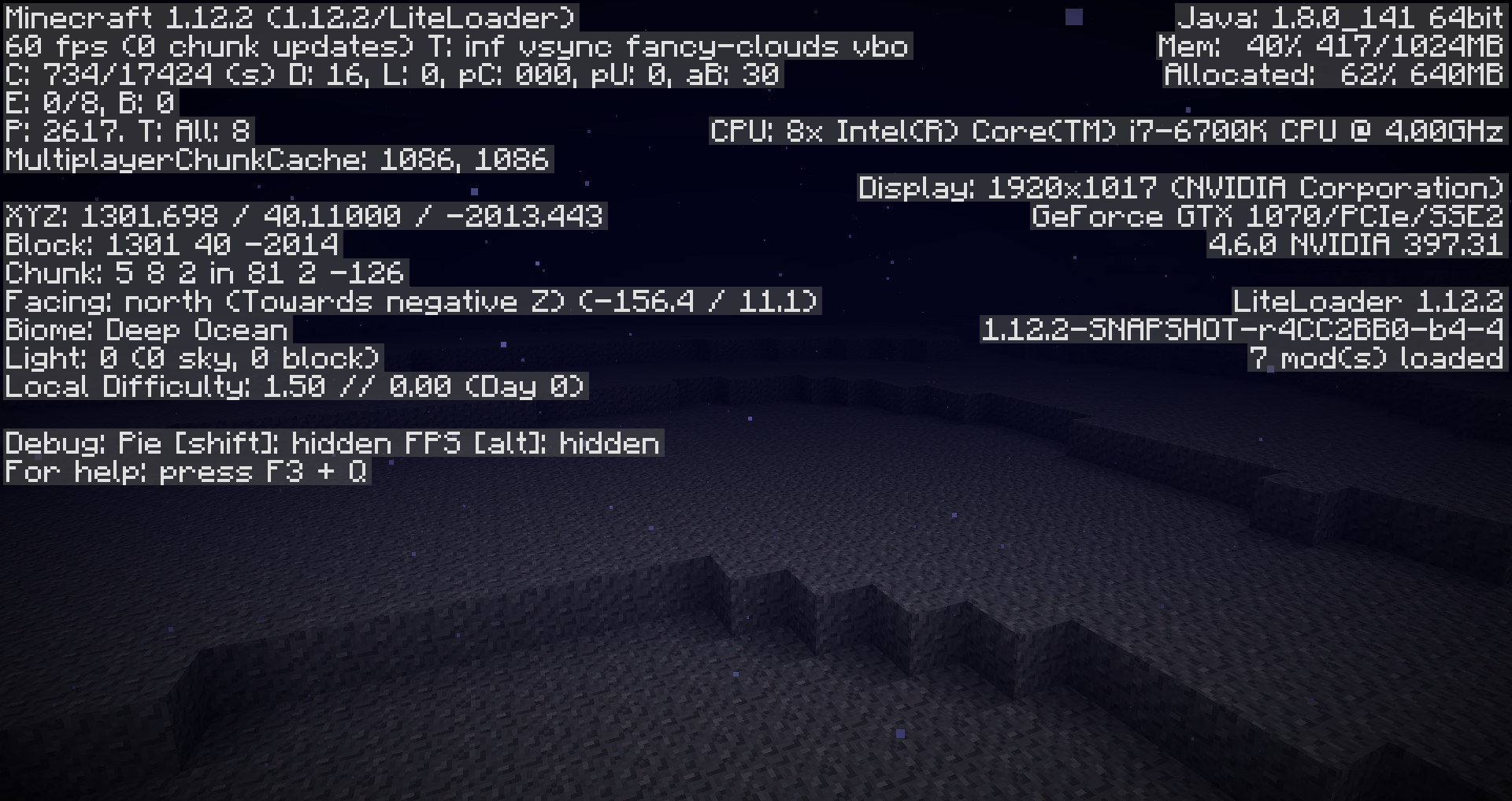
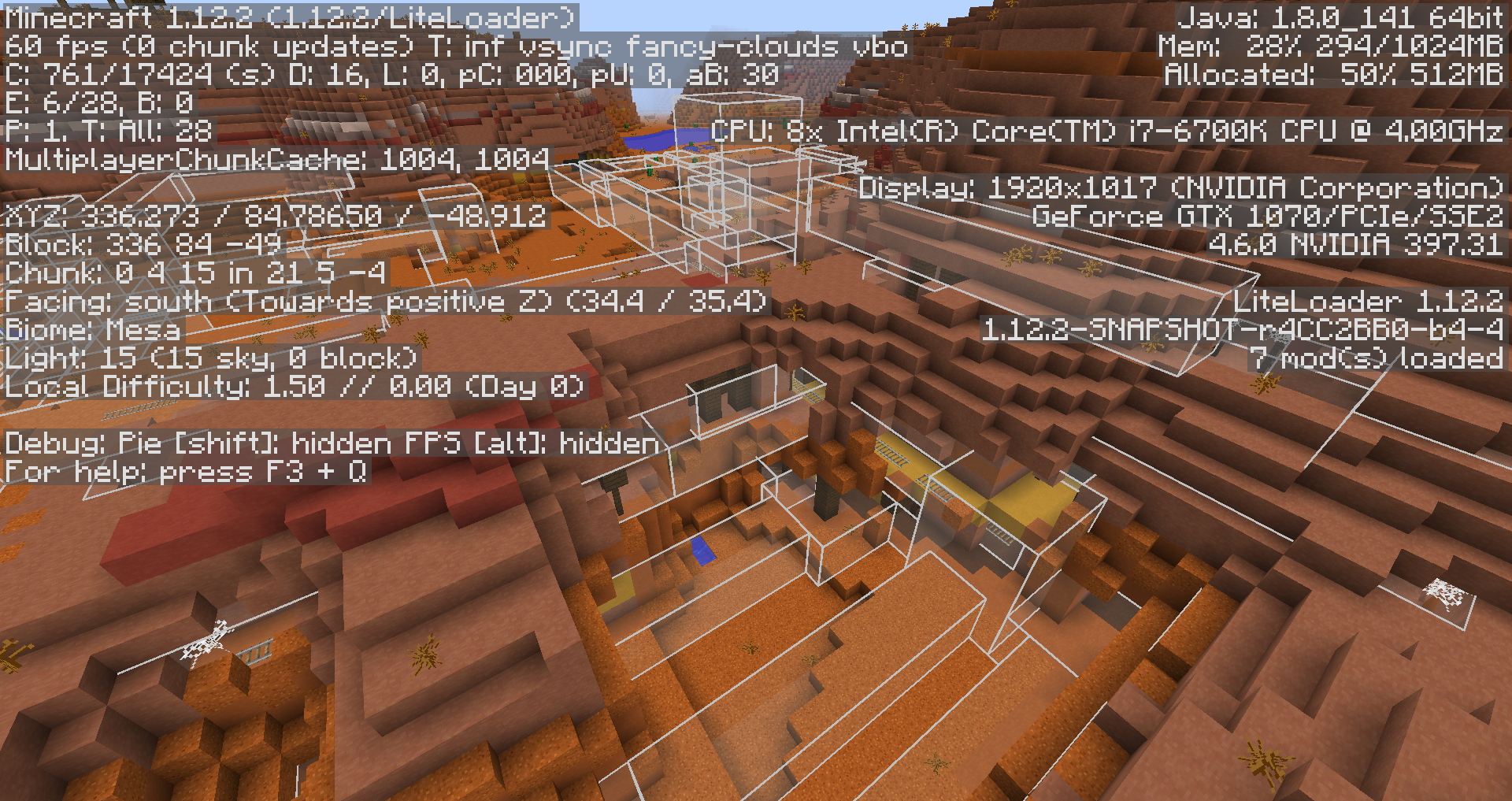
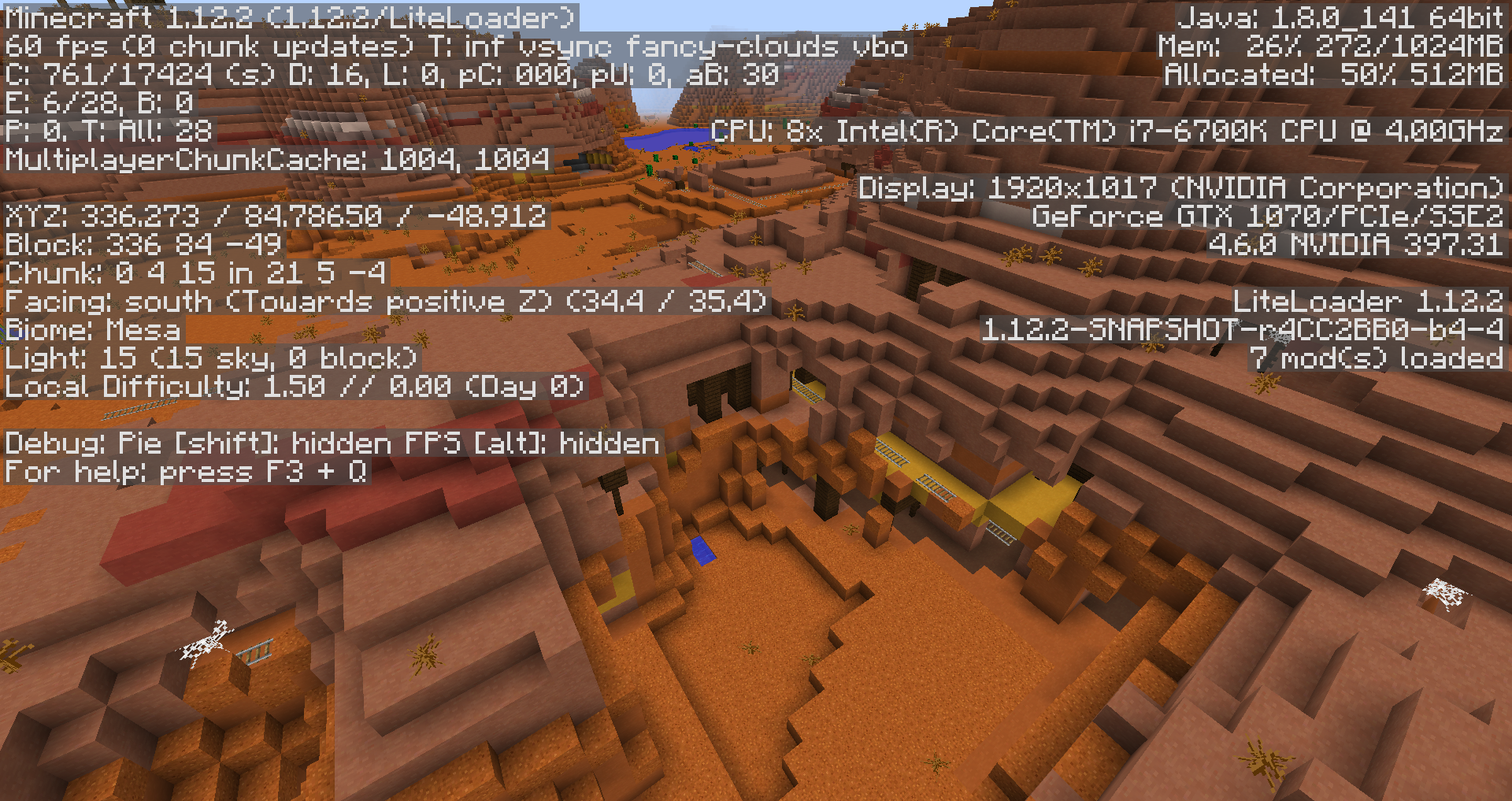
After starting up Minecraft I can enter any world without problems. When I try to quit that world and enter any a new one (same or other) it wont render properly. This happens in Singleplayer and Miltiplayer but not when changing dimension. I can fix this by restarting the client.
After starting up Minecraft I can enter any world without problems. When I try to quit that world and enter any a new one (same or other) it wont render properly. This happens in Singleplayer and Miltiplayer but not when changing dimension. I can fix this by restarting the client.
Related to
After starting up Minecraft I can enter any world without problems. When I try to quit that world and enter any a new one (same or other) it wont render properly. This happens in Singleplayer and Miltiplayer but not when changing dimension. I can fix this by restarting the client.
Related to MC-100406
After starting up Minecraft I can enter any world without problems. When I try to quit that world and enter any a new one (same or other) it wont render properly. This happens in Singleplayer and Miltiplayer but not when changing dimension. I can fix this by restarting the client.
Related to MC-100406After starting up Minecraft I can enter any world without problems. When I try to quit that world and enter any a new one (same or other) it wont render properly. This happens in Singleplayer and Miltiplayer but not when changing dimension. I can fix this by restarting the client.
Related to MC-100407
Corrupting world by teleporting to y=(-)Infinity
When moving from the edge of an slimeblock to the center the view gets shaky.
Steps to Reproduce:
1. Move to the edge of a Slimeblock. You can use sneaking so you dont fall of so easily.
2. Move in the center.Video in Attachments
When moving from the edge of an slimeblock to the center the view gets shaky.
Steps to Reproduce:
1. Move to the edge of a Slimeblock. You can use sneaking so you dont fall of so easily.
2. Move in the center.This also happens when you unsneak while standing in the center.
Video in Attachments
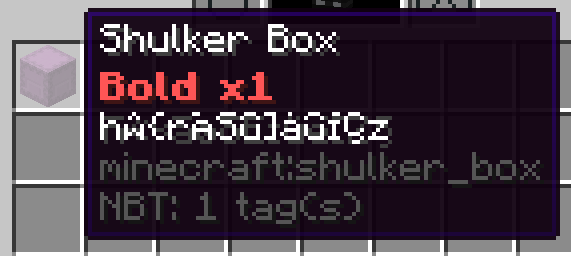
When hovering over a non-empty shulkerbox item you get a preview of the items contained and the stacks sizes. This number shares the styling of the items name.
I expected this number to always be styled the same.
This is problematic, because you can not preview the size of item stacks with obfuscated names.
Steps to reproduce:
- run in a command block:
/setblock ~ ~ ~ minecraft:shulker_box{ Items:[ { Slot:0, id:"minecraft:stone", tag:{ display:{ Name:"{\"text\":\"Bold\",\"bold\":\"true\",\"color\":\"red\"}" } }, Count:1 }, { Slot:1, id:"minecraft:stone", tag:{ display:{ Name:"{\"text\":\"obfuscated\",\"obfuscated\":\"true\"}" } }, Count:1 } ] }- pick up the shulkerbox
- open inventory and hover over the shulkerbox item
When hovering over a non-empty shulkerbox item you get a preview of the items contained and the stacks sizes. This number shares the styling of the items name.
I expected this number to always be styled the same.
This is problematic, because you can not preview the size of item stacks with obfuscated names.
Steps to reproduce:
- run in a command block:
/setblock ~ ~ ~ minecraft:shulker_box{
	Items:[
		{
			Slot:0,
			id:"minecraft:stone",
			tag:{
				display:{
					Name:"{\"text\":\"Bold\",\"bold\":\"true\",\"color\":\"red\"}"
				}
			},
			Count:1
		},
		{
			Slot:1,
			id:"minecraft:stone",
			tag:{
				display:{
					Name:"{\"text\":\"obfuscated\",\"obfuscated\":\"true\"}"
				}
			},
			Count:1
		}
	]
}
- pick up the shulkerbox
- open inventory and hover over the shulkerbox item
When hovering over a non-empty shulkerbox item you get a preview of the items contained and the stacks sizes. This number shares the styling of the items name.
I expected this number to always be styled the same.
This is problematic, because you can not preview the size of item stacks with obfuscated names.
Steps to reproduce:
- run in a command block:
/setblock ~ ~ ~ minecraft:shulker_box{
	Items:[
		{
			Slot:0,
			id:"minecraft:stone",
			tag:{
				display:{
					Name:"{\"text\":\"Bold\",\"bold\":\"true\",\"color\":\"red\"}"
				}
			},
			Count:1
		},
		{
			Slot:1,
			id:"minecraft:stone",
			tag:{
				display:{
					Name:"{\"text\":\"obfuscated\",\"obfuscated\":\"true\"}"
				}
			},
			Count:1
		}
	]
}
- pick up the shulkerbox
- open inventory and hover over the shulkerbox item
When hovering over a non-empty shulkerbox item you get a preview of the items contained and the stacks sizes. This number shares the styling of the items name.
I expected this number to always be styled the same.
This is problematic, because you can not preview the size of item stacks with obfuscated names.
Steps to reproduce:
- run in a command block:
/setblock ~ ~ ~ minecraft:shulker_box{ Items:[ { Slot:0, id:"minecraft:stone", tag:{ display:{ Name:"{\"text\":\"Bold\",\"bold\":\"true\",\"color\":\"red\"}" } }, Count:1 }, { Slot:1, id:"minecraft:stone", tag:{ display:{ Name:"{\"text\":\"obfuscated\",\"obfuscated\":\"true\"}" } }, Count:1 } ] }- pick up the shulkerbox
- open inventory and hover over the shulkerbox item
![[Mod] Michael Wobst](../../../data/avatars/users/37868.png)
Selebrator please attach a screenshot of this issue in 1.11.2 with the debug screen ( F3 ) enabled.
Are you unsing a Resourcepack?
Does this occure in Singleplayer?
Yes, your right. I just posted it because it's easy to fix, but also easy to trigger. I just want Mojang to know how easy it is to crash their game sothat they can make it better
Confirmed.
Confirmed for 1.9.2.
Confirmed for 1.9.2.
Duplicate of
MC-62958Same here.
Cannot confirm for 1.9.2 eighter.
Confirmed for 1.9.2.
Confirmed.
All of this was discovered while dooing experiments for
MC-111954so its likely that they are related.Pictures 13-16 are caused by
MC-111979I think there definitely is a strong relation to
MC-97094and maby they heve the same cause. I'll do more experiments to find out.When you have 3 blocks in a row you expect to see #2 when breaking #1.
This holds true for the box when you can see the outline of the mob. But when you can't see the outline something strange happens:
For a short moment you can see the wall of pink wool I have put behind the box as if there were no block in between. I assume this happens because the chunk in the middle isn't rendered at all.
Have a look at
MC-111979for more information as I think they are strongly related.edit: this comment makes more sense if you watch Rec011.avi from the Attachments
Back in 1.11.2
I cannot reproduce in 1.11.2
Chest, Trapped Chest and Ender Chest make sound on opening and closing.
Maybe you can fix this for yourself by "assets" folder in the Game Directory. Then all sound files will be reinstalled when you restart the game.
Duplicate of MC-21024
That is what I assumed, but still you are landing on the Slime block when there is nothing but air around it. In my opinion the damage should be absorbed when the only block that could cause the damage is a Slime block. Also the only other blocks around are Air. And air normaly doesn't cause fall damage either.
Confirmed for 17w43b
Found this today in 19w11b with seed 5196832748511568602 around 9340 94 -8229
Yes, I can confirm for 19w11b