 Daniel Lau
- theusaf
- theusaf
- America/Los_Angeles
- Yes
- No
 MCPE-11783
 MC-95427MCPE-16227
![[Mojang] Nathan Adams](../../../data/assets/gravatar/dinnerbone.png)
















What I expected to happen:
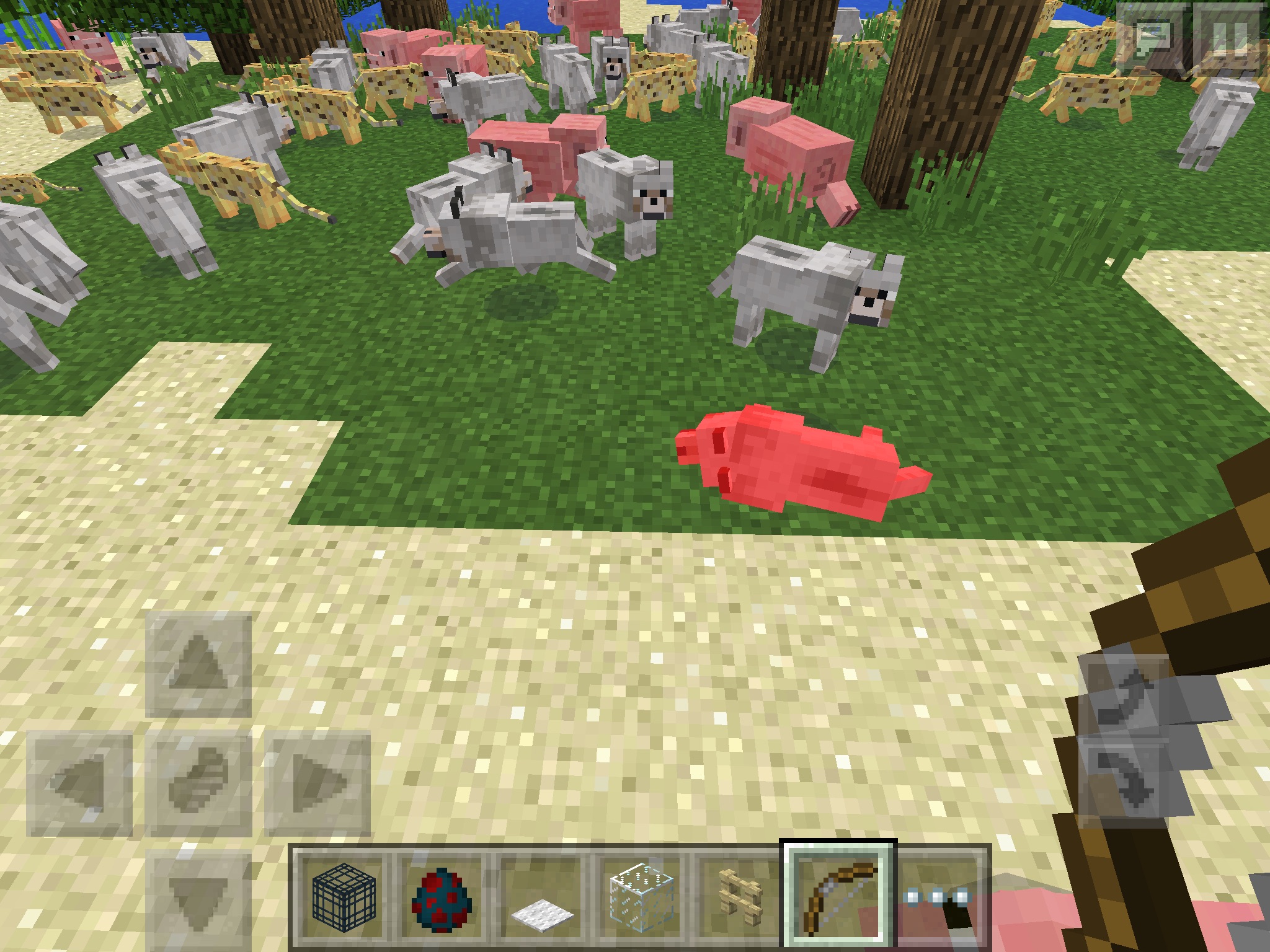
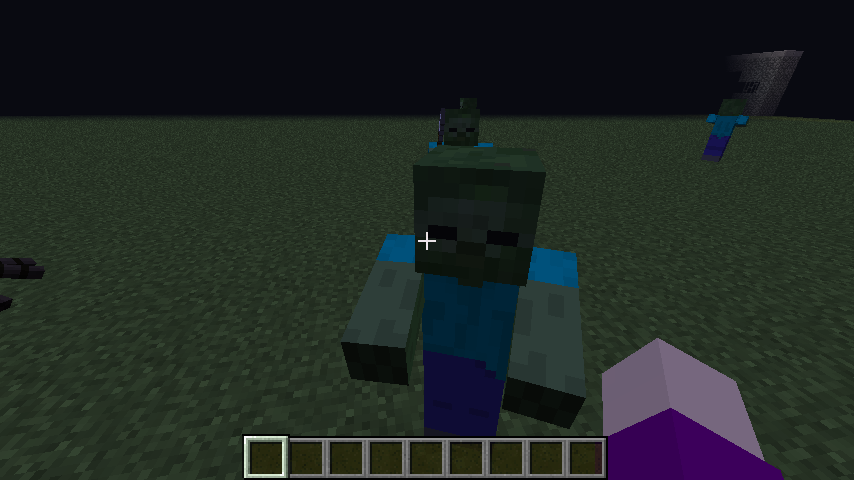
animal or mobdissapears when relogging
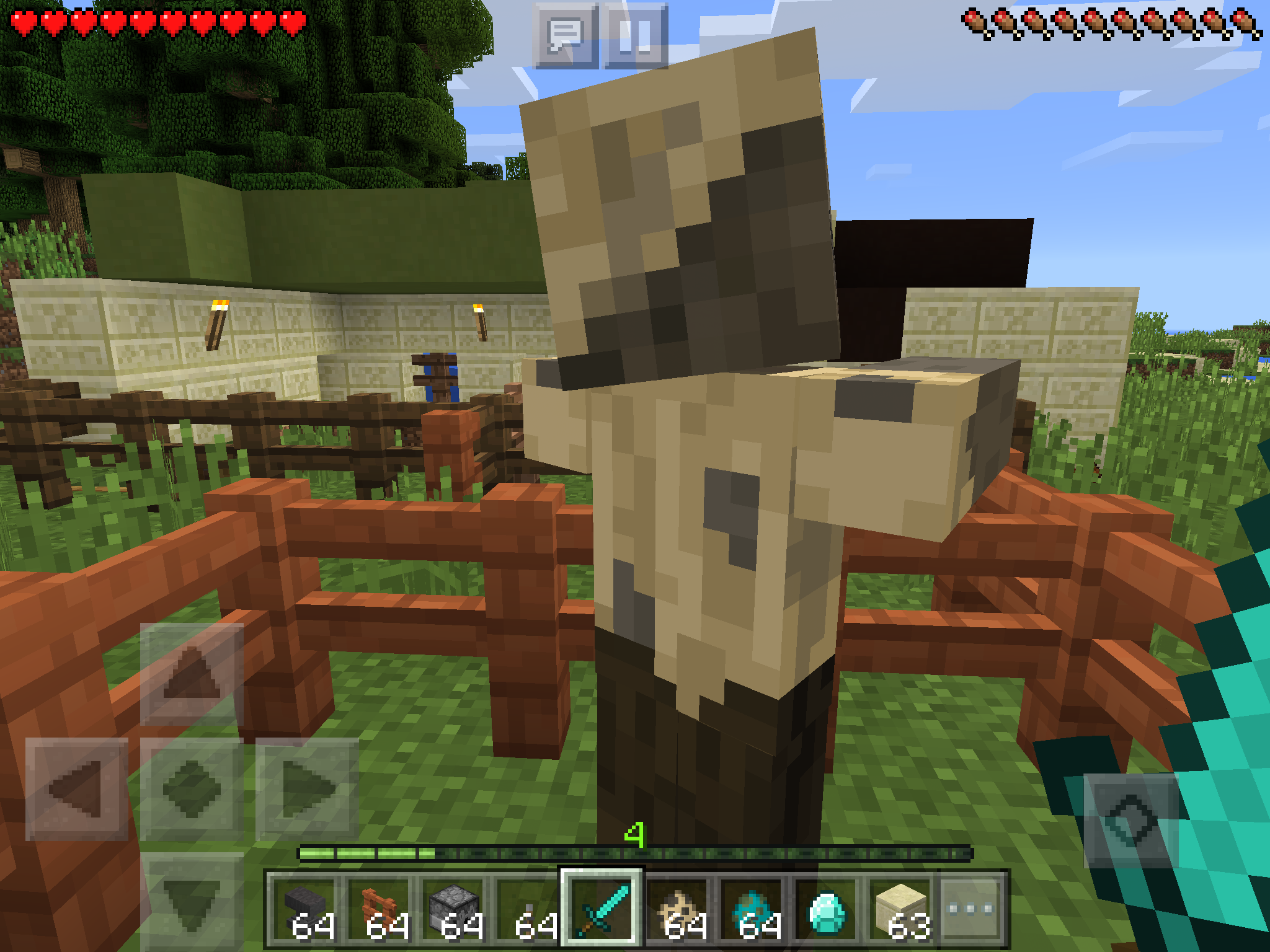
What actually happens:mobget full health back and walks around tilted over as though it is dead.How to duplicate: somehow kill a
moband quickly exit to menu before the mob dissapears in a puff of smoke. Enter the world.What I expected to happen: wolf dissapears when relogging
What actually happens: wolf get full health back and walks around tilted over as though it is dead.How to duplicate: somehow kill a wolf and quickly exit to menu before the mob dissapears in a puff of smoke. Enter the world.
Deadanimals come to life when reloggingDead wolves come to life when relogging
What I expected to happen:
wolfdissapears when relogging
What actually happens:wolfget full health back and walks around tilted over as though it is dead.How to duplicate: somehow kill a wolf and quickly exit to menu before the mob dissapears in a puff of smoke. Enter the world.
What I expected to happen: mob dissapears when relogging
What actually happens: mob get full health back and walks around tilted over as though it is dead.How to duplicate: somehow kill a wolf, slime, or magma cube and quickly exit to menu before the mob dissapears in a puff of smoke. Enter the world.
Dead wolves, slimes, and magma cubes come to life when relogging
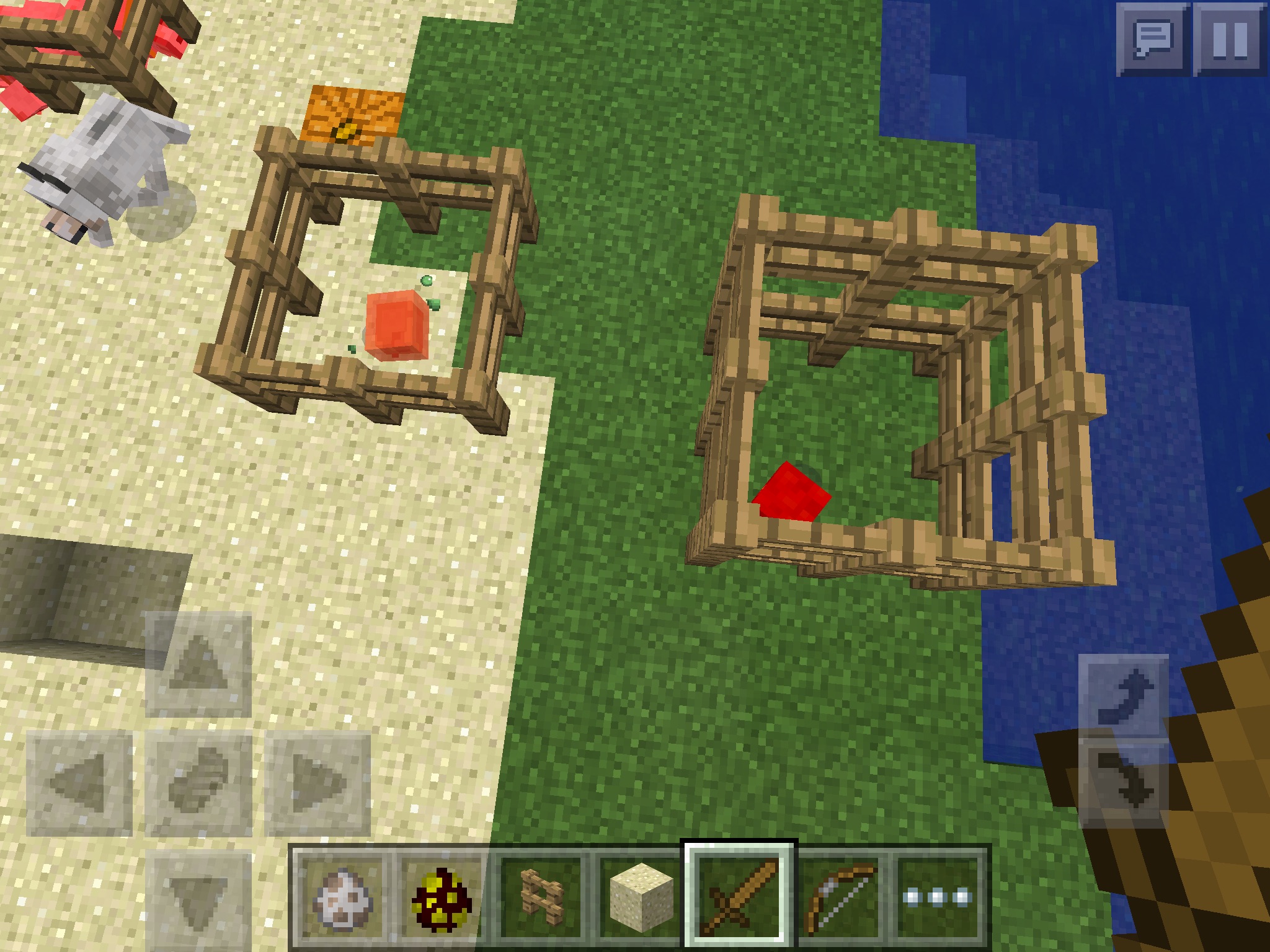
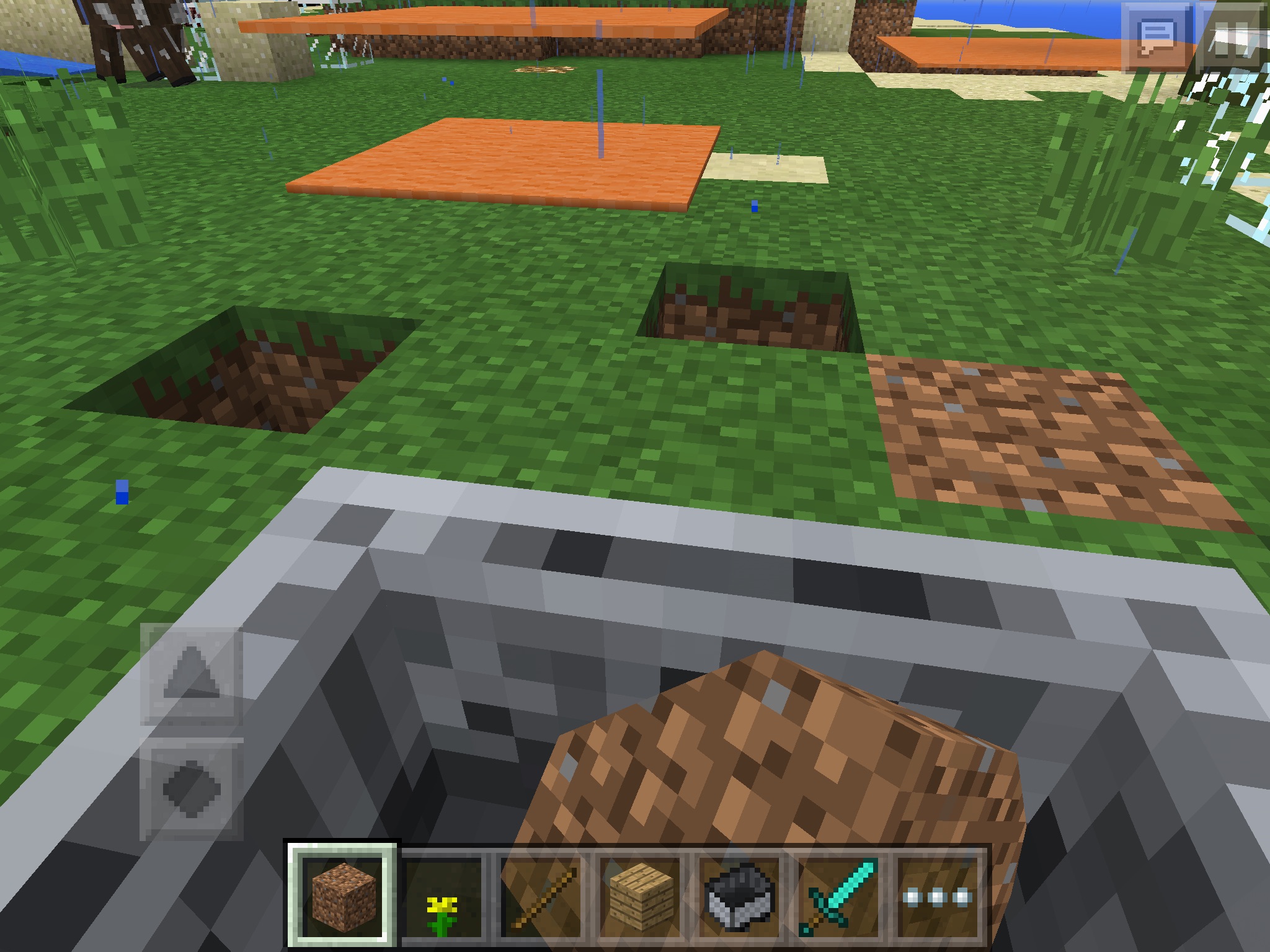
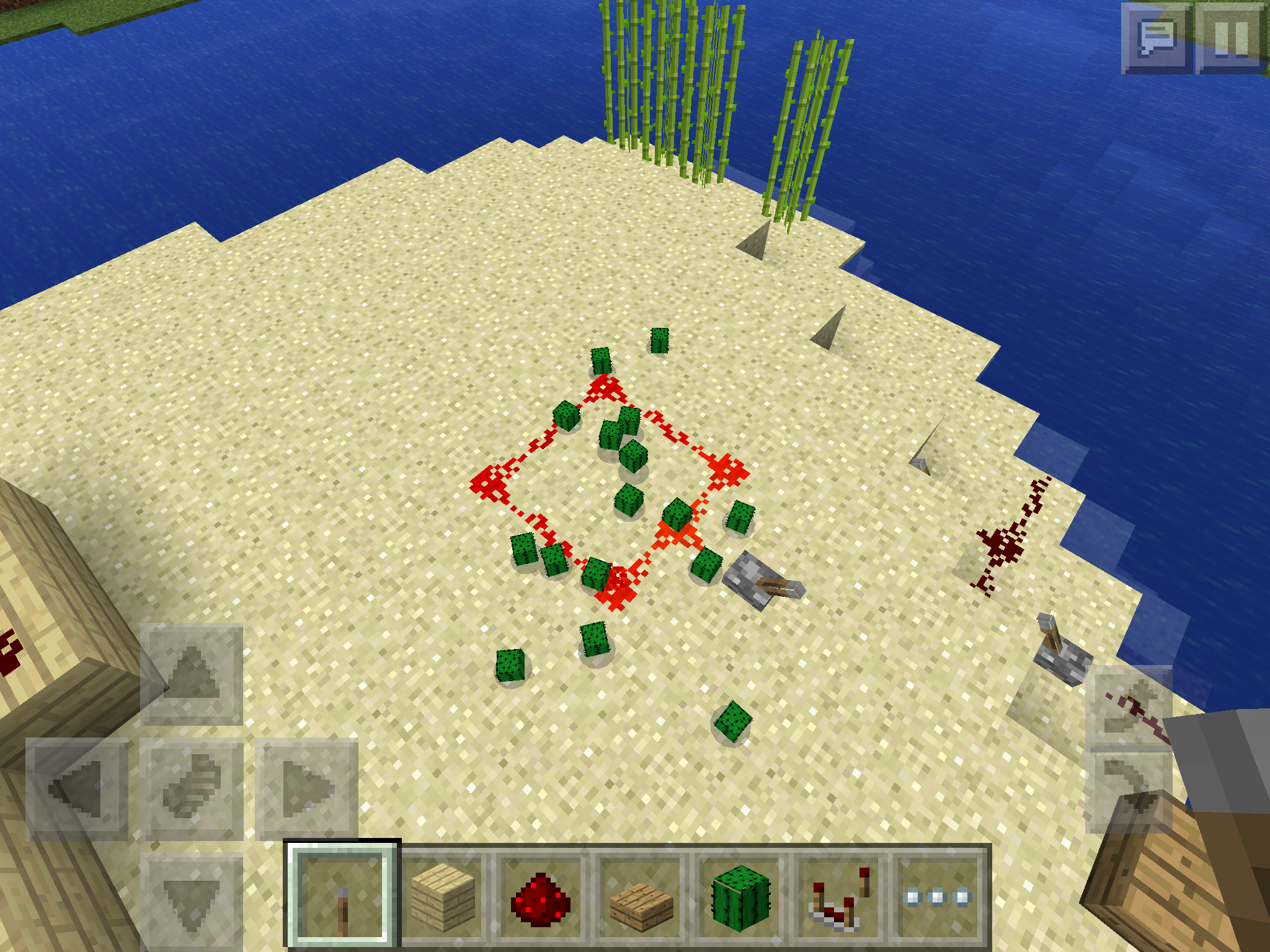
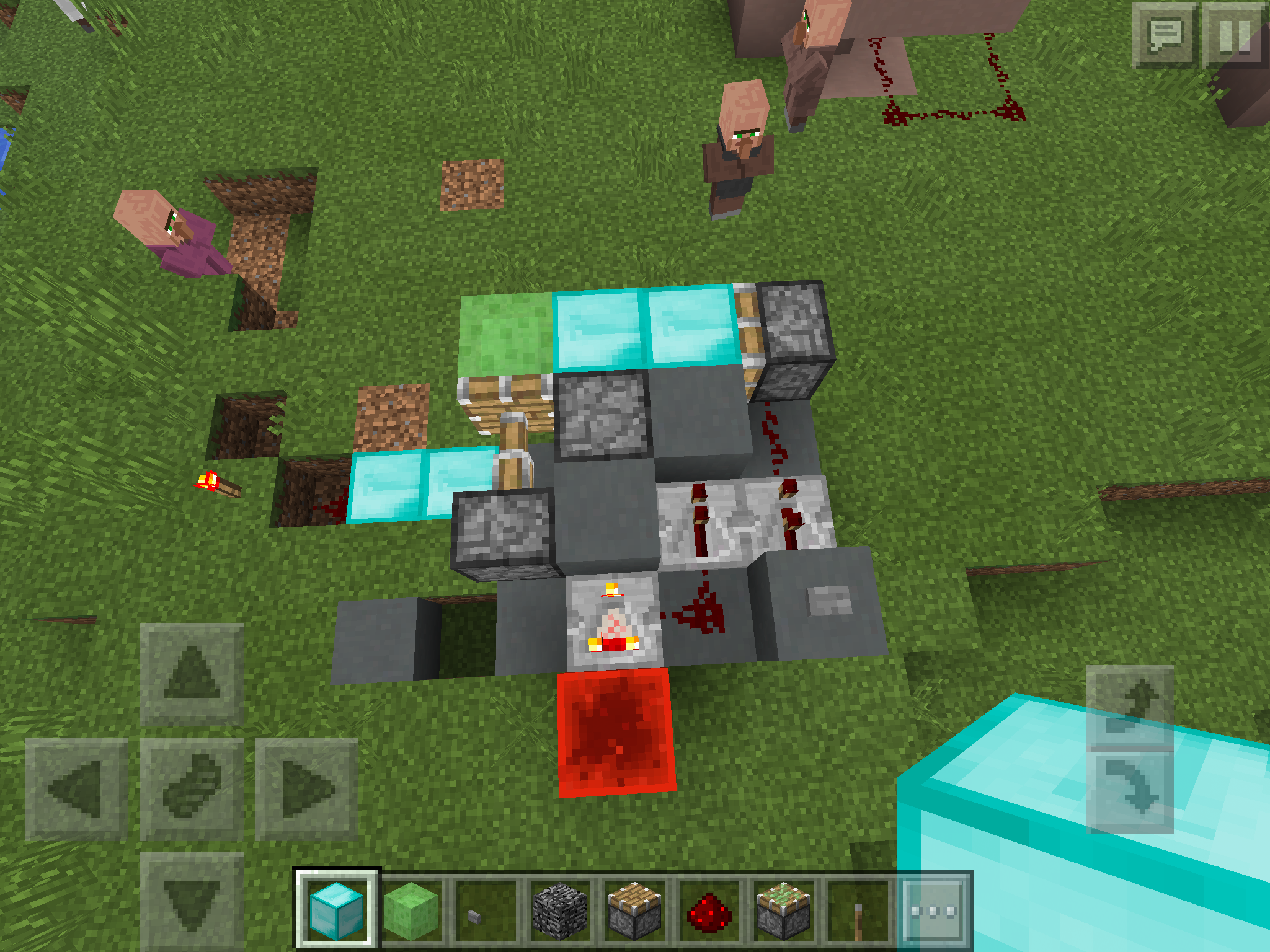
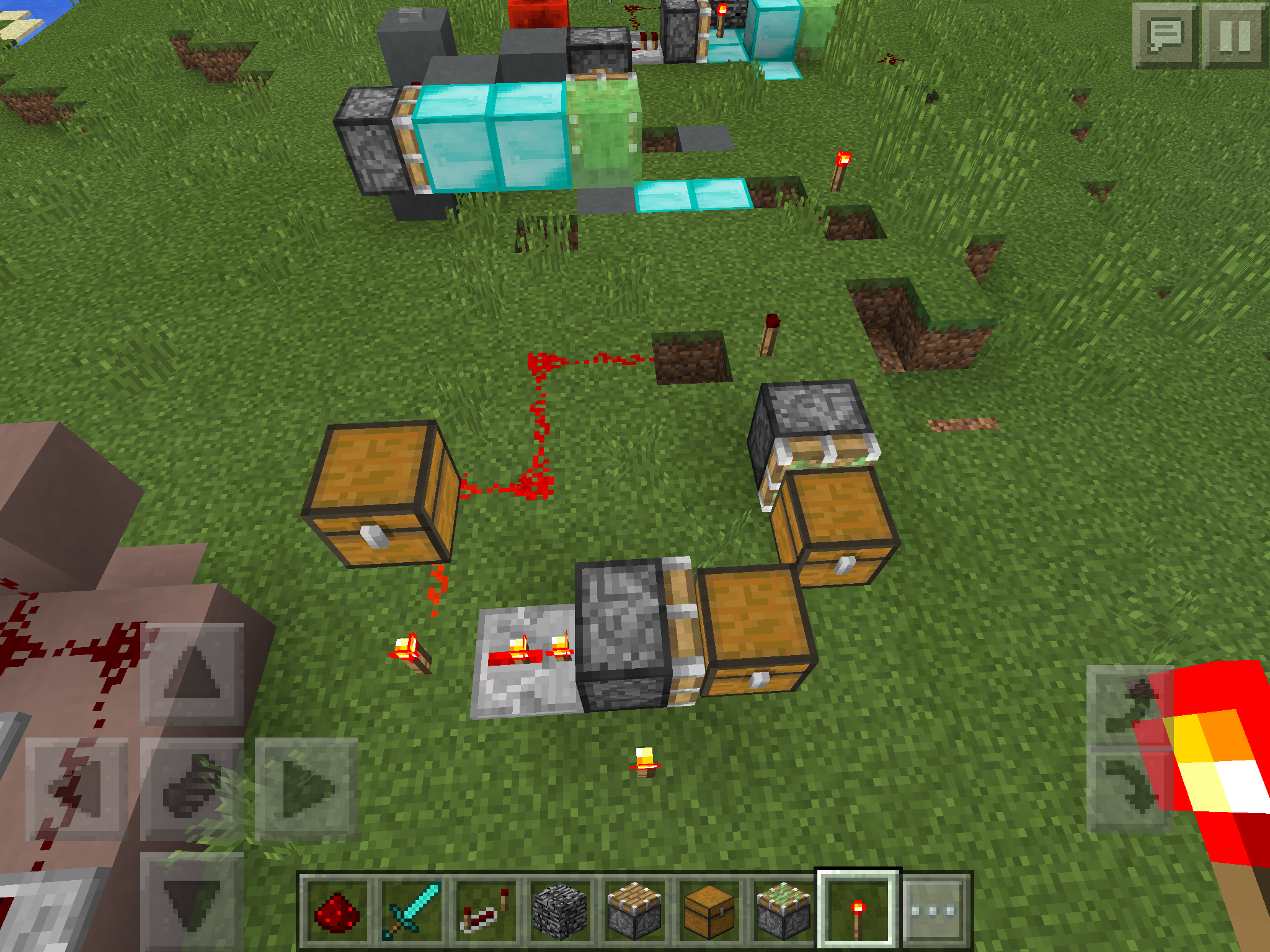
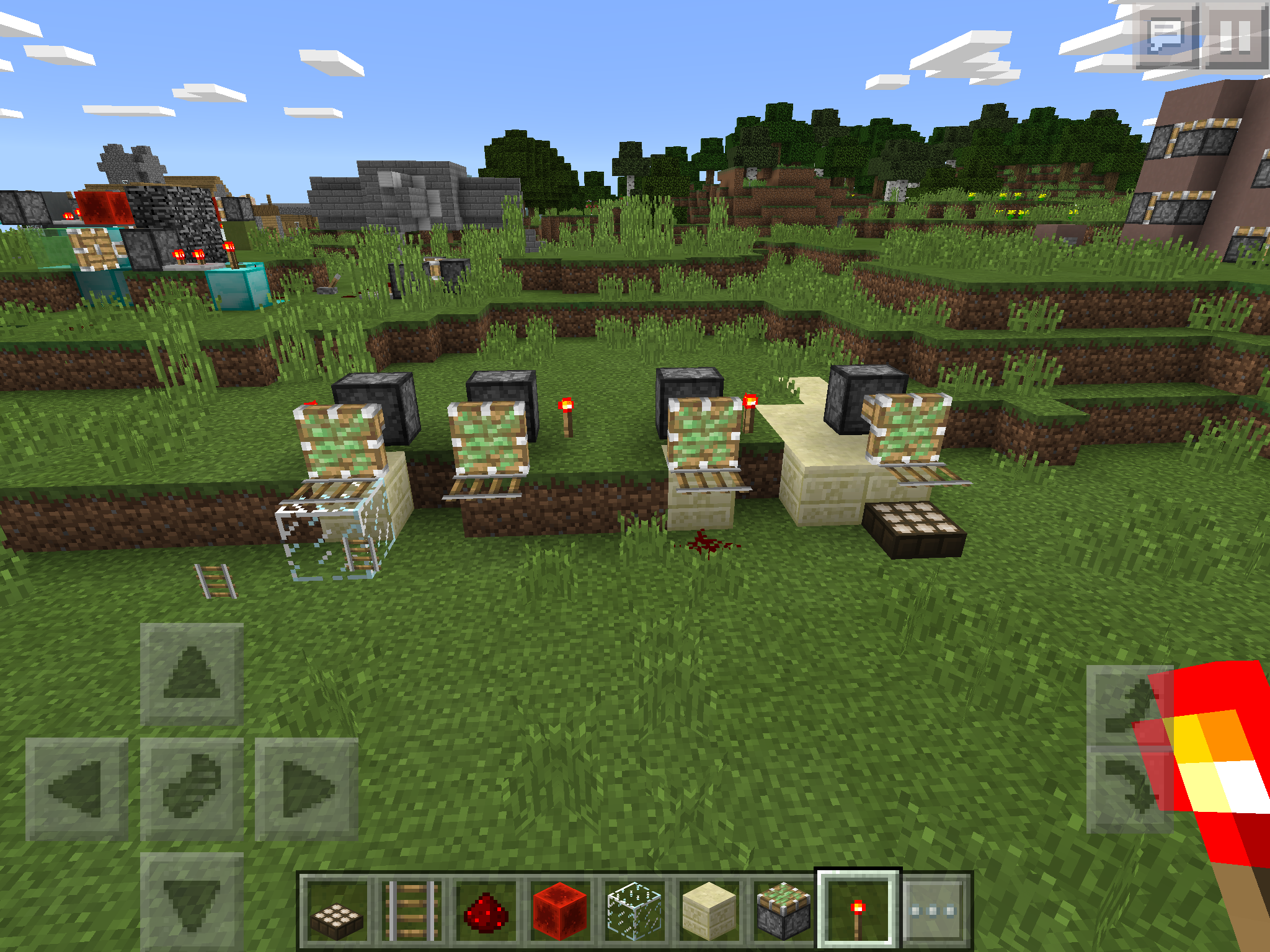
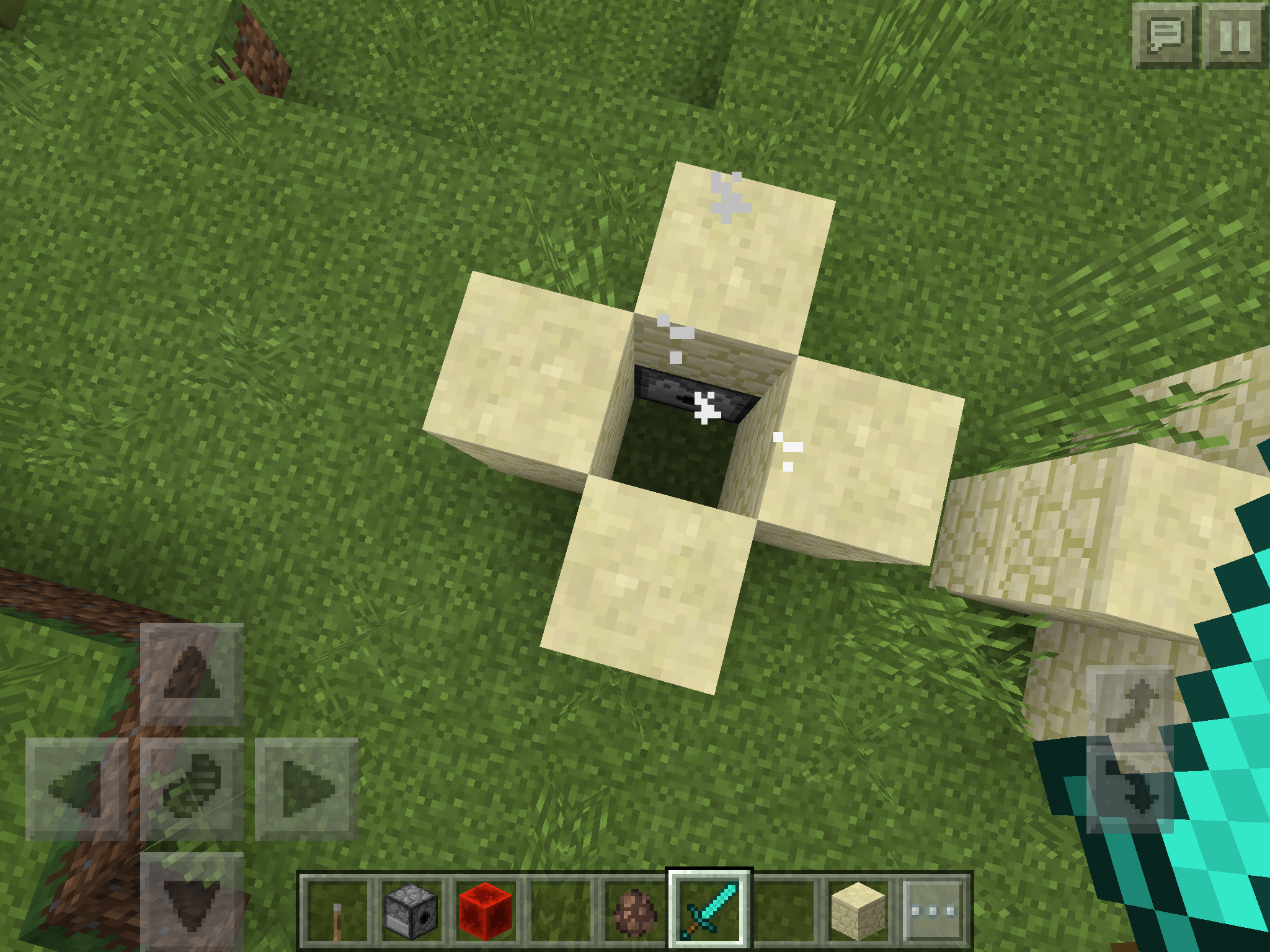
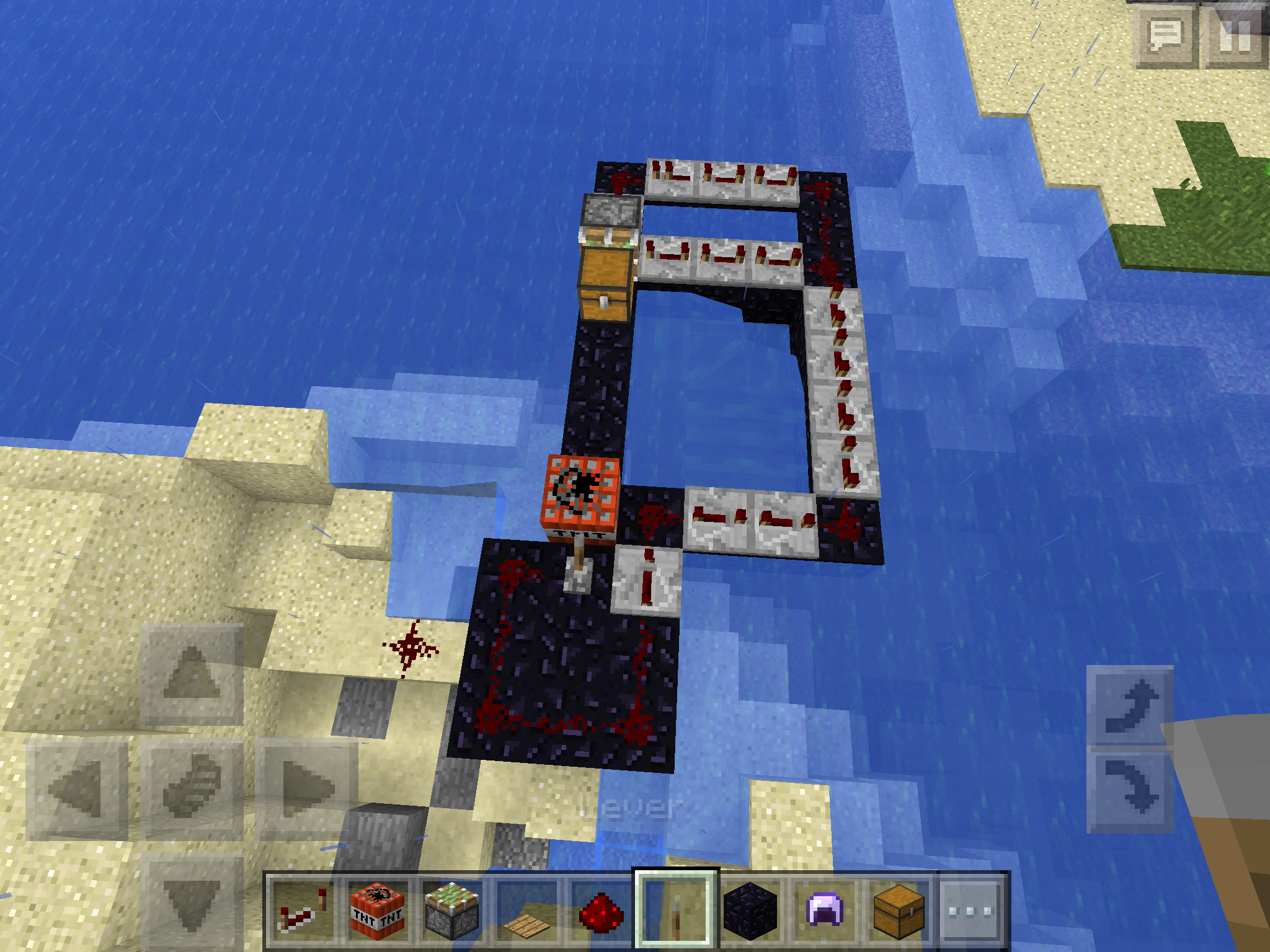
In the pictures below, I made a contraption that is meant to make ghost blocks in 1.8 of the pic minecraft. However, if you add another block next to the 'ghost able' block, it may sometimes destroy the downwards piston.
Note this is a 0.15.0 bug. The thing said 0.15.0 is an invalid id.In the pictures below, I made a contraption that is meant to make ghost blocks in 1.8 of the pic minecraft. However, if you add another block next to the 'ghost able' block, it may sometimes destroy the downwards piston.
In creative mode, if you break the bed by the "pillow" side of the bed, it will drop a bed (item) the same thing happens with Pistons. When you break the extended part, it will drop a piston item.
Beds and Pistons are dropped in creative mode
When you type in a tellraw command that supports multiple players, an error occurs, saying that only one target is allowed.
Reproduce:
{your tellraw stuff here}
{{/tellraw @a}}
Summary: When /replaceitem entity <player> slot.inventory <n> <item> <count> is running in a repeating command block, items are not removed, moved, or thrown correctly
Steps to reproduce:
- Place a repeating command block (powered) with a command such as: /replaceitem entity @p slot.inventory 20 emerald 32
- Pick up another item (such as 2 diamonds)
- Select the 2 diamonds from your inventory onto your hotbar
- Attempt to throw the item or put the item into a container
The items should now be on the ground / in the container, AND still in your inventory
//will add screenshots as soon as I can
Summary: When /replaceitem entity <player> slot.inventory <n> <item> <count> is running in a repeating command block, items are not removed, moved, or thrown correctly
Steps to reproduce:
Fixed (1.2.5)
- Place a repeating command block (powered) with a command such as: /replaceitem entity @p slot.inventory 20 emerald 32
- Pick up another item (such as 2 diamonds)
- Select the 2 diamonds from your inventory onto your hotbar
- Attempt to throw the item or put the item into a container
The items should now be on the ground / in the container, AND still in your inventory
1.2.5 Issues
As of 1.2.5, this affects the hotbar in strange ways. This will cause you to sometimes be unable to select certain objects in your hotbar and, even when it seems that you selected the object, it doesn't actually do that.
Issue:
When opening a container (chest, trapped chest, barrel), after being killed while opening that container, the container does not show an opening animation or get detected by Redstone or sculk sensors.
Reproduce:
- Place down a chest.
- Set up a way to kill the player when they open the chest (sculk sensors or Redstone for trapped chests to shoot potions or /kill the player)
- Open the chest (keep GUI up)
- Die (Wait for the chest to close)
- Respawn
- Try to open the chest. The GUI should show up, but there is no sound or motion
Does not affect:
- Shulker boxes
- Ender chests
- Other Containers
Issue:
When opening a container (chest, trapped chest, barrel), after being killed while opening that container, the container does not show an opening animation or get detected by Redstone or sculk sensors.
Reproduce:
- Place down a chest.
- Set up a way to kill the player when they open the chest (sculk sensors or Redstone for trapped chests to shoot potions or /kill the player)
- Open the chest (keep GUI up)
- Die (Wait for the chest to close)
- Respawn
- Try to open the chest. The GUI should show up, but there is no sound or motion
Does not affect:
- Shulker boxes
- Ender chests
- Other Containers
Also, the issue persists even after changing game modes, dying, or unloading/reloading chunks. Closing the world and reopening ends the issue.
Java 8 Update 261, Mac OS 10.15.7, Singleplayer, LAN Multiplayer, Server
Issue:
When opening a container (chest, trapped chest, barrel), after being killed while opening that container, the container does not show an opening animation or get detected by Redstone or sculk sensors.
Reproduce:
- Place down a chest.
- Set up a way to kill the player when they open the chest (sculk sensors or Redstone for trapped chests to shoot potions or /kill the player)
- Open the chest (keep GUI up)
- Die (Wait for the chest to close)
- Respawn
- Try to open the chest. The GUI should show up, but there is no sound or motion
Does not affect:
- Shulker boxes
- Ender chests
- Other Containers
Also, the issue persists even after changing game modes, dying, or unloading/reloading chunks.
Closing the world and reopening ends the issue.
Issue:
When opening a container (chest, trapped chest, barrel), after being killed while opening that container, the container does not show an opening animation or get detected by Redstone or sculk sensors.
Reproduce:
- Place down a chest.
- Set up a way to kill the player when they open the chest (sculk sensors or Redstone for trapped chests to shoot potions or /kill the player)
- Open the chest (keep GUI up)
- Die (Wait for the chest to close)
- Respawn
- Try to open the chest. The GUI should show up, but there is no sound or motion
Does not affect:
- Shulker boxes
- Ender chests
- Other Containers
Also, the issue persists even after changing game modes, dying, or unloading/reloading chunks.
Closing the world and reopening ends the issue. Leaving the server and reconnecting also ends the issue.
This occurs in both spawn and non-spawn chunks.
One inconsistency with this issue is that when joining a server, the chest appears open after trying to open the chest after death. This does not happen in single player. However, Redstone events are still not emitted from the chest, despite the chest opening and closing.
Issue:
When opening a container (chest, trapped chest, barrel), after being killed while opening that container, the container does not show an opening animation or get detected by Redstone or sculk sensors.
Reproduce:
- Place down a chest.
- Set up a way to kill the player when they open the chest (sculk sensors or Redstone for trapped chests to shoot potions or /kill the player)
- Open the chest (keep GUI up)
- Die (Wait for the chest to close)
- Respawn
- Try to open the chest. The GUI should show up, but there is no sound or motion
Does not affect:
- Shulker boxes
- Ender chests
- Other Containers
Also, the issue persists even after changing game modes, dying, or unloading/reloading chunks.
Closing the world and reopening, or simply replacing the container with a new container ends the issue. Leaving the server and reconnecting also ends the issue.
This occurs in both spawn and non-spawn chunks.
One inconsistency with this issue is that when joining a server, the chest appears open after trying to open the chest after death. This does not happen in single player. However, Redstone events are still not emitted from the chest, despite the chest opening and closing.
![[Mod] bemoty](../../../data/avatars/users/50554.png)
Daniel Lau This report is in the correct project, issues regarding the Xbox One Beta should be posted to the MCPE bug tracker.
![[Mod] Pokechu22](../../../data/avatars/users/92931.png)
Duplicate of MC-111339. It actually does animate, but only between the colors at the start and the end of the first tick of the animation, which is subtle enough that it can only be really seen by taking screenshots and manually checking the colors.
@Daniel Lau Actually, it does; it takes a sample mob (IIRC one of the next ones it will spawn, but I don't know that for sure how it works with spawnpotentials/random armor/whatever) and uses that. You can sometimes see them with armor or such, and also charged creepers in spawners have their glow (which is also affected by MC-111339). The wiki has an image of such a spawner with a zombie with armor.
Me too. Also happens kind of when I am holding snow or trapdoors
It does that on the iOS version. I am using iPad Air.
Lag? Maybe you have to wait for the world to load.
lag?
lag?
I think this is intended on purpose
I dont think its a bug. Maybe they just wanted it to be like that.
Water is NOT supposed to break sugar cane....
I do not understand. Do you press the enchant button, press the exit button, or what did you do?
Confirmed on iPad Air
What time does it happen? It always seems to happen to me at night or evening. https://bugs.mojang.com/browse/MCPE-12194
I have not been having crashes only at night, so I think this issue doesn't affect 0.14.0
Actually it still does.
Yes, it still appears in 0.14.3
Nope. This bug is fixed
Actually, they are piston head particles. When you land on the extension of the piston, the piston head particles are used..
Confirmed on iPad Air. When landing on any block being pushed by a sticky piston, the piston extension particles are used instead of the block's particles.
It still affects the latest version
Still affects 0.15.4
Affects current version. 0.15.10
How to reproduce:
Open a creative world.
spawn a hostile mob.
do /gamemode s
Hostile mob won't attack you.
Fixed!
Fixed!
Affects current version 0.16.2
This works as intended. See This for more on enchantments
It works in the chat because you are an entity that can execute and teleport. Blocks cannot teleport. Only entities. That is why you need to use a selector in command blocks.
Confirmed on Mac OS
The cause for this bug may be due to the crafting and smelting files being in the same place:
(1806a/data/minecraft/recipes/foo.json)
Though this doesn't make sense either as there is a type "smelting" in the file...
I don't think the mob inside the spawner is supposed to update according to the nbt of the mob it spawns. It is just supposed to show what kind of mob it spawns.
you might want to check your controls or the settings on your device
This is not a bug. You are just not lucky.
Confirm on Mac OS 10.13.2 Java 8 131
Can confirm. Jumping with a levitation effect prevents the counter from incrementing (sometimes). However, this may be intended as usually, levitation prevents you from jumping.
Affects 1.14 and 1.14.1
Confirmed for 20w49a.
What have you tried so far?
You should be able to see your coordinates in the F3 menu. To activate it, press F3. You may need to press the 'fn' key before pressing F3.
FYI, the Minecraft bug tracker is not for help and support.
This looks like expected behavior. When spawning fishes, squids, and other aquatic creatures, they will have some air, until it runs out, as they can't breathe on land.
Can confirm in 21w37a
Can confirm in 21w40a
Working as intended.
Can confirm in 1.18 Pre-release 1