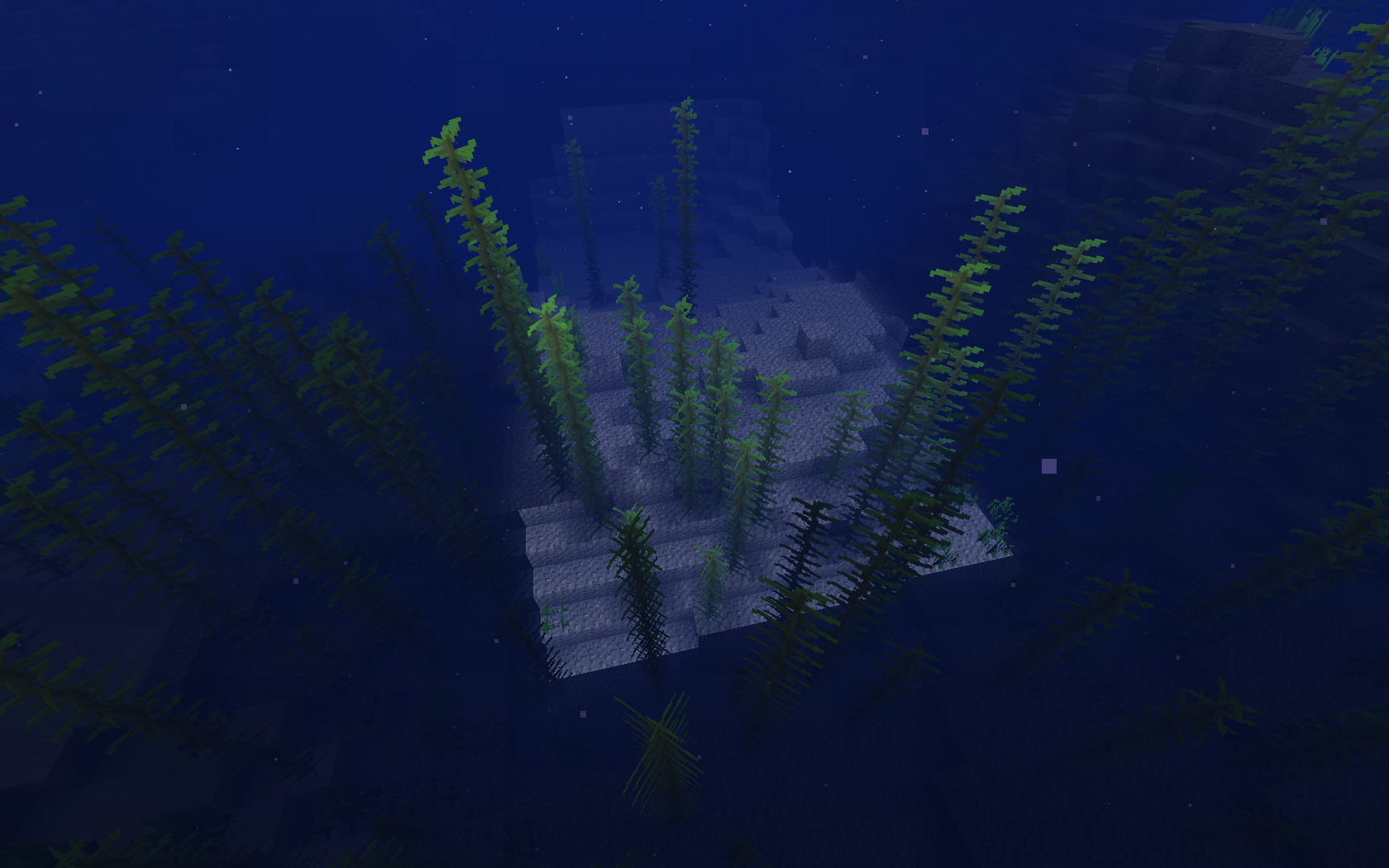
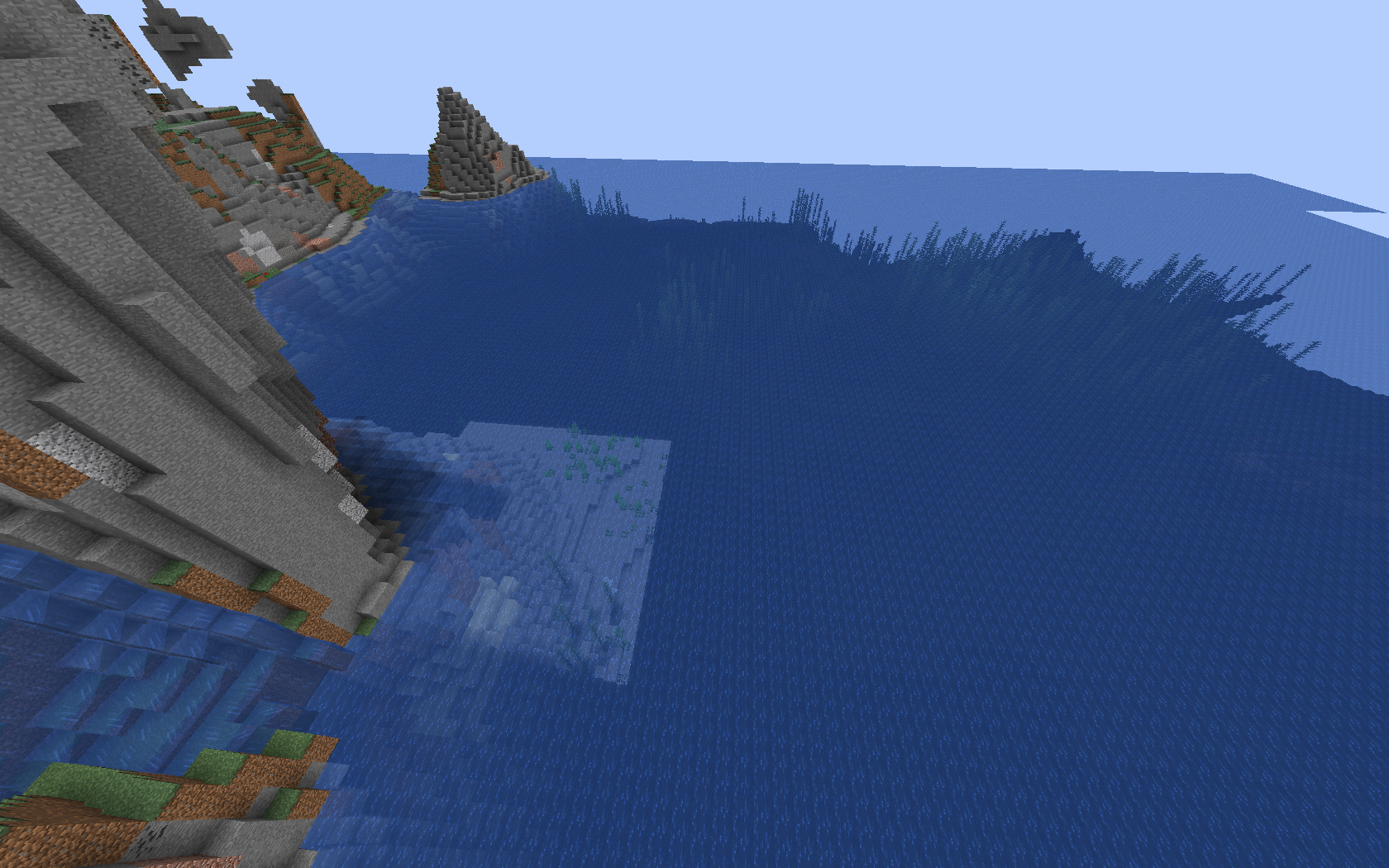
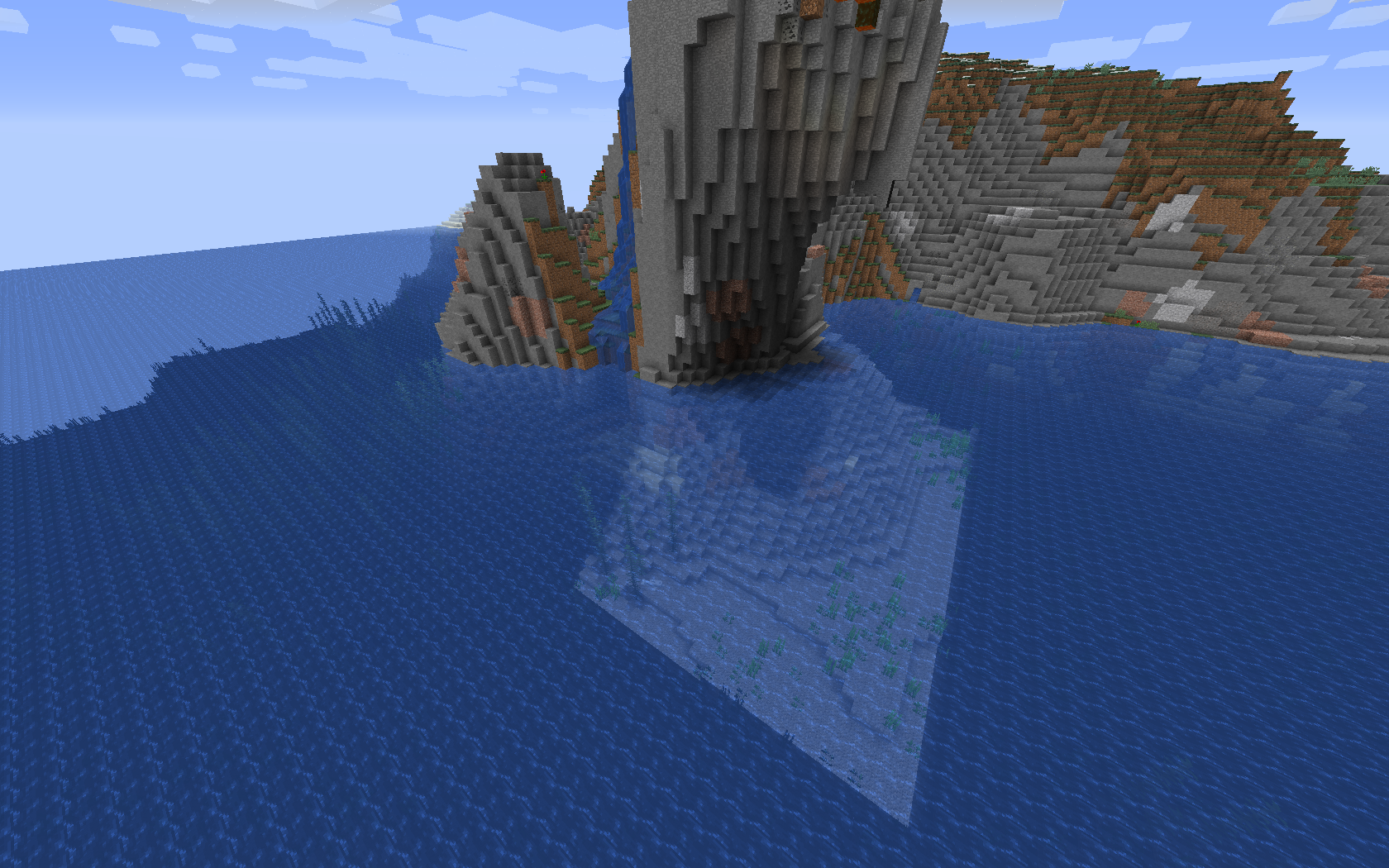
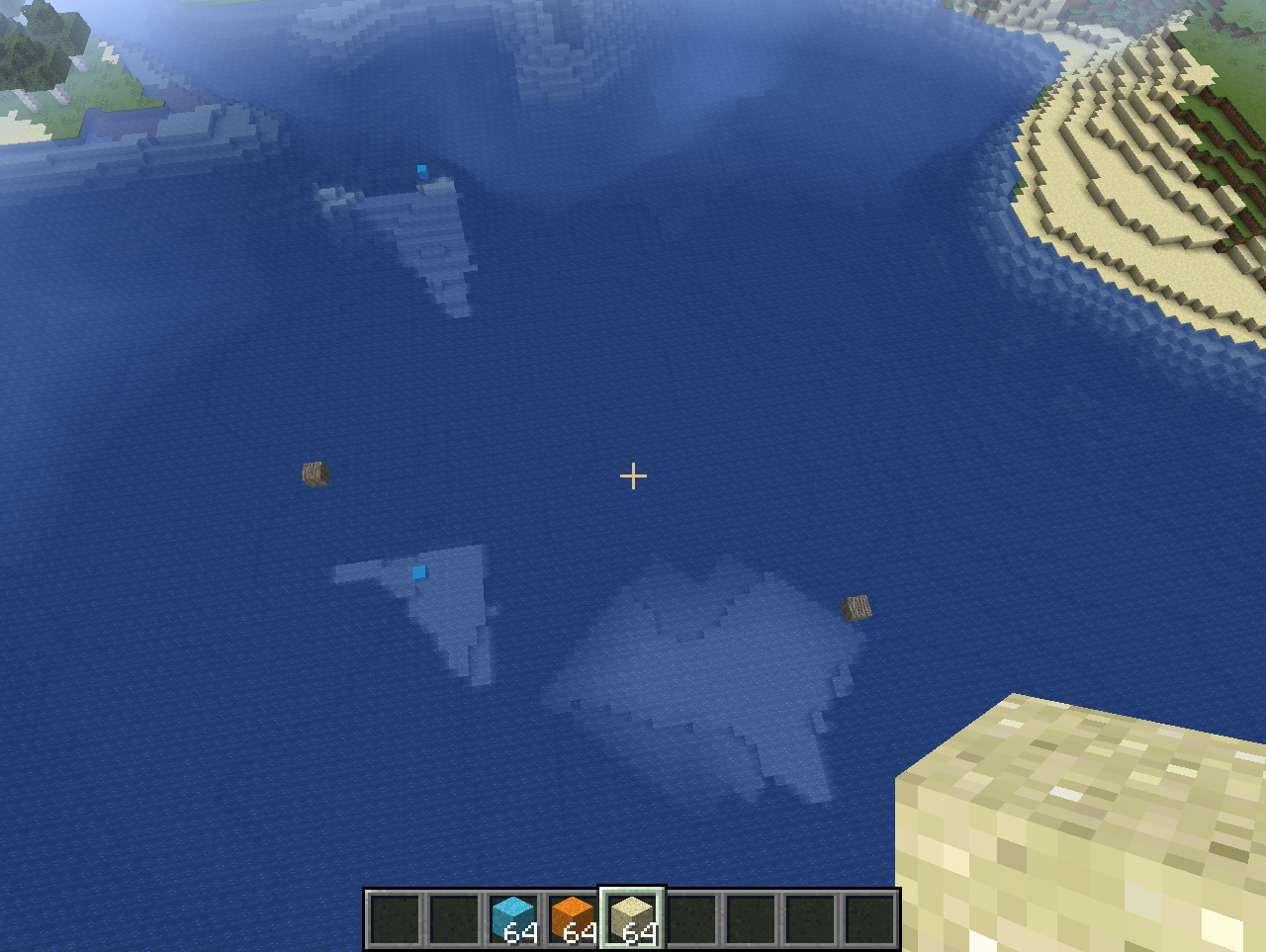
Blocky and fully bright areas appearing underwater
The bug
When placing a block next to the water surface, then all the chunks next to it are fully lighted by the sunlight, even removing the block.
How to reproduce
Video demonstrating the issue: https://www.youtube.com/watch?v=exBP5slGX3Y
Linked Issues
is duplicated by12
 MC-128317Inconsistent water lightingDuplicateMC-128318Underwater lighting errorsDuplicateMC-128328Light and shadow bugsDuplicateMC-128341Water lighting errorDuplicateMC-129684Severe lighting issueDuplicateMC-129741light behaves wrong underwaterDuplicateMC-130492bug of light in waterDuplicateMC-130830Lighting Glitch in ocean that effects one chunk exactly...DuplicateMC-131090bug of light underwaterDuplicateMC-131299Underwater lighting is wonkyDuplicateMC-131727Water does not effect sky light level sometimesDuplicateMC-132046Light sources not disapearing under waterDuplicate
relates to1
Attachments23








![[Mod] Neko](../../../data/avatars/users/92901.png)

Created Issue:
Blocky and bright underwater lighting bug
Don't know how to reproduce. All I have are these images as attachments.
It didn't go away when I tried to reload chunks. but it did go away when I reload the world save.
Attachments3
Blocky and bright underwaterlighting bugBlocky and fully bright areas underwater
Blocky and fully bright areas appearing underwater
Don't know how to reproduce. All I have are these images as attachments.It
didn't go away when I tried to reload chunks. but it did goawaywhen I reload the world save.It didn't go away when I tried to reload chunks. but it did go away when I reload the world save.
It seems to happen randomly, I don't know if theres a way to consistently reproduce it.
is duplicated by
It didn't go away when I tried to reload chunks. but it did go away when I reload the world save.
It seems to happen randomly, I don't know if theres a way to consistently reproduce it.
It didn't go away when I tried to reload chunks. but it did go away when I reload the world save.
It seems to happen randomly,
I don't know if theres a way to consistently reproduce it.It seems to happen more commonly when there is lava flowing near the water.
It didn't go away when I tried to reload chunks. but it did go away when I reload the world save.
It seems to happen randomly,
I don't know if theres a way to consistently reproduce it.It seems to happen more commonly when there is lava flowing near the water. (naturally generating)
is duplicated by
lighting 18w19b.jpg

is duplicated by
is duplicated by
is duplicated by
![[Mod] Michael Wobst](../../../data/avatars/users/37868.png)
is duplicated by
is duplicated by
It didn't go away when I tried to reload chunks. but it did go away when I reload the world save.
It seems to happen randomly,
I don't know if theres a way to consistently reproduce it.It seems to happen more commonly when there is lava flowing near the water. (naturally generating)
How to reproduce
Video demonstrating the issue: https://www.youtube.com/watch?v=exBP5slGX3Y
It didn't go away when I tried to reload chunks. but it did go away when I reload the world save.
It seems to happen randomly,
I don't know if theres a way to consistently reproduce it.
It seems to happen more commonly when there is lava flowing near the water. (naturally generating)How to reproduce
Video demonstrating the issue: https://www.youtube.com/watch?v=exBP5slGX3Y
The bug
When placing a block next to the water surface, then all the chunks next to it are fully lighted by the sunlight, even removing the block.
How to reproduce
Video demonstrating the issue: https://www.youtube.com/watch?v=exBP5slGX3Y
is duplicated by
![[Mod] Les3awe](../../../data/avatars/users/79847.png)
is duplicated by
relates to
![[Mojang] Adrian Östergård](../../../data/assets/gravatar/nighter.jpeg) [Mojang] Adrian Östergård
[Mojang] Adrian ÖstergårdSo now that it's confirmed fixed in pre-4, how do we complete this update. I'm still getting it but I'm working on replacing blocks
is duplicated by
![[Helper] Lord_Quadrato](../../../data/avatars/users/26105.png)
Confirmed for 18w22c
Looks like MC-128299. The first screenshot might be a separate issue though.
I think this is the MC-128299 bug.

If I see the pictures of MC-128299 and its duplicates, they look very familiar to me.
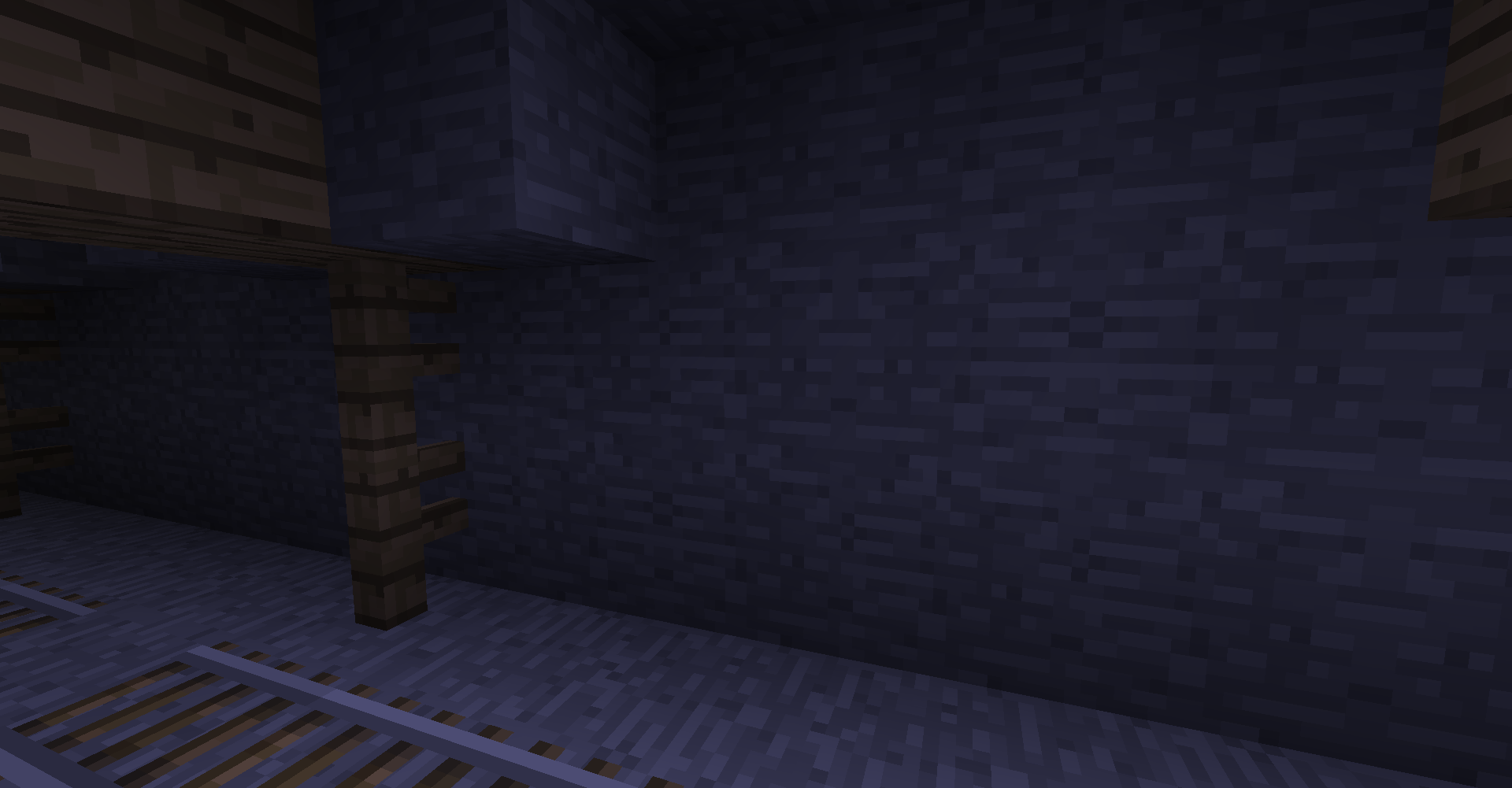
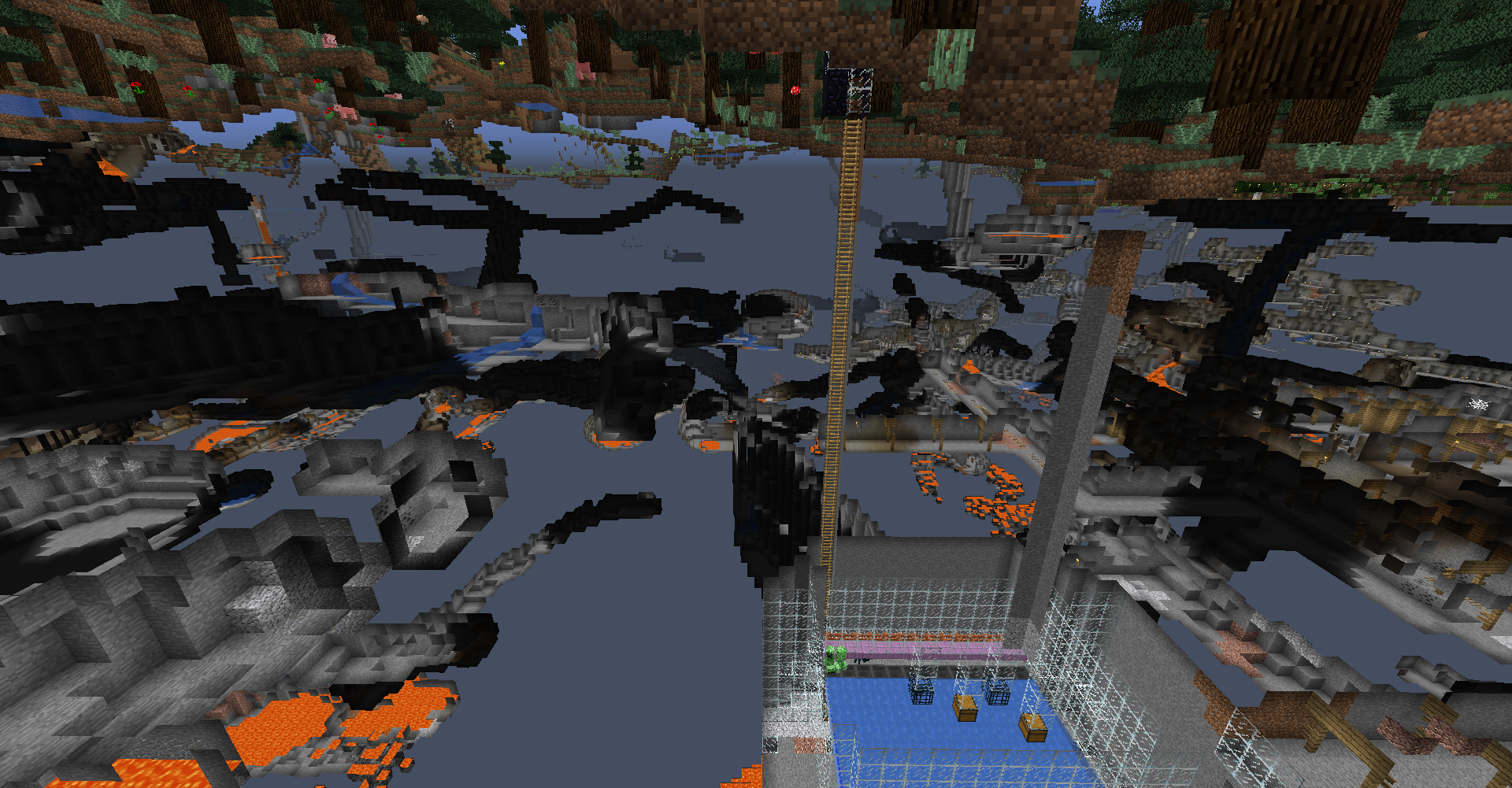
This issue affects 18w20c as well, and only in old chunks. Caves in newly generated chunks are fine. I added a spectator mode screenshot of chunks generated in 18w16a. What's really weird about this issue is that it's seemingly random. Some parts if the caves have 0 light (as they should) while with others pulling up the debug screen will show the light level as 15 sky, 0 block. If you go to one of the dark spots (0 sky, 0 block), they will light normally and update once light sources are destroyed. The light spots change with the time of day, and will always be 15 sky, 0 block, regardless of the distance from the surface. Interestingly, the light level of the light spots can be decreased slightly by placing new solid blocks overhead (the sky light level will update to between 11 & 13)- this only occurs for one layer of overhead blocks, the light level does not decrease again for subsequent layers.
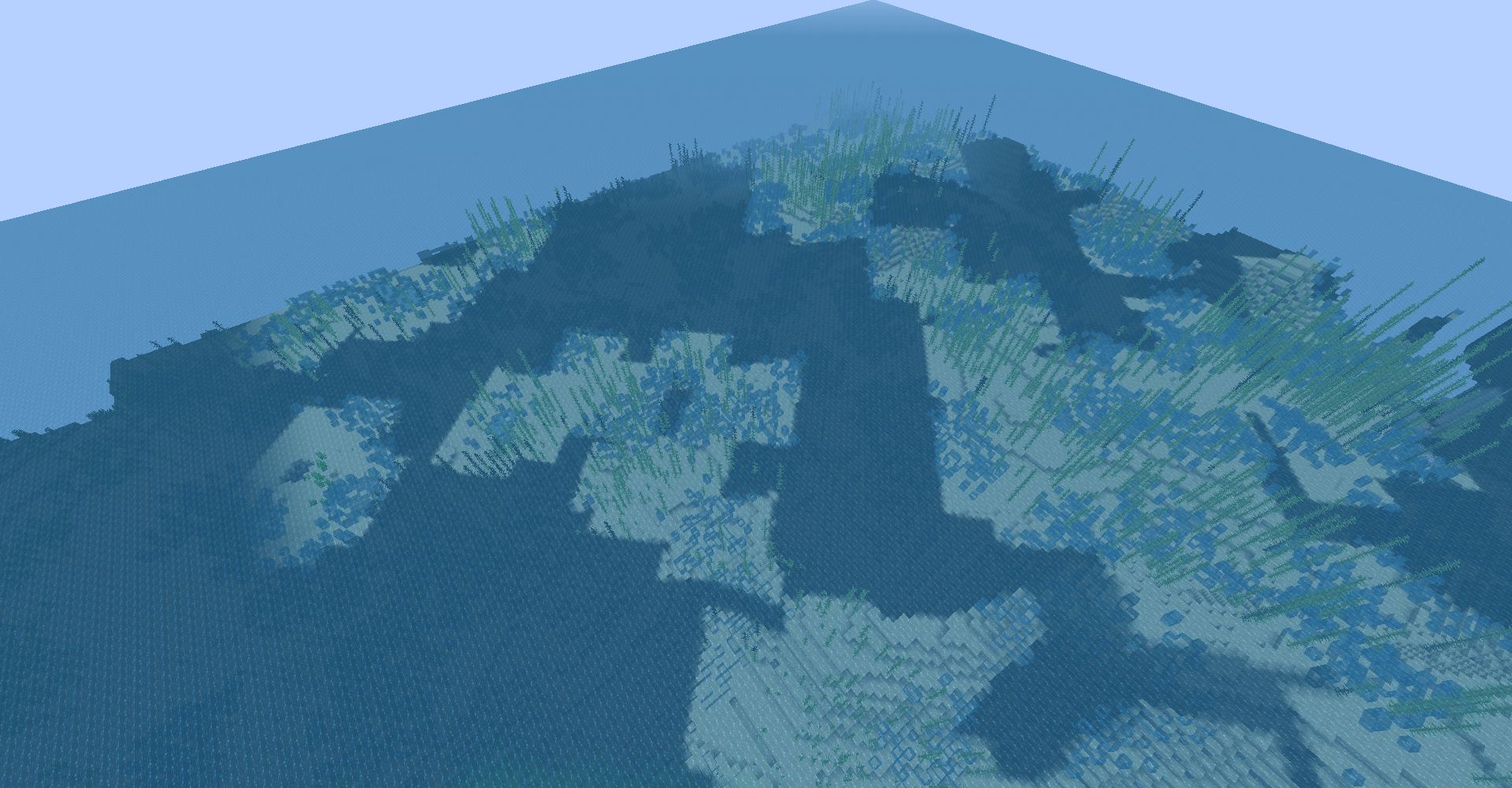
I believe this issue is also related to weird lighting on the sea floor: MC-128299. I've attached a screenshot of an unlit area of the ocean floor- as you can see, some areas appear to be lit while others do not. The "lit" areas show the sky light level to be 15, and the dark areas show the light level to be 0, just like in the caves. (Ignore the air pockets on the ocean floor, this is an unrelated issue: MC-129625) Like with the caves, newly generated ocean does not have this issue.
Sounds like MC-128299. If not, please do attach screenshots.
![[Helper] gaspoweredpick](../../../data/avatars/users/80904.png)
Well, I'm sure it's a light calculation issue, but it is definitely not a dupe of MC-128299--, as no chunks of bad lighting are happening. I've also noticed that this happens even when I am placing my blocks on top of a large platform that I have built, which makes me believe that this is not just happening because of the water.

Paul Tessier, that would be MC-128299.
Looking at this, I think the bug I found is a reproduction of this, though as I said, it's not exactly consistent.
Can confirm in 18w16a. (see pic)
Confirmed in 18w19b.
seed: -8300275442758179407
xyz: 276 69 -289
So the weird light areas disappear if you do the following:
Confirmed for 18w20a.
Also occuring in 18w20c, and only in old chunks (see attached screenshots of old and new chunks). I am convinced that this issue is somehow related to
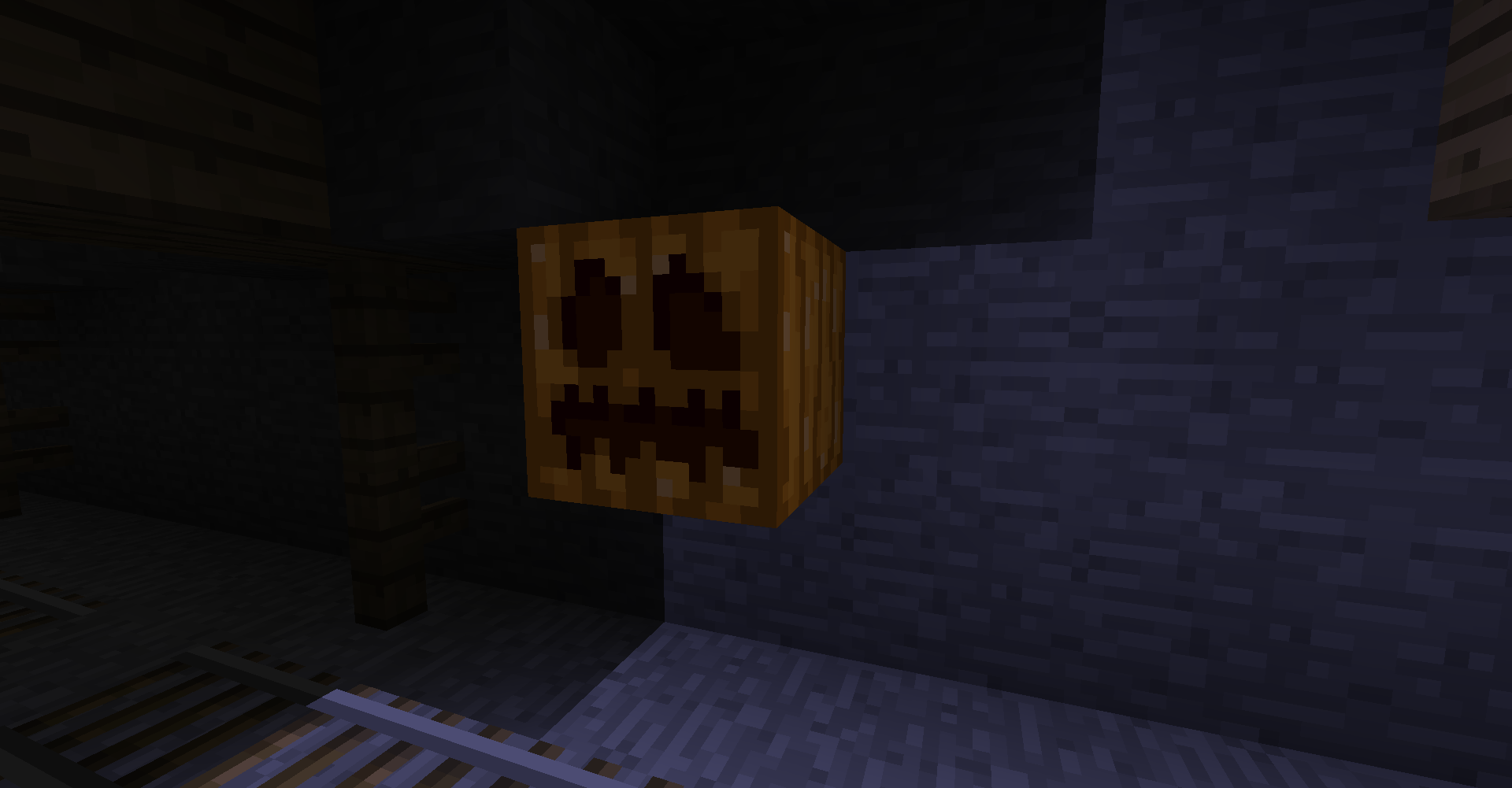
MC-129725, because there the lighting issue seems to occur in exactly the same way except with caves (and you know, the fact that light is going through solid blocks). I even re-did the pumpkin thing above with a weirdly-lit mineshaft and the same thing happened- although it should be noted that after the pumpkin is removed, either in the ocean or in a cave, it is still an issue because the light area stays "lit" without a light source present, only the edges smooth to blend with the dark area.Old chunks (Ignore air pockets, that's unrelated issue
MC-129625):New Ocean:
Pumpkin Test in mineshaft:
Confirmed for 18w22b.
This bug occurs whenever blocks, other than the default generation of the world, are present above water. I made a world in the current snapshot, 18w22b, and placing blocks manually, using /setblock, or using /fill maxes out the light level in the chunk tested in, but only in the water. If too big of an area is used with the /fill command, the light between the fill area and the water will remain at the following places:
1. The corners of each chunk just under the fill area (basically at the corner of a chunk in the area the /fill command was used, the sky light level will always remain at 14. It's just easier to see the light under the fill area since there isn't light down there). Placing a block five blocks under the light will remove it.
2. At the water's surface and one block under it.
After the player leaves the area and comes back to it, the light at the surface of the water will be 13 and will increase to 15 two blocks down. The light level will remain at its maximum until one block below the ocean floor. I don't know if this should be classified as another bug, but it's very closely related if so.
Could someone please add the info in this comment by Makzevu into the bugpost description?
It's easily reproducable by setblock'ing a block above water, see:



Confirmed for 1.13-pre1.
Confirmed for 1.13-pre2.
This issue relates to
MC-129236andMC-126138because the water is acting like air. When air doesn't have any blocks above it, its sky light level is based purely on the day-night cycle and rain/storms. The same happens to water with this bug, but the water ignores blocks and rain/storms (is only affected by the day-night cycle). However when it is night, the sky light level of the whole body of water is at 4 instead of 0 further down.Going back to the bug report, the game thinks the water is supposed to be at the same sky light level air is at based on the day-night cycle. So when the area above the water is updated by any means (except F3 + A), the light is "corrected".
Confirmed for 1.13 pre-3
Issue still persisting on my 1.13 Pre-4 World. The transparent block will go away when replaced, but will persist after restarting the world, possible fixes for this?
Yeah it is still broken for me too.