 Makzevu
- Doubletoad74
- doubletoad74
- America/Chicago
- Yes
- No
 MC-125085
![[Mojang] Cory Scheviak](../../../data/avatars/users/92893.png)
 MCPE-31896
 Low
Low
![[Mojang] Nathan Adams](../../../data/assets/gravatar/dinnerbone.png)






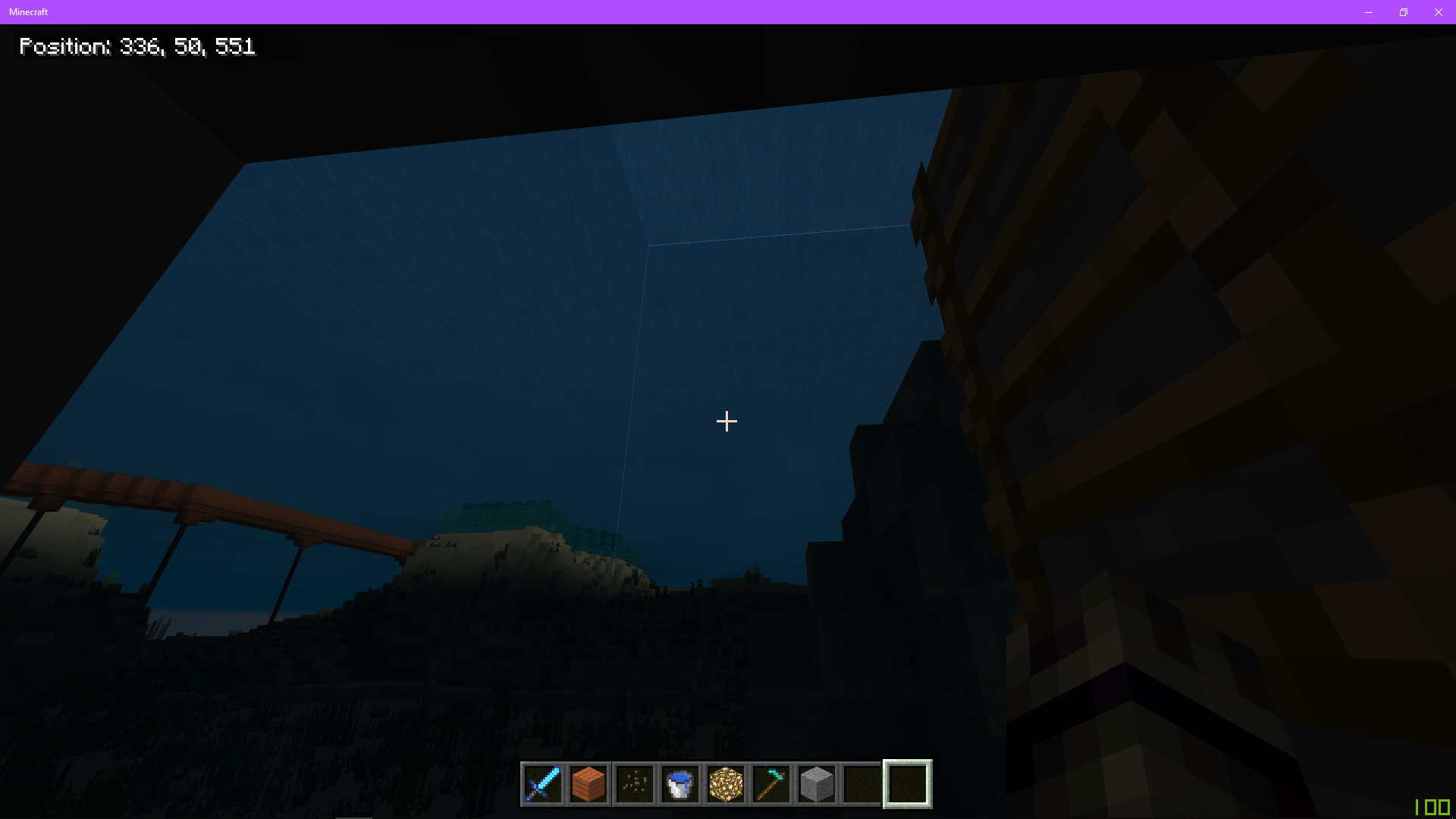


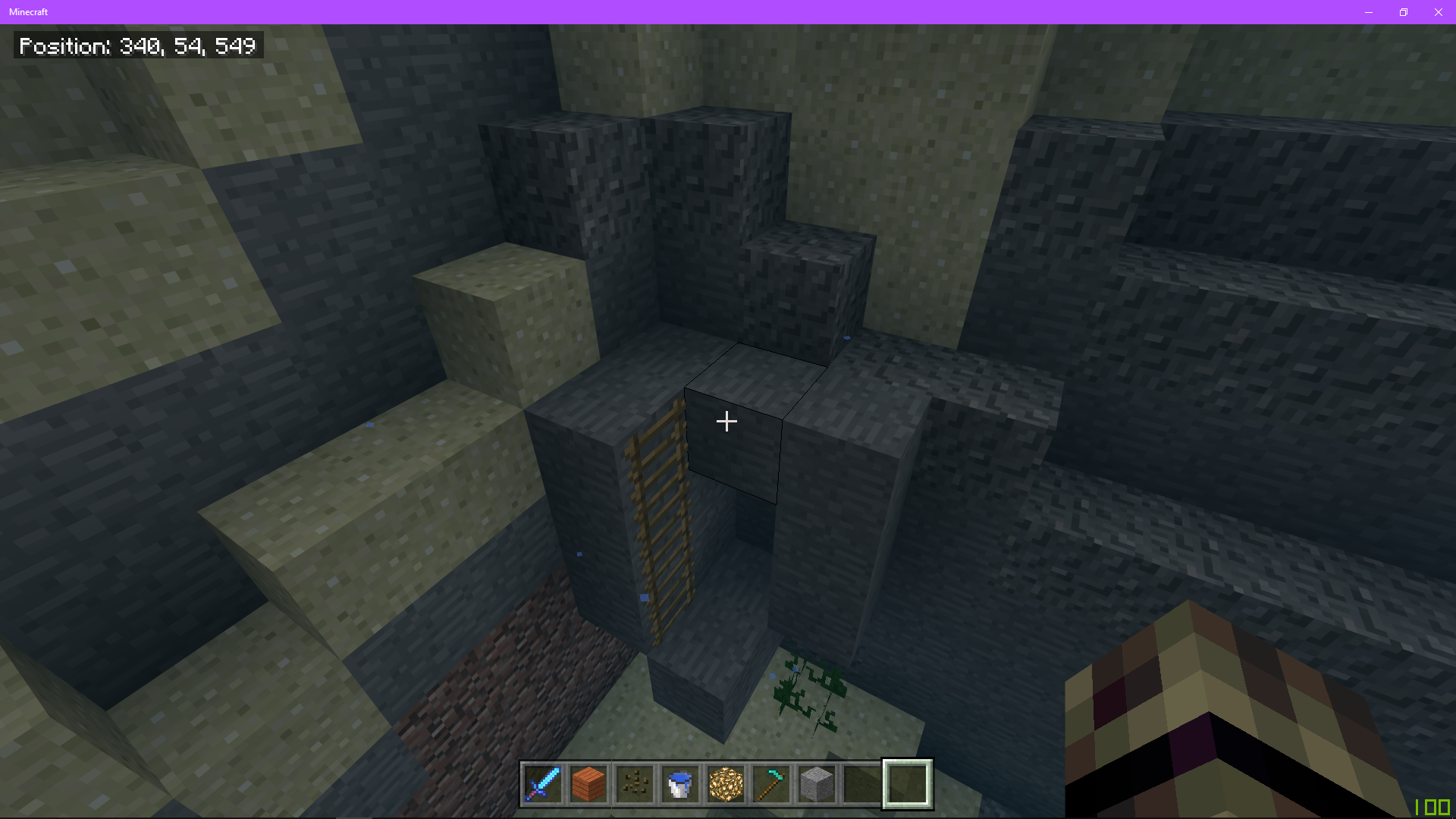
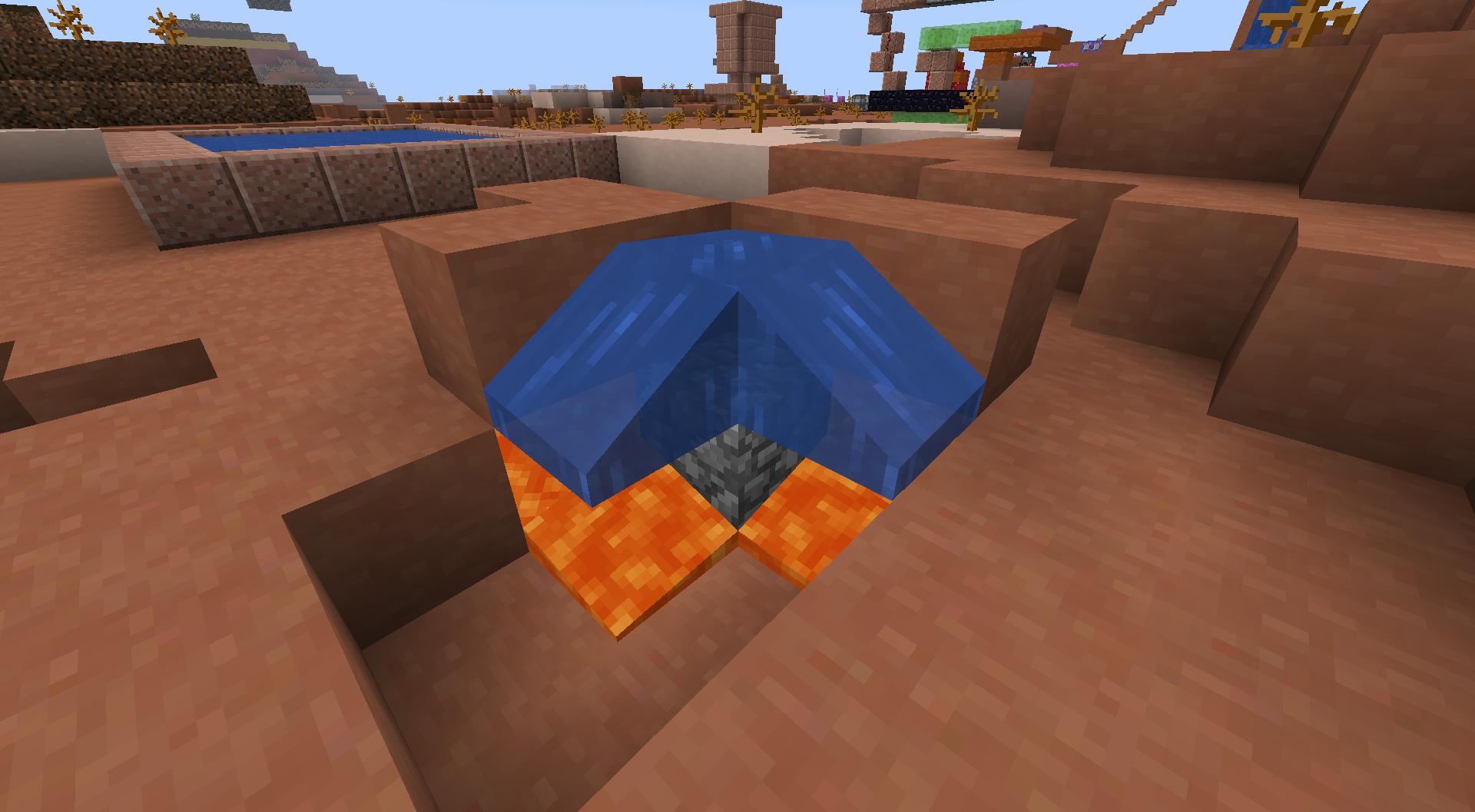



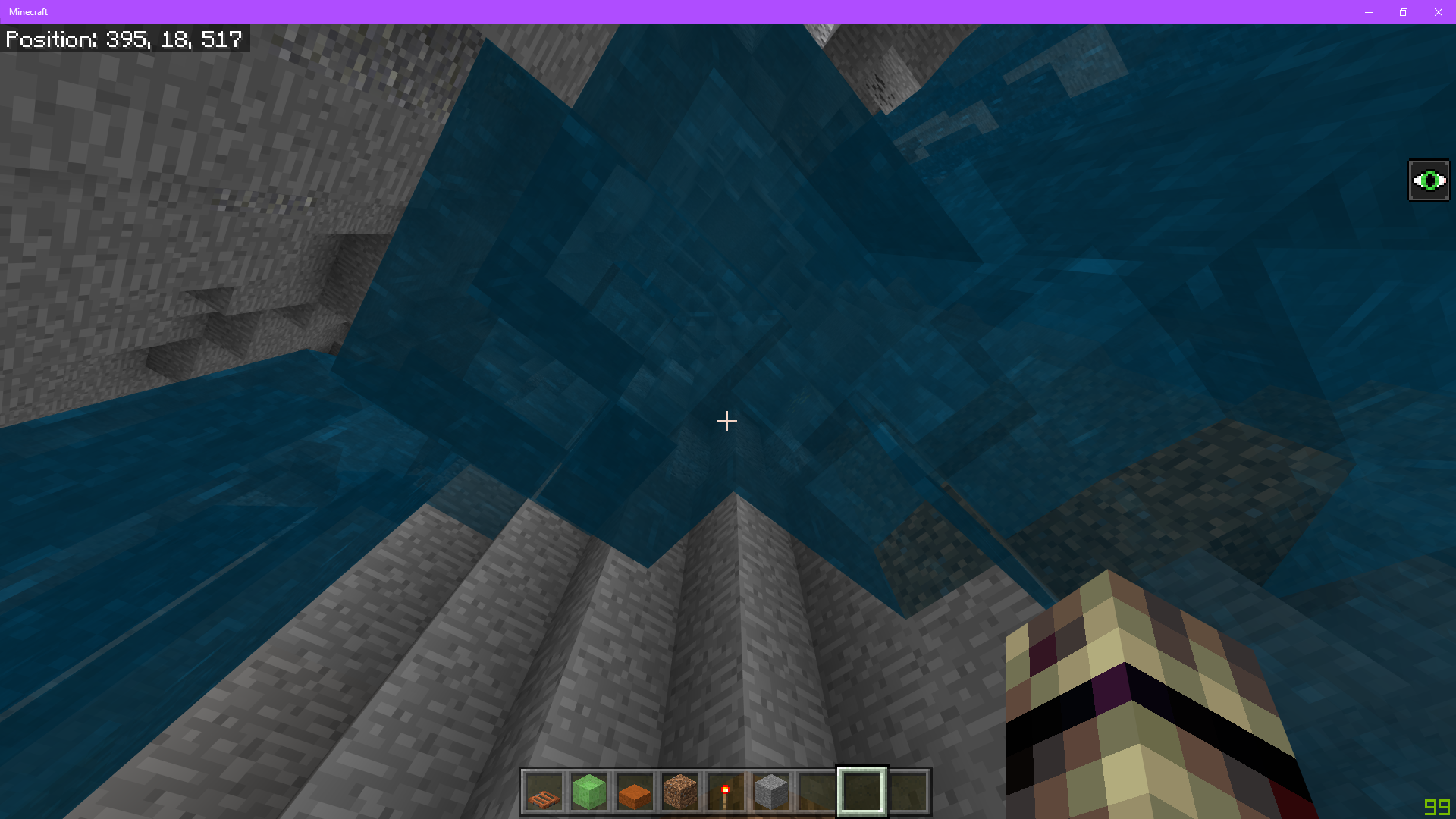


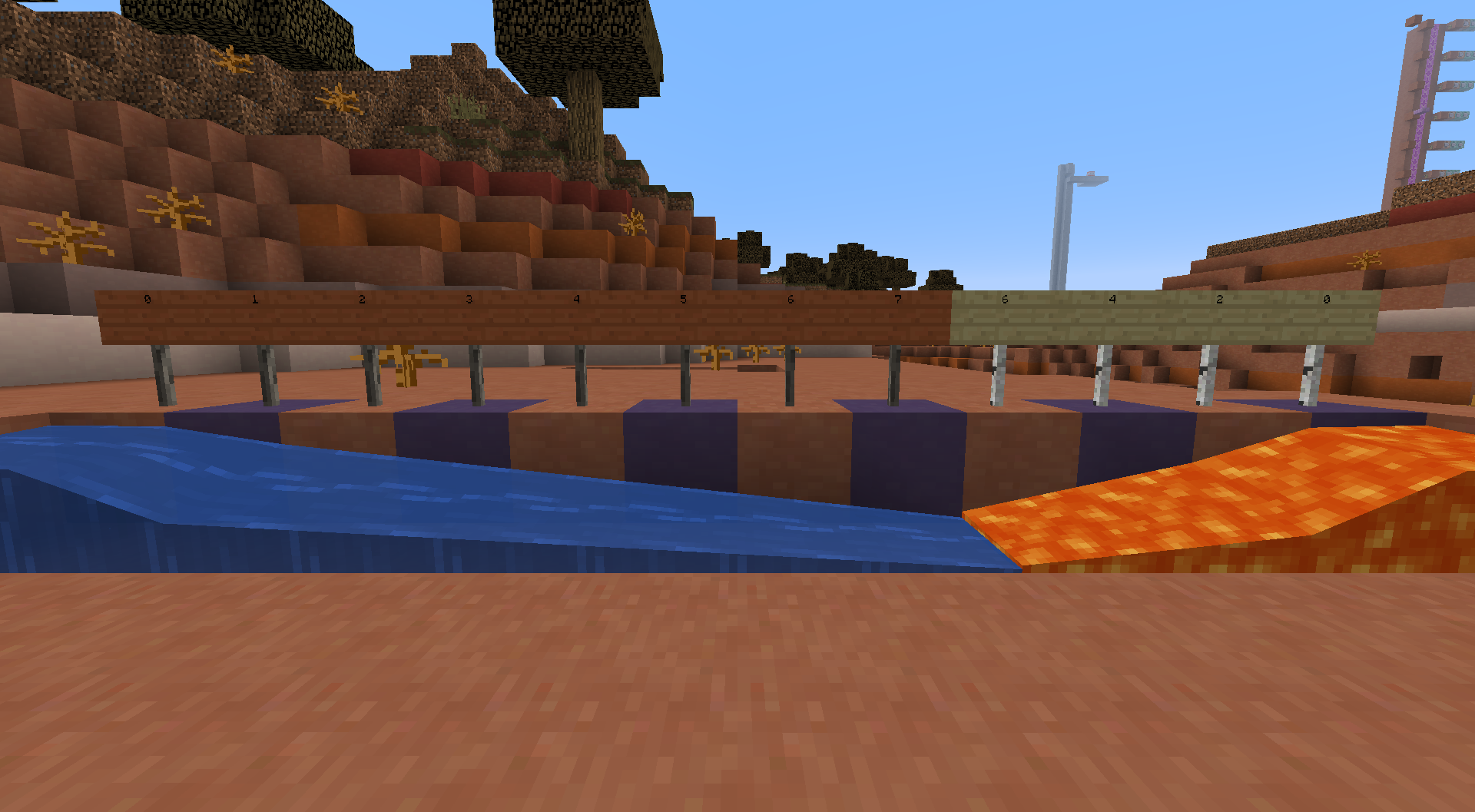
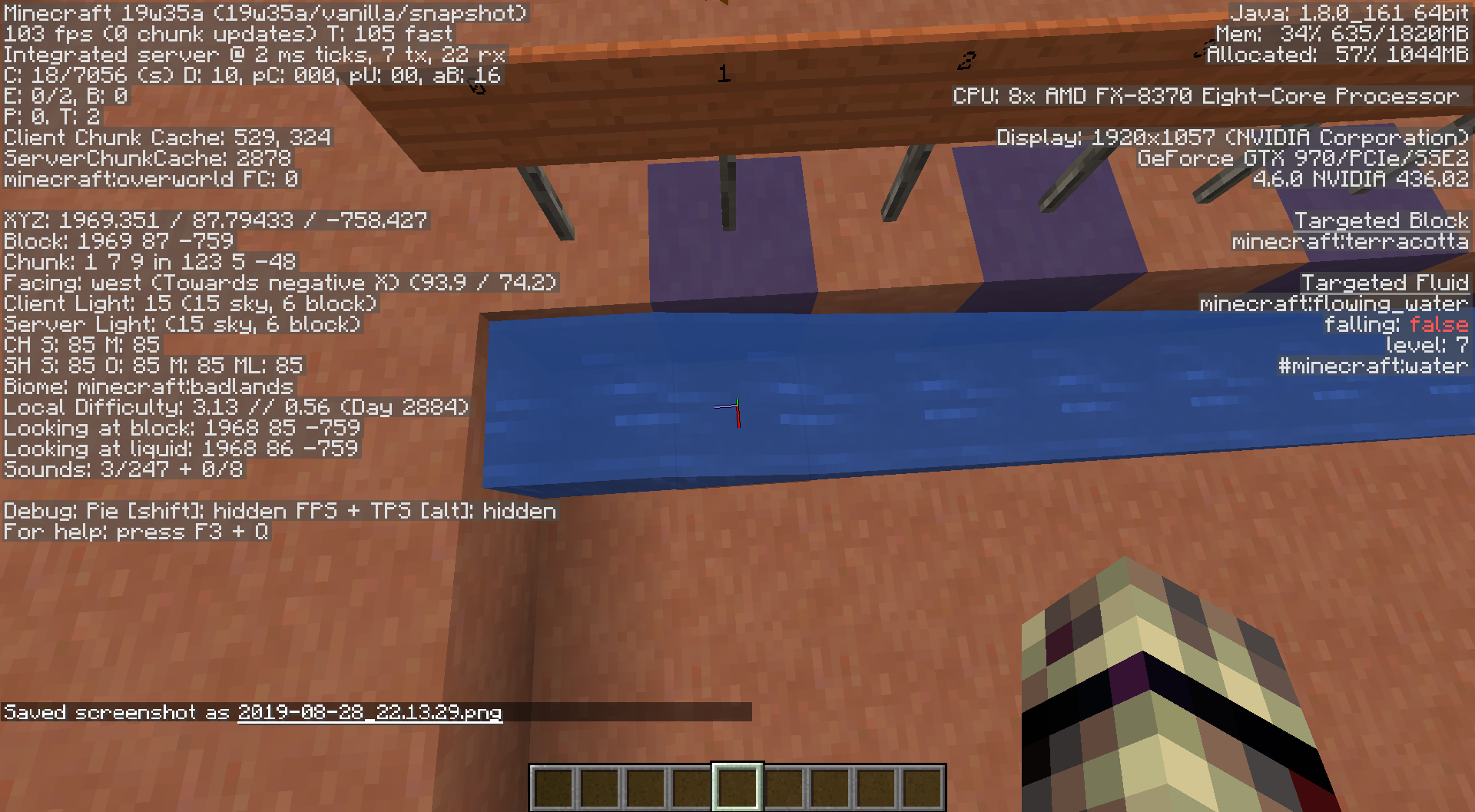
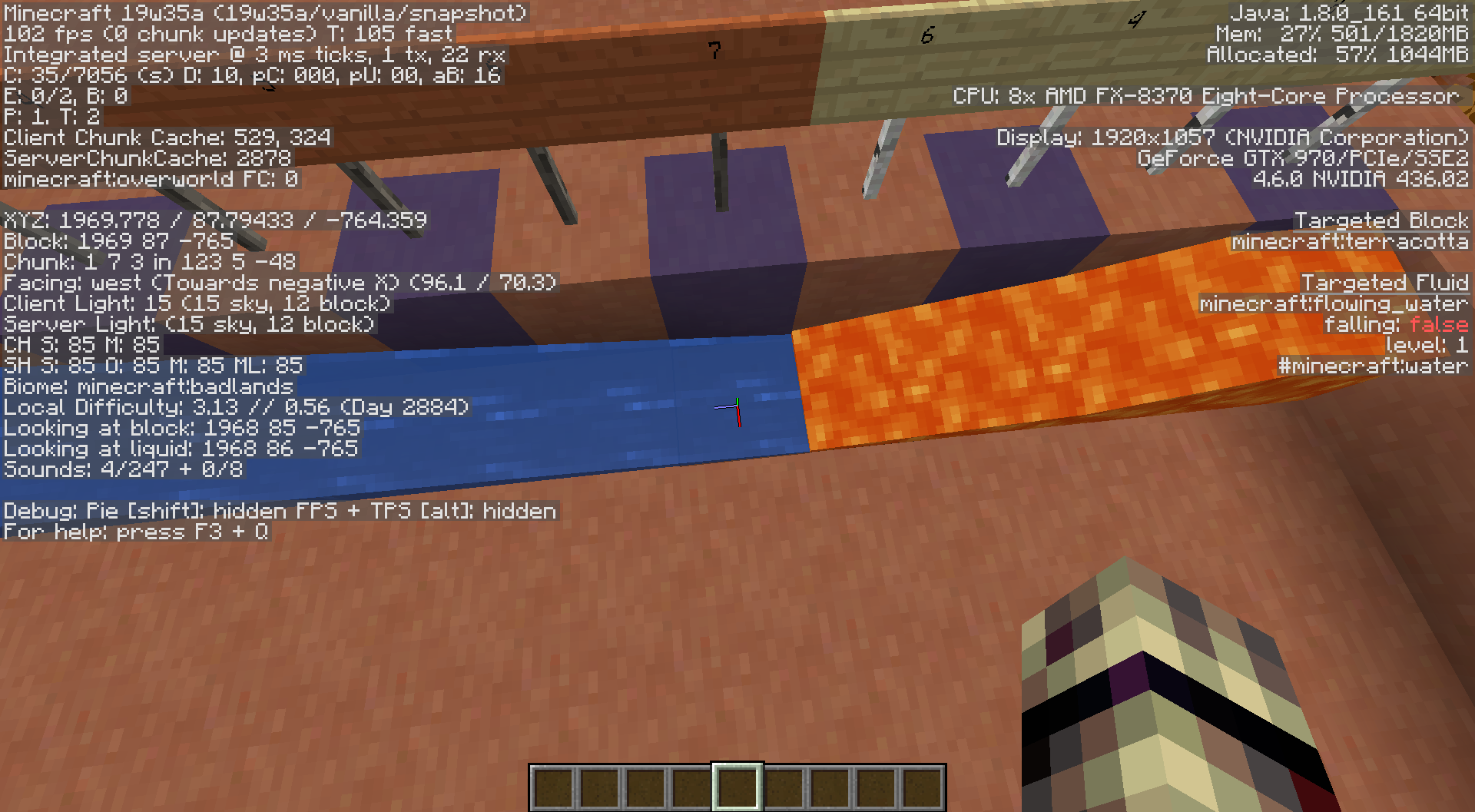







Windows 8.1 , Java 8, NVIDIA Graphics, AMD processor
Windows 8.1
Java 1.8.0_91
EVGA GTX 970
AMD FX 8370
Windows 8.1
Java 1.8.0_91
EVGA GTX 970
AMD FX 8370Windows 8.1
Java 1.8.0_91
EVGA GTX 970
AMD FX 8370
Windows 8.1
Java 1.8.0_91
EVGA GTX 970
AMD FX 8370
OS:Windows 8.1
Java:1.8.0_91
EVGA GTX 970
AMD FX 8370
OS:Windows 8.1
Java:1.8.0_91
EVGA GTX 970
AMD FX 8370
OS:Windows 8.1
Java:1.8.0_91
EVGA *GTX 970
*
AMD FX 8370
OS:Windows 8.1
Java:1.8.0_91
EVGA *GTX 970
*AMD FX 8370OS:Windows 8.1
Java:1.8.0_91
EVGA GTX 970
AMD FX 8370
OS: Windows 8.1
Java: 1.8.0_91
Graphics Card: EVGA GTX 970
Processor: AMD FX 8370
When testing out a build, I noticed that placing pistons on top of each other, all holding redstone blocks, is impossible.
The video given with this link was too big to post here:
https://www.dropbox.com/s/0fksdortb3m8imh/2017-05-27%2020-49-48.mp4?dl=0
This video has sound.If a powered block (a redstone block or a block powered by redstone) is placed in the configuration shown in the video, the piston will extend. There isn't that much else to say about the bug but I know that this shouldn't happen.
When testing out a build, I noticed that placing pistons on top of each other, all holding redstone blocks, is impossible.
The video given with this link was too big to post here:
https://www.dropbox.com/s/0fksdortb3m8imh/2017-05-27%2020-49-48.mp4?dl=0If a powered block (a redstone block or a block powered by redstone) is placed in the configuration shown in the video, the piston will extend. There isn't that much else to say about the bug, but I know that this shouldn't happen.
When testing out a build, I noticed that placing pistons on top of each other, all holding redstone blocks, is impossible.
The video given with this link was too big to post here:
https://www.dropbox.com/s/0fksdortb3m8imh/2017-05-27%2020-49-48.mp4?dl=0If a powered block (a redstone block or a block powered by redstone) is placed in the configuration shown in the video
,the piston will extend. There isn't that much else to say about the bug, but I know that this shouldn't happen.
When testing out a build, I noticed that placing pistons on top of each other, all holding redstone blocks, is impossible.
The video given with this link was too big to post here:
https://www.dropbox.com/s/0fksdortb3m8imh/2017-05-27%2020-49-48.mp4?dl=0If a powered block (a redstone block or a block powered by redstone) is placed in the configuration shown in the video, the piston will extend. There isn't that much else to say about the bug, but I know that this shouldn't happen.
When using an elytra under blocks that have a gap to an air block, the player is pushed regardless of when the gap glitch is being performed or not (by gap glitch I mean the glitch that lets players walk in 1 block gaps while using the elytra). I don't know if this has to do with
MC-90099, but it's an issue no matter the fact.
Here is an example:_https://www.dropbox.com/s/w721yl0kv9ahrr5/Gap%20Glitch%20Fix.mp4?dl=0_Fix 1: The player is only pushed outside when in walking mode, not flying mode
Fix 2:
MC-90099is re-addressed in the snapshot (hit boxes under blocks)
Elytras don't work when going under blocks at all (instead of only performing the gap glitch)
When using an elytra under blocks that have a gap to an air block, the player is pushed regardless of when the gap glitch is being performed or not (by gap glitch I mean the glitch that lets players walk in 1 block gaps while using the elytra). I don't know if this has to do with
MC-90099, but it's an issue no matter the fact.
Here is an example: https://www.dropbox.com/s/w721yl0kv9ahrr5/Gap%20Glitch%20Fix.mp4?dl=0Fix 1: The player is only pushed outside when in walking mode, not flying mode
Fix 2:
MC-90099is re-addressed in the snapshot (hit boxes under blocks)Fix 3 (As of 3/15/2018): Players are able to crawl like in Smart Moving, negating the bugs entirely
When using an elytra under blocks that have a gap to an air block, the player is pushed regardless of when the gap glitch is being performed or not (by gap glitch I mean the glitch that lets players walk in 1 block gaps while using the elytra). I don't know if this has to do with
MC-90099, but it's an issue no matter the fact.
Here is an example: https://www.dropbox.com/s/w721yl0kv9ahrr5/Gap%20Glitch%20Fix.mp4?dl=0Fix 1: The player is only pushed outside when in walking mode, not flying mode
Fix 2:
MC-90099is re-addressed in the snapshot (hit boxes under blocks)Fix 3 (As of 3/15/2018): Players are able to crawl like in Smart Moving, negating the bugs entirely
Java 1.8.0_
91 64bit
AMD FX-8370 Eight-Core Processor
NVIDIA Geforce GTX 970Java 1.8.0_161 64bit
AMD FX-8370 Eight-Core Processor
NVIDIA Geforce GTX 970
Whenever the player stands in water, with the light level being something noticeable (8 to 0 or so), the surrounding light level in the world, including the water, gets gradually brighter. It's as if the shading for being inside a block were reversed only for water. I tried teleporting myself into a block, where my head and torso would be free, but the shading was correct.
This also happens at night, but I only have an example for one at day: https://www.dropbox.com/s/wn42bcd037m7t00/Water%20Shading%20Reverse.mp4?dl=0
After reading 18w08b 40 minutes later: oh...well it shouldn't work above water anyway.
WaterShading ReversesWater Lighting affects the Shading Above Water
Whenever the player stands in water, with the light level being something noticeable (8 to 0 or so), the surrounding light level in the world, including the water, gets gradually brighter. It's as if the shading for being inside a block were reversed only for water. I tried teleporting myself into a block, where my head and torso would be free, but the shading was correct.
This also happens at night, but I only have an example for one at day: https://www.dropbox.com/s/wn42bcd037m7t00/Water%20Shading%20Reverse.mp4?dl=0
After reading 18w08b 40 minutes later: oh...well it shouldn't work above water anyway.
Whenever the player stands in water, with the light level being something noticeable (8 to 0 or so), the surrounding light level in the world, including the water, gets gradually brighter. It's as if the shading for being inside a block were reversed only for water. I tried teleporting myself into a block, where my head and torso would be free, but the shading was correct.
This also happens at night, but I only have an example for one at day: https://www.dropbox.com/s/wn42bcd037m7t00/Water%20Shading%20Reverse.mp4?dl=0
After reading 18w08b 40 minutes later: oh...well it shouldn't work above water anyway.
Windows 10
Java 1.8.0_91 64bit
AMD FX-8370 Eight-Core Processor
NVIDIA Geforce GTX 970Windows 10
Java 1.8.0_161 64bit
AMD FX-8370 Eight-Core Processor
NVIDIA Geforce GTX 970
In snow type biomes during the day, all burnable mobs burn and blocks that are on fire continue to burn when it's snowing. I don't think an example is needed because it's pretty straight forward.
Mobs burn when being snowed onSnow doesn't affect anything except grass
Snow doesn't affect anything exceptgrassSnow doesn't affect anything except blocks without artificial light
Should I change the bug to "Snow doesn't affect anything except grass", or just keep it as is?
Snow doesn't affect anything except blocks without artificial lightSnow doesn't affect anything except blocks where snow can land on
With the natural water vision addition, the visibility is too high in the water with various different environments. For instance, swimming in a cave will let the player see more than if they were standing out of it, and swimming in an ocean at night will let the player see much more than if they were on land or on the water's surface.
Video: https://www.dropbox.com/s/ba914rnn86xi4k2/Lighting%20Hacks.mp4?dl=0
A fix for this would be that light above water travels into it, or that the light level decreases slower for water blocks (like Subnautica).
With the natural water vision addition, the visibility is too high in the water with various different environments. For instance, swimming in a cave will let the player see more than if they were standing out of it, and swimming in an ocean at night will let the player see much more than if they were on land or on the water's surface.
Video: https://www.dropbox.com/s/ba914rnn86xi4k2/Lighting%20Hacks.mp4?dl=0
A fix for this could be that the water vision is applied to the water based on the highest light level touching it (water vision increases while going closer to a light block), or that the light level decreases slower when travelling through water blocks (like Subnautica). The second option includes artificial light and that the new water vision is removed from the game though; giving night vision, water breathing, respiration, and submersible light blocks a purpose (The water will actually have light instead of the player having night vision).
With the natural water vision addition, the visibility is too high in the water with various different environments. For instance, swimming in a cave will let the player see more than if they were standing out of it, and swimming in an ocean at night will let the player see much more than if they were on land or on the water's surface.
Video: https://www.dropbox.com/s/ba914rnn86xi4k2/Lighting%20Hacks.mp4?dl=0
A fix for this could be that the water vision is applied to the water based on the highest light level touching it (water vision increases while going closer to a light block), or that the light level decreases slower when travelling through water blocks (like Subnautica). The second option includes
artificial light andthat the new water vision is removed from the game though; giving night vision, water breathing, respiration, and submersible light blocks a purpose (The water will actually have light instead of the player having night vision).With the natural water vision addition, the visibility is too high in the water with various different environments. For instance, swimming in a cave will let the player see more than if they were standing out of it, and swimming in an ocean at night will let the player see much more than if they were on land or on the water's surface.
Video: https://www.dropbox.com/s/ba914rnn86xi4k2/Lighting%20Hacks.mp4?dl=0
A fix for this could be that the water vision is applied to the water based on the highest light level touching it (water vision increases while going closer to a light block), or that the light level (active sky and artificial) decreases slower when travelling through water blocks (like Subnautica). The second option includes that the new water vision is removed from the game though; giving night vision, water breathing, respiration, and submersible light blocks a purpose (The water will actually have light instead of the player having night vision).
A fix for this could be that the water vision is applied to the water based on the highest light level touching it (water vision increases while going closer to a light block), or that the light level decreases slower when travelling through water blocks (like Subnautica). The second option includes artificial light and that the new water vision is removed from the game though; giving night vision, water breathing, respiration, and submersible light blocks a purpose (The water will actually have light instead of the player having night vision).
Watched Issues - Mojang Bugs Report.url
While in a test world, I realized it was impossible to hit any entity while flying. A couple of days ago, I tried attacking one block under the entity, and I hit them. With that, I tried other things with the elytra realizing that the player's hitbox is always two blocks tall, ignoring the elytra.
This video explains much more than what I typed:
https://www.dropbox.com/s/haeoi5bmsx8f9lj/Player%20Hitbox%20Errors.mp4?dl=0This bug will have devastating effects on the aquatic update integration into the bedrock edition, because if the swimming animation uses the elytra code, not only will the player experience
While in a test world, I realized it was impossible to hit any entity while flying. A couple of days ago, I tried attacking one block under the entity, and I hit them. With that, I tried other things with the elytra realizing that the player's hitbox is always two blocks tall, ignoring the elytra.
This video explains much more than what I typed:
https://www.dropbox.com/s/haeoi5bmsx8f9lj/Player%20Hitbox%20Errors.mp4?dl=0This bug will have devastating effects on the aquatic update integration into the bedrock edition, because if the swimming animation uses the elytra code, not only will the player experience
While in a test world, I realized it was impossible to hit any entity while flying. A couple of days ago, I tried attacking one block under the entity, and I hit them. With that, I tried other things with the elytra realizing that the player's hitbox is always two blocks tall, ignoring the elytra.
This video explains much more than what I typed:
https://www.dropbox.com/s/haeoi5bmsx8f9lj/Player%20Hitbox%20Errors.mp4?dl=0This bug will have devastating effects on the aquatic update integration into the bedrock edition, because if the swimming animation uses the elytra code, not only will the player experience
MC-125085, but they will also take damage.
While in a test world, I realized it was impossible to hit any entity while flying. A couple of days ago, I tried attacking one block under the entity, and I hit them. With that, I tried other things with the elytra realizing that the player's hitbox is always two blocks tall, ignoring the elytra.
This video explains much more than what I typed:
https://www.dropbox.com/s/haeoi5bmsx8f9lj/Player%20Hitbox%20Errors.mp4?dl=0This bug will have devastating effects on the aquatic update integration into the bedrock edition, because if the swimming animation uses the elytra code, not only will the player experience
MC-125085andMC-125240, but they will also take damage.
That link wasn't intended.
While in a test world, I realized it was impossible to hit any entity while flying. A couple of days ago, I tried attacking one block under the entity, and I hit them. With that, I tried other things with the elytra realizing that the player's hitbox is always two blocks tall, ignoring the elytra.
This video explains much more than what I typed:
https://www.dropbox.com/s/haeoi5bmsx8f9lj/Player%20Hitbox%20Errors.mp4?dl=0This bug will have devastating effects on the aquatic update integration into the bedrock edition, because if the swimming animation uses the elytra code, not only will the player experience
MC-125085andMC-125240,but they will also take damage.While in a test world, I realized it was impossible to hit any entity while flying. A couple of days ago, I tried attacking one block under the entity, and I hit them. With that, I tried other things with the elytra realizing that the player's hitbox is always two blocks tall, ignoring the elytra.
This video explains much more than what I typed:
https://www.dropbox.com/s/haeoi5bmsx8f9lj/Player%20Hitbox%20Errors.mp4?dl=0This bug will have devastating effects on the aquatic update integration into the bedrock edition, because if the swimming animation uses the elytra code, not only will the player experience
MC-125085, but they will also take damage.
While in a test world, I realized it was impossible to hit any entity while flying. A couple of days ago, I tried attacking one block under the entity, and I hit them. With that, I tried other things with the elytra realizing that the player's hitbox is always two blocks tall, ignoring the elytra.
This video explains much more than what I typed:
https://www.dropbox.com/s/haeoi5bmsx8f9lj/Player%20Hitbox%20Errors.mp4?dl=0This bug will have devastating effects on the aquatic update integration into the bedrock edition, because if the swimming animation uses the elytra code, not only will the player experience
MC-125085,but they will also take damage.While in a test world, I realized it was impossible to hit any entity while flying. A couple of days ago, I tried attacking one block under the entity, and I hit them. With that, I tried other things with the elytra realizing that the player's hitbox is always two blocks tall, ignoring the elytra.
This video explains much more than what I typed:
https://www.dropbox.com/s/haeoi5bmsx8f9lj/Player%20Hitbox%20Errors.mp4?dl=0This bug will have devastating effects on the aquatic update integration into the bedrock edition, because if the swimming animation uses the elytra code, not only will the player experience
MC-125085, but they will also take damage.
While in a test world, I realized it was impossible to hit any entity while flying. A couple of days ago, I tried attacking one block under the entity, and I hit them. With that, I tried other things with the elytra realizing that the player's hitbox is always two blocks tall, ignoring the elytra.
This video explains much more than what I typed:
https://www.dropbox.com/s/haeoi5bmsx8f9lj/Player%20Hitbox%20Errors.mp4?dl=0This bug will have devastating effects on the aquatic update integration into the bedrock edition, because if the swimming animation uses the elytra code, not only will the player experience
MC-125085, but they will also take damage.
While in a test world, I realized it was impossible to hit any entity while flying. A couple of days ago, I tried attacking one block under the entity, and I hit them. With that, I tried other things with the elytra realizing that the player's hitbox is always two blocks tall, ignoring the elytra.
This video explains much more than what I typed:
https://www.dropbox.com/s/haeoi5bmsx8f9lj/Player%20Hitbox%20Errors.mp4?dl=0Addition: Since 1.4.2, the player is able to swim separately from the elytra code, but can experience some of the same errors as it: https://www.dropbox.com/s/82dcx8twadghtpu/Swimming%20Hitbox%20Errors.mp4?dl=0
This report could be viewed as invalid, but the errors are all related to the player's hitbox not adjusting to when the player swims or uses the elytra. Fixing one should fix them all.
While in a test world, I realized it was impossible to hit any entity while flying. A couple of days ago, I tried attacking one block under the entity, and I hit them. With that, I tried other things with the elytra realizing that the player's hitbox is always two blocks tall, ignoring the
elytra.This video explains much more than what I typed:
https://www.dropbox.com/s/haeoi5bmsx8f9lj/Player%20Hitbox%20Errors.mp4?dl=0Addition: Since 1.4.2, the player is able to swim separately from the elytra code, but can experience some of the same errors as it: https://www.dropbox.com/s/82dcx8twadghtpu/Swimming%20Hitbox%20Errors.mp4?dl=0
This report could be viewed as invalid, but the errors are all related to the player's hitbox not adjusting to when the player swims or uses the elytra. Fixing one should fix them all.
While in a test world, I realized it was impossible to hit any entity while flying. A couple of days ago, I tried attacking one block under the entity, and I hit them. With that, I tried other things with the elytra realizing that the player's hitbox is always two blocks tall, ignoring the player's appearance.
This video explains much more than what I typed:
https://www.dropbox.com/s/haeoi5bmsx8f9lj/Player%20Hitbox%20Errors.mp4?dl=0Addition: Since 1.4.2, the player is able to swim separately from the elytra code, but can experience some of the same errors as it: https://www.dropbox.com/s/82dcx8twadghtpu/Swimming%20Hitbox%20Errors.mp4?dl=0
This report could be viewed as invalid, but the errors are all directly related to the player's hitbox not adjusting to when the player swims or uses the elytra. Fixing one should fix them all.
The swimming physics have changed for 1.5. I will make another video when I have the time. This comment will be deleted when the video is made.
While in a test world, I realized it was impossible to hit any entity while flying. A couple of days ago, I tried attacking one block under the entity, and I hit them. With that, I tried other things with the elytra realizing that the player's hitbox is always two blocks tall, ignoring the player's appearance.
This video explains much more than what I typed:
https://www.dropbox.com/s/haeoi5bmsx8f9lj/Player%20Hitbox%20Errors.mp4?dl=0Addition:
Since1.4.2, the playeris able to swim separately from the elytra code, but canexperience some of the same errors as it: https://www.dropbox.com/s/82dcx8twadghtpu/Swimming%20Hitbox%20Errors.mp4?dl=0This report could be viewed as invalid, but the errors are all directly related to the player's hitbox not adjusting to when the player swims or uses the elytra. Fixing one should fix them all.
While in a test world, I realized it was impossible to hit any entity while flying. A couple of days ago, I tried attacking one block under the entity, and I hit them. With that, I tried other things with the elytra realizing that the player's hitbox is always two blocks tall, ignoring the player's appearance.
This video explains much more than what I typed:
https://www.dropbox.com/s/haeoi5bmsx8f9lj/Player%20Hitbox%20Errors.mp4?dl=0Addition: In 1.4.2, the player was able to swim separately from the elytra code, but could experience some of the same errors as it: https://www.dropbox.com/s/82dcx8twadghtpu/Swimming%20Hitbox%20Errors.mp4?dl=0.
This report could be viewed as invalid, but the errors are all directly related to the player's hitbox not adjusting to when the player swims or uses the elytra. Fixing one should fix them all.
While in a test world, I realized it was impossible to hit any entity while flying. A couple of days ago, I tried attacking one block under the entity, and I hit them. With that, I tried other things with the elytra realizing that the player's hitbox is always two blocks tall, ignoring the player's appearance.
This video explains much more than what I typed:
https://www.dropbox.com/s/haeoi5bmsx8f9lj/Player%20Hitbox%20Errors.mp4?dl=0Addition: In 1.4.2, the player was able to swim separately from the elytra code, but could experience some of the same errors as it: https://www.dropbox.com/s/82dcx8twadghtpu/Swimming%20Hitbox%20Errors.mp4?dl=0.
This report could be viewed as invalid, but the errors are all directly related to the player's hitbox not adjusting to when the player swims or uses the elytra. Fixing one should fix them all.
While in a test world, I realized it was impossible to hit any entity while flying. A couple of days ago, I tried attacking one block under the entity, and I hit them. With that, I tried other things with the elytra realizing that the player's hitbox is always two blocks tall, ignoring the player's appearance.
This video explains much more than what I typed:
https://www.dropbox.com/s/haeoi5bmsx8f9lj/Player%20Hitbox%20Errors.mp4?dl=0
Addition: Since 1.4.2, the player is able to swim separately from the elytra code, but can experience some of the same errors as it: https://www.dropbox.com/s/82dcx8twadghtpu/Swimming%20Hitbox%20Errors.mp4?dl=0Second Addition: Since 1.6, every error experienced in the swimming animation is fixed except for the bow and the trident. However, every bug listed in the first bug with the elytra are still valid.
This report could be viewed as invalid, but the errors are all directly related to the player's hitbox not adjusting to when the player swims or uses the elytra. Fixing one should fix them all.
While in a test world, I realized it was impossible to hit any entity while flying. A couple of days ago, I tried attacking one block under the entity, and I hit them. With that, I tried other things with the elytra realizing that the player's hitbox is always two blocks tall, ignoring the player's appearance.
This video explains much more than what I typed:
https://www.dropbox.com/s/haeoi5bmsx8f9lj/Player%20Hitbox%20Errors.mp4?dl=0
Addition: Since 1.4.2, the player is able to swim separately from the elytra code, but can experience some of the same errors as it: https://www.dropbox.com/s/82dcx8twadghtpu/Swimming%20Hitbox%20Errors.mp4?dl=0Second Addition: Since 1.6, every error experienced in the swimming animation is fixed except for the bow and the trident. However, every
buglisted in the first bug with the elytra are still valid.This report could be viewed as invalid, but the errors are all directly related to the player's hitbox not adjusting to when the player swims or uses the elytra. Fixing one should fix them all.
While in a test world, I realized it was impossible to hit any entity while flying. A couple of days ago, I tried attacking one block under the entity, and I hit them. With that, I tried other things with the elytra realizing that the player's hitbox is always two blocks tall, ignoring the player's appearance.
This video explains much more than what I typed:
https://www.dropbox.com/s/haeoi5bmsx8f9lj/Player%20Hitbox%20Errors.mp4?dl=0
Addition: Since 1.4.2, the player is able to swim separately from the elytra code, but can experience some of the same errors as it: https://www.dropbox.com/s/82dcx8twadghtpu/Swimming%20Hitbox%20Errors.mp4?dl=0Second Addition: Since 1.6, every error experienced in the swimming animation is fixed except for the bow and the trident. However, every error listed in the first bug with the elytra are still valid.
This report could be viewed as invalid, but the errors are all directly related to the player's hitbox not adjusting to when the player swims or uses the elytra. Fixing one should fix them all.
While in a test world, I realized it was impossible to hit any entity while flying. A couple of days ago, I tried attacking one block under the entity, and I hit them. With that, I tried other things with the elytra realizing that the player's hitbox is always two blocks tall, ignoring the player's appearance.
This video explains much more than what I typed:
https://www.dropbox.com/s/haeoi5bmsx8f9lj/Player%20Hitbox%20Errors.mp4?dl=0
Addition: Since 1.4.2, the player is able to swim separately from the elytra code, but can experience some of the same errors as it: https://www.dropbox.com/s/82dcx8twadghtpu/Swimming%20Hitbox%20Errors.mp4?dl=0Second Addition: Since 1.6, every error experienced in the swimming animation is fixed except for the bow and the trident. However, every error listed in the first
bugwith the elytra are still valid.This report could be viewed as invalid, but the errors are all directly related to the player's hitbox not adjusting to when the player swims or uses the elytra. Fixing one should fix them all.
While in a test world, I realized it was impossible to hit any entity while flying. A couple of days ago, I tried attacking one block under the entity, and I hit them. With that, I tried other things with the elytra realizing that the player's hitbox is always two blocks tall, ignoring the player's appearance.
This video explains much more than what I typed:
https://www.dropbox.com/s/haeoi5bmsx8f9lj/Player%20Hitbox%20Errors.mp4?dl=0
Addition: Since 1.4.2, the player is able to swim separately from the elytra code, but can experience some of the same errors as it: https://www.dropbox.com/s/82dcx8twadghtpu/Swimming%20Hitbox%20Errors.mp4?dl=0Second Addition: Since 1.6, every error experienced in the swimming animation is fixed except for the bow and the trident. However, every error listed in the first video with the elytra are still valid.
This report could be viewed as invalid, but the errors are all directly related to the player's hitbox not adjusting to when the player swims or uses the elytra. Fixing one should fix them all.
While in a test world, I realized it was impossible to hit any entity while flying. A couple of days ago, I tried attacking one block under the entity, and I hit them. With that, I tried other things with the elytra realizing that the player's hitbox is always two blocks tall, ignoring the player's appearance.
This video explains much more than what I typed:
https://www.dropbox.com/s/haeoi5bmsx8f9lj/Player%20Hitbox%20Errors.mp4?dl=0
Addition: Since 1.4.2, the player is able to swim separately from the elytra code, but can experience some of the same errors as it: https://www.dropbox.com/s/82dcx8twadghtpu/Swimming%20Hitbox%20Errors.mp4?dl=0Second Addition: Since 1.6, every error experienced in the swimming animation is fixed except for the bow and the trident. However, every error listed in the first video with the elytra are still valid.
This report could be viewed as invalid, but the errors are all directly related to the player's hitbox not adjusting to when the player swims or uses the elytra. Fixing one should fix them all.
The bug
It is impossible to interact with the world normally while using an elytra or swimming (in a few instances). Attacking entities or any other world interaction must happen one block below the interaction point, depending on the direction that the player is facing latitude ( Example).
It is impossible to interact with the world normally while using an elytra or swimming (
in a few instances). Attacking entities or any other world interaction must happen one block below the interaction point, depending on the direction that the player is facing latitude (Example).It is impossible to interact with the world normally while using an elytra or swimming ( in a few instances ). Attacking entities or any other world interaction must happen one block below the interaction point, depending on the direction that the player is facing latitude ( Example ).
While swimming, only the bow and the trident are incorrect.
It is impossible to interact with the world normally while using an elytra
or swimming( ina few instances). Attacking entities or any other world interaction must happen one block below the interaction point, depending on the direction that the player is facing latitude (Example).It is impossible to interact with the world normally while using an elytra ( singularly shown here ) or swimming ( for projectiles only ). While in any of these states, world interaction must happen one block below the interaction point, depending on the direction that the player is facing latitude.
It is impossible to interact with the world normally while using an elytra ( singularly shown here ) or swimming ( for projectiles only ). While in any of these states, world interaction must happen one block below the interaction point, depending on the direction that the player is facing latitude.
Video Examples:
https://www.dropbox.com/s/haeoi5bmsx8f9lj/Player%20Hitbox%20Errors.mp4?dl=0
https://youtu.be/_m-YKJslZXA
I just find it funny. I found this on my own and was thinking about posting it, but I just think it could be a small easter egg with everyone normally holding spacebar instead of purely sprinting. Also
MC-128437can happen when you're "in-water walking" high enough.
Ever since damage values have been removed, I've been looking for any bug report, video, or something to say that this is a problem. The explode data for TNT was removed since then. The only means of acquiring TNT of this type is through damage values only. In the debug menu, "explode" appears, but doesn't classify as data or a blockstate. I'm not sure if this is an actual issue, or if this will be resolved as "Works as intended", but it's still worth displaying somewhere.
Ever since damage values have been removed, I've been looking for any bug report, video, or something to say that this is a problem. The explode data for TNT was removed since then. The only means of acquiring TNT of this type is through damage values only. In the debug menu, "explode" appears, but doesn't classify as data or a blockstate(1.12). I'm not sure if this is an actual issue, or if this will be resolved as "Works as intended", but it's still worth displaying somewhere.
Ever since damage values have been removed, I've been looking for any bug report, video, or something to say that this is a problem. The explode data for TNT was removed since then. The only means of acquiring TNT of this type is through damage values only. In the debug menu, "explode" appears, but doesn't classify as data or a blockstate (1.12). I'm not sure if this is an actual issue, or if this will be resolved as "Works as intended", but it's still worth displaying somewhere.
_icarus with parachute Icarus with Parachute added a comment - 20/Apr/18 6:17 PM - edited
-I partly confirm for 18w16a. World generation doesn't make grass blocks snowy, weather does.-_That's how it was all the time. This issue is for the world generation as when it's snowing, the blocks update anyway.
_icarus with parachute Icarus with Parachute added a comment - 20/Apr/18 6:17 PM - edited
I partly confirm for 18w16a. World generation doesn't make grass blocks snowy, weather does._That's how it was all the time. This issue is for the world generation as when it's snowing, the blocks update anyway.
This has actually been since 18w19a with worlds just before the snapshot.
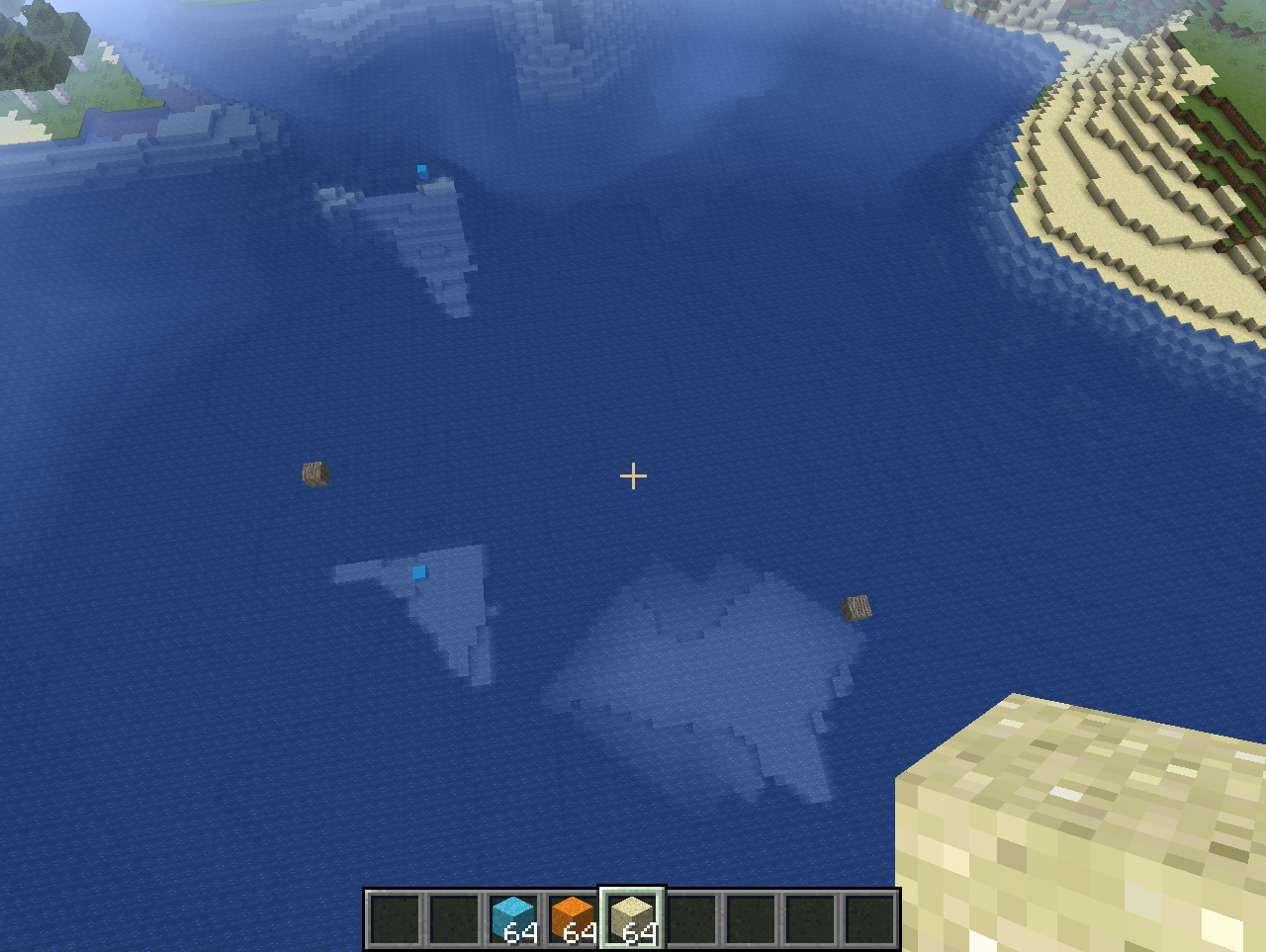
In 18w22a, players that sprint-swim up to, and are blocked by a block above them, take damage. Cods only occasionally take damage by slamming their heads while fleeing from players.

Could someone please add the info in this comment by Makzevu into the bugpost description?
It's easily reproducable by setblock'ing a block above water, see:


![[Mod] Pokechu22](../../../data/avatars/users/92931.png)

- Some mobs like phantom, ghasts and possibly more entities always make the same amount of sound even when we are away from them and sound does not get any lower or we stop listening
Device: LG K10
Just a bit of information on ghasts: For some reason, ghast sound drop off over distance is very low. This means ghasts will likely sound the same or similar when going at survival speeds (walking, sprinting, flying with an elytra, or more related). The vanilla resource pack's sound.json file set all ghasts sounds to 600.0 volume, but this does not determine how loud the ghast actually is. It instead determines the distance where the sound will be completely cut off, not lowering the actual drop off at all. The equation for this is the following:
volume * 16 = sound distance
Anyone within that radius will have sounds play internally, no matter if the sound drop off permits it or not. However, that number for ghasts is way too high anyway. If my calculations are correct, that would mean that ghast sounds only cut off when the player is 9600 blocks away. To confirm this, running the command /summon ghast ~ ~-5000 ~ will still play ghast sounds. At this distance however, it's kind of hard to hear, but the fact that someone can hear it is likely not intended by Mojang.
![[Mod] tryashtar](../../../data/avatars/users/41963.png)
Makzevu is right, it uses the attack binding and does remap correctly.
![[Mod] LateLag](../../../data/avatars/users/92884.png)
The bug:
The new lava texture made the slow animation more apparent, it barely looks like it's moving.
This is not an error with Bedrock's animation system, it just needs a change in the definitions. Useful information in this comment by Makzevu.
Screenshots/Videos attached: Yes
Notes: The animation speed hasn't changed, the old texture was more optimized for a slow animation.

When I was shooting at bells with a bow and arrow, I noticed that the arrows will bounce off the bell and clip through blocks. (located in the image below)
Updated description by Makzevu:
Steps to reproduce:
- Place a bell
- Obtain a trident or bow
- Throw the trident/ shoot an arrow at the bell
Observed results: Arrows and tridents are teleported more than 3 blocks north or east when hitting a bell from any side.
Expected results: Arrows and tridents bounce off of the bell at the correct speed and direction.

The hunger bar drains way too quickly.
Updated description by Makzevu:
The following is a list of the current exhaustion points given when performing an activity. Every time an action is performed, it's added to a counter for the player performing it. Once this counter is greater than or equal to 4, the number is completely reset to zero, and one saturation point is taken from the player. However, if the player has no saturation, one hunger point is taken instead.
Jumping: 0.4
Breaking Blocks: 0.025
Sneaking: none
Walking: none
Sprinting: none
Swimming: none
Sprint Jumping: 1.6
Attacking: 0.3
As shown above, Bedrock's exhaustion system is very similar to Java's system before 1.11 (Java's Exploration Update released in November 2016; not Village and Pillage), however there are a few differences.
First of all, it is completely impossible to gain exhaustion by sprinting or swimming at all, thereby making it impossible to lose both saturation and hunger when performing only those actions.
Steps to Reproduce
- Create a flatland world with doDaylightCycle disabled and doWeatherCycle disabled in Survival Mode (cheats are required here)
- Sprint forward for any amount or time
Here, the player does not lose any hunger whatsoever. The same can be said for swimming in the proper circumstances (pretty much swimming in an ocean for any amount of time).
Second of all, jumping while sprinting is twice as painful as Java's pre-1.11 values, prompting 3 sprint-jumps per half of a hunger bar (I'd assume this is the focus of this ticket, given the name "Hunger bar depletes too fast", but I'll leave the previous information in for vanilla-parity).
Steps to Reproduce
- Recreate a world with the same attributes as the flatland from the earlier list
- Sprint and jump at the same time until 3 hunger bars remain
Here, when assuming the player starts with both 20 (max) hunger and 20 (max) saturation, the player is only allowed to sprint-jump 102 times from worldspawn. In Java's pre-1.11 on the other hand (taking into account that the player starts with 20 hunger and 5 saturation), it was 95 times. Today in Java's 1.15 (with the same hunger and saturation levels), it's 380 times.
Makzevu - That is definitely some useful info, thanks.

I don't know what helper means, but Makzevu Deserves a promotion.
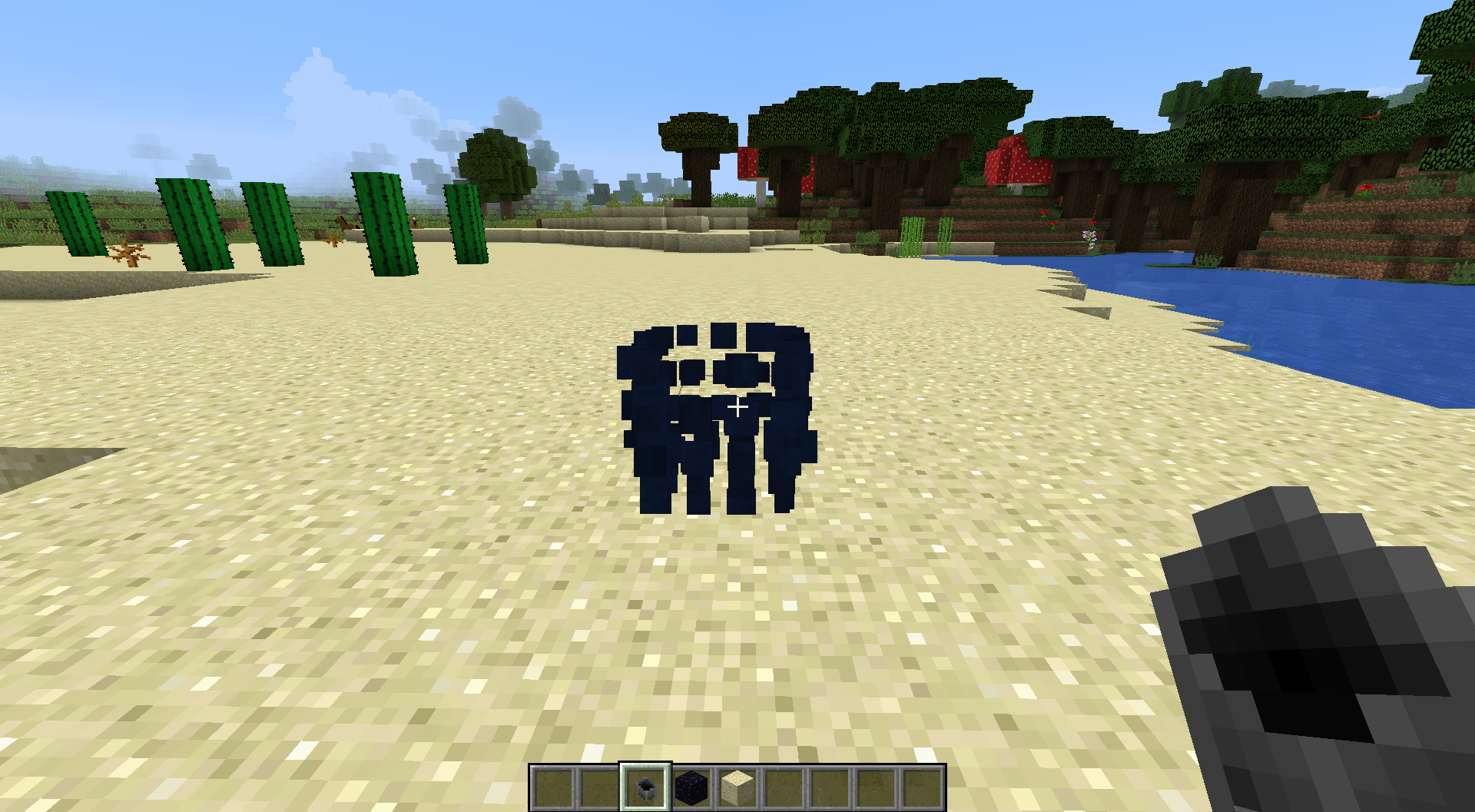
I have actually used these client-side water sources to determine that rideable entities are handled by the server when no one is riding them, but are handled by the client as soon as they are mounted, in case that helps you guys fix any other bugs. Additionally, you can sill Riptide through these source blocks.
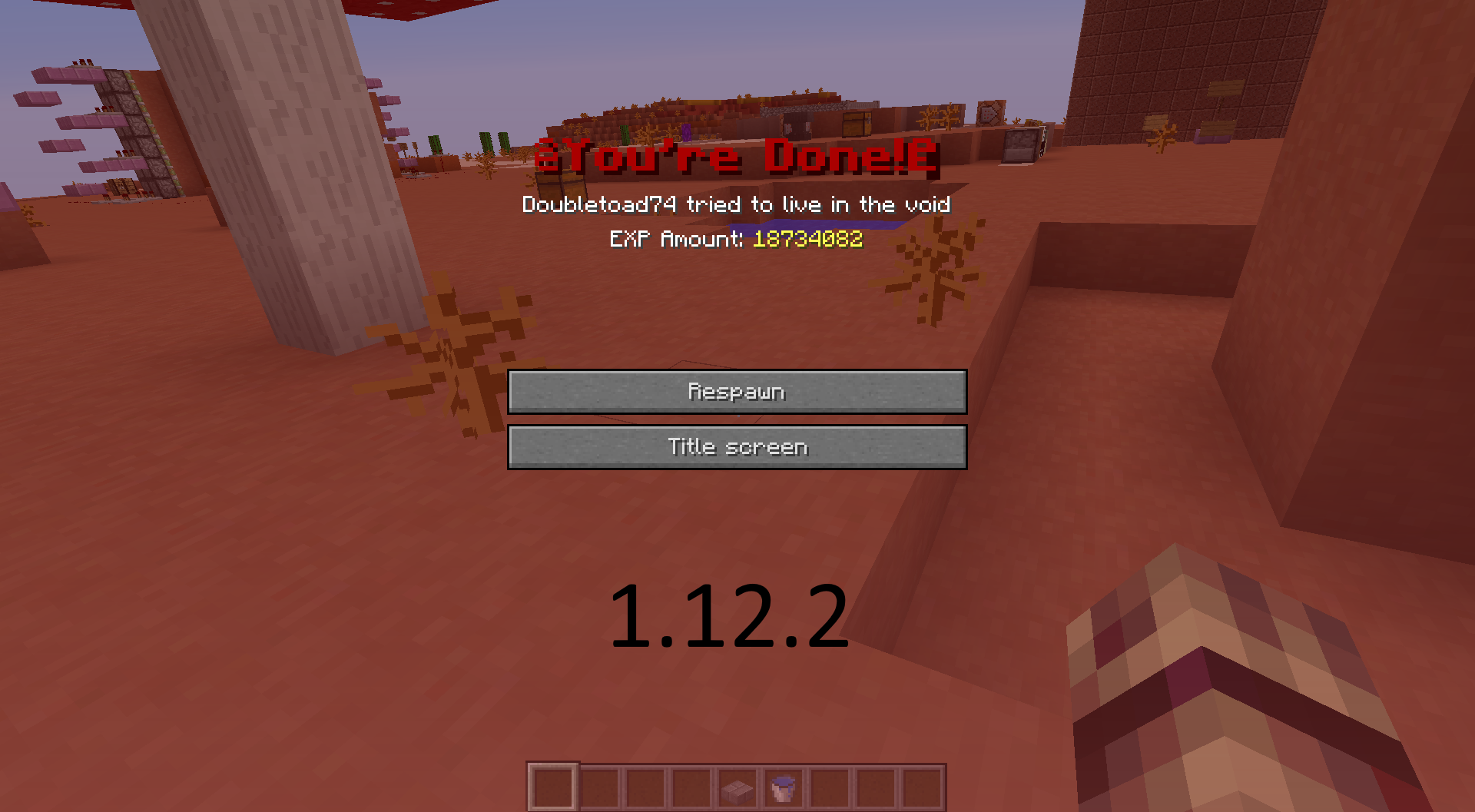
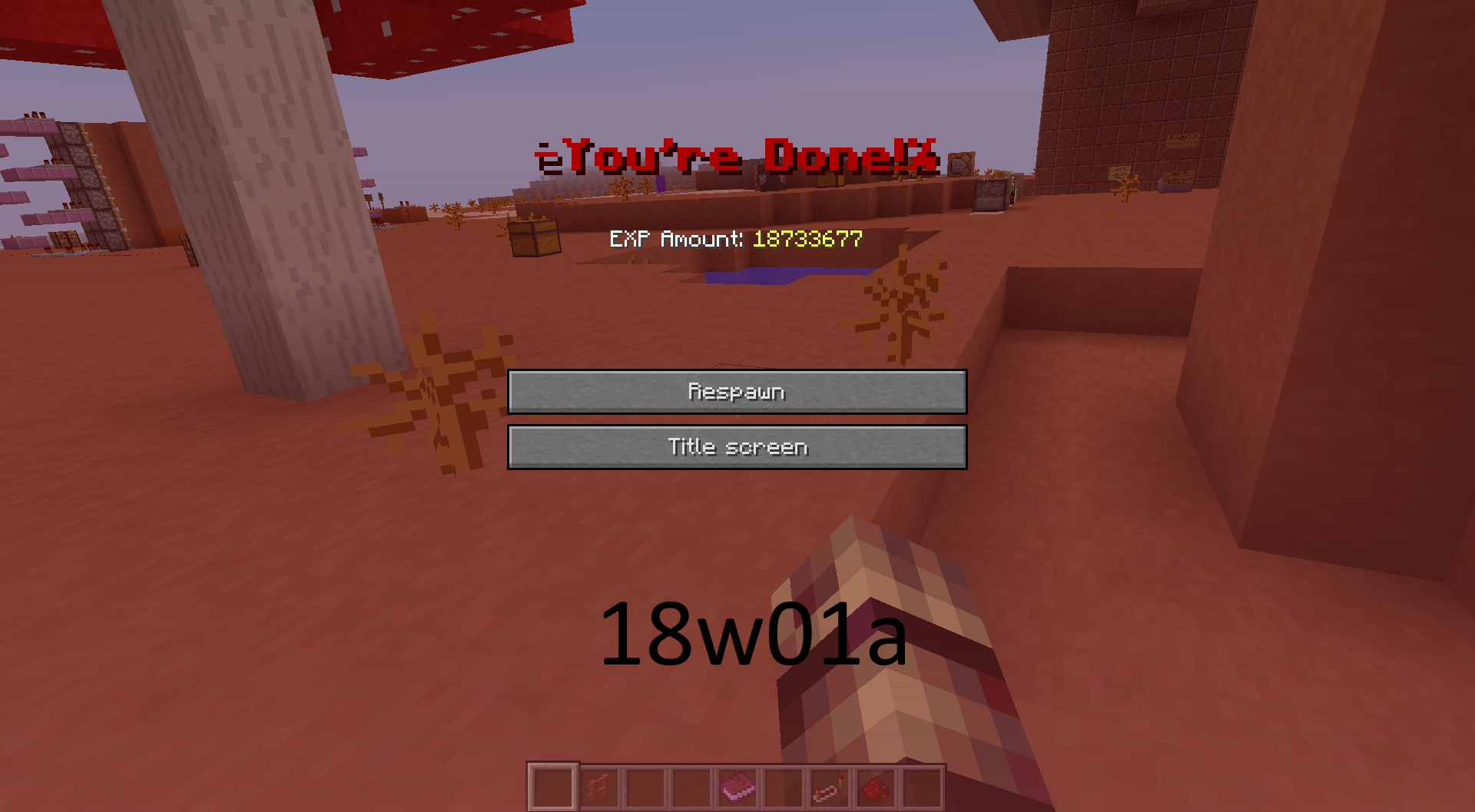
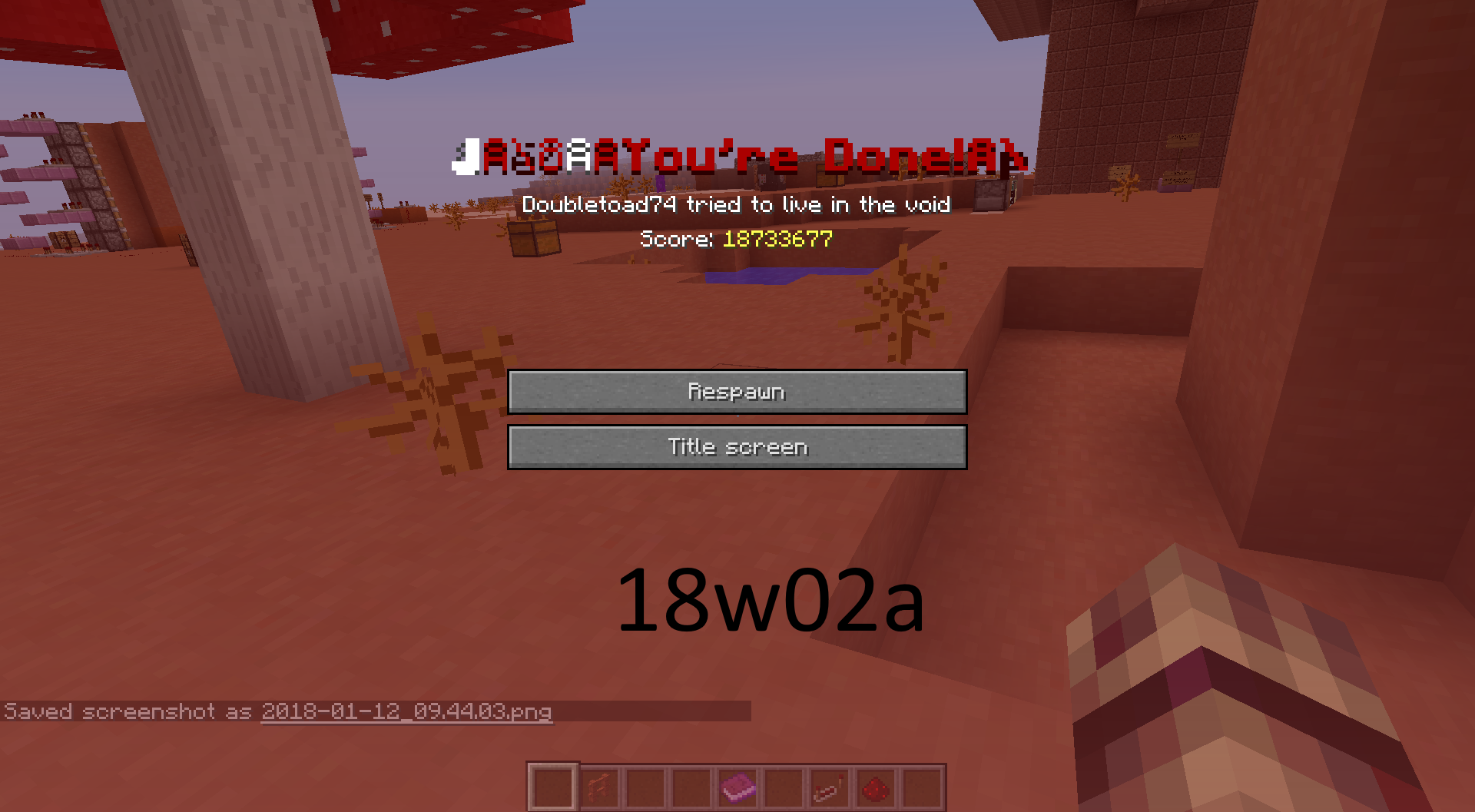
I was talking about § actually being shown, not the obfuscated text.
It's only shown in 18w02a, not the other versions.
It's the only character not obfuscated.
This also goes for when you're running and jumping in general. You wont stop sprinting as long as you're in the air, but the moment you land or swim, you'll be able to stop.
This example might lead to a fix, or at least a better understanding: https://www.dropbox.com/s/74qnxaqpghh9uxr/Chunk%20Lag.mp4?dl=0
Yeah, I know that, but the shading for being in the water works for seeing the rest of the world if you were to bob in the water.
I made the video thinking the lighting itself was a bug, but then I read the snapshot on minecraft.net and realized it was only supposed to work in the water. Since the video shows both above and in the water, I left it there.
I don't know. I haven't tested it.
The attachment is there, you just have to click on it.
Can it be a reference for suggestions then?
A fix for this could be that the water vision is applied to the water based on the highest light level touching it (water vision increases while going closer to a light block), or that the light level (active sky and artificial) decreases slower when travelling through water blocks (like Subnautica). The second option includes that the new water vision is removed from the game though; giving night vision, water breathing, respiration, and submersible light blocks a purpose (The water will actually have light instead of the player having night vision).
The link doesn't work.
The link doesn't work.
Can this be used to add to the discussion?
https://www.dropbox.com/s/to1sljljpd6xdgl/Water%20Logic.mp4?dl=0
Edit: Just referencing the submersible light block, the light around it when in the water, and the water clarity.
I didn't know this was classified as a bug. I normally use this to my advantage in my test world (with commands to reset the elytra's age) to give me infinite flight whenever I want to. I even set it to where it only resets its age when I'm near it so it wouldn't lag later.
The link doesn't work anymore.
The link doesn't work anymore.
As of the fix of
MC-125240, fix 3 on this bug report (Fix 3 (As of 3/15/2018): Players are able to crawl like in Smart Moving, negating the bugs entirely) is moved to this comment.That is the texture of water since snapshot 18w15a. Placed water only looks different because Mojang decided to display the water texture purely off of the biome, not both the default texture and the biome.
This video shows what else the texture change affected: https://www.dropbox.com/s/pk3hjxmlf5q4amj/White%20Water.mp4?dl=0
Based on that, the bug name should be changed. A fix for this should be to change any loaded water source/flow texture to match the biome, not just the water block. (This bug is the same with flowing water too).
I understand your issue. You must have landed on the block while you were sprinting. The way Minecraft works is that block is fixed to it's own position. The carpet,in your case, should have its particles shown, since when standing on the carpet your y-level is +.0625, putting you inside the carpet's hitbox. It would have been different if you were in the air while sprinting less than a block above.
I don't know if issues marked as incomplete can be revived or not, but this comment is necessary for the issue to be recognized.
This happens when you're so close to the water, that you're inside the water's hitbox, but you aren't under the water's texture. This has been an issue since before 1.7 and isn't purely linked to this snapshot. I don't see the point in fixing it either because it doesn't alter the gameplay and it's been in the game for years.
Relates to
MC-128248I just find it funny. I found this on my own and was thinking about posting it, but I just think it could be a small easter egg with everyone normally holding spacebar instead of purely sprinting. Also MC-44560 can happen when you're "in-water walking" high enough.
Still happens in 18w16a.
The link no longer works.
Still happens in 18w19b with salmon. The hitboxes are linked to their heads, not their tails together.
This is only for fireworks that last long enough for players to not use another one. This find can be used to benefit custom maps that require a specific function in the game to make it unique. Plus, the firework itself will eventually end, making infinite flight unachievable.
This no longer occurs in 18w19b. Players are able to create water sources like the normal way (water source diagonally next to a water source; water sources surrounding an empty space) but with a slab now.
I fixed the bug report now. I just forgot to remove the rest of it.
Can bugs from different platforms of Minecraft be seen as related?
This bug occurs whenever blocks, other than the default generation of the world, are present above water. I made a world in the current snapshot, 18w22b, and placing blocks manually, using /setblock, or using /fill maxes out the light level in the chunk tested in, but only in the water. If too big of an area is used with the /fill command, the light between the fill area and the water will remain at the following places:
1. The corners of each chunk just under the fill area (basically at the corner of a chunk in the area the /fill command was used, the sky light level will always remain at 14. It's just easier to see the light under the fill area since there isn't light down there). Placing a block five blocks under the light will remove it.
2. At the water's surface and one block under it.
After the player leaves the area and comes back to it, the light at the surface of the water will be 13 and will increase to 15 two blocks down. The light level will remain at its maximum until one block below the ocean floor. I don't know if this should be classified as another bug, but it's very closely related if so.
Due to my schedule in school, I didn't have the time to post this report sooner, but I did test it in 18w22c.
The link no longer works.
Confirmed for 1.13-pre1.
Command suggestions aren't displayed when tab is pressed with the command suggestions setting in the options menu turned off.
This might not be intentional since the biomes have names in the lang file. Only the biomes in the lang file in 1.13-pre1 are shown here:en_us.json
This bug has returned to 1.13-pre1 and is incredibly similar to
MC-56504.Duplicate of
MCPE-31896Grass also grows under farmland on Windows 10.
If I go into fullscreen mode on Windows 10 (1920 x 1080), this doesn't happen to me anymore.
The player stays in that same position until a GUI is opened or the player presses the sneak button.
This bug isn't fixed yet. You must have a different processor or graphics card.
Confirmed for 1.13-pre2.
Confirmed for 1.13-pre2.
Confirmed for 1.13-pre2.
Confirmed for 1.13-pre2.
Confirmed for 1.13-pre2.
There are also delays when using a controller on windows 10 with about the same reaction time as a keyboard and mouse. This bug might be windows 10 specific, but I haven't tested other devices.
The resolution to
MC-127247andMC-127294aren't clear in whether or not this specific function is intended.Apparently I decided to test the bug in a cave during the day and not at night. This report is worthless.
Invalid
This issue relates to
MC-129236andMC-126138because the water is acting like air. When air doesn't have any blocks above it, its sky light level is based purely on the day-night cycle and rain/storms. The same happens to water with this bug, but the water ignores blocks and rain/storms (is only affected by the day-night cycle). However when it is night, the sky light level of the whole body of water is at 4 instead of 0 further down.Going back to the bug report, the game thinks the water is supposed to be at the same sky light level air is at based on the day-night cycle. So when the area above the water is updated by any means (except F3 + A), the light is "corrected".
Duplicate of
MCPE-32391.Duplicate of
MCPE-32391.Related to
MC-128299Oh
Confirmed for 1.13-pre3.
Confirmed for 1.4.2
This bug has returned in 1.4.2 in Windows 10. I don't know if this affects any other device though.
Confirmed for 1.13-pre5.
Is grass and mycelium not being able to grow to dirt at all the same as this report? If this is the case, it would be good to rename the report "Grass and Mycelium don't update when under air or water".
Sorry, I said that wrong. I meant that any dirt block wont turn to grass or mycelium when next to it (basically grass growing onto dirt, not grass growing to dirt). However I didn't know that dirt can't turn to grass or mycelium under any light level, which pretty much makes my original comment pointless since I tested it at night.
Confirmed for 1.13-pre5.
To avoid this you can angle the camera more upwards. You wont exit the swimming animation as long as you aren't holding your jump key as well (spacebar).
Duplicate of
MCPE-32391.This feature has been in every type of Minecraft that has sneaking and opening menus in it ever since sneaking was introduced to them (Console, Java, Bedrock, Classic Pocket, etc.). It would be good to have in the game though.
Confirmed for 1.13-pre6.
Can anyone confirm for 1.13-pre6?
Is MC-132734 classified as a duplicate?
The bug shows to be fixed in current beta versions. This should be fixed for everyone when you see 1.5 as an actual version. But for now, this bug affects 1.4.x.
Just an addition, if a creeper explodes in an ice spikes biome (snow blocks are the ground), the explosion sound doesn't play. Only the snow breaking sound plays.
This bug is caused by the fix of
MC-128257, making it impossible to sprint in shallow water.This bug isn't reproducible in the 1.5 release.
Confirmed for 1.5.
Go to the Minecraft page on the Microsoft store and select update. That's what I had to do because 1.5 is out now.
This bug also makes it impossible to sprint in creative and spectator mode flying in shallow water.
If more information is needed I can make a video, but only if the description for the report isn't clear.
Confirmed for 1.13-pre8.
Confirmed for 1.13-pre8.
Confirmed for 1.13-pre8.
Actually, biomes like mountains and taigas (which have multiple weather types) are excluded from this report. Fire is extinguished from entities in those biomes.
Edit: By this, I mean fire is extinguished from both the snow level and the rain level of these biomes.
The video link no longer works.
I know. I was just removing the video.
This bug also makes it impossible to sprint in creative and spectator mode flying in one-high water.
I understand the confusion now. In 1.13-pre7, attempting to sprint in shallow water without bobbing will shift the FOV back and forth. The report didn't include the fact that bobbing and holding the sprint key will also result in a FOV alteration. With that,
MC-133414.Confirmed for 1.13-pre10.
Confirmed for 1.13-pre10.
Confirmed for 1.13.
Confirmed for 1.13.
Is this still in 1.13?
Can anyone confirm for 1.13?
Can anyone confirm for 1.13?
Confirmed for 1.13. However to avoid this, press your sneak key then place the block.
This bug has been fixed in 18w30b.
This no longer occurs in 18w31a. I should've waited on this because as I was creating the report, I saw the next snapshot listed, but it wasn't in the launcher.
Fixed or Invalid
MC-135379is a duplicate and this bug has been fixed in 18w31a.I didn't know bugs like these would be fixed by simply updating windows. The update database was corrupted since November then fixed itself, somehow, today. I no longer experience this bug.
Invalid in Windows 1803 (Affects Windows 1709)
Confirmed for 1.13.1-pre1.
Confirmed for 1.13.1-pre1.
Can anyone confirm for 1.13.1-pre1?
Confirmed for 1.13.1.
Replying to your comment on
MC-133453: This can be repeated with an elytra in 1.9 easily. This was in the game for a long time.I can clearly tell that this bug is real, but I only get lag spikes and a little tick lag. With a server, It's that and lag back (The server teleports the player back to a previous spot because they moved to quickly over a period of ticks. This can happen normally if the server is lagging or if the player is lagging).
CPU: AMD FX-8370 Eight-Core Processor
GPU: NVIDIA Geforce GTX 970
Ram: 8 Gigabytes
Dedicated Ram: 1 Gigabyte for this test only. I normally play with 4 dedicated.
If you haven't already, use the following JVM arguments for all profiles with 1.13 or above. This is the new default as of the update and makes the game run a little faster, but it doesn't get rid of the bug: -Xmx1G -XX:+UnlockExperimentalVMOptions -XX:+UseG1GC -XX:G1NewSizePercent=20 -XX:G1ReservePercent=20 -XX:MaxGCPauseMillis=50 -XX:G1HeapRegionSize=16M
To get these options an easier way, just make another profile in the launcher.
I don't have Minecraft on a phone, but when I plugged my controller in for Windows 10, I was able to remain sneaking after opening a menu. Since PC players don't have a problem with this issue, it doesn't affect them.
I knew this issue always affected keyboard and mouse because I tested it back in 1.2. I figured this wasn't a bug because Java Minecraft has the same feature. I think it makes more sense to fix this issue for controller users and mobile devices specifically because they can't move as fast as keyboard and mouse users. However, I think this actually would be a cool feature to have (as I said in my comment on July 1st).
Sprinting is also impossible when climbing a vertical water stream while not being completely in it. It seems that the air bubbles have to be visible (or be able to be visible for creative players and spectators since they don't drown) to sprint when in water. However, if the player is already in the swimming mode, being next to a vertical water stream wont stop them from sprinting unless they go too far.
Java Minecraft isn't available on Playstation 4. Please make another report, if you're experiencing issues for Legacy Console Edition.
Dirt no longer turns into grass in water in 1.6, but the grass that was there already from 1.4 remains as well as under farmland.
This no longer happens when the player has a message in chat. The message appears and doesn't close the chat window.
Can anyone confirm for 1.6.1? It's been a while since the report was updated.
Fixed in 1.6.1.
Relates to MCPE-37860.
Yeah it is. I spent 30 minutes looking for it but couldn't find it. That means this one gets closed as a duplicate and the one for Bedrock Minecraft stays open.
Confirmed for 1.13.2-pre1.
Confirmed for 1.13.2-pre1.
Confirmed for 1.13.2-pre1.
Confirmed for 1.13.2-pre1.
Confirmed for 1.13.2-pre1.
Confirmed for 1.7.
Mobs killed through direct attacks and arrow hits experience knockback, but not TNT.
Partially confirmed for 1.7.
Confirmed for 1.13.2-pre2.
Confirmed for 1.13.2-pre2.
Confirmed for 1.13.2-pre2.
Confirmed for 1.13.2-pre2.
Confirmed for 1.13.2-pre2.
Before the fix, I had a lot of lag while walking between chunks. After the fix it's been a small inconsistent spike most times. My latency when crossing chunk boarders goes up to 100-120ms (again, not as bad as before the fix, but still noticeable). But for some reason, I only get the spike if I stay in the current chunk for a few seconds. Going back and forth between the boarder quickly doesn't give me any lag.
Is this another bug like
MC-132135or MC-123584?Confirmed for 18w44a.
Confirmed for 18w45a.
https://www.youtube.com/watch?v=hFENjs5Twg0&t=595
The most important part of the video is from 9:55 to 10:32, but I ran other tests to identify the bug.
I'm using the default JVM arguments in 18w47a, and the internal server (tps) stops randomly for over 20 seconds. The highest I've seen it so far is 47 seconds. During this, the frame rate can stop at much less, but still random intervals (100 fps normally), and can last for over 4 seconds.
Edit: I did this on an old world, but the previous snapshot barely had any lag in it.
I believe this is a duplicate of
MC-132135.I believe this is a duplicate of
MC-139725.Places near to where this was happening in my world, I found sand and cobblestone as dropped items in a cave.
Oh I get it now. There aren't any fully rainy biomes at all, just fully snow and non-weather ones (desert, savanna, etc). Evidence here shows that every biome (includes oceans) that can rain must inherently snow as well. This can be proven by travelling above the block height limit to find snow falling in any rain type biome (Warm Ocean starts at y=280-288), even though the snow will never reach any block ever.
Basically, mobs and blocks are extinguished in "cold biomes" but not "snowy biomes" because there's no such thing as a "cold biome", it simply snows above all rain biomes.
Optifine E5 pre5, released three days ago, has an applied fixed for particle lag. Is there a way to implement that into the current snapshots?
Sometimes when I teleport long distances I see the clumps of water like in the first three images, but then the chunks load and they disappear fully like in
MC-138114.Are those chunks loaded?
Might be
MC-132135.I only see it if I teleport long distances, but they go away after the chunks fully load. However, if I use a server, all chunks stop loading after a couple of seconds and won't keep loading until after I reconnect. During that time, the non-loaded chunks are filled with the water patterns.
Confirmed for 18w50a.
Confirmed for 18w50a.
This is a very critical bug and cannot be left unchecked before the release of 1.14. This issue can leave a single entity to be duplicated thousands of times (log file in the dropbox link). There's more information on what this bug does to the world while the player is on it in this video, but I suggest you read more of the description than watching the video since it's almost an hour long. The log file encompasses the whole video just in case someone wants a reference:
https://youtu.be/SvyuYeoG6VI
https://www.dropbox.com/s/1fbvxe5hlbyns2q/latest.log?dl=0 (I used notepad ++ to see how many times a UUID was listed and I got a number over 6 thousand on the first attempt)
I believe this is caused by
MC-138871.The baby giant's eye level is the same of normal giants.
Confirmed for 19w03b.
As of 19w03a, giants no longer have the zombie's AI (or any for that matter), making the baby giant now impossible to spawn.
If the player walks against a block then deletes the block under them (or walks against a floating wall), they will float against the block and be able to move along a wall (if there is a wall) at walking speed. It's as if the player's hitbox is inside of the block, but if the player ever presses the jump key, they will fall.
Confirmed for 19w04b.
Wouldn't that mean it's a duplicate of
MC-138871and/orMC-138919as well?I can reproduce this in 19w04b from a world I created in 1.10.2. It's been through every 1.12, 1.13, and 1.14 snapshots. The rain only goes through blocks that haven't received a block update in the 1.14 snapshots, or weren't generated in new chunks.
Confirmed for 19w04b.
Confirmed for 19w05a.
There's more information in
MC-133559.By the way, confirmed for 19w06a.
Isn't that MC-44560?
This issue exists in 1.13 when the height of the water block's hitbox was increased: https://www.dropbox.com/s/q2ne1z5ps4carkz/Minecraft%202019.02.15%20-%2015.57.25.03.mp4?dl=0
The video doesn't make this clear, but there is a slab where the armor stand is bouncing.
What is required to reproduce this?
I haven't experienced this before.
Is the current state of
MC-142942a duplicate?Confirmed for 19w08a.
Confirmed for 19w08a.
As more information from this bug was realized in 19w08b, the report was updated accordingly.
Confirmed for 19w08b.
The bow issue is a duplicate of
MC-142772.The trident may be different.
Duplicate of
MC-142772.This glitch may also cause a bug that stops the game's frame rate when turning too fast in water: Link
This doesn't cause a crash, as reproducing this requires a task manager shutdown afterwards.
Confirmed for 19w09a.
Confirmed for 19w09a.
Confirmed for 19w09a.
Confirmed for 19w09a.
Confirmed for 19w09a.
Confirmed for 19w09a.
Confirmed for 19w09a.
The comment I made on January 3 is very useful for this.
The spectator binding feature uses the "Attack/Destroy" keybind to function, not "Use Item/Place Block".
Apparently the issue of arrows phasing through blocks and arrows not passing between a wall's gap (here) are different bugs. I assumed the issue that existed in 19w08b (here) was triggered by the same mechanics.
The pushing effect of the gap glitch was removed in 19w11a.
Confirmed for 19w11a.
Confirmed for 19w11a.
This report does not encompass Bedrock Minecraft versions, as this is a Java Minecraft report. If you're experiencing issues, please create a report for Bedrock Minecraft here.
Duplicate of
MC-145691.Confirmed for 19w11b.
Confirmed for 19w11b.
Confirmed for 19w11b.
Confirmed for 19w11b.
Is anyone able to get entities to duplicate?
I only see the "Keeping entity" spam in chunks where entities already duplicated and disappeared, but I can't tell if any more are duplicating.
Confirmed for 1.9.
Confirmed for 1.9.
Confirmed for 19w11b.
Caused directly by the fix of
MC-1489.I thought that was intended.
Confirmed for 19w12a.
Confirmed for 19w12a.
Confirmed for 1.10.
Sounds that are dual channeled now play at full volume in every circumstance.
Confirmed for 19w12b.
Confirmed for 19w12b.
Phantoms are especially a problem. Although many other sounds are very quiet, the phantom swooping sound is so quiet that it's almost fully silent (I had to manually increase the swooping sound with a custom resource pack to near maximum possible levels in order to hear it normally).
Confirmed for 1.10 (on Windows 10).
This needs to be more specific. For instance: lava does not turn into cobblestone when water is poured on flowing_lava[level=2]. This will also stop the flow of water since the game intends for water to create cobblestone when it's on lava before moving again.
Confirmed for 19w12b and 1.13.2.
It appears that this issue exists in Bedrock Minecraft. I'll wait for confirmation before creating another report.
After converting the click.ogg to a single channel, the issue for dispensers and droppers was resolved immediately. I could attach it here if I have permission to do so.
Jimmy Kruize, apparently single channel sounds can only be heard 16 blocks away, but Minecraft allows sounds to be played 64 blocks away (so the subtitle shows regardless). The only way to utilize this is to use two sound channels, but this bug makes all dual channeled sounds play at maximum volume within that 64 block radius.
Relates to
MC-146297.Both issues were affected by 19w12a.
This bug changed to sounds being blocked from playing instead of exchanging current playing sounds with new ones, and
MC-146297resulted in the same snapshot. They were likely caused by the same change in code, or the rewrite of the sound system entirely.In a world loaded in 19w12b, it's the exact opposite. Spawn chunks don't load until relog, but every other chunk loads properly. Spawn chunks also never stay loaded even when the player relogs inside of them.
This should only affect spawn chunks:
MC-146778.