 MC-271509
Model parts overlap in the guardian (guardian.png & guardian_elder.png) UV maps
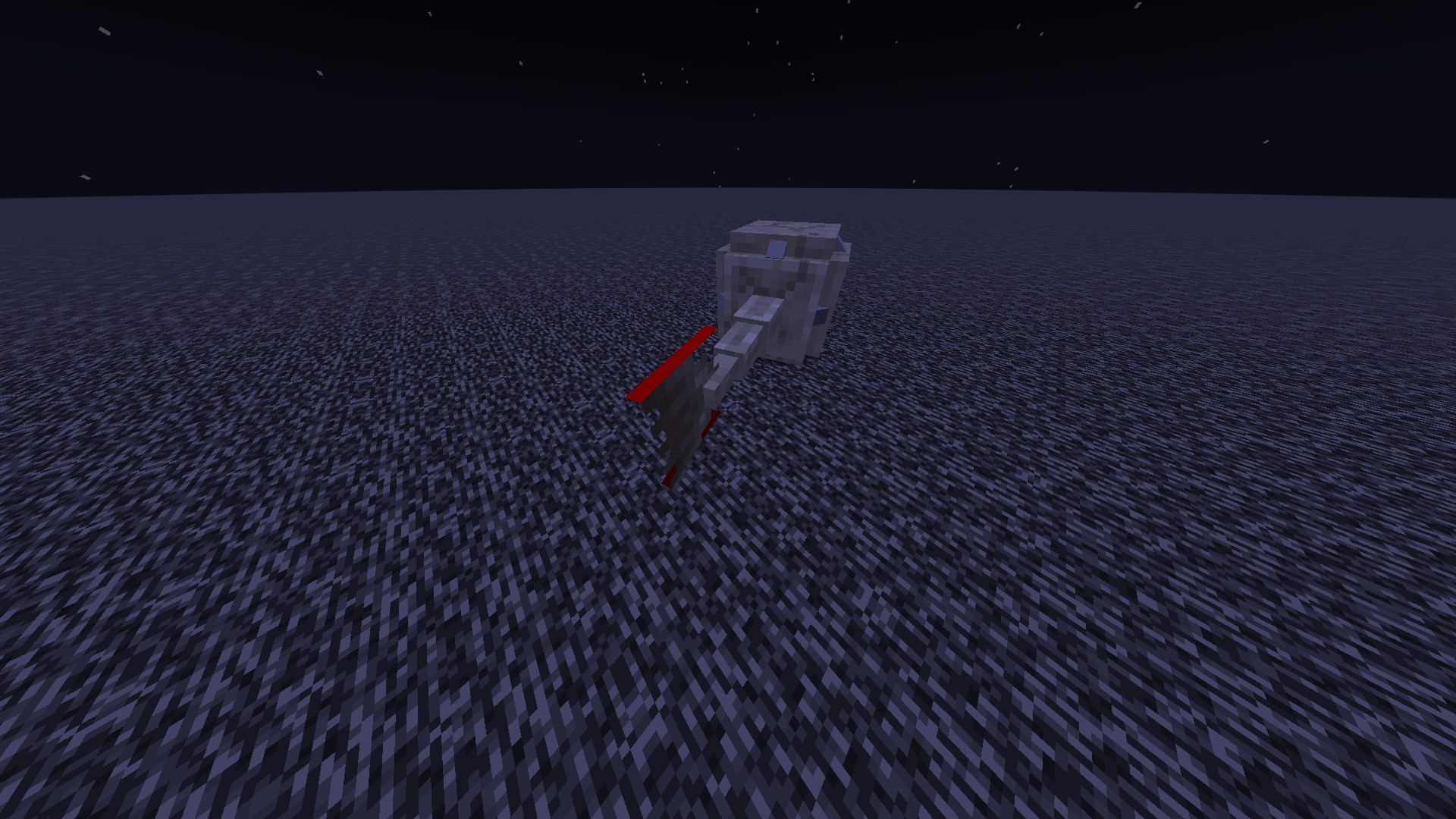
Inside the UV texture map for the normal guardian and elder guardian, there are model parts which overlap. Meaning if one part is modified, other sections will be too.
Steps to Reproduce:
- Apply the resource pack:
GuardianOverlap.zip
- Summon a guardian type mob

Overlap:
Total texture spaces of the different model parts:
- Fin is red
- Body is blue
- Overlap is purple
Guardian:

Elder Guardian:

Notes:
Linked Issues
![[Mod] Jiingy](../../../data/avatars/users/91802.png)


Created Issue:
Model parts overlap in the guardian (guardian.png & guardian_elder.png) UV maps
Inside the UV texture map for the normal guardian and elder guardian, there are model parts which overlap. Meaning if one part is modified, other sections will be too.
Overlap:
Below, the total space of the fin's model part is colored red and the total space of the guardian's body model part is colored blue. The overlap between the two is colored purple.
Guardian:
Elder Guardian:
Notes:
- This issue blocks:
Attachments2
Inside the UV texture map for the normal guardian and elder guardian, there are model parts which overlap. Meaning if one part is modified, other sections will be too.
Overlap:
Below, the total space of the fin's model part is colored red and the total space of the guardian's body model part is colored blue. The overlap between the two is colored purple.
Guardian:
Elder Guardian:
Notes:
- This issue blocks:
Inside the UV texture map for the normal guardian and elder guardian, there are model parts which overlap. Meaning if one part is modified, other sections will be too.
Overlap:
Total texture spaces of the different model parts:
- Fin is red
- Body is blue
- Overlap is purple
Guardian:
Elder Guardian:
Notes:
- This issue blocks:
Inside the UV texture map for the normal guardian and elder guardian, there are model parts which overlap. Meaning if one part is modified, other sections will be too.
Overlap:
Total texture spaces of the different model parts:
- Fin is red
- Body is blue
- Overlap is purple
Guardian:
Elder Guardian:
Notes:
- This issue blocks:
Inside the UV texture map for the normal guardian and elder guardian, there are model parts which overlap. Meaning if one part is modified, other sections will be too.
Overlap:
Total texture spaces of the different model parts:
- Fin is red
- Body is blue
- Overlap is purple
Guardian:
Elder Guardian:
Notes:
Inside the UV texture map for the normal guardian and elder guardian, there are model parts which overlap. Meaning if one part is modified, other sections will be too.
Overlap:
Total texture spaces of the different model parts:
- Fin is red
- Body is blue
- Overlap is purple
Guardian:
Elder Guardian:
Notes:
Inside the UV texture map for the normal guardian and elder guardian, there are model parts which overlap. Meaning if one part is modified, other sections will be too.
Steps to Reproduce:
- Apply the resource pack:
GuardianOverlap.zip- Summon a guardian type mob
Overlap:
Total texture spaces of the different model parts:
- Fin is red
- Body is blue
- Overlap is purple
Guardian:
Elder Guardian:
Notes:
![[Mod] turbo](../../../data/avatars/users/92867.png)
blocks
![[Helper] Johnibur](../../../data/avatars/users/28381.png)
relates to
![[Mod] Jarl-Penguin](../../../data/avatars/users/92849.png)
relates to
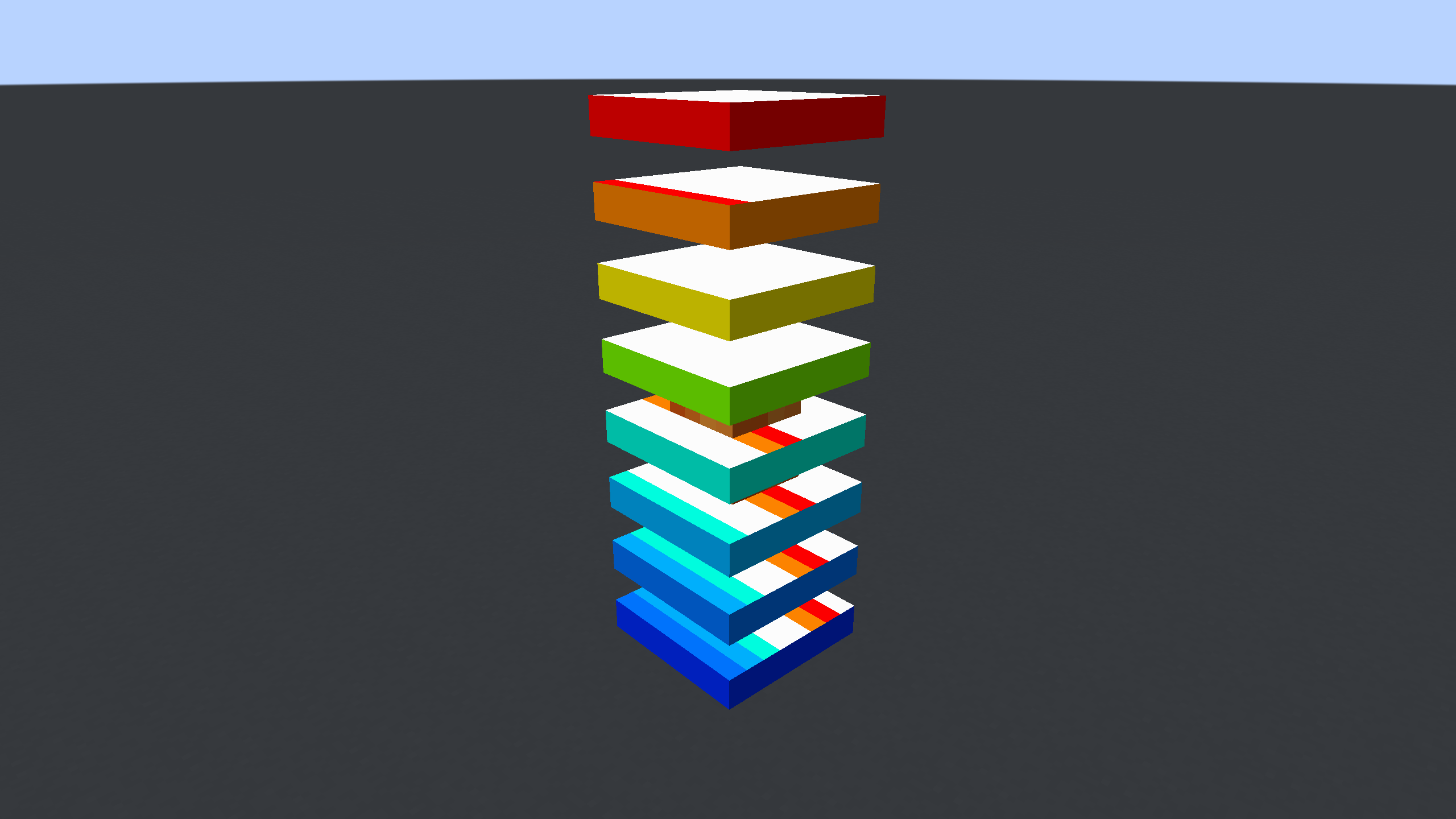
Segments 1, 2, 5, 6, 7, and 8 of a magma cube overlap with each other, causing problems when modifying the texture in a resource pack.
Steps to Reproduce:
- Download and apply the provided resource pack:
MagmaCubeOverlap.zip - Summon/spawn a magma cube
- Wait for it to jump, and spread out its model
- (optional) freeze the game
/tick freeze
Observed Behavior:
The top and bottom faces of the previously listed model segments will be textured incorrectly, including the front and left sides of the previous segments before it in the texture.
Expected Result:
Each model segment could be modified separately from one another, without any overlap.
Screenshots/Videos:
Notes:
Related to MC-256371 MC-271509
Old Description:
The description has been modified, because the previous one was fairly messy and over descriptive. I have left the old description in a pinned comment here:
https://bugs.mojang.com/browse/MC-225367?focusedId=1337489&page=com.atlassian.jira.plugin.system.issuetabpanels:comment-tabpanel#comment-1337489
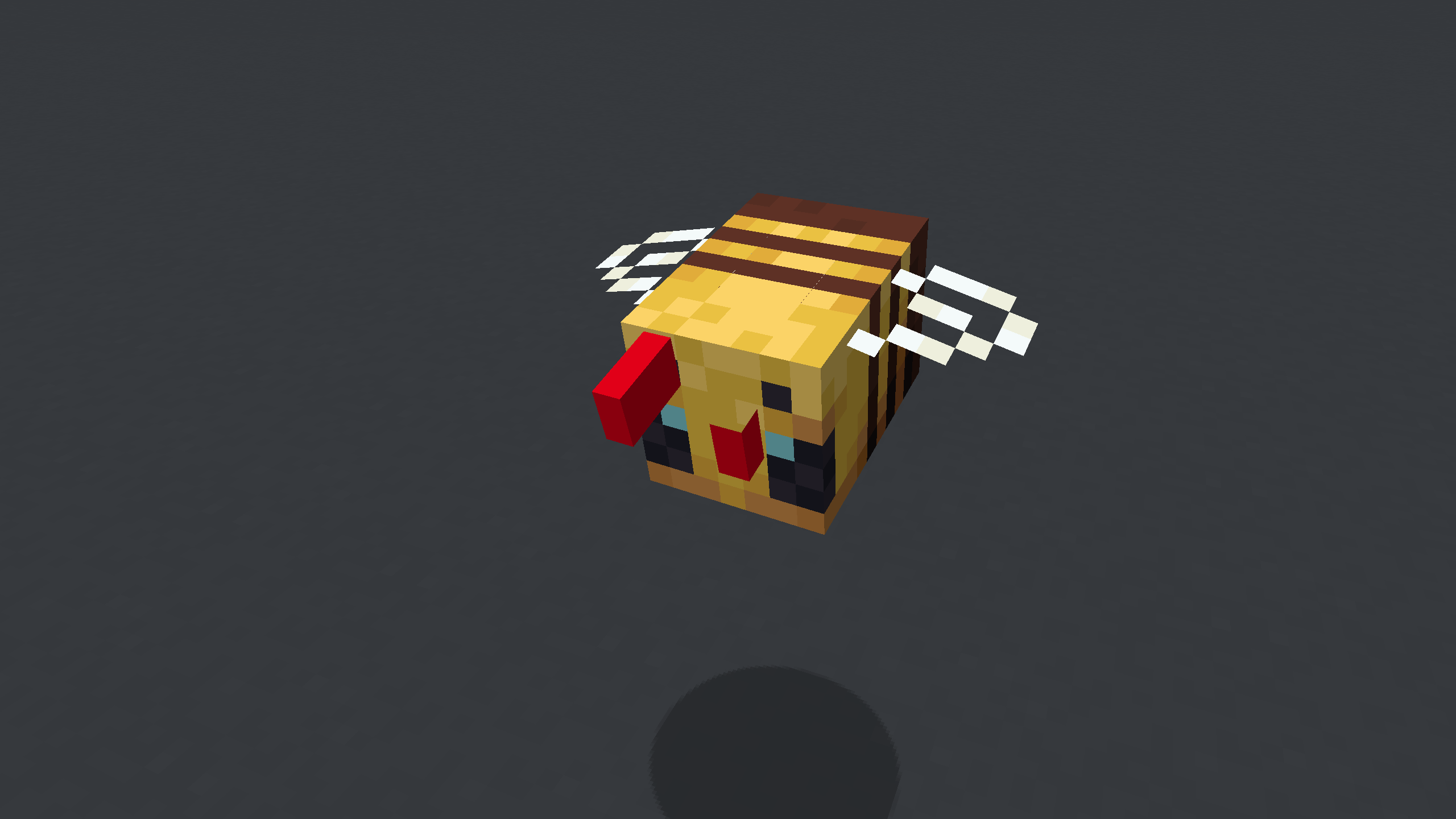
The right antenna on a bee overlaps the left antenna, causing problems when modifying the texture in a resource pack.
Steps to Reproduce:
- Download and apply the provided resource pack:
(This pack removes the texture of the left antenna, and makes the right antenna entirely red)
BeeAntenna.zip - Summon/spawn a bee
Observed Behavior:
The right antenna is entirely red, and the left one has random pixels applied to it.
Expected Result:
Modifying the right antenna would not change the left one, and they could be changed separately.
Screenshots/Videos:
Notes:
Related to MC-225367 MC-271509
Old Description:
sorry if confusing, but this is the best way i can think to show it, basically you cant have pixels in some spots without them showing up in other spots because the left and right antenna models share some of the texture plane
included is a texture pack editor screen recording and a screenshot in game to show the texture pack editor is correct
There are open spaces in the UV texture maps for the guardian and elder guardian that do not properly convey to resource pack creators the entirity of some model part faces. Since the faces are left empty, it could be easy to assume the open sections are not part of the model, even if they aren't normally visible in-game. For other models with parts that are not visible on other entities, they are always filled in either with texturing, or simply a blank color. The guardian mobs are a specific and strange exception to this convention (likely due to MC-271509)
Elder Guardian:

Guardian:

Suggested Fix:
Add texture (or even just a vague singular color) to the open spaces in both UV maps. Generally, this is what is done for other texture faces of entities which are not regularly seen in game anyways.
Elder Guardian:

Guardian:

Fixed Textures:


(This fix notably also fixes MC-271371)
Can confirm:
