![[Mod] Jiingy](../../../data/avatars/users/91802.png) [Mod] Jiingy
[Mod] Jiingy
- Jingy
- jingybreadman
- America/Chicago
- Yes
- No
 MC-140097
![[Mojang] Nathan Adams](../../../data/assets/gravatar/dinnerbone.png)

 Low
Low![[Mojang] slicedlime](../../../data/assets/gravatar/slicedlime.jpeg)
![[Mojang] sarahboeving](../../../data/avatars/users/18935.svg)

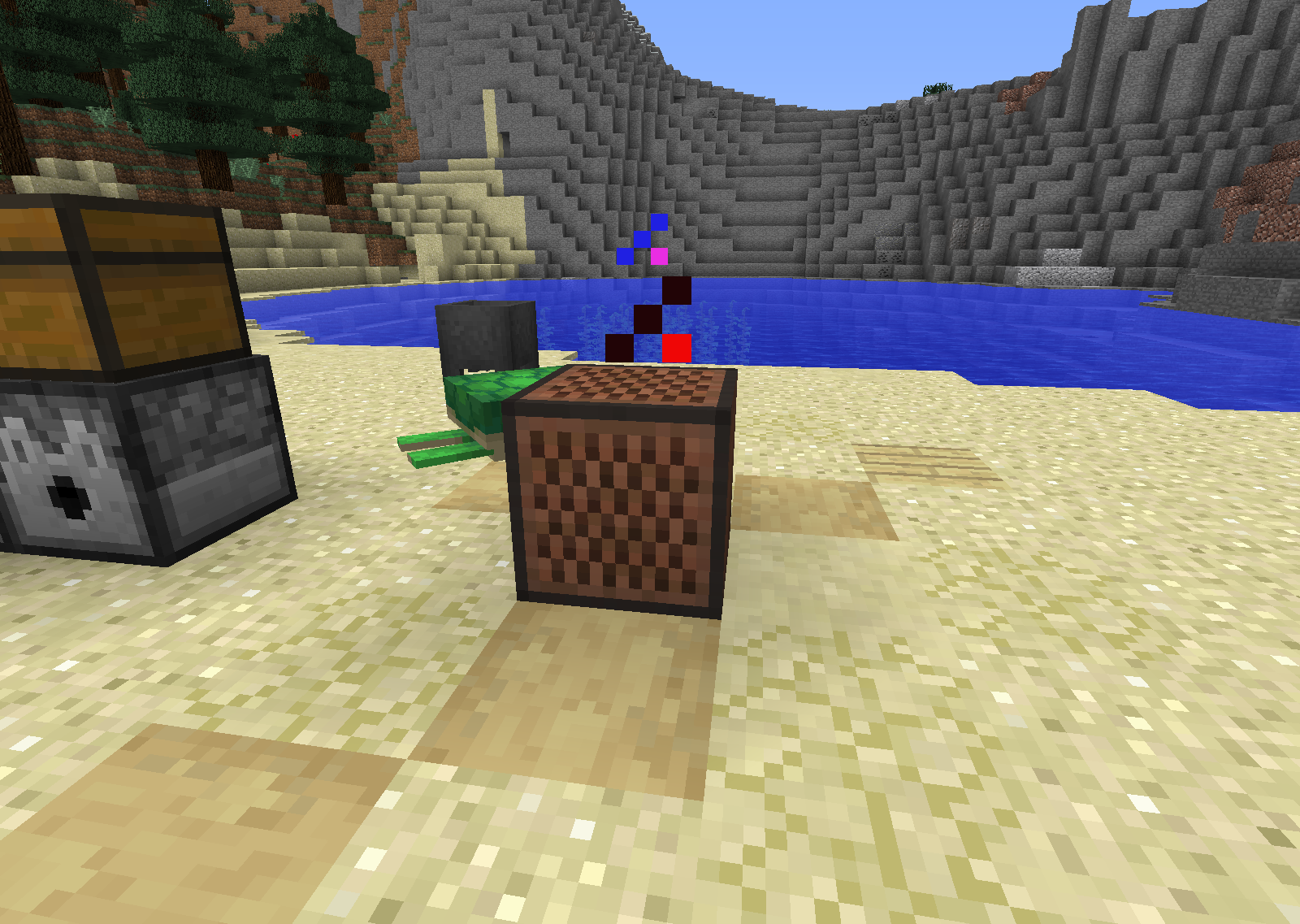







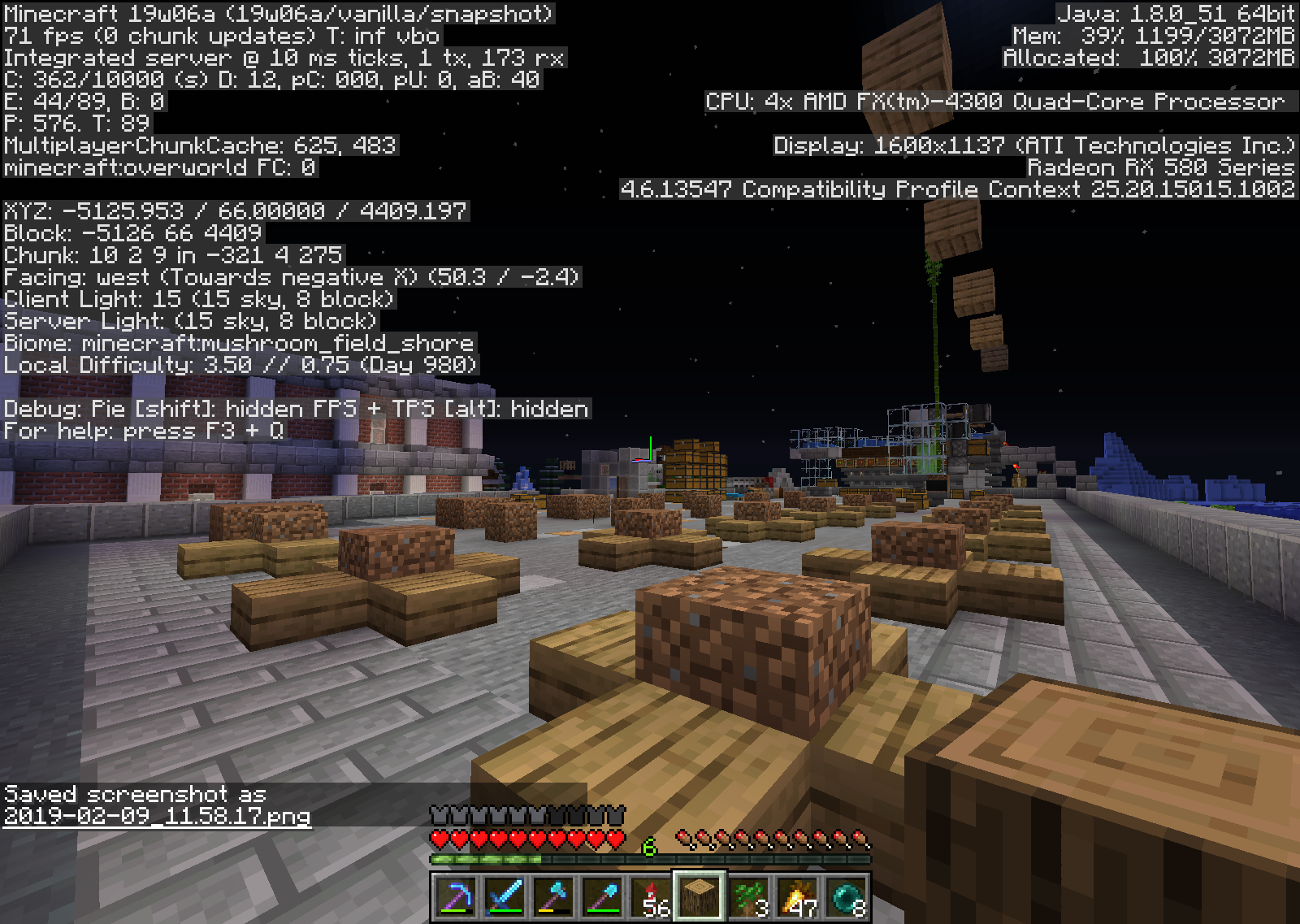

















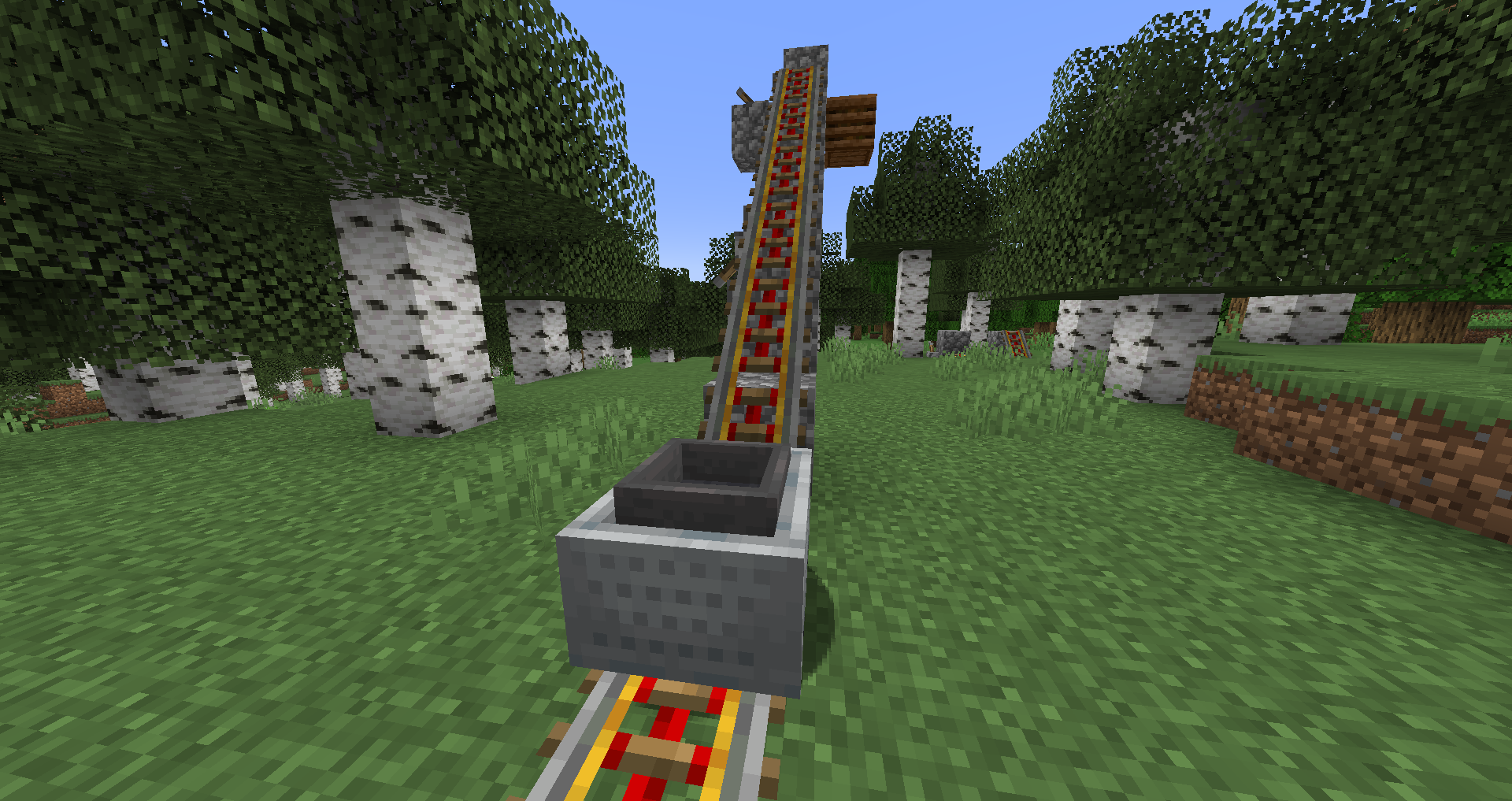


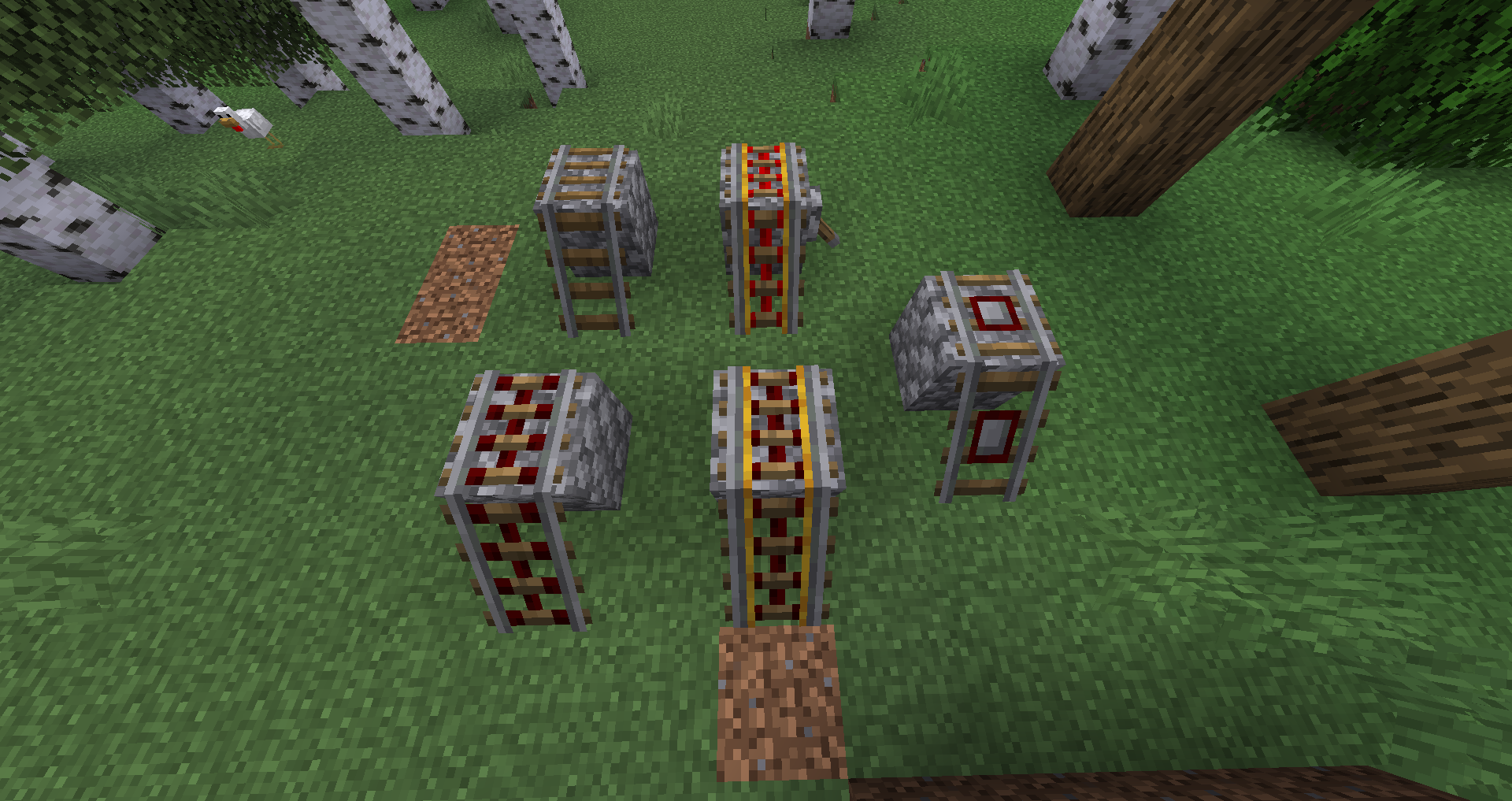
Boatsone pixel too highBoat item image one pixel too high
If you make an
9x9floor of snow layers (with support blocks underneath) with TNT in the middle, after ignition and durring explosion the sound for a "boom" does not play but instead the sound of snow layers breaking over-powers the explosion sound.If you make an 7x7 floor of snow layers (with support blocks underneath) with TNT in the middle, after ignition and durring explosion the sound for a "boom" does not play but instead the sound of snow layers breaking over-powers the explosion sound.
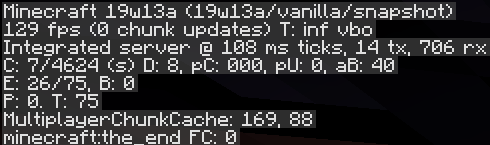
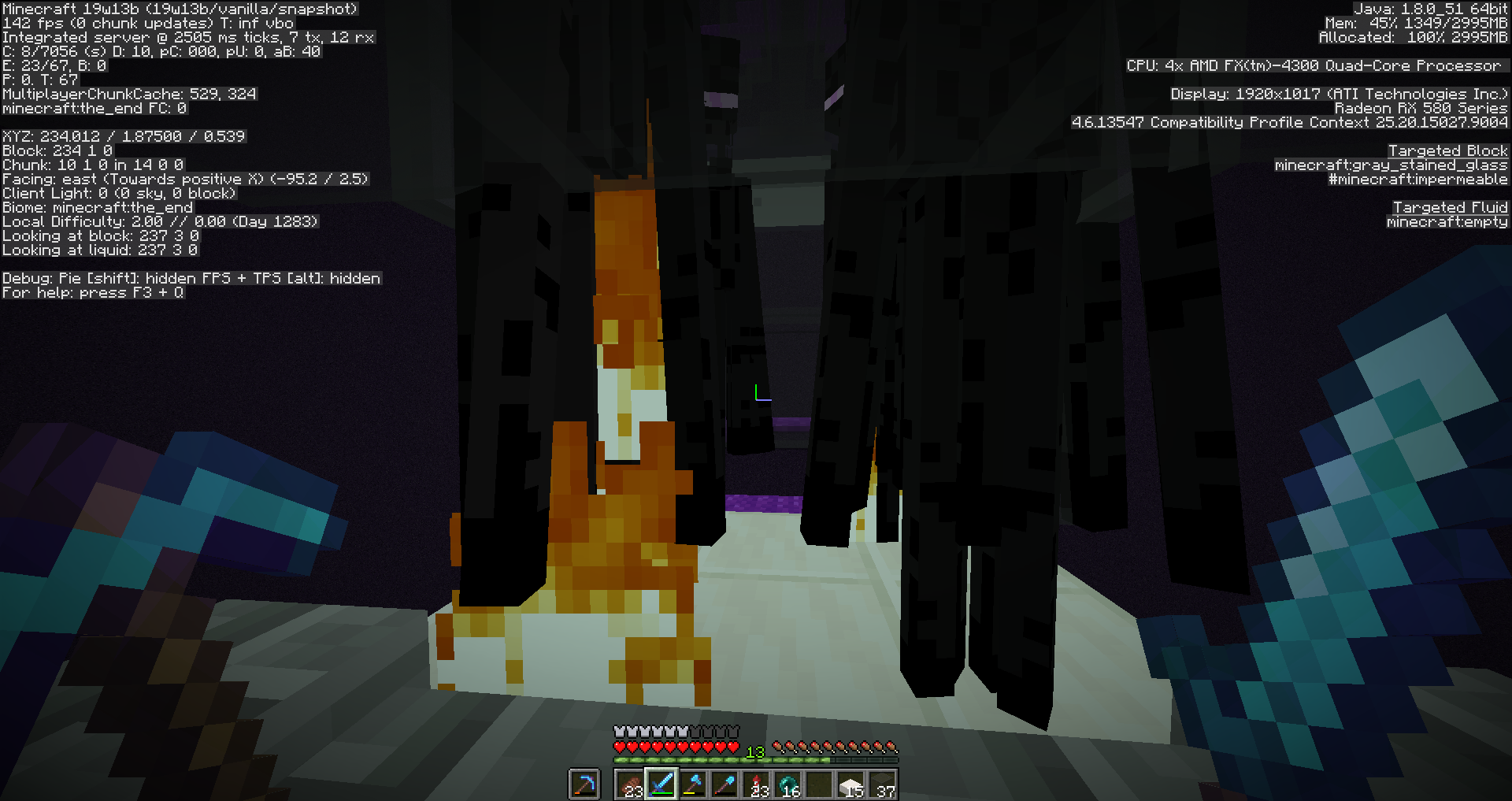
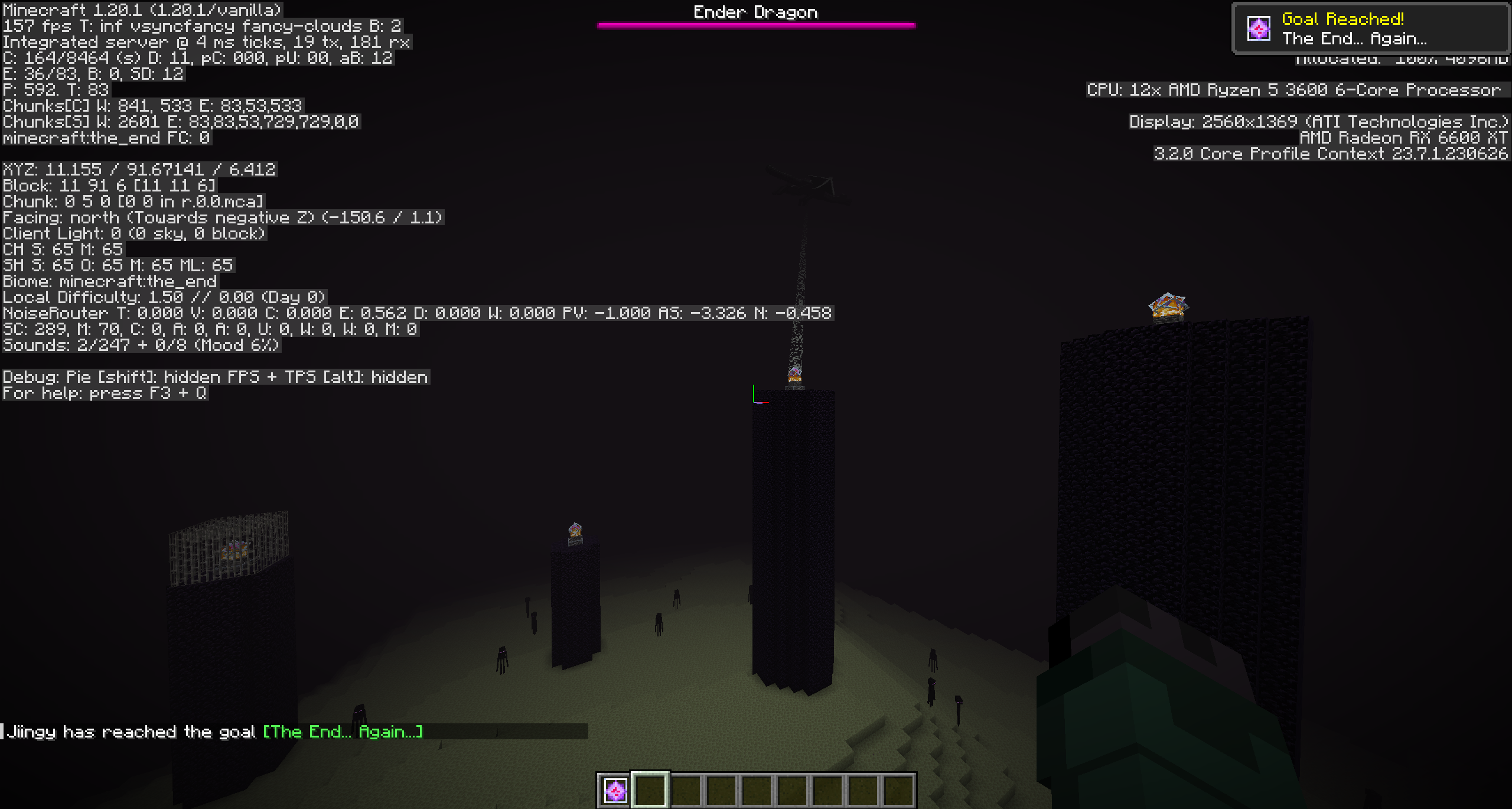
MS ticks are extrememly high in the endEnderman AI causing HIGH MS tick lag
When making a beacon up on land and digging downward to use the beacon effect undergraound it faded away and I was unable to use it.
I stayed in the beacon's max x and z-axis' but lowering myself downward on the y the effect was gone.
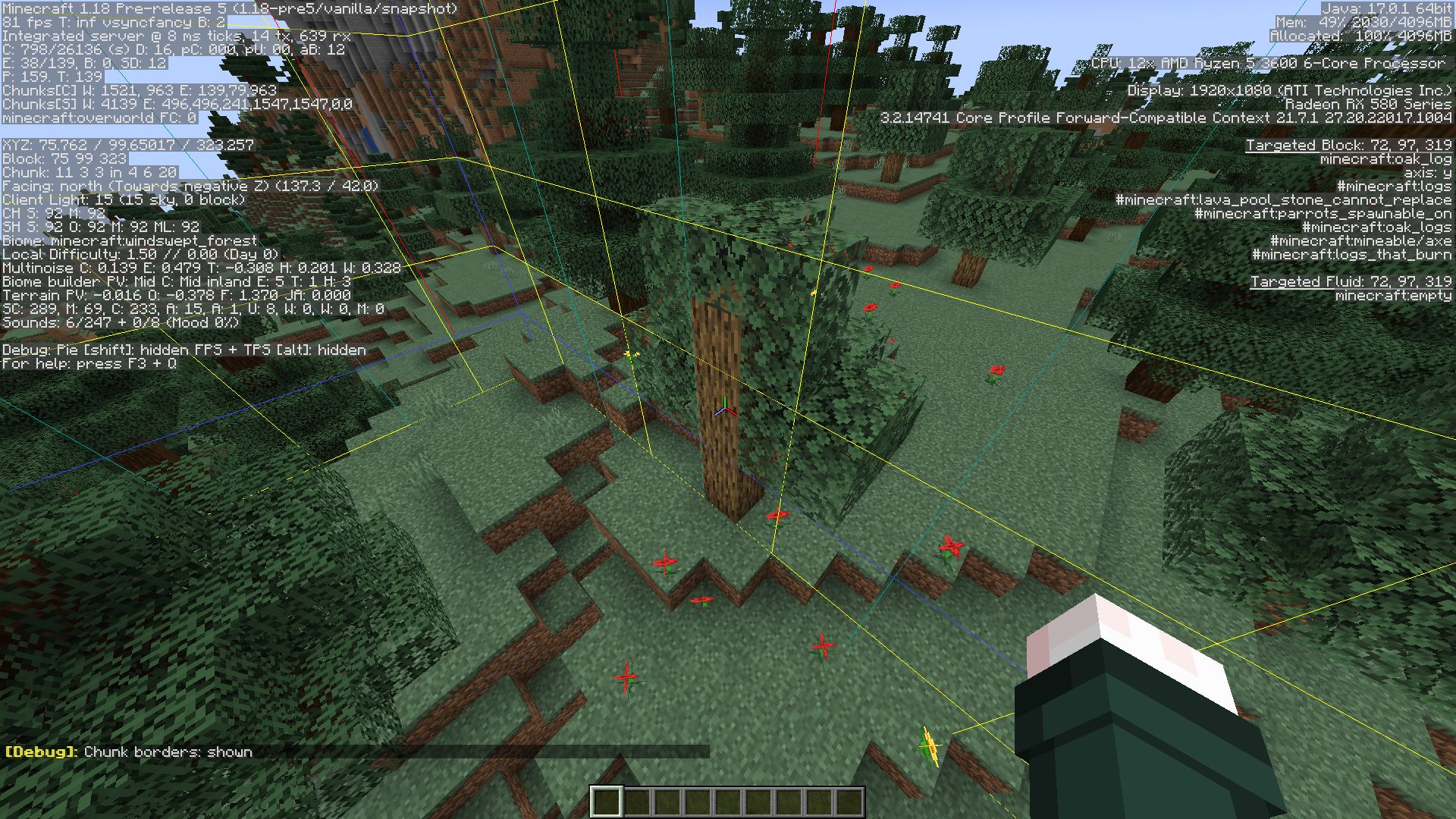
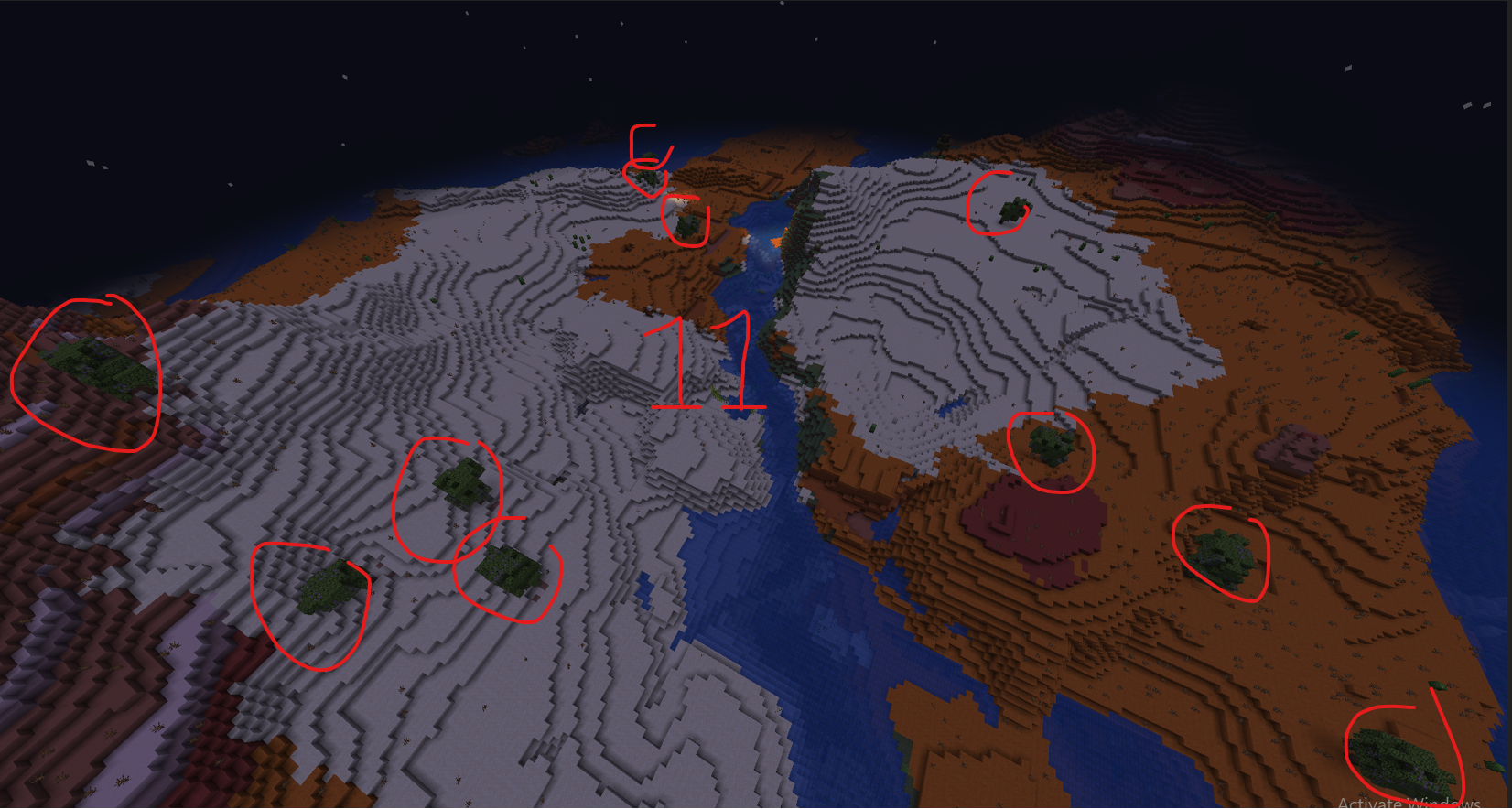
In the old growth pine tiaga biome, poppies and dandelions are able to generate in a small area, which was unnatural to all the area around it.
From my understanding and observation this is not a natural feature to this biome
In the old growth pine tiaga biome, poppies and dandelions are able to generate in a small area, which was unnatural to all the area around it.
From my understanding/observation, [and from the wiki https://minecraft.fandom.com/wiki/Giant_Tree_Taiga] this is not a natural feature to this biome
In the old growth pine tiaga biome, poppies and dandelions are able to generate in a small area, which was unnatural to all the area around it.
From my understanding/observation,
[and from the wikihttps://minecraft.fandom.com/wiki/Giant_Tree_Taiga]this is not a natural feature to this biome

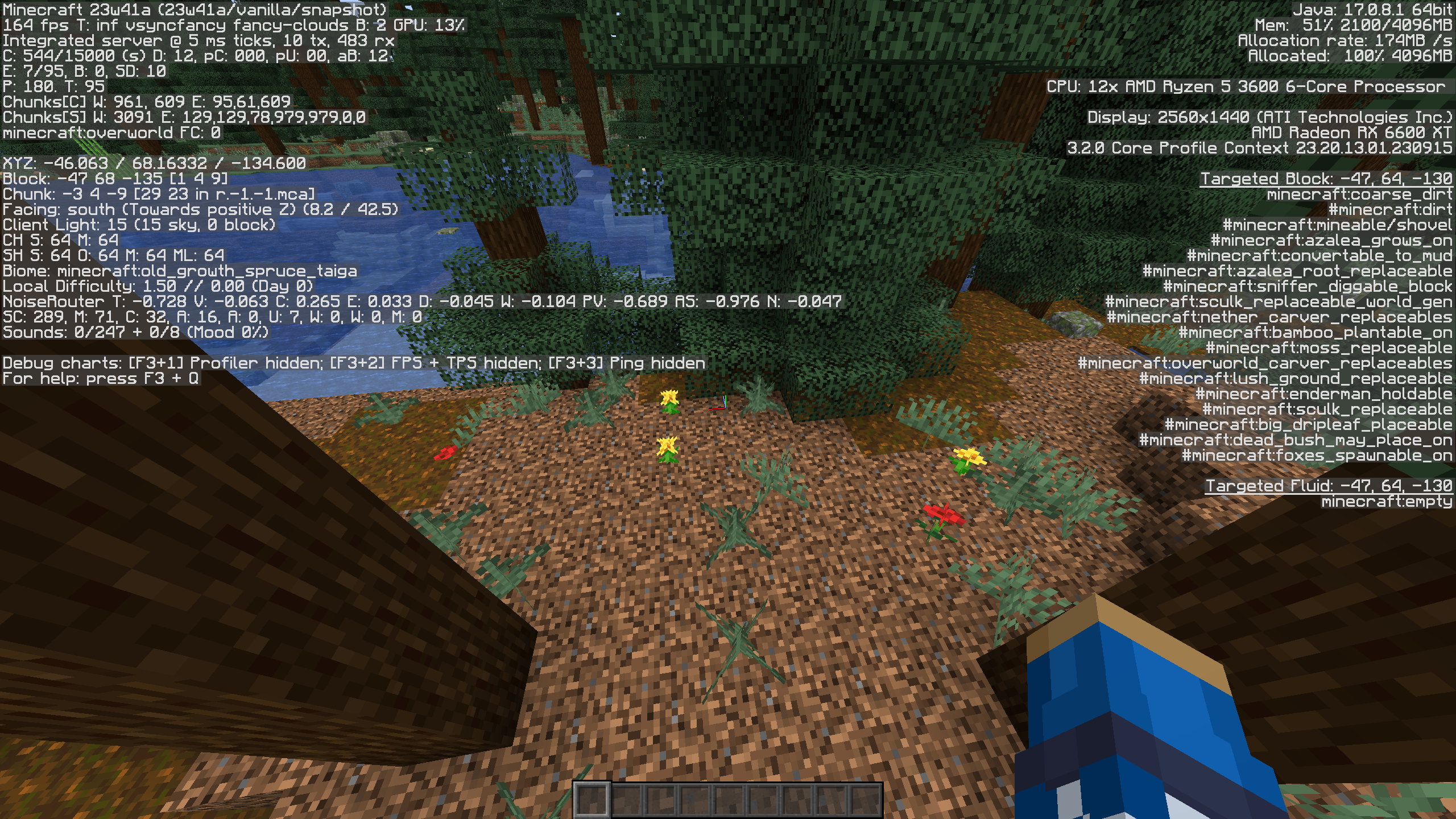
The Bug:
In old growth pine taiga biomes, poppies and dandelions are able to generate, which looks unnatural considering their environment.
Here is an example:
Version: 1.19.3Seed: -682326418907860121 Coordinates: /execute in minecraft:overworld run tp @s -19201.48 122.00 17496.41 -742.79 37.05
Steps to Reproduce:
- Generate a
world with the seed provided above and teleport to the given coordinates.Look closely at thepoppiesanddandelions.- Take note as to whether or not poppies and dandelions can generate in old growth pine taiga biomes.
Observed Behavior:
Poppies and dandelions can generate in old growth pine taiga biomes.
Expected Behavior:
Poppies and dandelions would not be able to generate in old growth pine taiga biomes.
In old growth pine taiga biomes, poppies and dandelions are able to generate, which looks unnatural considering their environment.
Steps to Reproduce:
- Generate a single biome world, set to Old Growth Pine Tiaga
- Fly around until you find poppies or dandelions
Observed Behavior:
Poppies and dandelions can generate in old growth pine taiga biomes.
Expected Behavior:
Poppies and dandelions would not be able to generate in old growth pine taiga biomes.
Notes:
Related to other decoration oriented issues:
MC-140727 MC-226027 MC-140242 MC-256102 MC-218726 MC-244203 MC-238711
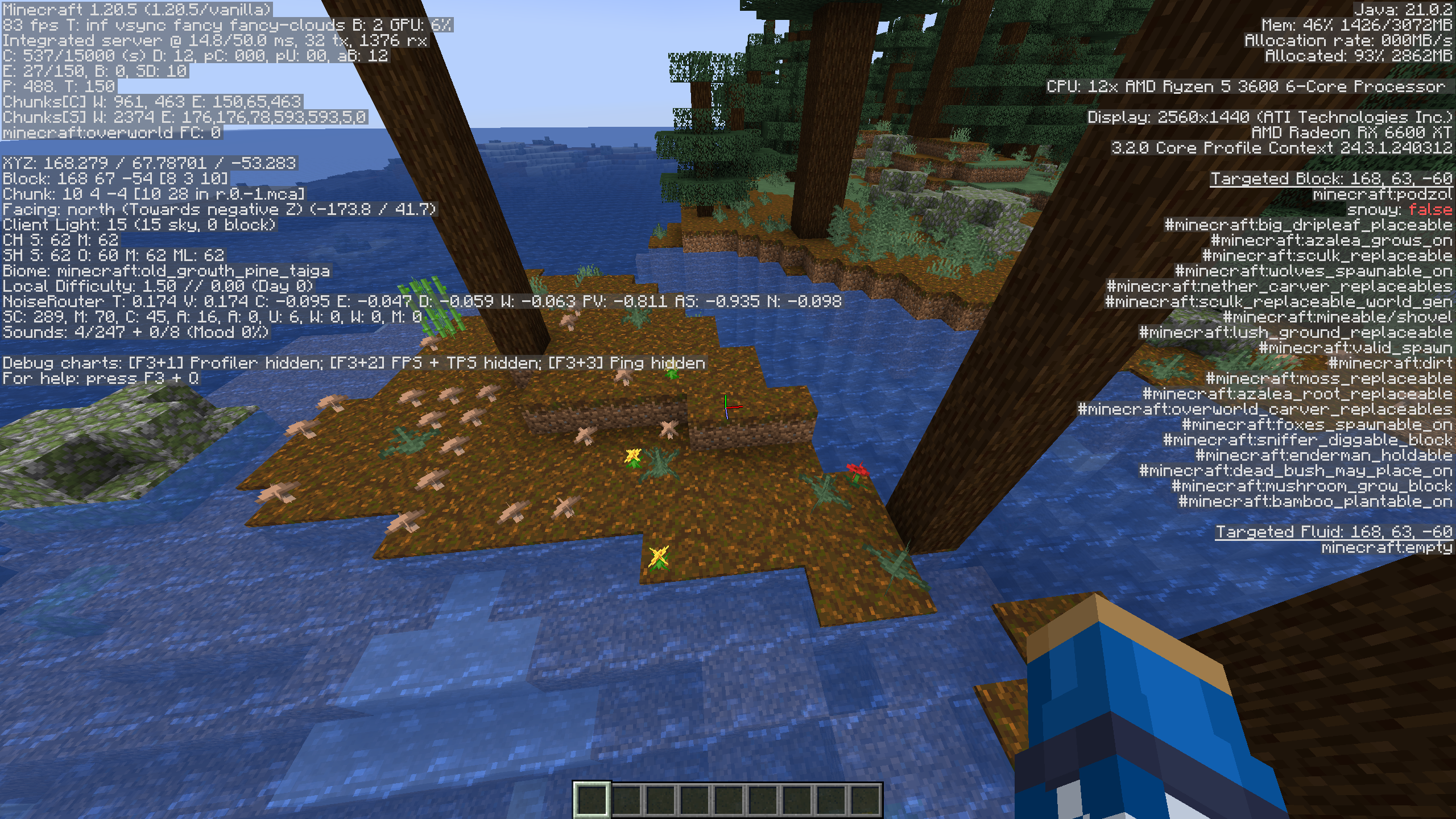
In old growth pine taiga biomes, poppies and dandelions are able to generate, which looks unnatural considering their environment.
Steps to Reproduce:
- Generate a single biome world, set to Old Growth Pine Tiaga
- Fly around until you find poppies or dandelions
Observed Behavior:
Poppies and dandelions can generate in old growth pine taiga biomes.
Expected
Behavior:Poppies and dandelions would not be able to generate in old growth pine taiga biomes.
Notes:
Related to other decoration oriented issues:
MC-140727 MC-226027 MC-140242 MC-256102 MC-218726 MC-244203 MC-238711In old growth pine taiga biomes, poppies and dandelions are able to generate, which looks unnatural considering their environment.
Steps to Reproduce:
- Generate a single biome world, set to Old Growth Pine Tiaga
- Fly around until you find poppies or dandelions
Observed Behavior:
Poppies and dandelions can generate in old growth pine taiga biomes.
Expected Result:
Poppies and dandelions would not be able to generate in old growth pine taiga biomes.
Notes:
Related to other decoration oriented issues:
MC-140727 MC-226027 MC-140242 MC-256102 MC-218726 MC-244203 MC-238711
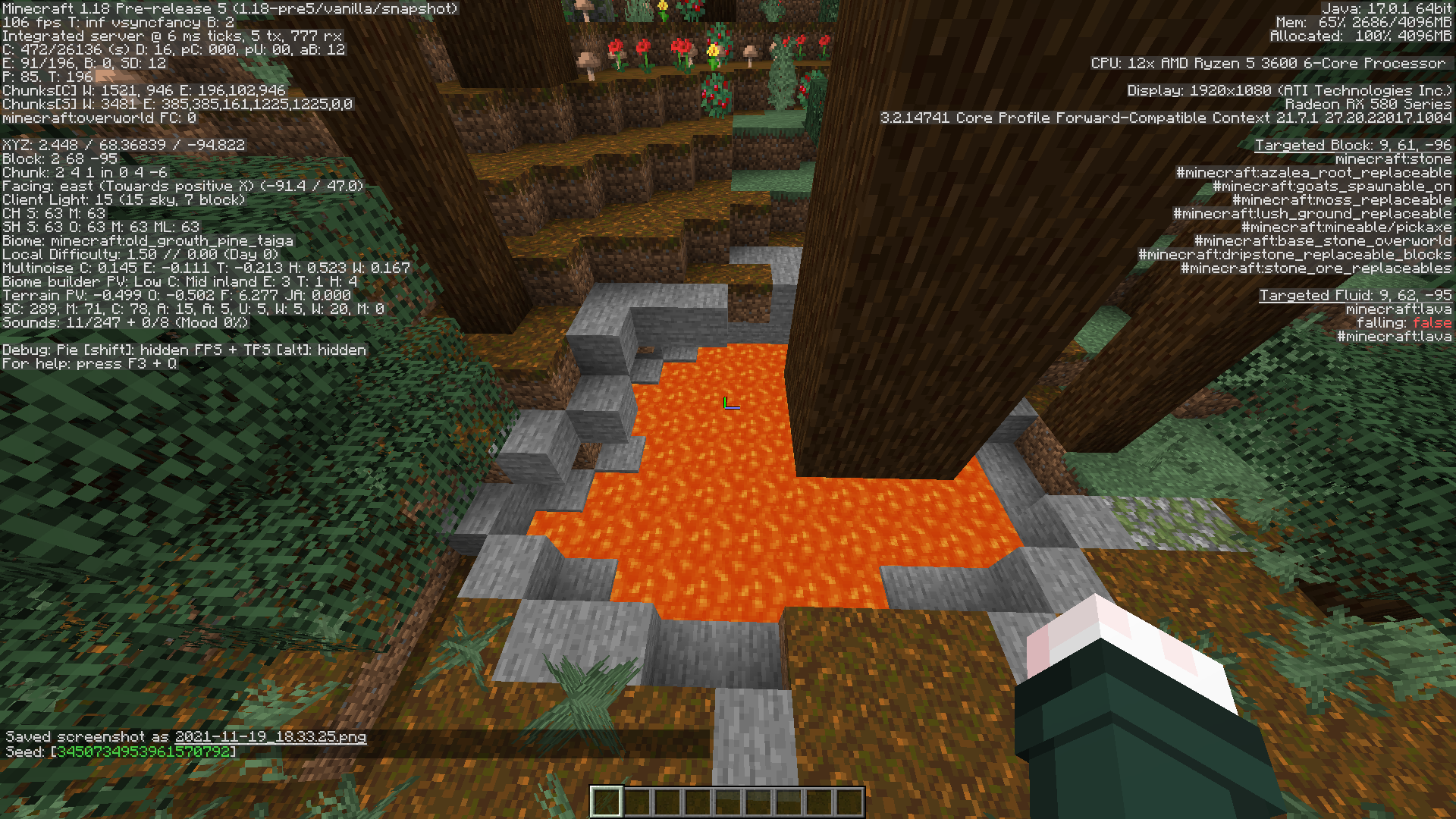
I can only assume this is not intentional, but after loading in a world above a lush cave, there was an unnaturally amount of azalea trees generating on the surface.
Possibly a by product of them being fixed in the previous version?
Seed: 3450734953961570792
I can only assume this is not intentional, but after loading in a world above a lush cave, there was an unnaturally amount of azalea trees generating on the surface.
This seems to only happen really in the old growth taigas biome
Seed: 3450734953961570792
Don't try and apply real life logic to Minecraft, Vex aren't even real in the first place so they shouldn't have to behave like they were.
proper UV map.png
TheMagma Cube UV texture has unused bits
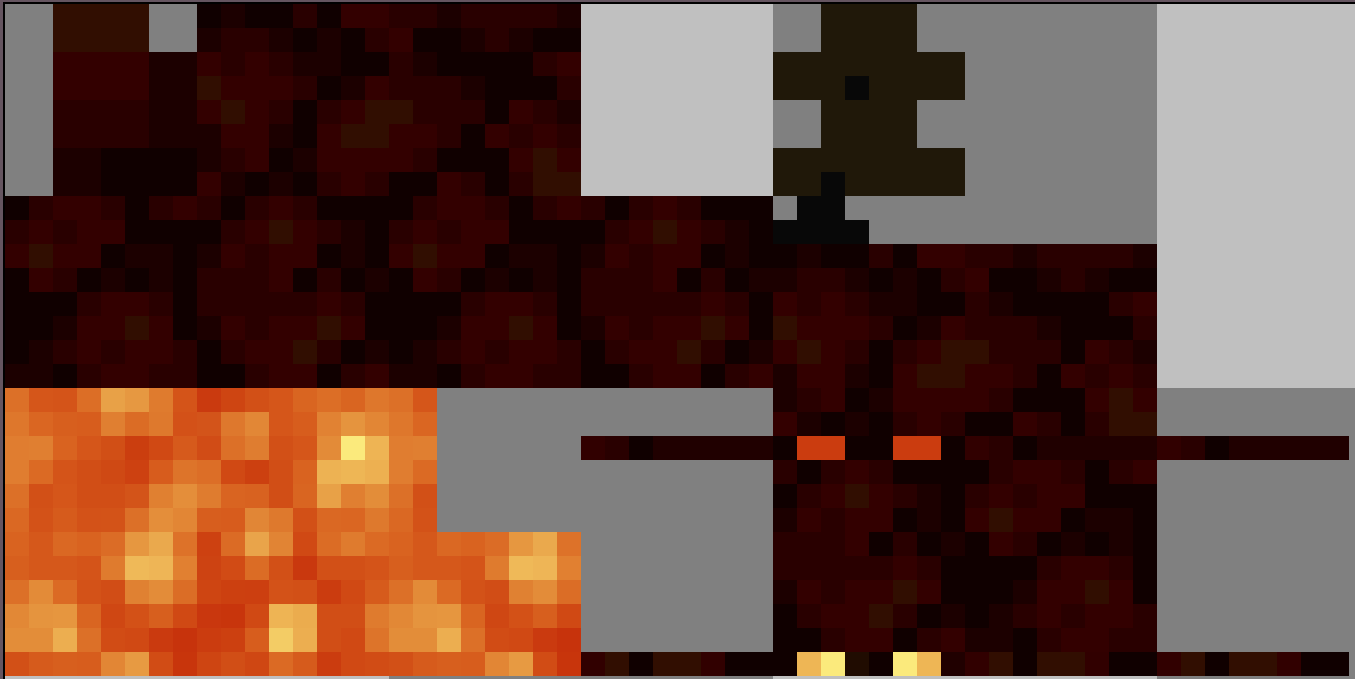
MagmaCubeUV texturehas unusedbitsTexture map for magma cube (magmacube.png) has unused pixels
The separate layers of a magma cube's body cannot be properly textured because the top/bottom of a layer UV mapping overlaps the front and left faces of the layers above it, withthe exception of the eye layers.Expected behavior:
Each layer would have their own UV mapping, which does not overlap with anything else. This change would break all existing resource packs that modify the texture (as the texture dimensions would need to be increased), so a pack version number increase would be needed.Steps to reproduce:
- Make a resource pack that has the attached magmacube.png as the texture for the magma cube
- Observe the magma cube's bottom texture, notice that it is green like the left side of the magma cube
Original description:
I was making images for a resource pack I was developing and noticed that the magma cube's texture seems to be rendered incorrectly. In the pictures, you can see that when looking at the magma cube's face, the right side texture gets repeated along the bottom of the magma cube and gets cut off a little bit. I can only assume this was done in error considering the original magma cube file has all 6 sides filled in. As you can see in screenshot 2021-05-12_08.26.02.png, this rendering error makes it a little difficult to properly set up a resource pack in the way that I have here.Here is a link to download the Resource Pack: https://
drive.google.com/file/d/18tAOS8IKKoew_xyhrFp34U-uQSn1kcjP/viewSegments 1, 2, 5, 6, 7, and 8 of a magma cube overlap with each other, causing problems when modifying the texture in a resource pack.
Steps to Reproduce:
- Download and apply the provided resource pack:
MagmaCubeOverlap.zip
- Summon/spawn a magma cube
- Wait for it to jump, and spread out its model
- (optional) freeze the game
/tick freezeObserved Behavior:
The top and bottom faces of the previously listed model segments will be textured incorrectly, including the front and left sides of the previous segments before it in the texture.
Expected Result:
Each model segment could be modified separately from one another, without any overlap.
Screenshots/Videos:
Notes:
Related to MC-256371 MC-271509
Old Description:
The description has been modified, because the previous one was fairly messy and over descriptive. I have left the old description in a pinned comment here:
https://bugs.mojang.com/browse/MC-225367?focusedId=1337489&page=com.atlassian.jira.plugin.system.issuetabpanels:comment-tabpanel#comment-1337489
Segments 1, 2, 5, 6, 7, and 8 of a magma cube overlap with each other, causing problems when modifying the texture in a resource pack.
Steps to Reproduce:
- Download and apply the provided resource pack:
MagmaCubeOverlap.zip- Summon/spawn a magma cube
- Wait for it to jump, and spread out its model
- (optional) freeze the game
/tick freezeObserved Behavior:
The top and bottom faces of the previously listed model segments will be textured incorrectly, including the front and left sides of the previous segments before it in the texture.
Expected Result:
Each model segment could be modified separately from one another, without any overlap.
Screenshots/Videos:
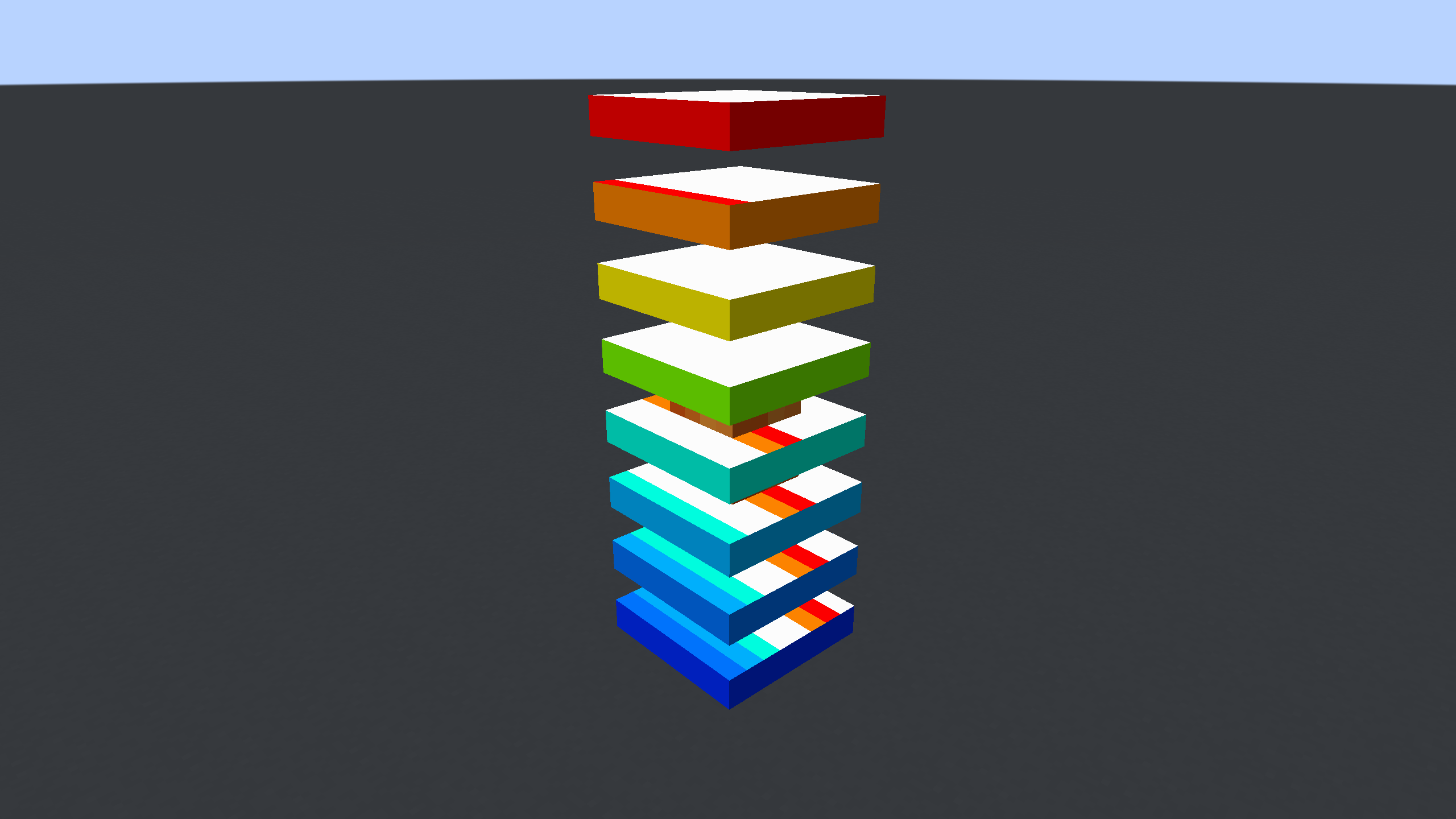
Notes:
Related to MC-256371 MC-271509
Old Description:
The description has been modified, because the previous one was fairly messy and over descriptive. I have left the old description in a pinned comment here:
https://bugs.mojang.com/browse/MC-225367?focusedId=1337489&page=com.atlassian.jira.plugin.system.issuetabpanels:comment-tabpanel#comment-1337489

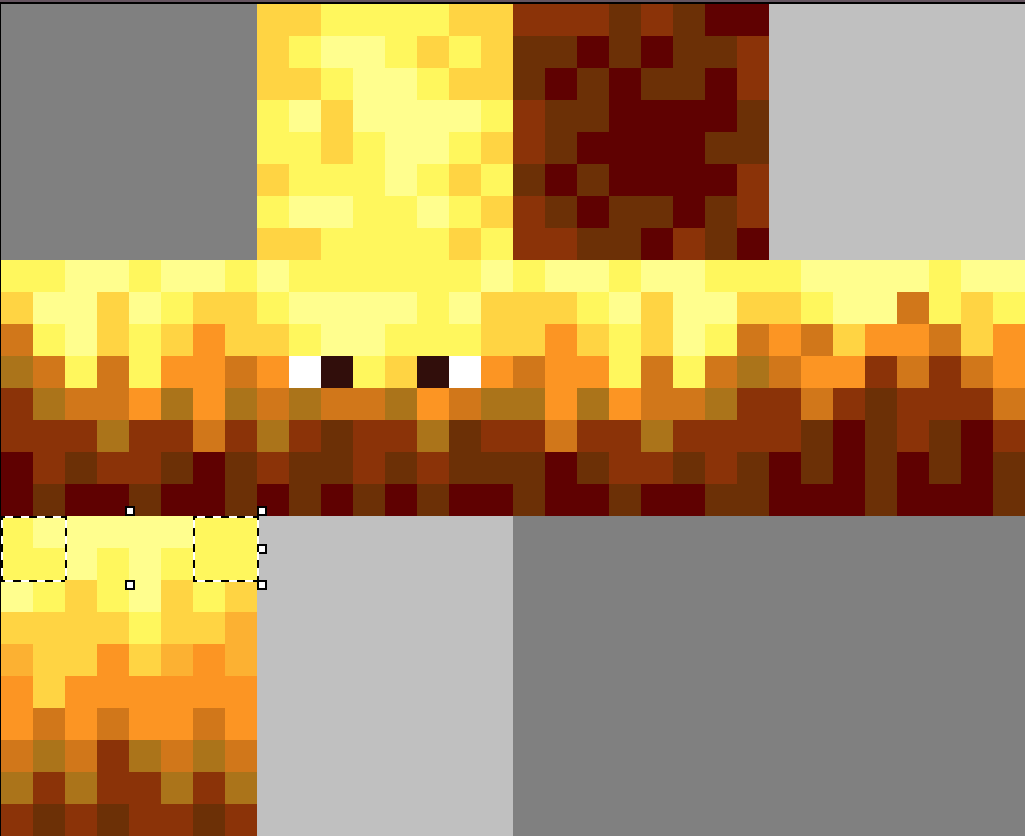
The blaze has 8 pixels of the texture near the rod part of the texture pack that remain unused.
(Images attatchedThe blaze has 8 pixels of the texture near the rod part of the texture pack that remain unused.
Images attatched below with the issue, and the proposed fix
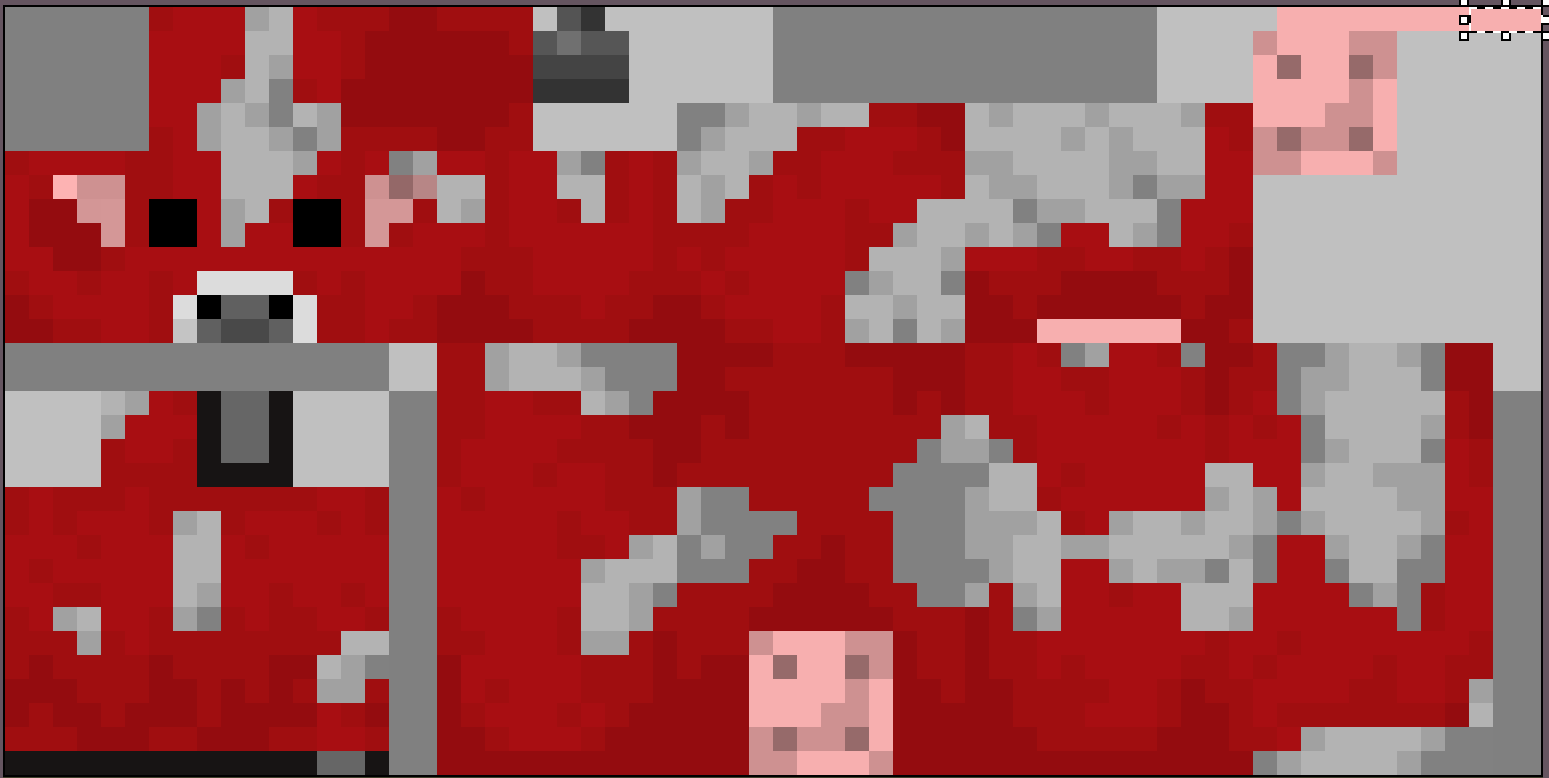
Both the sheep andsheepfurtexture mapshavesections thatremain unused in the game.Attatched images are the current texture with the unused sections selected in Aseprite, and the proposed fixed texture map.

The bare sheep texture map has sections that were not Attatched images are the current texture with the unused sections selected in Aseprite, and the proposed fixed texture map.
The bare sheep texture map has sections that were not removed durring the fix in Attatched images are the current texture with the unused sections selected in Aseprite, and the proposed fixed texture map.
The bare sheep texture map has sections that were not removed durring the fix in
Attatched images are the current texture with the unused sections selected in Aseprite, and the proposed fixed texture map.The bare sheep texture map has sections that were not removed durring the fix in 23w31a.
Attatched image from are the current texture with the unused sections selected in Aseprite, and the proposed fixed texture map.
The bare sheep texture map has sections that were not removed durring the fix in 23w31a.
Attatched image from are the current texture with the unused sections selected in Aseprite, and the proposed fixed texture map.
The bare sheep texture map has sections that were not removed durring the fix in 23w31a.
In the pinned comment by LateLag, the pixels that were missed are shown.
Texture maps for the sheepand sheep fur (sheep.png & sheep_fur.png) contain unused pixelsTexture maps for the sheep (sheep.png) contain unused pixels
Texture maps for the sheep (sheep.png) contain unused pixelsUnused pixels in sheep.png UV texture map


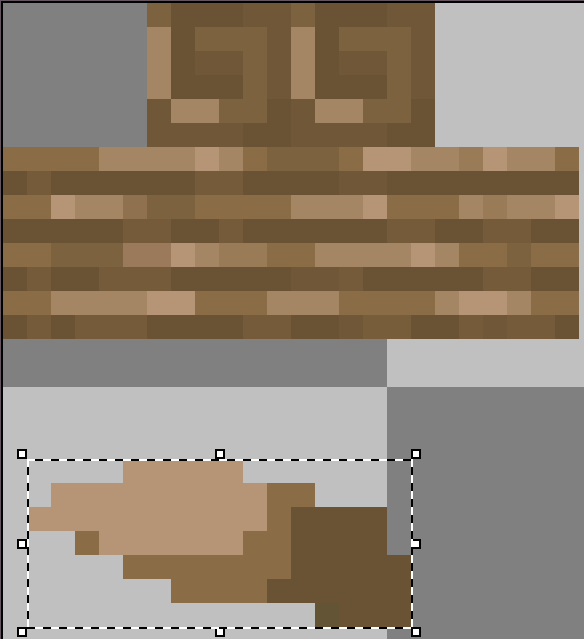
Texture map for armor stand (wood.png) contains unused pixelsUnused pixels in wood.png UV texture map for armor stands
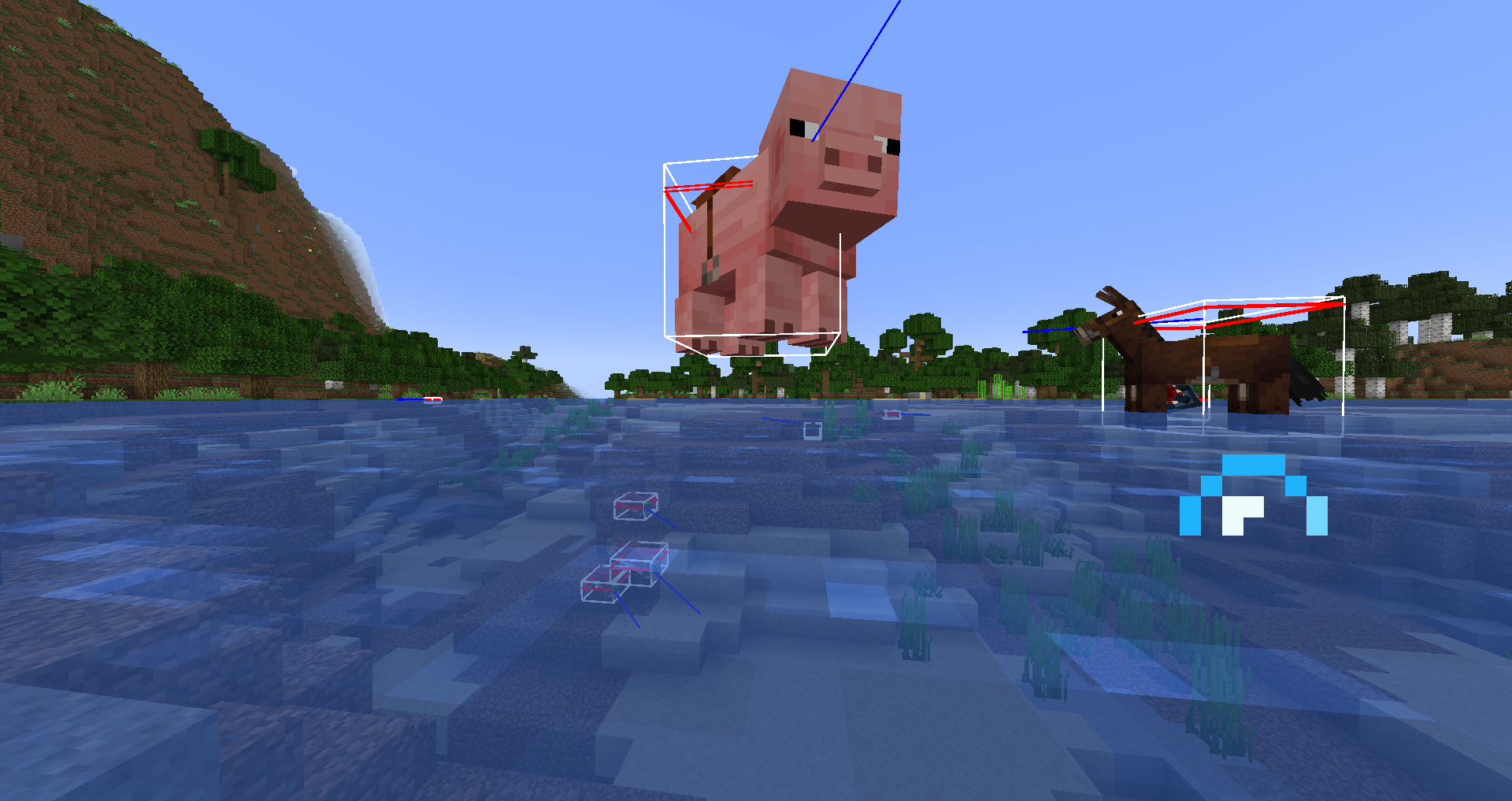
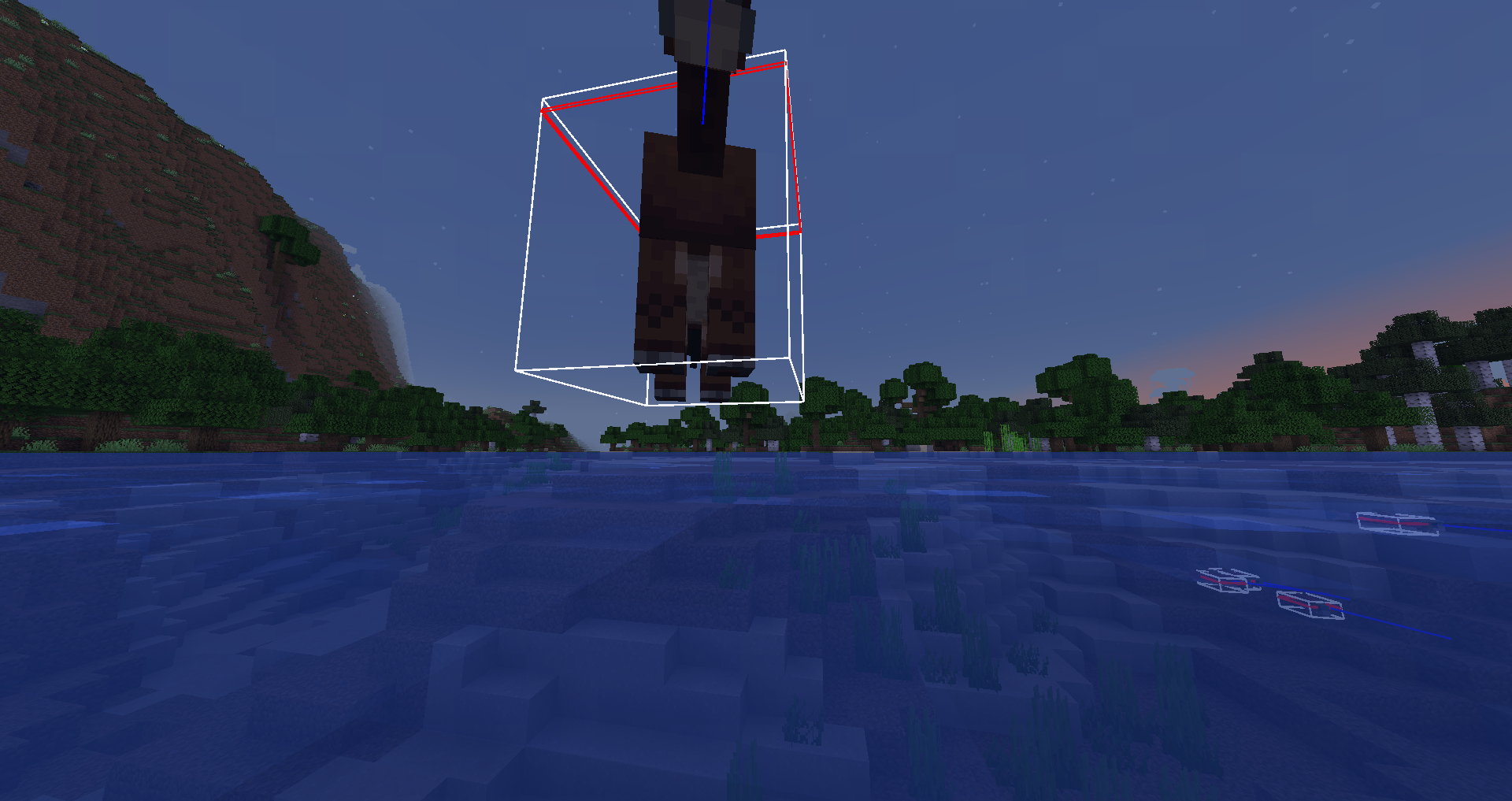
I was not able to replicate this with the given information. I was properly dismounted with the pig, mule, horse, and donkey and none of them had floated.

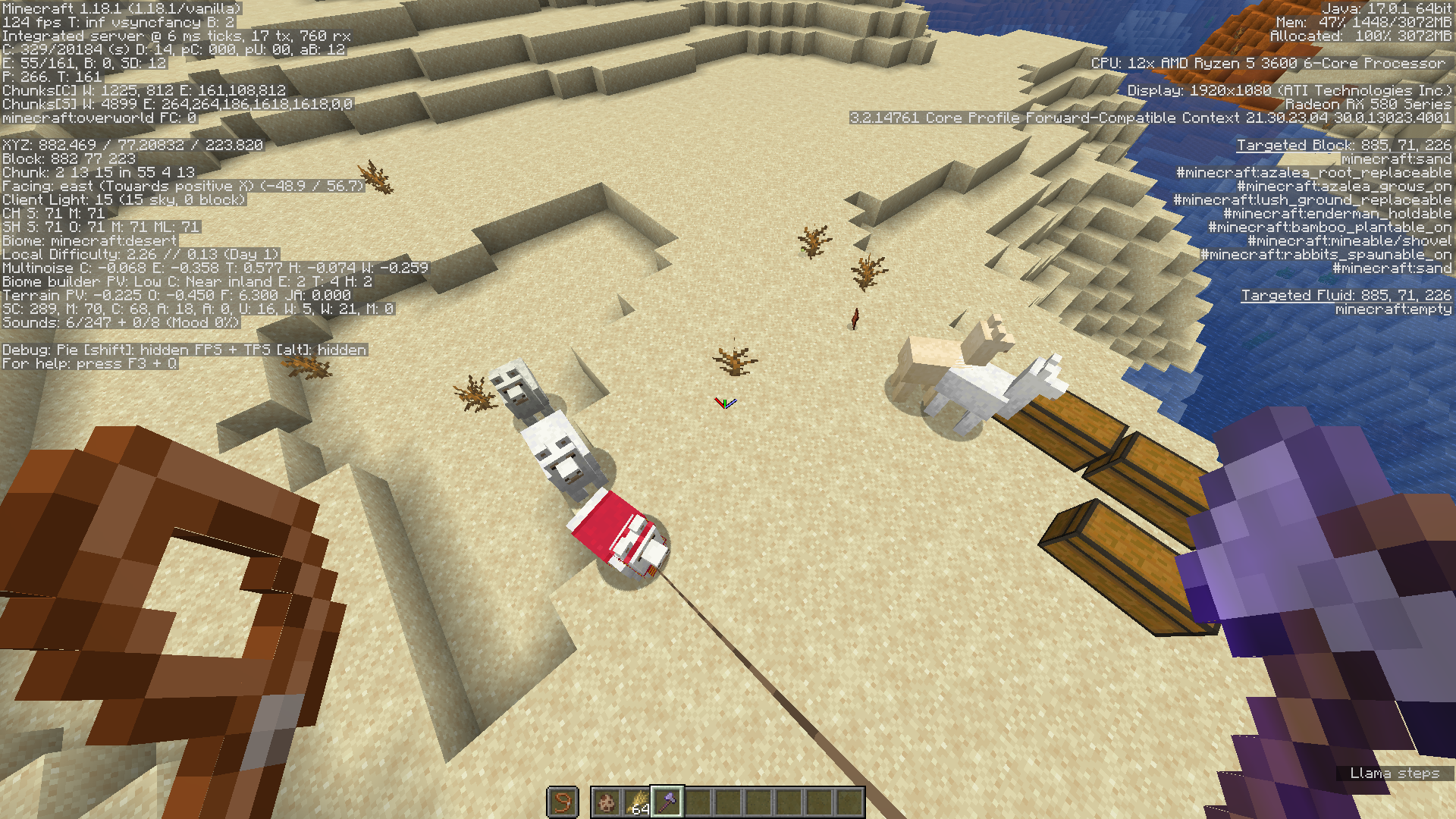
Texture maps for the Llama and Trader Llama (white/gray/creamy/brown.png) contain unused pixelsTexture maps for the Llama and Trader Llama (white.png/gray.png) contain unused pixels
The Bug
With all the llama texture maps, there are pixels that are unused within the texture. Below are all four of the colors (white, gray,creamy, and brown) with the sections of the unused pixels being both highlighted and filled in with black.Note
most of the pixels that were found in the texture map are fairly transparent and non-entrusive, but nonetheless still there.
Texture maps for the Llama and Trader Llama (white.png/gray.png) contain unused pixelsUnused pixels in white.png and gray.png UV texture maps



Unused pixels in white.png andgray.png UV texture mapsUnused pixels in white/gray.png UV texture maps for llama varients
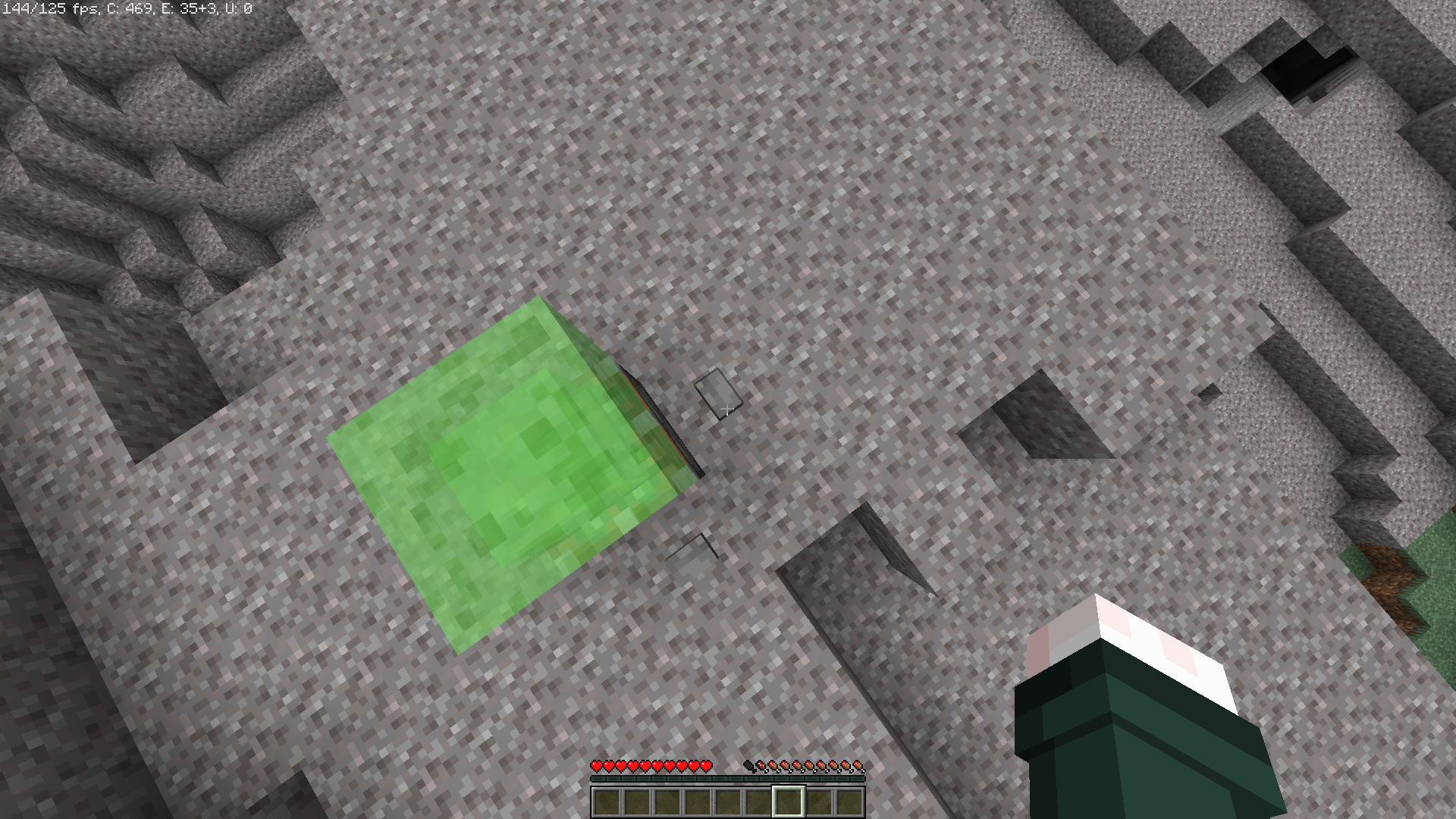
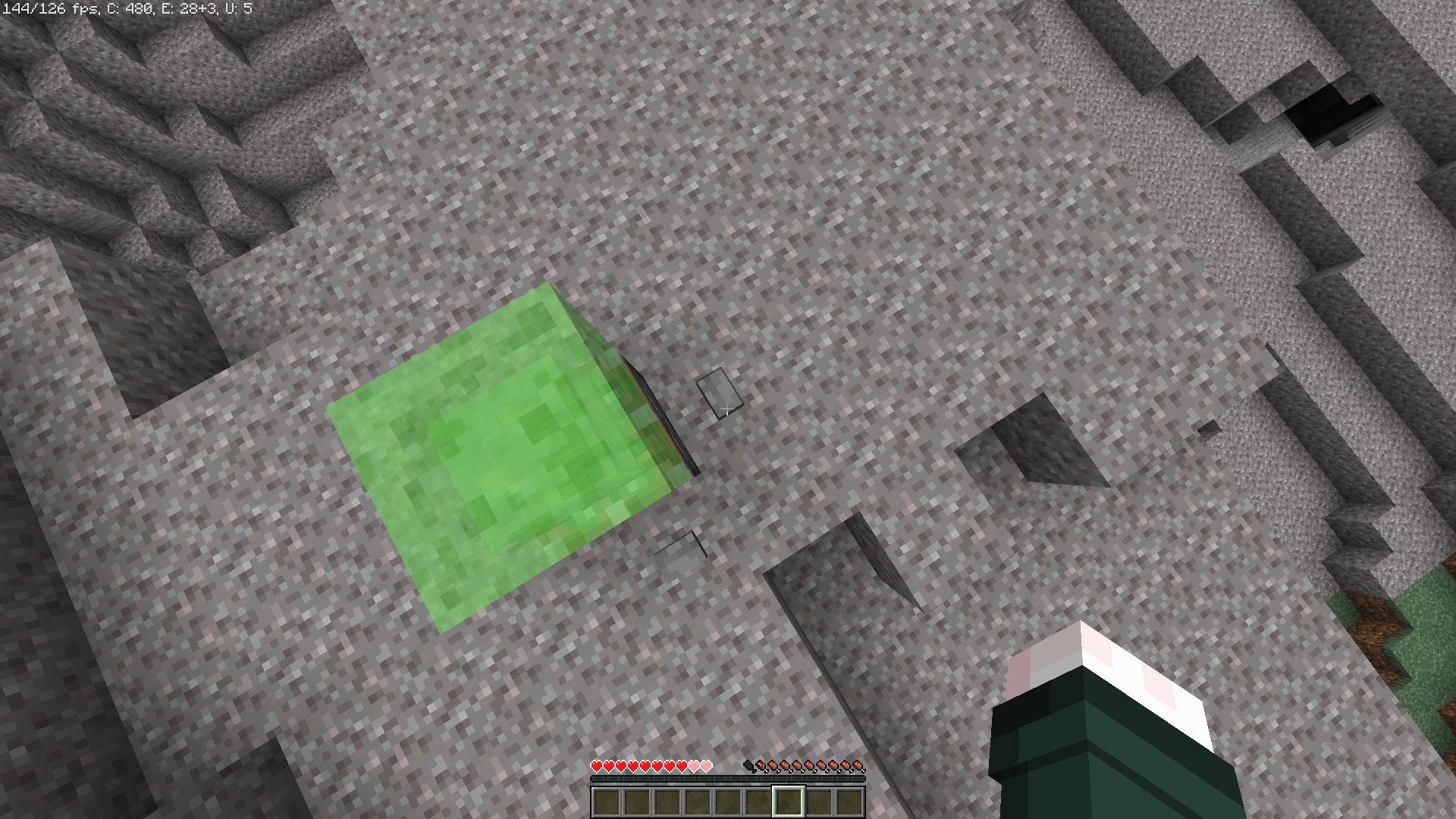

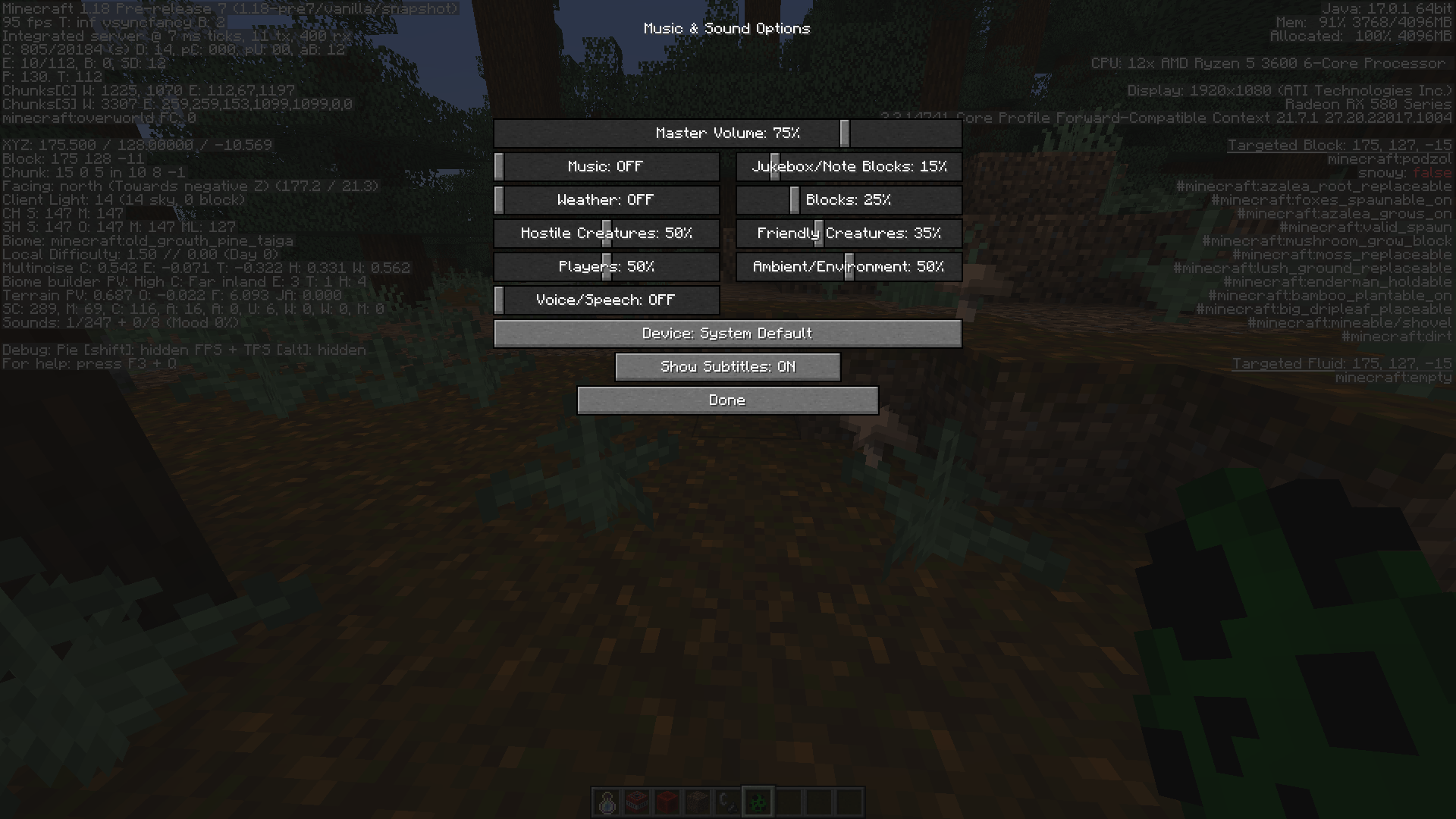
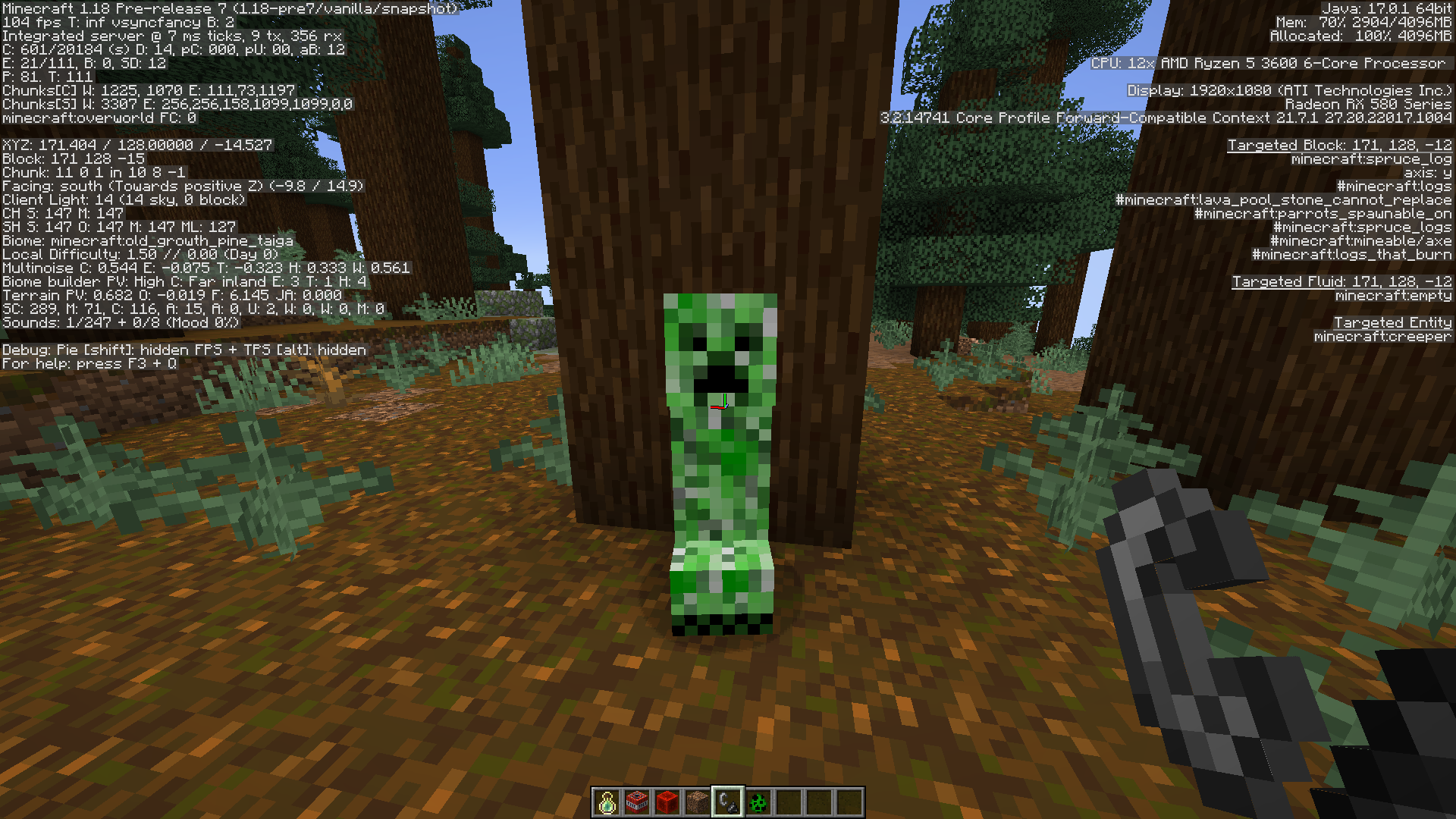


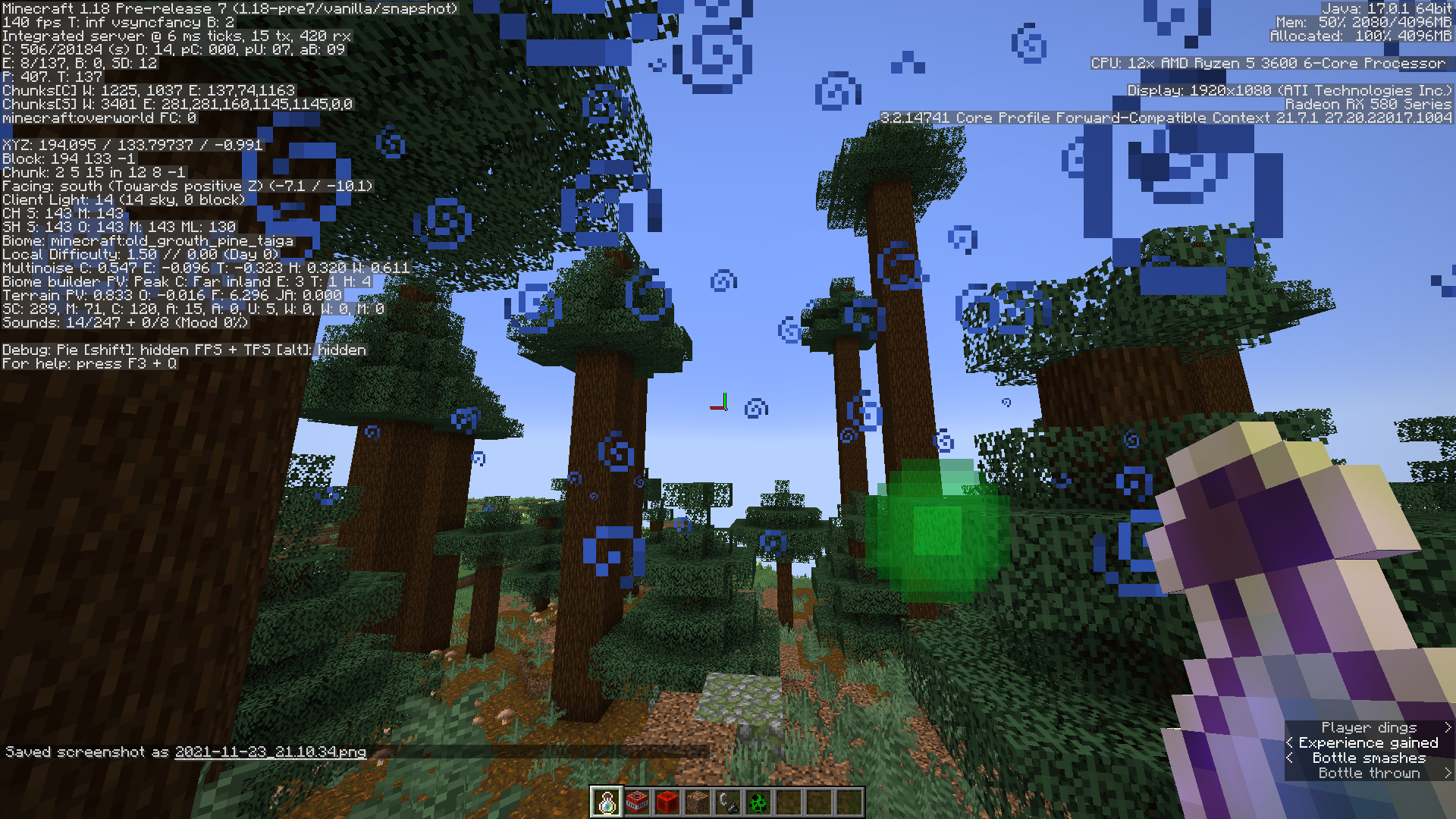

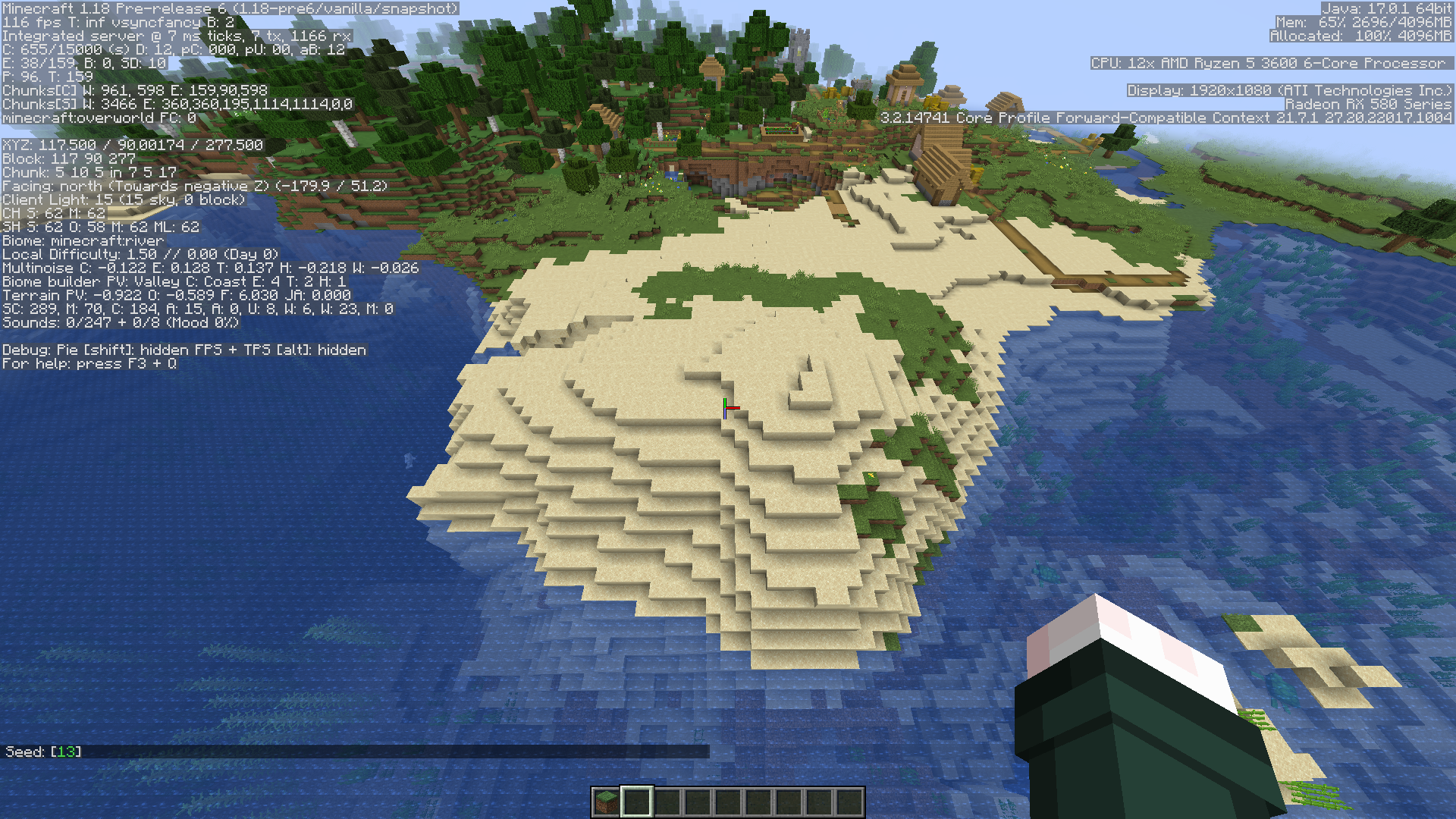
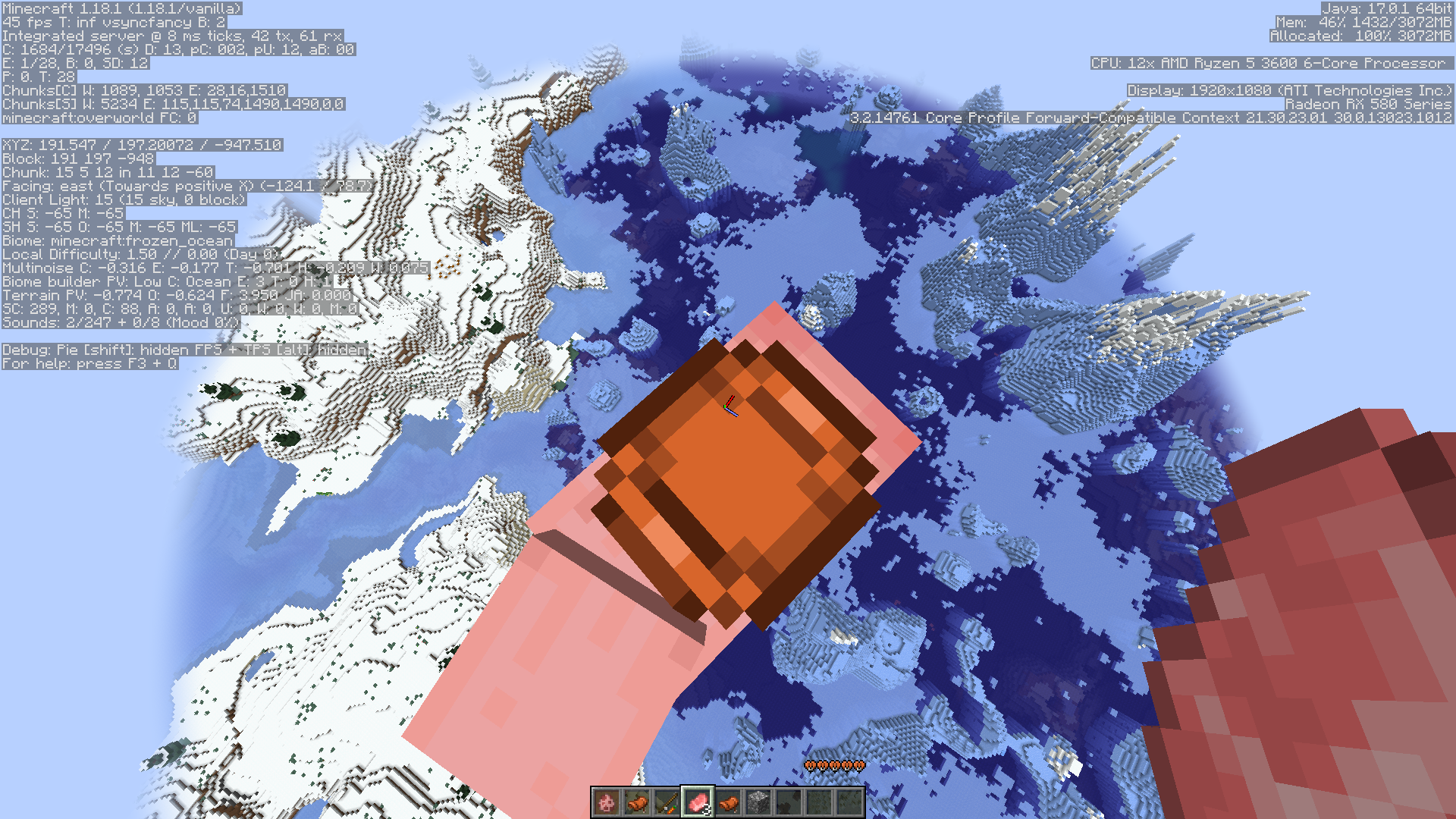
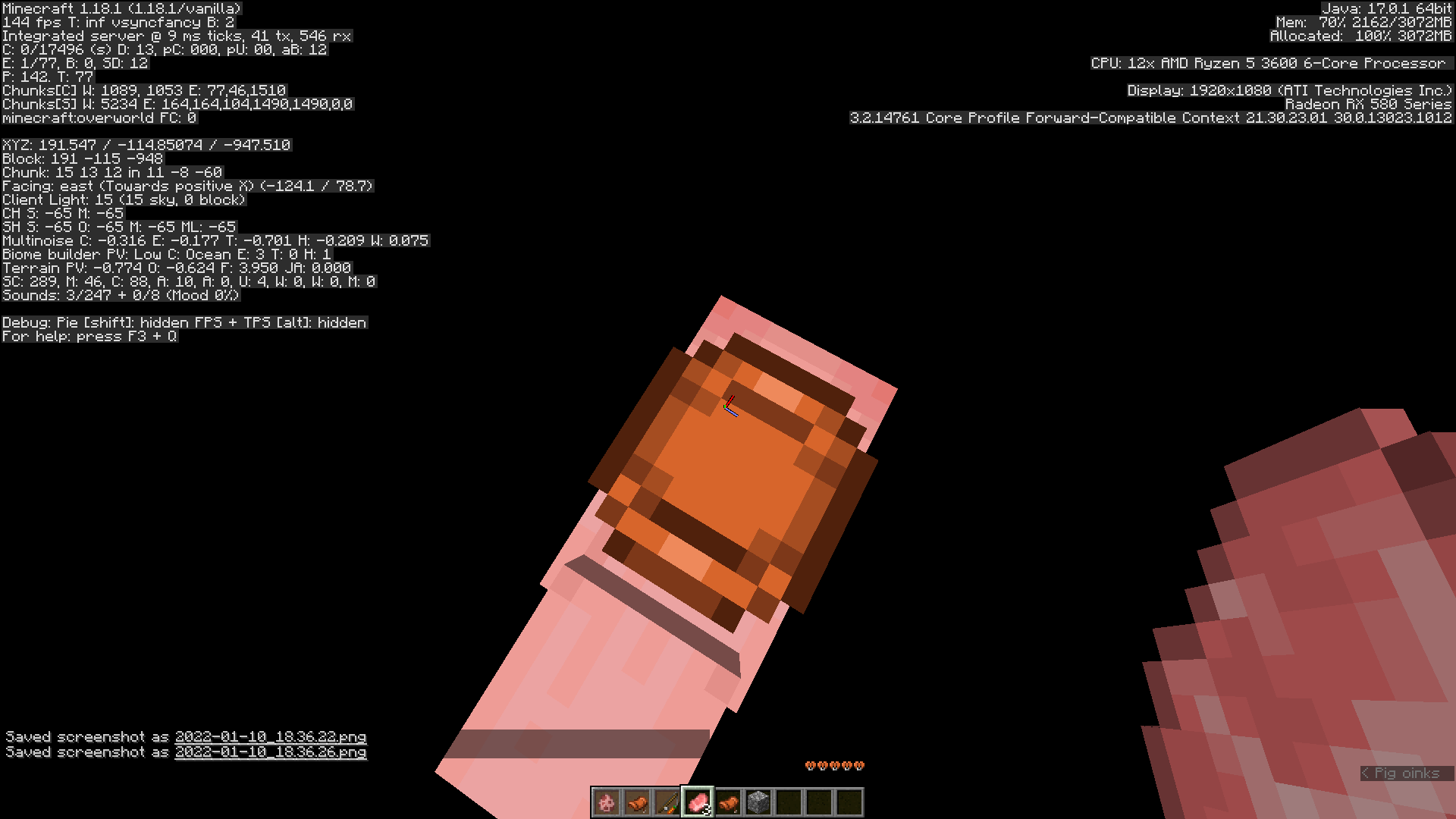
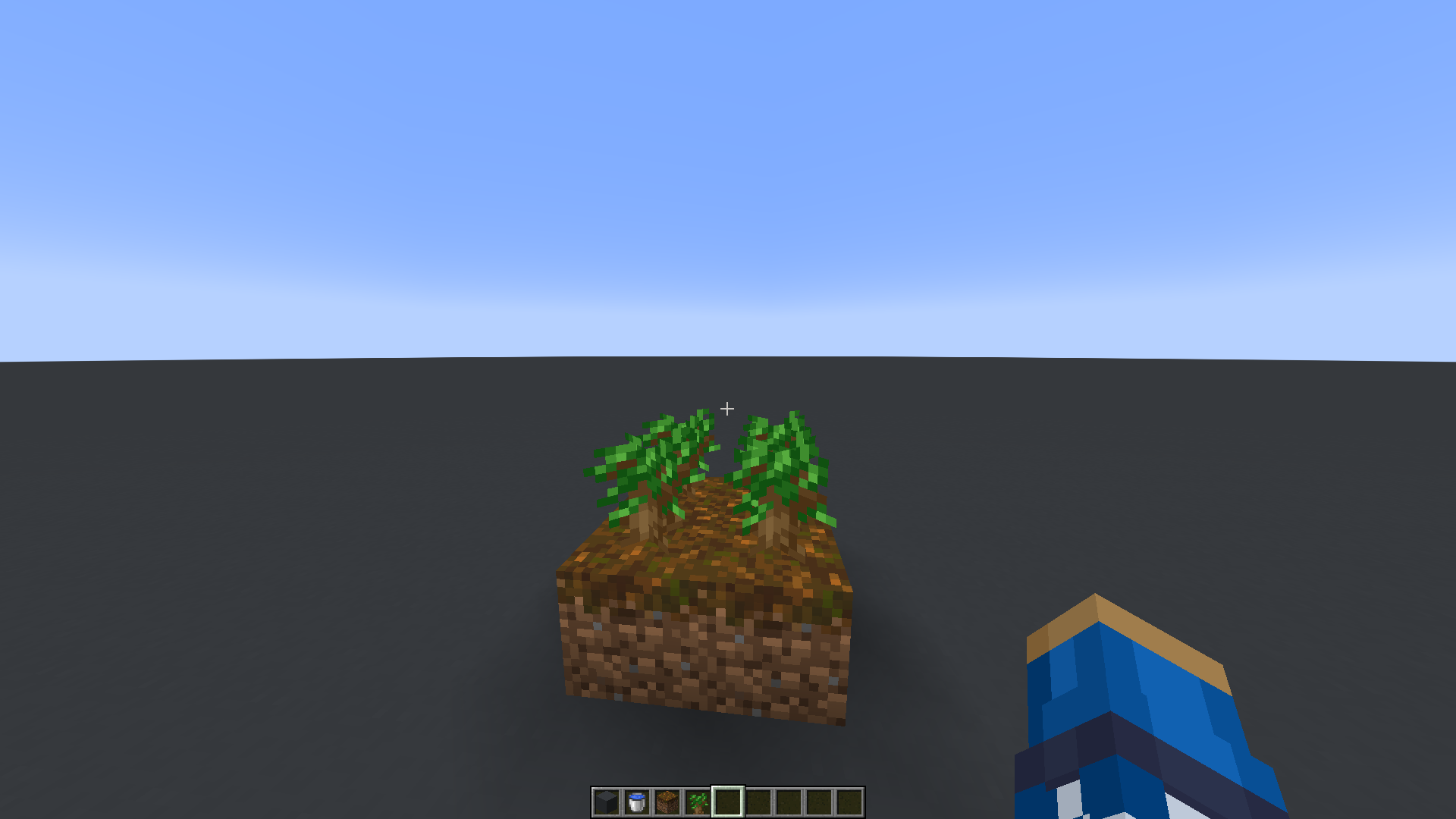
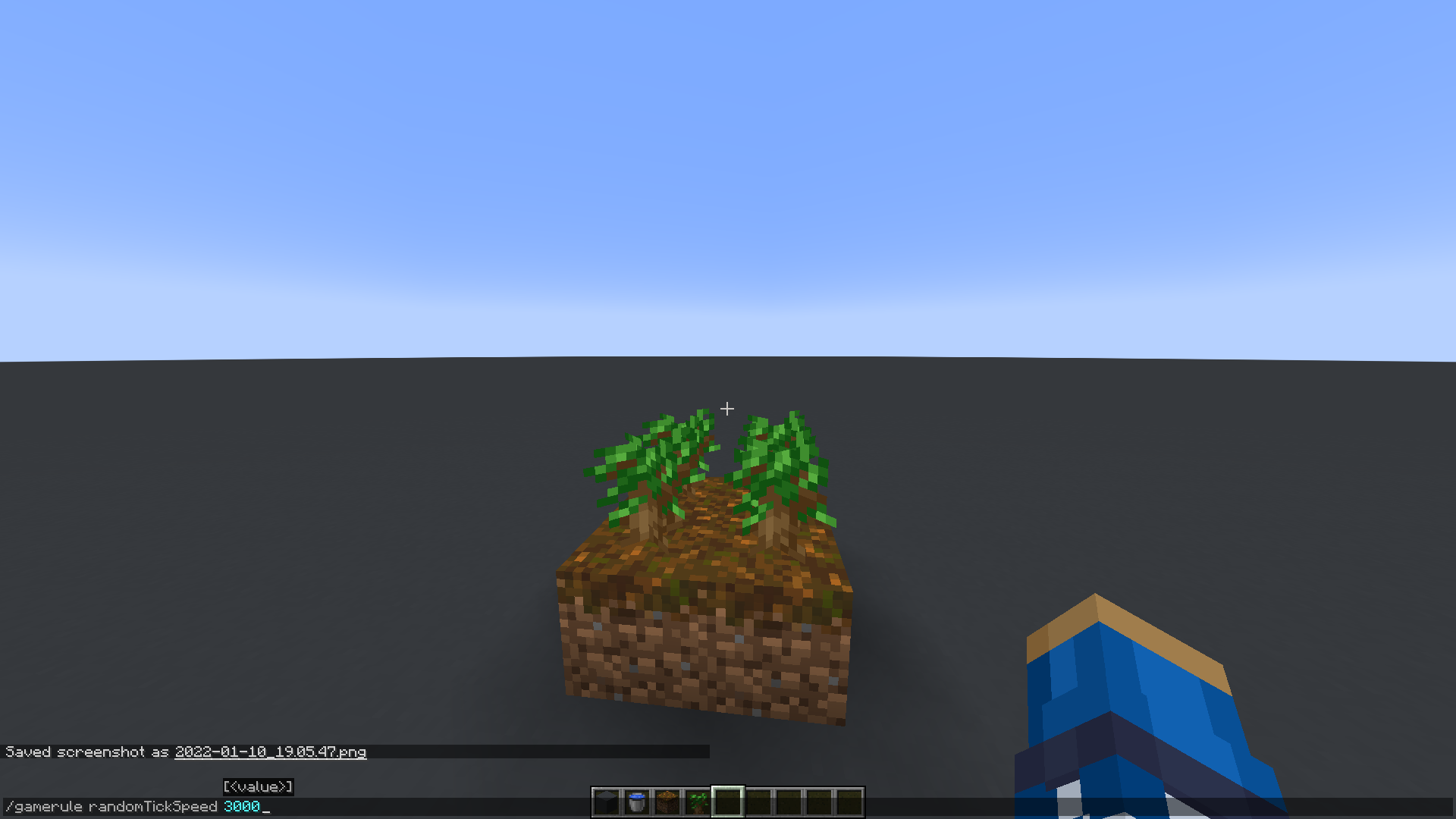
Can confirm this behavior. Created a world in 1.17.1 and pillagers spawned perfectly fine (glow effect to showcase that), then upgraded that world to 1.18 pre-release 7 and no pillagers spawned.
seed: -7542336225046809028
coordinates: /execute in minecraft:overworld run tp @s -1789.57 86.74 -317.92 152.86 28.92
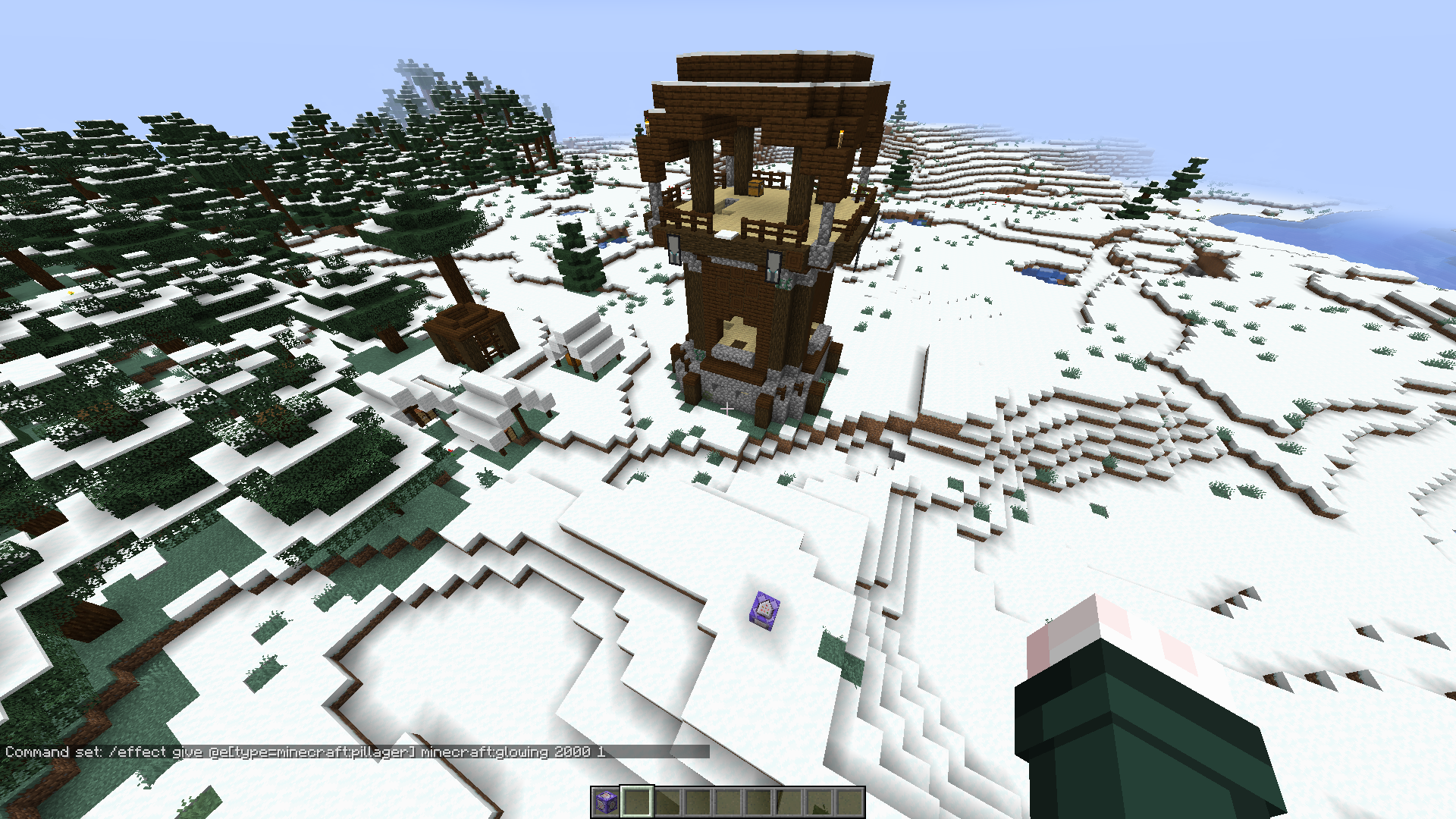
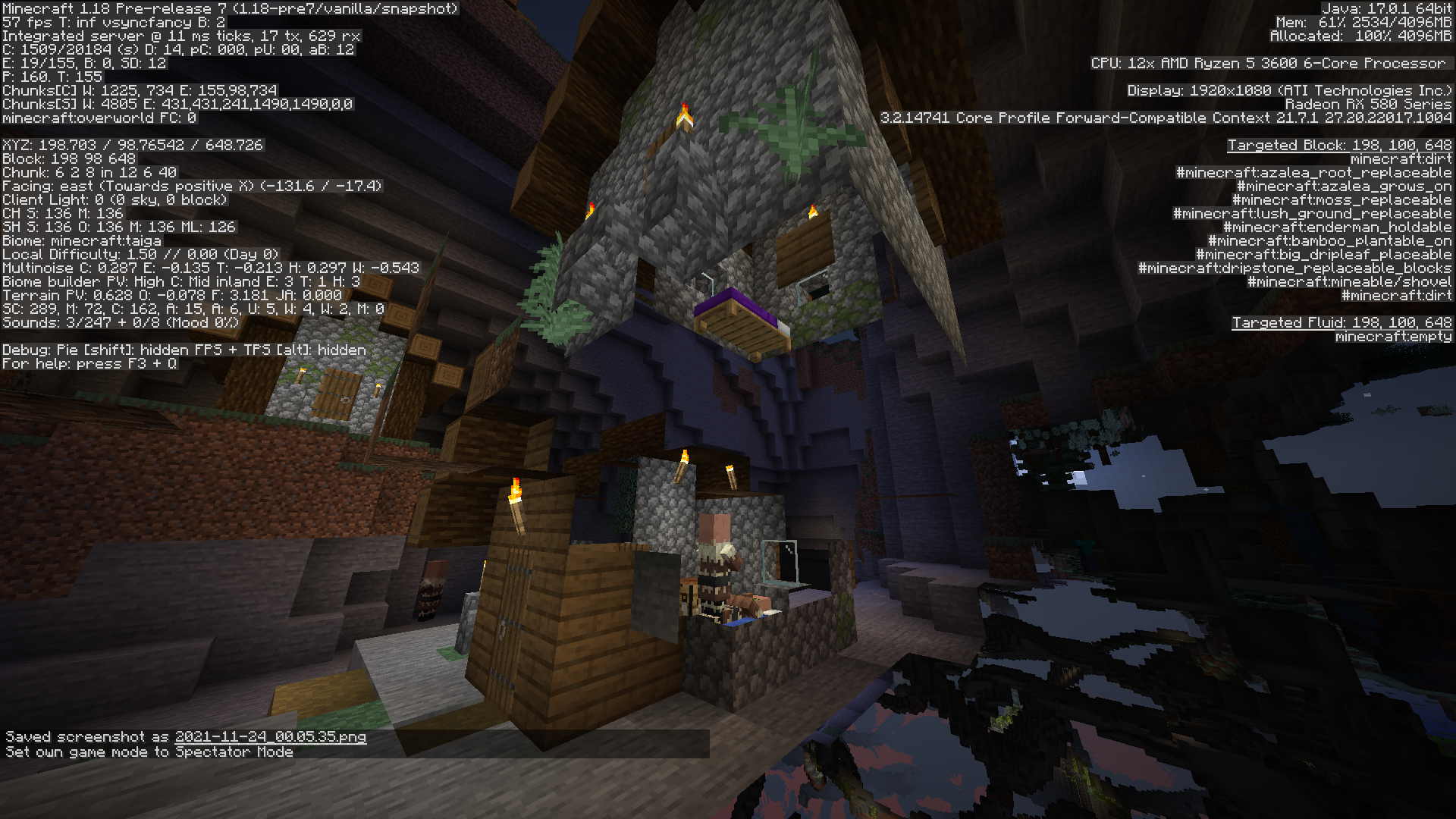

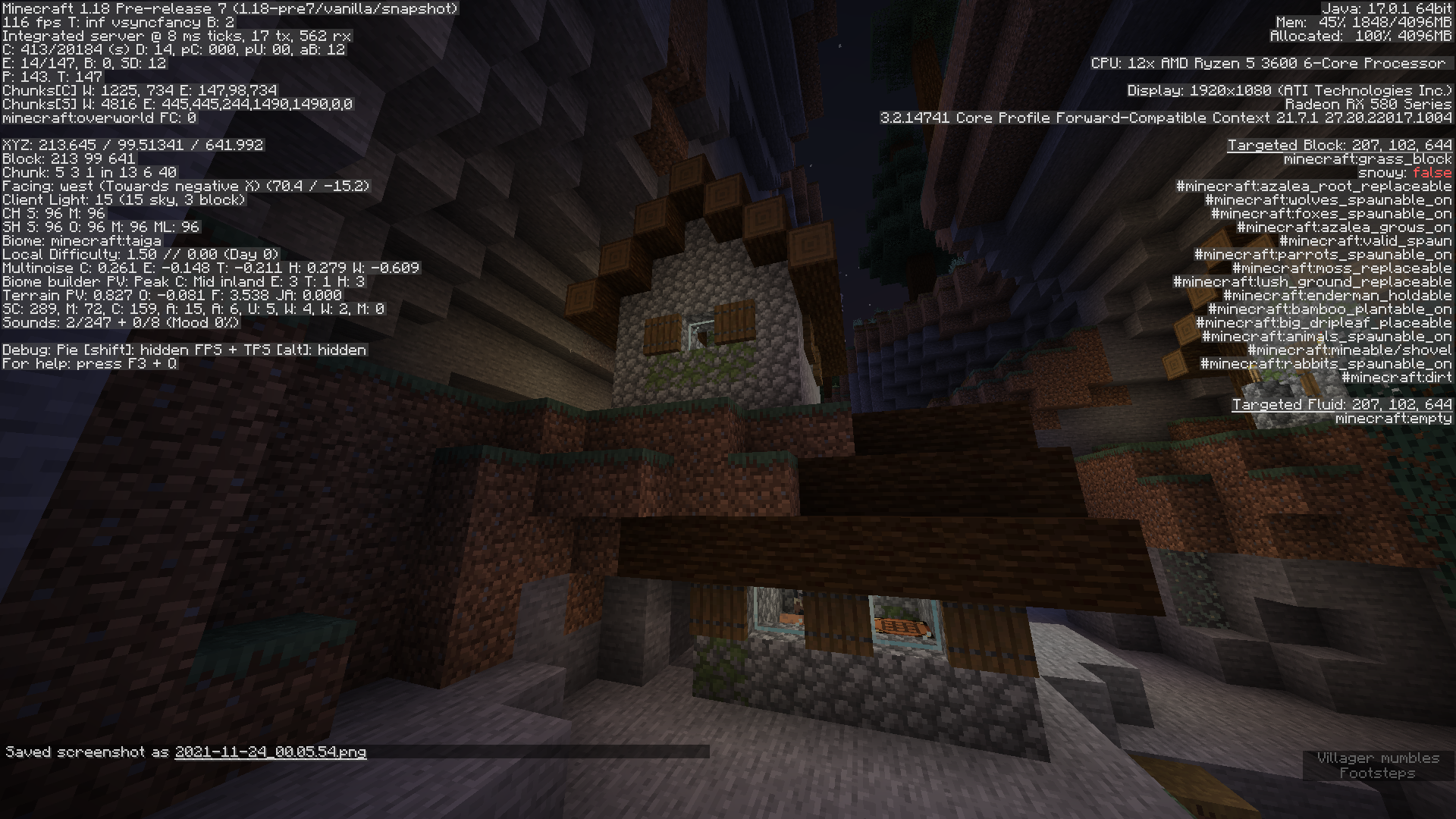

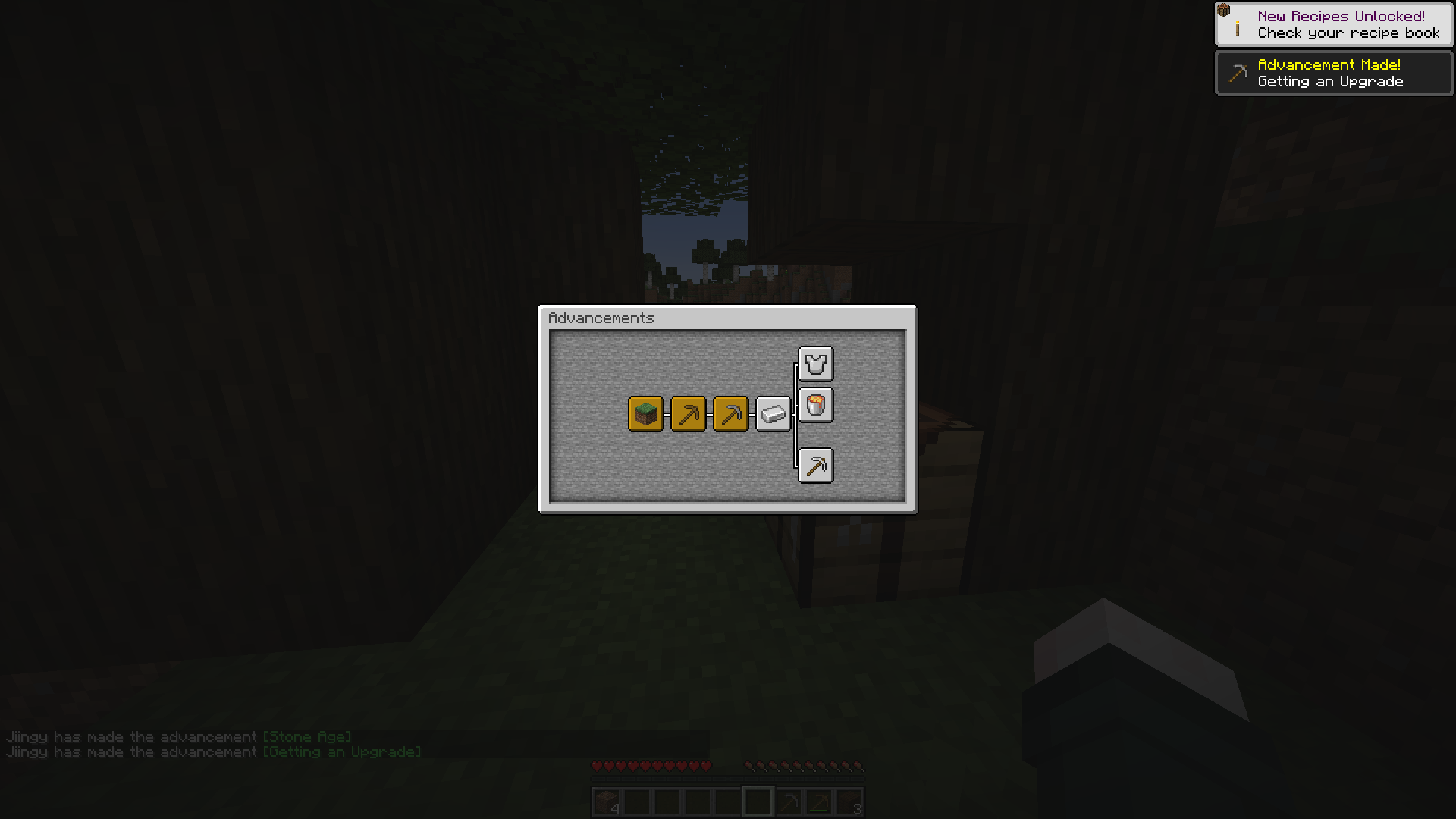
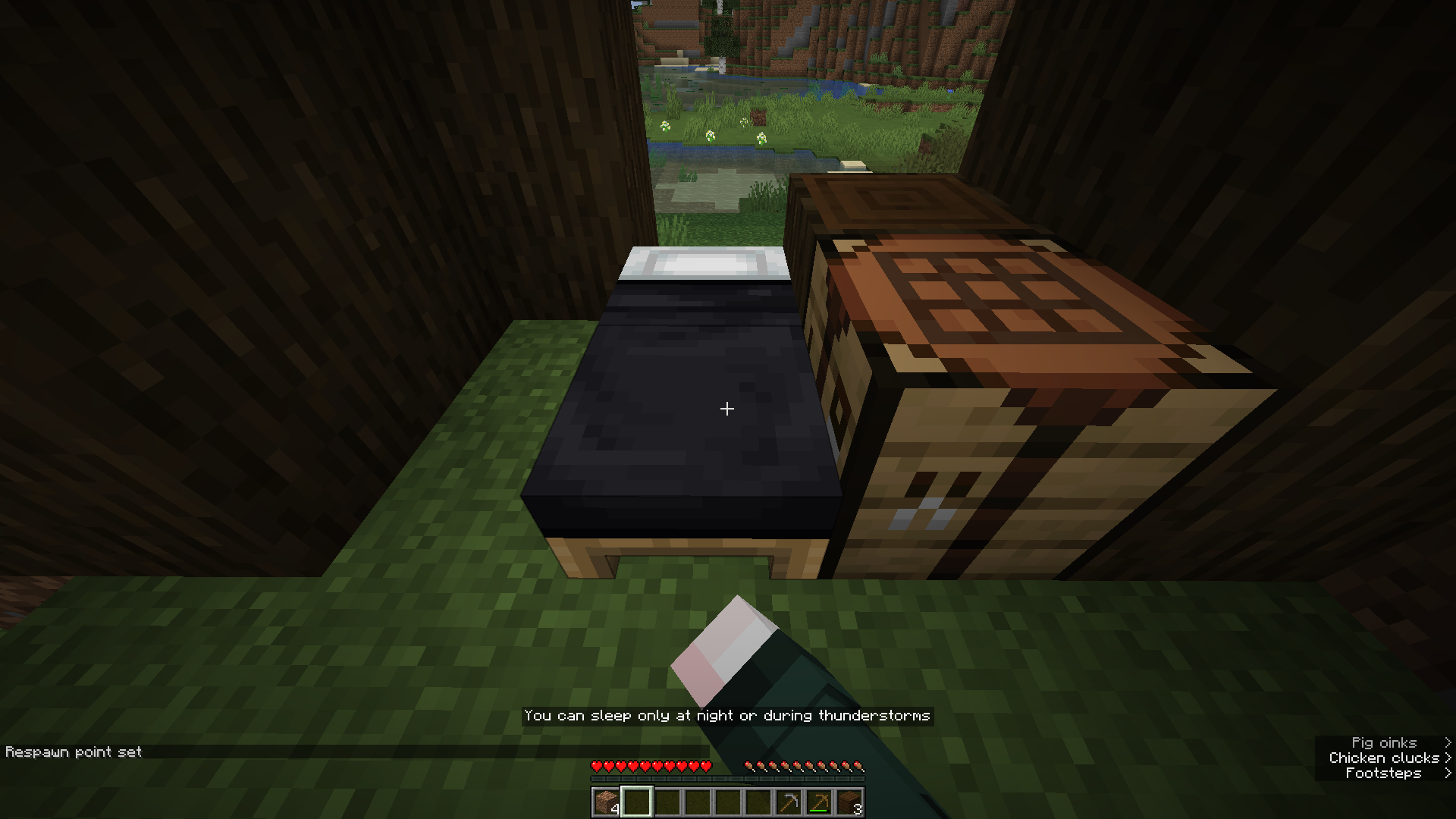

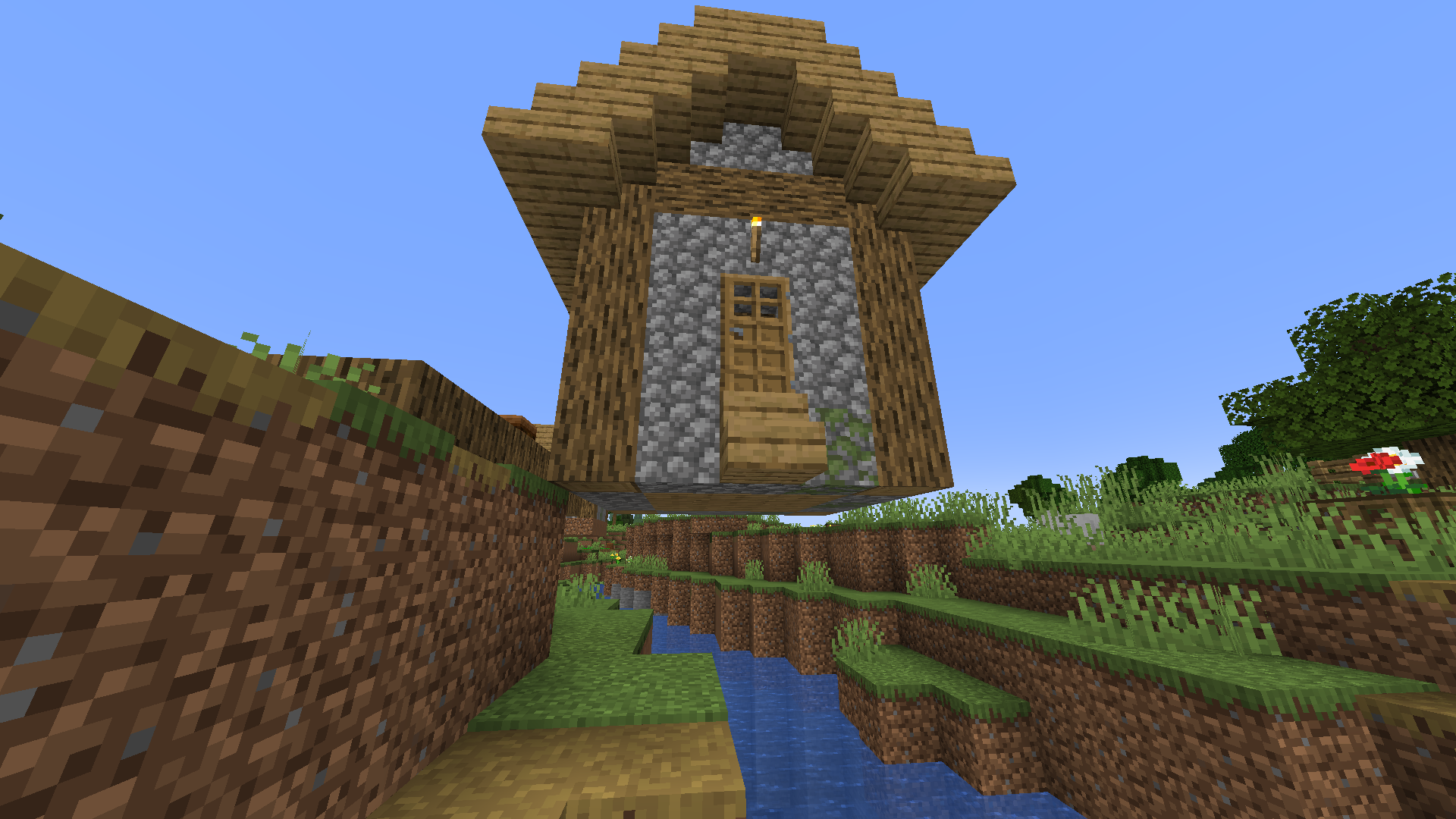
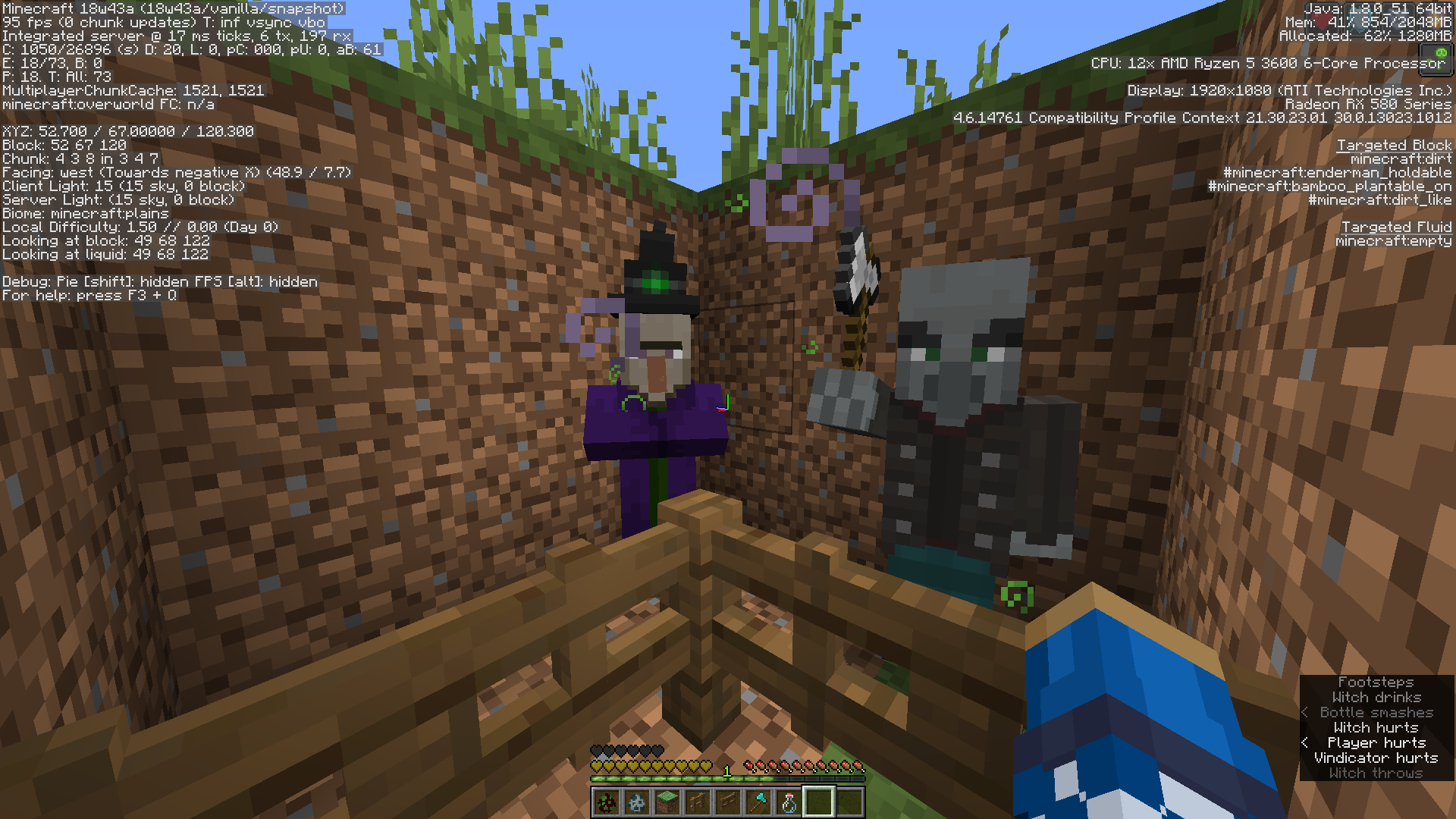
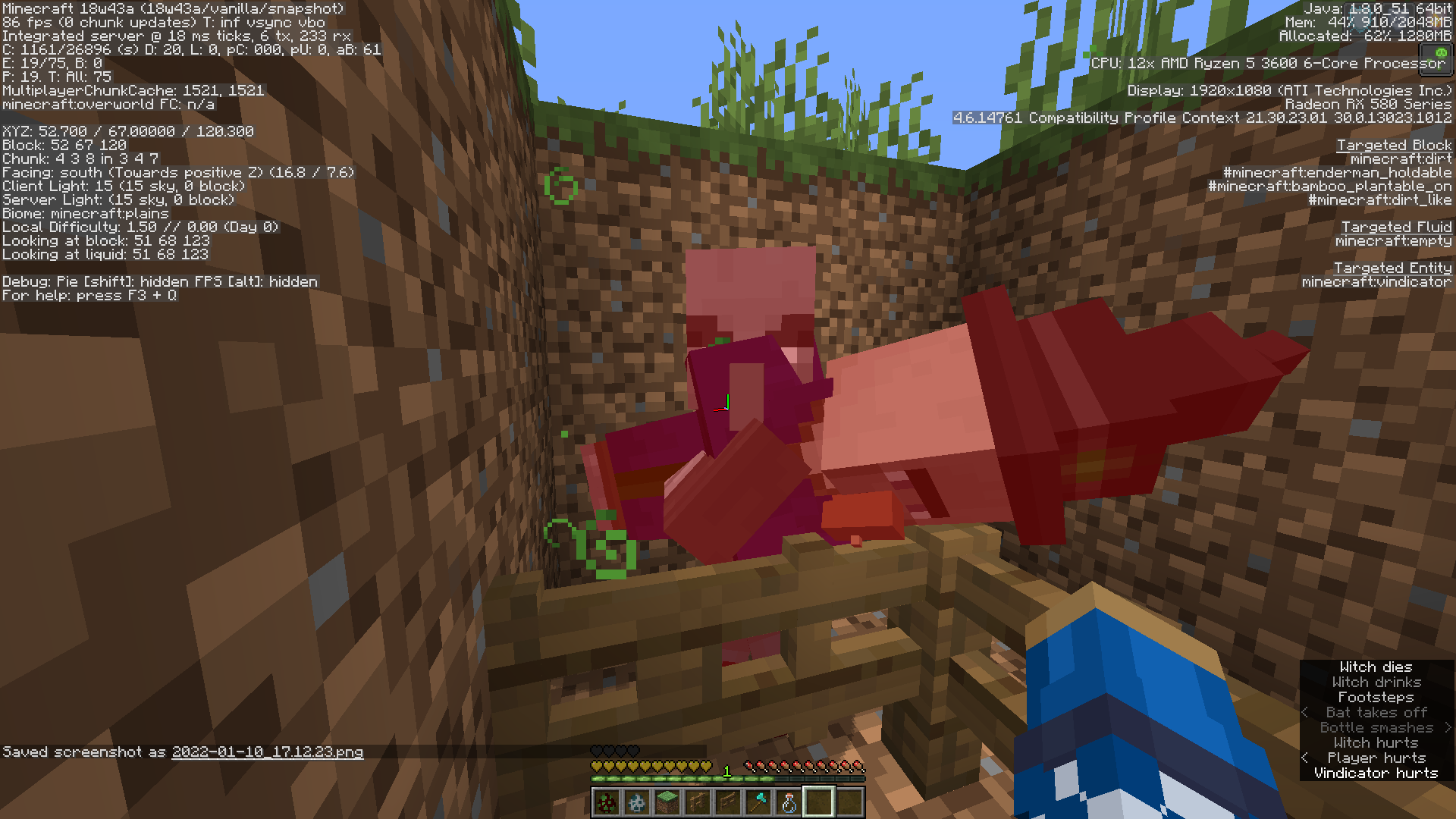
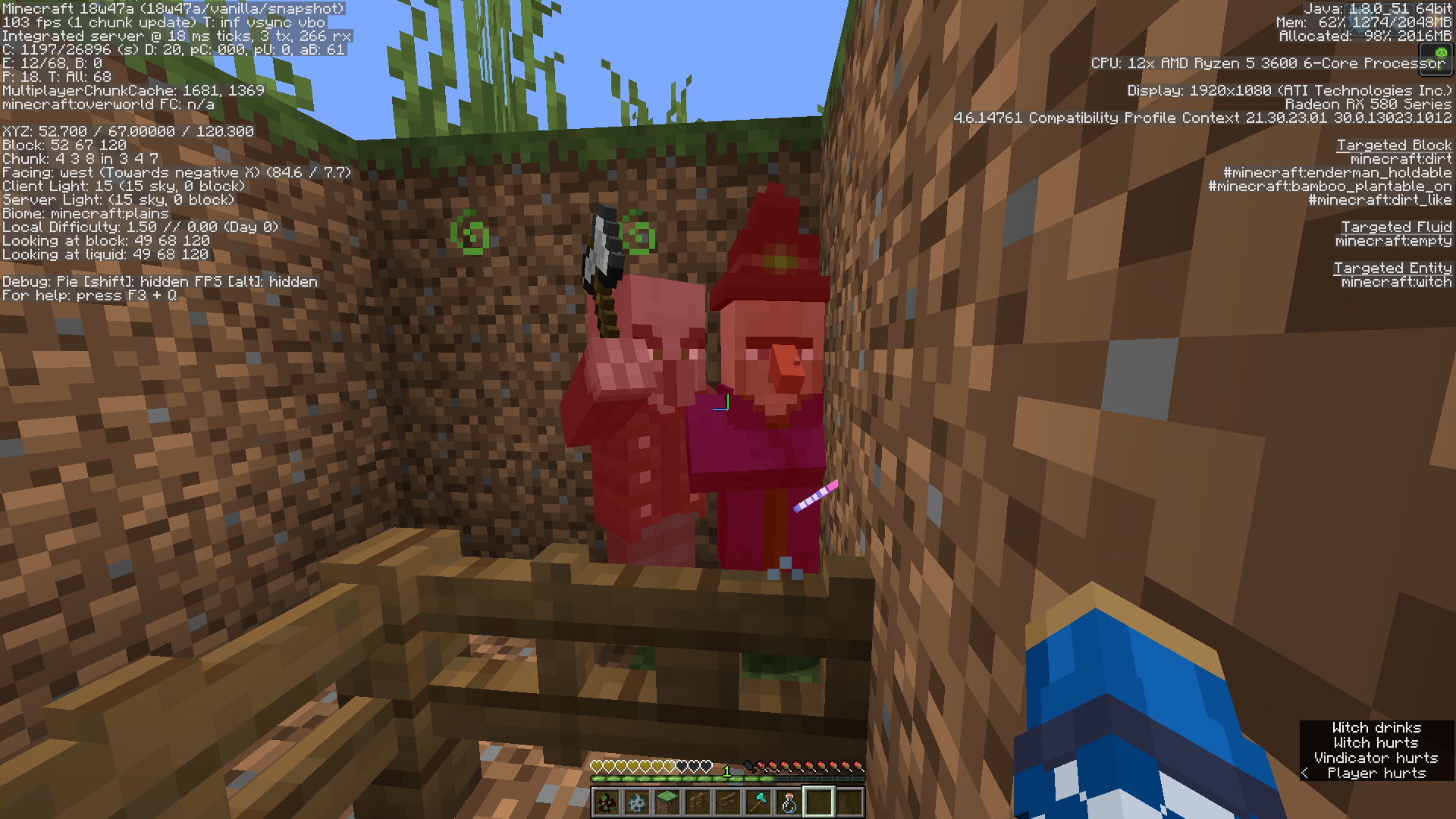
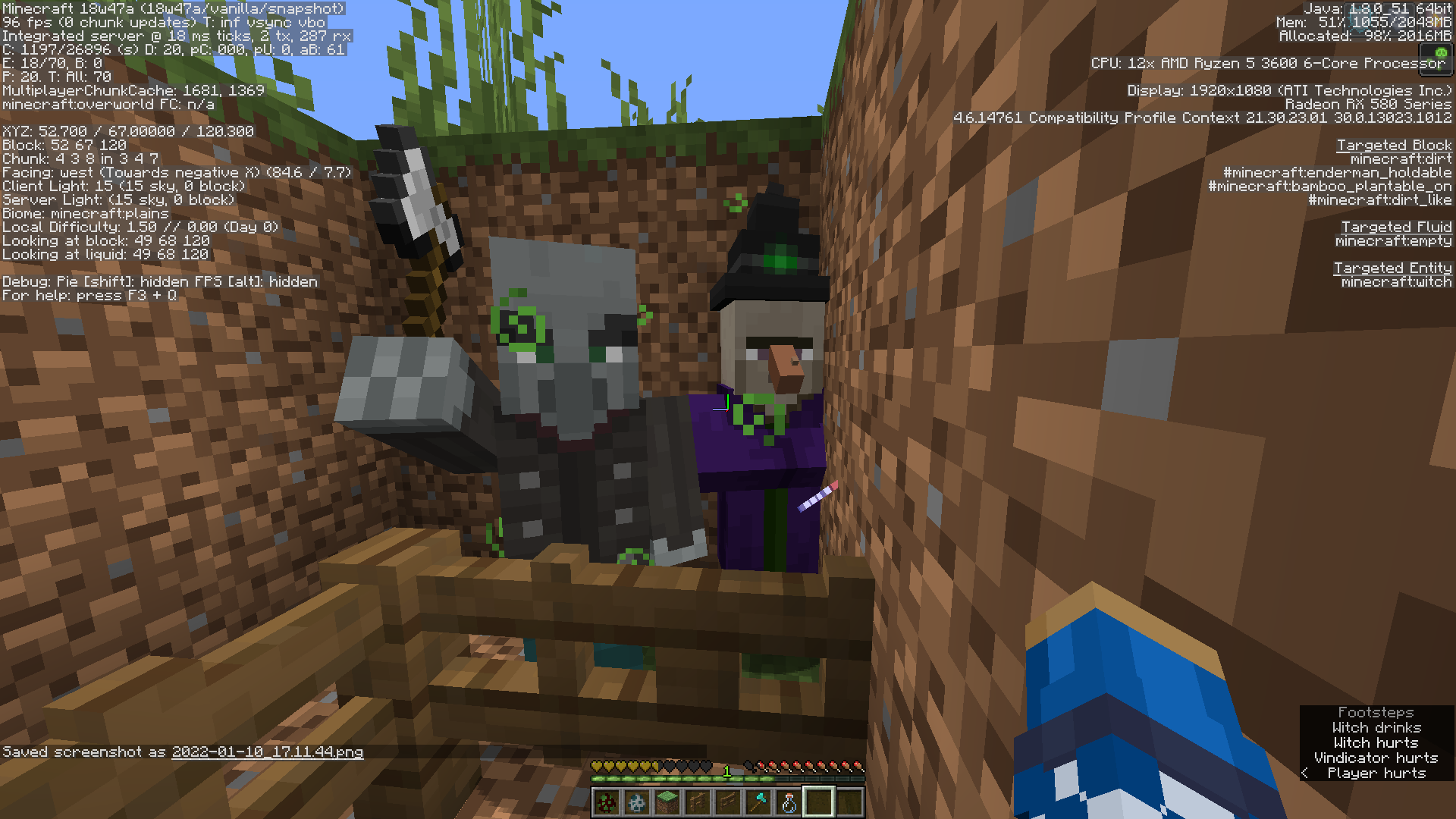
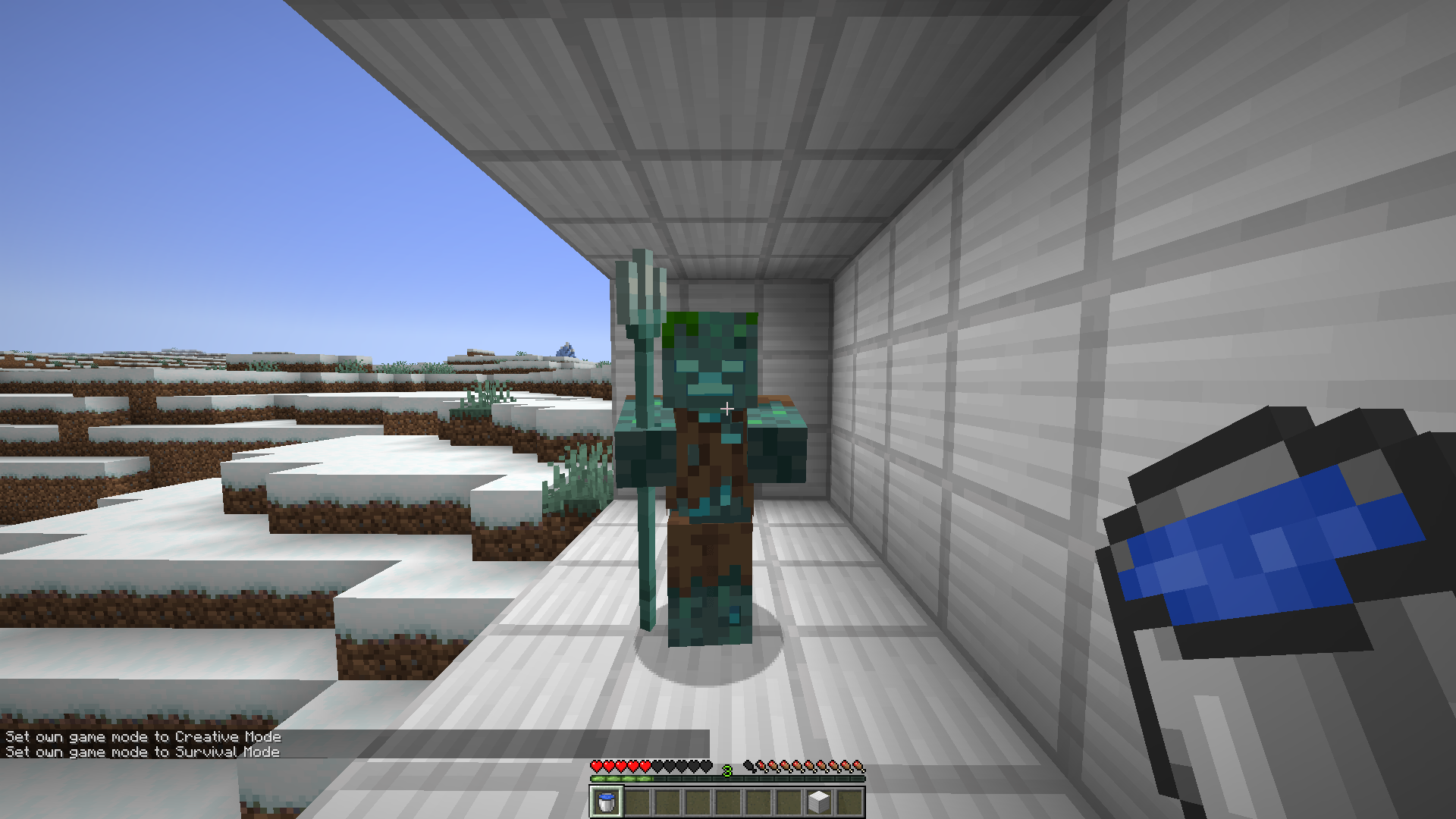

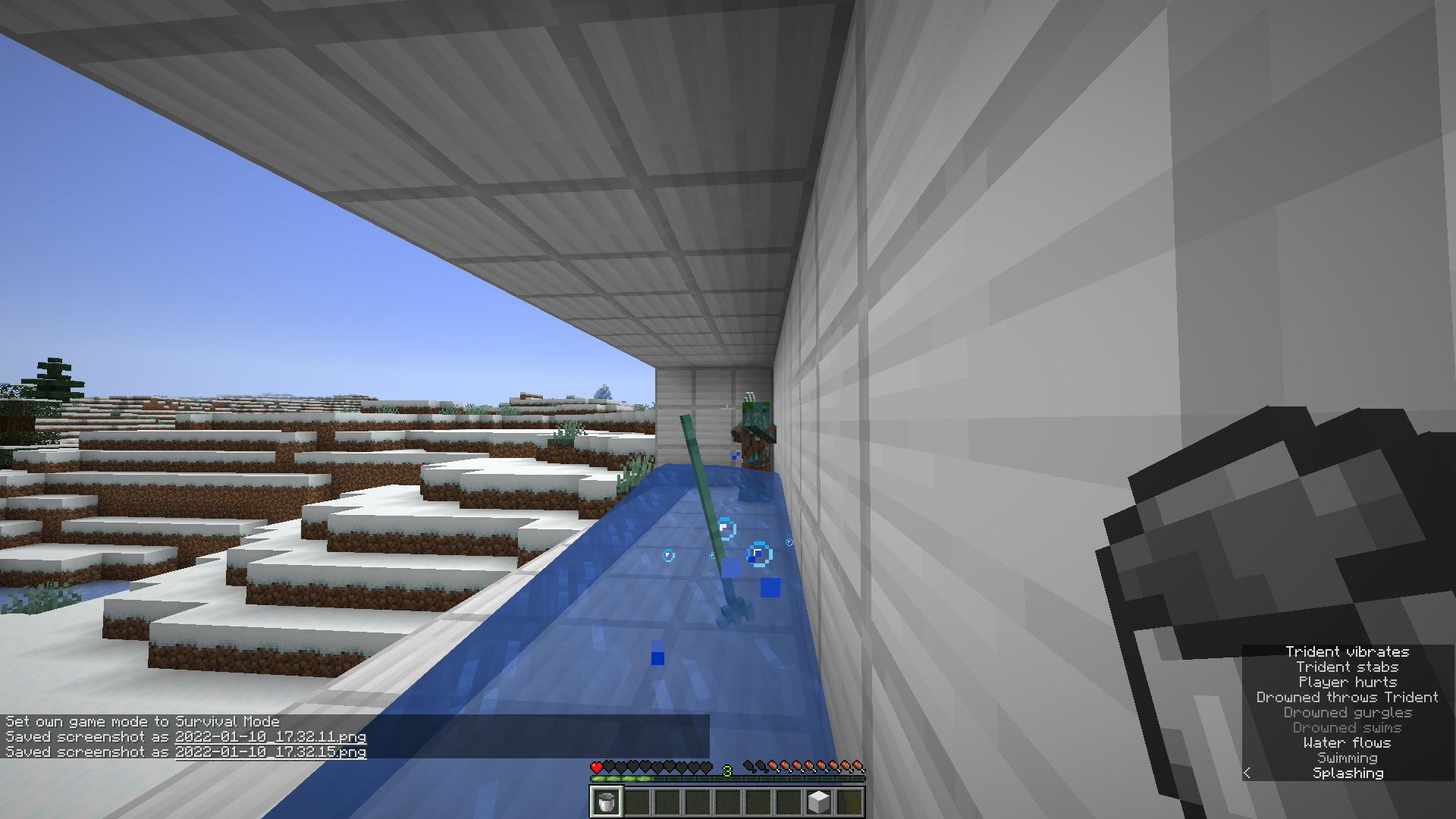
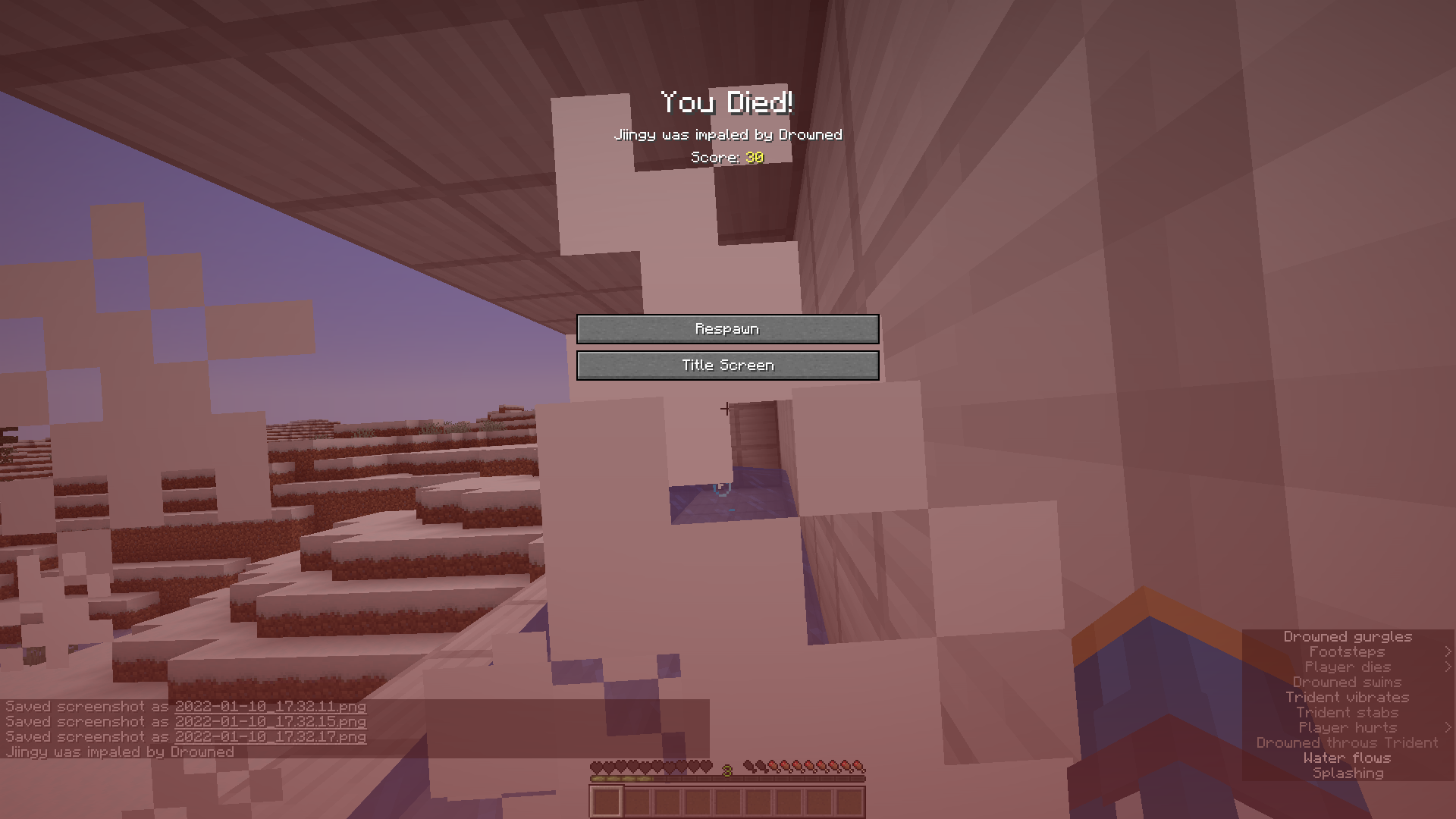
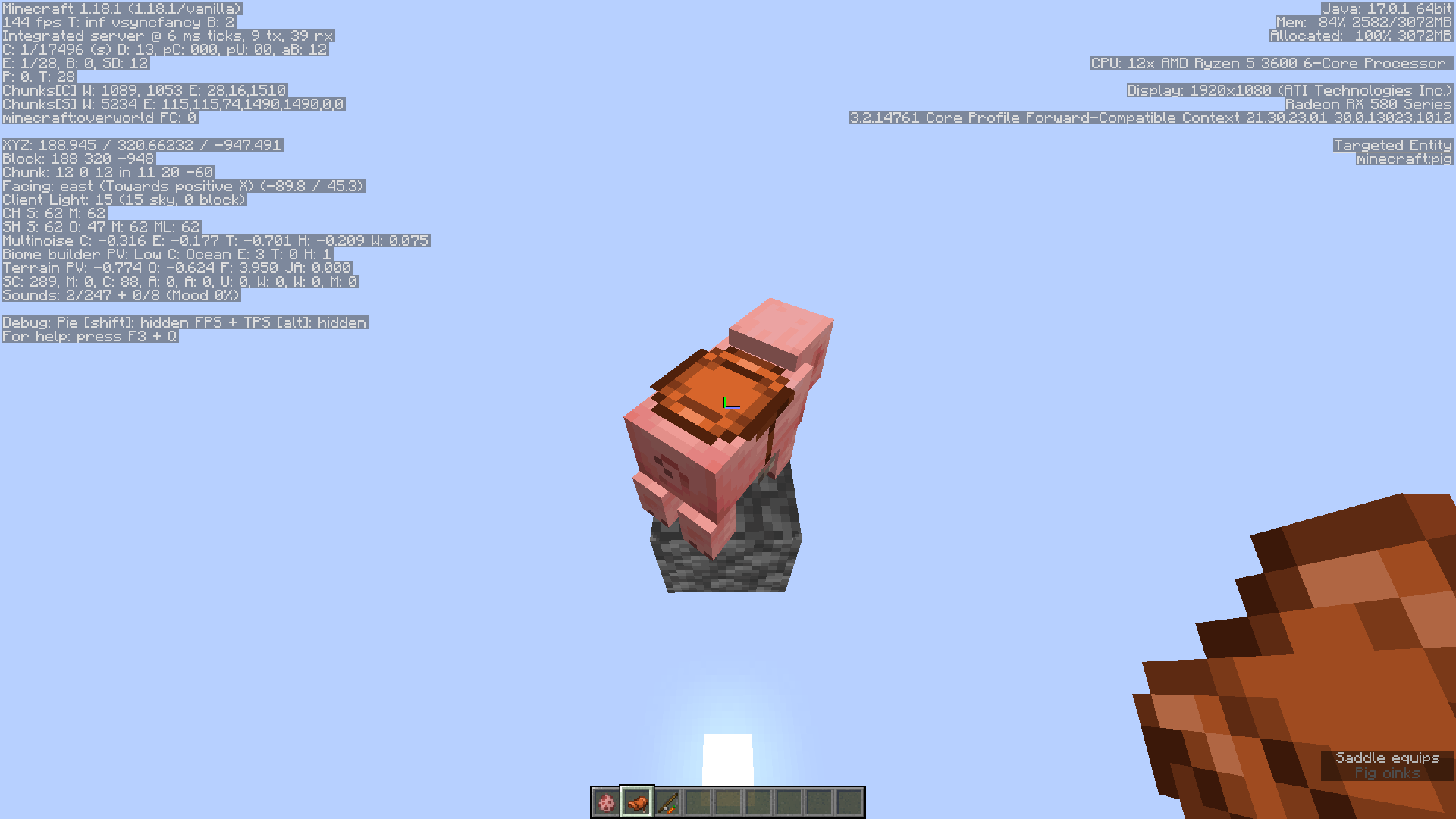


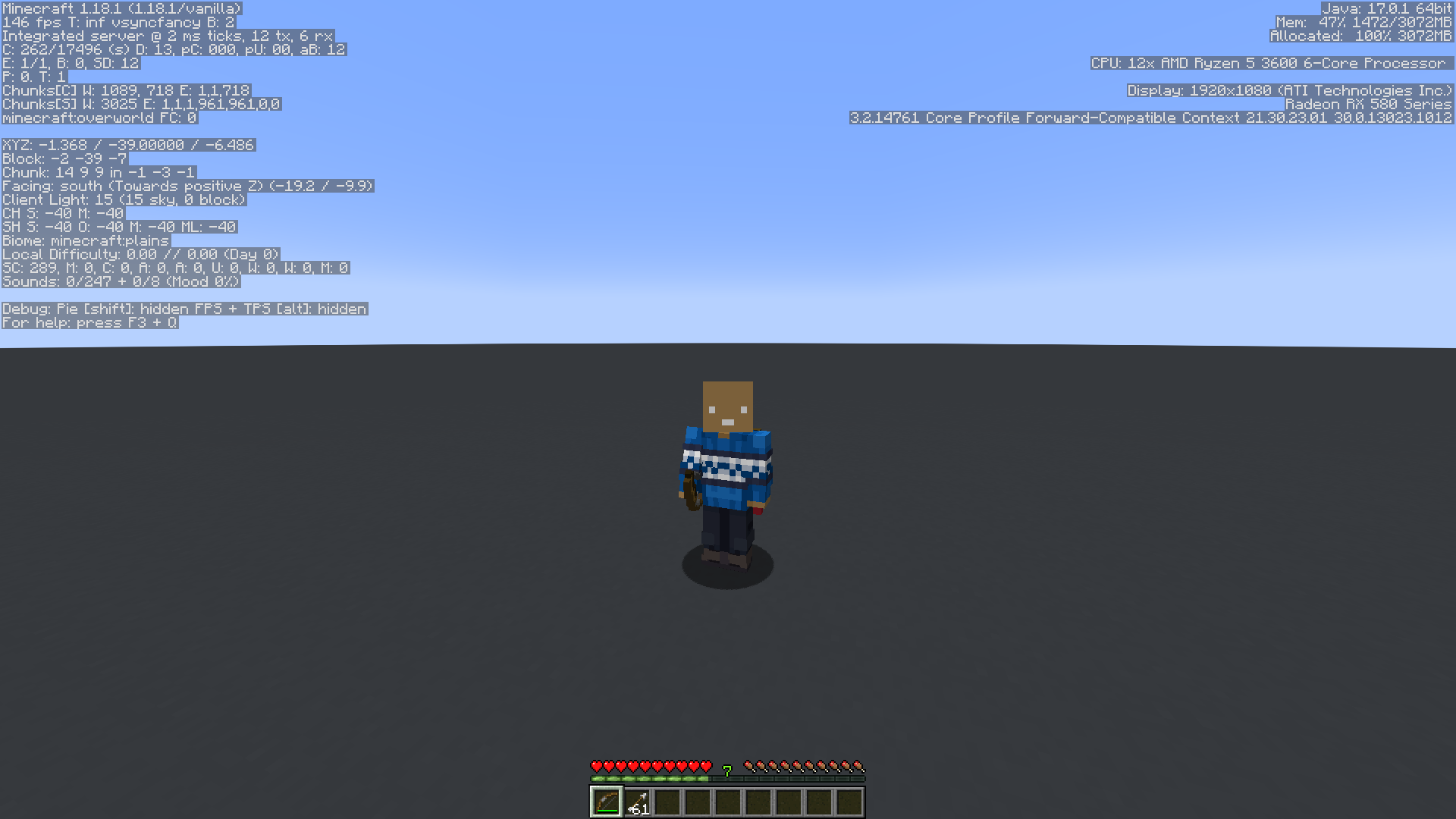
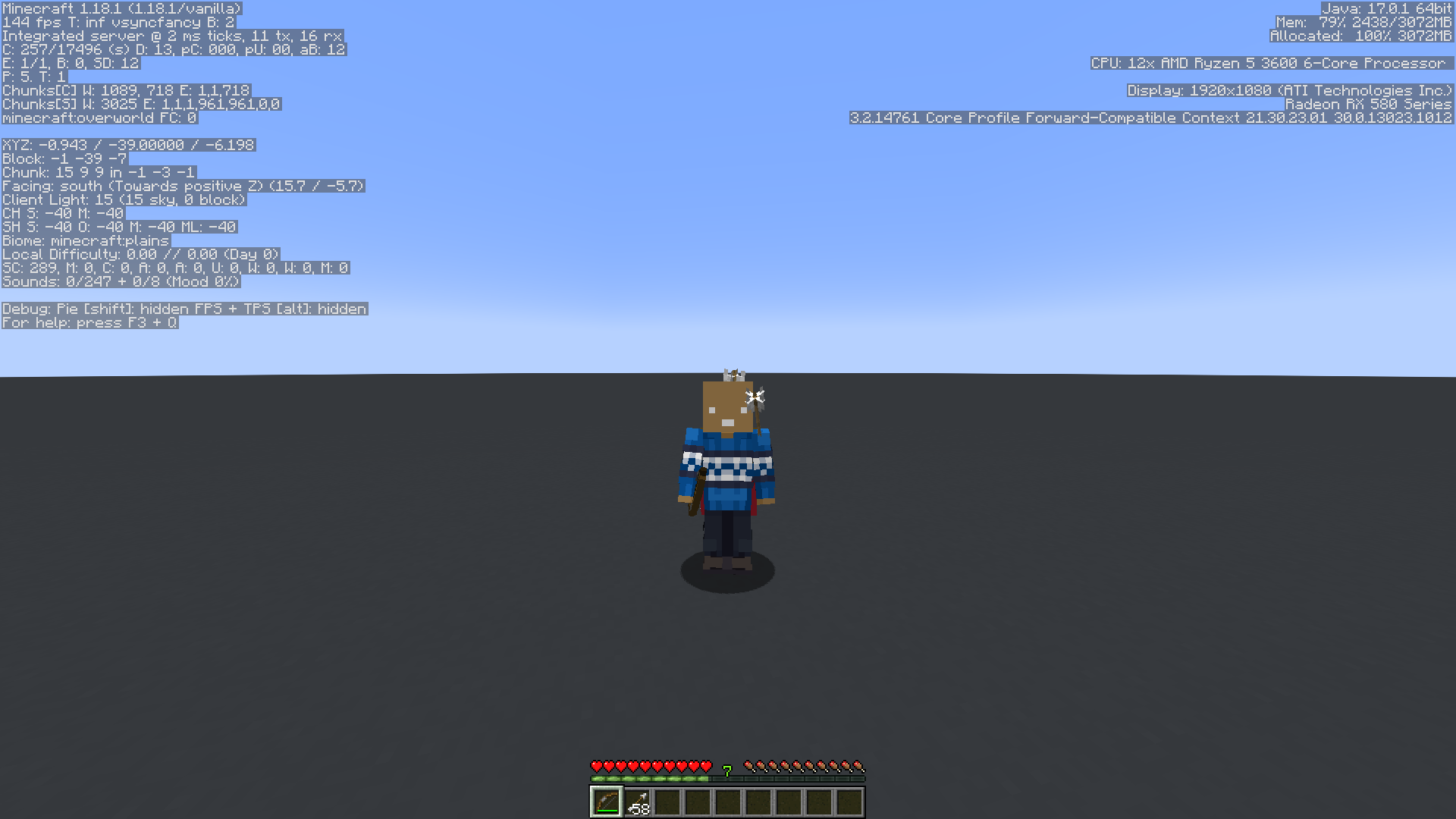
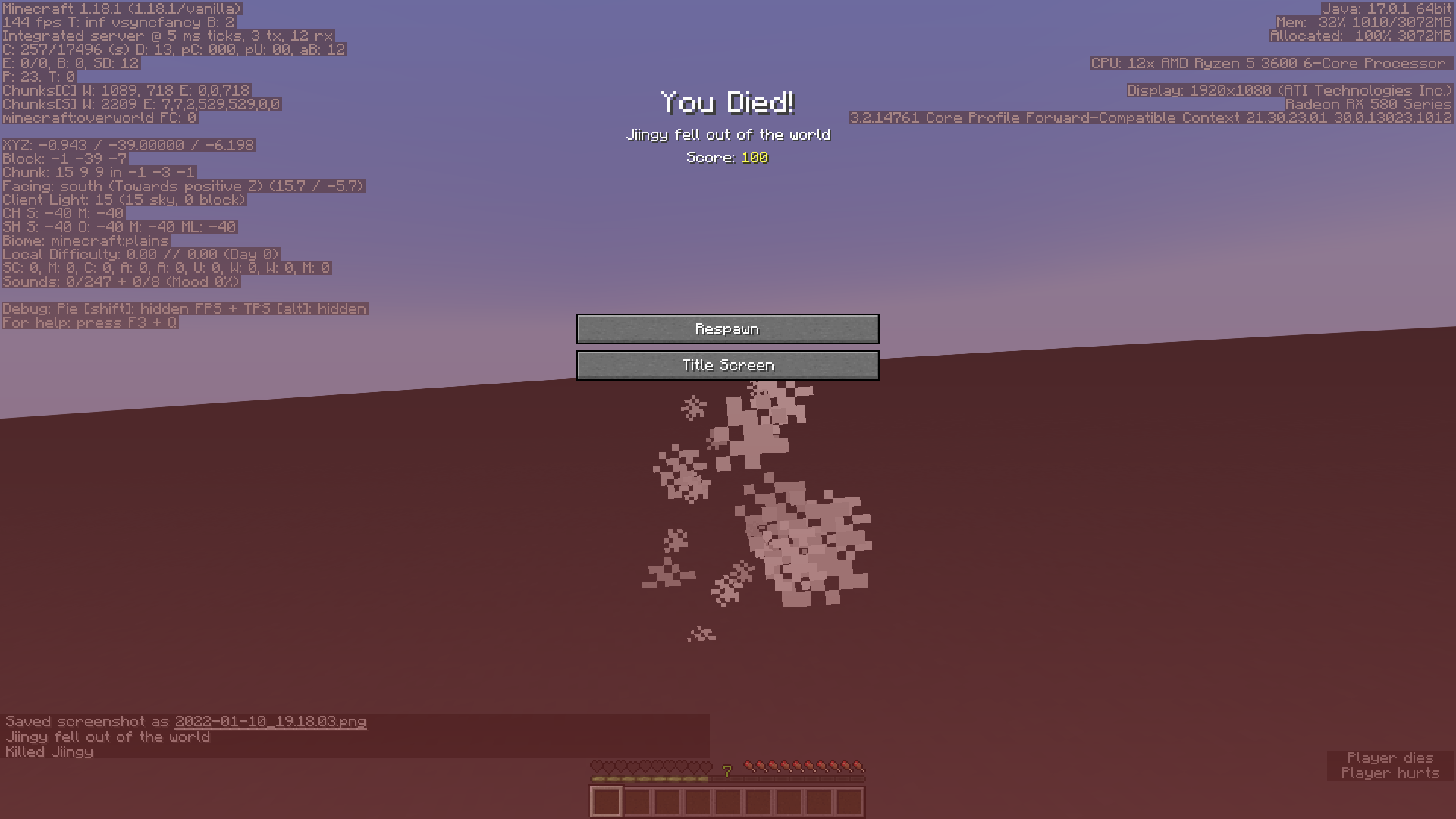
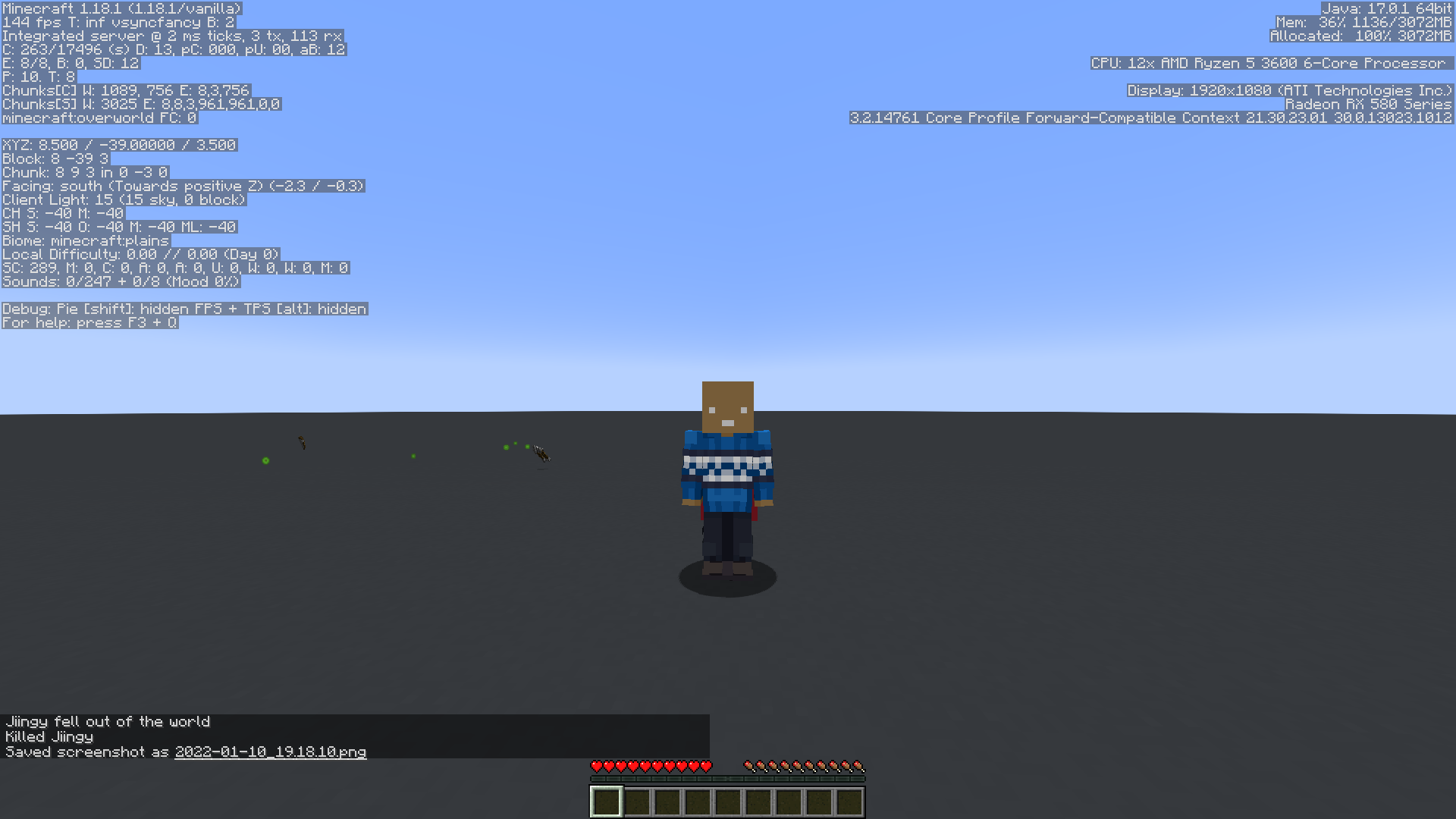
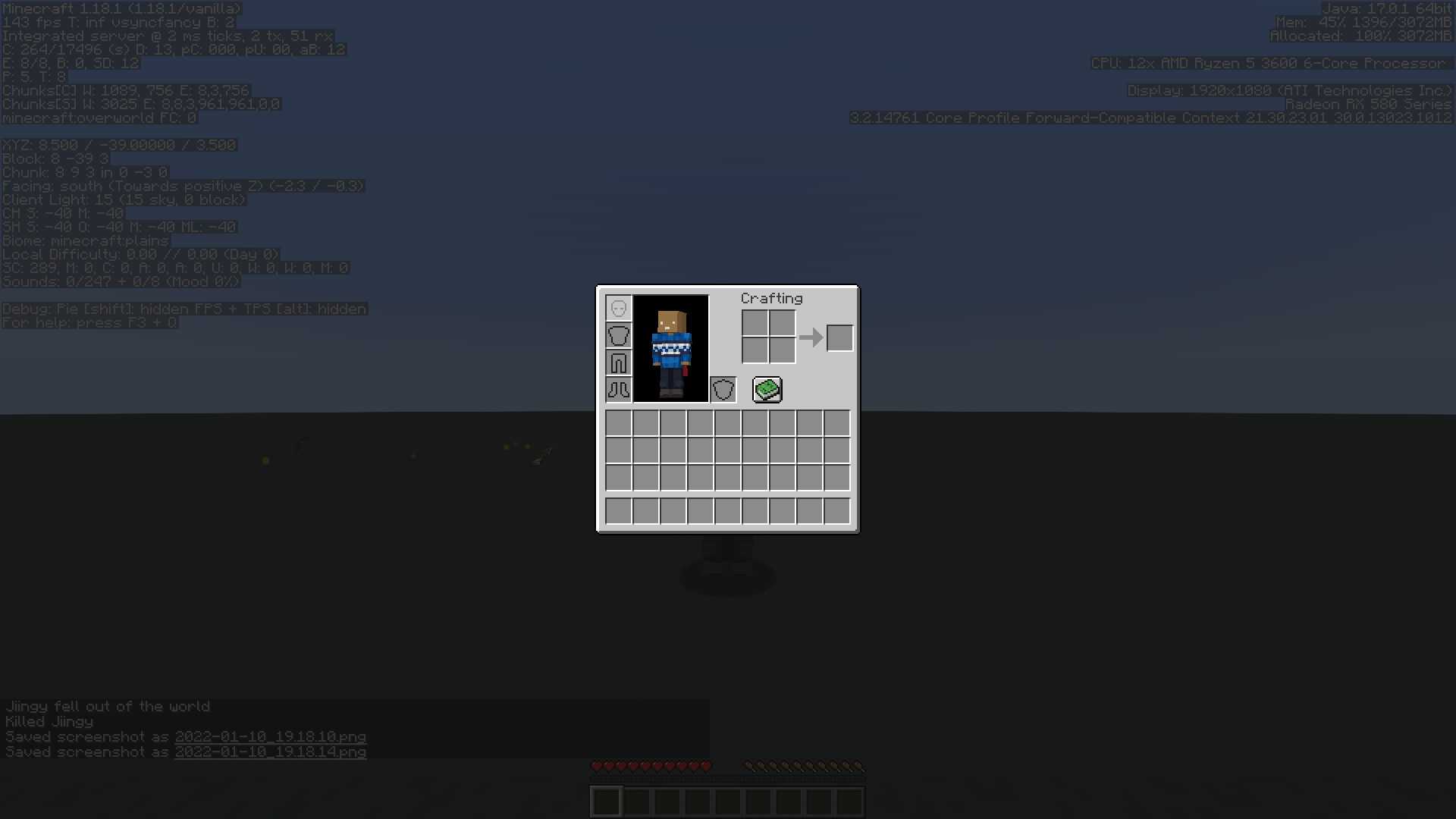
This is a gameplay suggestion rather than a bug report, you can post gameplay suggestions or feedback here
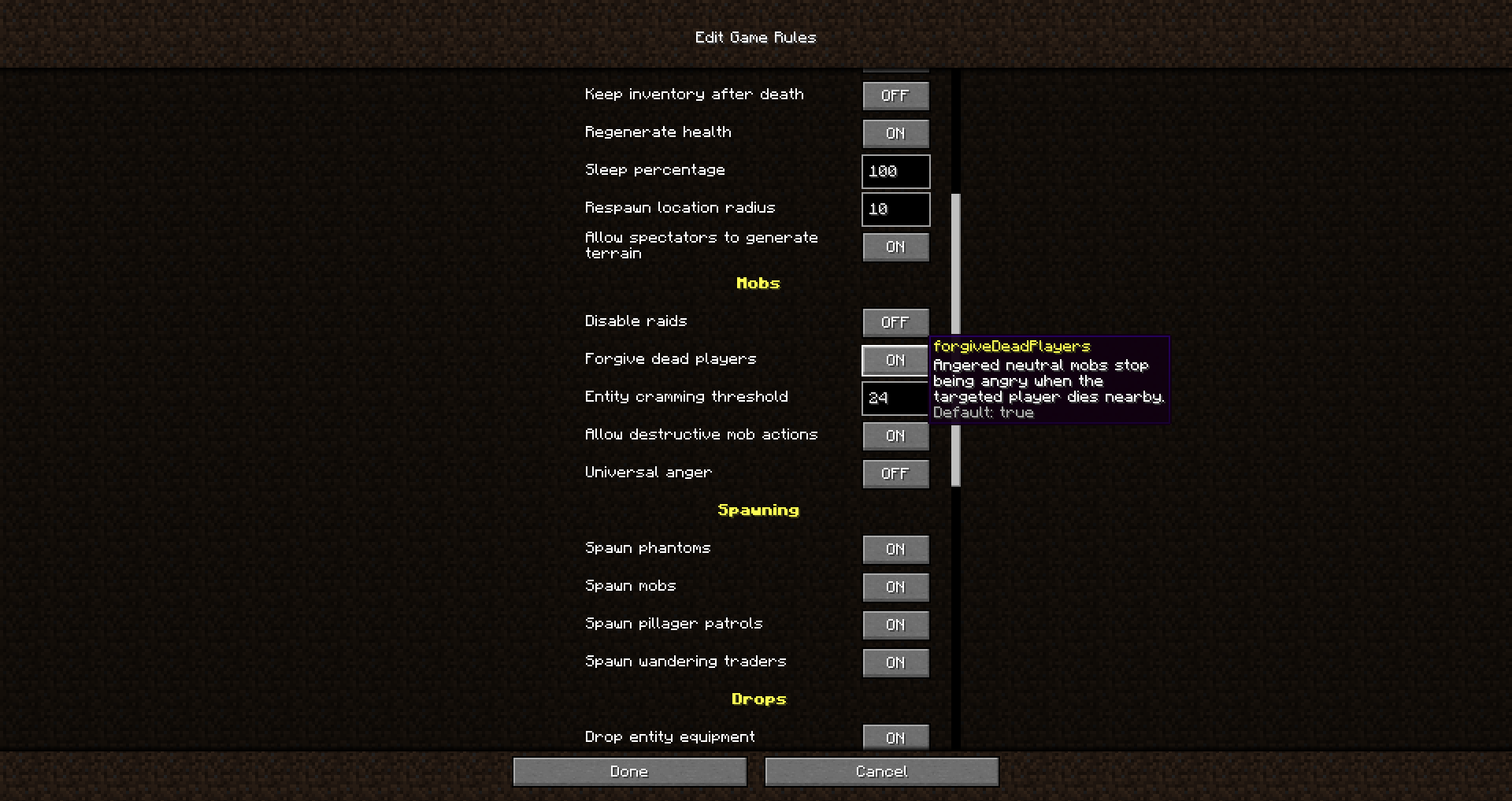
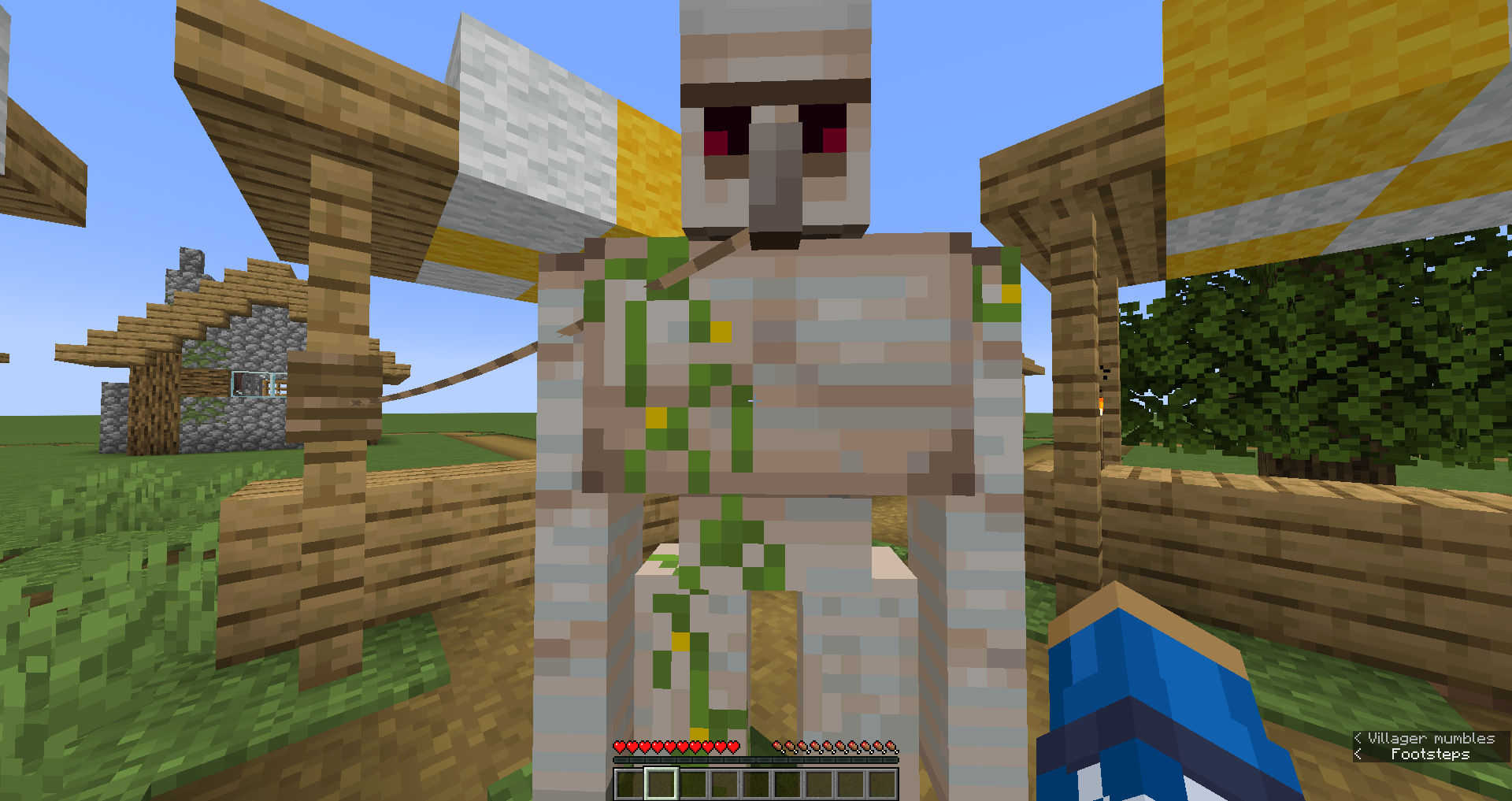
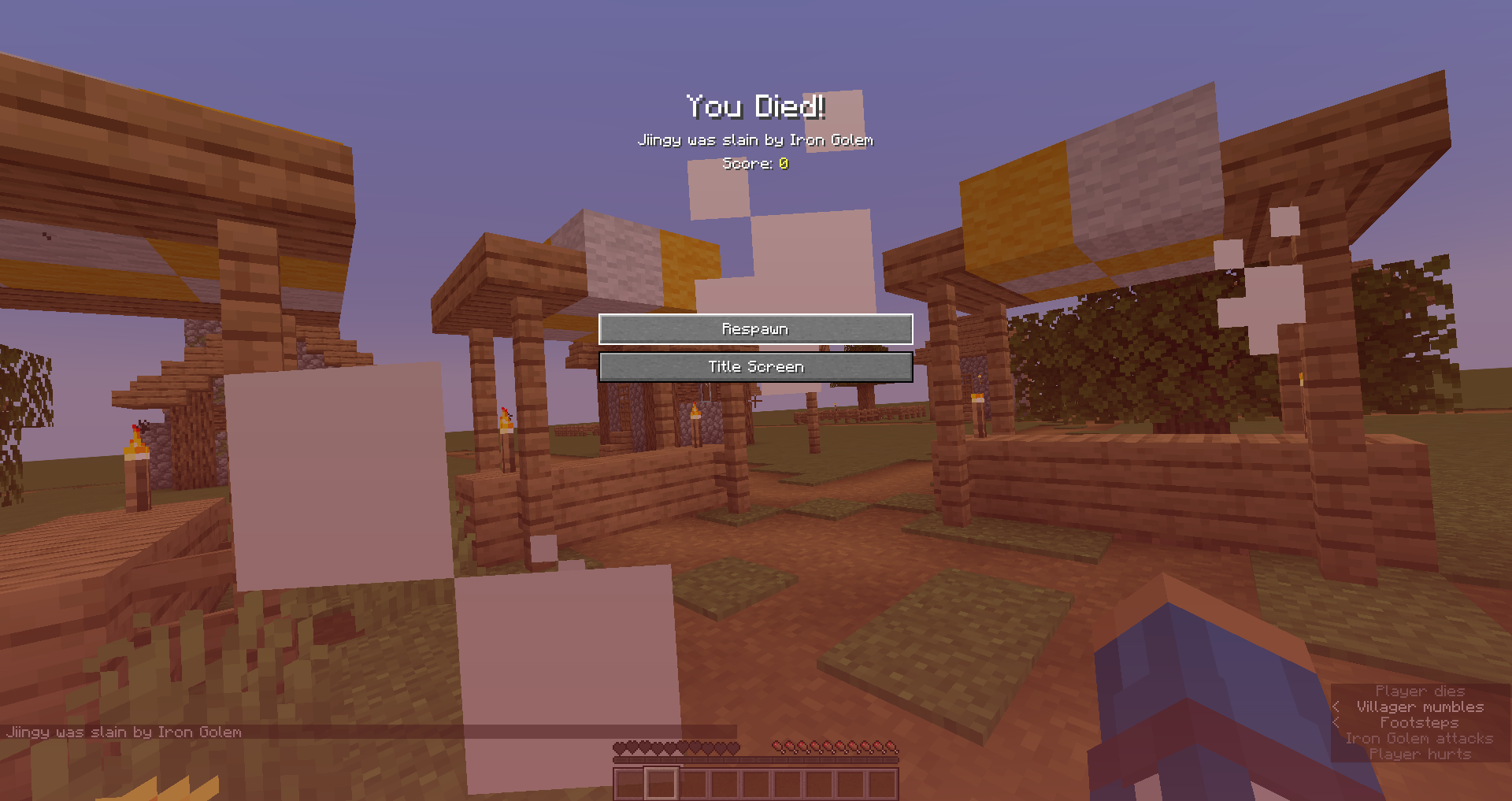

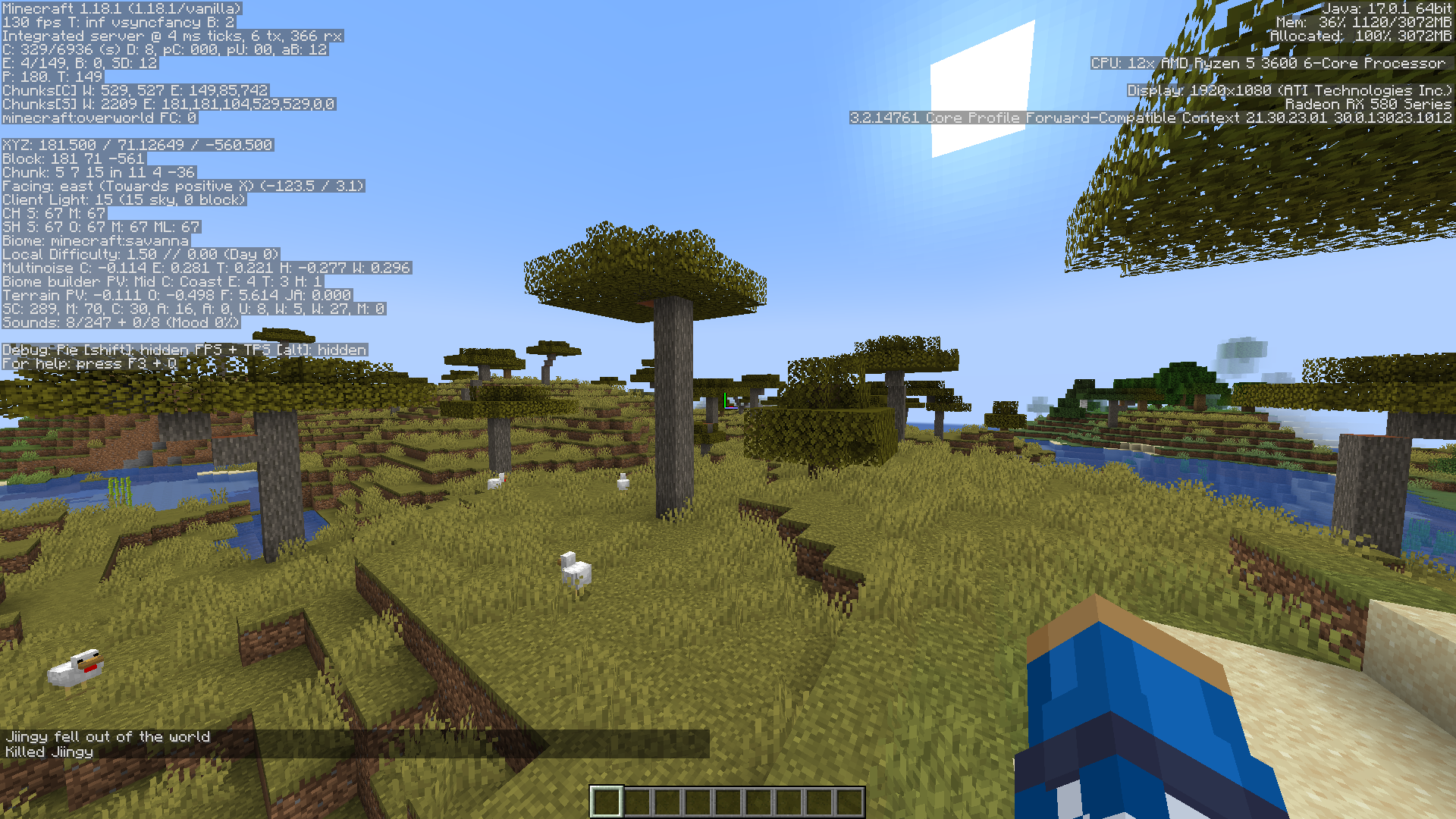
Can confirm this issue. Additionally, I would like to add that if the ghost item is picked up in the inventory and put back down in creative mode it will become a "real" item, whereas in survival it will not. 2022-01-14_17-34-06.mp4
Confirmed for 1.18.1
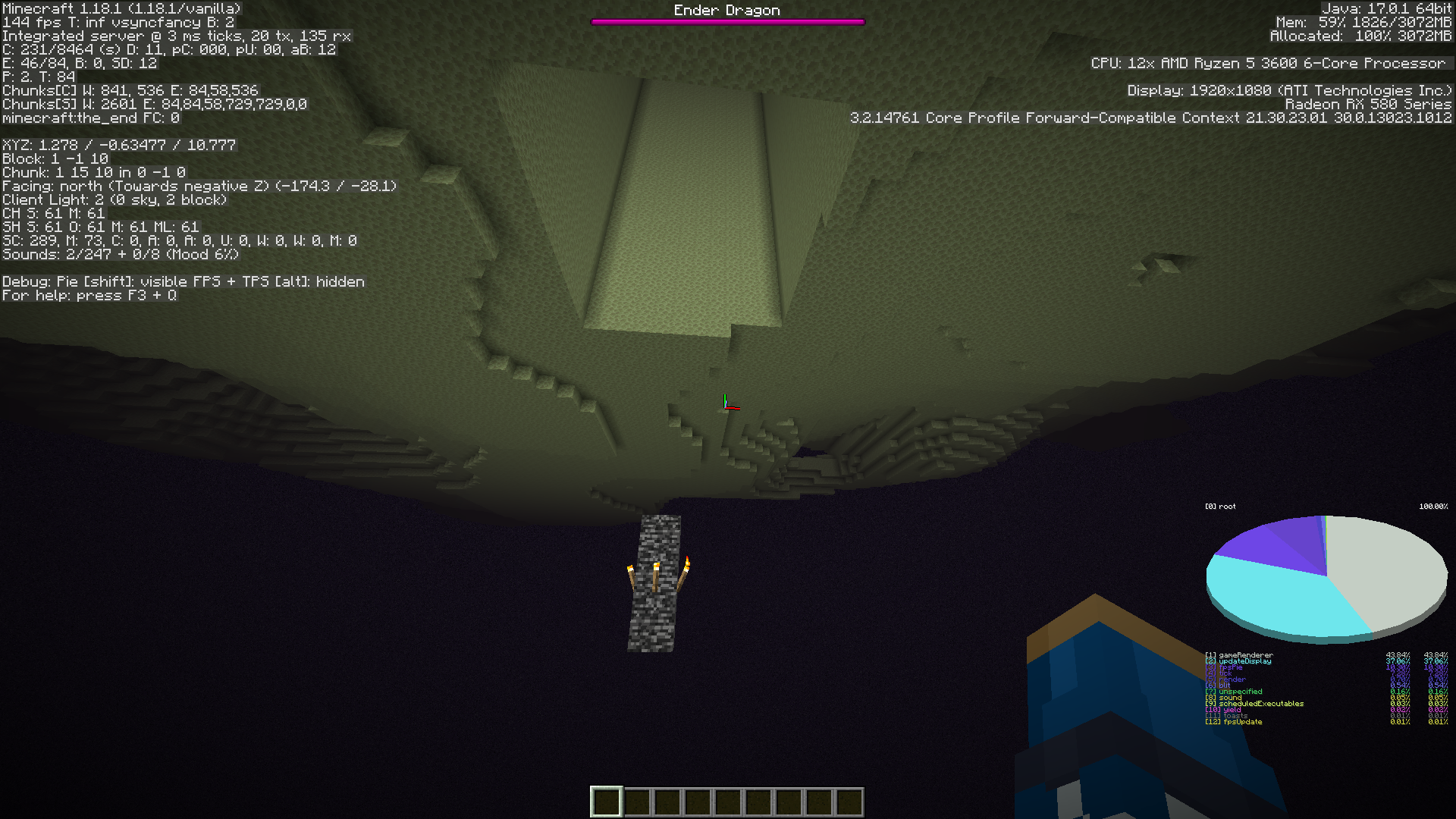
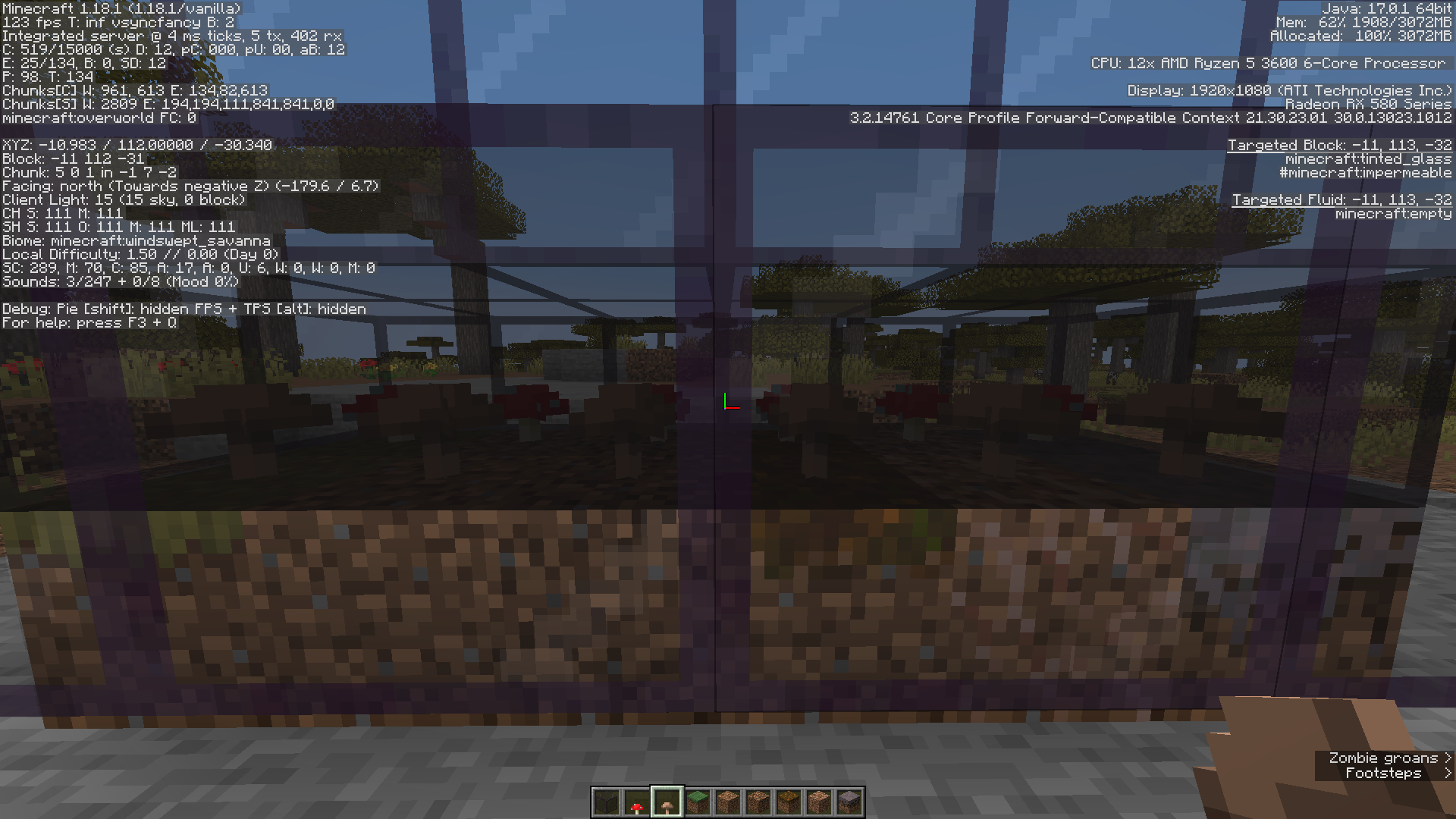
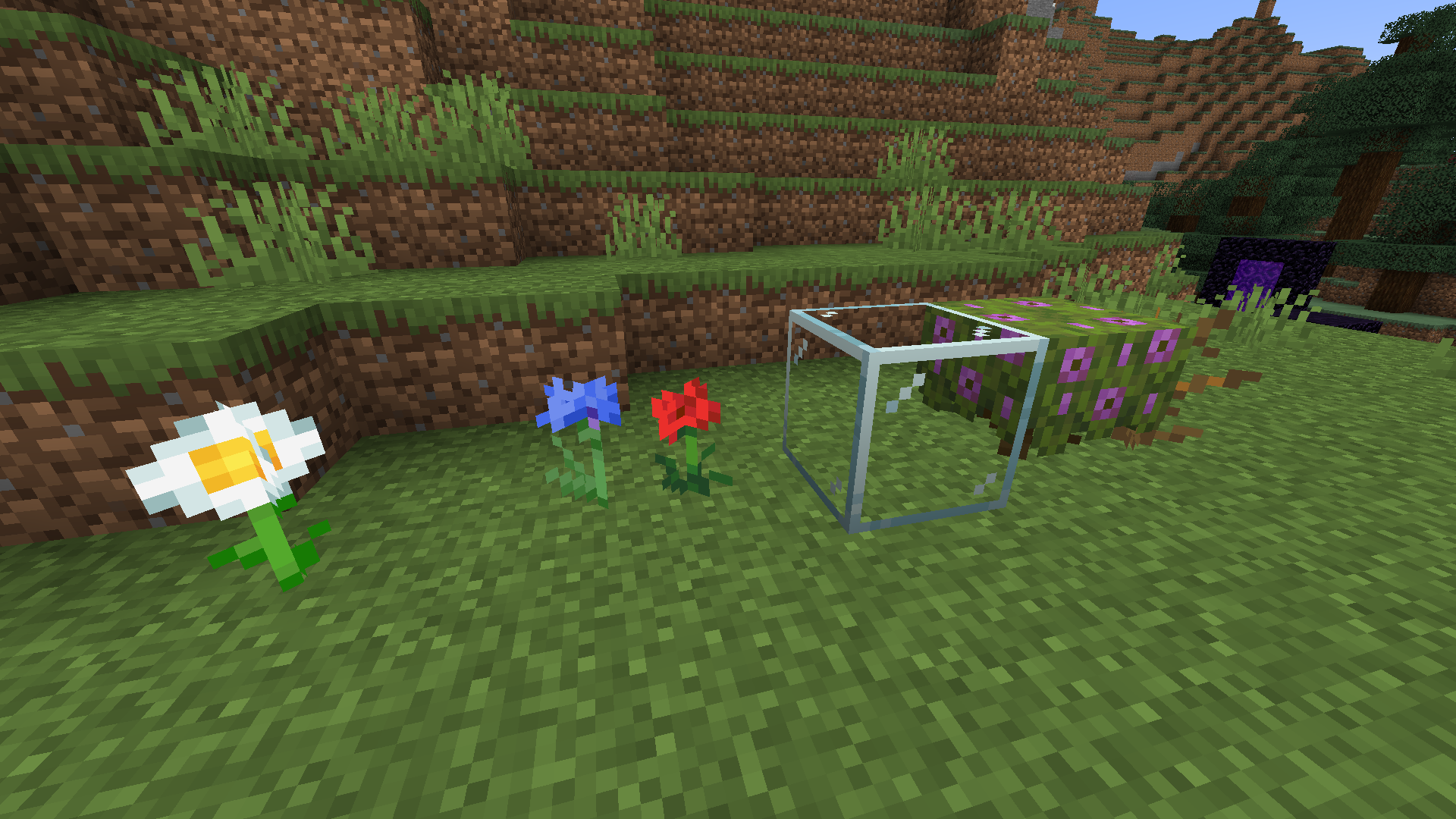

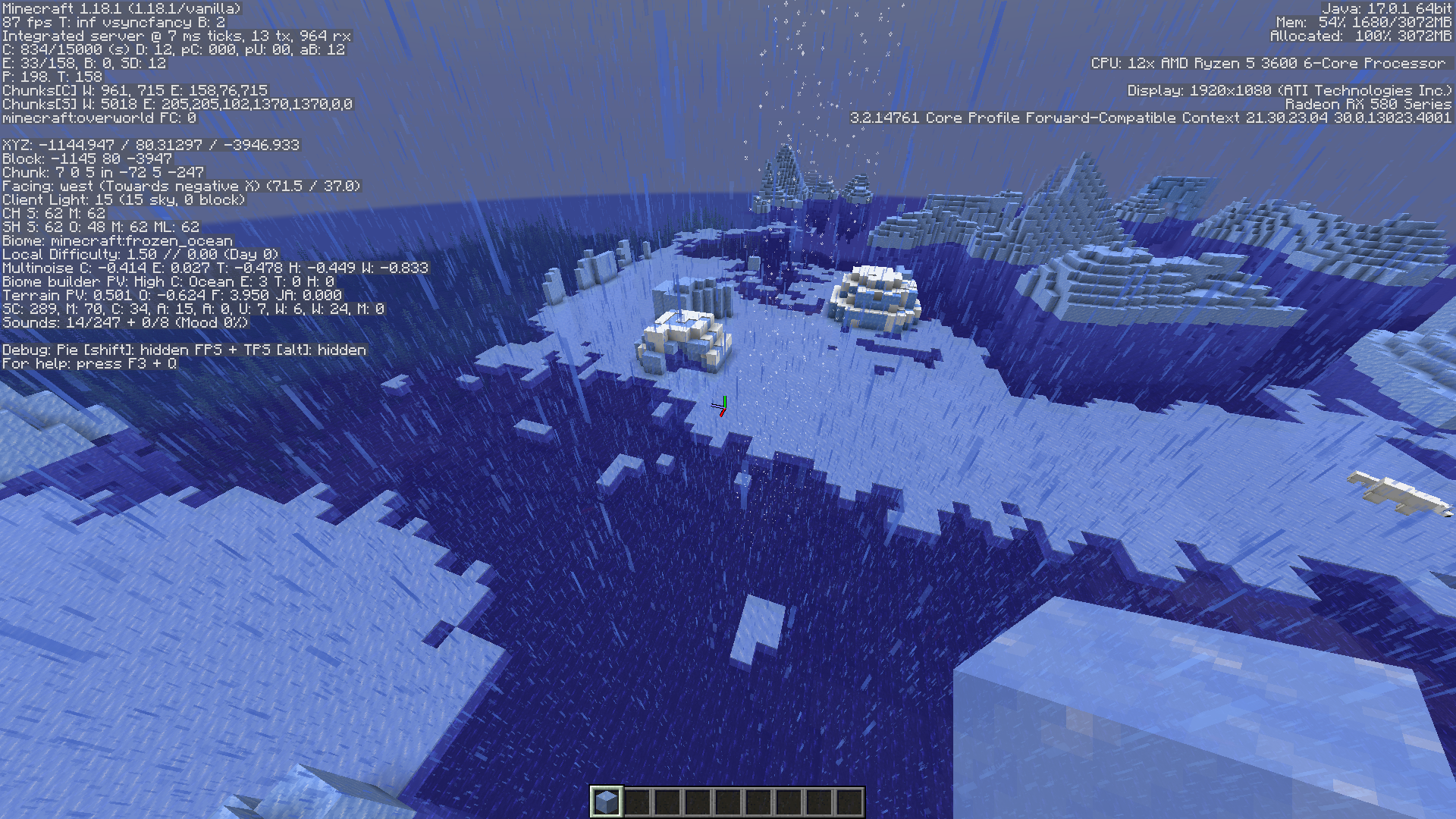
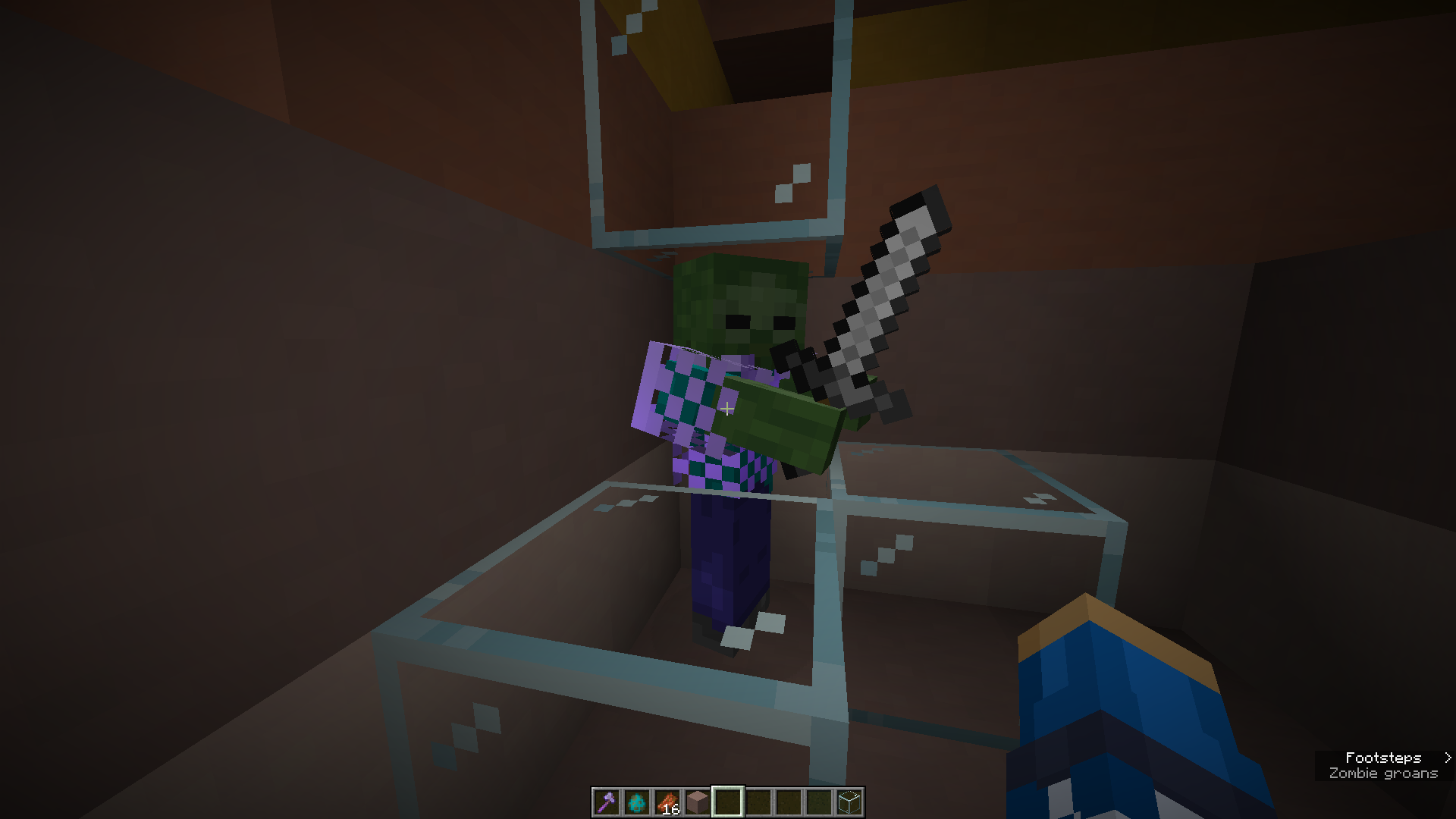
Some hostile mobskeepaggression towardsinvisible villagersSome hostile mobs will continue aggression towards villagers after they have turned invisible
The Bug
Zombies, Zombie Villagers, Pillagers, Ravangers, Vindicators, and Husks are all able to track a villager if aggression is engaged, and then from there the villager turns invisible.
Steps to Reproduce:
- Spawn villager in a safe place
- Spawn any of the listed mobs above
- Allow the mob to become aggressive towards the villager
- Turn the villager invisible
Observed Results:
Despite being invisible, the hostile mob will still be aggressive towards the villager.
Expected Results:
Since the villager is invisible and would not be tracked if it was invisible before aggression, it should be not be tageted once it has turned invisible.
Notes:
While this is similar to
MC-79320, it is different as this is an issue with hostile mobs keeping aggression on invisible villagers rather than being aggressive towards invisible villagers no matter the context or when the zombie had aggression.While MC-161468 is very similar, it only states this happens to wandering traders, and not villagers.
It is also similar to MC-226362, but that issue deals more with villagers
The Bug
Zombies, Zombie Villagers, Pillagers, Ravangers, Vindicators, and Husks are all able to track a villager if aggression is engaged, and then from there the villager turns invisible.
Steps to Reproduce:
- Spawn villager in a safe place
- Spawn any of the listed mobs above
- Allow the mob to become aggressive towards the villager
- Turn the villager invisible
Observed Results:
Despite being invisible, the hostile mob will still be aggressive towards the villager.
Expected Results:
Since the villager is invisible and would not be tracked if it was invisible before aggression, it should be not be tageted once it has turned invisible.
Notes:
While this is similar to
MC-79320, it is different as this is an issue with hostile mobs keeping aggression on invisible villagers rather than being aggressive towards invisible villagers no matter the context or when the zombie had aggression.While MC-161468 is very similar, it only states this happens to wandering traders, and not villagers.
It is also similarto MC-226362, but that issue deals more with villagersThe Bug
Zombies, Zombie Villagers, Pillagers, Ravangers, Vindicators, and Husks are all able to track a villager if aggression is engaged, and then from there the villager turns invisible.
Steps to Reproduce:
- Spawn villager in a safe place
- Spawn any of the listed mobs above
- Allow the mob to become aggressive towards the villager
- Turn the villager invisible
Observed Results:
Despite being invisible, the hostile mob will still be aggressive towards the villager.
Expected Results:
Since the villager is invisible and would not be tracked if it was invisible before aggression, it should be not be tageted once it has turned invisible.
Notes:
While this is similar to
MC-79320, it is different as this is an issue with hostile mobs keeping aggression on invisible villagers rather than being aggressive towards invisible villagers no matter the context or when the zombie had aggression.While MC-161468 is very similar, it only states this happens to wandering traders, and not villagers.
This issue also relates to MC-226362


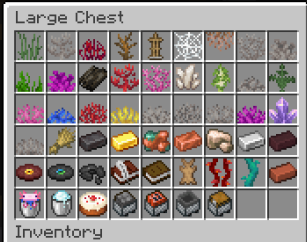
The Bug
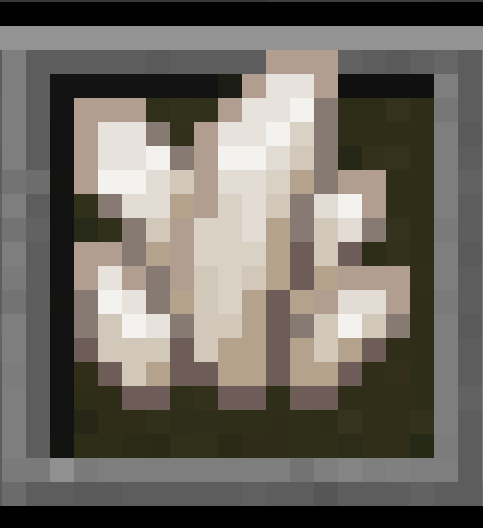
Almost all of the villager texture map files have pixels that remain unused in the entity. The one villager texture that does not have this texture problem, is the jungle.png villager texture map. Attatched are the listed textures that go unused, and the files of the proposed fixes. Also attatched is an image of the jungle villager for comparison.
Observed Result
The villager types had unused pixels in the texture map
Expected Result
The villager types wouldn't have unused pixels
Note
This issue relates to
MC-53312where some pixels go unused, but should.

Texture map for lead knot (lead_knot.png) containsunused pixels
Texture map for lead knot (lead_knot.png) containsUnused pixels in lead_knot.png UV texture map


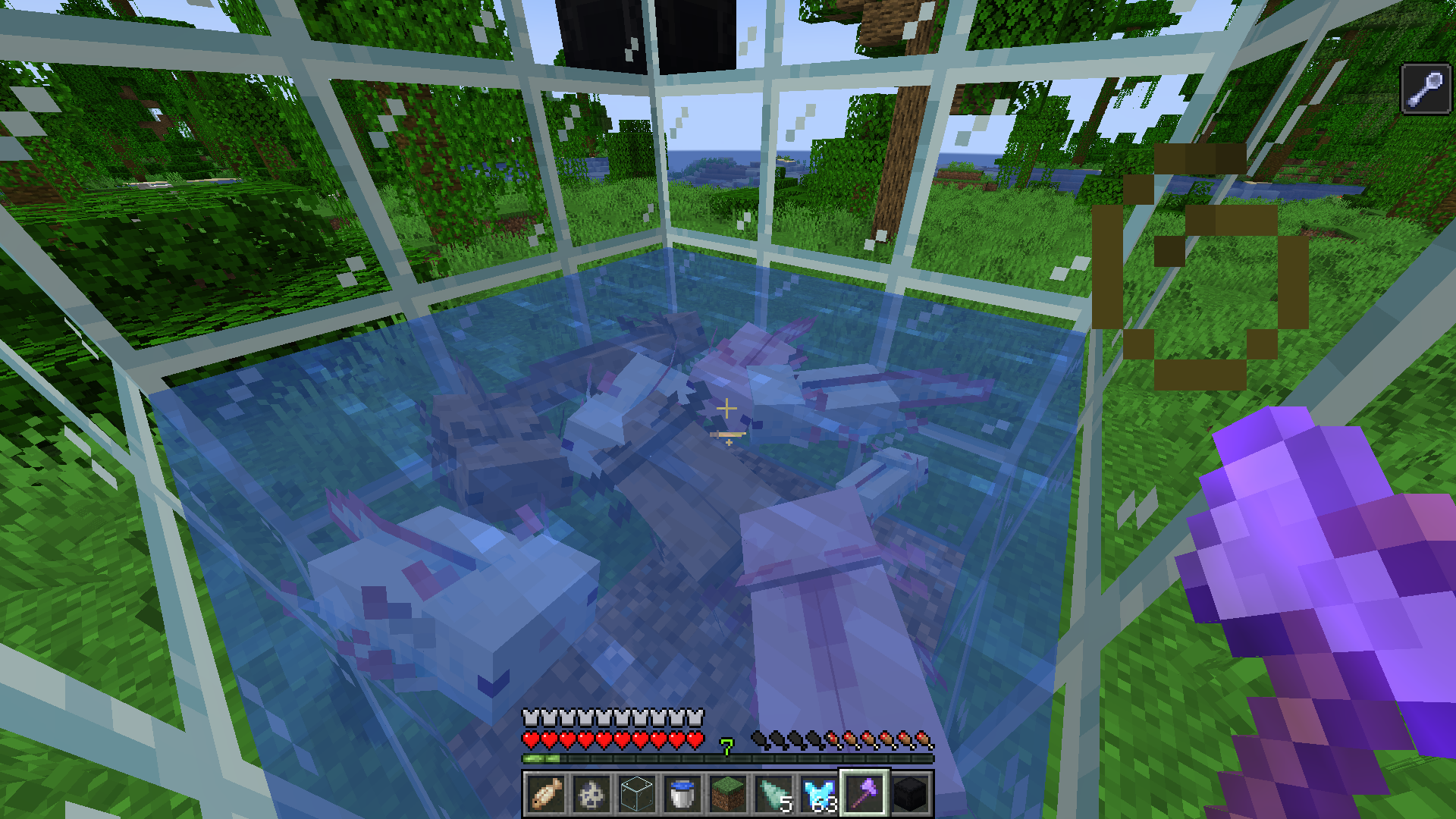



Villagersmove around in bed or even leave the bed when food is thrown at themVillagers can pathfind towards wanted items without properly waking up first
The bug
When a villager detects a desired item while sleeping (such as carrots, bread, or beetroot), it will move towards the item before properly waking up, which causes an incorrect visual of the villager appearing to still be asleep while it pathfinds to items it wants to pick up.
Steps to reproduce
- Place down one or more beds
- Spawn in one or more villagers
- Drop an item on the ground that entice villagers
/give @p minecraft:carrot 1Observed behavior
The villager will move across the ground as if it is still asleep to pick up items.
Expected behavior
The villager should first wake up entirely (standing upright) before walking to the dropped item.
Screenshots/Videos
Code analysis
Here in the create() method of the GoToWantedItem class (which handles a villagers ai behavior to pathfind to desired items) it checks the following conditions for the villager and/or the desired item:
- The item pickup cooldown is empty
- It can start to pickup the item
- The desired item is close enough to the villager
- The villager and desired item are both within the level's world border
However, it does not check for whether the villager is asleep. The villager waking up is only ever executed from create() in WakeUp.
public static <E extends LivingEntity> BehaviorControl<E> create(Predicate<E> startCondition, float speed, boolean requiresWalkTarget, int radius) { return BehaviorBuilder.create((context) -> { BehaviorBuilder<E, ? extends MemoryAccessor<? extends K1, WalkTarget>> behaviorbuilder = requiresWalkTarget ? context.registered(MemoryModuleType.WALK_TARGET) : context.absent(MemoryModuleType.WALK_TARGET); return context.group(context.registered(MemoryModuleType.LOOK_TARGET), behaviorbuilder, context.present(MemoryModuleType.NEAREST_VISIBLE_WANTED_ITEM), context.registered(MemoryModuleType.ITEM_PICKUP_COOLDOWN_TICKS)).apply(context, (lookTarget, walkTarget, nearestVisibleWantedItem, itemPickupCooldownTicks) -> { return (level, entity, time) -> { ItemEntity itementity = context.get(nearestVisibleWantedItem); if ( context.tryGet(itemPickupCooldownTicks).isEmpty() && startCondition.test(entity) && itementity.closerThan(entity, (double)radius) && entity.level().getWorldBorder().isWithinBounds(itementity.blockPosition()) ) { WalkTarget walktarget = new WalkTarget(new EntityTracker(itementity, false), speed, 0); lookTarget.set(new EntityTracker(itementity, true)); walkTarget.set(walktarget); return true; } else { return false; } }; }); }); } }Two possible solutions:
- If the villager should not be able to pathfind/collect the desired item until it has been woken up via the time turning to day, or being manually woken by a player input on it's bed, a check could be added for whether the villager is currently sleeping. If it is, do not try and pathfind. Like so:
if ( context.tryGet(itemPickupCooldownTicks).isEmpty() && startCondition.test(entity) && itementity.closerThan(entity, (double)radius) && entity.level().getWorldBorder().isWithinBounds(itementity.blockPosition()) //Fix && !entity.isSleeping() //Fix end )- If the villager should still be able to wake up as it does currently while sleeping, the villager should first properly and entirely wake up before pathfinding to collect the item. This could be done by adding a check to see if the villager is sleeping. If it is, wake up the villager first before executing the rest of the code.
//Fix if (entity.isSleeping()) { entity.stopSleeping(); } //Fix end WalkTarget walktarget = new WalkTarget(new EntityTracker(itementity, false), speed, 0); lookTarget.set(new EntityTracker(itementity, true)); walkTarget.set(walktarget); return true;This is how it looks compared with the new behavior in suggestion 2:
2023-07-19_20-02-36.mp4Description by [~JingyBreadMan]
The bug
When a villager detects a desired item while sleeping (such as carrots, bread, or beetroot), it will move towards the item before properly waking up, which causes an incorrect visual of the villager appearing to still be asleep while it pathfinds to items it wants to pick up.
Steps to reproduce
- Place down one or more beds
- Spawn in one or more villagers
- Drop an item on the ground that entice villagers
/give @p minecraft:carrot 1Observed behavior
The villager will move across the ground as if it is still asleep to pick up items.
Expected behavior
The villager should first wake up entirely (standing upright) before walking to the dropped item.
Screenshots/Videos
Code analysis
Here in the create() method of the GoToWantedItem class (which handles a villagers ai behavior to pathfind to desired items) it checks the following conditions for the villager and/or the desired item:
- The item pickup cooldown is empty
- It can start to pickup the item
- The desired item is close enough to the villager
- The villager and desired item are both within the level's world border
However, it does not check for whether the villager is asleep. The villager waking up is only ever executed from create() in WakeUp.
public static <E extends LivingEntity> BehaviorControl<E> create(Predicate<E> startCondition, float speed, boolean requiresWalkTarget, int radius) { return BehaviorBuilder.create((context) -> { BehaviorBuilder<E, ? extends MemoryAccessor<? extends K1, WalkTarget>> behaviorbuilder = requiresWalkTarget ? context.registered(MemoryModuleType.WALK_TARGET) : context.absent(MemoryModuleType.WALK_TARGET); return context.group(context.registered(MemoryModuleType.LOOK_TARGET), behaviorbuilder, context.present(MemoryModuleType.NEAREST_VISIBLE_WANTED_ITEM), context.registered(MemoryModuleType.ITEM_PICKUP_COOLDOWN_TICKS)).apply(context, (lookTarget, walkTarget, nearestVisibleWantedItem, itemPickupCooldownTicks) -> { return (level, entity, time) -> { ItemEntity itementity = context.get(nearestVisibleWantedItem); if ( context.tryGet(itemPickupCooldownTicks).isEmpty() && startCondition.test(entity) && itementity.closerThan(entity, (double)radius) && entity.level().getWorldBorder().isWithinBounds(itementity.blockPosition()) ) { WalkTarget walktarget = new WalkTarget(new EntityTracker(itementity, false), speed, 0); lookTarget.set(new EntityTracker(itementity, true)); walkTarget.set(walktarget); return true; } else { return false; } }; }); }); } }Two possible solutions:
- If the villager should not be able to pathfind/collect the desired item until it has been woken up via the time turning to day, or being manually woken by a player input on it's bed, a check could be added for whether the villager is currently sleeping. If it is, do not try and pathfind. Like so:
if ( context.tryGet(itemPickupCooldownTicks).isEmpty() && startCondition.test(entity) && itementity.closerThan(entity, (double)radius) && entity.level().getWorldBorder().isWithinBounds(itementity.blockPosition()) //Fix && !entity.isSleeping() //Fix end )
- If the villager should still be able to wake up as it does currently while sleeping, the villager should first properly and entirely wake up before pathfinding to collect the item. This could be done by adding a check to see if the villager is sleeping. If it is, wake up the villager first before executing the rest of the code.
//Fix if (entity.isSleeping()) { entity.stopSleeping(); } //Fix end WalkTarget walktarget = new WalkTarget(new EntityTracker(itementity, false), speed, 0); lookTarget.set(new EntityTracker(itementity, true)); walkTarget.set(walktarget); return true;This is how it looks compared with the new behavior in suggestion 2:
2023-07-19_20-02-36.mp4Description by [~JingyBreadMan]
The bug
When a villager detects a desired item while sleeping (such as carrots, bread, or beetroot), it will move towards th
eitem beforeproperly waking up, whichcauses an incorrect visualof the villager appearingto still be asleepwhile it pathfinds to items it wants to pick up.Steps to
reproduce
- Place down one or more beds
- Spawn in one or more villagers
- Drop an item on the ground that entice villagers
/give @p minecraft:carrot 1Observed
behaviorThe villager will move across the ground as if it is still asleep to pick up items.
Expected
behaviorThe villager should first wake up entirely (standing upright) before walking to the dropped item, or not detect items while asleep in the first place.
Screenshots/VideosCode
analysisHere in the create() method of the GoToWantedItem class (which handles a villagers ai behavior to pathfind to desired items) it checks the following conditions for the villager and/or the desired item:
- The item pickup cooldown is empty
- It can start to pickup the item
- The desired item is close enough to the villager
- The villager and desired item are both within the level's world border
However, it does not check for whether the villager is asleep. The villager waking up is only ever executed from create() in WakeUp.
public static <E extends LivingEntity> BehaviorControl<E> create(Predicate<E> startCondition, float speed, boolean requiresWalkTarget, int radius) { return BehaviorBuilder.create((context) -> { BehaviorBuilder<E, ? extends MemoryAccessor<? extends K1, WalkTarget>> behaviorbuilder = requiresWalkTarget ? context.registered(MemoryModuleType.WALK_TARGET) : context.absent(MemoryModuleType.WALK_TARGET); return context.group(context.registered(MemoryModuleType.LOOK_TARGET), behaviorbuilder, context.present(MemoryModuleType.NEAREST_VISIBLE_WANTED_ITEM), context.registered(MemoryModuleType.ITEM_PICKUP_COOLDOWN_TICKS)).apply(context, (lookTarget, walkTarget, nearestVisibleWantedItem, itemPickupCooldownTicks) -> { return (level, entity, time) -> { ItemEntity itementity = context.get(nearestVisibleWantedItem); if ( context.tryGet(itemPickupCooldownTicks).isEmpty() && startCondition.test(entity) && itementity.closerThan(entity, (double)radius) && entity.level().getWorldBorder().isWithinBounds(itementity.blockPosition()) ) { WalkTarget walktarget = new WalkTarget(new EntityTracker(itementity, false), speed, 0); lookTarget.set(new EntityTracker(itementity, true)); walkTarget.set(walktarget); return true; } else { return false; } }; }); }); } }Two
possiblesolutions:
- If the villager should not be able to pathfind/collect the desired item until it has been woken up via the time turning to day, or being manually woken by a player input on it's bed, a check could be added for whether the villager is currently sleeping. If it is, do not try and pathfind. Like so:
if ( context.tryGet(itemPickupCooldownTicks).isEmpty() && startCondition.test(entity) && itementity.closerThan(entity, (double)radius) && entity.level().getWorldBorder().isWithinBounds(itementity.blockPosition()) //Fix && !entity.isSleeping() //Fix end )
- If the villager should still be able to wake up as it does currently while sleeping, the villager should first properly and entirely wake up before pathfinding to collect the item. This could be done by adding a check to see if the villager is sleeping. If it is, wake up the villager first before executing the rest of the code.
//Fix if (entity.isSleeping()) { entity.stopSleeping(); } //Fix end WalkTarget walktarget = new WalkTarget(new EntityTracker(itementity, false), speed, 0); lookTarget.set(new EntityTracker(itementity, true)); walkTarget.set(walktarget); return true;This is how it looks compared with the new behavior in suggestion 2:
2023-07-19_20-02-36.mp4Description by [Mod] Jiingy
When a villager detects a desired item while sleeping (such as carrots, bread, or beetroot), it will move towards that item before entirely waking up. This causes an incorrect visual for the player where the villager appears to still be asleep (laying down horizontally) while it pathfinds towards any applicable item(s).
Steps to Reproduce:
- Place down one or more beds
- Spawn in one or more villagers
- Drop an item on the ground that entice villagers
/give @p minecraft:carrot 1Observed Behavior:
The villager will move across the ground as if it is still asleep to pick up items.
Expected Behavior:
The villager should first wake up entirely (standing upright) before walking to the dropped item, or not detect items while asleep in the first place.
Video:
Code Analysis:
Here in the create() method of the GoToWantedItem class (which handles a villagers ai behavior to pathfind to desired items) it checks the following conditions for the villager and/or the desired item:
- The item pickup cooldown is empty
- It can start to pickup the item
- The desired item is close enough to the villager
- The villager and desired item are both within the level's world border
However, it does not check for whether the villager is asleep. The villager waking up is only ever executed from create() in WakeUp.
public static <E extends LivingEntity> BehaviorControl<E> create(Predicate<E> startCondition, float speed, boolean requiresWalkTarget, int radius) { return BehaviorBuilder.create((context) -> { BehaviorBuilder<E, ? extends MemoryAccessor<? extends K1, WalkTarget>> behaviorbuilder = requiresWalkTarget ? context.registered(MemoryModuleType.WALK_TARGET) : context.absent(MemoryModuleType.WALK_TARGET); return context.group(context.registered(MemoryModuleType.LOOK_TARGET), behaviorbuilder, context.present(MemoryModuleType.NEAREST_VISIBLE_WANTED_ITEM), context.registered(MemoryModuleType.ITEM_PICKUP_COOLDOWN_TICKS)).apply(context, (lookTarget, walkTarget, nearestVisibleWantedItem, itemPickupCooldownTicks) -> { return (level, entity, time) -> { ItemEntity itementity = context.get(nearestVisibleWantedItem); if ( context.tryGet(itemPickupCooldownTicks).isEmpty() && startCondition.test(entity) && itementity.closerThan(entity, (double)radius) && entity.level().getWorldBorder().isWithinBounds(itementity.blockPosition()) ) { WalkTarget walktarget = new WalkTarget(new EntityTracker(itementity, false), speed, 0); lookTarget.set(new EntityTracker(itementity, true)); walkTarget.set(walktarget); return true; } else { return false; } }; }); }); } }Two Possible Solutions:
- If the villager should not be able to pathfind/collect the desired item until it has been woken up via the time turning to day, or being manually woken by a player input on it's bed, a check could be added for whether the villager is currently sleeping. If it is, do not try and pathfind. Like so:
if ( context.tryGet(itemPickupCooldownTicks).isEmpty() && startCondition.test(entity) && itementity.closerThan(entity, (double)radius) && entity.level().getWorldBorder().isWithinBounds(itementity.blockPosition()) //Fix && !entity.isSleeping() //Fix end )- If the villager should still be able to wake up as it does currently while sleeping, the villager should first properly and entirely wake up before pathfinding to collect the item. This could be done by adding a check to see if the villager is sleeping. If it is, wake up the villager first before executing the rest of the code.
//Fix if (entity.isSleeping()) { entity.stopSleeping(); } //Fix end WalkTarget walktarget = new WalkTarget(new EntityTracker(itementity, false), speed, 0); lookTarget.set(new EntityTracker(itementity, true)); walkTarget.set(walktarget); return true;This is how it looks compared with the new behavior in suggestion 2:
2023-07-19_20-02-36.mp4
This is the Java Edition bug report page, the nintendo switch version is considered the Bedrock Edition of the game.
Please report the issue here. And I would recommend providing more details in the issue such as steps to reproduce the issue, and a screenshot or video if possible.

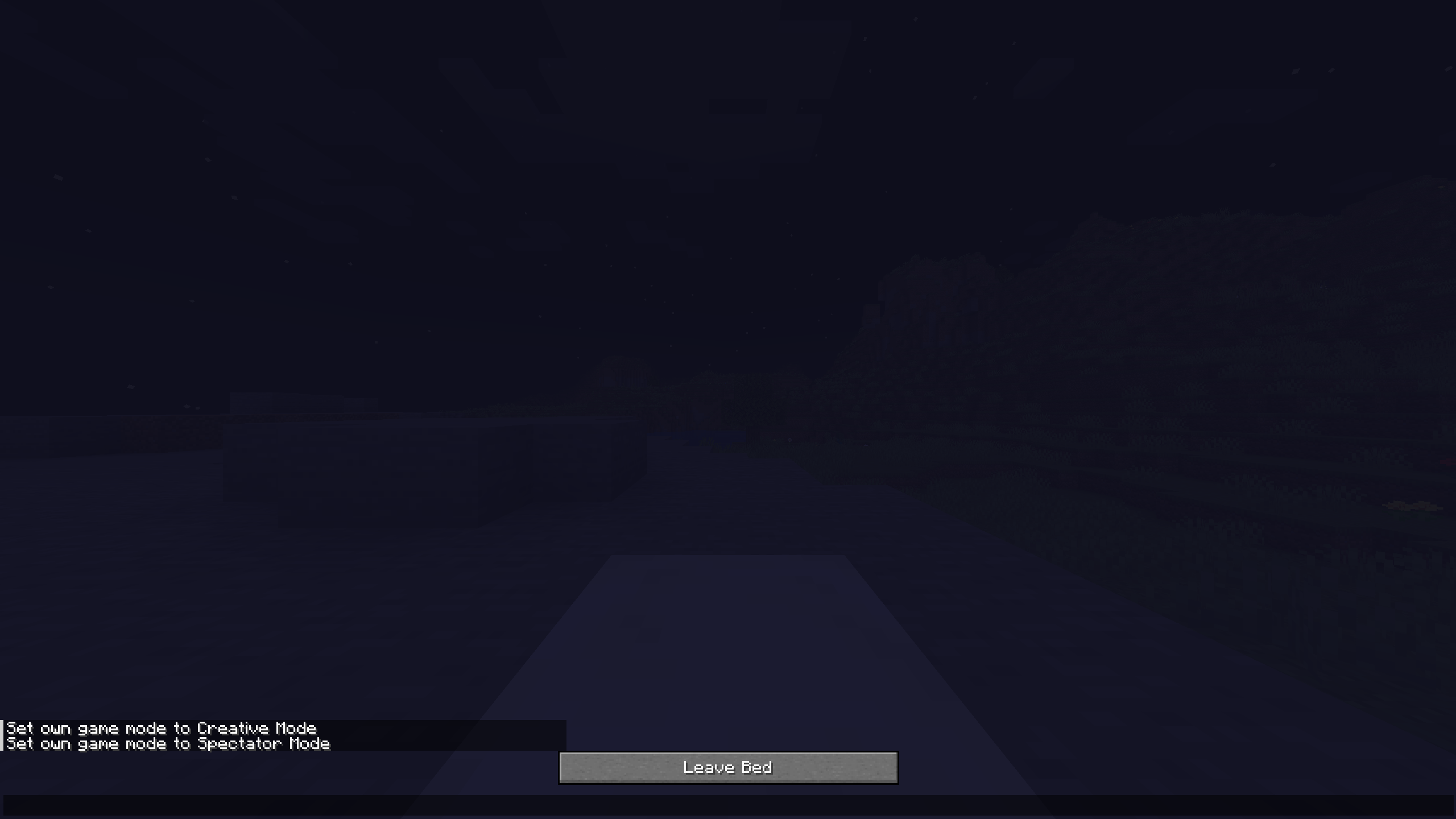
is caused by
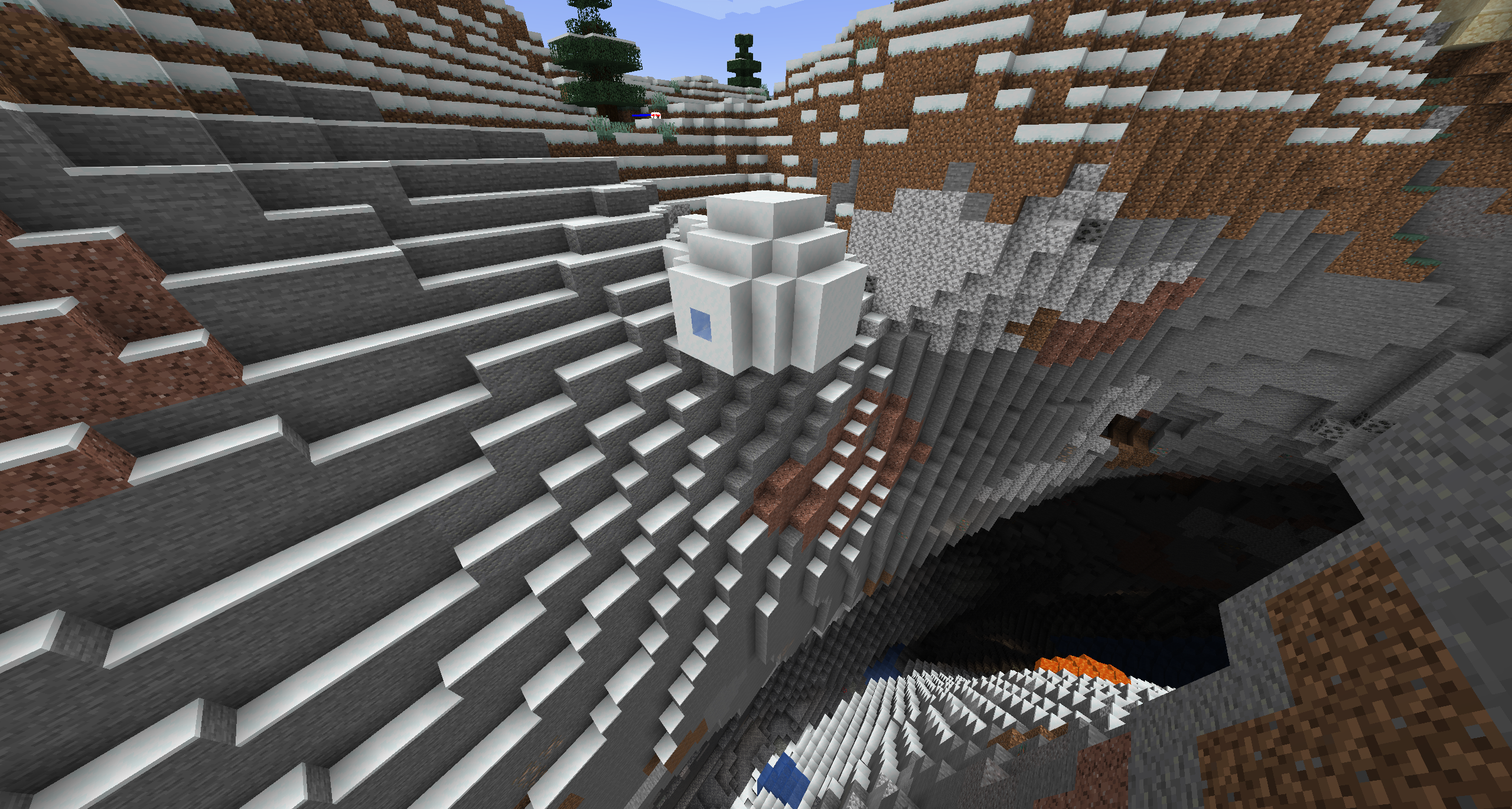
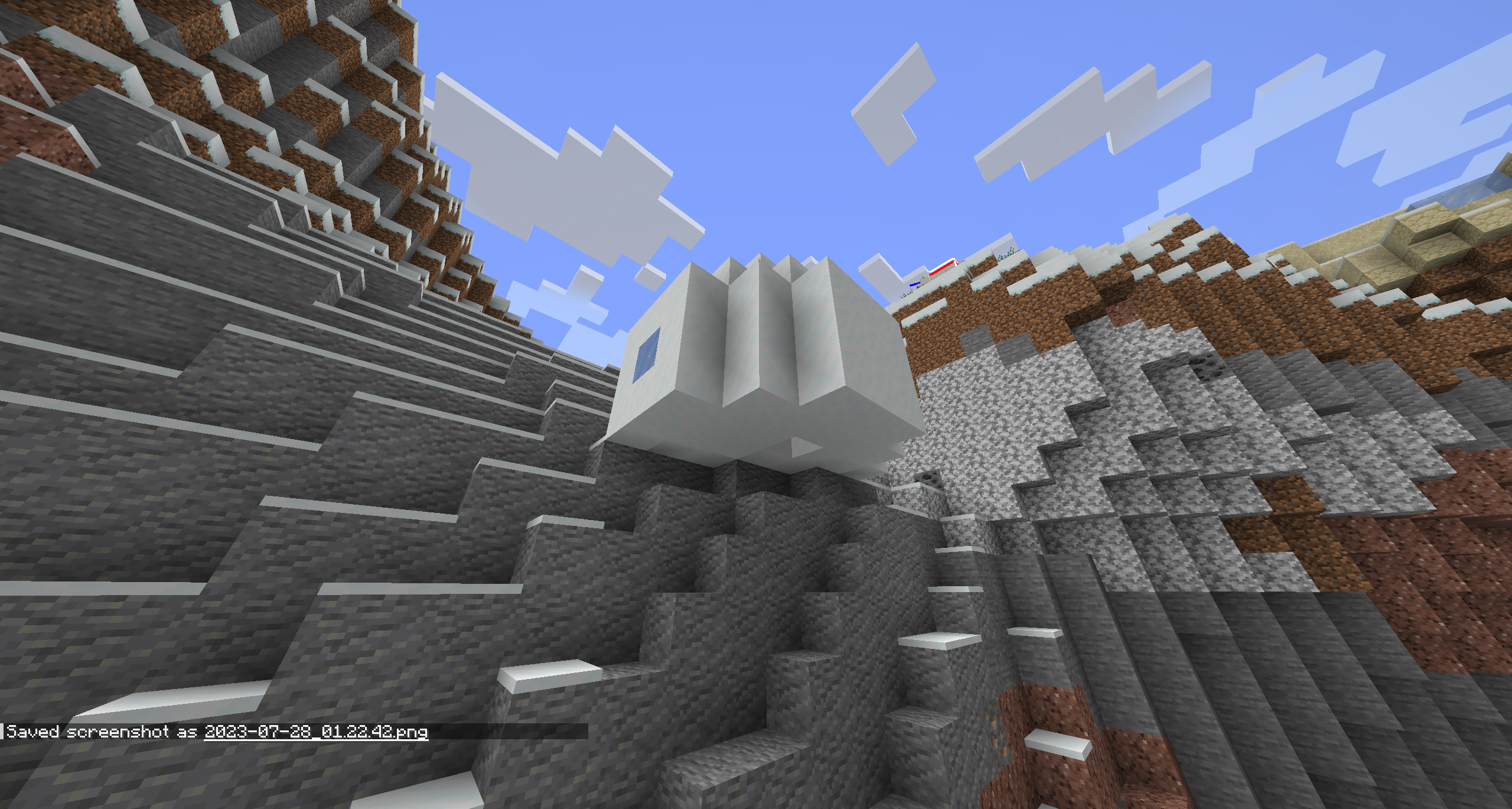
when keepInventory set to true, items in a workbench should be moved back in the inventory, like when closing the window.The Bug:
When the player dies, they will drop items that were put inside of a 'temporary' GUI slot (not a chest, furnace, brewing stand, etc) despite the fact that they are still within the player's inventory at the time, and not permenantly stored inside of a container.
This issue applies for the following block GUI's:
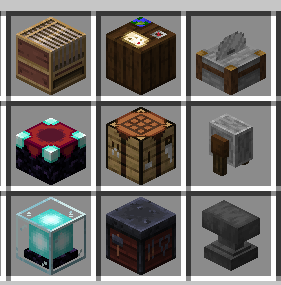
Steps to Reproduce:
Note: enable keepInventory gamerule
On LAN:
- Player 1 open a container
- Player 1 set an item into a "temporary" holding slot
- Player 2 kill Player 1
- Observe behavior
Single Player
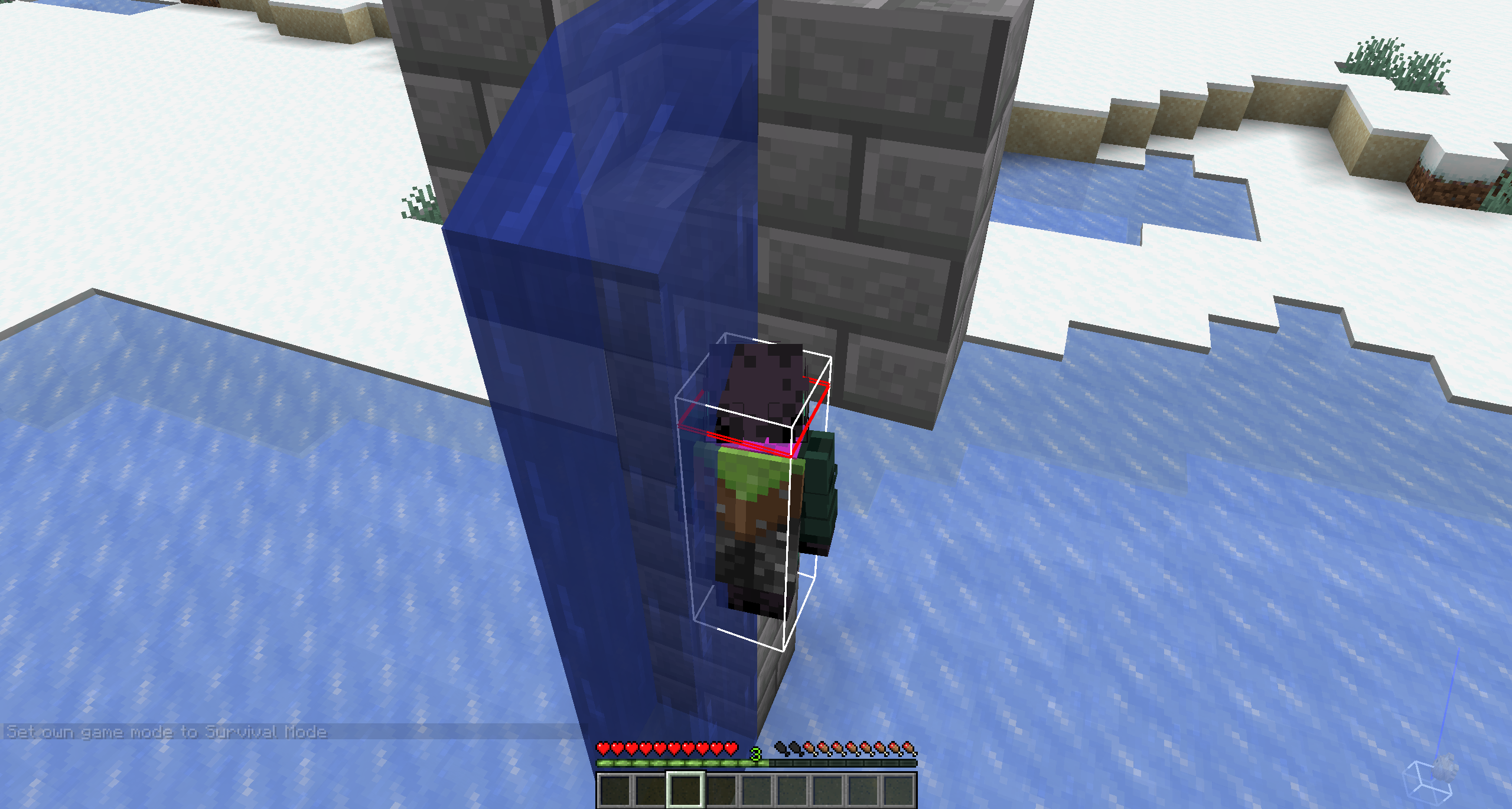
- Set up an 8 block long water stream leading into a pressure plate
- Place a command block next to the pressure plate (must be activated upon stepping on pressure plate) and use the following command:
/kill @s- Place one of the listed blocks above in the image near the end of the water stream
- Walk into water stream with an item in your inventory
- When possible, open the respective block's GUI and insert an item into one of the applicable slots (do not close the GUI)
- Observe behavior
Set-up should look something like this:

Observed Results:
The player will drop the items that were inserted into the block
Expected Results:
The items would not drop from the players inventory, and would instead be returned if enough space is available.
Items placed in crafting table interface drop after death if gamerulekeepInventoryis trueUpon death, items inside of a temporary GUI slot will be dropped even with keepInventory enabled
The Bug:
When the player dies, they will drop items that were put inside of a 'temporary' GUI slot (not a chest, furnace, brewing stand, etc) despite the fact that they are still within the player's inventory at the time, and not permenantly stored inside of a container.
This issue applies for the following block GUI's:
Steps to Reproduce:
Note: enable keepInventory gamerule
On LAN:
- Player 1 open a container
- Player 1 set an item into a "temporary" holding slot
- Player 2 kill Player 1
- Observe behavior
Single Player
- Set up an 8 block long water stream leading into a pressure plate
- Place a command block next to the pressure plate (must be activated upon stepping on pressure plate) and use the following command:
/kill @s- Place one of the listed blocks above in the image near the end of the water stream
- Walk into water stream with an item in your inventory
- When possible, open the respective block's GUI and insert an item into one of the applicable slots (do not close the GUI)
- Observe behavior
Set-up should look something like this:
Observed Results:
The player will drop the items that were inserted into the block
Expected Results:
The items would not drop from the players inventory, and would instead be returned if enough space is available.
The Bug:
When the player dies, they will drop items that were put inside of a 'temporary' GUI slot (not a chest, furnace, brewing stand, etc) despite the fact that they are still within the player's inventory at the time, and not permenantly stored inside of a container.
This issue applies for the following block GUI's:
Steps to Reproduce:
Note: enable keepInventory gamerule
On LAN:
- Player 1 open a container
- Player 1 should set an item into a "temporary" holding slot
- Player 2 must kill Player 1
Single Player
- Set up an 8 block long water stream leading into a pressure plate
- Place a command block next to the pressure plate (must be activated upon stepping on pressure plate) and use the following command:
/kill @s- Place one of the listed blocks above in the image near the end of the water stream
- Walk into water stream with an item in your inventory
- When possible, open the respective block's GUI and insert an item into one of the applicable slots (do not close the GUI)
- Observe behavior
Set-up should look something like this:
Observed Results:
The player will drop the items that were inserted into the block
Expected Results:
The items would not drop from the players inventory, and would instead be returned if enough space is available.
Upon death, items inside of a temporary GUI slot will be dropped even with keepInventory enabledAfter dying, items inside of a temporary GUI slot will be dropped even with the keepInventory gamerule enabled
The Bug:
When the player dies, they will drop items that were put inside of a 'temporary' GUI slot (not a chest, furnace, brewing stand, etc) despite the fact that they are still within the player's inventory at the time, and not permenantly stored inside of a container.
This issue applies for the following block GUI's:
Steps to Reproduce:
Note: enable keepInventory gameruleOn LAN:
- Player 1 open a container
- Player 1 should set an item into a "temporary" holding slot
- Player 2 must kill Player 1
Single
Player
- Set up an 8 block long water stream leading into a pressure plate
- Place a command block next to the pressure plate (must be activated upon stepping on pressure plate) and use the following command:
/kill @s- Place one of the listed blocks above in the image near the end of the water stream
- Walk into water stream with an item in your inventory
- When possible, open the respective block's GUI and insert an item into one of the applicable slots (do not close the GUI)
- Observe behavior
Set-up should look something like this:
Observed Results:
The player will drop the items that were inserted into the block
Expected Results:
The items would not drop from the players inventory, and would instead be returned if enough space is available.
When the player dies, they will drop items that were put inside of a 'temporary' GUI slot (not a chest, furnace, brewing stand, etc) despite the fact that they are still within the player's inventory at the time, and not permenantly stored inside of a container.
This issue applies for the following block GUI's:
Steps to Reproduce:
Enable keepInventory gamerule before either test
On LAN:
- Player 1 open a container
- Player 1 should set an item into a "temporary" holding slot
- Player 2 must kill Player 1
Singleplayer
- Set up an 8 block long water stream leading into a pressure plate
- Place a command block next to the pressure plate (must be activated upon stepping on pressure plate) and use the following command:
/kill @s- Place one of the listed blocks above in the image near the end of the water stream
- Walk into water stream with an item in your inventory
- When possible, open the respective block's GUI and insert an item into one of the applicable slots (do not close the GUI)
- Observe behavior
Set-up should look something like this:
Observed Results:
The player will drop the items that were inserted into the block.
Expected Results:
The items would not drop from the players inventory, and would instead be returned if enough space is available.
Notes:
Related to other keepInventory issues:
MC-97163 MC-258154 MC-133218 MC-148765
When the player dies, they will drop items that were put inside of a 'temporary' GUI slot (not a chest, furnace, brewing stand, etc) despite the fact that they are still within the player's inventory at the time, and not permenantly stored inside of a container.
This issue applies for the following block GUI's:
Steps to Reproduce:
Enable keepInventory gamerule before either test
On LAN:
- Player 1 open a container
- Player 1 should set an item into a "temporary" holding slot
- Player 2 must kill Player 1
Singleplayer
- Set up an 8 block long water stream leading into a pressure plate
- Place a command block next to the pressure plate (must be activated upon stepping on pressure plate) and use the following command:
/kill @s- Place one of the listed blocks above in the image near the end of the water stream
- Walk into water stream with an item in your inventory
- When possible, open the respective block's GUI and insert an item into one of the applicable slots (do not close the GUI)
- Observe behavior
Set-up should look something like this:
Observed Results:
The player will drop the items that were inserted into the block.
Expected Results:
The items would not drop from the players inventory, and would instead be returned if enough space is available.
Notes:
Related to other keepInventory issues:
MC-97163 MC-258154 MC-133218 MC-148765
The GUI texture "legacy_smithing.png" still exists in the game files, despite not being used anymore. As the smithing table's functionality has been fully implemented and is no longer implemented via a datapack, this texture is no longer possible to see in game.
Old (Unused):

New:

The GUI texture "legacy_smithing.png" still exists in the game files, despite not being used anymore. As the smithing table's functionality has been fully implemented and is no longer implemented via a datapack, this texture is no longer possible to see in game.
Old (Unused):
New:
The bug
Some outlines on item slots are embedded on their respective GUI texture, instead of being a separate texture that is dynamically added if no item is in the slot (as is currently done with armor and the off-hand, for example).
This causes the item outlines to remain after an item was placed in the slot; therefore, an overlap may occur if the item does not match the outline exactly, which is, for example, the case with splash or lingering potions in the potion slots of a brewing stand.Affected GUIs
- brewing stand
- fuel slot
- potion slots
- enchanting table
- lapis lazuli slot
- horse
- saddle slot
- horse armor slot
- llama
- carpet slot
- smithing table
- ingot slot
Steps to reproduce (brewing stand)
- Get a brewing stand
- Put a normal potion in one of the slots
→ You can see no outline- Now put a splash/lingering potion
→ Part of the slot outline is still visibleYou can do the following to verify that, for example, the armor slot outlines work differently:
- Get some armor
- Open your inventory and place the armor item in the respective slot(s)
→ All the outline disappears, even if the piece shape doesn't cover it completely
The bug
Some outlines on item slots are embedded on their respective GUI texture, instead of being a separate texture that is dynamically added if no item is in the slot (as is currently done with armor and the off-hand, for example).
This causes the item outlines to remain after an item was placed in the slot; therefore, an overlap may occur if the item does not match the outline exactly, which is, for example, the case with splash or lingering potions in the potion slots of a brewing stand.Affected GUIs
- brewing stand
- fuel slot
- potion slots
- enchanting table
- lapis lazuli slot
- horse
- saddle slot
- horse armor slot
- llama
- carpet slot
- smithing table
- ingot slot
Steps to reproduce (brewing stand)
- Get a brewing stand
- Put a normal potion in one of the slots
→ You can see no outline- Now put a splash/lingering potion
→ Part of the slot outline is still visibleYou can do the following to verify that, for example, the armor slot outlines work differently:
- Get some armor
- Open your inventory and place the armor item in the respective slot(s)
→ All the outline disappears, even if the piece shape doesn't cover it completelyThe bug
Some item slot textures are embedded into their respective GUI texture assets rather than being dynamically rendered depending on whether or not an applicable item is inserted into the slot. This can cause issues such as the item slot texture still being visible after an item has been placed into the slot, and not clearly showcasing what items are applicable for said slot (such as; the brewing stand potion slots).
Affected GUIs
Brewing stand
Potion slots 1, 2, and 3 -> Does not indicate that both splash & lingering potions can be inserted into the slot as the texture is simply a regular bottle.Enchanting table:
Lapis lazuli slot -> While only lapis is the only applicable item for this slot meaning there is no apparant visual issue, the texture is still not dynamic.Horse // Llama:
– saddle slot
– horse armor slotLlama
– carpet slotSmithing table
– ingot slotSteps to reproduce (brewing stand)
- Get a brewing stand
- Put a normal potion in one of the slots
→ You can see no outline- Now put a splash/lingering potion
→ Part of the slot outline is still visibleYou can do the following to verify that, for example, the armor slot outlines work differently:
- Get some armor
- Open your inventory and place the armor item in the respective slot(s)
→ All the outline disappears, even if the piece shape doesn't cover it completely
The bug
Some item slot textures are embedded into their respective GUI texture assets rather than being dynamically rendered depending on whether or not an applicable item is inserted into the slot. This can cause issues such as the item slot texture still being visible after an item has been placed into the slot, and not clearly showcasing what items are applicable for said slot (such as; the brewing stand potion slots).
Affected GUIs
Brewing stand
Potion slots 1, 2, and 3 -> Does not indicate that both splash & lingering potions can be inserted into the slot as the texture is simply a regular bottle.Enchanting table:
Lapis lazuli slot -> While only lapis is the only applicable item for this slot meaning there is no apparant visual issue, the texture is still not dynamic.Horse // Llama:
– saddle slot
– horse armor slotLlama
– carpet slotSmithing table
– ingot slotSteps to reproduce (brewing stand)
- Get a brewing stand
- Put a normal potion in one of the slots
→ You can see no outline- Now put a splash/lingering potion
→ Part of the slot outline is still visibleYou can do the following to verify that, for example, the armor slot outlines work differently:
- Get some armor
- Open your inventory and place the armor item in the respective slot(s)
→ All the outline disappears, even if the piece shape doesn't cover it completelyThe bug
Some item slot textures are embedded into their respective GUI texture assets rather than being dynamically rendered depending on whether or not an applicable item is inserted into the slot. This can cause issues such as the item slot texture still being visible after an item has been placed into the slot, and not clearly showcasing what items are applicable for said slot (such as; the brewing stand potion slots).
Affected GUIs
Brewing stand
Potion slots 1, 2, and 3 -> Does not indicate that both splash & lingering potions can be inserted into the slot as the texture is simply a regular bottle.Enchanting table:
Lapis lazuli slot -> While only lapis is the only applicable item for this slot meaning there is no apparant visual issue, the texture is still not dynamic.Horse // Llama:
Saddle, Armor, and Carpet slots -> None of these cause visual issues, but nonetheless are not dynamically rendered.Possible fixes
All listed GUIs:
1. (If applicable) Cycle through all possible items for the respective slots (as the smithing table currently does for it's "Material" slot).
2. Dynamically render the slot depending on if an item is inserted or not.Brewing stand:
Add a new slot texture to be used for splash, and lingering potions:
Spash ->
Lingering ->
The bug
Some item slot textures are embedded into their respective GUI texture assets rather than being dynamically rendered depending on whether or not an applicable item is inserted into the slot. This can cause issues such as the item slot texture still being visible after an item has been placed into the slot, and not clearly showcasing what items are applicable for said slot (such as; the brewing stand potion slots).
Affected GUIs
Brewing stand
Potion slots 1, 2, and 3 -> Does not indicate that both splash & lingering potions can be inserted into the slot as the texture is simply a regular bottle.Enchanting table:
Lapis lazuli slot -> While only lapis is the only applicable item for this slotmeaningthere is no apparant visual issue,the texture is still not dynamic.Horse // Llama:
Saddle, Armor, and Carpet slots -> None of these cause visual issues, but nonetheless are not dynamically rendered.Possible fixes
All listed GUIs:
1. (If applicable) Cycle through all possible items for the respective slots (as the smithing table currently does for it's "Material" slot).
2. Dynamically render the slot depending on if an item is inserted or not.Brewing stand:
Add a new slot texture to be used for splash, and lingering potions:
Spash ->
Lingering ->The bug
Some item slot textures are embedded into their respective GUI texture assets rather than being dynamically rendered depending on whether or not an applicable item is inserted into the slot. This can cause issues such as the item slot texture still being visible after an item has been placed into the slot, and not clearly showcasing what items are applicable for said slot (such as; the brewing stand potion slots).
Affected GUIs
Brewing stand
Potion slots 1, 2, and 3 -> Does not indicate that both splash & lingering potions can be inserted into the slot as the texture is simply a regular bottle.
Fuel slot -> While only blaze powder is the only applicable item for this slot (there is no apparant visual issue) the texture is still not dynamic.Enchanting table:
Lapis lazuli slot -> While only lapis lazuli is the only applicable item for this slot (there is no apparant visual issue) the texture is still not dynamic.Horse // Llama:
Saddle, Armor, and Carpet slots -> None of these cause visual issues, but nonetheless these are not dynamically rendered.Possible fixes
All listed GUIs:
1. (If applicable) Cycle through all possible items for the respective slots (as the smithing table currently does for it's "Material" slot).
2. Dynamically render the slot depending on if an item is inserted or not.Brewing stand:
Add a new slot texture to be used for splash, and lingering potions:
Spash ->
Lingering ->
Separate item outlines for slots arenot consistently used for all GUIsDynamic rendering of item slot textures is not consistently used for all GUIs
The bug
Some item slot textures are embedded into their respective GUI texture assets rather than being dynamically rendered depending on whether or not an applicable item is inserted into the slot. This can cause issues such as the item slot texture still being visible after an item has been placed into the slot, and not clearly showcasing what items are applicable for said slot (such as; the brewing stand potion slots).
Affected GUIs
Brewing stand
Potion slots 1, 2, and 3 -> Does not indicate that both splash & lingering potions can be inserted into the slot as the texture is simply a regular bottle.
Fuel slot -> While only blaze powder is the only applicable item for this slot (there is no apparant visual issue) the texture is still not dynamic.Enchanting table:
Lapis lazuli slot -> While only lapis lazuli is the only applicable item for this slot (there is no apparant visual issue) the texture is still not dynamic.Horse // Llama:
Saddle, Armor, and Carpet slots -> None of these cause visual issues, but nonetheless these are not dynamically rendered.Possible fixes
All listed GUIs:
1.(If applicable)Cycle through all possible items for the respective slots (as the smithing table currently does for it's "Material" slot).
2. Dynamically rendertheslot depending on if an item is inserted or not.Brewing stand:
Add a new slottexture to be used for splash, and lingering potions:
Spash ->
Lingering ->The bug
Some item slot textures are embedded into their respective GUI texture assets rather than being dynamically rendered depending on whether or not an applicable item is inserted into the slot. This can cause issues such as the item slot texture still being visible after an item has been placed into the slot, and not clearly showcasing what items are applicable for said slot (such as; the brewing stand potion slots).
Affected GUIs
Brewing stand
Potion slots 1, 2, and 3 -> Does not indicate that both splash & lingering potions can be inserted into the slot as the texture is simply a regular bottle.
Fuel slot -> While only blaze powder is the only applicable item for this slot (there is no apparant visual issue) the texture is still not dynamic.Possible fix
1. Cycle through all possible potion items for the three respective "output" slots (as the smithing table currently does for it's "Material" slot).
2. Dynamically render both the "fuel" and three "output" slots depending on if an item is inserted or not.Add a new sprite texture to be used for splash, and lingering potions:
Spash ->
Lingering ->
The bug
Some item slot textures are embedded into their respective GUI texture assets rather than being dynamically rendered depending on whether or not an applicable item is inserted into the slot. This can cause issues such as the item slot texture still being visible after an item has been placed into the slot, and not clearly showcasing what items are applicable for said slot (such as; the brewing stand potion slots).
Affected GUIs
Brewing stand
Potionslots 1, 2, and 3 -> Does not indicate that both splash & lingering potions can be inserted into the slot as the texture is simply a regular bottle.
Fuel slot -> While only blaze powder is the only applicable item for this slot (there is no apparant visual issue) the texture is still not dynamic.Possible fix
1. Cycle through all possible potion items for the three respective "output" slots (as the smithing table currently does for it's "Material" slot).
2.Dynamically render both the "fuel" and three "output" slots depending on if an item is inserted or not.Add a new sprite texture to be used for splash, and lingering potions:
Spash ->
Lingering ->The bug
Some item slot textures are embedded into their respective GUI texture assets rather than being dynamically rendered depending on whether or not an applicable item is inserted into the slot. This can cause issues such as the item slot texture still being visible after an item has been placed into the slot, and not clearly showcasing what items are applicable for said slot (such as; the brewing stand potion slots).
Affected GUIs
Brewing stand
"Output" slots 1, 2, and 3 -> Does not indicate that both splash & lingering potions can be inserted into the slot as the texture is simply a regular bottle.
Fuel slot -> While only blaze powder is the only applicable item for this slot (there is no apparant visual issue) the texture is still not dynamic.Possible fix
1. Cycle through all possible potion items for the three respective "output" slots (as the smithing table currently does for it's "Material" slot).
2. Add a new sprite texture for the fuel slot
2. Dynamically render both the "fuel" and three "output" slots depending on if an item is inserted or not.
3. Add new sprite texture to be used for splash, and lingering potions:
- Spash ->
- Lingering ->
4.
The bug
Some item slot textures are embedded into their respective GUI texture assets rather than being dynamically rendered depending on whether or not an applicable item is inserted into the slot. This can cause issues such as the item slot texture still being visible after an item has been placed into the slot, and not clearly showcasing what items are applicable for said slot (such as; the brewing stand potion slots).
Affected GUIs
Brewing stand
"Output" slots 1, 2, and 3 -> Does not indicate that both splash & lingering potions can be inserted into the slot as the texture is simply a regular bottle.
Fuel slot -> While only blaze powder is the only applicable item for this slot (there is no apparant visual issue) the texture is still not dynamic.Possible fix
1. Cycle through all possible potion items for the three respective "output" slots (as the smithing table currently does for it's "Material" slot).
2. Add a new sprite texture for the fuel slot
2. Dynamically render both the "fuel" and three "output" slots depending on if an item is inserted or not.
3. Add new sprite texture to be used for splash, and lingering potions:
- Spash ->
- Lingering ->
4.
The bug
Some item slot textures are embedded into their respective GUI texture assets rather than being dynamically rendered depending on whether or not an applicable item is inserted into the slot. This can cause issues such as the item slot texture still being visible after an item has been placed into the slot, and not clearly showcasing what items are applicable for said slot (such as; the brewing stand potion slots).
Affected GUIs
Brewing stand
"Output" slots 1, 2, and 3 -> Does not indicate that both splash & lingering potions can be inserted into the slot as the texture is simply a regular bottle.
Fuel slot -> While only blaze powder is the only applicable item for this slot (there is no apparant visual issue) the texture is still not dynamic.Possible fix
1. Cycle through all possible potion items for the three respective "output" slots (as the smithing table currently does for it's "Material" slot).
2. Add a new sprite texture for the fuel slot
2. Dynamically render both the "fuel" and three "output" slots depending on if an item is inserted or not.
3. Add new sprite texture to be used for splash, and lingering potions:
- Spash ->
- Lingering ->
4.
The bug
Some item slot textures are embedded into their respectiveGUI texture assetsrather than being dynamically rendered depending on whether or not an applicable item is inserted into the slot. This can cause issues such as the item slot texture still being visible after an item has been placed into the slot, and not clearly showcasing what items are applicable for said slot (such as; the brewing stand potion slots).Affected GUIs
Brewing stand
"Output" slots 1, 2, and 3 -> Does not indicate that both splash & lingering potions can be inserted into the slot as the texture is simply a regular bottle.
Fuel slot -> While only blaze powder is the only applicable item for this slot (there is no apparant visual issue) the texture is still not dynamic.Possible
fix
1. Cycle through all possible potion items for the three respective "output" slots (as the smithing table currently does for it's "Material" slot).
2. Add a new sprite texture for the fuel slot2. Dynamically render both the "fuel" and three "output" slots depending on if an item is inserted or not.3. Add new sprite texture to be used for splash, and lingering potions:
- Spash ->
- Lingering ->
4.
The bug
Item slot textures in the brewing stand are embedded into the GUI texture asset rather than being dynamically rendered depending on whether or not an applicable item is inserted into the slot. This can cause issues such as the item slot texture still being visible after an item has been placed into the slot, and not clearly showcasing what items are applicable for said slot (such as; the brewing stand potion slots).
Affected GUIs
Brewing stand
"Output" slots 1, 2, and 3 -> Does not indicate that both splash & lingering potions can be inserted into the slot as the texture is simply a regular bottle.
Fuel slot -> While only blaze powder is the only applicable item for this slot (there is no apparant visual issue) the texture is still not dynamic.Possible Fixes & Suggestions
To fix this issue, the solution is to add new sprite textures to assets\minecraft\textures\gui\sprites\container\brewing_stand rather than having them baked into the brewing stand texture. This would have the brewing stand fall in line with the changes made to all GUI textures in snapshot 23w31a.
Below are both the new new sprite textures that could be added:
- Potion ->

- Fuel ->
Dynamic rendering of item slot textures is not consistently used for all GUIsThe brewing stand GUI does not have container sprites for the fuel and potion output slots
The bug
Item slot textures in the brewing stand are embedded into the GUI textureassetrather thanbeing dynamically rendered depending on whether or not an applicable item is inserted into the slot. This can cause issues such as the item slot texture still being visible after an item has been placed into the slot, and not clearly showcasing what items are applicable for said slot (such as; the brewing stand potion slots).Affected GUIs
Brewing stand
"Output" slots 1, 2, and 3 -> Does not indicate that both splash & lingering potions can be inserted into the slot as the texture is simply a regular bottle.
Fuel slot -> While only blaze powder is the only applicable item for this slot (there is no apparant visual issue) the texture is still not dynamic.Possible Fixes & Suggestions
To fix this issue, the solution is to add new sprite textures to assets\minecraft\textures\gui\sprites\container\brewing_stand rather than having them baked into the brewing stand texture. This would have the brewing stand fall in line with the changes made to all GUI textures in snapshot 23w31a.
Below are both the new new sprite textures that could be added:
- Potion ->
- Fuel ->
The bug
Some item slot textures in the brewing stand GUI are embedded into the GUI texture rather than using dynamic container sprite textures. This can cause issues such as the item slot texture still being visible after an item has been placed into the slot, and not clearly showcasing what items are applicable for said slot (such as; the brewing stand potion slots).
Possible Fixes & Suggestions
To fix this issue, the solution is to add new sprite textures to assets\minecraft\textures\gui\sprites\container\brewing_stand rather than having them baked into the brewing stand texture. This would have the brewing stand fall in line with the changes made to all GUI textures in snapshot 23w31a.
Below are both the new new sprite textures that could be added:
- Potion ->
- Fuel ->


When working with advancements, I noticed that triggers are inconsistently named. The verb and noun are not always at the same position and depending on that, the tense also changes:
Currently, most trigger names have one of these two formats:
"noun_verbed" or "verb_noun"
Examples:
inventory_changed <> changed_dimension
enter_block <> placed_block
Another example of confusion is in 1.16, where the item_used_on_block trigger fires for all block interactions including ones that don't involve an item (eg. playing a noteblock). If this were to say be changed to interacted_with_block to maintain consistency item_used_on_entity would also be renamed to interacted_with_entity.
I feel if new triggers have their name added semi-randomly, we would get confused very often.
Table
Table provided by [Mod] Jiingy
In creative mode, the player can start flying by double-tapping space, but cannot if they are standing in the center of 4 underwater magma blocks.
Steps to Reproduce:
- Build a 2×2 square of magma blocks underwater (must have water sources above) as shown:
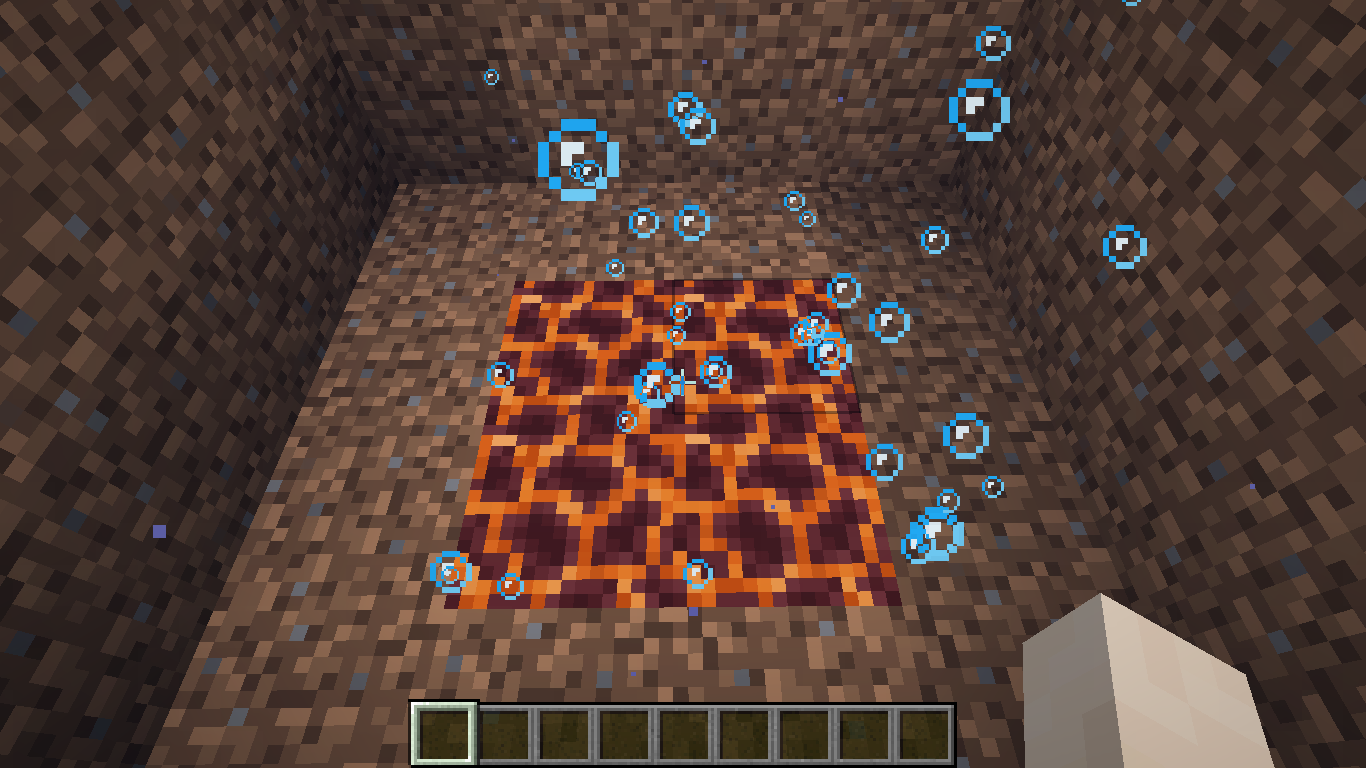
- Stand in the center of the 4 magma blocks
- Double-tap spacebar
Expected & Observed Results:
 → Flight mode will not be activated
 → Flight mode would be activated
Notes:
- Related to
MC-268947MC-256811 MC-147790 MC-68453 - This behavior is unexpected when compared to the fact that the player can enter fly-mode when standing inside a single bubble column.
- This issue was updated after it's original triage date by [Mod] Jiingy on 3/5/2024 to be a bit clearer, but still retains it's original information.

The Bug
Barriers and light don't display particles when the item is held in the second hand.
Steps to Reproduce
- Place down a barrier/light and hold another one in your offhand.
- Make sure particles are set to anything other than "minimal" in your video settings as a result of
MC-47607/MC-221558. - Take note as to whether or not barrier particles are visible when holding barriers in your offhand.
Observed Behavior
Barrier/light particles aren't visible when holding barrier/light in your offhand.
Expected Behavior
Barrier/light particles would be visible when holding barrier/light in your offhand.
Code Analysis
Code analysis by [Mod] Jiingy can be found in this comment.

The Bug
During world random block ticking, if a lava block is selected to tick then it will tick twice, when it should only tick once. In general this is simply a minor behavioral regression from older versions as a result of technical changes, so minor in fact I'm reporting this over a year after I found it. But it should be fixed, as it will result in a small performance gain for random ticks (lava is the most expensive random ticking block in this game) and fix a behavioral regression.
Analysis
Note: All mappings are Mojang mappings.
The cause is from the fact that a lava block has a FluidState and a BlockState, and both are marked as randomly ticking. The code for random tick will run random tick logic for the FluidState if it is marked as randomly ticking, and it will run the code for BlockState random ticking if the BlockState is marked as randomly ticking. You can verify this behavior yourself by looking at ServerLevel#tickChunk(LevelChunk, int). Since the Lava FluidState and BlockState are both marked as randomly ticking, it will be double ticked - unlike other blocks, like dirt, which are not a fluid and as such will not randomly tick twice.
I verified with older versions (1.12.2) that this kind of logic was not intentional. I found that the random tick implementation is basically the same for Lava. Also, Lava in 1.12.2 was only ticked once per random tick selection. So it's definitely a regression from the technical changes to split Fluids from Blocks, as it looks like the fluid ticking was added without considering how the Lava BlockState random ticking worked. A simple mistake.
This can be solved by making the LiquidBlock class not run the fluid's random tick method. This seems to be a good fit for the direction the technical changes are headed in, as fluids and blocks should be separate and as such the BlockState should not be responsible for randomly ticking the fluid, especially when there is already dedicated logic for that.
Code Analysis
by [Mod] Jiingy
. . .
if (var2 > 0) {
LevelChunkSection[] levelChunkSections = var1.getSections();
for(int i = 0; i < levelChunkSections.length; ++i) {
LevelChunkSection levelChunkSection = levelChunkSections[i];
if (levelChunkSection.isRandomlyTicking()) {
int yFromSectionIndex = var1.getSectionYFromSectionIndex(i);
int sectionToBlockCoord = SectionPos.sectionToBlockCoord(yFromSectionIndex);
for(int i1 = 0; i1 < var2; ++i1) {
BlockPos blockRandomPos = this.getBlockRandomPos(var5, sectionToBlockCoord, var6, 15);
randomTick.push("randomTick");
BlockState levelChunkSectionBlockState = levelChunkSection.getBlockState(blockRandomPos.getX() - var5, blockRandomPos.getY() - sectionToBlockCoord, blockRandomPos.getZ() - var6);
if (levelChunkSectionBlockState.isRandomlyTicking()) {
levelChunkSectionBlockState.randomTick(this, blockRandomPos, this.random);
}
FluidState fluidState = levelChunkSectionBlockState.getFluidState();
if (fluidState.isRandomlyTicking()) {
fluidState.randomTick(this, blockRandomPos, this.random);
}
randomTick.pop();
}
}
}
}
. . .
When a skeleton in powder snow begins to shake, the StrayConversionTime starts to count down, and this behavior is correct.
However, if you unload the skeleton and load it back in (eg by re-entering the world), the skeleton no longer is converting, and the StrayConversionTime is set back to -1.
Steps to Reproduce:
- Spawn a skeleton in powdered snow
- Wait ~8 seconds
- Check the skeleton's conversion timer
→ Note value/data get entity @e[type=minecraft:skeleton,limit=1,sort=nearest] StrayConversionTime
- Leave, and re-enter the world
- Repeat step 3
→ Note value
Expected & Observed Results:
- The first check for the skeleton's `StrayConversionTime` will be in the hundreds starting from 300 and counting down, when the player leaves the world and rejoins, the value will be reset to `-1` indicating that the timer was not properly saved to NBT.
- The skeleton would properly have it's conversion timer saved to NBT data, allowing the player to leave and rejoin the world.
Notes:
- Code analysis can be found in the pinned comment of this issue.
- It appears there's another timer that's not written to NBT: the time spent in the powder snow. Because it is not written, the skeleton believes it hasn't been in powder snow for at least 3 seconds, and stops the conversion.
Zombies have their respective timer written to NBT as InWaterTime. - This issue has been updated by [Mod] Jiingy on 3/13/2024 to include more information, but retains all information from the original issue description.
[Mod] Jiingy They do appear to be related (the double particles). I was searching for something relating to missing/misaligned particles and so didn't find that. This one has some technical details that may still be useful though.

[Mod] Jiingy As I understand it, the unexpected behaviour described in MC-225839 is that trees (and mushrooms etc) can generate floating, not that they can generate close enough to a lava source to start burning.
Duplicate of MC-269951. (already confirmed by [Mod] Jiingy) or at least related since it does not mention clicking immediately.
[Mod] Jiingy, the reporter previously uploaded a wrong video contains better grass and connected texture, which are not things you would normally seen from a vanilla environment.
And if you look at the current video's name, it has a _ after Minecraft, which may represent Minecraft*. I have only seen that in a modded game.
As mentioned in the description this can take a few tries. There is already a video showing that the issue exists. It is probably best to set the Confirmation Status to plausible. I recommend reproducing it using a regular tick rate. (Might work with lower tick rate too.)
Additionally, in the video, you ([Mod] Jiingy) commence rotating the camera after attacking the giant. Hence, you evidently cannot reproduce the issue. It's essential to attack the giant while simultaneously rotating the camera.

[Mod] Jiingy Yeah that is the correct way of reproducing it I believe, his camera rotation was a bit faster, but still correct.
[Mod] Jiingy I can confirm this in 24w14a and 1.20.5 pre-release, so its technically confirmed, sorry about the late reply 
[Mod] Jiingy Yeah this seems to be fixed in version 1.20.5 pre-release.
Can confirm this, [Mod] Jiingy make sure to enter the uuid of the slime and go into survival mode, its gonna work.
[Mod] Jiingy It still shouldn't act like that in third person, if you try to glitch through the blocks in first person, nothing seems to happen, you pass above the blocks. So why does third person differ?
Anyways this also seems to affect 1.20.5 pre-release 1.
Update: Cannot reproduce this in 1.20.5 pre-release 2, so I think it's fixed.
[Mod] Jiingy I tried but got nowhere either, I believe this doesn't affect the latest versions considering the fact that this report has been created in 2020. (Or maybe the reproduction steps aren't clear)
[Mod] Jiingy I retested the bug, turns out I was testing the bug the wrong way. Anyways I can confirm in 1.20.5 pre-release 1.
[Mod] Jiingy I think it differs, because slimes attack players when interacting/touching them, and I think this report mainly focuses on slimes so that's all that matters.
[Mod] Jiingy Yeah you did mention that, but I think its best if we focus on slimes as this report mainly focuses on the slimes.
[Mod] Jiingy Yeah that could be the case, but even if so. The fact that it starts glitching inside the command block and turns dark confirms that its a bug, it should reposition the mobs.
[Mod] Jiingy Yeah I agree with this information, but I've reported many bugs about mobs/entities glitching and turning black and they all turned out to be valid, so all the information you mentioned is indeed correct. But its better if a command block repositions the mob when summoned, or at least push it away after glitching inside it rather than the mob getting stuck inside the block and suffocating.

Yes [Mod] Jiingy, I just tested in 1.20.5 Release Candidate 2, in both Survival and Creative. After 1 minute, the trident despawns (MC-125817)
[Mod] Jiingy This duplicates MC-195732 only, because MC-212926 duplicates MC-195732.
[Mod] Jiingy yeah true, but I believe MC-129112 differs from this report and MC-133784, the reason is because if you look at MC-129112 it does mention the same bug/issue, but has completely different steps, and doesn't include gravity affected blocks like sand or gravel so its best if it relates. But I still do agree because it is the same issue. So it could be a duplicate as you mentioned.
[Mod] Jiingy No worries, I can confirm now.


The Bug
If a villager trades a totem of undying, and the player holds the item used to buy it and kills it while it offers the totem in its main hand, the totem is consumed and revives the villager. However, when continuing to hold the item needed to buy the totem, the totem does not appear in the villager's main hand again (even after switching your offer and trading with the villager), unless the world is reloaded or the villager is unloaded by going out of its simulation distance.
[Mod] Jiingy has also stated in their comment that the totem can additionally show up again if the villager walks far away from the player/loses focus on them.
Steps to Reproduce
- Place a command block and a lever next to it, and in the command block, paste in the command:
/summon minecraft:villager ~ ~1 ~ {VillagerData: {profession: "minecraft:librarian", level: 2, type: "minecraft:plains"}, Offers: {Recipes: [{maxUses: 12, sell: {count: 1, id: "minecraft:totem_of_undying"}, buy: {count: 1, id: "minecraft:emerald"}, priceMultiplier: 0.05f}]}, Health:1.0f} - Once the command has been pasted in, flick the lever. A villager should spawn on the top of the command block. Verify that it has the totem of undying trade.
- Punch the villager while holding the emerald in your main hand.
Observed Results
The totem is consumed and disappears from the villager's hand.
If you try to switch inventory slots from and back to the totem, the villager will not show another totem in its hand. It does not show the totem again even after trading with it. The only ways to make it show again is to close and re-open the world, or unload the villager and reload it by going out of its simulation distance.
Expected Results
The villager does not consume/use a totem if offering/holding one or immediately shows the totem in its hand again.
Additional Notes
Related to MC-255829.
[Mod] Jiingy Yeah I think its best if we leave it up to Mojang, but I can indeed confirm.
GrandLuigi Please make sure to disable any data packs/mods as [Mod] Jiingy mentioned, it can cause this issue.
[Mod] Jiingy Yeah but I also wanted to mention data packs, they may also cause this issue
[Mod] Jiingy Same case for me. In addition to what [Mod] Jiingy mentioned, please make sure to disable any data packs/resource packs and if you're game is modified please make sure to disable any mods.
Update: After a few attempts I can indeed confirm. To reproduce, make sure that chunk builder is set to threaded.
[Mod] Jiingy Falling on a honey block reduces fall damage by 80%:

The Bug
When a minecart derails, it turns the opposite way from where it was facing in all directions (north, east, west), except if it was facing south, in which case it will not visually rotate when derailed.
This is most notable with the minecarts listed below, as their model noticeably rotates. See [Mod] Jiingy's pinned comment below.
- Minecart with Furnace
- Minecart with Chest
- Minecart with TNT
- Minecart with Command Block
Note: This does not affect the player-facing direction when in a normal minecart while it derails, however, the minecart itself does still rotate in the circumstances listed above.
How to Reproduce
- Place two sets of rails (these can also be powered rails) around 5 blocks long, one going north-south, and the other going east-west, some distance apart.
- Place one of the minecarts listed above while facing east, and then push it. When it details at the end of the track, note how it faces the opposite direction. Repeat this for the north, south, and west tracks.
- Note how only the south-facing derailed minecart does not rotate.
- Trying this with the other minecarts yields the same result, however, with some minecarts (such as the normal minecart), it may be hard to tell the difference.
Additional Notes
As [Mod] Jiingy mentioned, it seems like the disks are invisible armor stands.
As [Mod] Jiingy mentioned, according to MC-144848 this is invalid since only armor stands have this tag.
This works as intended according to MC-92621 as [Mod] Jiingy mentioned.
[Mod] Jiingy It does (I just tested it). The same thing happens as described above with arrows.

[Mod] Jiingy Maybe.
[Mod] Jiingy I also cannot reproduce this on the latest release version, 1.20.6, on a singleplayer world (unless I am reproducing it wrong). Respawning leaves me standing on the ground as expected.
[Mod] Jiingy See my video: How to Reproduce.mp4
I can also confirm in 24w21b
[Mod] Jiingy It seems like the link has expired. Chyha08 Can you please provide another link?
[Mod] Jiingy My FPS does not decrease either, however, the MSPT does increase.
Cannot reproduce, can you please provide a copy of the world as [Mod] Jiingy requested?
[Mod] Jiingy Testing this contraption myself - the first example that was given in the video was most likely due to QC, but the other two probably weren't, as updating the pistons did not extend them. But it does seem to be WAI.
[Mod] Jiingy I cannot reproduce it either, using the same method you stated. I even tried to summon a guardian and make it attack me, the player, in the void world, and it rendered the beam.
![[Mod] j_p_smith](../../../data/avatars/users/92851.png)
@[Mod] Jiingy, this is a world generation issue.
[Mod] Jiingy Updated seed and coordinates for 1.21:
Seed: 1441154382054584034
Coordinates: -1088 64 2096
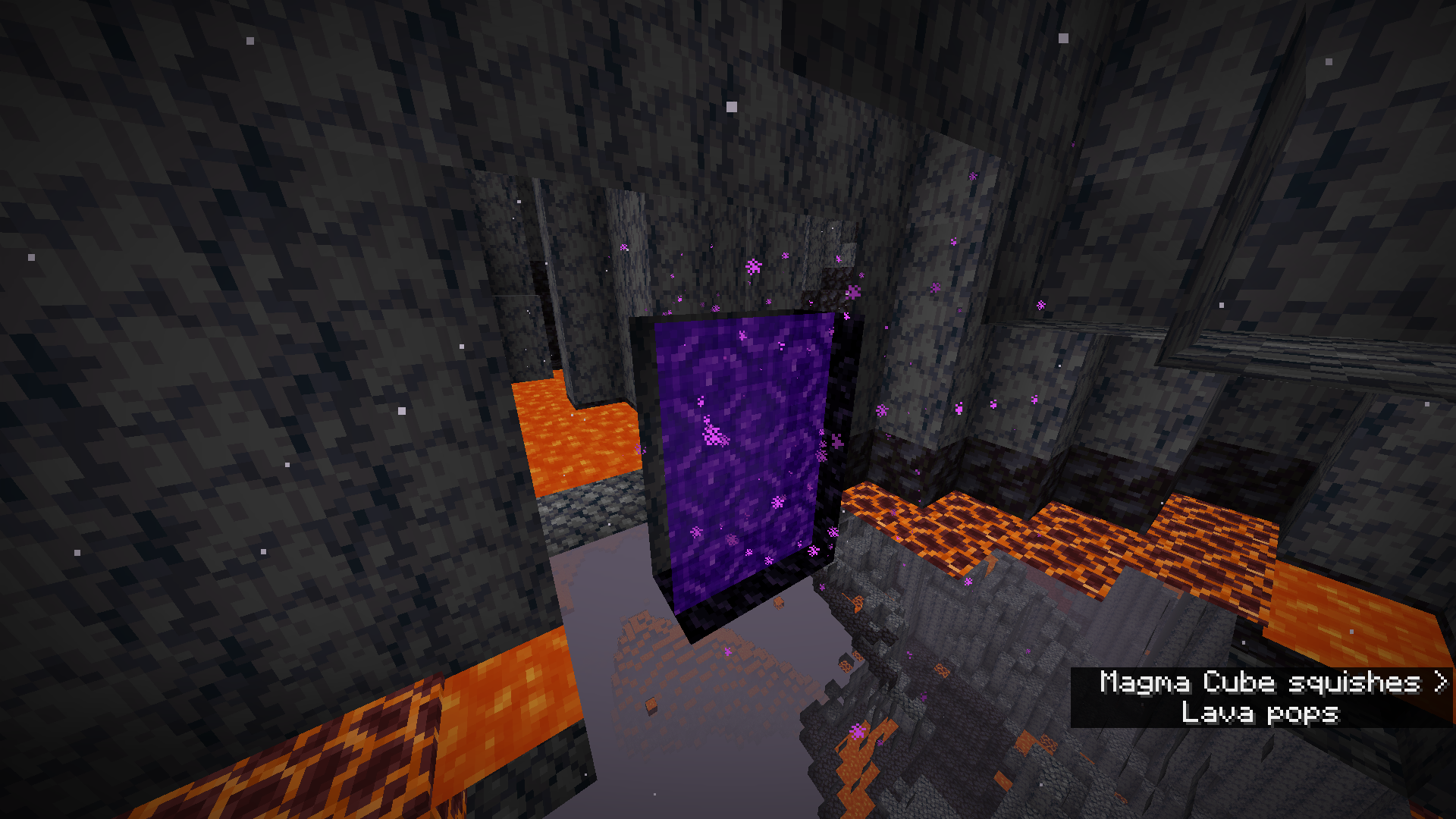
You may have to try multiple times for the portal to generate in the basalt. Destroy the portal on the Nether side, and then go through the portal in the Overworld again until you get it to generate in the basalt. Use the command to teleport back to the Overworld from the Nether:
/execute in minecraft:overworld run tp -1088 70 2096
I cannot replicate this issue either, neither on my PC or on my laptop. Both mice are wireless (not Bluetooth).
Does this issue occur for any other applications on your computer? If yes, either your mouse is dirty/broken or your mouse drivers are outdated.
If you want to update your mouse drivers as [Mod] Jiingy stated (Windows), you can do it by opening devmgmt.msc, finding your mouse, right-clicking on it, and pressing Update Driver.
[Mod] Jiingy I cannot reproduce this either using the seed and coordinates [Mod] Avoma provided in their latest comment.
![[Mod] Jarl-Penguin](../../../data/avatars/users/92849.png)
The screenshot in [Mod] Jiingy's comment clearly shows that 59999983 cannot be used in the command, so I'm not sure what you're talking about.
HighKola Well if you have no mods enabled and is using the Minecraft launcher, you can make a request to reopen this report or create another report within a new vanilla world as [Mod] Jiingy has stated.
![[Bot] Arisa](../../../data/avatars/users/43007.png)
Please make sure to create another world. This world may be corrupted from the past mods/shaders that have been installed so its always best to create another world to ensure that it isn't corrupted by lunar client. This has been stated by [Mod] Jiingy in MC-274921 
![[Mod] NeunEinser](../../../data/avatars/users/39263.png)
@[Mod] Jiingy This is a bug; the redstone torch does give enough context to determine a direction in this case, as it does have something that can be considered "front".
If this was a pressure plate for example, it would be WAI, but any block like the wall redstone torch which can be rotated in all 4 cardinal directions should not be random anymore.
![[Mod] turbo](../../../data/avatars/users/92867.png)
Sorry, I didn't see that! I just saw that there was no reply to [Mod] Jiingy's comment about not being able to reproduce.
[Mod] Jiingy I was able to reproduce this twice by using the exact same steps, it may take a few attempts but some goats should exit the world border:


[Mod] Jiingy Sorry, I forgot to tag. Still awaiting and curious as to your response
Yes, but regardless I figured the textures would either render my textures properly, or the default textures properly.
Wait, I thought this was an intentional feature.
Trying it without the resource pack fixes the problem, but I would think that the game should be able to render the resource pack properly in the snapshot. and if not, resort back to the default one.
Thank goodness this is fixed... I lost like 5 shulker box's contents due to this bug on my survival.
Can confirm for 18w47b
Confirmed for 19w06a
Do you already have 6 patterns on the banner? Because if you already have 6 you can't add anymore.
This is working as intended
I did not land on the edge of the block.
I even centered myself in the middle and still took fall damage. This was not an issue for me in previous snapshots.
Debug now attached to post.
The enderdragon was not still alive, and after some testing on my world I found out that the MS spikes come from making the endermen agressive to the player.
Confirmed for snapshot 19w13b
I was unaware of that, thank you
That's because in the latest version they completely re-worked how iron golems spawn. This is working as intended, if you want to know how it works now there are many great videos on youtube that explain it.
I don't have a back up and I don't think it would help much with replicating it. I'm unsure why the few specific chunks are lit up like they are but I don't know if it replicatable or just something happening in my world
The world was made in 1.13.2 but these chunks were not explored until the recent snapshots we've gotten this month and the later part of March.
I understand that it has a limited range (hence the "I stayed in the beacon's max x and z-axis'") but I was unaware that they made the y-axis variable. I remember back in 1.12 using beacons up on the surface as high and as low as I wanted and even saw one of Xisumavoids myth buster videos about how the Y did not matter and had no range.
If this was a change that I jsut never realized than it's my bad, but if not it's a bug.
This is an intended feature now, they are meant to be opaque
This seems so odd to be working as intended...
Can confirm that the issue is still around in 1.18 pre-5, image attatched
bug affecting 1.18 pre-5
While the frequency may be subjective, I feel as though the density of trees next to each other (in image 1 and 3 mostly) seems redundant when the azalea tree is implemented as a way to find lush caves.
Pesent in 1.18 pre-5
This is functioning as intended.
If you look here at this screenshot of the magma cube model being opened in block bench, you can see that this is how each cube behaves when picking what to put down as the texture.

As for your resource pack, the top and bottom of each cube section is being rendered fine and as intended.

As for the colored one, it was broken because you were missing a bottom section for the texture, but other than that it's working as intended (as shown below)

Basically this is an issue with the resource pack, not the texture UV.
A bit of background as to why this happens:
In the game, each slider bar has a total of one hundred and fourty two pixels (not including the slider) to move before it reaches the other end. (Showcased below from Aseprite)

With that said, when you have a setting such as "Brightness" which has 100 total values (0/Moody to 100/Bright) this means the extra 42 pixels still need to be registered when moving the bar one pixel at a time. This is why you end up having multiple key presses needed to move the slider from one value to the next.
Yes this is an issue in 1.17.1 as well
Recently a bug was fixed in pre-5 which included the removal of the hoods from the evoker, and the vindicator despite the hoods not showing visually in game, so this can still be considered a bug.
MC-162038This issue duplicates and https://bugs.mojang.com/browse/MC-6528
Dirt paths and wet/dry soil both do not support these features either.
This is a suggestion more so than a bug report. If you would like to make a suggestion you can use this link here
https://feedback.minecraft.net/hc/en-us
MC-16550Isn't related, somehow coppied the wrong link.Unable to replicate this behavior while trying to match the screenshots you had shown. Are you able to provide more information?
(Screenshots attatched)
This issue duplicates
MC-242068Could be either duplicated or related to MC-2783
While the consistent thing might be to assume the untamed/wild horse doesn't sink simply because the player is riding it when it doesn't sink with the player not riding it, the argument could also be made that the player's "weight" in a sense is what makes the horse sink when it does have a saddle.
I would imagine the most logical thing is to decide why the horse sinks, before deciding what should come after.
I could only replicate this a couple of times so it seems to be a bit finicky, but nonetheless I was able to replicate it with both the pig and mule.


I noticed it was much more reliable to get the floating result if the player was to move while underwater (which moves the mountable entity to the side, then pushing it up)
Can confirm in 1.18 pre-5 (image attatched)

I was unable to replicate this in the seed and coordinates you had provided.
Are you able to provide more information of this issue?
This is a duplicate issue of MC-242348 which is currently marked as "Awaiting Response".
Could be related or duplicated by
MC-238024Can you provide more context to this?
It would be helpful to know:
Can you please provide more information of your issue? There's not much to go off of in your description.
If the reported behavior here is that beds are able to be placed on a single block despite being two blocks long, that is intended behavior. (As seen here
MC-130848)This is working as intended
MC-85100Can confirm on world seed -5802668346802351245 and coordinates x=733 y=100 z=-224
(Note: using a repeating command block can help to continually track the panda spawns)

Although the rates in that biome have appeared pretty high, both
MC-239972andMC-242063were both closed due to this being an opinion rather than a bug, so I assume the same result for this issue.This may be a technical support issue rather than a bug report (as seen in
MC-159845andMC-103479)Also duplicates MC-125762
Can confirm in 1.18pre-6
Can confirm for 1.18pre-6
A little bit late, but this can be resolved as a duplicate of
MC-1133This issue was a result of
MC-146811where enderman would teleport into the void, not spawn.This issue can be marked as a duplicate as it's resolved.
Title should be updated to reflect that this can also occur on top of water source blocks.
Can confirm for 1.18 pre-release 6

This is working as intended.
Quote from the wiki: "If the light level is 7 or below, the crops un-plant themselves ("pop off"). It is not possible to plant seeds if the light level is too low."
This duplicates MC-150572,
MC-165686, MC-73186, MC-152331,MC-144327, andMC-199231If this is not a bug but rather a suggestion, you may post it here on the Minecraft feedback site.
https://feedback.minecraft.net/hc/en-us
The tree had generated on the terrain that stuck out of the lake rather than "inside" the lake, so this looks like it's working as intended.
Can you provide a bit more information in regards to your issue?
What did it look like before, and what's the problem now?
Guessing based off the screenshot you had posted, if the screen being zoomed in is the problem, that setting is changed through the "GUI Scale" setting, and can be altered to revert the GUI scale to what you prefer.
This issue duplicates MC-191725
This behavior is working as intended (see
MC-71880)This is working as intended (as seen here
MC-141907)Couldn't replicate this, both the sounds you listed played fine for me. (Images attatched with subtitles on)
Are you sure you had your volume on in both Minecraft and your headset/computer?
Could you provie more information on what issue your having?
A screenshot of the prompt you're getting would be helpful.
The spawning conditions met here are working as intended.
Among other things, trees require both the proper biome (a river in this case) and a grass block.
This is probably because of the dripstone functionality where when you have a block, and a lava source abone a downward facign dripstone, it slowly drips lava.
Can possibly confirm this for 1.18 pre-release 7
World seed: 6748993795437754334
Coordinates: /execute in minecraft:overworld run tp @s 213.48 99.51 642.00 430.44 -15.20
More testing of this would be very helpful.




With that said, this can be marked as invalid now
Are you able to provide more information on how your villager breeder is set up? A screenshot would be helpful.
You may have just built the villager breeder wrong so I would double check everything.
I was unable to replicate the behavior you had described. (screenshots below) Can you provide a crashlog of your issue?



Mojang manually blocks names that are offensive, so if those names are blocked it is intentional.
Regardless, this is not a java edition bug report but rather a webservice issue
Can confirm for 1.18 pre-release 3

I'm not exactly sure what you mean by "reliefs", what is that?
A screenshot of the issue would help
This issue duplicates
MC-65562which was resolved as working as intendedThis seems to be intentional behavior, but until stated can not be taken as that. Witches had been added to raids in snapshot 18w47a of update 1.14, and with that, came a silent change that I could not find to be mentioned anywhere. From my testing, it seems like when witches were added to raids they had been changed to no longer make other hostile mobs aggressive towards them as seen prior.
In the below screenshots of snapshot 18w43a of update 1.14 (which is the last snapshot before witches were added to raids), you can see that the witch throws poison at me, and makes the illager aggressive towards them, which then the illager kills it.


In snapshot 18w47a of 1.14 though (which again, is when witches were added to raids), after throwing the poison at me/the illager, you can see that the illager does not become aggressive towards the witch.


This is all to say that the change could hav been made to prevent witches attacking illagers in the cross fire of raid fights then the illagers attacking them in return.
To quote from the wiki (which keep in mind is not 100% reliable, but still a good source of game information):
"During the day, drowned swim only to attack players that are swimming in the water with them; otherwise, they stay on the floor of the water body they are in, ignoring players on land or in a boat."
This behavior can be demonstrated here,




and is working as intended.(See recently posted commentThat's true, shouldn't have stated it as working as intended. Apologies.
Looking at the crash report, it seems like you're using mods such as "libcd", "dwarfcoal", "wolveswitharmor", and "Glassential". If you can recreate the issue and post a crash log along with it that would be helpful, but if not, it should be brought up with the mod creators.
This issue could possibly be related to
MC-5413andMC-17336Couldn't reproduce either. Video seems to possibly be modified as well given a sudden cut movement of the mouse going from the center of the screen during gameplay, to then the right of the "Back to server list button".
Relates to
MC-244174as wellCouldn't replicate either.



I was unable to replicate the described issue. After dying with arrows stuck in my player, the arrows were removed both in-game and in the inventory view. (Screenshots below)
This issue duplicates
MC-246224Seems like you are playing on a modified spigot server, which could be causing some issues or de-sync
I was unable to replicate the described behavior of being able to hear the dispenser from any distance where the dispenser and sheep are still in view. In the video below I had set up a command block to place a redstone block by the dispenser to try and get the sound to play.
(Master sound at 100, Block volume at 100, and subtitles on for showcase of the sound, or lack there of)
2022-01-14_15-34-45.mkv
I was unable to replicate the described behavior. Attatched images are of me making the world with the gamerule set, hitting the golem and dying, then respawning it and approaching it again, where the golem was not hostile. (To note, I had set the world spawn to spawn me right next to the golem as you had in your video)
Can confirm this behavior. Also tested with end portals and nether portals, and it's only end gateways that work for this. Along with that, I tested other block entities and entity UI's to see if they had the same effect, and none had the same effect as the villager.
Can confirm this behavior.
The detection of 1 redstone signal output compared to 5 seems to be much more reliable if the player immediately starts walking forward after breaking the block beneath them and continues to walk forward (will give 1) versus falling straight down (which provides 5).
I was unable to replicate the described issue, so it could possibly be hardware dependant. (Computer specs attached as a screenshot)
The Bug:
Sculk sensor can detect "GameEvent.STEP" before "GameEvent.HIT_GROUND" causing an inconsistent redstone signal output of either 1 or 5 depending on the circumstance
Steps to Reproduce:
tellraw @a {"nbt":"last_vibration_frequency","block":"x y z"}Observed Behavior:
The redstone signal output of the sculk sensor will be different for the two falling circumstances
Expected Behavior:
The output would remain a consistent number (5 in this instance) no matter the player moving forward while falling, or falling straight down
Code analysis
Code analysis by FX - PR0CESS can be found in this comment
This issue duplicates
MC-139271This behavior is expected as downgrading is not supported (see
MC-45009which was resolved as invalid)MC-241542Had been marked as working as intended, so the same can likely be said for this one. (seeing as they are both related to rain/snow in underground vs. surface biomes)Are you able to replicate this behavior in vanilla? Seems like you're using a modified client (OptiFine).
Based off of
MC-63260this seems to be working as intendedThis issue is invalid (See
MC-228412)I was able to replicate this behavior
Are you able to provide a video of this happening? I tried to replicate it but could not. (Some clearer replication steps would help too)
Tried to replicate with fast, fancy, and fabulous, but could not get the same result you had shown.
I wasn't able to replicate the described behavior, are you able to provide more information and/or a video of the bug?
The other enderman in the attached image seem to be aggressive towards the endermite. Was it only those two which weren't aggressive?
Do you have any screenshots or videos of this happening? Some clear steps on how to reproduce it would be super helpful.
This issue duplicates MC-102418
Can confirm for 1.18.1
Unable to replicate. I was able to place both red and brown mushrooms.

Are you able to provide screenshots and/or a video of the before and after of the prices?
This issue duplicatesMC-168230This issue seems to duplicate
MC-238977, orMC-240642I was unable to replicate this behavior in vanilla minecraft. (seen here) 
In the screenshot you had posted, glass does no render like that in the vanilla game. Are you using a resource pack, mod, or have anything modifiying your client?
This issue seems to duplicate
MC-238977, orMC-240642This behavior is also applicable to the redstone torch. Both the redstone block and torch should be able to "soft power" it upon placement, but don't. This is inconsistent to how a lever is able to soft power it when switched on, as seen in this screenshot.

I wasn't able to replicate this behavior, even with furnaces (all 3 types) and a shulker box. After middle clicking I was given the proper item with it's NBT data. 2022-02-10_17-54-07.mp4
Are you able to provide a video of this behavior occuring?
Can confirm this behavior. Seems like the biome decides whether or not it will rain or snow dependant on if there is ice on the surface of the water. (see image)
This issue could possibly duplicate or at least be related to
MC-236652, which has been marked as fixed.Cannot reproduce either
The 'Stony Shores' biome has a biome temprature of 0.2, which is why it is able to exist next to these biomes.
I was unable to replicate this behavior. Blazes were spawning fine for me.

Here is a proposed fix for this texture (moving it down one pixel):
After looking at it bit more, I don't think the quartz gets in the way of "hotbar" as initially stated as the space it uses is the normal 16x16 dimension of the texture. The texture could still be moved down if deemed necessary, but given there are this many items here (and more) that also go above the black line on the hotbar, I'm not sure it's actually needed.

If the texture were to actually be in the way, it would look something like this:

In the video attatched, it seems like you are playing on a modified version of the game. Does this occur for you in vanilla as well?
I have tested this in 1.18.1 and am able to confirm this behavior. Below is a bit more information/expansion on this issue:
The Bug
Killing a llama in the middle section of a caravan will make the llamas behind it leave the caravan until the player relogs.
Steps to Reproduce:
Observed Results:
After killing the llama in the middle, the llamas that had followed it before will now lose interest in the caravan, and not join back. Leading the llama in the front again will not change this, until the player relogs the world. (Screenshots of this behavior are attatched)



Expected Results:
Killing a llama in the middle of a caravan would cause the llamas following behind to move forward in the line to take the previous llama's place. This behavior would be expected as relogging causes the described behavior.
Notes
Killing all of the llamas in the caravan with exception to the leader, will cause the caravan to be permenantly "broken" meaning no new llamas can join at all until relogging.
This issue also relates to MC-205201, MC-154834, and MC-110056
In your attatched options.txt file, it shows you have almost 80 mods installed on MultiMC. Does this behavior exist for vanilla gameplay?
Cannot reproduce in 1.20.1
Can confirm that this is still an issue in version 1.20.1.
This is because the player's hitbox is still inside the flowing water. Whether or not the player can breathe is handled seperately to whether they can swim.

For the purpose of trying to replicate this, what was the specific previous version you were in when first killing the dragon?
This could also possibly be related to, or duplicated by MC-171797
After trying more than 20 times, I was unable to replicate the duplication myself.
Could be related to/duplicated by
MC-5415Was not able to replicate this. As long the player gets final blow on the entity in the fight, the mining fatigue is removed and regen is properly given.
Can confirm this in 1.20.1
I wasn't able to replicate this myself
Issue description
When a villager detects a desired item while sleeping (such as carrots, bread, or beetroot), it will move towards the item before properly waking up, which causes an incorrect visual of the villager appearing to still be asleep while it pathfinds to items it wants to pick up.
Steps to Reproduce:
1. Place down one or more beds
2. Spawn in one or more villagers
3. Drop an item on the ground that entise villagers
Observed Results:
The villager will move across the ground as if it is still asleep to pick up items.
Expected Results:
The villager should first wake up entirely (standing upright) before walking to the dropped item.
Screenshots/Videos:
2019-07-19 22-58-59.mp4
Code analysis & Suggested fixes:
Here in the create() method of the GoToWantedItem class (which handles a villagers ai behavior to pathfind to desired items) it checks the following conditions for the villager and/or the desired item:
1. The item pickup cooldown is empty
2. It can start to pickup the item
3. The desired item is close enough to the villager
4. The villager and desired item are both within the level's world border
However, it does not check for whether the villager is asleep. The villager waking up is only ever executed from create() in WakeUp.
Two possible solutions:
1. If the villager should not be able to pathfind/collect the desired item until it has been woken up via the time turning to day, or being manually woken by a player input on it's bed, a check could be added for wether the villager is currently sleeping. If it is, do not try and pathfind. Like so:
2. If the villager should still be able to wake up as it does currently while sleeping, the villager should first properly and entirely wake up before pathfinding to collect the item. This could be done by adding a check to see if the villager is sleeping. If it is, wake up the villager first before executing the rest of the code.
This is how it looks compared with the new behavior in suggestion 2:
2023-07-19_20-02-36.mp4
Can you provide a crash report file? You can find them in `C:\Users[USER]\AppData\Roaming\.minecraft\crash-reports`.
Looking at the attatched image, it looks like you just don't have enough memory allocated to the game.
Requesting ownership of this issue as the original poster "Jack Davies" has not updated the issue in 4 years, and this is their only post.
Requesting ownership of this issue to update the description, affected versions, and title. (Original poster has not updated the issue in 2 years)
This duplicates
MC-262048After testing again I can confirm that this is possible but only with a macro on your item swap key. Without it, the item behaves properly and is not duplicated from what I have observed.
Can confirm myself

Without Macro:
MC-264308 Without Macro.mp4
With Macro:
MC-264308 With Macro.mp4
Can confirm for 1.20.1
After testing in a world that was exclusively a snowy plains biome (for ease) I was not able to see an igloo generate like this in 1.20.1. Closest I got was this, and it still spawned as it should (on the surface)


seed: 8628954094314463868
loc: /execute in minecraft:overworld run tp @s 54622.43 45.43 53103.85 -47.63 -28.20
This behavior is not exclusive to the crafting bench, it applies to all of the following blocks:

To note: despite not being visually present, cats will audibly hiss at phantoms when nearby. This could be the reason as to why the phantoms are still intimidated.
Can confirm in 1.20.1
Requesting ownership for this issue. The original reporter as not updated the issue, and so it has since become outdated and innacurate. I would like to update the post.
Below are some of the things to note now:
1. The player is no longer able to insert anything other than blaze powder into the fuel slot
While the blaze powder texture is still baked into the texture of the GUI, there can no longer be any visual conflicts shown like in "4.png" with the ghast tear.
Source (from BrewingStandMenu class):
public boolean mayPlace(ItemStack itemStack) { return mayPlaceItem(itemStack); } public static boolean mayPlaceItem(ItemStack itemStack) { return itemStack.is(Items.BLAZE_POWDER); }2. The armor and off hand slot background/borders in the player inventory GUI texture are no longer baked in, but rather dynamically uses item textures now
Textures used:
empty_armor_slot_helmet.png
empty_armor_slot_chestplate.png
empty_armor_slot_leggings.png
empty_armor_slot_boots.png
empty_armor_slot_shield.png
3. The llama & horse GUI texture are the same
Both entities share the same GUI texture, which currently does not allow for the item slots to render dyanmically.
(Currently though, this is less of an issue as there are no visual issues with this GUI. All the applicable item textures allign with their slot backgrounds)
4. The Enchantment table GUI texture recently updated and still has the lapis lazuli texture baked in
This is not necessarily an issue, but is relevant to the report still.
5. The Smithing table GUI texture no longer has this issue
The smithing table got an overhual, and no longer has the issue as all the item slots render dynamically.
Relevant notes to this issue:
1. Colors used for all the different item slots as of 1.20.1:
(Enchantment Table and Player Inventory use different colors now than the original post's images)
2. Updated suggested fix for this issue / Updated pack
The attatched datapack does not take into account new changes. I have updated it.
MC-74408*New pack: *
[^slot-structure-proposal-v2.0.0.zip]outdatedI was not able to replicate this myself with the given steps to reproduce (in 1.20.1)
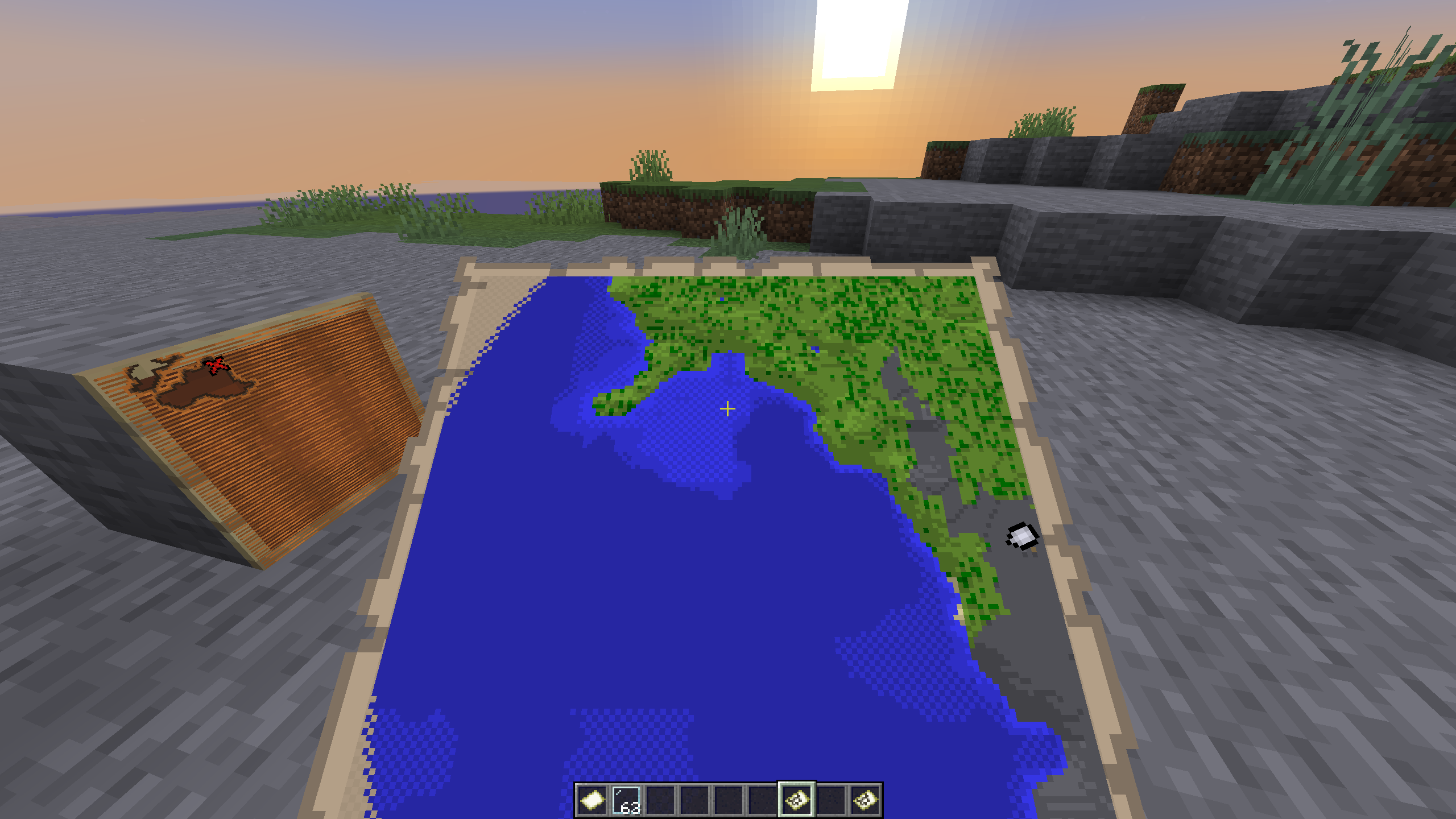
You are using a resource pack, does this happen without it? Also, are you using any mods that change the games anti-aliasing?
The /setblock commands provided place a blank repeating command
Was not able to replicate this myself. As BubblesPlayzYT stated, it's likely an issue with your mouse.
(Flashing screen warning)
2023-07-28_21-14-13.mp4
Following the same palette and consistency of how the textures are made, this would be a possible fix:


In game:
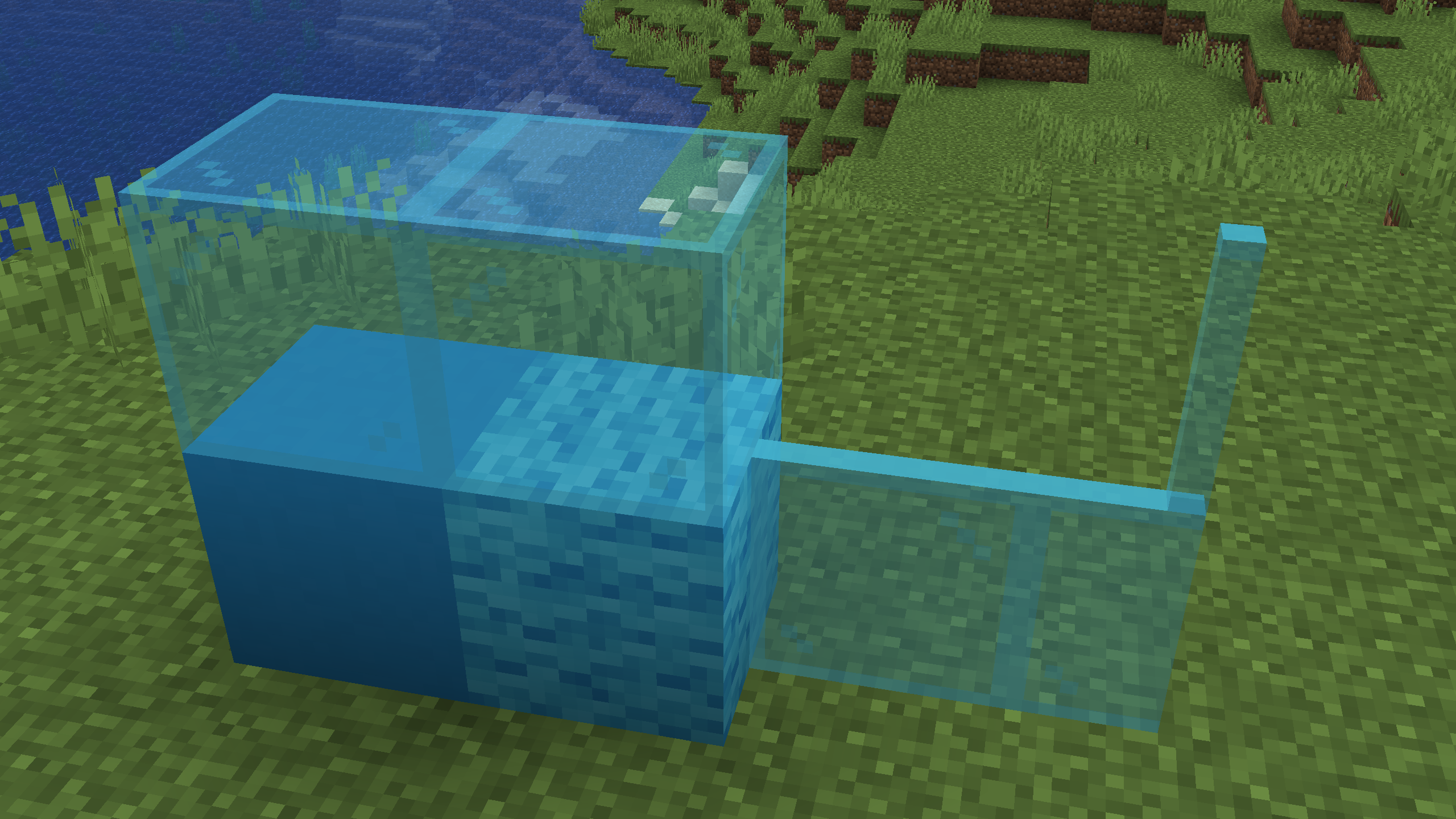
Preposed fix:

In game:

Campfires are not containers as stated in the error, is this not expected behavior?
Looking at the code, the four items within a campfire are stored in a list and not an inventory like the player, or a tile entity for example.
Looking at modifyBlockItem in ItemCommands.java, there is a check to see if the target is a container or not, and it throws the error you got if it is not.
I see, my previous comment can be disregard then.
This is a Bedrock issue rather than a Java one
Not quite sure if they're the same issue or not, but this seems to at least be related to MCPE-62419
Looking at issues such as
MC-188965, this seems to be invalid due to it being a technical support issue and not a bug.Can confirm this behavior, but not with the provided steps to reproduce. Below I have expanded the description, and added a more reliable set-up to reproduce.
Description of Issue
If a player enters through and end portal after their dog does, and both immediately die, the wolf will not properly die.
Steps to Reproduce:
/summon wolf ~ ~ ~ {Owner:<PlayerName>}Observed Results:
The player will die, and the wolf will appear to be dead, but after re-entering the portal the tamed wolf will still be alive.
Expected Results:
After the wolf is killed upon entering the end portal, it would stay dead.
Screenshots/Videos:
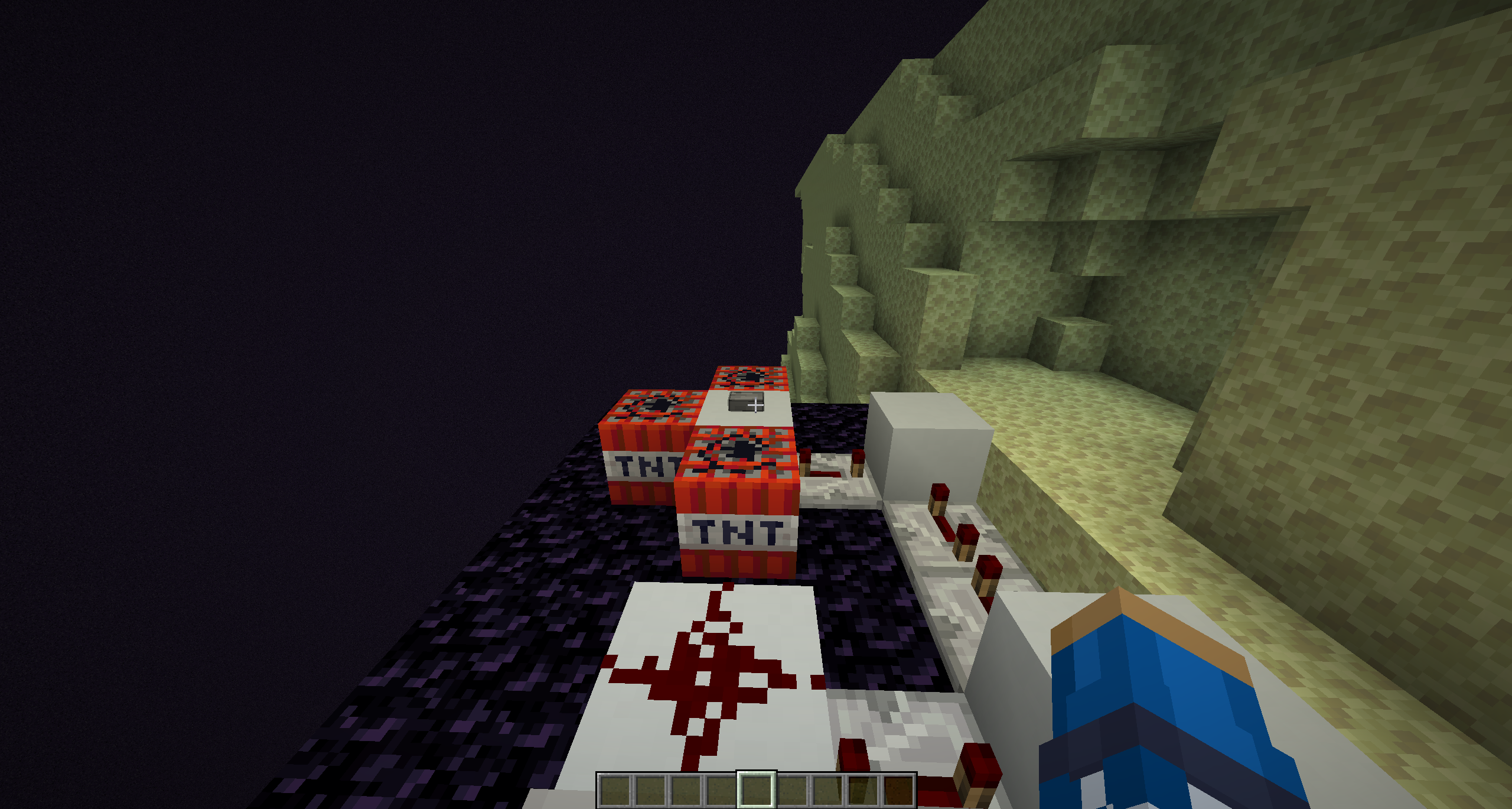
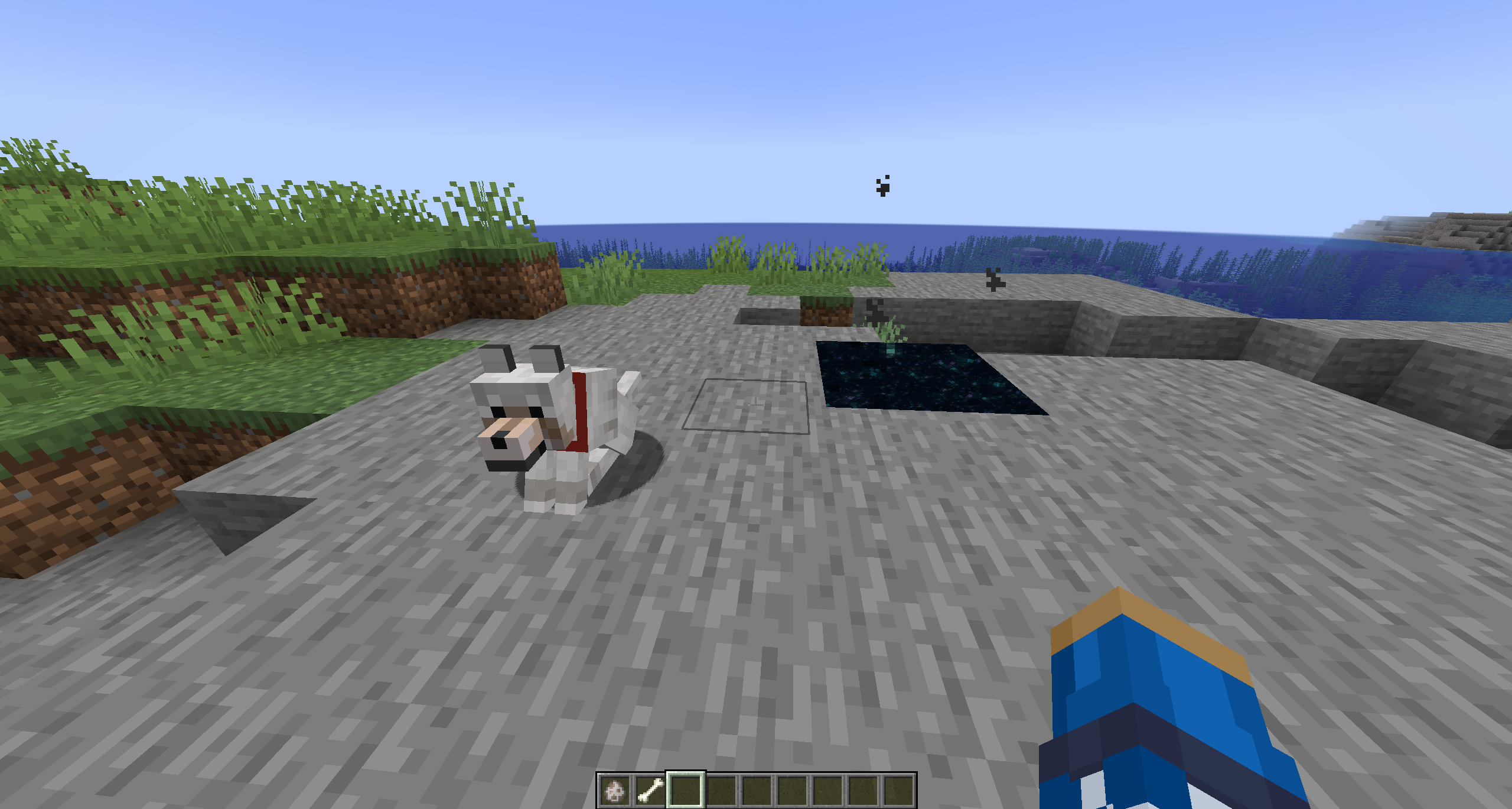
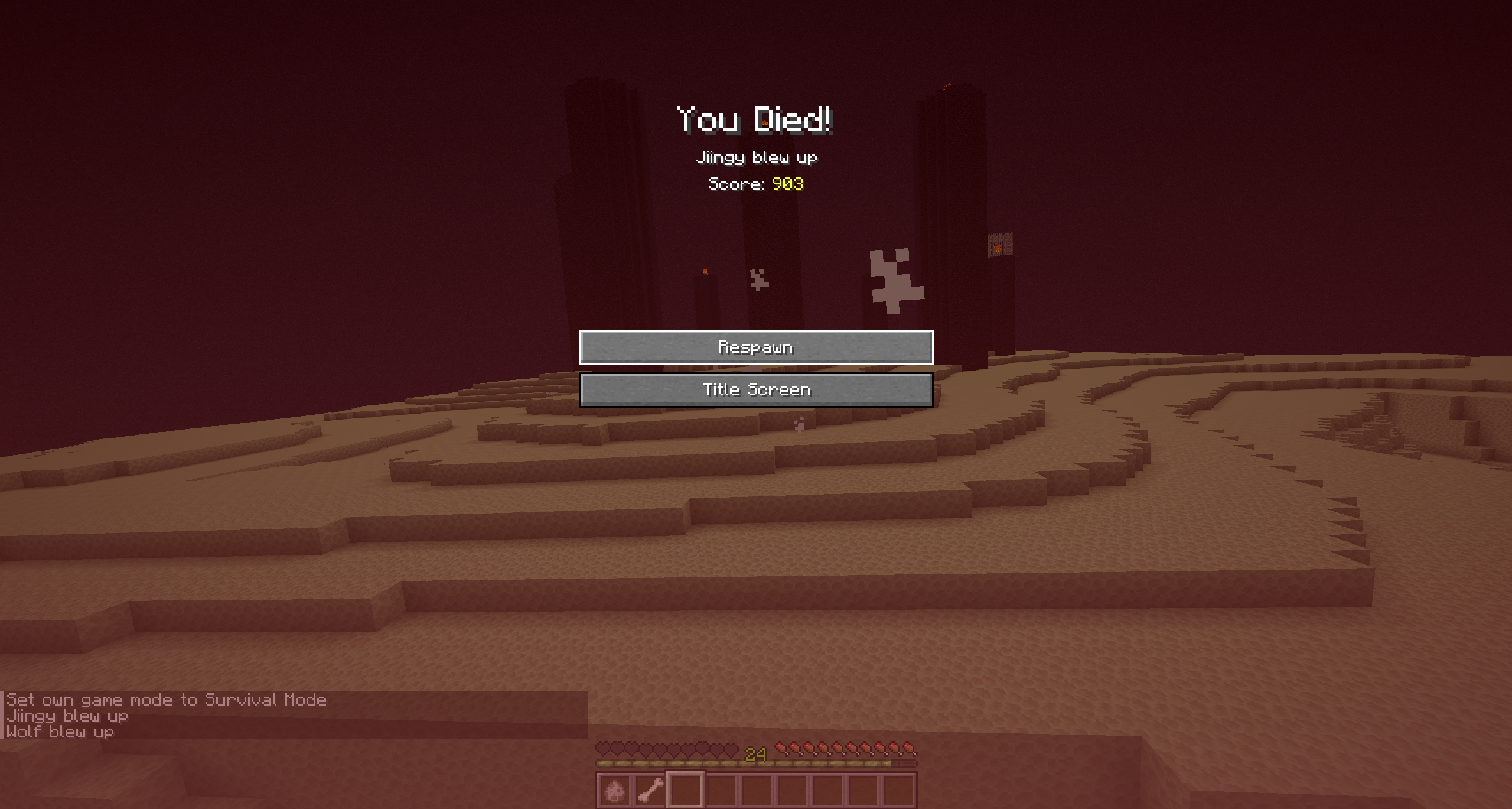

Notes:
What is the difficulty of your world?
You've just gotten unlucky then. Tested myself and got a zombie with leather armor. (1.20.1)
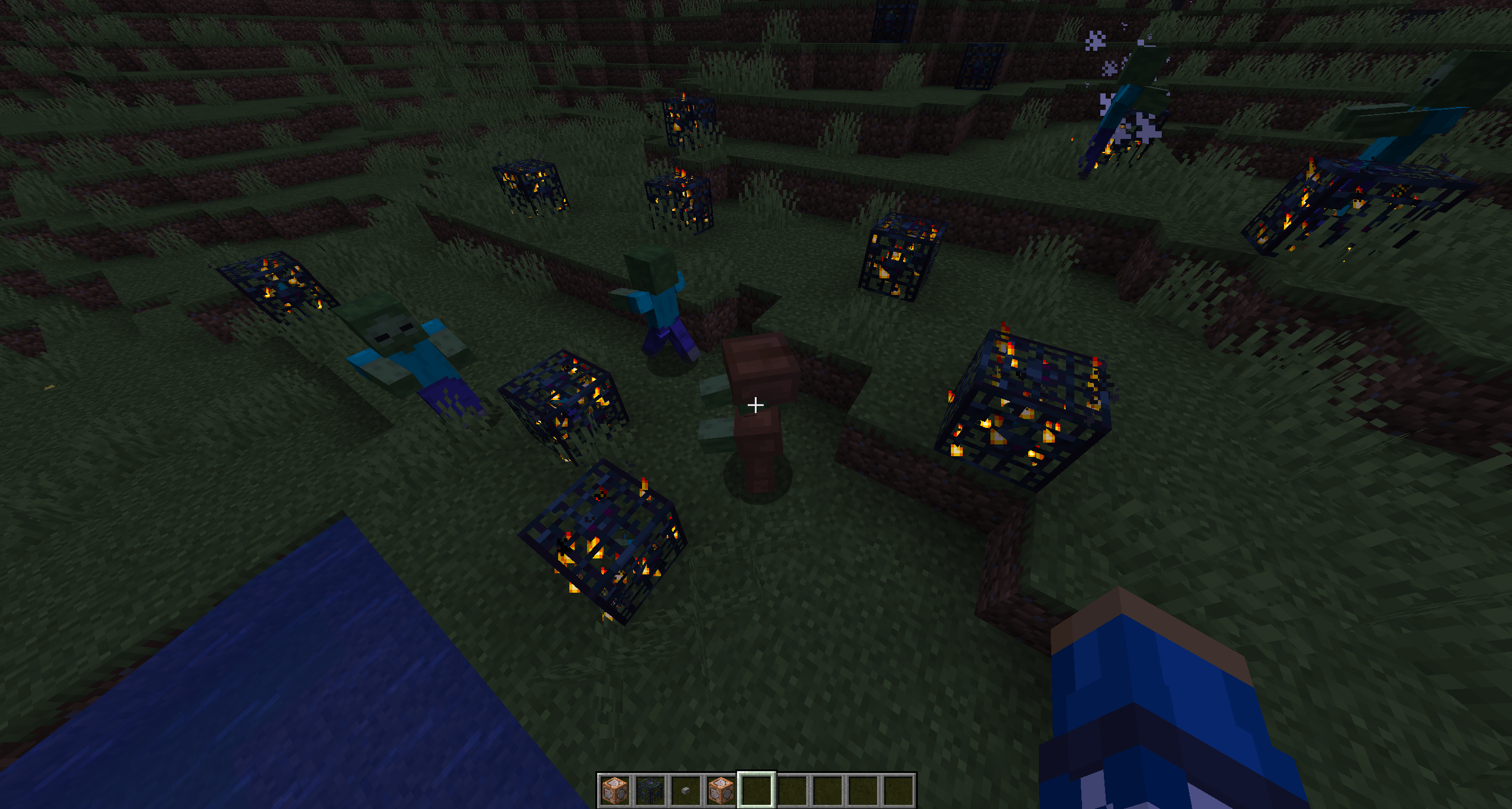
Based off of the resolution of
MC-238942and a comment left by a helper, this is invalid and you should reach out to community supportBased off the shaders in your screenshot it looks like you're playing on a modified version of the game.
Based off the resolution of
MC-153532, this seems to be a duplicate issue ofMC-148955Lag spikes upon crossing a chunk border can happen for a vast number of reasons, there isn't really any information to go off of here. Can you refer to the mod-notice on
MC-166005and see if anything there matches your scenario?My test was done with spawners.
Cannot reproduce this behavior myself. Do you have any mods installed, or resource packs enabled?
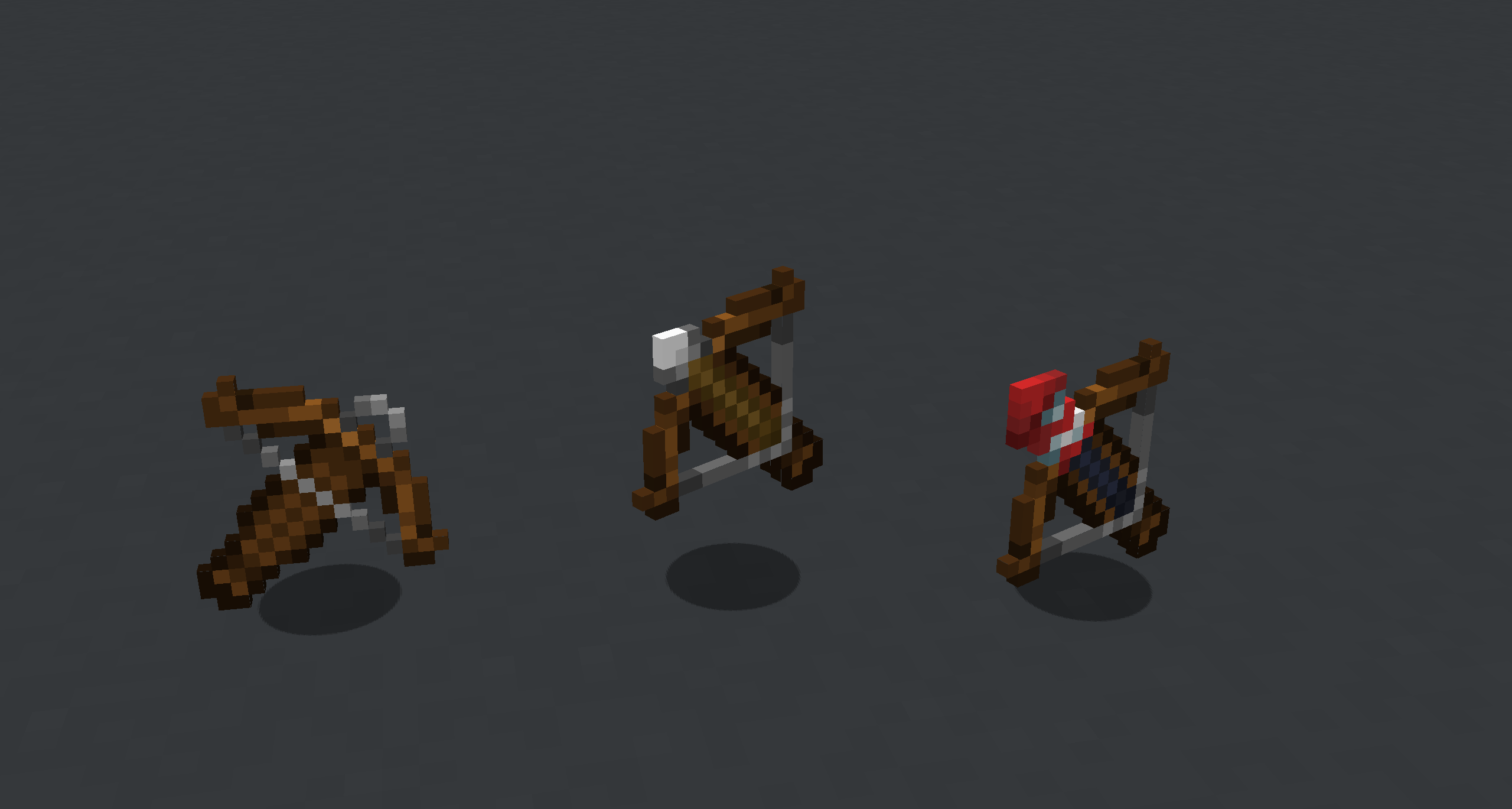
Based off the resolution of
MC-196730, this seems like a duplicate issue of MC-160582As of 1.20.1 this also affects calibrated sculk sensors, and all three states of hanging signs.
Preposed fix:

Based off the shaders, it looks like you are playing with a modified client. Shader mods often mess with rendering, so it is likely a bug with that.
Unless this also happens for you in vanilla minecraft, this issue is invalid.
Not sure if this is a duplicate or not, but this seems very similar to the described behavior of MC-149563
This is a feature request, not a bug report. Please refer to the Minecraft Dungeons feedback site for requests to change a feature.
The attached file only includes audio, is that intentional? If not, a video showcasing the problem would help.
In 1.20, signs were updated so that they are now able to have text on both faces. This has changed how the NBT data is written, thus why it is no longer working for you.
The following command is a display of the proper command usage now:
/give @a oak_sign{BlockEntityTag:{front_text:{messages:['["Sign Text Front"]','[""]','[""]','[""]']},back_text:{messages:['["Sign Text Back"]','[""]','[""]','[""]']}}}(Generated using a sign generator)
If you'd like to learn more about this change, you can here.
Does this occur only for realms and not multiplayer servers? If so, please refer to the realms bug tracker as this is the bug tracker for Java Edition.
Also, this seems to duplicate
REALMS-11426. (Or at least, that is the earliest version of the same issue that was not marked as duplciate)Based off the resolution of
MC-160172, this is a duplicate issue of MC-104964Viewing the code (from MCP), the suggested issue seems to come from the canUse() method in HurtByTargetGoal. It checks if the last mob to to hit the entity (in your case, an evoker, or pillager) is a player, and if the universalAnger gamerule is enabled. If both are true, the return value is false meaning the entity will not engage any players.
While the check seems purposeful, I will not say it's working as intended. But, the universalAnger gamerule's purpose is primarily to make it so that any nuetral mob that is provoked by a player will become hostile to all players, and not just the one causing the provoking. So, there could be a reason for this check to be in place (I am unsure what that would be).
If this issue is valid, it relates to MC-195278
Can confirm this issue.
This is very likely due to the fact that suspicious sand is a block entity, which are notoriously lag producing.
Relates to these issues:
MC-5169
MC-5417
If the issue you are describing here is the same as MC-147574 (as you stated) please do not create a new post, but rather add information you may have to the other issue.
(Leaving a comment to note me updating the post)
This issue is no longer present for the enchanting table, or the horse/llama gui textures as of 23w31a. The only GUI affected by this issue now is the brewing stand. (Which notably is the only GUI not changed in 23w31a)
(Old title: Dynamic rendering of item slot textures is not consistently used for all GUIs)
Note:
This issue very closely relates to
MC-74408as it states that the brewing stand GUI does not dynamically render the GUI some item slots at all by using unique container sprites but instead has them baked into the texture itself. (Does now have brew_progress, bubbles, and fuel_length)Requesting ownership of this issue to update it as the provided information is no longer accurate to behavior currently. Signs no longer default to white text, so some signs are not applicable to this issue anymore.
While I cannot explicity confirm the trade via code (as mcp has not updated quite yet) I can say that I had spawned in probably >50 wandering traders and saw every wood type excluding the nether woods (expected) and mangrove wood.
Can confirm, shown in game:

Can you provide the resource pack itself?
This is not an issue with the mud brick stairs
The mud block parents a unique block model called cube_north_west_mirrored_all which mirrors the north and west faces.
From the Json file:
{ "parent": "minecraft:block/cube_north_west_mirrored_all", "textures": { "all": "minecraft:block/mud_bricks" } }Confirmed in 23w31a with recent GUI texture changes.
After checking the code with MCP I can confirm that mangrove logs are missing
Can confirm (on 23w31a)
This issue also affects the Items tab too.
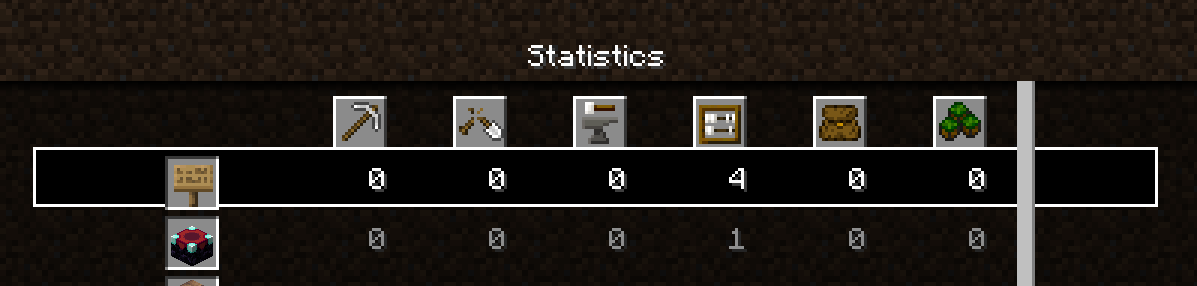
Looks like you are playing with a modified client (badlion), this issue is invalid as it is likely an issue caused by one of the mods being used.
As of snapshot 23w31a I have found more blocks that are affected.
Here is the raw text to update the post:
The loom is affected as pointed out by trysahtar in a comment, but not added to the list yet.
Can't confirm.
This issue is already tracked in MC-167526
The wiki is not always a perfectly accurate source of information.
Villager professions are not taken into account when trying to spawn cats. (From CatSpawner class in net.minecraft.world.entity.npc decompiled with MCP)
Whether an intentional fix or not, this issue is no longer reproducable. Tested in 23w31a.


Can't say this for certain as I do not have a source, but based off the status of
MC-202432, this could be intentional.This issue duplicates
MC-21109which was marked as Won't Fix.The attack indecator shows as full when hovering over entities because the player is ready to attack.
Based off the provided description I was not able to reproduce any unusual behavior. The attack indecator functioned as it should for me.
Your issue sounds very similar to
MC-228420which was fixed in the latest snapshot 23w31a. Is the issue present in this new version still?Iron golems become hostile to the player when you have a bad enough popularity. This can be decreased if the player attacks iron goldems or villagers. Have you checked to see if your reputation has hit that threshhold?