 MCPE-42584
Buttons use placed rotation in held item when broken with silk touch
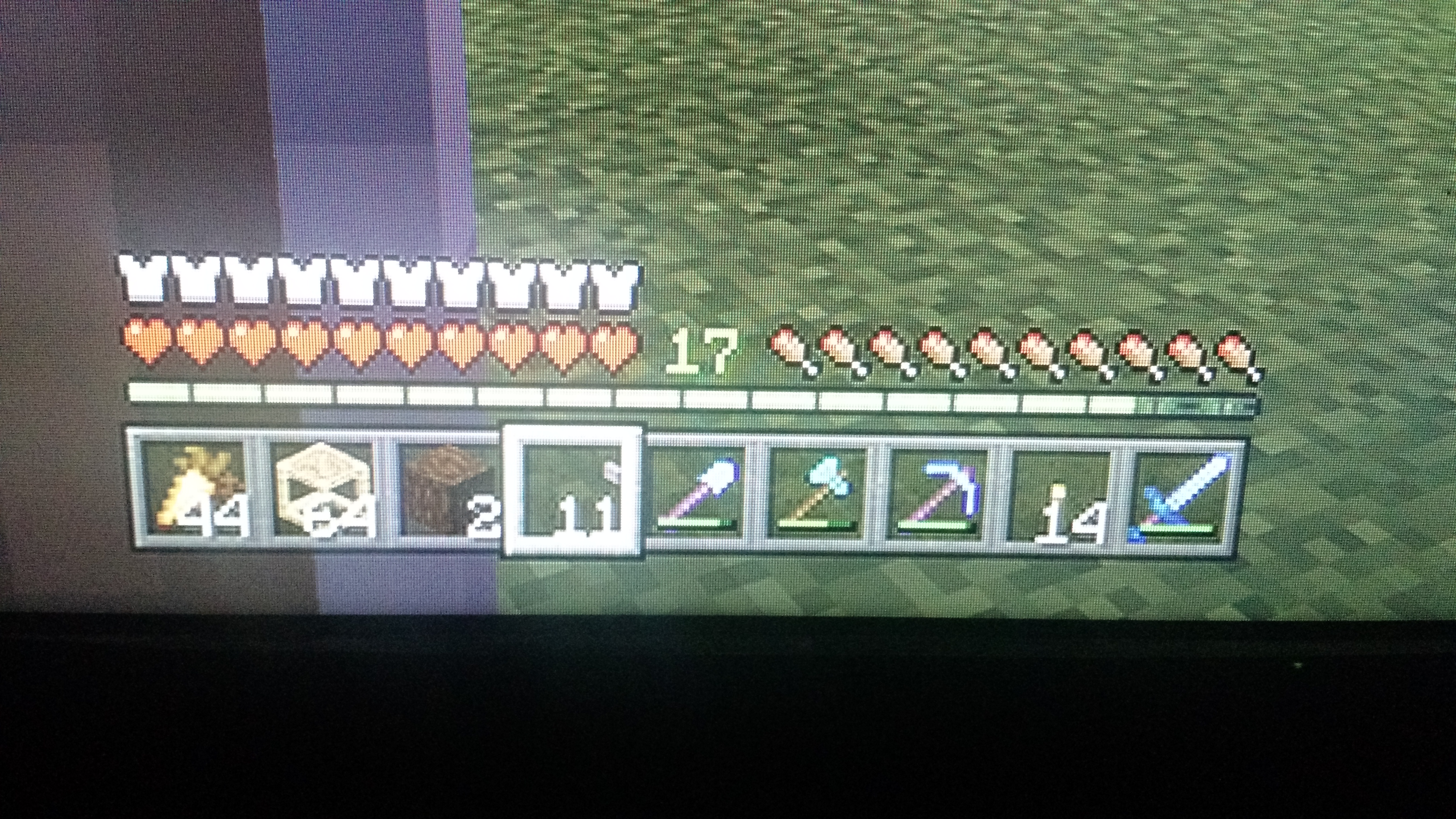
As it is in the image, the Stone button is not in the middle of the hotbar slot. is off center. Correct this please.
Linked Issues
Attachments1

Created Issue:
the stone button is out of focus on the hotbar
as it is in the image, the Stone button is not in the middle of the hotbar slot. is off center. correct this please
Attachments1
![[Mod] tryashtar](../../../data/avatars/users/41963.png)
Added Affects Versions: 1.9.0

Changed Description:
as it is in the image, the Stone button is not in the middle of the hotbar slot. is off center.correct this pleaseAs it is in the image, the Stone button is not in the middle of the hotbar slot. is off center. Correct this please.
Changed Summary:
the stone button is out of focus on the hotbarButtons use placed rotation in held item when broken with silk touch
![[Mojang] Mega_Spud (Jay Wells)](../../../data/avatars/users/92696.png)
Added ADO: 162346
Added Linked Issues:
relates to
![[MCPE Mod] Celesian](../../../data/avatars/users/81635.png)
You did not mention silk touch in this report; Did you mine the button with your axe that has shilk touch? This is being tracked here: MCPE-42584.
This happens when you mine the button with silk touch.
Oh, excuse me
To reproduce, simply place a button on a floor and retrieve it with a tool enchanted with silk touch. Also affects current 1.9.0 non beta version on both android and windows 10.
Fixed in 1.13.0.1 beta
This bug still exists in 1.12.1 and is not fixed. I am on an iPad Pro on iPadOS13. This isn’t as annoying as the unstackable leaves and stone so if it was to be fixed, those should be higher up on the list.