 1LotS
1LotS
- 1LotS
- 1lots
- Europe/Stockholm
- Yes
- No
 MC-109583
 MCL-6204
![[Mojang] Georgii Gavrichev](../../../data/avatars/users/22428.png)
 Normal
 Low
Low![[Mojang] Cory Scheviak](../../../data/avatars/users/92893.png)
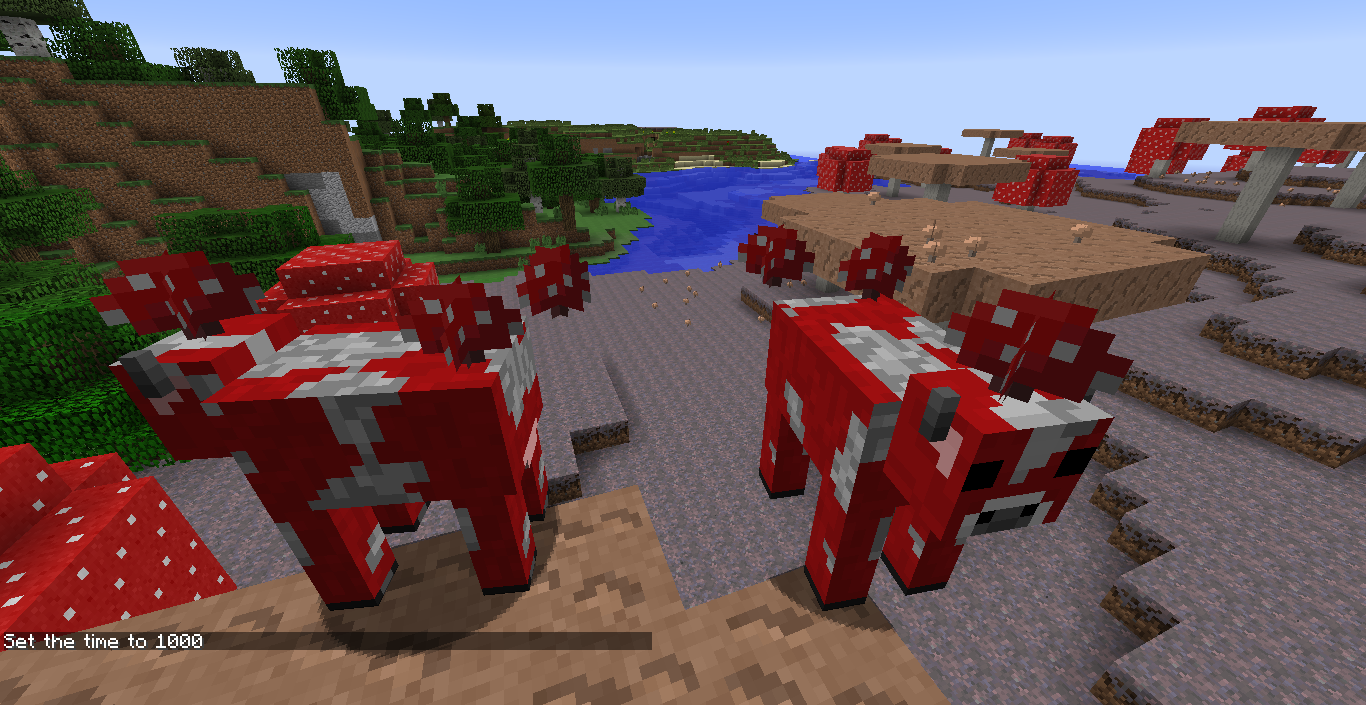
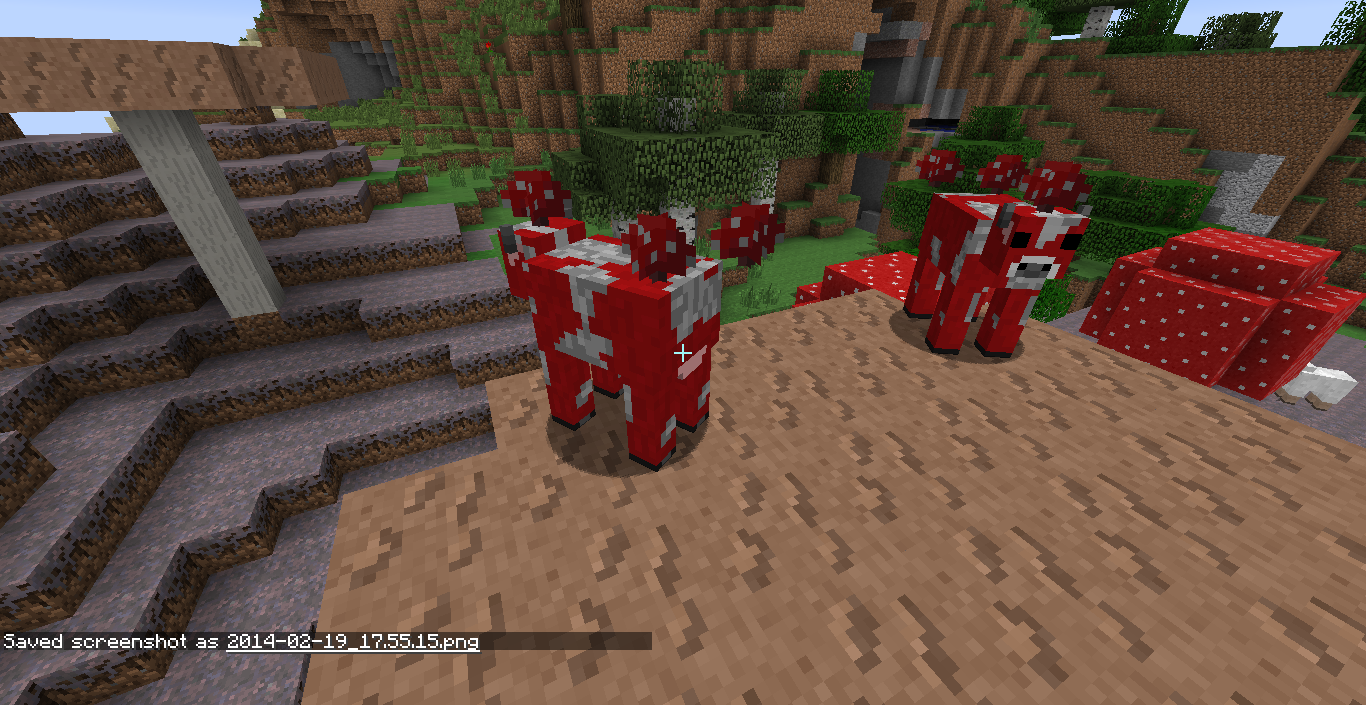



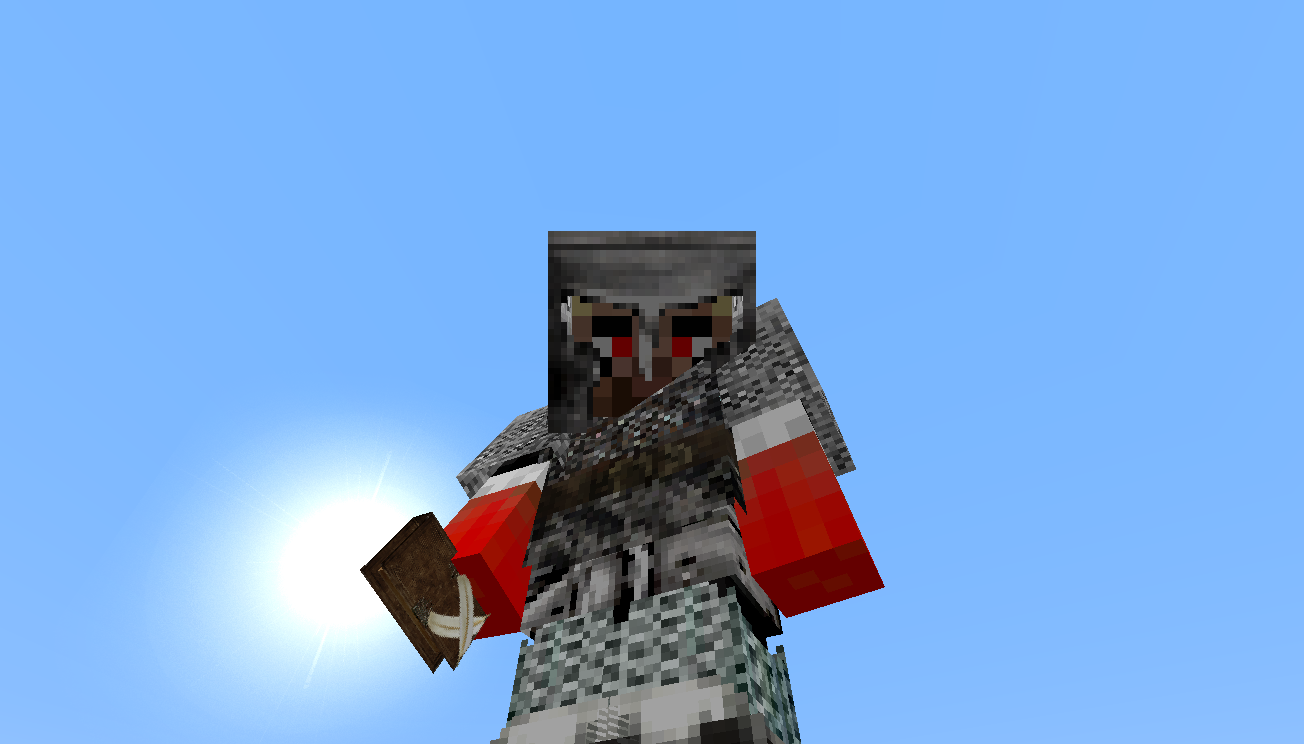

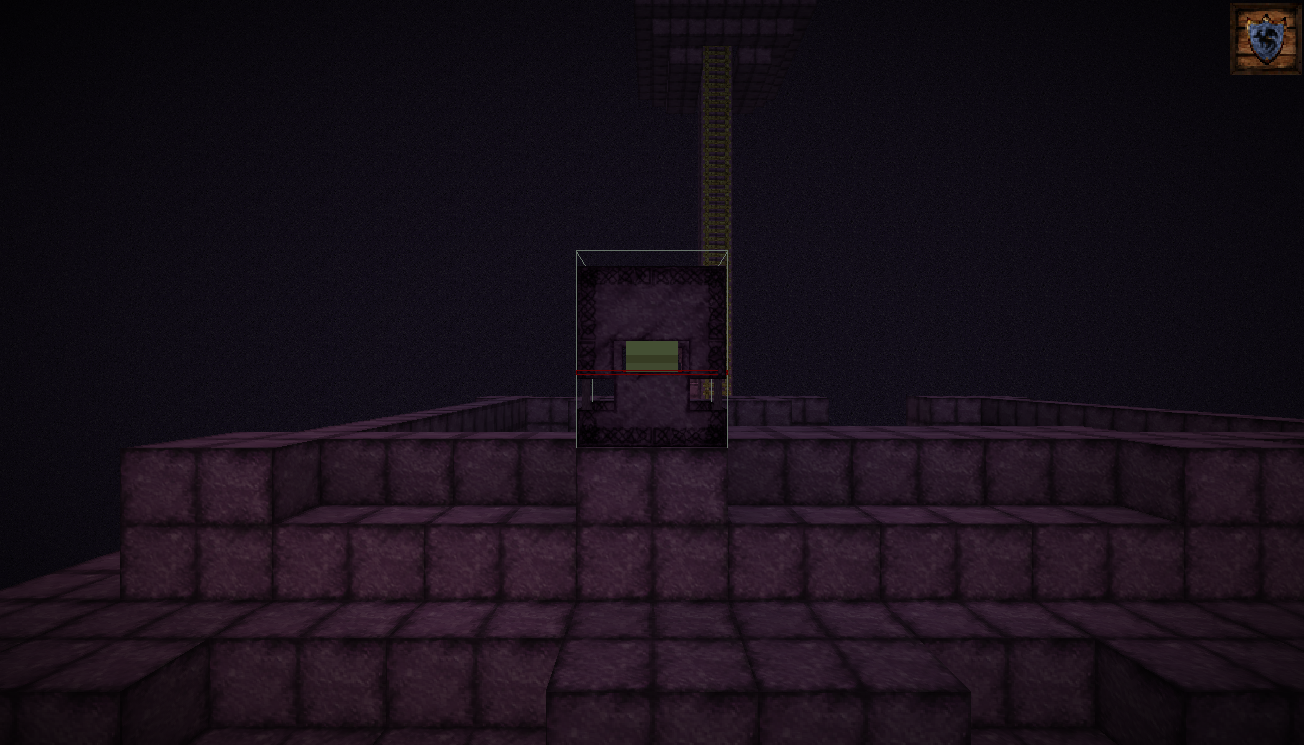
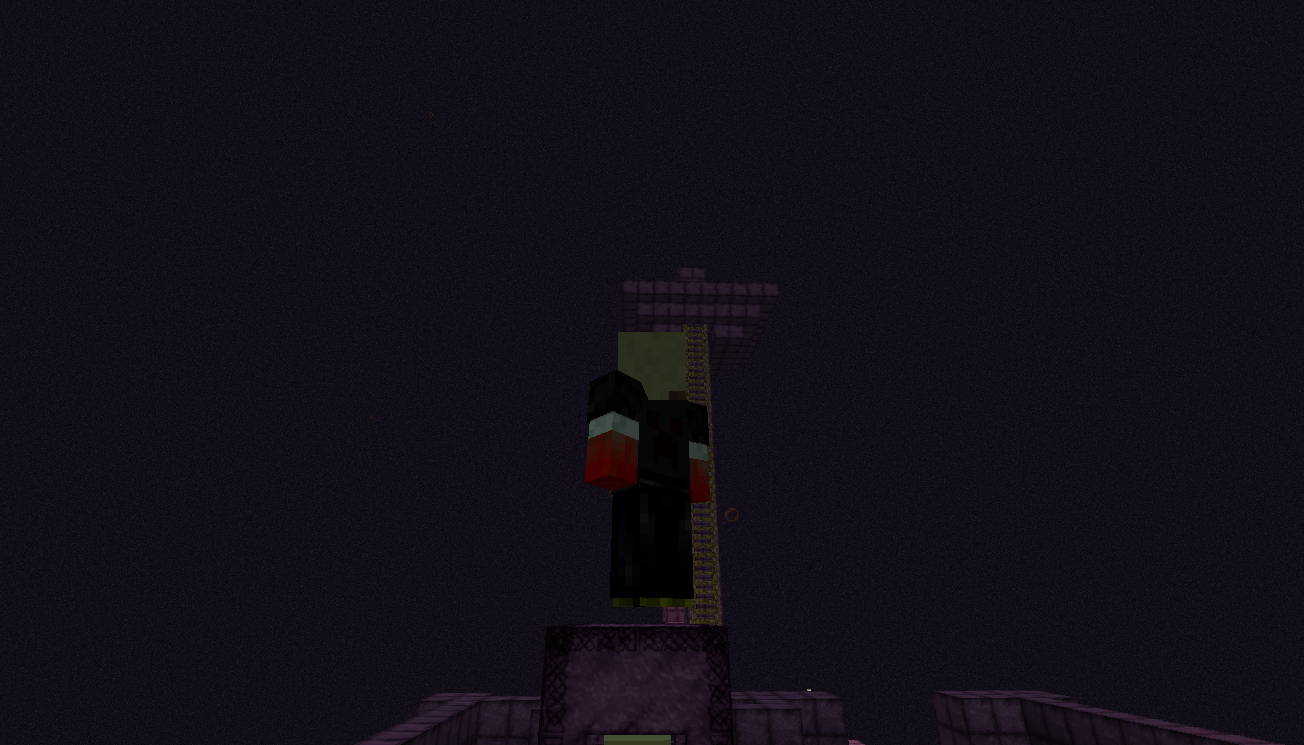


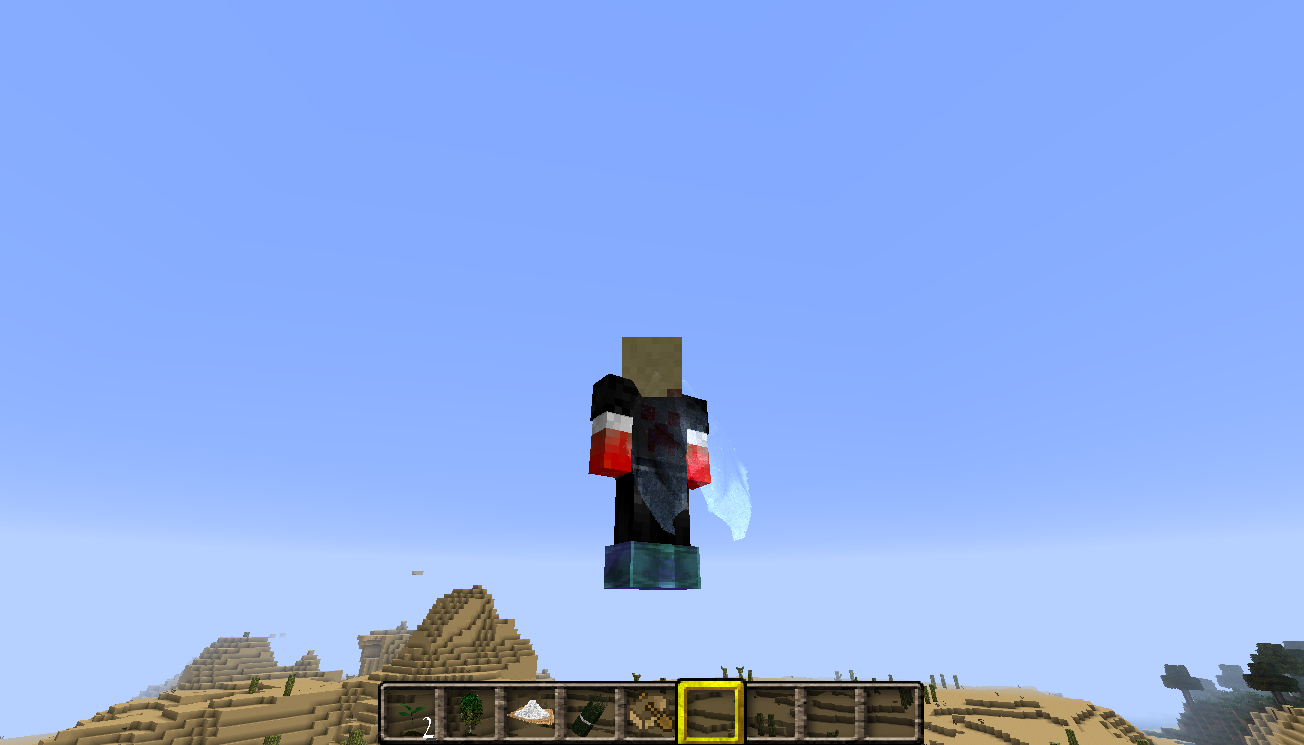


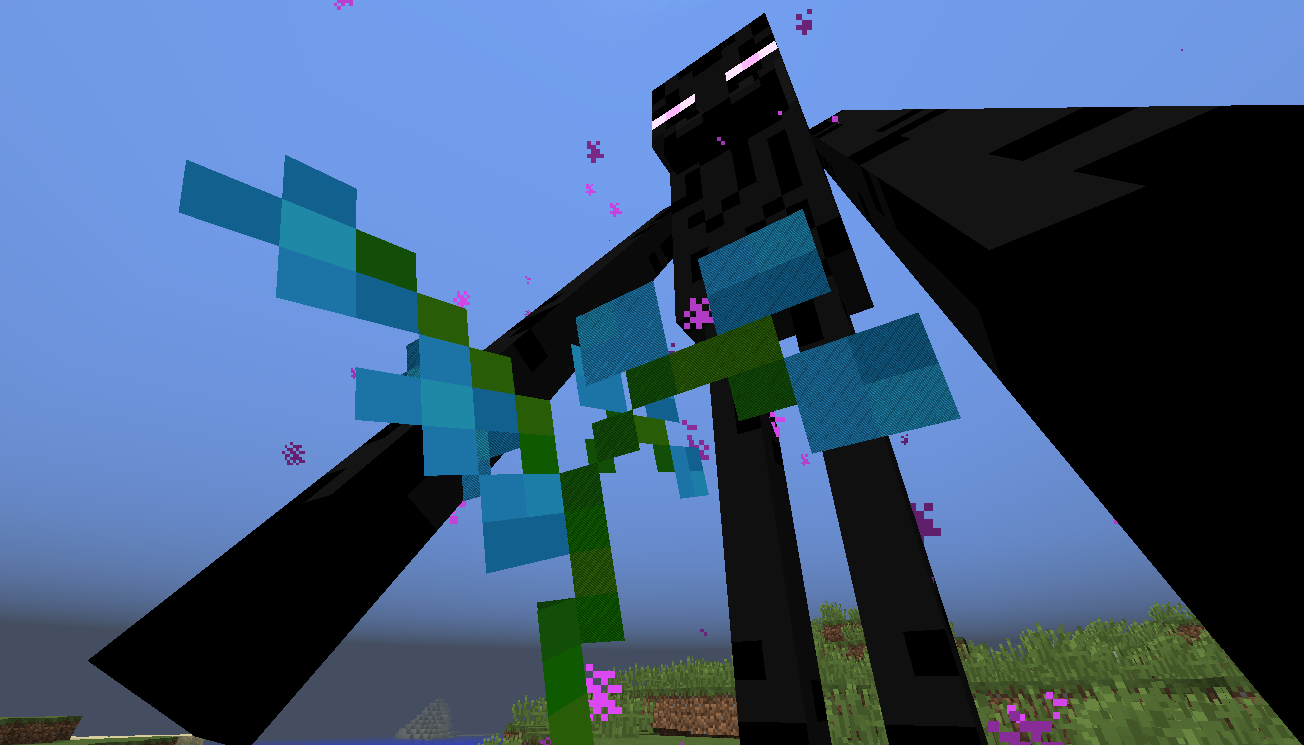


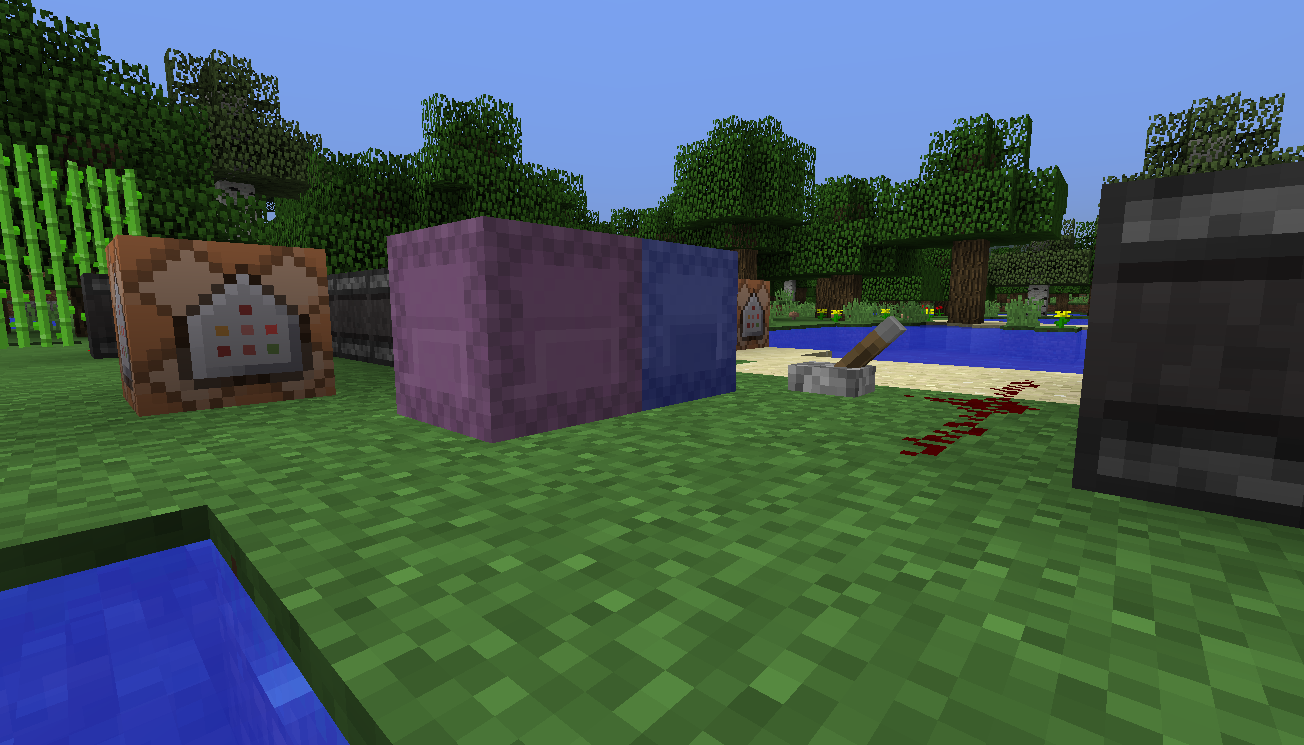




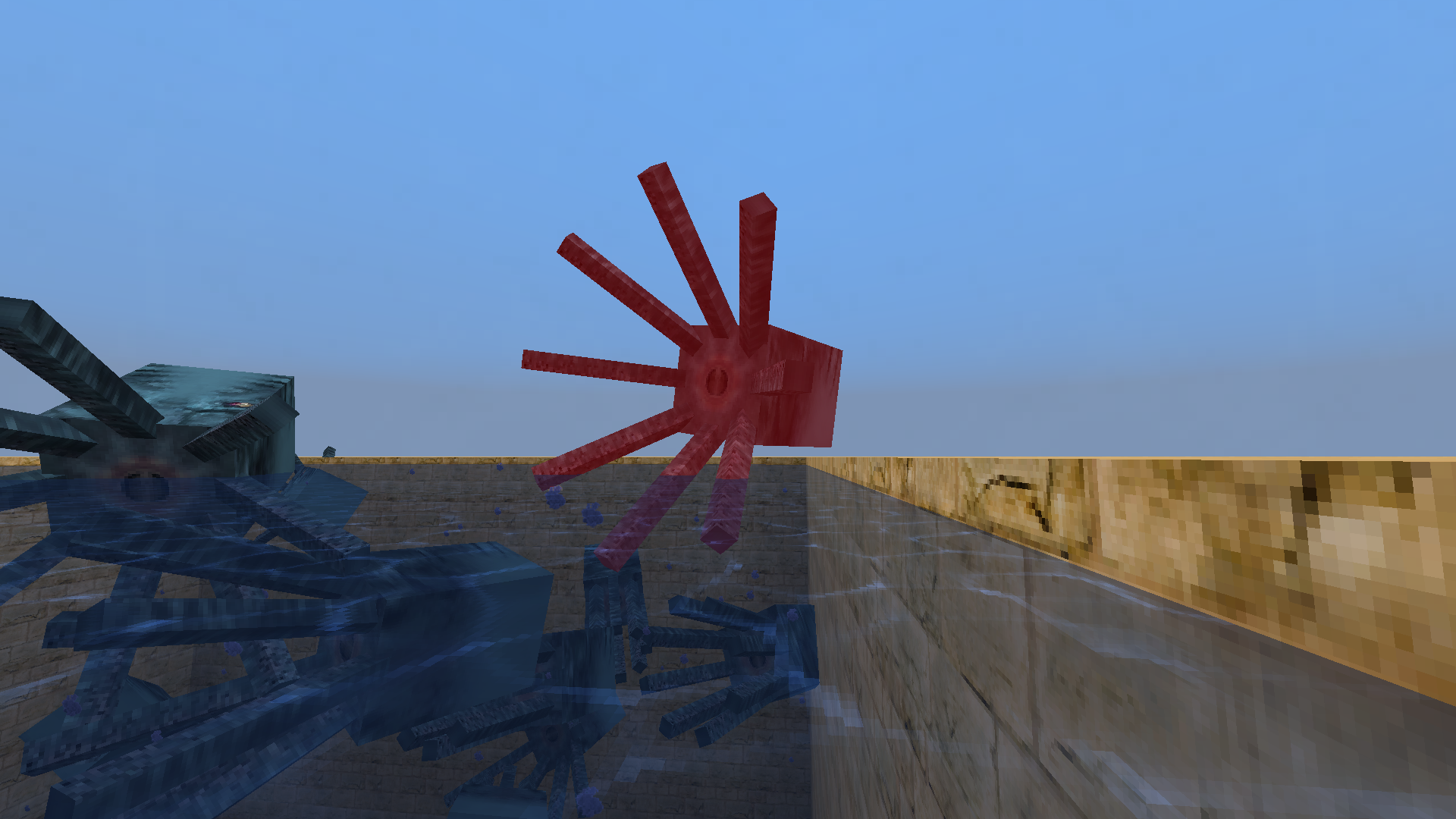






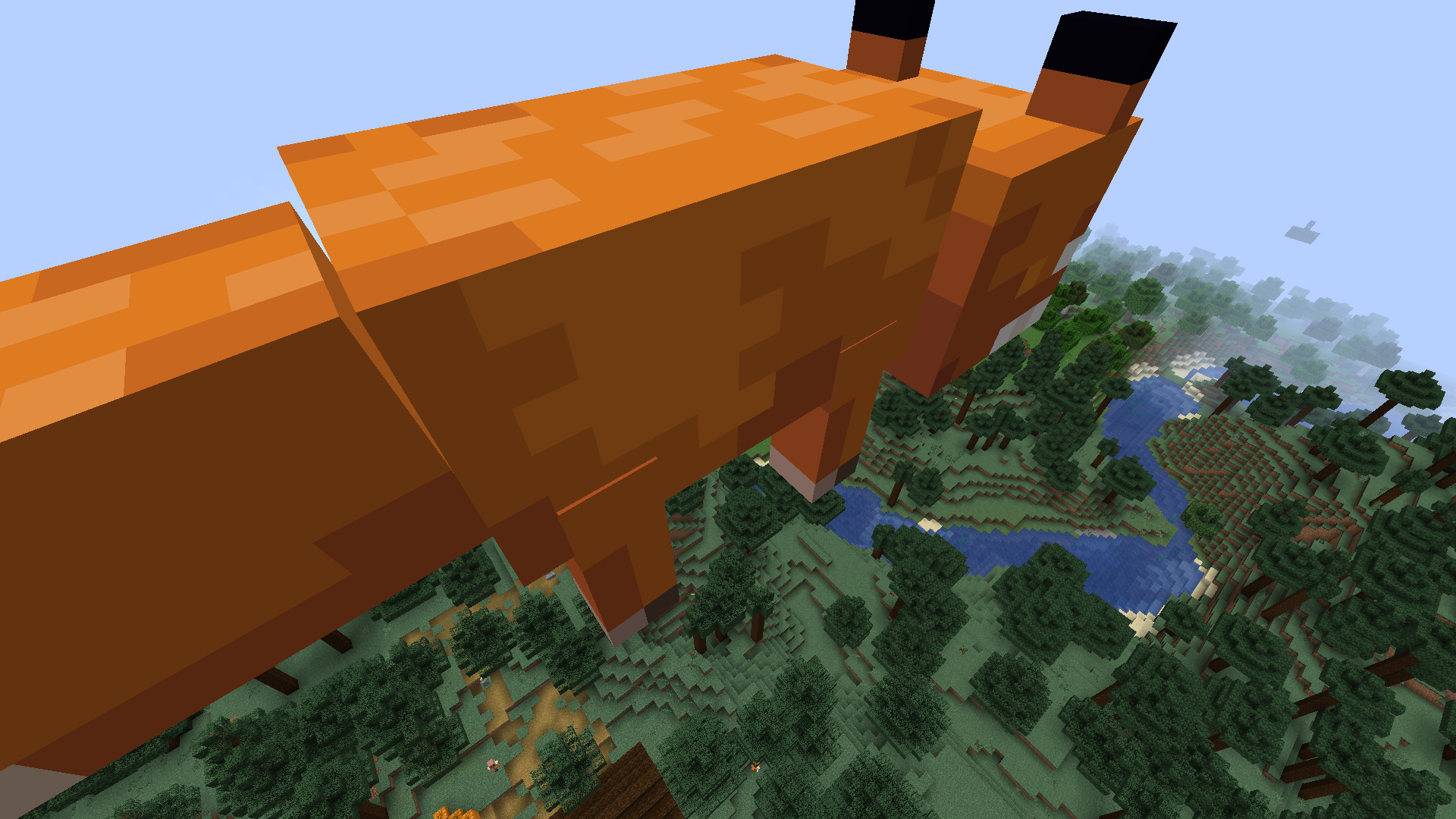


I try to make custom models for items, using sprites in it (in realistic fern model, for example), but in third person view both textures of sprite appear at the same time, wh
atmakes it glitchy-looking.I try to make custom models for items, using sprites in it (in realistic fern model, for example), but in third person view both textures of sprite appear at the same time, which makes it glitchy-looking.
I try to make custom models for items, using sprites in it (in realistic fern model, for example), but in third person view both textures of sprite appear at the same time, which makes it glitchy-looking.
Steps to reproduce:
{carried:38s,carriedData:1,NoAI:1b}
I variant:
1. /summon Enderman ~ ~ ~2. /gamemode 3 to take a closer look on the model.
{ "origin": [ 8, 24, 8 ], "axis": "z", "angle": 22.5, "rescale": false }
II variant:
1. Create a resourcepack.
2. Change any item model, so it will have this part of code (taken from vanilla sunflower model):
"textures": {
"back": "blocks/double_plant_sunflower_back",
"front": "blocks/double_plant_sunflower_front"
},
"elements": [
{
"from": [ 9.6, 15, 1 ],
"to": [ 9.6, 30, 15 ],
"rotation":,
{ "uv": [ 0, 0, 16, 16 ], "texture": "#back" }
"shade": false,
"faces": {
"west":,
{ "uv": [ 0, 0, 16, 16 ], "texture": "#front" }
"east":}
}
]
3. Get the item with changed model in your hand.
4. Press F5.
Java 1.8.0_
20x64, Windows8.1, NVIDIA Geforce GT 635M, Intel Core i3Java 1.8.0_77 x64, Windows 10, NVIDIA Geforce GT 635M, Intel Core i3
The trading GUI does not open on right clicking on some villages regardless their profession
Numpad keys stopped working on the latest few snapshots. That's it.
Numpad keys stopped working in chat on the latest few snapshots.
They work as numbers and info you set them for a specific action in control settings. But they don’t work if you want to move the position of the cursor in chat or as arrows. Everything is fine on 1.12.
I don’t remember the specific sharpshooter when this started, but my guess is when the new commands UI was first introduced.
Numpad keys stopped working in chat on the latest few snapshots.
They work as numbers and infoyou set them for a specific action in control settings. But they don’t work if you want to move the position of the cursor in chat or as arrows. Everything is fine on 1.12.
I don’t remember the specific sharpshooter when this started, but my guess is when the new commands UI was first introduced.Numpad keys stopped working in chat on the latest few snapshots.
They work as numbers and if you set them for a specific action in control settings. But they don’t work if you want to move the position of the cursor in chat or as arrows. Everything is fine on 1.12.
I don’t remember the specific sharpshooter when this started, but my guess is when the new commands UI was first introduced.
Numpad keys stopped working in chat on the latest few snapshots.
They work as numbers and if you set them for a specific action in control settings. But they don’t work if you want to move the position of the cursor in chat or as arrows. Everything is fine on 1.12.
I don’t remember the specific sharpshooterwhen this started, but my guess is when the new commands UI was first introduced.Numpad keys stopped working in chat on the latest few snapshots.
They work as numbers and if you set them for a specific action in control settings. But they don’t work if you want to move the position of the cursor in chat or as arrows. Everything is fine on 1.12.
I don’t remember the specific snapshot when this started, but my guess is when the new commands UI was first introduced.
Fences in Mineshafts and Villages generate with wrong block state
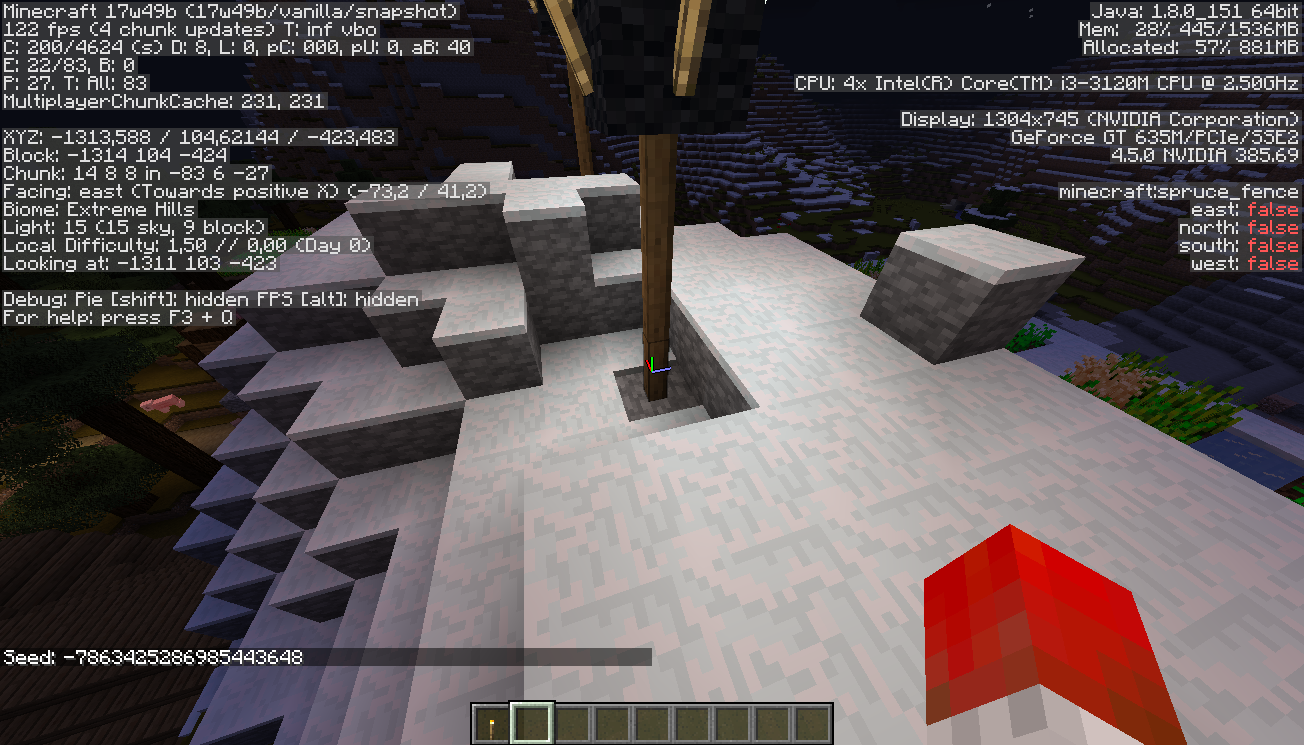
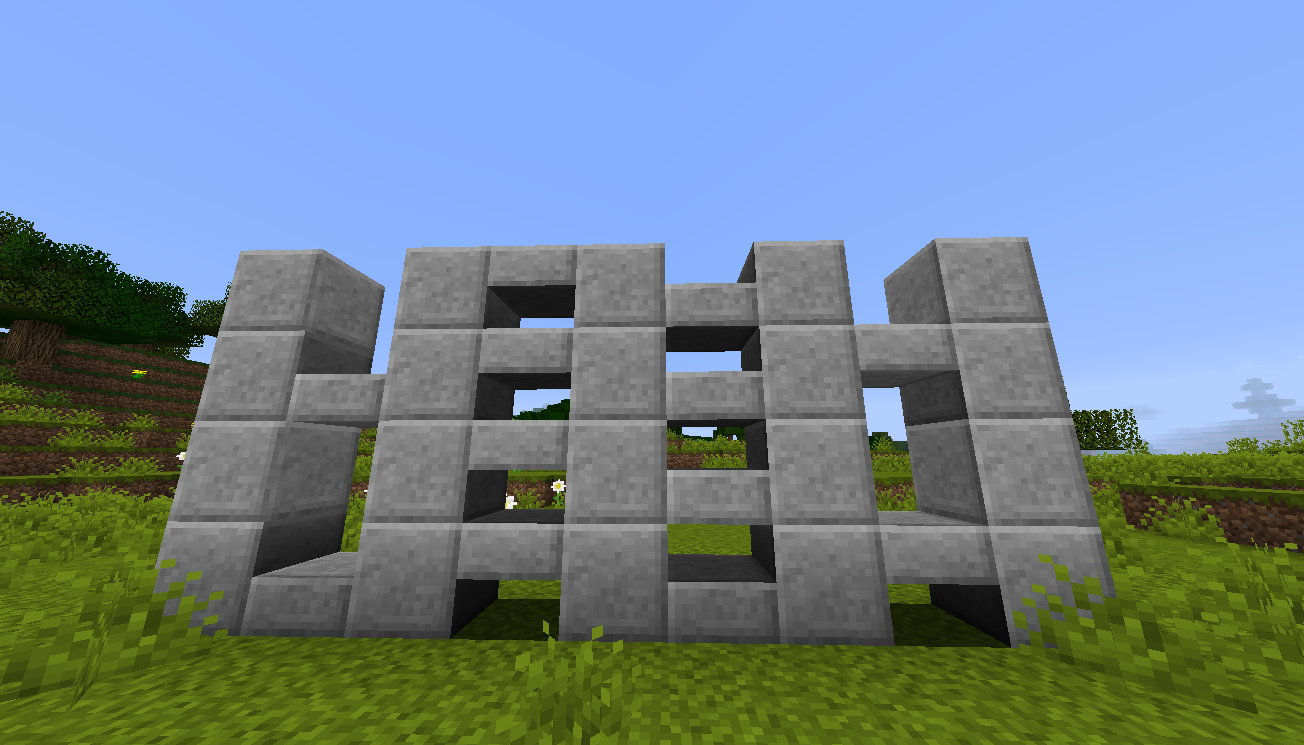
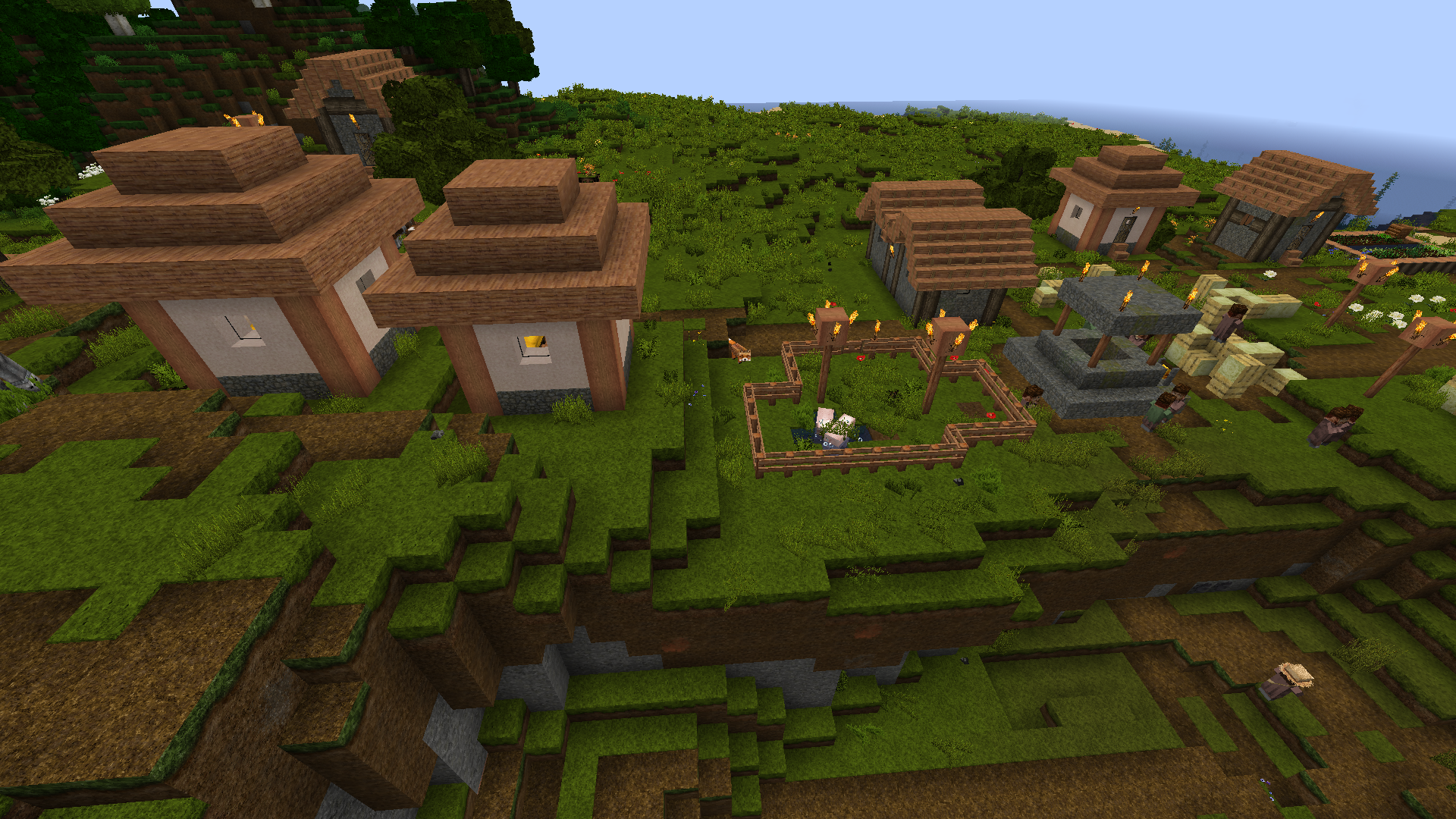
Fences in Mineshafts generate like they're conected to air. The bars remain until the right block state is updated. In Villages the fences in lamp posts don't connect to nearby blocks.
Seed and coordinates-7863425286985443648 X:192 Y:66 Z:272
Fences, glass panes and iron bars in structures and chorus plants in The End generate with wrong block state
2018-02-11_12.16.25.png
The bug
The fence side model (fence_side.json and also custom ones with custom names) stopped supporting the uv rotation in 1.13. The fence post model works fine.
How to reproduce
Install the test resource pack attached to this issue. I've used the default fence_side.json model and only added the "rotation": 90 tag to the uv. Expected: texture would rotate and stretch to fit the side of an element. Result: nothing changes.
I've also done the same with the fence_post.json model t
o demonstrate that everything works as expected with it.
Fence side model does not support uvrotationModels that have locked uv in blockstates ignore texture rotation
The bug
Models that have "uvlock" in blockstates set to true will ignore the "rotation" parameter (in models themselves) and therefore stretch the texture.
For example, if you add "rotation" to any element of the fence_side model, the texture won't rotate or will stretch (depending on the side the texture is on).
The bug
Models that have "uvlock" in blockstates set to true will ignore the "rotation" parameter (in models themselves) and therefore stretch the texture.
For example, if you add "rotation" to any element of the fence_side model, the texture won't rotate or will stretch (depending on the side the texture is on). But if you then set "uvlock" in the fence blockstates to false, everything works as it should.
The bug
Models that have "uvlock" in blockstates set to true will ignore the "rotation" parameter (in models themselves) and therefore stretch the texture.
For example, if you add "rotation" to any element of the fence_side model, the texture won't rotate or will stretch (depending on the side the texture is on). But if you then set "uvlock" in the fence blockstates to false, everything works as it should.Steps to reproduce
Install the test resource pack attached to this issue. I've used the default fence_side.json model, because it has uvlock set to true by default, and only added the "rotation": 90 tag to the uv.
Expected: texture would rotate and stretch to fit the side of an element.
Result: nothing changes.
I've also done the same with the fence_post.json model to demonstrate that everything works as expected with it.

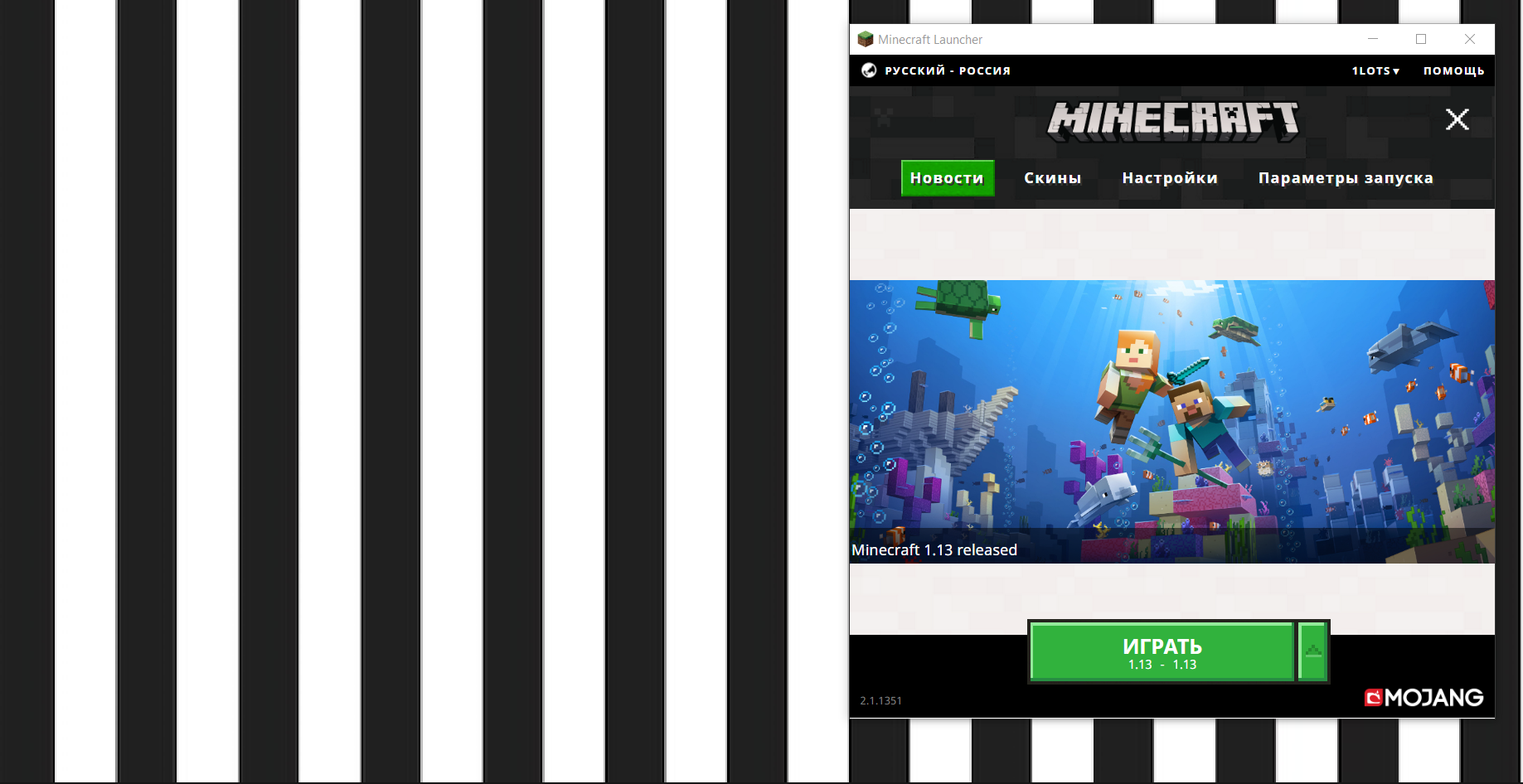
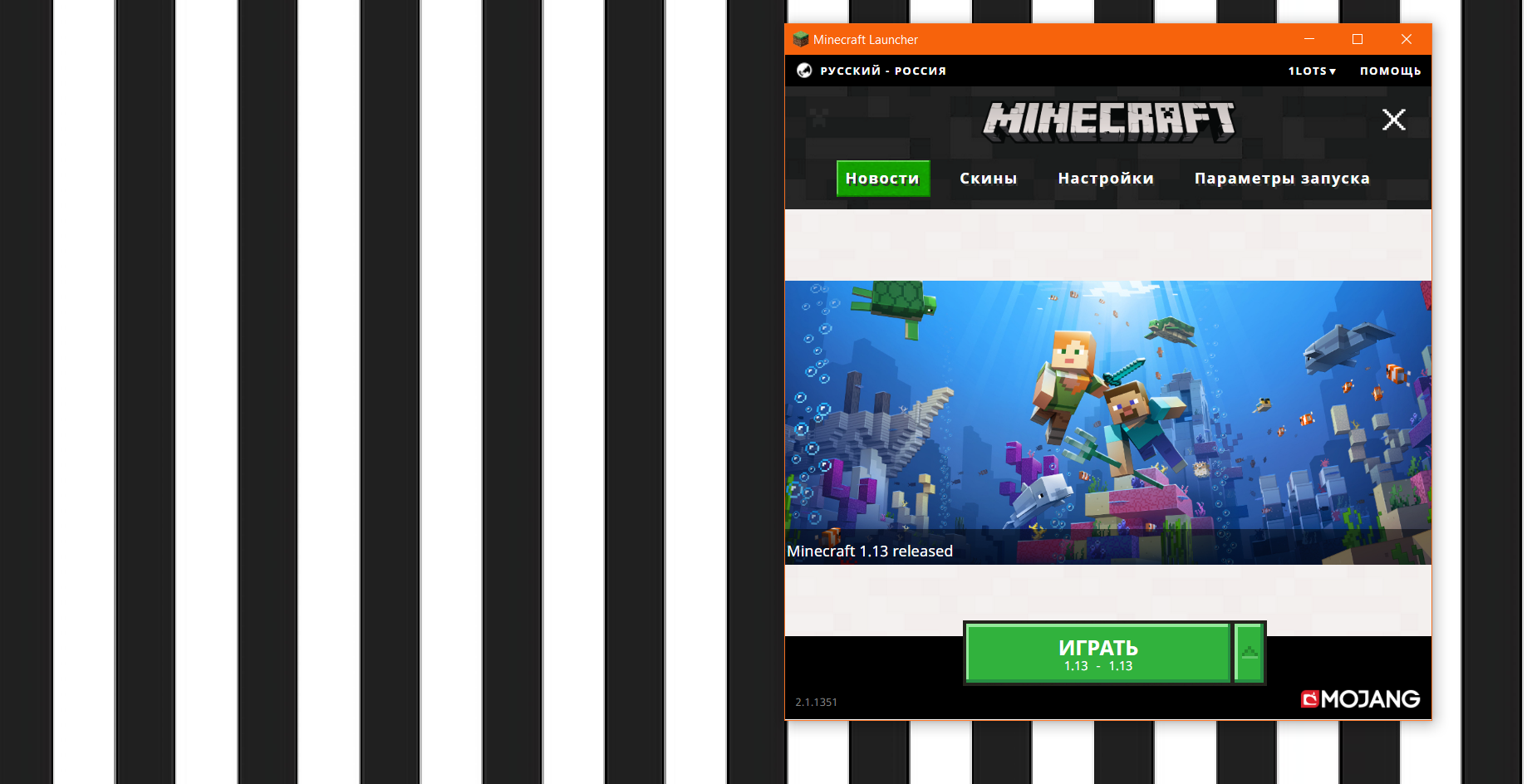
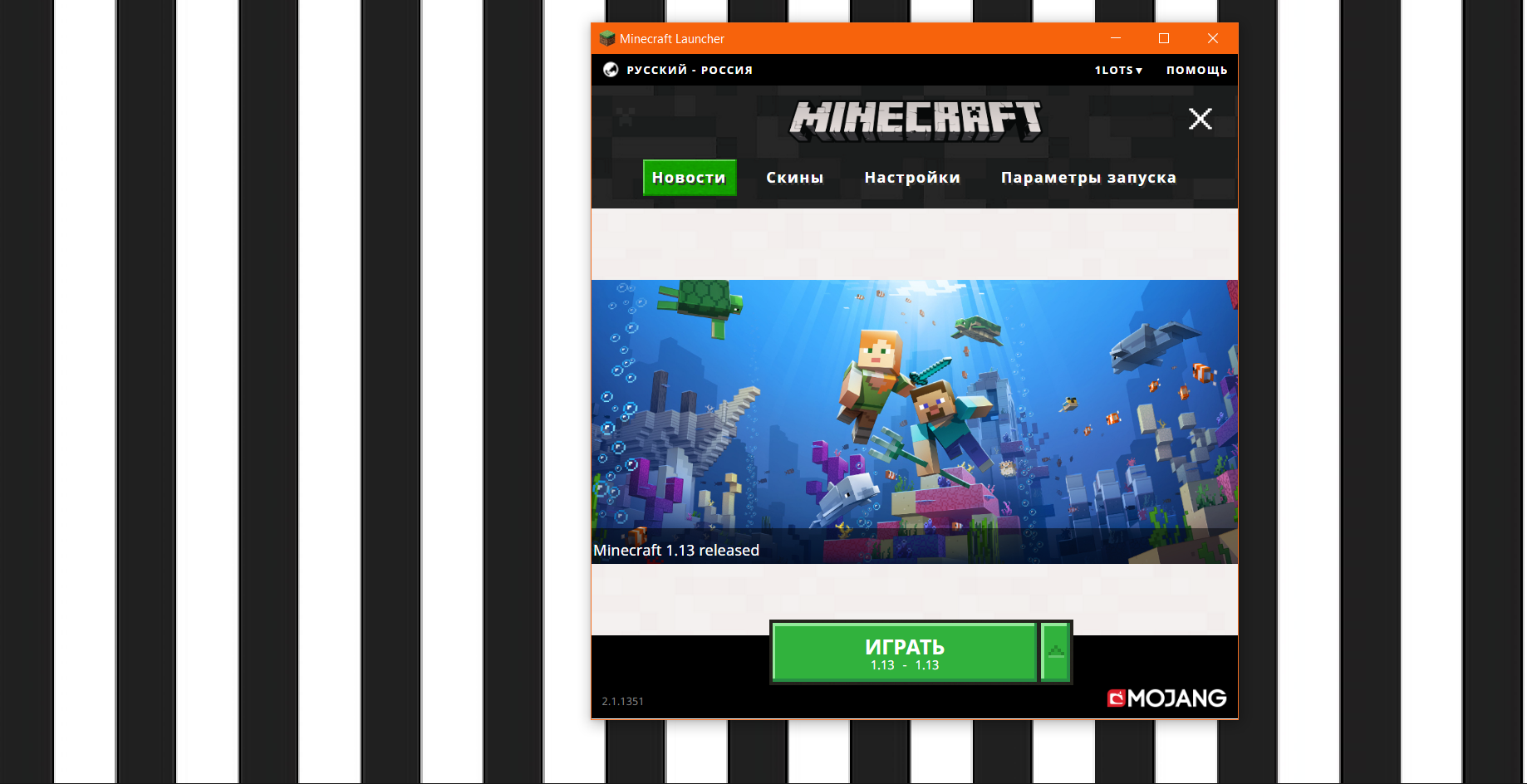
Every time I open the new launcher, it moves a few pixels to the left from it's last position. The same applies to the console output. The game window opens normally in the middle of the screen.The bug
Every time I open the new launcher, it moves a few pixels to the left from it's last position. The same applies to the console output. The game window opens normally in the middle of the screen.
I've attached 4 screenshots, between which I just closed the launcher and opened it again.
Windows 10
, Nvidia GeForce GT 635M
I was using a resource pack when I started 18w43b, then I opened a world I made in 18w43a and Minecraft could not load almost all block models. Then I removed the resource pack and the issue still remains.
This is an example of the console messages:
18:19:49dijUnable to bake model: 'minecraft:note_block#instrument=bell,note=7,powered=true': java.util.ConcurrentModificationExceptionI was using a resource pack when I started 18w43b, then I opened a world I made in 18w43a and Minecraft could not load almost all block models. Then I removed the resource pack and the issue still remains.
This is an example of the console messages:
18:19:49 dij Unable to bake model: 'minecraft:note_block#instrument=bell,note=7,powered=true': java.util.ConcurrentModificationException
I was using a resource pack when I started 18w43b, then I opened a world I made in 18w43a and Minecraft could not load almost all block models. Then I removed the resource pack and the issue still remains. The same for the new worlds.
This is an example of the console messages:
18:19:49 dij Unable to bake model: 'minecraft:note_block#instrument=bell,note=7,powered=true': java.util.ConcurrentModificationException
Unable to bake model: java.util.ConcurrentModificationException
I was using a resource pack when I started 18w43b, then I opened a world I made in 18w43a and Minecraft could not load almost all block models. Then I removed the resource pack and the issue still remains. The same for the new worlds. Everything works fine on 18w43a.
This is an example of the console messages:
18:19:49 dij Unable to bake model: 'minecraft:note_block#instrument=bell,note=7,powered=true': java.util.ConcurrentModificationException
Unable to bake model: java.util.ConcurrentModificationExceptionMinecraft can't load almost all block models on Java 10
I was using a resource pack when I started 18w43b, then I opened a world I made in 18w43a and Minecraft could not load almost all block models. Then I removed the resource pack and the issue still remains. The same for the new worlds. Everything works fine on 18w43a.
This is an example of the console messages:
18:19:49 dij Unable to bake model: 'minecraft:note_block#instrument=bell,note=7,powered=true': java.util.ConcurrentModificationExceptionOn 18w43b Minecraft can't load block models for almost all blocks.
This is an example of the console messages:
18:19:49 dij Unable to bake model: 'minecraft:note_block#instrument=bell,note=7,powered=true': java.util.ConcurrentModificationException
On 18w43b Minecraft can't load block models for almost all blocks, when using Java 10.
This is an example of the console messages:
18:19:49 dij Unable to bake model: 'minecraft:note_block#instrument=bell,note=7,powered=true': java.util.ConcurrentModificationException
The bug
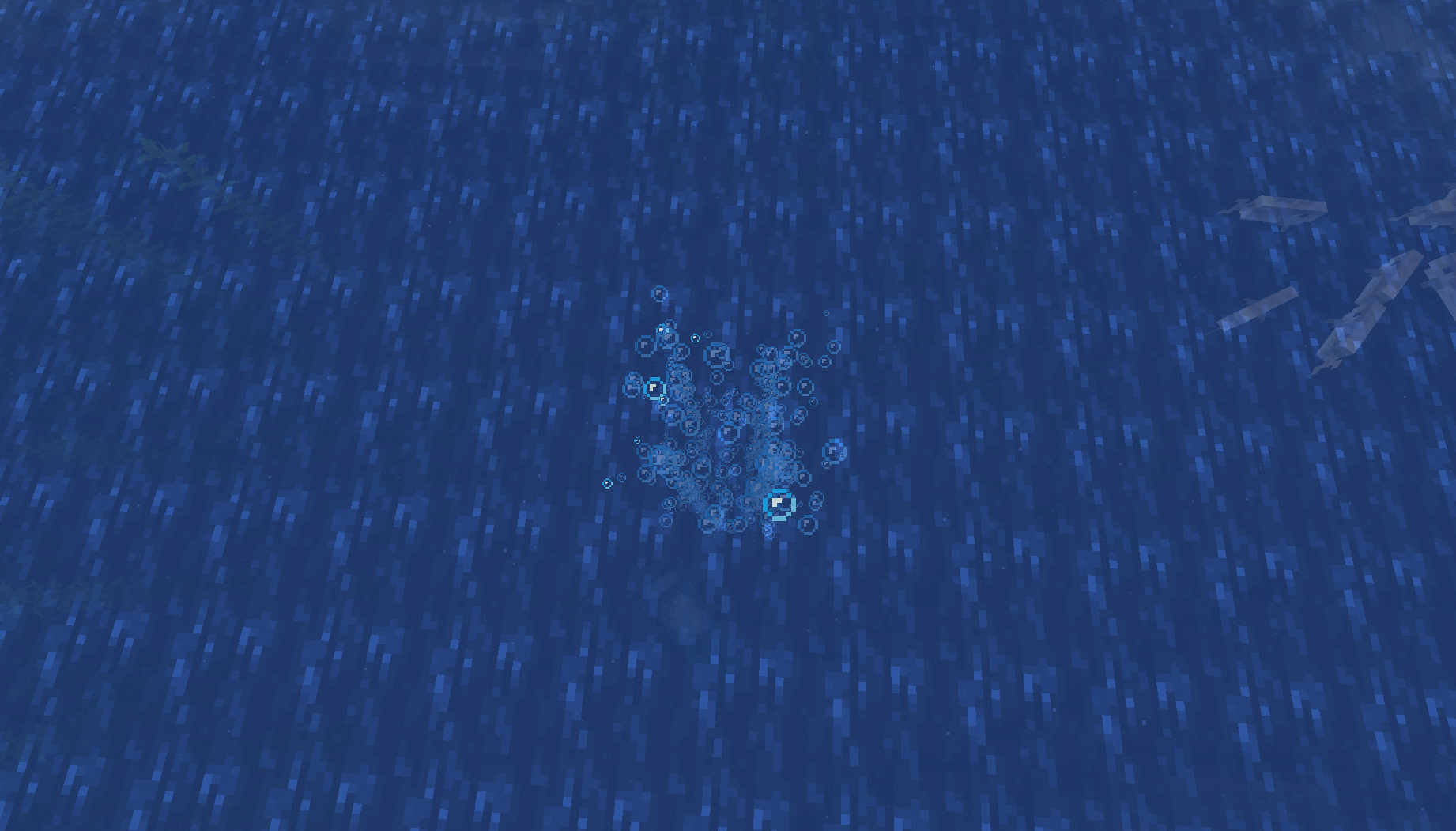
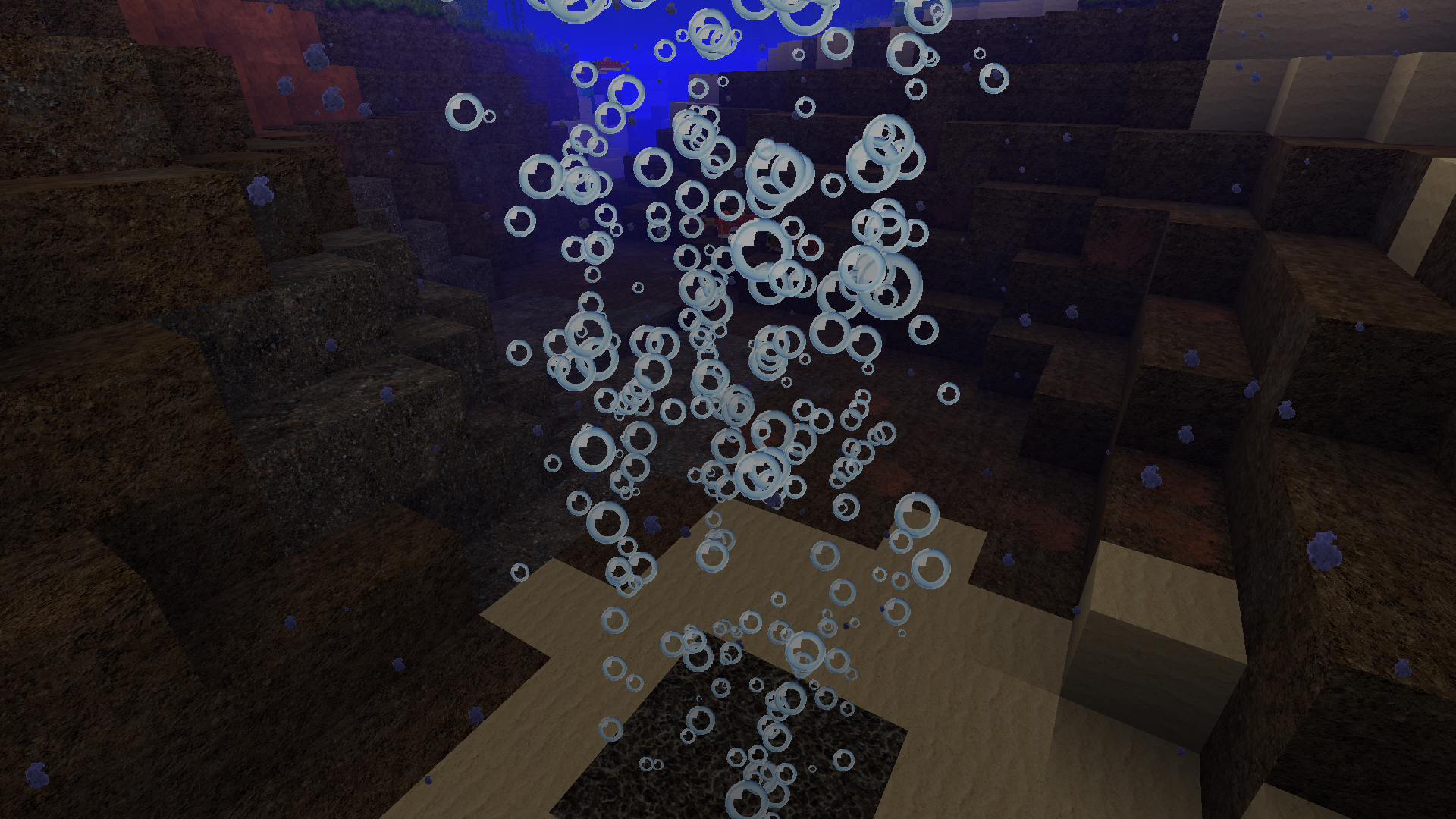
After particles were split into separate files, they no longer support translucency.
Attached screenshots show the difference between 1.13/pre-19w06a and 19w06a for bubble particles as an example.Steps to reproduce
Install the attached test pack. It has the bubble texture in it. The texture itself is translucent, but renders as transparent in the game (only 0 and 100% alpha).
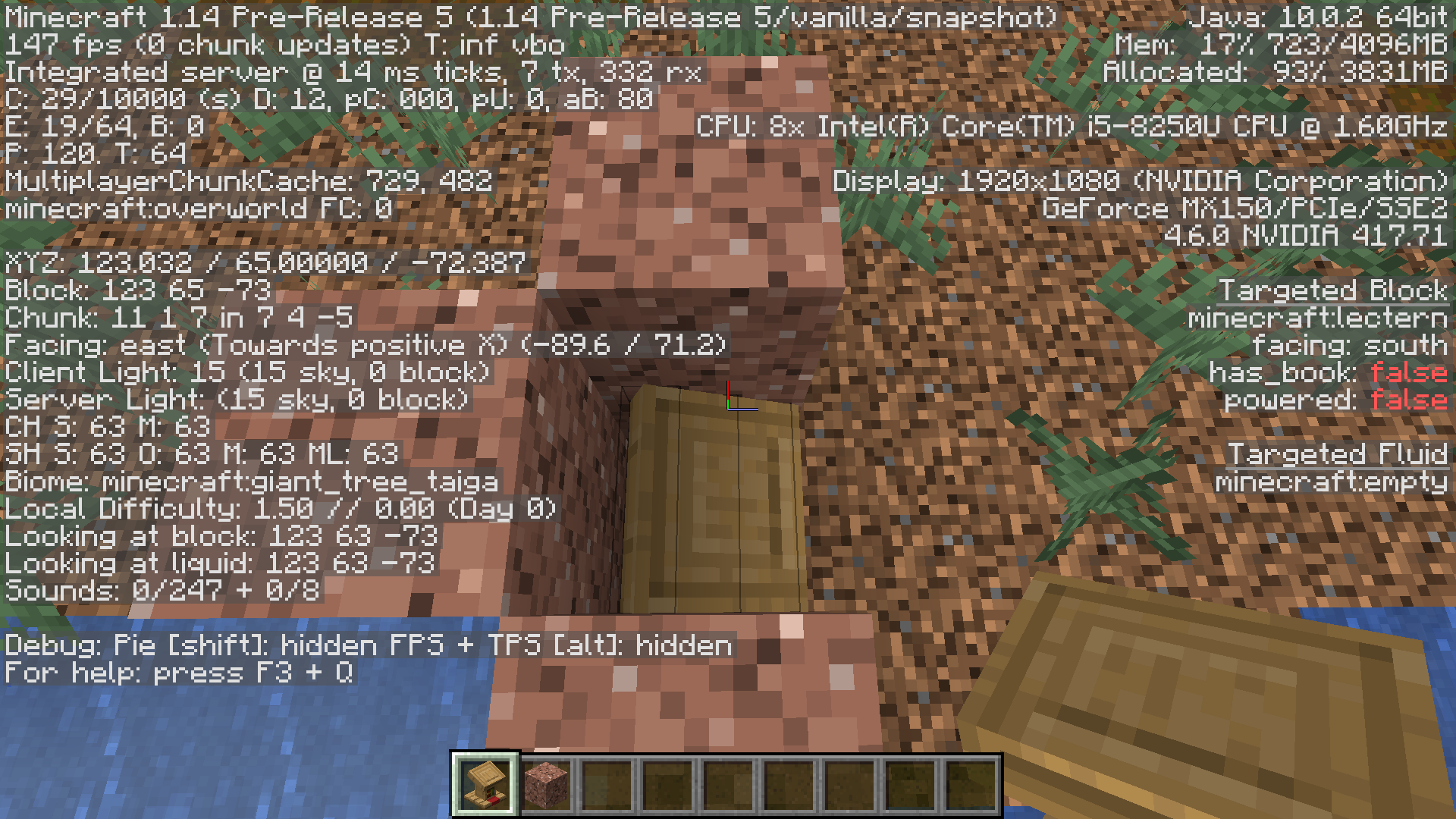
Lecturn's ambient occlusion is reversed for west and east statesLectern's ambient occlusion is reversed for west and east states
Lect
urn's ambient occlusion is reversed for west and east facing states. Works fine with north/south facing states.Lectern's ambient occlusion is reversed for west and east facing states. Works fine with north/south facing states.
Lectern's ambient occlusion isreversed for west and eaststatesLectern's ambient occlusion is broken for certain blockstates

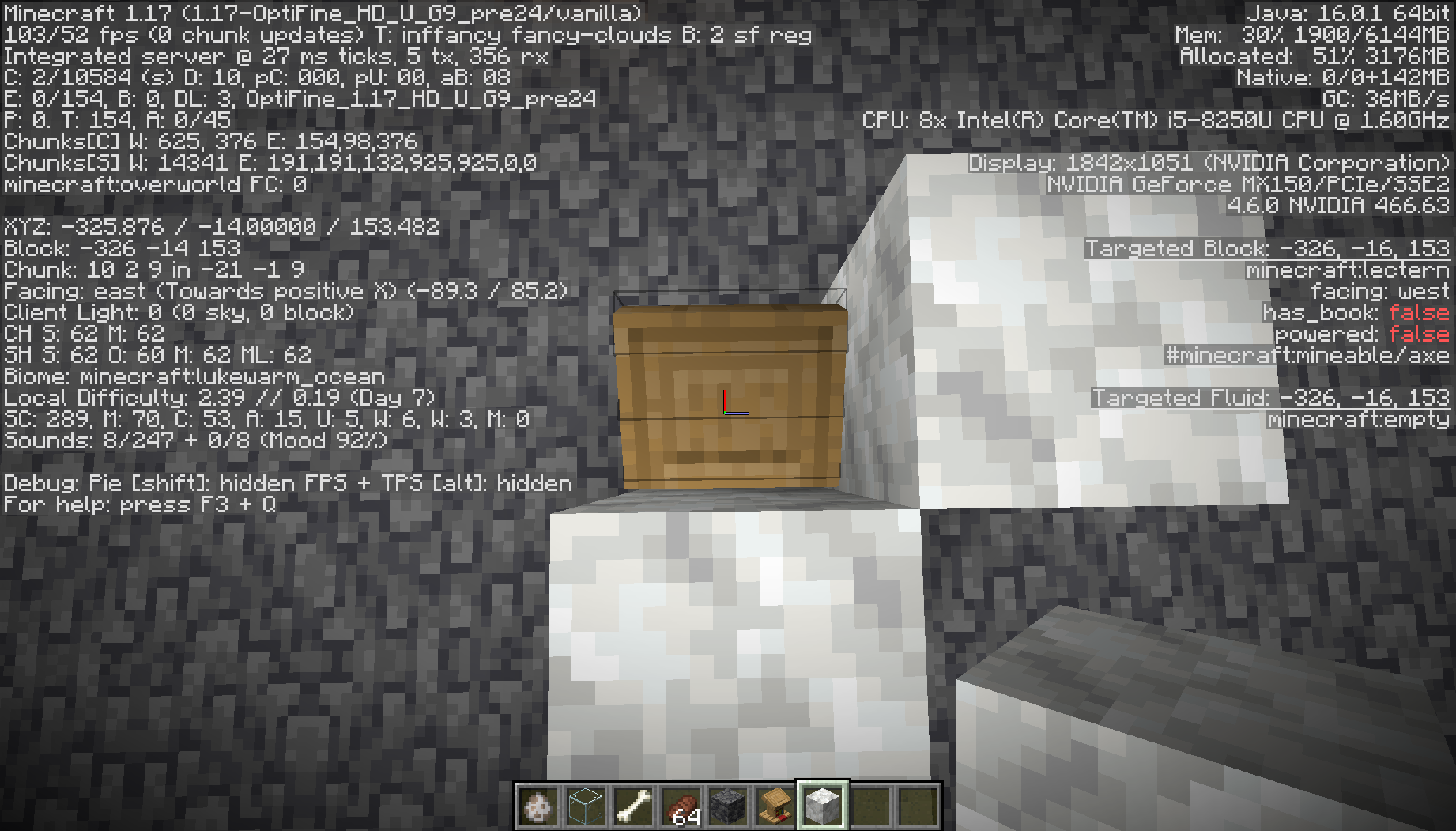


If a block model has elements inside the block's boundaries, their sides will go up to fully black if you place blocks around them. To reproduce,
check outthe attached test resource pack.If a block model has elements inside the block's boundaries, their sides will go up to fully black if you place blocks around them. To reproduce, install the attached test resource pack and try placing chiseled quartz blocks next to each other.
I
f a block model has elements inside the block's boundaries, their sides will go up to fully black if you place blocks around them. To reproduce, install the attached test resource pack and try placing chiseled quartz blocks next to each other.
Sides of theinnerelements of block models go up to black if there are blocks next to them / Block lighting is applied incorrectly
The bug
If a block model has elements inside or outside the block's boundaries, their sides will go up to fully black if you place blocks around them. All sides of model elements are treated as if they were directly at the block's boundaries.
Steps to reproduce
Install the attached test resource pack and try placing chiseled quartz blocks next to each other.
Sides of the elements of block models go up to black if there are blocks next to them / Block lighting is applied incorrectlyFaces of the elements of block models go up to black if there are blocks next to them / Block lighting is applied incorrectly
The bug
If a block model has elements inside or outside the block's boundaries, their
sides will go up to fully black if you place blocks around them. Allsides of model elements are treated as if they were directly at the block's boundaries.Steps to reproduce
Install the attached test resource pack and try placing chiseled quartz blocks next to each other.
The bug
If a block model has elements inside or outside the block's boundaries, their faces will go up to fully black if you place blocks around them. All faces of model elements are treated as if they were directly at the block's boundaries.
Steps to reproduce
Install the attached test resource pack and try placing chiseled quartz blocks next to each other.
The bug
If a block model has elements inside or outside the block's boundaries, their faces will go up to fully black if you place blocks around them. All faces of model elements are treated as if they were directly at the block's boundaries.
Steps to reproduce
Install the attached test resource pack and try placing chiseled quartz blocks next to each other.
The bug
If a block model has elements inside or outside the block's boundaries, their faces will go up to fully black if you place blocks around them. All faces of model elements are treated as if they were directly at the block's boundaries.
Important note: this bug is partially dependent on ambient occlusion (smooth lighting). If the smooth lighting is turned off, only the top and bottom faces get darker. If it's turned on, the west/east/north/south sides also get affected.Steps to reproduce
Install the attached test resource pack and try placing chiseled quartz blocks next to each other.

The bug
If a block model has elements inside or outside the block's boundaries, their faces will go up to fully black if you place blocks around them. All faces of model elements are treated as if they were directly at the block's boundaries.
Important note: this bug is partially dependent on ambient occlusion (smooth lighting). If the smooth lighting is turned off, only the top and bottom faces get darker. If it's turned on, the west/east/north/south sides also get affected.Steps to reproduce
Install the attached test resource pack and try placing chiseled quartz blocks next to each other.
The bug
If a block model has elements inside or outside the block's boundaries, their faces will go up to fully black if you place blocks around them. All faces of model elements are treated as if they were directly at the block's boundaries.
Important note: this bug is partially dependent on ambient occlusion (smooth lighting). If the smooth lighting is turned off, only the top and bottom faces get darker. If it's turned on, the west/east/north/south sides also get affected.Without smooth lighting:
With smooth lighting:
Steps to reproduce
Install the attached test resource pack and try placing chiseled quartz blocks next to each other.

Chests and minecarts no longer support transparency
With the introduction of Blaze3D the chest and minecart textures stopped supporting transparency


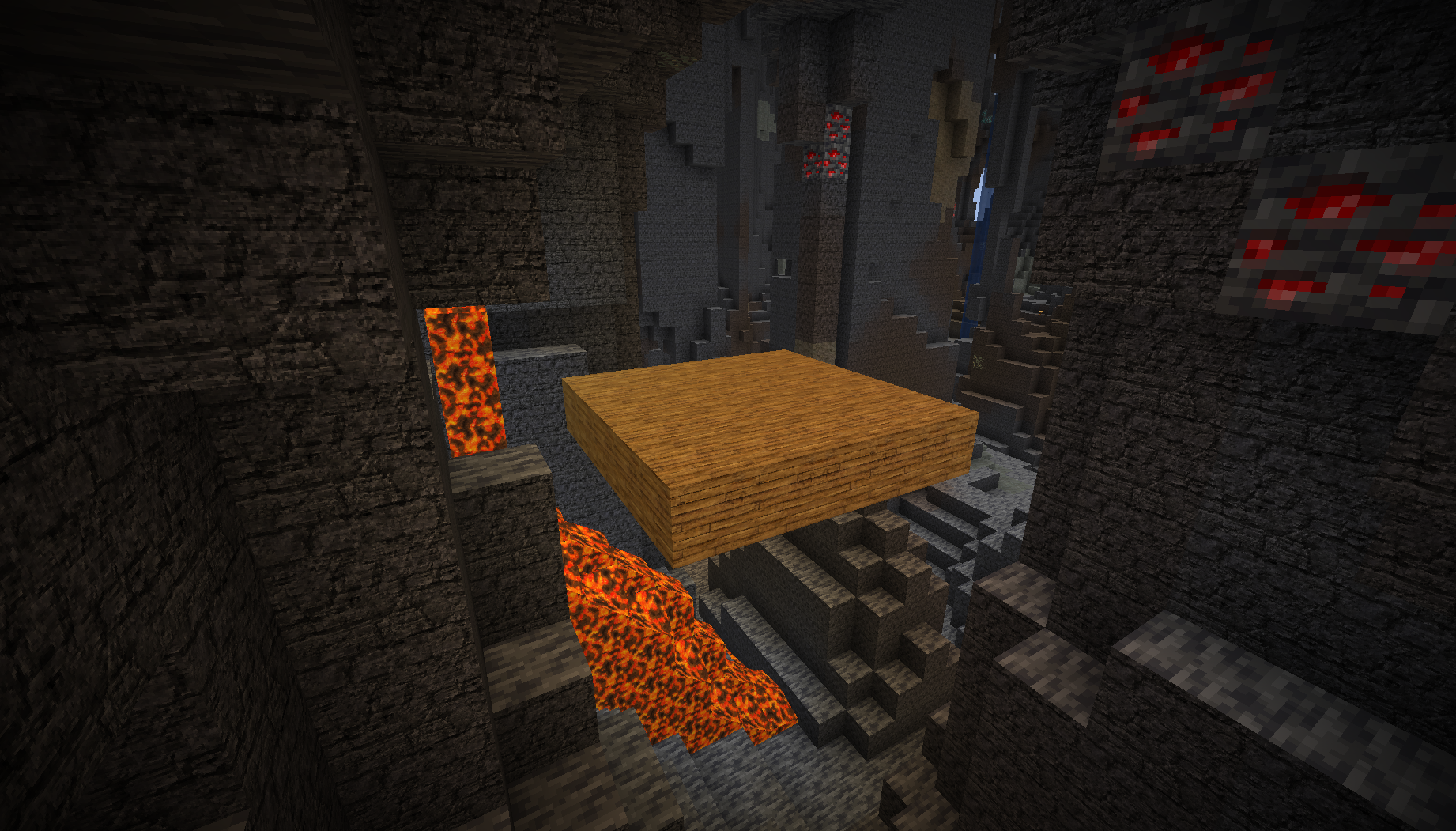
Wolf ears and legs aren't mirrored. Other mobs either have mirrored symmetrical body parts or separate UVs for each part.
Steps to reproduce:
- Install the testing resource pack
- Spawn a wolf
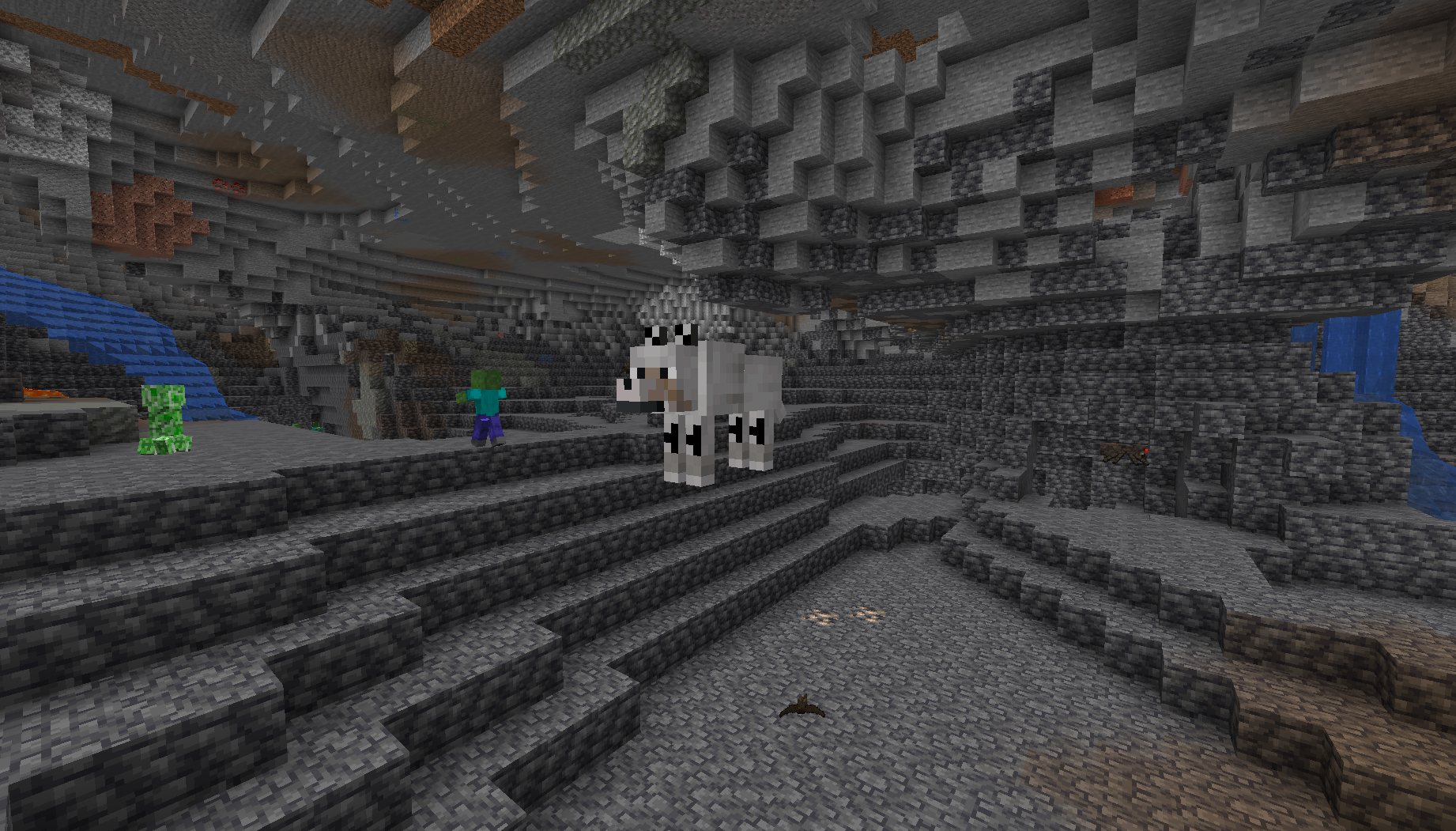

The ocelot texture ha
sa line of unused pixels for the head.
Steps to reproduce:
- Use the attached resourcepack
- Summon an ocelot
The ocelot and some cat textures have a line of unused pixels for the head.
Variants affected: ocelot, black, persian, red and siamese.
Steps to reproduce:
- Use the attached resourcepack
- Summon an ocelot / a cat with a variant mentioned above.
Ocelot texture hasunused pixelsOcelot and some cat textures have unused pixels
![[Mod] markderickson](../../../data/avatars/users/18946.svg)
In the first person view/inventory everything works perfect. But in the third person view textures just glitch.
Comfirmed for 15w40b
Elytra becomes transparent when wearing enchanted armor. Even with a resource pack.
This also happens with the vanilla models that have sprites in them.
Arsenic Shark, yeah, but sometimes I need two different textures to be displayed on both sides (like in sunflower model).
Arsenic Shark, but why doesn't it work like how it works with blocks? You don't need to change anything in the model. It just shows the side you're looking at. And if I remember it right it wasn't a thing in the older versions of minecraft.
Confirmed 16w33a
These coordinates are just an example. It appears in other mineshafts too
Can confirm

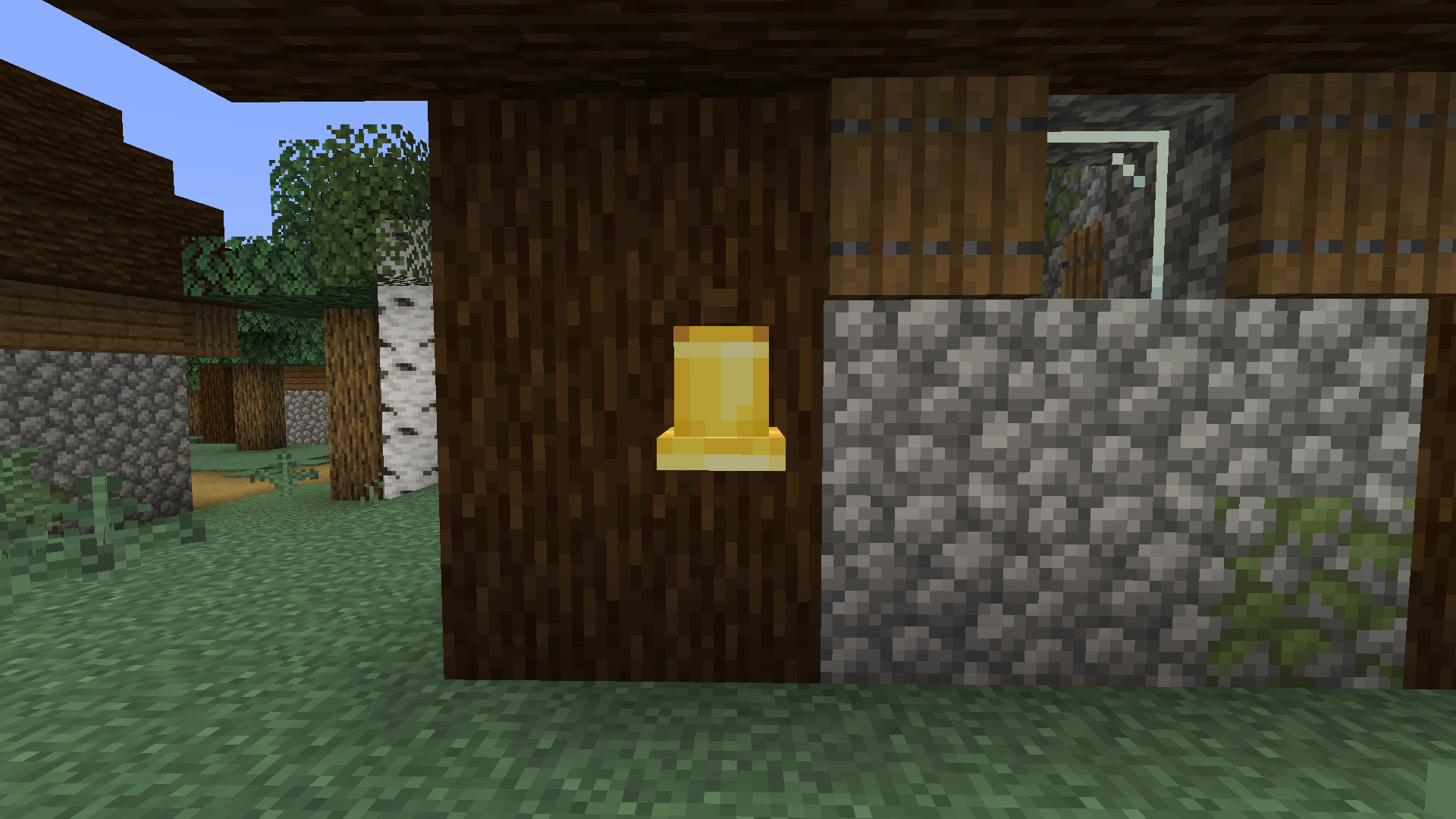
Not sure if that's the same problem, but here's a similar effect with the fence in a village

Can confirm
Can confirm
Also affects chorus plants in The End (only generated ones)
Can confirm for 1.13-pre4
@miwob It does not duplicate
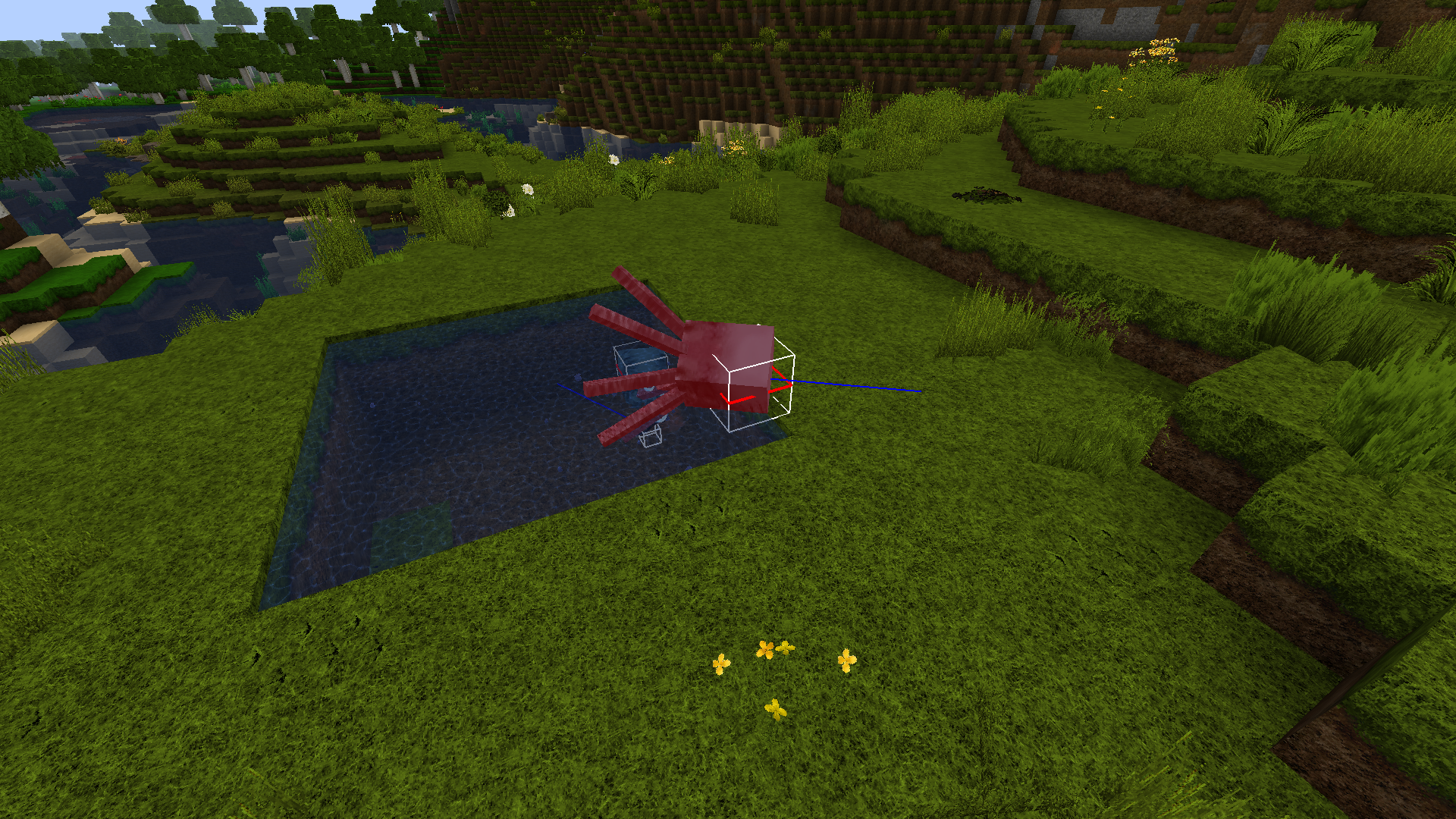
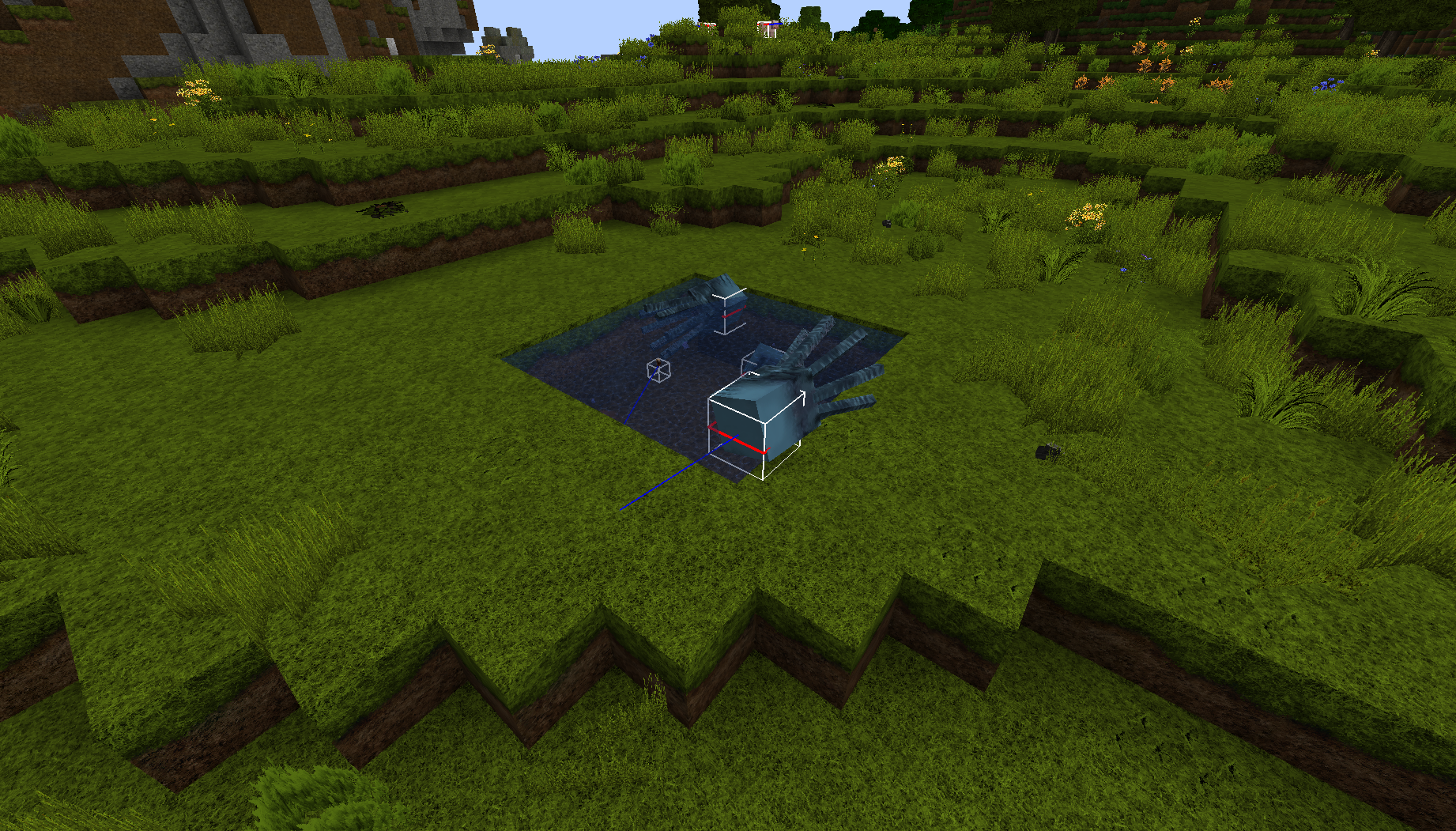
MC-125979. This is a separate issue, based on a different behavior of squids. They don't "teleport" back into water, nor they fly far away out of it. They swim exactly 1 block above water, which allows them to end up on land.Can confirm for 1.13-pre5
Can't confirm. Creepers do run away from cats on pre5
Here you can see that they do run away
Can confirm for 1.13-pre8
@kumasasa 2.1.1351. Still an issue
It worked perfectly fine in Java 10 in 18w43a. But the b snapshot broke it. When I switched to the built-in version of Java (which, I suppose, is Java 8), everything was fixed.
@Neko it is! I have my taskbar on the left
UPD: I've just noticed, it only happens when the game is closed. If Minecraft is running and you run the launcher, it will always open in the center of the screen.
Can comfirm
@ZeNico13
1) Sorry, I was busy and could not update this issue.
2) What do you need my pack for? The information provided is enough to reproduce the bug.
@Oval It's not a duplicate of the issue you mentioned. It's not about a light source, it's about the ambient occlusion effect. It was working on 19w14b, but got corrupted on the first pre-release.
Maybe it relates to smooth lighting, but it's a completely different issue.
@violine1101 it's not fixed. They only changed the texture, the model is still upside down
You have "blocks" instead of "block" in the model's path to textures.
Confirmed for 1.14 Pre-Release 5
Cannot confirm for a world created in this snapshot
I'm having the same or, at least, a similar issue. After I reload my 128x pack a few times, the game uses all the memory and crashes, destabilizing other software (discord stops working, sublime text closes by itself). I'm on 1.15.2
hs_err_pid7076.log
replay_pid7076.log
Seems to be fixed in 21w03a
Duplicate of MC-148762
I found the reason it's happening! Whenever an element collides with or touches the neighbouring block, the ambient occlusion effect is applied. I noticed this issue when my pointed dripstone model got dark whenever there was a block nearby. My model was different from vanilla only in size of the planes. Reducing the size fixed the issue.
P.S. I hope that instead of making the spore blossom model smaller, the issue with the AO will be properly fixed
Update: tested it more and the AO seems to behave way more random than I expected. So the reason above is probably not the only one
Can confirm.
Seed: -4531006308683535508
Coordinates: /execute in minecraft:overworld run tp @s -493.64 -40.00 -183.47 -3019.97 4.41
The attached pack does the "x-ray" effect with models by not having elements in the middle of each face. Solid blocks do not support transparency/translucency via textures. There is no way to fix this issue without harming the freedom of block modeling, which is already very limited
affects 1.17
It's just so funny how for some things Mojang reply with "care for resource packs"
But for other things they just do it without asking and knowing that it will break soooo many packs.
updated the description and the resourcepack to include all affected cat variants
Kind of. It's fixed when you use the minecart experiment.
How is that a feature request? Editable slot highlight texture is an already existing feature, which simply doesn't work for when you drag an item over a slot instead of having just a cursor over it. This is clearly an oversight from the devs