 Gamepro5
- Gamepro5
- gamepro5
- Europe/Stockholm
- Yes
- No
 MC-133548
 REALMS-1276MC-145982MC-215966
![[Mojang] Brandon Pearce](../../../data/avatars/users/40932.png)





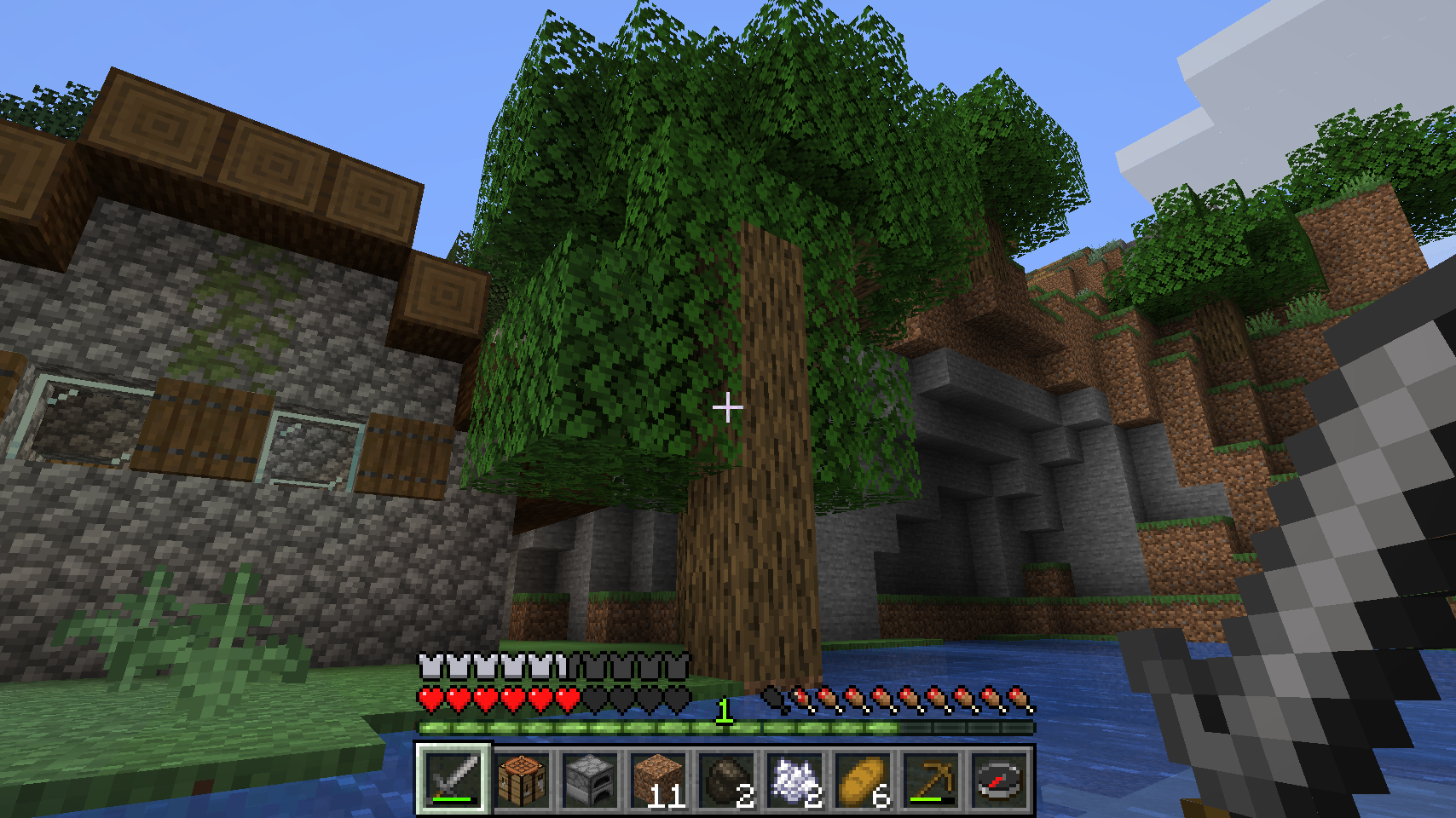


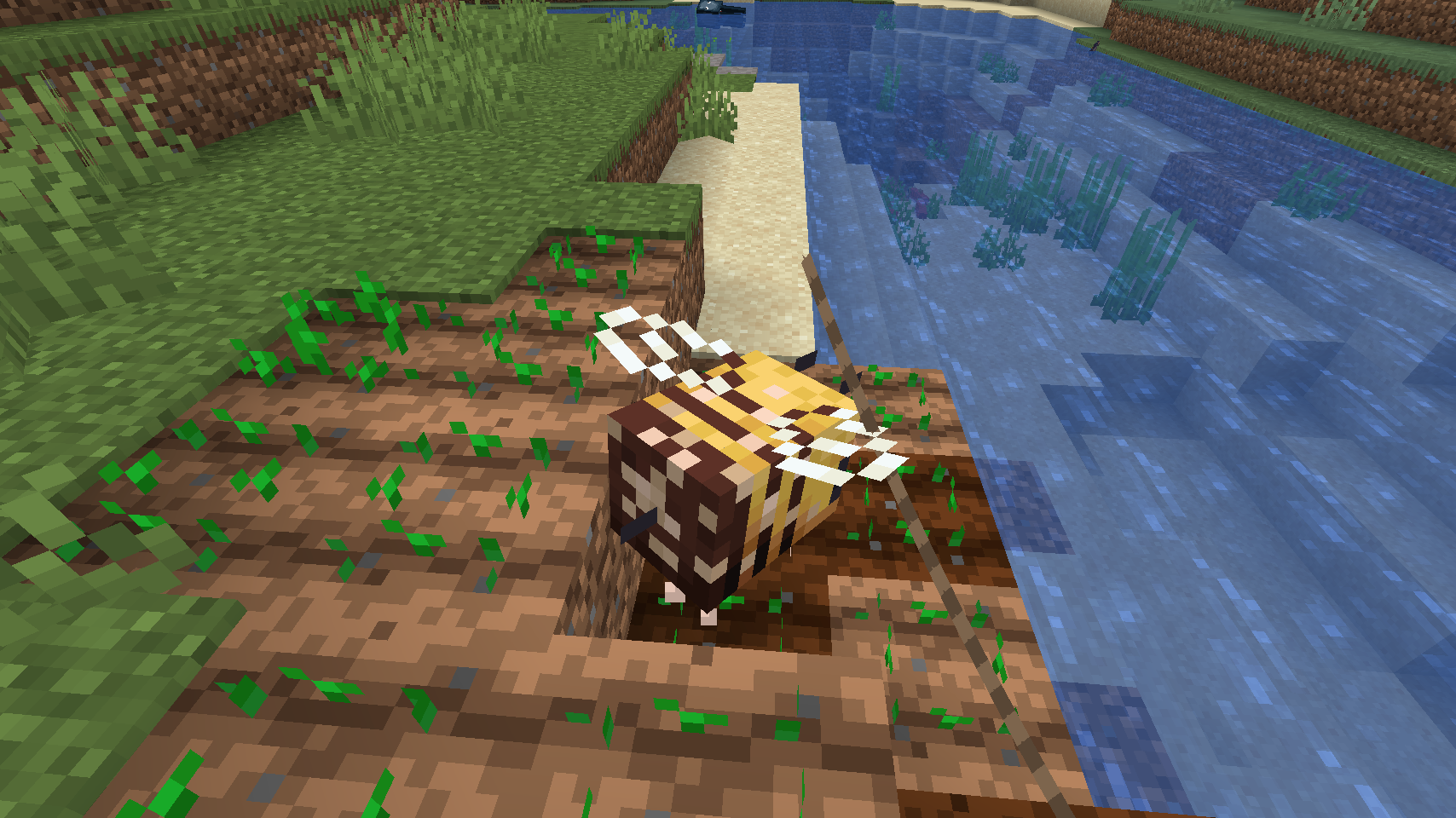


i've written them all here:
https://docs.google.com/document/d/1w4neeBjayH82hfE7wYCbcn6_jGtwQgzShrJUZeuU5wU/editi've written them all here: google docs link
i've written them all here:googledocslinkI've written them all here: Google Docs Link
Why hasn't this been fixed yet? In Bedrock edition leads and leading things is much smoother!
en_us.json
Opening a 1.13 world in 1.13.1 ResetsadvancementsOpening a 1.13 world in 1.13.1 Resets Advancements
Opening a 1.13world in 1.13.1 Resets AdvancementsOpening a 1.13 World in 1.13.1 Resets Advancement
Opening a 1.13 World in 1.13.1 Resets Advancement & Statistics
Opening a 1.13 World in 1.13.1 Resets Advancement & Most Statistics
World is in Minecraft Realms
World is in Minecraft Realms, and i'm using a Mac. But I don't think any of this matters.
Game Stutters when trying to break a block with an sword or tridentandwalking or sprintingGame Stutters when trying to break a block with an sword or trident while walking or sprinting
MacOS
MacOS, and Windows 10. Applies both in singleplayer and multiplayer.
How to re-create:
- Get a sword or trident from your inventory in creative mode
- Walk around in circles while holding down the sword on a block
- Observe as the game freezes up for a fraction of a second. The items you have in your hand might also have a visual glitch.
Footage: https://youtu.be/iqv4CQakZKc
This does not happen in survival mode, or with any other item in creative mode. It applies to all types of swords, and the trident. It does not apply to attack mobs. It also only happens while the player is moving. My theory is that the algorithm that makes swords not be able to break blocks is inefficient.
Game Stutters when trying to break a block with answord or trident while walking or sprinting
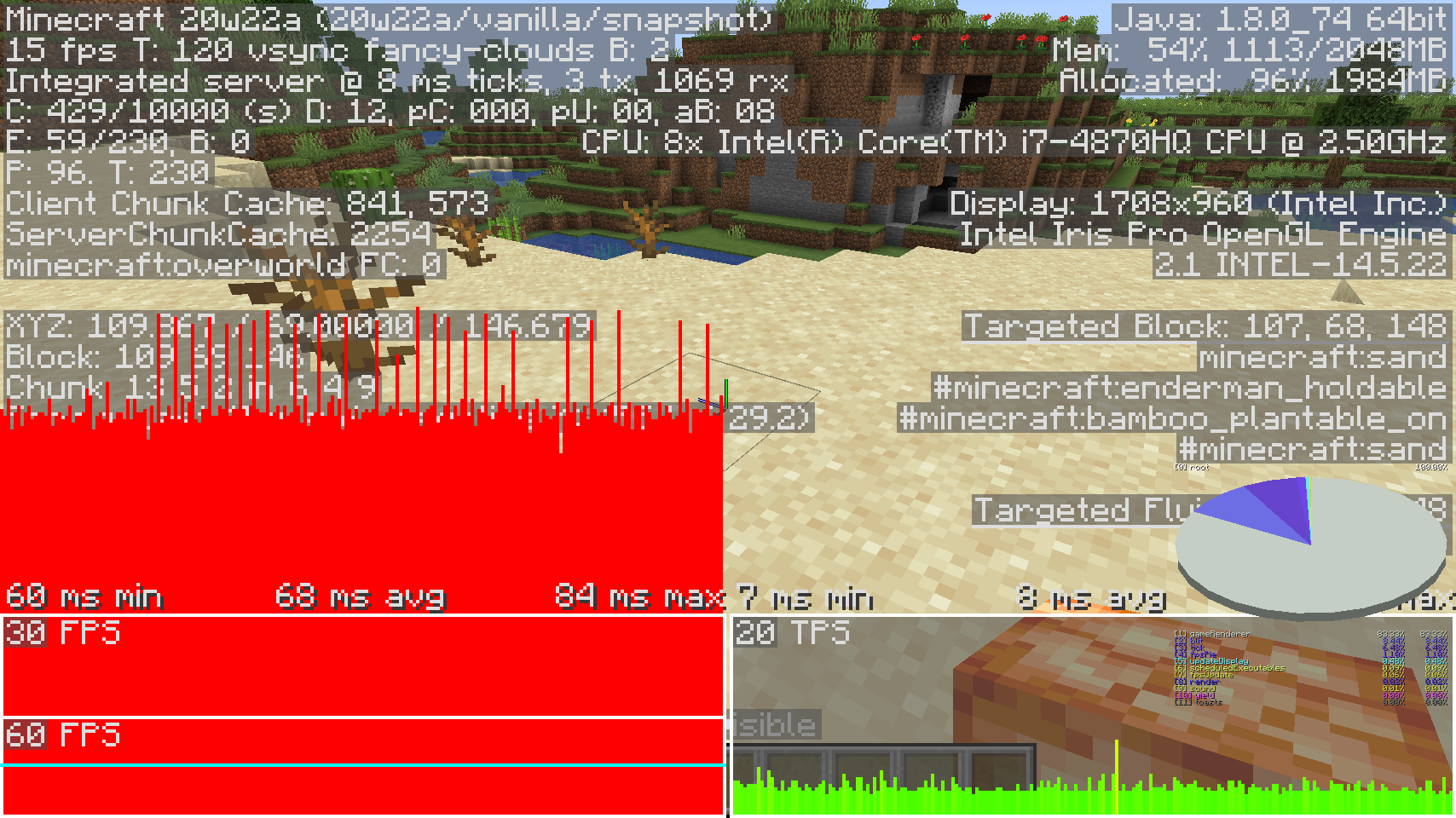
Minecraft used to run at 60 fps no problem when it was in windowed. I am using a mac with macOS with Intel Iris Pro 1536 MB Graphics. My Processor is 2.5 GHz Quad-Core Intel Core i7. As of 20w22a the program lags even when I'm just standing there not doing anything. (See screenshot).
Additionally, this is a special type of low fps. I don't get frame drops, I just consistently get low frames which makes my game run in the past.
Issue:
If you build something in the air that casts a shadow on the terrain below, if it is even slightly large, and you leave the server render distance of that structure and come back, when you first load it you will get a huge frame drop that varies on the type of structure you built.
How to recreate:
1.) Download example server world with default settings.2.) Run the server.
3.) Join the server.
4.) Walk past the sign in the world download, if no frame drop, walk back in front of the sign and redo it again. (unloads chunks)
Enjoy frame drop.
Expected behavior:
No frame drop, or at least a consistent frame drop on both singleplayer and multiplayer.
Issue:
If you build something in the air that casts a shadow on the terrain below, if it is even slightly large, and you leave the server render distance of that structure and come back, when you first load it you will get a huge frame drop that varies on the type of structure you built.
How to recreate:
(I had all maxed out graphics settings, but the same thing happens with all mined out)
1.) Download example server world with default settings.
2.) Run the server.
3.) Join the server.
4.) Walk past the sign in the world download, if no frame drop, walk back in front of the sign and redo it again. (unloads chunks)
Enjoy frame drop.
Expected behavior:
No frame drop, or at least a consistent frame drop on both singleplayer and multiplayer.
Netherrack can generate fully encased in bedrock preventing the player from destroying it, making nether beacons inconsistent.
Netherrack can generate fully encased in bedrock preventing the player from destroying it, making nether beacons inconsistent.Beacons don't tolerate inaccessible blocks encased by bedrock
This bug is quite difficult to describe, and the size limit for uploading videos on this is not enough to show it well enough, so I put it on YouTube.
It would appear as though the root of the problem has to do with the velocity not being zeroed when colliding in a corner like in the video, which causes the camera bobbing setting to appear as though the player is moving in the block when they are not, and causes the strange direction at which the player flies when they jump.
This bug has existed since I 1.14 I believe.This bug is quite difficult to describe, and the size limit for uploading videos on this is not enough to show it well enough, so I put it on YouTube.
It would appear as though the root of the problem has to do with the velocity not being zeroed when colliding in a corner like in the video, which causes the camera bobbing setting to appear as though the player is moving in the block when they are not, and causes the strange direction at which the player flies when they jump.
I loaded up like 50 different versions to try and find the exact version that this bug was introduced, and that version turned out to be 19w08b. Versions 19w08a and under do not have this bug. This is very odd because the only difference between the a and b version of 19w08 was a crash fix.
https://www.minecraft.net/en-us/article/minecraft-snapshot-19w08a
Demonstration
This bug is quite difficult to describe, and the size limit for uploading videos on this is not enough to show it well enough, so I put it on YouTube.
It would appear as though the root of the problem has to do with the velocity not being zeroed when colliding in a corner like in the video, which causes the camera bobbing setting to appear as though the player is moving in the block when they are not, and causes the strange direction at which the player flies when they jump.
History
I loaded up like 50 different versions to try and find the exact version that this bug was introduced, and that version turned out to be 19w08b. Versions 19w08a and under do not have this bug. This is very odd because the only difference between the a and b version of 19w08 was a crash fix.
https://www.minecraft.net/en-us/article/minecraft-snapshot-19w08a
Demonstration
This bug is quite difficult to describe, and the size limit for uploading videos on this is not enough to show it well enough, so I put it on YouTube.
It would appear as though the root of the problem has to do with the velocity not being zeroed when colliding in a corner like in the video, which causes the camera bobbing setting to appear as though the player is moving in the block when they are not, and causes the strange direction at which the player flies when they jump.
H
istory
I loaded up like 50 different versions to try and find the exact version that this bug was introduced, and that version turned out to be 19w08b. Versions 19w08a and under do not have this bug. This is very odd because the only difference between the a and b version of 19w08 was a crash fix.https://www.minecraft.net/en-us/article/minecraft-snapshot-19w08a
Demonstration
This bug is quite difficult to describe, and the size limit for uploading videos on this is not enough to show it well enough, so I put it on YouTube.
It would appear as though the root of the problem has to do with the velocity not being zeroed when colliding in a corner like in the video, which causes the camera bobbing setting to appear as though the player is moving in the block when they are not, and causes the strange direction at which the player flies when they jump.
How to reproduce
Turn on bobbing in video settings and walk into a corner pressing down two keys that do not make you unstuck from that corner. Let them go and press them again repeatedly to observe the camera movement. If bobbing isn't on the visual issue does not happen but the velocity will still be messed up when jumping up that block.
History
I loaded up like 50 different versions to try and find the exact version that this bug was introduced, and that version turned out to be 19w08b. Versions 19w08a and under do not have this bug. This is very odd because the only difference between the a and b version of 19w08 was a crash fix.
https://www.minecraft.net/en-us/article/minecraft-snapshot-19w08a
![[Mod] Pokechu22](../../../data/avatars/users/92931.png)
Gamepro5, this bug was fixed in 19w11a, which is a 1.14 snapshot. 1.13.2 is still affected, though, since it's before 1.14. I've added it to the list to prevent confusion, but do note that it should still already be fixed.
Still present in 18w22a
Mod edit: removed irrelevant stuff
lol this bug was fixed in pre6 but has been re-added in pre7: Can confirm for pre-7
Well, thats embarrassing. I was just trying to go into this with 0 java/json knowledge and managed to make it work for .lang files. One comma was my only error. :/ thanks for the help.
Except they are water source blocks. oceans are made of water source blocks... Right?
Never mind. After more testing it turns out that it was just a corruption in the Minecraft realms world download/backup. Instead, you should probably fix your Minecraft realms
This is still a prevalent issue as of 1.13.2. A whole section of the nether fortress had the same exact loot in the same exact chest slots. At first I thought I was lucky but then i thought this cant be.
Thanks, I couldn't find the original one...
This has probably already been reported but I can't find it.
I know, sorry, I tried to search for it but unless I used the same exact way of describing the bugIi wouldn't be able to find it.
I am in 1.13.2 and I still experience this bug, or a similar one.
Confirmed for 19w13b
Can confirm for 1.14 Pre-release 5. (see my screenshot)
latest.log crash-2019-12-11_16.04.01-server.txt
Has been added by request. I had to stop the debugger early because it didn't seem to create a file if it ended up crashing, which it did. The debug session didn't last long cause it was going to crash.
profile-results-2019-12-11_16.09.46.txt
I did some more testing, this time installing starting a server entirely from scratch. I let the server generate the world, and then It was playable, but then it started to get progressively laggier until I was met with a stack overflow error, which means there is a memory leak somewhere. I re-launched it only to find my world file deleted, but my playerdata still intact. I started to play and the same thing happened. This screenshot isn't very helpful but it was taken the second time it happened.
I just tested it in 1.15.1 and it still has the same issue.
I tried this in 1.14.4 and it failed as well. I'm starting to wonder if its something with my computer or something.
I found the issue, it was because Java automatically gave me the 32-bit java. Downloading 64 bit fixed the issue. How do I close this issue?
Just tried it and it works. Let this issue become resolved as invalid. Although it doesn't make much sense that a hive needs to be nearby if it's still dripping the pollen over the crops.
No, I had just spawned it in.
Servers like this use 1.8.9. They allow newer versions to play on the server too, because it is heavily modded with plugins, but those plugins aren't perfect, resulting in stuff like this. For the best experience, use 1.8.9
An inconsistent workaround to destroy the netherrack is to summon the wither right next to it, but that is also very RNG based. Annoying to deal with on any cheatless run of the game.
As of 1.17 snapshot 21w10a and the introduction of a better rendering engine, this issue appears to be fixed.
When did you buy Minecraft? Because you may need to sign in with your Microsoft account if it was created after 2020. Perhaps you are signed in with another account of a relative? Including pictures would be helpful!
Can confirm.
I don't have this issue at all. Are you using any resource packs?
I think this bug should be re-opened. I'm on a multiplayer server and it actually happens even when the wolf does have direct access to sunlight, sometimes. I'm in 1.16.5.
I know this is a bug, but I really hope it stays. Having less brightness contrast when you open the inventory makes it so you don't get flashbanged by the GUI when it opens.
Confirmed in 21w11a.