 Manuel
- Manuel5032
- manuel5032
- Europe/Stockholm
- Yes
- No
 MC-126706
 MCL-9149
![[Mojang] Georgii Gavrichev](../../../data/avatars/users/22428.png)
 Low
Low![[Mod] Avoma](../../../data/avatars/users/86198.png)










@FVbico(Steven Verberne)
{resDeath=1..}] at @s run setblock ~ ~ ~ diamond_block and in the chain command block i wrote the command execute as @a[scores={resDeath=1..}
I placed two command blocks. The first was a repeating always active one and the second was a chain always active one. In the repeating command block i wrote the command execute as @a[scores=] run scoreboard players set @s resDeath 0. The objective named resDeath I created with the command scoreboard objectives add resDeath minecraft.custom:minecraft.deaths.
Objective with the criteriakilledminecart does not workObjective with the criteria minecraft.killed:minecraft.minecart does not work
The bug
The scoreboard objective criteria minecraft.killed:minecraft.minecart never increases.
How to reproduce
- Create the objective
/scoreboard objectives add killMinecart minecraft.killed:minecraft.minecart /scoreboard objectives setdisplay sidebar killMinecart- Summon a minecart and destroy it
→You're score hasn't increased
Affects
- minecart
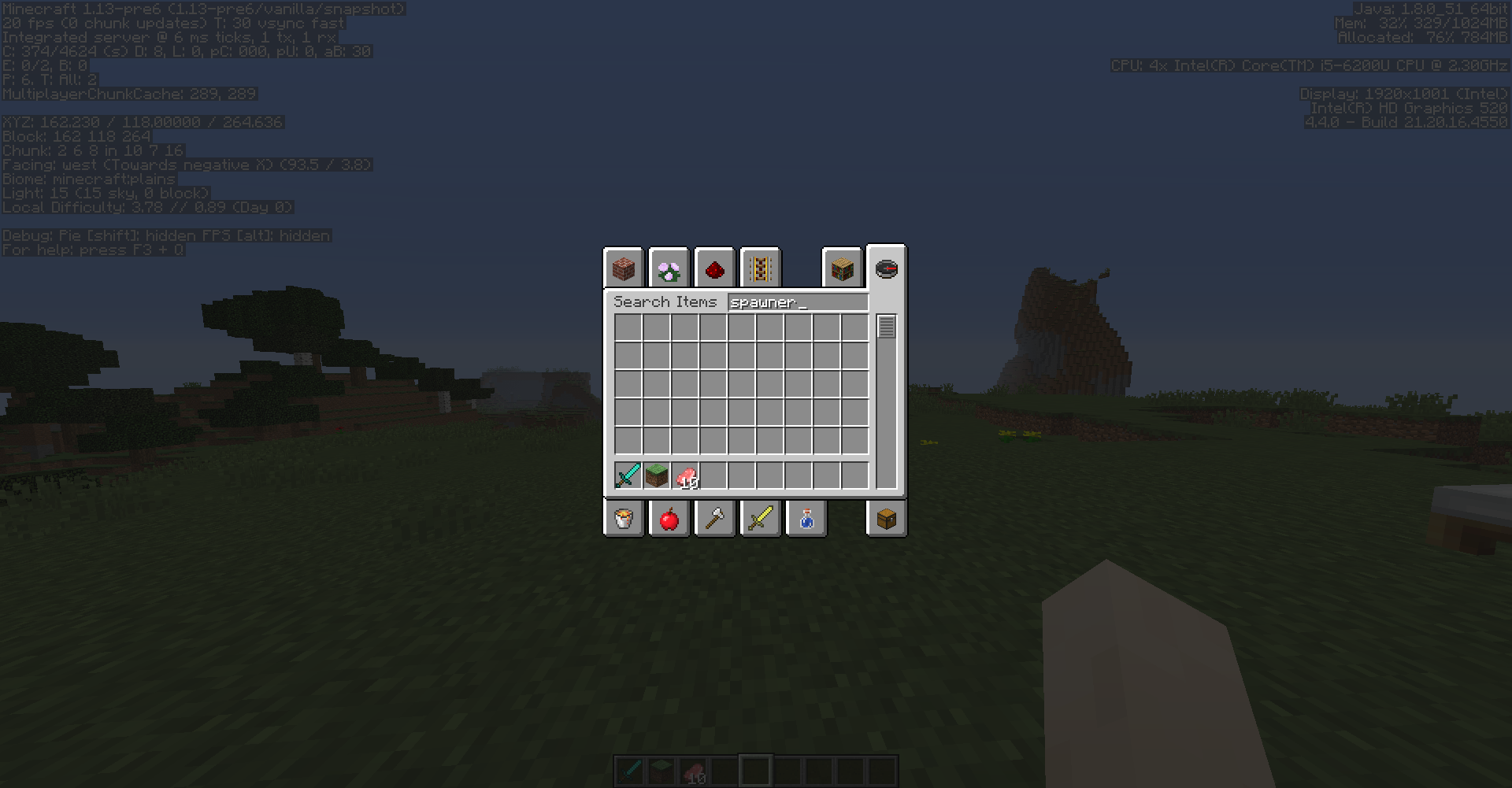
chest_minecartfurnace_minecarthopper_minecarttnt_minecartspawner_minecart- command_block_minecart
- boat
- end_crystal
- item_frame
- leash_knot
- painting
- armor_stand
The bug
The scoreboard objective criteria minecraft.killed:minecraft.minecart never increases.
How to reproduce
- Create the objective
/scoreboard objectives add killMinecart minecraft.killed:minecraft.minecart
/scoreboard objectives setdisplay sidebar killMinecart
- Summon a minecart and destroy it
→Affects
- minecart
- chest_minecart
- furnace_minecart
- hopper_minecart
- tnt_minecart
- command_block_minecart
- boat
- end_crystal
- item_frame
- leash_knot
- painting
- armor_stand
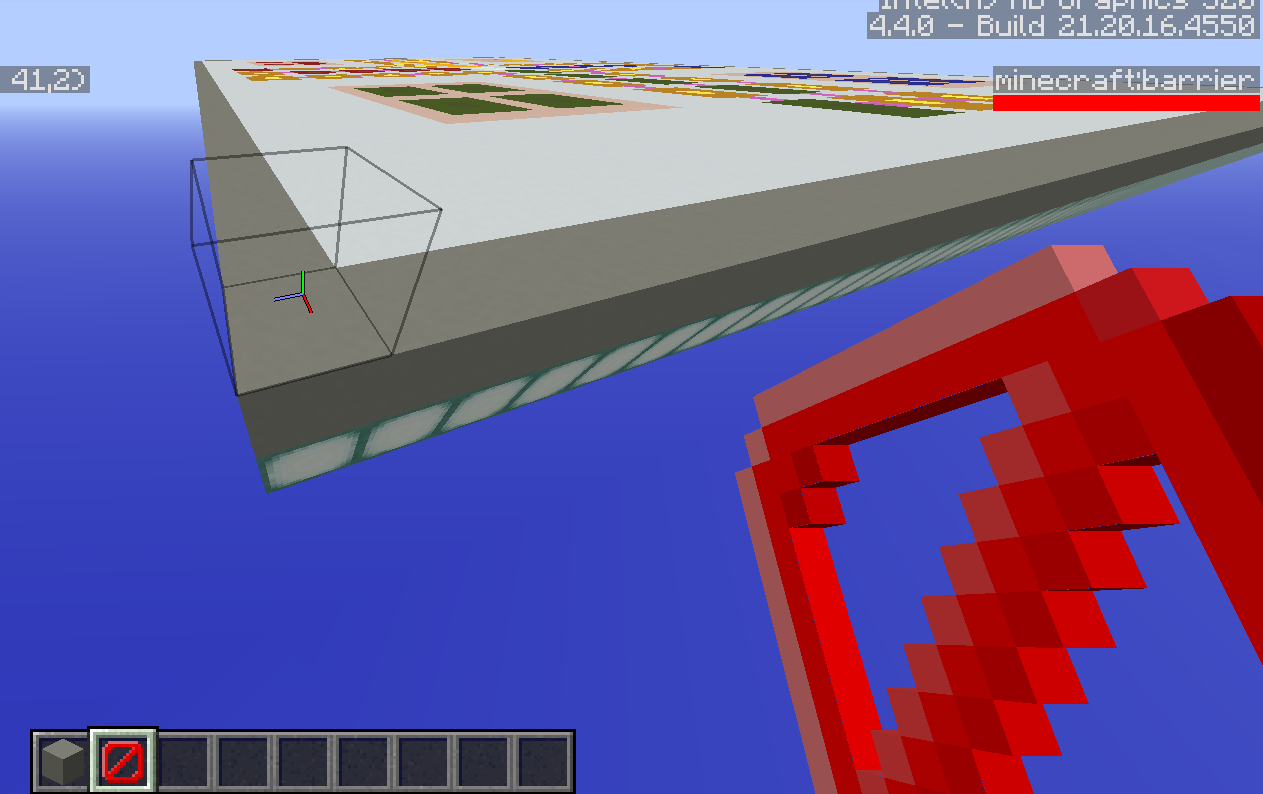
If I place a barrier block and have a barrier in my hand the barrier block doesn't get visible. Also barrier blocks don't let light through them.
Minecraft does crash if there's a recipewith an item that has NBT tagsMinecraft does crash if there's a recipe that uses an item that has NBT tags
If theres a recipe with an item that has NBT tags, the recipe wont work. If I use the command /reload I get the error message An unexpected error occurred trying to execute that command. I leave the world and try to play the world again Minecraft will crash a crash report like the attached one will be generated:
If I remove the recipe(after I restarted Minecraft), I can play the world and there won't be occurre an error.
If theres a recipe with an item that has NBT tags, the recipe wont work. If I use the command /reload I get the error message An unexpected error occurred trying to execute that command. I leave the world and try to play the world again Minecraft will crash a crash report like the attached one will be generated:
If I remove the recipe(after I restarted Minecraft), I can play the world and there won't be occurre an error.
If theres a recipe with an item that has NBT tags, the recipe wont work. If I use the command /reload I get the error message An unexpected error occurred trying to execute that command. I leave the world and try to play the world again Minecraft will crash a crash report like the attached one will be generated:
If I remove the recipe(after I restarted Minecraft), I can play the world and there won't be occurre an error.
If theres a recipe with an item that has NBT tags, the recipe wont work. If I use the command /reload I get the error message An unexpected error occurred trying to execute that command. I leave the world and try to play the world again Minecraft will crash a crash report like the attached one will be generated:
If I remove the recipe(after I restarted Minecraft), I can play the world and there won't be occurre an error.
If theres a recipe with an item that has NBT tags, the recipe wont work. If I use the command /reload I get the error message An unexpected error occurred trying to execute that command
.I leave the world and try to play the world again Minecraft will crash a crash report like the attached one will be generated:If I remove the recipe(after I restarted Minecraft), I can play the world and there won't be occurre an error.
If theres a recipe with an item that has NBT tags, the recipe wont work. If I use the command /reload I get the error message An unexpected error occurred trying to execute that command. I leave the world and try to play the world again Minecraft will crash a crash report like the attached one will be generated:
If I remove the recipe(after I restarted Minecraft), I can play the world and there won't be occurre an error.
If theres a recipe with an item that has NBT tags, the recipe wont work. If I use the command /reload I get the error message An unexpected error occurred trying to execute that command. I leave the world and try to play the world again Minecraft will crash a crash report like the attached one will be generated
:If I remove the recipe(after I restarted Minecraft), I can play the world and there won't
beoccurre an error.If theres a recipe with an item that has NBT tags, the recipe wont work. If I use the command /reload I get the error message An unexpected error occurred trying to execute that command. I leave the world and try to play the world again. Minecraft will crash and a crash report like the attached one will be generated.
If I remove the recipe(after I restarted Minecraft), I can play the world and there won't occurre an error.
If
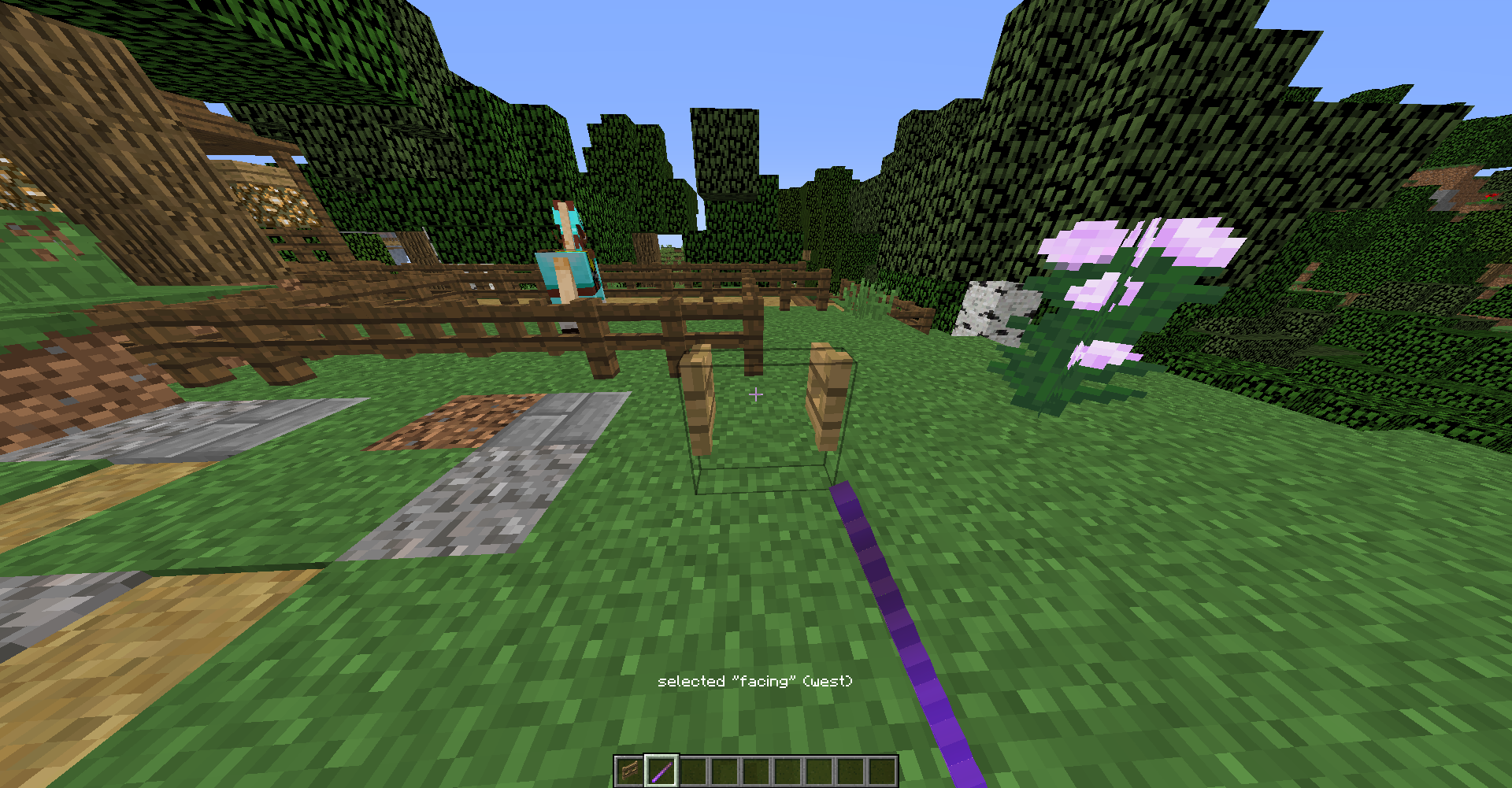
icraft a firework rocket and use it everything is fine, but if I try to use it in adventure mode, it doesn't work.
If I craft a firework rocket and use it everything is fine, but if I try to use it in adventure mode, it doesn't work.
If I use the /kick command in singelplayer the gamedoes crashIf I use the /kick command in singelplayer the game stops ansering
If I use the /kick command in singelplayer the game stopsanseringIf I use the /kick command in singelplayer the game stops responding
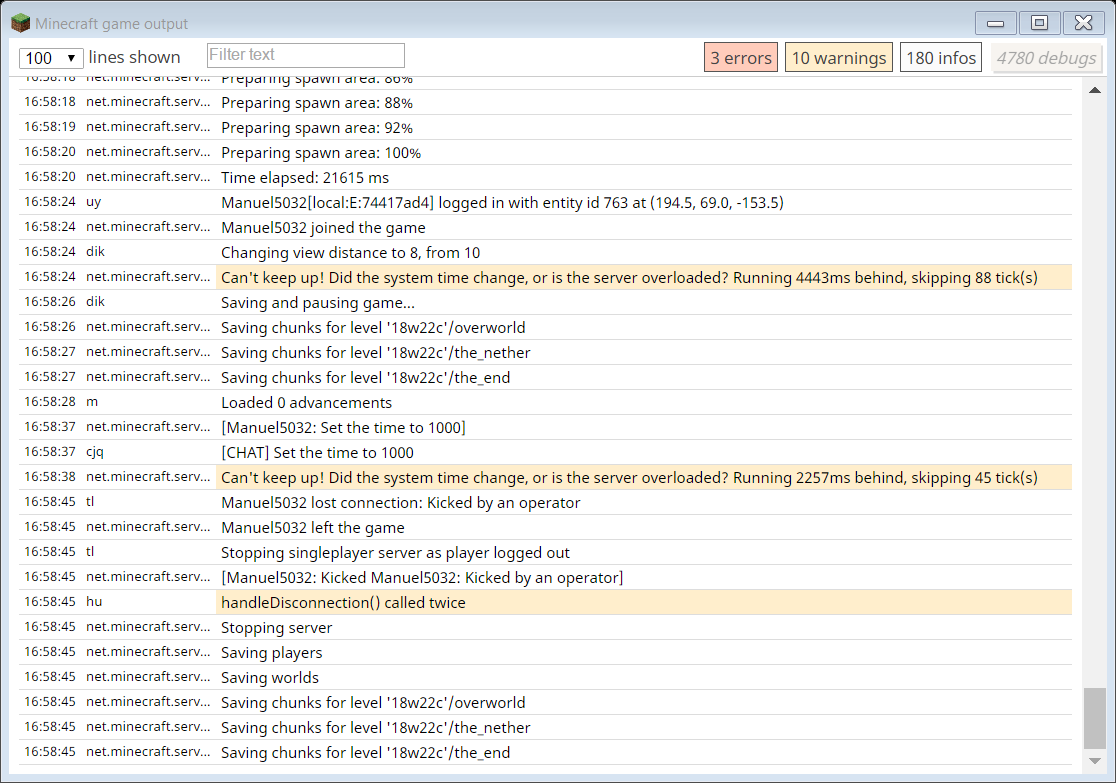
If I am in a singleplayer world ans use the command /kick @p the game stops responding and crashes after a while. This happends if I use the command in the chat or in an mcfunction. If I try to use this command in a command block i just get an error message. I think it shout be possible to kick a player via chat, via function and via command blocks (without crashing the game
).
If I am in a singleplayer world ans use the command /kick @p the game stops responding. This happends if I use the command in the chat or in an mcfunction. If I try to use this command in a command block i just get an error message. In the console I get the message that I have left the world and the world has been saved(see in the attachements). I think it shout be possible to kick a player via chat, via function and via command blocks.
If I click on an invaildrecipe minecraft does crashIf I click on a not craftable recipe minecraft does crash
If I use the command
/execute if block ~ ~ ~ NotABlock run say hiI get the attached error message.
It says that the error is located at the end of the command. I think it schould'nt say NotABlock run say hi <--[HERE]. It should say NotABlock <-- [HERE].
If I use the command
/execute if block ~ ~ ~ NotABlock run say hiI get the attached error message.
It says that the error is located at the end of the command. I think it schould'nt say NotABlock run say hi <--[HERE]. It should say NotABlock <-- [HERE] because the error is there and not at the end of the command.
The bug
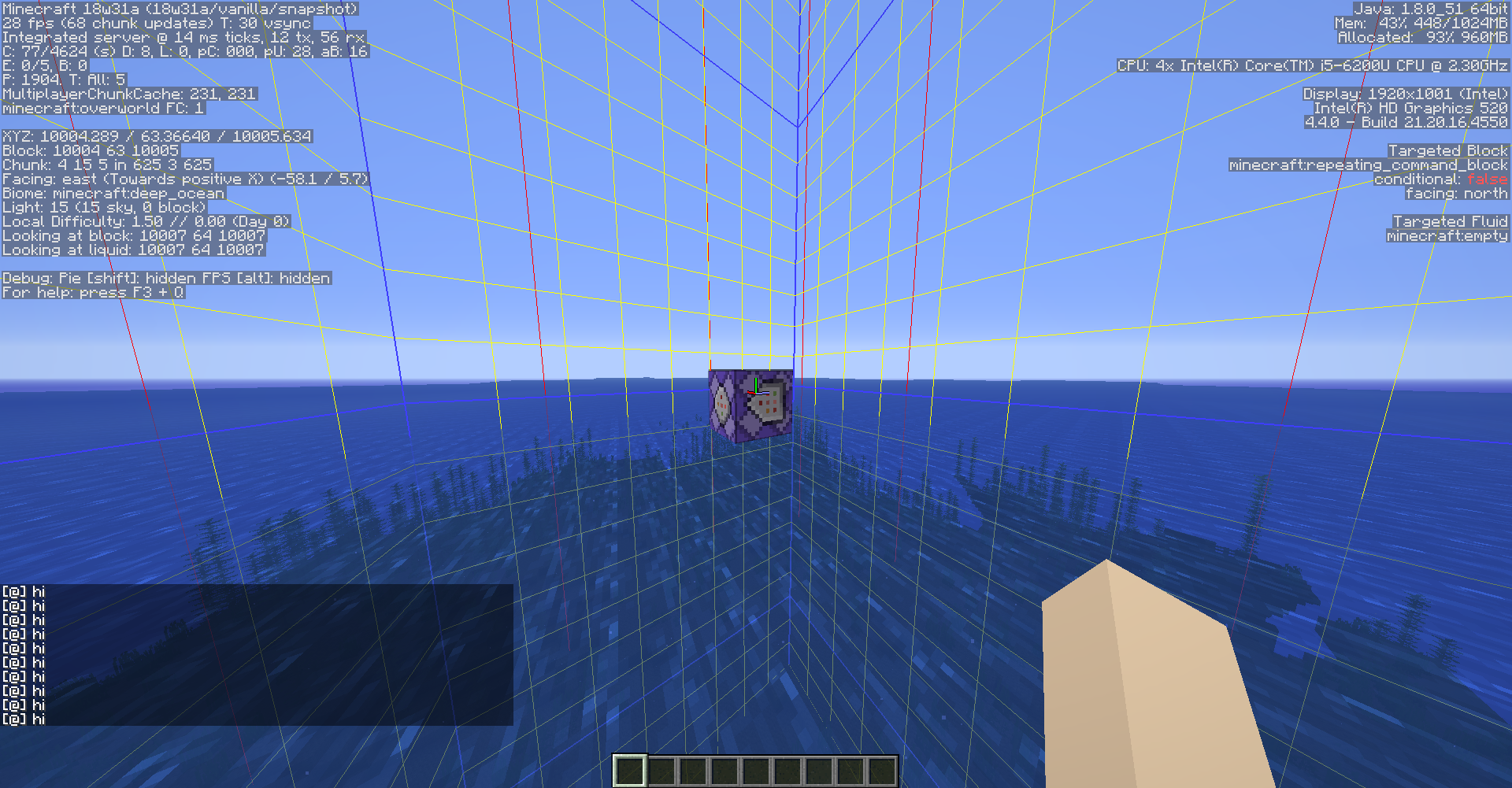
If a chunk gets marked as a forced chunk but isn't loaded by a player the chunk stays unloaded until a player loads the chunk.
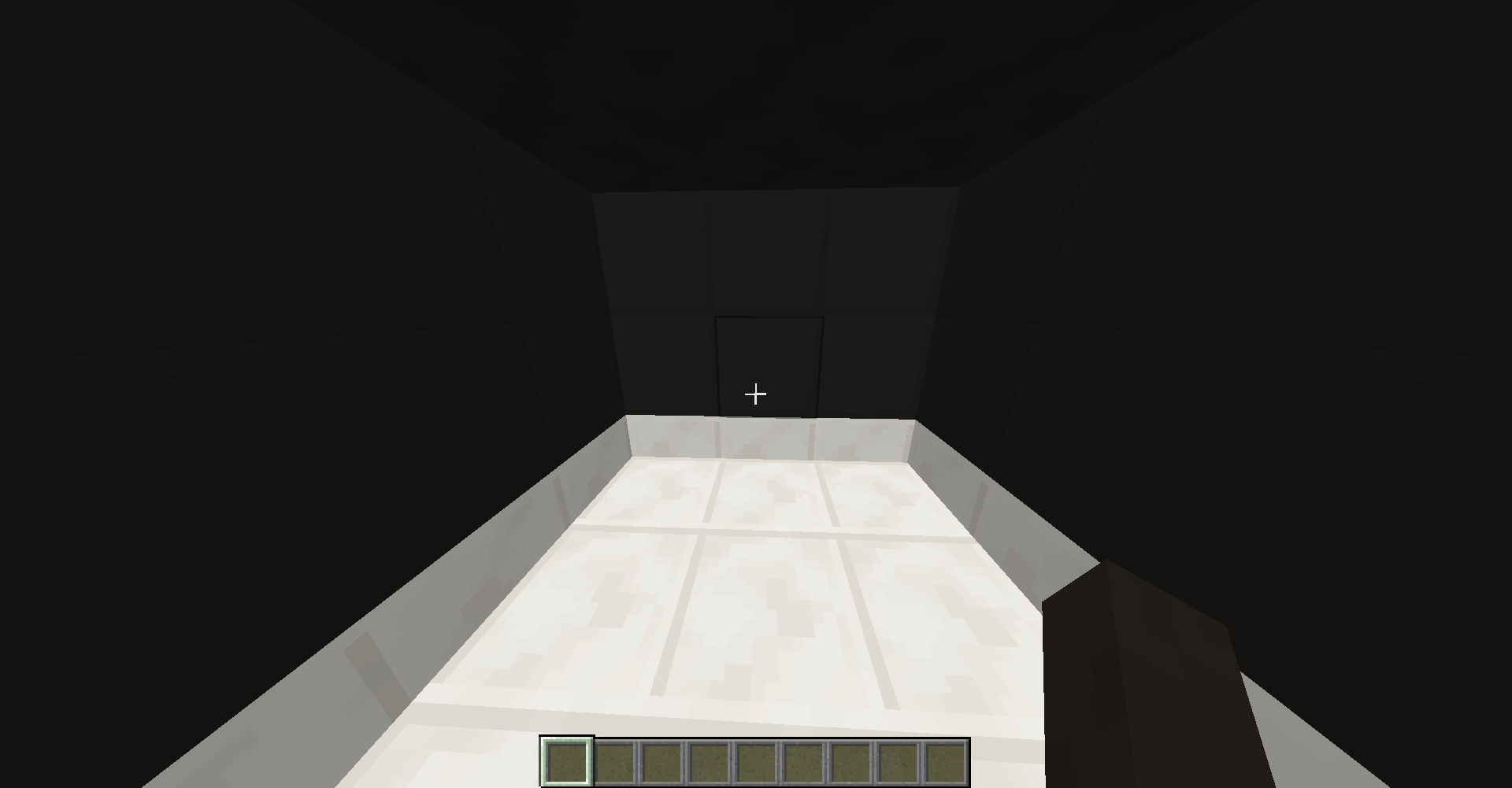
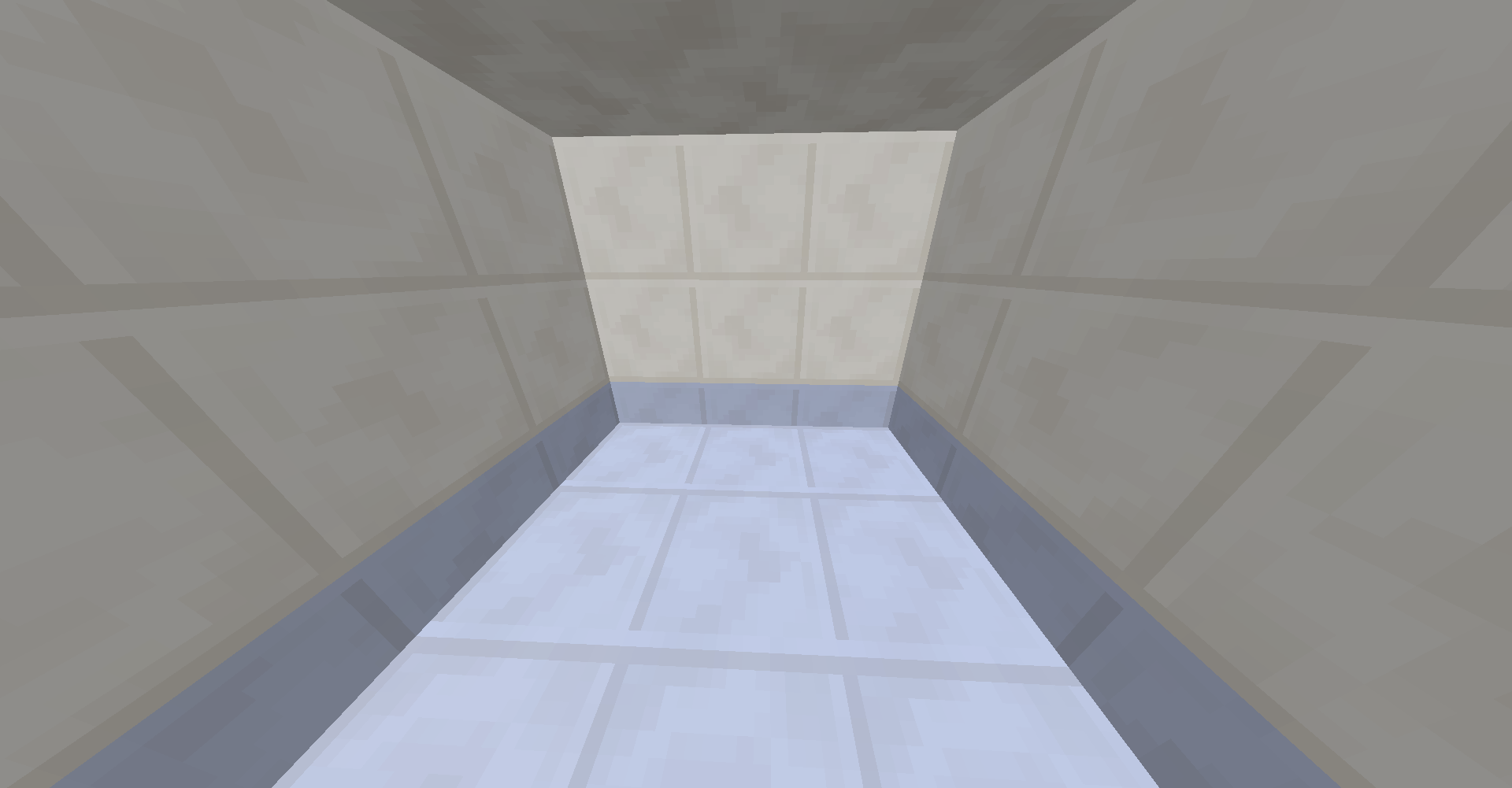
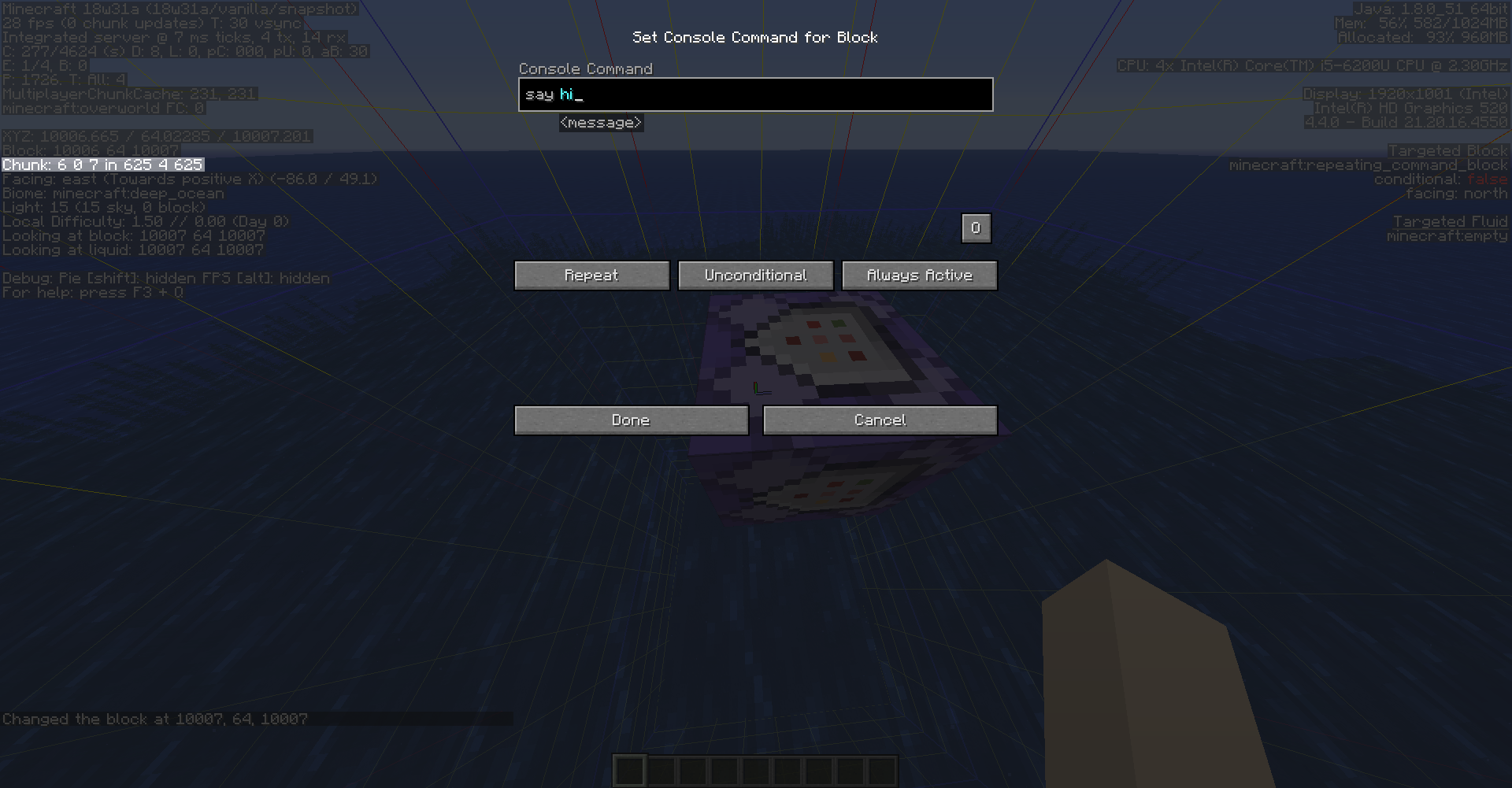
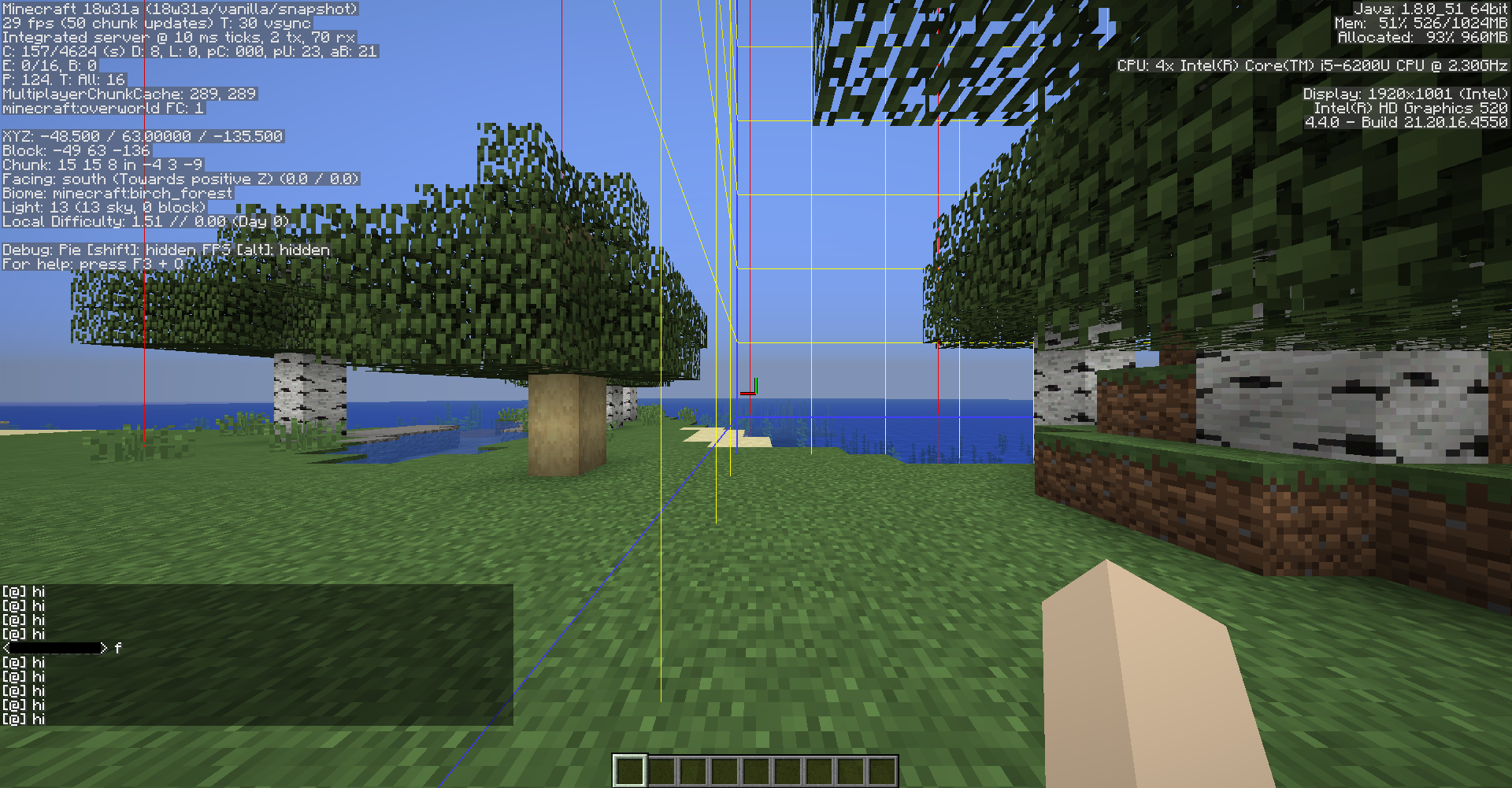
I placed a repeating command block that was set to always active and had the command "/say hi" in it in a random non spawn-chunk (screenshot 1.png
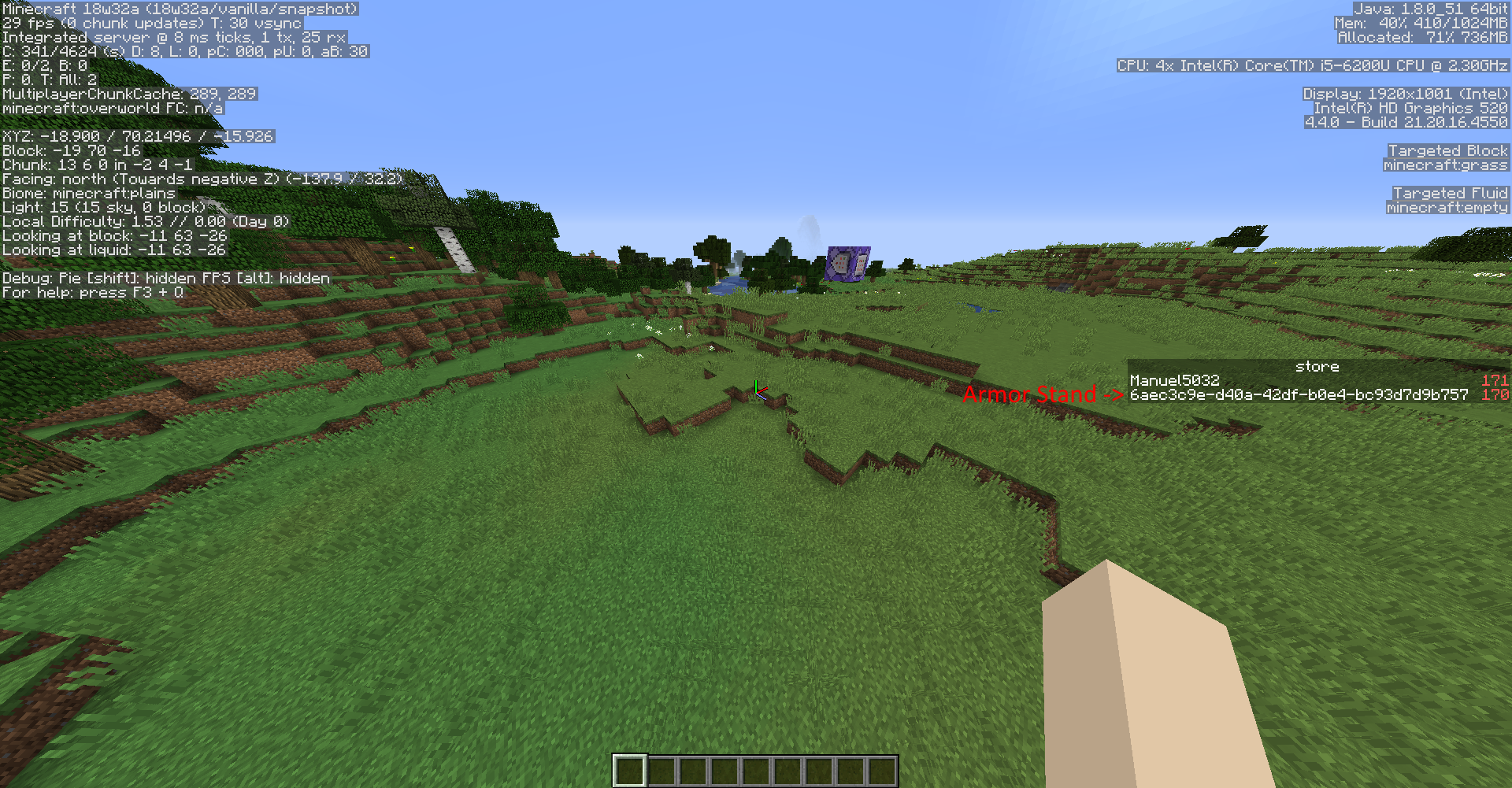
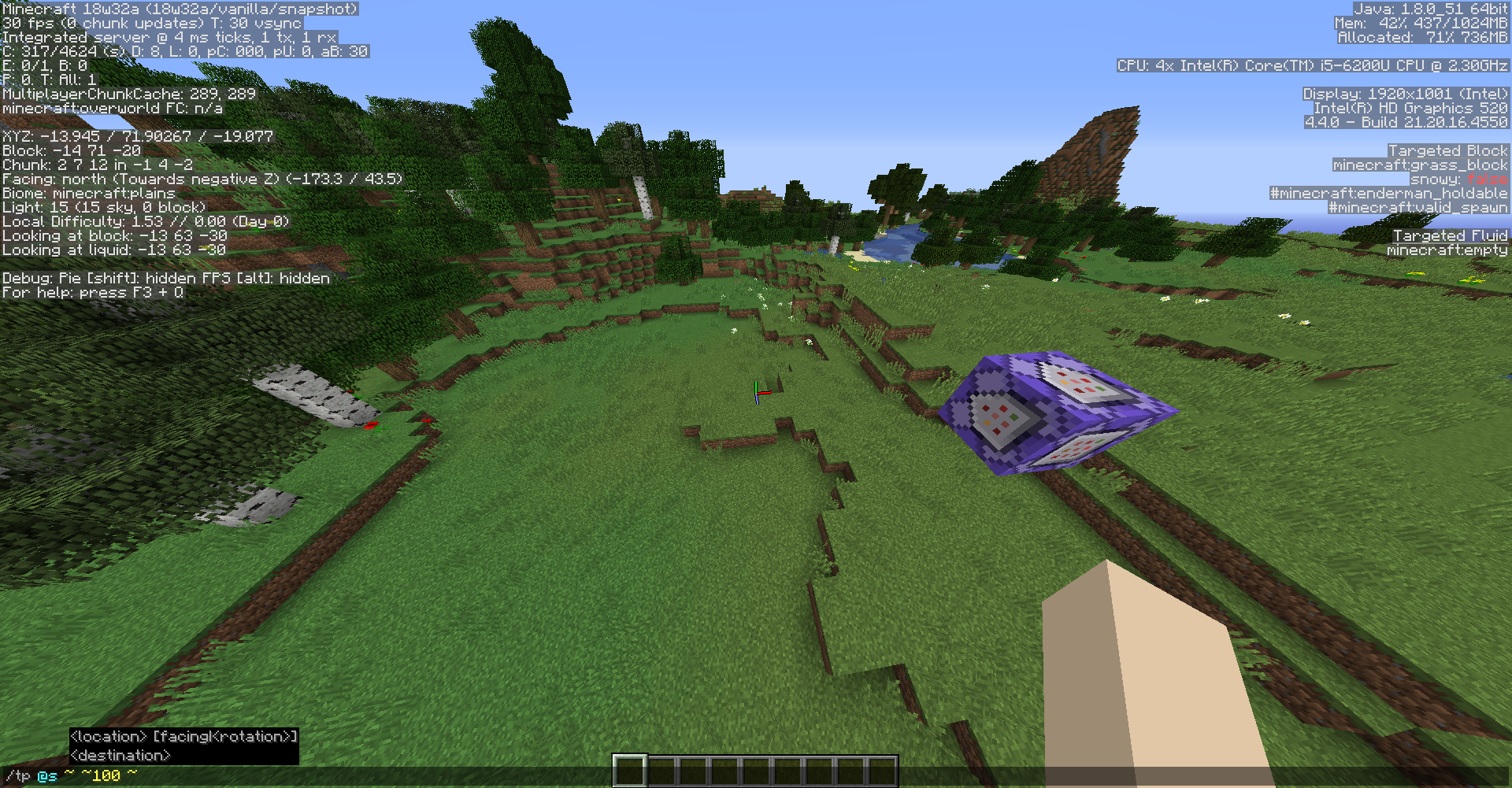
). Then I went far away and marked the corresponding chunk as force loaded (screenshot 2.png
So I made the conclusion that a forced loaded chunk first needs to be loaded by a player before it stays loaded. For me that looks like a bug.

I placed two command blocks. The first was a repeating always active one and the second was a chain always active one. In the repeating command block i wrote the command
execute as @a[scores={resDeath=1..}] at @s run setblock ~ ~ ~ diamond_blockand in the chain command block i wrote the command
execute as @a[scores={resDeath=1..}] run scoreboard players set @s resDeath 0. The objective named resDeath I created with the command scoreboard objectives add resDeath minecraft.custom:minecraft.deaths.
I tried it again and now it does work for me too. Thanks anyway
They are set to minimal
Yes, it is
Also you can't use a carrot on a stick if you're in the adventure mode and watching on a block.
Can confirm for 1.13-pre1