 Connor Steppie
- muzikbike
- awesoman3000
- Europe/London
- Yes
- No
 MC-66229
 MCPE-7959
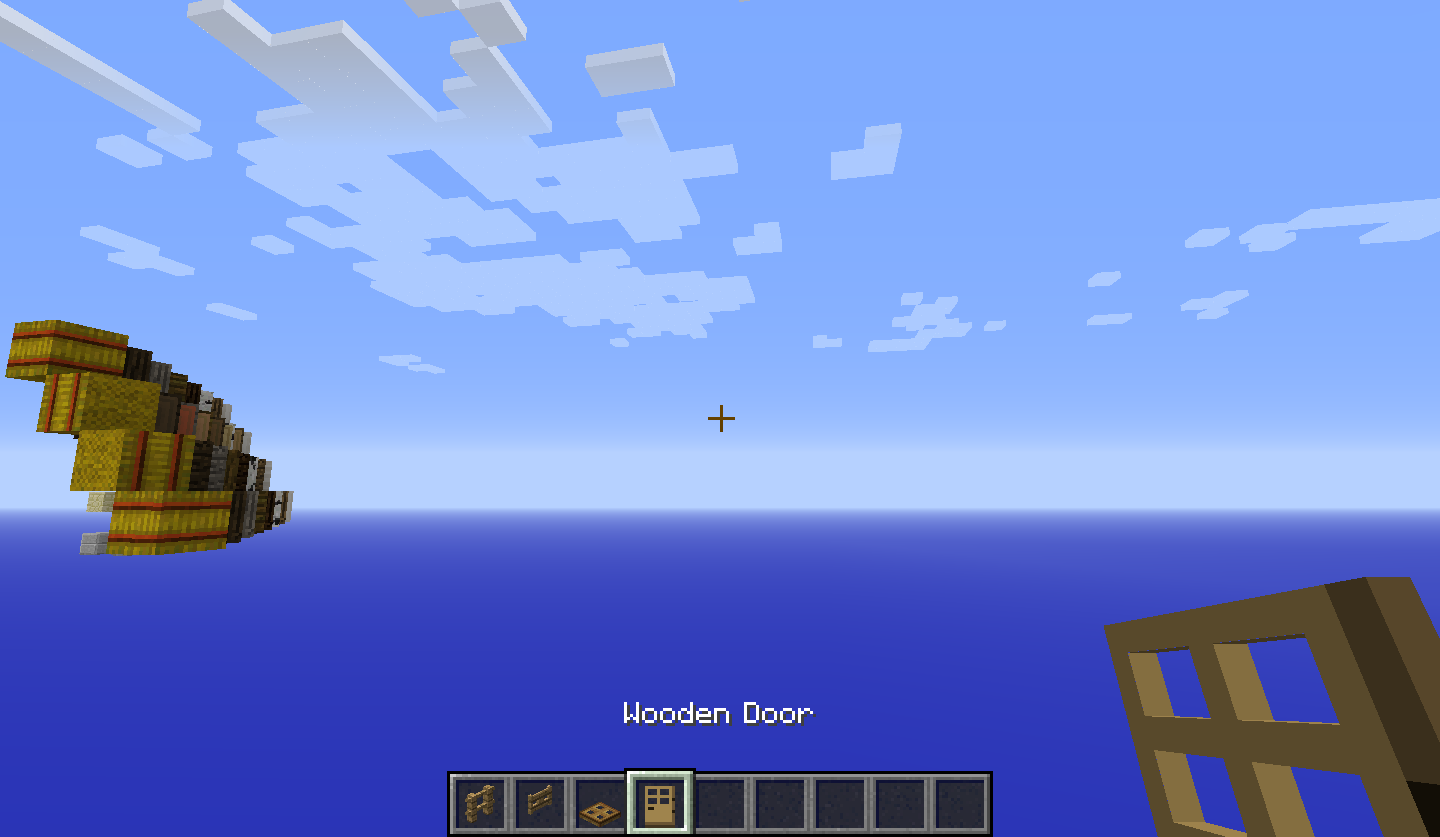

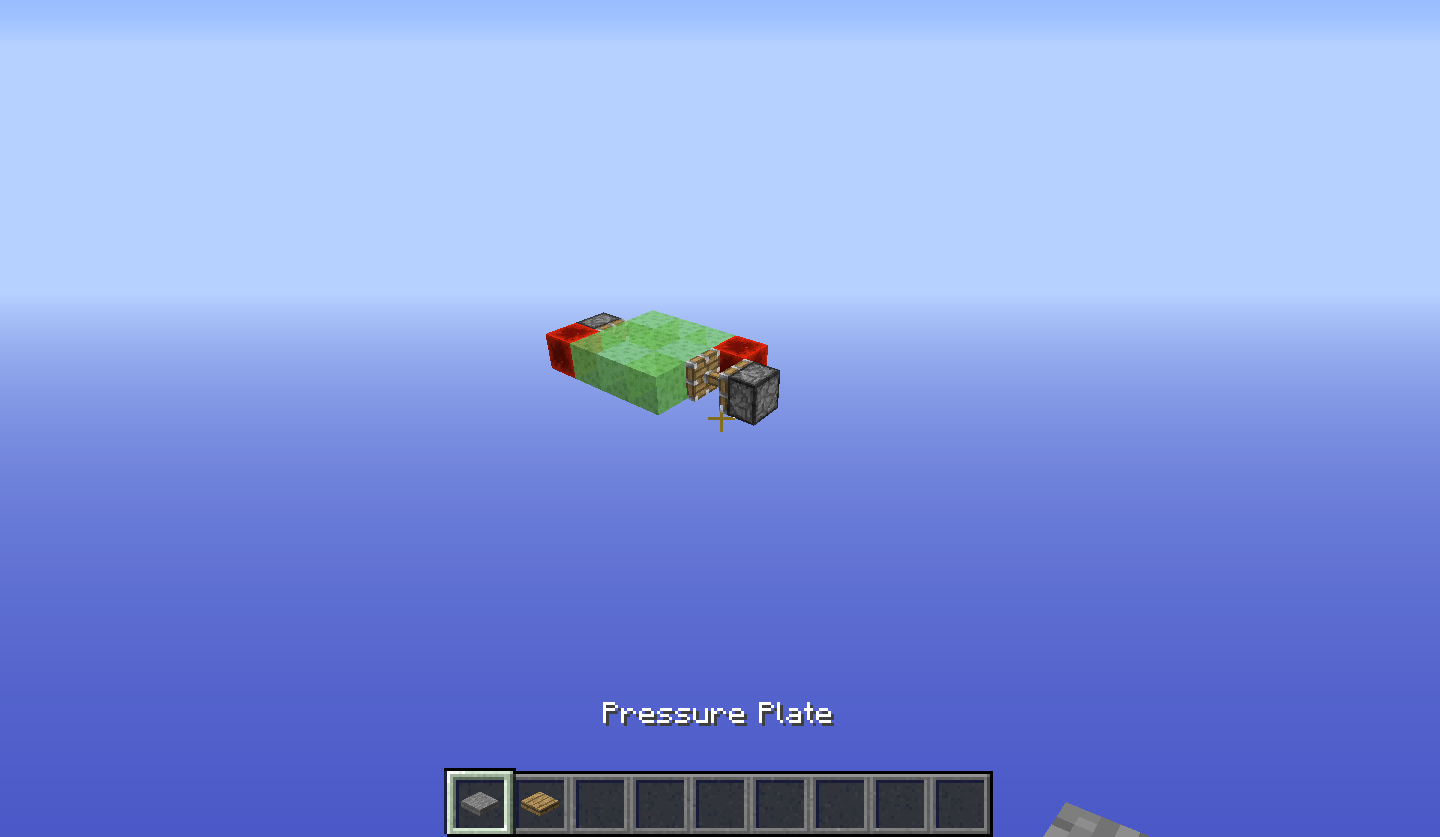

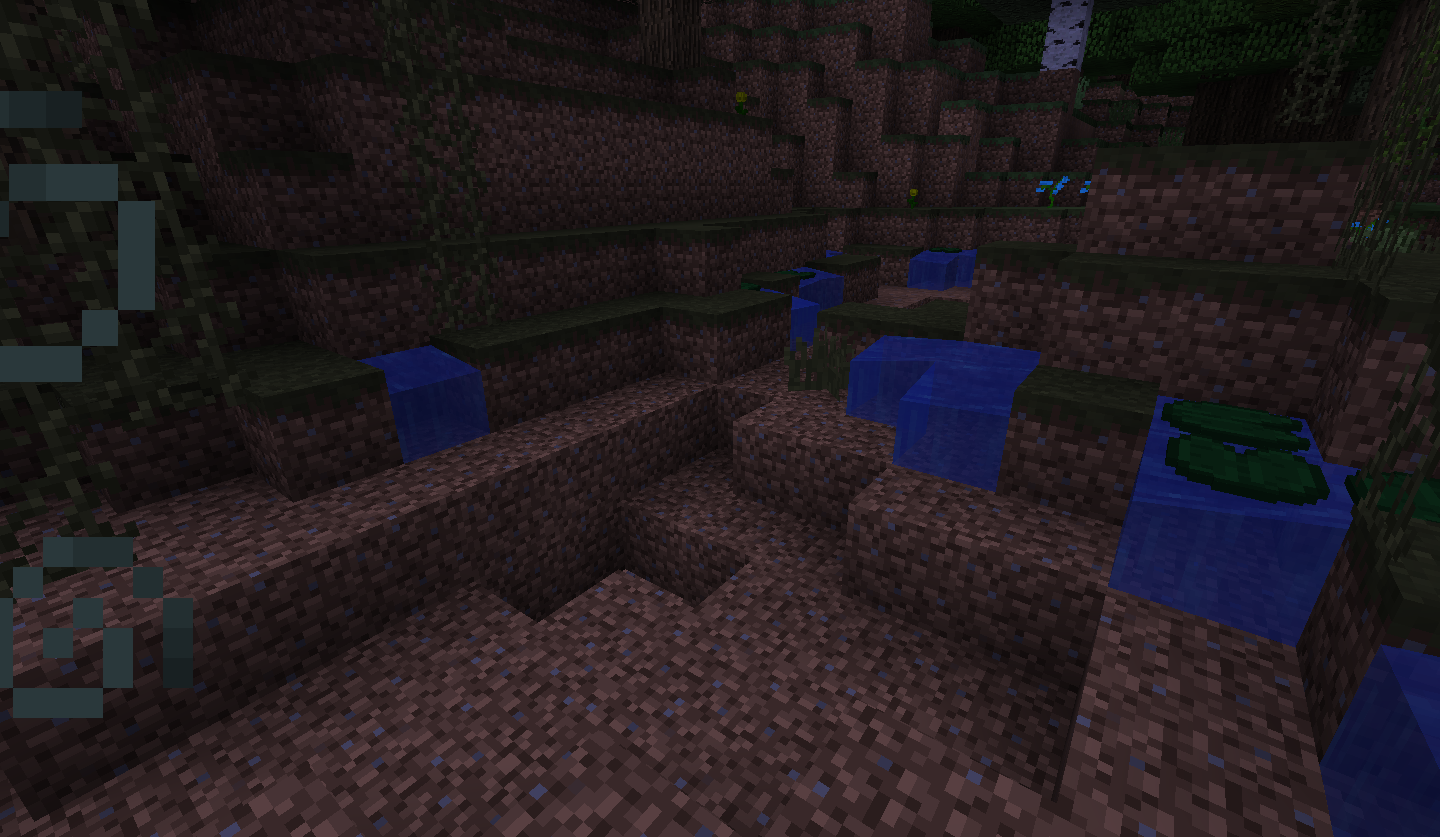
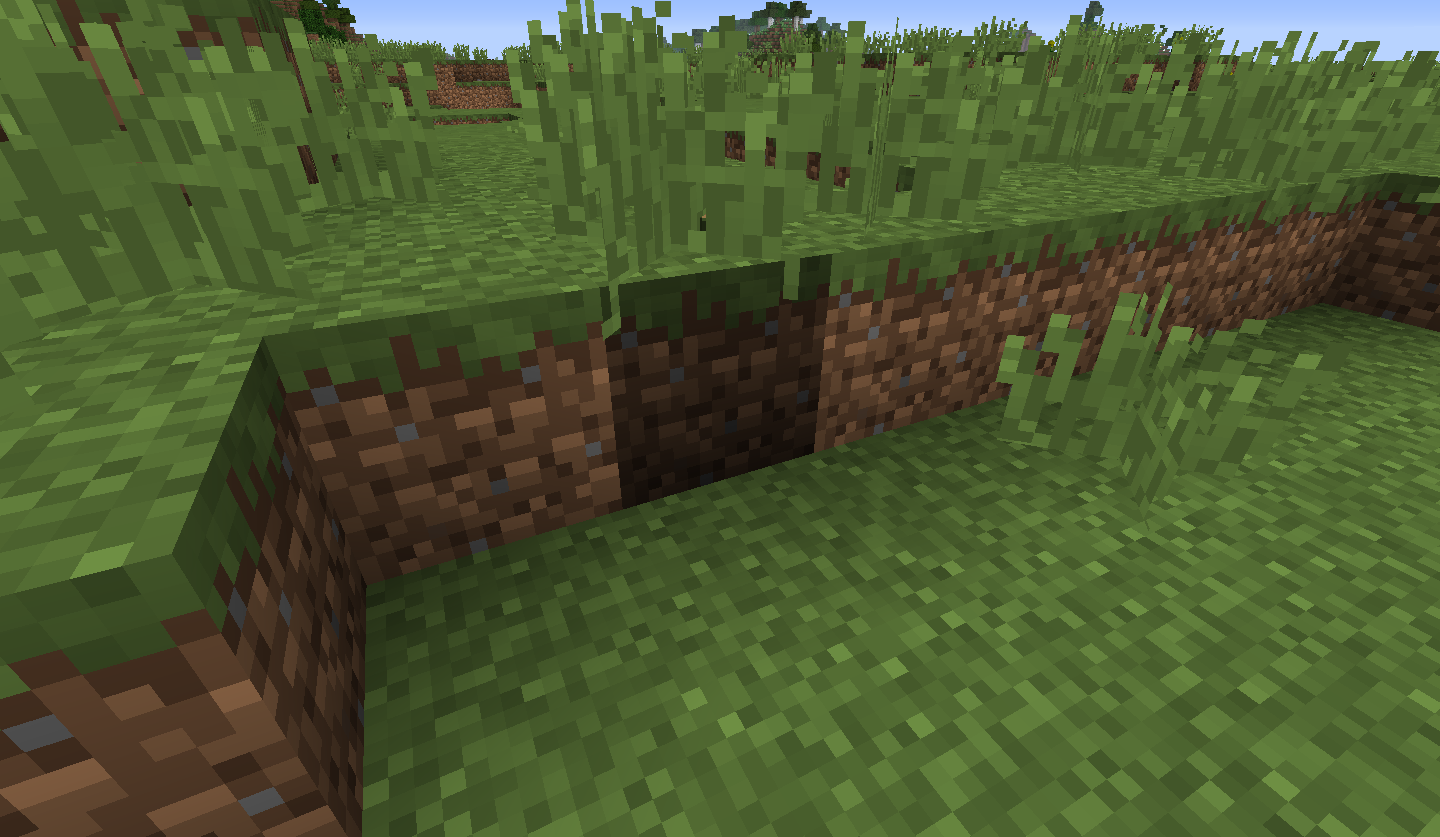




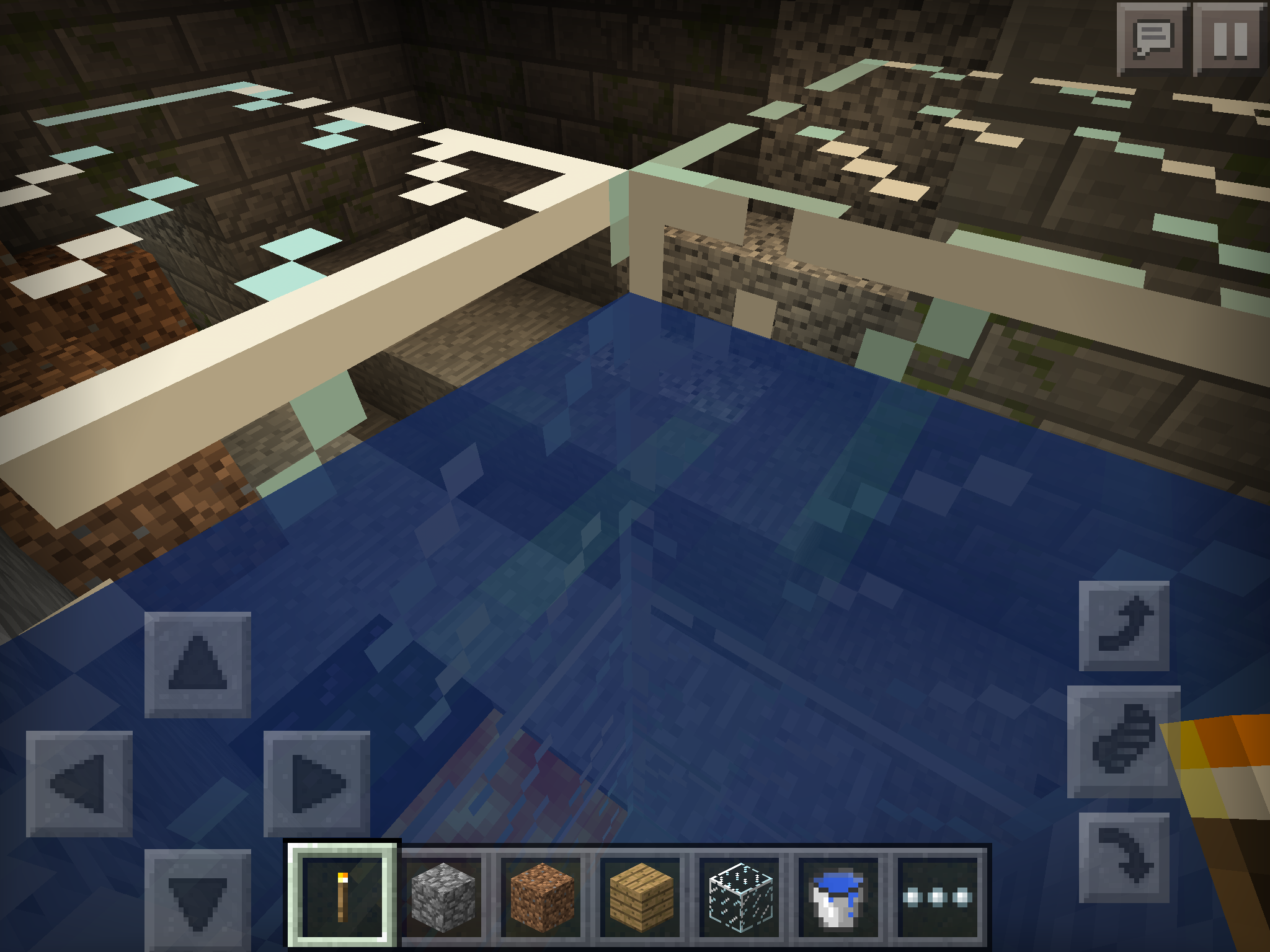


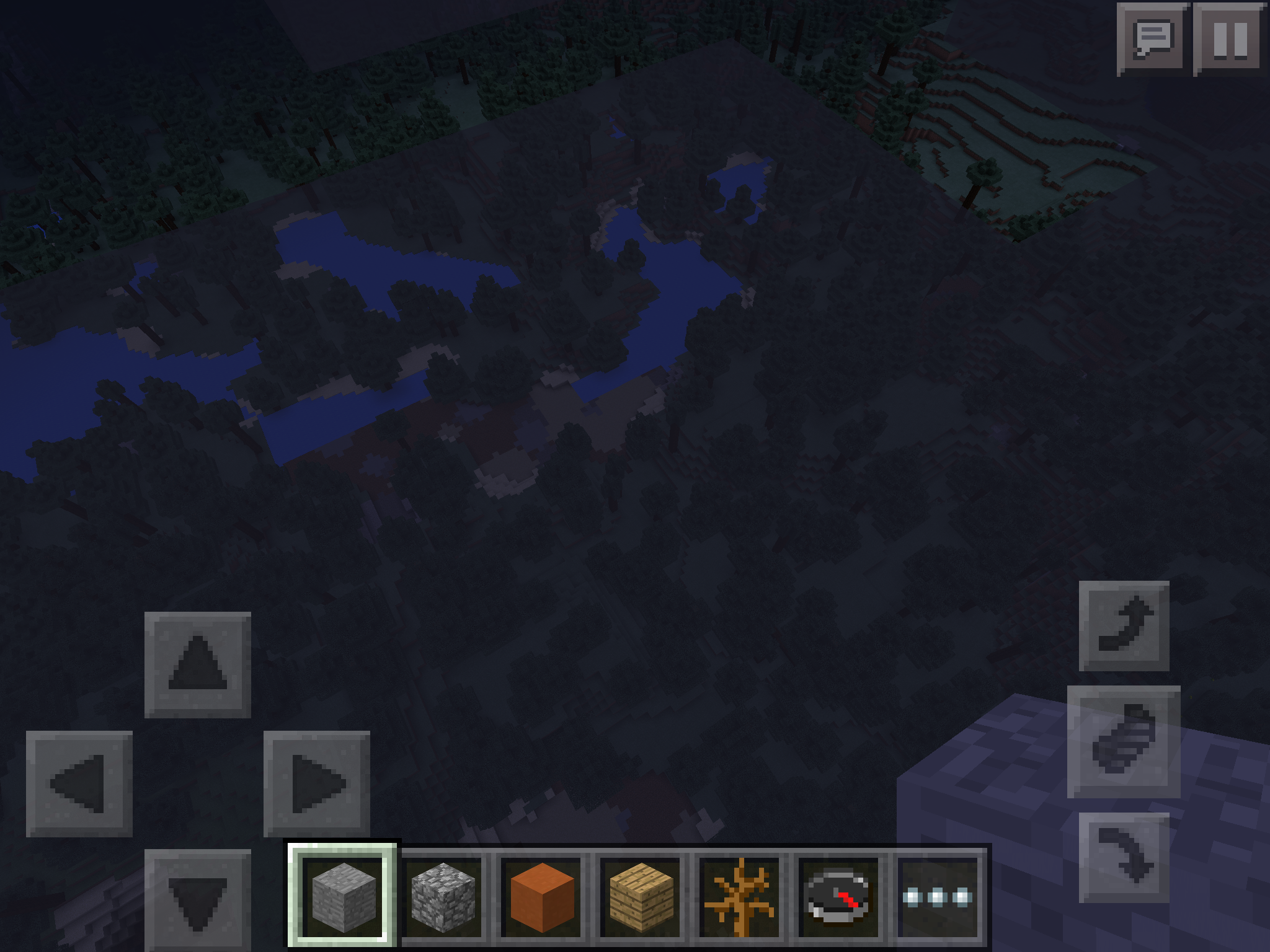


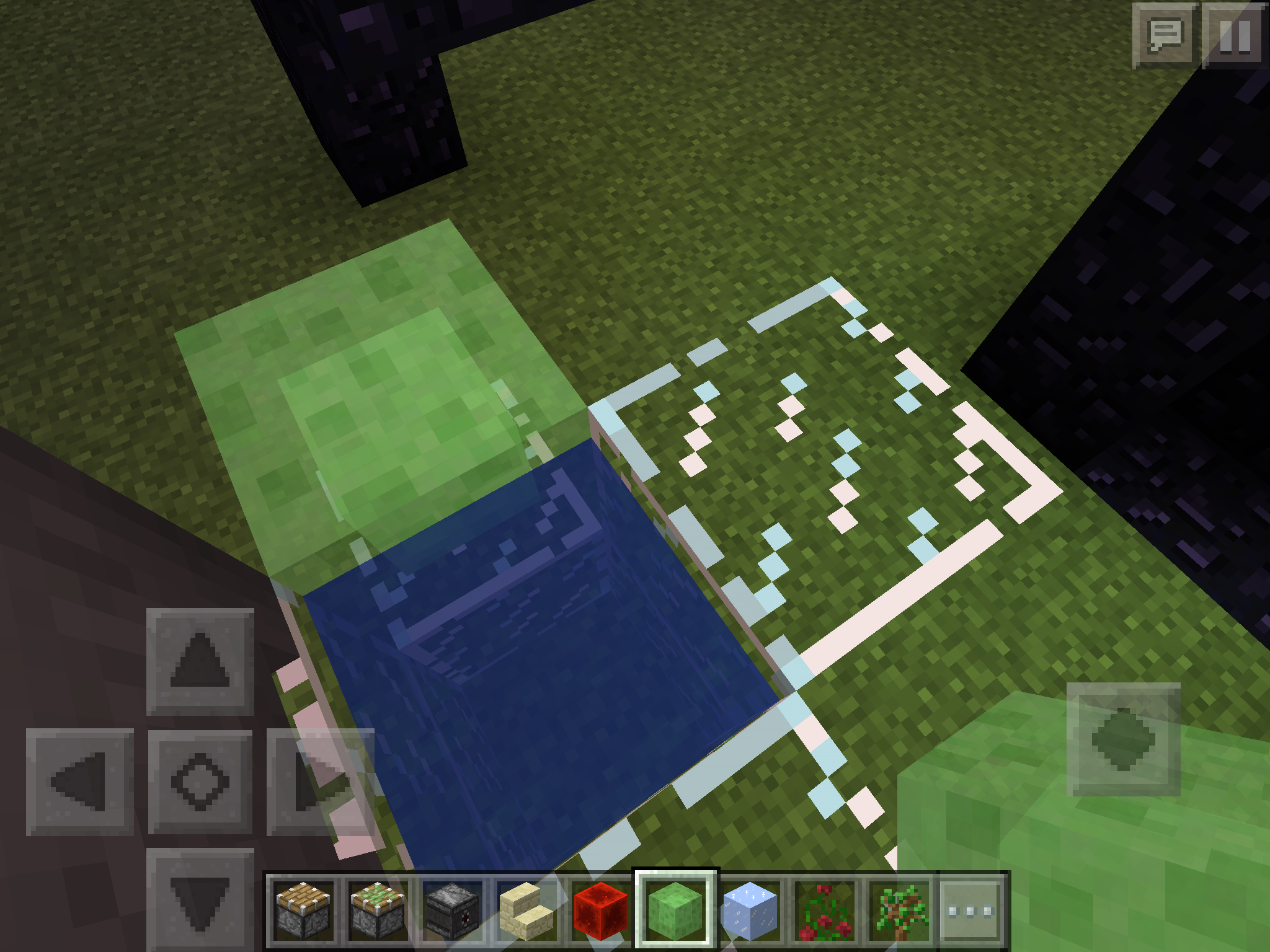


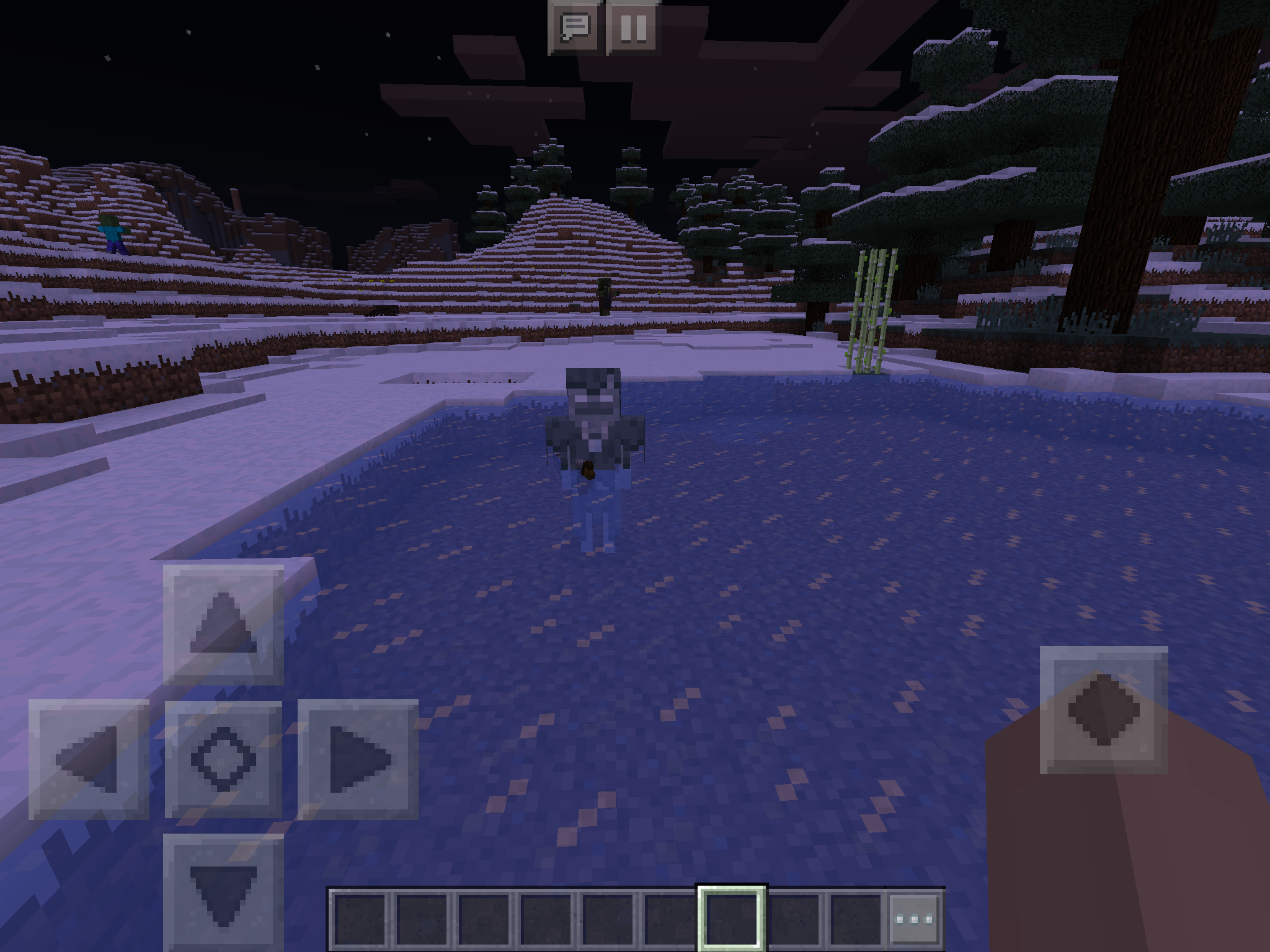





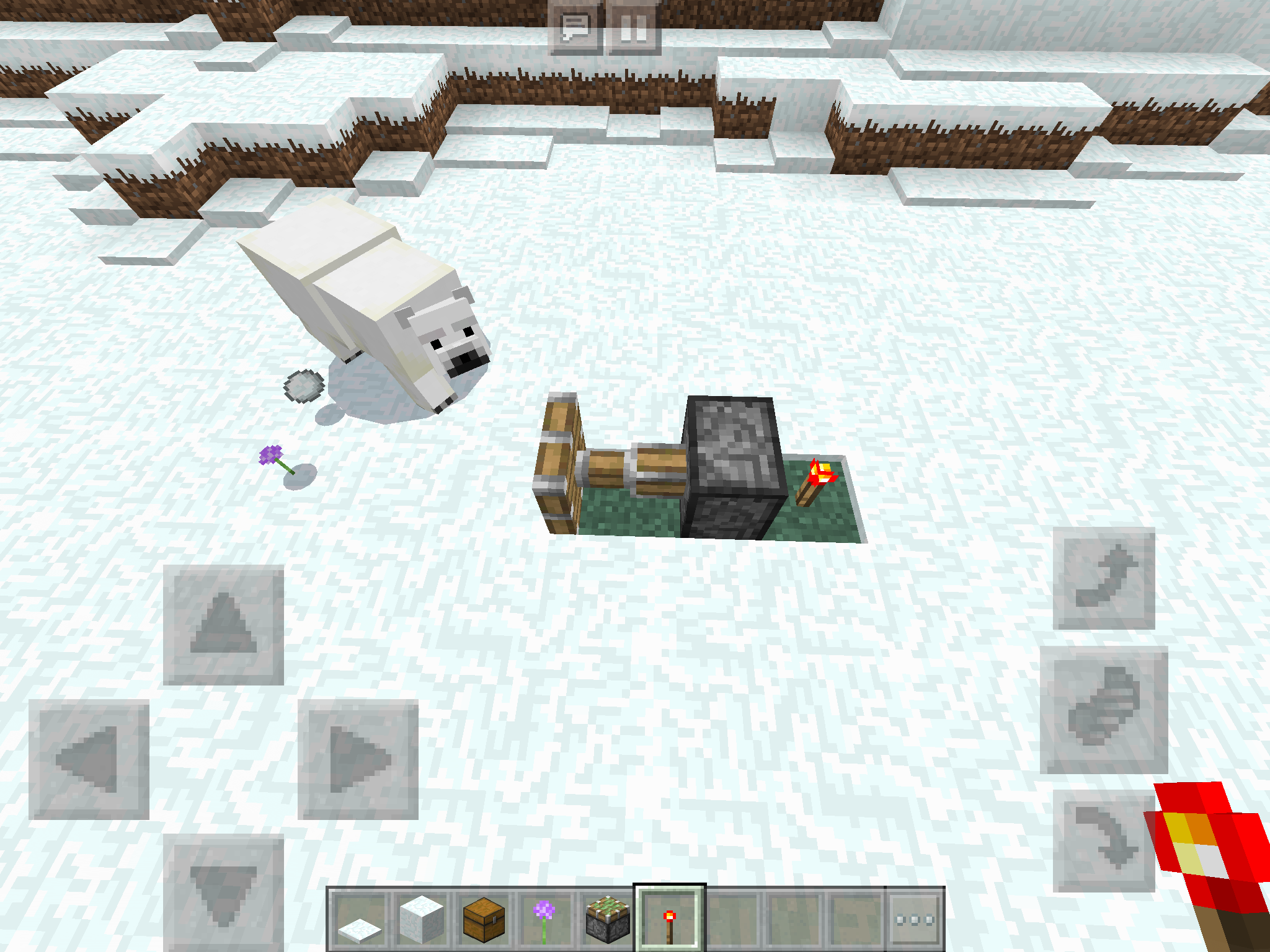

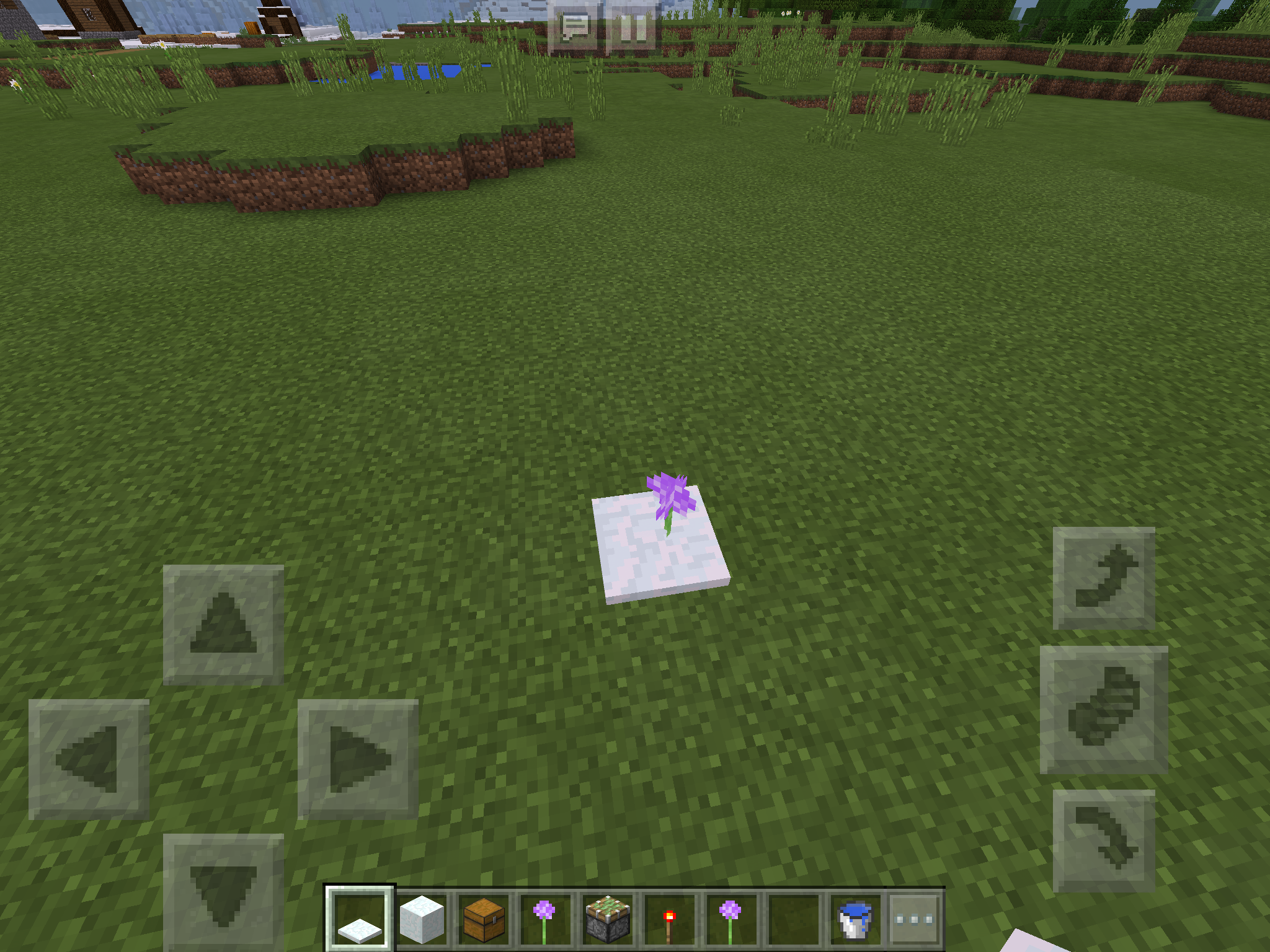
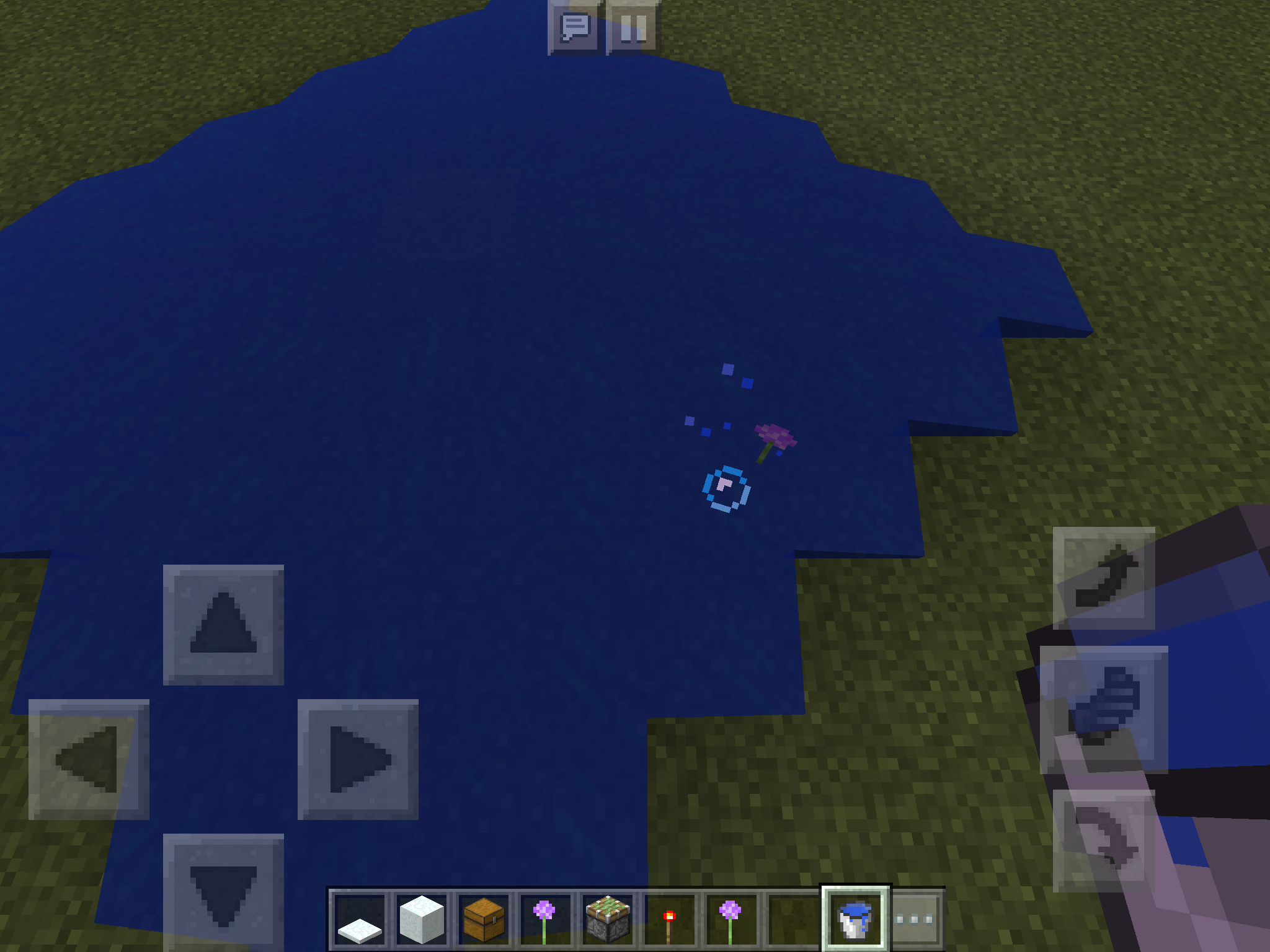
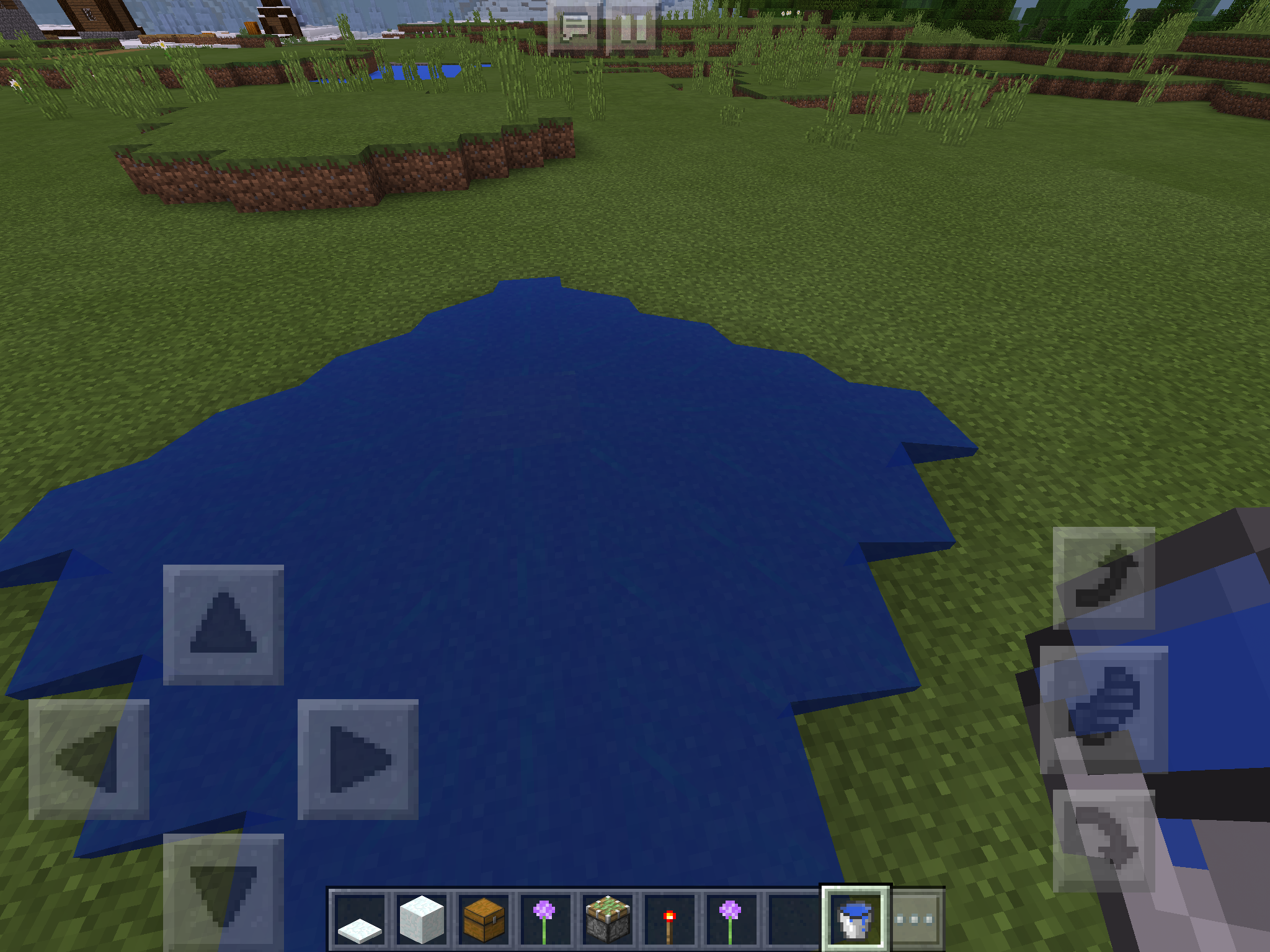
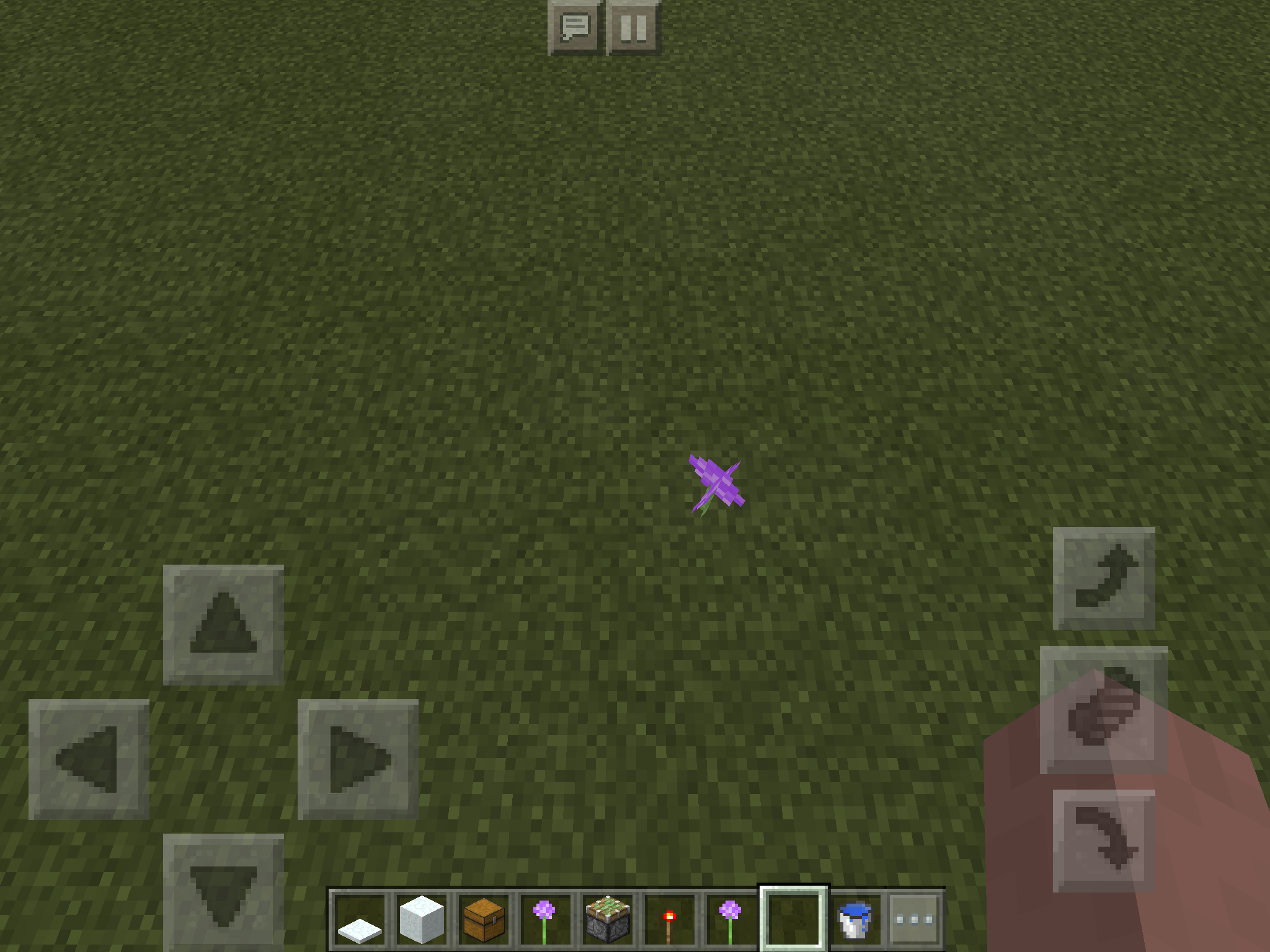

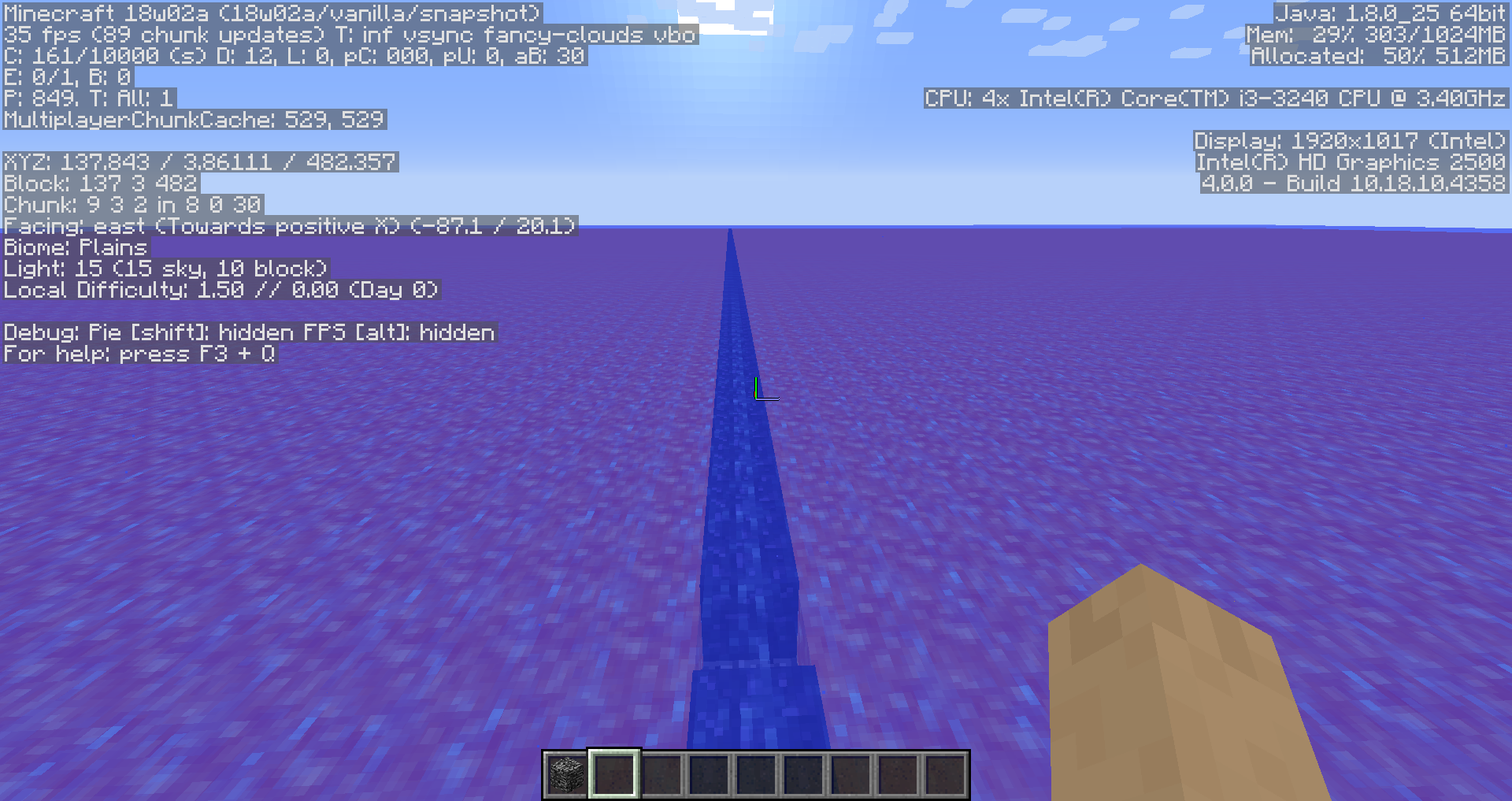

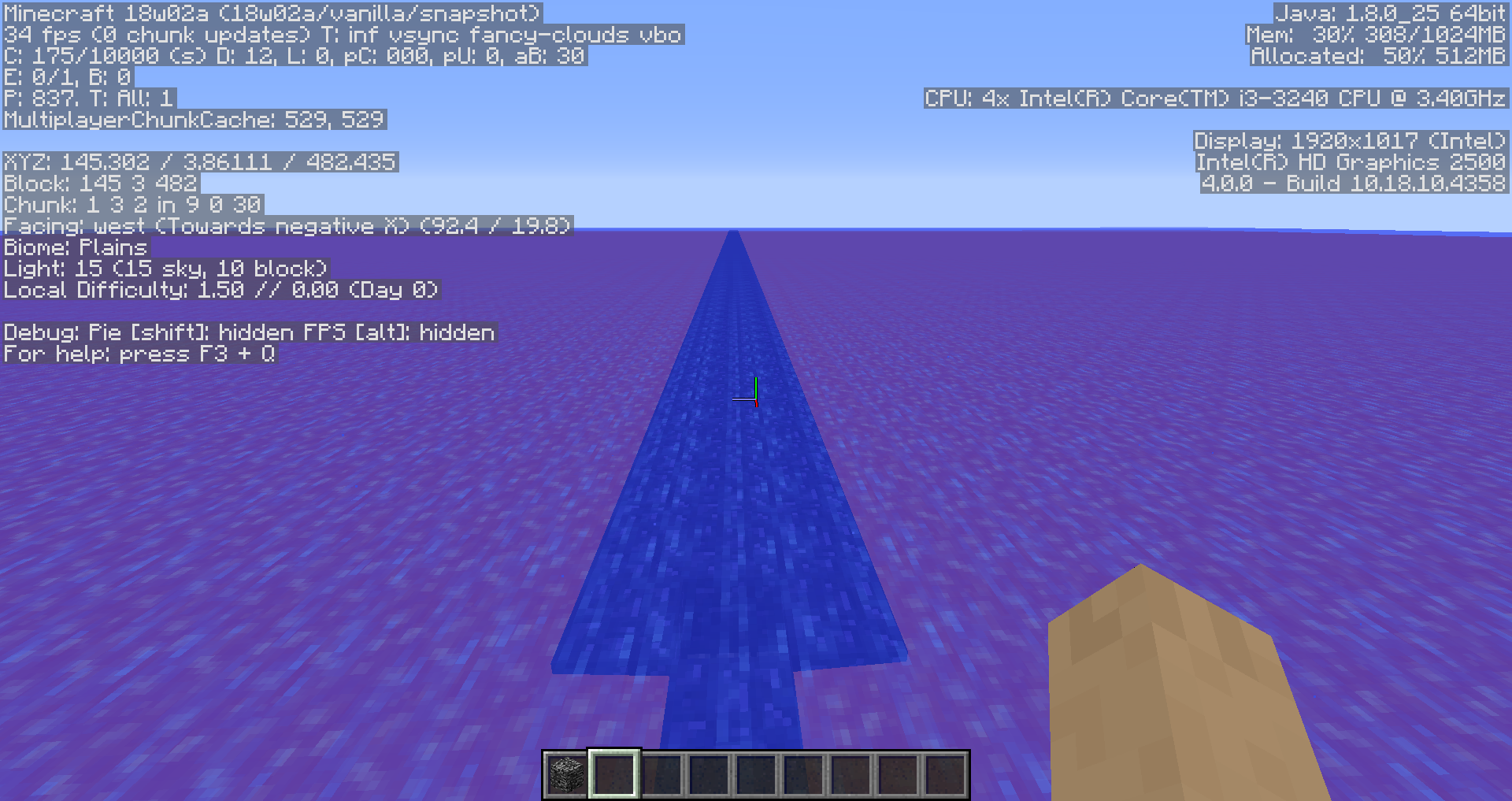


Doors make no sound when placed, however trapdoors do. Also affects PC as
MC-2844.
Beds make no sound when placed. When walked on or broken, they make stone sounds. This bug was fixed on the PC version (
MC-66347), so I don't see why it shouldn't still be in the pocket edition.And yes, I searched before making this
, so don't give me any of that BS.
Beds make no sound when placed (fixed in 0.16.0, however they have the incorrect sound of stone as opposed to the wood sound). When walked on or broken, they make stone sounds. This bug was fixed on the PC version (
MC-66347), so I don't see why it shouldn't still be in the pocket edition.And yes, I searched before making this.
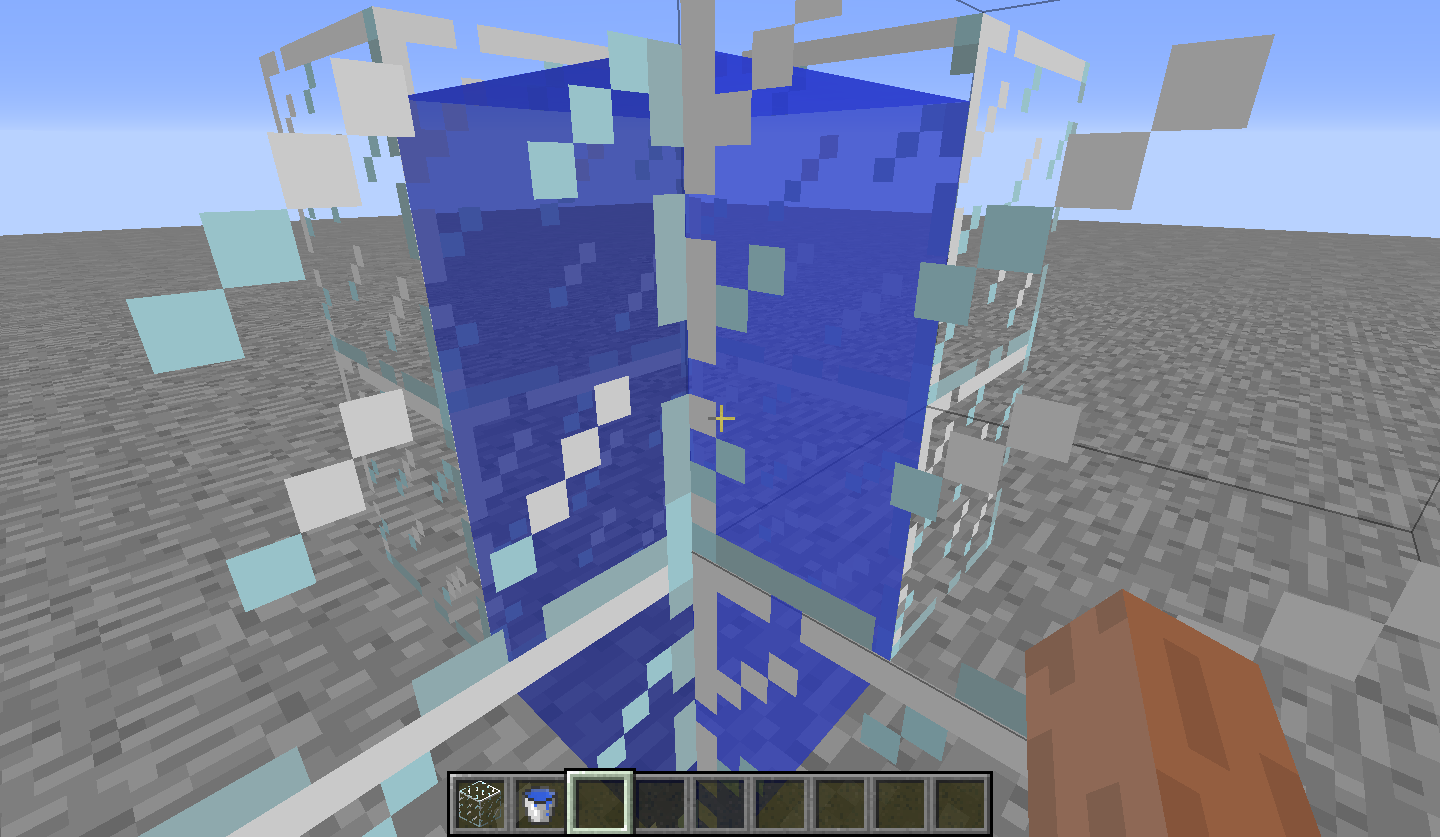
Stationary water source blocks against glass appear to be flowing downwards, even if they aren't. This relates to another bug which has been recently fixed on the PC version (
MC-35790) and is pretty much worth mentioning here.A similar glitch happens when looking at glass from underwater; see
MCPE-11141.

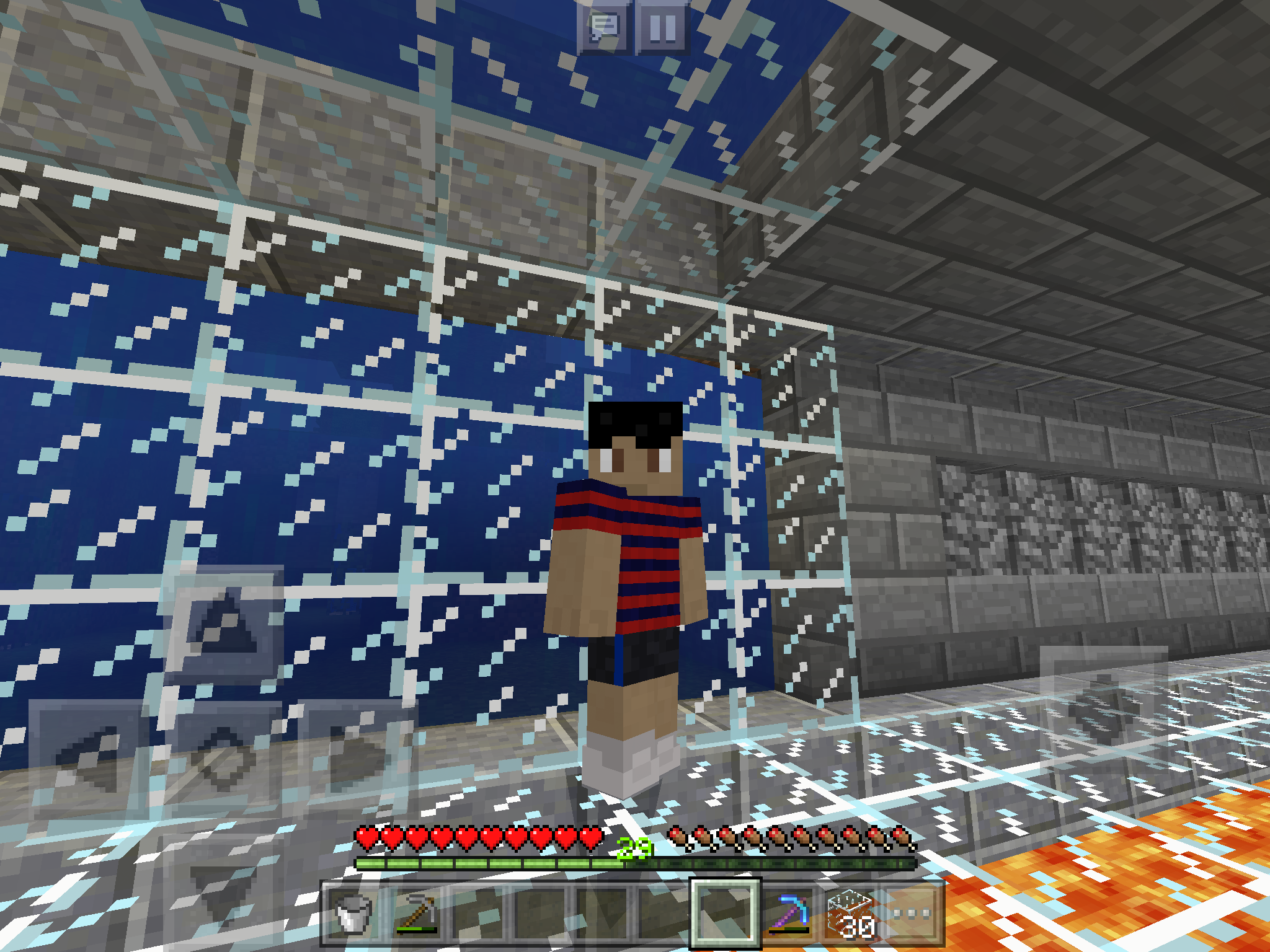
Stationary water source blocks against glass appear to be flowing downwards, even if they aren't. This relates to another bug which has been recently fixed on the PC version (
MC-35790) and is pretty much worth mentioning here.A similar glitch happens when looking at glass from underwater; see
MCPE-11141.
When underwater, transparent full blocks (glass in this case) have the flowing water texture against them. A bug recently fixed on the PC version (
MC-35790), this should also be fixed on the pocket edition.Similarly, a water flowing graphic appears when viewing water from the other side of glass:
MCPE-11140


When exiting a nether portal after being teleported, the sound travel.ogg does not play. This was recently fixed on PC (see
MC-233, note only the bit relating to this sound not playing was fixed) and as such should be fixed for pocket edition as well.It appears that this request was misunderstood; the sound effect that should play when the player is standing inside the portal block now plays when the nether is loading. The sound that should play when the nether is loading does not appear to exist in-game yet.
When exiting a nether portal after being teleported, the sound travel.ogg does not play. This was recently fixed on PC (see
MC-233, note only the bit relating to this sound not playing was fixed) and as such should be fixed for pocket edition as well.It appears that this request was misunderstood; the sound effect that should play when the player is standing inside the portal block (trigger.ogg) now plays when the nether is loading. The sound that should play when the nether is loading (travel.ogg) does not appear to exist in-game yet.
You're meant to be able to place them in dirt as well, read the history for pc
Still a bug
Still a bug
Still a bug
Still a bug
Dead bushes drop sticksin CreativeDead bushes drop sticks IN CREATIVE MODE
0.13.1 bug,searched for issue. Not a duplicate.In Creative, dead bushes drop one stick if you break the block below them.
When you close and reopen the app, the "Multiplayer Game" option switches itself on even if you turned it off beforehand.
0.13.1 bug and searched for. If this is a duplicate I will pour concentrated nitric acid into my eyes.
When viewed from behind a cloud, water which is close to the player will unload and not render, but more distant water does.
(
Affects 0.13.1, for some reason it apparently isn't a valid version.)(Yes, I searched before making this, like always. Don't say I didn't, like always.)
When viewed from behind a cloud, water which is close to the player will unload and not render, but more distant water does.
(Yes, I searched before making this, like always. Don't say I didn't, like always.)
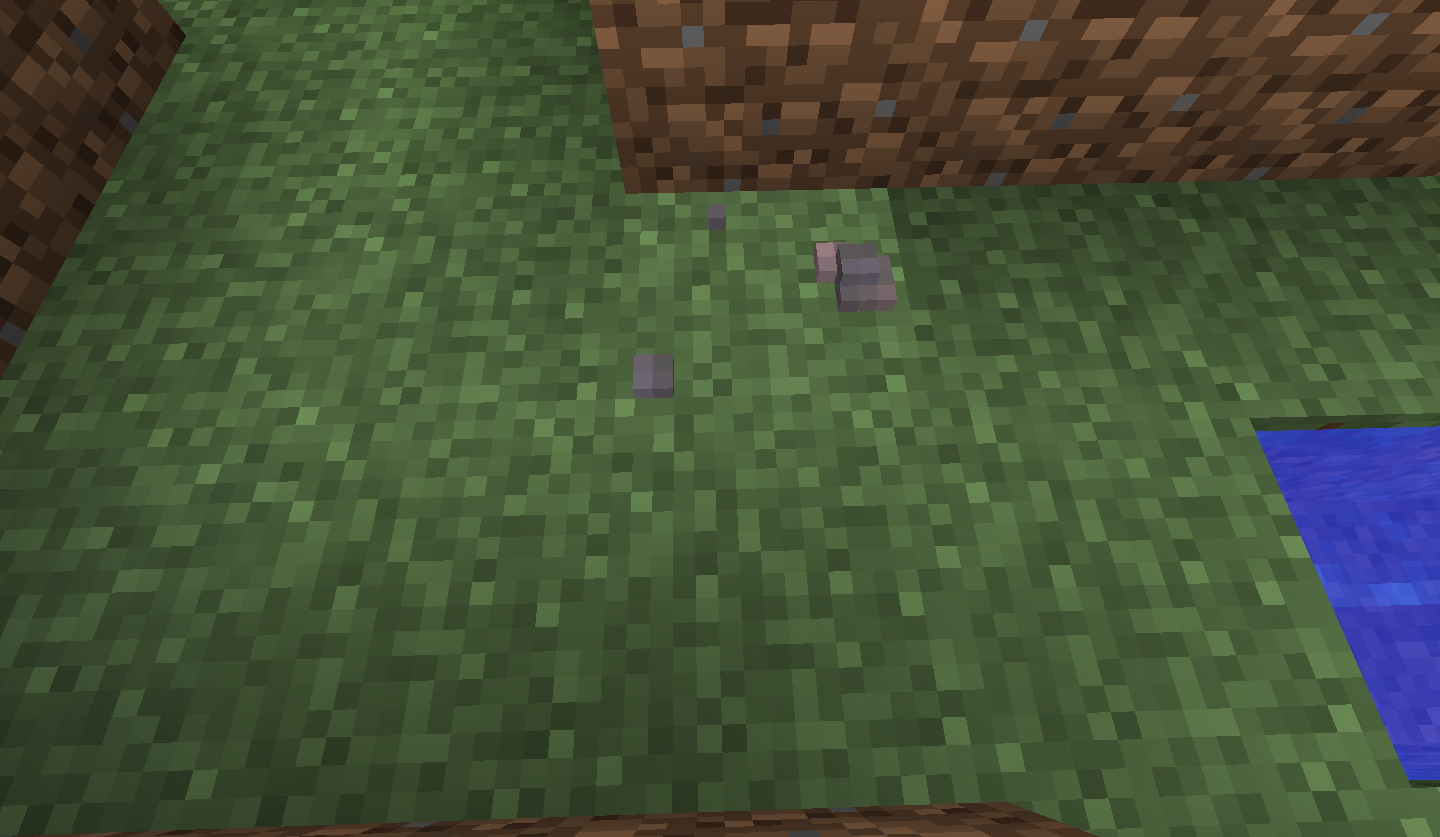
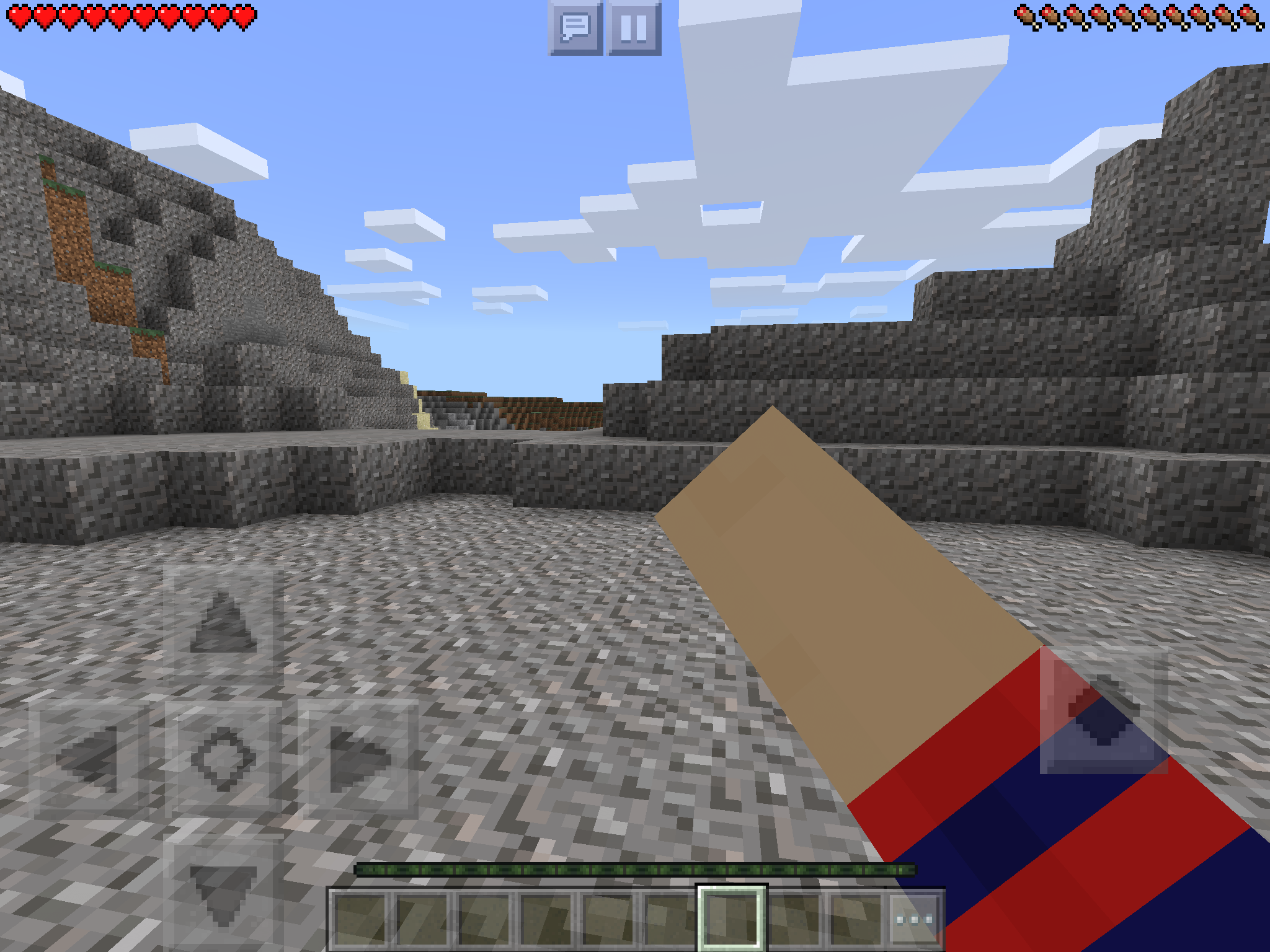
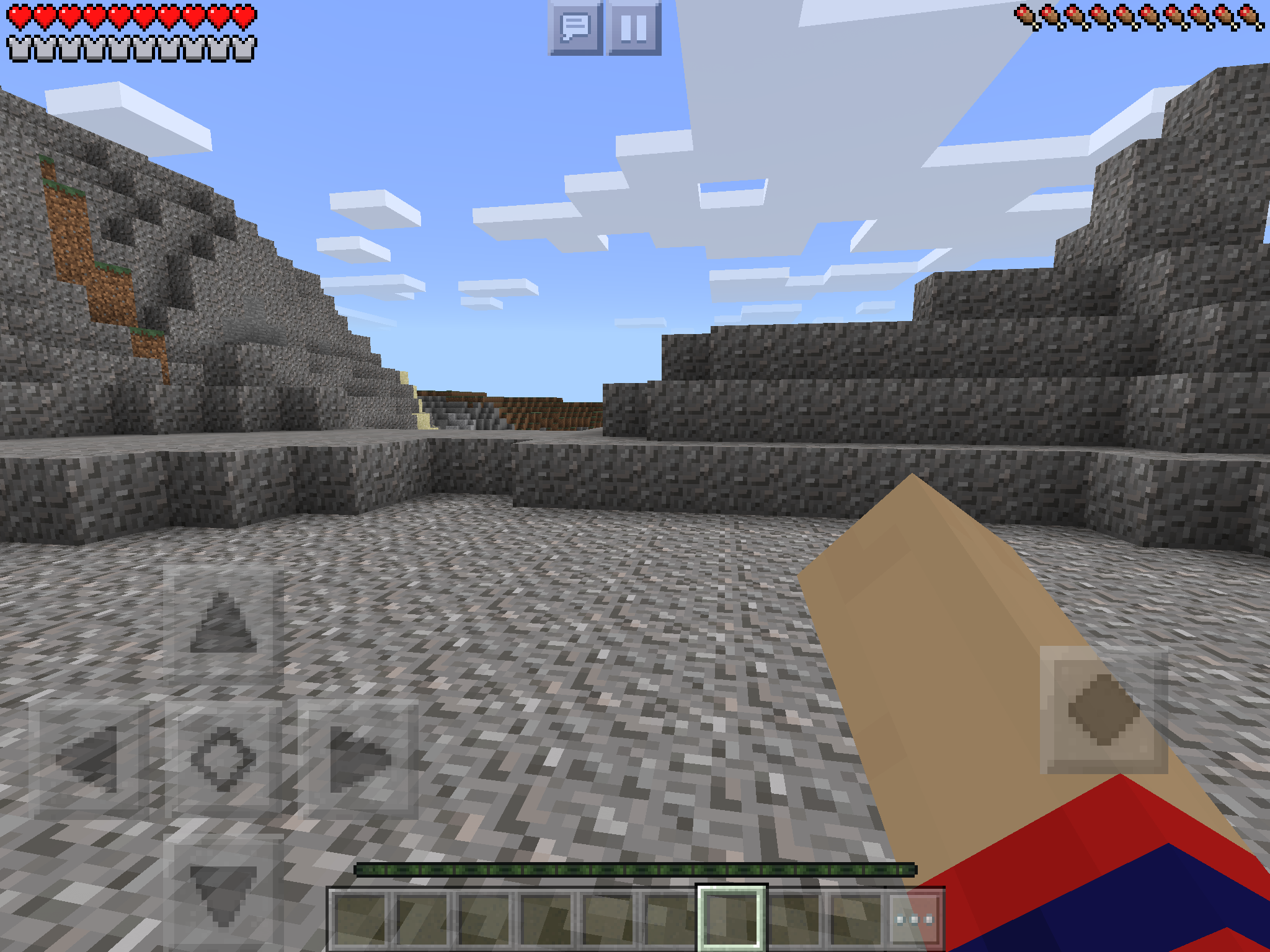
When I fall from a decent height while adjacent somehow to a block of water, the particles usually resulting from a falling player are textured as water.
I SEARCHED, K?
This bug also affects the Java edition; see
MC-1133.Upon falling/sprinting on a block which is situated next to a block of water, one would expect the particles formed under the player to take on the texture of the full block. However, if the player is situated at a point where they are still standing on the block, but more of the player is above the water block, the textures of the water block will instead be used.
To reproduce:
- Locate a body of water or lava, which has at least one solid, walkable block next to it
- Position yourself so you are above both the water/lava and full block, preferably with a bias towards the liquid block
- Start sprinting, or fall into this position.
The particles produced below the player will use the textures of the water or lava blocks instead of that of the solid block the player is actually standing on.
Falling particles near water have the texture of the waterThe textures of falling/sprinting particles can sometimes use illogical blocks

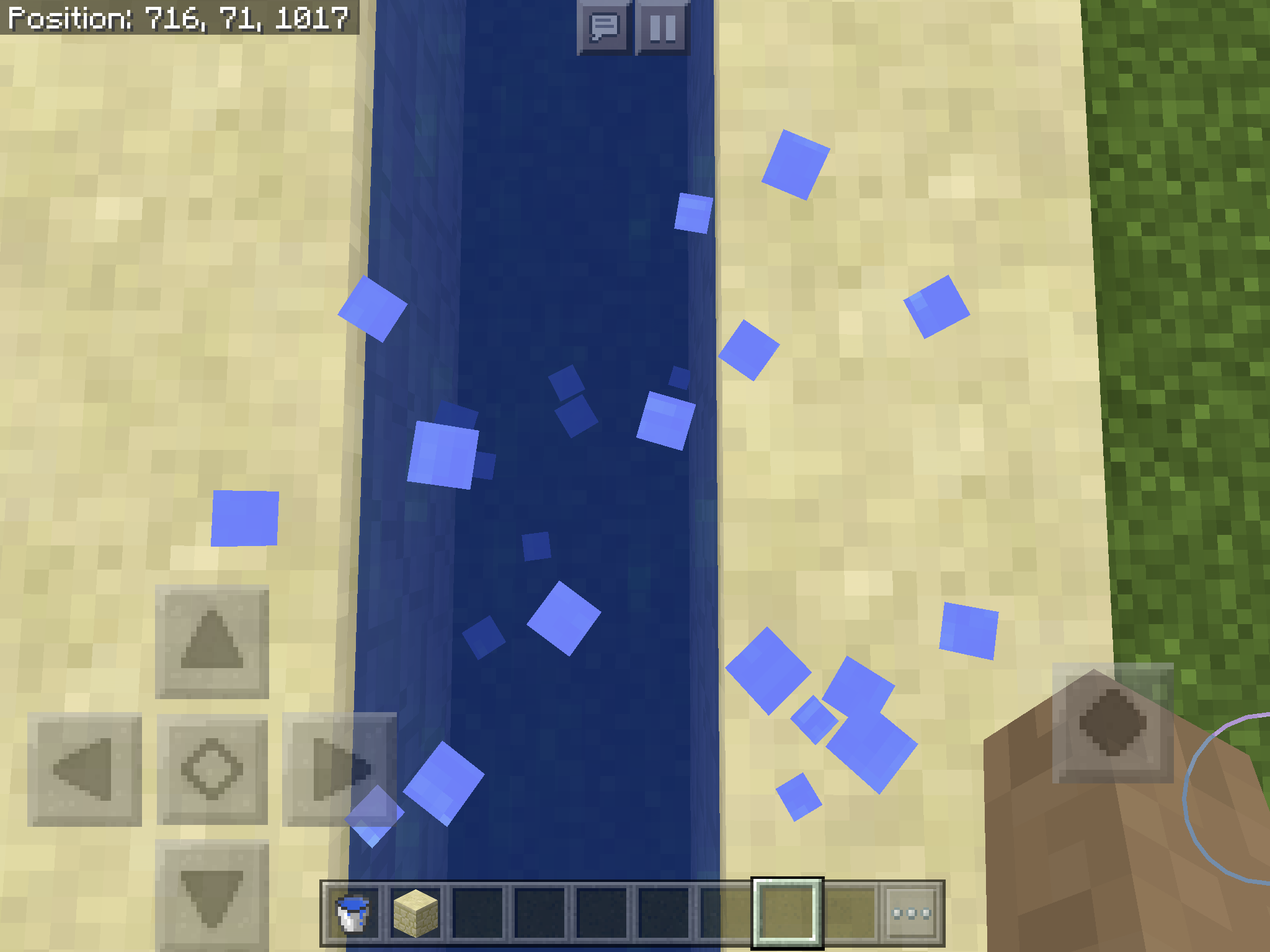
This bug also affects the Java edition; see
MC-1133.Upon falling/sprinting on a block which is situated next to a block of water, one would expect the particles formed under the player to take on the texture of the full block as is done when the non-full block is air. However, if the player is situated at a point where they are still standing on the block, but more of the player is above the water block, the textures of the water block will instead be used.
To reproduce:
- Locate a body of water or lava, which has at least one solid, walkable block next to it
- Position yourself so you are above both the water/lava and full block, preferably with a bias towards the liquid block
- Start sprinting, or fall into this position.
The particles produced below the player will use the textures of the water or lava blocks instead of that of the solid block the player is actually standing on.
This bug also affects the Java edition; see
MC-1133.Upon falling/sprinting on a block which is situated next to a block of water, one would expect the particles formed under the player to take on the texture of the full block as is done when the non-full block is air. However, if the player is situated at a point where they are still standing on the block, but more of the player is above the water block, the textures of the water block will instead be used.
To reproduce:
- Locate a body of water or lava, which has at least one solid, walkable block next to it
- Position yourself so you are above both the water/lava and full block, preferably with a bias towards the liquid block
- Start sprinting, or fall into this position.
The particles produced below the player will use the textures of the water or lava blocks instead of that of the solid block the player is actually standing on.
Searched for and tested on both versions (and additionally on a third modded one).
Certain presets appear to fail to actually generate woodland mansions in the world, even though the game recognises there should be one there. This contrasts with
MC-117285where the game does not seem to recognise any positions for mansions; attempting to find one via /locate would produce give an error indicating a failure to detect any mansions in that case, whereas here coordinates are provided for a mansion, the coordinates leading to a plausible location inside a roofed forest biome, but with no mansion in sight.Here is one of the presets in question:
{"coordinateScale":1.0,"heightScale":684.412,"lowerLimitScale":512.0,"upperLimitScale":317.838,"depthNoiseScaleX":1.0,"depthNoiseScaleZ":1.0,"depthNoiseScaleExponent":0.01,"mainNoiseScaleX":1.0,"mainNoiseScaleY":1.0,"mainNoiseScaleZ":1.0,"baseSize":2.859155,"stretchY":30.285635,"biomeDepthWeight":1.0,"biomeDepthOffset":0.0,"biomeScaleWeight":1.0,"biomeScaleOffset":0.0,"seaLevel":20,"useCaves":true,"useDungeons":true,"dungeonChance":7,"useStrongholds":true,"useVillages":true,"useMineShafts":true,"useTemples":true,"useMonuments":true,"useMansions":true,"useRavines":true,"useWaterLakes":true,"waterLakeChance":100,"useLavaLakes":true,"lavaLakeChance":100,"useLavaOceans":false,"fixedBiome":-1,"biomeSize":4,"riverSize":5,"dirtSize":33,"dirtCount":10,"dirtMinHeight":35,"dirtMaxHeight":256,"gravelSize":33,"gravelCount":8,"gravelMinHeight":35,"gravelMaxHeight":256,"graniteSize":50,"graniteCount":40,"graniteMinHeight":0,"graniteMaxHeight":10,"dioriteSize":50,"dioriteCount":40,"dioriteMinHeight":3,"dioriteMaxHeight":12,"andesiteSize":50,"andesiteCount":40,"andesiteMinHeight":5,"andesiteMaxHeight":14,"coalSize":17,"coalCount":20,"coalMinHeight":0,"coalMaxHeight":128,"ironSize":9,"ironCount":20,"ironMinHeight":0,"ironMaxHeight":64,"goldSize":9,"goldCount":2,"goldMinHeight":0,"goldMaxHeight":32,"redstoneSize":8,"redstoneCount":8,"redstoneMinHeight":0,"redstoneMaxHeight":16,"diamondSize":8,"diamondCount":1,"diamondMinHeight":0,"diamondMaxHeight":16,"lapisSize":7,"lapisCount":1,"lapisCenterHeight":16,"lapisSpread":16}If the mansion instead spawns at a location much higher than normal (including areas which would cause it to be above y=256), the mansion generates anyway,
EDIT: Can this ticket have its status changed to postponed due to the apparently temporary removal of Customized worlds?
The bug
Certain presets appear to fail to actually generate woodland mansions in the world, even though the game recognises there should be one there. This contrasts with
MC-117285where the game does not seem to recognise any positions for mansions; attempting to find one via /locate would produce give an error indicating a failure to detect any mansions in that case, whereas here coordinates are provided for a mansion, the coordinates leading to a plausible location inside a roofed forest biome, but with no mansion in sight.How to reproduce
- Create a customized world with the seed 5589544208840976890 and the following preset:
{"coordinateScale":1.0,"heightScale":684.412,"lowerLimitScale":512.0,"upperLimitScale":317.838,"depthNoiseScaleX":1.0,"depthNoiseScaleZ":1.0,"depthNoiseScaleExponent":0.01,"mainNoiseScaleX":1.0,"mainNoiseScaleY":1.0,"mainNoiseScaleZ":1.0,"baseSize":2.859155,"stretchY":30.285635,"biomeDepthWeight":1.0,"biomeDepthOffset":0.0,"biomeScaleWeight":1.0,"biomeScaleOffset":0.0,"seaLevel":20,"useCaves":true,"useDungeons":true,"dungeonChance":7,"useStrongholds":true,"useVillages":true,"useMineShafts":true,"useTemples":true,"useMonuments":true,"useMansions":true,"useRavines":true,"useWaterLakes":true,"waterLakeChance":100,"useLavaLakes":true,"lavaLakeChance":100,"useLavaOceans":false,"fixedBiome":-1,"biomeSize":4,"riverSize":5,"dirtSize":33,"dirtCount":10,"dirtMinHeight":35,"dirtMaxHeight":256,"gravelSize":33,"gravelCount":8,"gravelMinHeight":35,"gravelMaxHeight":256,"graniteSize":50,"graniteCount":40,"graniteMinHeight":0,"graniteMaxHeight":10,"dioriteSize":50,"dioriteCount":40,"dioriteMinHeight":3,"dioriteMaxHeight":12,"andesiteSize":50,"andesiteCount":40,"andesiteMinHeight":5,"andesiteMaxHeight":14,"coalSize":17,"coalCount":20,"coalMinHeight":0,"coalMaxHeight":128,"ironSize":9,"ironCount":20,"ironMinHeight":0,"ironMaxHeight":64,"goldSize":9,"goldCount":2,"goldMinHeight":0,"goldMaxHeight":32,"redstoneSize":8,"redstoneCount":8,"redstoneMinHeight":0,"redstoneMaxHeight":16,"diamondSize":8,"diamondCount":1,"diamondMinHeight":0,"diamondMaxHeight":16,"lapisSize":7,"lapisCount":1,"lapisCenterHeight":16,"lapisSpread":16}- /tp -6056 64 8168
If the mansion instead spawns at a location much higher than normal (including areas which would cause it to be above y=256), the mansion generates anyway.
Th
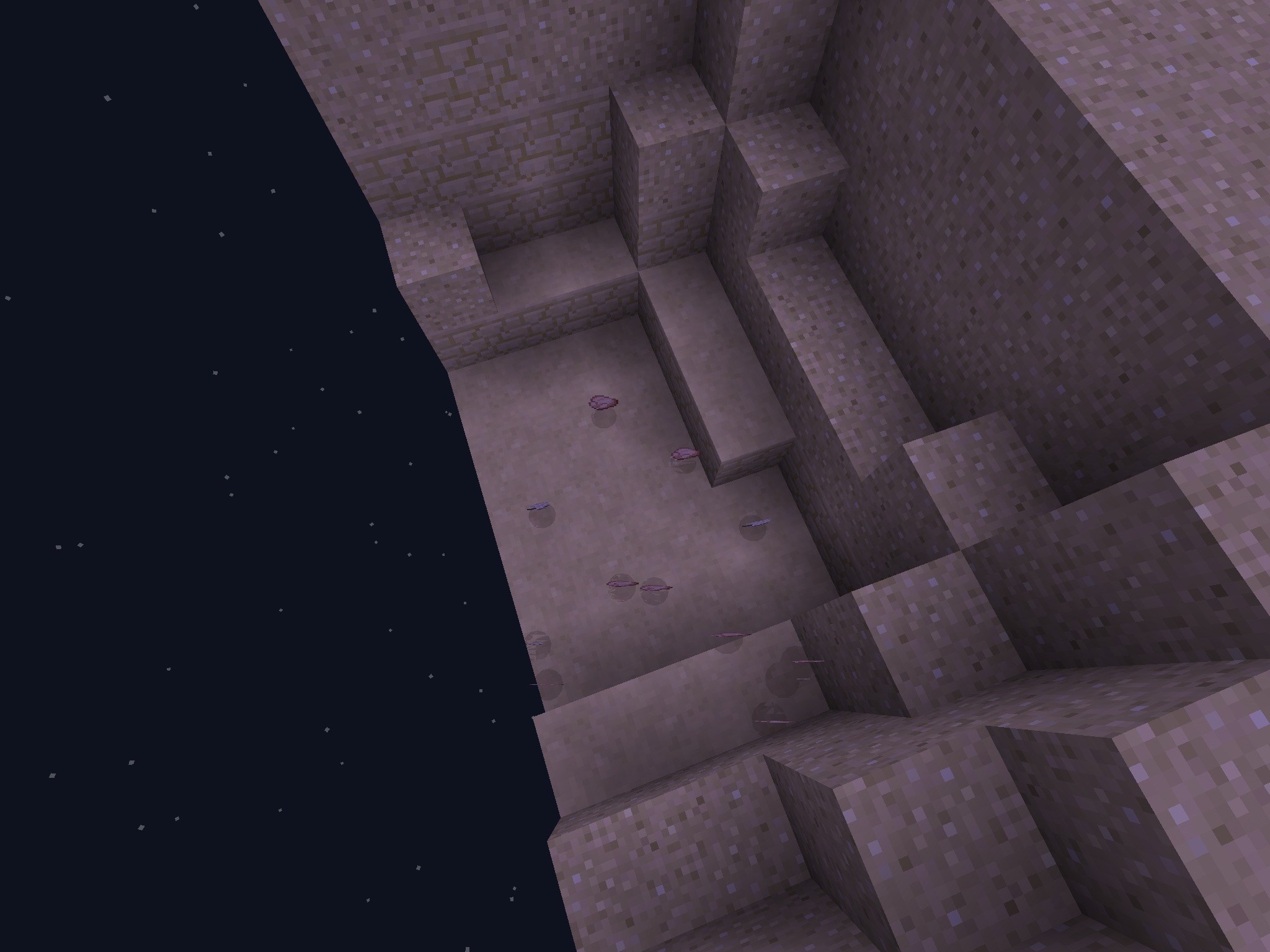
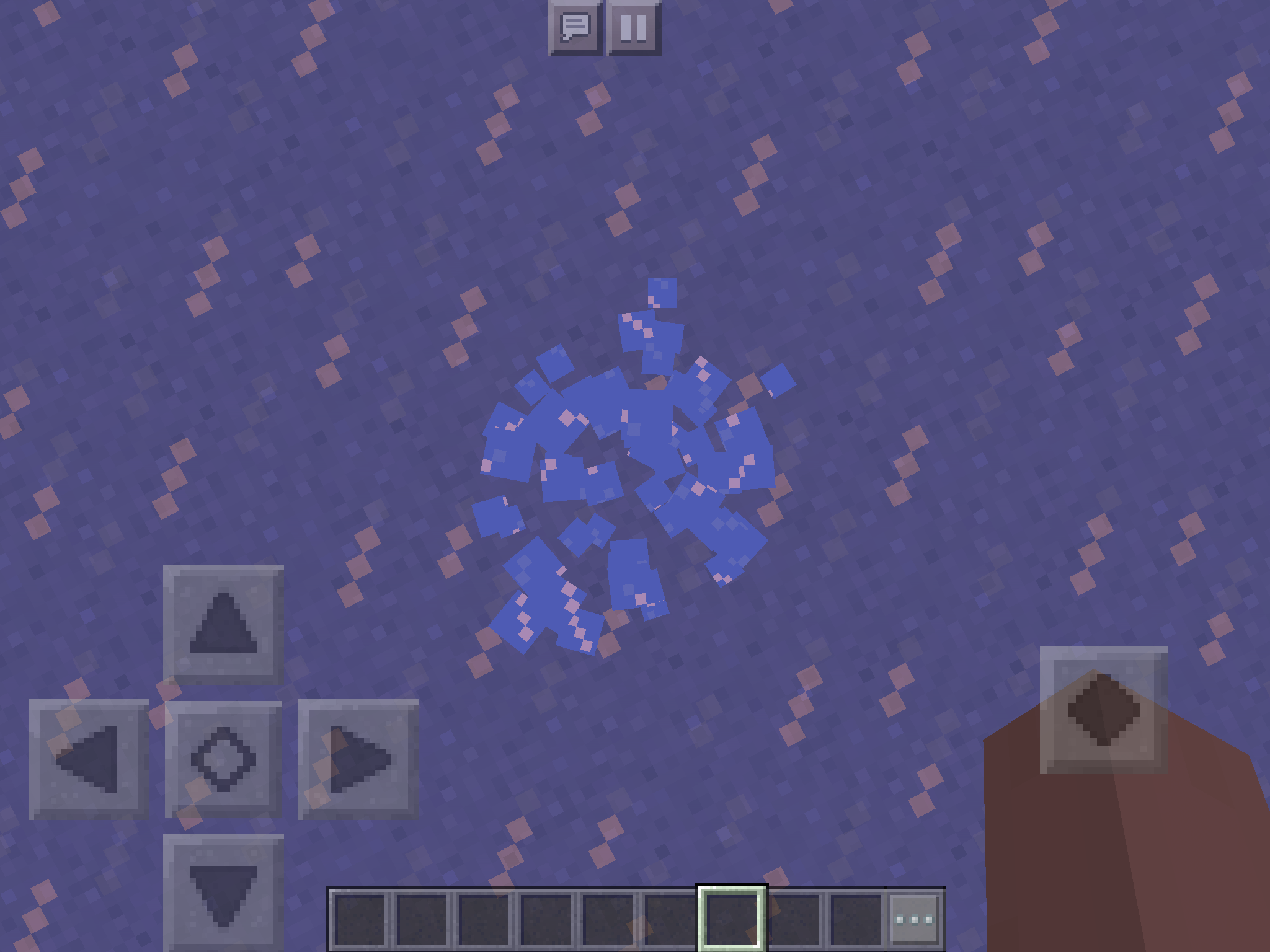
is looks ugly and inconsistent in comparison toblockslikestained glass,which uses smaller opaque shard textures to look like chips of glass, in comparison to ice, which uses opaque sections of the texture.The particles emitted by translucent blocks such as stained glass, ice, slime blocks and honey blocks when broken, sprinted on or fallen on from a height are completely opaque, despite the blocks they originate from being opaque.
Note that this is also a parity issue, as the particles of the respective blocks are translucent in Java Edition as one would expect:

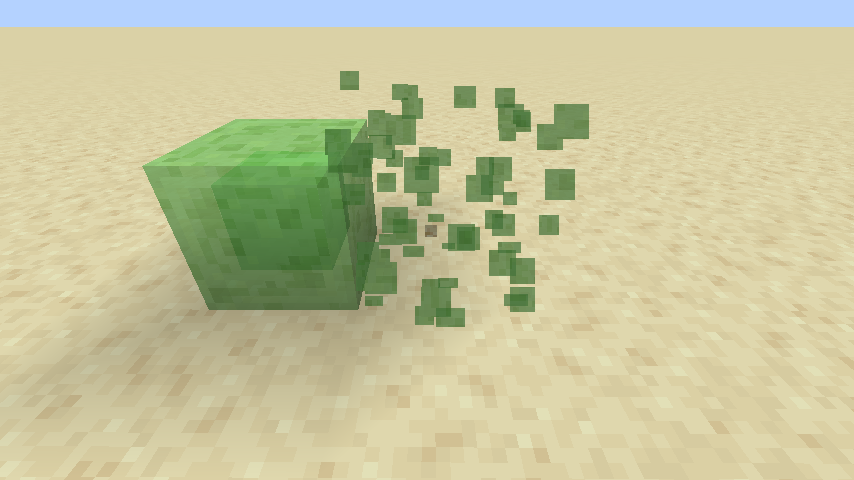

This issue also affected Java Edition during an official release, but this was fixed in the Buzzy Bees update, making this a legitimate parity issue:
MC-145821
The particles emitted by translucent blocks such as stained glass, ice, slime blocks and honey blocks when broken, sprinted on or fallen on from a height are completely opaque, despite the blocks they originate from being opaque.
Note that this is also a parity issue, as the particles of the respective blocks are translucent in Java Edition as one would expect:

This issue also affected Java Edition during an official release, but this was fixed in the Buzzy Bees update, making this a legitimate parity issue:
MC-145821
The particles emitted by translucent blocks such as stained glass, ice, slime blocks and honey blocks when broken, sprinted on or fallen on from a height are completely opaque, despite the blocks they originate from being
opaque.Note that this is also a parity issue, as the particles of the respective blocks are translucent in Java Edition as one would expect:
This issue also affected Java Edition during an official release, but this was fixed in the Buzzy Bees update, making this a legitimate parity issue:
MC-145821The particles emitted by translucent blocks such as stained glass, ice, slime blocks and honey blocks when broken, sprinted on or fallen on from a height are completely opaque, despite the blocks they originate from being translucent.
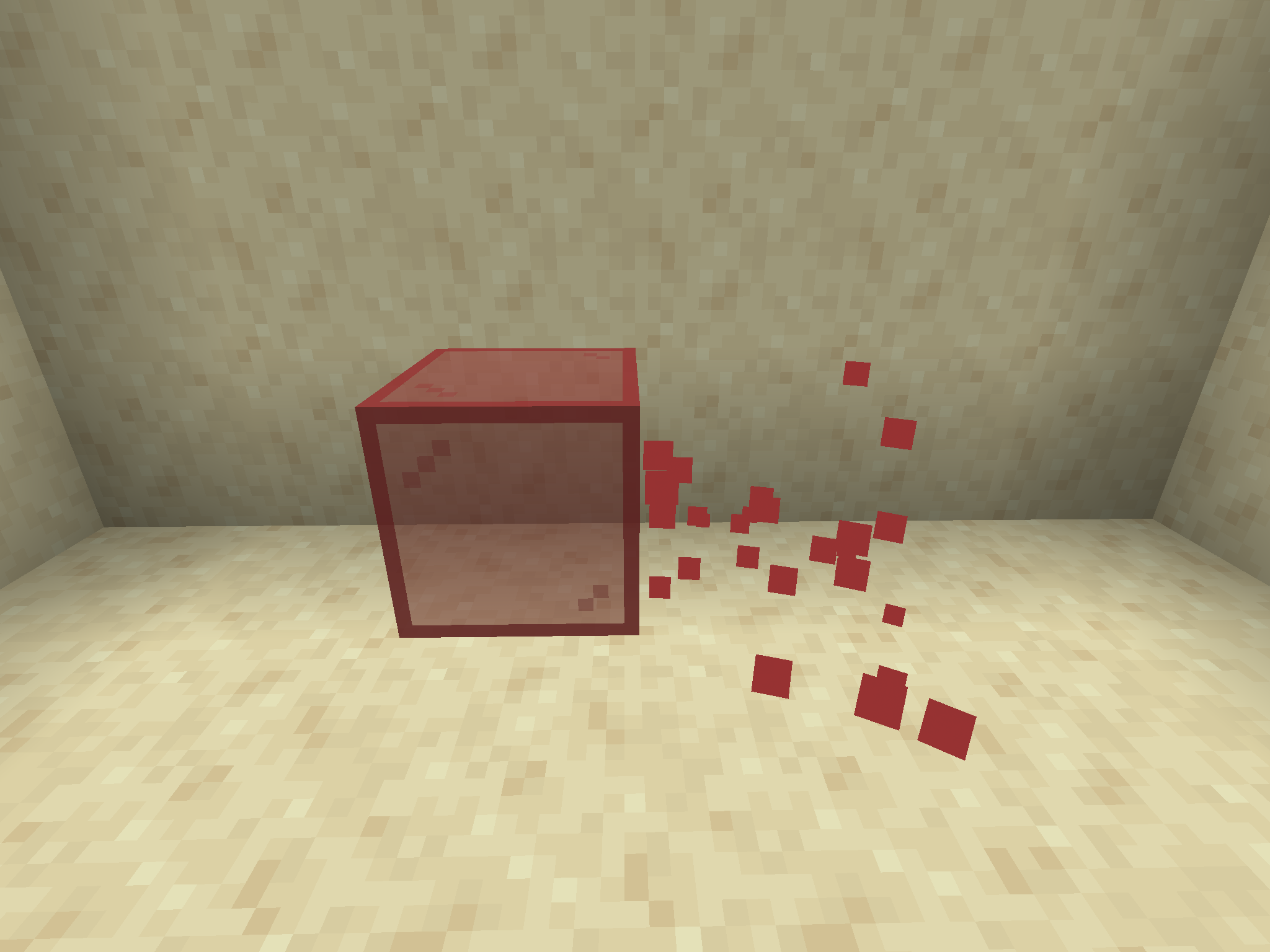


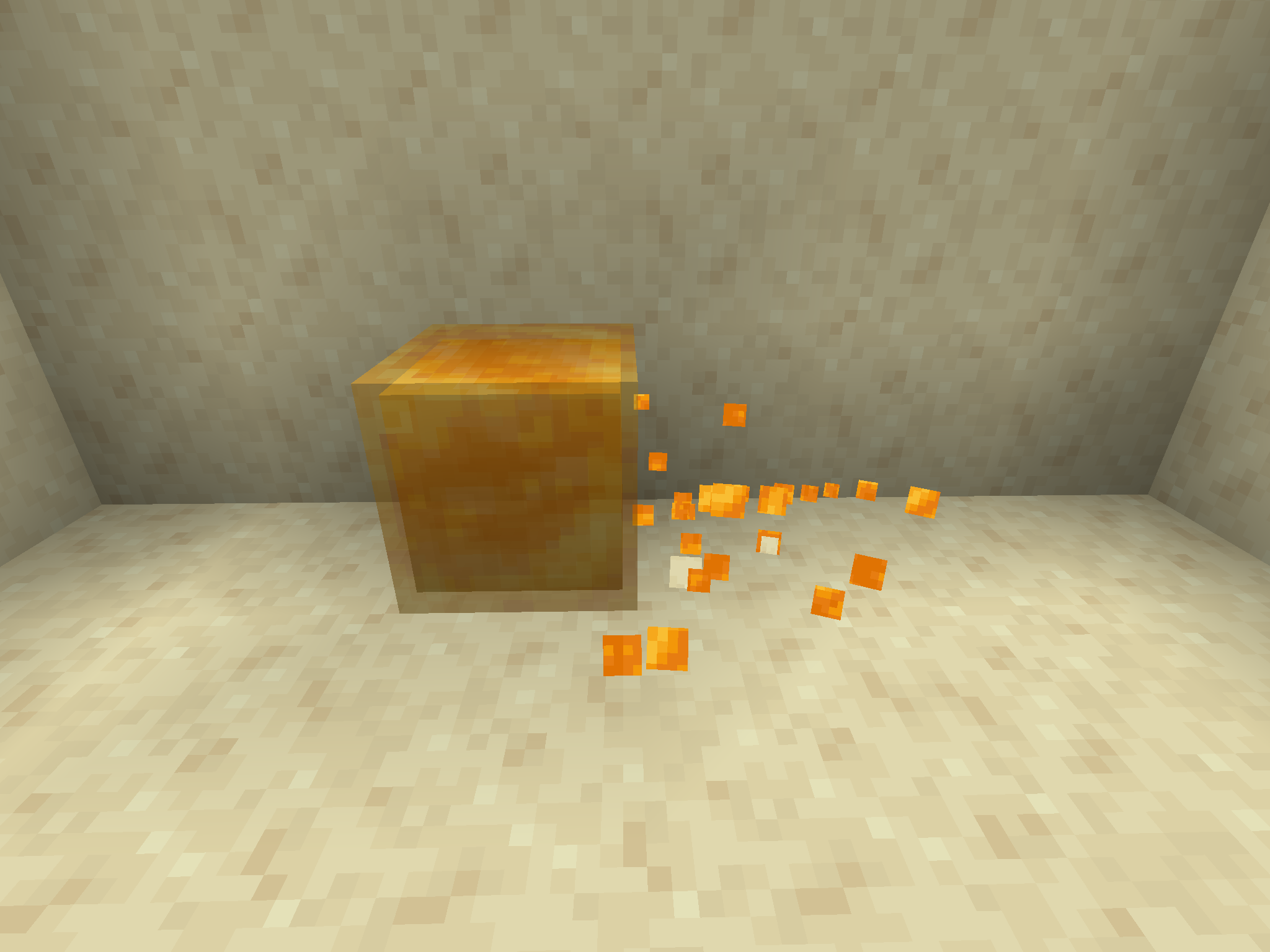
Note that this is also a parity issue, as the particles of the respective blocks are translucent in Java Edition as one would expect:
This issue also affected Java Edition during an official release, but this was fixed in the Buzzy Bees update, making this a legitimate parity issue:
MC-145821
The particles emitted by translucent blocks such as stained glass, ice, slime blocks and honey blocks when broken, sprinted on or fallen on from a height are completely opaque, despite the blocks they originate from being translucent.
Note that this is also a parity issue, as the particles of the respective blocks are translucent in Java Edition as one would expect:
This issue also affected Java Edition during an official release, but this was fixed in the Buzzy Bees update, making this a legitimate parity issue:MC-145821The particles emitted by translucent blocks such as stained glass, ice, slime blocks and honey blocks when broken, sprinted on or fallen on from a height are completely opaque, despite the blocks they originate from being translucent.
Note that this is also a parity issue, as the particles of the respective blocks are translucent in Java Edition as one would expect:
As this issue also affected Java Edition during an official release (see
MC-145821), with it being fixed in the Buzzy Bees update, this can be considered a legitimate parity issue.
The particles emitted by translucent blocks such as stained glass, ice, slime blocks and honey blocks when broken, sprinted on or fallen on from a height are completely opaque, despite the blocks they originate from being translucent.
Note that this is also a parity issue, as the particles of the respective blocks are translucent in Java Edition as one would expect:
As this issue also affected Java Edition during an official release (see
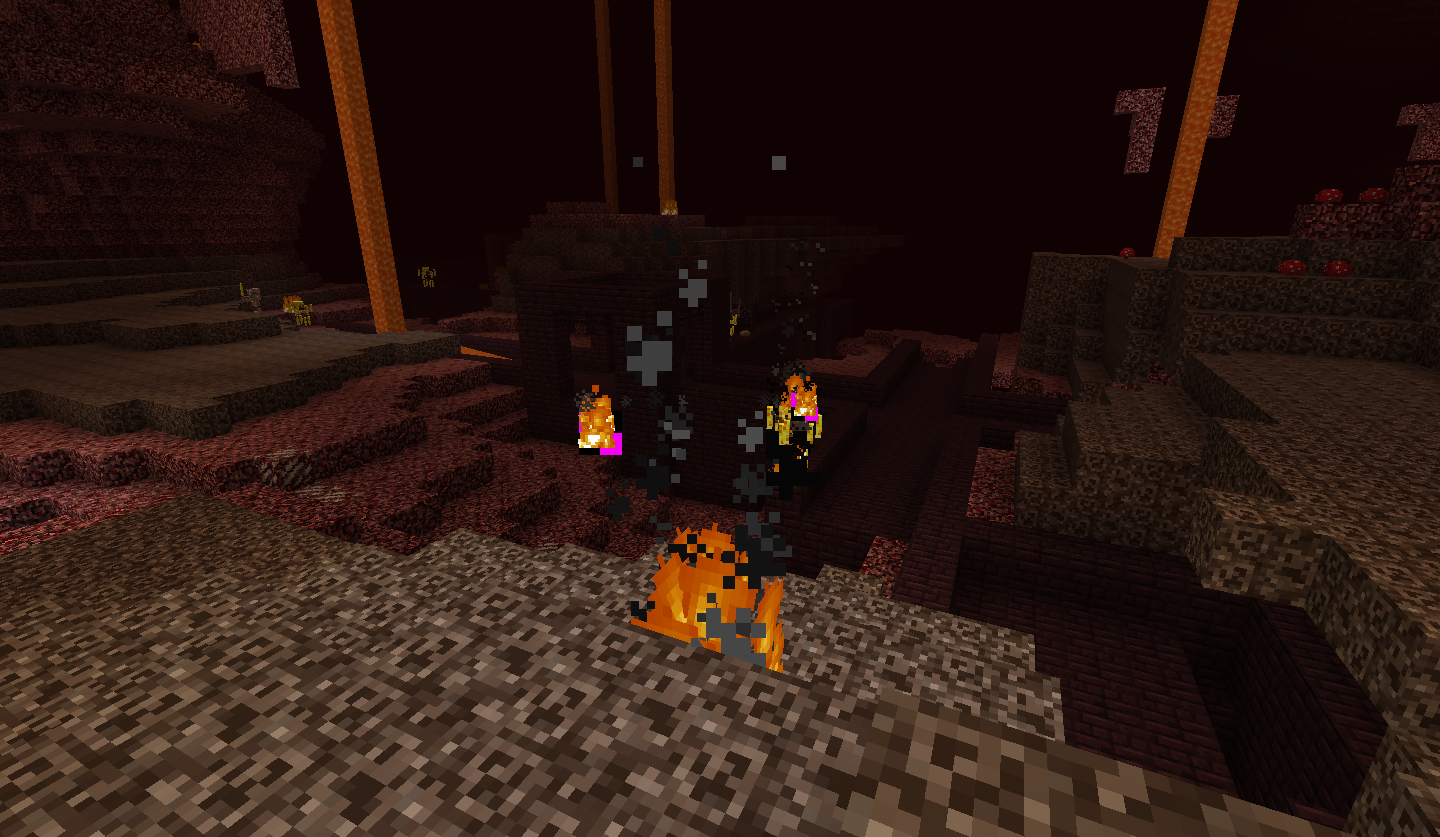
MC-145821), with it being fixed in the Buzzy Bees update, this can be considered a legitimate parity issue.This issue may simply apply to particles in general rather than just block particles (see also MC-144009) - for example, campfire smoke does not become more transparent with time in Bedrock Edition, and the explosion particle has translucent pixels in Bedrock Edition which are rendered opaque in-game.
Did search. Found while testing MCPE-30000.
If in Survival, when trying to put an item in an armour slot which does not actually fit in said slot, the item will appear to go to it but return to the original stack. In Creative, the item seems to disappear completely.
Also breaking one seems to return the oak. Tested with the birch door.
I doubt this is a bug; they were simply designed differently. Yet the same size when placed...
Like the old wood door and the iron door? I would like the iron door to look more jail-cell-y.
The recipe is changed. You make a pair of "wooden boots" with two sricks in between. Like an inverted fence gate. All planks must match. Have a nice day!
^ I agree. Like I said a new sprite for the oak and iron door would be pretty good
It was a bug they could see through walls.
Still broken in d, tested with efficiency ii stone axe
Exactly
Possibly related to
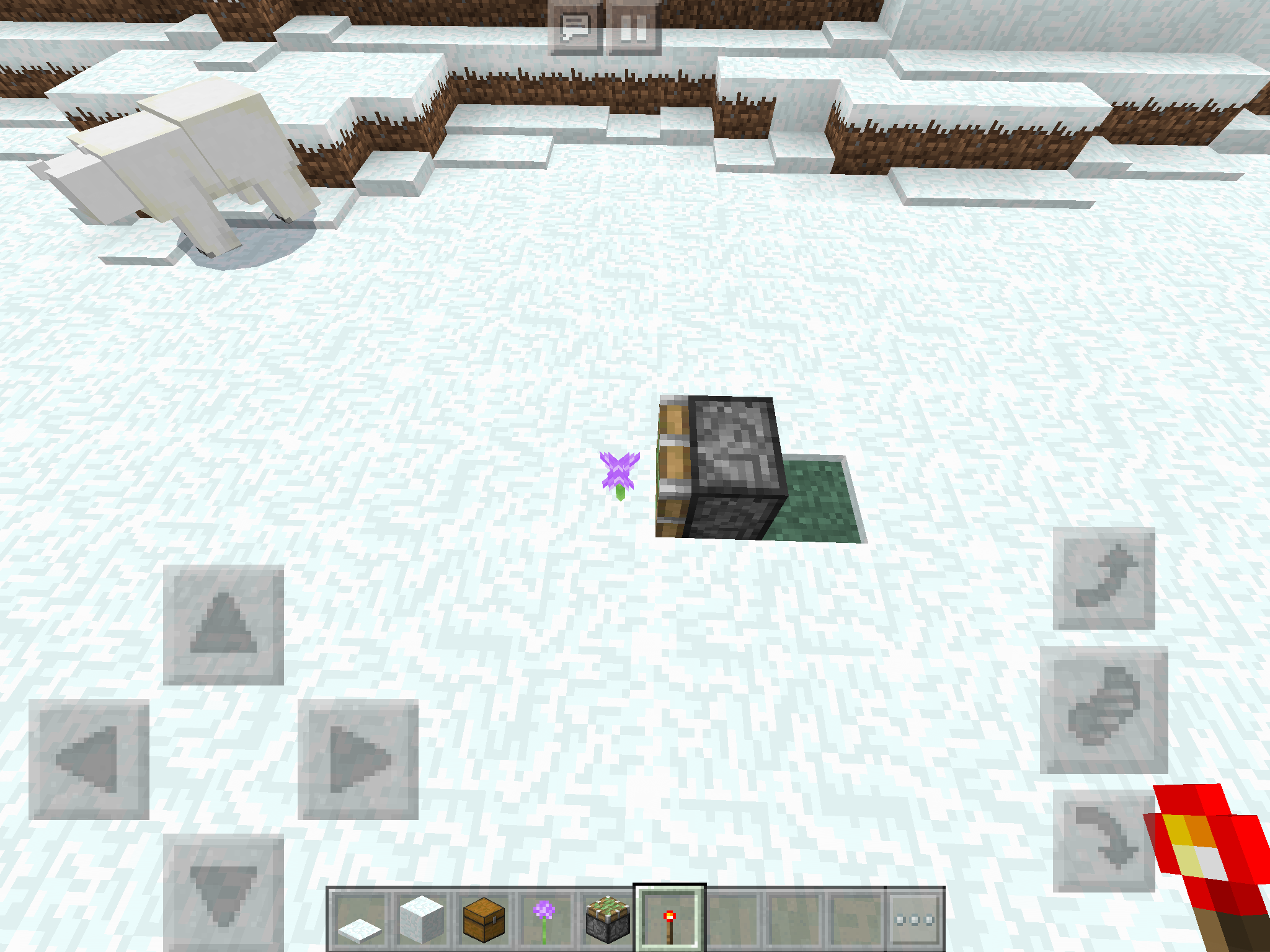
MC-61947The block in the third image has another on top, but still has features and as such is bugged.
Updated the resource pack and it appears to have been fixed. What caused it in the first place though...
Appears to be happening in 1.8.2pre6
I doubt the item type or position affects the bug. However, if you look closely at the shadows, some appear to be cut in a glitchy way.
I did.
Note how some still render though the cloud.
I did, and it didn't give any search results. My god.
Only some of the leaf blocks dissapear
that's my point.
It is intended? Interesting...
He light produced is still kind of buggy though. Sometimes blocks beside well lit blocks are really dark.
Some dodgy lighting here
This is not a duplicate.
I did . Now stop yelling at me and get the search feature fixed.
You can get them by breaking them with water
I always do
_The search feature is definitely bugged lol
Also, it's actually different from that bug. There, the chests split. In my case, they fuse together and crash the game
Confirmed on Pocket Edition.
MCPE-10077Also does not affect sunflowers
Still not a duplicate.
It probably only plays after you exit the portal now because loading times have been reduced.
Second picture is on pocket edition, with the bugged flowing down water texture. The first is the fixed bug, on PC, with a solid blue texture
This still happens if you are underwater. See
MCPE-11141.This is still not 100% fixed. Blocks can be broken instanly, but we still have the delay between the destruction of one block and starting to break the next one.
PC comparisons added.
Also confirmed for cobblestone walls.
Still not fixed, see comment previous.
Fixed on PC?
They also have the hitbox of a full block
Yet to be fixed on Pocket Edition:
MCPE-11139This glitch also happens on the pocket edition:
MCPE-11140MCPE-11141My god, this is game breaking! Mojang need to fix this ASAP!
I know that, but it shouldn't drop sticks in creative. If you break it directly in creative it works normally
Dead bushes can also be placed on dirt in PC, doesn't work on pocket edition
So them dropping sticks, if you are in Creative mode and if you break the supporting block, is intended, even though no block should drop anything in Creative mode? I see.
Affects 0.13.1, which is apparently not a valid version.
Affects 0.13.1
Affects 0.13.1
Affects 0.13.1
Affects 0.13.1
For god's sake, they're obviously meant to drop sticks, BUT NOT IN CREATIVE MODE!!
...can someone please remove the Works as Intended tag from this? Read the above comment on why this is definitely a bug.
Confirmed.
Still seems to be affecting 0.14.0
Affects 0.14.0
Affects 0.14.0
Affects 0.14.0
Affects 0.14.0
Affects 0.14.0
Affects 0.14.0
Affects 0.14.0
Affects 0.14.0
Confirmed on my old 0.4.0 world. rest in rip.
Seems to have fixed itself?
If you turn off wifi it seems to load fine.
Even if you turn Multiplayer Game off, it still crashes
Well, it should definitely still be fixed anyway. There is stuff you can do on PC that you can't on pocket edition now, and the aim was to make all editions essentially identical...
Recently slime blocks were added, using translucent textures. Because of this, it should be fairly easy to make ice blocks translucent now.
Read my other comment.
Technically needs reopening
This seems to be indirectly related to grass paths and carpets, since walking on them seems to trigger the crashes and crash repeatedly when loading the world
One thing for sure: it doesn't crash all the time and repeated attempts usually open it (3 is usually the magic number here).
Crashing usually happens around the main core of the map (pre-0.90 terrain)
Looks like it's affecting 0.14.1
Affects 0.14.1
Affects 0.14.1
Affects 0.14.1
Affects 0.14.1
Affects 0.14.1
Extremely unlikely
Affects 0.14.2
Affects 0.14.2
Affects 0.14.2
Seems to be affecting 0.14.2
Looks to be affecting 0.14.2
Affects 0.15.0
Seems to be affecting 0.15.0
Affecting me as well.
Affects 0.15.2
Affects 0.15.2
Affects 0.15.2
Affects 0.15.2
Affects 0.15.2
Affects 0.15.2
hahah that's weird. Never happened for me though.
Why, exactly, is this WAI? Surely this should be considered a bug if it were fixed for glass.
Anyways, on the Pocket Edition, I can confirm that this "bug" affects both pistons and the backs of stairs, whilst slime blocks have this weird texture bug. Ice is unaffected as it is opaque, another seemingly works as intended feature.
"Searched, as per the norm. Do not suggest otherwise."
well then
Still bugged in 0.15.9
Duplicate of
MCPE-10077?Duplicated by
MCPE-14250Have the sounds caused by breaking/walking on beds been fixed? If not, that one's technically still valid as well.
Relates to
MCPE-11140andMCPE-11141I don't have access to the development versions right now. Can someone please confirm if the walking on and breaking sounds of the bed have been changed to wood?
Well they definitely have a placement sound now... except that it's the placement sound of stone and the breaking and walking sounds are still stone as well. Please reopen.
Affects 0.16.0
Affects 0.16.0
Affects 0.16.0
Affects 0.16.0
Affects 0.16.1
Affects 0.16.1
Affects 0.16.1
Affects 0.16.1
Can someone confirm that the special travel sound plays in Creative mode as well on PC?
May be related to
MCPE-17417Affects 0.16.1
possibly related to
MCPE-18063Still affecting 1.0
The texture has certaintly been removed, but the glass texture is unneccesarily dark.
Affects 1.0
Affects 1.0
Affects 1.0
Affects 1.0.1
Affects 1.0.1
Affects 1.0.1
Unnecessary darkness still happening in 1.0.1
Affects 1.0.1
Affects 1.0.1
Affects 1.0.2
Affects 1.0.2
Affects 1.0.2
Affects 1.0.2
Affects 1.0.3
Affects 1.0.3
Affects 1.0.3
Affects 1.0.4
Affects 1.0.4
Affects 1.0.4
Affects 1.0.4
Bug or not, it looks weird and should be changed.
Pretty sure this still happens:
https://www.reddit.com/r/Minecraft/comments/62lczi/weird_world_gen_using_the_customized_world_type_p/
Confirmed on 1.0.5
Please reopen.
In which case, the very least they could do would be to revert it back to what it was when the nether was first added to MCPE.
Affects 1.2.7 and 1.2.8, and almost certaintly every version in between not reported.
I'm doubtful of that.
By that logic, shouldn't placing snow into the flower/grass place the snow and delete the flower, instead of them both occupying the same block?
Relates to/clones
MC-30002Relates to
MC-1133Relates to
MCPE-29995This seems to affect basically every block.
I'm assuming this is because the game thinks you're standing on an air block more than you are on the other, and air's block material type is not always the same as the other block. However, in my case, it sounds like stone instead.
This effect can also be recreated by sprint-flying over water in creative mode.
Still seems to affect 1.2.8.
Possibly related to
MCPE-29466Also affects the Bedrock versions; see MCPE-30000
Affects 18w02a
Affects 18w02a
This does appear to be a bug; the breaking particles of ice in the Java edition are translucent like ice is which is more consistent with their block.
Falling Sand seems to appear offset from other blocks after 262144, tested on 18w02a.
It's been present for ages
Affects 1.2.9
Affects 1.2.9
Affects 1.2.9
Affects 1.2.9
Affects 1.2.9
Affects 1.2.9
Affects 1.2.9
Affects 1.2.9
Affects 1.2.9
Affects 1.2.9
Affects 1.2.9; found while testing
MCPE-30147.Affects 18w03b and therefore likely 18w03a
Affects 18w03b and therefore likely 18w03a
Not a duplicate of
MC-93162as cakes do not instantly disappear along a single axis when updated.Seems to be affecting 1.2.9 again.
Flowing texture seems to be back in 1.2.9. The attached screenshots are also affected by
MCPE-24057.Please reopen.
Possibly relates to
MCPE-11140and/orMCPE-11141Relates to
MC-109311Affects 18w05a
Affects 18w05a
Confirmed on 18w05a
As of 18w05a, it seems that caves are capable of generating above y=128 on Customized worlds (tested by setting Biome Depth Offset to its maximum value). However, they still never seem to actually break the surface at y=255. Should a separate bug report be made for this?
Confirmed on 18w06a
Confirmed on 18w06a
Affects 18w06a
Affects 1.2.10
Affects 1.2.10
Affects 1.2.10
Affects 1.2.10 (also can a mod please add 1.2.9 to the Affects Versions?)
Affects 1.2.10
Affects 1.2.10
Affects 1.2.10
Affects 1.2.10
Affects 1.2.10
Affects 1.2.10
Affects 1.2.10
Affects 1.2.10
Affects 1.2.10
Affects 1.2.10
Relates to
MC-125202Proably relates to
MC-125202Definitely still the case in 1.2.10, tested with stone brick stairs.
Still happens in 1.2.10
This no longer seems to happen with leaves, but other blocks still exhibit this.
Why is this bug a duplicate if it was made before the bug it duplicated?