 XPfirePlayz
- XPfirePlayz
- xpfireplayz
- Europe/Stockholm
- Yes
- No
 WEB-3465
![[Mojang] Web Team](../../../data/avatars/users/10122.svg)
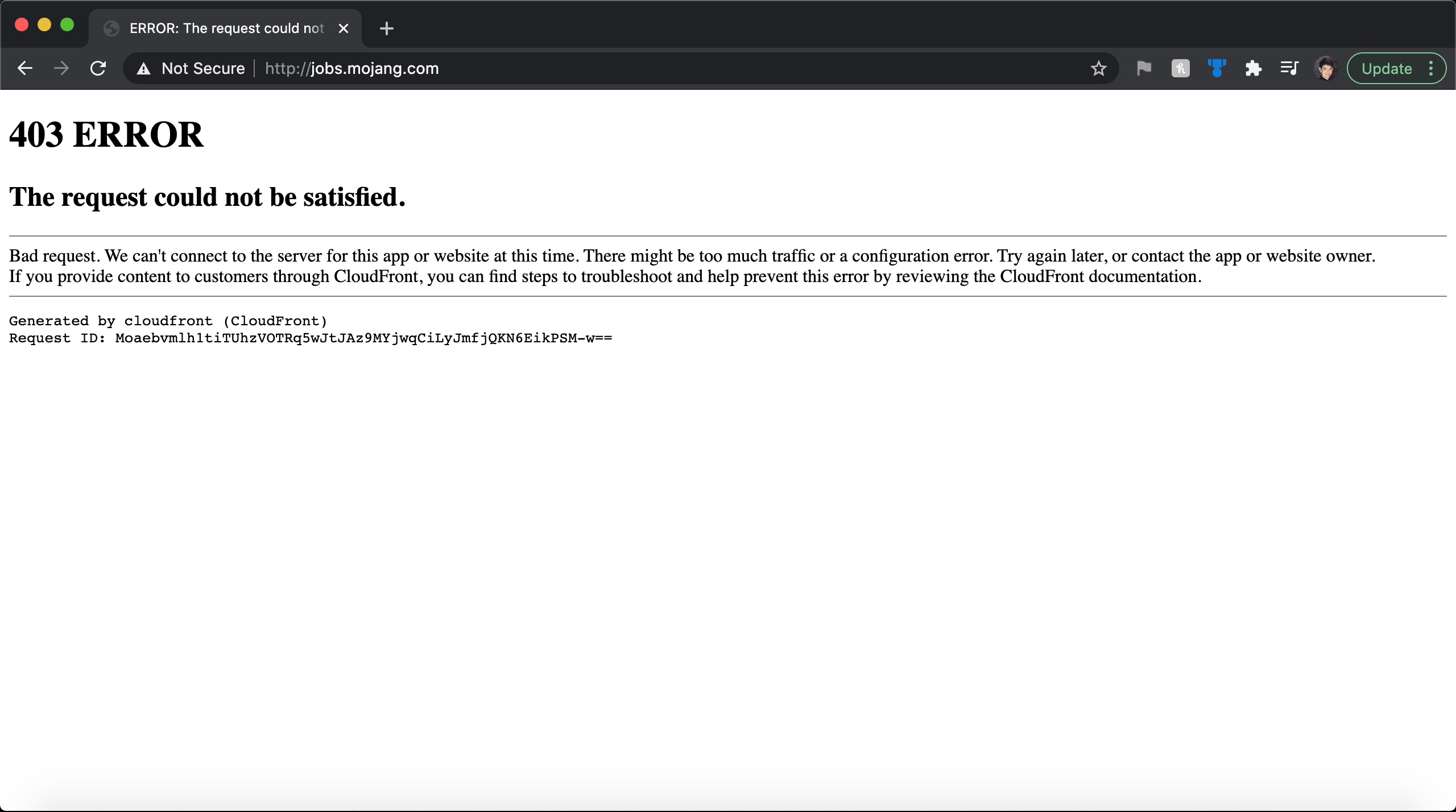
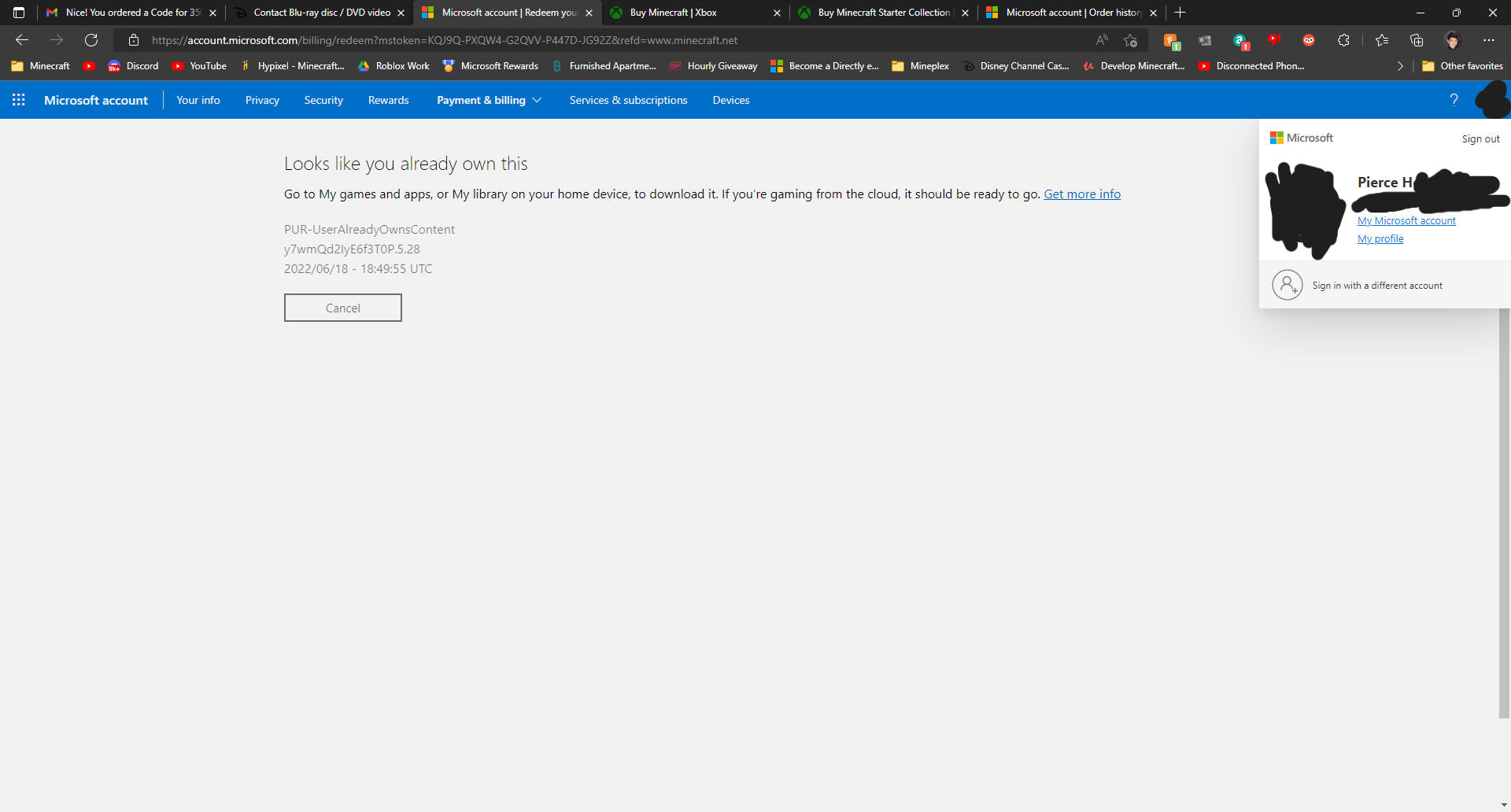
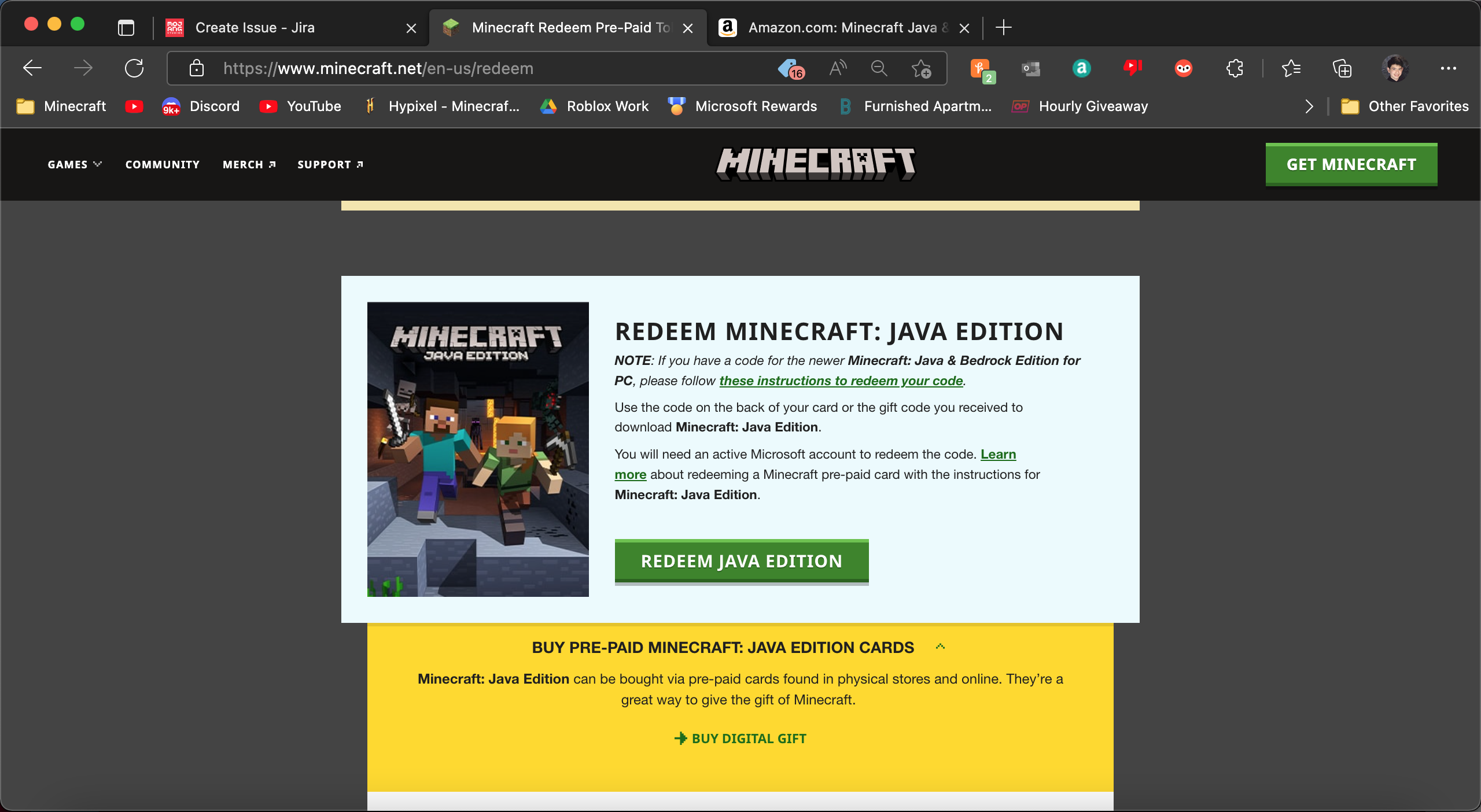
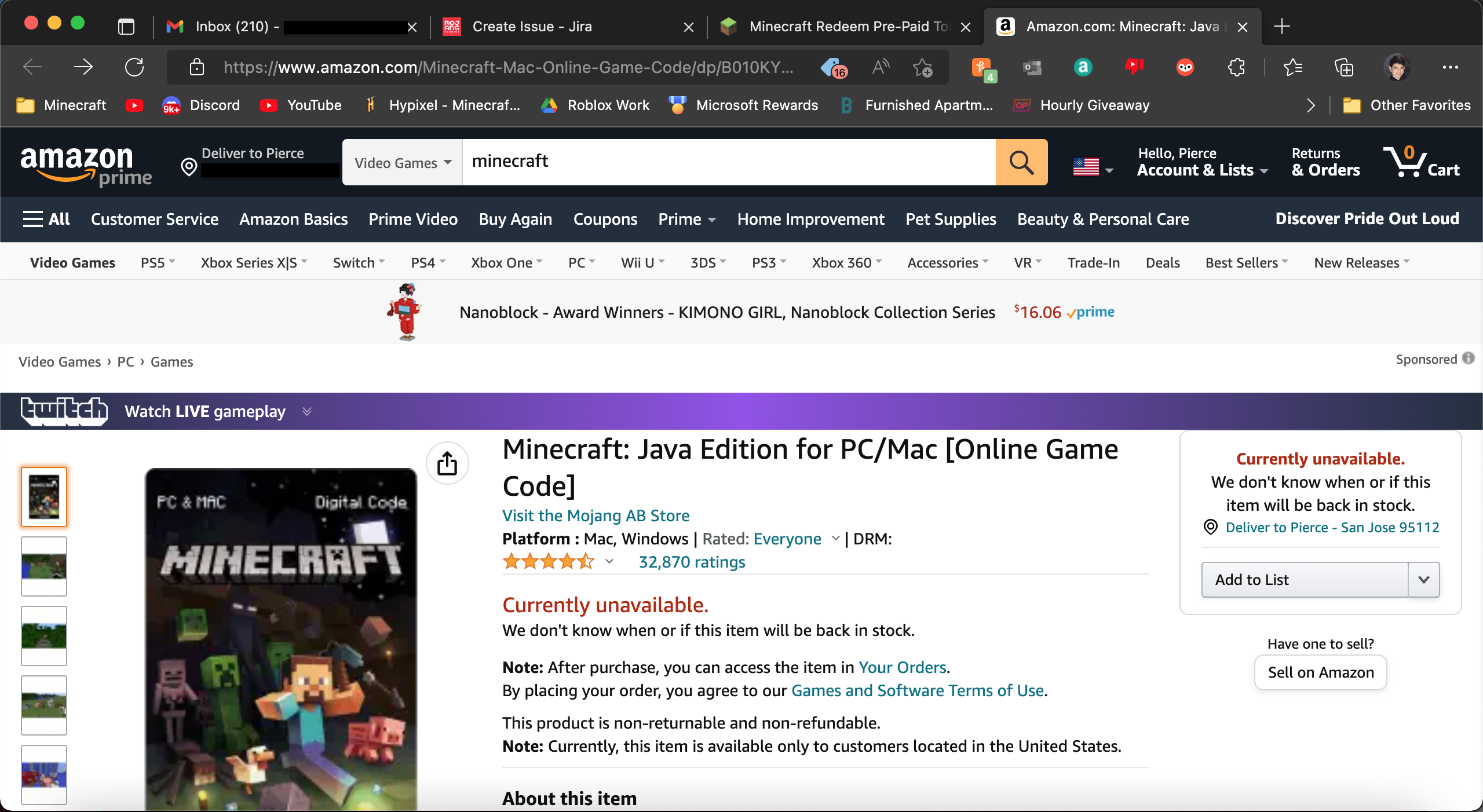






MC-170819.url
Thank you for your report!
However, this issue is Invalid.This is related to a different project. Use one of the links below to go to the correct project.
– Minecraft: Java Edition — Windows, Mac, and Linux
– Minecraft Launcher — Bugs about the Minecraft Launcher specifically
– Minecraft: Bedrock Edition — Gear VR, iOS, Android, Windows 10 (from the Windows store), Xbox One, Windows 10 Mobile, Fire TV, Nintendo Switch, and PS4
– Minecraft Earth — AR Compatible Devices
– Minecraft Dungeons — Action-adventure title set in the Minecraft universePlease don't forget to search for an existing issue matching yours in the appropriate project before raising a new one.
Quick Links:
📓 Issue Guidelines – 💬 Community Support – 📧 Customer Support – ✍️ Feedback and Suggestions – 📖 BDS Wiki – 📖 FAQs
Invalid
Link to article: https://help.minecraft.net/hc/en-us/articles/4410248686733
The link for "file path" under the Windows sections links to "https://help.mojang.com/customer/portal/articles/1480874-where-are-minecraft-files-stored-" which is no longer available and redirects to the homepage of Minecraft Help. This most likely should link to the article, "Managing Data And Game Storage In Minecraft: Java Edition", here
"https://help.minecraft.net/hc/en-us/articles/4409159214605#h_01FGA90Z06DE00GT8E81SWX9SE" This url contains a specific link to the section, "Where are my Minecraft files stored?"The link to Apple's support page article under the Mac section uses http instead of https. It could also be changed to link directly to the article instead of a redirect by using the URL "https://support.apple.com/guide/mac-help/change-users-groups-settings-mtusr001/mac"
Link to article: https://help.minecraft.net/hc/en-us/articles/4410248686733
The link for "file path" under the Windows sections links to "https://help.mojang.com/customer/portal/articles/1480874-where-are-minecraft-files-stored-" which is no longer available and redirects to the homepage of Minecraft Help. This most likely should link to the article, "Managing Data And Game Storage In Minecraft: Java Edition", here"https://help.minecraft.net/hc/en-us/articles/4409159214605#h_01FGA90Z06DE00GT8E81SWX9SE" This url contains a specific link to the section, "Where are my Minecraft files stored?"The link to Apple's support page article under the Mac section uses http instead of https. It could also be changed to link directly to the article instead of a redirect by using the URL "https://support.apple.com/guide/mac-help/change-users-groups-settings-mtusr001/mac"
Link to article: https://help.minecraft.net/hc/en-us/articles/4410248686733
The link for "file path" under the Windows sections links to "https://help.mojang.com/customer/portal/articles/1480874-where-are-minecraft-files-stored-" which is no longer available and redirects to the homepage of Minecraft Help. This most likely should link to the article, "Managing Data And Game Storage In Minecraft: Java Edition", here
"https://help.minecraft.net/hc/en-us/articles/4409159214605#h_01FGA90Z06DE00GT8E81SWX9SE" This URL contains a specific link to the section, "Where are my Minecraft files stored?"The link to Apple's support page article under the Mac section uses http instead of https. It could also be changed to link directly to the article instead of a redirect by using the URL "https://support.apple.com/guide/mac-help/change-users-groups-settings-mtusr001/mac"
Hi there!
This seems more of a Game issue and should be placed in the Minecraft: Java Edition issue section as this section is related to only issues with the launcher.
Also, any already loaded chunks won't be updated and you will need to load new chunks(undiscovered) in order to find new updated nether. If you are loading new chunks, please disregard this.
Another thing, next time please use a better title so users can find the issue more easily. Lastly, please attach some images or videos of the bug so it can confirmed and resolved faster.
Thanks,
XPfirePlayz
Hi there,
I'm not a bedrock expert and majority a Java player but this seems to be mostly due to block updates. Since detonation was turned off originally when the redstone block was placed it doesn't detonate. But when you turn it back on the block doesn't update automatically. When you replace the redstone block after re-enabling it updated the TNT block and caused it to detonate. I'm pretty sure this is a natural game mechanic and not a bug. As I'm not a bedrock expert and just a player, that isn't final say. Thanks for your report!
XPfirePlayz
Hi there,
The reason you are unable to connect to Hypixel is because that is a Java edition server. They don't have a bedrock server. Make sure that you are trying to connect to Bedrock servers. If this is happening with other bedrock servers you manually add, let us know.
Thanks,
XPfirePlayz
Duplicate issue
MC-172078Duplicate issue
MC-172078Duplicate issue
MC-172078Duplicate issue
MC-172078Duplicate issue
MC-172078Hi there,
At the moment, I don't believe that Minecraft Dungeons can be played on Linux. The only devices supported are Windows 7/8/10, Xbox One, Nintendo Switch, and PS4.
Also, you will need to download a separate launcher to play Minecraft Dungeons. This works as intended.
Hi there,
Thanks for taking the time to file a report. Can you explain in more detail when this is happening? Is this in a Singleplayer world, Multiplayer, Realm, or server?
Thanks,
XPfirePlayz
Unofficial Bug Tracker
Quick Links:
📓 Issue Guidelines – 💬 Community Support – 📧 Customer Support – ✍️ Feedback and Suggestions – 📖 Game Wiki
Hello there,
Thank you for taking the time to file a report. Unfortunately, we can only accept reports in English. Feel free to recreate your report in English using a translator.
Make sure to search to see if your bug is already recorded, as there is a good chance that it already is.
Thanks,
XPfirePlayz
Unofficial Bug Tracker
Quick Links:
📓 Issue Guidelines – 💬 Community Support – 📧 Customer Support – ✍️ Feedback and Suggestions – 📖 Game Wiki
Hi there,
Unfortunately, you will have to purchase the Windows 10 edition of the game. On April 20, 2020, if you haven't redeemed the code for Windows 10 edition your code will have expired. You can take a look at this news article from Minecraft.net for information about it: https://www.minecraft.net/en-us/article/ancient-java-players--you-attention-please-/ Sorry for the inconvenience.
Thanks,
XPfirePlayz
Unofficial Bug Tracker
Quick Links:
📓 Issue Guidelines – 💬 Community Support – 📧 Customer Support – ✍️ Feedback and Suggestions – 📖 Game Wiki
Thank you for your report!
We're actually already tracking this issue at
MCPE-48406.If you would like to add a vote and any extra information to the main ticket it would be appreciated.
If you haven't already, you might like to make use of the search feature to see if the issue has already been mentioned.
Quick Links:
📓 Issue Guidelines – 💬 Community Support – 📧 Customer Support – ✍️ Feedback and Suggestions – 📖 Game Wiki
Duplicates
MCPE-69003Duplicate of
MCPE-62421Duplicate of
MCD-1468Duplicate of
MCD-1142Duplicate of
MCD-1468This is an account issue please contact Mojang Support at https://help.minecraft.net/hc/en-us/requests/new
Duplicate of
MCD-1468Duplicate of
MCD-1205Duplicate of
MCD-1230Duplicate of
MCD-1230Duplicates
MCD-1230Duplicates
MCD-1230Duplicates
MCD-1230Duplicates
MCD-1230Duplicates
MCD-1230Duplicates
MCD-1230Duplicates
MCD-1230Duplicates
MCD-1230All data from Beta should have been reset. This report is Invalid.
Did you receive the "Can not verify game ownership" error?
Duplicates
MCPE-62421Duplicates
MCPE-62421Hello,
I don't work for Mojang but hopefully, I can answer some of your questions.
Hopefully, I have answered most of your questions. If you have any additional questions please join the Minecraft Offical Discord for answers and technical support. I will be requesting this bug report to be closed as this is not a bug.
Thanks,
XPfirePlayz
Unofficial Bug Tracker
Windows typo still present but 2nd issue fixed. New link to page: https://help.minecraft.net/hc/en-us/articles/360035131651-Dedicated-Servers-for-Minecraft-on-Bedrock-
Duplicates
MCD-1142Duplicates
MCD-2161Duplicates
MCPE-67133Duplicates
MCPE-67133This issue may have occurred during a temporary service outage. Are you still experiencing this issue?
Oops. That token is actually just a product redemption code and its already used.
Update (06/19/2022)
This page moved to a new url: https://www.minecraft.net/de-de/msaprofile/mygames/editskin
Model names have been fixed in both places.
Cape selection still says "No cape"
Issue still exists but with new link https://help.minecraft.net/hc/en-us/articles/4409225939853-Minecraft-Java-Edition-Installation-Issues-FAQ
The issue with the footer seems to have been fixed on minecraft.net, help.minecraft.net, and education.minecraft.net.
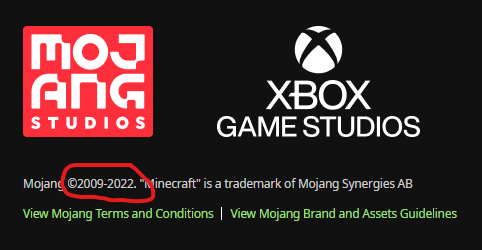
However, under the studio logos it still says, "Mojang ©2009-2022." on minecraft.net and help.minecraft.net. (Its fixed on education.minecraft.net)
This issue with the footer and Mojang copyright still applies to educommunity.minecraft.net.
Checked: March 11, 2023