Some shaders render entire screen black
Upon clicking the 'super secret settings' button, the screen will become entirely black (menus and all). If I continue clicking, the shaders continue to cycle, and a few of them cause this problem, while others do not.
Steps to reproduce:
1. Load world
2. Press super secret settings button (twice did it for me)
3. Notice... well nothing
Update:
Affected shaders:
- art.json
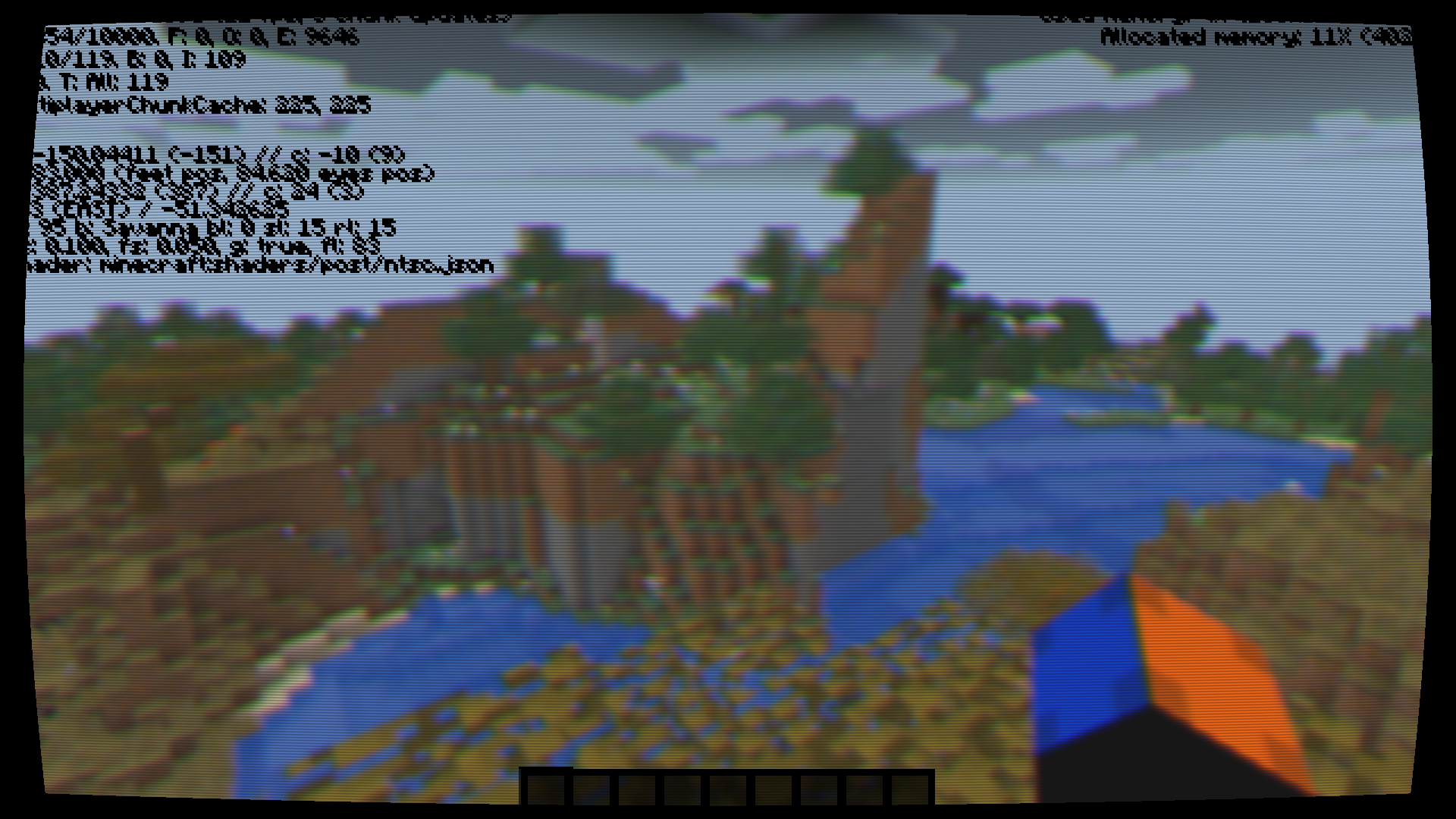
- ntsc.json
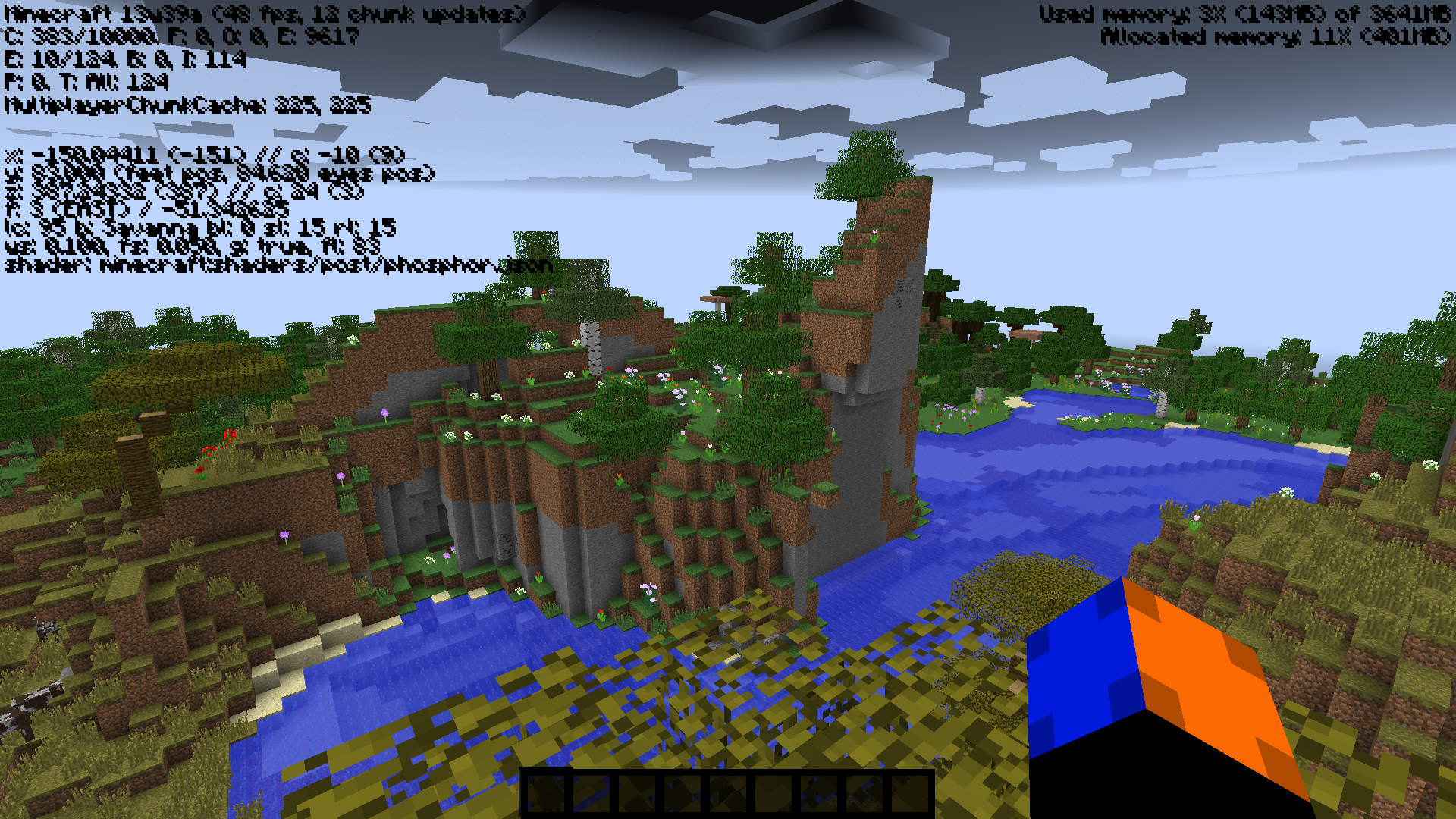
- phosphor.json
Environment
Ubuntu linux, x64, java 1.7_40
Nvidia Geforce 650M
Linked Issues
is duplicated by12
 MC-32665Black Screen on some shadersDuplicateMC-32669Super Secret Settings turn off all graphics - black screenDuplicateMC-32680Black screen when using Super Secret Settings.DuplicateMC-32694Some of the shaders give a black screenDuplicateMC-32706shaders not working!DuplicateMC-32715Crash after shaderDuplicateMC-32732When I Loaded A Shader, It Broke MinecraftDuplicateMC-32736Super Secret Settings crashDuplicateMC-32787Secret Settings Crashes MinecraftDuplicateMC-32789Shader minecraft:shaders/post/art.json giving black screenDuplicateMC-32826Screen black and cursor goneDuplicateMC-32830Game goes to black screen when Super Secret Options is pressedDuplicate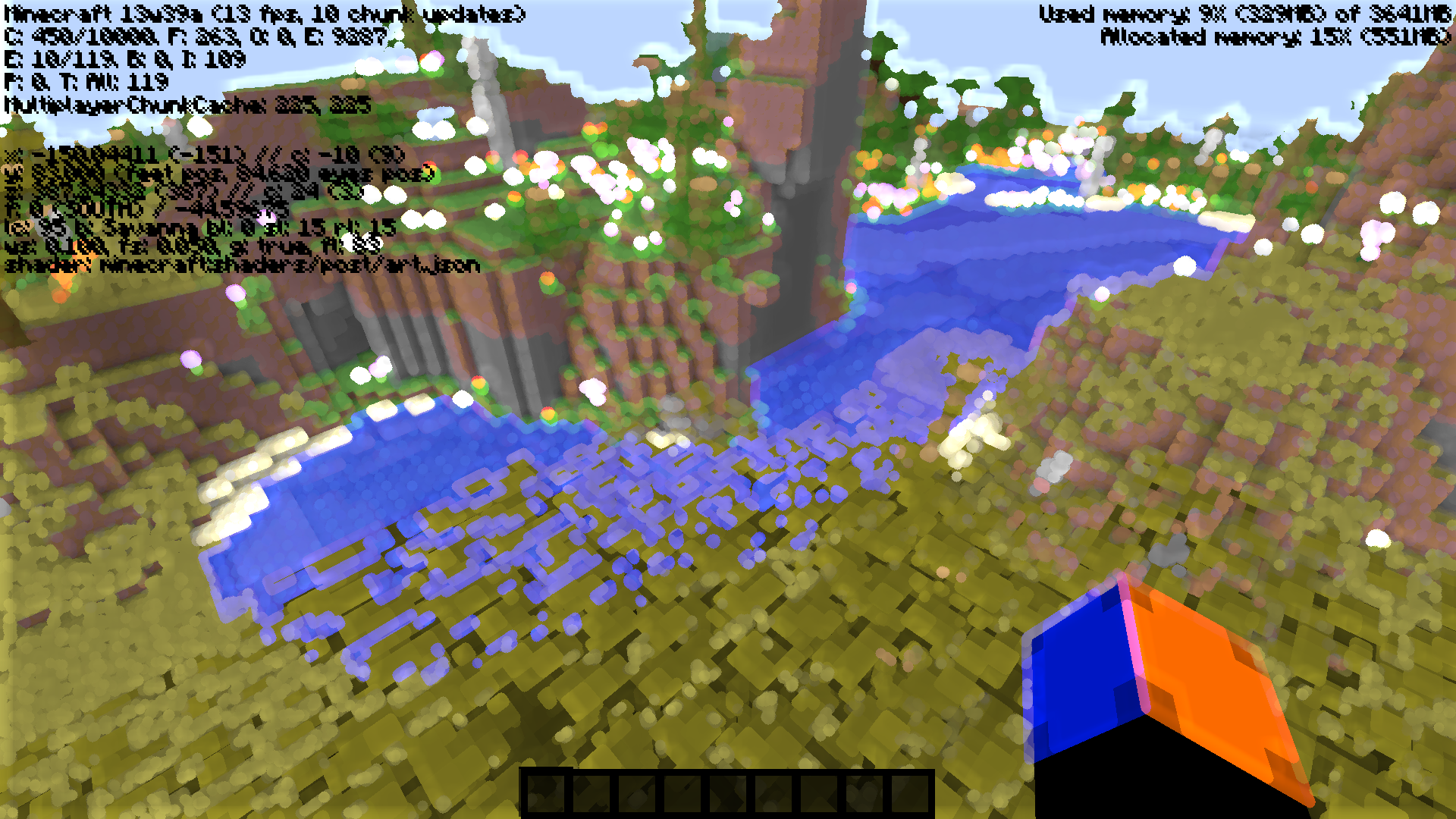
![[Mod] CubeTheThird](../../../data/assets/gravatar/cubethethird.jpeg)
Created Issue:
Some shaders render entire screen black
Upon clicking the 'super secret settings' button, the screen will become entirely black (menus and all). If I continue clicking, the shaders continue to cycle, and a few of them cause this problem, while others do not.
Steps to reproduce:
1. Load world
2. Press super secret settings button (twice did it for me)
3. Notice... well nothingEnvironment
Ubuntu linux, x64, java 1.7_40
- Unresolved
- Open
- Unconfirmed
- Creative
- black dark not secret setting settings super visible
- 13w39a
Upon clicking the 'super secret settings' button, the screen will become entirely black (menus and all). If I continue clicking, the shaders continue to cycle, and a few of them cause this problem, while others do not.
Steps to reproduce:
1. Load world
2. Press super secret settings button (twice did it for me)
3. Notice... well nothingUpdate:
Affected shaders:
- art.json
Upon clicking the 'super secret settings' button, the screen will become entirely black (menus and all). If I continue clicking, the shaders continue to cycle, and a few of them cause this problem, while others do not.
Steps to reproduce:
1. Load world
2. Press super secret settings button (twice did it for me)
3. Notice... well nothingUpdate:
Affected shaders:
- art.json
- ntsc.json
- phosphor.json
Ubuntu linux, x64, java 1.7_40
Ubuntu linux, x64, java 1.7_40
Nvidia Geforce 650M
is duplicated by

is duplicated by
is duplicated by
is duplicated by

Geforce GTX 650 TI Boost here, can confirm this.

relates to

Duplicate of MC-32663 - If you have not, please use the search function in the future, to see if your bug has already been submitted. If you could not find the original report, please comment with the keywords you searched for.
Duplicate of MC-32663 - If you have not, please use the search function in the future, to see if your bug has already been submitted. If you could not find the original report, please comment with the keywords you searched for.
Duplicate of MC-32663 - If you have not, please use the search function in the future, to see if your bug has already been submitted. If you could not find the original report, please comment with the keywords you searched for.
Duplicate of MC-32663- If you have not, please use the search function in the future, to see if your bug has already been submitted. If you could not find the original report, please comment with the keywords you searched for.
Duplicate of MC-32663- If you have not, please use the search function in the future, to see if your bug has already been submitted. If you could not find the original report, please comment with the keywords you searched for.
Duplicate of MC-32663- If you have not, please use the search function in the future, to see if your bug has already been submitted. If you could not find the original report, please comment with the keywords you searched for.
Duplicate of MC-32663 - If you have not, please use the search function in the future, to see if your bug has already been submitted. If you could not find the original report, please comment with the keywords you searched for.
Duplicate of MC-32663 - If you have not, please use the search function in the future, to see if your bug has already been submitted. If you could not find the original report, please comment with the keywords you searched for.
I can confirm this, with Windows 8.1, so it's not OS-related.
Some there i am Windows 7, i sent in a ticket just to realized it was was made 2 tickets before.
I can also confirm this but it does crash Minecraft.
@theo, your game crashes? You might want to make a new report and include the crash report there, as it might be a different issue.
Attached screenshots. As reported in
MC-32665, it would seem the screen still renders, but it is just not visibleI can confirm this too. 64-bit Java 7 on 64-bit Windows 7. Graphics card is an NVidia GeForce GT 555M, not sure if that's relevant.
Confirmed.
Confirmed on Windows 8 Pro x64 and Java 1.7.0_40 x64 with AMD Radeon 7850 on Catalyst 13.9 drivers so it's also not GPU related(as Ben W has a Nvidia card)
Has anyone confirmed with Intel HD graphics?
I can confirm it with integrated Intel HD Graphics.
This happens to me in any version if the "fboEnable" option in options.txt is set to "false".
Once the Super Secret Settings button is clicked, the screen goes black and stays black no matter what. Pressing F4 does nothing.
Should I create a separate bug report for this one, or does it fit into this one?
@BoxFigs: Yes, make a new ticket, leave there a reference to this ticket.
Please attach a force crash to the new ticket.
@Kumasasa: Here you go:
MC-71750