 Jesper the End
- jespertheend
- jespertheend
- Europe/Stockholm
- Yes
- No
 MC-187
![[Mojang] Nathan Adams](../../../data/assets/gravatar/dinnerbone.png)
![[Mojang] Brandon Pearce](../../../data/avatars/users/40932.png)

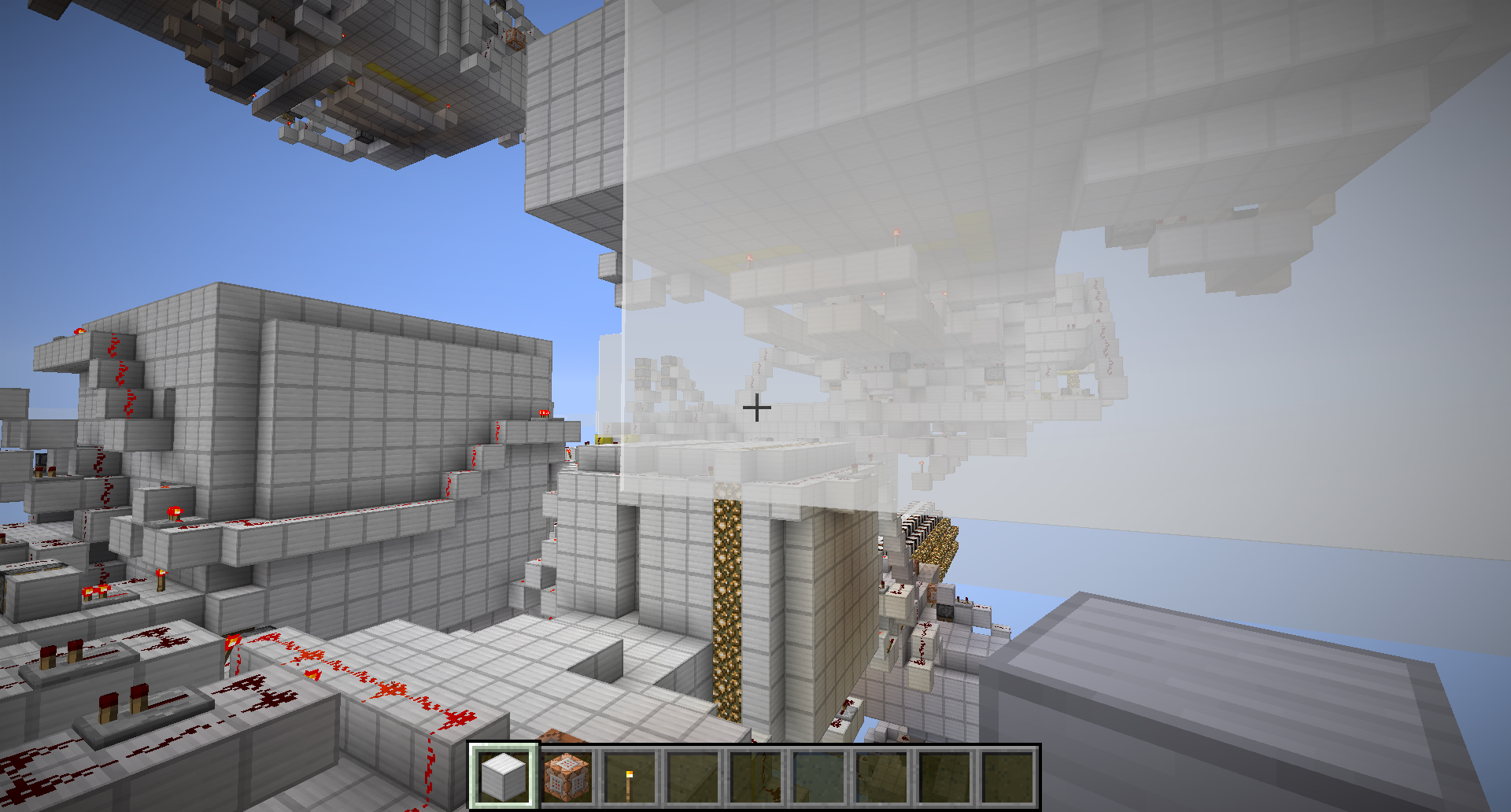
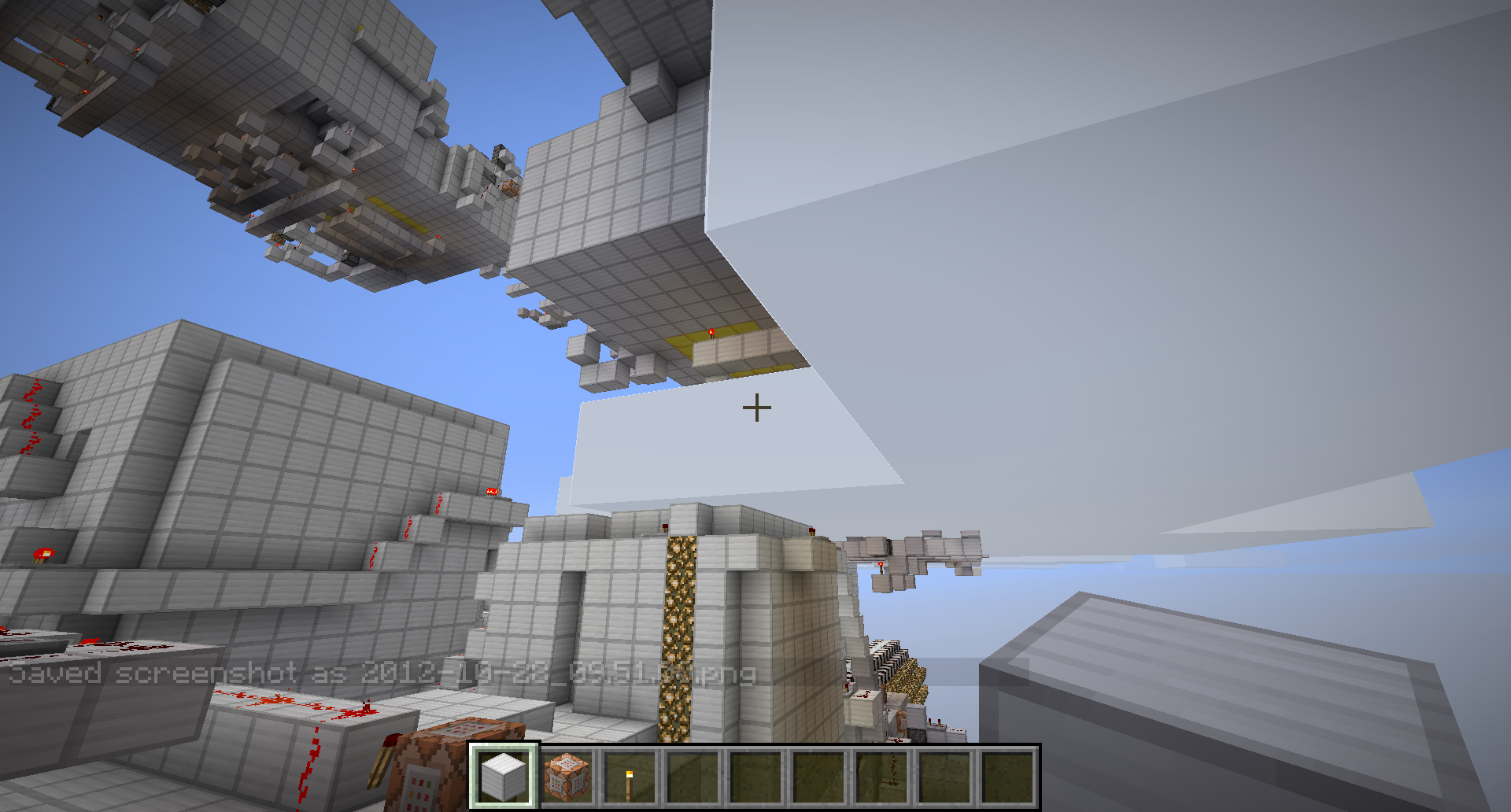


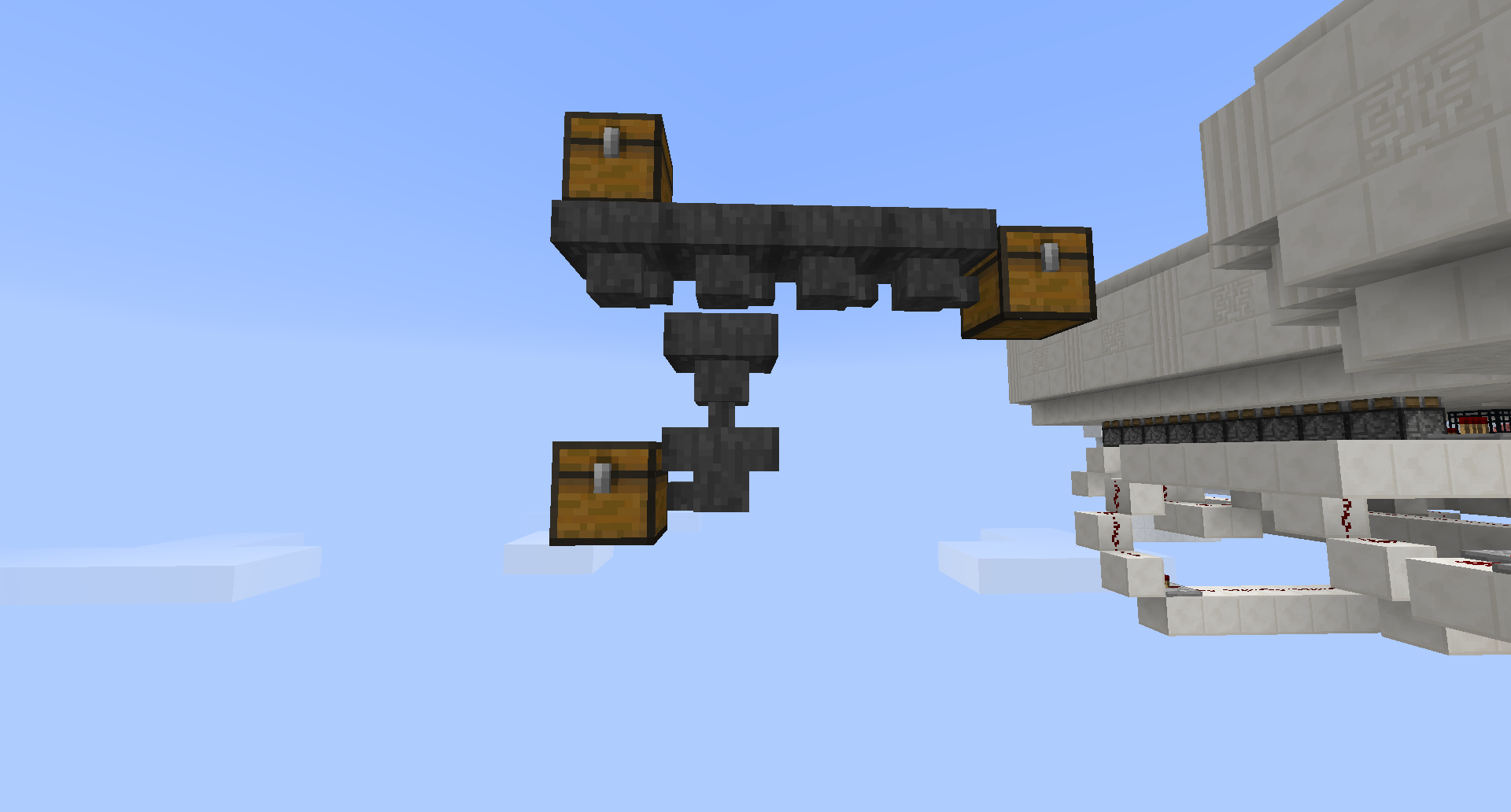
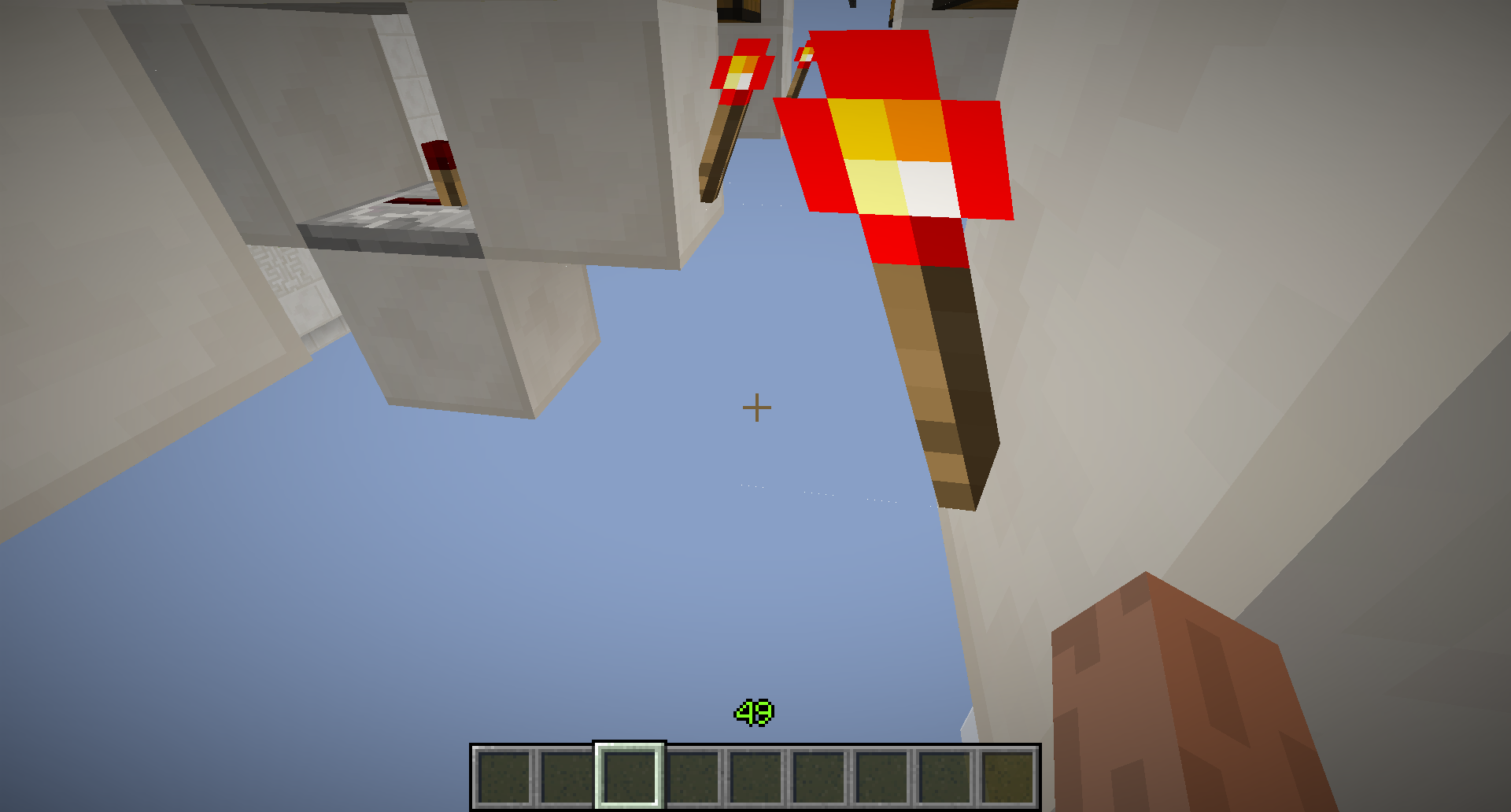




When teleporting, the player triggers some pressure plates he doesn't stand on.
Video: http://www.youtube.com/watch?v=R_D5n7Y2N9o
Doesn't happen here: http://www.youtube.com/watch?v=N6nwpLu8EuA
One more time without the sh*t around it: http://youtu.be/4fCBSx_PyGMReproduce:
I don't know!? It's very random.
The only thing I can say:
1. make 2 squares from redstone lamps, one hovering 5 blocks or so above the other one.
2. Place pressure plates on all the redstone lamps.
3. teleport from corners to other corners with commandblocks. (I tried it without command blocks and then it didn't happen, where id did happen with command blocks)
4. Sometimes a pressure plate gets triggered on a corner where you haven't been.Keep trying. It's very random, so you might want to try out very different coords.
Good luck fixing it, it's very annoying when you want to use different 'teleportation gates'. Sometimes you get teleported to a wrong location because you accidentally triggered a wrong pressure plate.
You can see the teleportation from the particles
[duplication] You can see the teleportation from the particles
[duplication/related] You can see the teleportation from the particles
Minecarts look like you have a framerate of 10fps but when you move the mouse (or press f3) you still have a lot of fps.
How to reproduce:
place a minecart on rails, make it move.(video comming soon.. not sure if I can actually film it because my actual framerate might be to low)
Minecarts look like you have a framerate of 10fps but when you move the mouse (or press f3) you still have a lot of fps.
How to reproduce:
place a minecart on rails, make it move.Video: http://youtu.be/KeqkyyQc1JY
wow, I scrubbed through it frame by frame but I didn't see it, so you just have to trust me on this one.
why is it reopened?
jespertheend
confirmed for 13w04a SMP and only above layer 128
I'm not sure what this bug has to do with
MC-4688But I can confirm this bug for 13w06a. It's really annoying for item sorters.
serialization?
Confirmed for 13w07a, I understand why you can't reproduce it, it's because it doesn't happen always, I'll submit a world file soon.
submitting a world file isn't going to work. When this happens changes every time you quit to title. I'm uploading a video instead.
Can you please reopen it?
If this gets fixed, we can't do this amazing stuff anymore: http://www.youtube.com/watch?v=8KDq8ebllX8
-Sorry if this is a duplicate, I honestly searched everywhere but didn't find this issue.-
How to reproduce:
Fly very high up, let yourself fall then type:
/tp @p ~0 ~100 ~0
You'll see you start without any movement upon teleport.I'm trying to teleport players to a same looking location, but you can still see when you are teleported because of the velocity being reset. Also your hand moves when you teleport, but that's intended (I think)
Sorry if this is a duplicate, I honestly searched everywhere but didn't find this issue.
edit: this might be a duplicate ofMC-4686How to reproduce:
Fly very high up, let yourself fall then type:
/tp @p ~0 ~100 ~0
You'll see you start without any movement upon teleport.I'm trying to teleport players to a same looking location, but you can still see when you are teleported because of the velocity being reset. Also your hand moves when you teleport, but that's intended (I think)
This bug is back in the latest snapshots (14w32d) can a mod reopen this issue?
Cloudshave atransparencywhen you are above/in them but not when you're underneath them.Clouds are transparent when you are above/in them but not when you're underneath them.
rotation doesn't work for custom spawnersYou can't adjust the rotation in spawners and using /summon
When a spawner spawns mobs with custom tags using the "SpawnData" tag and the "Rotation" tag the second Double tag doesn't work. The mob is always rotated the same way.
How to reproduce
-Create a custom spawner, spawning rotated villagers.
-Set their health to 0 to make them despawn immediately.
-You will notice they will always look to 0 (south)When a spawner spawns mobs with custom tags using the "SpawnData" tag and the "Rotation" tag the second Double tag doesn't work. The mob is always rotated the same way.
How to reproduce
-put this in a command blocksummon Pig ~ ~ ~1 {Rotation:[70.0,0.0]}
-as you can see the pig spawns with the default rotation
How to reproduce using spawners:
-Create a custom spawner, spawning rotated villagers.
-Set their health to 0 to make them despawn immediately.
-You will notice they will always look to 0 (south)
confirmed for 1.6.2
When you give an item with the exact same NBT Data as you already have in your inventory, the items do not stack, only after logging out and back in.
How to reproduce:
{id:1}
-execute: /give @p 1 1 0 {ench:[]}
{id:1}
-log out and back in
-execute: /give @p 1 1 0 {ench:[]}
-the items do not stack
-log out and back in
-the items now stackNotes:
-This problem existed before using renaming stuff in an anvilMC-5413
-You do not always have to log out and back in sometimes waiting a few seconds also works
-Items do not stack using hoppers/dropped as entities/in your inventory
When you give an item with the exact same NBT Data as you already have in your inventory, the items do not stack, only after logging out and back in.
How to reproduce:
{id:1}
-execute: bq. /give @p 1 1 0 {ench:[]}
{id:1}
-log out and back in
-execute: bq. /give @p 1 1 0 {ench:[]}
-the items do not stack
-log out and back in
-the items now stackNotes:
-This problem existed before using renaming stuff in an anvilMC-5413
-You do not always have to log out and back in sometimes waiting a few seconds also works
When you give an item with the exact same NBT Data as you already have in your inventory, the items do not stack, only after logging out and back in.
How to reproduce:
{id:1}
-execute:bq. /give @p 1 1 0 {ench:[]}
{id:1}-log out and back in
-execute:bq. /give @p 1 1 0 {ench:[]}
-the items do not stack
-log out and back in
-the items now stackNotes:
-This problem existed before using renaming stuff in an anvilMC-5413
-You do not always have to log out and back in sometimes waiting a few seconds also worksWhen you give an item with the exact same NBT Data as you already have in your inventory, the items do not stack, only after logging out and back in.
How to reproduce:
-execute:/give @p 1 1 0 {ench:[{id:1}]}-log out and back in
-execute:/give @p 1 1 0 {ench:[{id:1}]}-the items do not stack
-log out and back in
-the items now stackNotes:
-This problem existed before using renaming stuff in an anvilMC-5413
-You do not always have to log out and back in sometimes waiting a few seconds also works
When you're dead, entities that despawn are still loaded.
This can cause severe lag when you're working with spawners.How to reproduce:
-start minecraft in 2 windows with both different names (so use one in offline mode)
-start a new LAN world
-join the other minecraft window
-set the gamemode to peacefull
-press F3 and kill yourself using /kill
-now start spawning a zombie with a spawn egg with the player that is still aliveThe zombies will disappear on the window with the player that is alive but they won't on the screen of the dead player. You can also see that 'All' in the F3 menu is different on the 2 screens.
When you're dead, entities that despawn are still loaded.
This can cause severe lag when you're working with spawners.How to reproduce:
{Count:1,id:"diamond"}
-make a fast clock
(/setblock ~-1 ~ ~ redstone_block
and
/setblock ~1 ~ ~ stone
-spawn an item with age set to 5999:
/summon Item ~ ~1 ~ {Item:,Age:5999}
-go stand in front of the item and kill yourself
-watch the entity count go up in the debug screen.Another way to reproduce:
-start minecraft in 2 windows with both different names (so use one in offline mode)
-start a new LAN world
-join the other minecraft window
-set the gamemode to peacefull
-press F3 and kill yourself using /kill
-now start spawning a zombie with a spawn egg with the player that is still aliveThe zombies will disappear on the window with the player that is alive but they won't on the screen of the dead player. You can also see that 'All' in the F3 menu is different on the 2 screens.
I can confirm this
this is fixed in 1.8.1pre4
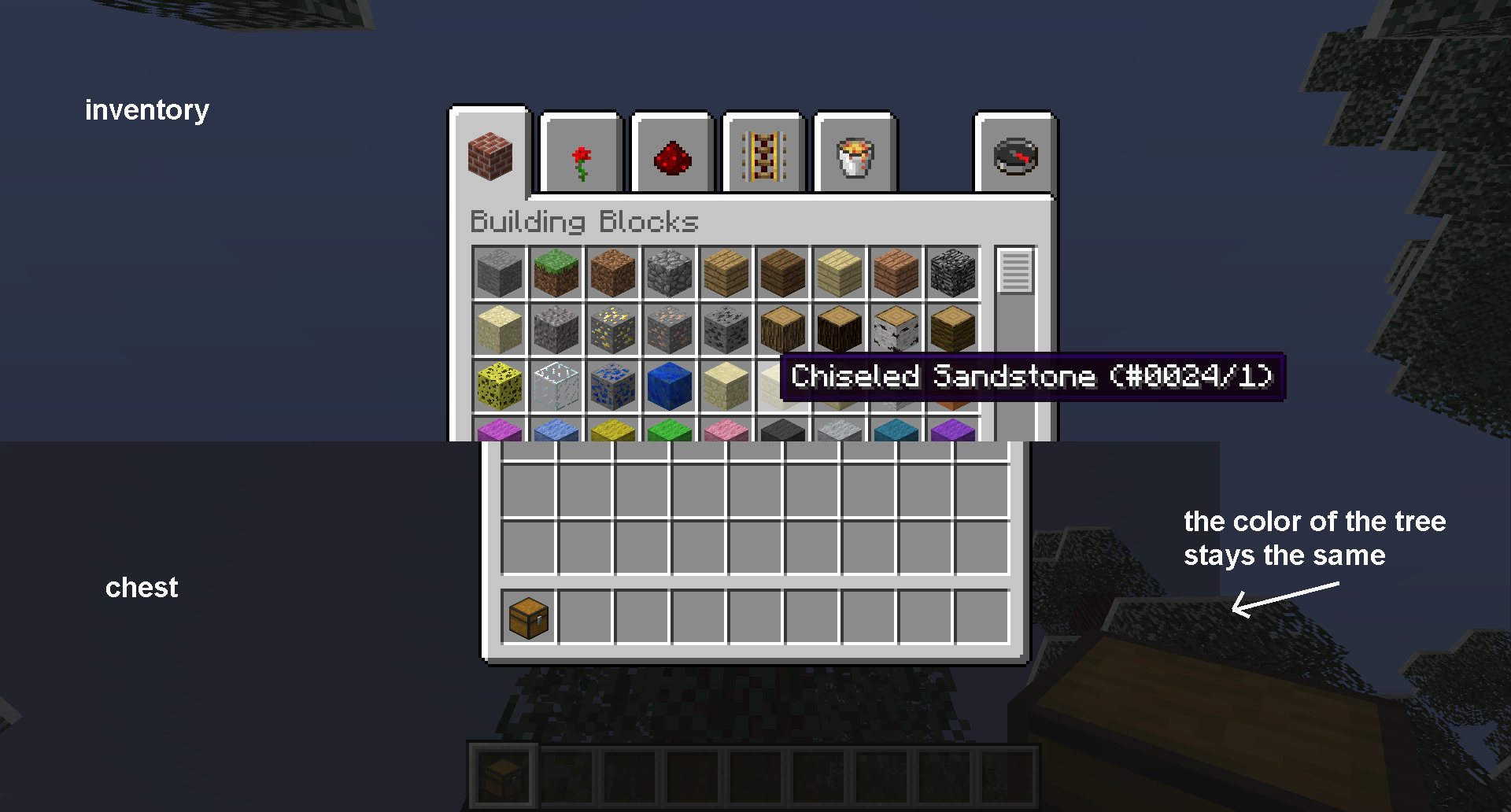
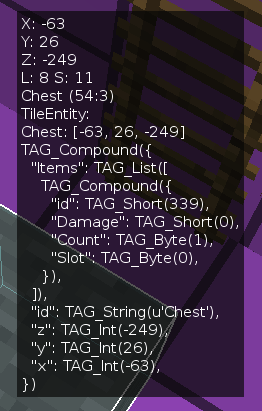
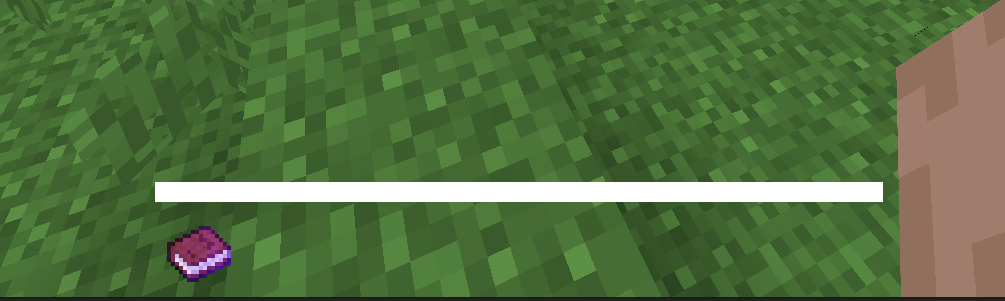
When you have an item in your hotbar with an enchanted effect. A written book for example. And you have the F3 menu open, 4 extra pixels appear around the xp bar (see screenshots)
This is not so much of a problem with the default resource pack, with a custom resource pack however this might be a problem. Especially if you are trying to make the xp bar completely transparent.

When you have an item in your hotbar with an enchanted effect. A written book for example. And you have the F3 menu open, 4 extra pixels appear around the xp bar (see screenshots)
This is not so much of a problem with the default resource pack, with a custom resource pack however this might be a problem. Especially if you are trying to make the xp bar completely transparent.XP bar without F3 menu:
When you have an item in your hotbar with an enchanted effect. A written book for example. And you have the F3 menu open, 4 extra pixels appear around the xp bar (see screenshots)
This is not so much of a problem with the default resource pack, with a custom resource pack however this might be a problem. Especially if you are trying to make the xp bar completely transparent.XP bar without F3 menu:
XP bar with F3 menu:
When you have an item in your hotbar with an enchanted effect. A written book for example. And you have the F3 menu open, 4 extra pixels appear around the xp bar (see screenshots)
This is not so much of a problem with the default resource pack, with a custom resource pack however this might be a problem. Especially if you are trying to make the xp bar completely transparent.XP bar without F3 menu:
XP bar with F3 menu:
A custom resource pack to completely remove the xp bar:
Steps:
1) Make a straigh road with somes tripwire connected to a command block that teleport you to the next tripwire with this command :
/tp @p ~16 ~0 ~0and make the road to repeat exactly the same pattern each 16 blocks ( see image below ), you can alternatively make a road with absolute teleport command
/tp @p * 0 02) Walk to the first tripwire
3) Wait and look
Description:When teleported to another point that look like the first point, We can be sure that we have been teleported because there is a movement.
Expected:Not feel and see our movement.
Actual:We can feel our movement, that we were teleported.
Description
Currently, when teleporting a player (either relatively or absolutely) the motion of the teleport is visible sometimes, but not always. This behaviour is inconsistent even at 60fps.How to reproduce
1) Make two identical buildings 16 blocks apart from each other on the worlds X axis.
2) keep executing the following two commands/tp ~16 ~ ~/tp ~-16 ~ ~3) note the occasional flash in between the teleports
Results
Expected
When a teleportation occurs, a flash is sometimes seen. Sometimes blocks even disappear until you move your mouse.
This flash is caused by extra frames generated during the teleportation. Causing an image to be rendered from the position in between the start position and the destination. The disappearing blocks is a different issue that deserves its own ticket.
To either not see a flash at all, or see it all the time.
Description
Currently, when teleporting a player (either relatively or absolutely) the motion of the teleport is visible sometimes, but not always. This behaviour is inconsistent even at 60fps.How to reproduce
1) Make two identical buildings 16 blocks apart from each other on the worlds X axis.
2) keep executing the following two commands/tp ~16 ~ ~/tp ~-16 ~ ~3) note the occasional flash in between the teleports
Results
When a teleportation occurs, a flash is sometimes seen. Sometimes blocks even disappear until you move your mouse.
This flash is caused by extra frames generated during the teleportation. Causing an image to be rendered from the position in between the start position and the destination. The disappearing blocks is a different issue that deserves its own ticket.Expected
To either not see a flash at all, or see it all the time (at 60fps).
I've had this problem also sometimes, but sometimes it is fixed after closing minecraft and logging back in again. It appears to happen very random.
This isn't a bug, there isn't a snow golem egg either.
This is more like a 'feature' or something like that.
what? I don't get it.
Do you mean the vertical lines that always occur with maps?
He probably means this: https://mojang.atlassian.net/browse/MC-119
They're not vanishing for me, but when I break the minecart, they get teleported inside a block, then jump around very glitchy. After a while they walk normal again though.
Hmmm... sounds weird, I do have some glitching problems in SP when destroying a minecart when a mob is sitting in it. Is it like that?
Ah, yes, now I see it. I had to open the image in a new tab.
I think it has something to do with anti-aliasing (or not anti-aliasing in this case).
I think your graphics card is the problem. (not sure though)
Ah, lol, stupid... I thought you meant 'wither boss'.
Nope, that's true, I think it's because wither skeleton and skeleton have the same entity ID. Pretty annoying indeed.
I can confirm this bug
Ah I know what you mean, this is not the cause of lagg. If TNT explodes like, very far away from you. The blocks will get destroyed on the server, but for the client they are still there. So that creates ghost bocks. If you were to right click the blocks he was walking trough, you would see that the blocks would disappear.
Not sure if this is the same problem as Anthony Vaughn though...
why not?
Either the collision box shouldn't be visible or you should be able to sleep from that distance.
too bad I can't change the 'type' anymore. Anyway, let's hear what a mod has to say about this.
yay, so it's not just me
You can still change the description
that's weird, I'll try to make a new map with just the bug and not the sh*t around it.
Uploaded an attachment, I hope it works now (that sounds weird for a bug) I'll upload a new video soon.
added a new youtube link, not uploaded yet though. Wait a few minutes.
Can I know what the problem was or is that too complicated?
Ok, thanks. It was still quite easy to understand. Jeb's conclusion would have been correct too though.
Anyway, thanks for fixing it
I think you are going to have to upload a crash report.
After turning v-sync on and then off again, my fps stayed at 60fps. Even after going back to 1.3.2 it still was 60fps.
It used to be like 210fps.
Not sure if it has anything to do with you problem though...
I'm also on a Mac: Mac OS X lion (10.7.5)
I have the same problem.
(maybe you want to use magiclauncher)
I thinks this is a lot like this one:
MC-771This isn't a bug, but it would be a nice feature though.
click the start button type %appdata% then click roaming (I assume you're on vista/7) then go to the .minecraft folder and then there should be some folder like crash reports or something. Search for that.
I don't think you can expect a new gamerule, but I think standard they shouldn't be droppable. Since a lot of people consider it as a block, even though it's an entity.
I think the 'scaling it back' idea is a good idea, but there would probably be a problem with certain mob's like slimes and skeletons, since they have the same entity ID. Not sure if this will be implemented again.
@Sid Ben
Ah, yup you're right. I like my description and title more though. Besides, I was first ;p.
I made an issue about that bug already
MC-997@luke
They don't break in creative...
I don't really see how this is not a bug, oh well, I'm ok with it
Not sure if it already happens, but I think it should change the server.properties too.
Can you upload the world? Also, were you using any mods in that screenshot?
Ok, this is the bug: when any entity is riding another entity, the potion effects do not always work properly.
When riding a pig and someone throws a speed potion at both the pig and the player, the pig does not get the effect, the player does get a FOV boost though.
doesn't happen for me
please do not fix this bug! It's really handy for mapmakers if they want someone to use pigs, then they can use slabs/ironbars to prevent the player from just walking but using the minecart/pig.
please do not fix this bug! It's really handy for mapmakers if they want someone to use pigs, then they can use slabs/ironbars to prevent the player from just walking but using the minecart/pig.
Meta is right, please fix it, it's really annoying.
Also, sometimes when the carrot on a stick doesn't work, I scroll to just a carrot and back to the carrot on a stick it does work.
When a particle appears it doesn't just appear, it actually gets teleported from it's previous location. It also happens when breaking blocks as you can see here:
MC-2706(sorry, I duplicated your post, I searched for the same bug but didn't find anything)Sorry, I did search but I didn't find anything. (maybe I'm just lazy because there were a lot of posts having 'particle' in it)
1.4.5?
Particles to minimal doesn't take away the breaking particles.
glass, tripwire and buttons are breakable since 1.4.4 (I believe) too, but that's another bug I think
Yeah, but it's not the same. In this case they actually die.
Not sure if this is the same bug, but once I clicked on a sign with a bucket, but the water got placed behind the sign instead of in front
dammit again? Sorry sorry sorry sorry...
I really did search for it but didn't find anything.
ah yes, now I saw it too.
does happen for falling sand...
kind of like it actually. Feels really minecraft-ish
so it will not be fixed? because the status is 'resolved'
I think this is on purpose
Yeah I read that, but the status says 'resolved'.
Ah, ok. Thnks
nope, that's not going to happen Gerrard Lukacs and Skylinerw, that would be a whole new feature. For now the only thing you can expect to happen is that it will not be breakable.
But I agree that that would be nice.
Why do people keep saying there should be a new gamerule which decides which blocks you can place/destroy. Either it is too advanced to make/configure or the people at mojang are too lazy to make the system. (I hope the first one for them ) So it's probably not going to happen (soon).
But I do agree that they should make this though.
I think that you can break it in 1.4.5 since a lot of blocks are breakable without any tools in adventure mode. But that's another bug
I'm not sure how anybody can fix this
@Xavier Brown
It's a falling obsidian block
Yup, that's intended.
When nobody is in it it should travel to the nether/end but when someone is sitting in the cart they should not be teleported. That's intended.
You have to wait for a mod I guess...
I don't quite understand why this isn't fixed yet, since this is one of the most game breaking bugs in minecraft.
I'm not sure why this bug only has 12 votes either.
Well... That sucks then... And I think I'm not the only one who thinks this.
I don't think it is ignored, it just hasn't got enough votes
I noticed glass is now breakable in adventure with your fists. Is that the fix of this (not really) issue, because if it is, it sucks since you can now break redstone/all the other stuff in adventure mode, which will break every map that uses adventure mode.
I've got an idea which you might want to use untill this (maybe) bug is fixed. Not sure if it's used already but I wanted to share it with you guys.
Make a spawner spawning thrown potions of mining fatigue. With level trazillion. Then set everybody's spawnpoint there and make them tp back to their intended spawnpoint using a pressure plate. Then they can't break anything unless they want to wait a trazillion days.
I tested it and it works, but it has a lot of downsides. Read below.
there are a lot of downsides on the mining fatigue potion idea, but it works. And we have to do it with this for now. I still think this is a bug and should be fixed of course. And by the way, beds still work with this potion. Basically all the right clicking actions work. And for the milk, you would have to prevent cows for spawning.
Don't make beds.
Yup, I agree with you. There SHOULD be a way to set all the staf you do/don't want to be possible in the map. But if you want that, I think you ask way to much from the mojangsters to program.
I agree
It breaks every map that uses adventure, I'm not really sure why this bug has only 8 votes.
Before a mod asks for it, yes this still happens in 1.4.6
Before a mod asks for it, yes this still happens in 1.4.6
this is a duplicate of
MC-3066btw.this is a duplicate of
MC-2367btwah, wow. You're right, I'm pretty sure I commented it on the other bug report.
you've got my vote
Hmmm... You might be right. The problem is, I want to race against friends with these pigs. But if you have a lot of lagg, this doesn't work at all. So.. not sure if it's a bug or not. We'll se what a mod thinks of this. The resolution will probably be 'works as intended' though.
yay
?!
godammit
Yup, I'm having a same issue here, just a bit different I think.
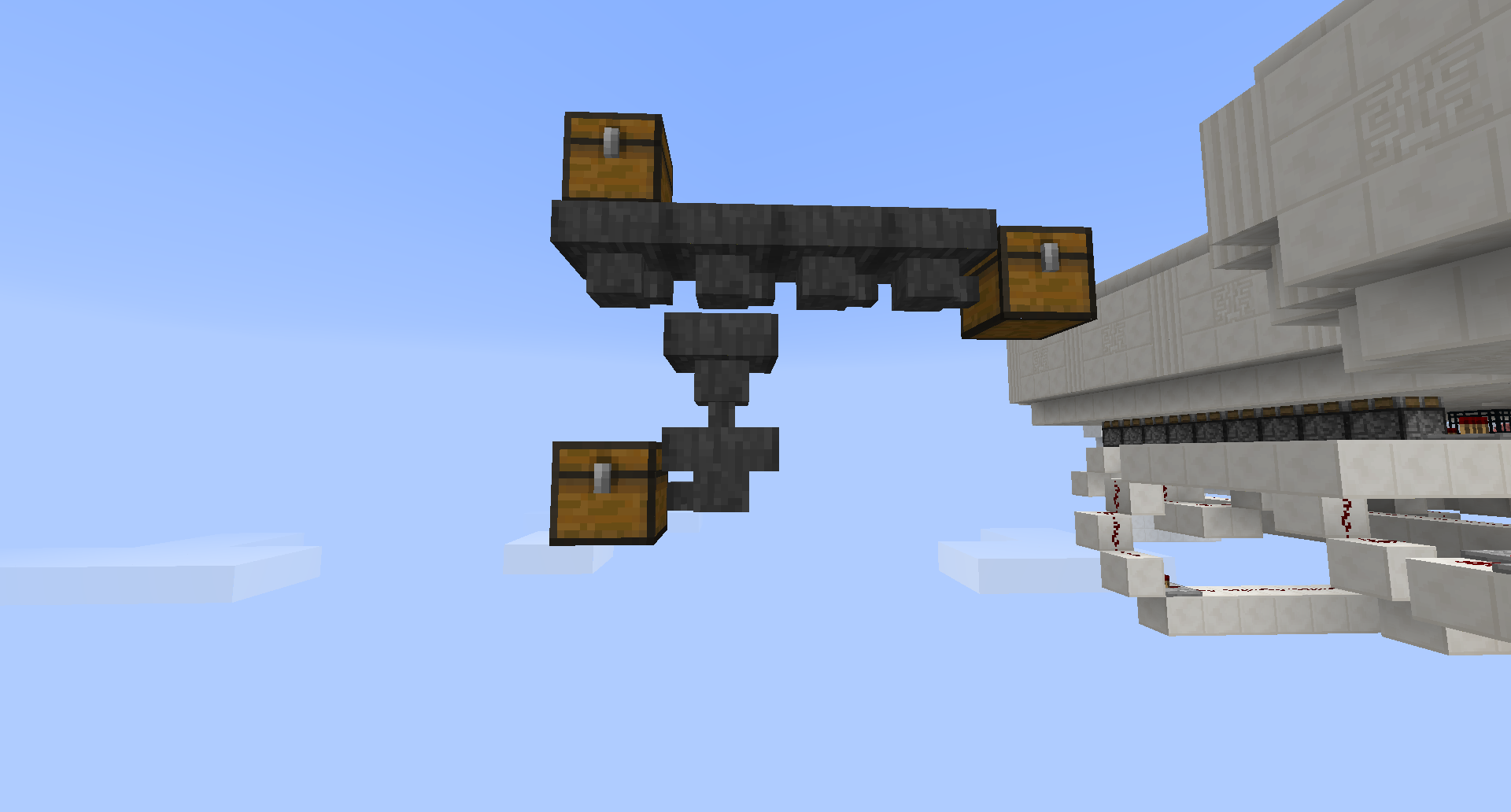
I used this (take a look at attachment) for a sorting system and I want it to go down in to the bottom chest, but instead it goes to the chest on the right hand side.
Currently It is only sometimes going to the bottom chest, I don't know which way it is supposed to take (I prefer the bottom one) but the way it is now (random) is definitely wrong.
I prefer the items to go down when there's a hopper underneath. But to the left is ok too.
btw, I attached a screenshot. The way it was here, it went all in the bottom chest, but sometimes, everything went in the chest on the right hand side.
so do I
confirmed, btw. In adventure you can only break blocks that only need one click. But you can't break glass. Please, keep it this way. Glass shouldn't be breakable without tools in adventure. (at least according to me, if you think different about it you can do whatever you want of course, it's your game)
confirmed
Sometimes it works fine, but because of some sort of update the hopper get's 'broken' and then it doesn't work the way it did anymore.
I think this explains very well what is the way it should work: http://youtu.be/h80qAGuJxkw?t=5m37s
confirmed
Annoying indeed, but it probably works as intended. One weird thing I have noticed though, is that xp also bounces when it is on a hopper.
confirmed, I like the idea that it is black when it's completely surrounded by blocks, it makes the hopper look like a very deep hole.
confirmed
I can't reproduce this. Can you include a world file?
confirmed, maybe this is intended?
@Ad you can make a minecart ride over a hopper (shift-click rails on a hopper)
@Owen I believe it is intended that items won't enter the hopper when it is powered, the only way you can get items in a hopper is by using another hopper or right clicking it.
confirmed for 13w03a
confirmed for 13w03a
Yay, that was fixed fast. So it's actually random now?
I added a world file (test) with two item sorters. If you want both item sorters to work, the item sorter has to look which hopper has the most amount of items of the item the hopper wants to move and go into the chest/furnance/hopper with the most items.
confirmed for 13w03a
not only with bookshelfs, when you remove a block and place it again, the breaking particles are inside a block and thus will be black.
I can't reproduce it in 13w03a should I hold shift longer?
confirmed for 13w03a
The breaking stuff in adventure mode really nees some tweeking, there's also
MC-3066,MC-2367,MC-579andMC-6594I feel sad now
@sam I tried that too but it didn't work. Probably because the comparator freezes too.
Ok I'm no pro at programming, and I do not know how minecraft works. But can't you just store where a redstone update should be when a chunk unloads. Just like what happens when you save and quit.
It's the TAG_List 'TileTicks' I believe.
Confirmed for 13w04a
Here's some more information:
-It doesn't only happen when you teleport. Fly away from the redstone really far, then just quit to title, come back and then it is also broken.
-Apparently it does or doesn't occur depending on the position of the redstone, for example when I move a clock one block to the right, fly away, quit to title and come back it isn't broken, where it is broken if it is one block to the left.
Weird, there seem to be people having this bug since 1.4.1 But I'm only having it since the new texturepack system. When I go back to 1.4.7 it works just fine.
Just make them all unbreakable or make a new gamemode, If you can still break blocks like glass/piston/redstone/tnt, then what's the point of adventure mode?
When an item drops, it's velocity is random. To prevent all drops from being the same. So what mojang has to do is send the velocity to the client instead of just the position.
(Not sure though)
confirmed for 13w04a SMP (not open to lan) and only above 128
A new gamerule/gamemode isn't going to be there anyway maybe in 1.6 or something but I doubt it
Nooooo..... Why? Isn't this possible at all now?
confirmed for 13w05b
confirmed for 13w05b
also for 13w05b? I can't test it right now.
Ok, well that extra gamemode/rule isn't going to be there anyway (as I said) but this might be a good idea:
Why not just nbt tags on tools wit hall the blocks it can break, that gives the map makers all the opportunities they need. And if people don't want blocks to be breakable, they don't have to worry about giving the wrong items. The only thing we need to find a solution for is right clicking actions
I don't think the tile ticks are saved wrongly or something, but I think the problem is that as soon as a chunk gets loaded, the tile ticks are loaded to, but they are not all loaded at the same time, so when you have a simple repeater clock, one repeater gets updated, powering the redstone it is pointing at. And one repeater gets updated too late, so the redstone behind him is already on. In the end all the redstone is powered.
Although this might not be the case, because I've also seen a clock that just was stuck. So a repeater had redstone in the on state behind him, but it didn't get powered.
well, if you have a spawner you can make zombie spawn with an item with NBT tags. Well I don't really care how they fix this, I just want the to FIX it.
that video (http://youtu.be/jMszbxiBqKQ) really showed the problem, go watch that mojang!
I think some blocks just won't have a tile tick, because if I move the block one block to the right it doesn't get stuck, so the position of a tile tick has something to do with it. So sometimes one repeater gets updated, but another (since it's on another position) doesn't get updated, causing the clock to be fully powered (or not). And if a clock just completely freezes (one half powered, one half not powered) That's because both tile tick's aren't saved.
looks a lot like MC-1794 but here it is worse, on MC-1794 they aren't really lines but more dots flickering so fast that they look like lines.
Community Consensus?! Ohh... This is so exciting...
It didn't get worse for me
normally they're just dots flickering very fast, bug on the side of a repeater it's actually a line, not just dots. Not sure if it changed since 13w15b though.
Confirmed for 16w06a
Confirmed for 13w06a
I've seen this in 1.4.7 but also in 13w06a
confirmed
confirmed, NBT tags, I understand why villagers don't look at that.
Damage values too a bit, when we're talking about tools. Although when you make a custom villager, it would be handy to trade only with a certain map.
@Moo when an item drops, it's velocity is random. So the velocity is different for the client and the server.
(at least that's what I think, correct me if I'm wrong)
Nobody reads suggestions on the MineCraft Forums
yeah, I'm probably wrong then, because even if the velocity isn't sent the position of the drop should update after a while.
It would be nice to just have all the rgb colors, but that probably won't be implemented before 2.0
This probably works as intended, I think it shouldn't drop at all though. Just like torches, if you have a wall of torches it falls until there's also a torch on the floor. Then it drops.
confirmed, I had this since 13w06a there's probably something changed in the way NBT works for falling blocks.
So what's changed now then? Because all my spawners are spawning sand now. Do I have to change the TAG_Byte: Tile into another tag ore something?
Oh, I found it out myself already. But thanks anyway
Do you save & quit to title befor quitting the game?
I'm not sure what this has to do with
MC-4282but I can confirm that item's named the same do not always stack for 13w06a. I've checked the NBT data and they're the same, even RepairCostI can confirm this bug for 13w06a. It's really annoying for item sorters. I also noticed the NBT data is just the same.
Too bad, It would've been a nice feature for mapmakers. oh well...
It seems to be fixed, I'm not sure though so maybe someone else might want to check it too.
I've seen this once, but that was because the minecraft servers were down and player two was called 'player' that's why he will get the same NBT data from the level.dat instead of it's own player.dat
confirmed for 13w07a
it's uploading: http://youtu.be/eJWHE-nIivQ
confirmed for 13w07a
Isn't it because you'll get the UI when placing a sign and maybe that will prevent the water from getting a block update. Because if I place a ladder, the water does disappear.
for some reason, it does work after a while, I'm not sure when, but I sucked an item up in a hopper then dropped it again using a dropper, then they did stack.
Confirmed for 13w07a btw
Why would you want to change this, if you don't want stacked items, then just don't give them. If you change this it will only take away possibilities for mapmakers.
I'm having the same problem, but I'm not sure how to fix it, because I do want to spawn items using spawners. Is there a workaround for this?
confirmed for 13w07a
It's not the items being bugged, but the spawners.
http://www.planetminecraft.com/project/working-touchscreen-with-apps-gestures-more/
If you download that map ^^ (awesome map btw) you'll see the items get spawned normally but when you fly to close to the spawners the game will crash.
confirmed for 13w07a
confirmed for 13w07a
I'll go with 'only the green villager watches NBT data and damage values' that's handy for mapmakers.
I think he's just doing something wrong, it seems to work fine for me. But I didn't use an NBT editor but an NBT edit mod.
I don't have graphic card settings... I'm on a mac. Stupid macs
But if a spawner spawns only one dropped item, your game crashes too.
@jason That's exactly what I'm experiencing.
try moving the clock 1 block, that fixes it sometimes.
but why do all the repeaters inside the chunk get stuck too then? You'd expect them to all turn on/ all turn off
magic launcher automatically deletes the META-INF folder, so it is actually modded. But this bug occurs in the original version of minecraft too indeed.
yaaaaaaayyy http://j.mp/15MBVPY
This bug is back, I guess, but this time it also doesn't stack in your inventory.
confirmed for 13w09a
confirmed for 13w09a
I think it's kind of fixed in 13w09c, your system still doesn't work though, but a sideways stacking system works perfectly now.
confirmed for 13w09c
I think this has something to do with the fix of
MC-997I think this works as intended, at least I hope so, because it's really annoying to lose your message after dying
OK, I was wrong, it's still there, but at least it's better.
@jay this bug is a duplicate, go vote this one up -->
MC-6162whoa! there should be more people like you!
IS the minecraft window focused when you can't press any key?
confirmed for 13w09c
confirmed for 13w09c
what's the point of breaking redstone in adventure anyway?
no, this is a duplicate of
MC-997but that's fixed now, yaywow, you're right, I didn't know that
confirmed for 13w09c
this is genius, the game would look so much better when this is implemented
it's fixed already:
MC-997I can't reproduce, is your minecraft modded?
confirmed for 13w09c
I think it also depends on what biome you're in.
13w09c too
confirmed for 13w09c
no, I was wrong, it seems to just always happen. Only with a chest though, and hovering over an item only changes the brightness of signs for me, not the sky. But if you want too see the difference between a not dark and a dark sky:
-place a chest
-open it while looking at the sky
-press esc and e very fast
-you'll see the difference
sorry :S
confirmed (I made duplicate accidentally, I searched for 'cloud' but I didn't find this one)
hmm.. sounds weird, sometimes the backspace button deletes the entire word for me when I'm typing in chat or in a book or anything, maybe it has something to do with this issue...
Well, I'm not quite sure what's going on with the sky and UI's, but I suppose it will all get fixed along with this bug.
this is not a duplicate at all, please reopen it.
MC-1794 is about small dots between blocks, this is a graphical glitch.
This ticket is about the top block being a bit to high, thus not connecting the two parts.
horizontal works as expected now, hoppers got waaayy slower though, but I can live with that.
Did this cause the fps drops? Because I did notice fps drops but my clouds were off.
I agree with Mark
Can you please reopen this ticket? The prove is in the video.
thanks ;P
confirmed for 1.5
looks very ugly when spawning falling sand inside blocks using spawnes (ie sethblings filter)
@megan can you give us with the map?
sounds more like lagg then.
yup, confirmed for 1.5
Indeed, but how are you going to tell if you want players to trigger pressure plates, buttons, buckets, trading etc. I think someone needs to think of something really clever which is very easy to code. But I think we can all agree that the way it is now, is definitely not the way it should be.
fixed for 1.5 (didn't even notice)
Indeed, but that makes your hand slow and creates ugly particles
If you want a stable item sorter, It's way easier now. You don't have to use water, just use hoppers instead of water. Just search for it on youtube/google