Launcher opens up on nonexistent monitor
I recently installed the new Minecraft launcher when I had my 2ed monitor. Then the monitor broke and I disconnected and everything. Ever since this new launcher update, this has been happening. It still thinks that its still connected and launches on there. Not sure how. Nothing else on my desktop does this. Only Minecraft.
Environment
Windows 10 Pro
Linked Issues
is duplicated by28
 MC-119729My launcher is on my taskbar but it wont openDuplicateMC-124692Minecraft Menu Starting OffscreenDuplicate
 MCL-6478Minecraft window in the taskbar.DuplicateMCL-6546Launcher is hidden, because printed on a non plugged screenDuplicateMCL-6603My minecraft launcher will not display on the desktop.DuplicateMCL-6890Minecraft Launcher window is not appearing on screenDuplicateMCL-6903Help, my Minecraft launcher is invisible!DuplicateMCL-7111I click Minecraft to open it launches but doesnt show on my screen but on it says it open on my taskbarDuplicateMCL-7159 Launcher launches missplaced when taskbar position is topDuplicateMCL-7239The minecraft launcher doesnt open and nativelog.txtDuplicateMCL-7518Minecraft Launcher invisible.DuplicateMCL-7573Minecraft launcher off of screen (invisible) on startupDuplicateMCL-7629Minecraft Launcher isn't visibleDuplicateMCL-7679Minecraft is not launchingDuplicateMCL-7777When I open My minecraft Launcher Nothing appears (Its Invisible)DuplicateMCL-7781When My minecraft open it does not shows when I click on it,it just apears on the task barDuplicateMCL-7783Can't Open LauncherDuplicateMCL-7874Invisible Launcher?DuplicateMCL-8014When you try to launch the launcher it doesn't even start up!DuplicateMCL-8022My launcher is unable to boot and I can't find any situation or solutions relevant to this.DuplicateMCL-8868my Minecraft is open but i can not see it on my screen DuplicateMCL-9647Minecraft Launcher open in my taskbar, but when i click or hover over it, nothing pops upDuplicateMCL-10574Launcher not openingDuplicateMCL-10581New launcher not workingDuplicateMCL-10720the launcher will run but will not pop up and I tried to reinstall but it does the same thingDuplicateMCL-10870Launcher starts , but doesn't show up DuplicateMCL-10997Launcher does start but cannot be un-minimizedDuplicateMCL-11277Launcher starts outside screenDuplicate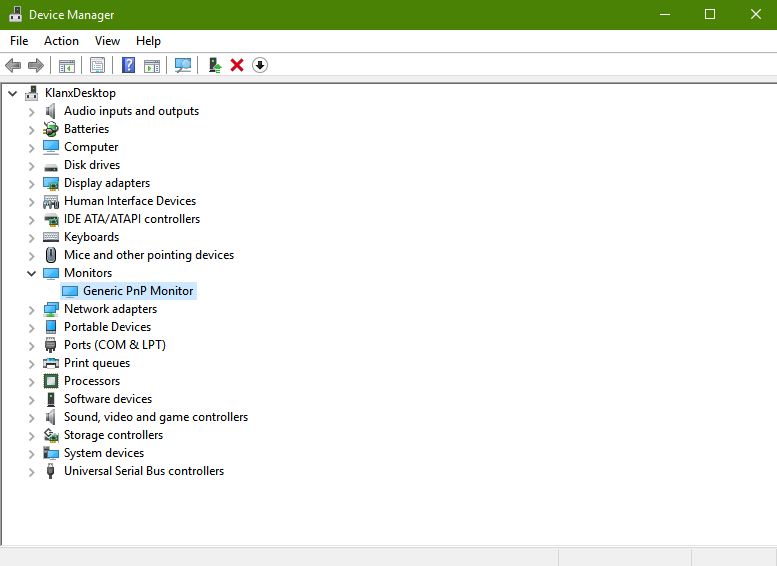

Created Issue:
Launcher opens up on nonexistent monitor.
I recently installed the new Minecraft launcher when I had my 2ed monitor. Then the monitor broke and I disconnected and everything. Ever since this new launcher update, this has been happening. It still thinks that its still connected and launches on there. Not sure how. Nothing else on my desktop does this. Only Minecraft.
Environment
Windows 10 Pro
Linked Issues
is duplicated by1
Attachments2

is duplicated by
relates to
![[Mod] Neko](../../../data/avatars/users/92901.png)
is duplicated by
is duplicated by
is duplicated by
is duplicated by
is duplicated by
is duplicated by
is duplicated by
is duplicated by
is duplicated by
is duplicated by

loup.docx
![[Mod] Pokechu22](../../../data/avatars/users/92931.png)
is duplicated by
is duplicated by
is duplicated by
![[Mod] bemoty](../../../data/avatars/users/50554.png)
is duplicated by

Launcher opens up on nonexistent monitor.
![[Mojang] slicedlime](../../../data/assets/gravatar/slicedlime.jpeg)
is duplicated by
is duplicated by
![[Mojang] Linus Cumselius](../../../data/avatars/users/18950.svg) [Mojang] Linus Cumselius
[Mojang] Linus Cumselius![[Mod] violine1101](../../../data/avatars/users/92858.png)
is duplicated by
Thank you for your report!
However, this issue is a Duplicate of MCL-6544 or MCL-6629.
It will be linked to this report. If you have additional information, please add it to that report.
Please search before reporting, as it's likely that one exists already.
Also some other applications have been doing the same thing.
That's an indicator that this is not a problem with the Minecraft Launcher, but rather with your computer setup.
Quick Links:
📓 Issue Guidelines – 💬 Community Support – 📧 Customer Support – 📖 Game Wiki
Does MCL-6544 describe your issue?
Thank you for your report!
We're actually already tracking this issue in MCL-6544, so I resolved and linked this ticket as a duplicate.
If you would like to add a vote and any extra information to the main ticket it would be appreciated.
If you haven't already, you might like to make use of the search feature to see if the issue has already been mentioned.
As a temporary workaround I was able to right click the task bar and select show open windows, and then selecting it showed it on the screen properly. This is on windows 10 btw. Hope that helps!
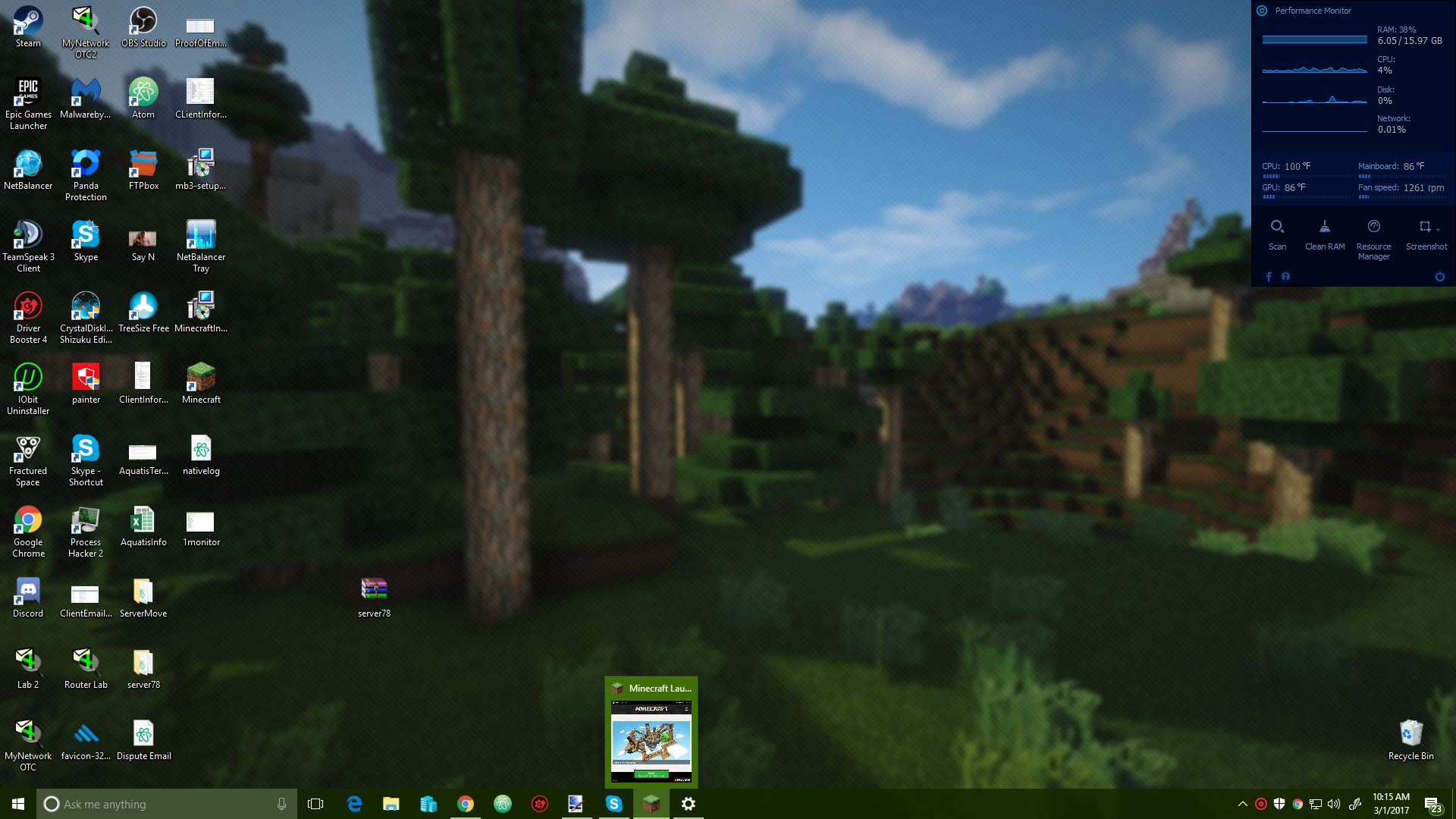
Workaround: Hover over the Minecraft Icon, then move the mouse up to the preview window, and right-click. Visual aid: http://i.imgur.com/XcZUMUg.png
This sounds like more of a Windows-related issue than Minecraft.
Why doesn't it happen with other programs then? If it is a microsoft windows issue?
This issue will be fixed in the next version of the launcher. You should be able to test the fix by enabling beta versions in the "Settings" menu.