 allenn
- allenn
- allenn
- Europe/Stockholm
- No
- Yes
Please Note: The Affects Version/s Drop Box above does not accept my current Beta version 1.2,13.12 which is the version I am reporting.
Spiders, cave spiders,
andthe drowned zombie are the only hostile mobs spawning in the Coastal Village Seed, -1813740965. I am playing Survival / Normal. Versions 1.2.13.10 and 1.2.13.11 had a few of the named hostile mobs spawn. I tried re-creating the world, but creepers, skeletons, and zombies were still absent.Please Note: The Affects Version/s Drop Box above does not accept my current Beta version 1.2,13.12 which is the version I am reporting.
Spiders, cave spiders, the drowned zombie, and infrequently witches are the only hostile mobs spawning in the Coastal Village Seed, -1813740965. I am playing Survival / Normal and Hard. Versions 1.2.13.10 and 1.2.13.11 had a few of the named hostile mobs spawn. I tried re-creating the world, but creepers, skeletons, and zombies were still absent.
Please Note: The Affects Version/s Drop Box above does not accept my current Beta version 1.2,13.12 which is the version I am reporting.
Spiders, cave spiders, the drowned zombie, and infrequently witches are the only hostile mobs spawning in the Coastal Village Seed, -1813740965. I am playing Survival / Difficulty Normal and Hard . Versions 1.2.13.10 and 1.2.13.11 had a few of the named absent hostile mobs spawn. I tried re-creating the world, but creepers, skeletons, and zombies were still absent.


Please Note: The Affects Version/s Drop Box above does not accept my current Beta version 1.2,13.12 which is the version I am reporting.
Spiders, cave spiders, the drowned zombie, and infrequently witches are the only hostile mobs spawning in the Coastal Village Seed, -1813740965. I am playing Survival / Difficulty Normal and Hard . Versions 1.2.13.10 and 1.2.13.11 had a few of the named absent hostile mobs spawn. I tried re-creating the world, but creepers, skeletons, and zombies were still absent.
Update 2018/03/25
I changed to Hard Difficulty. After a long game session, the world spawned the following. 3 creepers; 1 zombie; 1 zombie villager; many drowned; a lot of spiders; and a witch; but no skeletons.
Please Note: The Affects Version/s Drop Box above does not accept my current Beta version 1.2,13.12 which is the version I am reporting.
Spiders, cave spiders, the drowned zombie, and infrequently witches are the only hostile mobs spawning in the Coastal Village Seed, -1813740965. I am playing Survival / Difficulty Normal
and Hard. Versions 1.2.13.10 and 1.2.13.11 had a few of the named absent hostile mobs spawn. I tried re-creating the world, but creepers, skeletons, and zombies were still absent.Update 2018/03/25
I changed to Hard Difficulty. After a long game session, the world spawned the following. 3 creepers; 1 zombie; 1 zombie villager; many drowned; a lot of spiders; and a witch; but no skeletons.
Save and Quit splash screen never finishes, refer to attachment. Game appears to crash (exits to desktop), and restarting the Minecraft world returns the player to the location when Save and Quit was selected.

Save and Quit splash screen never finishes, refer to attachment. Game appears to crash (exits to desktop), and restarting the Minecraft world returns the player to the location when Save and Quit was selected. Additional information: when the chest saving animation and the background animation start, everything freezes. Eventually, Minecraft Bedrock Beta closes to the Windows 10 desktop. Windows 10 Pro version 1709, Build
Save and Quit splash screen never finishes, refer to attachment. Game appears to crash (exits to desktop), and restarting the Minecraft world returns the player to the location when Save and Quit was selected. Additional information: when the chest saving animation and the background animation start, everything freezes. Eventually, Minecraft Bedrock Beta closes to the Windows 10 desktop. Windows 10 Pro version 1709, Build 16299.309
Save and Quit splash screen never finishes, refer to attachment. Game appears to crash (exits to desktop), and restarting the Minecraft world returns the player to the location when Save and Quit was selected. Additional information: when the chest saving animation and the background animation start, everything freezes. Eventually, Minecraft Bedrock Beta closes to the Windows 10 desktop. Windows 10 Pro version 1709, Build 16299.309.
Save and Quit splash screen never finishes, refer to attachment. Game appears to crash (exits to desktop), and restarting the Minecraft world returns the player to the location when Save and Quit was selected. Additional information: when the chest saving animation and the background animation start, everything freezes. Eventually, Minecraft Bedrock Beta closes to the Windows 10 desktop. Windows 10 Pro version 1709, Build 16299.309.
Update 04/02/2018: I changed the following Video settings and the Save & Quit stopped freezing: Show Auto Save Icon = enabled and Screen Animation = disabled. Don't know which stopped the exit freeze.
Save
andQuit splash screen never finishes, refer to attachment. Game appears to crash (exits to desktop), and restarting the Minecraft world returns the player to the location when Save and Quit was selected. Additional information: when the chest saving animation and the background animation start, everything freezes. Eventually, Minecraft Bedrock Beta closes to the Windows 10 desktop. Windows 10 Pro version 1709, Build 16299.309.Update 04/02/2018: I changed the following Video setting
sand the Save & Quit stopped freezing:Show Auto Save Icon = enabled andScreen Animation = disabled.Don't know which stopped the exit freeze.Save & Quit splash screen never finishes, refer to attachment. Game appears to crash (exits to desktop), and restarting the Minecraft world returns the player to the location when Save and Quit was selected. Additional information: when the chest saving animation and the background animation start, everything freezes. Eventually, Minecraft Bedrock Beta closes to the Windows 10 desktop. Windows 10 Pro version 1709, Build 16299.309.
Update 04/02/2018: I changed the following Video setting and the Save & Quit stopped freezing: Screen Animation = disabled. No more exit freeze.
Save & Quit splash screen never finishes, refer to attachment. Game appears to crash (exits to desktop), and restarting the Minecraft world returns the player to the location when Save and Quit was selected. Additional information: when the chest saving animation and the background animation start, everything freezes. Eventually, Minecraft Bedrock Beta closes to the Windows 10 desktop. Windows 10 Pro version 1709, Build 16299.309.
Update 04/02/2018: I changed the following Video setting and the Save & Quit stopped freezing: Screen Animation = disabled. No more exit freeze. Disabled the Screen Animation on my i7 Gaming PC, and it too fixed the exit freeze.
Save & Quit splash screen never finishes, refer to attachment. Game appears to crash (exits to desktop), and restarting the Minecraft world returns the player to the location when Save and Quit was selected. Additional information: when the chest saving animation and the background animation start, everything freezes. Eventually, Minecraft Bedrock Beta closes to the Windows 10 desktop. Windows 10 Pro version 1709, Build 16299.309.
Update 04/02/2018: I changed the following Video setting and the Save & Quit stopped freezing: Screen Animation = disabled. No more exit freeze. Disabled the Screen Animation on my i7 Gaming PC, and it too fixed the exit freeze.
Update 04/03/2018: I spoke too soon. The problem is still occurring whether Screen Animation is enabled or disabled. It seems to be less frequent when Screen Animation is disabled. Oh, well!
Save & Quit splash screen never finishes, refer to attachment. Game appears to crash (exits to desktop), and restarting the Minecraft world returns the player to the location when Save and Quit was selected. Additional information: when the chest saving animation and the background animation start, everything freezes. Eventually, Minecraft Bedrock Beta closes to the Windows 10 desktop. Windows 10 Pro version 1709, Build 16299.309.
Update 04/02/2018: I changed the following Video setting and the Save & Quit stopped freezing: Screen Animation = disabled. No more exit freeze. Disabled the Screen Animation on my i7 Gaming PC, and it too fixed the exit freeze.
Update 04/03/2018: I spoke too soon. The problem is still occurring whether Screen Animation is enabled or disabled. It seems to be less frequent when Screen Animation is disabled. Oh, well!
Update 04/05/2018: Sometimes the game crashes when I Delete a world.
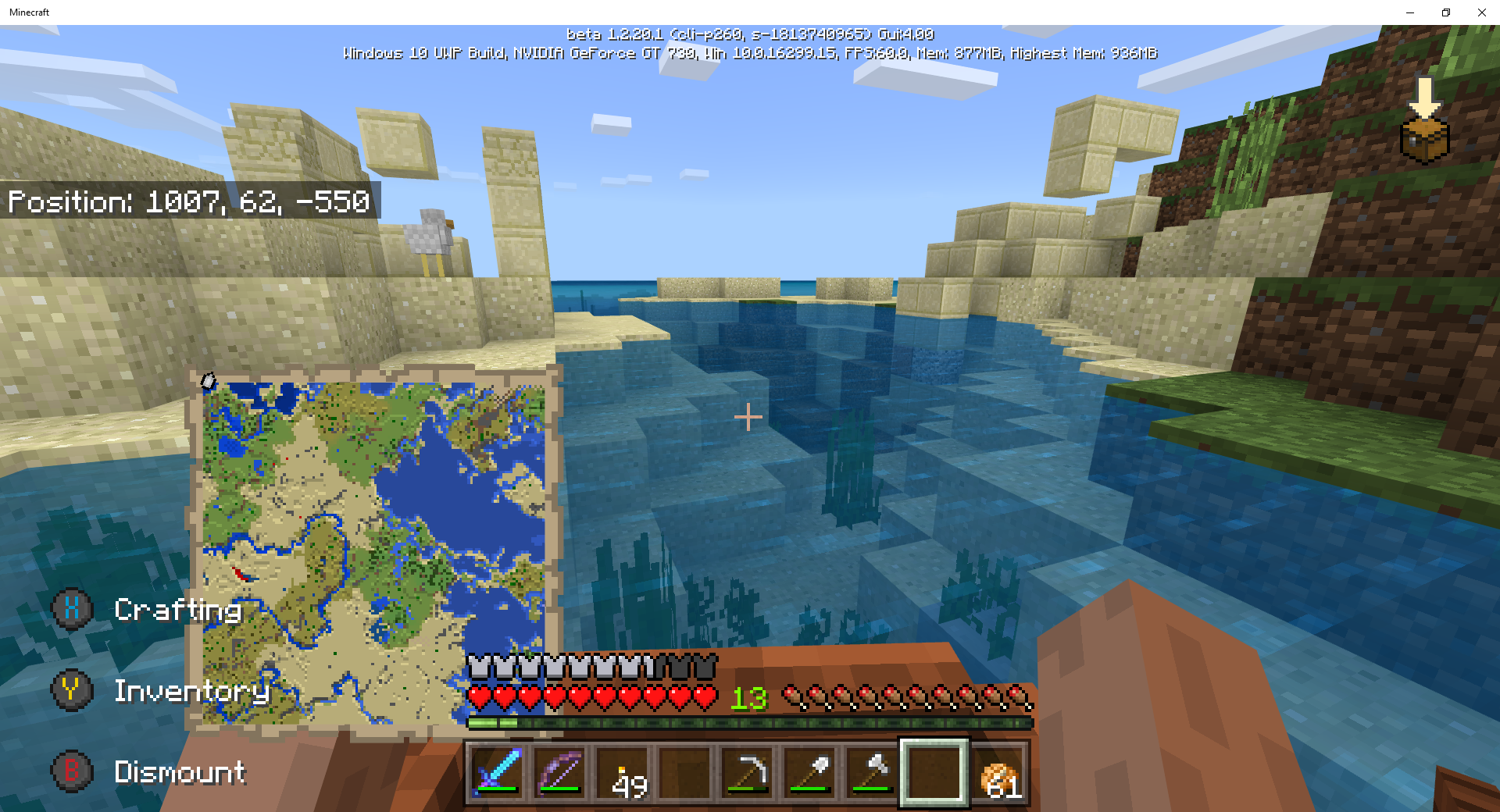
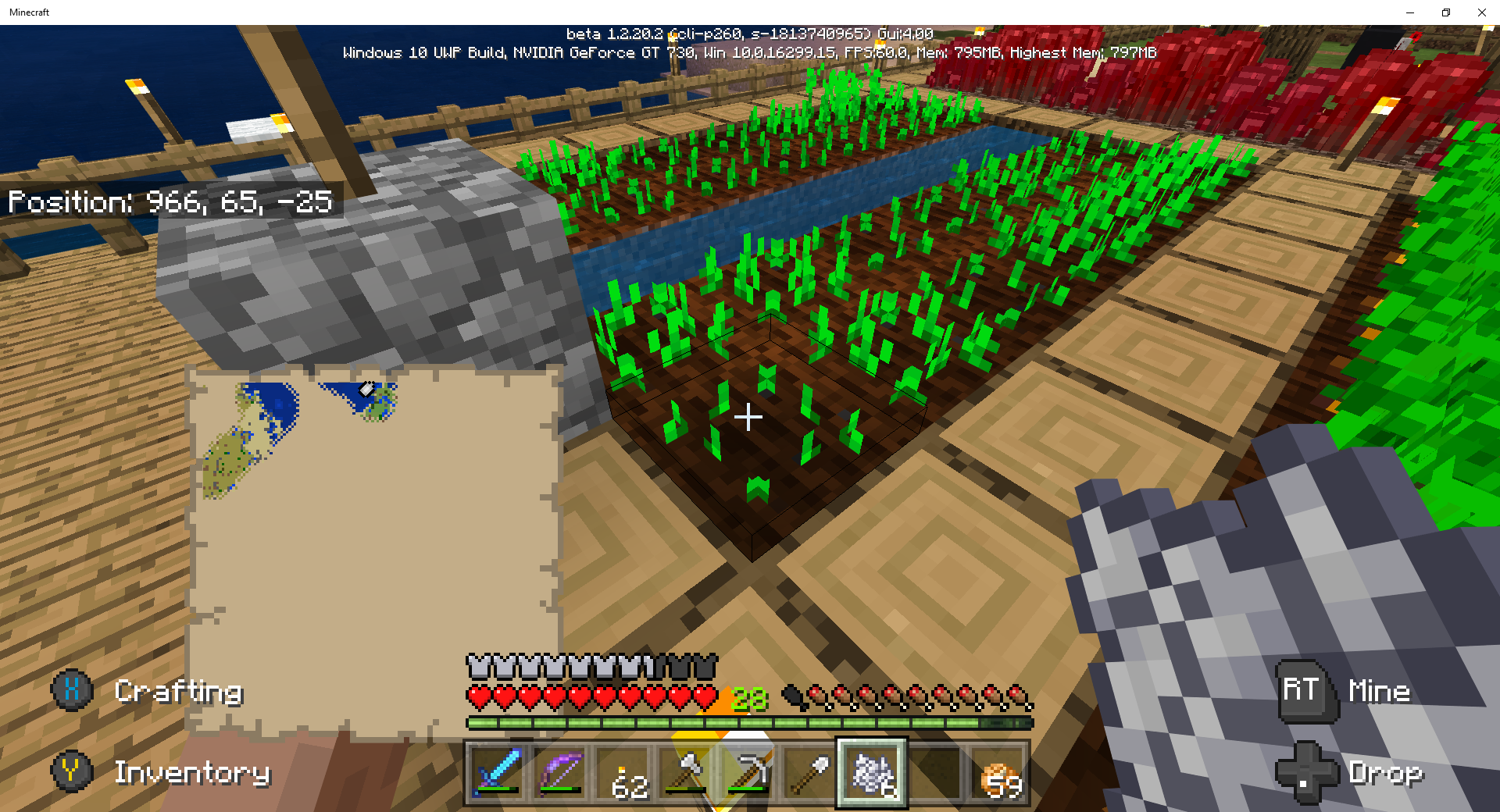
World Seed: Coastal Village, -1813740965; Survival Mode, Hard Difficulty.
I found a Treasure Map in a Ruin's Chest (x=600 z=360). I went to the location on the map (x=472 z=-504). The treasure chest was not found. In place of the treasure chest, I found a sandstone block. I copied the seed and tried the Locate buriedtreasure command. The Locate confirmed the location was x=472 z=-504, see attachment.
I have tried several other treasure chest maps in this seed, but none of the maps produced a treasure chest.
World Seed: Coastal Village, -1813740965; Survival Mode, Hard Difficulty.
I found a Treasure Map in a Ruin's Chest (x=600 z=360). I went to the location on the map (x=472 z=-504). The treasure chest was not found. In place of the treasure chest, I found a sandstone block. I copied the seed and tried the Locate buriedtreasure command. The Locate confirmed the location was x=472 z=-504, see attachment.
I have tried several other treasure chest maps in this seed, but none of the maps produced a treasure chest.
World Seed: Coastal Village, -1813740965; Survival Mode, Hard Difficulty.
I found a Treasure Map in a Ruin's Chest (x=600 z=360). I went to the location on the map (x=472 z=-504). The treasure chest was not found. In place of the treasure chest, I found a sandstone block. I copied the seed and tried the Locate buriedtreasure command. The Locate confirmed the location was x=472 z=-504, see attachment.
I have tried several other treasure chest maps in this seed, but none of the maps produced a treasure chest. Here's another case: Ruins at x=-543 z=-202 with Treasure Map Red X; but Locate command shows x=-696 z=-248. No treasure chest at either location, refer to attachments.
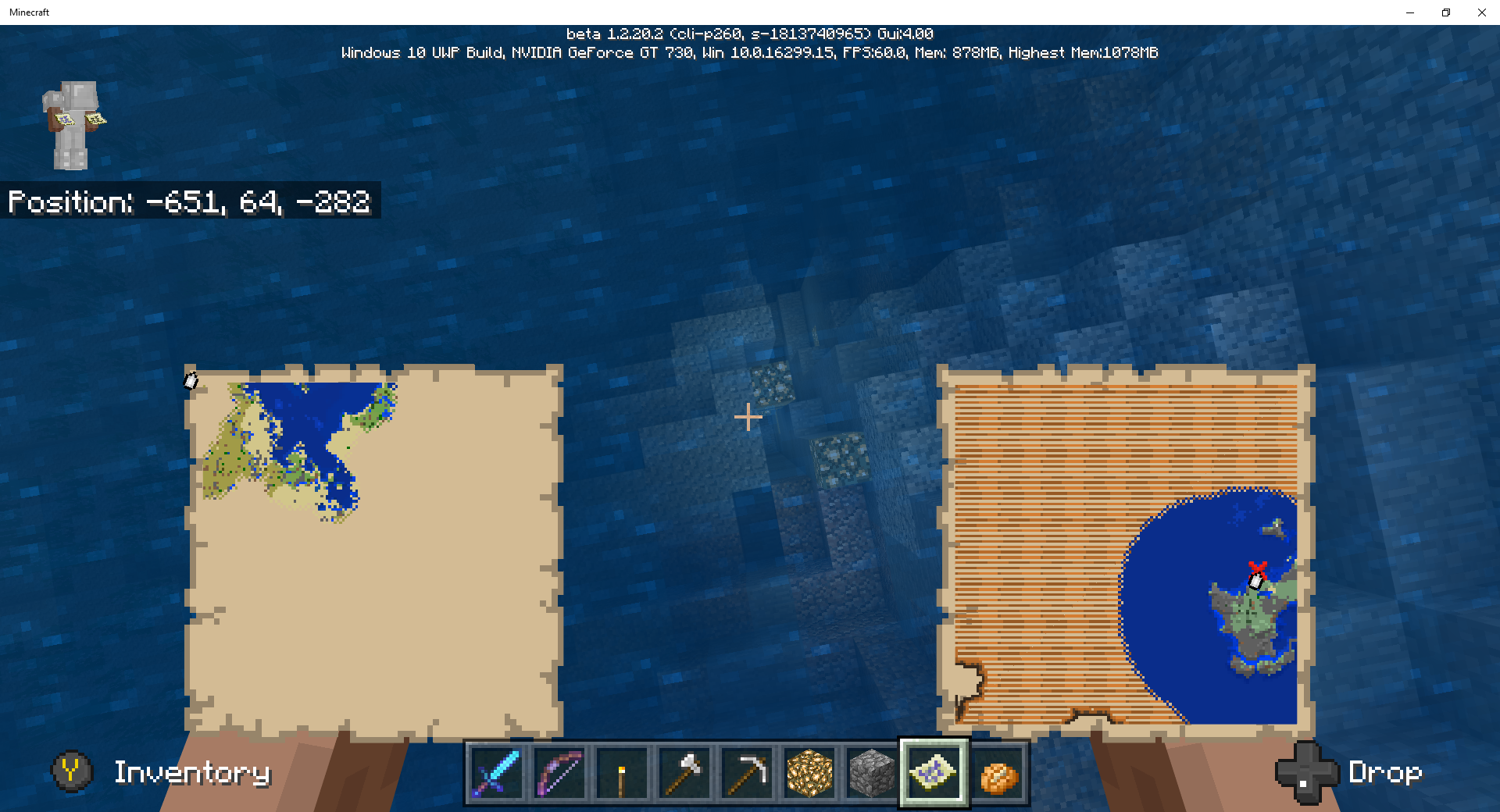

Buried Treasure Chests generate 5 blocks away, Northwest from its intended spot. Not Really, see comment
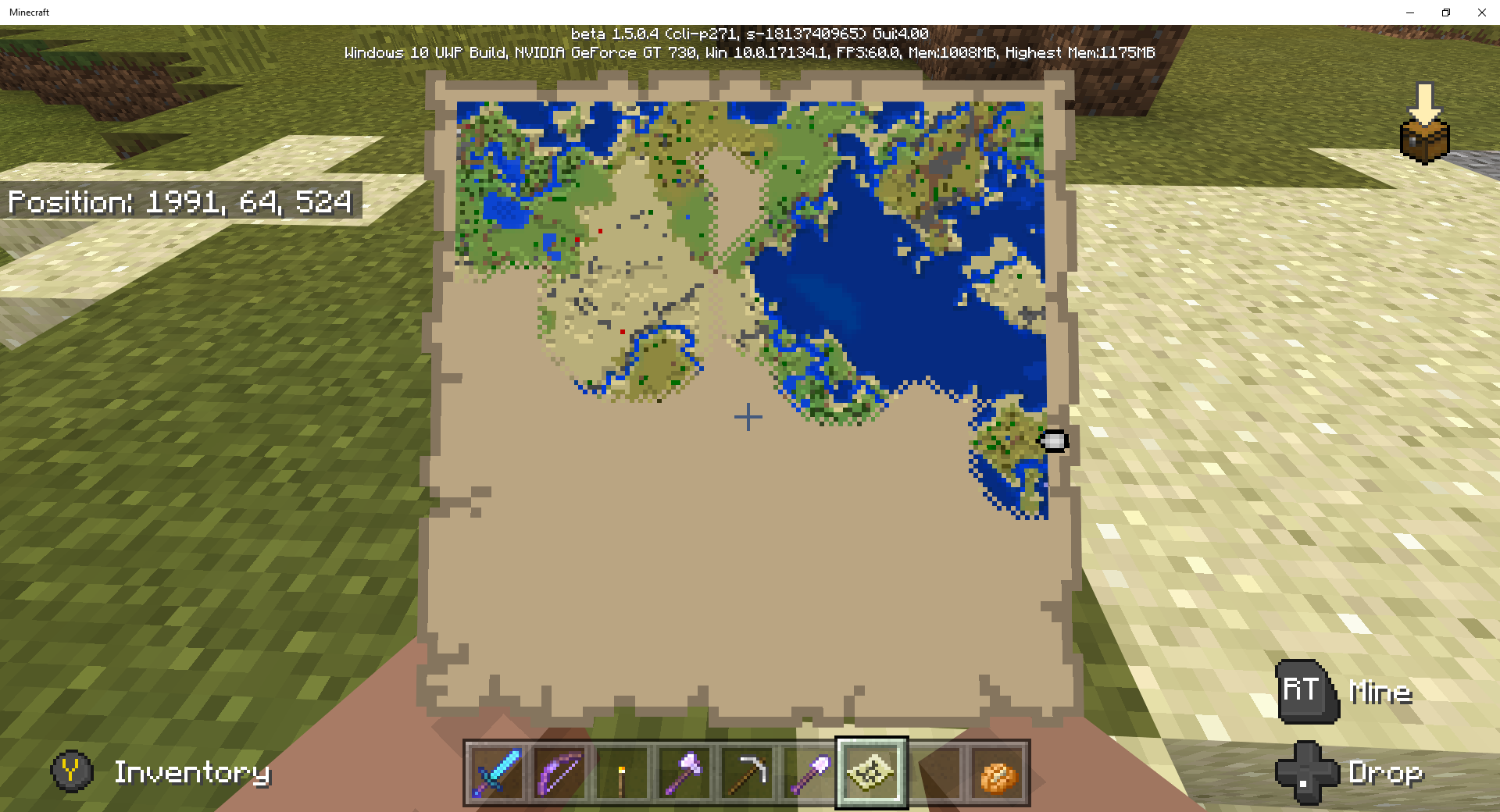

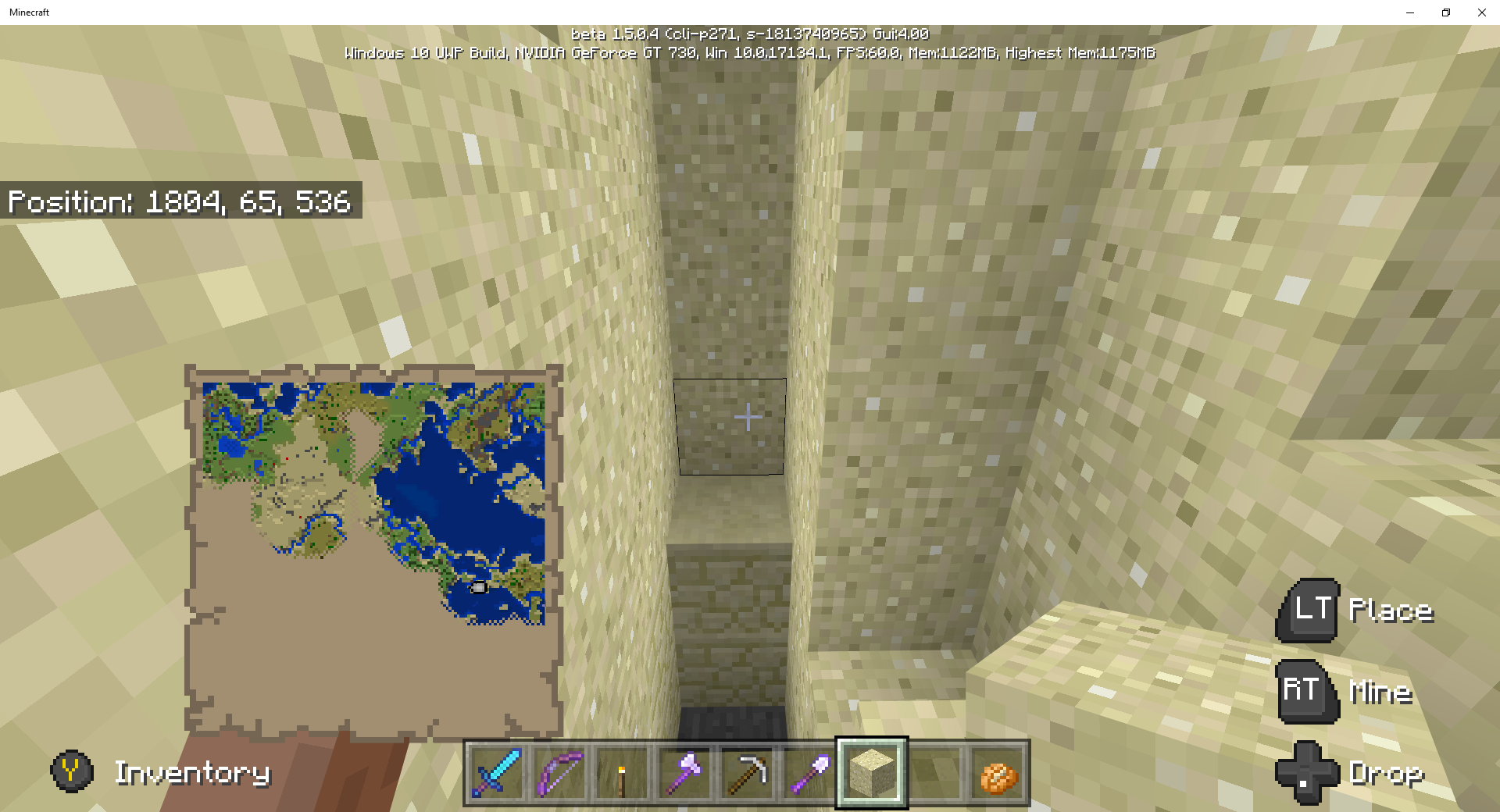

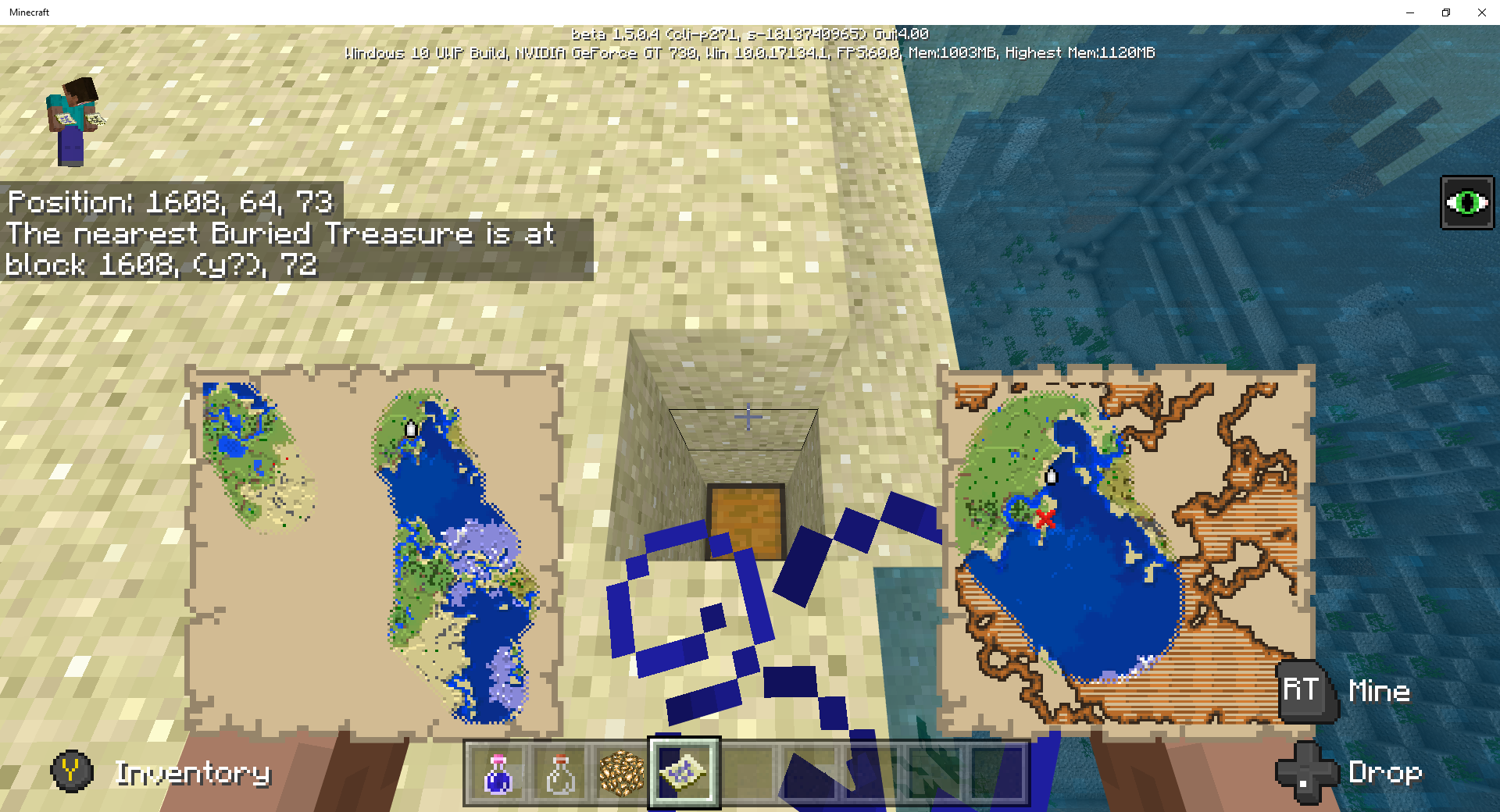
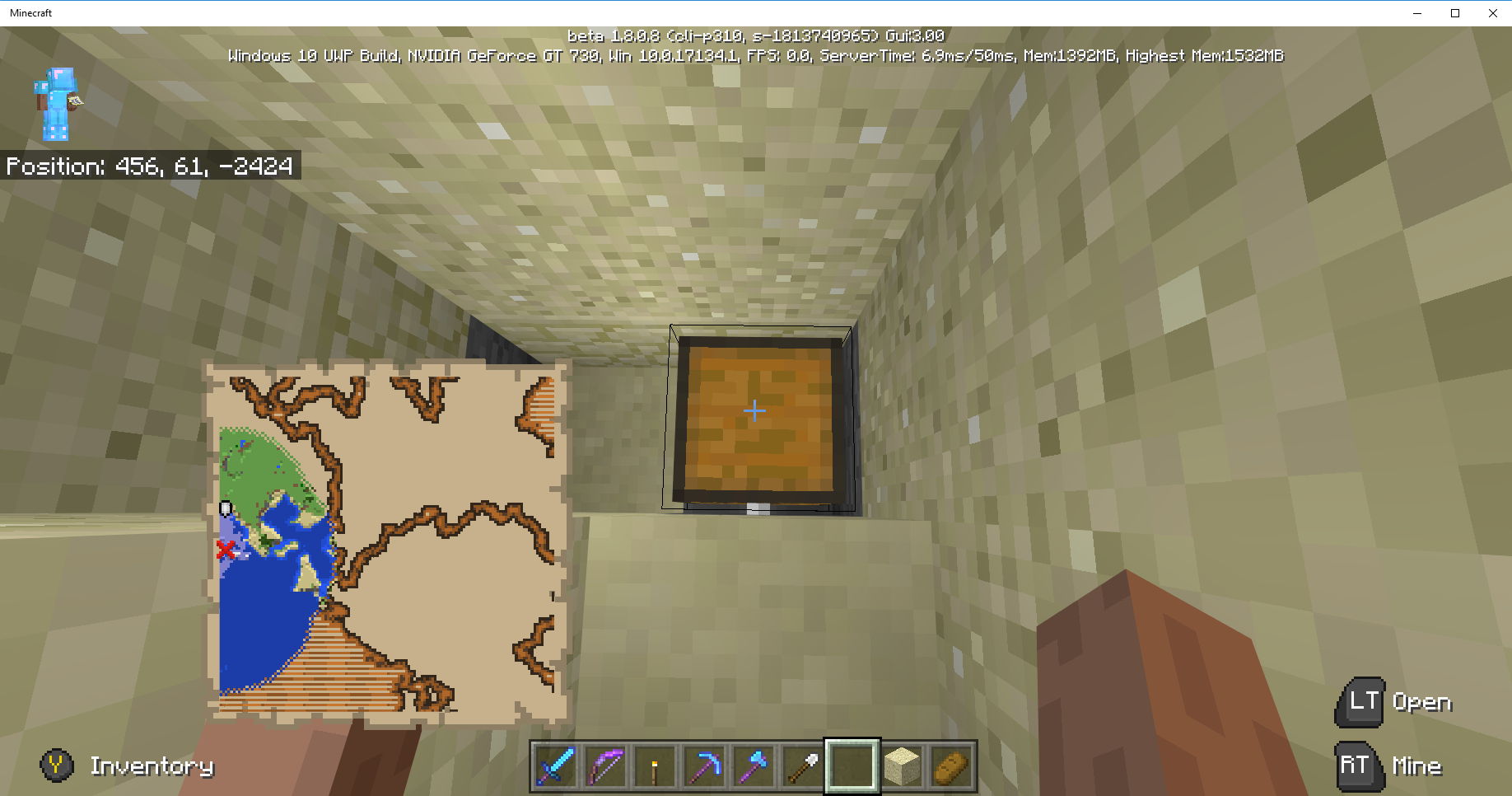

@Mega_Spud, Please look at my treasure map screenshot and compare it to your treasure map screen shot. What's different between the pictures? Notice my coordinates point to a different location (designated by locator icon near green area) than the ones shown on your treasure map. I think my chest location is north from your world's chest location. In my world, the treasure is indeed at the coordinates you listed; but the "RED X" on my treasure map is not at those coordinates. In other words, your "RED X" is at 456 59 -2360, but my "RED X" is not at those coordinates. It appears something has changed in world generation after Beta V. 1.5.0. In most cases, the treasure maps do match the "Locate" command coordinates. But this is not always the case.
@Mega_Spud, Equipped with the knowledge you provided, I revisited the treasure map site, "Red X", which appears to be at coordinates 456 63 -2360. Note: I am playing in Survival Mode. I dug away at the area denoted by the "Red X", After removing a lot of blocks, I found a buried treasure chest, 456 57 -2360. I copied the world seed, and I switched to Creative Mode. When I execute the "Locate buriedtreasure" command, the results list coordinates 456 no Y -2424. I explored the area for Ruins and Shipwrecks to find a treasure map which points to 456 -2424 to no avail. I guess it is possible that there is a chest somewhere with a treasure map pointing to the aforementioned coordinates. I appreciate your help, and it is my hope that in some small way my comments can help make Bedrock the best edition.
The Coastal Village Seed, -1813740965, Survival Mode
,Infinite Size. I have found buried treasure, but I cannot find a Cartographer, Ruins, or Shipwreck with a treasure map which points to the buried treasure. As an example: I accidentally found a buried treasure at coordinates x=1608, y=60, z=72; but I cannot find a treasure map. I try to collect a treasure map for each buried treasure.I am not sure if this is a bug or designed this way.
The Coastal Village Seed, -1813740965 (created v1.5.0.4), Survival Mode; Infinite Size. I have found buried treasure, but I cannot find a Cartographer, Ruins, or Shipwreck with a treasure map which points to the buried treasure. As an example: I accidentally found a buried treasure at coordinates x=1608, y=60, z=72; but I cannot find a treasure map from the normal sources (shipwreck, ruins, or cartographer). I try to collect a treasure map for each buried treasure.
I am not sure if this is a bug or designed this way. I have found other buried treasures which have no corresponding treasure maps in the same world.
The Coastal Village Seed, -1813740965 (created v1.5.0.4), Survival Mode; Infinite Size. I have found buried treasure, but I cannot find
a Cartographer,Ruins,or Shipwreck with a treasure map which points to the buried treasure. As an example: I accidentally found a buried treasure at coordinates x=1608, y=60, z=72; but I cannot find a treasure map from the normal sources (shipwreck,ruins, or cartographer). I try to collect a treasure map for each buried treasure.I am not sure if this is a bug or designed this way. I have found other buried treasures which have no corresponding treasure maps in the same world.
The Coastal Village Seed, -1813740965 (created v1.5.0.4), Survival Mode; Infinite Size. I have found buried treasure, but I cannot find Ruins or a Shipwreck with a treasure map which points to the buried treasure. As an example: I accidentally found a buried treasure at coordinates x=1608, y=60, z=72; but I cannot find a treasure map from the normal sources (shipwreck or ruins). I try to collect a treasure map for each buried treasure.
I am not sure if this is a bug or designed this way. I have found other buried treasures which have no corresponding treasure maps in the same world.
@jeffrey, thanks for your comment, but I guess I need to clarify my post. I cannot find a shipwreck or ruins with a treasure map pointing to the aforementioned buried treasure listed at the coordinates posted. I know that buried treasure does not have a buried treasure map.
Have a great day!
@jeffrey, you are correct about cartographers
All of the Treasure Maps have been found in Ruins or Shipwrecks near the place where the Buried Treasure was found.
Mined blocks float but are not retrievable and added to inventory.
Mined blocks float, but they are not retrievable or added to inventory, see 2 Attachments. The 2 examples show cobblestone and sand floating above the floor. I could not pickup the floating blocks. I Saved and quit the world. When I re-entered the world the floating blocks were gone.
Mined blocks float, but they are not retrievable or added to inventory, see 2 Attachments. The 2 examples show cobblestone and sand floating above the floor. I could not pickup the floating blocks. I Saved and quit the world. When I re-entered the world the floating blocks were gone.
Coastal Village Seed (-1813740965); Survival Mode; Normal Difficulty; Infinite World Type. I am using a PS4 Controller attached via USB 3.0 Port.
Mined blocks float, but they are not retrievable or added to inventory, see 2 Attachments. The 2 examples show cobblestone and sand floating above the floor. I could not pickup the floating blocks. I Saved and quit the world. When I re-entered the world the floating blocks were gone.Also, Screen goes black and left click of mouse returns to Resume screen.
Coastal Village Seed (-1813740965); Survival Mode; Normal Difficulty; Infinite World Type. I am using a PS4 Controller attached via USB 3.0 Port.
Mined blocks float, but they are not retrievable or added to inventory, see2Attachments. The 2 examples show cobblestone and sand floating above the floor.Icould not pickup the floating blocks. I Saved and quit the world. When I re-entered the world the floating blocks were gone.Also, Screen goes black and left click of mouse returns to Resume screen.
Coastal Village Seed (-1813740965); Survival Mode; Normal Difficulty; Infinite World Type. I am using a PS4 Controller attached via USB 3.0 Port.
Mined blocks float, but they are not retrievable or added to inventory, see 4 Attachments. The 2 examples show cobblestone and sand floating above the floor. The last screen shot shows items dropped into the water by a witch which could not be picked up the floating blocks. I Saved and quit the world. When I re-entered the world the floating blocks were gone.
Coastal Village Seed (-1813740965); Survival Mode; Normal Difficulty; Infinite World Type. I am using a PS4 Controller attached via USB 3.0 Port.
Mined blocks float, but they are not retrievable or added to inventory, see 4 Attachments. The2 examples show cobblestone and sand floating above the floor. The last screen shot shows items dropped into the water by a witch which could not be picked upthe floating blocks. I Saved and quit the world. When I re-entered the world the floating blocks were gone.Coastal Village Seed (-1813740965); Survival Mode; Normal Difficulty; Infinite World Type. I am using a PS4 Controller attached via USB 3.0 Port.
Mined blocks float, but they are not retrievable or added to inventory, see 4 Attachments. The first screen shot shows items dropped into the water by a witch which could not be picked up. The final 3 examples show cobblestone and sand floating above the floor. The floating blocks can not be picked up . I Saved and quit the world. When I re-entered the world, the floating blocks were gone.
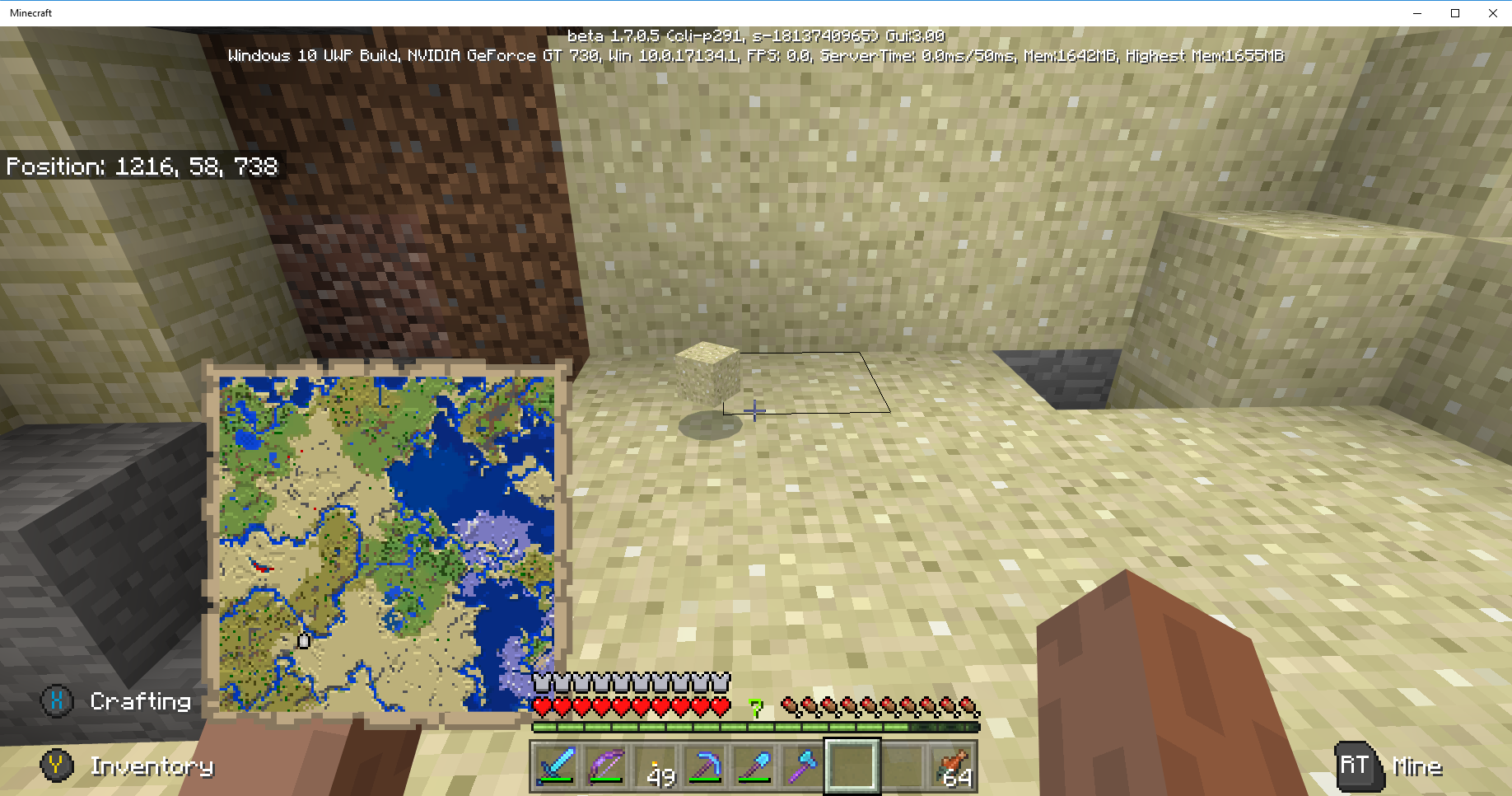

I'm losing a lot of blocks in mining and demolishing village buildings. The blocks float, but the blocks cannot be retrieved. Eventually, the blocks disappear. On occasion, I noticed, when I am several blocks above the floating block, the blocks fly into inventory or hot bar.
I moved a farmer and fletcher villager via a boat to the old zombie village. They started harvesting and breeding immediately. I threw bread, and the baby villagers and the new villager transplants picked up the bread. I could trade with the transplanted villagers, but the zombie villager converts still would not trade.
This may relate to
MCPE-34603which may have been fixed in v. 1.7.0.2.
Seed: Coastal Village (-1813740965); Survival Mode; Normal Difficulty; Infinite Size
If the player is in a boat, the Icon on a map points in the wrong direction of travel, see the attached screen shot. The player was traveling north, but the map icon clearly shows the boat heading south. This was not an issue in Beta Version 1.6.
Seed: Coastal Village (-1813740965); Survival Mode; Normal Difficulty; Infinite Size
If the player is in a boat, the Icon on a map points in the wrong direction of travel, see the attached screen shot. The player was traveling north, but the map icon clearly shows the boat heading south. This was not an issue in Beta Version 1.6.Seed: Coastal Village (-1813740965); Survival Mode; Normal Difficulty; Infinite Size; world created after Beta v 1.5.0.
If the player is in a boat, the Icon on a map points in the wrong direction of travel, see the attached screen shot. The player was traveling north, but the map icon clearly shows the boat heading south. This was not an issue in Beta Version 1.6.

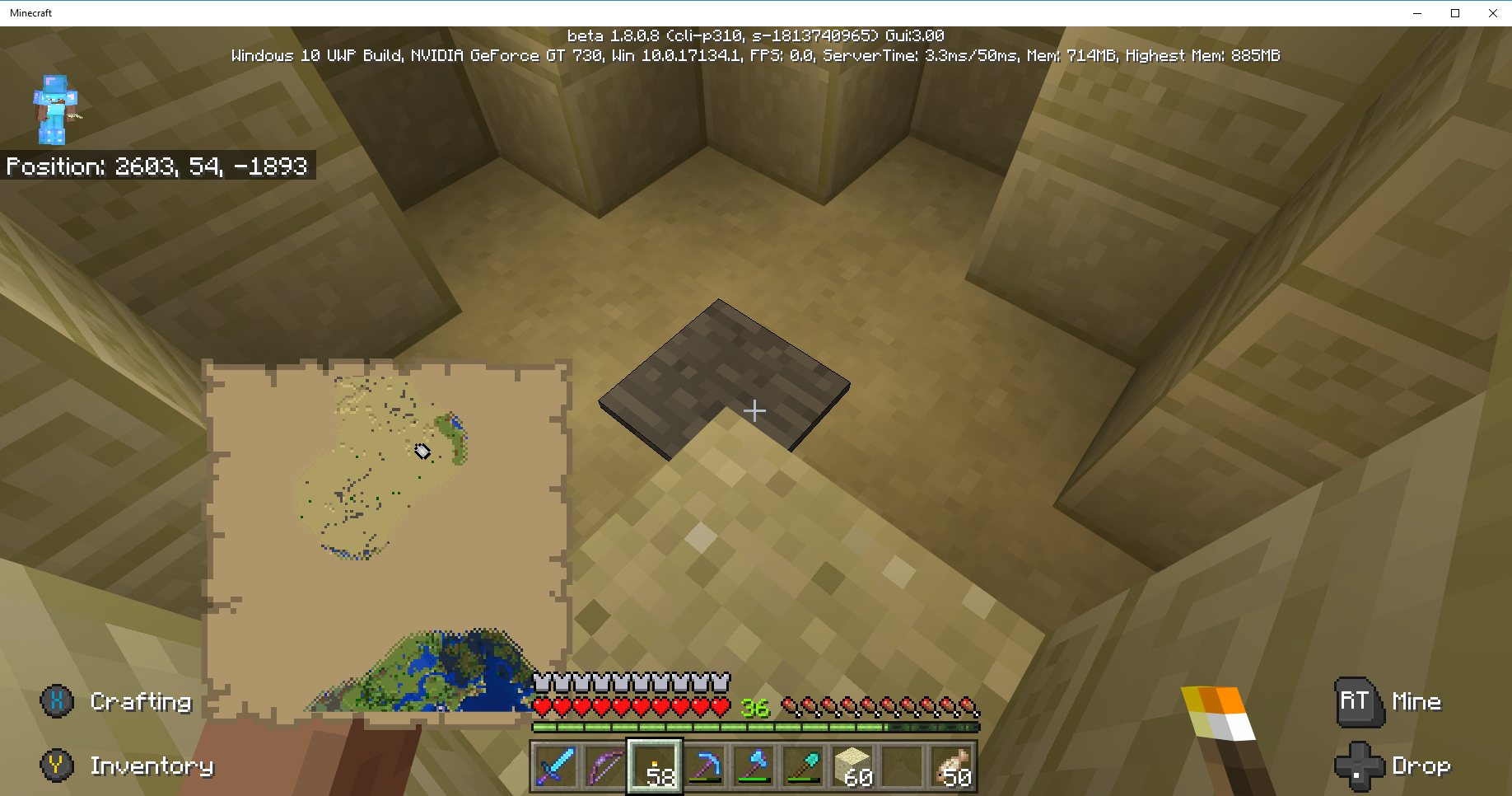




I think this is not a bug with Minecraft Beta, but relates to the way that paper appears, parchment biege, when Windows 10 Night Light settings are on. Please Delete or mark Resolved. Thanks
Hide.url
@[MCPE Mod] Auldrick: since you removed my post, does that take away my vote and stop watching?
[MCPE Mod] Auldrick, because you are removing (aka hiding) my posts, you do not want me posting bug reports? If this is the case, then I will delete all my bug reports in JIRA. I thought you welcomed Minecraft user input, but it appears not to be the case. I did not post what I discovered in testing the current crash issue to the Minecraft Wiki or Discord, because of your advice. But that will now be remedy. Have a nice day
Seed: Coastal Village (-1813740965); Survival Mode; Normal Difficulty; Infinite Size; world created after Beta v 1.11.0.3.
Blacksmith chest is empty as are the other chests in the village.
I did a Search project = "Minecraft (Bedrock codebase)" AND affectedVersion = "1.11.0.1 Beta" AND text ~ chest, and project = "Minecraft (Bedrock codebase)" AND affectedVersion = "1.11.0.3 Beta" AND text ~ chest; and neither Search argument found anything. Sorry for the duplicate post

I did a search on "MCPE Iron Golem". The search did not show
MCPE-39068. Sorry I wasted your time, but I think the search engine leaves a lot to be desired.
I killed the drowned hostile. It dropped a trident, but I could not acquire it. I have been able to get the gold and the rotten flesh the drowned drops. I understand the tridents thrown cannot be acquired.
Update 2018/03/25: I finally got a dropped trident after I killed a drowned zombie. There have been many kills and dropped tridents which I could not retrieve. I don't know why I was able to recover the aforementioned trident.
Getting dropped tridents is a hit or miss proposition. So far, I have been able to pick up 1 trident out of many attempts. Note: the tridents are dropped, not thrown, in similar fashion as dropped gold or rotten flesh.
All climbable blocks. Xbox 1 or PS4 controllers. Mouse / keyboard works fine. Controllers are USB wire connected, and function as expected.
I am away from my PS4, so I have not verified the controller setting. I will check later this week.
Yes, you are correct about mouse and controller both having auto jump settings. Thanks for pointing me in the correct direction.
Best wishes!
My villages are being overrun with the Wandering Trader's lamas. The Wandering Trader should take his lamas when he leaves the village.
Wandering Trader is leaving Llamas on each visit. Village is overrun with lamas!
Wandering Trader is leaving Llamas on each visit. Village is overrun with Llamas!
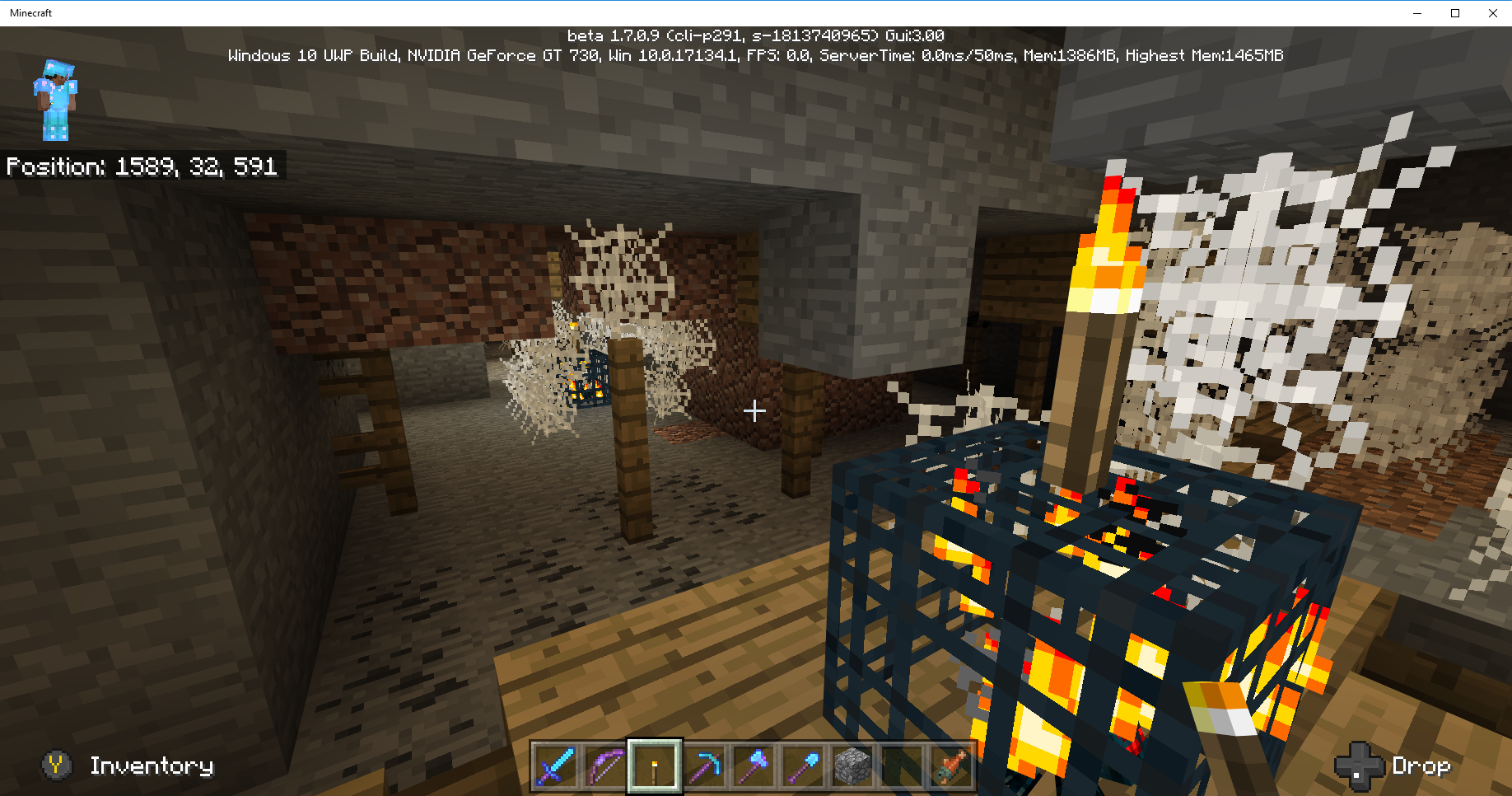
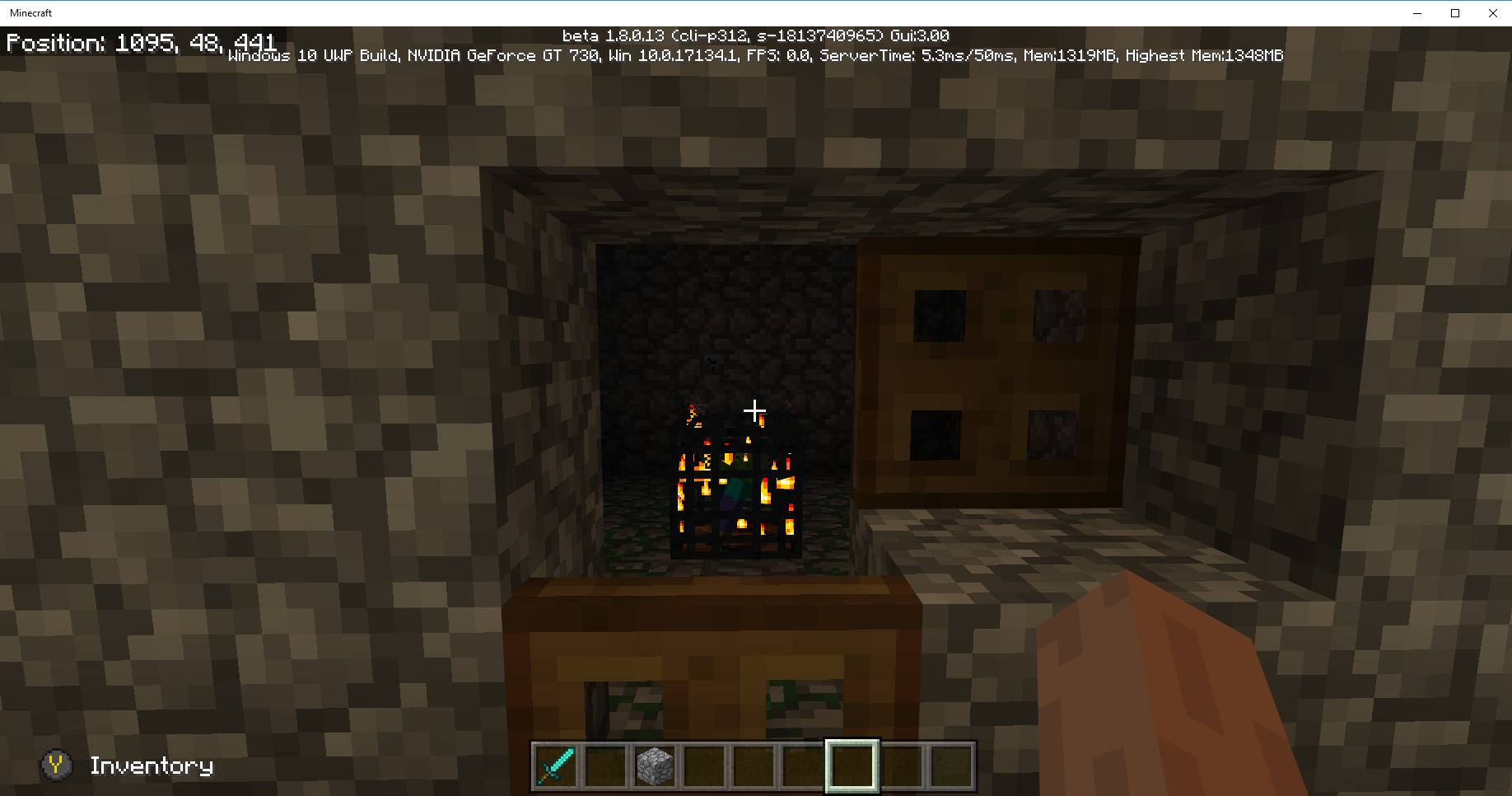
Coastal Village Seed: -1813740965 (created v. 1.11.05 Beta) Survival Mode; Normal Difficulty; Infinite World Type. Example: Abandon Mineshaft Cave Spider Spawner x=1628 y=26 z=425
In Windows 10 Bedrock Beta 1.11.0.5, light levels don't stop cave spider spawners from creating cave spiders. The only way to stop the mobs from spawning is to destroy the spawner which is great for cave spiders in a mineshaft but not so good for a mob grinder.


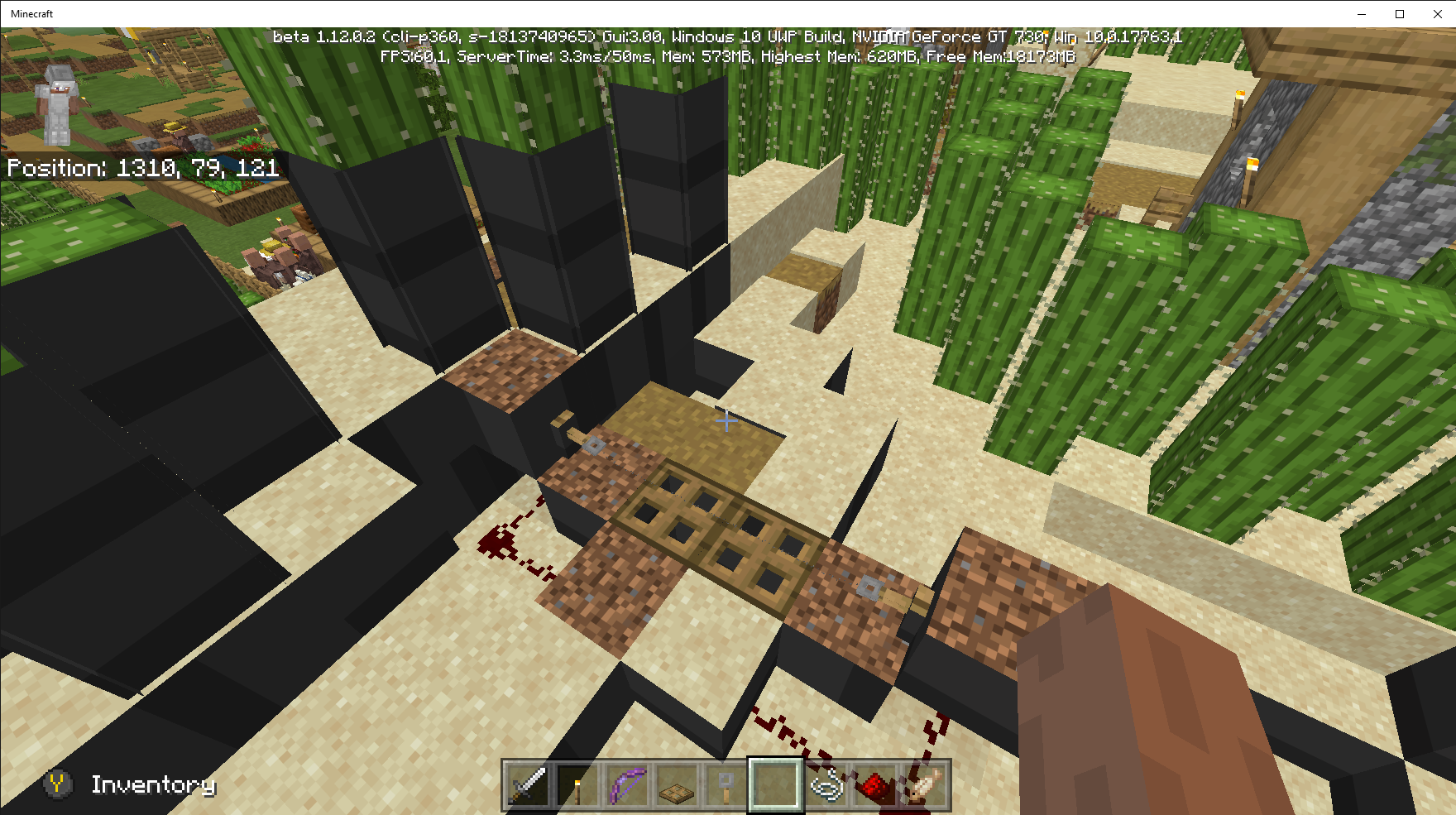

Windows 10 PC Seed: Coastal Village (-1813740965); Survival Mode; Normal Difficulty; Infinite Size; world created after Beta v1.11.0.10. Villager Head floats above sleeping body, see attached screen shot.


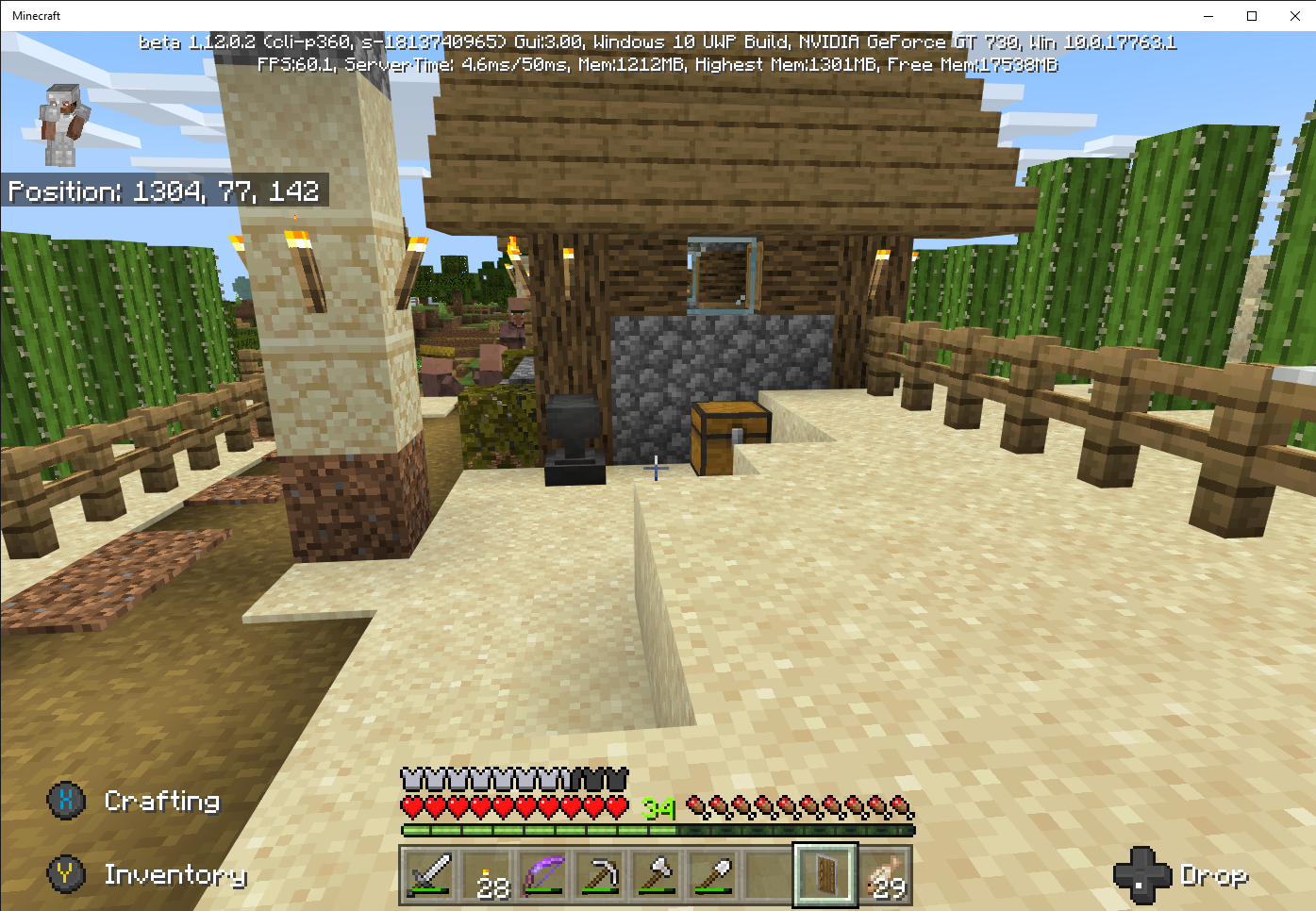
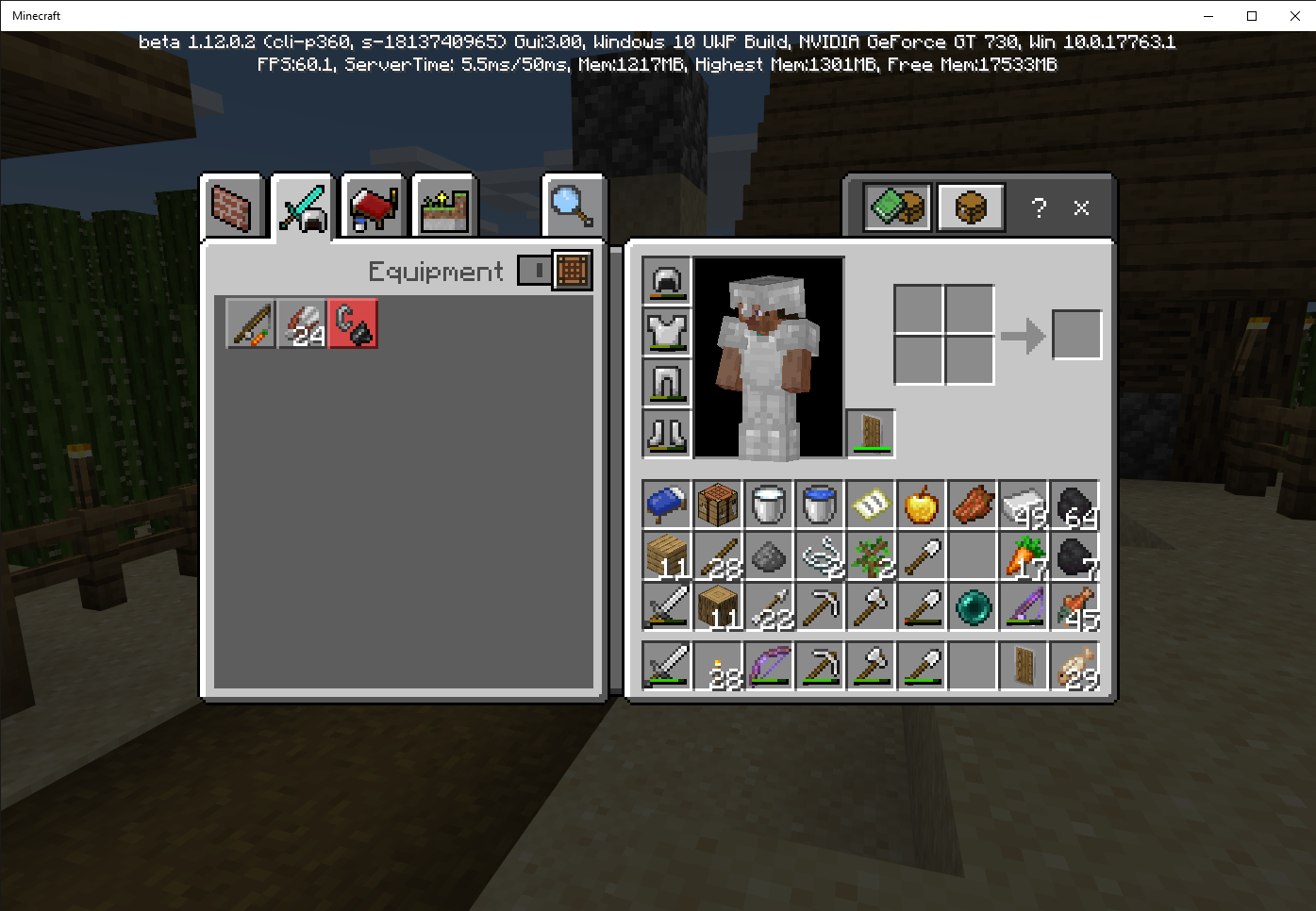
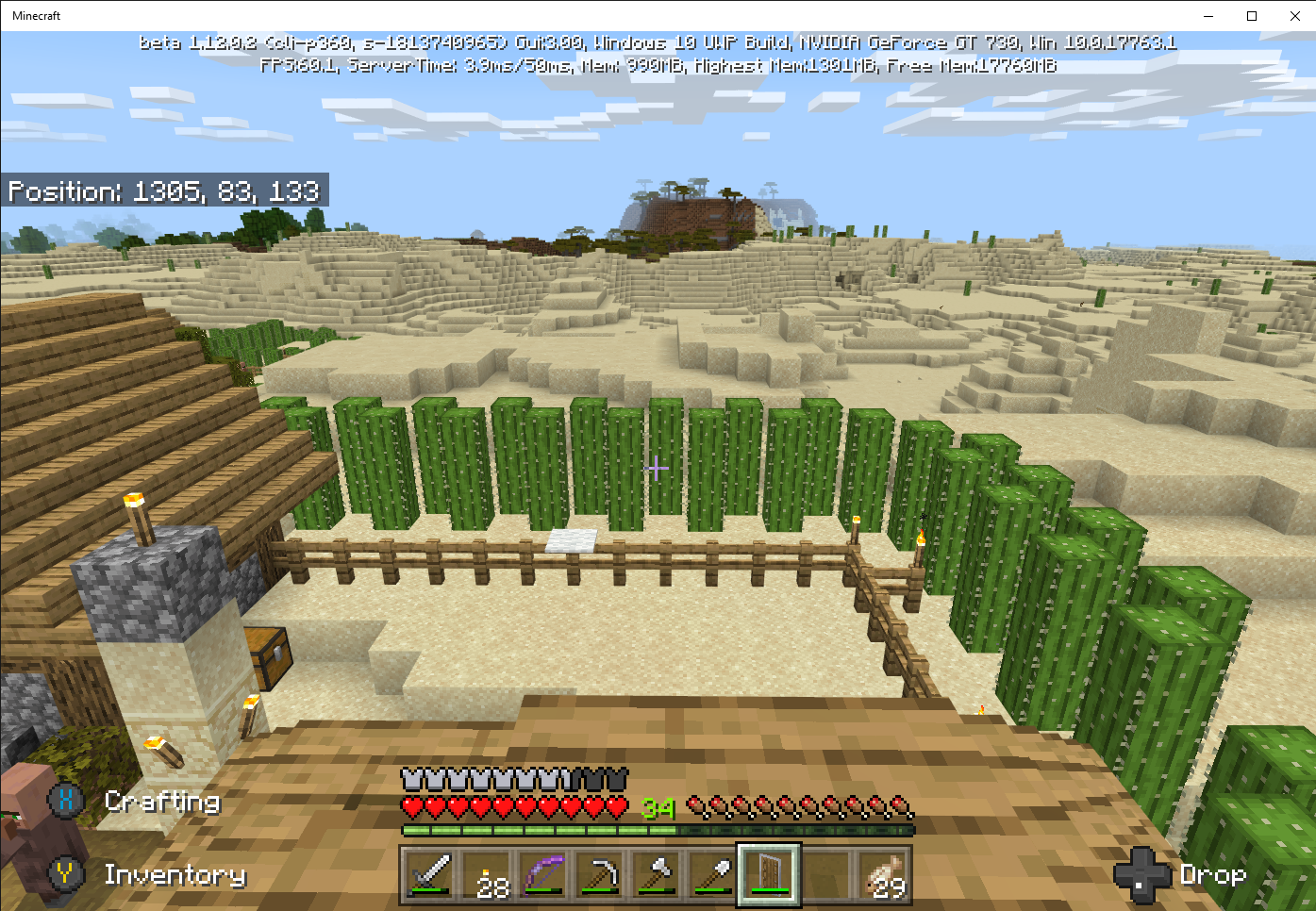

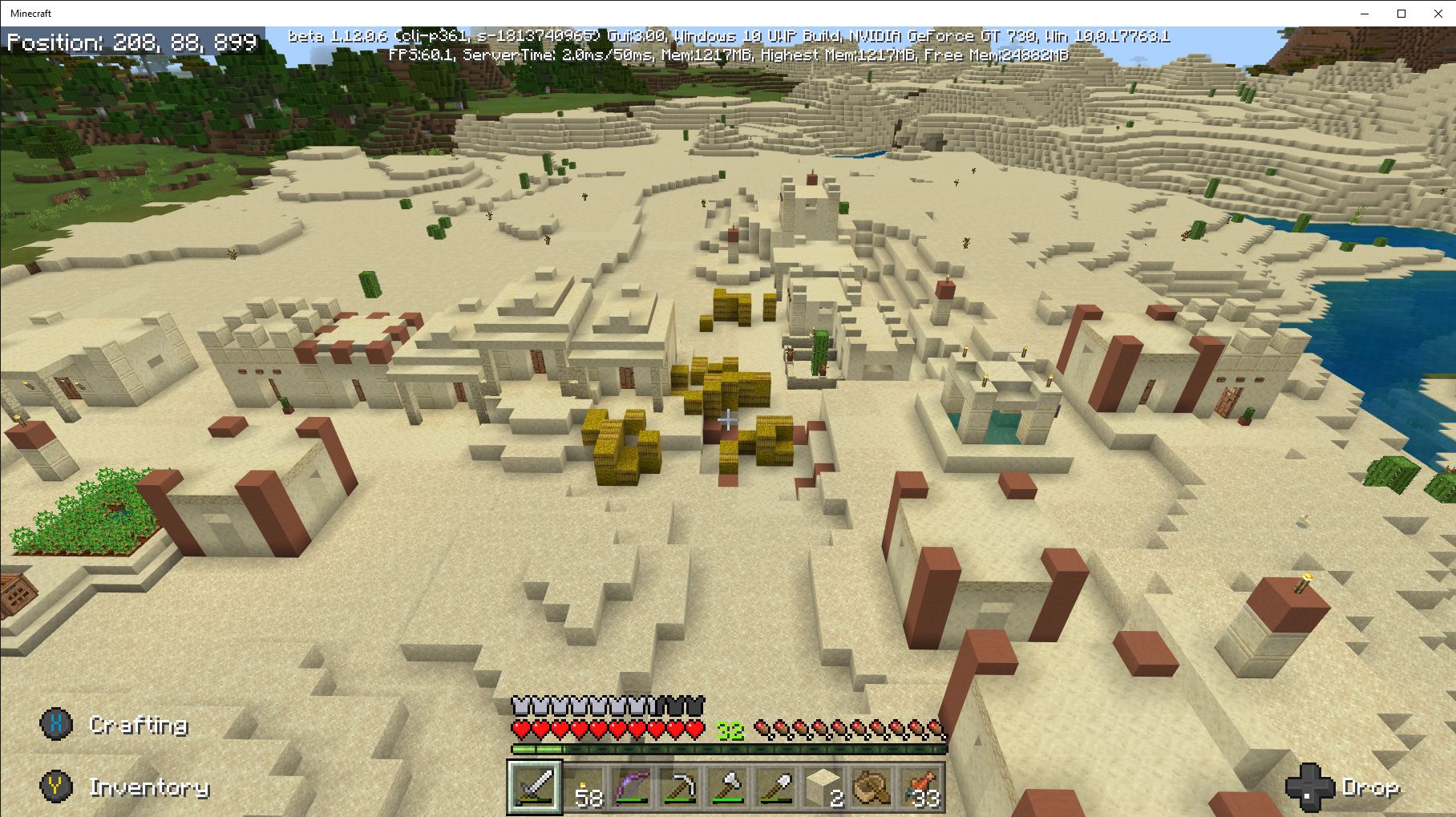
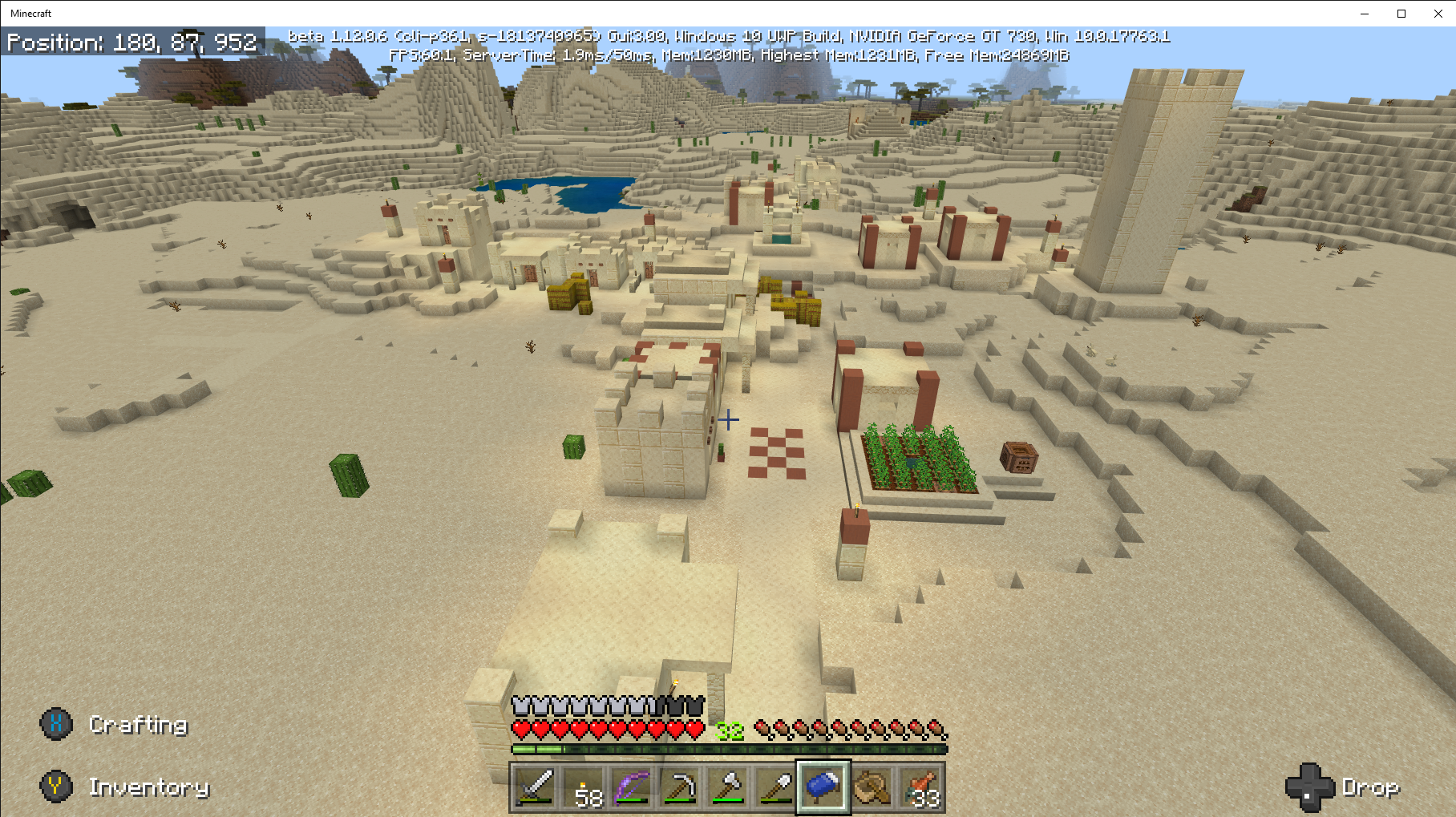
Iron Golems do not attack hostile mobs outside of 1 high fences, see attached screenshot.
In many cases, the hostile mobs, zombie, husks, strays, and drowned, kill the iron golem.Seed: Coastal Village (-1813740965); Survival Mode; Normal Difficulty; Infinite Size; world created after Beta v1.12.0.2.
Iron Golems do not attack hostile mobs outside of 1 high fences, see attached screenshot.
In many cases, the hostile mobs, zombie, husks, strays, and drowned, kill the iron golem.
Iron Golems do not attack hostile mobs outside of 1 high fences.Non issue
Seed: Coastal Village (-1813740965); Survival Mode; Normal Difficulty; Infinite Size; world created after Beta v1.12.0.2.
Iron Golems do not attack hostile mobs outside of 1 high fences, see attached screenshot.
In many cases, the hostile mobs, zombie, husks, strays, and drowned, kill the iron golem.Non issue
Steps to Reproduce:
1. Start Minecraft Bedrock Beta 1.13.0.5 on a Windows 10 Pro PC V. 1809 Build 18362.267.
2. Create world seed: Coastal Village (-1813740965); Survival Mode; Normal Difficulty; Infinite Size; world must be created after Beta v1.13.0.4.
3. Build stone fence wood fence structure shown in attached screen shots
Observed Results:
Villagers and hostile mobs walk through stone wall and oak fence which is less than a block in width.
Expected Results:
Villagers and hostile mobs would be blocked and not able to walk through the less than 1 block space.
Villagers and hostile mobs walk through a space less than 1 block.
Villagers and hostile mobs walk through a space less than 1 block.Non issue
Steps to Reproduce:
1. Start Minecraft Bedrock Beta 1.13.0.5 on a Windows 10 Pro PC V. 1809 Build 18362.267.
2. Create world seed: Coastal Village (-1813740965); Survival Mode; Normal Difficulty; Infinite Size; world must be created after Beta v1.13.0.4.
3. Build stone fence wood fence structure shown in attached screen shots
Observed Results:
Villagers and hostile mobs walk through stone wall and oak fence which is less than a block in width.
Expected Results:
Villagers and hostile mobs would be blocked and not able to walk through the less than 1 block space.Non issue

Steps to Reproduce:
1. Start Minecraft Bedrock Beta 1.13.0.5 on a Windows 10 Pro PC V. 1809 Build 18362.267.
2. Create world seed: Coastal Village (-1813740965); Survival Mode; Normal Difficulty; Infinite Size; world must be created after Beta v1.13.0.5.
3. Open minecart chest to view contents. Note: Bad Omen Effect.
Observed Results:
Minecart chest lid does not open, and there is no sound of the chest lid opening. You can only view the contents by pointing below the chest and clicking on the minecart.
Expected Results:
Minecart chest would open like it did in Beta 1.13.0.6 and prior versions There would be the sound of the lid opening, refer to attached screenshot.
Minecart chests do not open to view the contents and no sound when opening.Non issue
Steps to Reproduce:
1. Start Minecraft Bedrock Beta 1.13.0.5 on a Windows 10 Pro PC V. 1809 Build 18362.267.
2. Create world seed: Coastal Village (-1813740965); Survival Mode; Normal Difficulty; Infinite Size; world must be created after Beta v1.13.0.5.
3. Open minecart chest to view contents. Note: Bad Omen Effect.
Observed Results:
Minecart chest lid does not open, and there is no sound of the chest lid opening. You can only view the contents by pointing below the chest and clicking on the minecart.
Expected Results:
Minecart chest would open like it did in Beta 1.13.0.6 and prior versions There would be the sound of the lid opening, refer to attached screenshot.Non issue
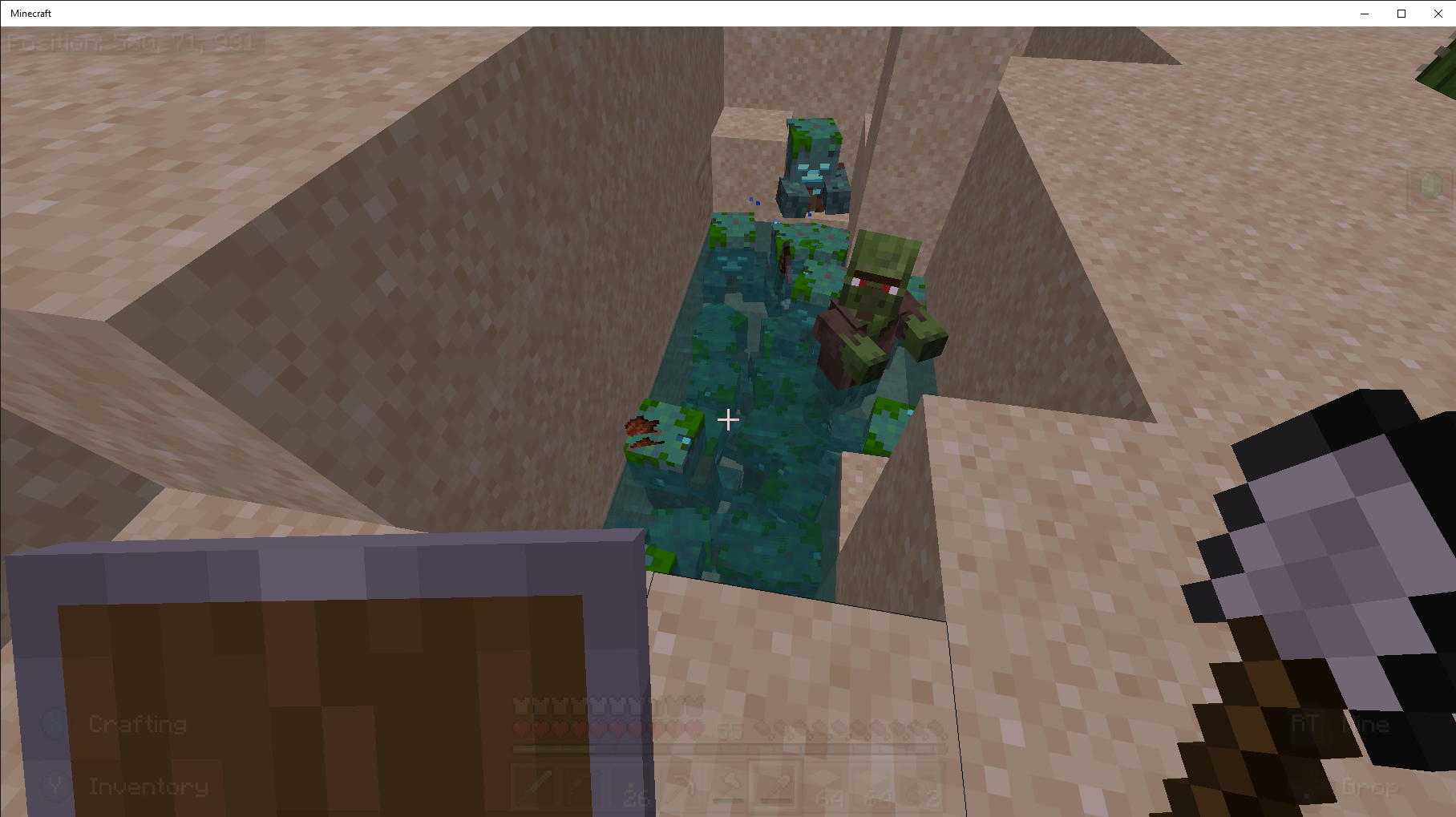


Bell cannot be hung from a half slab as shown in the attached screen shot.Non issue
Steps to Reproduce:
1. Start Minecraft Bedrock Beta 1.13.0.6 on a Windows 10 Pro PC V. 1809 Build 18362.295.
2. Create world seed: Coastal Village (-1813740965); Survival Mode; Normal Difficulty; Infinite Size; world must be created after Beta v1.13.0.5.
3. Build 3x5 structure as shown in the attached screen shot.
4. Attempt to attach bell as shown in the attached screen shot.
Observed Results:
Bell will not attach as shown in attached screen shot from village located x=584 y=64 z=886
Expected Results:
I tried to reproduce the structure shown in the aforementioned village. I expected the bell would attach if it was attached when the world generated.Non issue
Lighting glitch when mining. Blocks turn black, see screen shotNon issue
Steps to Reproduce:
1. Start Minecraft Bedrock Beta 1.13.0.9 on a Windows 10 Pro PC V. 1809 Build 18362.295.
2. Create world seed: Coastal Village (-1813740965); Survival Mode; Normal Difficulty; Infinite Size; world must be created after Beta v1.13.0.5
3. Start mining blocks, see attached screen shots.
Observed Results:
Area most recently mined turns to a dark void which corrects when light is added or the next blocks are mined.
Expected Results:
There would be no black void when mining blocks.Non issue
MCPE-51994duplicates this I think. Screenshots are available onMCPE-51994.

No Silverfish spawner in End Portal Room.Non issue
Steps to Reproduce:
1. Start Minecraft Bedrock Beta 1.13.0.9 on a Windows 10 Pro PC V. 1809 Build 18362.295.
2. Create world seed: Coastal Village (-1813740965); Survival Mode; Normal Difficulty; Infinite Size; world must be created in Beta v1.13.0.9.
3. Go to End Portal room: x=533 y=15 z=903
Observed Results:
No Silverfish spawner.
Expected Results:
According to Minecraft Wiki there should be a silverfish spawner in the End Portal room, but there was none, see attached screenshot.Non issue
Iron Golems are sinking to a new low!Non issue
Seed: Coastal Village (-1813740965); Survival Mode; Normal Difficulty; Infinite Size; world created after Beta v1.12.0.2.
Iron Golems weigh too much, and they are sinking to a new low, please refer to attached screen prints.If you attempt to pull the iron golem out of the blocks and accidently hit the iron golem, all his buddies will kill you:'-(. No good deed goes unpunished.
Non issue
![[MCPE Mod] Auldrick](../../../data/avatars/users/10122.svg)
allenn: The information you're reporting is unique and might provide an important clue for the developers. I don't know why your experience was different, but I don't doubt that there are many ways it could happen. I can even think of a couple hypothetical ways off the top of my head, though I don't think publicly speculating about them would be beneficial.
![[Mod] LateLag](../../../data/avatars/users/92884.png)
allenn - Thanks for explaining. Maybe that should be tracked in a separate ticket? I'll try to get an answer from the Mods and update the summary/description if needed.