 Cole Abbeduto
- cole21771
- cole21771
- Europe/Stockholm
- Yes
- No
 MCPE-4570
![[Mojang] Grum (Erik Broes)](../../../data/assets/gravatar/grum.png)
 MC-98030
![[Mojang] Georgii Gavrichev](../../../data/avatars/users/22428.png)



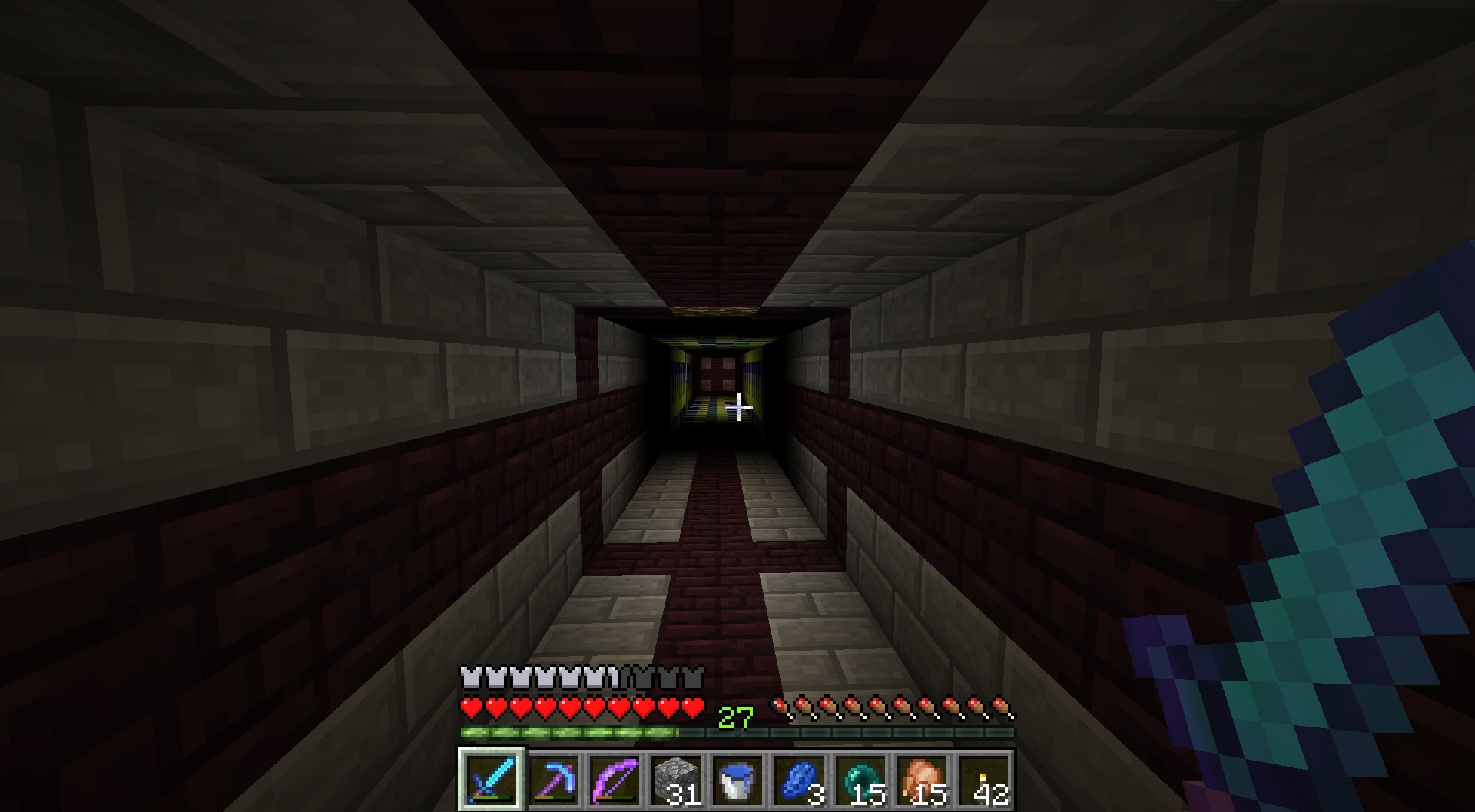
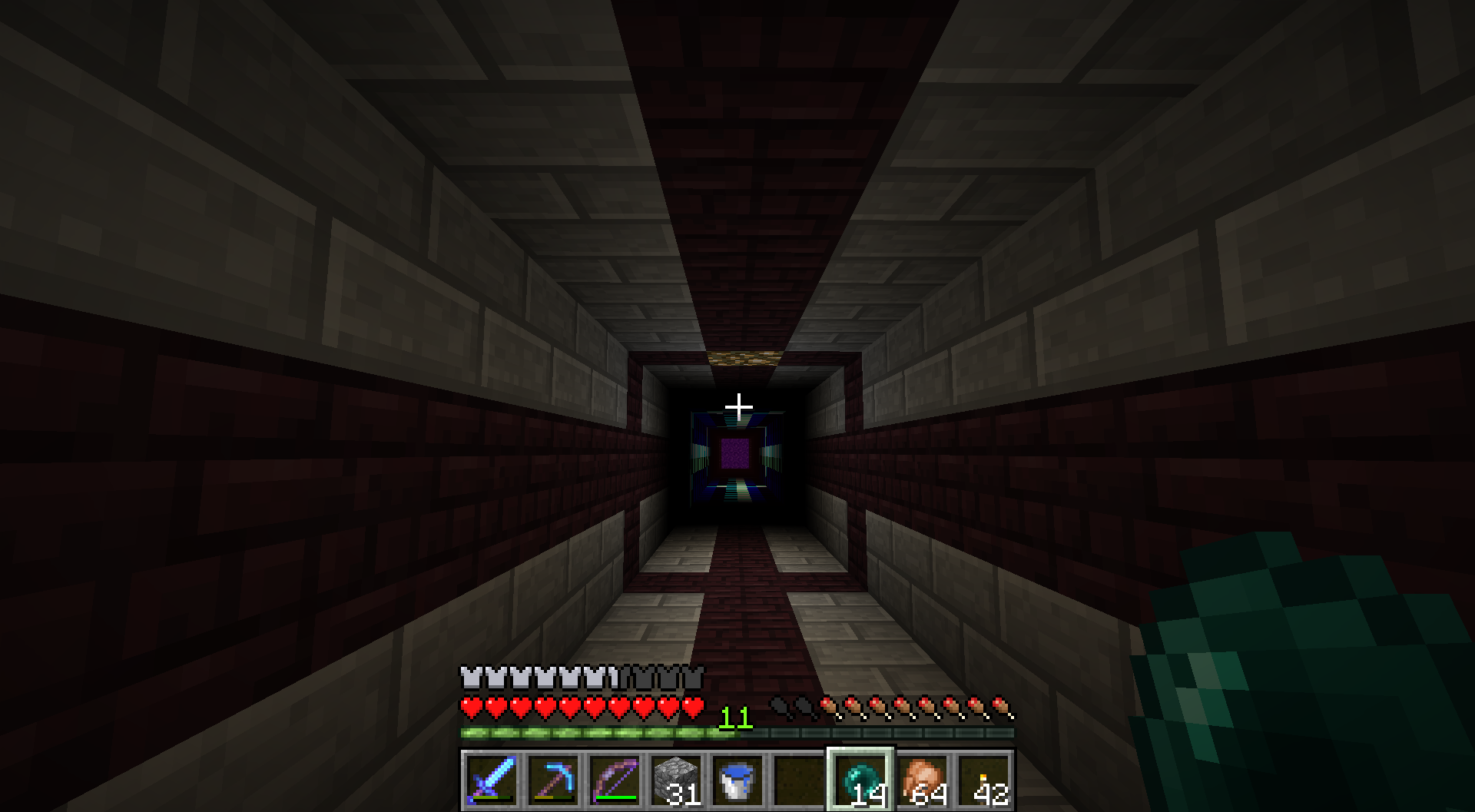
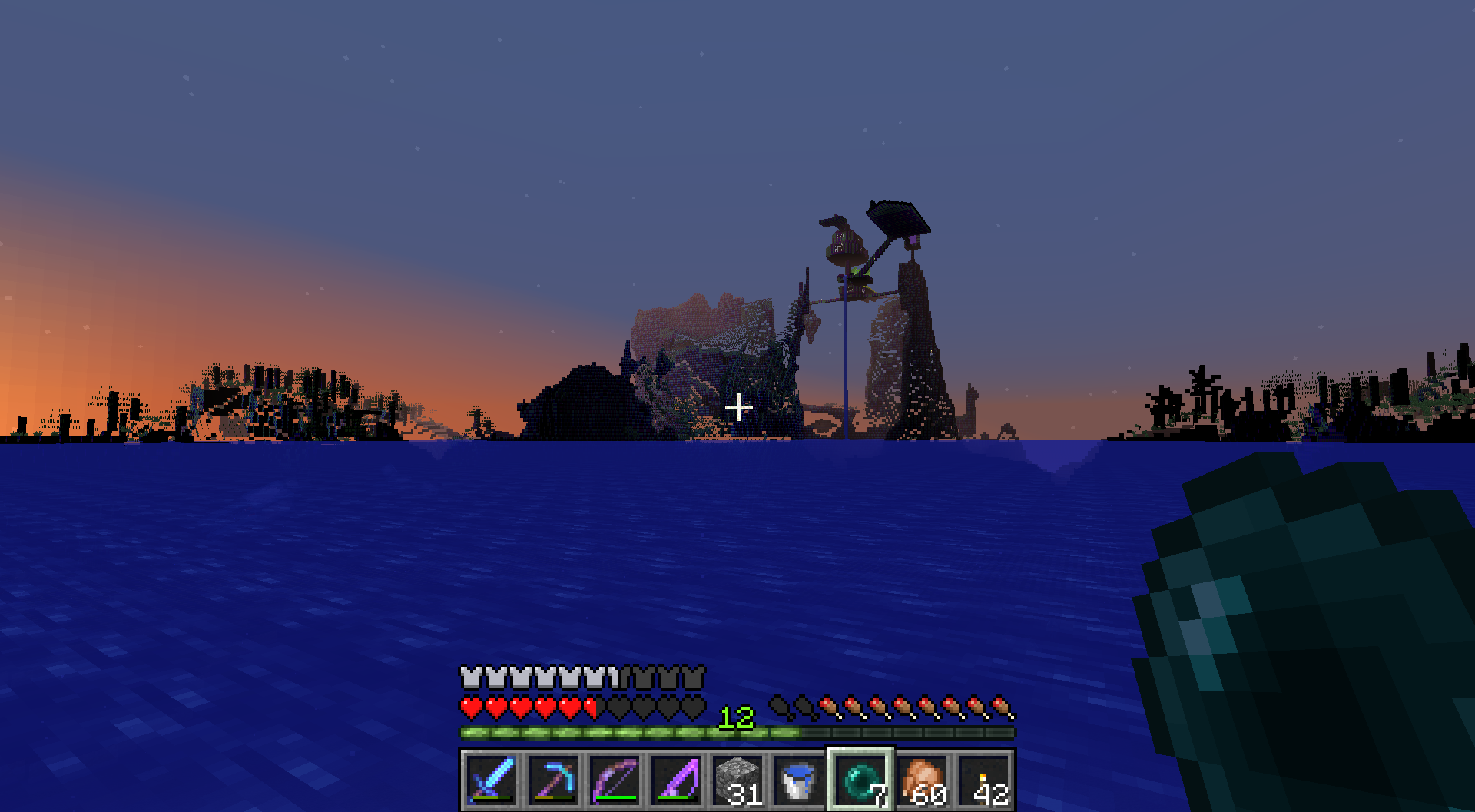







Spectator mode - Becomean item frame or paintingSpectate as an item frame or painting
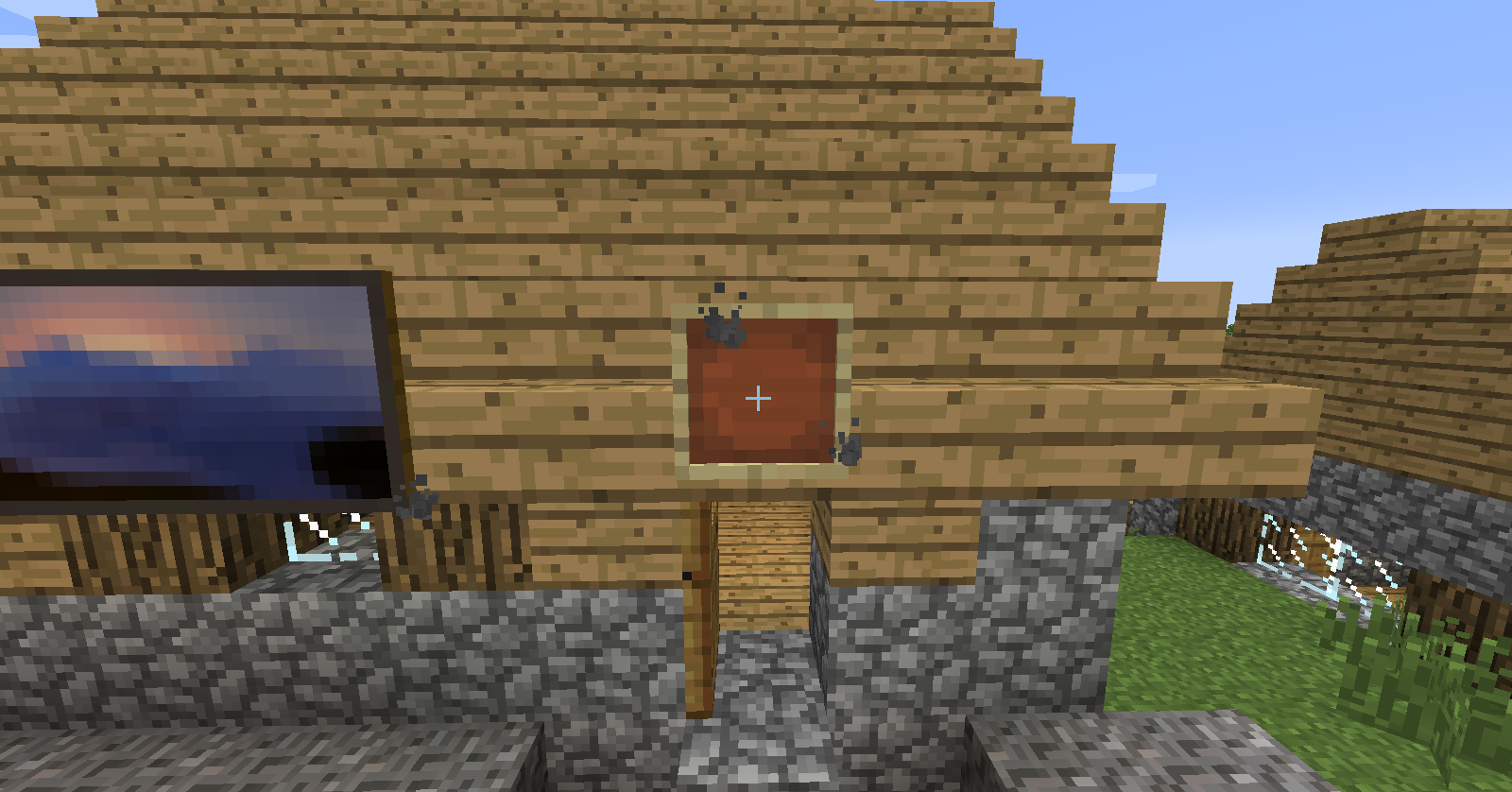
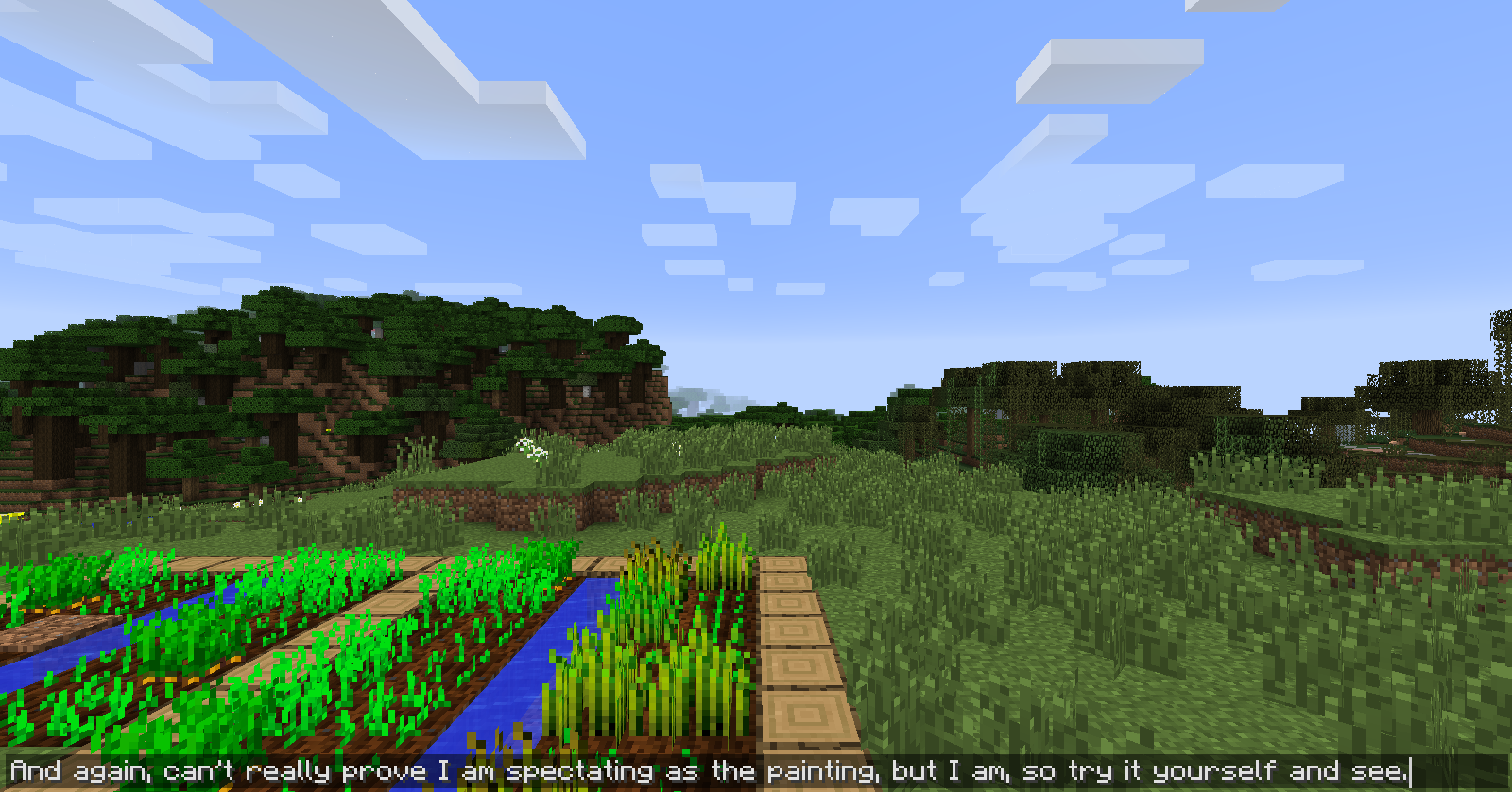
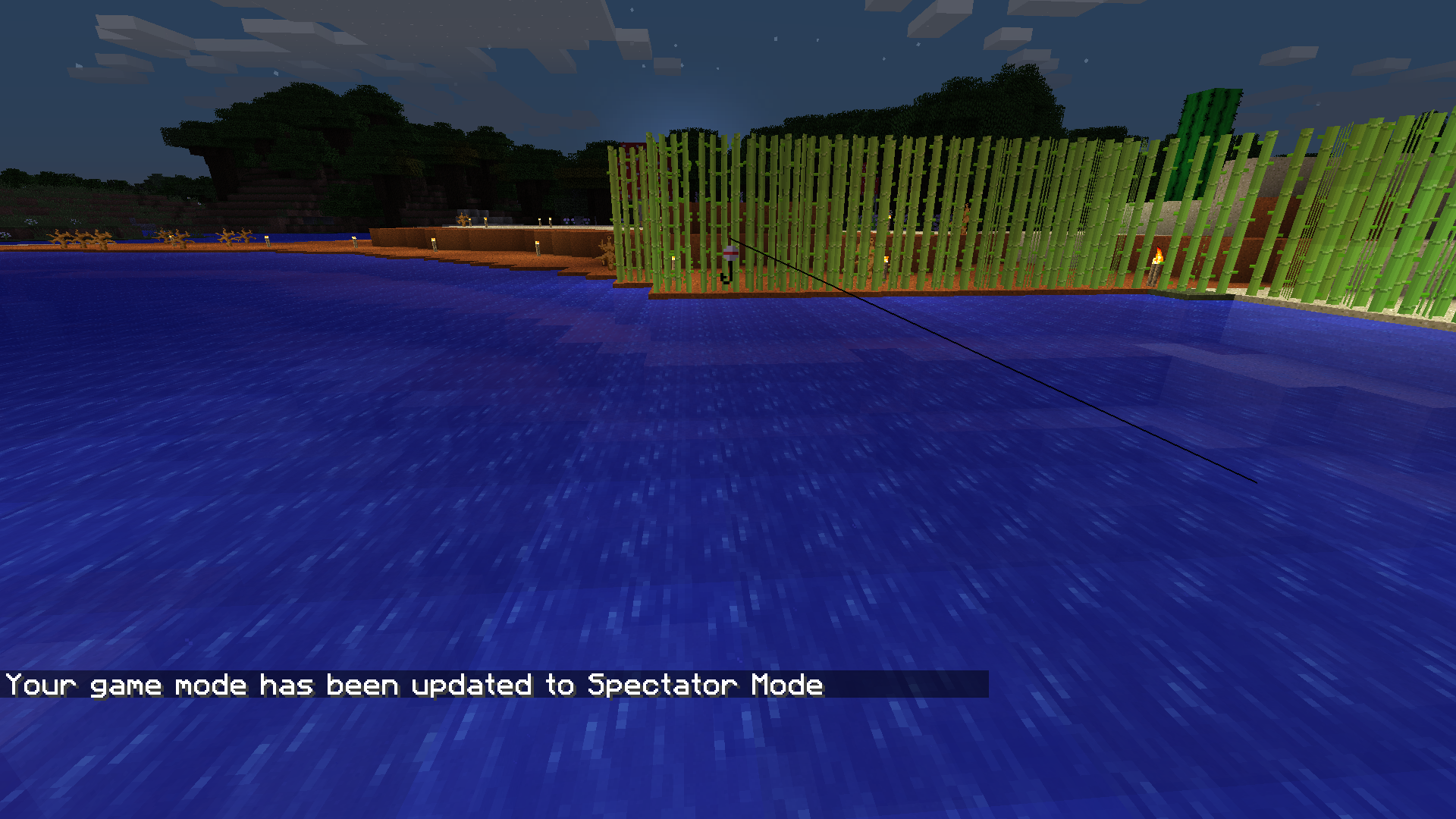
When in spectator mode, you can click on entities and look at what they are seeing, so I thought, what if you click on a painting or item frame because they are entities too. So I did, and you are able to "view" what the item frame or painting is seeing. I also tried it with some other things such as fireballs, arrows, and flying wither heads, but it only seems to effect item frames and painting.
P.S. I did not find any other reported glitch explaining this, so if I am mistaken and there is already one, sorry...
When in spectator mode, you can click on entities and look at what they are seeing, so I thought, what if you click on a painting or item frame because they are entities too. So I did, and you are able to "view" what the item frame or painting is seeing. I also tried it with some other things such as fireballs, arrows, and flying wither heads, but it only seems to effect item frames and paintings.
P.S. I did not find any other reported glitch explaining this, so if I am mistaken and there is already one, sorry...
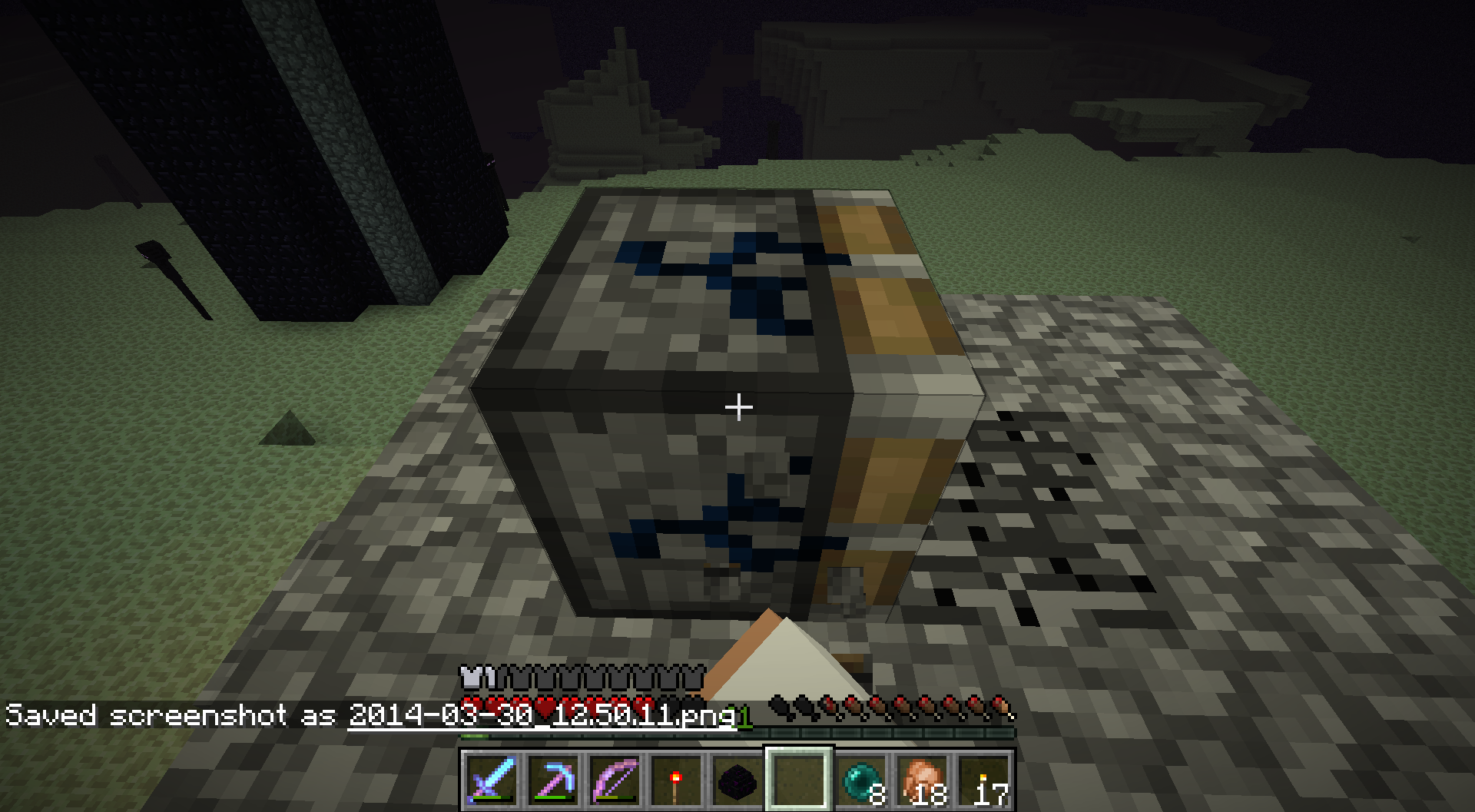
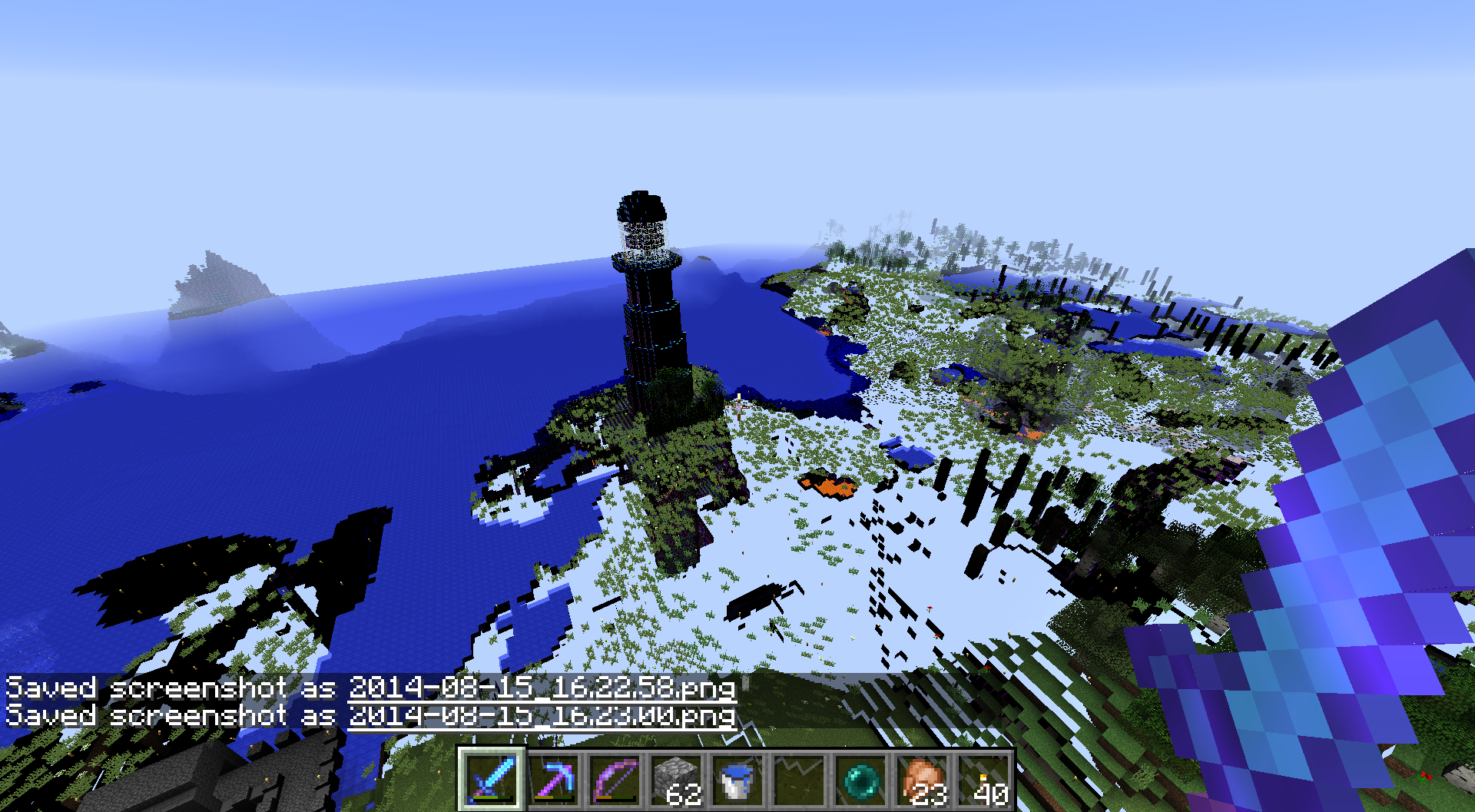
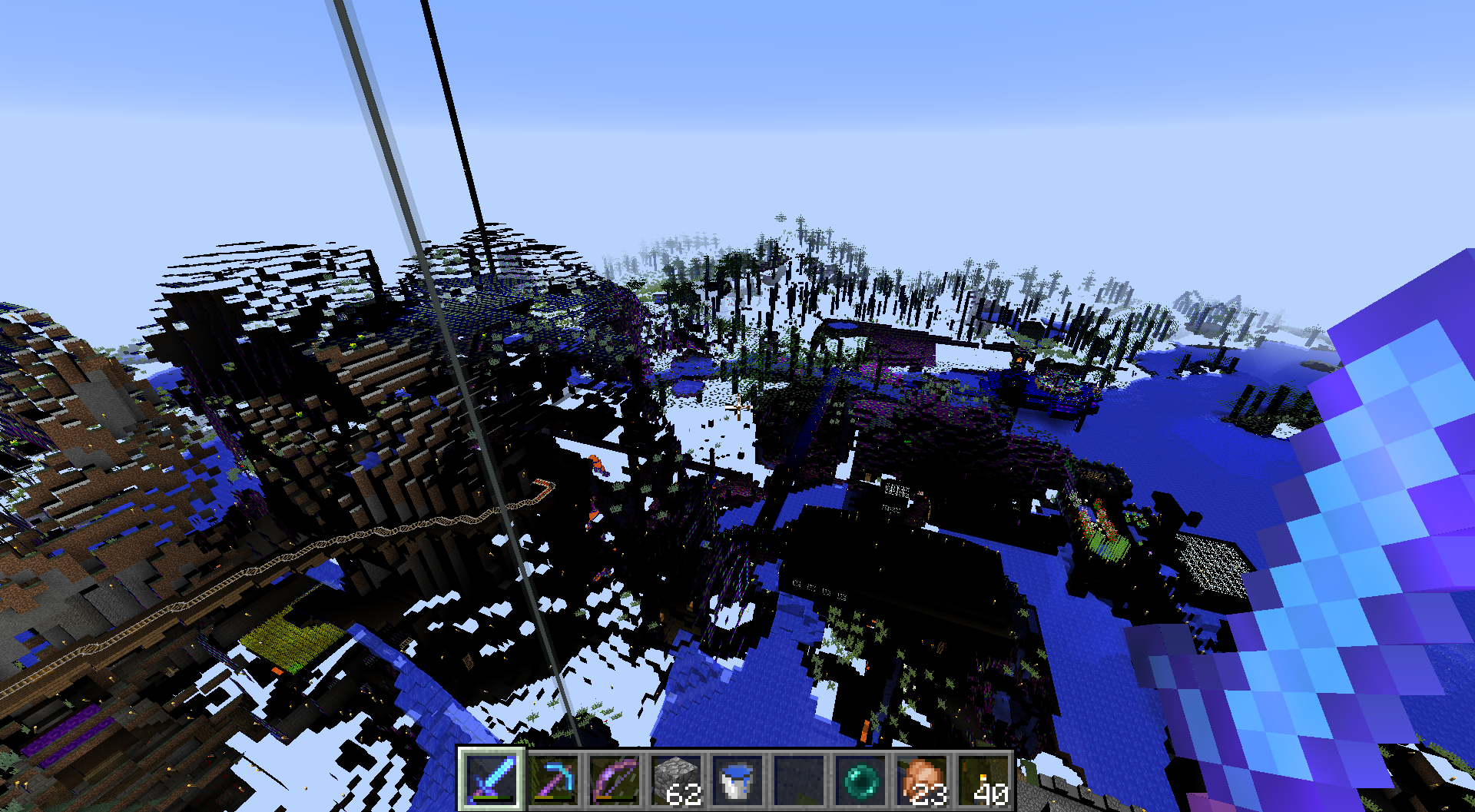
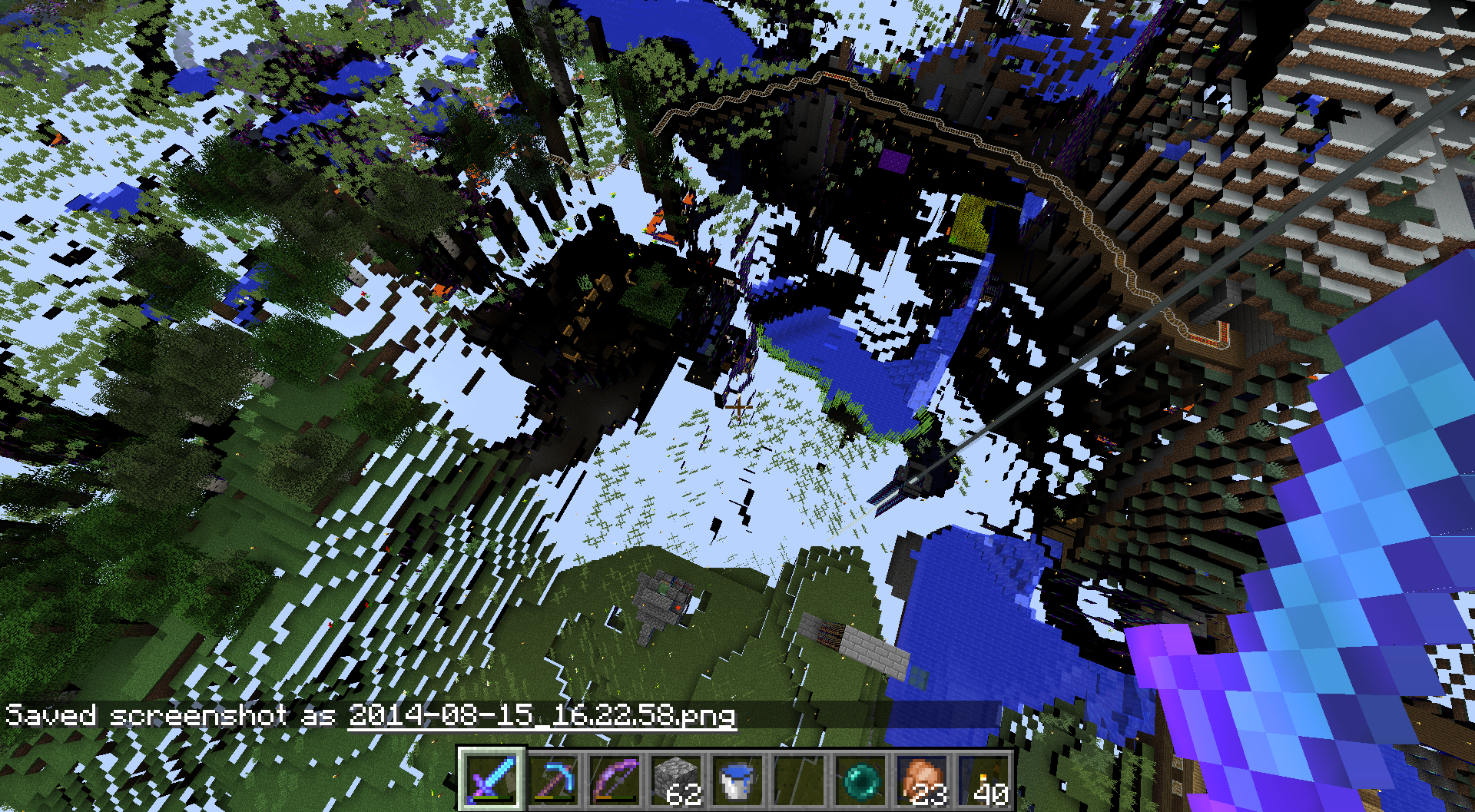
After a couple minutes or so, the world around me will just randomly turn black and see through and some blocks will create random and weird colored patters. MC worked properly in 14w33a for me though. I attached some screenshots showing the weird blackness and see through parts and also attached a forced crash report if it is needed.
After a couple minutes or so, the world around me will just randomly turn black and see through and some blocks will create random and weird colored patters. MC worked properly in 14w33a for me though. I attached some screenshots showing the weird blackness and see through parts and also attached a forced crash report if it is needed.
Also, it seems it may be related to mipmap because as soon as I change the mipmap level and then change it back, the weird black and see through things all go away for a couple minutes.
Windows Embedded 8.1 Industry Pro
Java Version 8 Update 11
Nvidia GTX 650 Ti Boost
Wait, then what is doDayCycle?
ItemsDisappearing with full inventoryItems disappearing with full inventory
Not sure if this is a bug or what, but I don't see anything related to slime blocks being changed in any of the changelogs on the wiki. Slime blocks wouldn't even push players in the 15w38a snapshot, so I guess this was maybe mistakenly changed in the 15w38b snapshot.
Up to you guys weather this is a bug or not, but just saying, it breaks all slime block piston elevators...
Here is a video demonstrating that the height that slime blocks push you is different in 1.8.8 and 15w38a (Same effect in 15w42a): https://youtu.be/uGfJeYDp0Rk
I'm not exactly sure how to explain it well in words, but I made a video showing off the bug, it has been in the game for the past few months only on servers running the snapshots. Seems to work fine in single player, but anyway, here is the video: https://youtu.be/wUBibAHv6QA
Edit: Look in the comments of the video, another guy says he has this issue too.
In the video I mention recording with xbox, I meant the xbox app for windows 10. I am on Windows Minecraft.
What I expected to happen:
Sound plays when an item breaksWhat actually happen:
No sound is playedVideo link:
https://www.youtube.com/watch?v=TgcN-X32wJI
I'm pretty sure iirc that the Elytra is suppose to be infinitely repairable. Before today this was the case as it always costed 4 levels to repair my elytra, but today I put it in the anvil and it says it costs 35 levels to repair it... I'm pretty sure this is a bug. Soon after is was "too expensive"
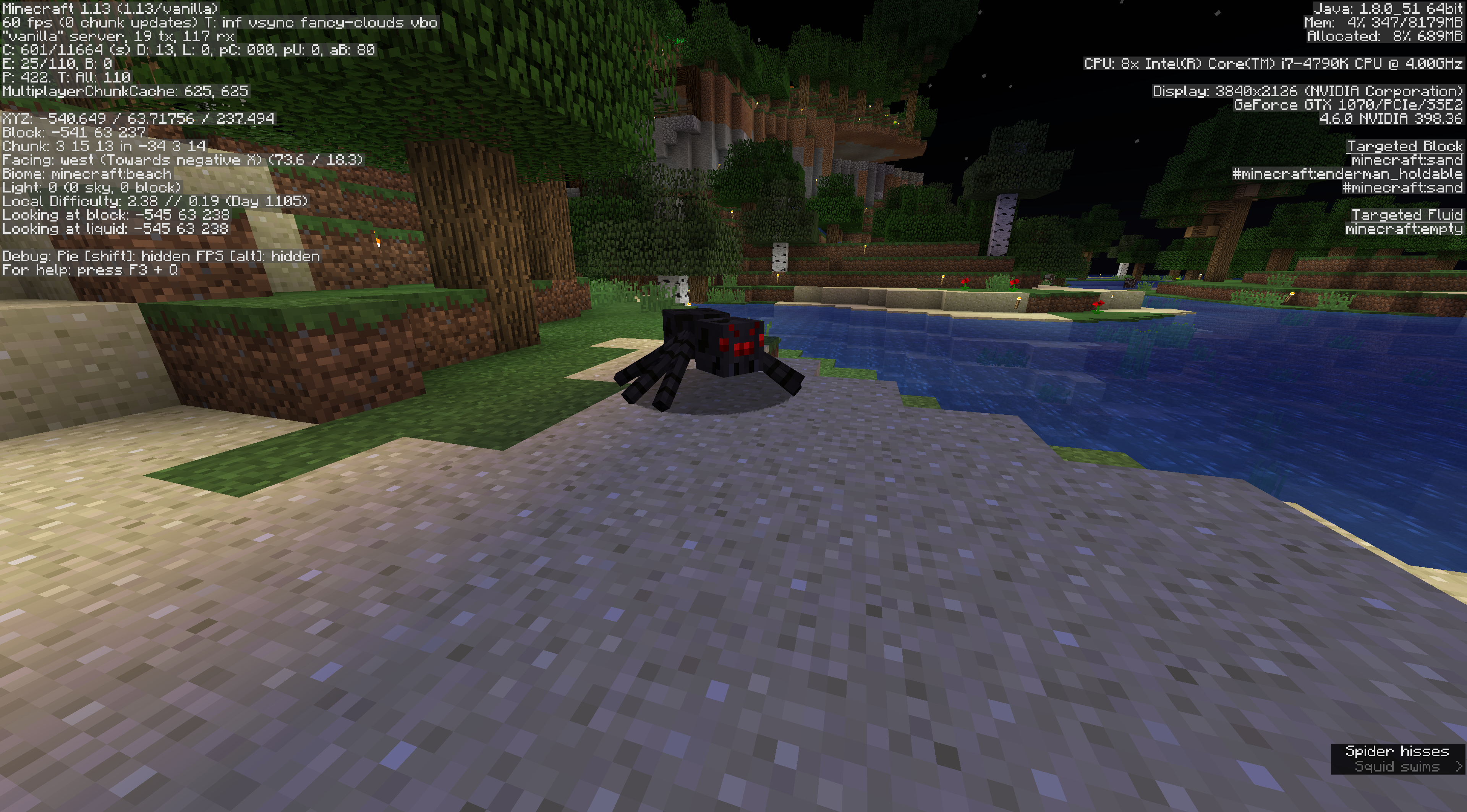
So lighting seems to randomly be broken. I could have sworn that this was fixed quite a long time ago, but it seems to be back worse than ever. The worst part about it this time it that it doesn't seem to be just client side, but actually server side as other people can see it and it is not fixed on relog. As well as the fact that mobs seemingly can spawn in it in the middle of the day due to the block light and sky light being both marked as 0. Example screenshots are below.
Mumbo Jumbo recently encountered this issue as well (timestamp 9:12): https://youtu.be/3avo6rSqDZ0?t=9m12s
So lighting seems to randomly be broken. I could have sworn that this was fixed quite a long time ago, but it seems to be back worse than ever. The worst part about it this time it that it doesn't seem to be just client side, but actually server side as other people can see it and it is not fixed on relog. As well as the fact that mobs seemingly can spawn in it in the middle of the day due to the block light and sky light being both marked as 0. Example screenshots are below.
Mumbo Jumbo recently encountered this issue as well (timestamp 9:12): https://youtu.be/3avo6rSqDZ0?t=9m12s
Another example from Mumbo Jumbo (timestamp 14:02): https://youtu.be/l6WiFXkhG4A?t=14m2s
MC 1.13 (Built in Java obviously)
Windows 10 (1803)
Playing on a vanilla serverWindows 10 (1803)
Playing on a vanilla server
![[Mod] Ezekiel (ezfe)](../../../data/assets/gravatar/ezekielelin.jpeg)
Cole Abbeduto The bot thinks its incomplete because you wrote four words as your ticket.
This is definitly not a duplication of
MC-5998because what that one says makes no sense. Also do you mean to say that this issue is resolved in a version that is not yet released or in snapshot 13w01b? If this is resolved in a version not yet released then sorry, but if not please fix it.I have a feeling that they used PX instead of what they should use, which is DPI. DPI makes it so it will be the same size on every device.
My glitch report was not a duplicate of this one, the one I wrote was specifically for the Nexus 10 where the UI is extremely small. Whatever, I am sure that their problem is that they are using pixels instead of dpi for their measurements. MCPE can't handle above 720p. The resolution of the GS4 is 1920x1080, the HTC One is 1920x1080, and the Nexus 10 is a whopping 2560x1600. Just fix the problem instead of deleting duplicate glitch reports.
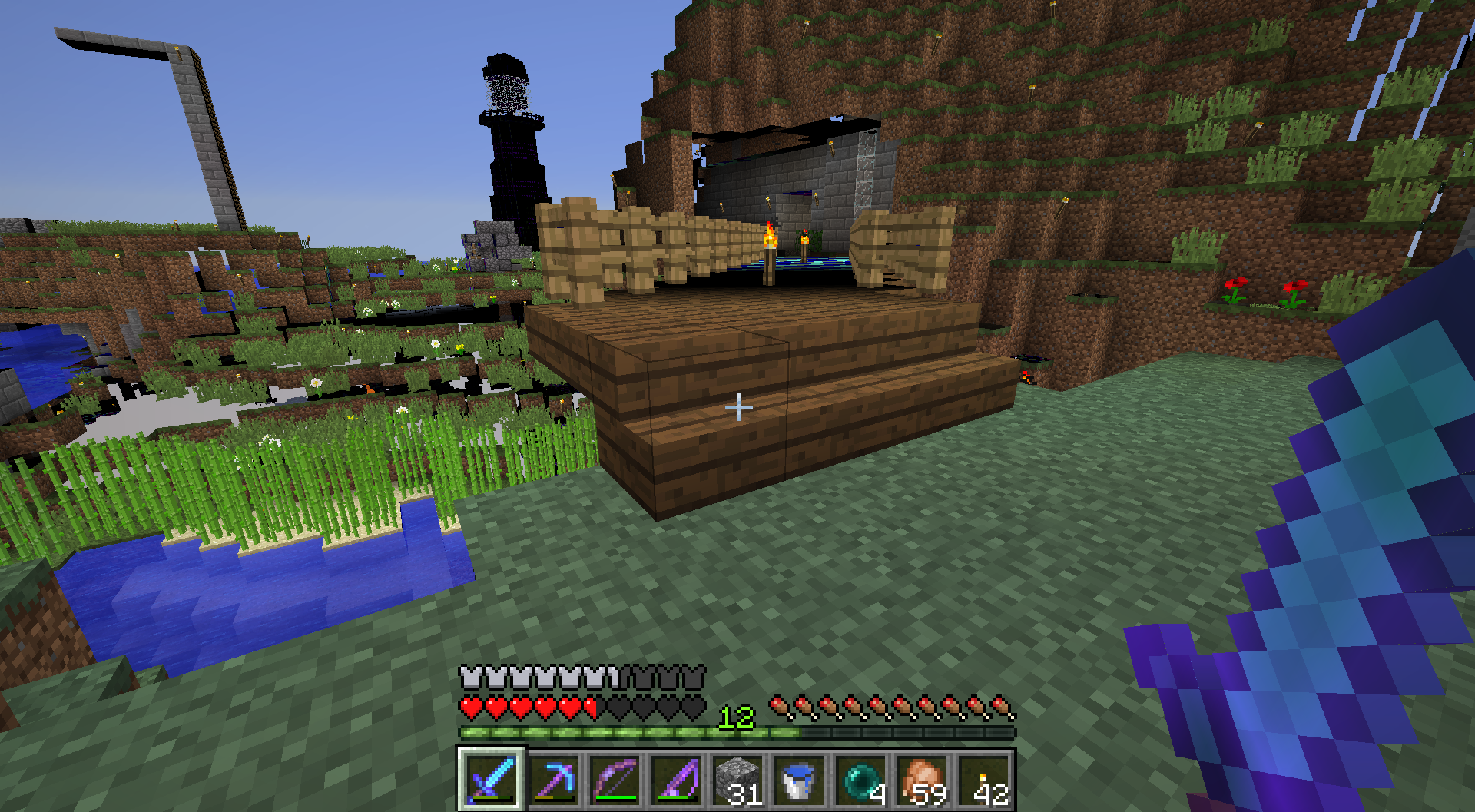
That you are able to spectator as an item frame and painting. I don't think
this is intended, but if it is, my mistake. If it is then you are looking 1
block higher than the actual painting, so either way there is a bug.
I have an Nvidia GTX 650 Ti Boost, how could it be AMD drivers?
Wait, then what is doDayCycle? That is new or something cause I didn't see it in 15w32a/b/c
Thankyou, sorry to add more onto the pile of bugs that there already is here.
Not sure how to delete this or mark it as resolved...
Yeah, it works just fine without the give command.
https://www.youtube.com/watch?v=IxOf6N4nkbw&feature=youtu.be
How is it incomplete?
I see how it relates the that other bug report, but why mark it as resolved if it isn't...
Dude, do you know what Looting does?
Looting (According to the wiki):
Mobs can drop more loot
Increases maximum loot drop by +1 per level.
Increases chance of rare drops by +1 percentage points per level (i.e., 3.5% at level I, 4.5% at level II, and 5.5% at level III).
Notably, this applies not only to kills with the sword but to any kills while holding the sword. For example, a player can fire an arrow at a target and then switch to a looting sword before the arrow hits to get the looting effect.
The exact drop chances depend on the type of drop.
Using codes to get higher levels than 3 works as expected, adding higher numbers with a weight of 1. High enough numbers however (like level 1000) may crash the game due to too many dropped item entities.
Actually I just looked at the MC Wiki, and it says "The amount of raw chicken (or cooked chicken) dropped is not affected by the Looting enchantment.". So I guess that is what the guy is going for.
Link: http://minecraft.gamepedia.com/Chicken#Drops
So I guess I was wrong unless that that aren't suppose to drop more is a bug.
Come on Mojang, it really can't be that hard to fix a little thing like this. I just really hope they fix it before 1.9 (Monday).
Edit: Well, that obviously didn't happen...
And it all of a sudden seems to be working fine, huh... Nevermind then, mark this as resolved and carry on
Mark it as resolved, it was a rouge command block.
But it costed 4 level to repair it every time before, then I put it in an it all of a sudden costs 35, that makes no sense on any scale at all.
Well we are not really here to determine whether they SHOULD or SHOULD NOT be infinitely repairable. But another bug came out of this which is that they only cost 4 levels to repair every time until you get to the last repair, then it is 35 levels, then can't repair. Steps to reproduce are given by Bren Rado
Kumasasa, I believe this might be an issue with the server software
itself. I myself just started encountering the issue as of yesterday with our 1.13 server. We have played many servers on the exact same machine on the same network and everybody has no problems joining other servers on the machine, but many people are encountering "timed out" and "An existing connection was closed by the remote host".
The system is running Ubuntu Server LTS (18. whatever) with iptables that accept everything in every direction. We have tried messing with the router's firewall as well with no success (disabling it did nothing). The MC logs don't seem to agree with what they are telling the clients which is very strange. There is nothing that we've found in linux networking logs either. I have no idea what else to try, but it seems to be the new version of minecraft.
Kumasasa, the biggest problem we have encountered so far has been inconsistency in these issues. One moment somebody can play, and then next moment they get one of the errors above. It's very strange and we've completely run out of ideas to try.
Kumasasa: Tech support who? You guys don't offer server support and this is my own server running on my own network.
Kumasasa: Yes, I've spoken to the IRC chat and only one guy suggested something and it was just firewall stuff which we already tried. It seems to be related to loading terrain since that's where the logging in takes the longest and then will either let you in or remove you from the game with a "timed out" or the "An existing connection was forcibly closed by the remote host". We have gotten people able to join the game by lowering the server's render distance therefore lowering the amount of data it has to transfer. It seems as though in 1.13 the amount of time that is allocated before the connection is considered "timed out" has been decreased. It would be great if you could as least humor me and look into that when you get a chance to see if there is any truth to it.
My assumption would be that you receive "timed out" when your client decides it has been too long and you receive the exception ("An existing connection...") when the server decides that it has been too long.
@Kumasasa, it's about as basic as it gets
java version 1.8.0_171
@Kumasasa, I tried it and it did not fix the issue. Still nobody can join when server render distance is set anywhere above 12 (only some people can join above 12). Any other suggestions?
@Kumasasa, As I already said, community support is useless. I've already tried many times and nobody has anything good to suggest. I'm running out of ideas here...
@Donald Kerner
Yes, I know magma blocks are supposed to sink things (ex: players, boats, entities, etc), that is not the point of this report. The point is that if you have string on the surface above a magma block, it sinks boats immediately instead of eventually. I believe this not to be intended by the developers.
Ps: I am a developer (not at Mojang tho)
Spyware
I just uploaded a zip to this issue called "cole21771_crash.zip" which contains my crash report as well as the "latest.log" file leading up to the crash. We have no idea what causes the crash, just that three people were playing and all of a sudden they were kicked and the server was no longer up. Hope this helps.
For context, my server is running Ubuntu 18 with the vanilla 1.14 server.jar. Let me know if I should create a separate issue for this, or if you guys think it is the same bug.
Also, I can confirm nobody has been to the nether, nor were they trying to enter the nether when it crashed.
Added another crash report and log zip "cole21771_crash_4-25.zip". This one looks more similar to the original one uploaded by the submitter of the issue. Again, no idea what the players were doing when it happened.