 Gimlao
- Gimlao
- gimlao
- Europe/Paris
- Yes
- No
 MC-32174
 MCL-1559
![[Mojang] Nathan Adams](../../../data/assets/gravatar/dinnerbone.png)

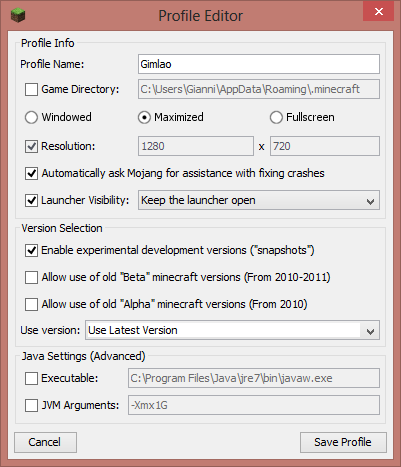
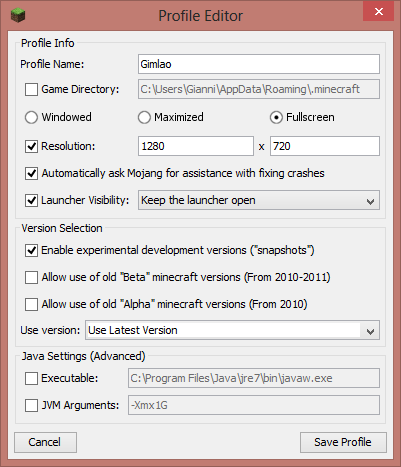
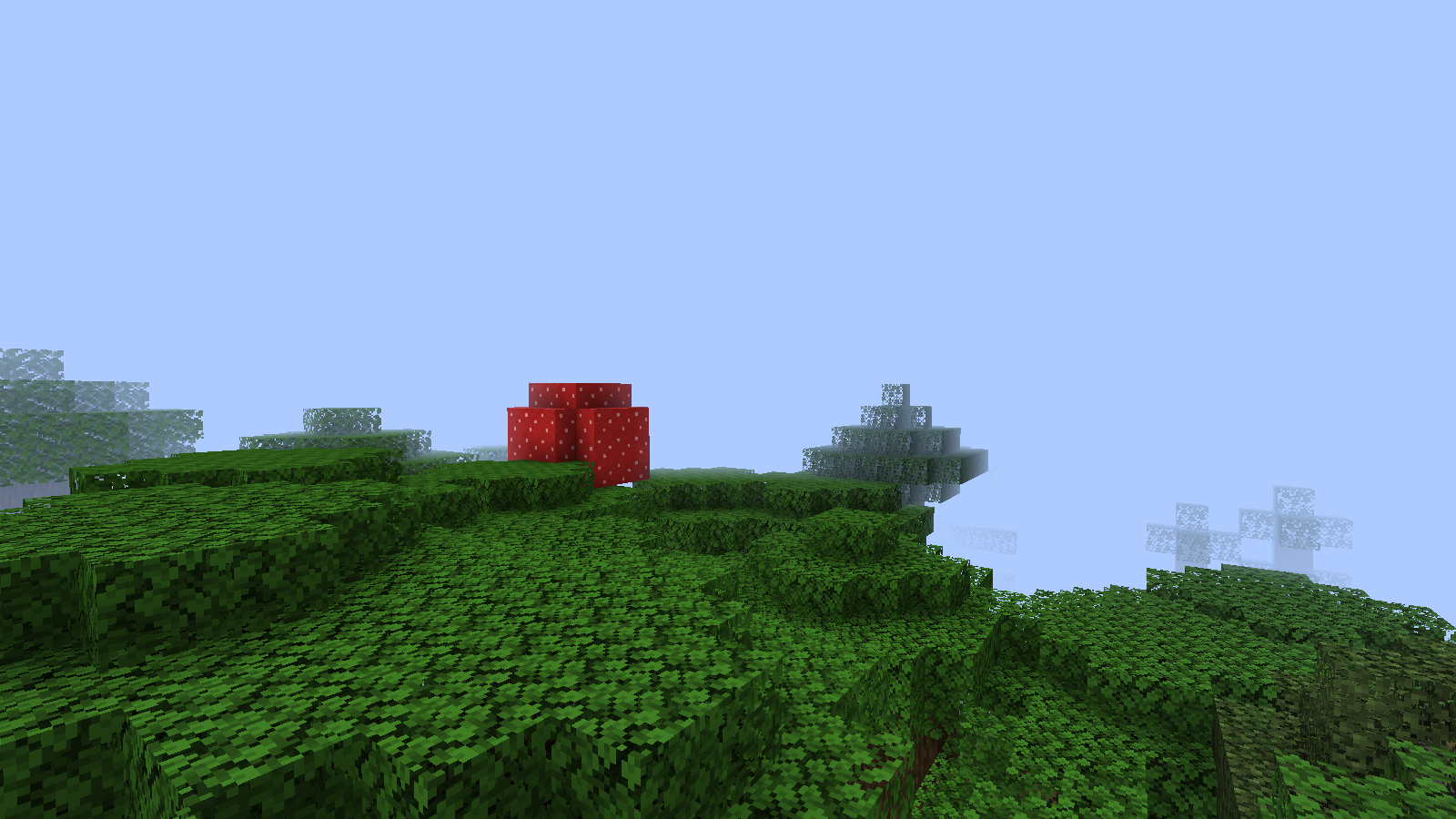
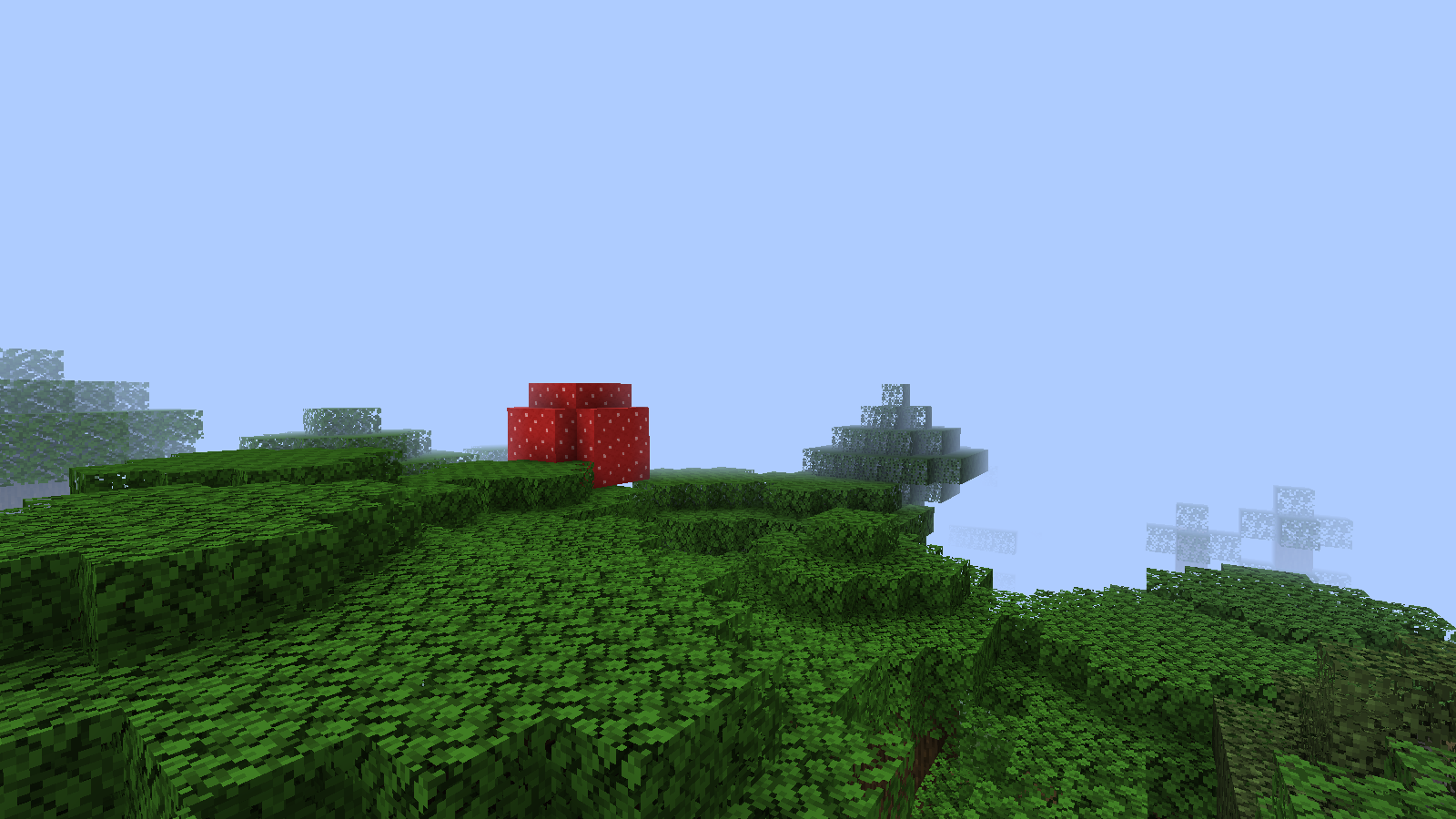
There IS a problem with Windows 8.1 : mouse left click is very laggy.
It is pretty impossible to move horizontally/vertically and use the left click at the same time.
"FlyingSpeed" flood in the dev console when flying in creative mode"flyingSpeed" flood in the dev console when flying in creative mode
Development Console is flooded with " [HH:MM:SS INFO] : Client> flyingSpeed = 0.05" when flying in creative/spectator mode.
"flyingSpeed" flood in the dev console when flyingin creative mode
Development Console is flooded with " [HH:MM:SS INFO] : Client> flyingSpeed = 0.05" when flying in creative
/spectator mode.Development Console is flooded with " [HH:MM:SS INFO] : Client> flyingSpeed = 0.05" when flying in creative and spectator mode.
"flyingSpeed" flood in the dev console when flying in gamemode 1 and 3
Development Console is flooded with
"[HH:MM:SS INFO] : Client> flyingSpeed = 0.05"when flying in creative and spectator mode.Development Console is flooded with « [HH:MM:SS INFO] : Client> flyingSpeed = 0.05 » when flying in creative and spectator mode.
I confirm this. A really old bug... Very sad that it's still not fixed.
(I don't really know if it's a bug.)
We need to keep holding the "Highlight Players" button while it would be better to just press it once to enable / disable itliketheF1 / F3 / F5and"Cinematic Camera"buttons.In spectator mode, we need to hold that button to activate it, which is really annoying.
I think it should work like F1 / F3 / F5 or "Cinematic Camera".
All is ok for "All" to "River" (by the way, it would be better to be able to select many biomes, and not only one or all), but if you select "FrozenOcean" (the next is "FrozenRiver", then it's "Ice Plains"), then return to the "Customize" menu : it will select "Ice Plains".
So if you select "Mesa", il will select "Mesa Plateau" when returning to the "Customize" menu.
Then, after all, if you select "Mesa Plateau F" or "Mesa Plateau", it will crash if you click on the "Customize" button : http://pastebin.com/NnYXu3n7
All is ok for
"All" to "River" (by the way, it would be better to be able to select many biomes, and not only one or all), but if you select "FrozenOcean" (the next is "FrozenRiver", then it's "Ice Plains"), then return to the "Customize" menu : it will select "Ice Plains".So if you select "Mesa", il will select "Mesa Plateau" when returning to the "Customize" menu.
Then, after all, if you select "Mesa Plateau F" or "Mesa Plateau", it will crash if you click on the "Customize" button : http://pastebin.com/NnYXu3n7All is ok for All to River (by the way, it would be better to be able to select many biomes, and not only one or all), but if you select FrozenOcean (the next is FrozenRiver, then it's Ice Plains), then return to the Customize menu : it will select Ice Plains.
So if you select Mesa, il will select Mesa Plateau when returning to the Customize menu.
Then, after all, if you select Mesa Plateau F or Mesa Plateau, it will crash when clicking again on the Customize button : http://pastebin.com/NnYXu3n7
All is ok for All to River (by the way, it would be better to be able to select many biomes, and not only one or all), but if you select FrozenOcean (the next is FrozenRiver, then it's Ice Plains), then return to the Customize menu : it will select Ice Plains.
So if you select Mesa, il will select Mesa Plateau when returning to the Customize menu.
Then, after all, if you select Mesa Plateau F or Mesa Plateau, it will crash when clicking again on the Customize button : http://pastebin.com/NnYXu3n7All is ok for All to River (by the way, it would be better to be able to select many biomes, and not only one or all), but if you select FrozenOcean (the next is FrozenRiver, then it's Ice Plains), then return to the Customize menu : it will select Ice Plains.
So if you select Mesa, il will select Mesa Plateau when returning to the Customize menu.
After all, if you select Mesa Plateau F or Mesa Plateau, it will crash when clicking again on the Customize button : http://pastebin.com/NnYXu3n7
All is ok for All to River (by the way, it would be better to be able to select many biomes, and not only one or all
), but if you select FrozenOcean (the next is FrozenRiver, then it's Ice Plains), then return to the Customize menu : it will select Ice Plains.So if you select Mesa, il will select Mesa Plateau when returning to the Customize menu.
After all, if you select Mesa Plateau F or Mesa Plateau, it will crash when clicking again on the Customize button : http://pastebin.com/NnYXu3n7
All is ok for All to River, but if you select FrozenOcean (the next is FrozenRiver, then it's Ice Plains), then return to the Customize menu : it will select Ice Plains.
So if you select Mesa, il will select Mesa Plateau when returning to the Customize menu.
After all, if you select Mesa Plateau F or Mesa Plateau, it will crash when clicking again on the Customize button : http://pastebin.com/NnYXu3n7
By the way, it would be better to be able to select many biomes (so it would need a new menu for that), instead of All or only One of Them.
By the way, selecting a biome and returning to the Cutomize menu will select another biome...
I'm searching if it has been reported or not.Also it would be better to have a menu where we could select / deselect some biomes, and not only one or all.
It seems that while playing in multiplayer, (using F3+F) only Render Distance between 2 and 6 are working, and anything above 6 will be ignored, while the server.properties view-distance is actually more than 6.
It seems that while playing in multiplayer, (using F3+F) only Render Distance between 2 and 6 are working, and anything above 6 will be ignored, while the server.properties view-distance is actually more than 6.
I always use the search function, thanks.
I searched for "view-distance" and anything related to the server or the "server.properties" file.
I was convinced that it was not a singleplayer issue... I should have test it a little more.
Sorry, I searched for "music" and "13w42b".
It seems that it's already here : https://mojang.atlassian.net/browse/MC-35900
Still happens in 14w05b ...
Very sad that it still not fixed since all that time.
So it's not a bug, ok.
Clicking Presets then Use Preset will have the same effect.
Just discoverd that the crash report part has already been posted here :
MC-54484It's still the case in 14w20b.
Since the creation of Smooth Lighting.
Screenshot in
MC-3553is still up to date.Still in 14w32d.
Same thing here ! (using 1.15.1)