 Stuart Ballard
- sab39
- sab39
- America/New_York
- Yes
- No
 MC-96495


















Attempting to ride a minecart through an End Gateway puts the player into a limbo state where:
- The void background is present.
- The minecart riding sound doesn't stop.
- Pressing shift to dismount has no effect.
- The F3 debug screen shows the coordinates of the Gateway's destination and "Waiting for Chunk..."
In first person view the player's armisvisible, but in third person views the player does not appear.Turning to look in different directions works, even though there's nothing to see.It's possible to open inventory or swing a sword etc. The inventory screen shows the player in a sitting position as if they are still in the minecart.The only way to get out of this state is to quit the game.- The
minecart sound doesn't stop even when you get back to the main menu or resume playing. Only quitting Minecraft entirely makes it stop.- When you go back into the game you are placed as if you just arrived at the source portal.
- Going through the portal with an Ender Pearl reveals that the minecart itself did arrive on the other side even though you did not.
Screenshot attached. Note: This was taken on an attempt to ride a minecart back from the outer islands, which is why the coordinates shown are the location of the gateway back at the main island.
Attempting to ride a minecart through an End Gateway puts the player into a limbo state where:
- The void background is present.
- The minecart riding sound doesn't stop.
- Pressing shift to dismount has no effect.
- The F3 debug screen shows the coordinates of the Gateway's destination and "Waiting for Chunk..."
- Sounds can be heard and subtitles say things like "Enderman vwoops". Not clear whether this is coming from an Enderman at the source or the destination of the gateway.
- In first person view the player's arm is visible, but in third person views the player does not appear.
- Turning to look in different directions works, even though there's nothing to see.
- It's possible to open inventory or swing a sword etc. The inventory screen shows the player in a sitting position as if they are still in the minecart.
- The only way to get out of this state is to quit the game.
- The minecart sound doesn't stop even when you get back to the main menu or resume playing. Only quitting Minecraft entirely makes it stop.
- When you go back into the game you are placed as if you just arrived at the source portal.
- Going through the portal with an Ender Pearl reveals that the minecart itself did arrive on the other side even though you did not.
Screenshot attached. Note: This was taken on an attempt to ride a minecart back from the outer islands, which is why the coordinates shown are the location of the gateway back at the main island.

The fact that the original submitter (and me!) have old drivers doesn't invalidate the problem.
Stuart Ballard, Lag is not a bug.
Besides that, Your lowest end graphics card is about 8 years old running ontop a 2016 OS with an ancient driver.
- Downgrade to Windows 7 to get the most rencent AMD driver or
- Downgrade to Minecraft 1.8.9

I've been playing my old LAN world after upgrading it to 1.13 (via the optimize world function) and started adding named map markers to all locations in my huge map room (which is a really nice feature btw), but unfortunately some markers disappear after reloading the world. They can only be re-added to the map by destroying the banner, placing it again and readding the marker icon back to the map. Just right-clicking the missing marker banner does nothing. This bug seems to be specific to certain locations in the world and is repdroducible consistently at those locations just by reloading the world. I couldn't find any relationship to banners being near a chunk border, being placed on certain special coordinates or blocks, having a certain orientation or a certain name, this issue seems to be quite random. I wasn't able to reproduce it in any world created in 1.13 or its snapshots/pre-releases.
Other people appear to be having the same problem, as shown here (thx Stuart Ballard): https://imgur.com/a/ugewLwj
Unfortunately can't upload the world because it is about 400 MB in size. If anyone has a smaller world where this can be reproduced, please upload or link it here.

@Barney, what Stuart Ballard wrote is right. Calling us incompetent won't help, neither you nor us. This report here is not the only report on the bug tracker and it can happen that we miss comments on reports, especially since we helpers and moderators are volunteers and do this in our free time.
In general please create a post in /r/Mojira in this case. There we will see the problem and additionally can discuss it if necessary.
![[Mod] Michael Wobst](../../../data/avatars/users/37868.png)
Stuart Ballard are you able to reproduce this in 1.17.1 or later?
Screenshot of my display driver version etc
Never had this issue in 1.8 but it happened about three quarters of the time in 16w04a. I'm guessing some of the 1.9 changes make it more likely to trigger.
Since enabling VBOs seems to fix the problem reliably, it'd be nice if Minecraft could do that automatically if it detects the broken driver version. Throwing up your hands and saying "It's AMD's fault! Update your drivers!" seems like a copout when Mojang could work around it so easily.
Since turning VBOs on fixes the problem entirely, wouldn't it be possible to just detect the broken drivers and force VBOs on automatically, rather than leaving people with "upgrade your drivers or downgrade your operating system!" as the best available advice? I'm techie enough to be able to get on the Minecraft bug tracking system, research the problem, figure out driver upgrades if necessary, etc, but not everyone is.
(For obvious security reasons, advising people to downgrade to an operating system that isn't supported by Microsoft any more is a really bad idea!)
Not sure if another "I'm seeing this too" is actually helpful, but...
I think I'm seeing this issue in the Ender Dragon fight in a world upgraded from 1.8. At first I thought it was a problem with my old unsupported video card related to the dragon fight itself, but it seems to work perfectly well until one or more endermen get mad at me, then performance drops from 10 or 20FPS to more like 10 or 20 seconds-per-frame, leading to pretty immediate death at the hands of the dragon or one of the endermen.
Which would make perfect sense if the lag is connected to pathfinding: endermen teleport away and then have to pathfind back around the pillars / portal / structures I've built. A connection to redstone would also fit, as I have a simple but very large redstone circuit in which a button at "ground" level activates TNT dispensers far above each pillar to blow up all the crystals.
@ProfMobius: do you mean the nether issue "should be fixed in 16w07a" or "should be fixed in the next snapshot"? I definitely still take a tick of suffocation damage going through nether portals in 16w07a.
I also experience the fatal version of the problem every time I try to go to the End in my main world this snapshot. I could send my world if you want it, but it's over 600Mb so I'm not sure how helpful that is? I also took some screenshots if you want them, but I don't think they show anything that @bob's video doesn't cover better.
This is total wild speculation, but I wonder if it's a "happens on old/slow computers" issue? Loading a new dimension means the thread doing chunk loading is working really hard. Maybe if the computer is slow enough, the chunk loading is pulling so many resources that the threads that are supposed to be doing other things, like updating coordinates, don't run in time or get scheduled out of order. And that'd explain why it's hard for @ProfMobius to reproduce, since I'm sure Mojang developers don't do their coding on old slow laptops...
@ProfMobius I still get the tick of suffocation damage going through a nether portal in 16w07b
I've not been able to get the End version of the bug to happen in 1.9-prerelease yet after trying several times, even though it was happening almost every time in 16w07a. Not sure if that means it's fixed or just that it depends on some other factor that's different.
On the other hand, the prerelease still consistently gives me the tick of suffocation damage going through the nether portal.
I can't reproduce #2 (wrong coordinates going to the End) in -pre2, but I couldn't reproduce it in -pre1 either, so take that with a grain of salt.
#1 (tick of suffocation damage going to the Nether) is still reliably happening in -pre2.
I can't prove that it has anything to do with coordinates, but I can absolutely confirm that I still take a tick of damage going through nether portals in -pre2. Whether it's suffocation or something else I have no idea. I don't know how to capture a video but I'll try to get some screenshots.
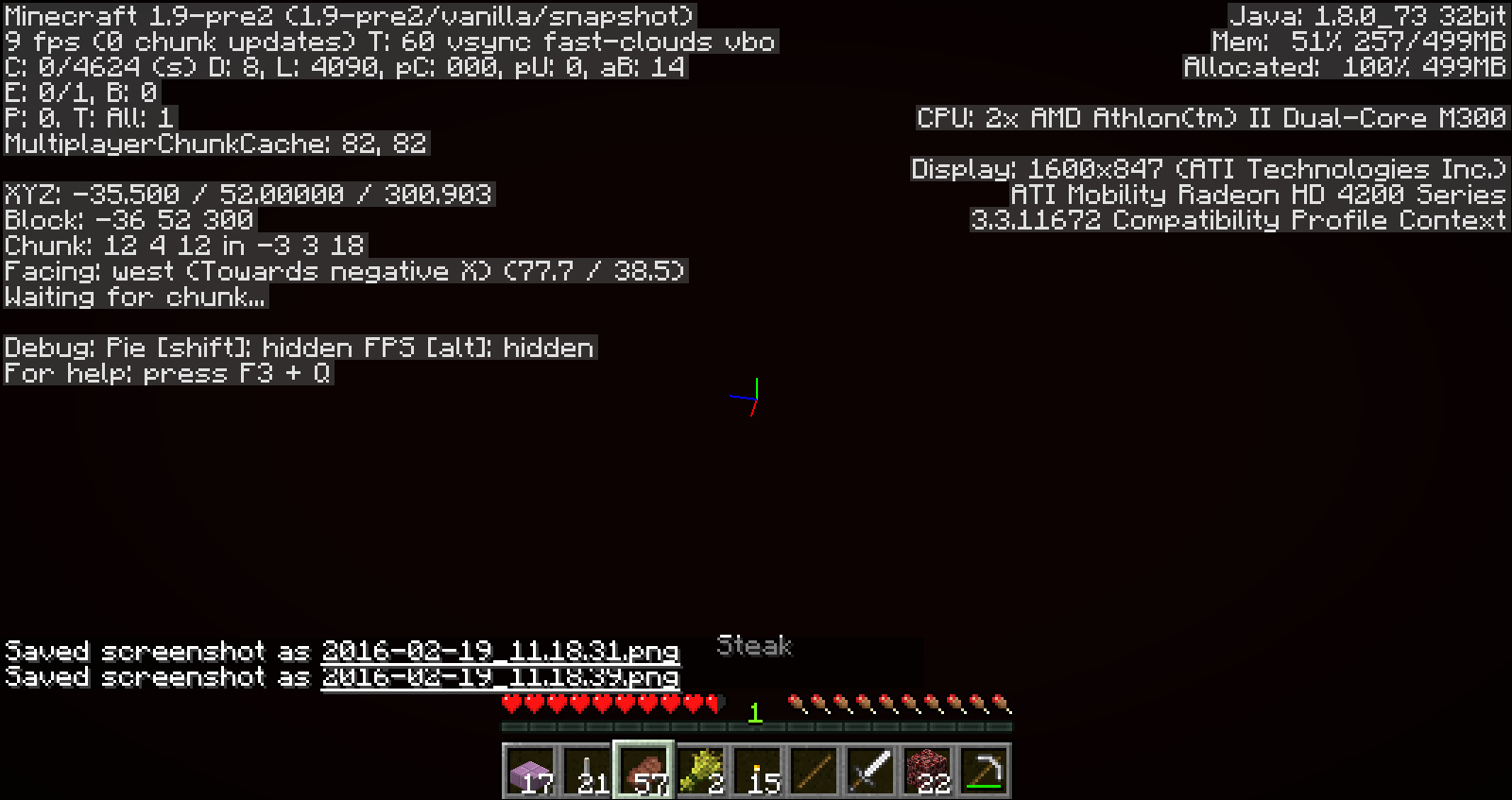
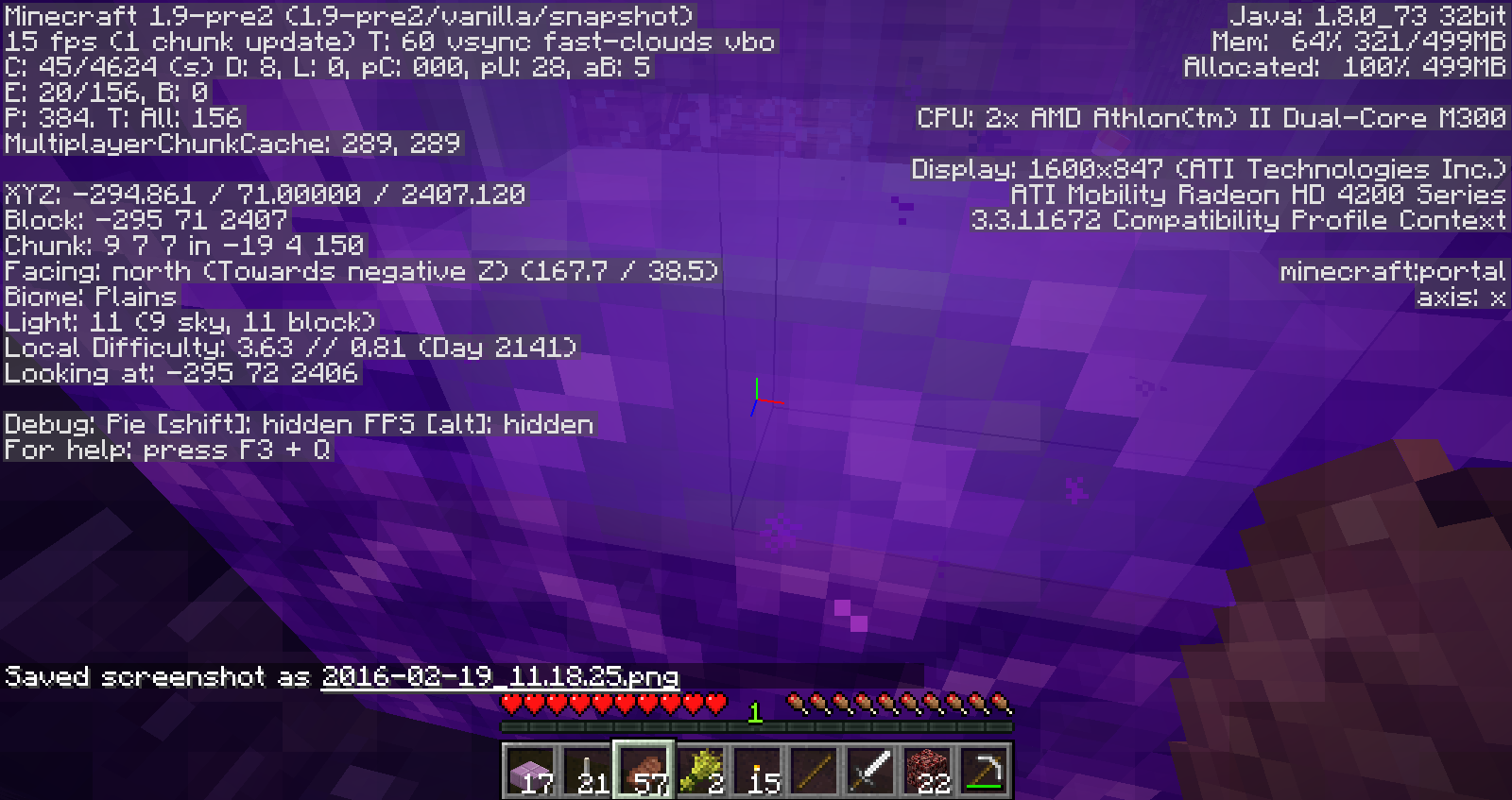
I'll post these screenshots on the other bug as well but as you can see from the filenames, they were taken in quick succession. Based on this evidence I actually don't think this bug has anything to do with coordinates any more, because the nether screenshots have the correct nether coordinates immediately. But as you can see, I still take damage while waiting for the chunk to load.
Attached are a series of six screenshots taken in 1.9-pre2. As you can see from the filenames, they were taken in quick succession. Based on this evidence I actually don't think this bug has anything to do with coordinates any more, because the nether screenshots have the correct nether coordinates immediately. But as you can see, I still take damage (between .39 and .41) while waiting for the chunk to load.
For me, the Ender Dragon fight was so lagged it was unplayable in earlier snapshots, mostly fine in 16w07a, but now it's worse again in -pre2. Didn't try it in any of the versions in between. I don't think it's quite as bad in -pre2 as it was before 07a. In -pre2 it's almost unplayable rather than completely unplayable as it was before.
I don't think it's quite the same as this bug (which is why I reported it separately), but
MC-97725is similar to the End Portal version of this, in that it's another "travel through a portal, immediately drop into the void and die and lose all your stuff unrecoverably" scenario...I experience this issue as well in 1.9.2, although for me it seems like "Decreased" particles has no effect and produces clouds just as big (and lag inducing) as "All particles" mode.
Just like the original submitter, I'm using an AMD graphics card and my drivers are also not ideal, but I can't upgrade to newer drivers because apparently my card is not even supported on Windows 10. I understand that means that my situation isn't a priority to support (I got definitively shut down by a mod on another issue I reported,
MC-96495) but it still seems like a problem that "Decreased" doesn't actually reduce the number of particles in the cloud.This still happens in 16w15b.
I did some more investigation and my conclusion is that I was wrong about "Decreased" having no effect, but that actually this bug is correct and should be reopened. The fact that the original submitter (and me!) have old drivers doesn't invalidate the problem. Older video cards would be more affected just because they're slower, but the slowness isn't a driver bug.
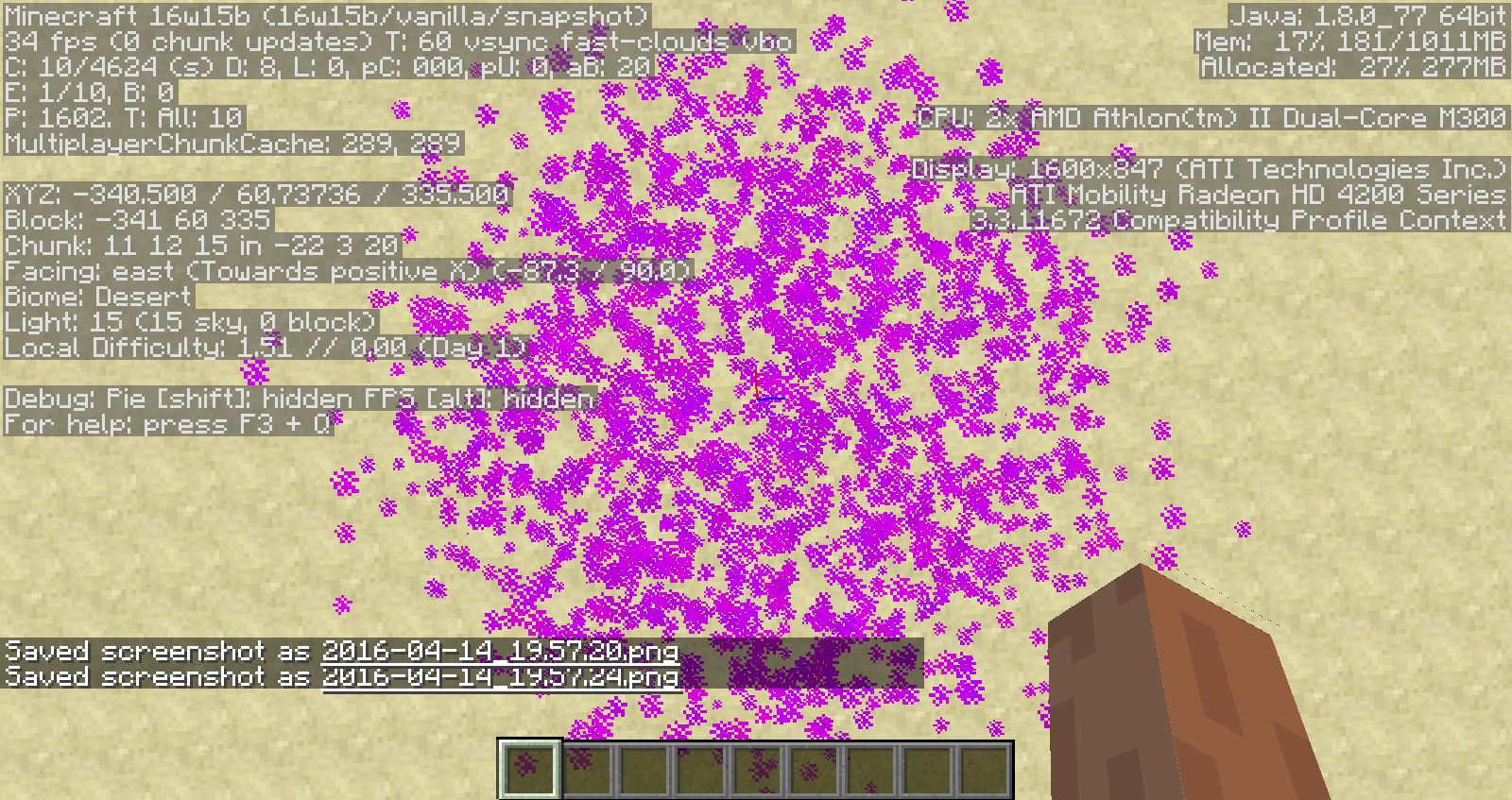
The real problem is that the number of particles in the cloud - regardless of the particles setting - grows continuously over the lifetime of the cloud, and ends up being ridiculously large - over 5500 particles per cloud on the "All particles" setting, and over 4000 particles per cloud on "Decreased". So "Decreased" does have some effect, but not enough to make a difference: within a dragon fight there can easily be four or five clouds present at once, which means tens of thousands of particles!
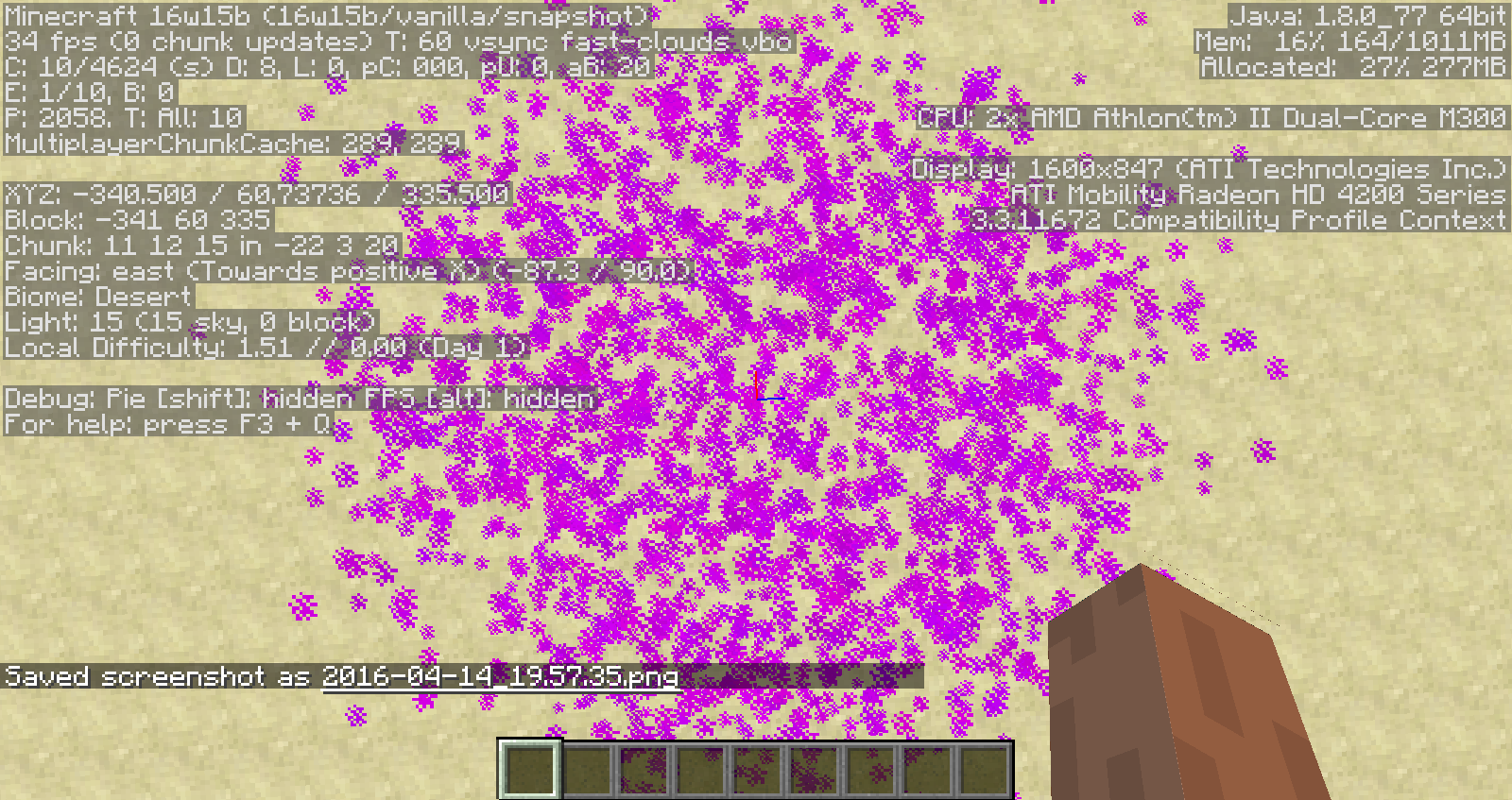
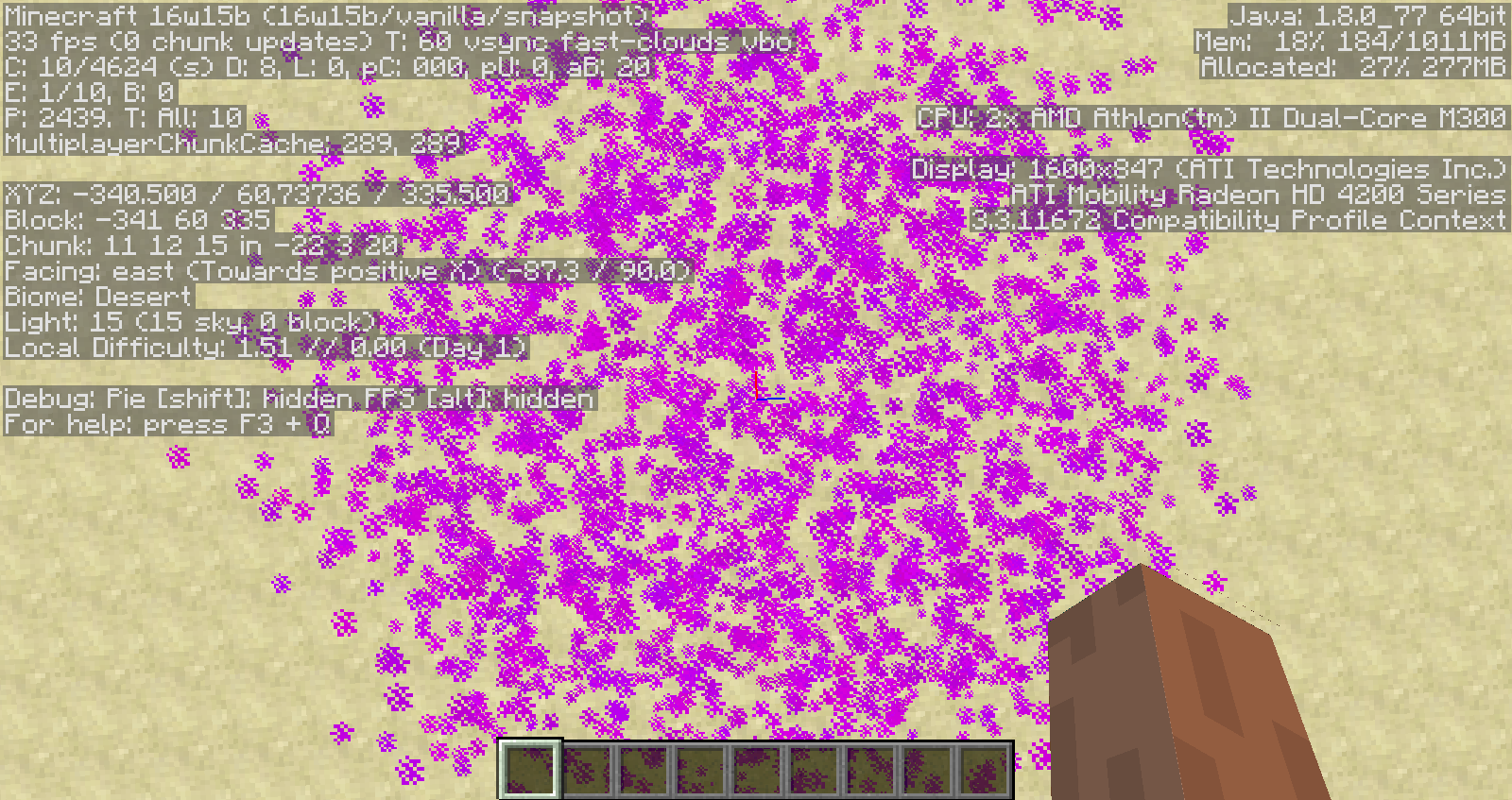
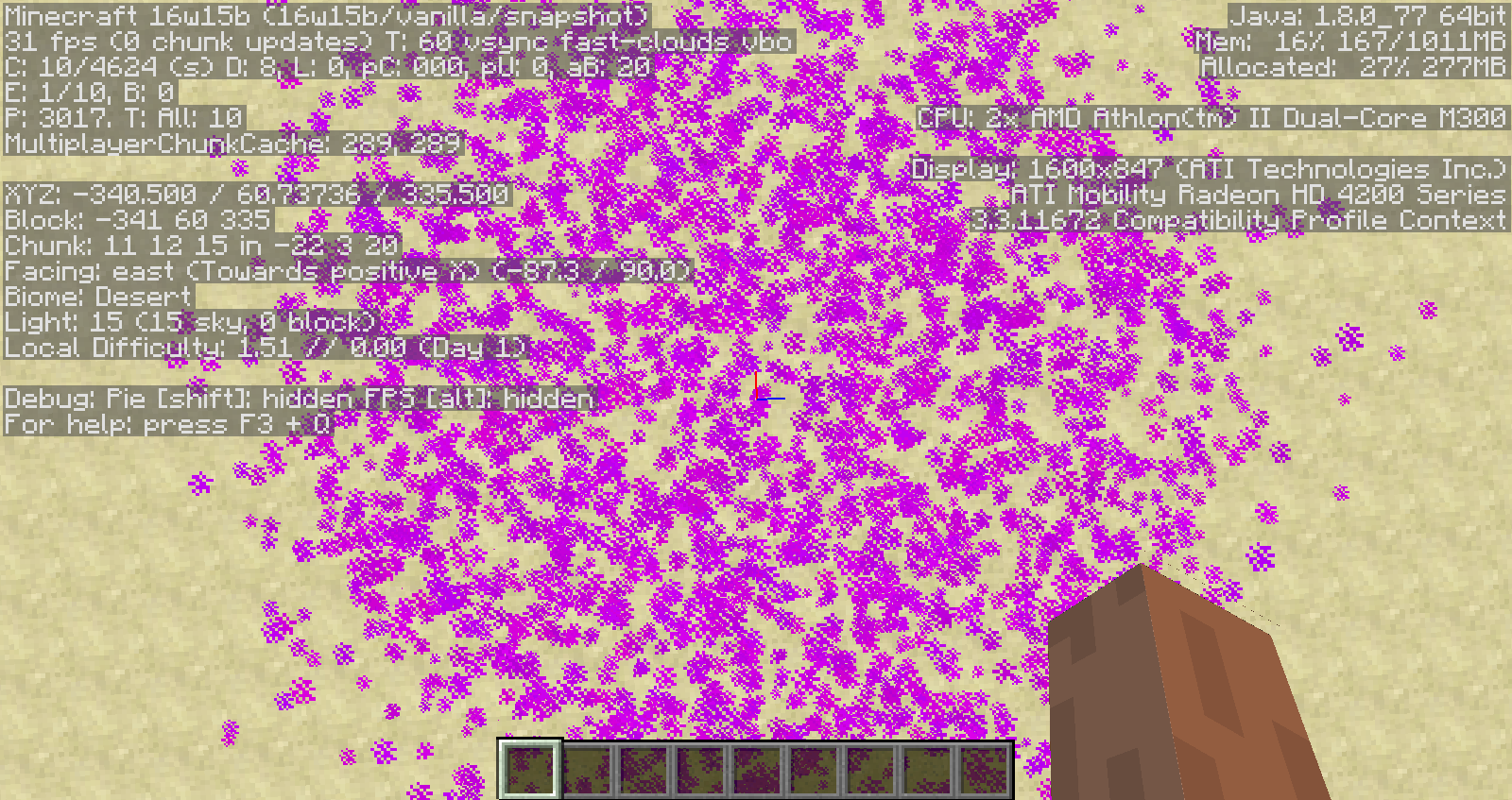
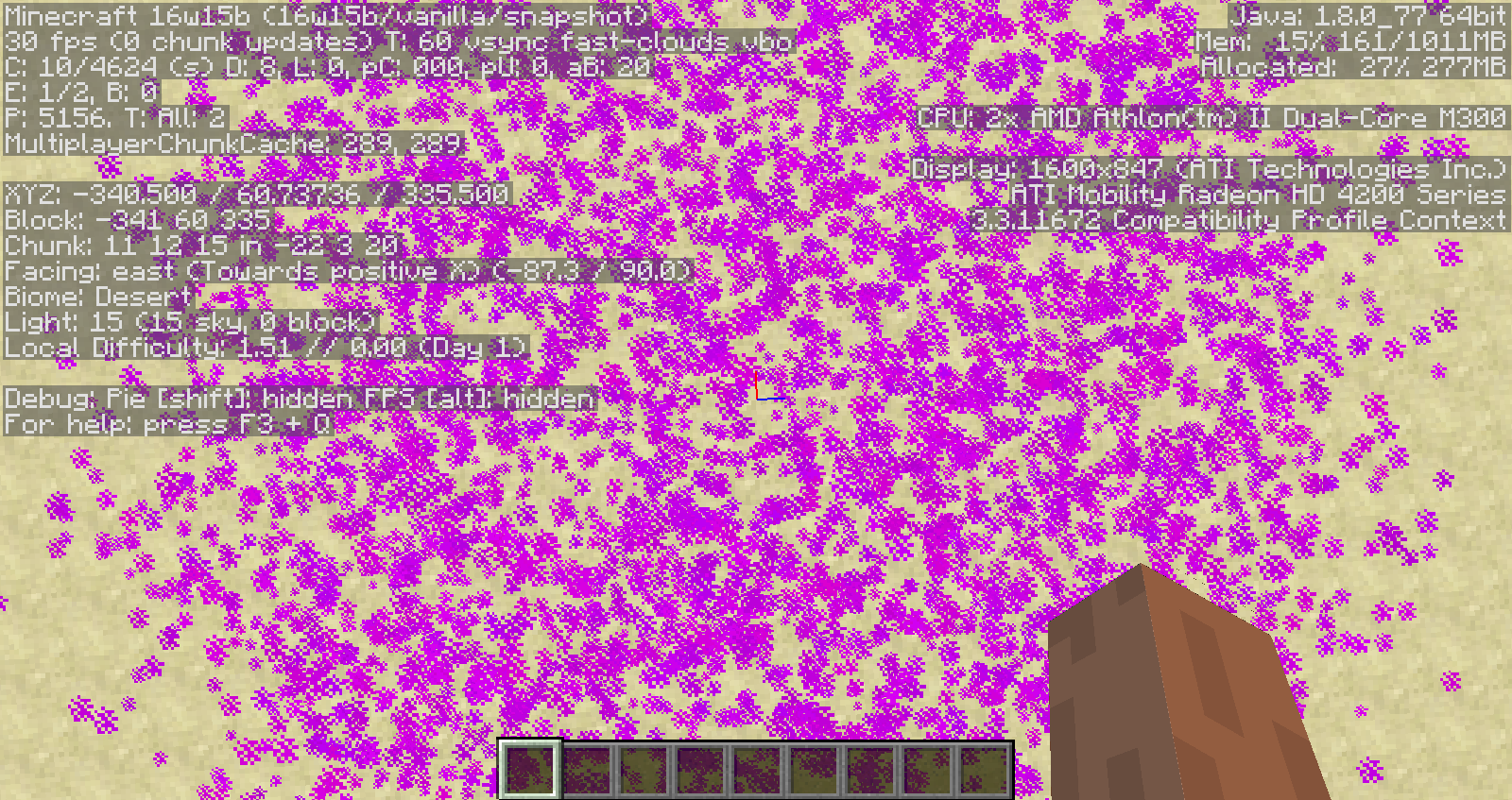
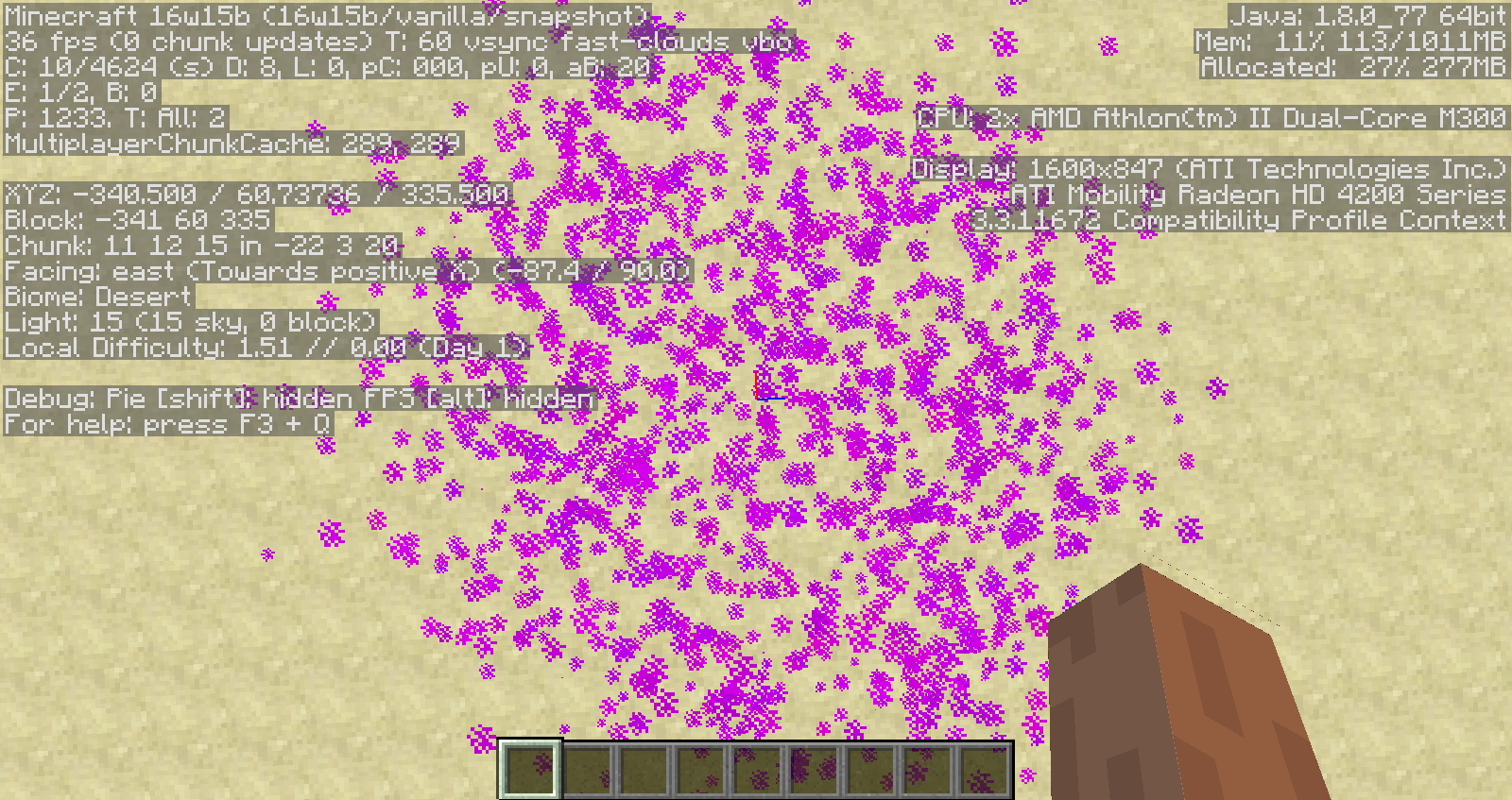
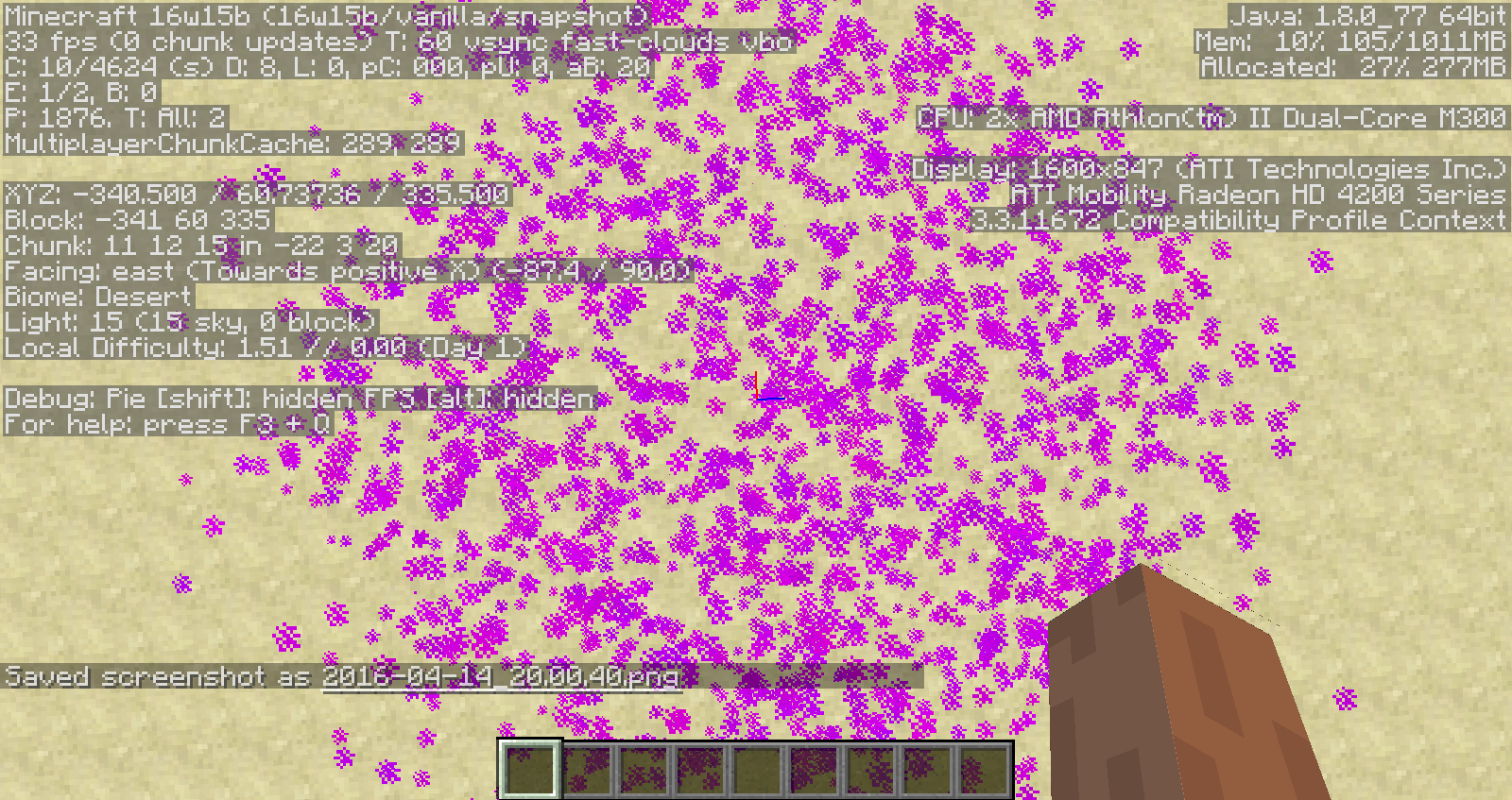
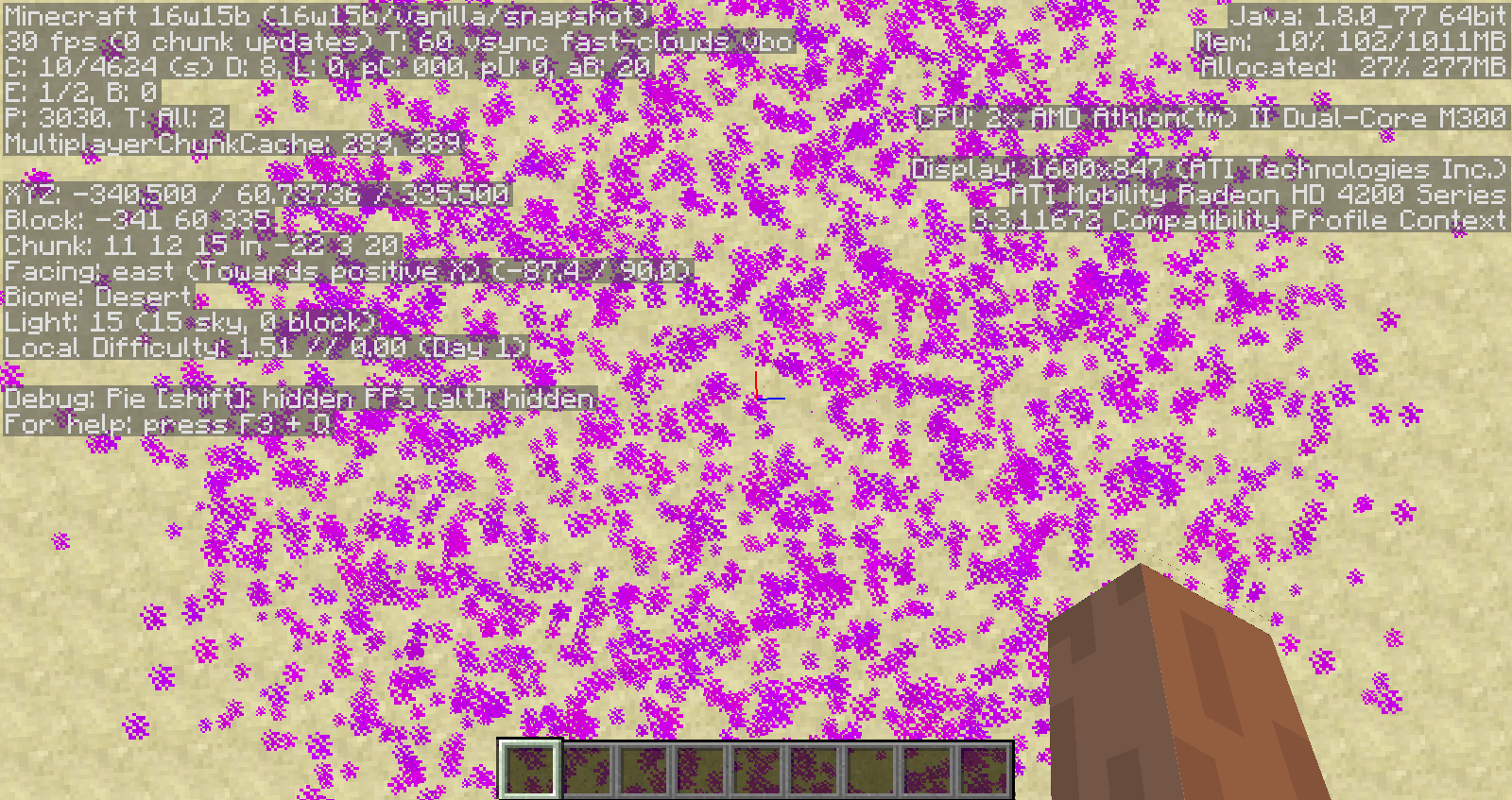
With the help of some people on Reddit (https://www.reddit.com/r/Minecraft/comments/4ete65/how_to_use_commands_to_count_particles_in_dragon/) I figured out how to use commands and the F3 debug screen to quantify the problem. I'm attaching a series of screencaps that shows the particle count increasing. The first 10 screenshots were taken with "All" particles; the second 10 were taken with "Decreased". The "All" cloud eventually ended up at 5500 before dissipating, but I didn't get a screenshot at the peak moment.
Dragon breath cloud on "All particles", particle count growing to over 5000
Dragon breath cloud on "Decreased particles", particle count growing to over 4000.
Still happens in 16w43a.
Still happens, although in 16w44a the behavior isn't completely consistent. I tested twice; the first time I actually made it through the gateway successfully with no problems, but the second time I ended up in the same limbo as in the original bug report. It was actually slightly worse, because after quitting the game and restarting I spawned inside the bedrock block next to the portal I'd started at, and the only way out was to mine an adjacent block so I could move.
I can still reproduce in 1.11.2. Would it be helpful for me to provide a world download?
Ender pearling through the gateway in the attached world causes the issue in both directions. I'll test now to see if it still happens in 17w13b.
Edit: it does.
Still happening in 17w15a for me too.
Can confirm fixed in 17w18b - created a new world with seed "17w13a", found parrots in less than 5 minutes of searching.
Duplicate of
MC-1528?Still happening for me too in 1.11.2. I'd really love to see it fixed - makes my big map wall almost useless.
Still happening in 1.11.2. Can someone with sufficient permissions update the affected versions?
Still happens in 17w50a
Still happens in 1.13-pre2. The new banner markers persist but the old map-in-item-frame ones don't, so you get weird effects where sometimes there's a green dot overlaying your banner marker and sometimes there's not.
Is it 100 chunks from where the cartographer spawned, or 100 chunks from where it is when you try to unlock the trade? What would happen if you took one that didn't give you a mansion map, put him in a minecart, transported him a few thousand blocks in some random direction, and then tried again at unlocking the trade?
In my testing it definitely seems like every banner added after the first named banner appears black. If you remove the first named banner then the problem moves to the second named banner that was added. This means it's impossible to have more than one correctly-colored named banner on the same map.
The player's marker is affected the same way - if their marker is added to the map after a named banner, then it appears black as well. Removing any named banners added before the player was added fixes the player's marker as well.
Not sure if this is the same issue or a related one, but I also noticed that banner markers sometimes don't get saved properly and disappear after logging out and back in again. The pattern doesn't seem to be consistent though.
Confirmed that this still happens in 18w30a
This is "sort of" fixed in 17w30b - the markers aren't actually black any more, but I'm pretty sure they're darker than they should be. Also some of them are still disappearing when I log out and log back in again. See https://imgur.com/a/ugewLwj
The behavior I'm getting is slightly different - re-clicking the existing banners does work to add the markers back, but they disappear again the next time I log out. Unfortunately my world is even bigger - over 1Gb - so I can't upload it either. It's a singleplayer world that's been played in every major release since at least 1.7 (prior to that I wasn't paying attention to version numbers), in case that makes a difference.
I did.
Hermitcraft's cubfan135 just got bitten by this issue in his latest video https://www.youtube.com/watch?v=yS9Nj4dZH1Q - as I understand it the Hermitcraft world was created in one of the 1.13 prereleases so it's never been a 1.12 world. Probably still a pretty big file though...
Thank you - it really seems fixed now! One remaining glitch - if you put a map of the End in an item frame in the Overworld, the green marker will show up on the map even though it's in a different dimension. Should I file another report for that?
Resolving this as duplicate seems wrong to me - this and
MC-91621are two separate problems that just happen to interact in an unfortunate way to lead to the particularly nasty lag that Hermitcraft and others are seeing in 1.13.1. This bug is that the fish-specific AI routine is excessively slow, which would still be a problem even ifMC-91621were fixed.MC-91621is about ALL mobs, not just fish, constantly spawning and despawning, which always causes lag even when there's nothing wrong with the AI of the mobs in question.You're welcome, but maybe calling the mods incompetent isn't the best way to get them to want to be helpful? Regardless I hope they'll revisit both this issue and
MC-91621. Considering that Hermitcraft is so high profile I'm surprised that this isn't getting more priority from Mojang, honestly.Seems to occur reliably if you're looking at kelp when you press F3
This issue makes Swamp and Jungle skinned Nitwits the rarest mob in the game!
In particular, this makes swamp and jungle nitwits almost, but not quite, impossible to get: you can only get them by curing Zombie villagers that happen to have the nitwit skin in those biomes, or in the extremely rare circumstance that a village from another biome extends into a swamp/jungle and a nitwit happens to generate in that part of the village.
(I'm actually working on a huge mob farm specifically to get swamp nitwits on the server I play on because I wanted those green coats with green robes to be monks in a build I'm making)
Yes, can still reproduce in 1.18pre1. Took a map of the end, placed it in an item frame in the overworld within the coordinates of the map, and the green marker shows up.