 Alex de la Cruz
- alex_dlc
- alex_dlc
- Europe/Stockholm
- Yes
- No
 MC-4107
 MCL-583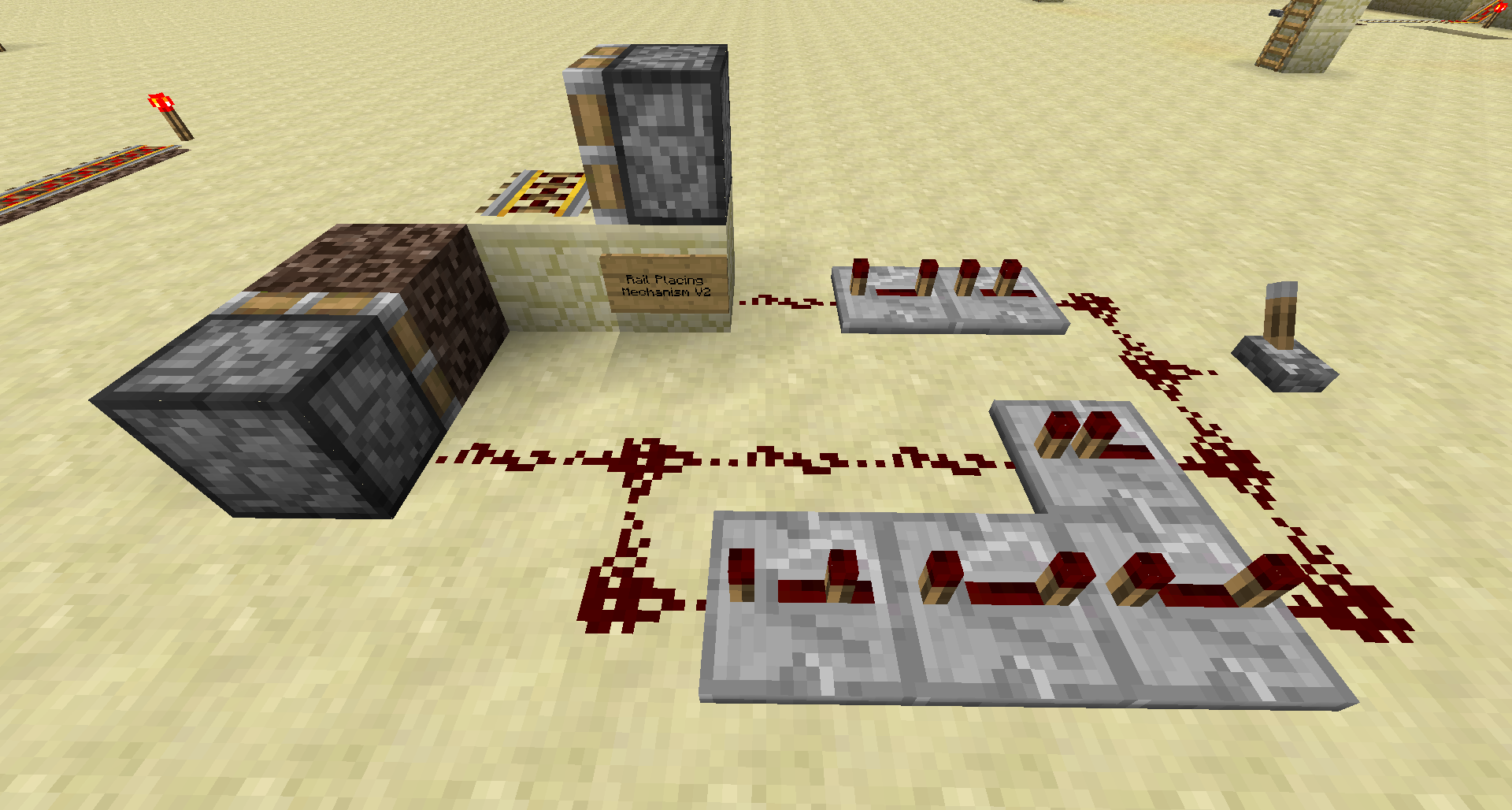
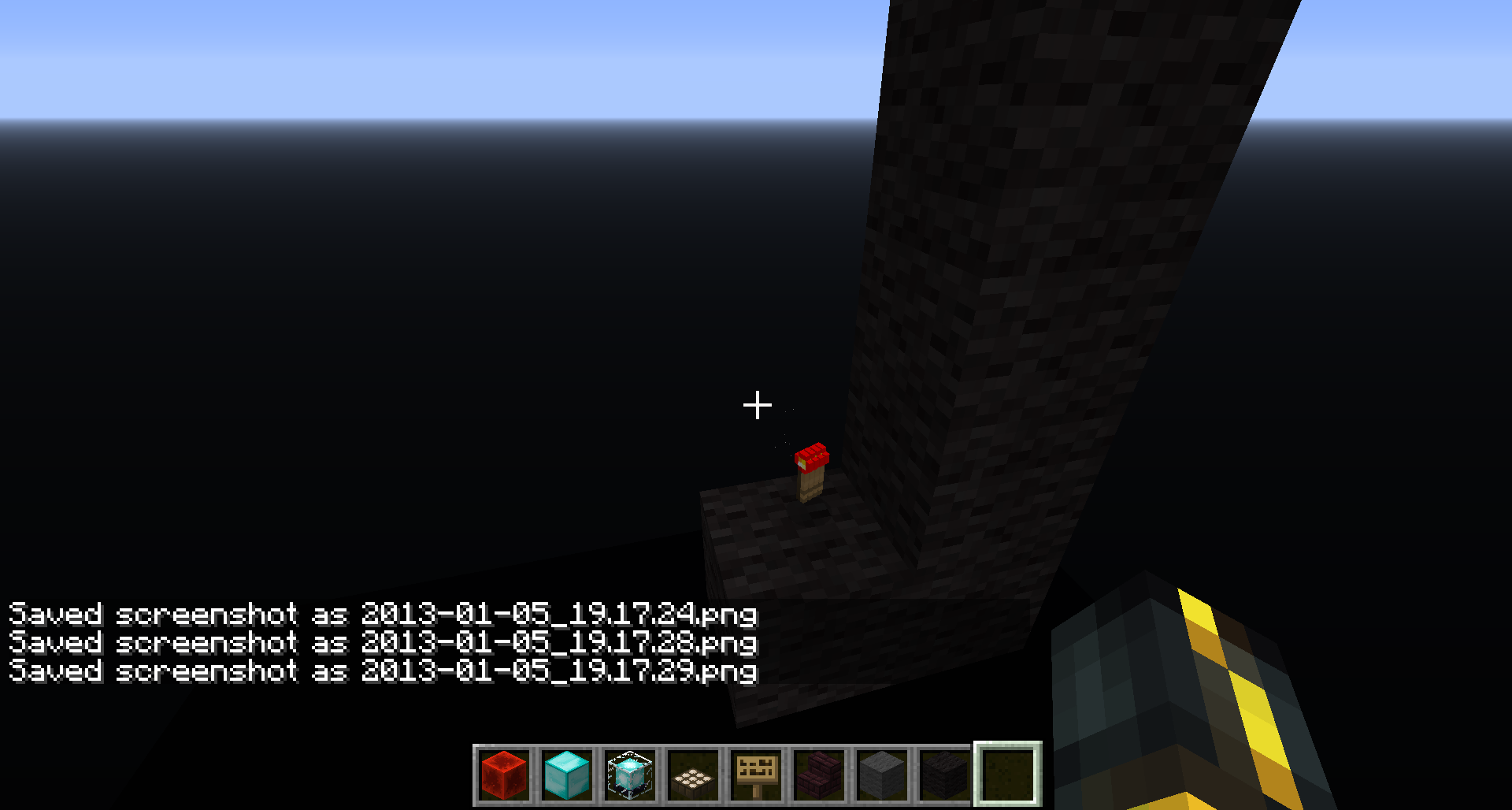




I have a small mechanism to place rails on soulsand and then removes them both. I had one that had been created before 1.4 and it still works well even in 1.4.5.
I tried to make a new one in 1.4.5 but it does not work like the one that had been created before 1.4. This one makes the piston on the left get activated a second time, breaking the rails.
here is a video showing the bug: https://www.youtube.com/watch?v=5SwOVF2mKnk
I have a small mechanism to place rails on soulsand and then removes them both. I had one that had been created before 1.4 and it still works well even in 1.4.5.
I tried to make a new one in 1.4.5 but it does not work like the one that had been created before 1.4. This one makes the piston on the left get activated a second time, breaking the rails.
here is a video showing the bug: https://www.youtube.com/watch?v=5SwOVF2mKnk
EDIT: i have just tested this in the 4 possible orientations, the only one that does not seem to work is EAST:
I have a small mechanism to place rails on soulsand and then removes them both. I had one that had been created before 1.4 and it still works well even in 1.4.5.
I tried to make a new one in 1.4.5 but it does not work like the one that had been created before 1.4. This one makes the piston on the left get activated a second time, breaking the rails.
here is a video showing the bug: https://www.youtube.com/watch?v=5SwOVF2mKnk
EDIT: i have just tested this in the 4 possible orientations, the only one that does not seem to work is EAST:
I have a small mechanism to place rails on soulsand and then removes them both. I had one that had been created before 1.4 and it still works well even in 1.4.5.
I tried to make a new one in 1.4.5 but it does not work like the one that had been created before 1.4. This one makes the piston on the left get activated a second time, breaking the rails.
here is a video showing the bug: https://www.youtube.com/watch?v=5SwOVF2mKnk
EDIT: i have just tested this in the 4 possible orientations, the only one that does not seem to work is EAST: http://i.imgur.com/riA80.png
Piston activatation bug (east rule?)
I have a small mechanism to place rails on soulsand and then removes them both. I had one that had been created before 1.4 and it still works well even in 1.4.5.
I tried to make a new one in 1.4.5 but it does not work like the one that had been created before 1.4. This one makes the piston on the left get activated a second time, breaking the rails.
here is a video showing the bug: https://www.youtube.com/watch?v=5SwOVF2mKnk
EDIT: i have just tested this in the 4 possible orientations, the only one that does not seem to work is EAST: http://i.imgur.com/riA80.png
EDIT 2: i tried all 4 directions again, and now west didnt work

I have a small mechanism to place rails on soulsand and then removes them both. I had one that had been created before 1.4 and it still works well even in 1.4.5.
I tried to make a new one in 1.4.5 but it does not work like the one that had been created before 1.4. This one makes the piston on the left get activated a second time, breaking the rails.
here is a video showing the bug: https://www.youtube.com/watch?v=5SwOVF2mKnk (sorry, but my recording software is broken)
EDIT: i have just tested this in the 4 possible orientations, the only one that does not seem to work is EAST: http://i.imgur.com/riA80.png
EDIT 2: i tried all 4 directions again, and now west didnt work
I have a small mechanism to place rail
son soulsand and then removes them both. I had one that had been created before 1.4 and it still works well even in 1.4.5.I tried to make a new one in 1.4.5 but it does not work like the one that had been created before 1.4. This one makes the piston on the left get activated a second time, breaking the rails.
here is a video showing the bug: https://www.youtube.com/watch?v=5SwOVF2mKnk (sorry, but my recording software is broken)
EDIT: i have just tested this in the 4 possible orientations, the only one that does not seem to work is EAST: http://i.imgur.com/riA80.png
EDIT 2: i tried all 4 directions again, and now west didnt work
Piston activatation bug(east rule?)
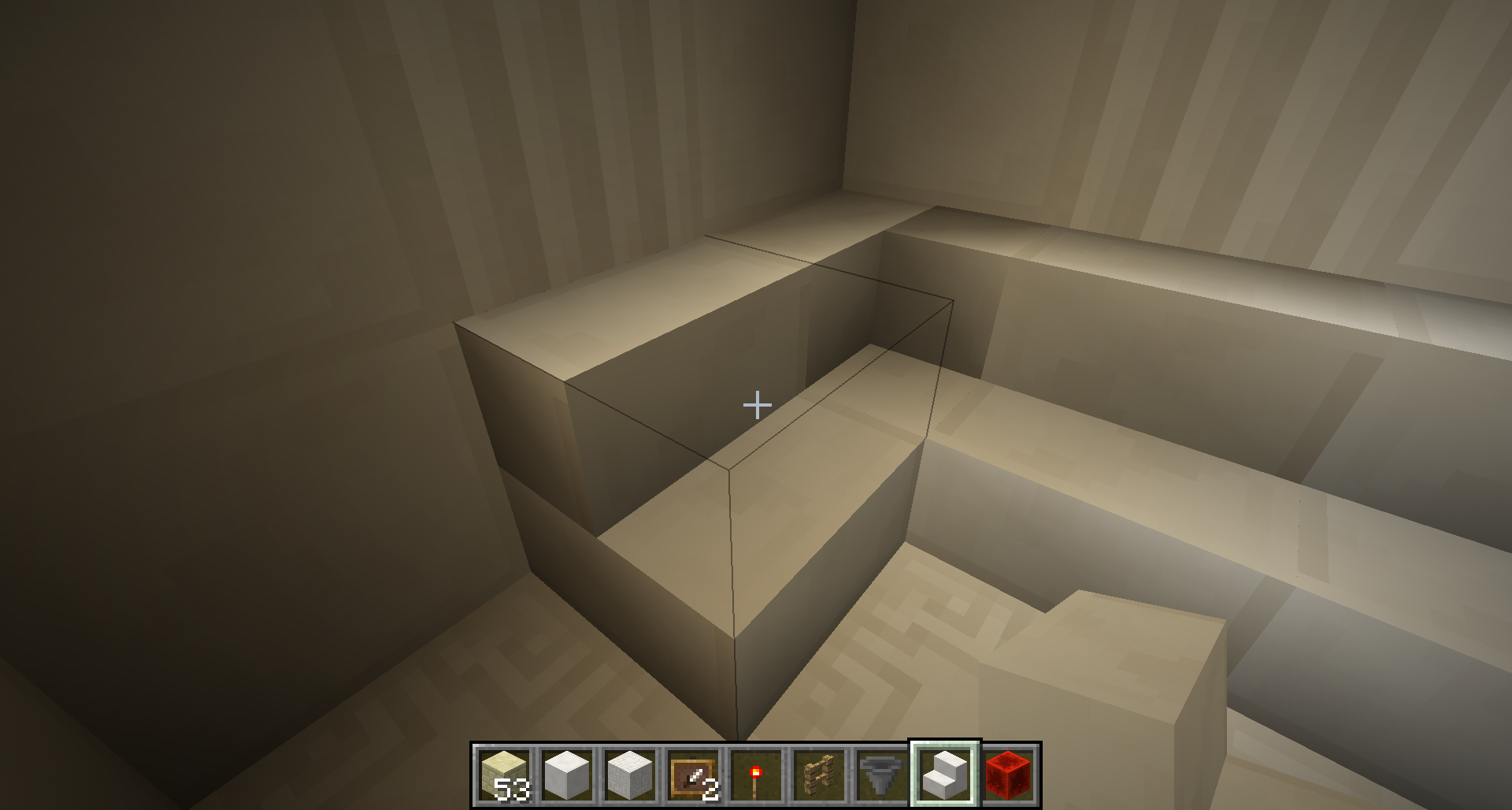
Image
1: When I place quartz stairs on the ground, they present odd lighting on them. When I place another quartz stair on top of the previous one, it looks fine.Image 2: Quartz corner stairs also show a lighting glitch
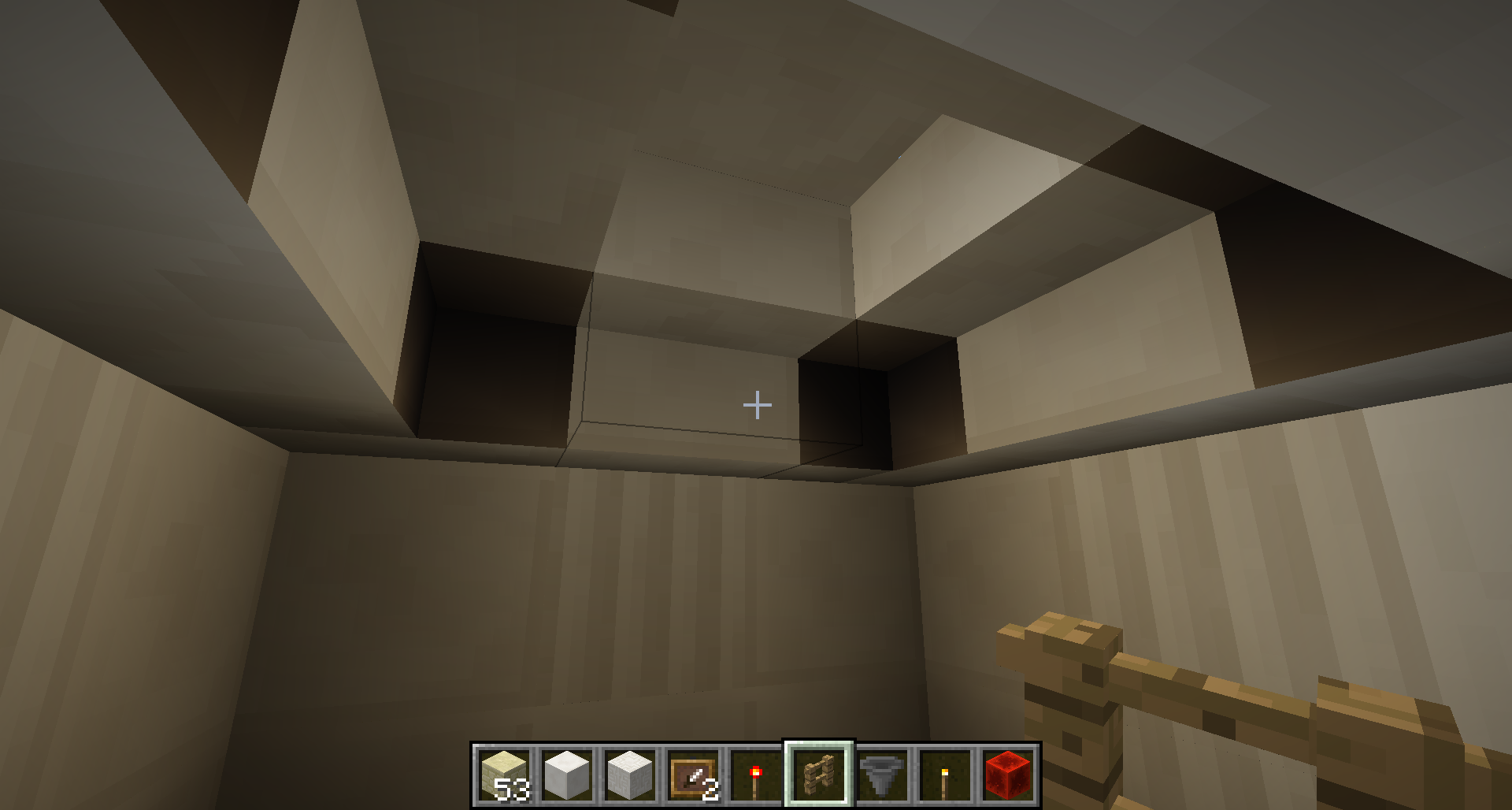
Image
3: Also, when placing corner stairs in a dark room, they also show a lighting error in the form of a shadow.Image 3: When I place quartz stairs on the ground, they present odd lighting on them. When I place another quartz stair on top of the previous one, it looks fine.
Image 2: Quartz corner stairs also show a lighting glitch
Image 1: Also, when placing corner stairs in a dark room, they also show a lighting error in the form of a shadow.
Image 3: When I place quartz stairs on the ground, they present odd lighting on them. When I place another quartz stair on top of the previous one, it looks fine.
Image 2: Quartz corner stairs also show a lighting glitch
Image 1: Also, when placing corner stairs in a dark room, they also show a lighting error in the form of a shadow.
(for some reason attached images appear in reverse order of how I uploaded them, which is why I describe them in reverse order)
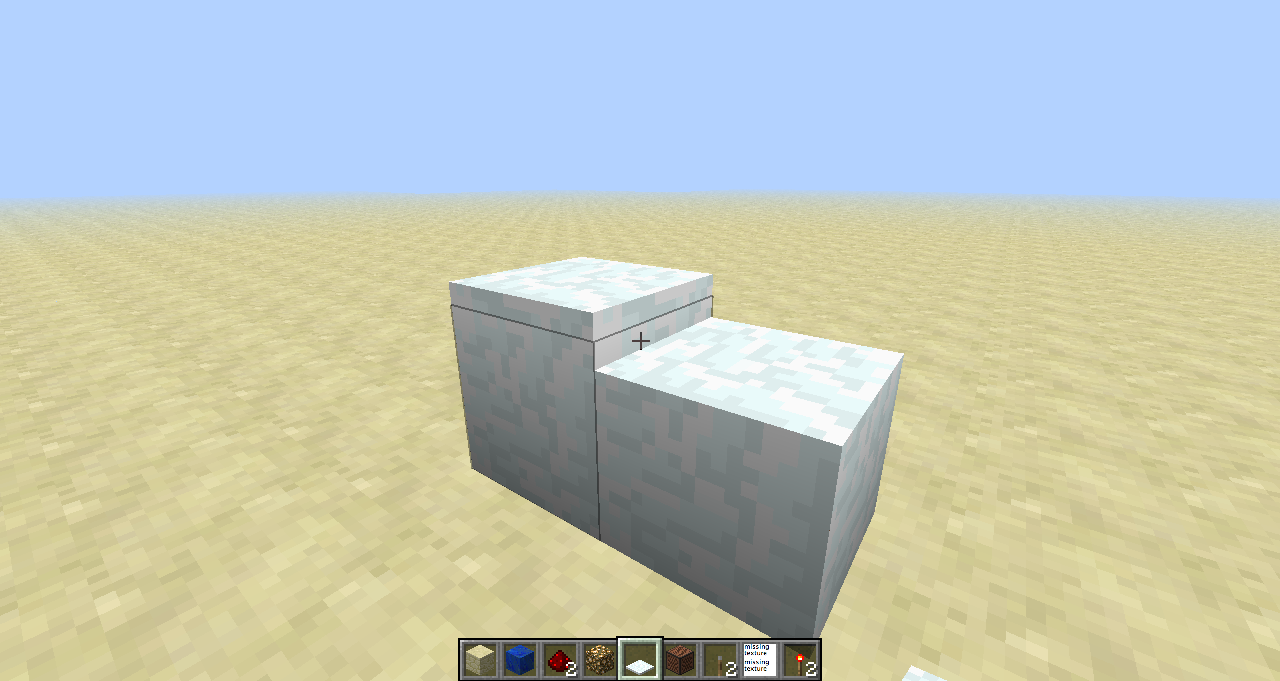
If you start placing snow layers beside a snowblock and then you click on the side of the snow block, all the layers beside it will disappear except one.
To reproduce this bug, put a snow block or snow layers and then start putting snow layers next to it. them click on the side of the snow block like in the picture.
SevereV-Syncgraphical glitchesSevere graphical glitches even with V-Sync on
i am experiencing this bug and it is really annoying! hope it gets fixed
I have noticed a sound issue where the minecart sound keeps playing even when no minecart is moving. I thought it might have been caused by the "jittering" but if not, I will create an issue for it. Thank you for fixing this issue Dinnerbone!
@Richard that is not the same thing as what I am experiencing.
@Kumasasa Well then its another bug because mine is in 1.4.5
i have tried the same exact design in all 4 directions, sometimes east doesnt work, sometimes it does. sometimes west doesnt work, sometimes it does.
dont know how to check that, but i dont think its that because i have tried it in several locations
this happens to me with cows in 12w49a
The title of this issue should be changed to "Mob heads are white..." since it does not only happen with creepers.
this happens to me in 1.4.5
this happened to mm too, in 1.4.5
i placed an item frame and when it fell off (because i broke the block it was on) it started flying around, instead of staying in one spot
I crafted my own star.
and i dont see why the star is in the creative menu but the rocket is not. In the snapshot the rocket you got from the creative menu was just a basic rocket.
this still happens to me in 1.4.6
did you read the description?
of course its fixable, all they have to do is make it so the 1.5 height of the fence, does not do anything do item frames.
I think its silent, I will double check tomorrow to see if its 100% silent.
I tried launching them by hand and also with a dispenser, both times the explosion was not visible.
As I already said, I crafted my own star and I used many variations (colors, burst, trail, twinkle, large ball, star shape, head shape......) and none of them were visible.
the speed is the same weather im in the minecart or not. so thats not the reason why the sound stops when i get in the minecart
yes
no, of course it does not blend with the sky! the sky is black and the fireworks are several different colors. And obviously I have particles on.
I have been away this whole week and unable to post the crash report. I will do it tonight as soon as I get home
well, this is really odd. i just tried the fireworks again in a clean copy of 1.4.6 and they worked! i will try it again in my actual 1.4.6 copy and see if they work there. i will also try them in a 1.4.7 copy
after some testing, i think i found the problem! firework explosions dont appear when i use a custom texture pack, only when i use the default one. any idea why?
no I dont. I tried to use someone elses texture pack, and fireworks do appear with that one. but when i select my own texture pack, they dont appear. Is my texture pack missing some files?
alright, I understand.
much more visible with a full stack of torches.
wow, I did not find that when i searched for it, sorry for the dupe
I did use the search function, I searched for "quartz stairs" and found nothing.
I have never experienced this bug with any other stairs, it only started happening now with the quartz stairs
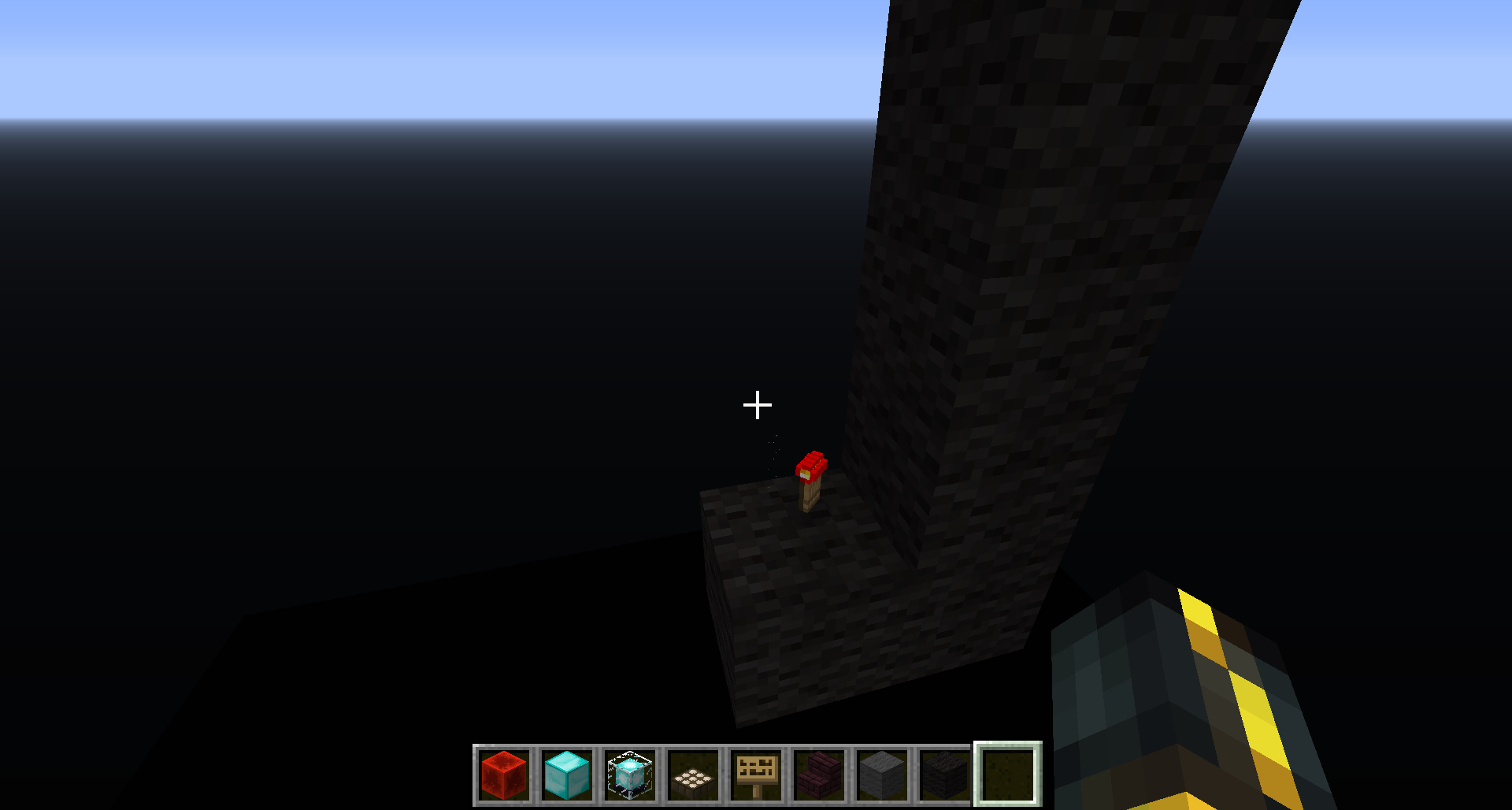
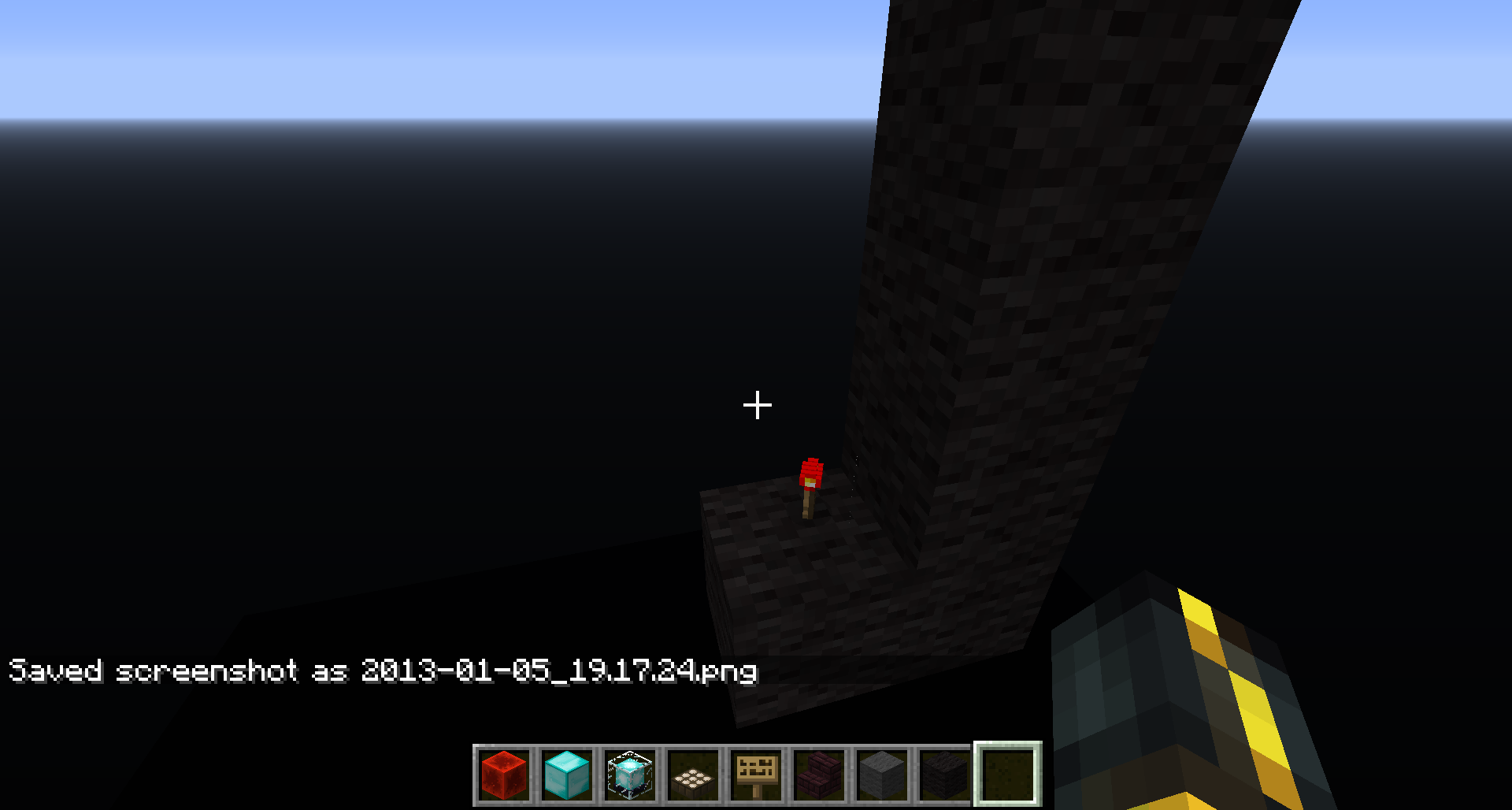
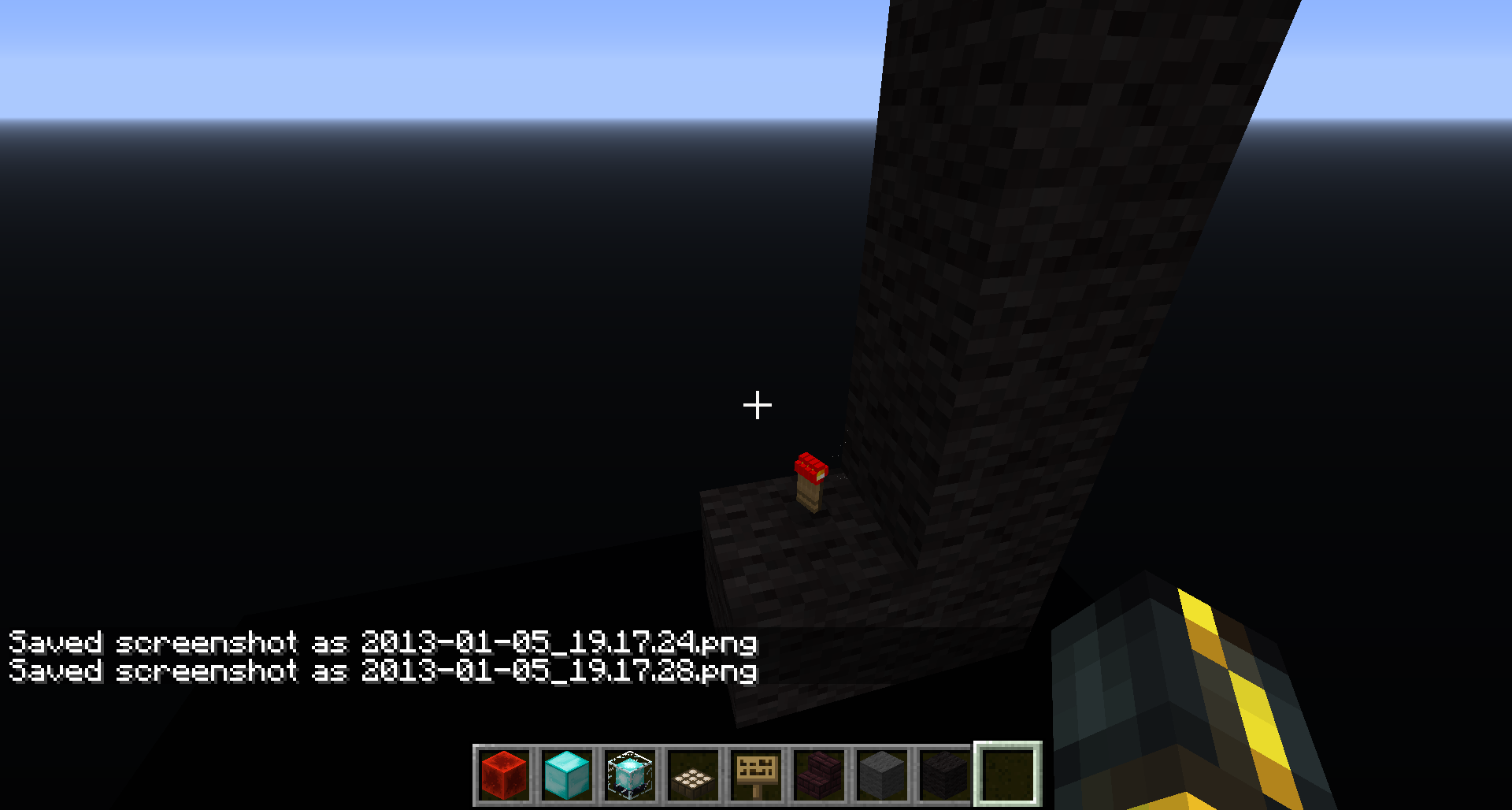
torches on walls also display this bug! see pic: http://i.imgur.com/zmIMO.png
Thanks!
I dont think its the same issue, but yes they are similar
Ill change the description later
this happens to me with 13w03a on my Mac
I have several builds which were broken because of this bug, so I will test them all and I will see if this bug truly has been fixed.
This has been getting much worse in the 2013 snapshots. I don't remember it being this bad in 1.4.6
Samples from 13w04a:
http://i.imgur.com/NIyWBBc.png
http://i.imgur.com/toZJ58H.png
http://i.imgur.com/IHfos92.png
can someone post this screenshot please? It wont work on my browser for some reason pVKcMxi.png
Thanx Tails
Didn't seem to change anything for me: http://i.imgur.com/OWK4lIk.png
I even noticed this bug in Xisumavoid's latest video
I've got a ATI Radeon HD 5970, Windows 7 64 bit, Java 7 64bit
When I was on 1.4.6 this problem was not that bad as it is with the current snapshots, however, if I go back to 1.4.6 it is still as bad as with the snapshots. It does not go back to how it was on 1.4.6
I did search, but found nothing for "snow + disappear"
I think its the other way around, the glass pane is brighter than the glass block
I will test this as soon as I can tomorrow and update this bug report
seems to have been fixed
still in 13w07a
Can someone confirm or disprove this please?
I started seeing this bug in the new snapshots, however, if I now go back to the 1.4 jars, the bug is still visible.
So it is not just a problem with the new texture pack format
What I meant was that, for me, even if I go back to 1.4, the bug is still as bad as with the snapshots.
Unlike other people who say that going back to 1.4 makes the problem "go away"
This only just started happening to me on 13w09c
the slanted line is infact from the torch
give them a break guys! Im sure they are working really hard to fix this, so even if its not fixed in 1.5, im sure it wont take long for them to fix it.
William, the lines are not part of the map. They deppend on the gfx card
Nathan is right, just because some users are experiencing a non game breaking visual glitch does not mean they have to delay the update making people have to wait for the awesome new features in it
Agreed, this is not the place to complain and rant.
It is not entirely fixed for me, its a little bit better, but I still see this bug. heres a pic: http://i.imgur.com/itGqHgg.png
Theres a pretty strange bug in this new minecraft_test_whiteline_2.jar.
If you try to place a painting, it dissapears as soon as you place it. You can do this several times, and if you then break the block they were on, all the paintings will pop out.
I tried to place several paintings in the minecraft_test_whiteline_2.jar and then i switched to the 1.5 pre-release .jar and to my surprise, all the paintings were on the wall.
image: http://i.imgur.com/h3KowrR.png
EDIT: The reason I thought this was a bug from the test build was that going back to 1.5 pre-release after trying to place some paintings made the ghost paintings appear, so I didnt think it was from 1.5 pre-release.
This bug still occurs in 13w11a, specially with diagonal columns of lava.
If you place 3 columns of lava diagonally like this: http://i.imgur.com/AHobtjM.png
you will see the white dots/lines in between the columns: http://i.imgur.com/JmvYYe0.png
(if you want to test this, make sure to dig a hole under each column so that the lava does not spread all over)
@Nicolas: you clearly have not read all the comments. If you would have you would know that 13w11a does not fix the problem, it only makes it less noticeable.
@Nicolas, thats why im saying it does not fix the bug, if it would then this bug report would not have been reopened.
If you tell people that 13w11a fixes the bug, then people will come back here and complain when they see the bug is not fully fixed.
and its not just lava, theres several other things that still show the bug, for example hoppers, trap doors....
@Etan: of course this was reopened, the issue is not yet fully fixed
just started seeing this bug in 1.5.1
Here it is http://pastebin.com/V0VfAzW8
Im not playing in the browser. Im playing with the regular launcher.
Oh and I have not tried the new snapshots.
Have you guys noticed that chests appear infront of the effect particles? Try giving yourself any effect and then look at either a normal or ender chest.
@zombie hunter:
I cant confirm on my PC either, but I have noticed it in some Youtube videos, for example this one from ChimneySwift11:
www.youtube.com/watch?v=PxJeOajecmg&feature=player_detailpage#t=786s
Maybe someone should add a screenshot of this?
Im pretty sure that none of the mods used would cause that. But ill try to ask him if he can reproduce that bug with a clean jar
@Steve Dawson:
The effect particles and chest thing?
ok, so thats why I couldn't find it, I was searching for MC issues. Didn't know it was a MCL issue. my bad!
This just happened to me on the newest launcher with 1.6 PR
Im on Mac OSX 10.8.2 with Java version 7 update 25
This is a pretty annoying bug, Ive had to play MC on the standard small window size for a few months now. So I cant make videos in 720p
@CubeTheThird I have this problem but I do not get the Kernel Panic screen. Also, I used to be able to resize the window and even go fullscreen when I got this new iMac, but I am not anymore, therefore its likely a problem with Minecraft.
@CubeTheThird I had originally created another issue where I expained the two problems that happened on my iMac. (my issue was closed as being a duplicate of this, which im not sure it is.)
When I clicked the fullscreen button in the options, my iMac would freeze and after a short while the whole screen would turn white (as if the game had gone to full screen but only showed white). While this was happening, I could still hear all the sounds, for example my iTunes music (so its not like the whole OSX froze). I couldnt do anything to get out of this white screen, but the volume keys on my keyboard did work, making the noise they always make when you press them. Since I couldnt get out of this white screen, my only option was to shut down the Mac by holding down the power button for a few seconds, so if I had any unsaved data, it would be lost.
Another thing that happened was that when I tried to resize the window manually (not with the maximize button) the screen would freeze. This time however, the screen would unfreeze after some minutes.
So no, my computer does not fully crash, it just seems to freeze. I can assure you that when I first got this iMac (which is the newest model) I was able to resize the window and even go fullscreen. I have not yet tried to test this with the new launcher, but maybe I should. If I do, I will record it with my phone to show what happened.
I thought the new launcher was supposed to update our LWJGL. We have to do it manually?
Ill try this tonight
Is it normal that Minecraft opens in a new window?
It might not be a bug, but it is an issue.
Thats what im trying to say. Its not possible to make it recognize the game window, since it is not minecraft.app.
Since minecraft.app is the launcher window and minecraft 1.6 is the game window, Palua switches to F1-F12 when im in the launcher window.
But when im actually playing in the minecraft 1.6 window, Palua does not switch to F1-F12.
Ok, I just tried to resize the window (with the newest launcher) and the OS froze like usual, this time however, I got this screen: http://tinyurl.com/ovccywx
This is the first time I have gotten this screen, all the previous times, the Mac would simply unfreeze after a few minutes.
How do I check if the new launcher correctly installs the newest version of LWJGL??
I just opened a new world in 1.6.1 and saw this issue.
It has happened several times.
Should I record a video of it happening?
No, I wish! (I also have this issue that does not let me resize the window https://mojang.atlassian.net/browse/MC-6665)

So, I should record a video of the problem right?
Not a great video, but you can clearly see the bug.
I just noticed it myself.
I thought you used to be able to do it. When did they change it?
(my legs arent transparent, only my arms)
But again, its only my arms that are invisible, everything else is visible. I dont see how that would be a problem.
What if I make the arms only 50% transparent, would that work? Or would it still look 100% black?
Yeah thats what I meant, if I make my arms 50% transparent / 50% black, will they look translucent or will they just be opaque?
I didnt post this as a suggestion, I posted this because I didnt know you couldnt have transparency in skins, so I thought it was a bug.
So, no need to tell me this site is for bug reports only. I already know that.
I am unable to enter a tilde on my Mac. Alt+N does not work. and neither does Shift+`. I have tried as many combinations as I could think of and I still cant get ~, I can only get ˜ and Minecraft does not recognize that. The only way I am able to input tildes, is by copying them from elsewhere and pasting in game, but I dont think I should have to do this.
I think it is because my keyboard is spanish. Please reopen this issue.
Doesn't work with my spanish keyboard either
This bug seems like it should be easy to fix. I hope they do it soon, tired of having to copy pase it every time.
I tried 14w17a (on my Mac) today and the clouds still have a bunch of lines constantly, it is really annoying. Should I post a pic of them?
I use command blocks a lot and its a real hassle having to copy and paste the tilde every single time. Im surprised this is still not fixed. Confirmed in 14w18a
(iMac 2013 - Spanish Keyboard)
Isn't Java 8 already available? How do you update to Java 8 on Mac, and how do you make Minecraft use it?
But is it normal that Java says the current version is version 7?
In the Java Control Panel. https://bugs.mojang.com/secure/attachment/63331/Screen%20Shot%202014-05-11%20at%207.28.31%20PM.png
(in that pic you can also see that the launcher uses version 6 and not version 7)
ok, but is it normal that the Java Control Panel doesn't think I need an upgrade?
Ok thanks! I heard that Version 8 can help get a bit more fps, and I could really use that.
Also, why does the Minecraft app force 1.6?
Thats what I thought. It could just check to see if you have Java 7, and if you do, it uses it, and if you dont, it uses Java 6.
Im happy to report that I am now able to input ~ without having to copy and paste it in. Im not sure if it is thanks to this weeks snapshot or last weeks.
For some reason, it does not use the same keyboard shortcut as OSX. Anywhere besides Minecraft, I can hit Alt+Ñ to type a tilde. But in Minecraft, I need to do Cmd+Alt+Ñ. (I'm on a Spanish keyboard.)
And as far as I can tell, I still cant input ^
I also get this strange thing with the chiseled quartz block, and the pillar quartz block.
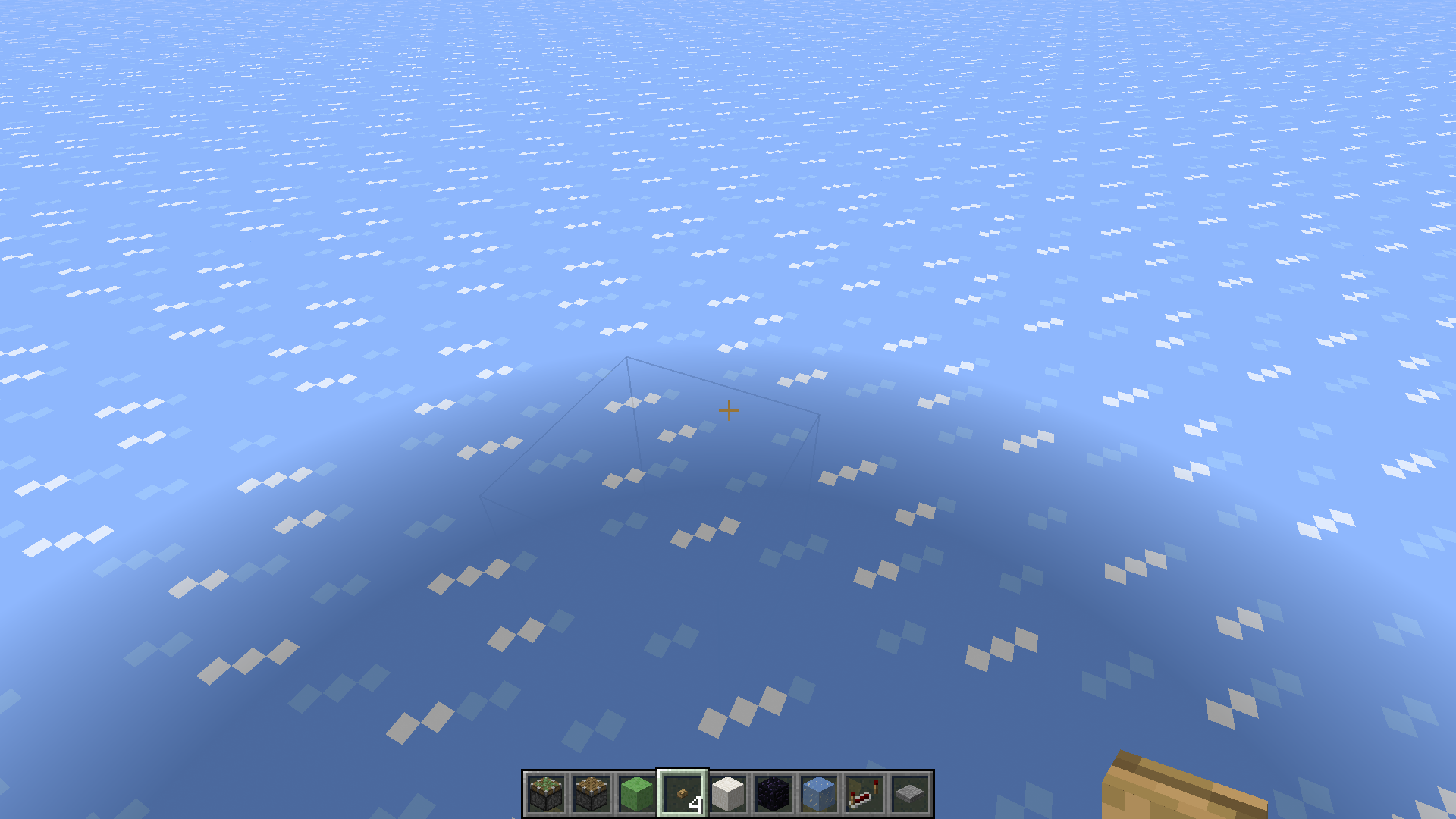
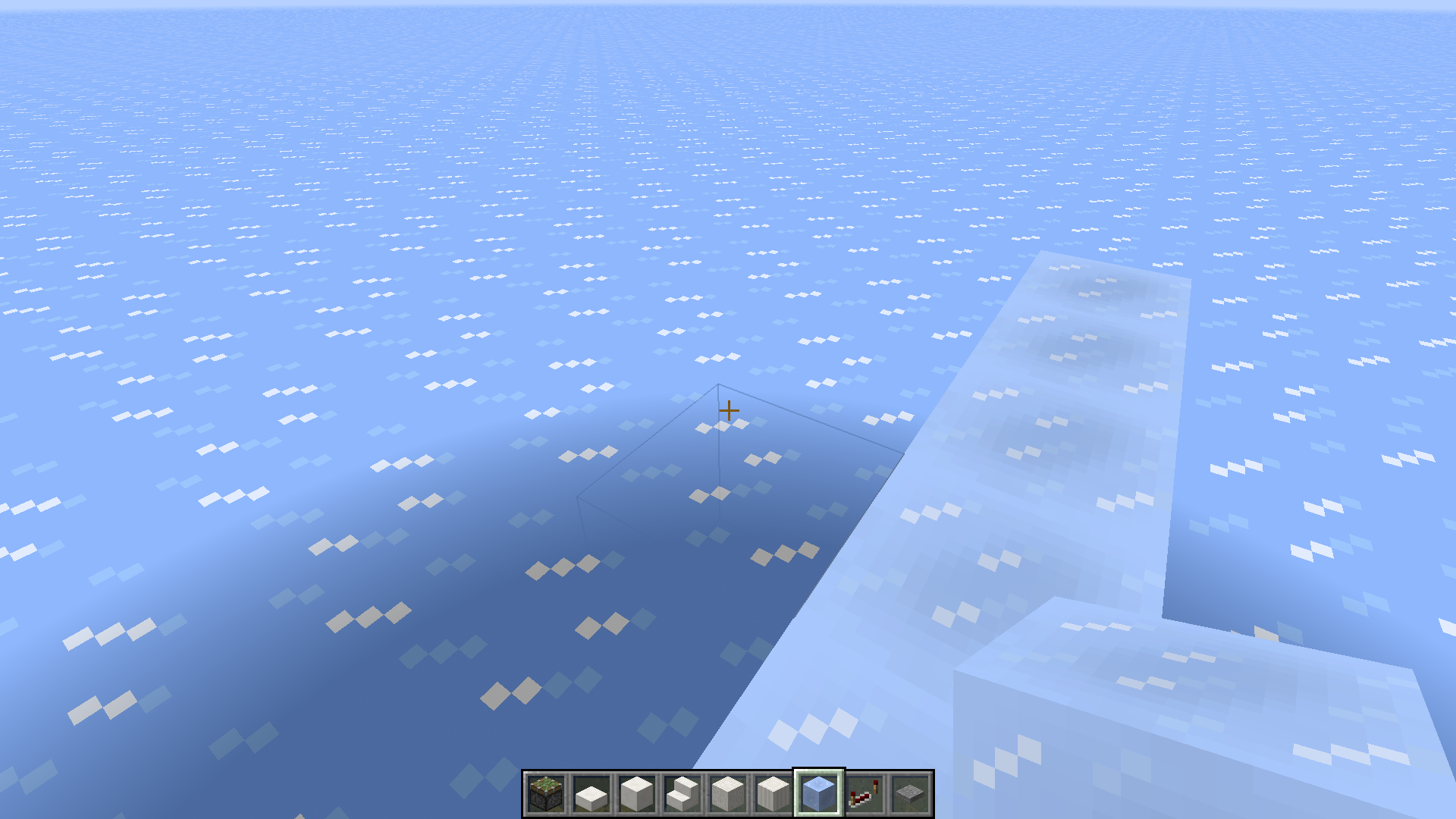
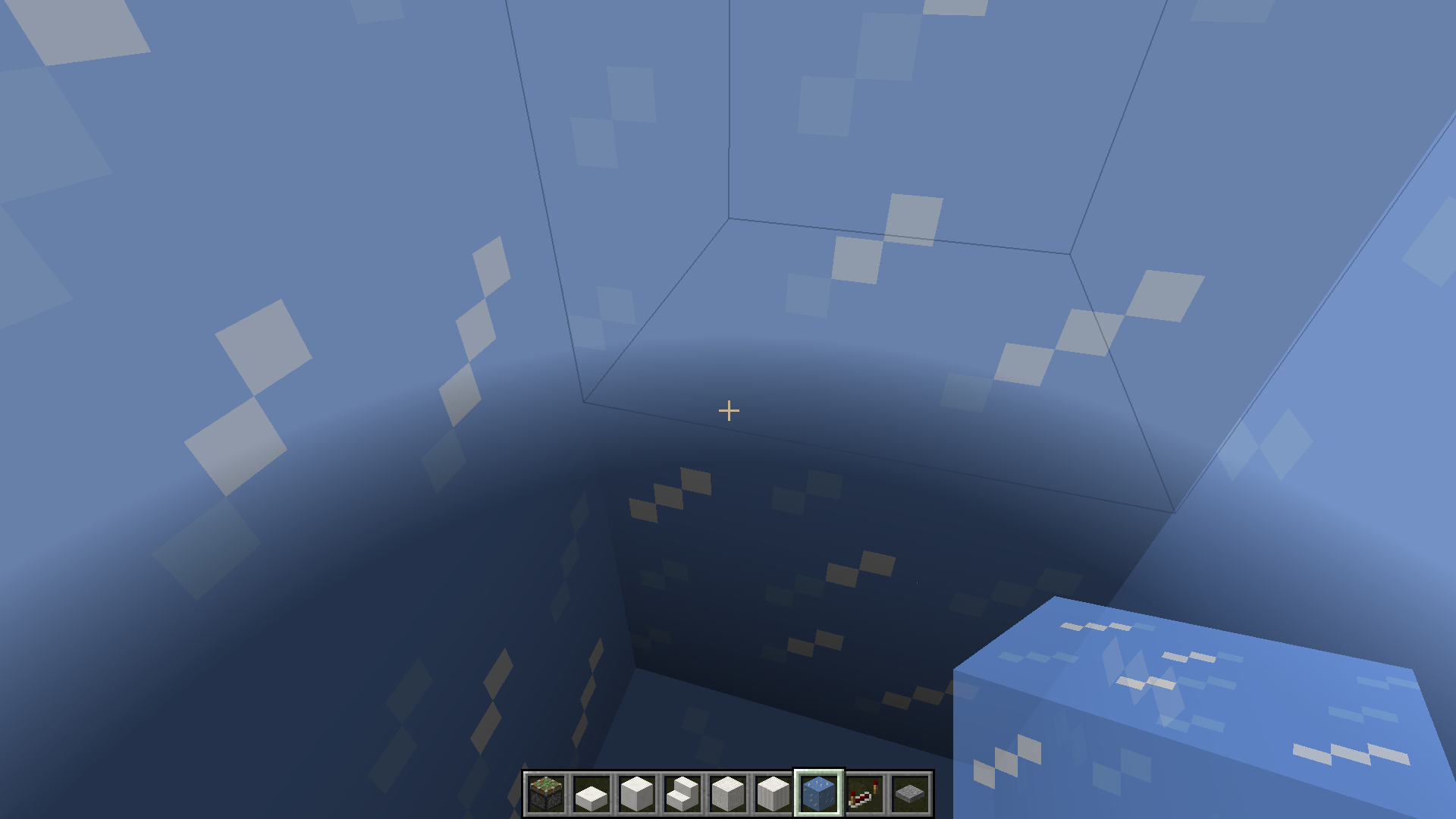
Im on a superflat world with 1x bedrock, 3x stone, 52x ice. The 'shadow' seems to be affected by the render distance.
I am not in a void world, I am in a superflat world, which has bedrock and stone underneath all the ice.
I'm still having this problem in 14w20a. I accidentally closed Minecraft when I tried to drop a whole stack.
CMD+ALT+Ñ to input ~ still works on my Spanish keyboard. But I don't know about other EU keyboards.
I am not able to input ^ with CMD+^like Sven said. (The key under my esc key is ª)
I havent been here in a while. Can someone explain whats been going on with this issue?