 Davide Cazzulani
- Dade_22_
- JIRAUSER670775
- Europe/Rome
- Yes
- No
 MCD-6423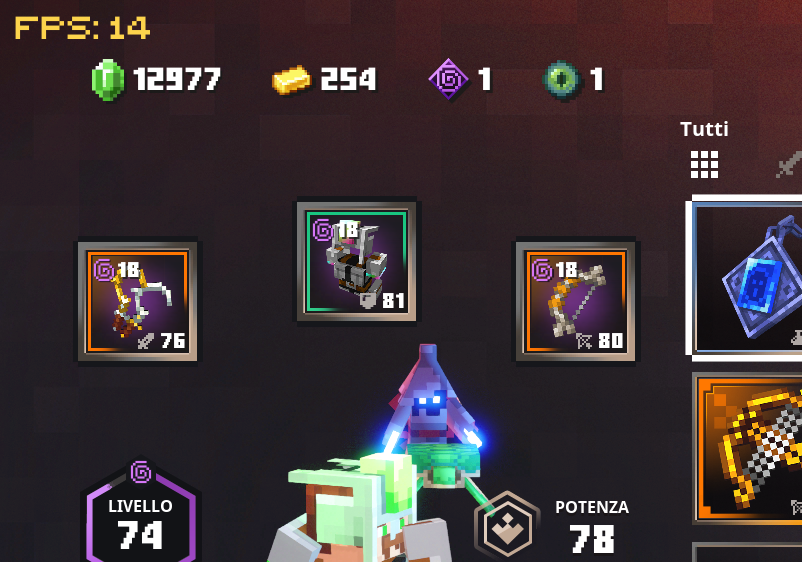







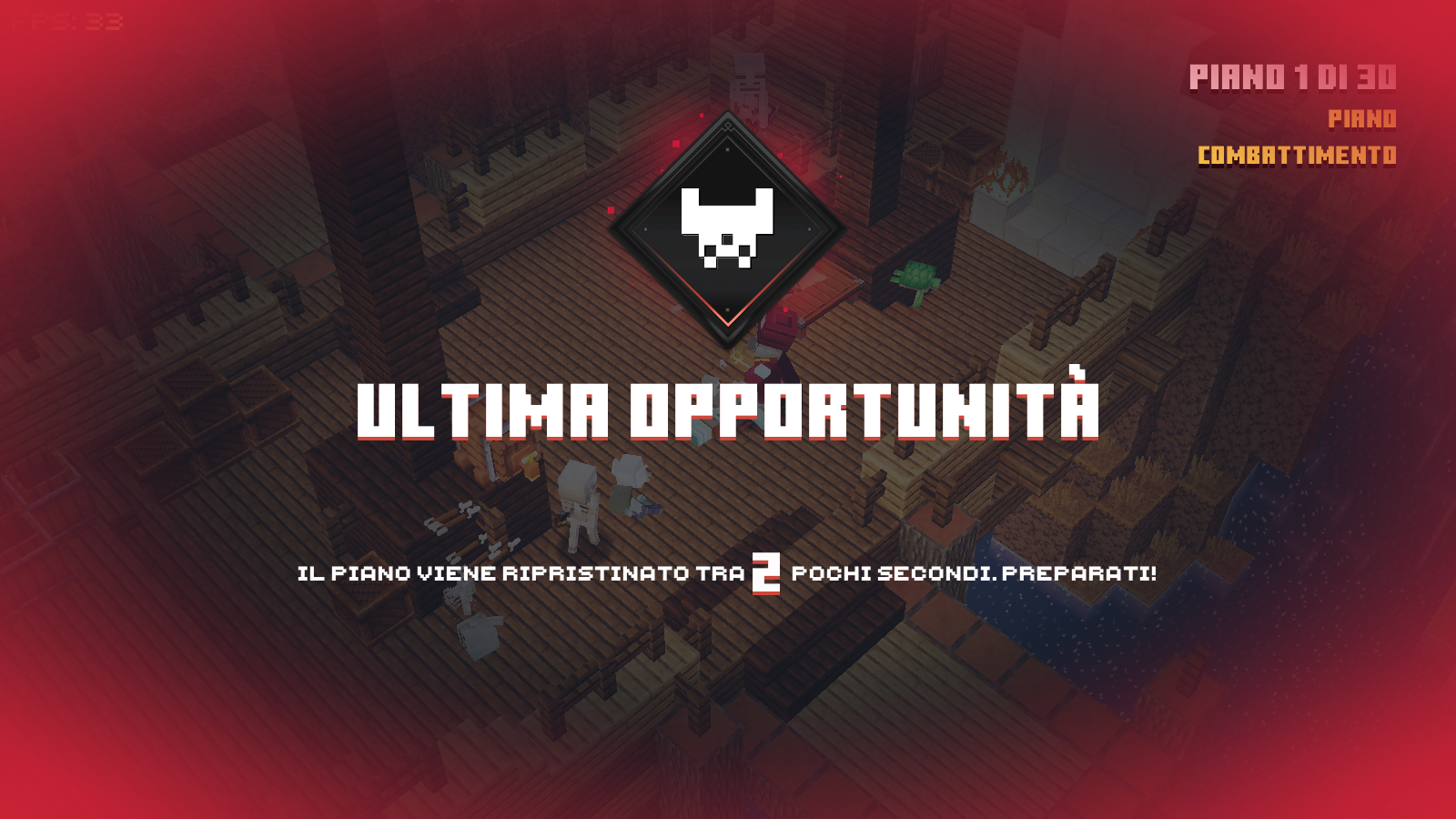



Screenshot (4).png
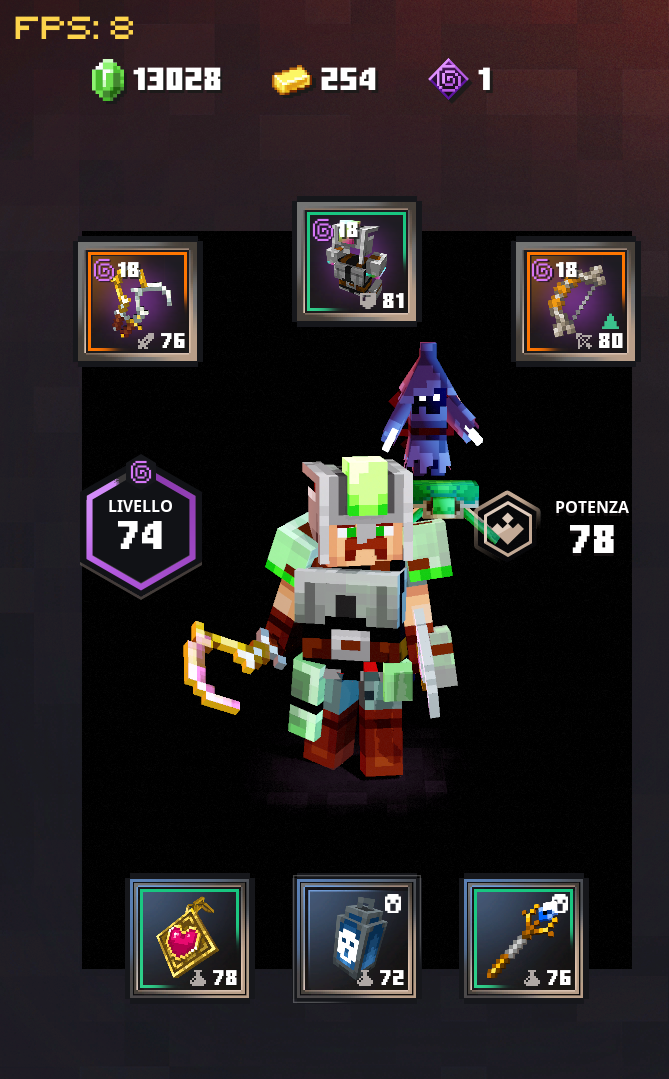
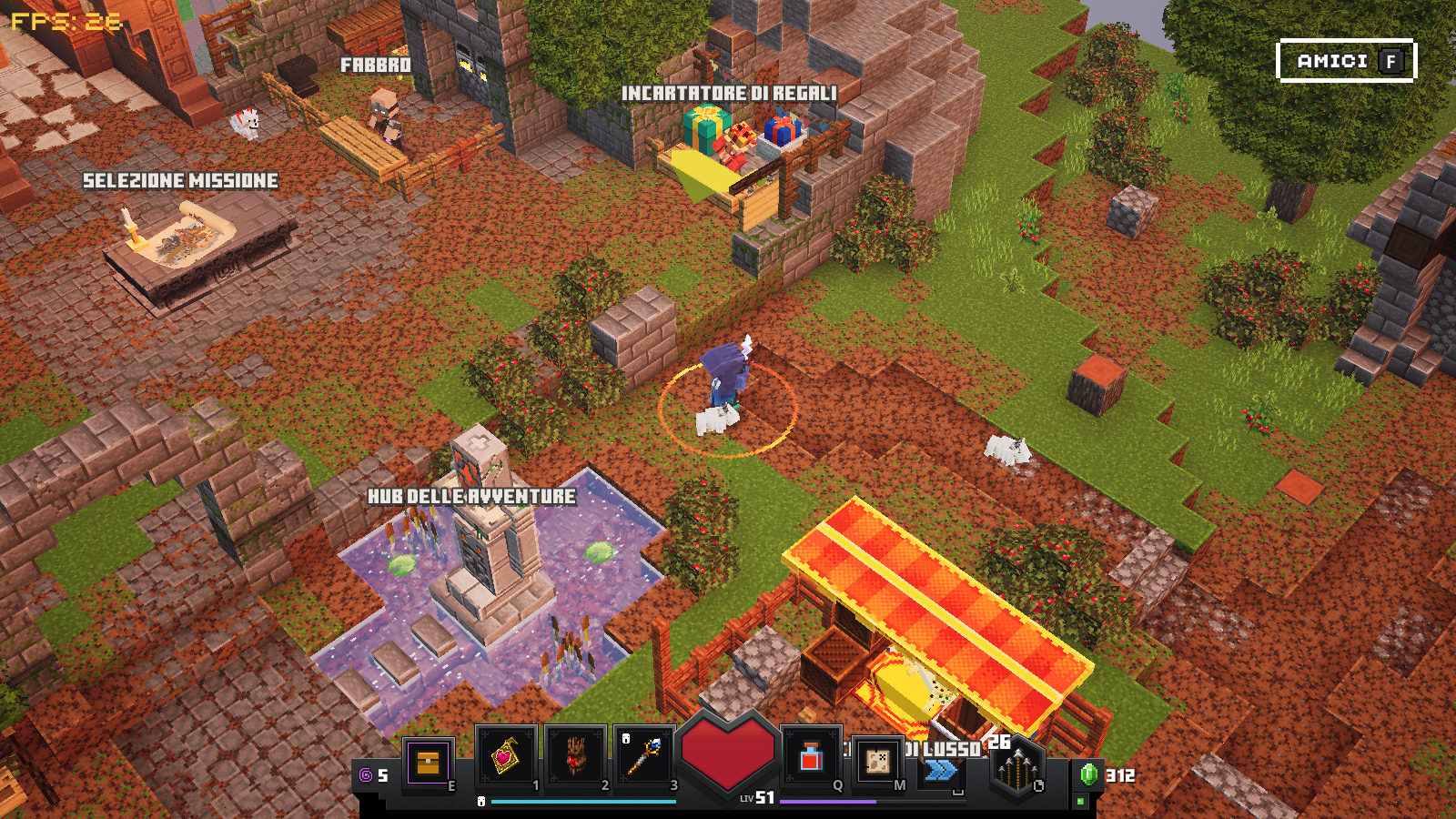
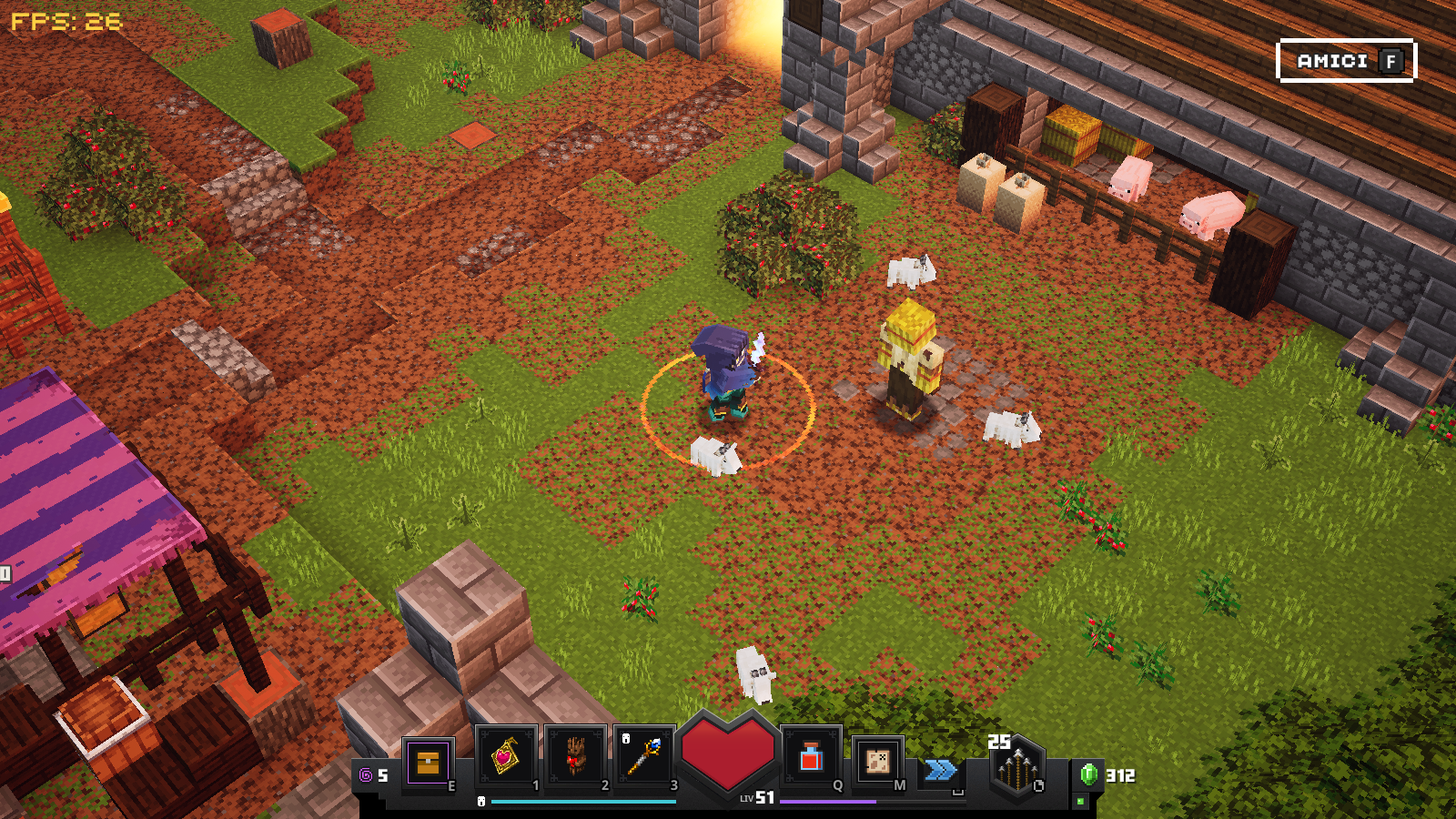
First, the background of the player was ok (transparent). Then, on 11 august 2021, I noticed it was black in the inventory
(Screenshot (5).png)and light blue in the cloud save menu (I don't have the screenshot of it).Now the background in the cloud save menu is ok (transparent) but the inventory one is still broken: sometimes is still black and sometimes even white (Screenshot (8).png).
First, the background of the player was ok (transparent). Then, on 11 august 2021, I noticed it was black in the inventory and light blue in the cloud save menu (I don't have the screenshot of it).
Now the background in the cloud save menu is ok (transparent) but the inventory one is still broken: sometimes is still black and sometimes even white).
First, the background of the player was ok (transparent). Then, on 11 august 2021, I noticed it was black in the inventory and light blue in the cloud save menu (I don't have the screenshot of it).
Now the background in the cloud save menu is ok (transparent) but the inventory one is still broken: sometimes is still black and sometimes even white).
Edit: I found that the black screen is shown when the inventory is opened with the keyboard shortcut, the white one when the inventory is opened with the inventory button in the hotbar.
Stuck glintin the item selection and weird sized avatarGlint animation stuck in the item selection and weird sized avatar
In the tower levels, once you have completed a level, the item selection pops up; in this GUI the avatar pic is automatically resized to contain everything but it's is too
vertically stretched and can happen that the animation of the item glint stops moving.In the tower levels, once you have completed a level, the item selection pops up; in this GUI the avatar pic is automatically resized to contain everything, but it's is too vertically stretched and can also happen that the animation of the item glint stops moving.
I can remember it was a run I started few days before. I was in one of the first floors, then I continued the run from where I left and then this occured. Well, it's been a while since I last played the game but as much as I can remember this never occured again (starting a run from 0).
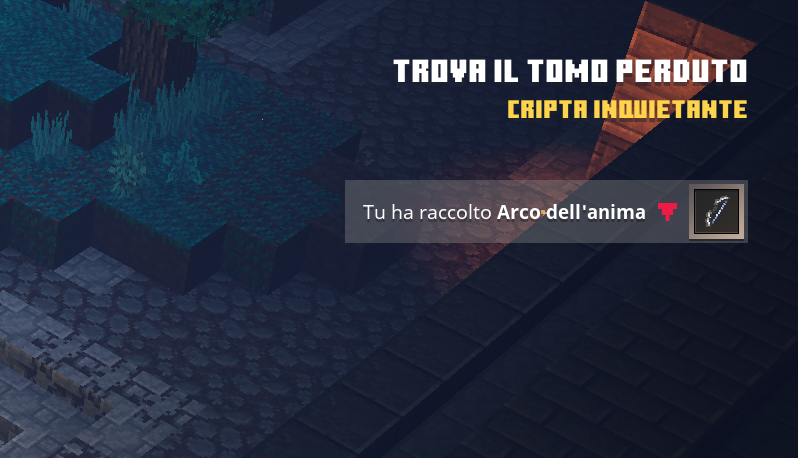
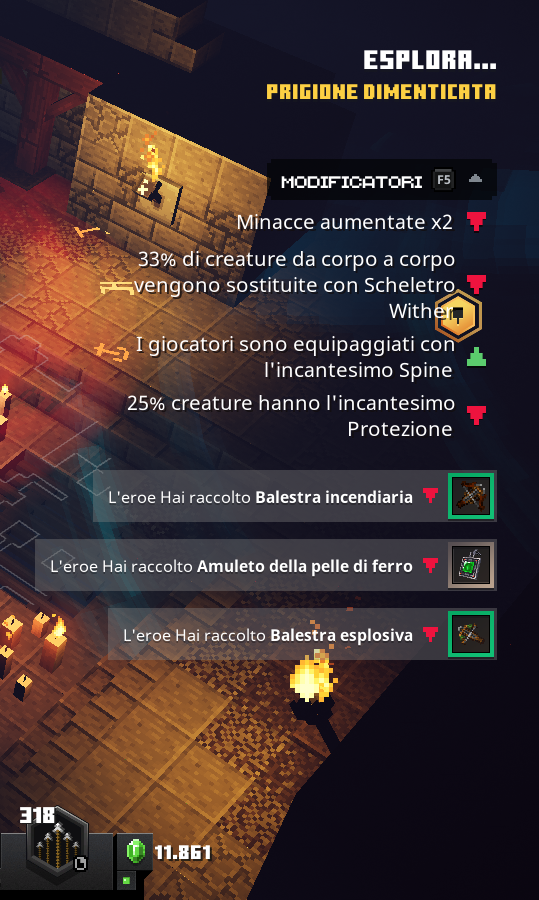
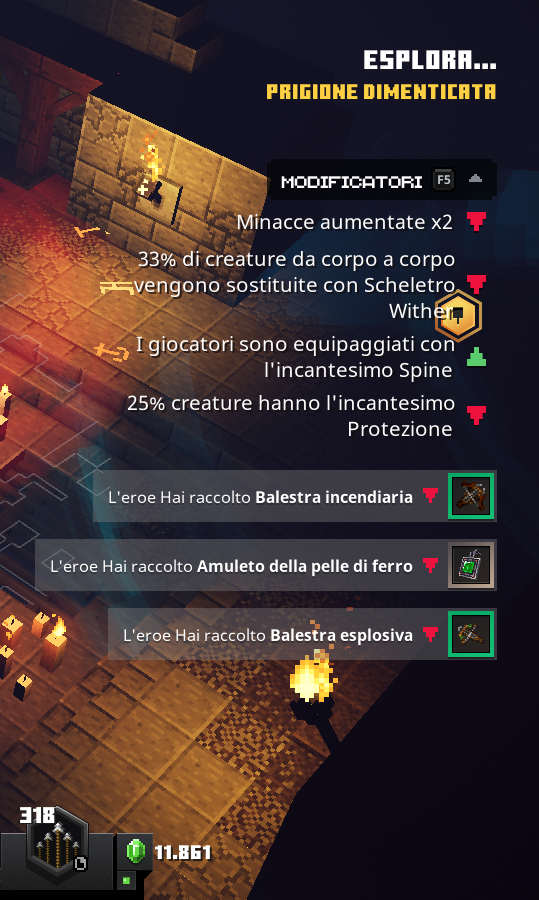
I'm doing another ticket since you managed to fail the translation again and marked [MCD-6432|www.bugs.mojang.com/browse/MCD-6432] as fixed.
The message shown is supposed to be like these...
- when you pick up an item: "Hai raccolto [item name]" (You picked up [item name]) OR "L'eroe ha raccolto [item name]" (The here picked up [item name])
- when another player picks up something: "[player name] ha raccolto [item name]"
I'm doing another ticket since you managed to fail the translation again and marked Crea ticket - Jira (mojang.com) as fixed.
The message shown is supposed to be like these...
- when you pick up an item: "Hai raccolto [item name]" (You picked up [item name]) OR "L'eroe ha raccolto [item name]" (The here picked up [item name])
- when another player picks up something: "[player name] ha raccolto [item name]"
I'm doing another ticket since you managed to fail the translation again and marked Crea ticket - Jira (mojang.com) as fixed.
The message shown is supposed to be like these...
- when you pick up an item: "Hai raccolto [item name]" (You picked up [item name]) OR "L'eroe ha raccolto [item name]" (The here picked up [item name])
- when another player picks up something: "[player name] ha raccolto [item name]"
I'm doing another ticket since you managed to fail the translation again and marked
MCD-6432as fixed.The message shown is supposed to be like these...
- when you pick up an item: "Hai raccolto [item name]" (You picked up [item name]) OR "L'eroe ha raccolto [item name]" (The here picked up [item name])
- when another player picks up something: "[player name] ha raccolto [item name]"
I'm doing another ticket since you managed to fail the translation again and marked
MCD-6432as fixed.The message shown is supposed to be like these...
- when you pick up an item: "Hai raccolto [item name]" (You picked up [item name]) OR "L'eroe ha raccolto [item name]" (The her
epicked up [item name])- when another player picks up something: "[player name] ha raccolto [item name]"
I'm doing another ticket since you managed to fail the translation again and marked
MCD-6432as fixed.The message shown is supposed to be like these...
- when you pick up an item: "Hai raccolto [item name]" (You picked up [item name]) OR "L'eroe ha raccolto [item name]" (The hero picked up [item name])
- when another player picks up something: "[player name] ha raccolto [item name]"
![[Mod] EVGENSYPERPRO](../../../data/avatars/users/92853.png)
Davide Cazzulani: could you please provide a screenshot? I only have orange.
Davide Cazzulani: This does not seem to apply to this report.
I also want to add that in addition to the aura, orange particles from the player will be visible. It seems that all the orange that comes from the player is visible in the trade window. 🤔
Some days ago I collected the first eye in the creeper forest, then I went to the end portal just to explore the level, I tried to activate the portal but nothing happened (obviously) and all the counters (the inventory one, the map one and the "[number] ender eyes left" in the stronghold) were ok. Yesterday I collected the second eye in the swamp but only the counter in the levels map increased. Today I opened the game to see if something changed after the update of the game in the launcher but I now see everything is just like yesterday. I haven't picked up any other eye so I have two eyes. Here's a pic I took 5 minutes ago in the stronghold; as you can see the game says me "5 eyes left".

Ok, it's now fixed and the counter in the inventory disappeared. And is it normal to have a black rectangle as player background in the inventory?


I had the same problem when I changed my Microsoft account password even if I re-logged into the launcher with the new password. The only solution I found was going back to the same password I had when I played the game for the first time.
This was a problem since I couldn't change my password, but I've just changed the password, re-logged into the launcher and it now works. Seems they fixed it or this error can occur in random moments.
I played that level some days ago and I noticed the same "problem"; it was pretty a speedrun so I didn't pay attention to those buttons but I think the button works only after defeating all the monsters spawned by clicking the other buttons (I'm not sure, but when I played, it worked after clicking a couple of time).
Just turn off the Windows Insider program. Windows 11 is full of bugs for now since this is just a preview. On the official site, they say the game is currently available only on Windows 7, 8 and 10.
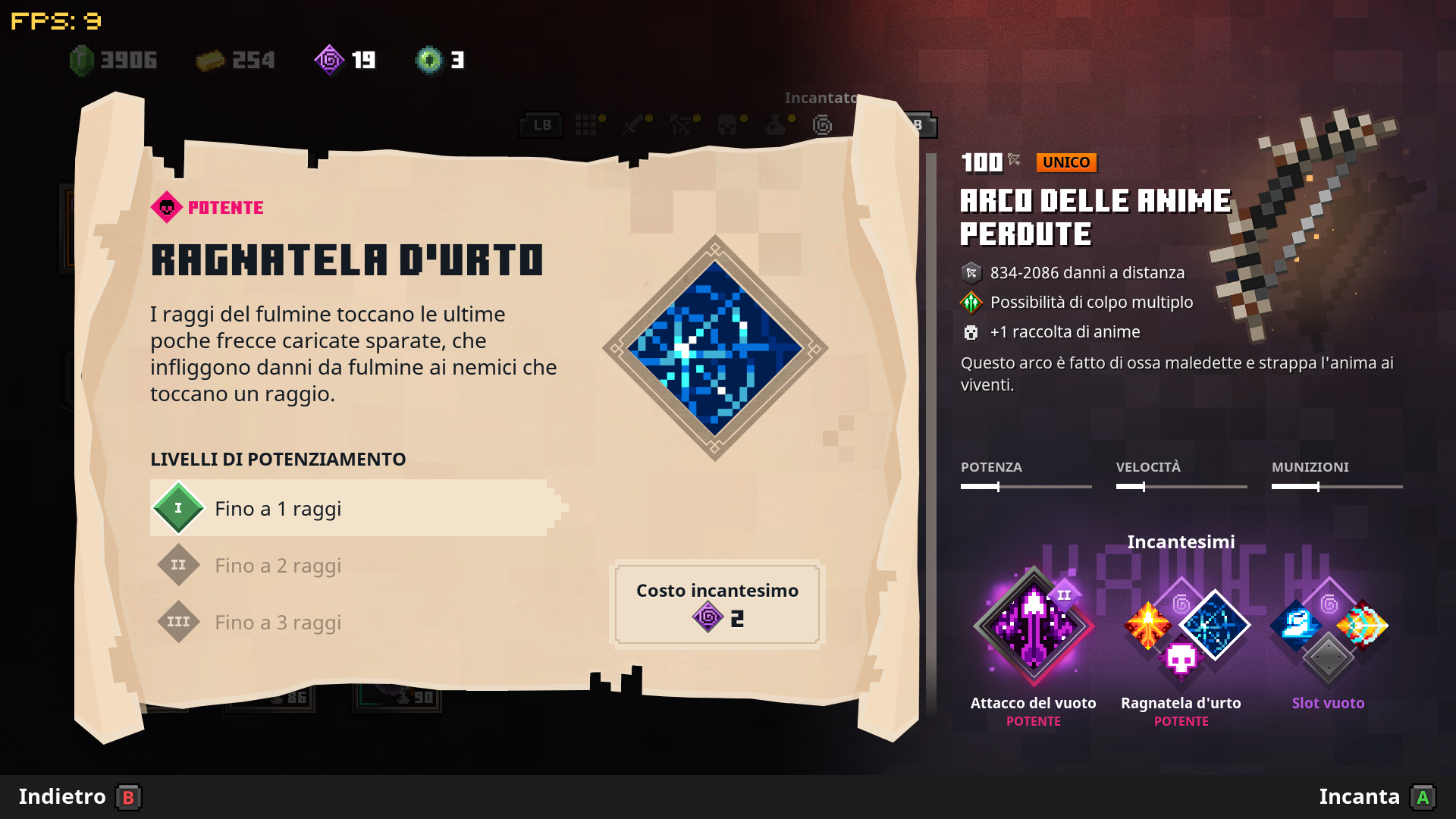
I think there's a misunderstanding; the problem is the text itself, it doesn't explain the enchantment very well and I also saw various streamers being puzzled reading it (so I'm not the only one that doesn't understand what the enchantment does from its description).
I can't verify if it is still the same description in the latest version because I don't have any item in my inventory with this enchantment available.
Edit: I've just updated the game and picked up a bow with this enchantment and I can now confirm the description is still the same.
In my case, it shows a white rectangle when the inventory is opened with the inventory button in the hotbar. A black one is shown when the inventory is opened with the keyboard shortcut (for example the E physical button).
This happened to me some months ago when I changed the password of my Microsoft account. Since when I changed the password back to the old one the white popup stopped showing and the game loaded correctly.
On Windows 10 I unlocked the dog achievement.
This happens in the tower. The text on the top right corner (remaining attempts) always covers the yellow text (Italian language, I don't know if in the other languages this is ok or not). I don't even know why there is a separate text for it while there's already the golem icon in the bar...
Talking about the title that doesn't disappear completely, this triggers randomly (or probably, but this is only me speculating, a consequence of the device's performances at the moment when you enter the level). When I created the ticket I noticed it at the third floor and many others floors (in the same run). This morning, while playing, I noticed it at floors 11, 12, 19 and 22.
Also the glints of the items in the items selection between a level and the other are affected by this "freezing" (I opened a ticket for this,
MCD-6982).It happens with all types of aura. I noticed it with the red one.
Here you are
PS: If you look closer you can also see the circular shadow of the character.
I play on a pc (via the Minecraft launcher, not Steam) and I got both.
Am I the only one that noticed that clicking a merchant at the camp makes the "dark" animation as clicking on the adventure hub? I hate when the game does it because the merchant GUI appears after an eternity. 😑
Also noticed with parrot
I was just asking because it seems that with the recent updates merchants' GUIs have strange behaviours. I am too lazy to open another ticket for this since I spent a week reporting bugs related to GUIs, pets, and so on in addition to translation errors, and I'm a bit tired.
I can remember it was a run I started few days before. I was in one of the first floors, then I continued the run from where I left and then this occured. Well, it's been a while since I last played the game but as much as I can remember this never occured again (starting a run from 0).
You managed to change it in the wrongest way you could. Now the message displays "L'eroe Hai raccolto [item name]".
The correct text is "L'eroe ha raccolto [item name]" (if you want to say "The hero picked up [item name]") or "Hai raccolto [item name]" (if you want to say "You picked up [item name]").
I even specified the correct text before but you still managed to fail and marked it as fixed.
I give up.
You're absolutely free to keep your 20€ worth game with serious grammatical problems.