 user-16d15
- jirauser365615
- JIRAUSER365615
- Europe/Stockholm
- No
- No
![[Mojang] eowyn36](../../../data/avatars/users/18935.svg)
 Normal
 MC-197686
 WEB-5996
![[Mojang] Mega_Spud (Jay Wells)](../../../data/avatars/users/92696.png)
![[Mod] Jiingy](../../../data/avatars/users/91802.png)

 Low
Low![[Mod] Avoma](../../../data/avatars/users/86198.png)



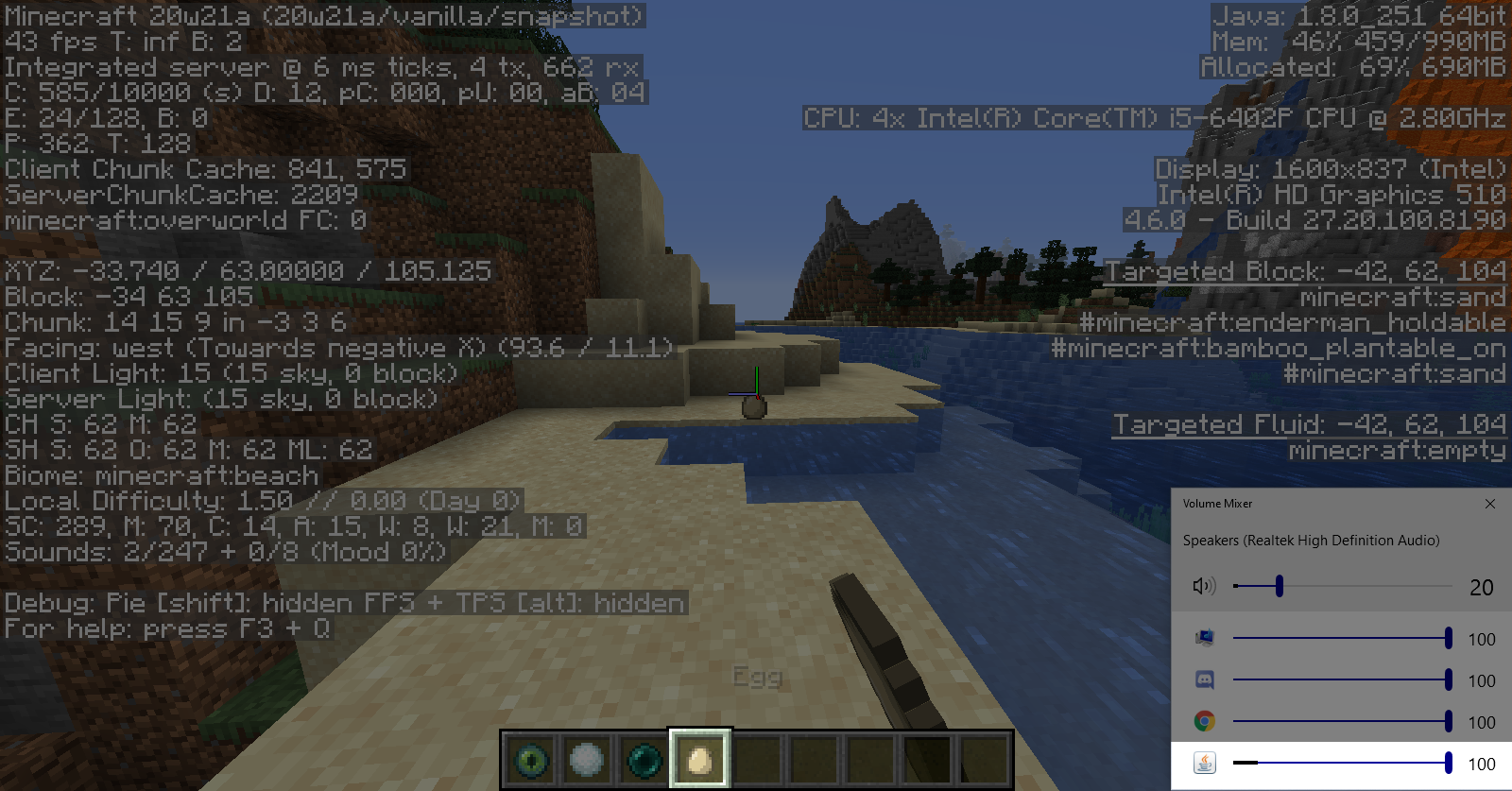






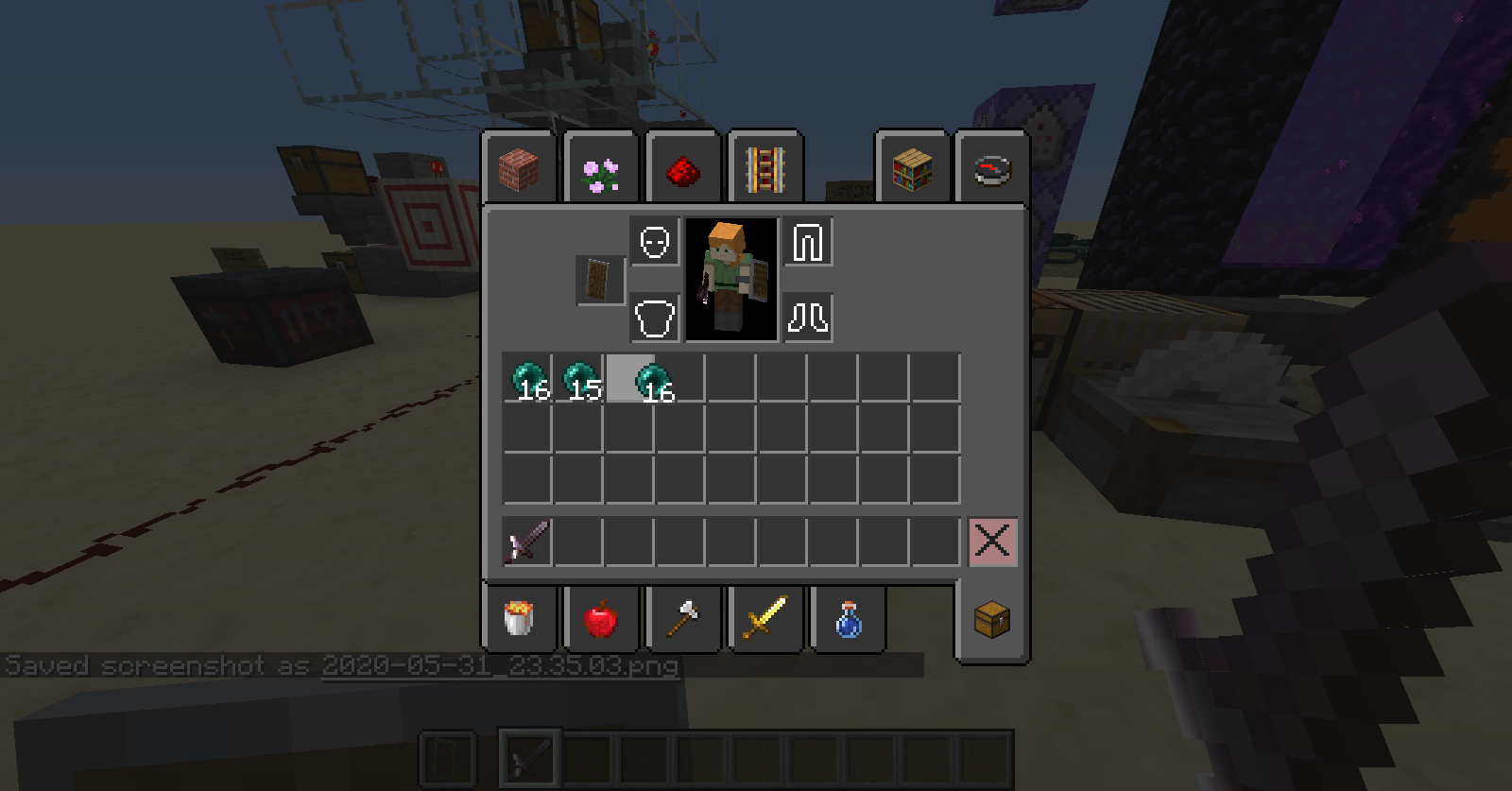
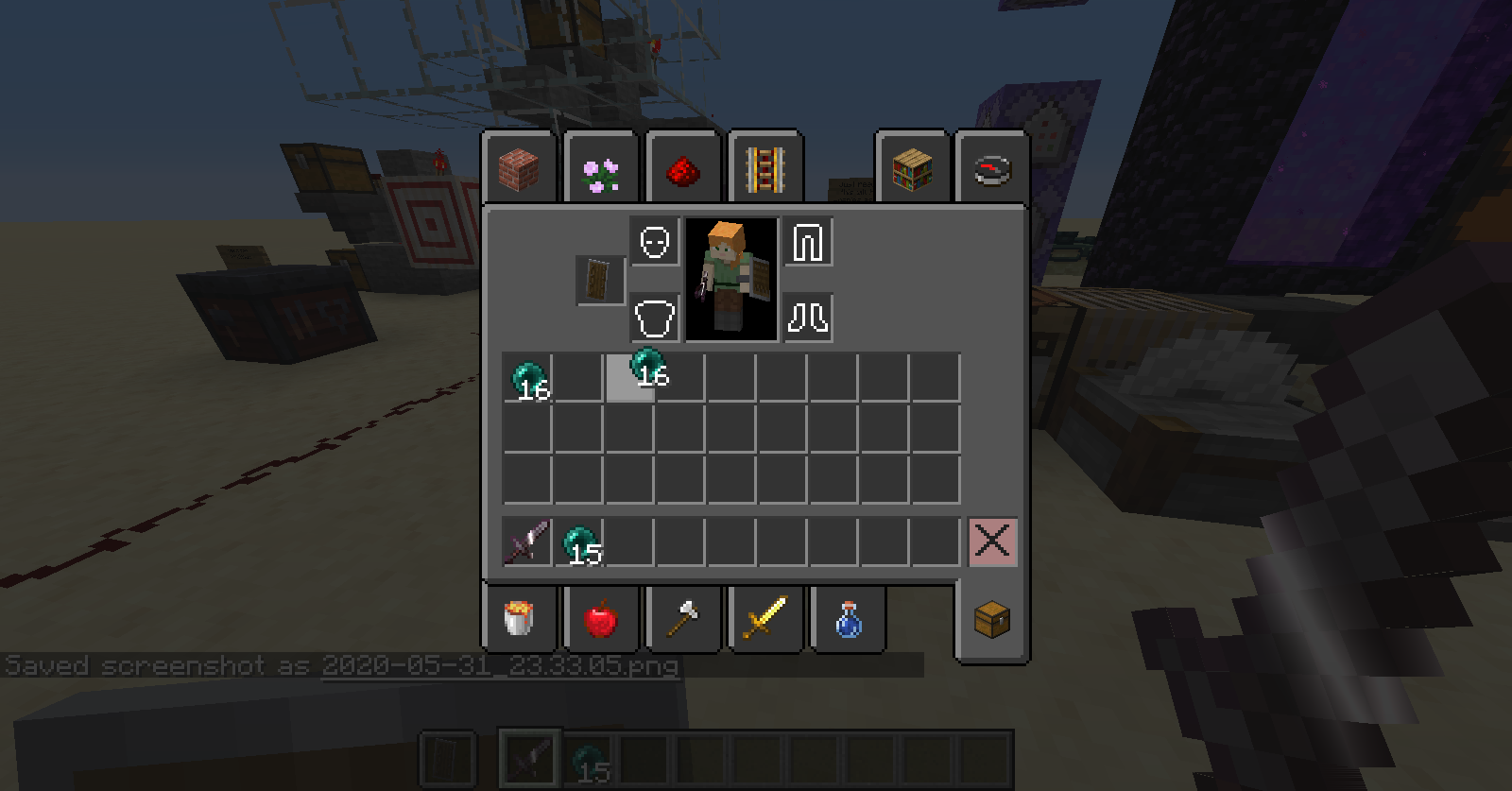
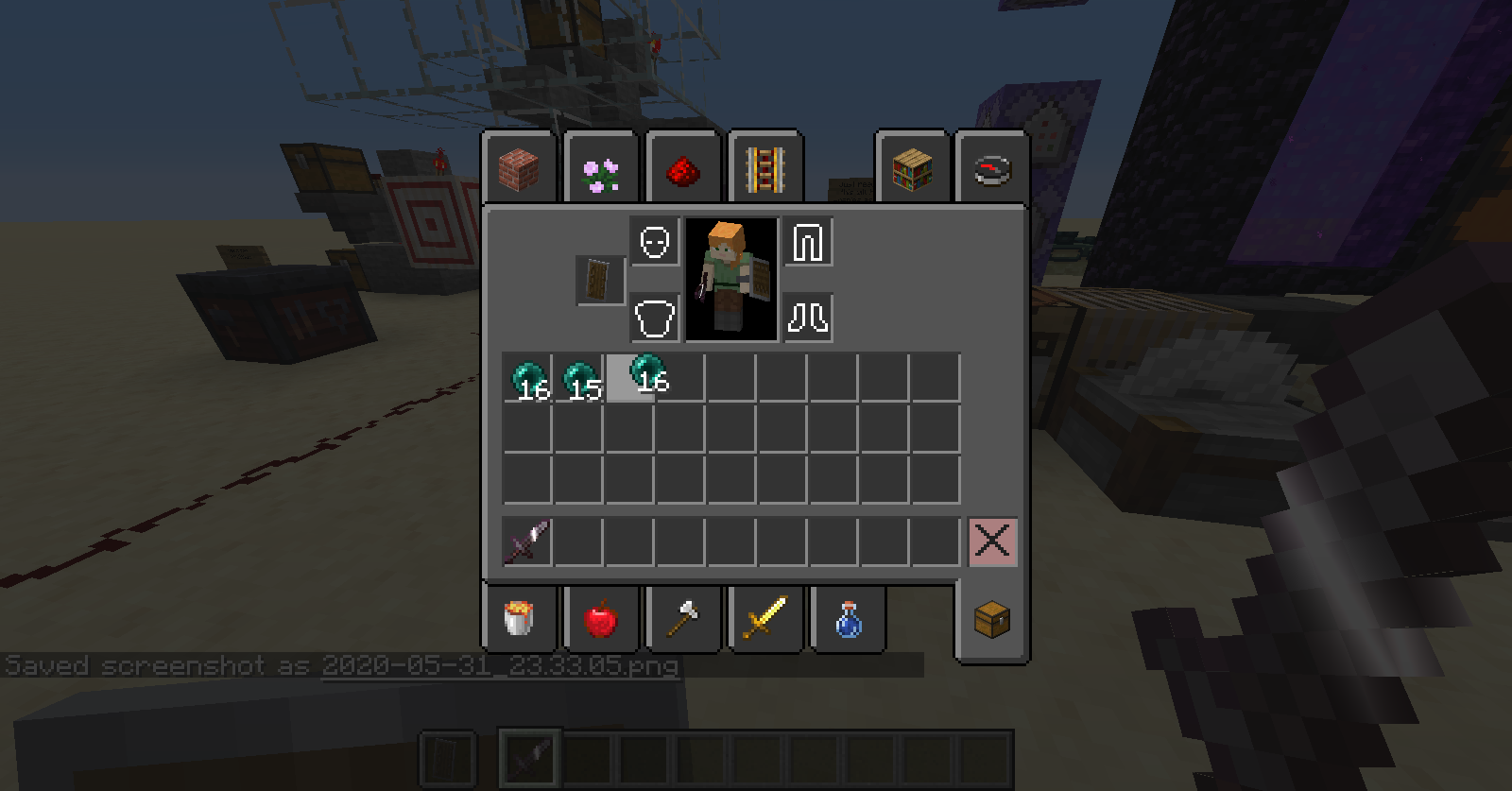

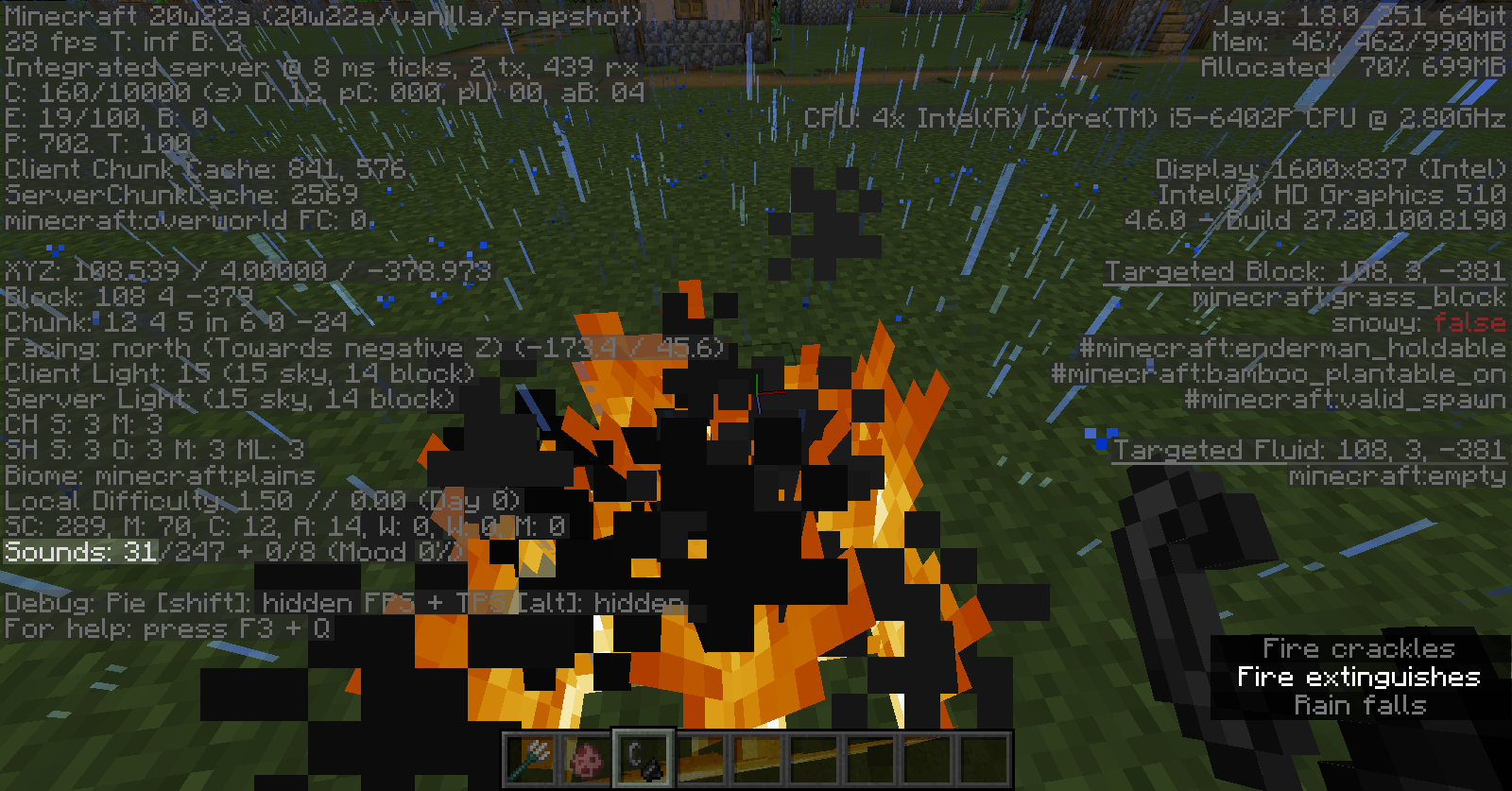









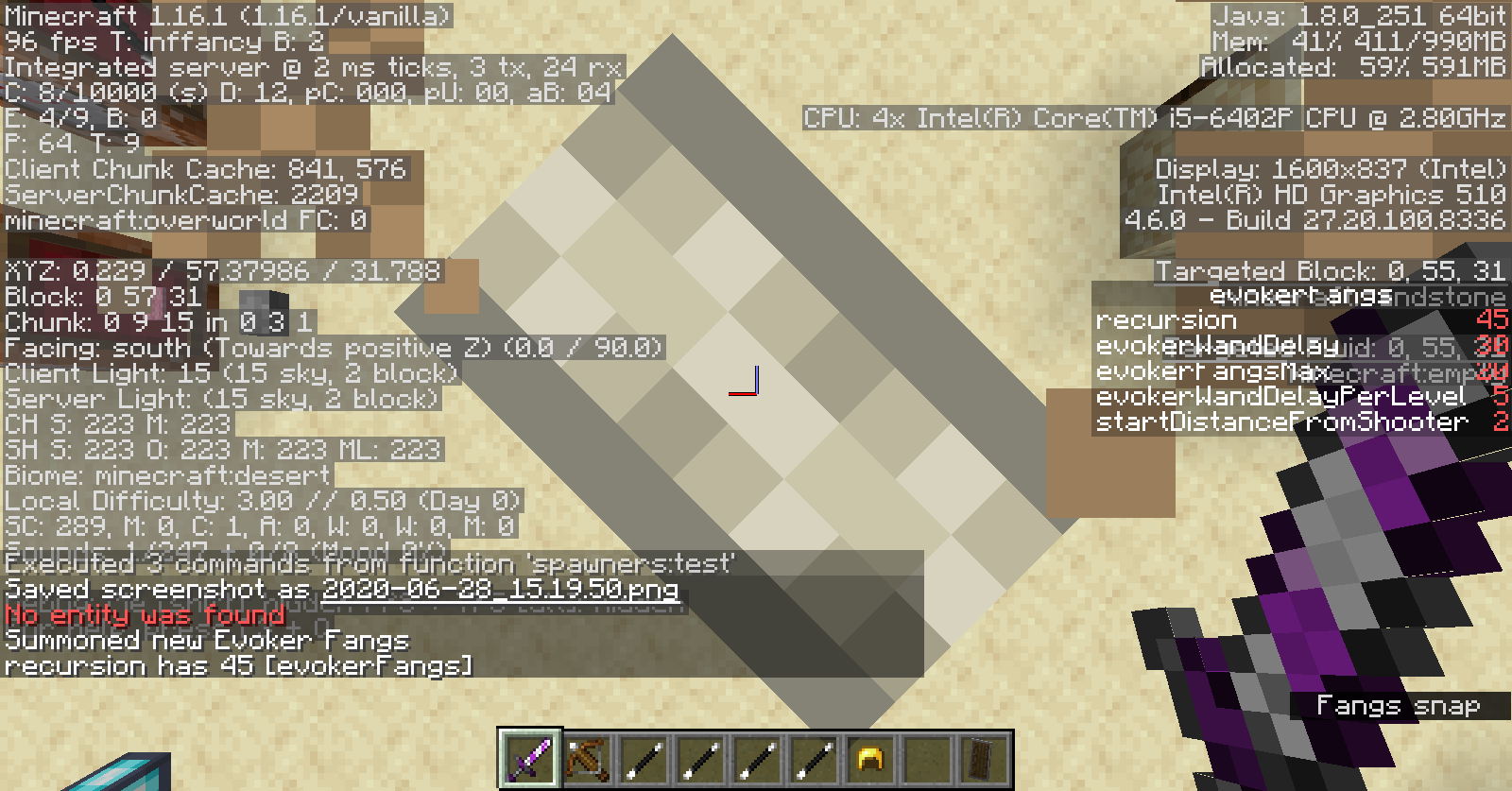

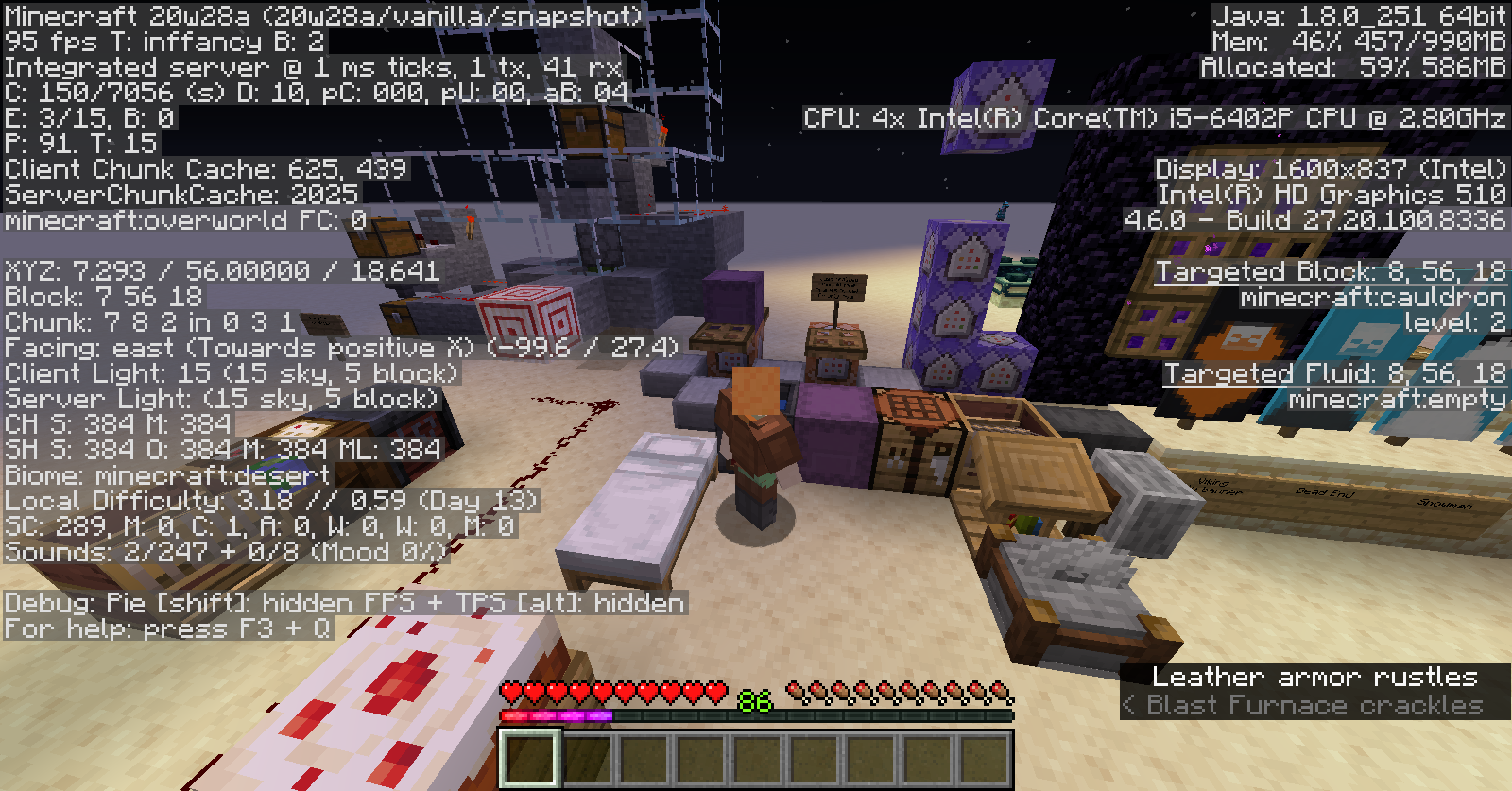
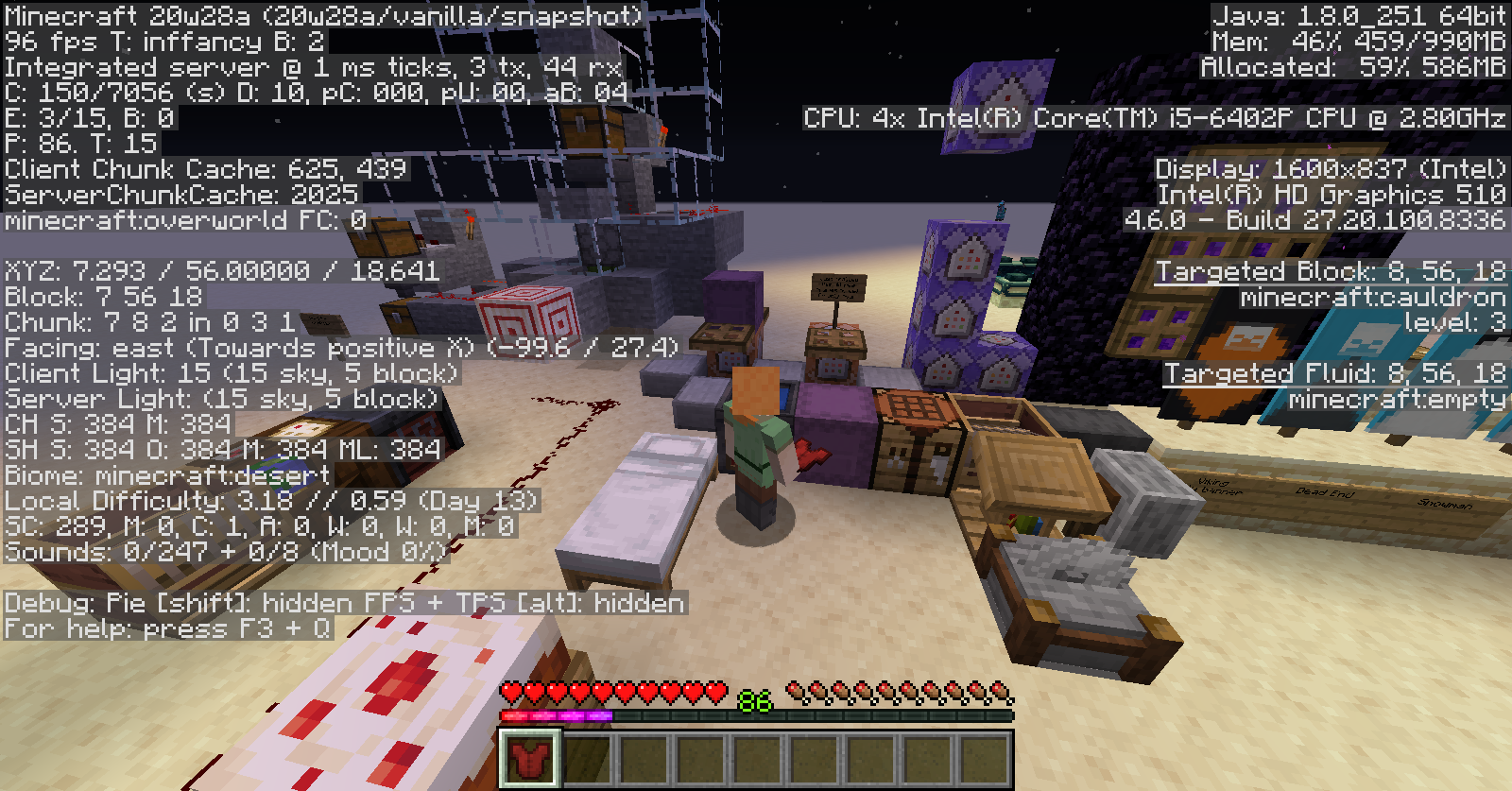


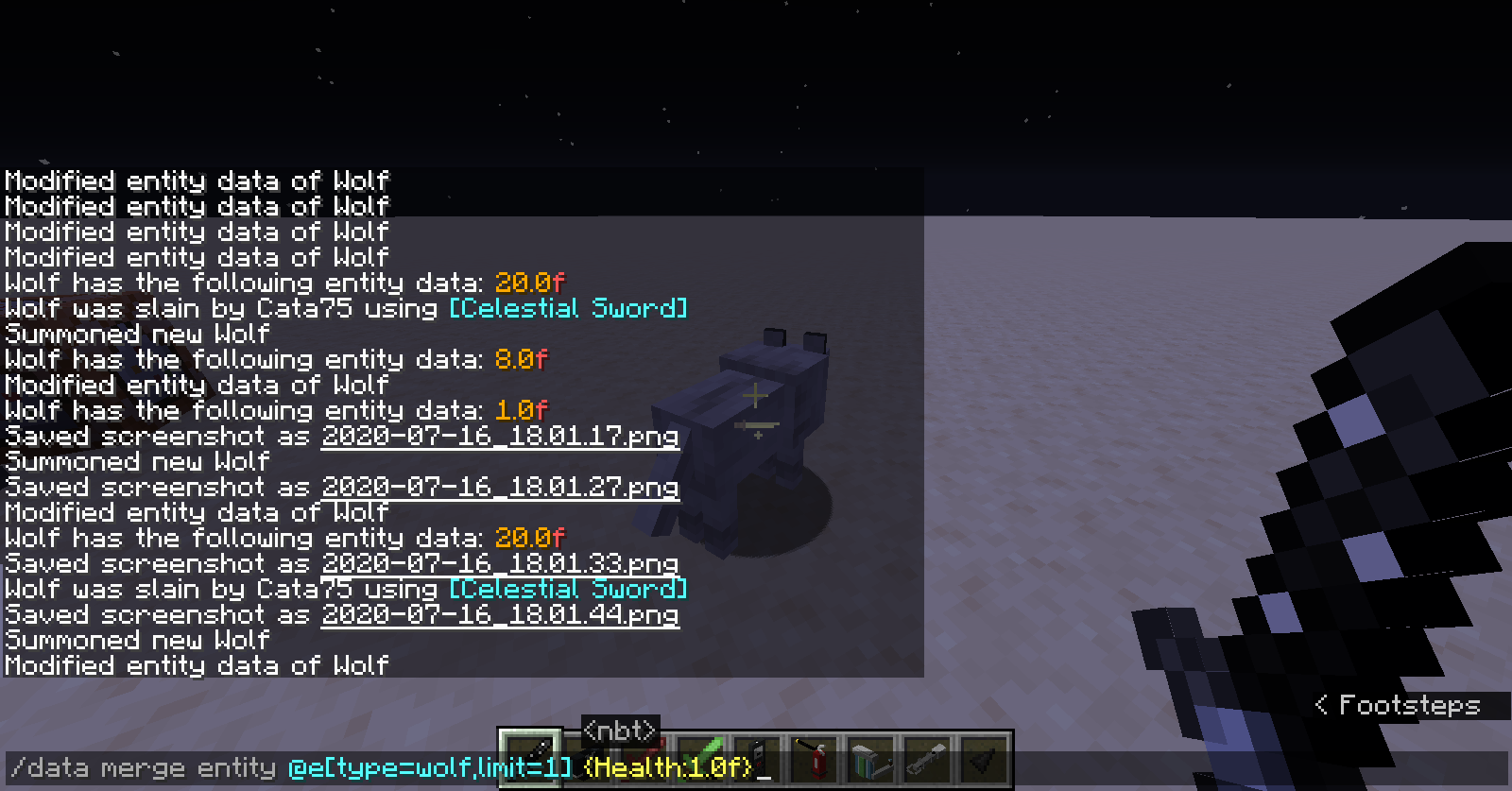


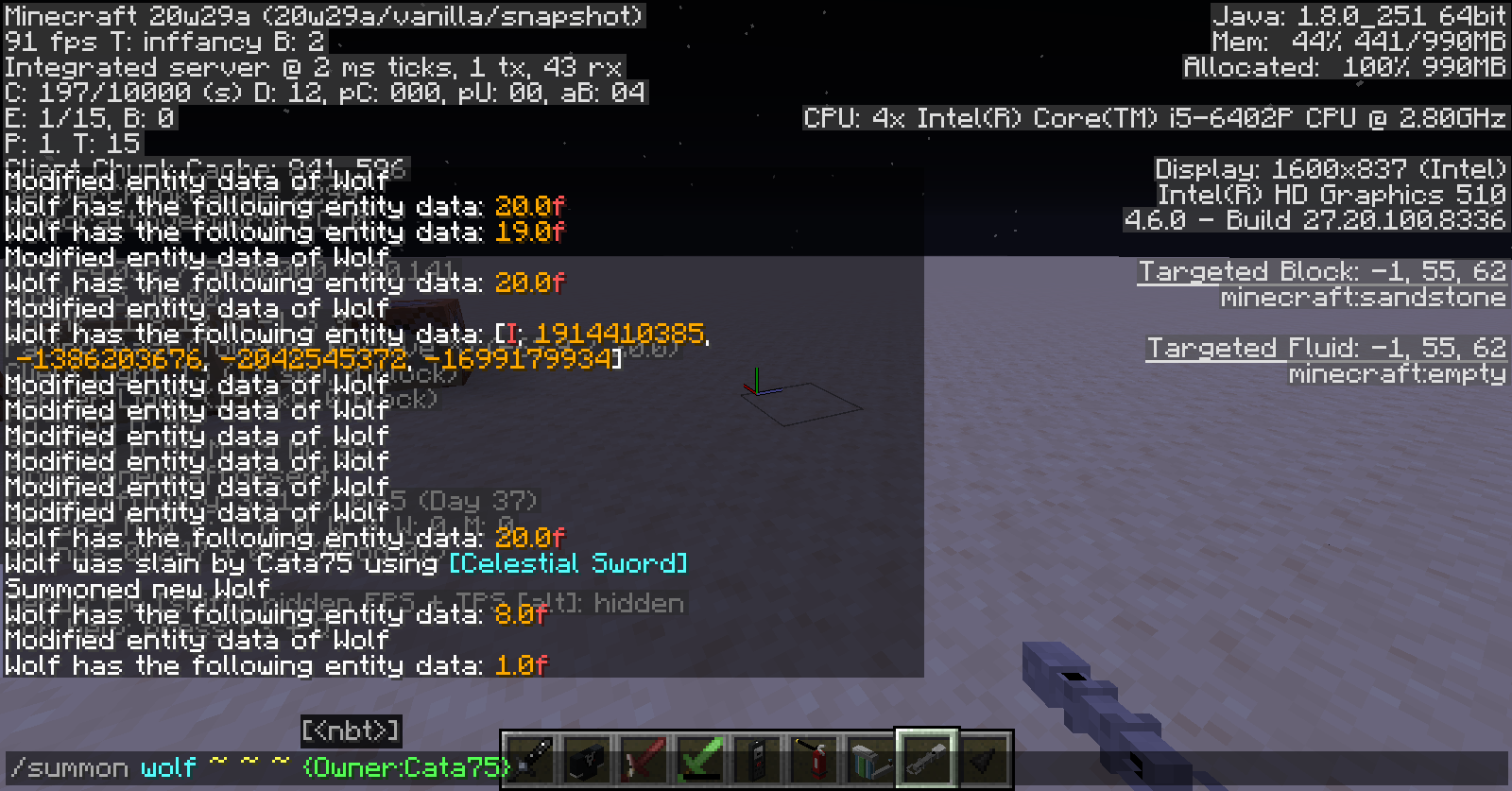
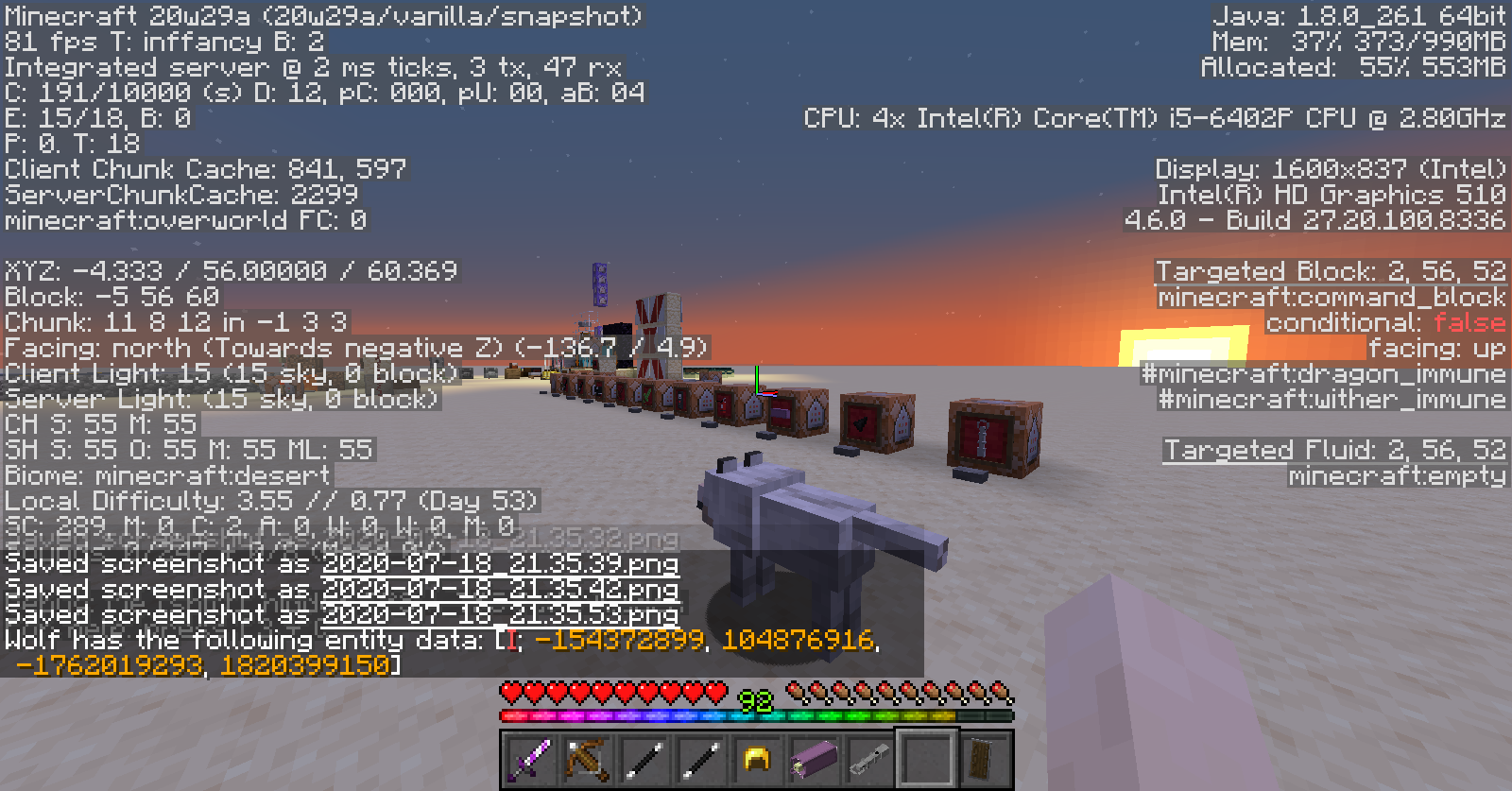


Changing the Friendly Creatures volume doesn't affect the throwing egg sound.
What I expected to happen was....
When I change the Friendly Creatures volume, all items that can be thrown (eyes of ender, snowballs, ender pearls and eggs) play the sound at that volume.
What actually happened was....
All items except the egg are affected by the volume change
Steps to reproduce:
- Go into Settings
- Go to Music & Sounds
- Change the Friendly Creatures slider so that it doesn't match the others
- Use any of the following items: ender eye, snowball, ender pearl
- Throw the egg
- Notice that the former items when thrown respect the volume you have set, while the eggs do not
What I expected to happen was....
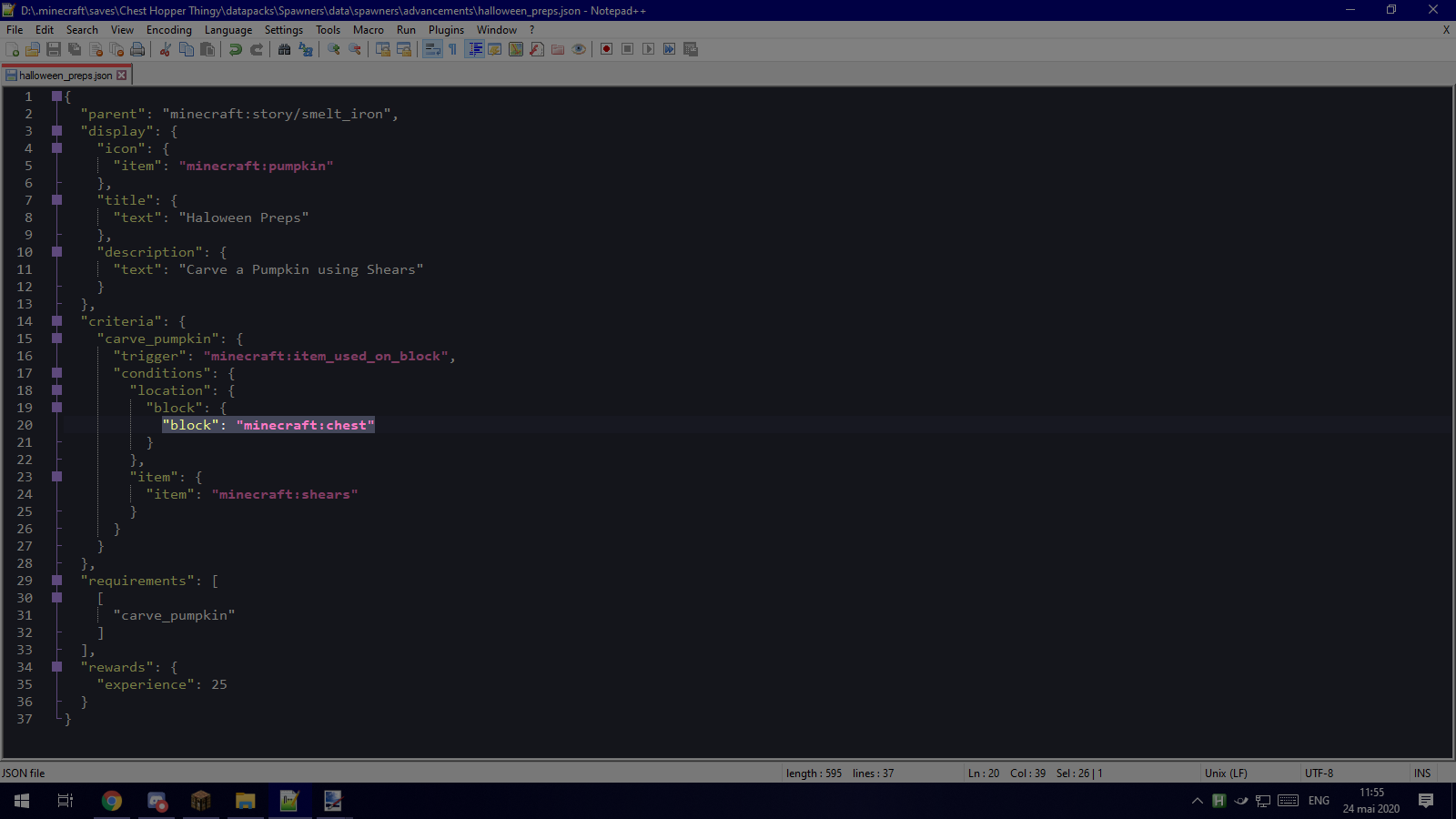
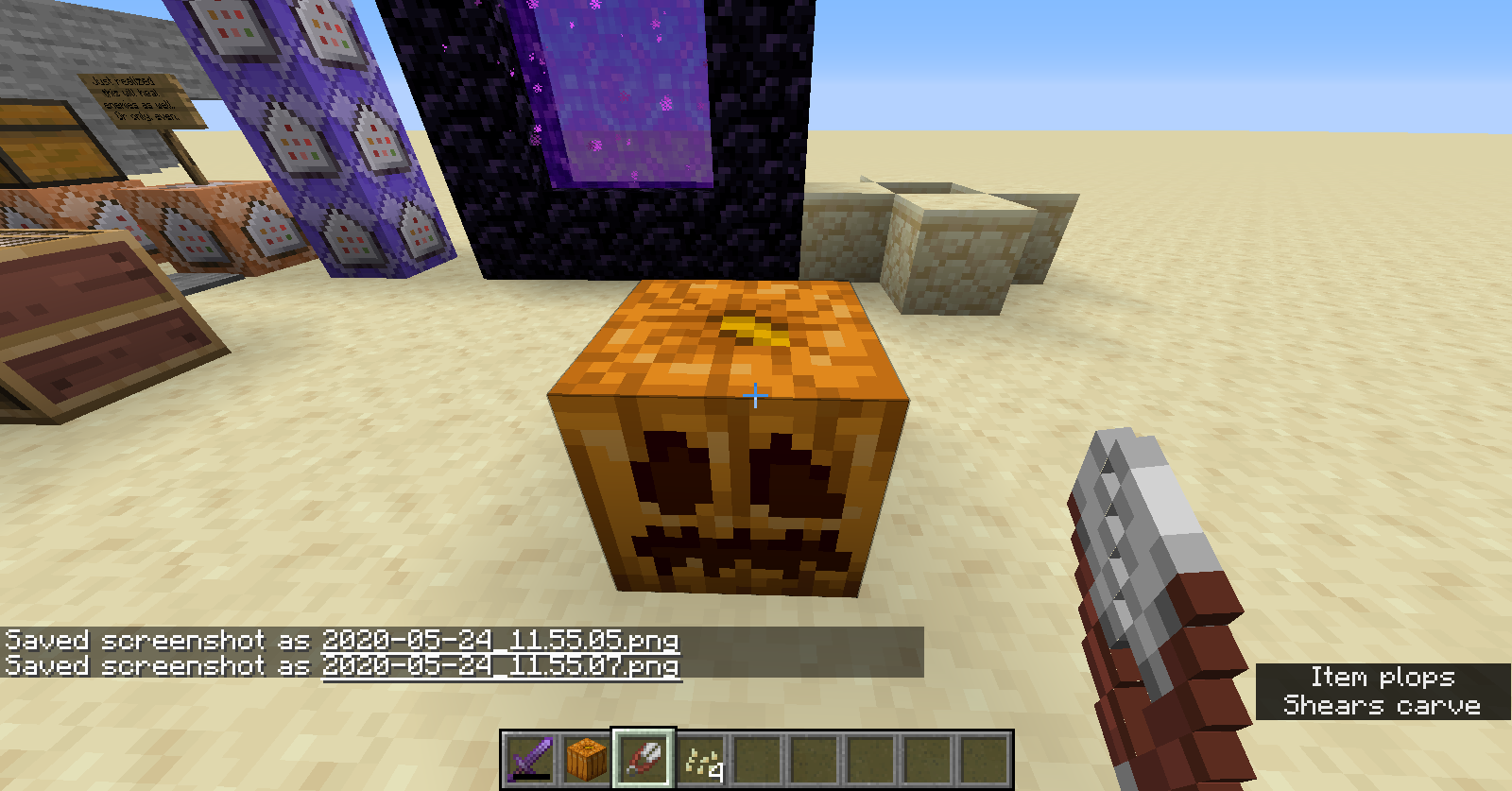
Getting the advancement I made after I use shears on the pumpkin block
What actually happened was....
Getting no advancement, even if it does exist
Steps to reproduce:
- Create an advancement that has the "item_used_on_block" trigger
- Do /reload and wait
- Check that the created advancement exists
- Right click with shears in your hand on a pumpkin
Note: I changed the checked block ("minecraft:pumpkin") to "minecraft:chest" and it worked
5.png
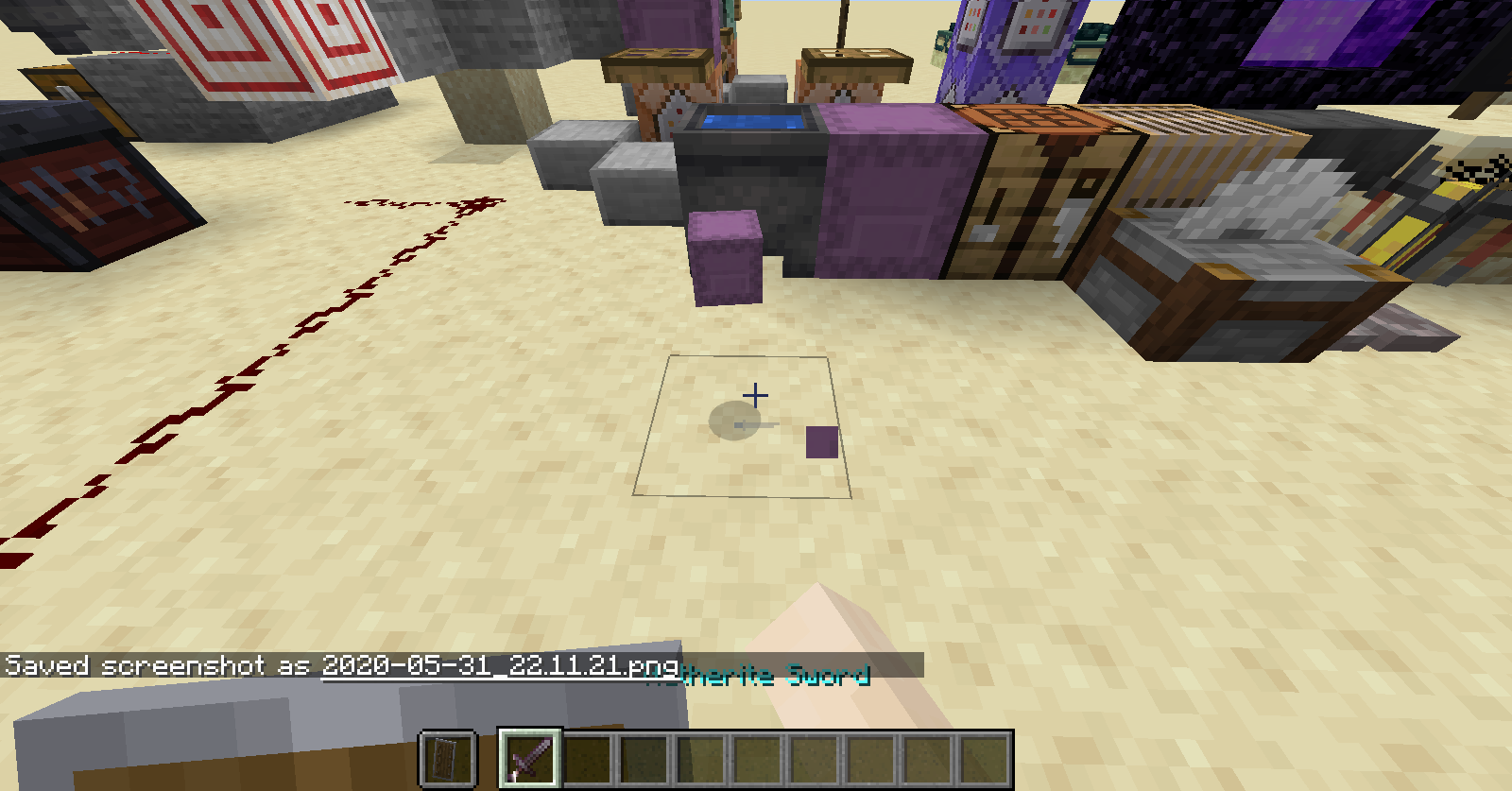
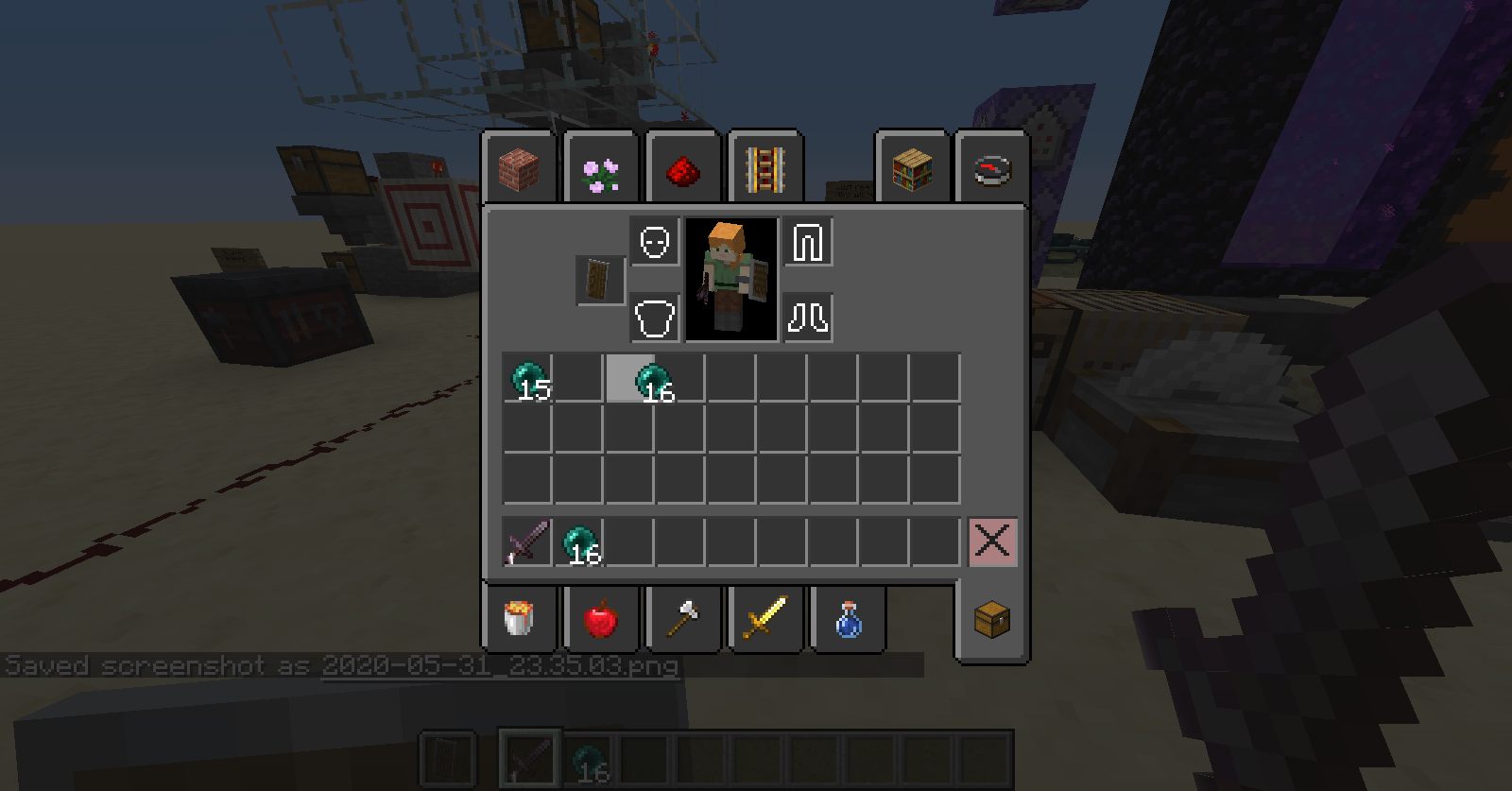
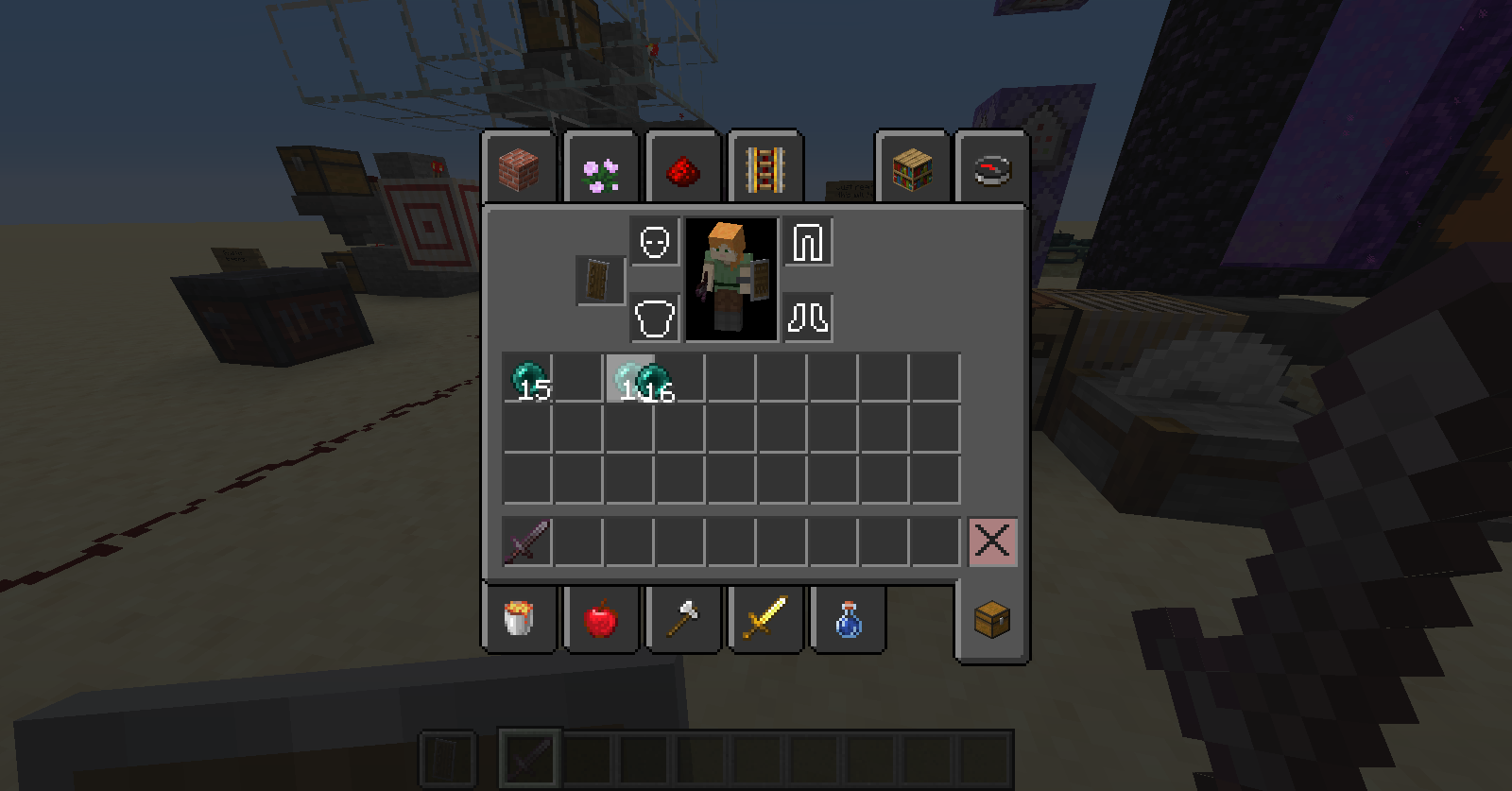
Switching from holding a weapon to holding nothing or vice-versa then quickly breaking the block desyncs the sound and particles of breaking and dropping the items.
What I expected to happen was....
Switching fast from one to another would have the effect based on whether I broke the block before or after switching to or from the weapon.
What actually happened was....
Being fast enough on the switch from an empty hand to weapon drops the item but doesn't cause the sound or particles, and switching from a weapon to an empty hand makes the sound and particles, breaks the block for a second without dropping anything but then reappears.
Steps to reproduce:
- Have something that is not a weapon in your hand
- Press the Break Block button
- Quickly switch to something that is a weapon
- Notice that the block was broken but no sound or particles occurred
or
- Have something that is a weapon in your hand
- Press the Break Block button
- Quickly switch to something that is not a weapon
- Notice that the block disappeared, made the appropriate sound and particles but then reappeared
Switching from holding a weapon to holding nothing or vice-versa then quickly breaking the block desyncs the sound and particles of breaking and dropping the items.
What I expected to happen was....
Switching fast from one to another would have the effect based on whether I broke the block before or after switching to or from the weapon.
What actually happened was....
Being fast enough on the switch from an empty hand to weapon drops the item but doesn't cause the sound or particles, and switching from a weapon to an empty hand makes the sound and particles, breaks the block for a second without dropping anything but then reappears.
Steps to reproduce:
- Have something that is not a weapon in your hand
- Press the Break Block button
- Quickly switch to something that is a weapon
- Notice that the block was broken but no sound or particles occurred
or
- Have something that is a weapon in your hand
- Press the Break Block button
- Quickly switch to something that is not a weapon
- Notice that the block disappeared while not dropping anything, made the appropriate sound and particles but then reappeared
Switching from holding a weapon to holding nothing or vice-versa then quickly breaking the block desyncs the sound and particles of breaking and dropping the items.
What I expected to happen was....
Switching fast from one to another would have the effect based on whether I broke the block before or after switching to or from the weapon.
What actually happened was....
Being fast enough on the switch from an empty hand to weapon drops the item but doesn't cause the sound or particles, and switching from a weapon to an empty hand makes the sound and particles, breaks the block for a second without dropping anything but then reappears.
Steps to reproduce:
- Have something that is not a weapon in your hand
- Press the Break Block button
- Quickly switch to something that is a weapon
- Notice that the block was broken, the items dropped but no sound or particles occurred
or
- Have something that is a weapon in your hand
- Press the Break Block button
- Quickly switch to something that is not a weapon
- Notice that the block disappeared while not dropping anything, made the appropriate sound and particles but then reappeared
Ocean Ruin spawned under seafloor
Toolboxes in containers are always in focusTextboxes in containers are always in focus
Opening the Search Items tab in Creative or an Anvil and pressing a numbered key always writes to the textbox instead of moving the item to the hotbar when not in focus.
What I expected to happend was....
After I open either GUI, pressing a number would move the item to the specified hotbar number and only after I click to focus the textbox am I able to type in the textbox
What actually happens is....
No matter where my mouse is in the GUI the textbox is always in focus and I can't move the item to the hotbar using numbered keys, or in the case of the Anvil moving it to the slot both moves the item and then adds to the name and cannot be
placed back from the Anvil to the hotbar using numbered keysSteps to reproduce:
- Enter a container that hat a textbox (ex: Anvil or Search Items in Creative Mode)
- Hover over an item to move to the hotbar
- Press any numbered key
- Notice that the item was not moved to the hotbar and the textbox was typed in instead
Note: This might be a consequence of the accidental item moving with numbered keys when typing in Item Search bugfix
Opening the Search Items tab in Creative or an Anvil and pressing a numbered key always writes to the textbox instead of moving the item to the hotbar when not in focus.
What I expected to happend was....
After I open either GUI, pressing a number would move the item to the specified hotbar number and only after I click to focus the textbox am I able to type in the textbox
What actually happens is....
No matter where my mouse is in the GUI the textbox is always in focus and I can't move the item to the hotbar using numbered keys, or in the case of the Anvil moving it to the slot both moves the item and then adds to the name and cannot be moved back from the Anvil slot to the hotbar using numbered keys
Steps to reproduce:
- Enter a container that hat a textbox (ex: Anvil or Search Items in Creative Mode)
- Hover over an item to move to the hotbar
- Press any numbered key
- Notice that the item was not moved to the hotbar and the textbox was typed in instead
Note: This might be a consequence of the accidental item moving with numbered keys when typing in Item Search bugfix
Opening the Search Items tab in Creative or an Anvil and pressing a numbered key always writes to the textbox instead of moving the item to the hotbar when not in focus.
What I expected to happend was....
After I open either GUI, pressing a number would move the item to the specified hotbar number and only after I click to focus the textbox am I able to type in the textbox
What actually happens is....
No matter where my mouse is in the GUI the textbox is always in focus and I can't move the item to the hotbar using numbered keys, or in the case of the Anvil moving it to the slot both moves the item and then adds to the name and cannot be moved back from the Anvil slot to the hotbar using numbered keys
Steps to reproduce:
- Enter a container that hat a textbox (ex: Anvil or Search Items in Creative Mode)
- Hover over an item to move to the hotbar
- Press any numbered key
- Notice that the item was not moved to the hotbar and the textbox was typed in instead
Note: This might be a consequence of the accidental item moving with numbered keys when typing in Item Search bugfix
Opening the Search Items tab in Creative or an Anvil and pressing a numbered key always writes to the textbox instead of moving the item to the hotbar when not in focus.
What I expected to happend was....
After I open either GUI, pressing a number would move the item to the specified hotbar number and only after I click to focus the textbox am I able to type in the textbox
What actually happens is....
No matter where my mouse is in the GUI the textbox is always in focus and I can't move the item to the hotbar using numbered keys, or in the case of the Anvil moving it to the slot both moves the item and then adds to the name and cannot be moved back from the Anvil slot to the hotbar using numbered keys
Steps to reproduce:
- Enter a container that hat a textbox (ex: Anvil or Search Items in Creative Mode)
- Hover over an item to move to the hotbar
- Press any numbered key
- →
The item was not moved to the hotbar and the textbox was typed in instead
Note: This might be a consequence of the accidental item moving with numbered keys when typing in Item Search bugfix
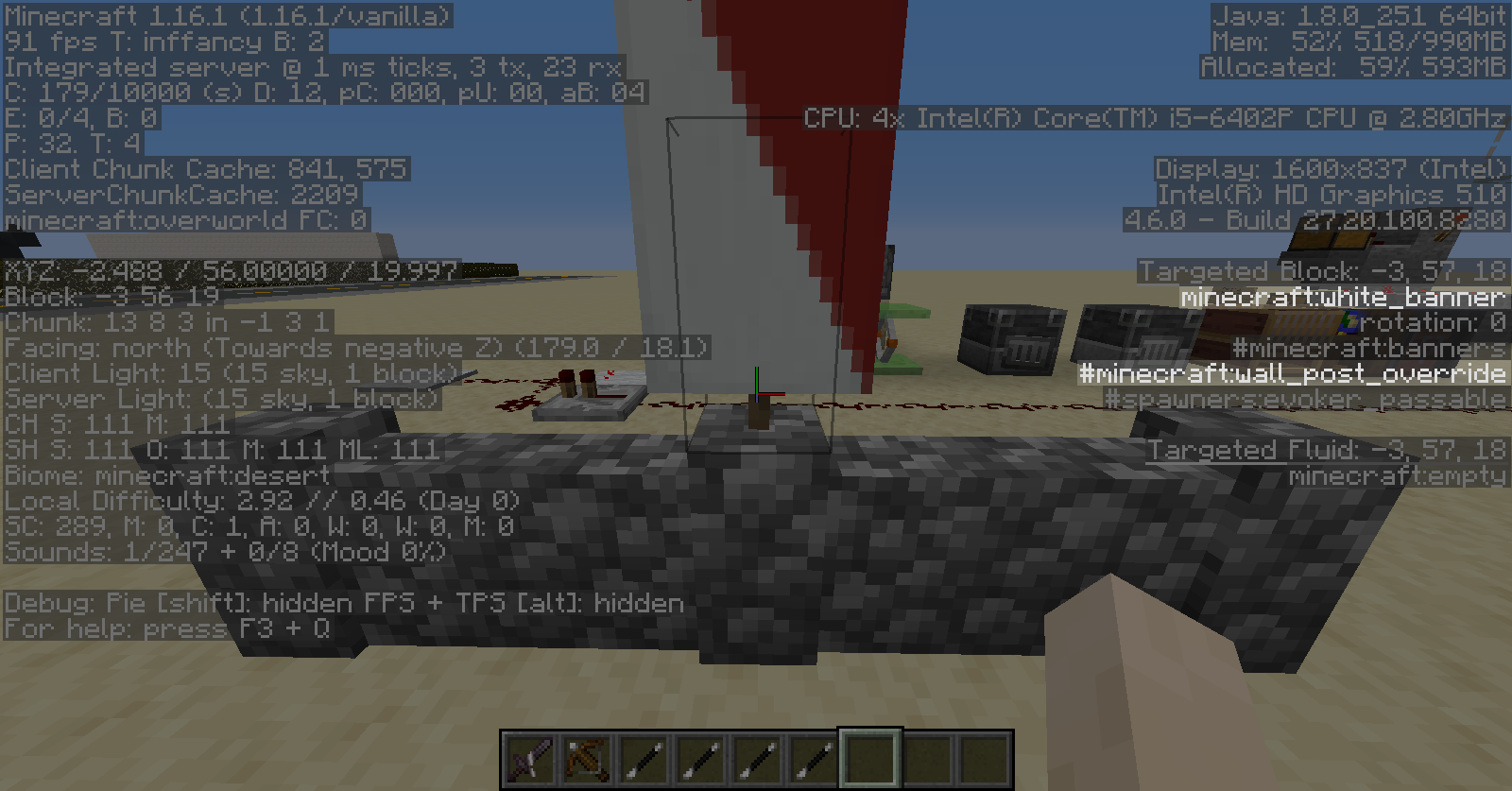
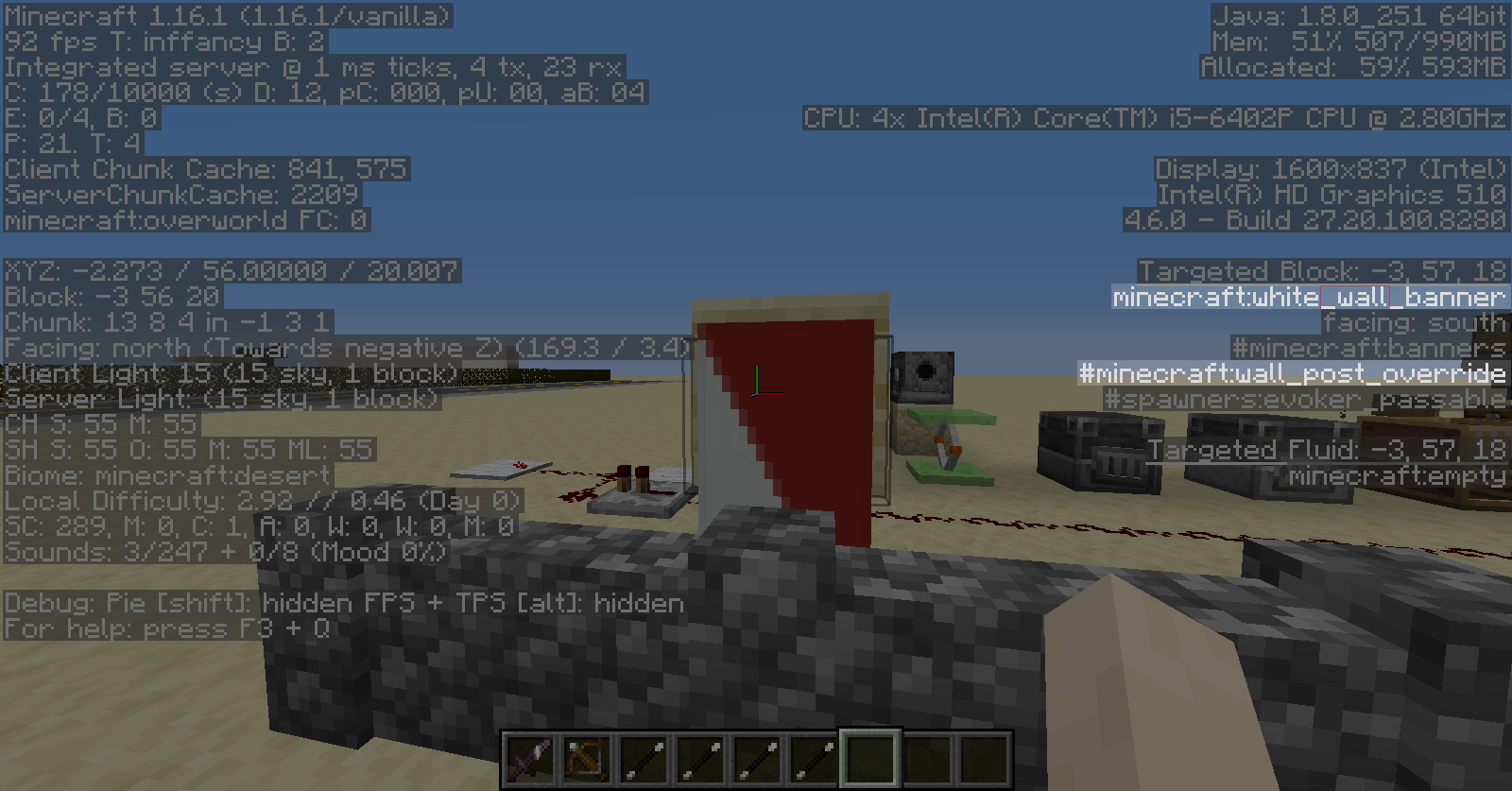
Banners and signs on the side of a block cause walls below them to become posts
Placing a banner or a sign on the side of a block with any type of wall below the banner causes the wall to have its up blockstate set to true. This is because all banners are included in the wall_post_override block tag, not just standing ones.
What I expected to happen was....
Placing a banner or a sign on the side of a block with a wall below it to keep the wall as it is
What actually happened was....
The wall gained a bump as if I placed the banner or the sign standing upright on top of the wall itself
Steps to reproduce:
- Place any type of wall
- Place a block diagonal to it
- Place a banner or a sign on the side of the block, above the wall
- →
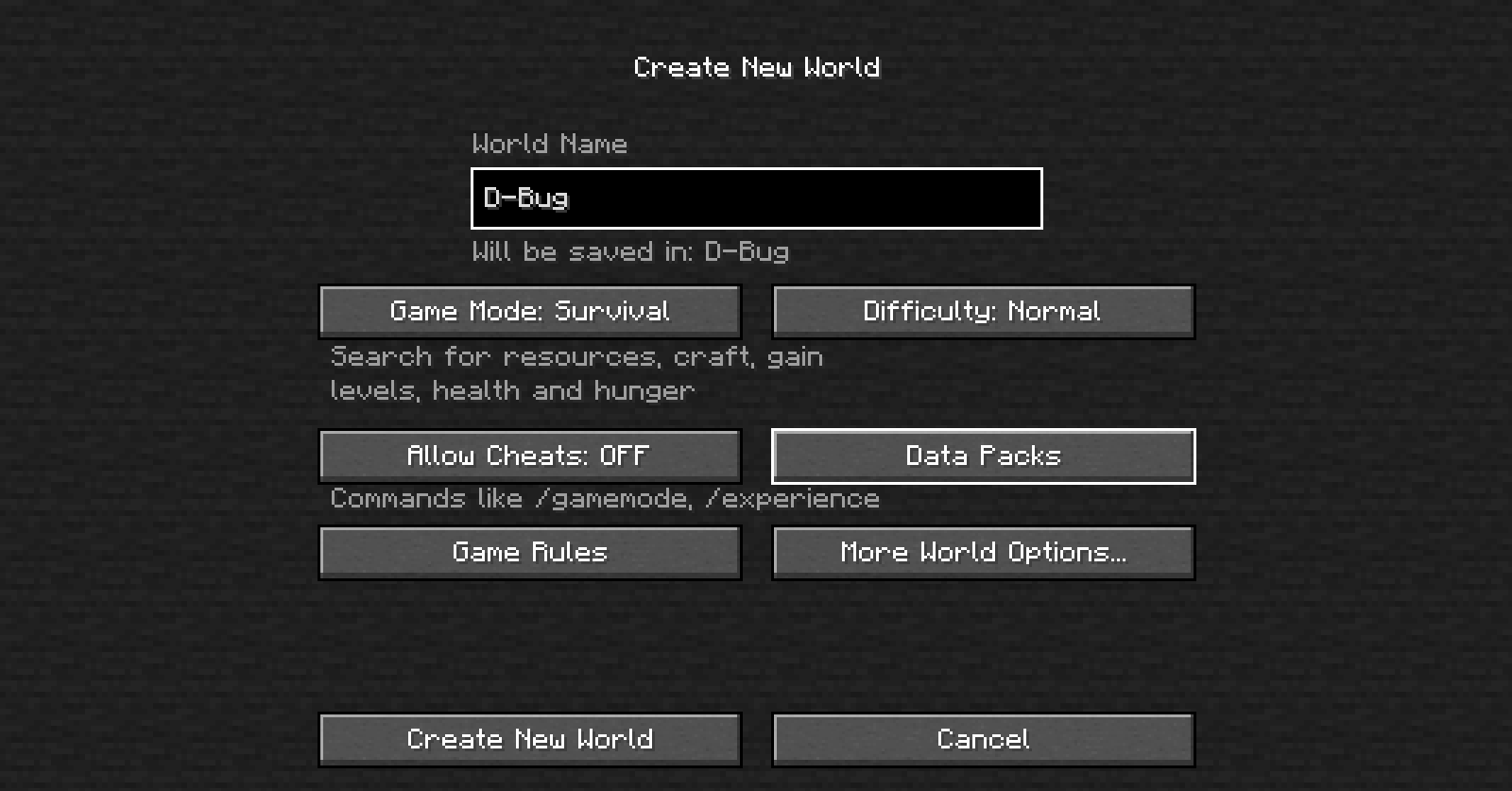
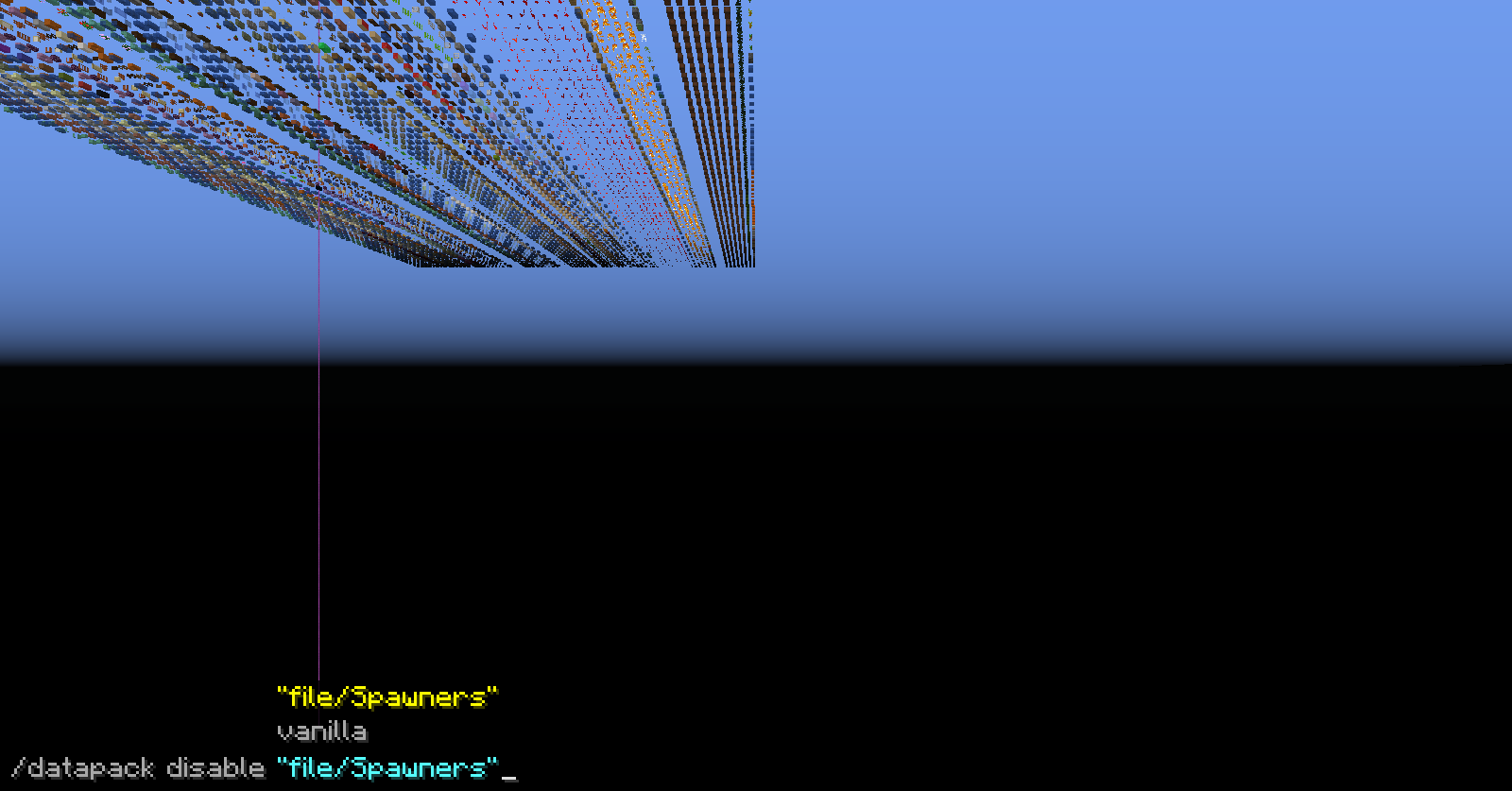
The Data Packs button in the world creation disappears when you change the world type to Debug Mode, even if you can insert the data packs before changing the world type to debug mode.
What I expected to happen was....
When I switched the world type to Debug Mode the Data Packs button would remain
What actually happened was....
The Data Packs button is gone, but if data packs were put before changing the world type ,they still function
Steps to reproduce:
- Get in the world creation menu
- (Optional) Press the Data Packs button and drag and drop a data pack into the menu and confirm
- Change the World Type from More World Options... to {{Debug Mode and press }}Done
- →
Tamed wolves get angry at an armor stands after hitting it. They will not stop being angry and growling at it even after it has been broken.
What I expected to happen was....
The wolf would stop being angry at the armor stand after I destroy it.
What actually happened was....
The wolf was still angry and growling even after destroying it.
Steps to reproduce:
- Tame a wolf
- Place an armor stand
- Attack it while being in survival
/creativemode- →
Tamed wolves get angry at an armor stands after hitting it. They will not stop being angry and growling at it even after it has been broken.
What I expected to happen was....
The wolf would stop being angry at the armor stand after I destroy it.
What actually happened was....
The wolf was still angry and growling even after destroying it.
Steps to reproduce:
- Tame a wolf
- Place an armor stand
- Attack it while being in survival mode
- Destroy the armor stand
- →
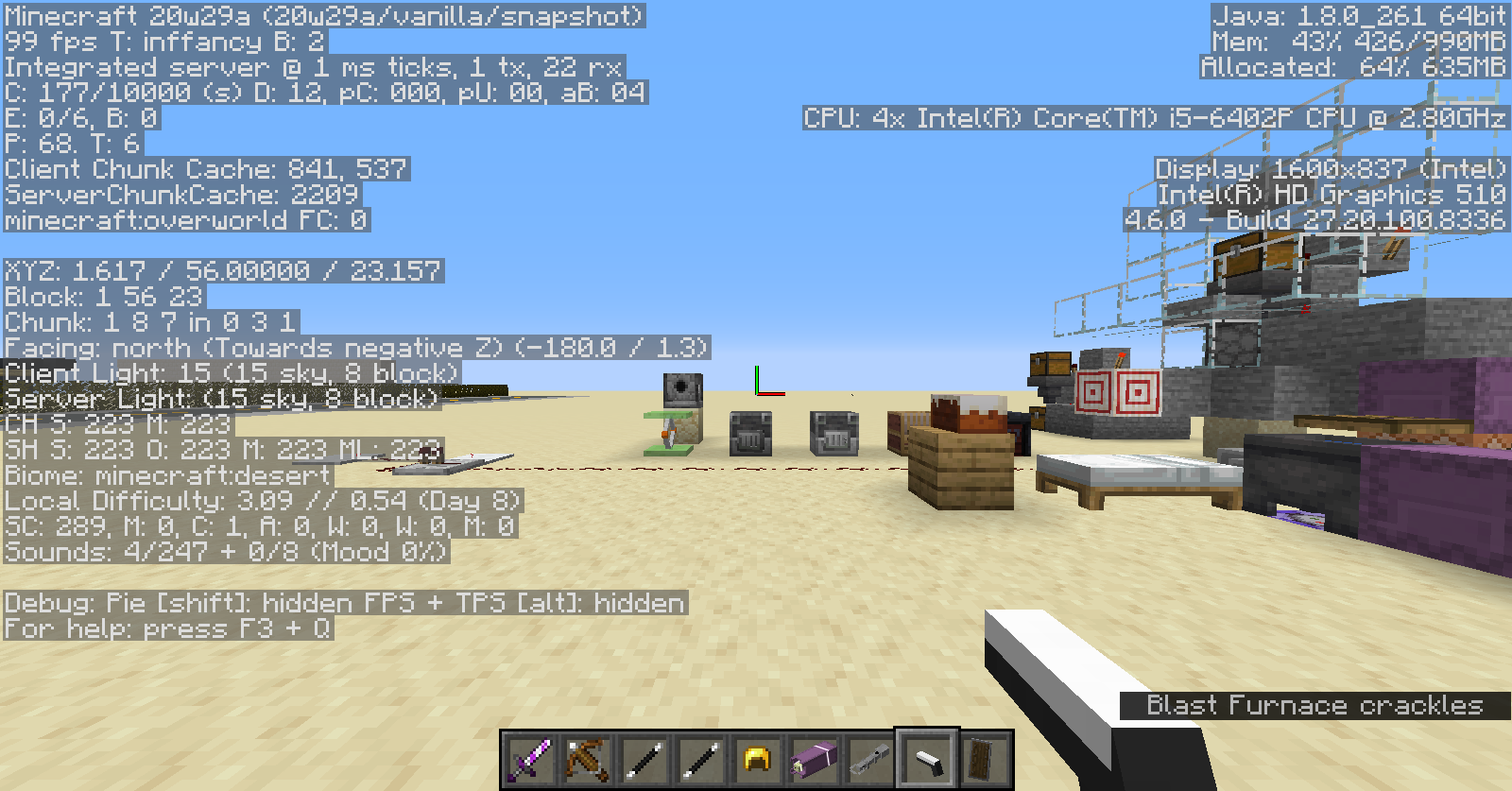

Nametag backgrounds are not visiblebehindtile entity blocksNametag backgrounds are not visible in front of tile entity blocks
Nametag's background from players, named items and mobs appear behind tile entity blocks.
What I expected to happen was....
The nametag's background to be visible regardless of being in front of tile entity blocks
What actually happened was....
Part of the nametag's background that was in front of a tile entity block isn't rendered
Steps to reproduce....
- Get a named item in an item frame / named mob / another player near a tile entity block (ex: beds, chests, ender chests, shulker boxes or signs)
- Rotate the camera as to place the nametag in front of the tile entity block
- →
From what I have tested, this happens on all graphics settings (fast, fancy and fabulous).
Nametag's background from players, named items and mobs appear behind tile entity blocks.
What I expected to happen was....
The nametag's background to be visible regardless of being in front of tile entity blocks
What actually happened was....
Part of the nametag's background that was in front of a tile entity block isn't rendered
Steps to reproduce....
- Get a named item in an item frame / named mob / another player near a tile entity block (ex: beds, chests, ender chests, shulker boxes or signs)
- Rotate the camera as to place the nametag in front of the tile entity block
- →
From what I have tested, this happens on all graphics settings (fast, fancy and fabulous).
The fishing rod appears briefly like it's not cast when holding it in your offhand and throwing a splash potion.
What I expected to happen was....
The fishing rod would appear cast even if I threw a splash potion
What actually happened was....
A short time after I threw the potion, the fishing rod appeared reeled in
Steps to reproduce:
- Hold a fishing rod in your offhand
- Cast the fishing rod
- Throw a splash or lingering potion
- →

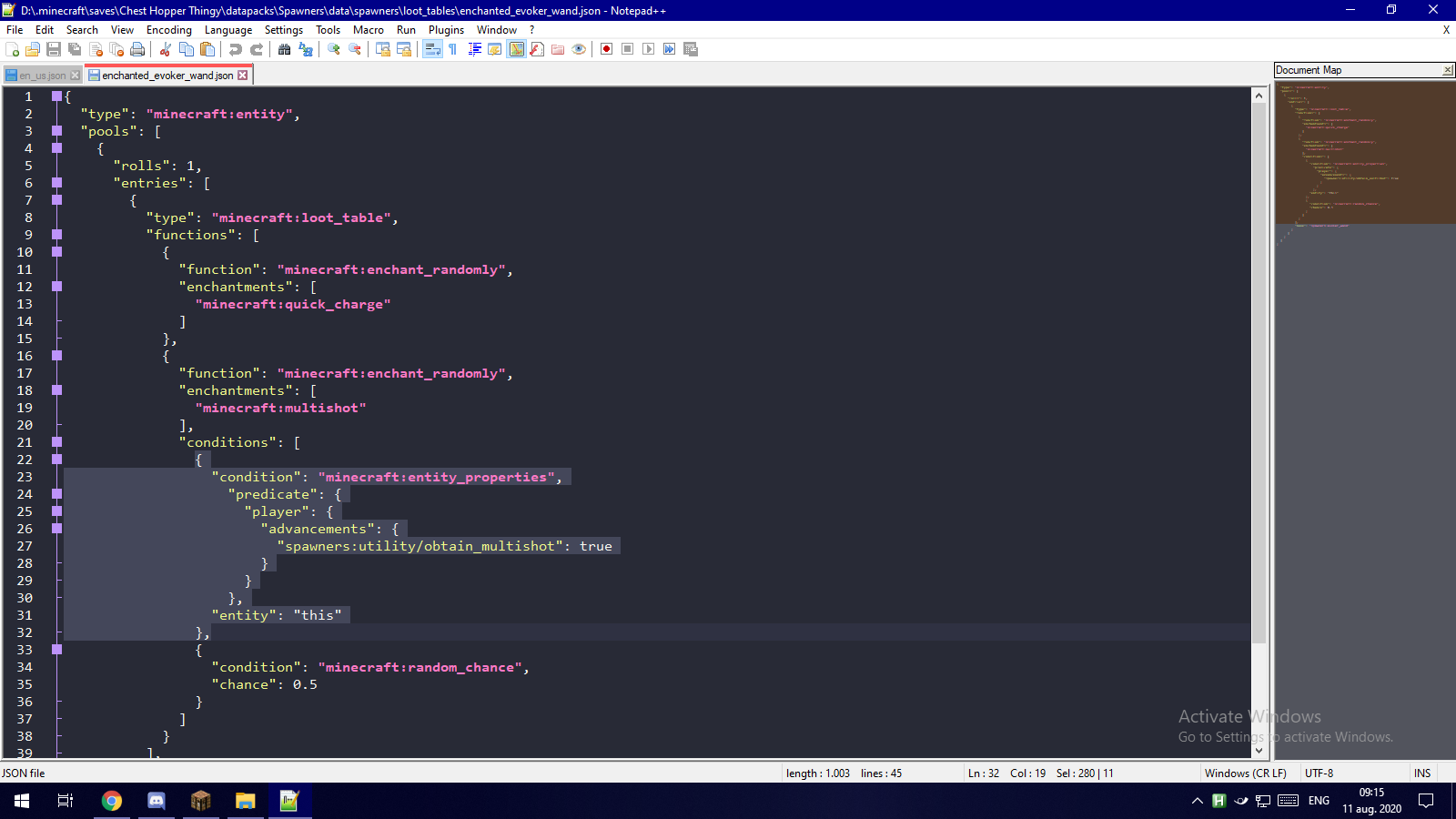

Loot tables from blocks don't pass entity conditions when referenced in other loot tables
Loot tables generated directly from containers (Chests) don't pass on the entity that generated them.
What I expected to happen was....
The chest I opened to pass me as the entity for conditions, and generate accordingly
What actually happened was....
No entity was passed therefore no entity condition succeeded
Steps to reproduce:
- Make a loot table with entity conditions
- Run a command that sets a container with th
atloot table (ex: "/setblock ~ ~ ~1 chest{LootTable:"spawners:enchanted_evoker_wand"}")- Open the container
- →
Loot tables generated directly from containers (Chests) don't pass on the entity that generated them when they are referenced by another loot table.
What I expected to happen was....
The chest I opened to pass me as the entity for conditions, and generate accordingly
What actually happened was....
No entity was passed therefore no entity condition succeeded
Steps to reproduce:
- Make a loot table with entity conditions
- Make another loot table that references it
- Run a command that sets a container with the second loot table (ex: "/setblock ~ ~ ~1 chest{LootTable:"spawners:enchanted_evoker_wand"}")
- Open the container
- →

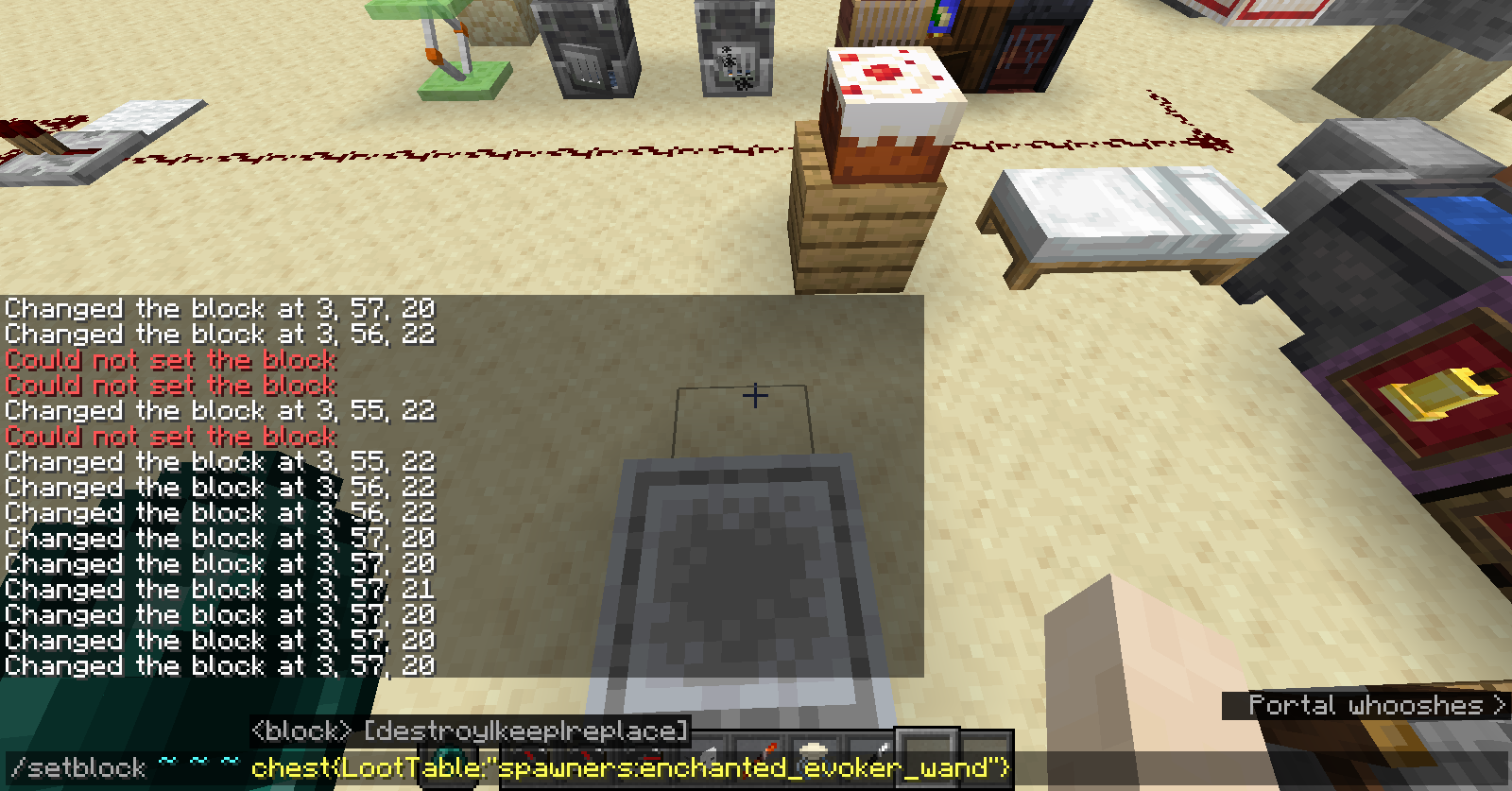
Loot tables generated directly from containers (Chests) don't pass on the entity that generated them when they are referenced by another loot table.
What I expected to happen was....
The chest I opened to pass me as the entity for conditions, and generate accordingly
What actually happened was....
No entity was passed therefore no entity condition succeeded
Steps to reproduce:
- Make a loot table with entity conditions
- Make another loot table that references it
- Run a command that sets a container with the second loot table (ex: "/setblock ~ ~ ~1 chest{LootTable:"spawners:enchanted_evoker_wand"}")
- Open the container
- →
Edit: It seems to no longer be occurring in the 1.16.2 release.
Loot tables generated directly from containers (Chests) don't pass on the entity that generated them when they are referenced by another loot table.
What I expected to happen was....
The chest I opened to pass me as the entity for conditions, and generate accordingly
What actually happened was....
No entity was passed therefore no entity condition succeeded
Steps to reproduce:
- Make a loot table with entity conditions
- Make another loot table that references it
- Run a command that sets a container with the second loot table (ex: "/setblock ~ ~ ~1 chest{LootTable:"spawners:enchanted_evoker_wand"}")
- Open the container
- →
Edit:
It seems to no longer be occurring in the 1.16.2 release.Loot tables generated directly from containers (Chests) don't pass on the entity that generated them when they are referenced by another loot table.
What I expected to happen was....
The chest I opened to pass me as the entity for conditions, and generate accordingly
What actually happened was....
No entity was passed therefore no entity condition succeeded
Steps to reproduce:
- Make a loot table with entity conditions
- Make another loot table that references it
- Run a command that sets a container with the second loot table (ex: "/setblock ~ ~ ~1 chest{LootTable:"spawners:enchanted_evoker_wand"}")
- Open the container
- →
Edit: Found that the problem was that the command needed to be executed by an entity.
Loot tables generated directly from containers (Chests) don't pass on the entity that generated them when they are referenced by another loot table.
What I expected to happen was....
The chest I opened to pass me as the entity for conditions, and generate accordingly
What actually happened was....
No entity was passed therefore no entity condition succeeded
Steps to reproduce:
- Make a loot table with entity conditions
- Make another loot table that references it
- Run a command that sets a container with the second loot table (ex: "/setblock ~ ~ ~1 chest{LootTable:"spawners:enchanted_evoker_wand"}")
- Open the container
- →
Edit: Found that the problem was that the command needed to be executed by an entity.


Thank you user-a4a49 for the workaround. Sorry for the duplicate.
This is not a modded client. Those are items witch custom model data and a resource pack. The arrow was shot with a vanilla crossbow with a different model and texture. The lead that appeared was just from a datapack function and has nothing to do with the bug report.
I could've fired it from a normal crossbow and edited the function for arrows shot from any crossbow but thought it wouldn't be a problem and I also forgot to open the F3 menu. Should've done that from the start to clear up the ambiguity.
Found out this makes the arrow invisible to the player who shot it.
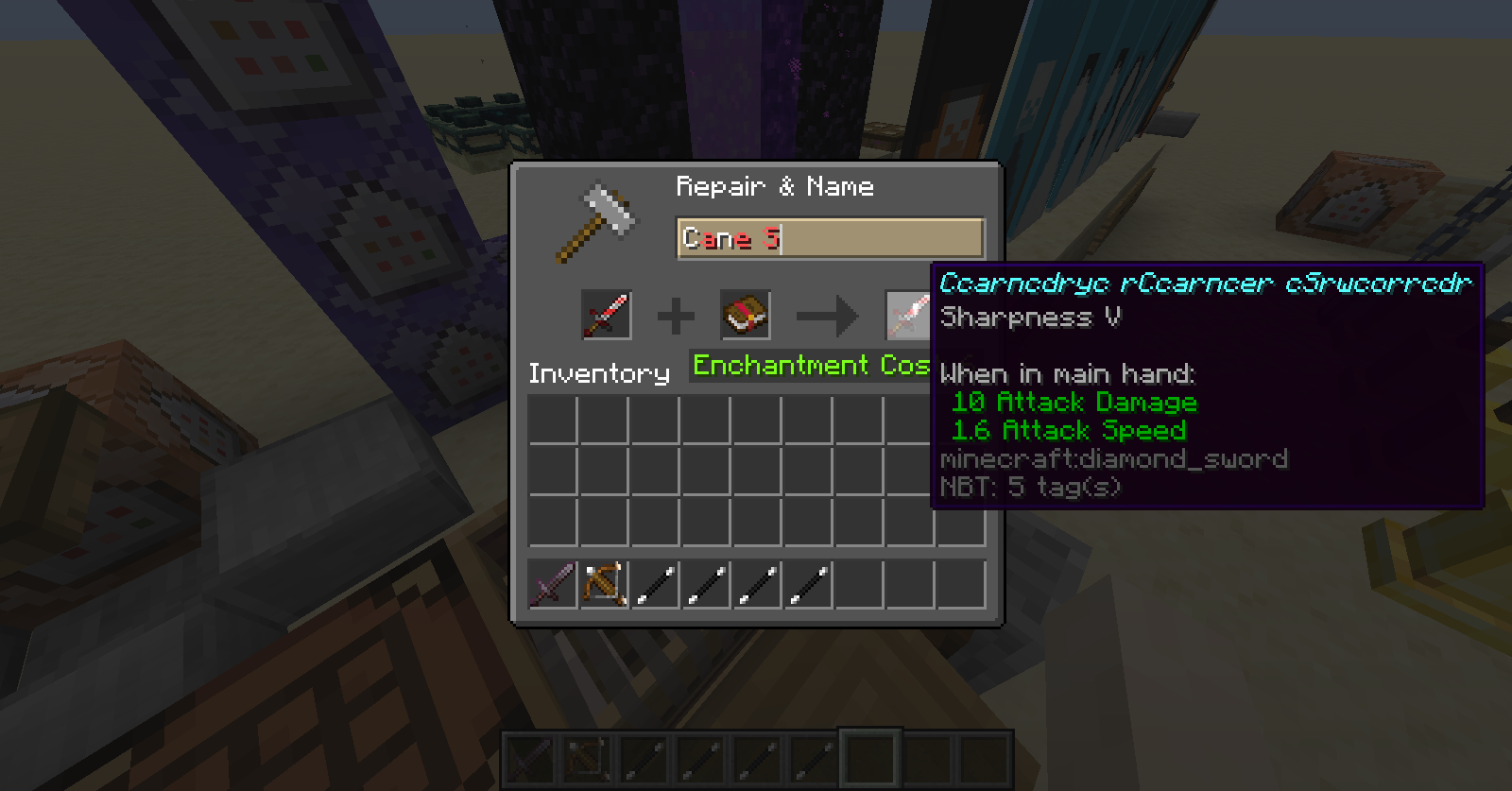
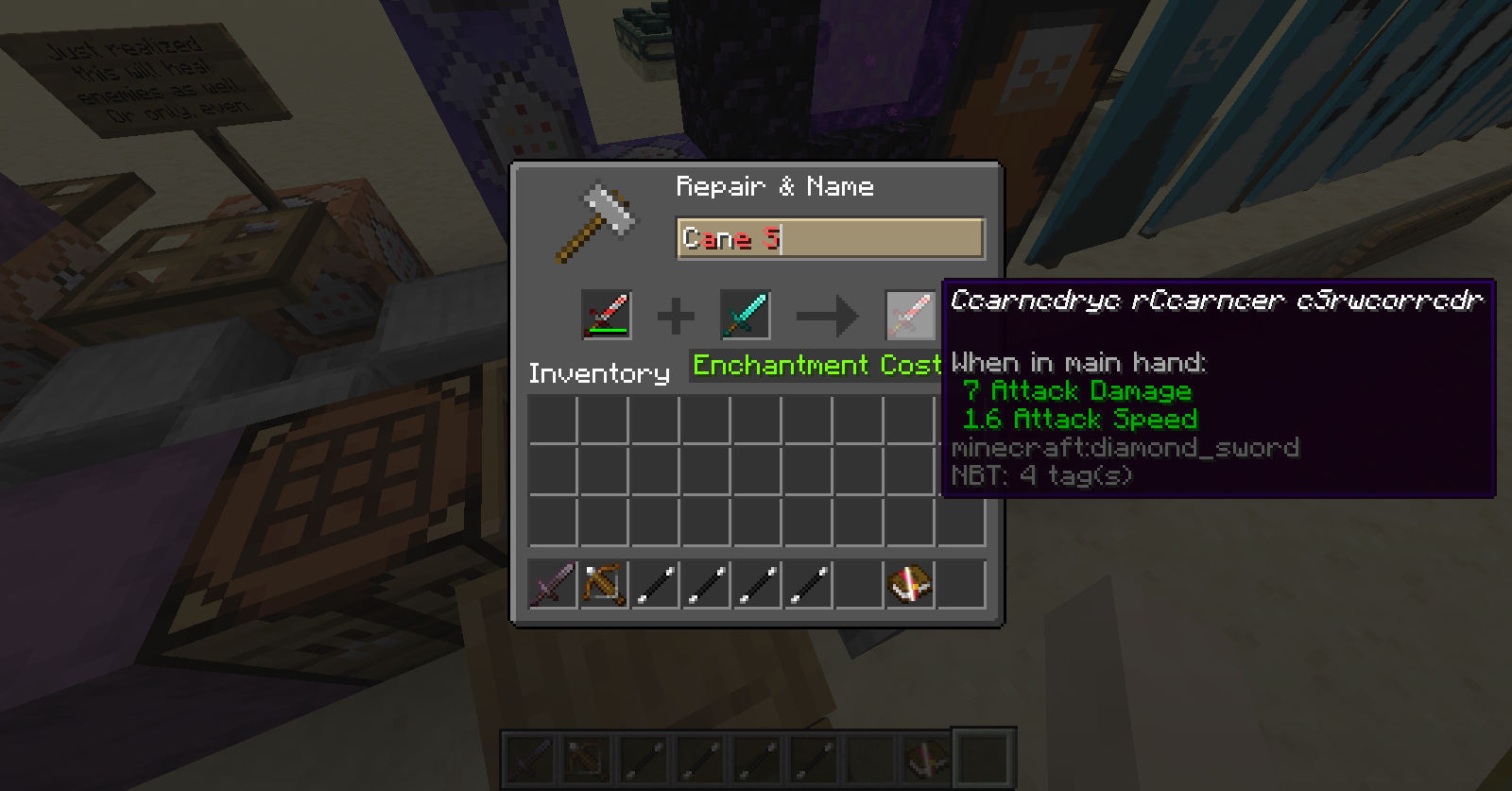
I managed to get an item name in chat from a give command to display blank in 1.16.2