 Shourin
- Minget
- minget
- Europe/Stockholm
- Yes
- No
 MC-53049
![[Mojang] Searge (Michael Stoyke)](../../../data/assets/gravatar/searge.png)
 MCD-3845
 Normal
![[Mod] Avoma](../../../data/avatars/users/86198.png)







 MCPE-63268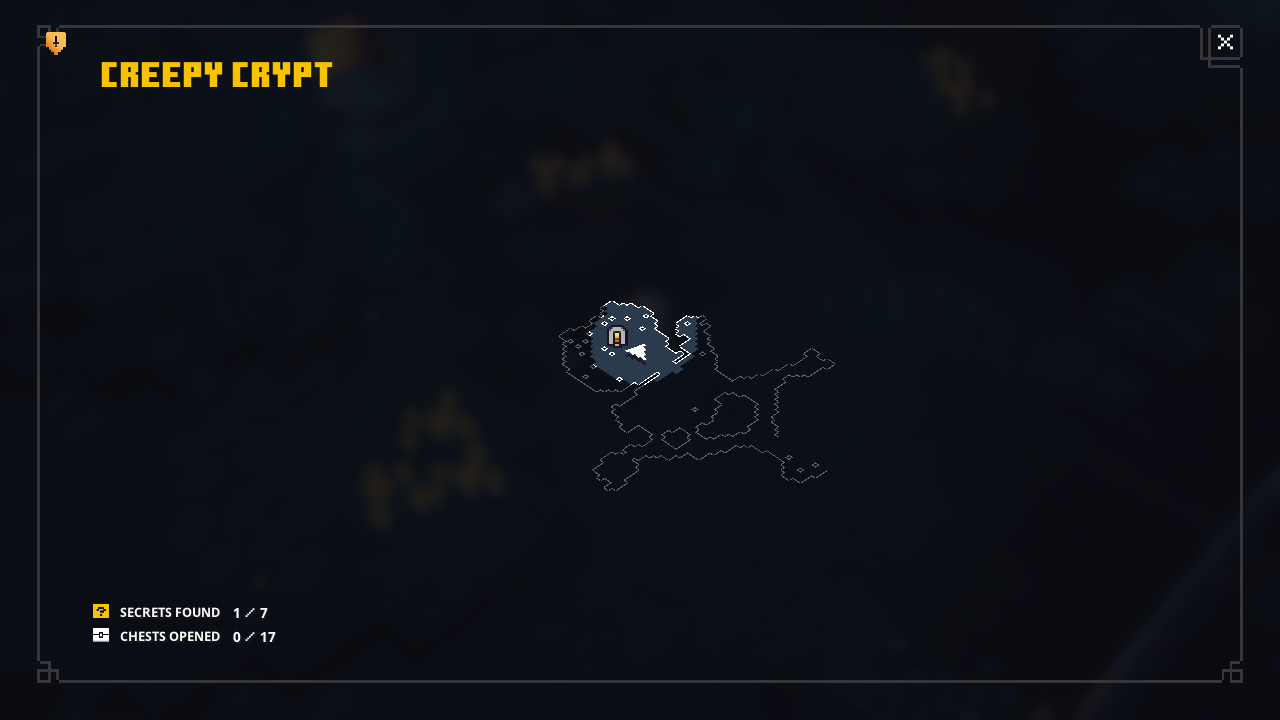






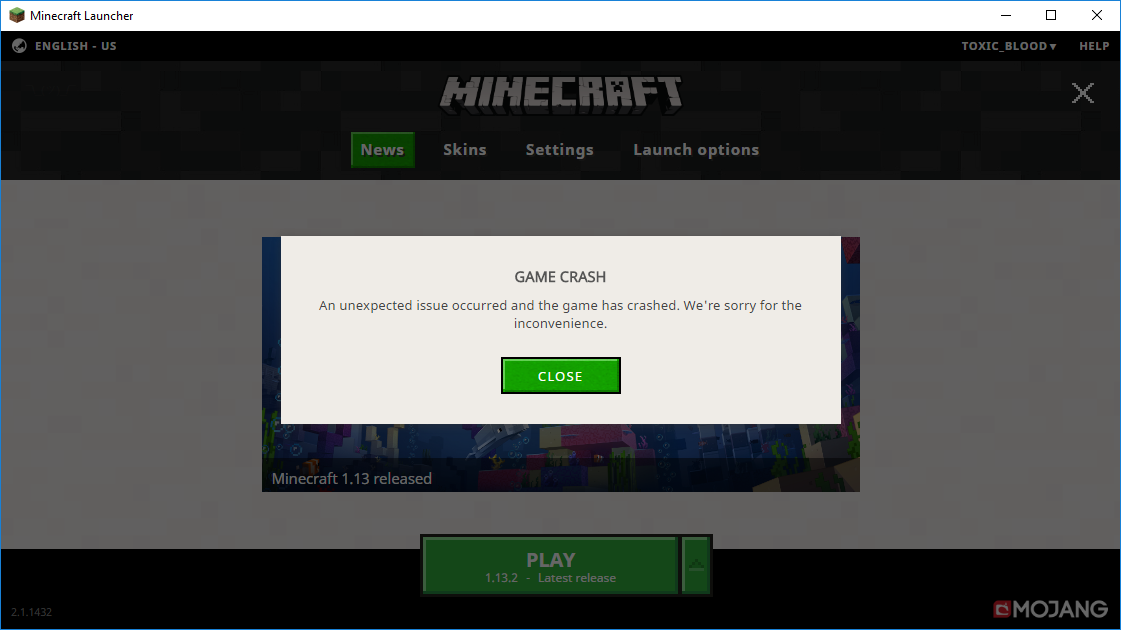
Minecraft 1.13.2 and 1.13.2 Pre 2 crashes after clicking the Play button in the launcher. It does not generate a crash report. However I am including the Game output log.
Minecraft 1.13.2 Pre 1 and older load w/o any issues.
I have tried a 100% fresh install of Minecraft , Updating java and video card drivers. And get same result. Any result of searching google for the exit code comes up to a dead end.
Bug Confirmed!!!! Temporray Fix has been found!
Anyone getting this issue can fix this by downloading and installing the latest version of optifine for 1.13.2. 1.13.2 should now launch w/o any issues/
Minecraft 1.13.2 and 1.13.2 Pre 2 crashes after clicking the Play button in the launcher. It does not generate a crash report. However I am including the Game output log.
Minecraft 1.13.2 Pre 1 and older load w/o any issues.
I have tried a 100% fresh install of Minecraft , Updating java and video card drivers. And get same result. Any result of searching google for the exit code comes up to a dead end.
Bug Confirmed!!!! Temporray Fix has been found!
Anyone getting this issue can fix this by downloading and installing the latest version of optifine for 1.13.2. 1.13.2 should now launch w/o any issues
/Minecraft 1.13.2 and 1.13.2 Pre 2 crashes after clicking the Play button in the launcher. It does not generate a crash report. However I am including the Game output log.
Minecraft 1.13.2 Pre 1 and older load w/o any issues.
I have tried a 100% fresh install of Minecraft , Updating java and video card drivers. And get same result. Any result of searching google for the exit code comes up to a dead end.
Bug Confirmed!!!! Temporray Fix has been found!
Anyone getting this issue can fix this by downloading and installing the latest version of optifine for 1.13.2. 1.13.2 should now launch w/o any issues.
Minecraft 1.13.2 and 1.13.2 Pre 2 crashes after clicking the Play button in the launcher. It does not generate a crash report. However I am including the Game output log.
Minecraft 1.13.2 Pre 1 and older load w/o any issues.
I have tried a 100% fresh install of Minecraft , Updating java and video card drivers. And get same result. Any result of searching google for the exit code comes up to a dead end.
Bug Confirmed!!!! Temporray Fix has been found!
Anyone getting this issue can fix this by downloading and installing the latest version of optifine for 1.13.2. 1.13.2 should now launch w/o any issues.
Minecraft 1.13.2 and 1.13.2 Pre 2 crashes after clicking the Play button in the launcher. It does not generate a crash report. However I am including the Game output log.
Minecraft 1.13.2 Pre 1 and older load w/o any issues.
I have tried a 100% fresh install of Minecraft , Updating java and video card drivers. And get same result. Any result of searching google for the exit code comes up to a dead end.
Bug Confirmed!!!! Temporray Fix has been found!
Anyone getting this issue can fix this by downloading and installing the latest version of optifine for 1.13.2. 1.13.2 should now launch w/o any issues.
Bug fixed in anapshot 18w44a.
Minecraft 1.13.2 and 1.13.2 Pre 2 crashes after clicking the Play button in the launcher. It does not generate a crash report. However I am including the Game output log.
Minecraft 1.13.2 Pre 1 and older load w/o any issues.
I have tried a 100% fresh install of Minecraft , Updating java and video card drivers. And get same result. Any result of searching google for the exit code comes up to a dead end.
Bug Confirmed!!!! Temporray Fix has been found!
Anyone getting this issue can fix this by downloading and installing the latest version of optifine for 1.13.2. 1.13.2 should now launch w/o any issues.
Bug fixed in anapshot 18w44a.
Bug fixed in anapshot 18w44a.
Minecraft 1.13.2 and 1.13.2 Pre 2 crashes after clicking the Play button in the launcher. It does not generate a crash report. However I am including the Game output log.
Minecraft 1.13.2 Pre 1 and older load w/o any issues.
I have tried a 100% fresh install of Minecraft , Updating java and video card drivers. And get same result. Any result of searching google for the exit code comes up to a dead end.
Bug Confirmed!!!! Temporray Fix has been found!
Anyone getting this issue can fix this by downloading and installing the latest version of optifine for 1.13.2. 1.13.2 should now launch w/o any issues.
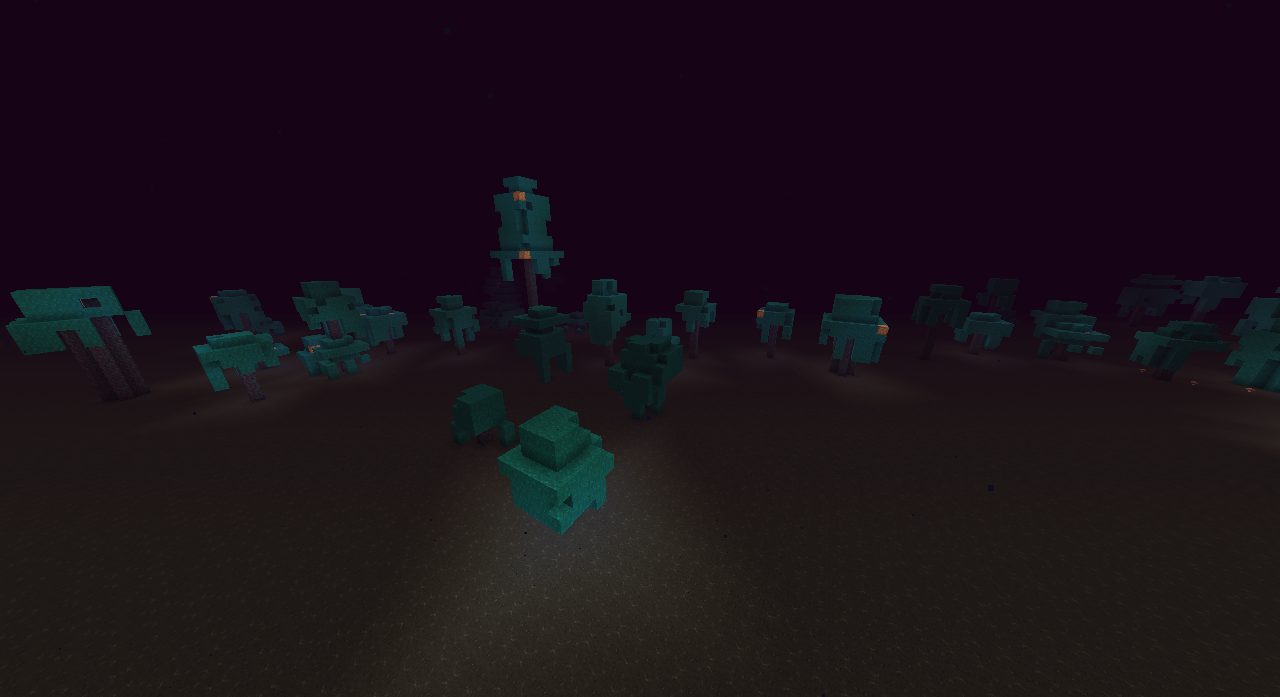
Title basically says it all. You can pick any biome and the islands will generate with endstone in place of the normal over world stone variants/ores. completely filling in any cave / mine shaft that may have spawned.
Island of endstone you get matches the same island you get in the end on the same seed.
A structure with structure void included does not load structure void block(s) when loaded with a structure block.
This is a continuation of Issue
MCPE-66358.This also affects Java edition as well. The Op of that issue did not reply back to requests to complete so this will hopefully complete what was requested.To reproduce.
- Create a structure that includes a "structure void" inside.
- Save the structure using structure blocks.
- Load the structure in a different location with a structure block. The structure void will be gone.
This creates issues with making new structure files when you have to replace the structure void every single time you test with a new structure.
Solution.
Add a option in the "Load" section of the structure block that allows the structure void to be reloaded with the structure for editing.
A structure with structure void included does not load structure void block(s) when loaded with a structure block.
This is a continuation of Issue
MCPE-66358. Creating this new ticket as requested by "Megs_Spud" in the comment section of 66358. This also affects Java edition as well. The Op of that issue did not reply back to requests to complete so this will hopefully complete what was requested.To reproduce.
- Create a structure that includes a "structure void" inside.
- Save the structure using structure blocks.
- Load the structure in a different location with a structure block. The structure void will be gone.
This creates issues with making new structure files when you have to replace the structure void every single time you test with a new structure.
Solution.
Add a option in the "Load" section of the structure block that allows the structure void to be reloaded with the structure for editing.
Shourin did you hit the mob first then blow it up or just blow it up?
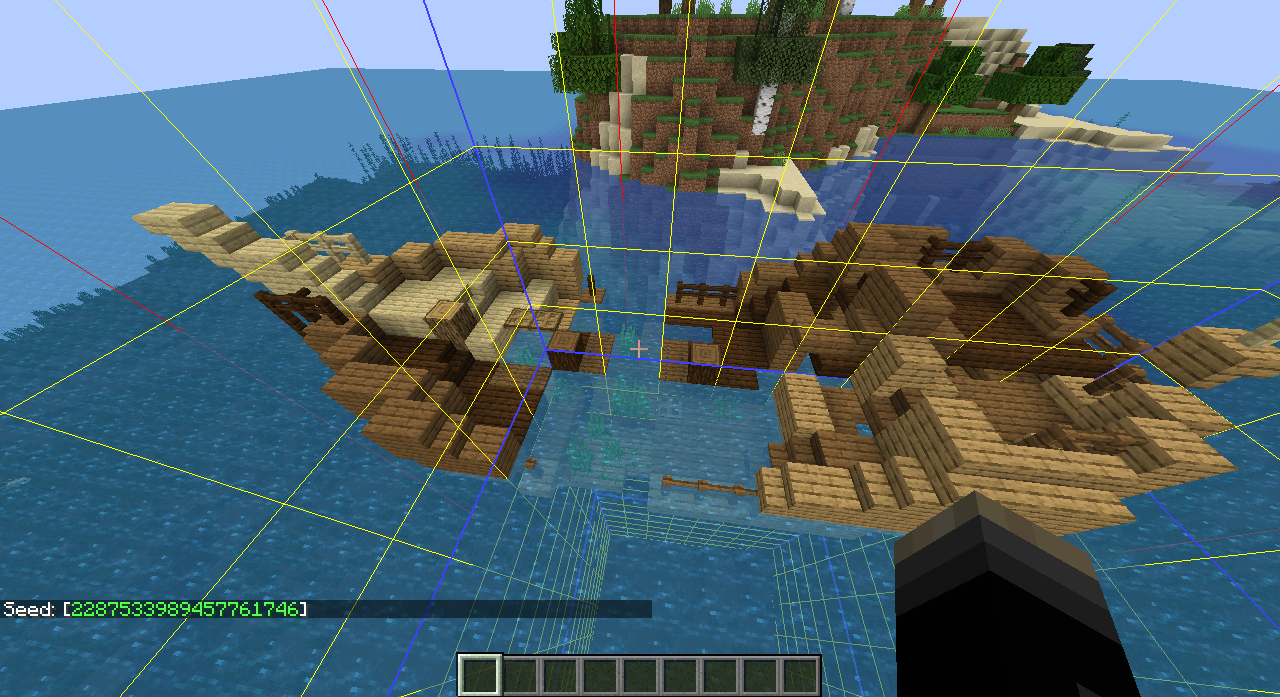
This a indeed a bug then the location will only be the same by world seed. Please post your world seed. To get the seed type "/seed" in the chat bar w/o the quotes. w/o the seed people cannot see the bug for them selves.
I used the seed and was not able to reproduce the problem. was this a map from 1.7 or did you start new in this snapshot?
I have looked at this map. This is a file copy error not a game bug. Some how Over world region files were copied into the folder that stores the nether region files.. Possibly during the process of moving the world save. The Over world section that is in the nether is a exact copy of the entire explored southern half of your over world.
The Suffocation damage in leaf blocks causing huge problems in Jungle Biomes. When the chunks are generated it spawns passive mobs that instantly die because of this.
http://i.imgur.com/Mci4egs.png
Leaf blocks made invis to see / show hidden item drops.
Finding these item drops everywhere. Once these items despawn the lag goes away! It's quite easy to walk the entire Jungle and fill your entire inventory with pork chops / raw Beef / raw chicken / feathers w/o killing a single mob.
I have them trying to shoot through any type of wall. Ghasts can do the same thing.
I'm using 14w11b
I think i should have given more information when reporting this. The targets I was referring to was other players in pvp. The bug is still there. If a player attacks another player who has wolves they will not attack. If the owner of the wolves shoots another player they still do not attack the target player. For video proof I give Is the last battle in the Mindcrack UHC match.
Video with time stamp.
http://www.youtube.com/watch?v=aKfB7ENRF74&t=18m45s
They are using 1.8.7 You can see this earlier in the video. When he presses F3. Pakratt is shot a few times by other players and his wolves just stand there and do nothing. Even when he shoots back still the wolves do nothing.
Recent Hermit craft UHC video of this in action.
http://www.youtube.com/watch?v=ITduOnhZr94&t=16m7s
This page you linked me to. 2 items on the how to fix I have already done before i posted. I even stated that in the original posting of this bug. And the 3rd item at the top of the list is not installed on the computer. But i would like to point out that if it was the cause it would affect all versions not just 1. I can still load 1.13.1 just fine.
Getting same issue. I have tried Reinstalling java and graphics updates. Before I even posted my report. I was given link to a page that don't even show up in a google search results with a how to fix a list. 2 i had already done and a 3rd item was to uninstall something called d3dgear. A program i don't even have installed on the computer. And if this program was the thing causing the issue it would affect ALL versions of minecraft not just 1.13.2. I'm thinking it's a change they did in 1.13.2 pre 2
I would like to point out that the user cannot attach a crash report if the game does not provide a crash report.
Resolved as duplicate of 20220. A out of date bug report. This report is NOT related to 20220 at all other than the title. This proves that people or BOTS are not reading anything. As stated multiple times java is UP TO DATE! And this bug affects 1.13.2 ONLY. With other versions loading w/o any issues. This is a issue with 1.13.2 it's self and not the user end. If it was anything on the user end ALL VERSIONS would also crash upon loading. A java being out of date would not affect only 1 version of Minecraft this is completely impossible.
Resolved as duplicate of 20220. A out of date bug report. This report is NOT related to 20220 at all other than the title. This proves that people or BOTS are not reading anything. As stated multiple times java is UP TO DATE! And this bug affects 1.13.2 ONLY. With all other versions loading w/o any issues. This is a issue with 1.13.2 it's self and not the user end. If it was anything on the user end ALL VERSIONS would also crash upon loading. A java being out of date would not affect only 1 version of Minecraft this is completely impossible.
Same as 137408 the game provides no crash report. And 1.13.2 is the only affected version.
The 1.13.2 crash on loading does not provide crash report.
This crash does not provide a crash report.
Installing Optifine 1.13.2 fixes this exitcode -1073741819
This supports it being a bug and not a technical issue. Added this workaround to the bug description. The game runs normally now. I did no other alterations other than installing optifine.
Added the fact that this bug is fixed as of Snapshot 18w44a released today.
May i ask how in gods name does this bug require a crash report. This person is not reporting a crash at all. please fix your bots.
Getting this bug in 1.13.2
Bug is back in 1.13.2
Ant venom Released a video on this bug.
https://www.youtube.com/watch?v=6yJ4RFgMPog
Workaround - Install optifine for 1.13.2. Worked in my case.
Workaround is that server owners can patch and may already have patched this them selves with a data pack until the drop rate is fixed.
Working on more than just a pic..
Video evidence.
https://youtu.be/GjkZpYsswGc
Confirmed for 1.14.
These bunnies get no love.
Have same bug in 1.14.4
Found this when searching for this bug in 1.14.4. "Works As Intended AND Most probably you're experiencing MC-36937???
Are You Kidding Me!!!
How about you label this bug correctly as "Duplicate of MC-36937" and not as Works As Intended!!!
Same in 1.14.4
This bug exists in 1.14.4 You in a boat for long distance and you cannot get out w/o reconnecting to the server your playing on.
I wave been playing Minecraft since Alpha and boats have ALWAYS been buggy. Mojang has had 10 YEARS to fix boats and it's still not happened.
ALSO Anon Ymus. Your discrimination on users needs to stop. Telling people they need to stop posting because their first language is not English is wrong. Minecraft is sold to people from all over the globe and people need to respect the fact that not everyone can speak english.
Testing tnt traps and got this bug. in 1.15. Thought it was patched.
This is a Optifine bug not a minecraft bug. And was fixed in newer versions of optifine.
Let this be a lesson in making backups of your world save. They even made it so the game tells you to make a backup. You have a warning screen that you have to click a button that says "I know what i'm am doing."
You get only 1 Island. It is the exact same island you get in the end on the same seed. But nothing else generates out in the void. I have tried Badlands / wooded mountains.
getting the same issue. the. The room spawns in the incorrect orientation. The secret door opens but i cannot enter the room.
Yes. But the problem is that this room always spawns and the room is always counted in your secret count. So as it is now getting the room in the wrong rotation a 100% run in desert temple is impossible.
Bug still in 20w30a can be seen in Xisumavoids Snapshot video.
Video; https://www.youtube.com/watch?v=VwLYMczAhtQ&t=6m19s
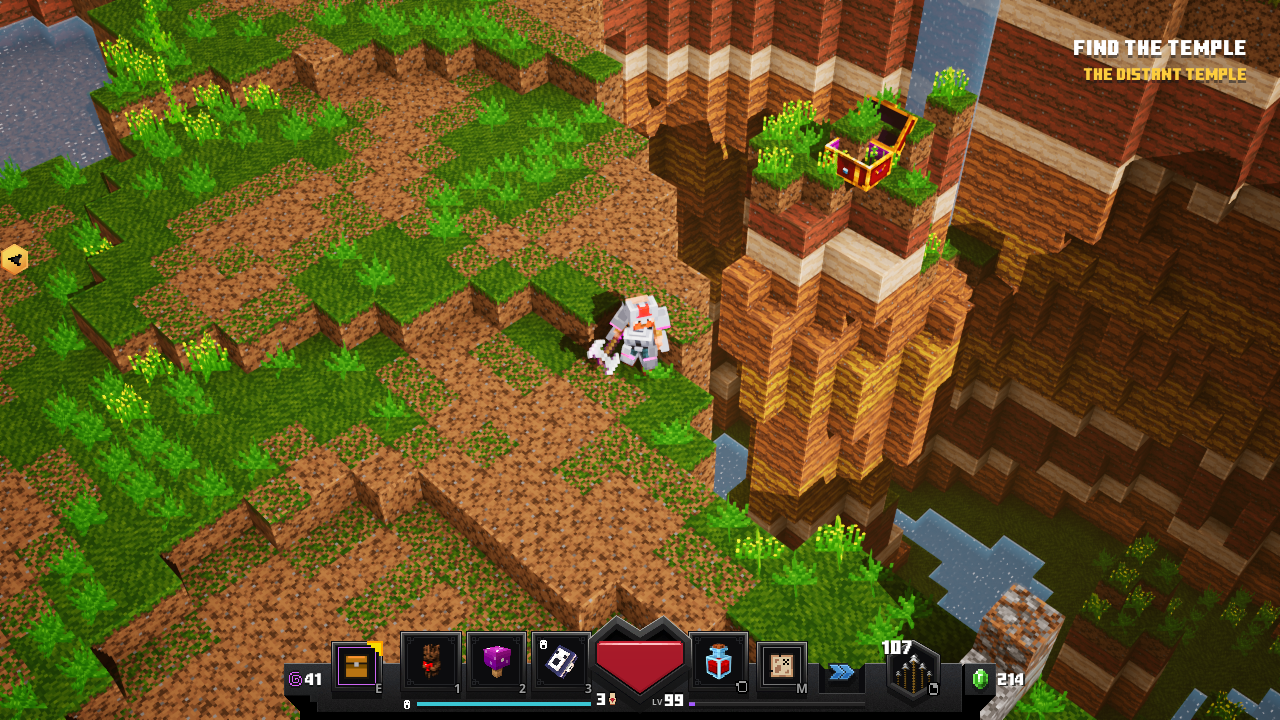
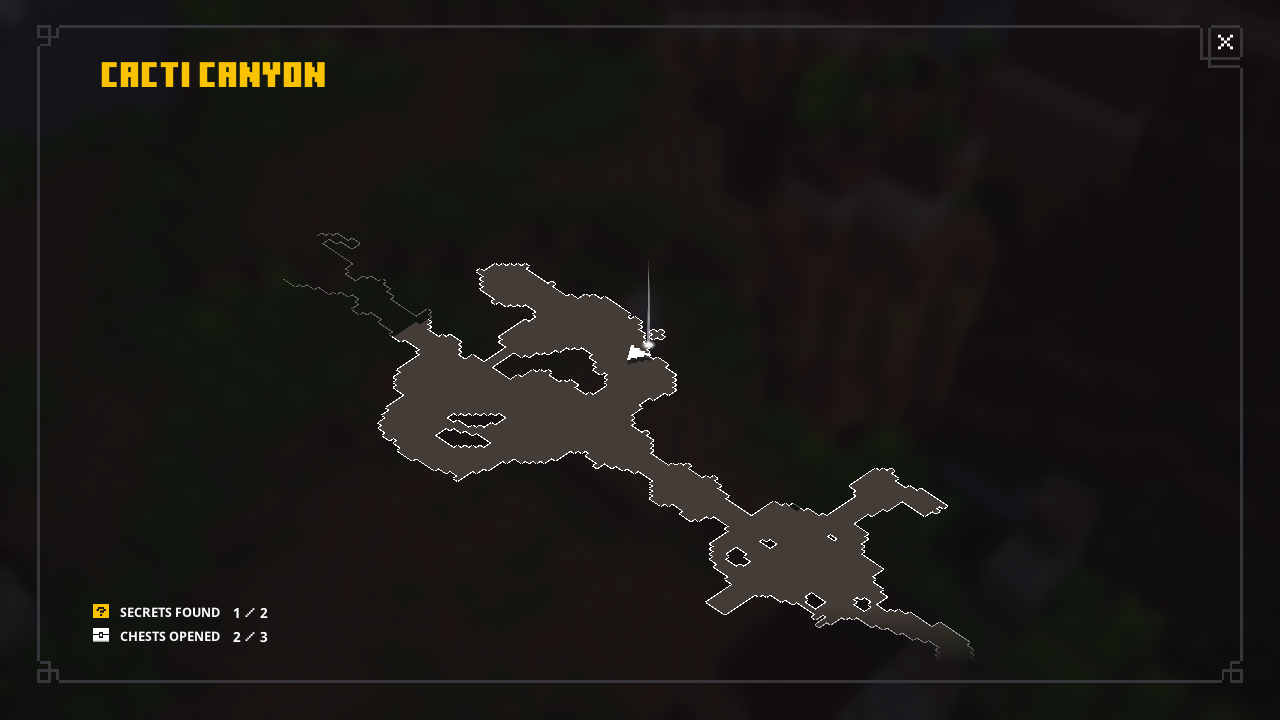
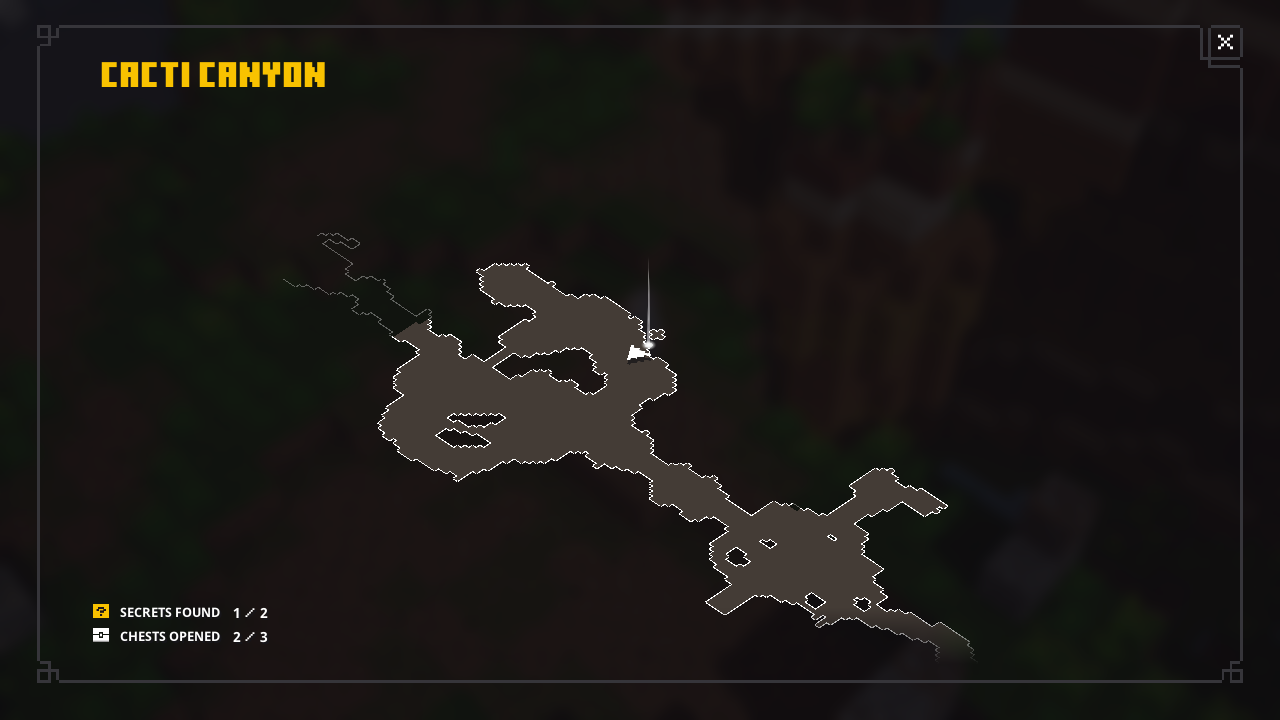
Get this in Cacticanyon secret chest added my screenshots.
Used search didn't get any matches. Added my screens to
MCD-289Issue still present in 1.17, I've mined & placed 600+ lecterns and haven't gotten Unbreaking III, I've gotten Unbreaking I, & II multiple times.
EDIT It took 764 lecterns to get it.
Issue back in 1.17 Please re open this issue. It has actually gotten so bad on our server it can actually crash.
Our server is 100% vanilla. The only change is my resource pack changes zombies to have random skins. We have actually had to purge zombies using /kill commands to stop lag.
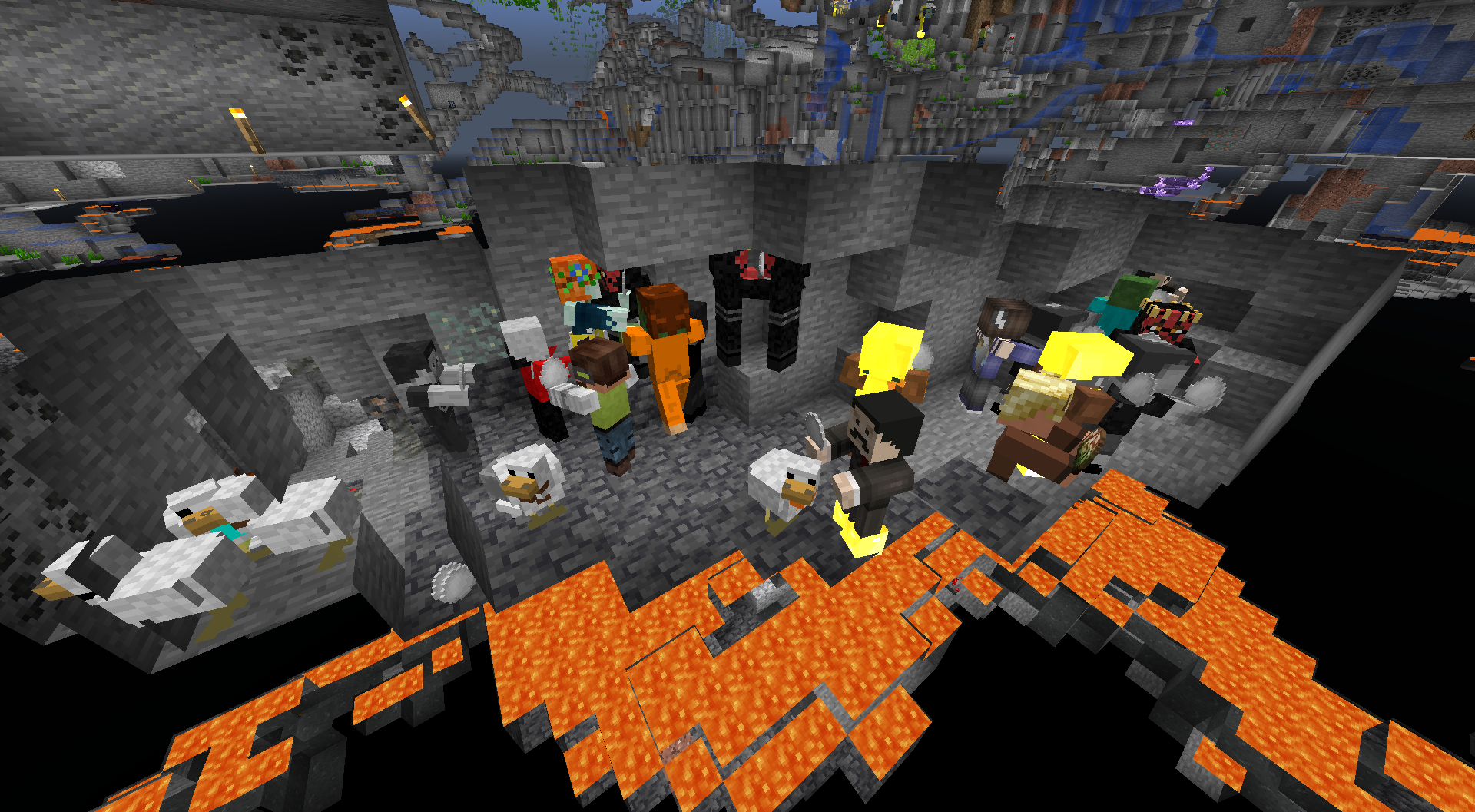
EDIT. Added a screenshot submitted by a server member. Also they should despawn unless they are holding something more valuable than just junk items.
We had the issue when our server was "vanilla" as servers such as bukkit / spigot ETC was not available for 1.17. yet.
Yes the structure voids get replaced by air / any other block when structure parts are placed by the game during world generation, BUT spawning parts in using structure blocks them selves should save the structure void. OR at least have a option to load the structure files as it's original state with structure voids intact in the load window of structure block UI. This way you do not have to replace any structure void when you load a structure file in a creative world for changes / editing.
affects 1.19 pre 3
I encountered this years ago but didn't think nothing of it until I saw a video by "TheMisterEpic" released July 2 2022. Video here: https://www.youtube.com/watch?v=EEG_c3ycDg4 I still have my old screenshot so I'm adding it. I was on Thesevensaints and geovillage and was getting server info from both servers. Sevensaints was sending info in the chat and geovillage was sending in the tab screen although was showing players from sevensaints.
Confirmed in 24w09a / 24w10a.
I tried "/attribute @s minecraft:generic.scale base set .25" you are now the 1/4 the size of normal players.
Died and size returns to default after death. would like not to have to type this every single time a player dies.
Invalid or not this needs fixed. Health regen is so slow compared to java bedrock in most cases is UNPLAYABLE. You get hit by 1 mob and have to stand there for 5 minutes to wait for your health to regen.
Getting this issue on Multiple devices No matter what windows version is used. Affects right click on ANY mouse. And only in minecraft menus. This issue was a thing before but patched in a earlier update. But seems to come back in 1.21