 Kyle morley
- TheKyleMan296
- thekyleman296
- Europe/London
- Yes
- No
 MCPE-31303MCPE-32582MCPE-38014MCPE-38614MCPE-43268


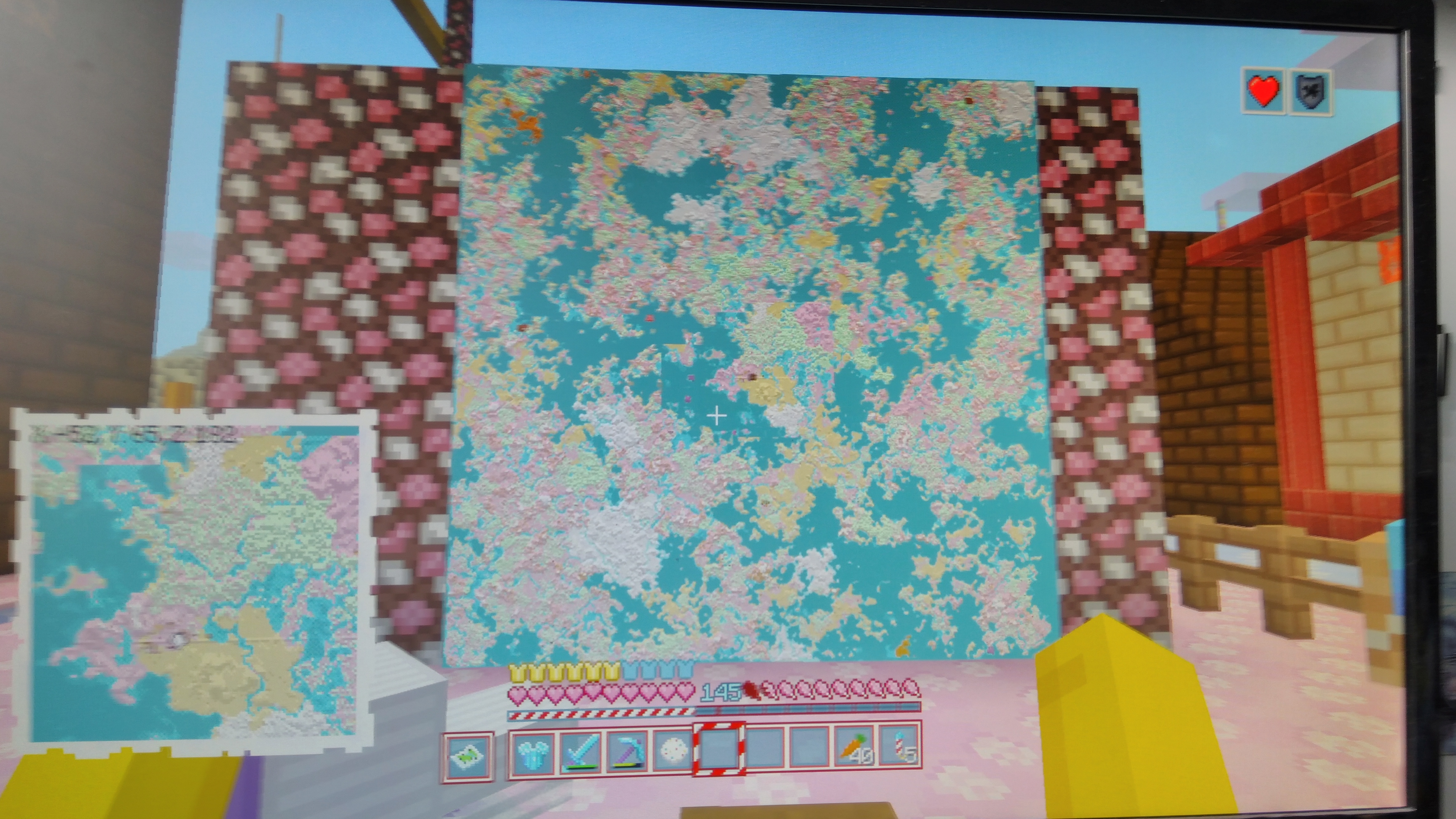




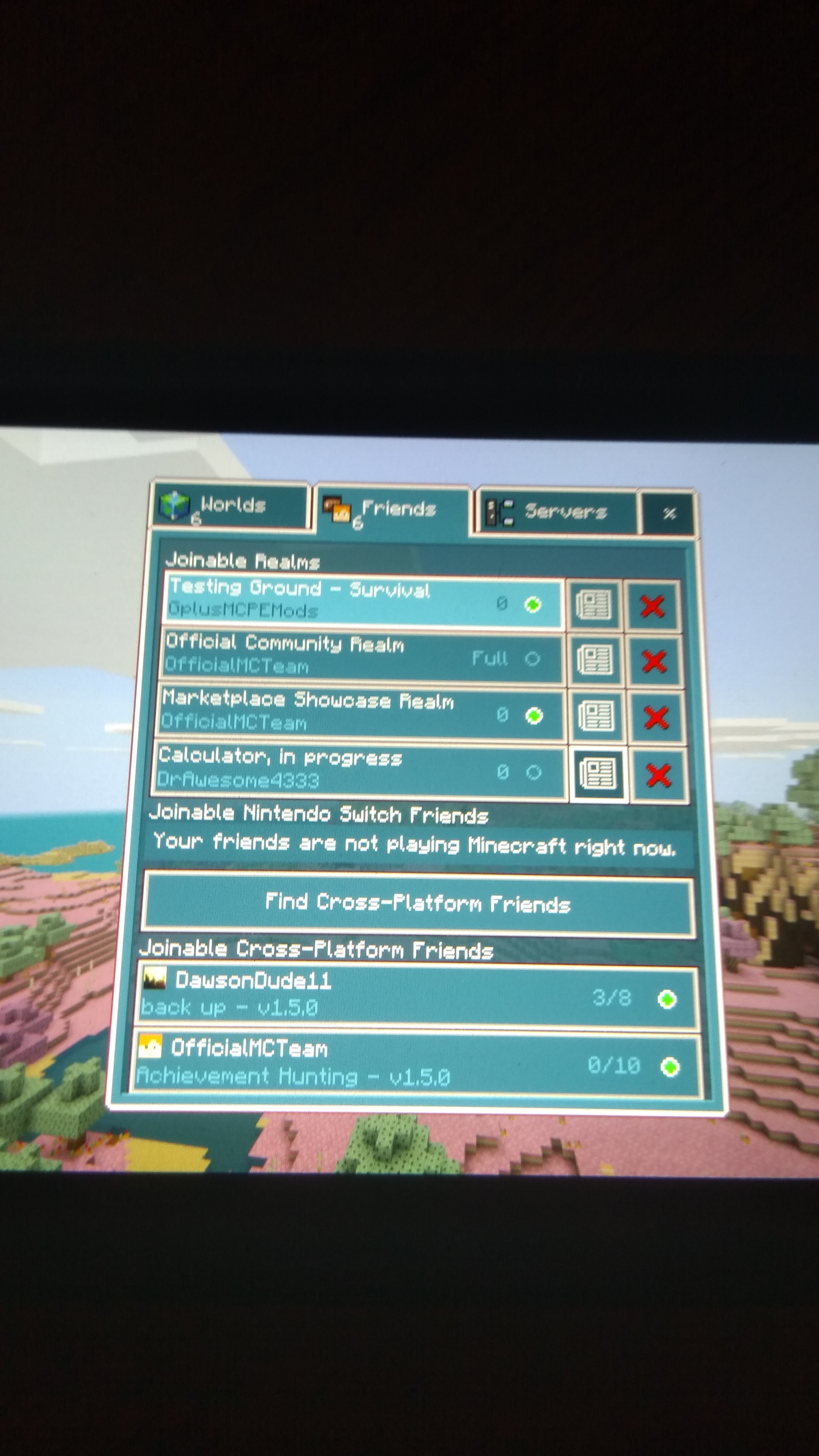
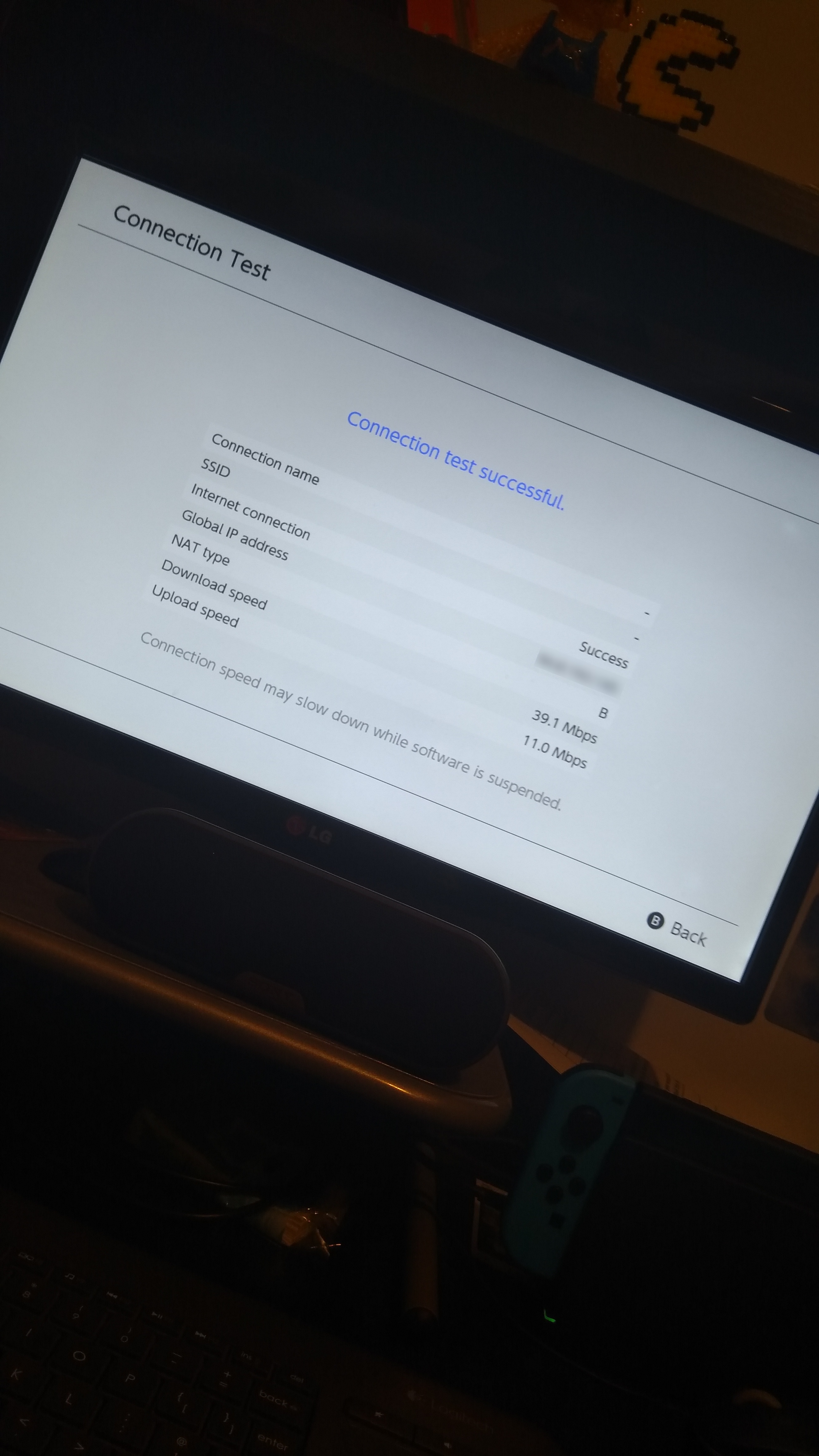

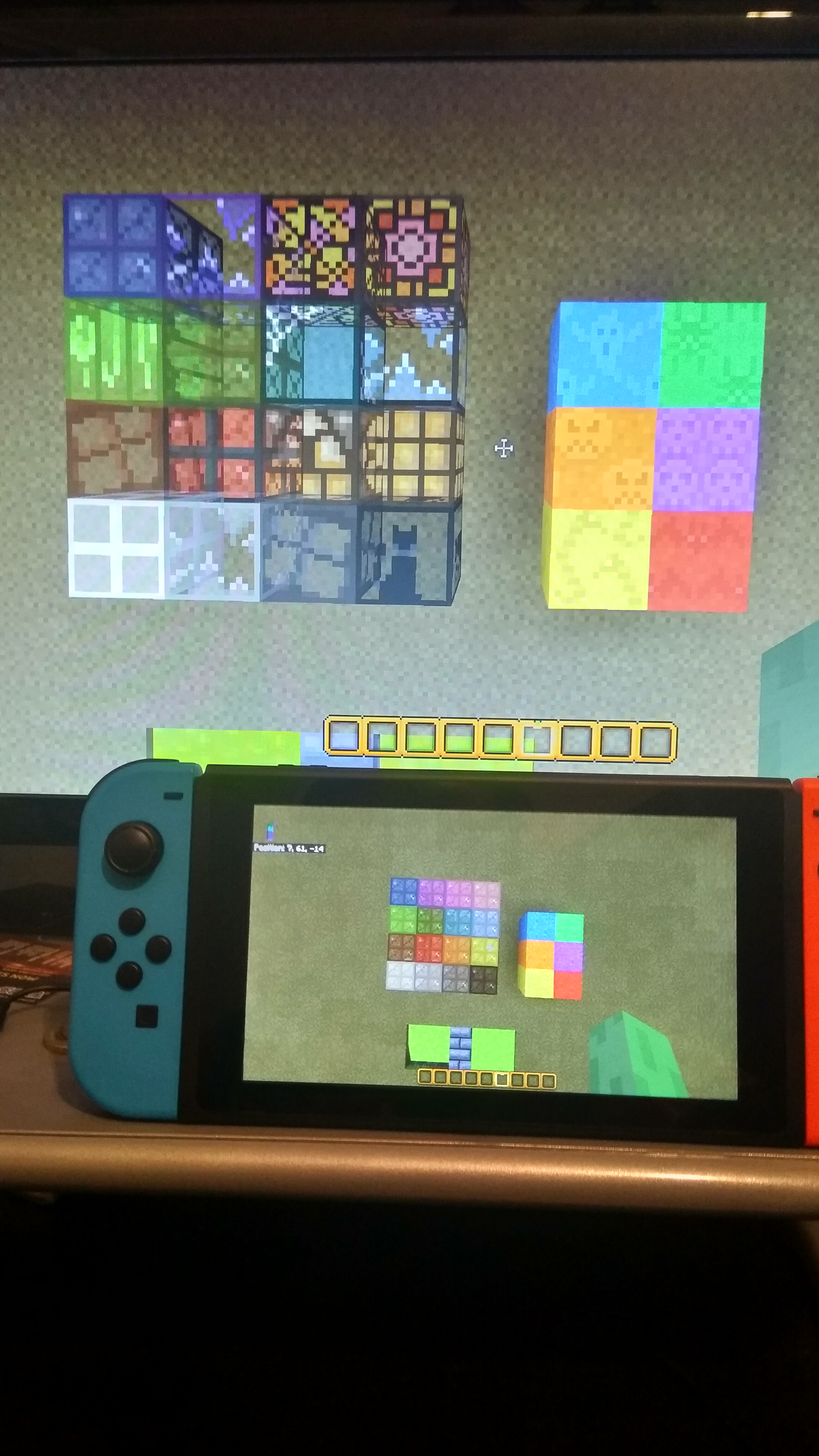




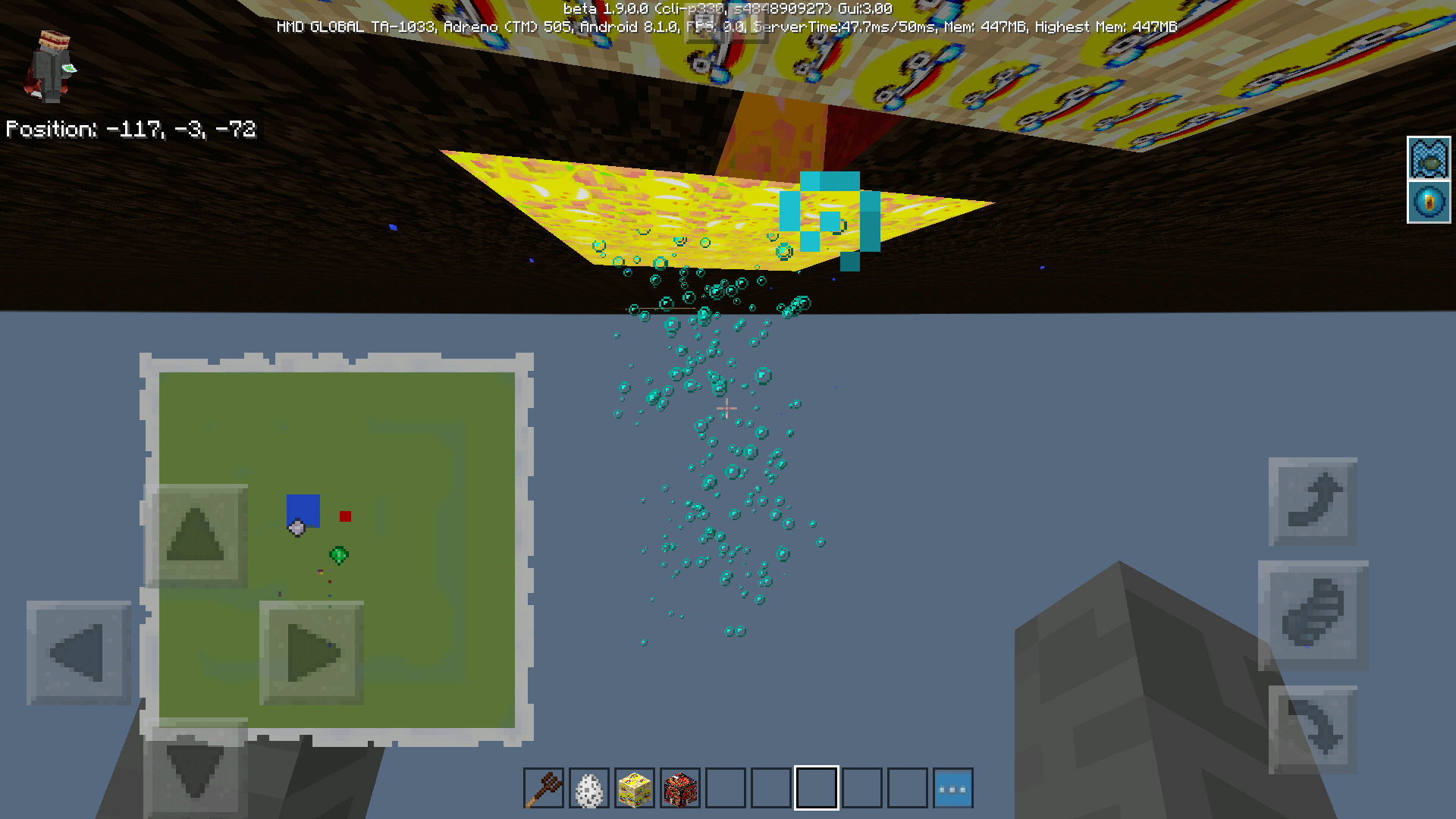

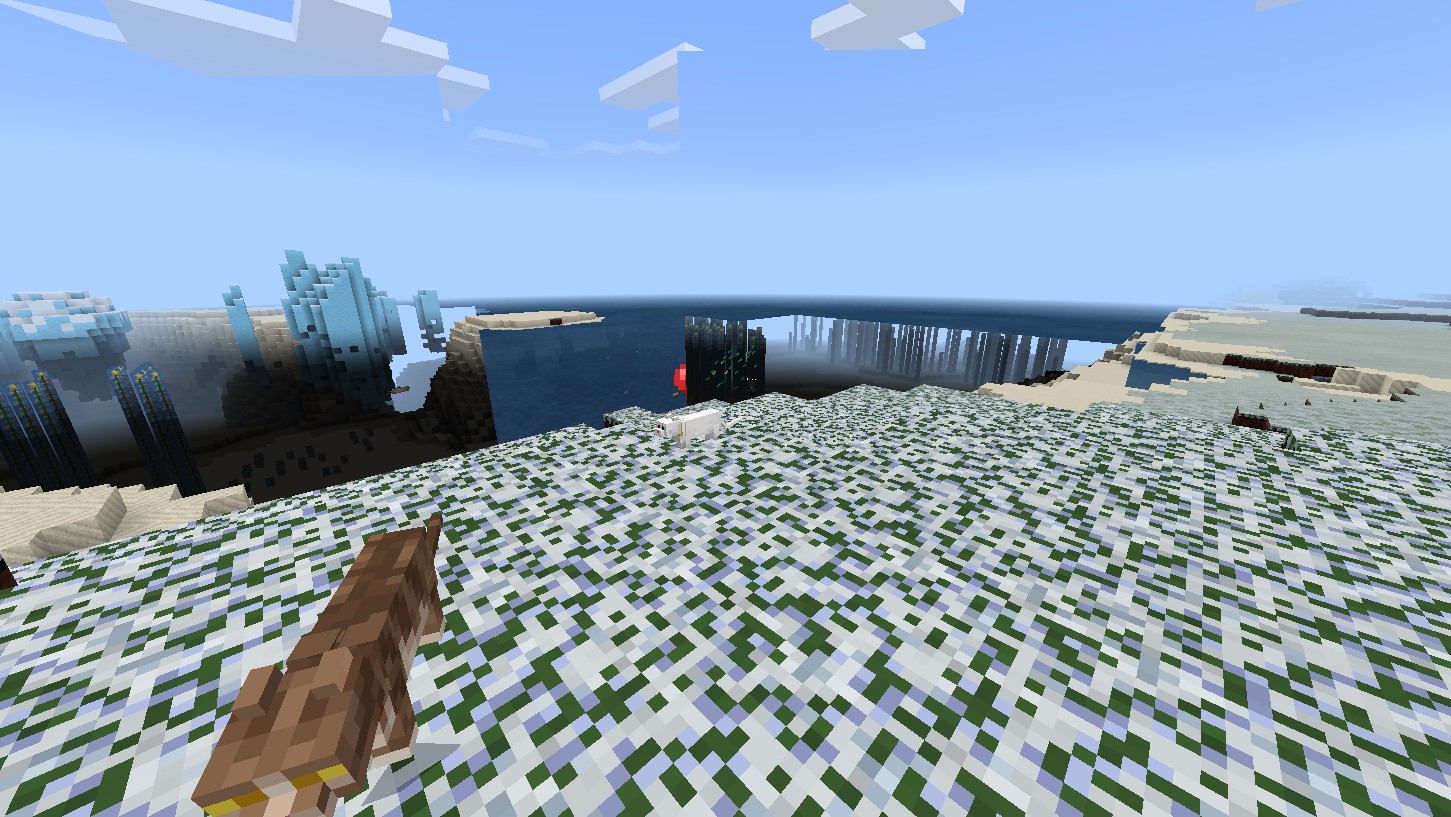


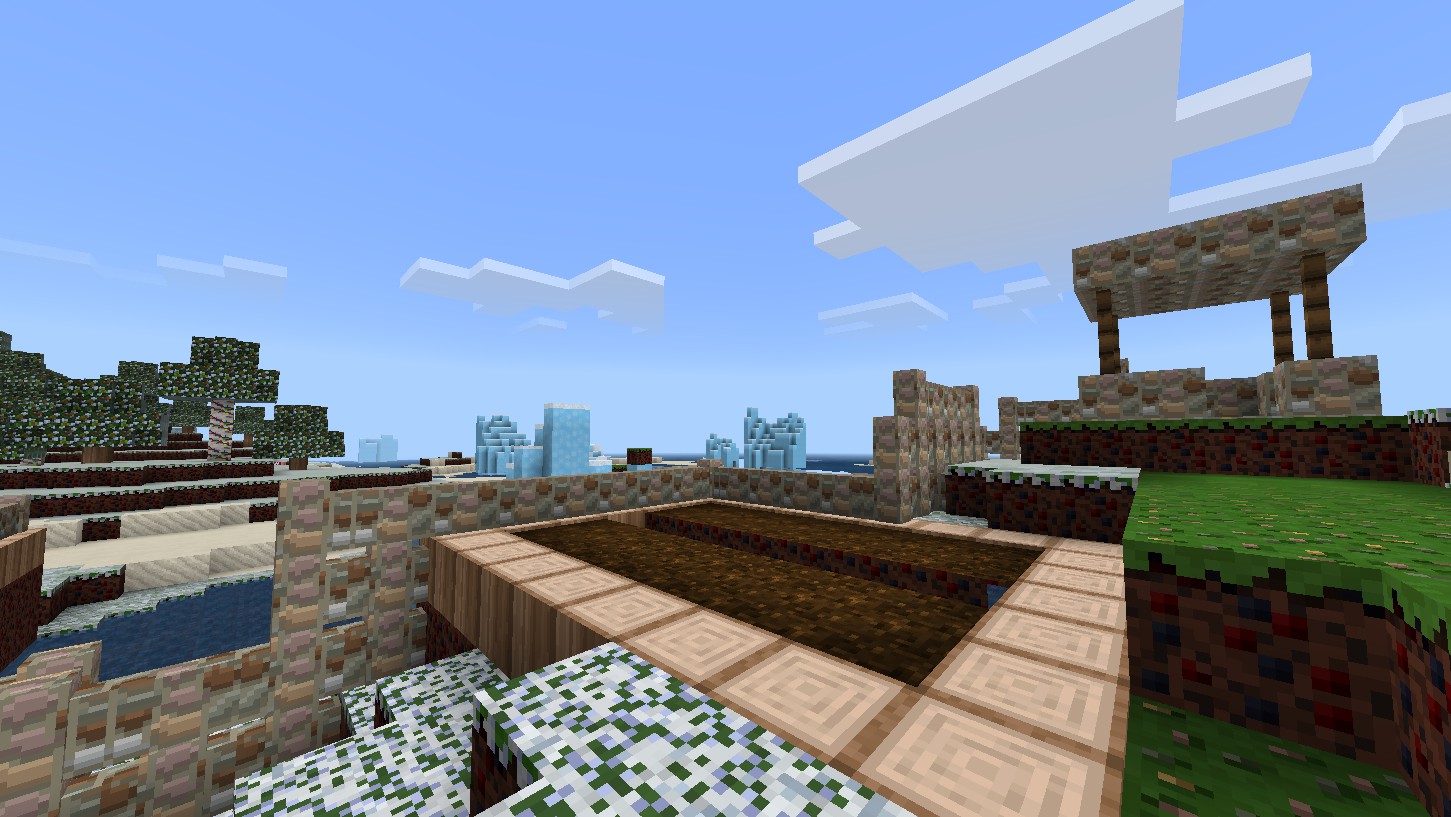


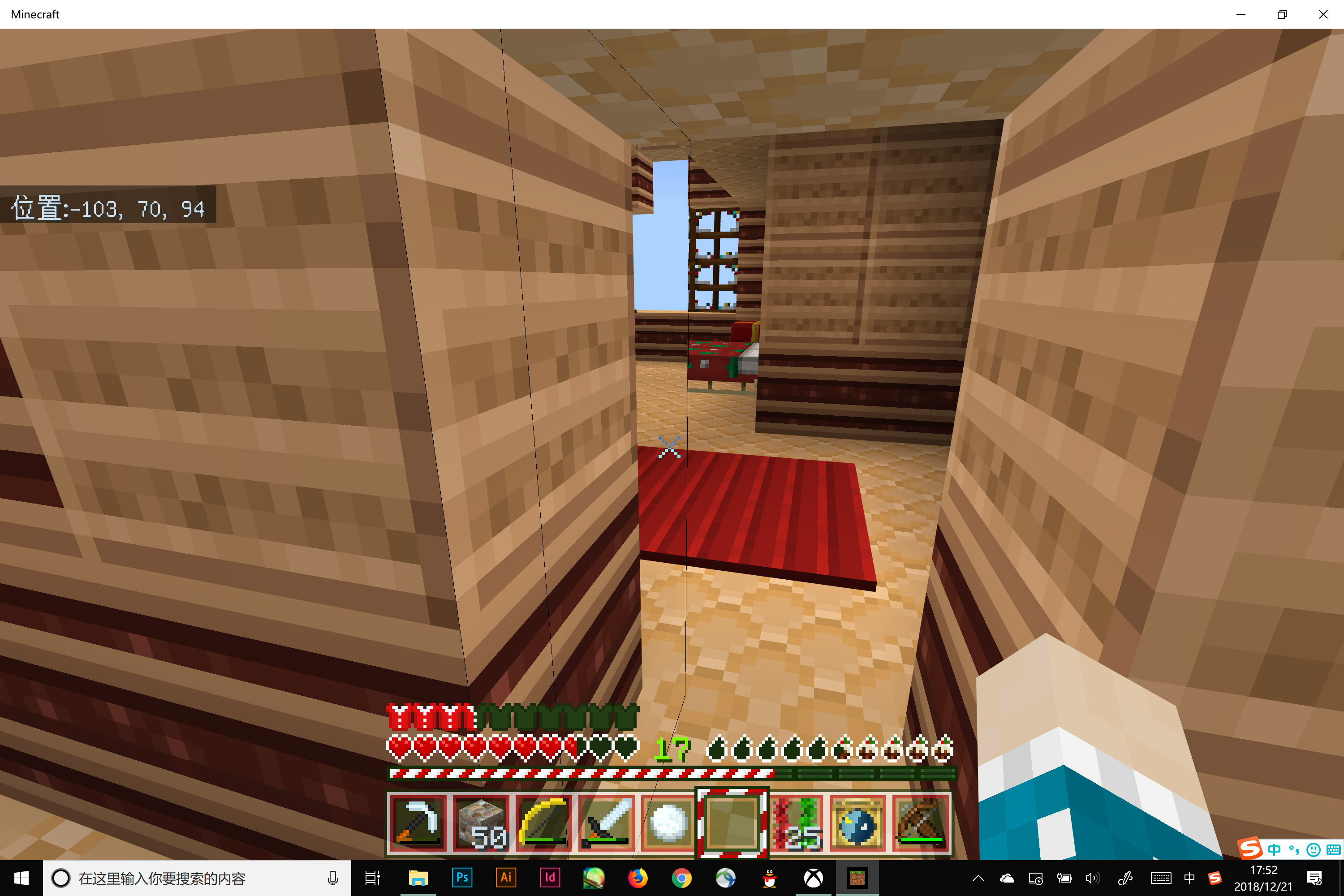
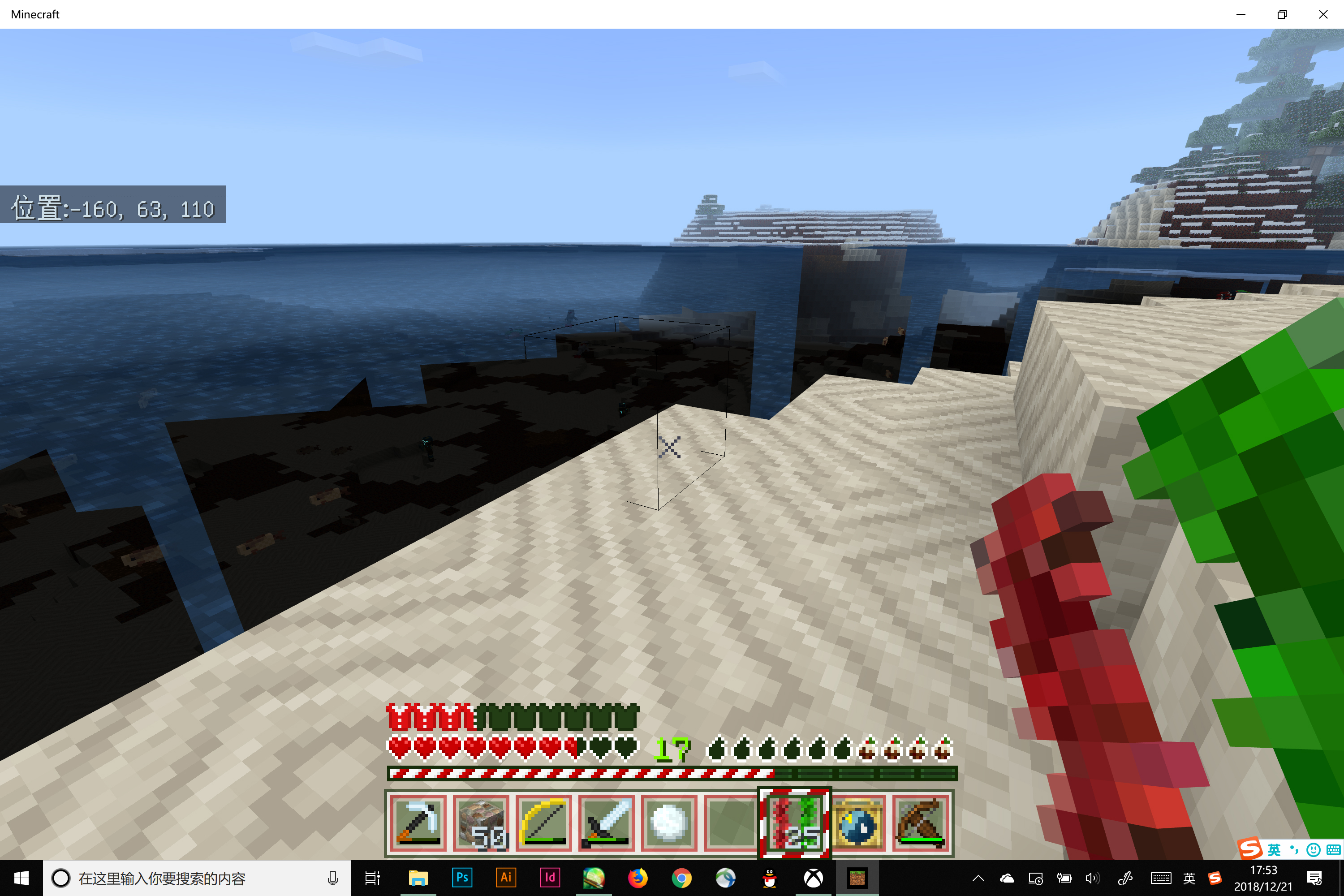
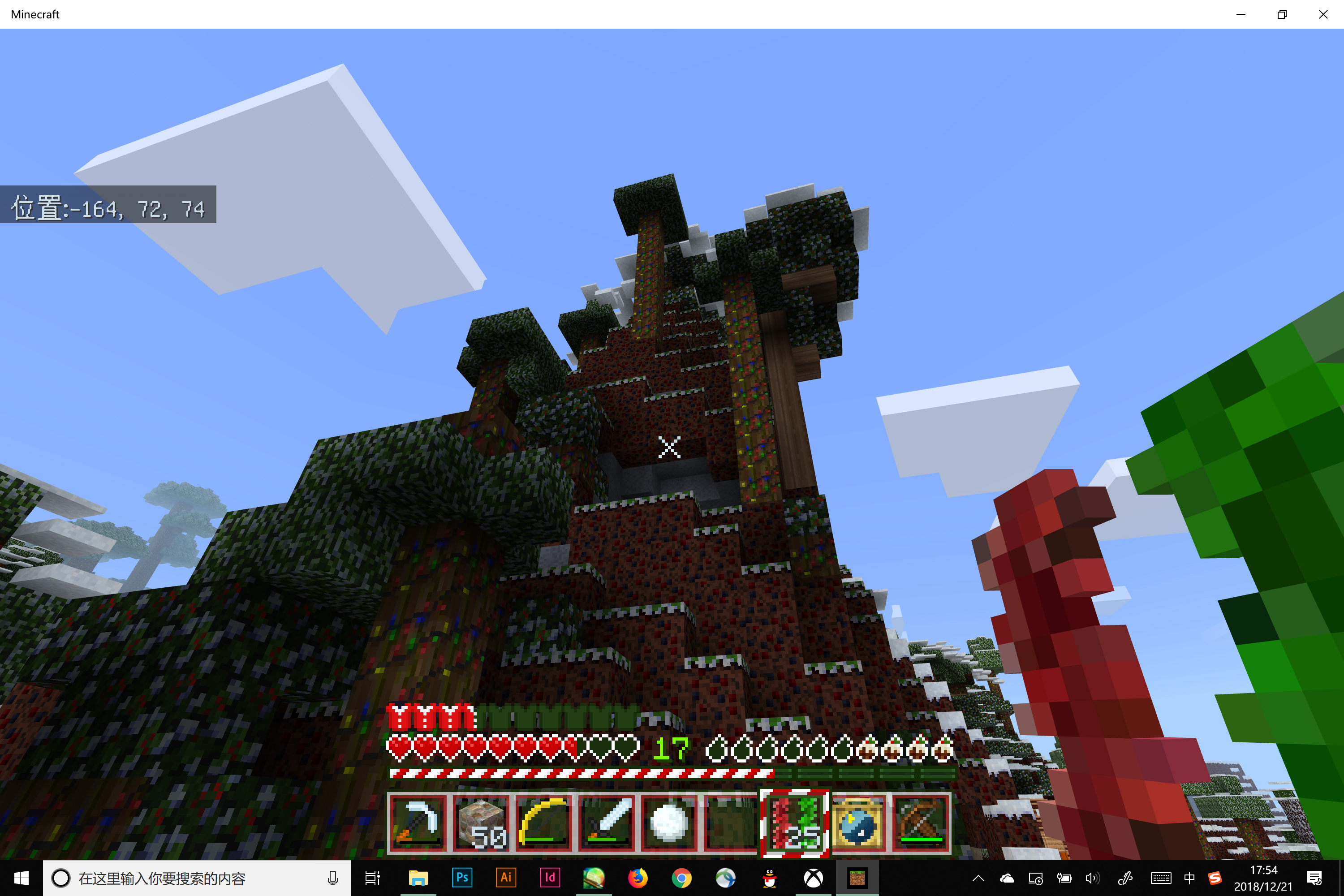
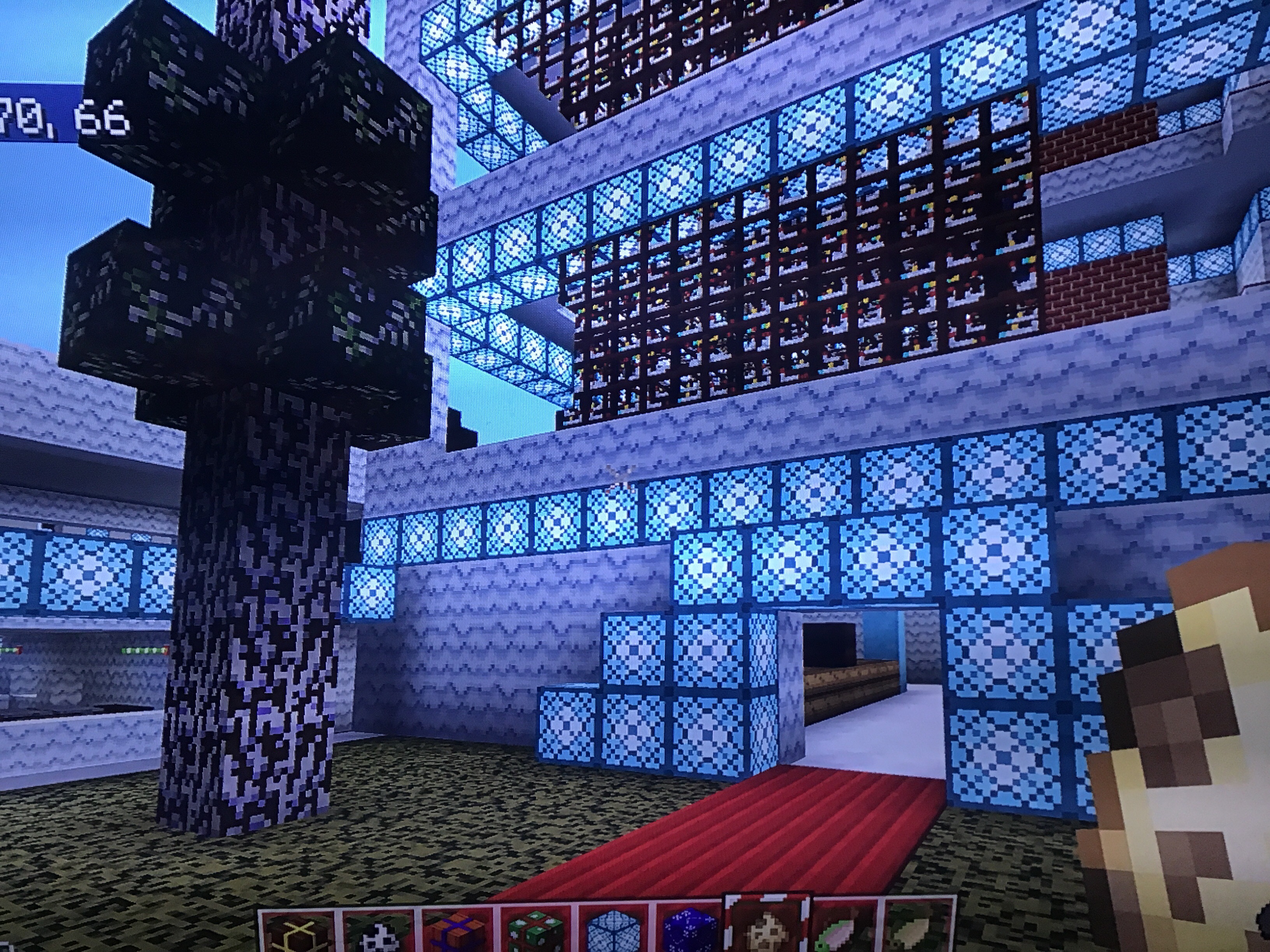
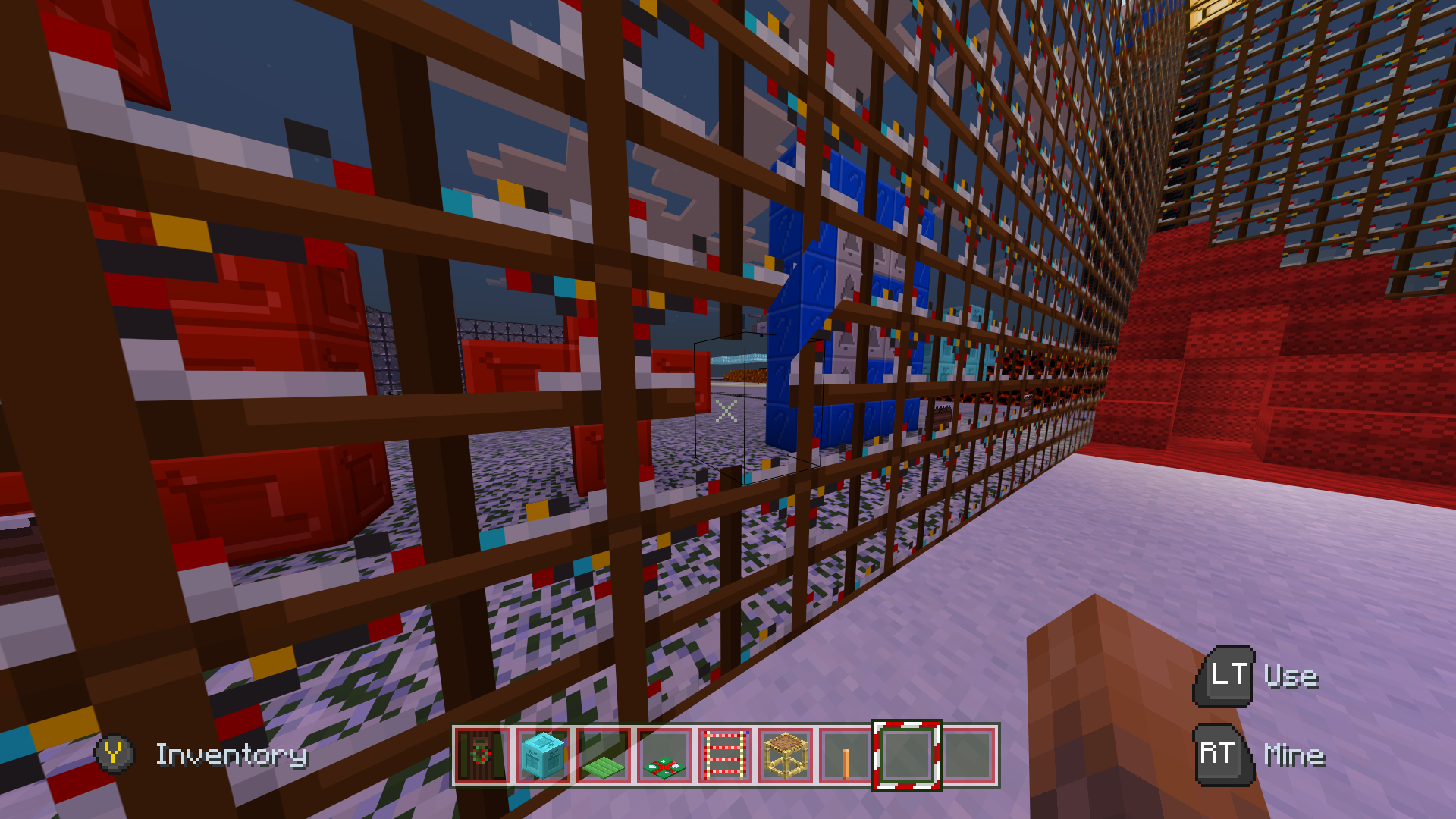


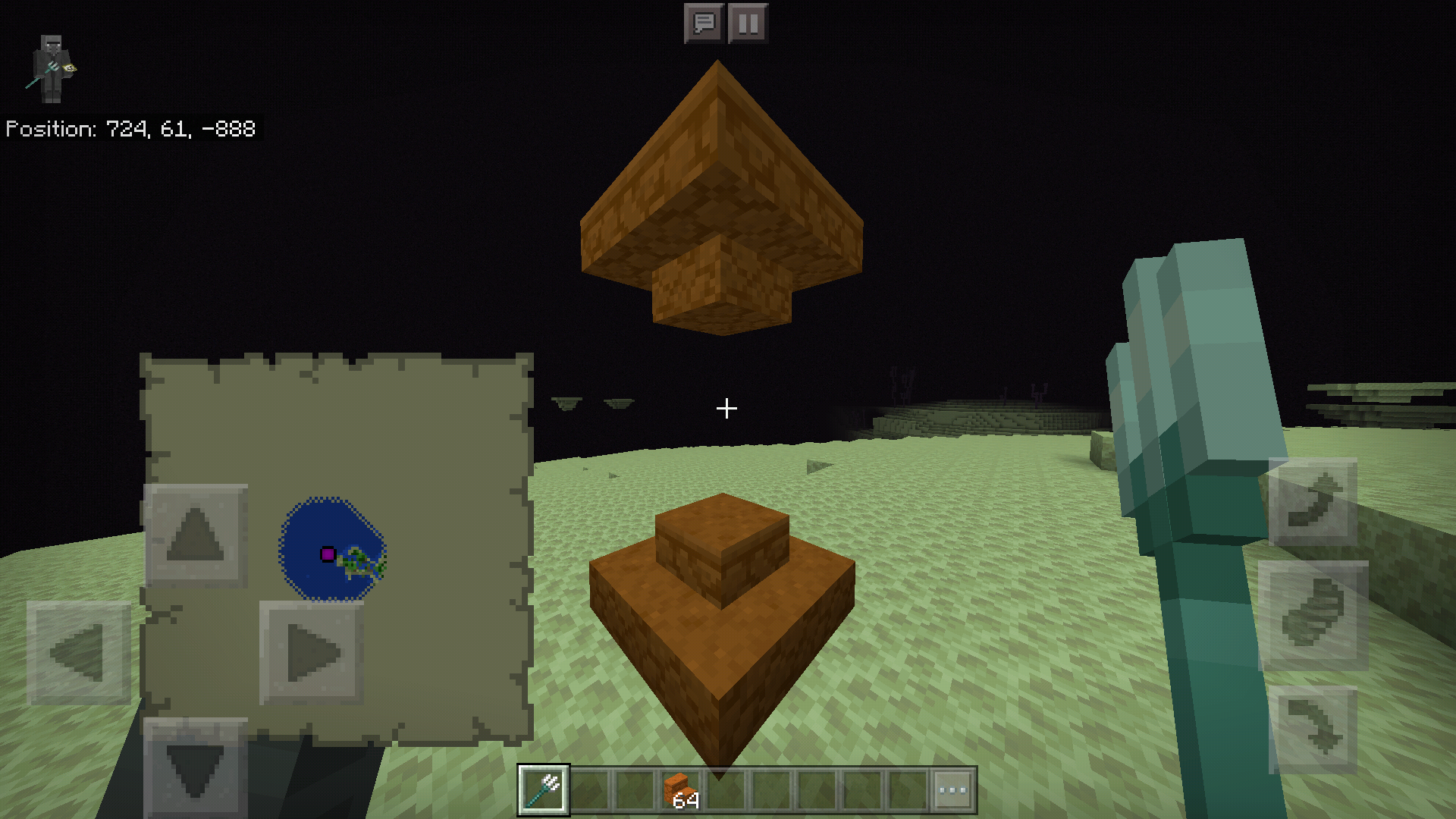


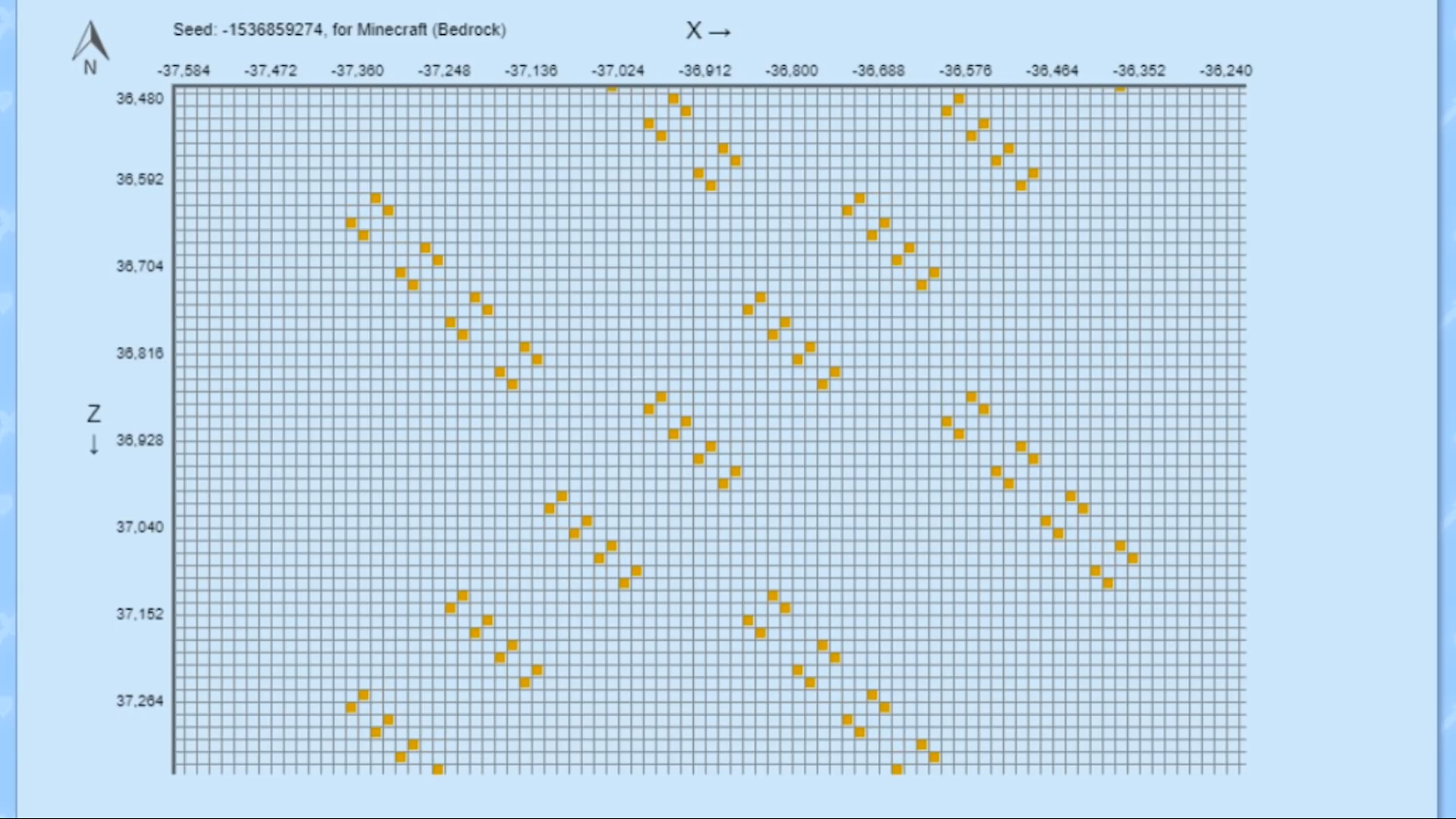
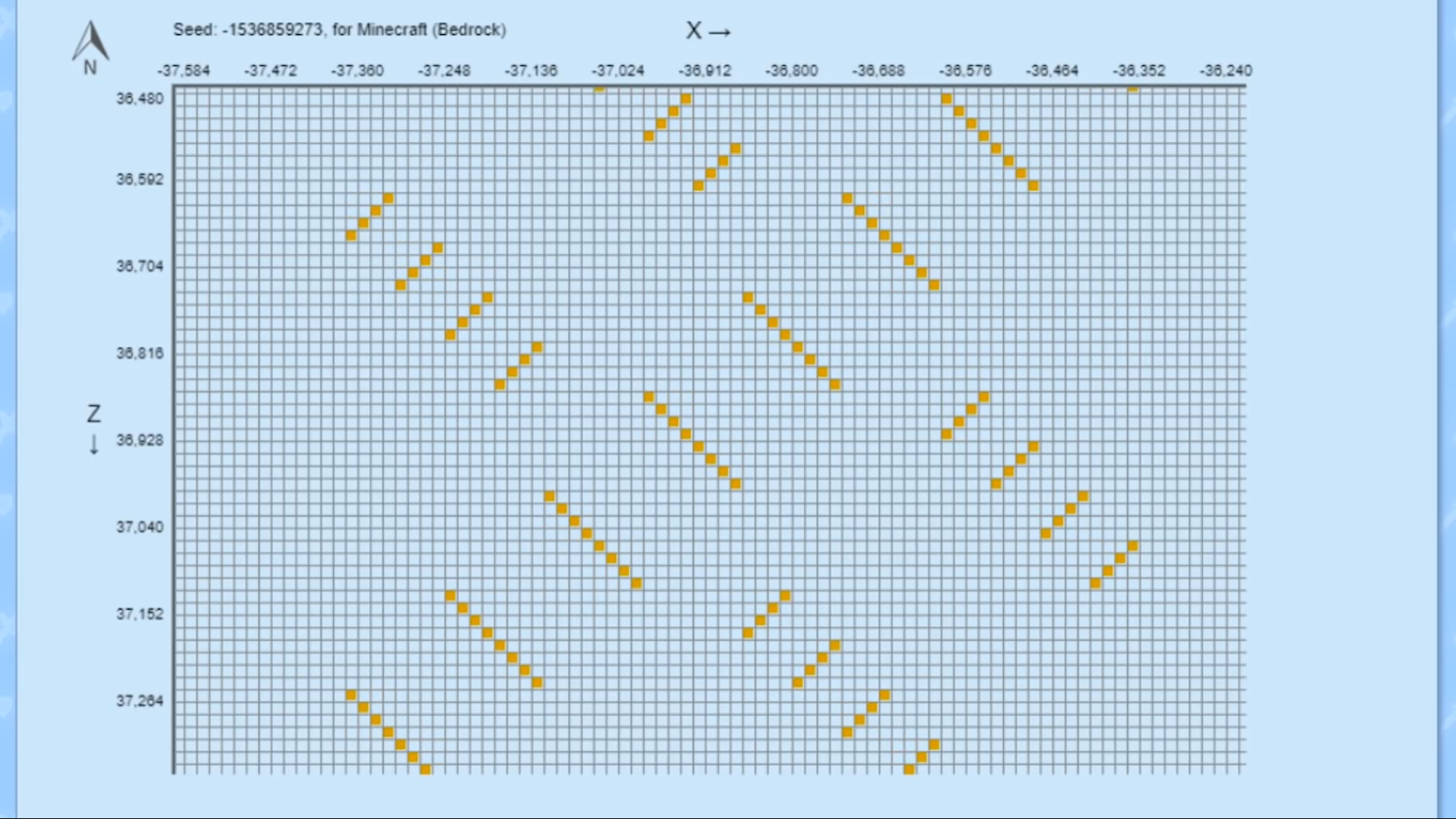
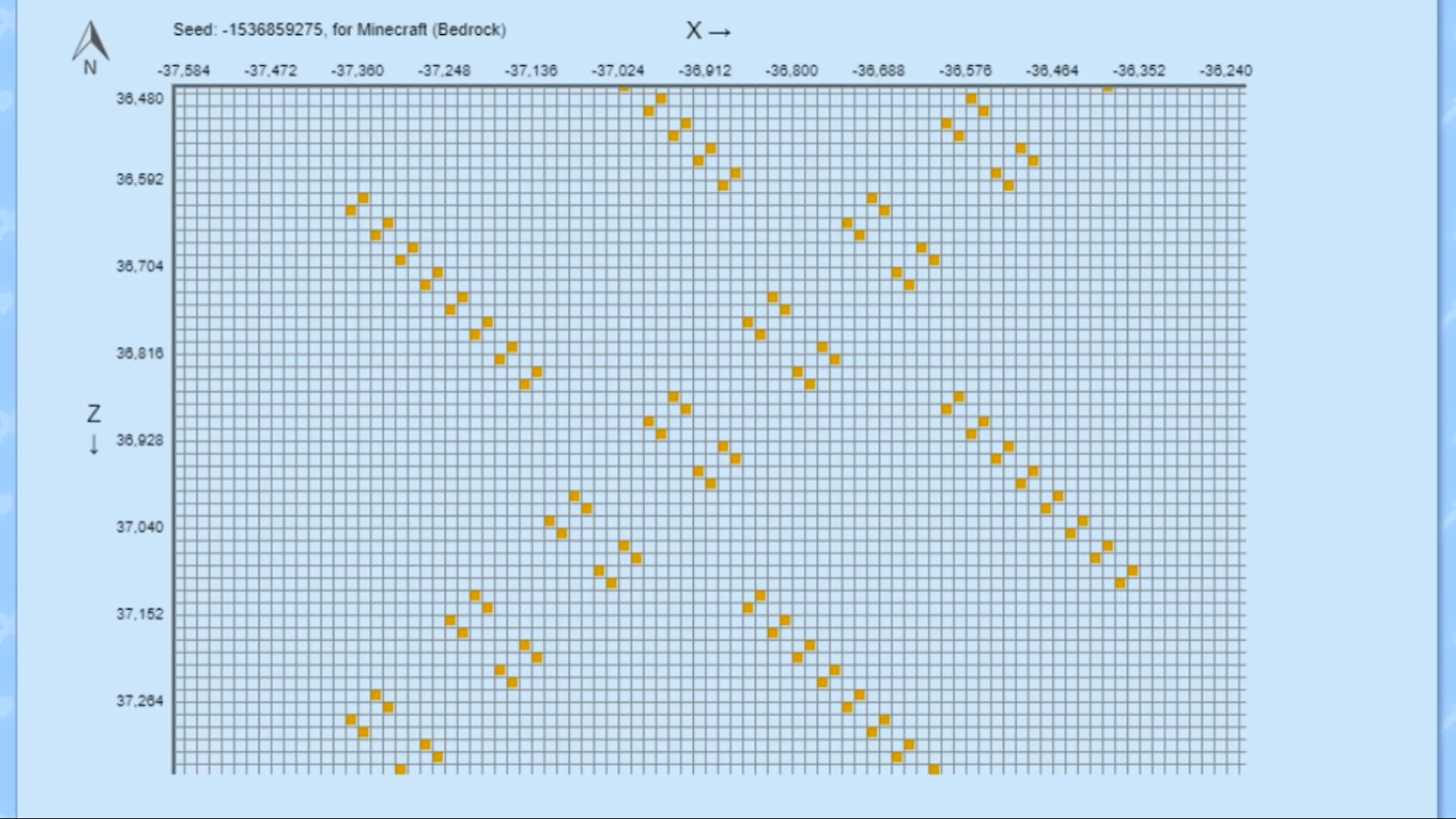
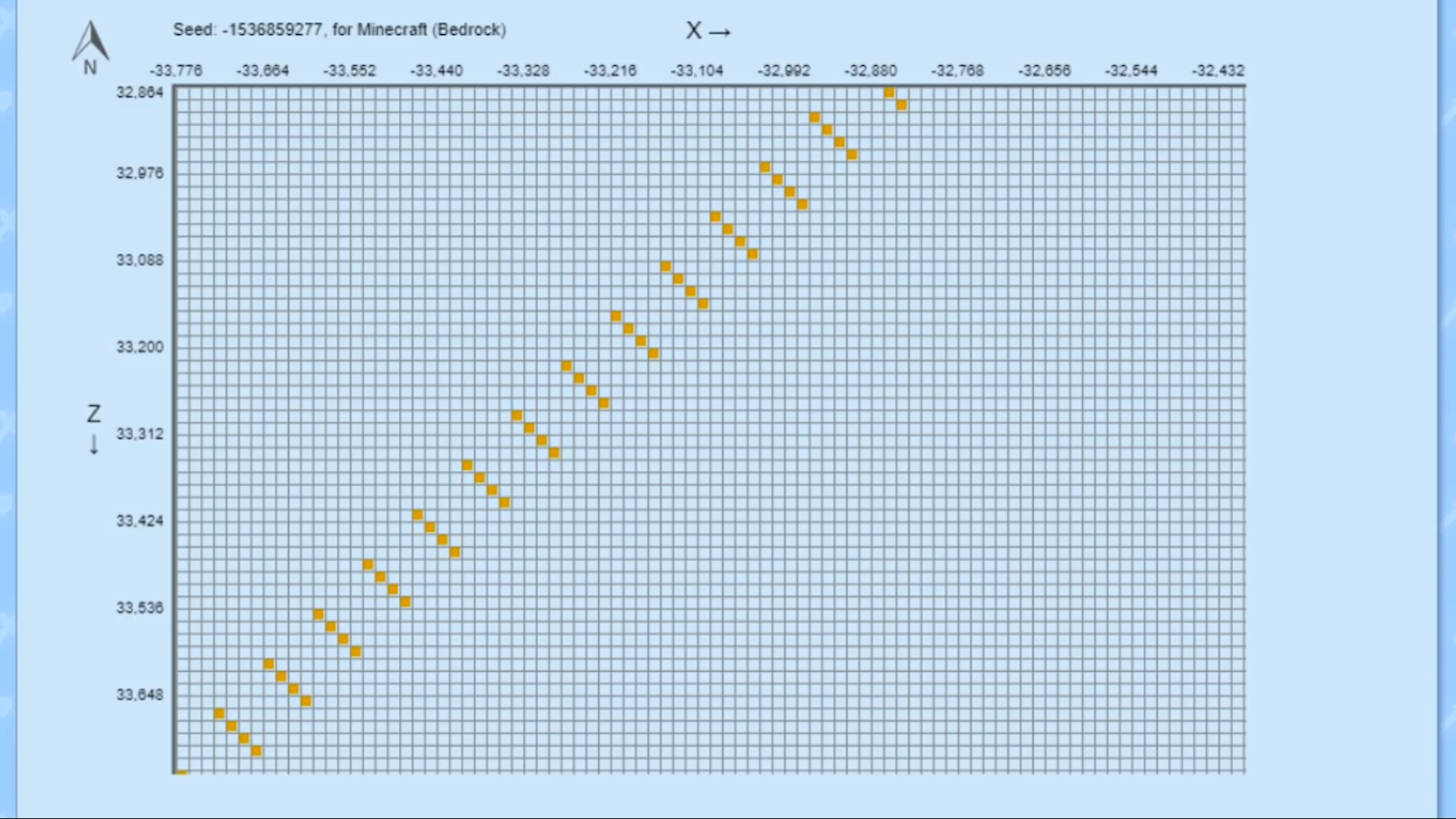

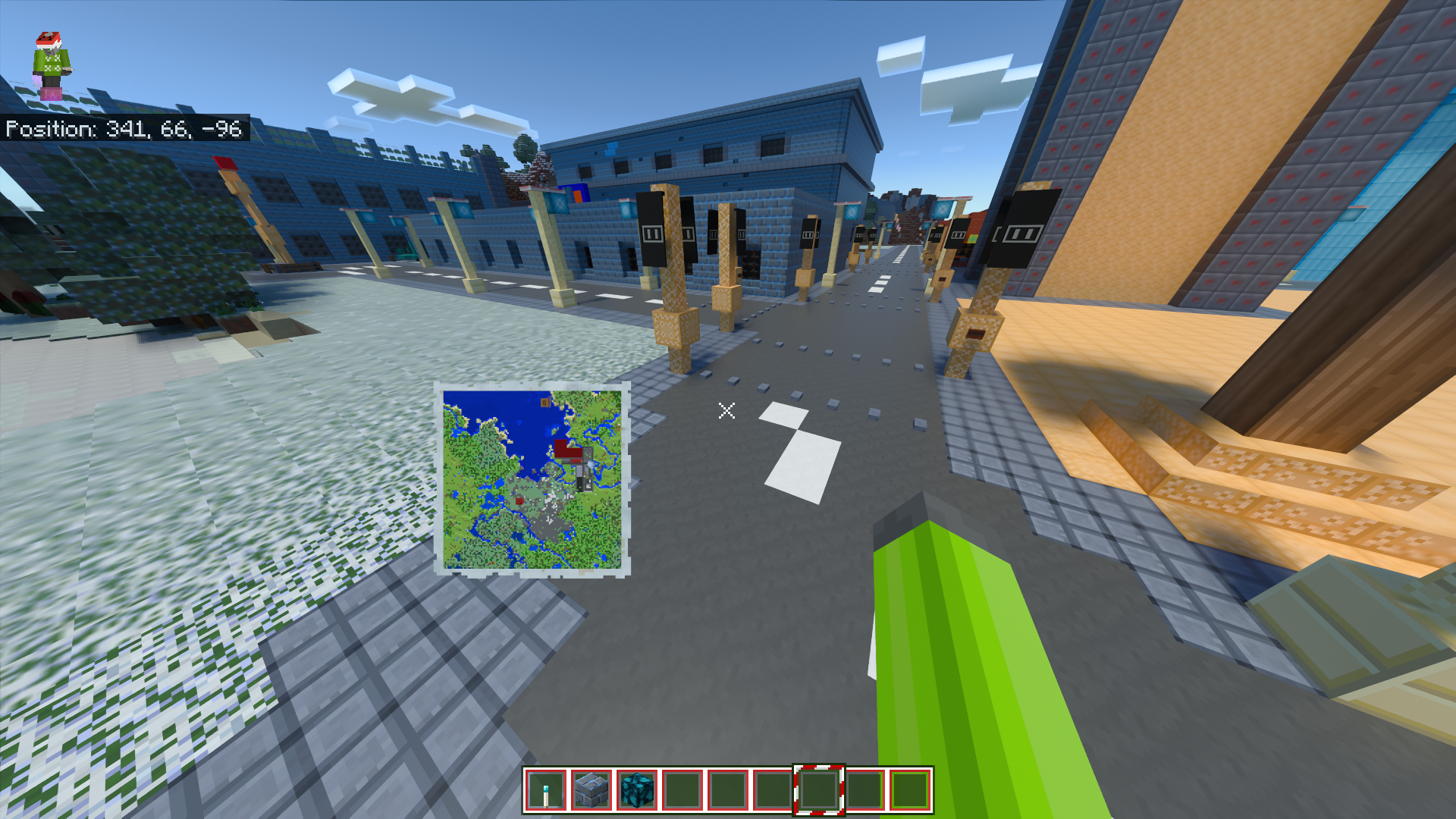
I recently moved my main Xbox One Edition worlds over to the new bedrock edition, and when I went to re-explore the land, I noticed a bug with the maps, where maps for the end dimension become nether maps, and nether maps become unwritable.
How to reproduce:
1. Create a world on XB1 Edition
2. Create a map in both the nether and the end
3. convert the world to the new version
4. Notice how the maps do not work correctly
Some map items fail to convert from XB1E to Bedrock.
Lava animation is too slow in 4J Studiostexture packsLava animation in Console Edition texture packs is too slow
When the Console Edition texture packs were made for bedrock, it seems the texture animation speed was not changed for existing animations such as the Lava texture. I have recorded the lava animation across all console texture packs I own in bedrock on Console Xbox One vs Bedrock Switch to show the error. Unfortunately I can't attach them here because the 10 second videos exceed the maximum file size so instead the clips are located at https://drive.google.com/folderview?id=1CSYuUbflx5JtLLAlv9zASgsBEsPKB4Zs
This seems to affect all packs ported before Norse Mythology
End music doesn't play in Halloween mashup (fix included)
IMG_20180926_214306.jpg
End music doesn't play in Halloween mashup(fix included)
On Console Edition, the Halloween mashup has cool title screen music that plays while loading into a world. However, on the bedrock version, the default title music plays. Then after leaving the end, the track that is supposed to play as the title theme plays as the credits theme.
How to fix:
In the sound_definitions.json file, change the "music game.credits" to "music_menu" then, after fixing mcpe-37528 copy the "music.game.end" and change it to "music.game.credits"
On Console Edition, the Halloween mashup has cool title screen music that plays while loading into a world. However, on the bedrock version, the default title music plays. Then after leaving the end, the track that is supposed to play as the title theme plays as the credits theme.
How to fix:
In the sound_definitions.json file, change the "music game.credits" to "music_menu" then, after fixing
MCPE-37528copy the "music.game.end" and change it to "music.game.credits"
After downloading 1.8, the festive mashup makes lots of non-full blocks completely invisible.
Blocks affected:
Seagrass
Kelp at close range
Crops
Single plants
Double plants
Bamboo
Scaffolding
Possibly more
[Screenshots coming soon]
After downloading 1.8, the festive mashup makes lots of non-full blocks completely invisible.
Blocks affected:
Seagrass
Kelp at close range
Crops
Single plants
Double plants
Bamboo
Scaffolding
Torches
Levers
Leaves (with fancy leaves on)
Possibly more
[Screenshots coming soon]
After downloading 1.8, the festive mashup makes lots of non-full blocks completely invisible.
Blocks affected:
Seagrass
Kelp at close range
Crops
Single plants
Double plants
Bamboo
Scaffolding
Torches
Levers
Leaves (with fancy leaves on)
Possibly more
[Screenshots coming soon]
After downloading 1.8, the festive mashup makes lots of non-full blocks completely invisible.
Blocks affected:
Seagrass
Kelp at close range
Crops
Single plants
Double plants
Bamboo
Scaffolding
Torches
Levers
Leaves (with fancy leaves on)
Trapdoors
Doors
Anvils
Possibly more
When a resource pack that changes vanilla animations (for example, add the new lava texture and animations) in a world with EDU features enabled, the animations from vanilla are used instead.
cause:
In the chemistry resource pack in the game's files, all the animations are redefined with the message "all the same as vanilla, but the won't play if not defined here". 1.4 fixed that issue.
fix:
By simply removing the duplicate animations in the chemistry resource pack the bug can be fixed
Or
Make the chemistry pack apply before global/world resource packs to allow packs to change chemistry content
Video:
https://drive.google.com/file/d/1q9XdCAVMPGdi5duwNGM3BfjNlEMFiY6A/view?usp=drivesdk
In the unused Chat Settings menu (can be unlocked with resource packs or modified on options.txt) there is options to change the font typeface, size and colour. However, changing this does not affect the coordinates above chat
(
Pictures coming soon)In the unused Chat Settings menu (can be unlocked with resource packs or modified on options.txt) there is options to change the font typeface, size and colour. However, changing this does not affect the coordinates above chat
(See picture)
After applying a skin on switch bedrock (Farmer Villager), my skin choice on Windows 10 keeps on changing to it when a custom skin was previously selected. This also happens if the switch version is not used at all
steps to reproduce
1) set a skin on a console version
2) on a non-console version, use a custom skin
3) reboot the non-console version and see that the previous skin is selected and not the custom skin
Video:
https://drive.google.com/file/d/1oo2HOTq5QmPJGp15MQR9CCseR4UBPpNT/view?usp=drivesdk
In the nether update, each biome has its own sky colour. However, every biome has the same sky colour as the soulsand valley
EDIT: this seems to happen when the player is using a resource pack with a biomes_client.json without defining a "fog_color", even on the default biome

![[Mojang] Mega_Spud (Jay Wells)](../../../data/avatars/users/92696.png)
Kyle morley - Are you applying the pack to your global resources, and is it after doing that that the game won't launch correctly?
@Kyle morley "Unable to reproduce with packs from the store"
Let me test this, can you tell me which pack from the store uses a modified scaffolding texture (for the default 16x16 resolution)?

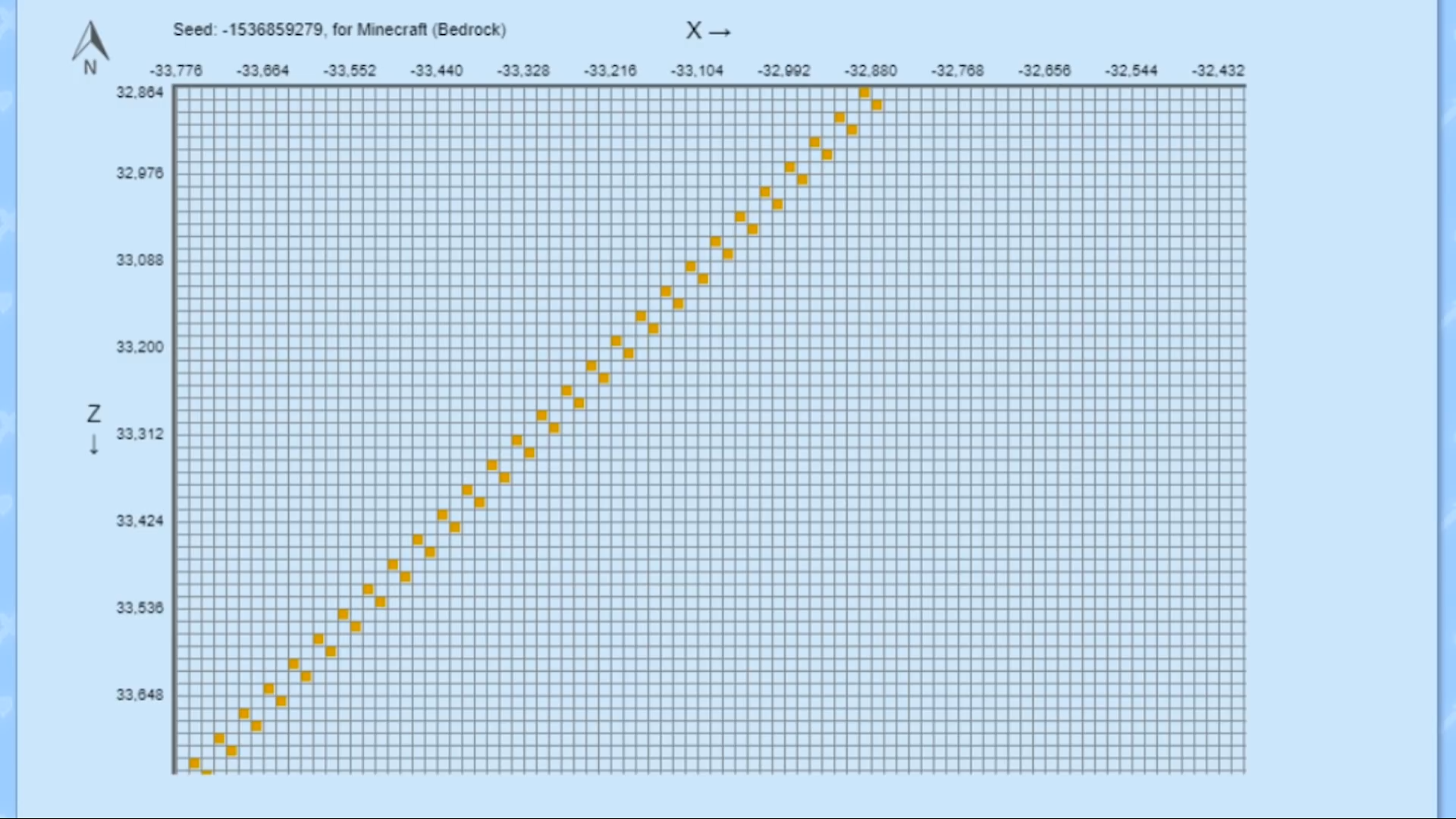
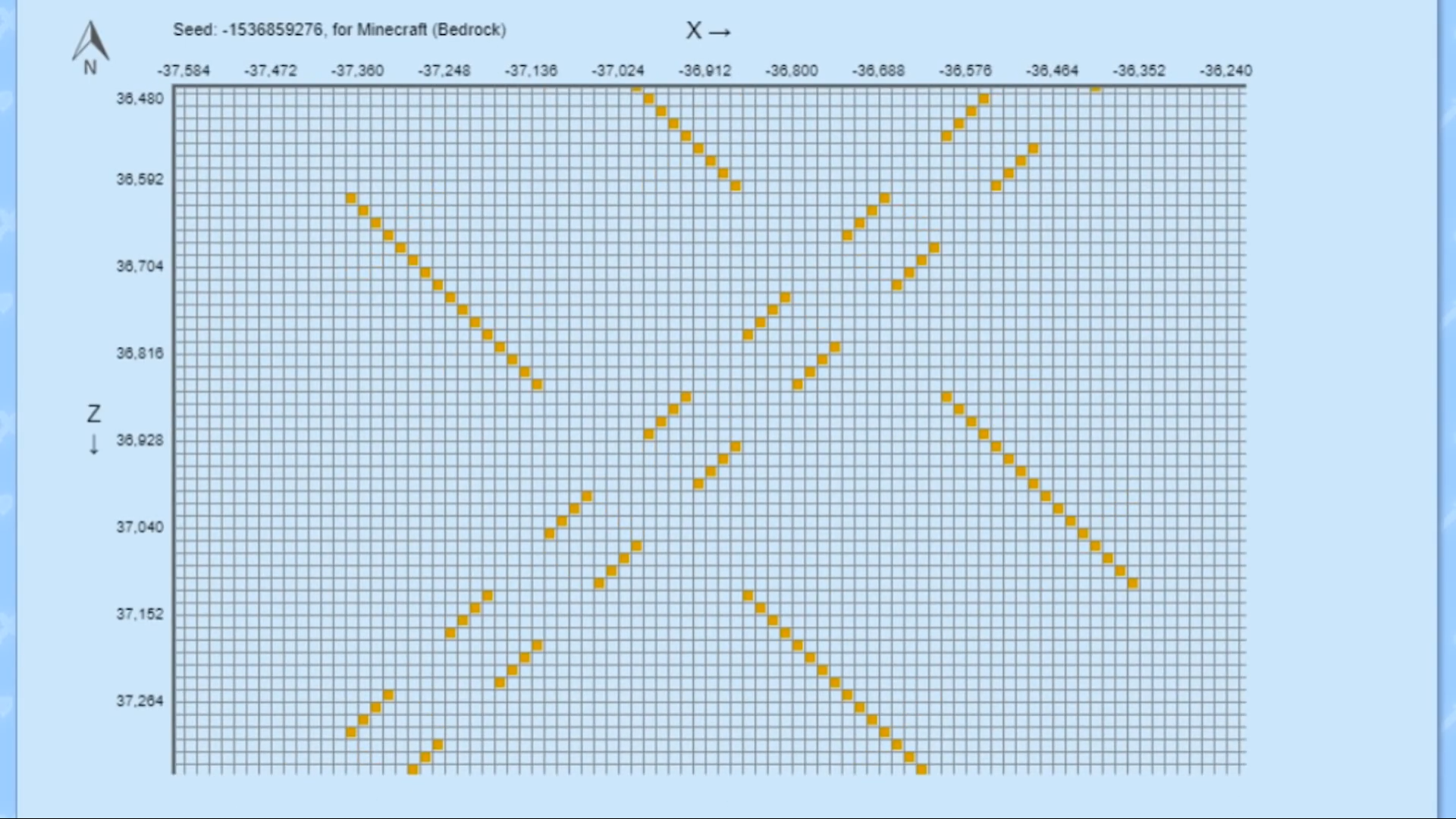
Kyle morley Try a seed from the document I've added.
This is intentional, realms are not available in beta builds because the realms run on the public version
This is intentional, curse of binding means something can't be taken off without death
Invites for me don't show up on the Xbox One, but if I play on the Windows 10, and someone invites me through the in-game menus, it shows up perfectly
This has been a feature since 0.9 or some time around that
Copy the preexisting maps (empty map + filled map in crafting grid) and use those. Creating new maps not showing previously explored areas is intentional
Do you have MC on Windows 10 or a Phone? Invites sent through in-game menus show up fine there
In this version, fly down is set to B, not RS by default, which is set to Fly Down Slow
Unable to reproduce in 1.2.11 in a survival world that was converted in the same update.
Maybe try resetting the End then converting it
This is the new swimming animation.
What seed did you use?
They are available, their spawn eggs look a bit different though.
Are you using a texture pack? The edges being smaller is known when using a 1.1 texture pack in 1.2
Try pressing RB to move across or plug in a mouse and click the button
Does the background move or is it a stationary image?
Please contact the server owners for a response, the Minecraft team have nothing to do with this
The game thinks you are playing on a more powerful gaming PC, so it changes the max settings to be able to go higher
That is a bug caused by the resource pack. Try deleting the Pack's JSON files in games/com.mojang/resource/packs/[pack name]/ui (not textures/ui)
Confirmed on Xbox One, could not confirm on Wn10 or Android when using a custom skin
Unable to confirm, both blacksmiths had chests in
Intended behaviour
The toggle is off by default, try reloading the world and see if they still appear
Maybe you turned it off for Keyboard and Mouse by mistake. Check the Controller menu to see if it is off there as well
Have you tried remapping the controls in settings?
What version are you trying to join?
This is where you report bugs for the cross-platform version of the game. This belongs in the Java Edition secrion
This is where you report bugs for the cross-platform version of the game, this belongs in the Java Edition section
What happens when you load another world
You are using comparators, not repeaters
The best you could do is reconvert the console edition world back over to Bedrock and rebuild the missing stuff
No, this was fixed in 1.2.13
It needs to be still water (water source block), not flowing water
It needs to be still water (water source block), not flowing water
I don't see any issue in this picture
You need to download the free music pack from the store to hear music. This is so that space didn't consumed on older devices
That is intentional, leaves are only supposed to be white when it is snowing. Picture 2 is a bug
This is a bug with the pack, not the game
Are they also in the beta? If they aren't, then they need to join it using the Xbox Insider Hub or Google Play Store
Confirmed for Candy Texture pack when joining over Online Connection (Friend's Xbox joining Win10). Works fine if joining from LAN (visitor's iPad joining Xbox/Win10/Android Phone)
try entering a different area, there might be a realm crash when someone enters a specific biome
This is a new feature added in this update. Works as intended
Are you playing on an older device (2013 or earlier)
Confirmed for Win10 purchases made pre-1.1 being platform locked
Is it a pack from the store that you DON'T own? that is intentional. Otherwise, make sure you press the + on the dropdown menu after pressing on the pack
attach the skin file into this report so we can see if there are any issues with the file
Elder guardians, vindicators and evokers all spawn once when the structure is generated but don't respawn even with spawning on. Sonic believe this is intentional
Download the free music pack from the store
The UI in this pack is built for the old format. I will try to fix this but it will take time
Donefixed texture pack.zip
What happens when you press the button?
Gold is required for any form of online multiplayer on the Xbox one
Also confirmed on Xbox One
Attach a picture
Works as intended. This is so that map makers can make custom spawn points without having to make them massive or having a clear view of the sky
As a workaround, make the world on switch edition then convert it
Simply adding the texture pack to the world will allow you to turn off crossplay for that world
The lava still exists, but the top texture does not render if there is an opaque block above it. The lava thinks barriers are opaque
Armour stands are entities
Have you changed to a different Xbox recently? Currently cloud storage bugs are everywhere
Reconnect the controller. This is not a bug with the game because the controller gave the incorrect centre value for the left joystick which means it thinks that it is pointing down
When playing splitscreen, only player 1:s skin packs are available to use
The new icon is a .PNG file in the game, not a background with text on it
Do different worlds work?
How old is your phone?
What Android version are you running?
If the pack is in global resources and you restart the game, does this still happen
Happens with all texture packs in global resources
Works as intended. The craftable toggle shows items that you have at least one ingredient of only at the bottom and craftable items at the top. Turning off the toggle shows everything in a preset order regardless of craftable or not
Do you have anything mapped to the crouch function?
Happens on all platforms except Windows 10 to conserve performance
Loading speed varies with device and is slower on older devices to conserve device resources
Have cheats or creative mode ever been enabled on a world? If so, no achievements. Also flat worlds disable a achievements
The wolf_tame must be a .tga file with the collar as the main layer and the body as a second layer to prevent incorrect colouring (will need a specific editor)
Previously, a zoom 0 map created at 0,0 would be located at the top left of a zoom 4 map and all maps were aligned based on that, but now the grid is based off of 0,0 centred
Does it happen with any other resource pack or just natural
This project is for the bedrock versions of Minecraft. This post belongs in the Java Edition Peoject
Word as intended. After 1.4, all pre-1.2 carved pumpkins were converted to uncarved pumpkins in all worlds
Confirmed on Nintendo Switch in a flat creative world using the City texture pack (only once) and on a creative realm using the Candy Texture Pack (also only once but I only got the realm today)
Could not confirm with switch Joy-cons in handheld mode but can confirm with pro controller
The crashes have happened in online multiplayer (switch to Xbox), servers (InPvP) and realms. No crash has happened yet in hosted worlds
After testing the main menu, the crash happens after signing into XBL and pressing play/store before fully signed in
Fixed in 1.6 for some texture packs (I assume the update for all packs is still rolling out)
Unable to reproduce on Nintendo Switch
Works as intended
Some files need to be saved in a special format which allows for secondary layers to render correctly. .tga files are used for this so that alpha channels can be created. These channels are what makes mob parts glow or texture colours change/not change
Try deleting some of the Pack's .JSON filed outside of the shaders folder
This report is invalid. Please report this to lifeboat, not Minecraft
Unable to confirm. All sounds played fine on Xbox One, Nintendo Switch and Win10
Beacon beams stop at height limit make your world infinite to fix this
You will need to contact the server owners about this bug
The pack owners need to fix these bugs, not the game devs
Download the realm, have all members join and cahnge their perms to member and the default level to member then reupload the world
Works as intended! Beds have always worked like this
Unable to reproduce on Windows 10
Can confirm when using a controller on Switch, Xb1 and win10
Please explain the bug in detail in the description space
Please explain your bug in detail in the description space
This is the internet information at the time of crash
Duplicate of
MCPE-37094Duplicate of
MCPE-37094Does the game crash when not connected to the internet or mobile data
Edit world => game => make infinite
Just upload them as custom skins. Also, third party 4D skins are not supported at all
Confirmed on Nintendo Switch
Settings => Touch => sensitivity
Duplicate of
MCPE-37094Tested with Nintendo Switch on two internet connections from different providers both with NAT type B. All crashes listed below:
Pressing Play before or shortly after signing in to xbl (applying a resource pack usually takes longer than the time needed to wait for a crash not to happen
Playing on a Realm (yours or friend's), Server (tested cubecraft lobby and lifeboat lobby) or friend's worlds for 5-10 minutes (no crash when hosting a world)
Unable to reproduce on 100% sensitivity
Unable to reproduce with controller. On kb+m and touch, you need to press the item then press the output on the actual crafting grid
The maps created after TU54 (1.11/1.12 were deleted)
Unable to reproduce. What seed and generator options did you use
Does this work in a normal world?
Still affects 1.6.1
Menus: yes
Local world: no
Creative realm: yes
Servers: yes
Block rotation is based on the location and falling blocks use the default orientation
Tested mobile hotspot with NAT Type D, game still crashed. Running MC on that phone created no crash
8 shulker boxes with normal items causes input lag in inventory screen and small lagspikes when crafting
Are you signed into XBL?
Has your world ever hah cheats enabled?
Has your world ever been loaded in creative
This is a console edition issue. To remove the item limit, convert your world to bedrock
Unable to reproduce with a third party texture pack (Java Aspects), Candy or Halloween texture packs
Left = fixed, right = original.
Note: end file needs renaming to not use a space
The button that shows there is the one set to crouch (in my case, right stick)
Store => music => music by Minecraft (free)
Piston arms are 3D models in bedrock Vs separate blocks in Java, allowing this to exist
Did you already have the pack on other bedrock versions?
Where does the map arrow point and what happens when you get there
Can you attach a screenshot?
Settings => video => beautiful skies => on
[Android 8.1] settings => apps + notifications =see all apps. Does anything in here seem unnormal. If so, tap it then press "force stop". If the bar disappears, good.
Settings => video => UI Profile => Classic. This fixes the bug and removes the terrible pocket ui
This looks like you tried to sync a world between consoles. This is broken in Bedrock Xbox
Instead of creating a new issue, upvote and leave a comment on the original
Try reinstalling the game. If file storage location is set to external, you will not lose your worlds
Also works for nether and end for [r = __] command condition
Confirmed on Nintendo Switch
Reinstall the game. You will not lose any save data.
Are you using textures from the store or from the internet
Instead of creating a new issue, comment on the old one and it can be reopened
Unable to reproduce. Able to join Xbox One and servers without problems
Unable to reproduce
You don't need xbl to download the music, which is near the bottom of the store homepage
Unable to reproduce on Android. Add-ons showed up fine
What happens when you press one of the side buttons?
Confirmed across multiple platforms
Yes
Unable to reproduce. Tested UK user (me) joining a user in the USA (host)
This is caused by the game trying to load skins that are built for the basic model in the advanced model
Known bug, caused by trying to load the advanced model on skins built for the basic model
Can you attach a video to dhsh the error in action
Also happens with all other waterlogged blocks
That is a bug with the pack, not the game
Works as intended
Does this happen when naming them grumm
Unable to reproduce
Sign back into XBL
Unable to reproduce using a 16x16 pack. Your issue seems to affect 32x32 packs which I do not own
What type of world are you creating?
Works as intended
Settings => game => mob griefing
Turn off peaceful modr
Add a screenshot
Do you have any resource packs enabled?
Attach some screenshots
What does the greyed out button say in English
Does it stay he same when you re-enter the world?
Unable to reproduce with a custom skin
As a workaround, reload the world
This is a bug with the map, not the game
Does /locate work? Does it lead to a structure or not?
Unable to reproduce on Switch on a world hosted by Xbox One
Try this: settings => storage => cached data (delete everything in here)
In creative, the arrow/rocket must be in the second hand
Can you create this world by going to play => Create new => Aquatic Quest
Please rewrite the description. It is not clear what you are trying to report
Unable to reproduce. Try checking your internet
Settings => Game => Use experimental gamrplay
Unfortunately existing cases of this are permanent the fix would only prevent further cases of this
Settings => video => UI profile => Classic
Attach a video of the glitch in action
Which skins crash your game?
Which loading screens crash the game?
Unfortunately any corruption is permanent
Reinstall the game. Your saves won't be affected
Check your internet connection
This happens when losing connection or being kicked from an online game or server
Suggestion: change bug title to "custom skins resetting" then set the description to the old title
This is an issue with the resource pack
Confirmed on Nintendo Switch with cached resource packs. Grid Runners Resources were what were marked as this
Try testfor @e [name = "prismarine crystals" ]
Changing this name would break all previous command blocks and custom maps which they want to avoid at all costs
Does this affect newly created worlds?
Halloween mashup had an update. This bug does not seem to be fixed on switch 1.7.0 or Android 1.8.0.11
Update: The end crystal beam still uses the beacon beam texture in some packs.
Please expand your description and include screenshots
Can you also attach an image of the mobs for comparison
This bug report seems to be for Xbox One Console Edition which isn't receiving updates. If anyone owns a console version that isn't XB1 or switch and can reproduce these issues, reply here and maybe a mod will move it to the Console edition bug tracker
Does this affect all worlds or just that one
Just tested on 1.8.0.14 Android beta. After reinstalling the pack and using commands to play the sounds, music.game.end plays nothing, but music.game.endboss plays the music correctly. When I have access to my PC I will check the .JSON files for formatting errors
It seems all files in the pack are now encrypted instead of just the textures folder. However, my prediction is that it is still trying to play "45 solitude.ogg" when in the end without the dragon, except that file doesn't exist
Subtitle must be executed before or while a title is shown. Also make sure you are using the correct sounds
In world settings disable "require players to accept resources"
Not sure about packs not uploading
This report is invalid. Instead of creating a new report, update the old one
On their own, the X, y and z arguments do nothing. They need to be used alongside dx, dy, dz, rx, ry or rz to have a use
Has your Gold subscription expired
Only wither skeletons drop their heads
Confirmed on Android. Added screenshots. Crashes the game when enabling them prevents the game starting up without resetting resources