 MC-102220
Barrier Blocks are not shown when "Show Invisible Blocks" is selected in Save Structure Blocks
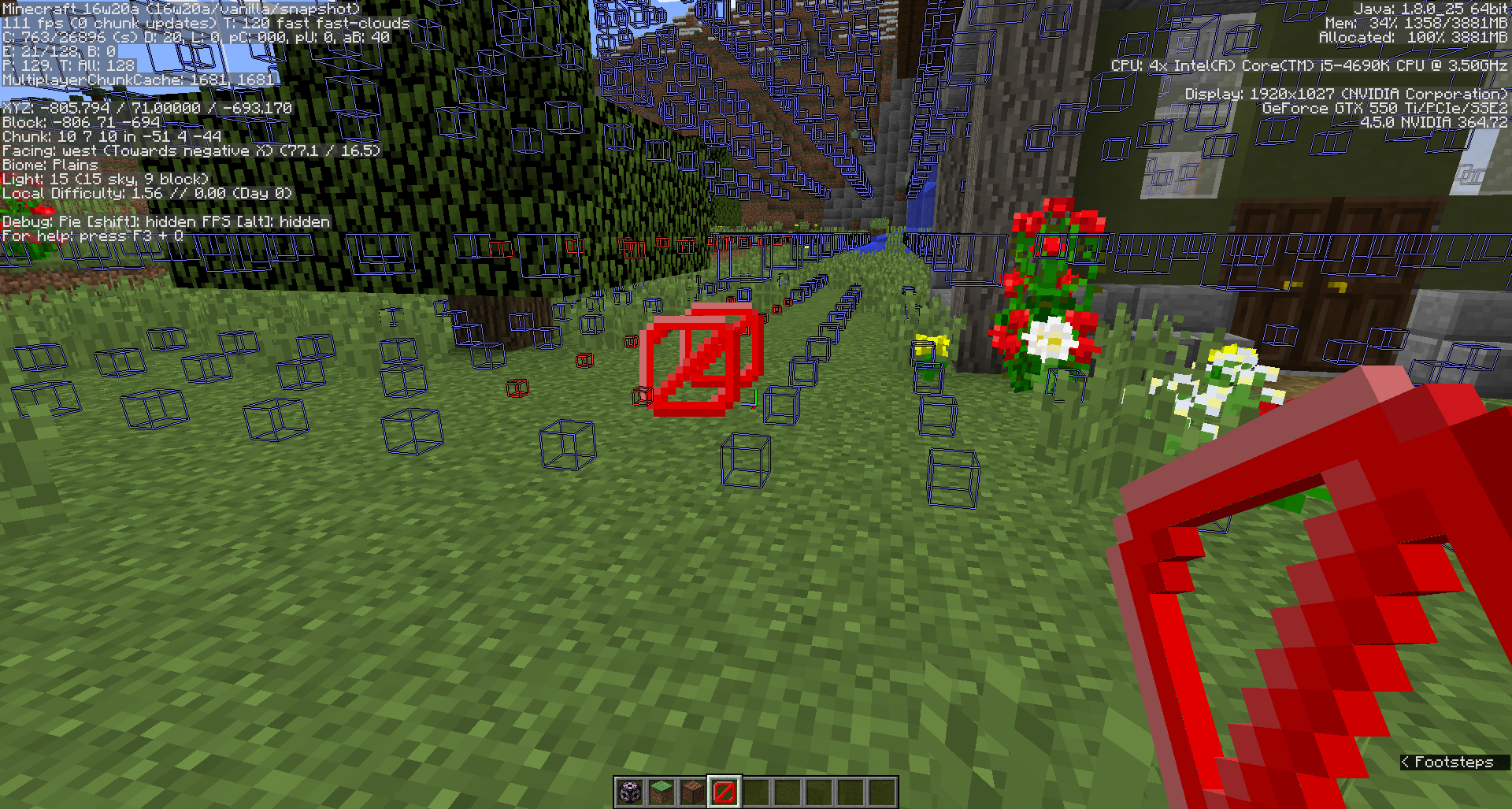
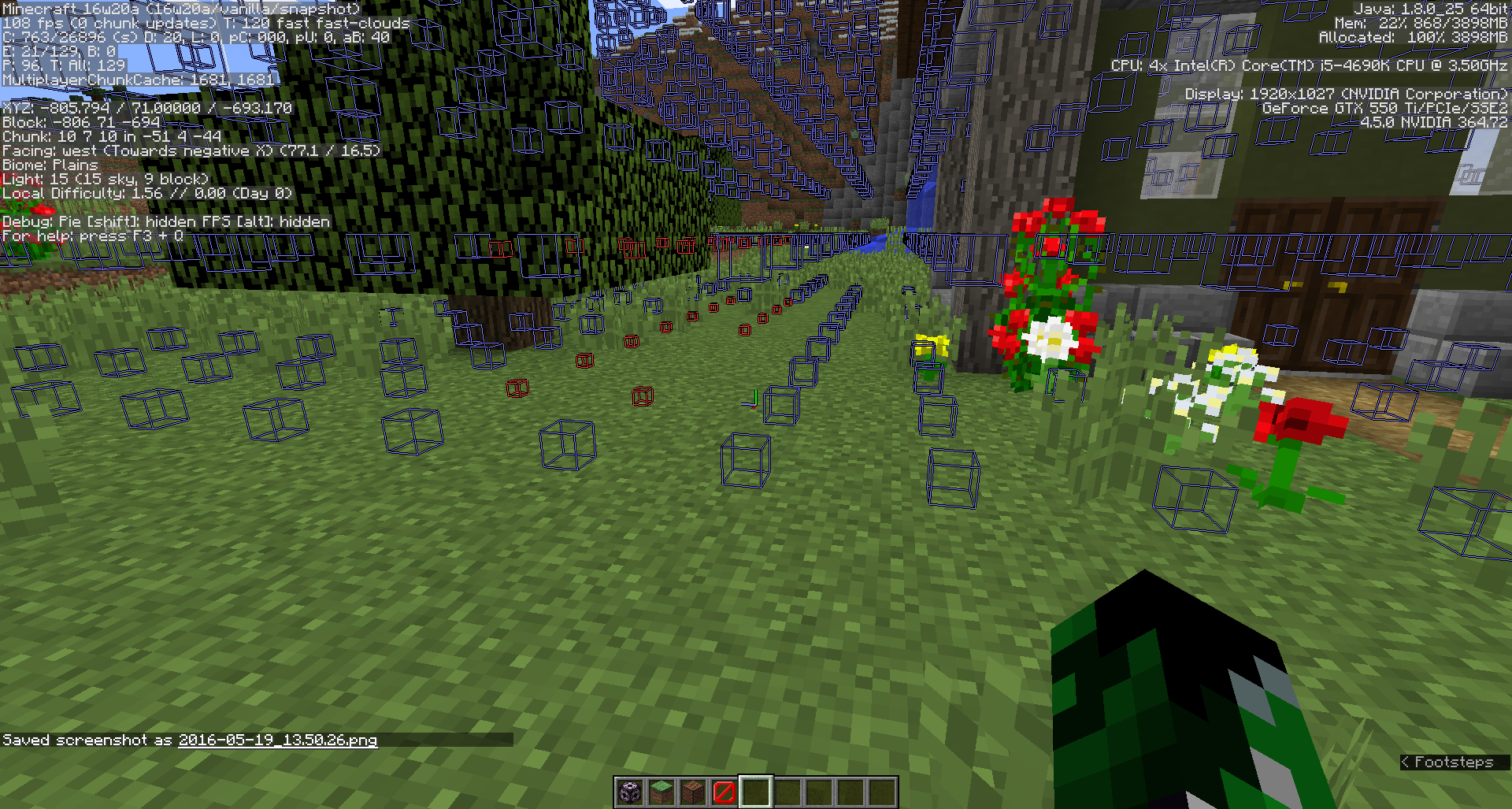
If you place Barrier Blocks within a structure you are saving, and toggle on "Show Invisible Blocks" within the Save Structure Block,the Barrier Blocks are not displayed. They are blank.
This may be Working as Intended, but Barrier Blocks are invisible and should show up when "Show Invisible Blocks" is toggled on.
Environment
Windows 10 - 64 bit
Java 1.8.0_25 - 64 bit
Linked Issues
is duplicated by2

Created Issue:
Barrier Blocks are not shown when "Show Invisible Blocks" is selected in Save Structure Blocks
If you place Barrier Blocks within a structure you are saving, and toggle on "Show Invisible Blocks" within the Save Structure Block,the Barrier Blocks are not displayed. They are blank.
This may be Working as Intended, but Barrier Blocks are invisible and should show up when "Show Invisible Blocks" is toggled on.
Environment
Windows 10 - 64 bit
Java 1.8.0_25 - 64 bit
Attachments2
 ProfMobius (Thomas Guimbretiere)
WAI shouldn't have a fix version.

is duplicated by
![[Mod] Michael Wobst](../../../data/avatars/users/37868.png)
![[Mod] tryashtar](../../../data/avatars/users/41963.png)
is duplicated by
![[Mod] markderickson](../../../data/avatars/users/18946.svg)
![[Mojang] Adrian Östergård](../../../data/assets/gravatar/nighter.jpeg) ProfMobius (Thomas Guimbretiere)
ProfMobius (Thomas Guimbretiere) Low
Low![[Mojang] Grum (Erik Broes)](../../../data/assets/gravatar/grum.png) [Mojang] Grum (Erik Broes)
[Mojang] Grum (Erik Broes)![[Mod] NeunEinser](../../../data/avatars/users/39263.png)
relates to
![[Bot] Piston](../../../data/avatars/users/31202.png)
![[Mod] violine1101](../../../data/avatars/users/92858.png)
Duplicate of MC-102220.
Relates to MC-102220, which I would recommend reopening.
Light blocks are blocks intended to be invisible for players outside of occasions that involve placing, destroying or configuring them. It is likely that these blocks will see use in custom structures made with structure blocks. However, despite light locks being classified as an "invisible block" in gameplay terms, they are not considered so by structure blocks, and even if within the structure block's bounds, they will appear invisible nonetheless. As barriers also exhibit this behaviour (see MC-102220), this makes barrier blocks and light blocks hard to distinguish in structures without forcing the player to have these items on hand at all times.
Confirmed in 1.16.1