 Avantir_Yihn
- avantir_yihn
- avantir_yihn
- Europe/Stockholm
- Yes
- No
![[Mojang] Searge (Michael Stoyke)](../../../data/assets/gravatar/searge.png)
 MC-77317
![[Mojang] Maxime Lebrot](../../../data/avatars/users/18941.svg)
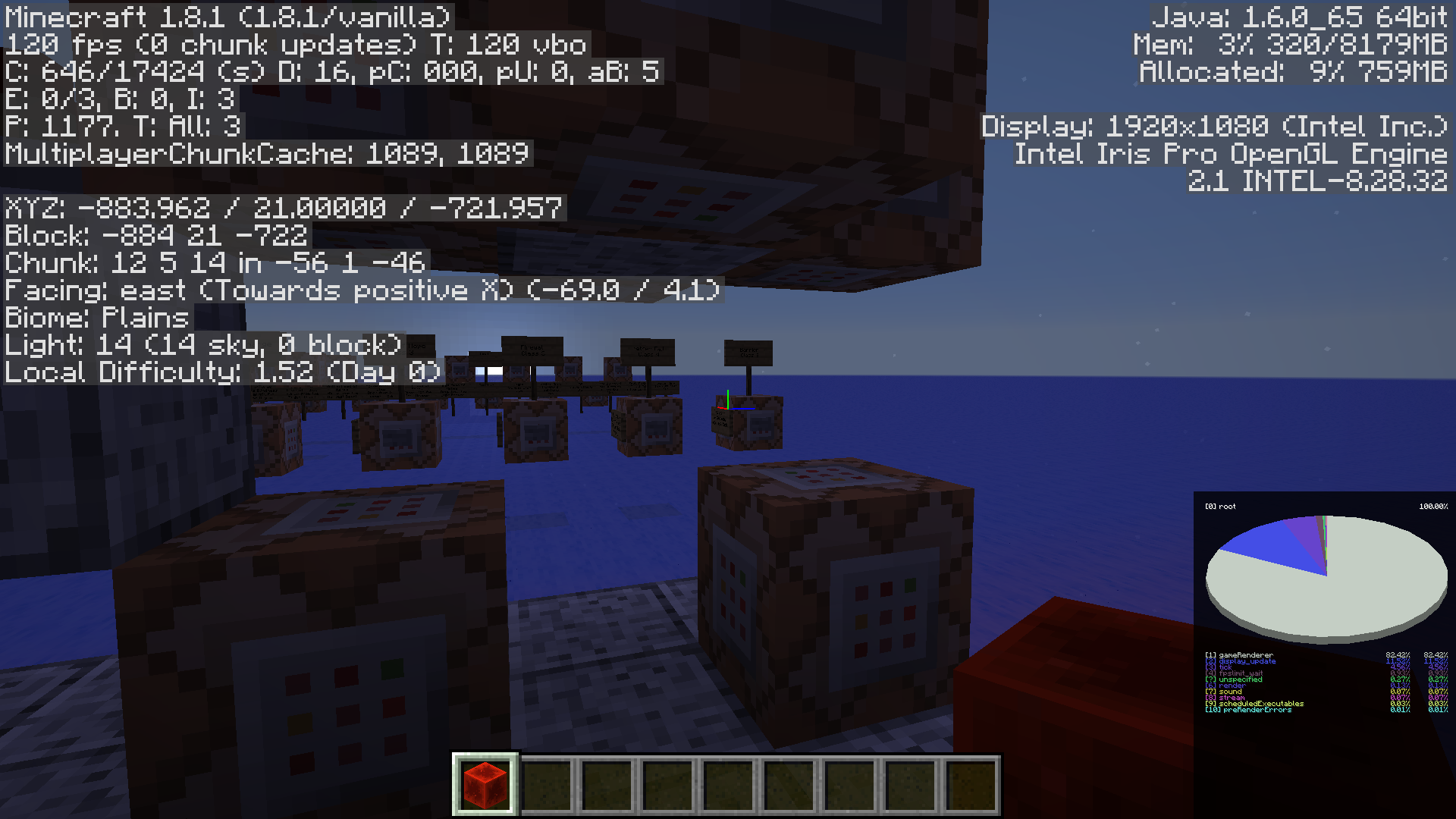
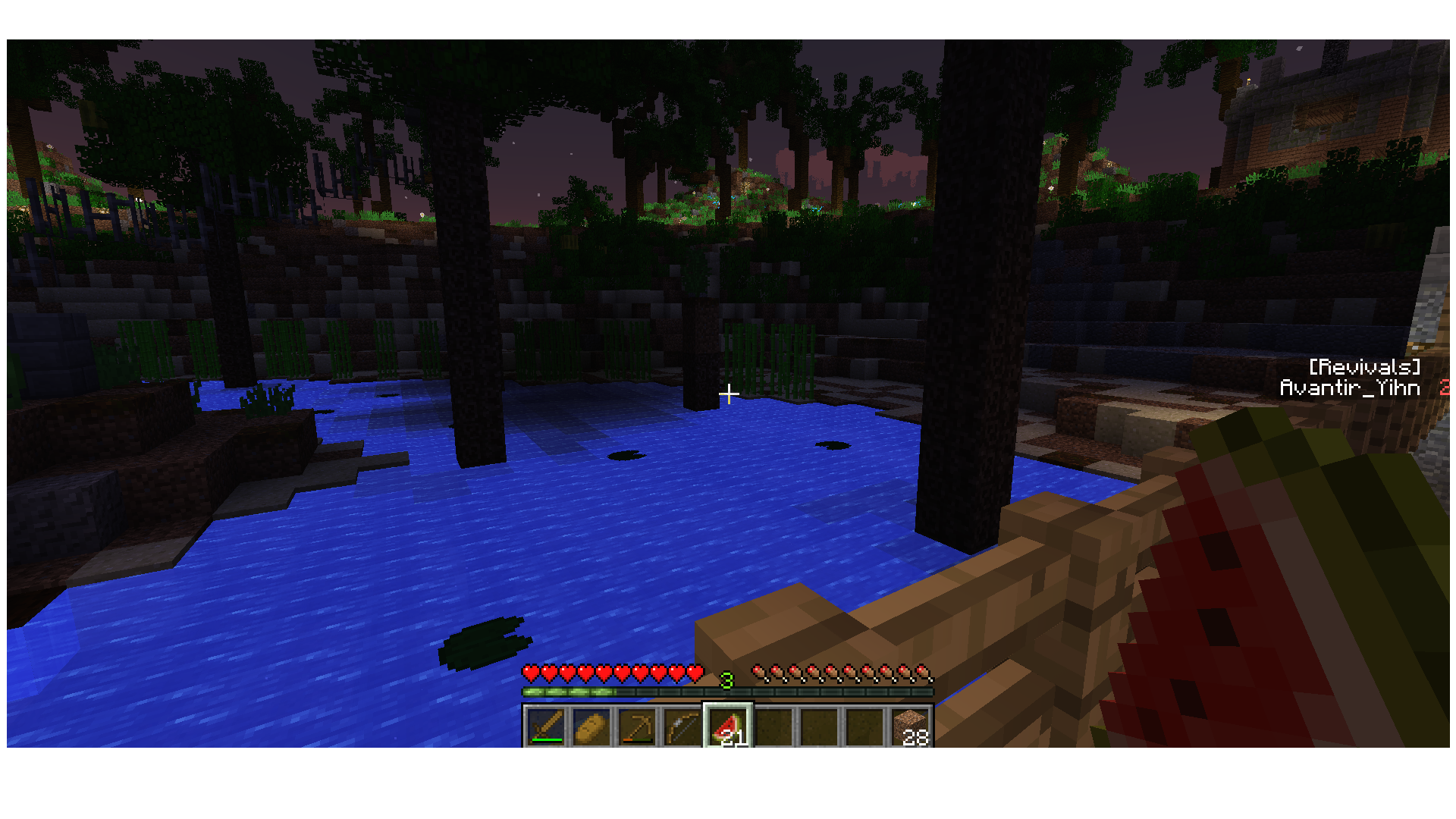
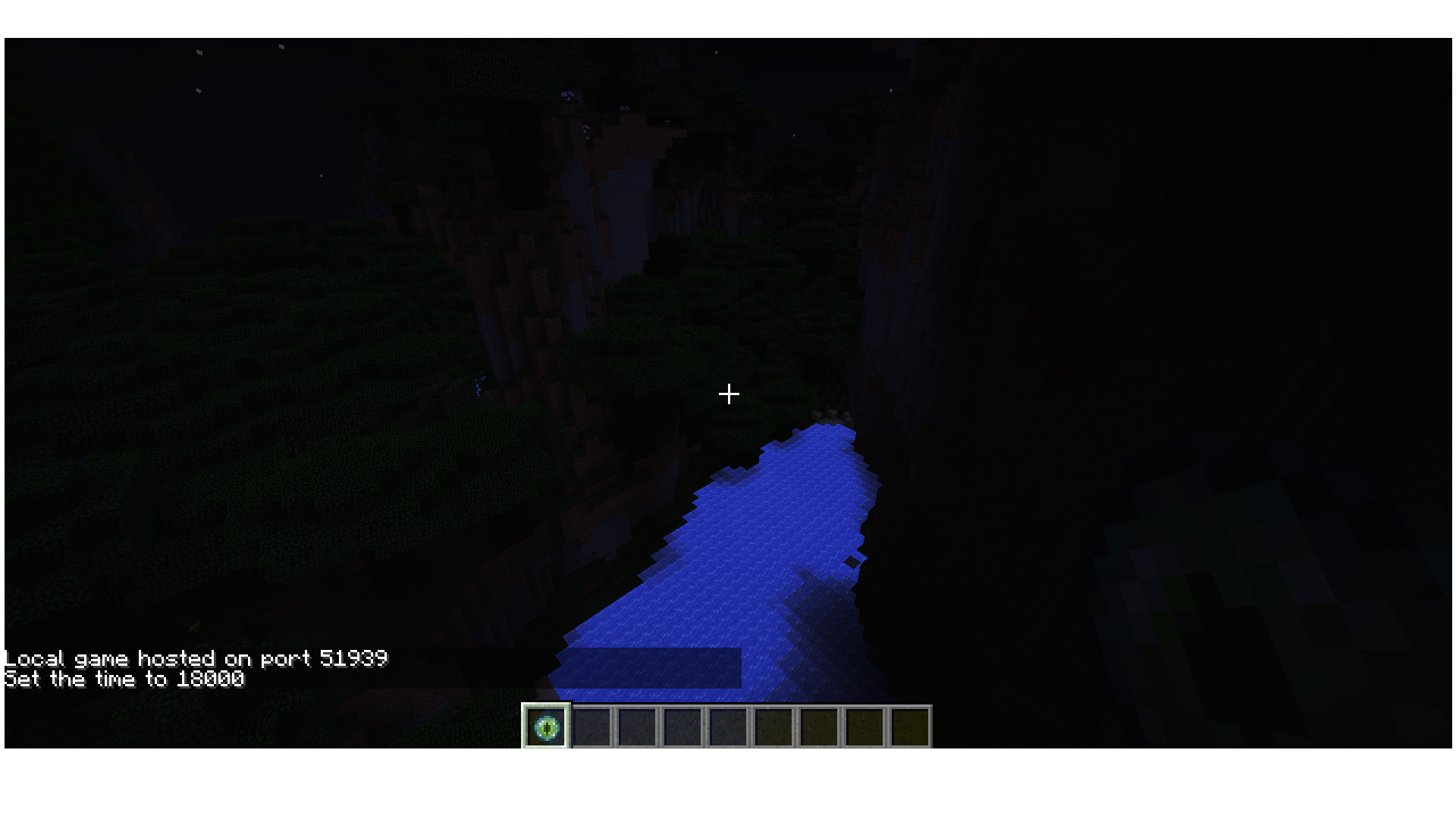

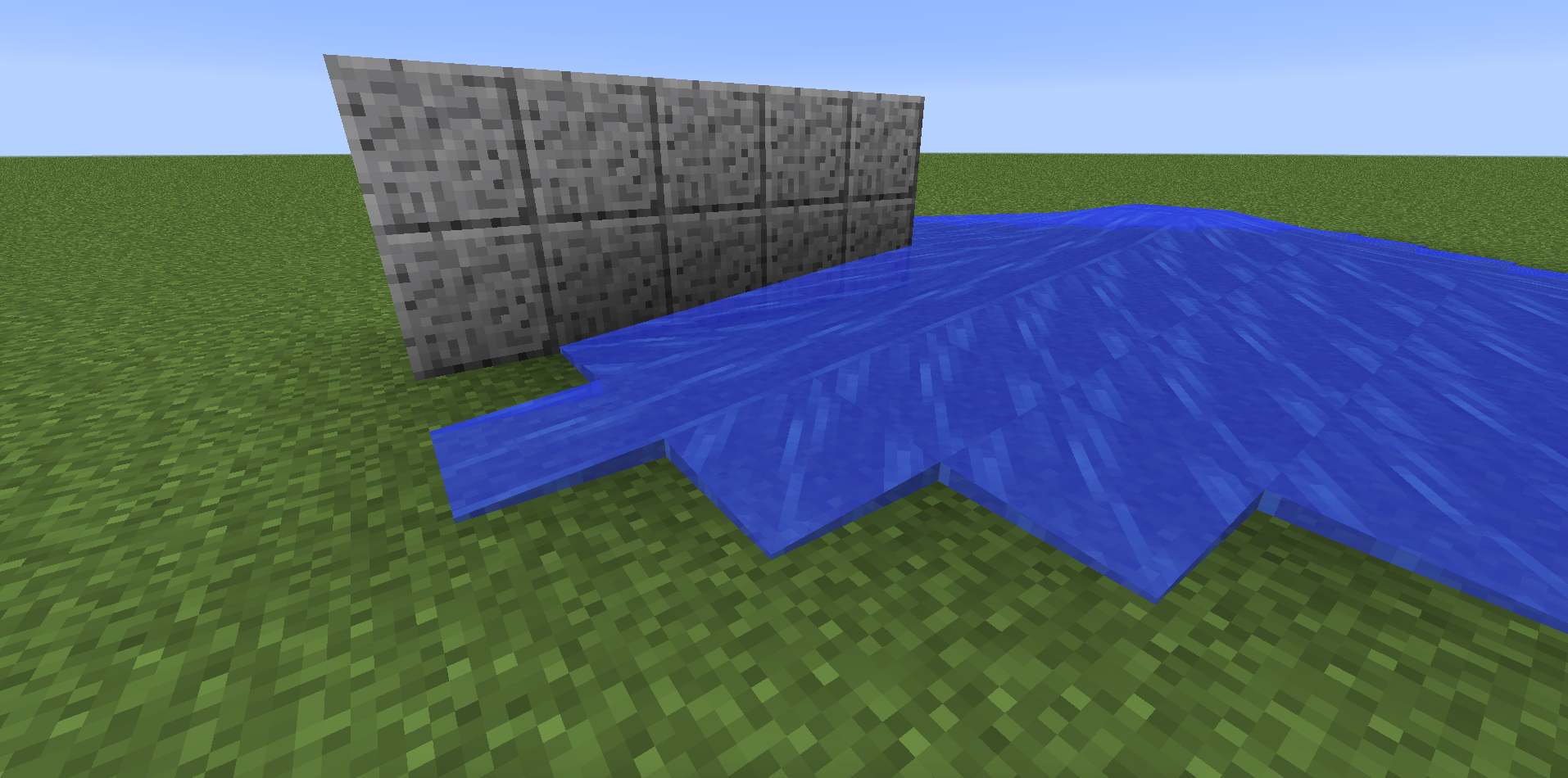





YouTube link describing and demonstrating issue: https://www.youtube.com/watch?v=xGUHaRAT498&feature=youtu.be
I can't give a public world download, as this is a large-scale map I am working on that will some day be released to the public. If any mod or dev so wants, I can send them a private download link for just the computer.
This bug (Or a slight variant of it) has been reported before, but it was said to be fixed for 1.8 worlds. The world in question is a 1.8 world, but the bug also occurred on two 1.7 worlds.
In the video I demonstrated the xp-jumping interaction, but it can also be demonstrated with the use of certain items that my commands are affecting, certain enemies and teleport commands issued by the setup, among other things. Also to be noted is that when the command blocks are lagging, things like fall damage also lag (It still occurs, it's just really delayed).
Ask questions, I'll be more than happy to respond. I just need this fixed, as no one can play this map if it isn't fixed.
Attached screenshot is the pie chart without me recording.
Story time!
I made a command block with this command:
[code]/summon MinecartSpawner ~ ~1 ~ {SpawnCount:7,SpawnRange:2,Delay:1,MinSpawnDelay:100,MaxSpawnDelay:100,MaxNearbyEntities:100,RequiredPlayerRange:10000,SpawnPotentials:[{Type:"Slime",Weight:1,Properties:{Size:1}},{Type:"Slime",Weight:2,Properties:{Size:0}},{Type:"LavaSlime",Weight:1,Properties:{Size:1}},{Type:"LavaSlime",Weight:2,Properties:{Size:0}}]}[/code]
It didn't spawn anything. Ever. Not when it was on solid ground or up in the air, not when it was day or night or high in the sky or low on the ground. Not when it was on stone or mycelium and not when it was in Plains, of all biomes.
After some experimentation, I discovered that if an EntityId tag is provided, the spawner will ignore any and all SpawnPotentials tags and just spawn the entity specified in EntityId according to the other tags. If I remove entries in SpawnPotentials such that only 1 Type (Like only Slimes or only Zombies, but not Slimes and Zombies) of entity is listed in SpawnPotentials, it works as expected, however it still sits around awhile with the Delay tag reading 0. (Like if the Delay starts at 0, it will wait a second or two before spawning, then it proceeds as normal).
I have a custom void world (The world was generated and mostly built on MC 1.8) and in most areas I visit, it runs just fine. At least 30 FPS, all normal. However is some areas, I don't know what about these areas, I get 0-1 FPS. I don't know if Minecraft is converting entity formats or something, but I let it run for about 30 minutes to see if it resolved itself, and it didn't. Again, many areas are running perfectly normally and fine. Some areas are not. The areas that are not running fine aren't the ones you'd think, either. They contain much fewer entities than other portions of the map and are overall less complex. This issue is exclusive to 15w31, and was not a problem in 1.8.
Minecraft Console Log:
[10:33:20] [Client thread/INFO] : Setting user: Avantir_Yihn
[10:33:20] [Client thread/INFO] : (Session ID is token:23b5762b01e34694a30149fcab808d2b:99207df7e1b24c75a4cdb05f83c897d4)
[10:33:22] [Client thread/INFO] : LWJGL Version: 2.9.2
[10:33:22] [Client thread/INFO] : Reloading ResourceManager: Default
[10:33:22] [Sound Library Loader/INFO] : Starting up SoundSystem...
[10:33:22] [Thread-9/INFO] : Initializing LWJGL OpenAL
[10:33:22] [Thread-9/INFO] : (The LWJGL binding of OpenAL. For more information, see http://www.lwjgl.org )
[10:33:22] [Thread-9/INFO] : OpenAL initialized.
[10:33:23] [Sound Library Loader/INFO] : Sound engine started
[10:33:24] [Client thread/INFO] : Created: 512x512 textures-atlas
[10:33:30] [Server thread/INFO] : Starting integrated minecraft server version 15w31c
[10:33:30] [Server thread/INFO] : Generating keypair
[10:33:30] [Server thread/INFO] : Preparing start region for level 0
[10:33:31] [Server thread/INFO] : Changing view distance to 20, from 10
[10:33:31] [Server thread/INFO] : Avantir_Yihn [local:E:59af46a5] logged in with entity id 5 at (478.2989286197563, 151.6789996035237, 283.2471044362154)
[10:33:31] [Server thread/INFO] : Avantir_Yihn joined the game
[10:33:33] [Server thread/WARN] : Can't keep up! Did the system time change, or is the server overloaded? Running 2893ms behind, skipping 57 tick(s)
Mac OS X 10.9.5, Latest Java
Every time I open any world the game crashes. I don't use this computer much so I don't know how long this has been an issue for. I tried reinstalling Minecraft and deleting the .minecraft folder, but the issue persists. Crash log attached.
Edit: I just realized that the crash log says Windows 8.1, which is weird because I just checked my system info and I am definitely using Windows 10.
Windows 10 (Latest, whatever that is)
Windows 10.0.10586
I can confirm this for MC 1.9.4. However, it might be due to many other sounds happening at once. Regardless, there are still instances in which a Creeper blows up without any hissing noise. I've been testing a custom map that involves lots of invisible creepers (Flat plane, they can't drop on your head), and have been blown up numerous times now because they made no noise.
When you click to block, there is a very small delay before the shield is visually raised into a blocking position. There is also a small delay before you are technically considered blocking, however this delay is slightly longer than the visual delay. This results in cases where you appear to have raised your shield in time to block an attack (Most notably projectiles), but still get hit while you are visibly blocking.
To reiterate, it is not the delay before you block, either visual or actual that is the issue. The issue is that these delays are not the same, and you appear to be blocking when in fact you are not.When you click to block, there is a very small delay before the shield is visually raised into a blocking position. There is also a small delay before you are technically considered blocking, however this delay is slightly longer than the visual delay. This results in cases where you appear to have raised your shield in time to block an attack (Most notably projectiles), but still get hit while you are visibly blocking.
It is not the delay before you block, either visual or actual that is the issue. The issue is that these delays are not the same, and you appear to be blocking when in fact you are not.
Enter the command "/title @a title
{"text":"words","underlined":"true"}". Note how the pixels in the underline between the individual characters of the word "words" are much bolder than they should be when the text is fading in and out. You can make the effect more obvious by first using the command "/title @a times 100 0 100".
Note: JIRA seems to be formatting the command I pasted in a really weird way. Not sure why, but there should be no newlines in the command.
Enter the command
/title @a title {"text":"words","underlined":"true"}. Note how the pixels in the underline between the individual characters of the word "words" are much bolder than they should be when the text is fading in and out. You can make the effect more obvious by first using the command
/title @a times 100 0 100.
Note: JIRA seems to be formatting the command I pasted in a really weird way. Not sure why, but there should be no newlines in the command.
Enter the command
/title @a title {"text":"words","underlined":"true"}. Note how the pixels in the underline between the individual characters of the word "words" are much bolder than they should be when the text is fading in and out. You can make the effect more obvious by first using the command
/title @a times 100 0 100.
Enter the command
/title @a title {"text":"words","underlined":"true"}
.Note how the pixels in the underline between the individual characters of the word "words" are much bolder than they should be when the text is fading in and out. You can make the effect more obvious by first using the command/title @a times 100 0 100
I have item 1 with tag:
{id: "minecraft:chorus_fruit_popped", Count: 1b, tag: {display: {Name: "
{\"italic\":false,\"color\":\"dark_red\",\"text\":\"Ashen Talisman\"}"}}}
And item 2 with tag:
{id: "minecraft:chorus_fruit_popped", Count: 1b, tag: {display: {Name: "
{\"text\":\"Ashen Talisman\",\"color\":\"dark_red\",\"italic\":false}"}}}
These should be the same item, as they have all the same tags. However, since the name object is stored in a string, the equivalency between the name objects is determined to be unequal, and so these two items will not stack with each other, even though they are functionally identical.
I have item 1 with tag:
{id: "minecraft:chorus_fruit_popped", Count: 1b, tag: {display: {Name: "{\"italic\":false,\"color\":\"dark_red\",\"text\":\"Ashen Talisman\"}"}}}
And item 2 with tag:
{id: "minecraft:chorus_fruit_popped", Count: 1b, tag: {display: {Name: "{\"text\":\"Ashen Talisman\",\"color\":\"dark_red\",\"italic\":false}"}}}
These should be the same item, as they have all the same tags. However, since the name object is stored in a string, the equivalency between the name objects is determined to be unequal, and so these two items will not stack with each other, even though they are functionally identical.
I have item 1:
/give @s chorus_fruit_popped{display:{Name:"{\"italic\":false,\"color\":\"dark_red\",\"text\":\"Ashen Talisman\"}"}}And item 2:
/give @s chorus_fruit_popped{display:{Name:"{\"color\":\"dark_red\",\"text\":\"Ashen Talisman\",\"italic\":false}"}}These should be the same item, as they have all the same tags. However, since the name object is stored in a string, the equivalency between the name objects is determined to be unequal, and so these two items will not stack with each other, even though they are functionally identical.
This is not only a problem when trying to stack items obtained from 2 different location (e.g. a function and a loot table), it is also a problem when checking the name of an item in the possession of an entity, as you now must know the entire name object (The order of which is undefined) instead of just the name, as was the case pre-1.13.
When drinking a potion, witches are given an attribute modifier that affects generic.movementSpeed with a value of -0.25 and an Operation of 0. As Witches' default value for generic.movementSpeed is 0.25, this effectively sets their generic.movementSpeed to 0. However, if a Witch is summoned with a custom generic.movementSpeed value over 0.25, it will be able to move while drinking a potion. If the custom value is under 0.25, then the witch will be able to move
inunder a slowness effect with amplifier 7 or greater, as 7 gives -105% movement speed. At negative movement speeds, that will become a positive movement speed.The fix for these strange cases is to just make the attribute modifier for drinking potions be -1 with Operation 2, as this will set the witch's generic.movementSpeed attribute to 0, even if it has drunk a speed potion.
When drinking a potion, witches are given an attribute modifier that affects generic.movementSpeed with a value of -0.25 and an Operation of 0. As Witches' default value for generic.movementSpeed is 0.25, this effectively sets their generic.movementSpeed to 0. However, if a Witch is summoned with a custom generic.movementSpeed value over 0.25, it will be able to move while drinking a potion. If the custom value is under 0.25, then the witch will be able to move whilst under a slowness effect with amplifier 7 or greater, as 7 gives -105% movement speed. At negative movement speeds, that will become a positive movement speed.
The fix for these strange cases is to just make the attribute modifier for drinking potions be -1 with Operation 2, as this will set the witch's generic.movementSpeed attribute to 0, even if it has drunk a speed potion.
This is essentially just
MC-125252except that it only affects phantoms attacking players at high elevations. I'm not sure what constitutes "high" elevations, but the behaviour is consistently bugged at about y=96, y=187 and y=256. It works fine for me at y=32 and below.To be clear, the issue is that after phantoms swoop at the player, they are supposed to fly back up and gain some altitude before swooping at the player again. Instead, they just nosedive into the ground and hang around there doing a faceplant for awhile before eventually flying back up.
If you use "data get entity" to check the value of their AY tag (The y coordinate they are trying to hang around), you'll notice that it is above the player initially, goes up (For some reason?) when they decide to attack the player, and goes down again after they swoop. In the case of high elevations, it goes too far down, as in far down below the ground too far, which is what's making them faceplant into the ground constantly, because they're trying to fly through it.
This is essentially just
MC-125252except that it only affects phantoms attacking players at high elevations. I'm not sure what constitutes "high" elevations, but the behaviour is consistently bugged at about y=96, y=187 and y=256. It works fine for me at y=32 and below.To be clear, the issue is that after phantoms swoop at the player, they are supposed to fly back up and gain some altitude before swooping at the player again. Instead, they just nosedive into the ground and hang around there doing a faceplant for awhile before eventually flying back up.
If you use "data get entity" to check the value of their AY tag (The y coordinate they are trying to hang around), you'll notice that it is above the player initially, goes up (For some reason?) when they decide to attack the player, and goes down again after they swoop. In the case of high elevations, it goes too far down, as in far down below the ground too far, which is what's making them faceplant into the ground constantly, because they're trying to fly through it.
Chunks outside of render distance are notconsistently unloadedChunks outside of render distance are not unloaded if "execute if block" runs on it every tick
This issue was introduced in 1.15, and persists in 1.15.1. I'm not sure how to reliably reproduce it, except on my unreleased custommap, so here's what I know.
Sometimes when moving away from loaded chunks such that they fall outside of render distance, they stay loaded. That means you can still set blocksin them with commands, andyou canstill target the entitiesin them with @e. These are not spawn chunks. Save/Quit and re-entering the world will cause the chunks to become unloaded.
This seems to consistently happen for some chunks in my world, and inconsistently happen for others.This causes huge performance problems, particularly on higher render distances and on maps with data packs running many @e commands.
The easiest way to test it is to summon an entity with a unique name or tag outside of spawn chunks and fly away. Then run "/say @e[name=<uniquename>]" and see if their names pop up. You can also execute at them to set blocks to prove that the chunks themselves are loaded, and not just the entities within.
Create a new superflat world with cheats. Put down a repeating, always active command block with the command:
execute if block 10000 3 10000 minecraft:grass_block run say yo
It will not say "yo", of course, because the block at 10000, 4, 10000 isn't loaded. So then teleport yourself there, and of course, it will start spamming the chat with "yo". Kill yourself to go back to world spawn. By typing things in chat, you can tell that it continues to spam "yo" to chat, even though you are a long ways away from 10000, 4, 10000. You can also run the command yourself and see that said chunk is indeed still loaded, it's not a command block caching issue or anything.
So disable the command block, then run the command yourself. By which you can see that a short moment after the command block stops running, the chunk unloads. So the "if block" command is actually keeping the chunk loaded somehow.
As for importance, there are workarounds for this issue, but for people that aren't aware of it, it can cause major performance problems for data packs by causing them to keep a lot of unnecessary chunks and entities loaded.

Avantir_Yihn , why is this intentional ?
In fact, the function of replaceitem slot.inventory.2 is correct, it replaces the 2nd slot of the inventory.
Same for helmet, confirmation message is slot #103.
The confirmation messages uses the internal slot numbers, see http://minecraft.gamepedia.com/Player.dat_Format#Inventory_Slot_Numbers
Avantir_Yihn: 15w47c is outdated, please do not report/confirm issues with outdated snapsnots.
![[Mod] Skylinerw](../../../data/assets/gravatar/skylinerw.png)
This is still an issue, however it's a little harder to test because now the dimensions seemingly load in a different order: nether -> end -> overworld (requiring the use of /forceload in the nether/end while standing in the overworld), though I'd prefer separate confirmation on that order. I should clarify that sort=nearest is necessary to replicate selectors prior to 1.13, which were sorted by distance.
@Avantir_Yihn, to give a more clear example of the issue: imagine you sort by nearest with the intention of selecting the single entity directly in front of you. Instead, it selects an entity in a completely different dimension. I suppose it's based on semantics on what you would consider "nearest".
I notice that there was a bugfix regarding custom spawners in the recent snapshot, but it did not fix this issue.
Confirmed. Minecraft starts normally and crashes upon starting any world. It was working normally, then I tried to /kill @e[type=!Player] on a PigZombie holding air, wearing my head and leather chest plate and leggings. Game crashed. Reopening to menu works fine. Opening any world crashes with the error: Invalid memory access of location 0x7ff600829d49 rip=0x11c682e03
Full report:
And I'm on Mac OS X 10.8.5.
No crash reports in minecraft/crash-reports were generated.
From my experience it happens particularly while the player is airborne as well as moving quickly, like when flying.
I can confirm this as well. The command executes the first time and then only when the command is changed I think. Does not continue to replace any item you put in the slot.
slot.inventory starts from slot 9. slot.hotbar starts from slot 0. This is intentional.
Oh I was using this for slot.inventory and slot.hotbar btw, so it affects those as well as slot.armor
Nope. I am not. And the wither skull is actually invisible when you remove the particles. And when you zoom in on that shadow, it seems to be a bunch of black squares lined up two dimensionally to look like a 3D cube. Bizarre.
Minecarts can't have status effects applied to them; Only mobs can. Not a bug.
I have this problem too. It is most certainly NOT a duplicate of the hopper issue, and it's happening consistently in my SSP world. Superflat, clocks of all kinds consistently deciding to stop and mobs deciding to slow walk. If you punch a mob, it's knock back is really slow and drawn out. What's more (And confirms that this is not lag) is that it happens when you have ANY set block or fill clock running, and seems to progressively occur more and more often the more you play the world and run the clock. ANY clock, even if it is 1 command block (Though more command blocks seem to bring it on faster, but any clock will eventually bring it on).
MAC OS X 10.9.4, Latest Java.
Please fix, this is game-breaking for some mapmakers.
I too have this, specifically with a large redstone clock in my world (This happens even when it's off). Mac OS X 10.9.4, Latest Java.
Confirmed for Pre-release 3. I can't figure out what causes it - is it world dependent? Is it just a random chance? I don't know.
Works as intended. Loading lots of entities is process intensive. It has always been this way.
Yep, still happening in 1.8.1-pre3
Confirmed for 1.8.1-pre4
Says to be fixed in 1.8.1-pre5. The instance of it's occurrence that I based this report on is indeed fixed.
But when it happens, Activity Monitor says I am actually using LESS processing power on all of my cores than when it is running smoothly (And I never go over 50% CPU usage on any individual core). So is Minecraft not getting prioritized or what?
As for optimizing my use of command blocks, I have. This is as optimized as I can realistically make it (To my knowledge).
I can confirm this. I encountered a similar thing under slightly different circumstances (Teleporting a Wither Skull small distances vertically did not change its visual position).
Also OP you may like to know that Mojang doesn't intend on keeping the current features of Wither Skulls; Soon they will be unusable as markers. You may wish to use ArmorStands or something else instead.
Backslash is the escape character, and means to literally print that character. So the command is doing exactly what you told it to. Your command should look like this:
/tellraw @a {text:"\" ",extra:[{text:"daylight cycle",color:"gold",hoverEvent:{action:"show_item",value:"minecraft:clock"}},{text:" on ",color:"green",clickEvent:{action:"run_command",value:"/gamerule doDaylightCycle true"}},{text:"or",color:"gold"},{text:" off ",color:"red",clickEvent:{action:"run_command",value:"/gamerule doDaylightCycle false"}}]}The syntax is:
cullface:"down"
not:
"cullface":"down"
New research has show this only occurs if the clock in question is powering a substantial amount of redstone dust.
Basically I proved that in a test world, then took my gigantic clock and removed all redstone dust, turning it into a giant fill clock. It now runs 20 updates/second.
The new parkour map "Infinite Cube" also cause me this same problem. Looking at comments on AntVenom's video of it, the vast majority of people have no trouble, but there is at least one other person experiencing this issue (WhoAreYou). It makes no sense that I can run games like Dota 2 at top graphical settings while simultaneously running five other intensive programs while backing up my computer and experience no lag, but the internal server of Minecraft freaks out when it uses more than a small percentage of the processing power of one of my cores.
Can an admin please comment? This appears to be a major bug to me (Possibly a Mac exclusive one).
I don't understand what your problem is. You enchanted with the second option, and it took 2 levels like it is supposed to. Are you confused about the 9? That's how many levels you need to have in order to use that enchant option, but it is not the cost. The cost is the same as the lapis cost.
You're supposed to provide information about your computer under environment.
What is underneath the blocks that are being pushed up? Are you using mods?
Well this explains a lot.
@m0rsk - It might matter for some very specific redstone designs, but very few if it does. Don't think it does. The order things get powered makes a lot more difference than the order they lose power.
@Samuel - That doesn't mean it's working as intended. I would think this is a bug.
@Pencil Sharpener - Well that fixed it up right quick. Thanks!
This is just lag. I don't know if you have anything else running at the same time, but your computer clearly can't handle the load. Not recording would definitely help, and you may wish to check out Optifine too.
Just checked with 15w31a, it's definitely still there, but maybe not be as bad, like 1-2 FPS instead of 0-1.
K Kumasasa, I added the console output.
It might be helpful to note that (After this became a problem) I opened the world in 1.8 again, and the problem persisted.
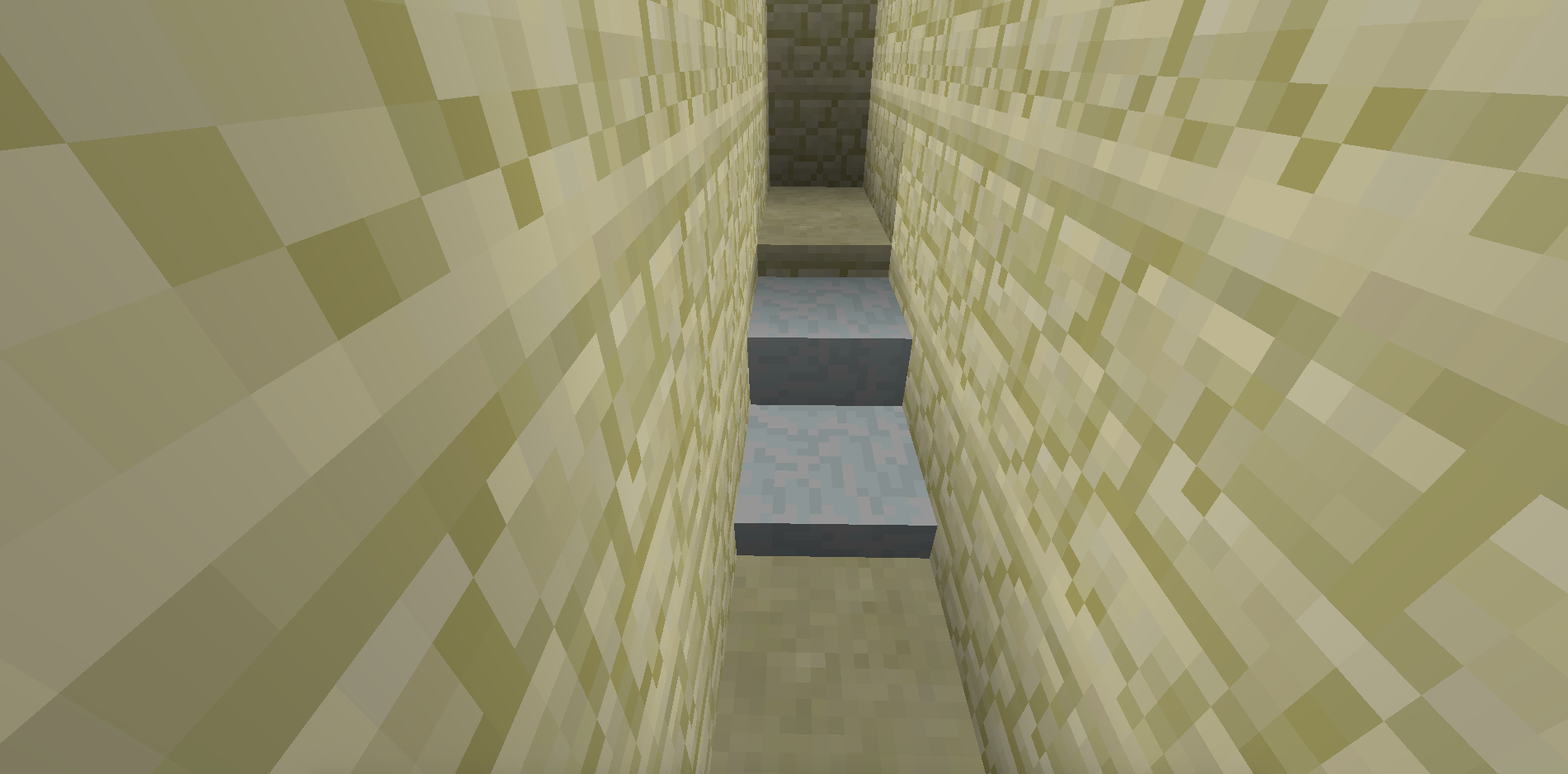
I have this issue too, but the stairs are actually gone, not just invisible. There's not hitbox; it's air.
Welp, somehow posted this in wrong section. Can this be moved to Minecraft (15w36d) or should I repost?
Thanks
This is either fixed in 15w37a or I made a typo in the commands I was using, either way cannot reproduce anymore for 15w37a.
Confirmed for 15w43c.
I have this problem too (In a 1.8 generated super flat water world) that started in 15w45a. I also noticed the problem when flying around Ragecraft II in creative/spectator.
Your problem here is that you've used the same UUID for both attribute modifiers. They need to to be different for them to stack. UUID is Universally Unique Identification (Number), so if they're the same things start to break.
I can also confirm this. Easy to see if you equip a piece of armour, the armour bars appear a short but noticeable amount of time after you equipped the item. Confirmed 15w47c.
Believe it was creative, feel like I might have tested it in Adventure too but most of my tests of it were in creative.
Confirmed for 15w47c.
Strafe is the correct word, and I have this problem too. Very annoying problem in my custom map.
Confirmed for 16w04a.
This is a pretty big issue for a project of mine. D:
Confirmed for 16w04a.
I'm having this trouble too, but it is not all entities, only particular ones. All are having their scoreboard values checked or modified frequently, and I do have a slight bit of server lag (Just enough to be noticeable when punching enemies). Some entities are unaffected and reliably (Reliable as far as I can tell, anyways) retain their scoreboard values while others occasionally lose them.
Can confirm. Am in first person, animation plays normally when not hitting anything, but doesn't show at all when hitting mobs.
This issue has suddenly stopped, and I am unable to reproduce the issue. I suspect there's another factor at play here.
I believe this issue either relates to or duplicates
MC-111159Confirmed for 17w06a
Can confirm. When running "/reload" with a .DS_Store in the functions directory, I get "An unknown error occurred while attempting to perform this command". If I run "rm .DS_Store" and try again, it successfully reloads the functions.
Furthermore, if you attempt to open a world with a .DS_Store in the functions directory, the world will fail to open and Minecraft will just freeze on "Loading World: 0%".
Can also confirm. Bold works fine.
According to the wiki, italic normally defaults to false in translatable text components. However, renamed items default to having italicized names. I would therefore guess that the conflict is somehow causing the value of "italic" to be ignored.
Given that name objects are currently escaped inside strings to avoid the issue with text objects requiring quoted keys while all other forms of json in the game don't allow quoted keys, one possible fix for this issue may be to make it optional whether keys are quoted or not. That is, any json object will either have all keys quoted or no keys quoted. Then you can make the CustomName tag a text object, and any json object that uses CustomName or any other text object will have to have quoted keys in order to be parsed, but any json object that doesn't contain a text object won't. This could solve this issue (As well as potential future compatibility issues), whilst also easing the transition to quoted keys, because most existing cases won't need to be changed, and future ones can be written with/require quoted keys.
So this has now been labelled "Won't Fix"? Oh boy.
I've been waiting on this getting addressed for 3 and a half months now, so thank you for at least making your intentions clear. I should also say that I wasn't expecting this bug to be fixed anytime soon (Although I was hoping it would be), as a proper fix would require a rather major refactor of the way in which JSON is parsed and used throughout the game as a whole, just for something that many people would see as a "minor inconvenience".
I've been developing a custom map for 4 and a half years now. Naturally, I want to find ways to make development easier and to speed it up, avoid bugs due to inconsistencies, etc. So I've built a strings system that allows me to centralize all occurrences of the same text, and allows me to change it all throughout the data pack by just changing it once inside the strings. This has been incredibly useful, and has allowed me to do other useful things like having a loot table and give function for each custom item. 1.13 added a "set_name" function to loot tables, which is rendered completely useless due to this bug. The order of the keys in the generated JSON object are arbitrary by definition, so I can't know what the Name string will actually look like. Therefore, it is quite unlikely to be the same as the one created by the function (Which must be hardcoded, not generated), and I won't know what to look for in a command looking for a player holding that item. For instance, I cannot do "say @a[nbt={SelectedItem:{display:{Name:"
{\"text\":\"stick\"}"}}}]" if the item was obtained through a loot table that uses the set_name function. On top of which, that is a fat wall of brackets, backslashes and quotes. When you have to test for dozens or hundreds of items all in different places, the bug is no longer a minor inconvenience. It's a gigantic pain in the butt.
I don't expect this to be fixed soon. Heck, I don't even know that I want it to be fixed soon (Opportunity cost and all). What I want is the "Won't Fix" resolution removed. Won't fix in the near future, sure, but this does need to be fixed eventually. Labelling it "Won't Fix" is equivalently to sweeping it under the rug and ignoring it until it comes back to bite you. This is a problem and it needs to be addressed, especially since it may get worse in the future.
That's not a bug though. JSON objects are, by definition
The issue is that the unordered name object is stored in a string, which is an ordered list of characters. That is a workaround to avoid quoting object keys, but creates this bug.
I believe this relates to
MC-104870andMC-21109.To add on to this: Lightning seems to only set mob's HurtTime to 9 in the 1.13 snapshots, unlike 10 for everything else. So if lightning lasts for 0.5 seconds, there is a 1 tick window after the first damage instance in which stuff can take damage again.
The lag from this bug is definitely not as bad in 1.13pre-2 but still not as good as it was in 1.12.
I'm experiencing this issue too. The server is just running slower than it should, and it's messing up the timings of everything. No client lag at all.
This issue has occurred again. Once again, the game was quit completely normally, but the scoreboard.dat file was wiped.
I believe this issue also relates to
MC-130053.I don't believe this is an issue anymore. In 1.13, the @e selector has arbitrary sorting by default. Getting it to prefer entities from the same dimension or adding a selector argument which allows sorting by dimension seems more like a feature than a bug fix.
The issue has occurred yet again. It is also worth noting that my scoreboard is relatively large. The scoreboard.dat file was >100KB when I first started getting the issue, and now it is >200KB (221KB as of this last wipe - I've started manually backing up the scoreboard so I can easily restore it when this happens).
It happened again. More details (My memory could be faulty):
The session before the issue occurred, I logged in, modified my data pack, reloaded the data pack, removed an item from my inventory via the creative inventory and ran the modified function (That contained a single /give command). I then quit the game normally. I completely closed Minecraft, and when I opened Minecraft and entered my world the following time, all scoreboard objectives were gone. Notably, I still had the item given to me by the function that I had modified.
The scoreboard.dat size is now 241KB - up 16KB in the last 3 days. Given that I only added 2 scoreboard objectives in that time (Both of which only apply to the player), that seems rather high. Is it possible that the scoreboard.dat size is being inflated by something, like dead entities aren't being removed or something?
Wait - Why does 1.13.1 count as a Future version? That's the current release!
Also, if anyone else is having this issue, you can workaround it with a data pack by checking for any phantom's AY tag being significantly below its own position. If it is, just set its AY tag to be some place a bit above the player's position.
Make sure not to do this modification on the same tick that the phantom is summoned however, or you will prevent it setting its default circling location and cause it to fly to 0,0.
I was still experiencing this issue in 1.13.1, but it is definitely fixed in 18w43a.
Why are you asking me? Why are you making me go check something that takes all of 2 seconds instead of doing it yourself while you're already here? Why are you sidelining this issue until I eventually find time to check my email?
YES, it is still an issue in 1.13.2. This is the kind of bug that requires a very intentional fix anyways, so I would be very surprised if it was accidentally fixed without being marked as fixed in a snapshot/pre-release.
It's worth noting that this issue has not reoccurred for me since my last comment, and I was on the same version (1.13.2) for the vast majority of that time, including the times when it did occur.
This appears to be fixed as of 1.14.4.
This issue appears to be fixed in 1.14.4.
As a workaround for this, I've found zipped data packs load far faster than unzipped ones. My 10,000 function data pack takes 1-2 minutes to load unzipped, but only about 2 seconds to load when zipped.
In what circumstance would you want to control that? Wouldn't you want it always to look like it's properly on top?
Debug report attached. Not sure how much can be gleaned from the debug report, but I am in singleplayer, located at [613, 202, 316] with a render distance of 8, and the entity named "Ikse the Faithful" is still loaded, despite being located at [5, 172, 184]. Spawn point is at [-884, -726], so definitely nothing to do with spawn chunks. No forceloaded chunks either.
Still an issue in 1.16.1
Figured out the root cause of the issue; Updated title and description with reproduction steps.