 A man
A man
- lego551
- lego551
- America/Los_Angeles
- Yes
- No
 MC-115342
 MCL-9700
 Low
Low![[Mod] Avoma](../../../data/avatars/users/86198.png)


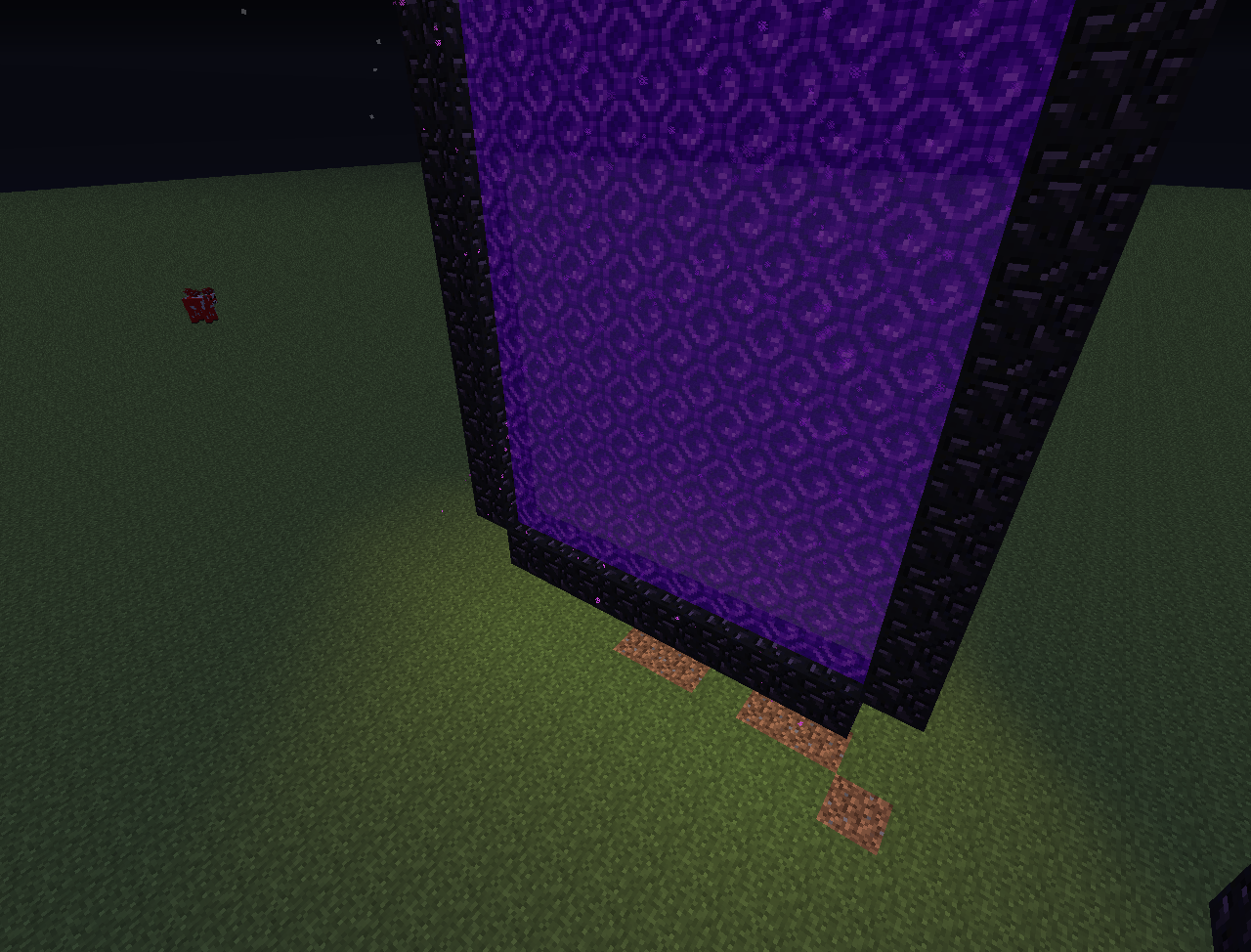

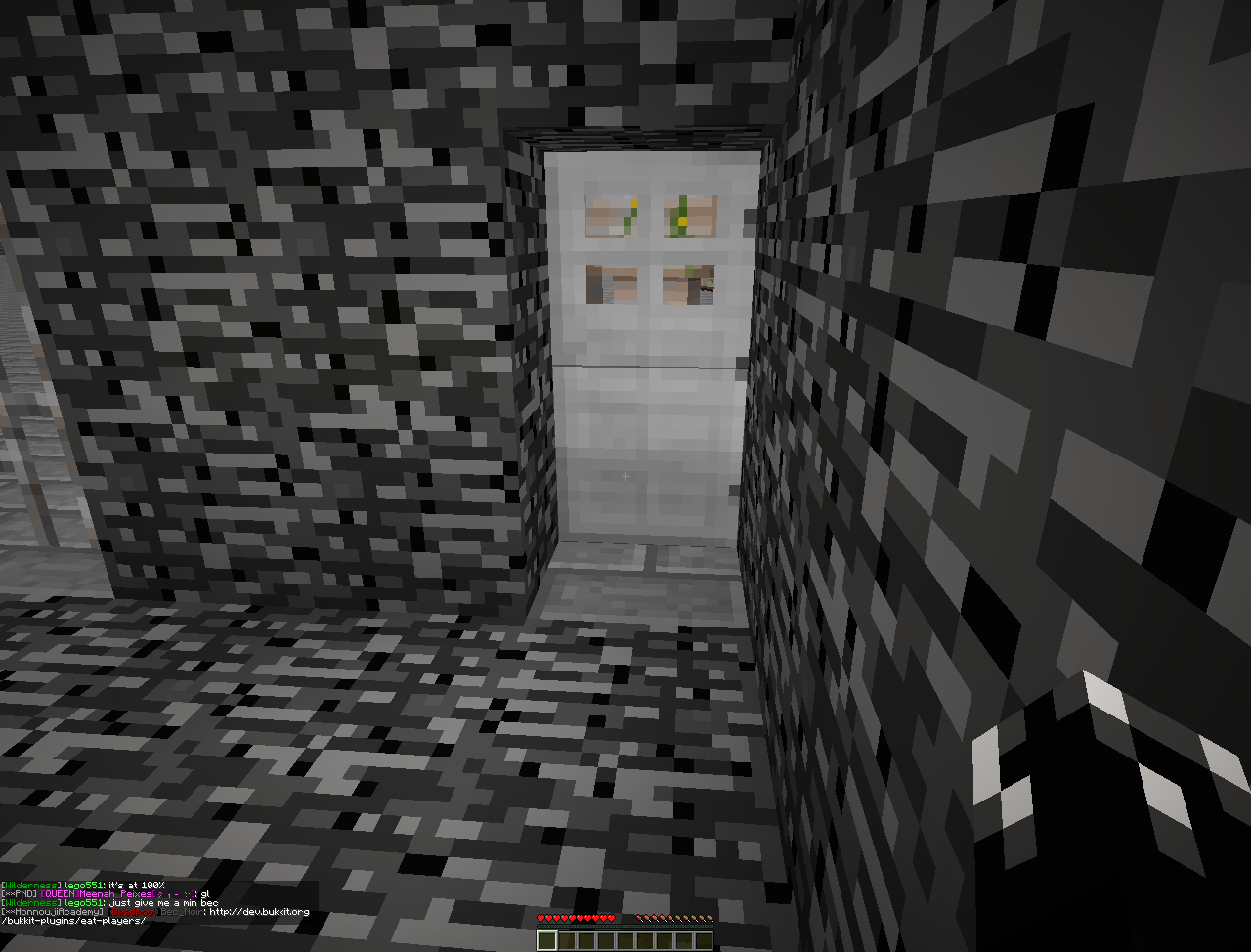


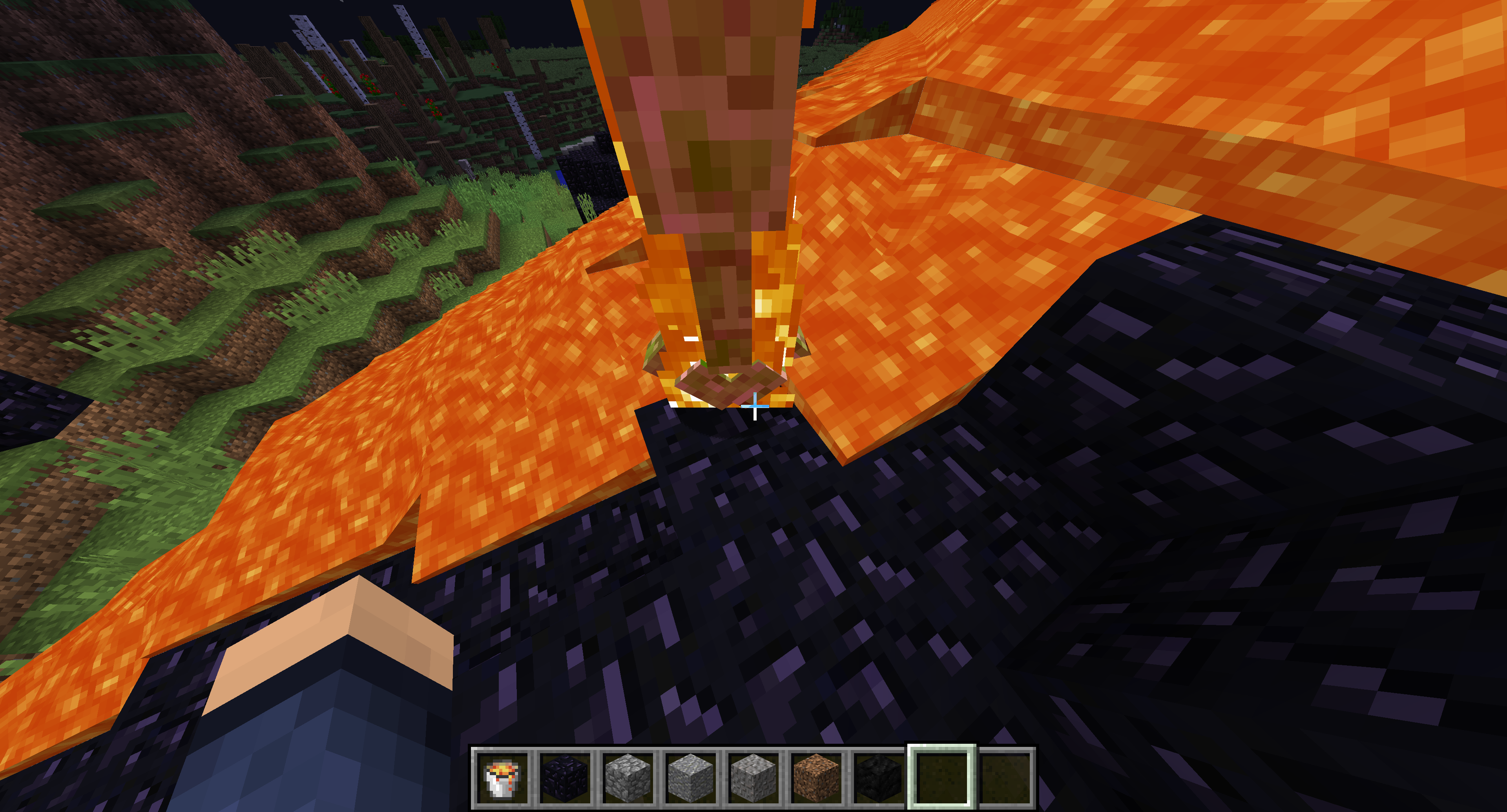
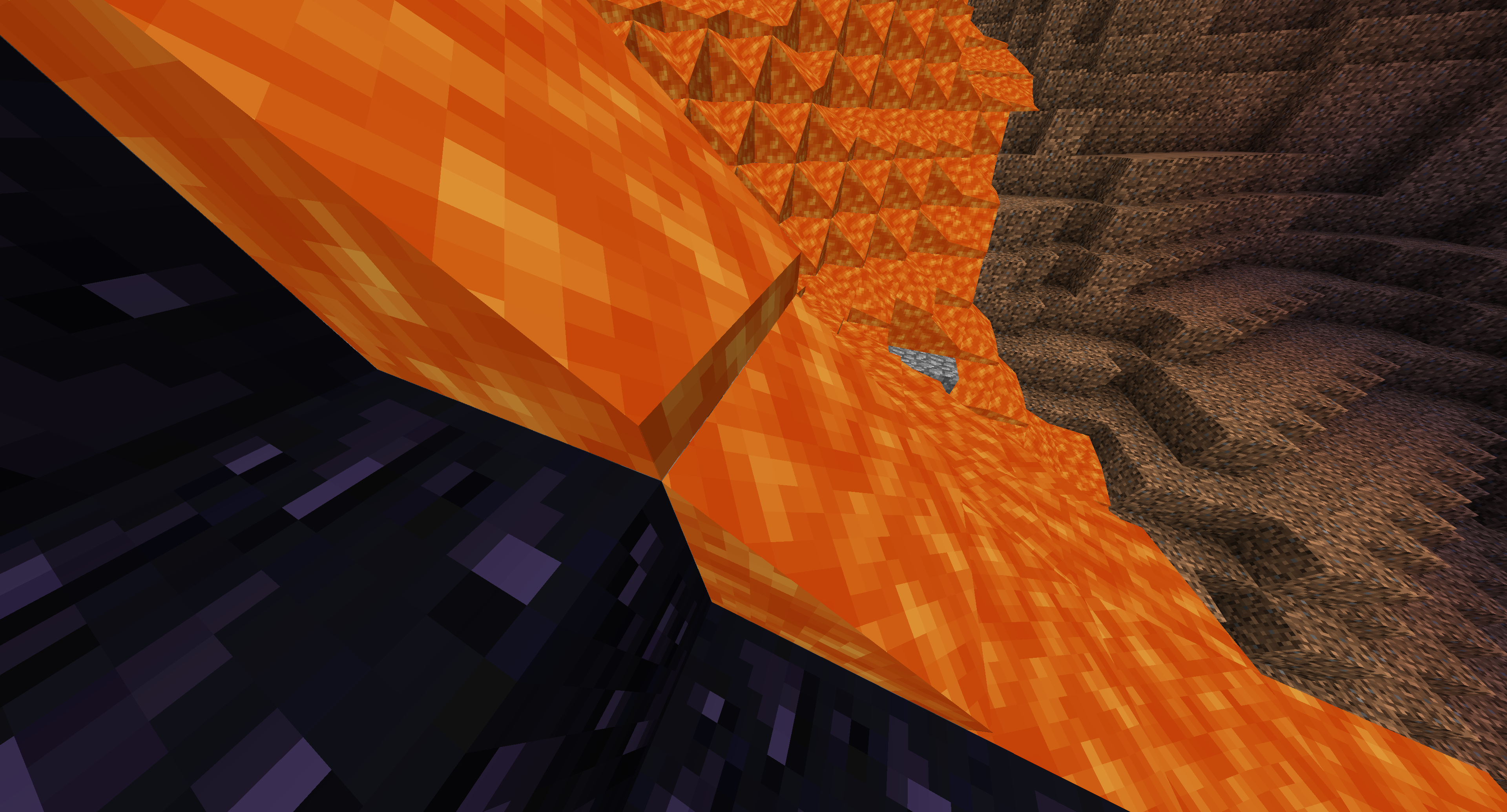



I am working on a custom map for minigames, and most things require command blocks, and I figured i might as well try the feasibility of using them in the new version, so I used a bunch of commands, but found that whenever I did the /give command my game crashed. The game thought I had an unknown mod installed and asked me to report it, I can include the crash if you need it for in-depth research purposes.
What I expected to happen was...:
I expected the game to lag a bit, but give me the object(s) I needed.What actually happened was...:
Describe what happened hereSteps to Reproduce:
1. go on single player
2. place a command block
3. type /give @p (item)
4. activate it.I am working on a custom map for minigames, and most things require command blocks, and I figured i might as well try the feasibility of using them in the new version, so I used a bunch of commands, but found that whenever I did the /give command my game crashed. The game thought I had an unknown mod installed and asked me to report it, I can include the crash if you need it for in-depth research purposes.
What I expected to happen was...:
I expected the game to lag a bit, but give me the object(s) I needed.What actually happened was...:
The game crashed and the given item was not given to me.Steps to Reproduce:
1. go on single player
2. place a command block
3. type /give @p (item)
4. activate it.
I am working on a custom map for minigames, and most things require command blocks, and I figured i might as well try the feasibility of using them in the new version, so I used a bunch of commands, but found that whenever I did the /give command my game crashed. The game thought I had an unknown mod installed and asked me to report it, I can include the crash if you need it for in-depth research purposes.
What I expected to happen was...:
I expected the game to lag a bit, but give me the object(s) I needed.What actually happened was...:
The game crashed and the given item was not given to me.Steps to Reproduce:
1. go on single player
2. place a command block
3. type /give @p (item)
4. activate it.P.S. bug is similar to
MC-30876
I am working on a custom map for minigames, and most things require command blocks, and I figured i might as well try the feasibility of using them in the new version, so I used a bunch of commands, but found that whenever I did the /give command my game crashed. The game thought I had an unknown mod installed and asked me to report it, I can include the crash if you need it for in-depth research purposes.
What I expected to happen was...:
I expected the game to lag a bit, but give me the object(s) I needed.What actually happened was...:
The game crashed and the given item was not given to me.Steps to Reproduce:
1. go on single player
2. place a command block
3. type /give @p (item)
4. activate it.P.S. bug is similar to
MC-30876ackward... I just noticed that I just had a duplicate of many other bug reports...
2016-07-02_17.46.04.png
Sailing a boat or riding a minecart into single top-half slabs (and bottom half slabs for minecarts) doesn't cause any damage to players in the boat/minecart at the time. I imagine if full blocks would do it, then half-blocks should as well.
Edit: Furthermore, as you are inside the blocks, but they don't register as solid blocks, they become completely transparent and you can see any continuous blocks in a manner similar to glass blocks.
When swimming in minecraft, reaching the surface causes my minecraft to freeze and requires manually forcing a crash. Log is attached (not sure how helpful that is)
As the game doesn't automatically crash but simply freezes, I can't attach a crash log.

I did /give [[this name is undisclosed for security reasons]] 2, but the bug worked on all item cheats.
where is the crash report file? I found the crash's file, but where would I find it to attach?
knew it :/
Still affects 1.8.1 PR3. Updating.
if you do F3, what is the Y coordinate of your block?
Affects 1.9 (previously confirmed) as well as 1.10. I'm beginning testing on various portal sizes to see which are affected
Also present in 10x11 portals, with nothing at 10x10 or below.
Confirmed for 1.10.2.
I haven't delved deep into experimentation, but I cautiously conclude that if damage is taken from two different sources (Such as being punched by a zombie while being pricked by a cactus) that taking damage from one source removes the "blinking" effect from damage from the other source.
Unable to confirm.
duplicated of
MC-98100Issue is caused by a malformed sign with an empty line on it.
Duplicate of
MC-87143(A reappearance?)Have you checked if your gamemode is on peaceful or not?
If that continues to not work, make sure gamerule doMobSpawning is true.
Looks to be Works As Intended for me- obviously not a preferable fact, but probably just Minecraft working harder to render clouds.
Confirmed for 1.10.2
Confirmed for 1.10.2
Duplicate of
MC-46667The light level of the tilled dirt being 0 is irrelevant- the crops grow based on the light level on the block above.
Looks to be a website problem, not a game problem.
Duplicate of
MC-108looks to be WAI, with an end portal acting as an entity which despawns far enough away (as with signs, paintings, mobs, etc)
Works As Intended: You are able to define your own game rules as of 1.8.
All objects with the same primary ID have the same tooltip name.
Duplicate of either
MC-494orMC-38022Recurrence of
MC-515?Confirmed for 1.10.2
Confirmed for 1.10.2.
It appears to be a duplicate of many issues, but I cannot seem to find the original one, as all seem to be independent issues that nobody had previously linked to others.
Example:
MC-102000Also a duplicate of:
MC-64354MC-16012MC-28415which all appear to be a duplicate of/related to
MC-10025Confirmed for 1.10.2
Also relating to
MC-64354(coal blocks not decreasing)Confirmed for 1.10.2- duplicated by all of the following:
MC-102000MC-105697MC-16012(technically a duplicate because of the poorly defined nature of the bug report)By the way, gamerule randomTickSpeed was set to 1000 instead of 3, which may be a factor in this situation.
I am using 1.10.2.
My seed is 8879680572223089856 and I have had difficulty locating the original group, but I have found many other instances of the bug at -45 -295, -47 -332, and -9 -317.
However, creating the seed in 1.10.2 yields a completely different world with no mesa biome at the described locations. I am currently investigating this.
I've attached the region files, is that good enough?
PS It appears directly linked to the random tick speed- only visible in levels starting somewhere above 200.
https://www.mediafire.com/?edt3ae9kuayvun7
It is indeed a duplicate of
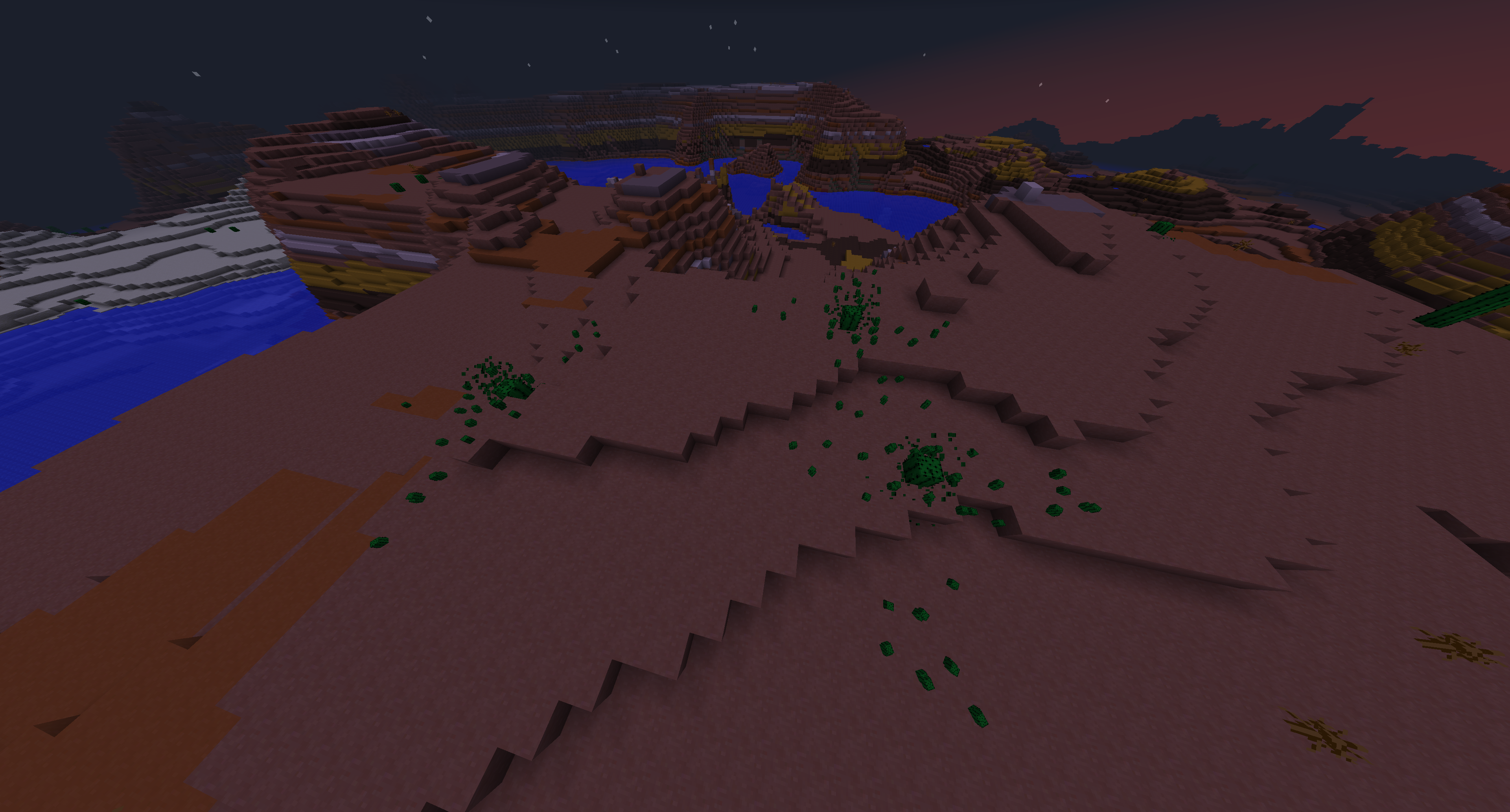
MC-88674.This bug is manifested as well on Mesa biomes where cacti naturally grow on hardened clay blocks.
The probable cause of it is that as the cactus grows another block (only works with 1-block cacti) it recognizes its position as invalid and "breaks" but the cactus remains as it was previously located there. The reason it appears more easily at higher tick speeds is obviously because cacti grow more quickly at higher tick speeds.
Another manifestation of the bug I have noticed is if there is a cactus growing on a valid surface (let's assume it's 2 blocks high for the purpose of this situation) and there is something that it would be directly adjacent to if it grew one block higher (such as the leaves of a tree, or a platform created by a player) the cactus would grow high enough to interfere with it anyways and, as one would expect, break and drop. This might be WIA in this situation, but the invalid surface bug described here is certainly an offshoot of it.
Curiously it does not effect cacti 2 blocks tall, nor would it effect cacti 3 blocks tall as they reached their maximum height limit and do not grow any more.
Unable to confirm bug in 1.10.2 - appears to be resolved
That is actually a separate WAI feature- pigmen naturally spawn in nether portals, and in a test I did no less than 5 pigmen spawned there, despite the nether side being fully lit and contained, and no monsters whatsoever, despite several spawning on a nearby area I had created as a control that was the same area as the nether portal surfaces.
Confirmed-
Duplicate of
MC-107407I suggest a discussion be brought up on whether this qualifies as as Works As Intended (or unsolfable, if such a resolution type exists) - as this is the second oldest unresolved bug report, and the oldest unassigned one.
Why the unsolvable/WAI explanation? Minecarts behave as entities, as all other mobs do: if they encounter a force pushing on them, they push away to avoid having huge amounts contained in the same space. Of course, this could be bothersome to some, but how would such a thing be fixed? Enabling cramming on minecarts? You could potentially end up with large numbers of minecarts stuck together on the ground, virtually inseparable save for destroying each and every one- they would be an excellent source of lag, along with a long host of other reasons as to why this mechanic is necessary in their functionality.
Thoughts?
Unable to reproduce in 1.10.2 either
After turning when the boat is slowing, the items vibrate. The items reappear after you stop pressing WASD.
Correct me if I'm wrong, but while searching if this was already reported, I saw several mentions of people attempting to do this to get large amounts of flint, and a few suggesting that it may have been possible to acquire flint from this method at some point in the past.
Confirmed for 1.12-pre7
Probably remnant light from fires, going to say a probable duplicate of
MC-9188.Could you force a crash & attach a crash report (F3 + C) please?
I would say this is sufficiently confirmed.
Works as intended: Default banner (from /give user banner) is black.
Duplicate of
MCPE-21381Apologies. I believe the command is fn + F3 + C.
You need to hold the keys for 10 seconds and then release.
did you click on "view crash report" ?
Apparently that's a bug of its own! (
MCL-5627)Well then, I'm not sure how to help you. Has the issue fixed itself yet?
If not, I might recommend deleting the playerdata (in .minecraft > saves > world) and recording what items are in your inventory and /giving yourself them.
might be a duplicate of
MC-2208duplicate of MC-116875
I believe this is WAI, as snowballs are classified as projectiles (like arrows) which are supposed to destroy boats and the likes.
Unable to replicate, although my sneak key is R so that could be a potential cause.
Have you recently installed/uninstalled a resource pack?
Probably caused by
MC-117015being fixed.Unable to reproduce. Are you sure the vine is a "source" vine block? The game could be registering it as a vine hanging off with no attached block, and as such being destroyed by anything destroying the vine above it. That might be a bug entirely of its own, however.
Unable to replicate, the command works fine for me. Given output (with chest filled with diamonds)
[11:47:44] The block at 65, 1, 2 had the data value of 3 (expected: 4)
confirmed for 1.12pre6
I used 8 coal to smelt 64 iron ore (in two different furnaces) - in one furnace, only 63 items were smelted. In the other, only 62, but the coal entirely consumed as if it had smelted 64.
Possibly. However in other occasions when every chunk was loaded he whole time they still displayed issues.
Furthermore, both furnaces are on the same chunk, so I doubt that unloading the chunk would cause them to lag differently.
I just verified it. I put 8 coal into a furnace to smelt 64 cobblestone blocks and watched for the entire time. The coal burned at a rate of about ~102% +/- 0.5% that of the stone. I was present and had the furnace open the entire time. I could send you the server IP if you would like to personally reproduce it.
Duplicate/related to MC-71767 possibly
Could you please provide a screenshot?
Attached.
Finally had an opportunity to do so, solution #3 worked. I didn't attempt #4, but that does not seem to be the issue either (as I put down, my version is 388.13 versus their 378.49 which seems to be the primary faulty driver version)
Yes it happens in singleplayer as well, I don't think a crash is going to help much as by the time the glitch occurs I can't interact with minecraft at all. Ignore the large numbers of entities, they're not the cause of the glitch.
crash-2018-11-22_15.14.59-client.txt